

Reuse Existing Footage
WayinVideo’s video pixelation remover helps make older interviews, event clips, and other recordings more usable in new projects.

Drag and drop your video here
Video must be shorter than 10 minutes and smaller than 300MB. to upload larger videos.
By uploading a file, you agree to WayinVideo’s Terms of Use and Privacy Policy
Trusted by professionals at












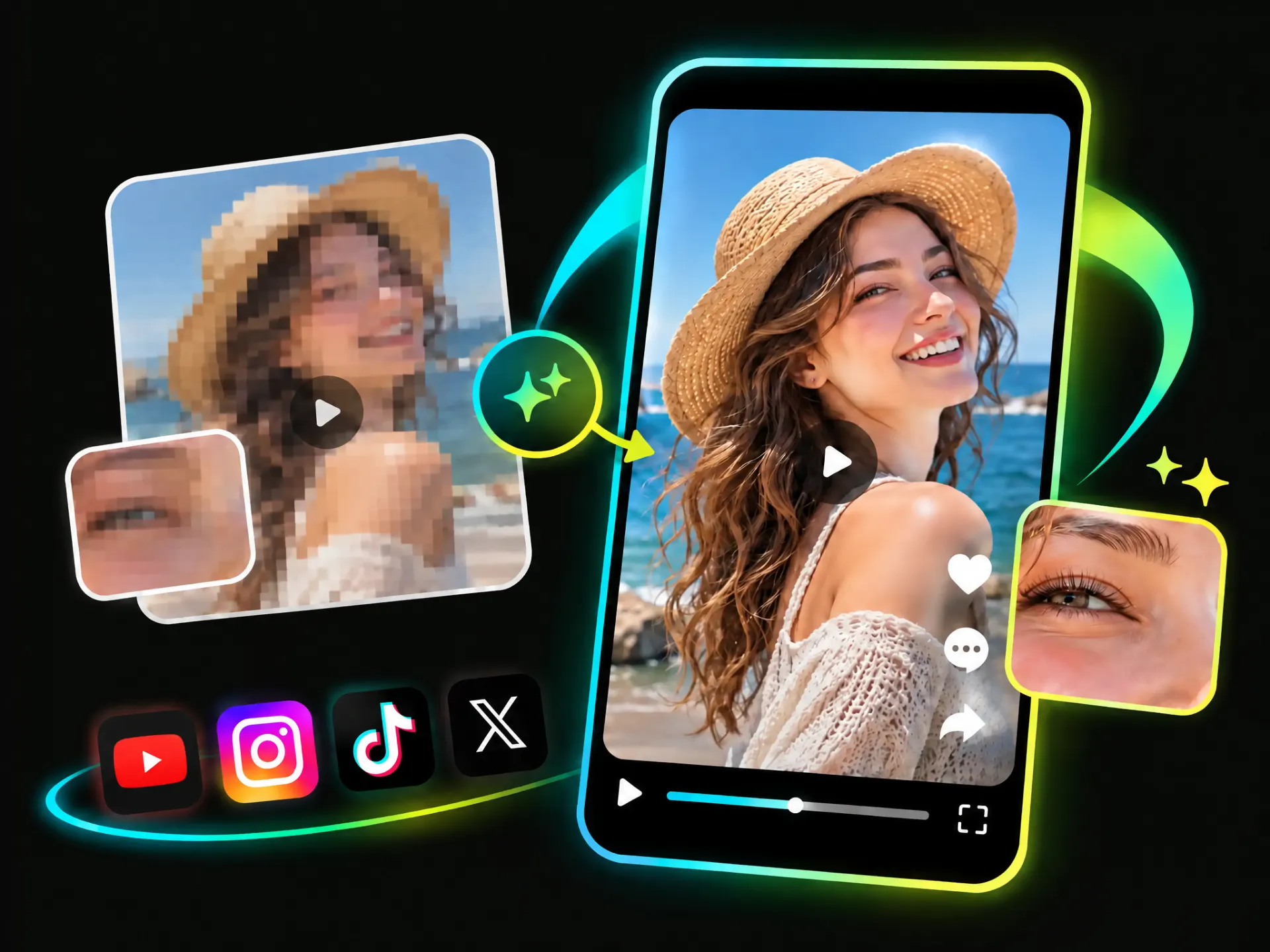
WayinVideo’s powerful AI video enhancer includes an unpixelation feature that helps reduce visible blocks and rough edges in your footage. Results depend on the quality of the original video.
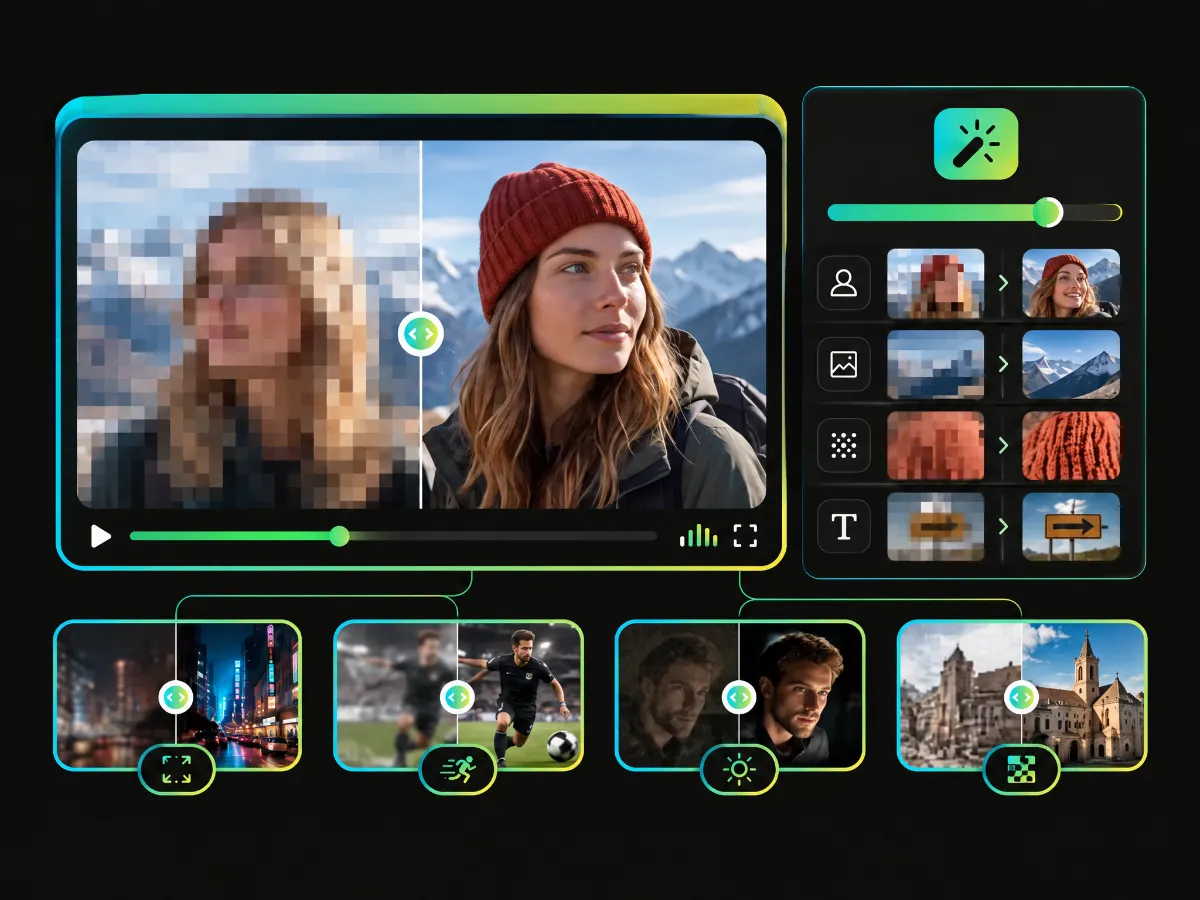
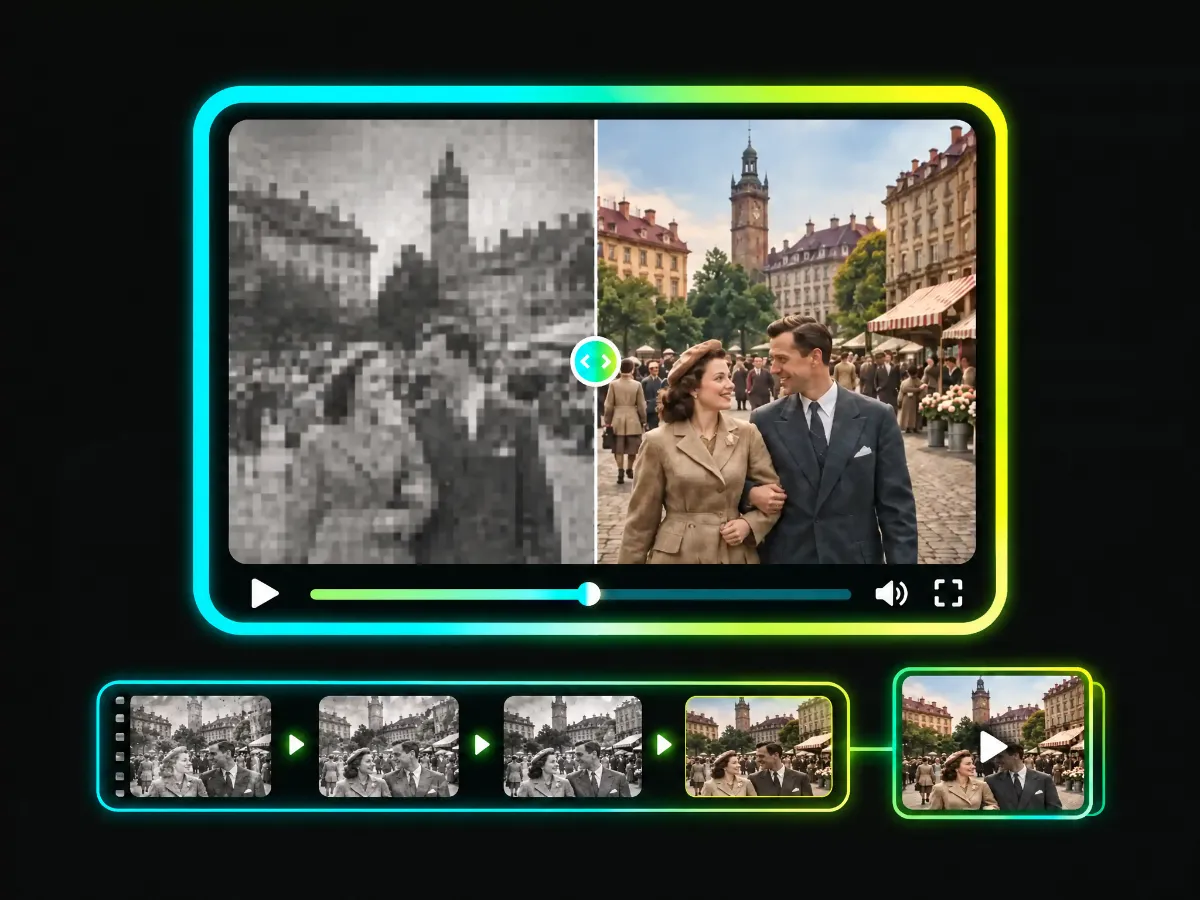
WayinVideo helps remove blocky artifacts from old videos and brighten video footage, making details easier to see. Results depend on the quality of the original video.
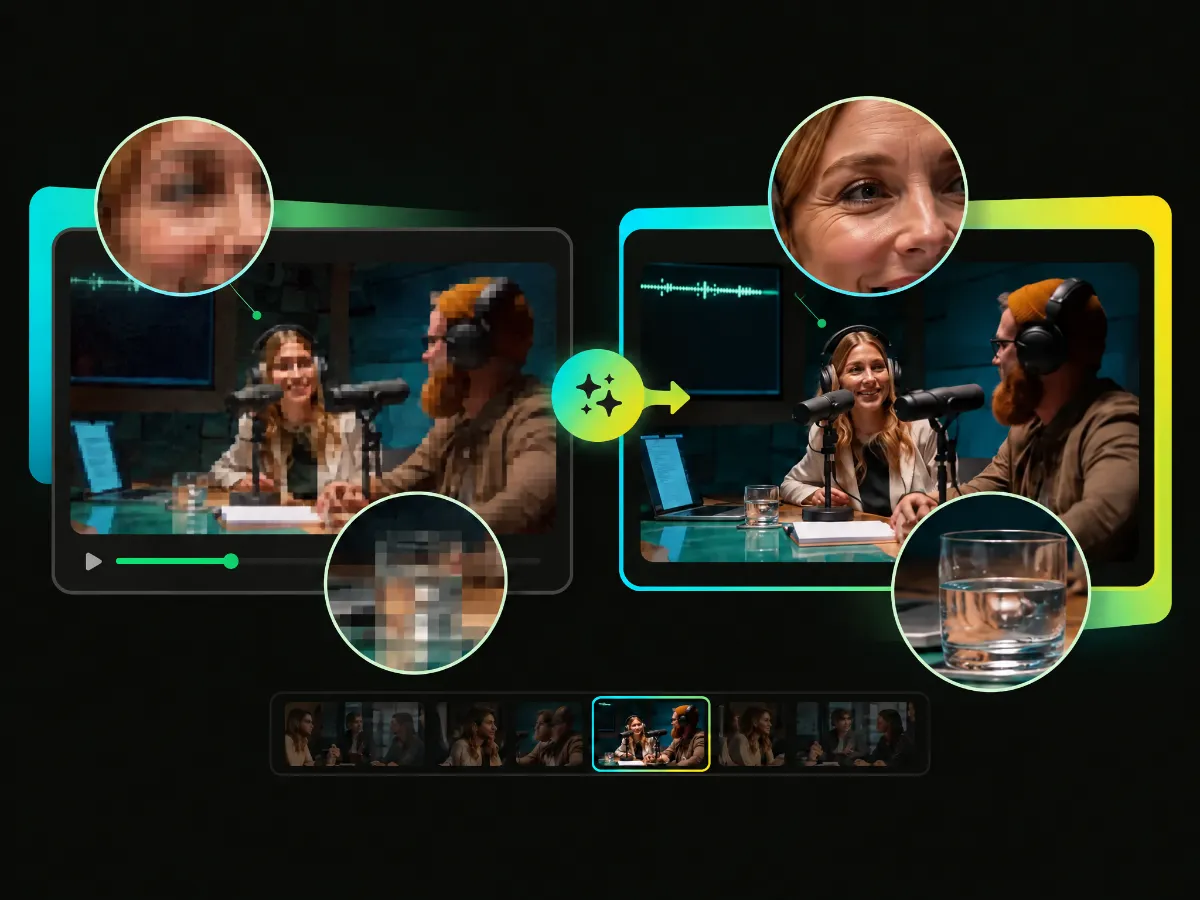
WayinVideo helps remove visible blocks in pixelated footage and restore videos for a clearer, more natural result. Heavily pixelated details may differ from the original, so preview the result.
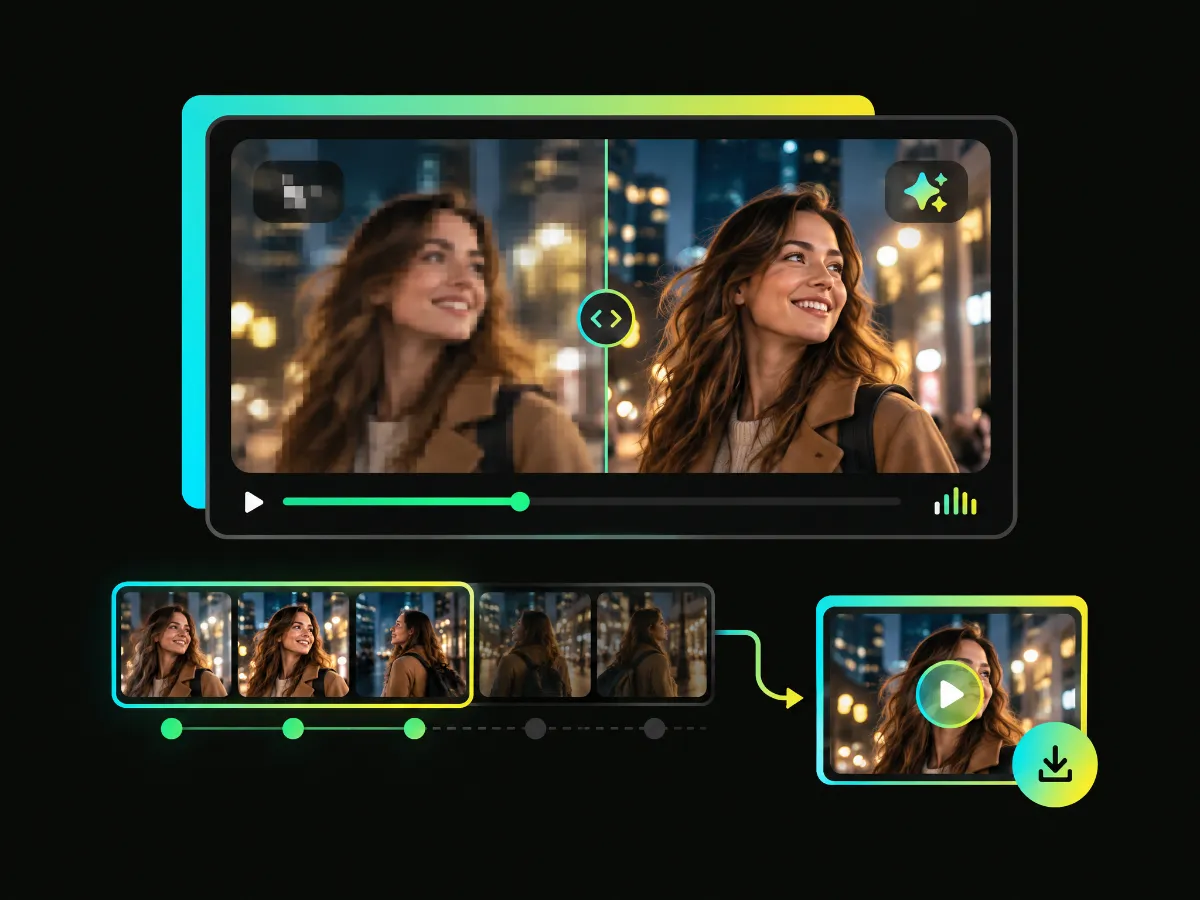
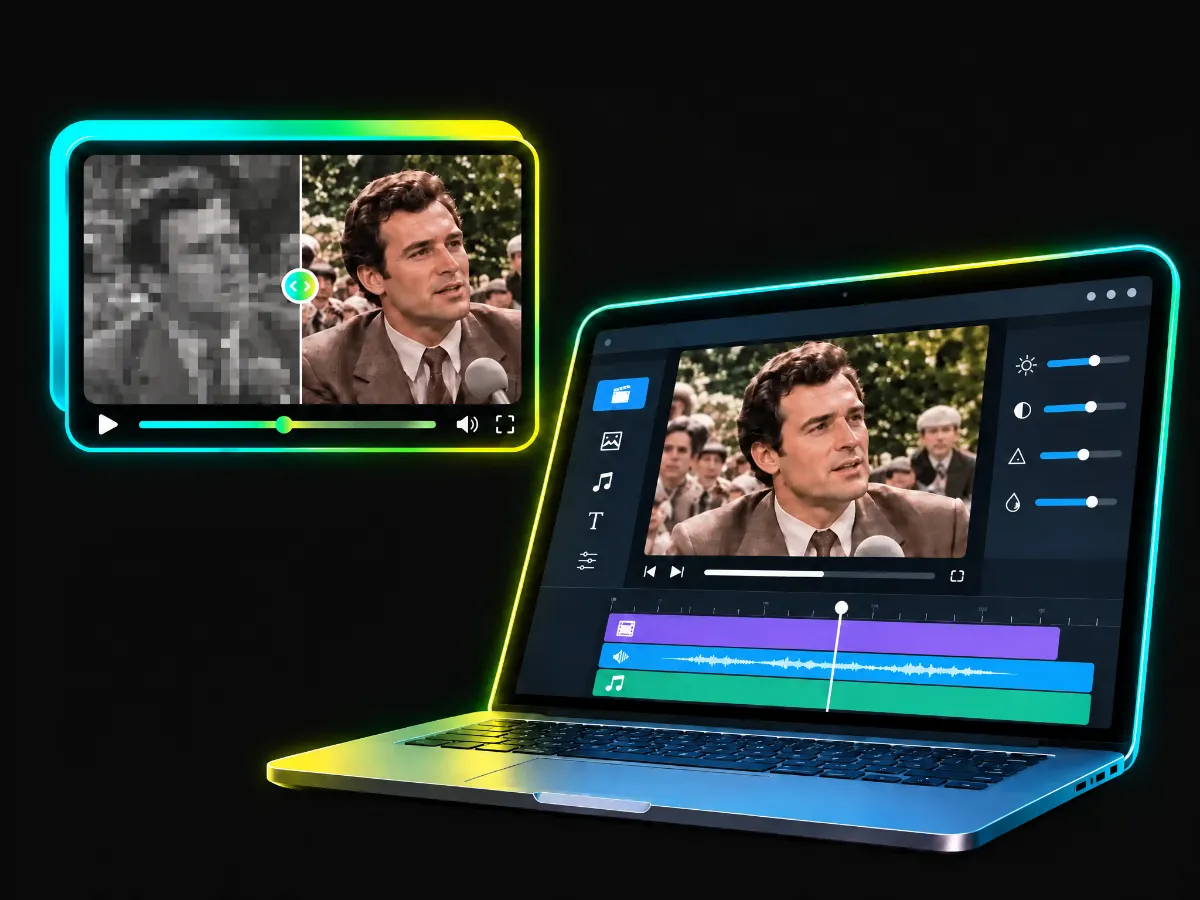
WayinVideo provides a preview of the unpixelated video, showing changes in blocky areas, edges, and facial details. This helps users assess the result’s clarity and overall visual quality before downloading.
WayinVideo helps reduce pixelation in compressed, reposted, or older videos.
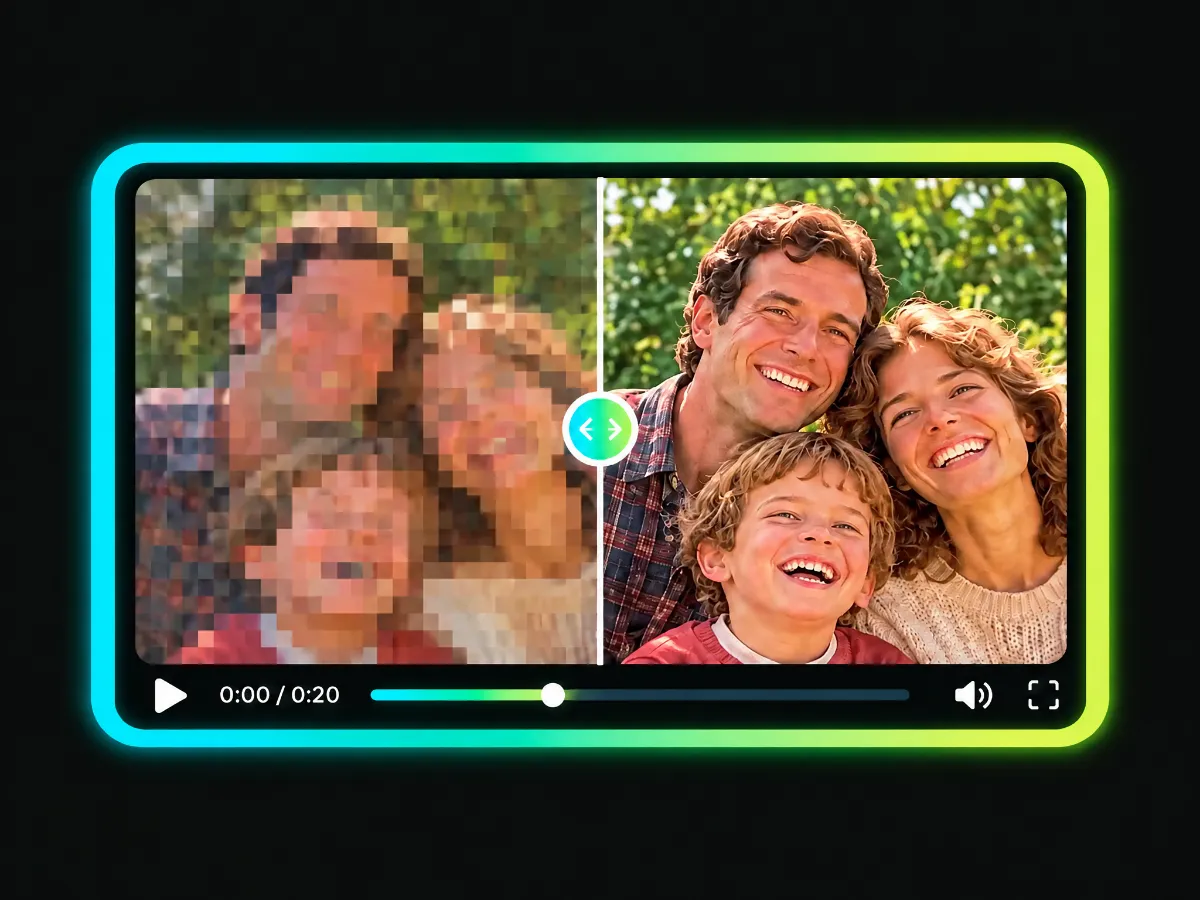
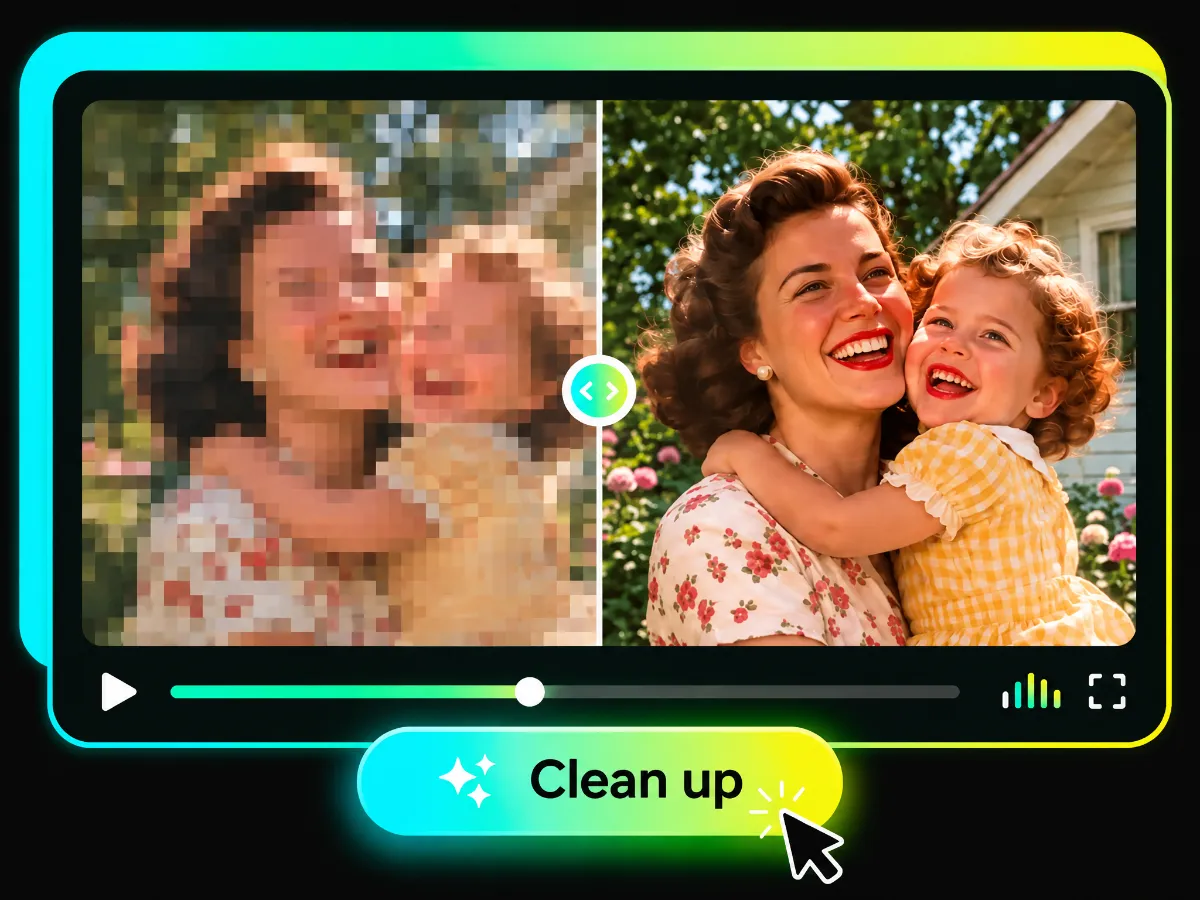
Old family recordings can show blocky pixels that obscure faces and familiar moments. WayinVideo can help unpixelate a video by reducing visible compression marks, making cherished videos clearer to watch and share. Results depend on the original footage.
Improve Family VideosWayinVideo’s video pixelation remover helps make older interviews, event clips, and other recordings more usable in new projects.
WayinVideo helps clean up pixelated video with fewer manual adjustments, saving time when preparing clips for viewing or editing.
WayinVideo makes it easy to fix pixelated videos with a simple workflow that doesn’t require advanced editing skills or complex controls.
After you unpixelate a video online, download the watermark-free result for viewing, sharing, or further editing, with no extra marks obscuring the footage.
WayinVideo’s video pixelation cleaner includes an online preview of changes to blocky areas, edges, and facial details before download.
Prepare footage for personal viewing, editing projects, social media posts, or product presentations.
Upload a pixelated video you want to clean up. For the best results, start with the clearest version you have.
Use WayinVideo to unpixelate video clips, reduce visible pixelation so treasured memories and favorite moments are clearer to revisit, share, and preserve.
No credit card required.


