

AI Clipping
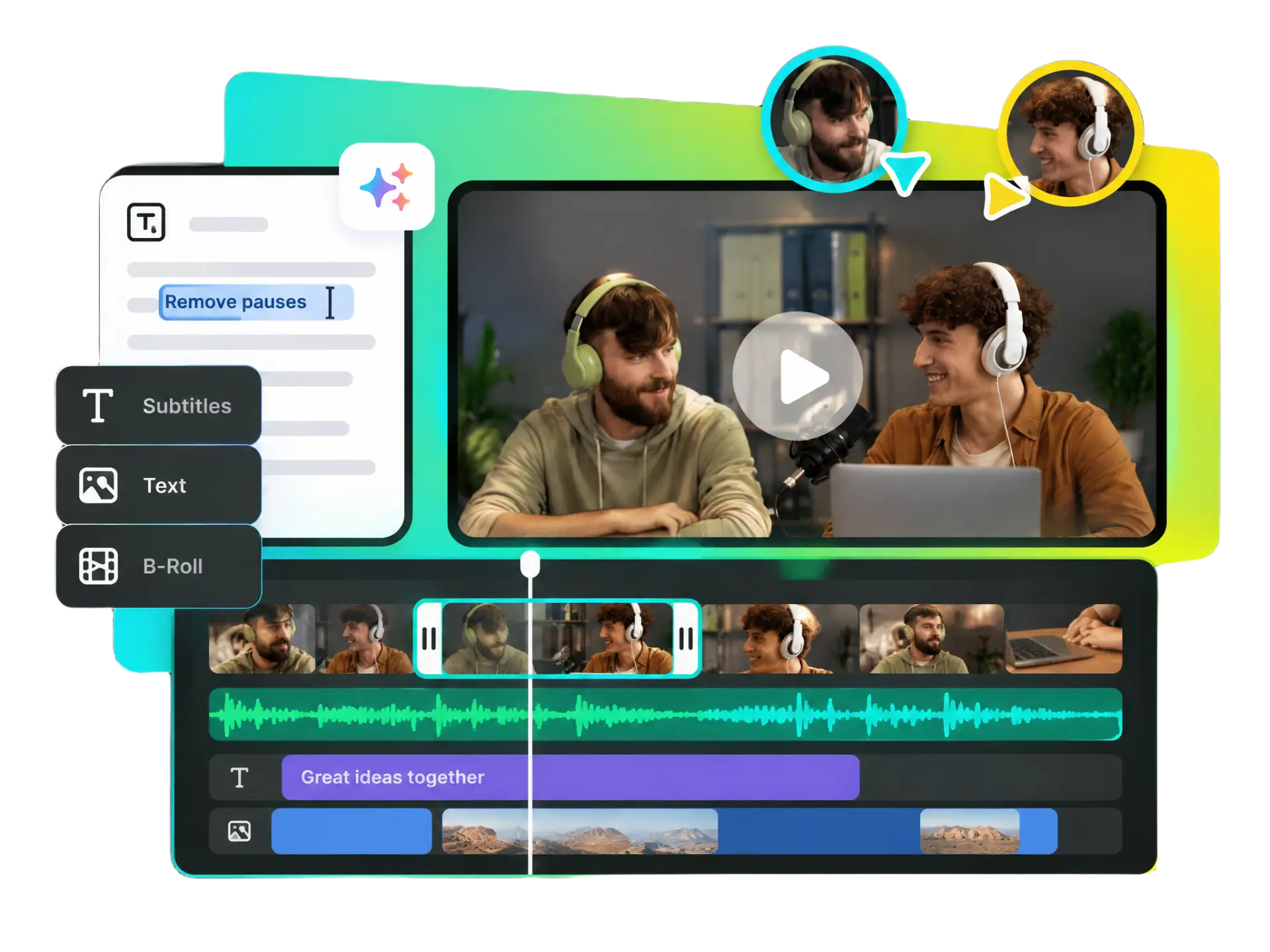
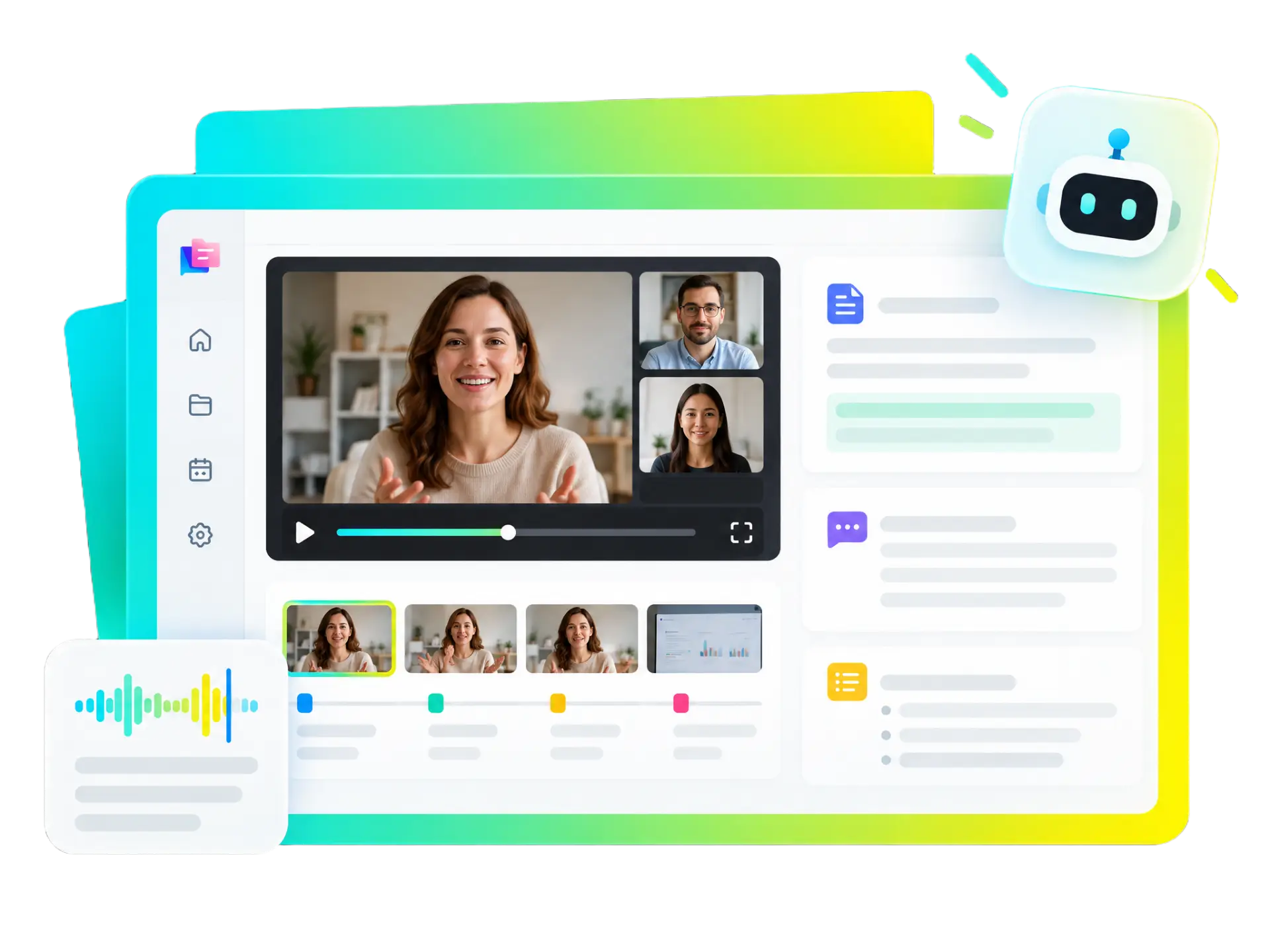
Find compelling moments in long videos and turn them into short clips with a collab video editor. Help your team reduce manual review time and reuse valuable footage across social channels.
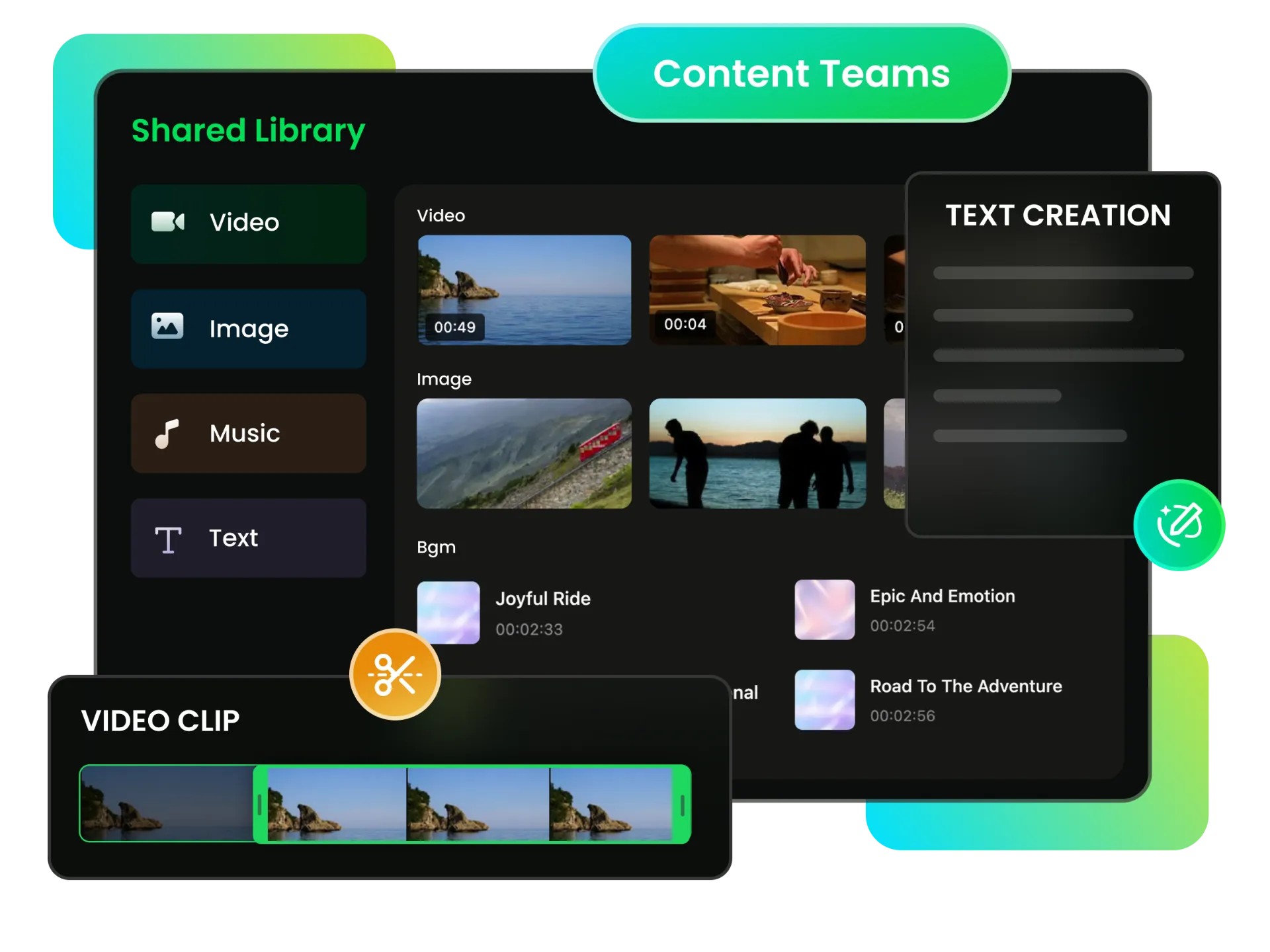
Bring video projects, media, and brand resources into one shared workspace. Support collaborative video editing with shared assets and role-based access to keep teamwork organized and efficient.
Trusted by professionals at












See how teams use a shared team workspace to organize projects, share resources, and simplify video collaboration across different workflows.
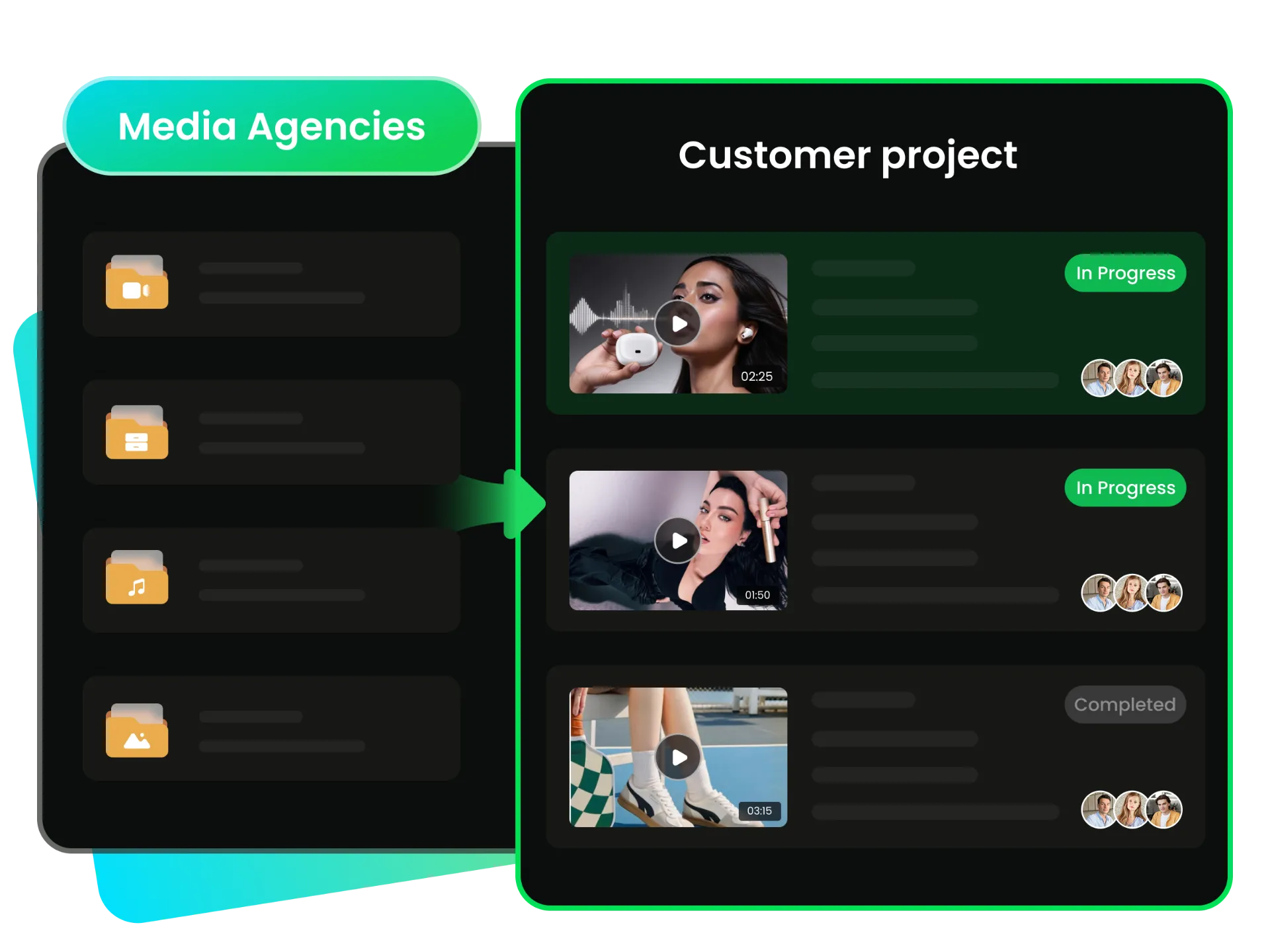
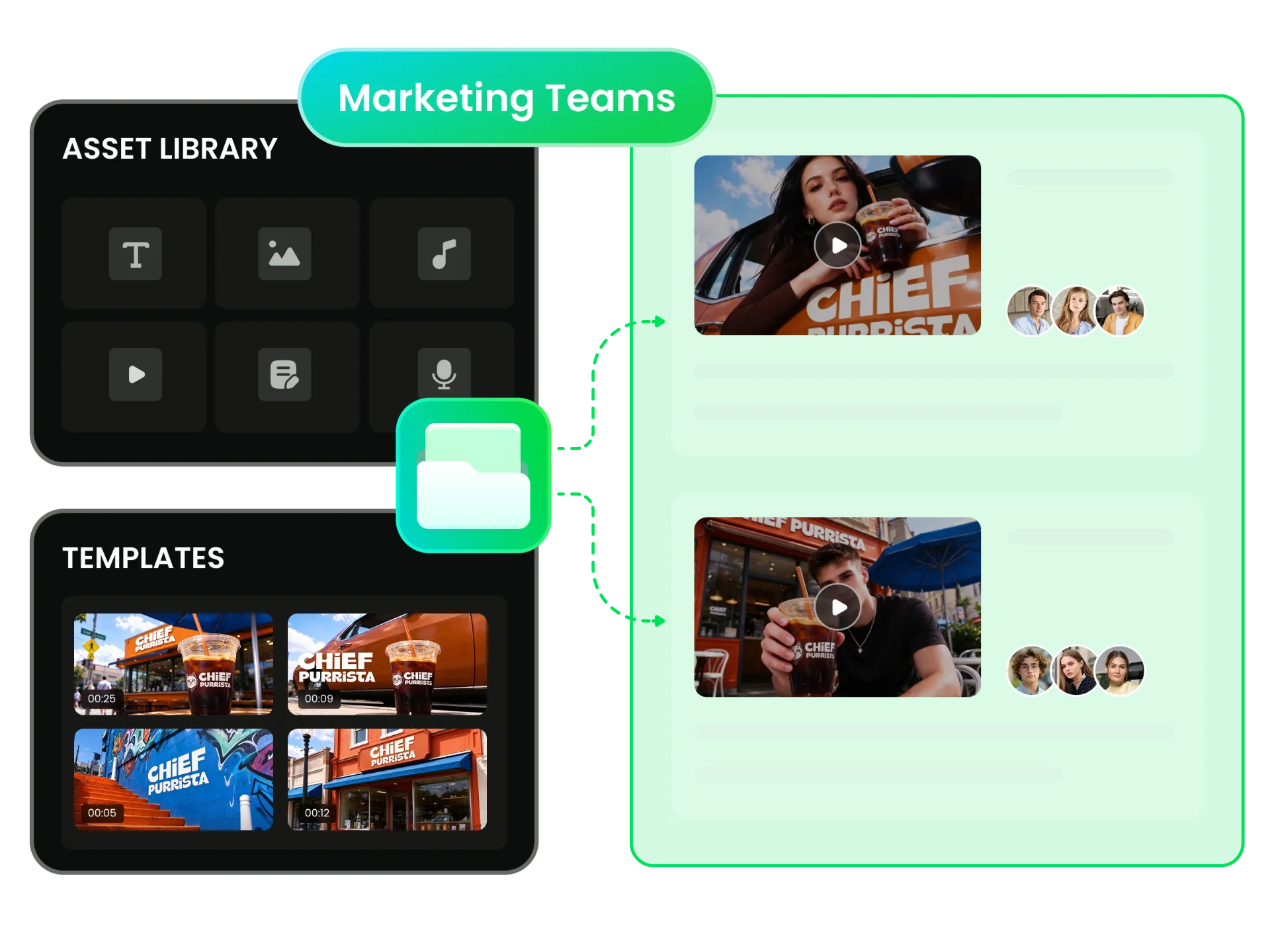
Organize client video projects, share relevant media and brand assets, and keep campaign work moving without duplicating resources or juggling scattered files across multiple client accounts.
Organize Client Video Projects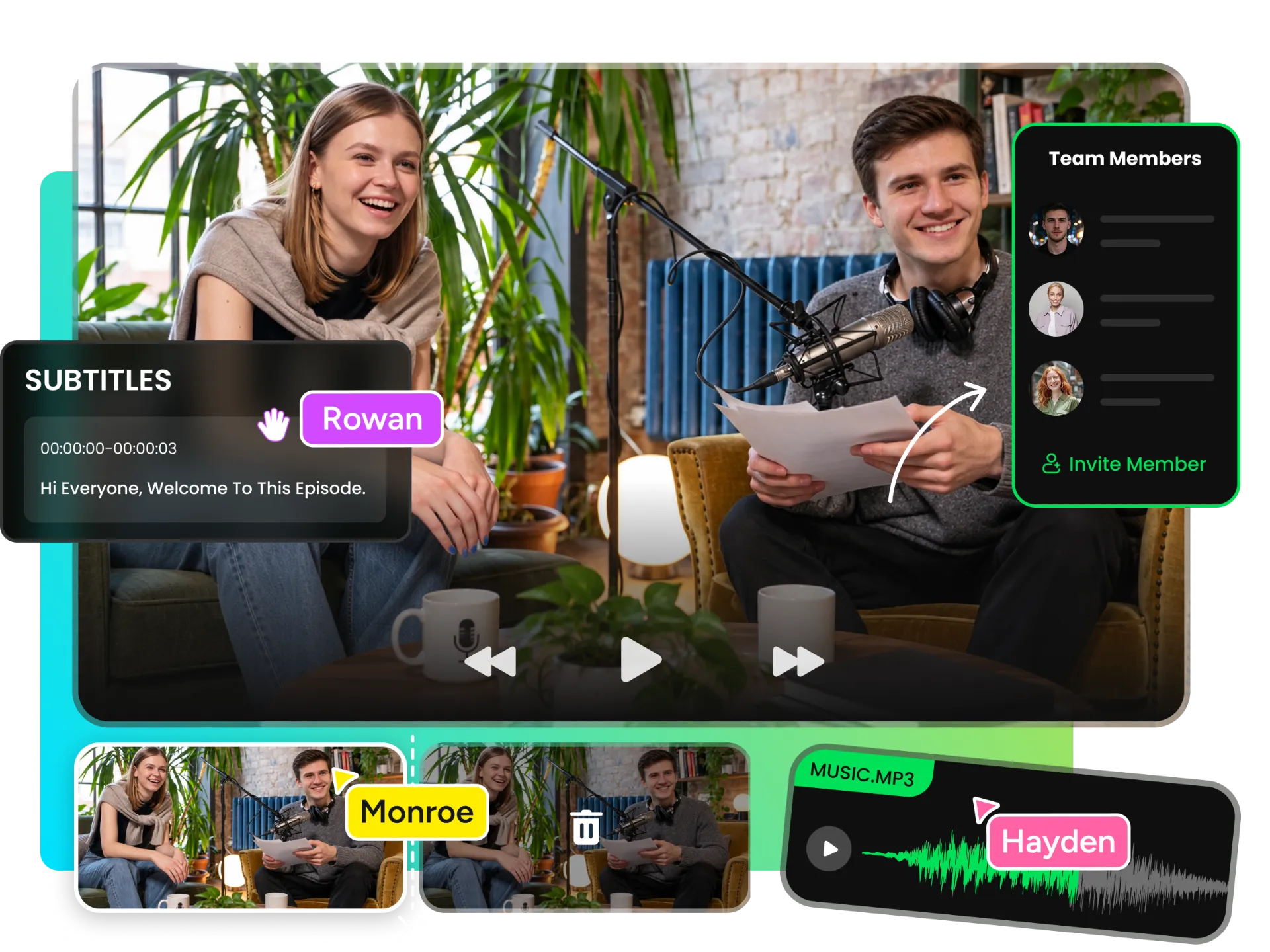
Keep your team's video projects in one shared workspace. Support collaborative video editing with shared project access, so teammates can work on edits together, stay aligned on progress, and avoid repeated file transfers.
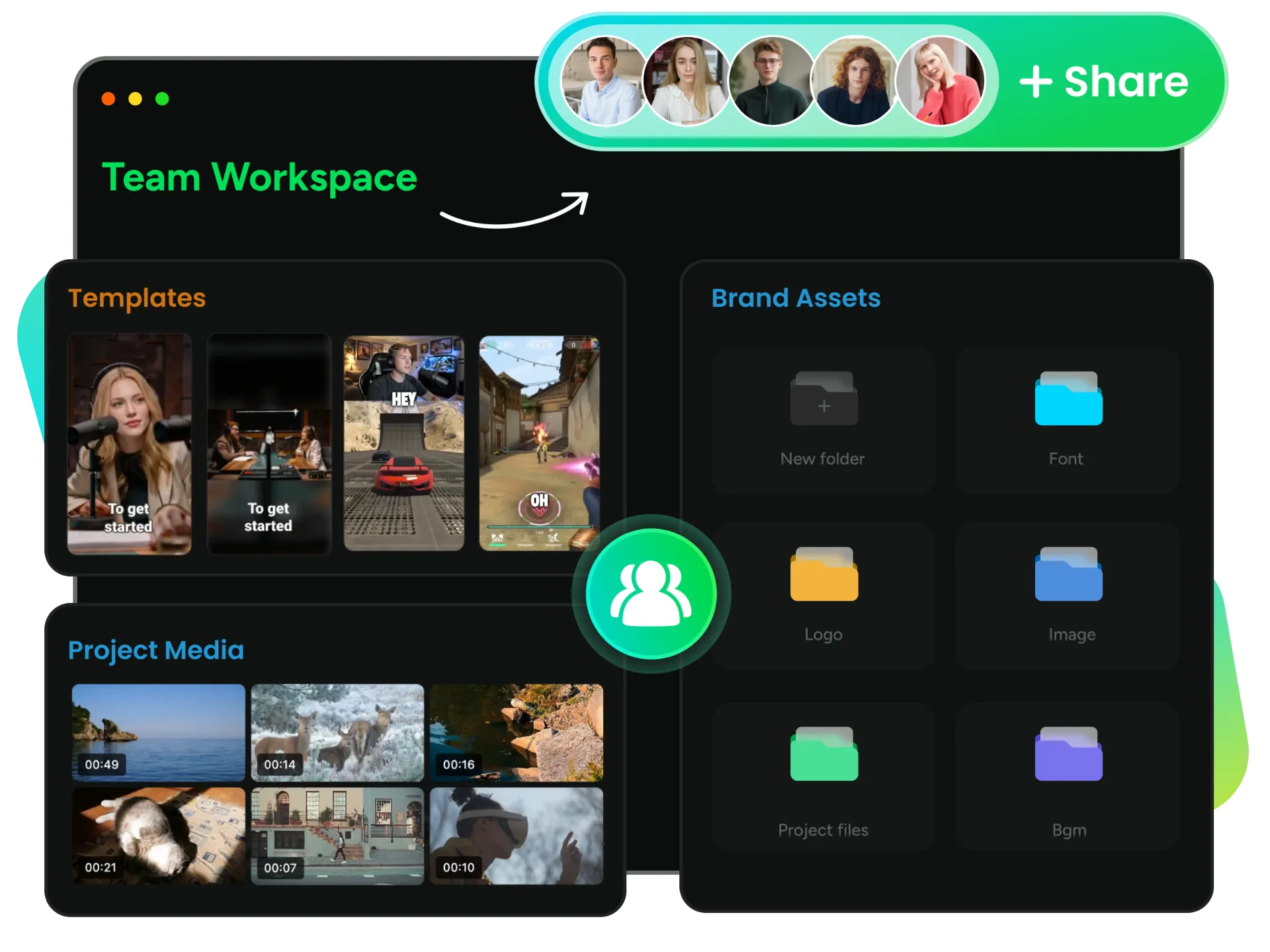
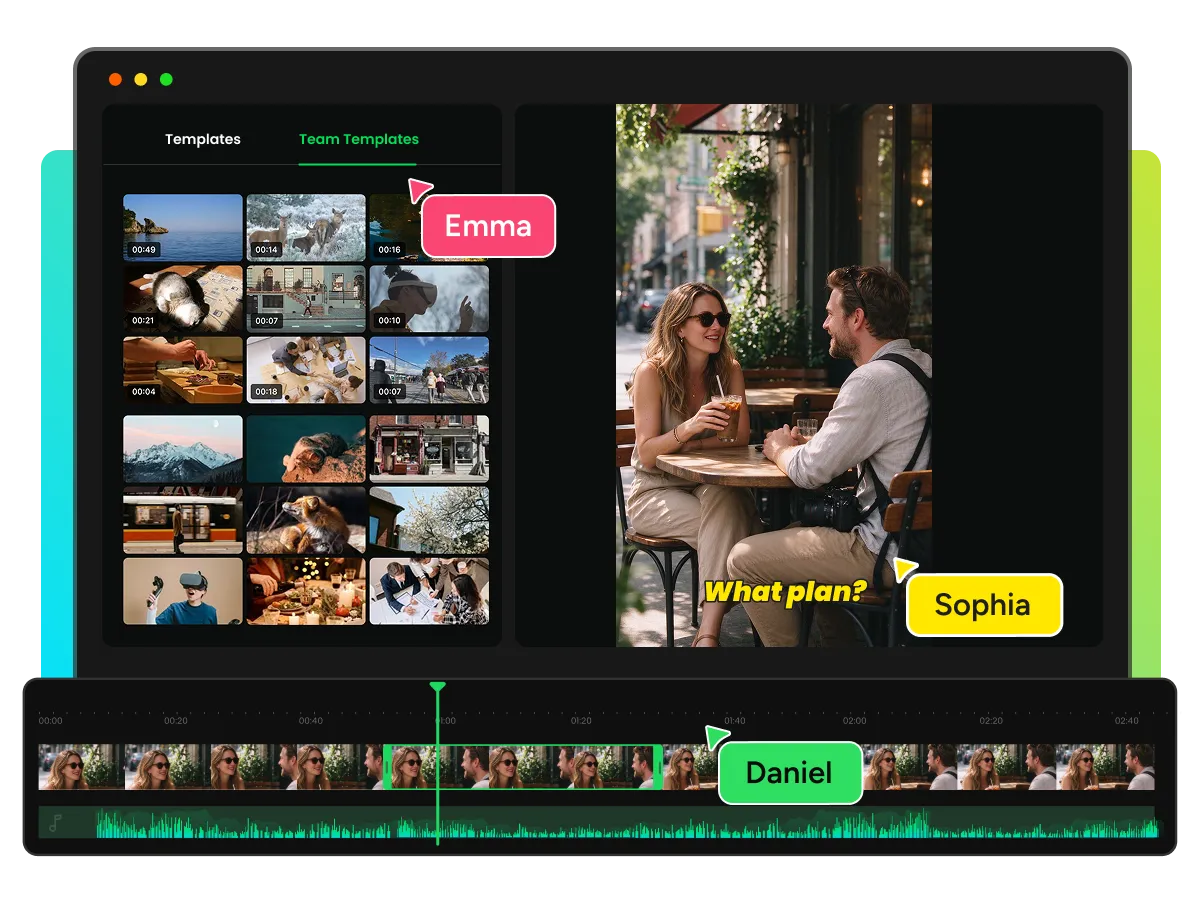
Give everyone in your team workspace access to shared Media, Brand Kits, and Templates across Projects and Editor. Keep logos, brand colors, and reusable assets organized to reduce duplicate uploads and inconsistent materials.
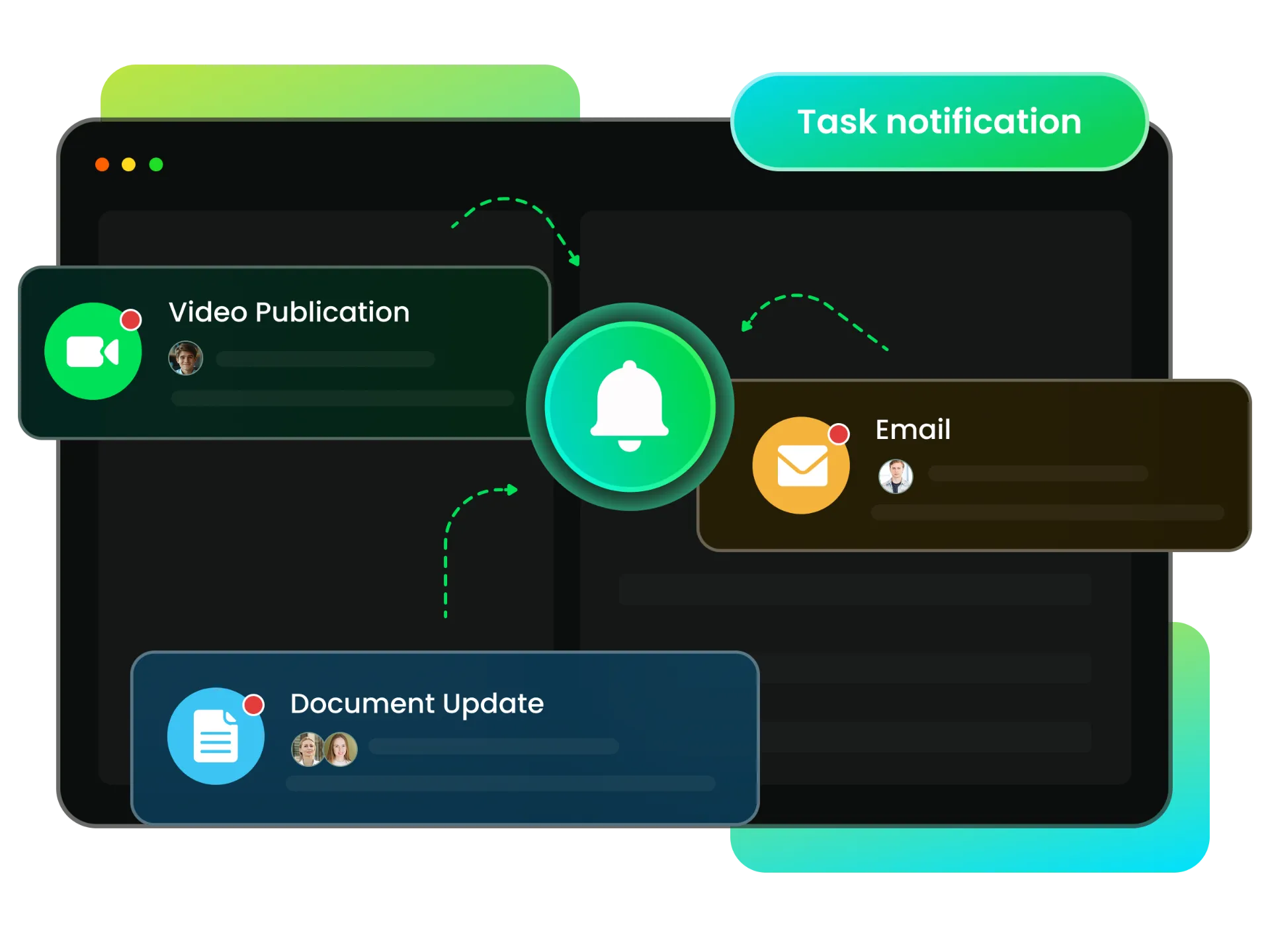
Switch between workspaces without losing track of task notifications. WayinVideo keeps relevant updates connected to their intended recipients, helping your team follow ongoing work without repeatedly returning to the workspace where each task was created.
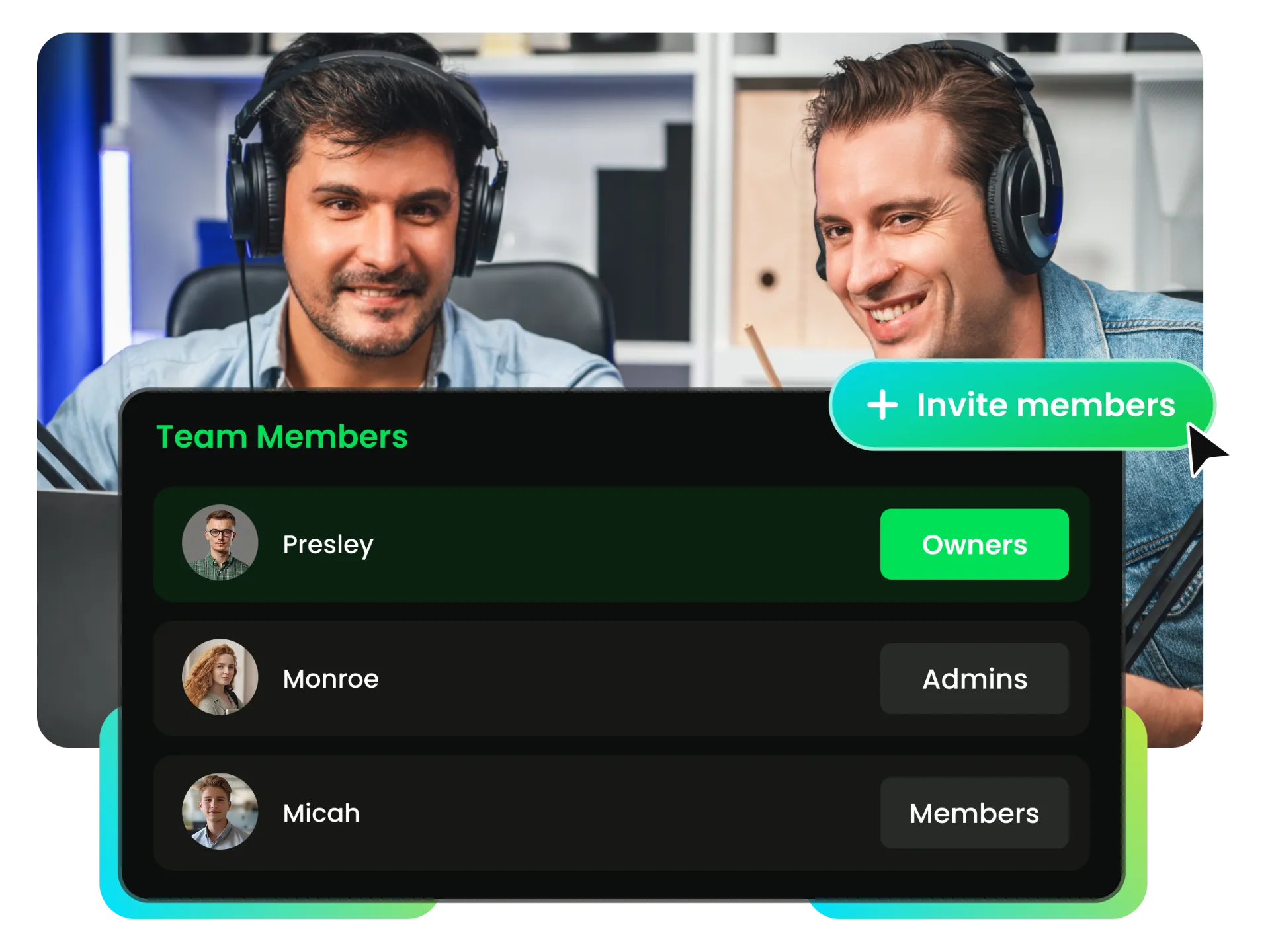
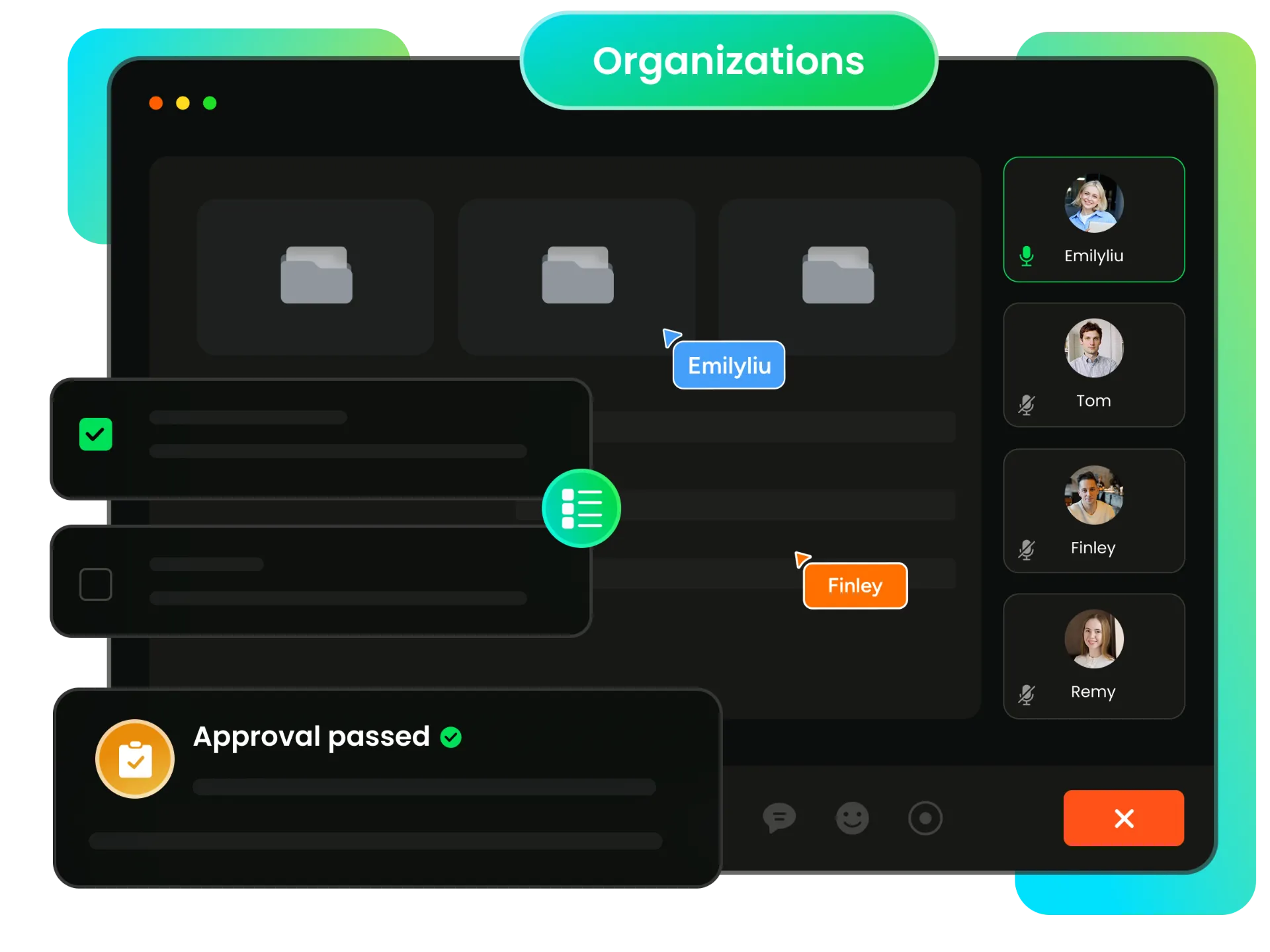
Invite teammates, manage member access, and assign workspace roles based on your team's needs. Keep collaboration organized with clear permissions for Owners, Admins, and Members.
Find compelling moments in long videos and turn them into short clips with a collab video editor. Help your team reduce manual review time and reuse valuable footage across social channels.
Find compelling moments in long videos and turn them into short clips with a collab video editor. Help your team reduce manual review time and reuse valuable footage across social channels.
Click your profile avatar in the top-right corner, select your workspace, and enter your teammate’s email address to send an invitation.
Access shared Projects and Editor Media in your team workspace, giving everyone a common foundation for organizing resources and collaborating on video work.
Set appropriate access levels for Owners, Admins, and Members, keeping workspace administration, membership changes, and management tools available to authorized roles.
Invite teammates, review members and pending invitations, and manage available role changes to keep your team organized as collaboration needs evolve.
Update workspace details when authorized and access settings according to your role, keeping essential controls organized without giving every member administrative access.
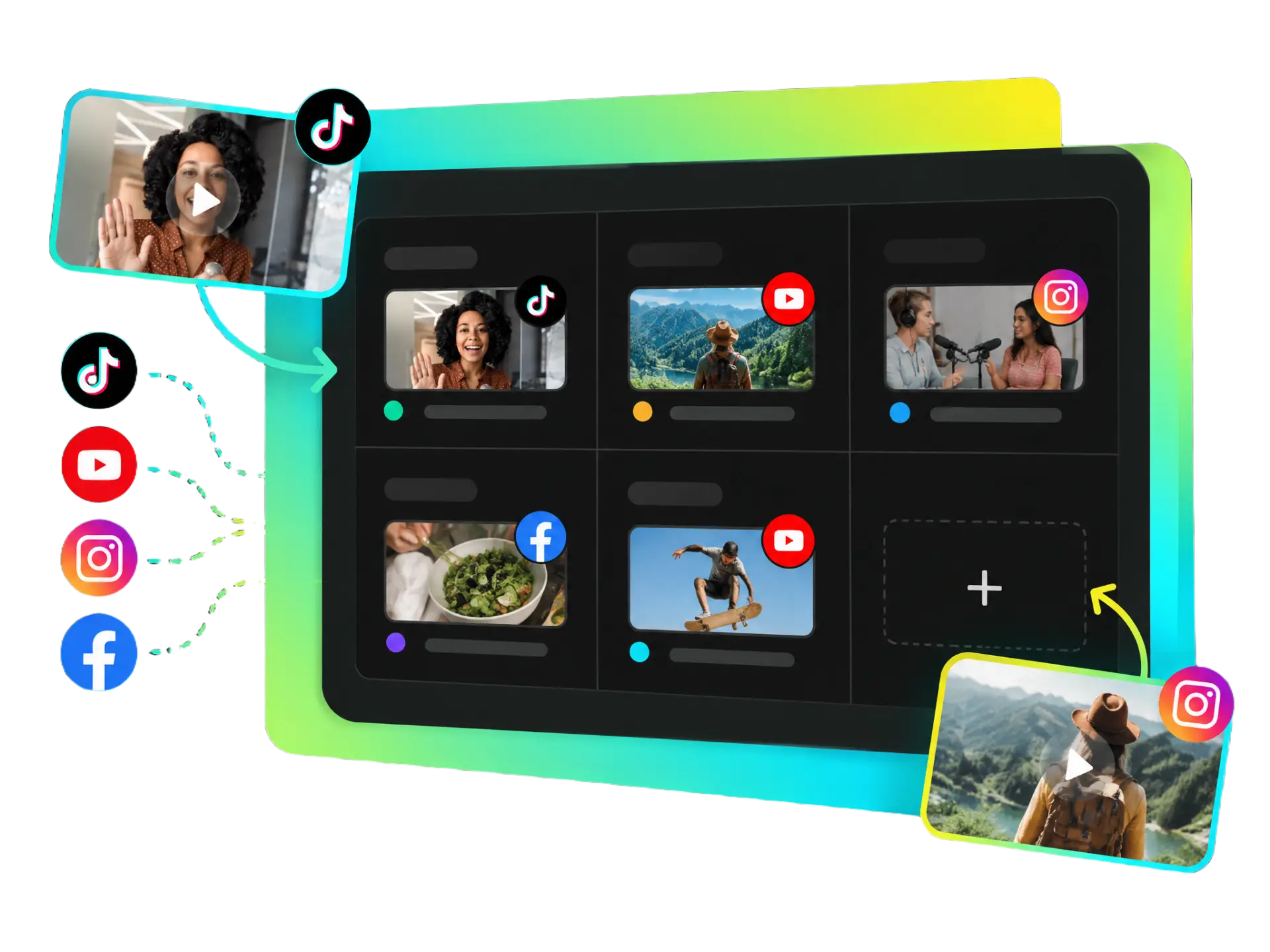
Manage your own connected social accounts and publishing tasks through social video collaboration workflows, keeping account access and publishing responsibilities clear across the team.
Keep billing, sensitive administrative actions, and membership controls under the right level of access, with Owner-only permissions for subscription management and restricted actions.
Bring projects, shared media, and brand resources into one team workspace. Make video collaboration easier with shared assets and a more organized workflow.
Create your team workspace for free and start collaborating today


