
URL to Viral Clip
Paste any YouTube, Twitch, Zoom, or podcast link. WayinVideo fetches the video and auto-clips the highest-potential moments — no re-upload needed.
The Fastest Way to Create Viral Clips and Repurpose Any Video. Edit videos like a Word document. Auto-clip highlights. Go viral — without hiring an editor.
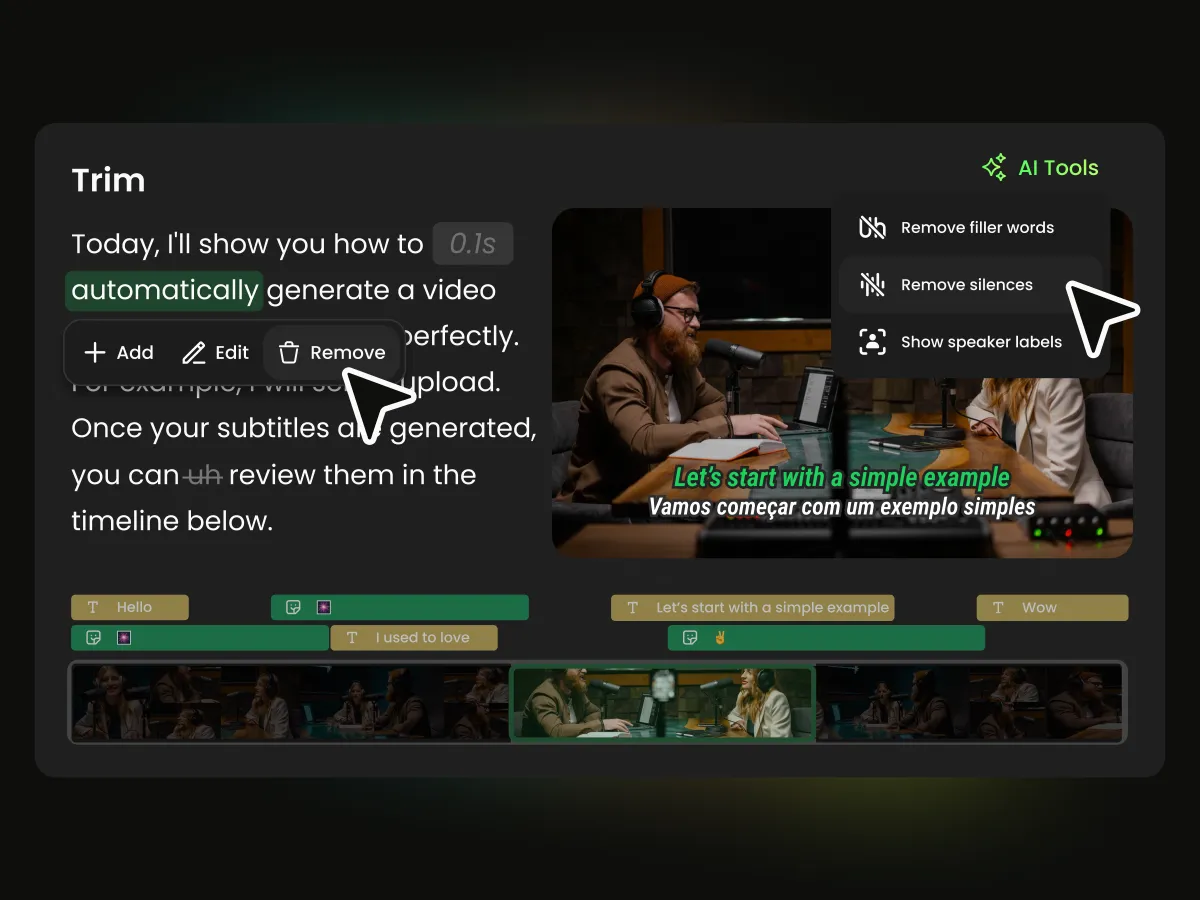
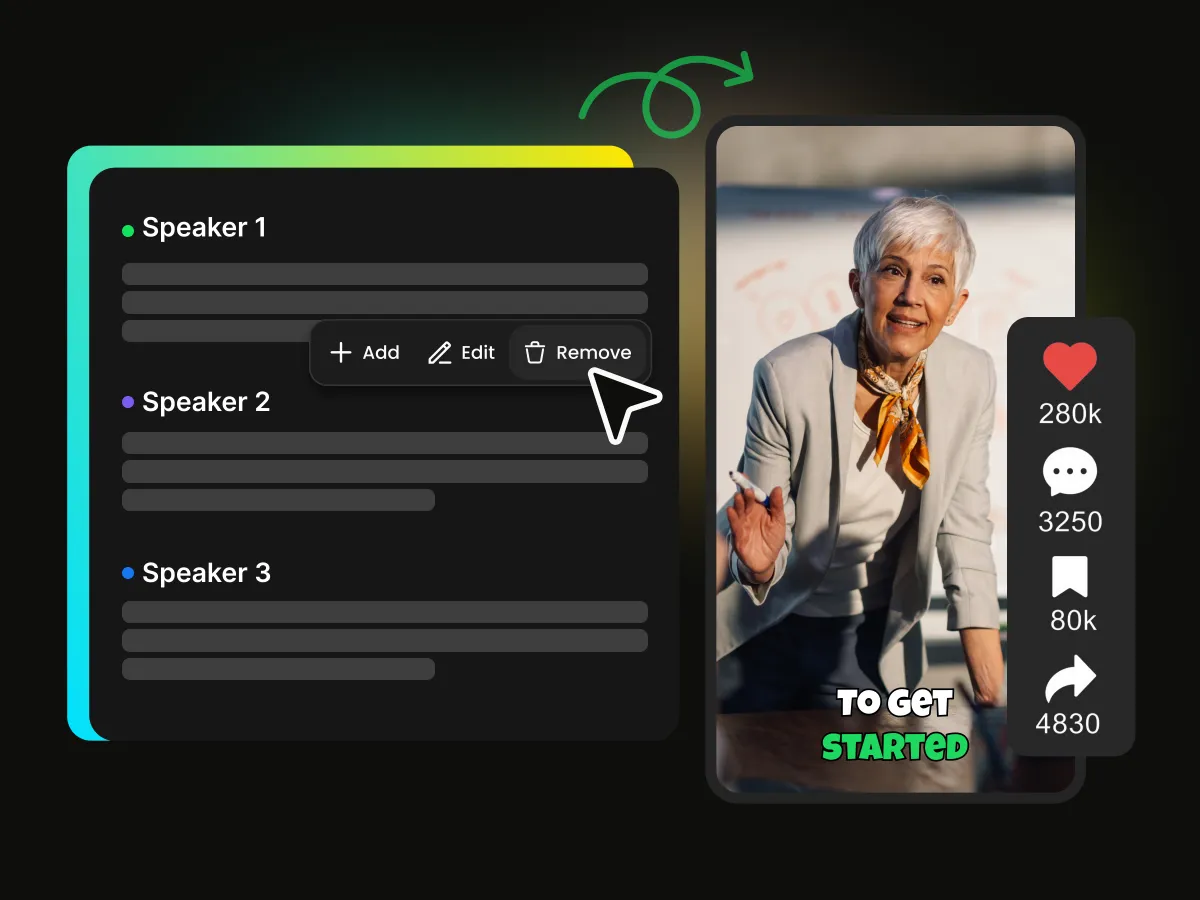
WayinVideo pioneered text-based video editing for creators who think in words. The moment your video uploads, our AI generates a word-perfect transcript. From there, editing is as natural as editing a Google Doc. Automatically remove filler words, use AI to cut silences and pauses, and let Smart Multi-Speaker Detection automatically label and focus the camera on whoever is talking.
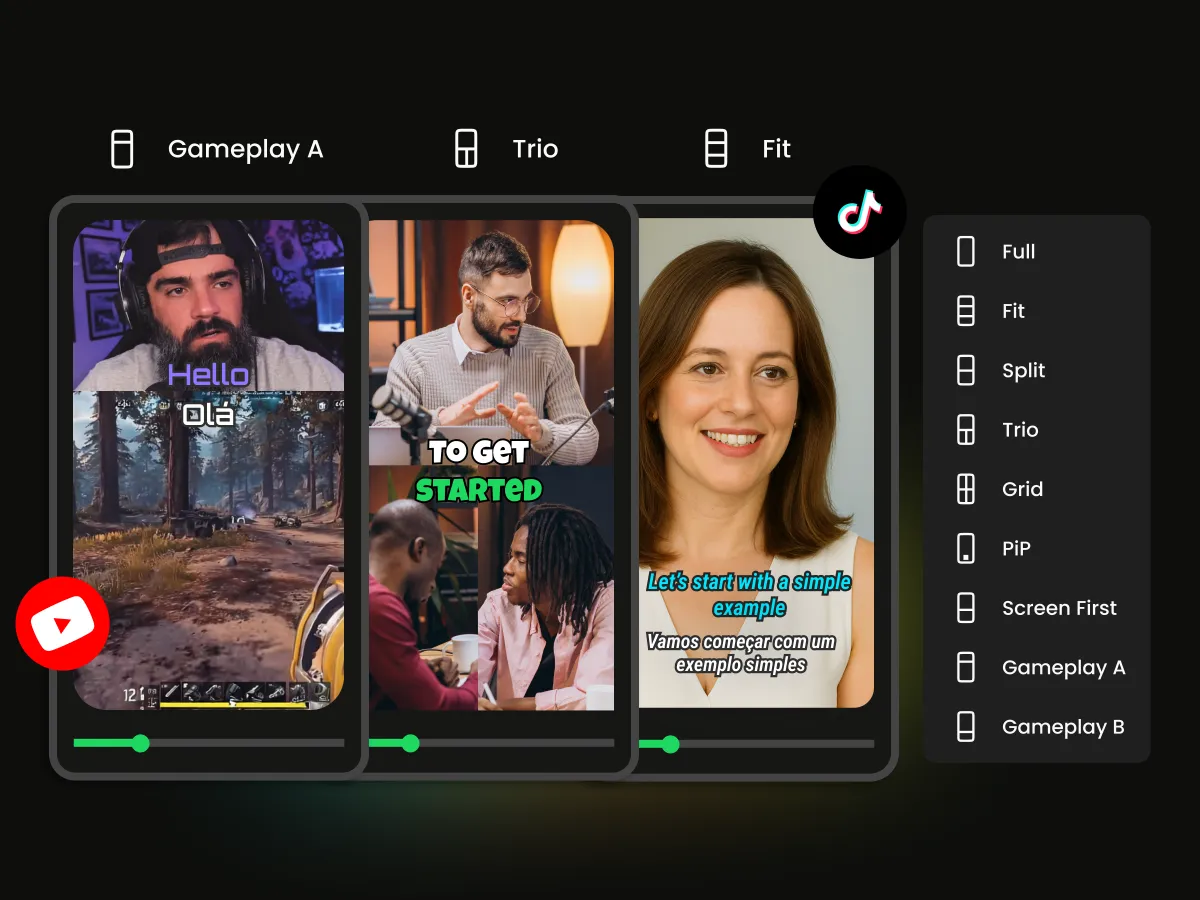
Shot in landscape? No problem. WayinVideo's AI tracks your speaker and auto-converts any 16:9 video into a perfect 9:16 vertical clip — no manual cropping, ever. One video. Every platform. Always perfectly framed. Choose the layout that fits your content, including Full, Fit, Split, Trio, Grid, or PiP.
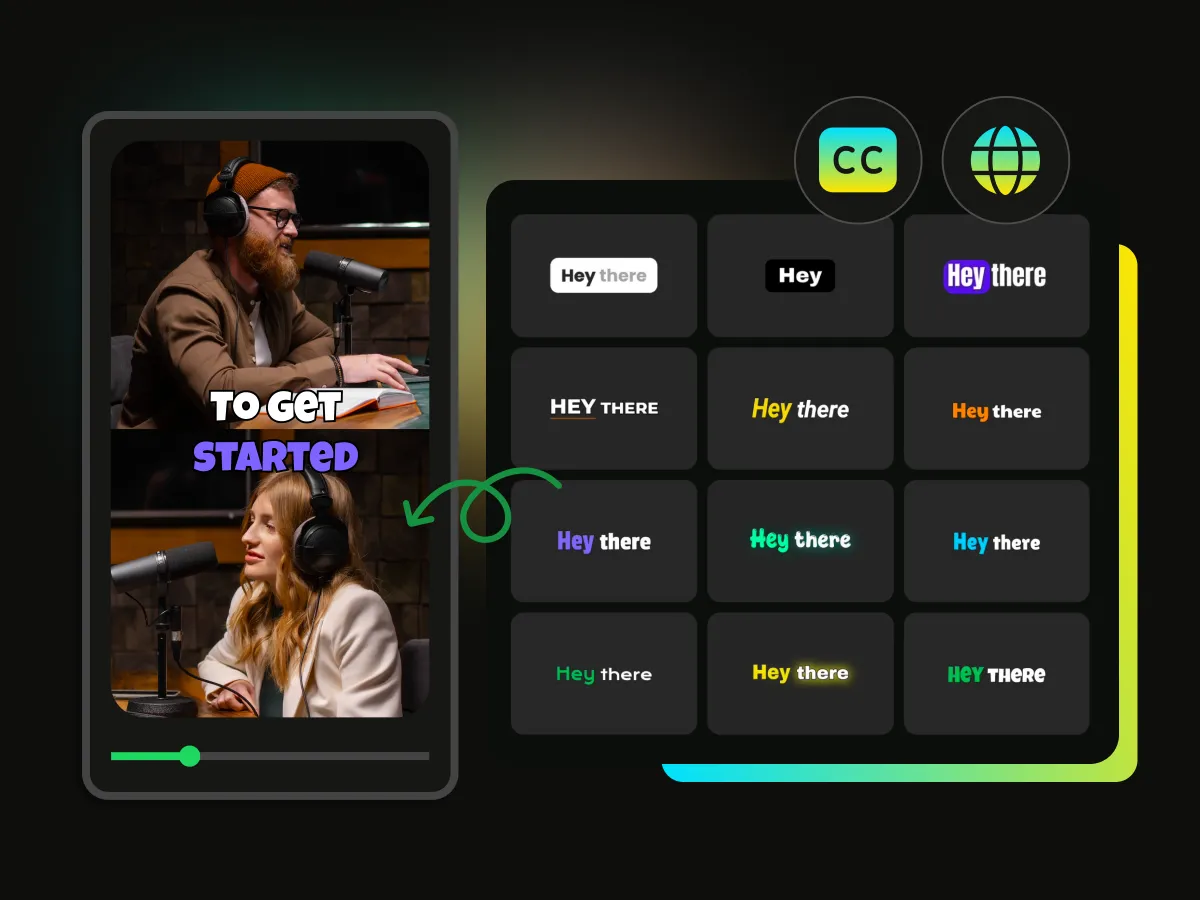
80% of social media videos are watched on mute. If your words aren't on screen, you don't exist. WayinVideo's animated captions go beyond plain text — key phrases pop in color and scale, grabbing attention even in a silent feed. Generate AI hooks instantly or use one-click translation to reach a global audience in 100+ languages.
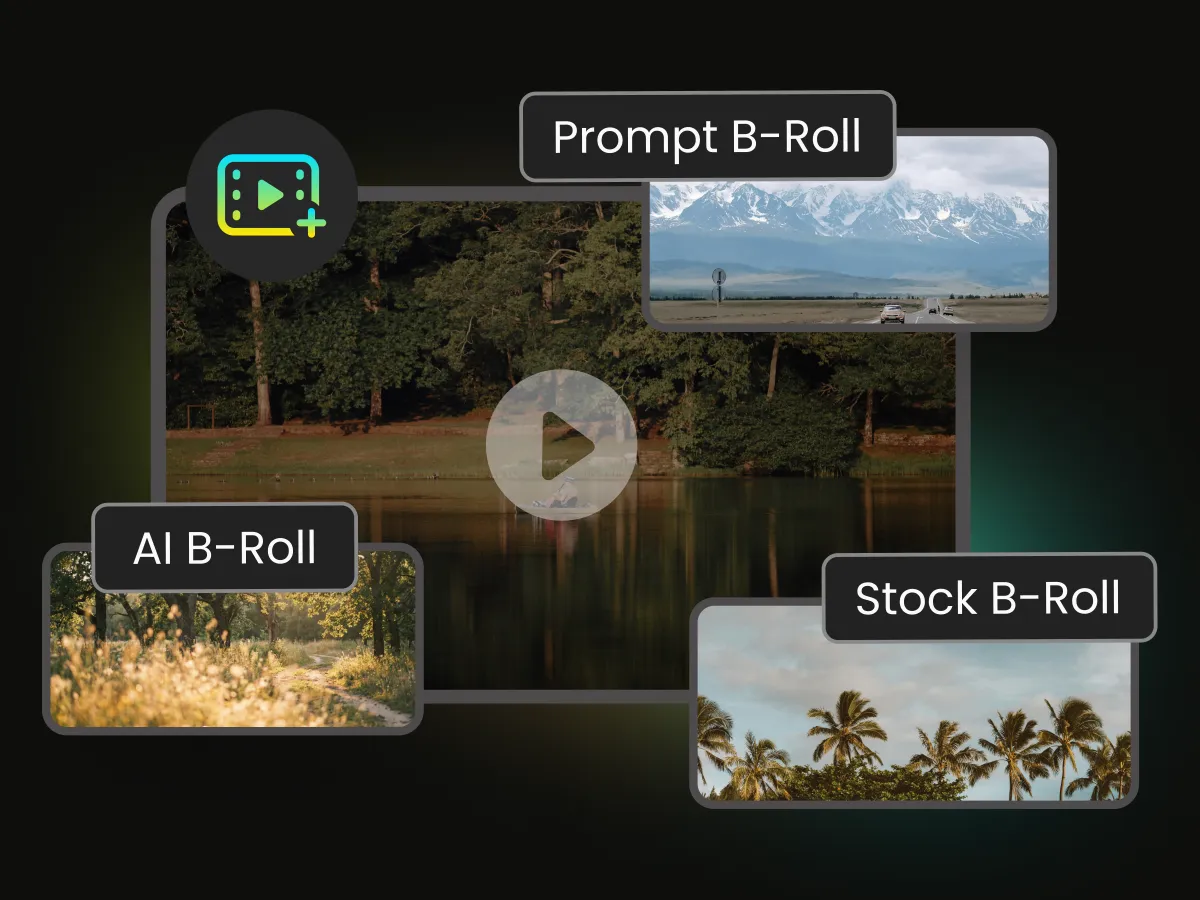
Simply type what you want — "aerial view of a busy city at night" or "close-up of hands typing on a laptop" — and our AI B-roll generator finds or creates the perfect visual and inserts it precisely where your narration matches. Or skip the prompt entirely: WayinVideo's AI reads your transcript, understands the context, and automatically places relevant B-roll footage timed to your speech.
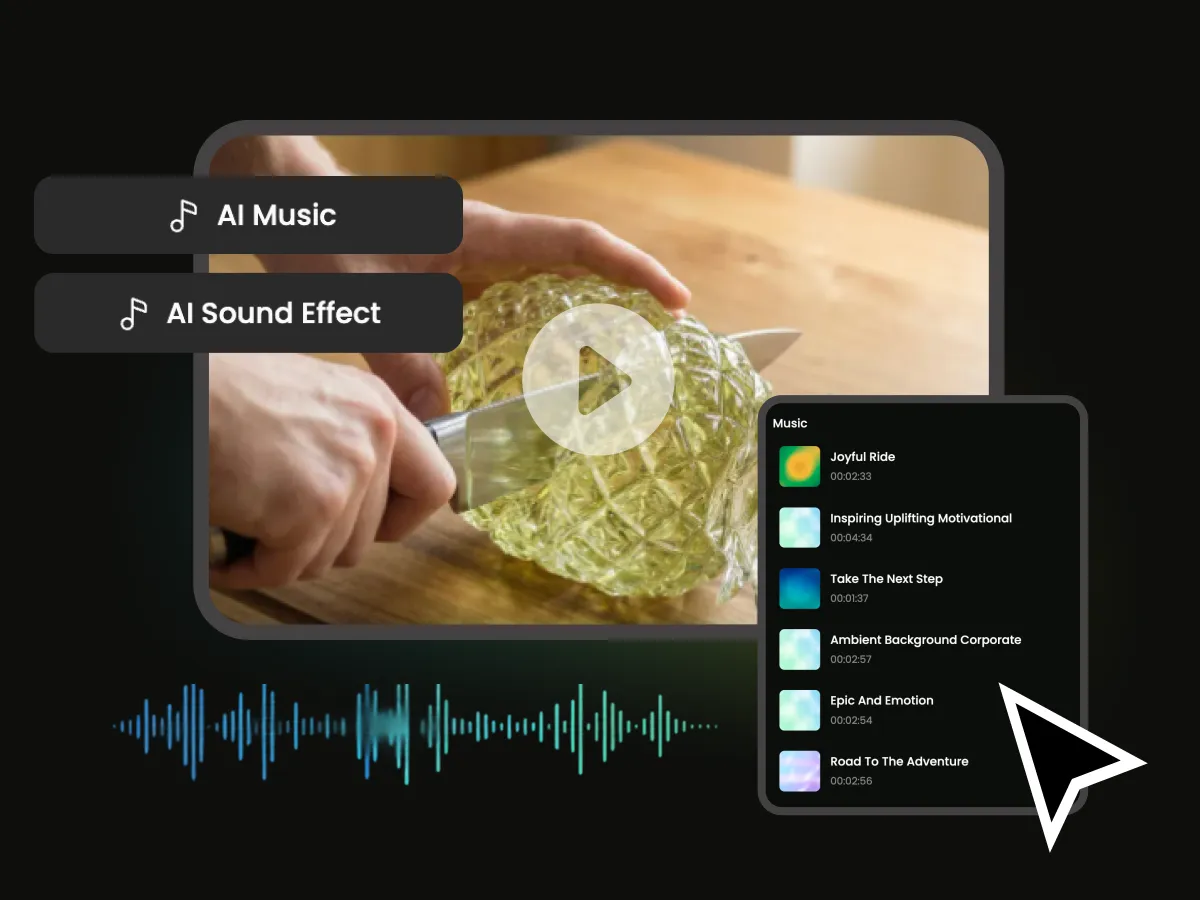
Our AI audio matching engine selects copyright-free background tracks and sound effects that match the mood and energy of each segment of your video — from cinematic builds to upbeat corporate vibes. No music licensing headaches. No awkward tonal mismatches. Just the right sound, automatically.
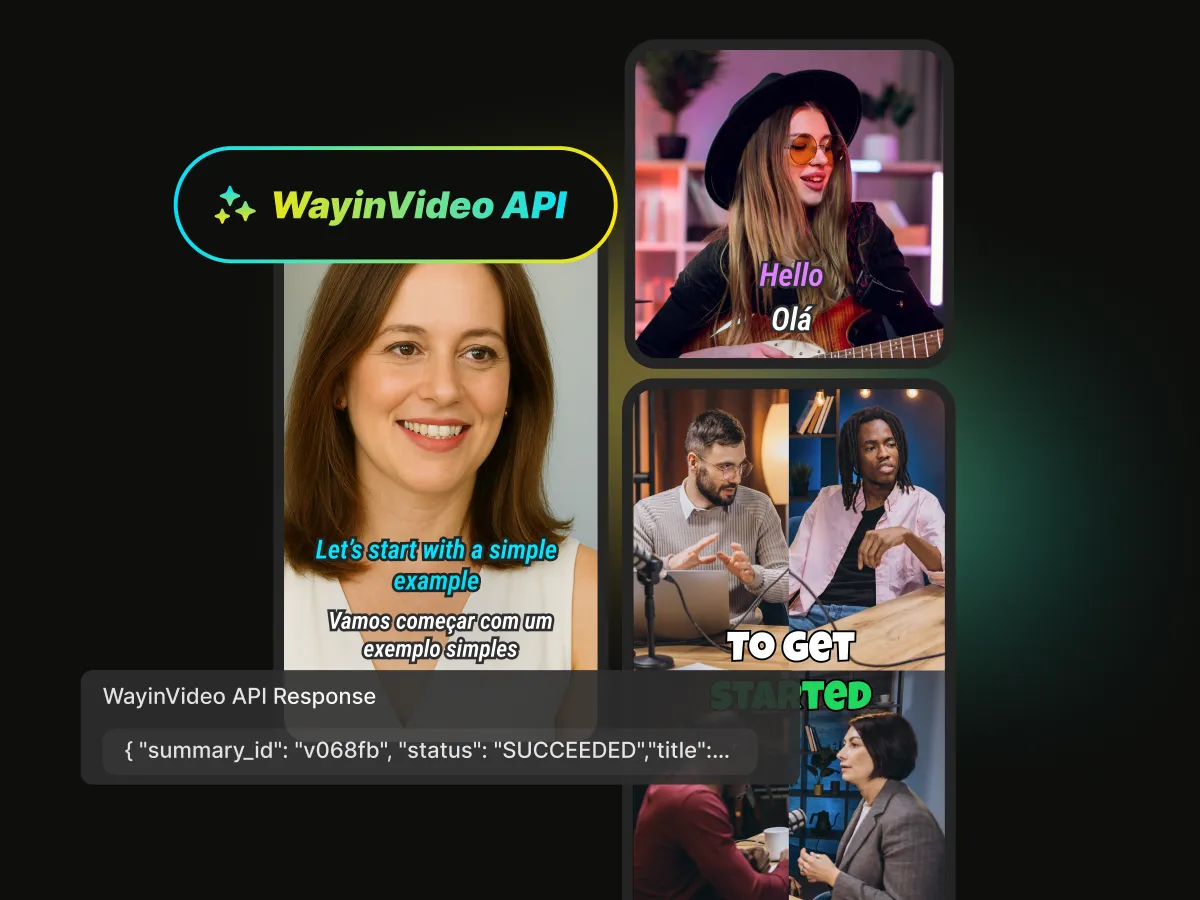
Connect WayinVideo's full capabilities to your automation workflow. You can trigger via API to better your production. Process videos programmatically without ever opening a browser. Access features fast: AI clipping, transcription, summarization and find moments — all available through WayinVideo API.
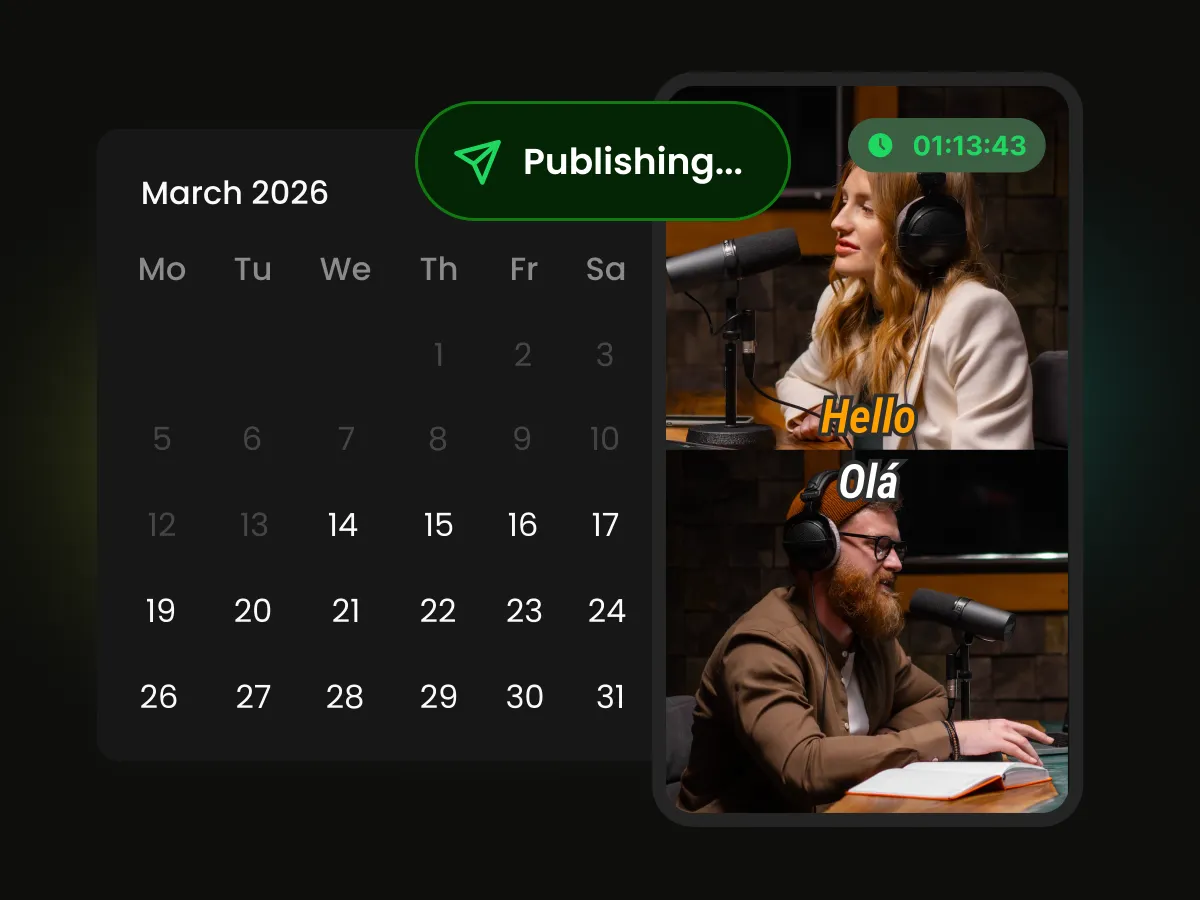
When your clip is ready, WayinVideo publishes it for you — instantly or on your schedule. The built-in Content Calendar gives you a full view of your publishing pipeline so you can plan ahead, balance posting frequency, and keep every platform consistently active. Before you hit publish, the AI Thumbnail Generator creates click-worthy cover images automatically.
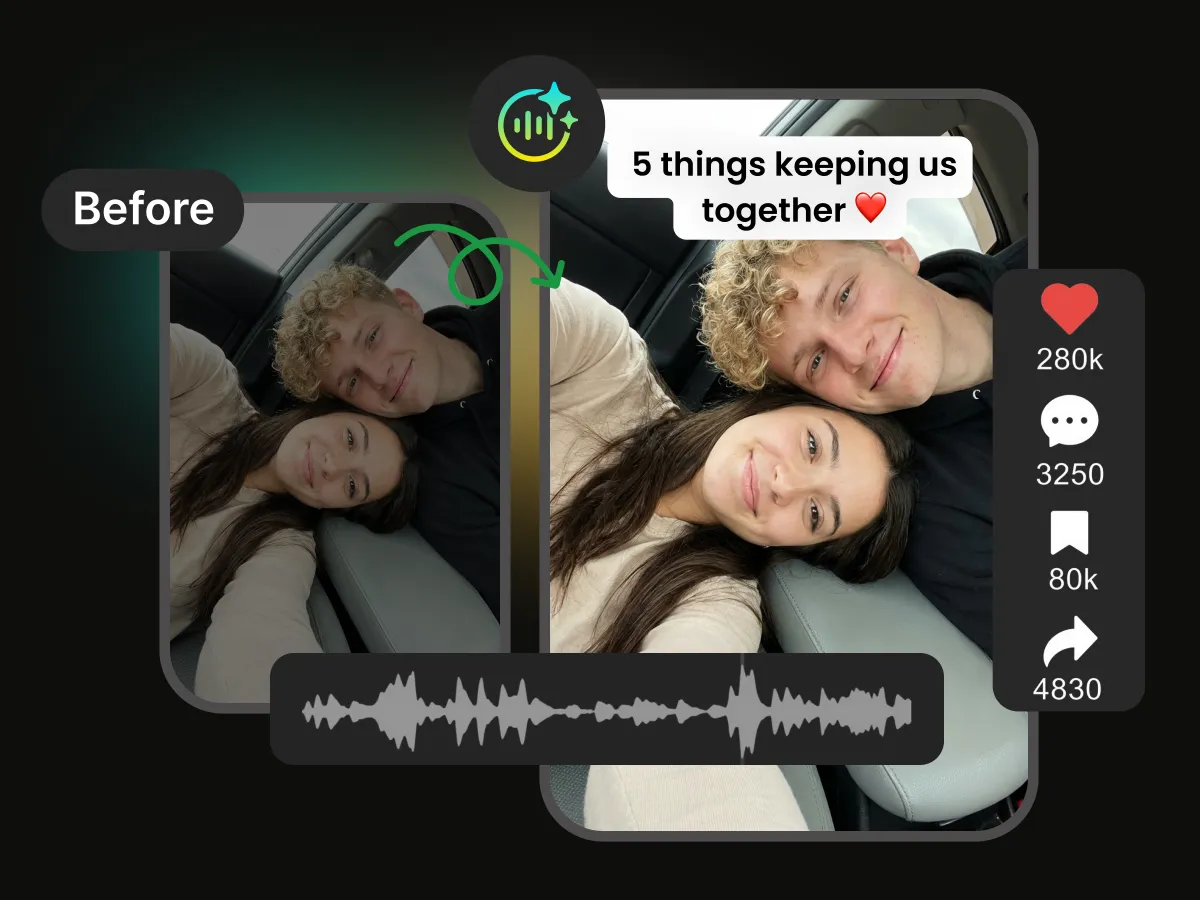
WayinVideo is the AI video editing tool built for the speed of modern content. Paste a link, upload a file, or record directly — and our AI instantly transcribes, cleans, clips, captions, and reframes your video, all in one seamless workflow. What used to take a full day now takes minutes.
Transform your long-form videos into a month's worth of highly engaging content. Whether you're a podcaster, creator, or educator, WayinVideo automatically finds the best moments and turns them into ready-to-publish clips. Scale your output without scaling your team.
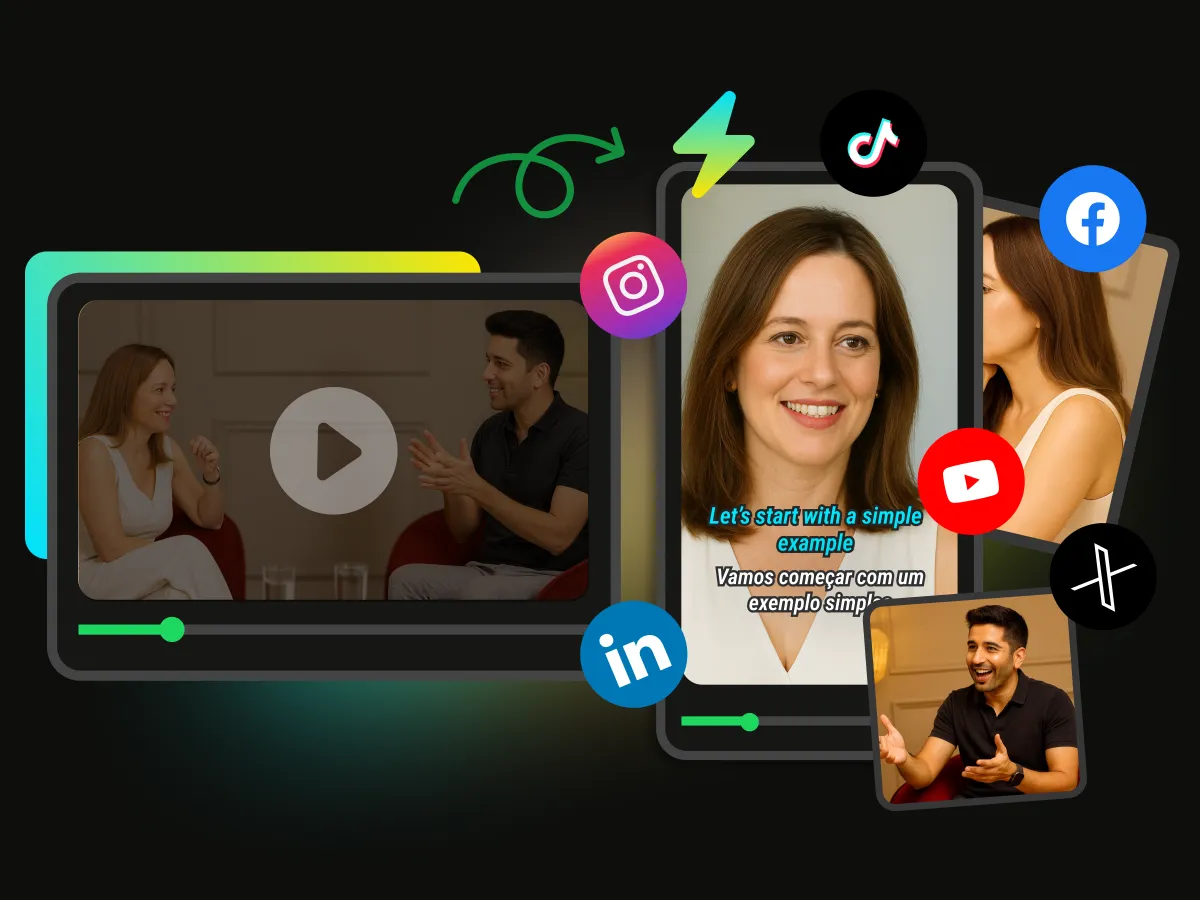
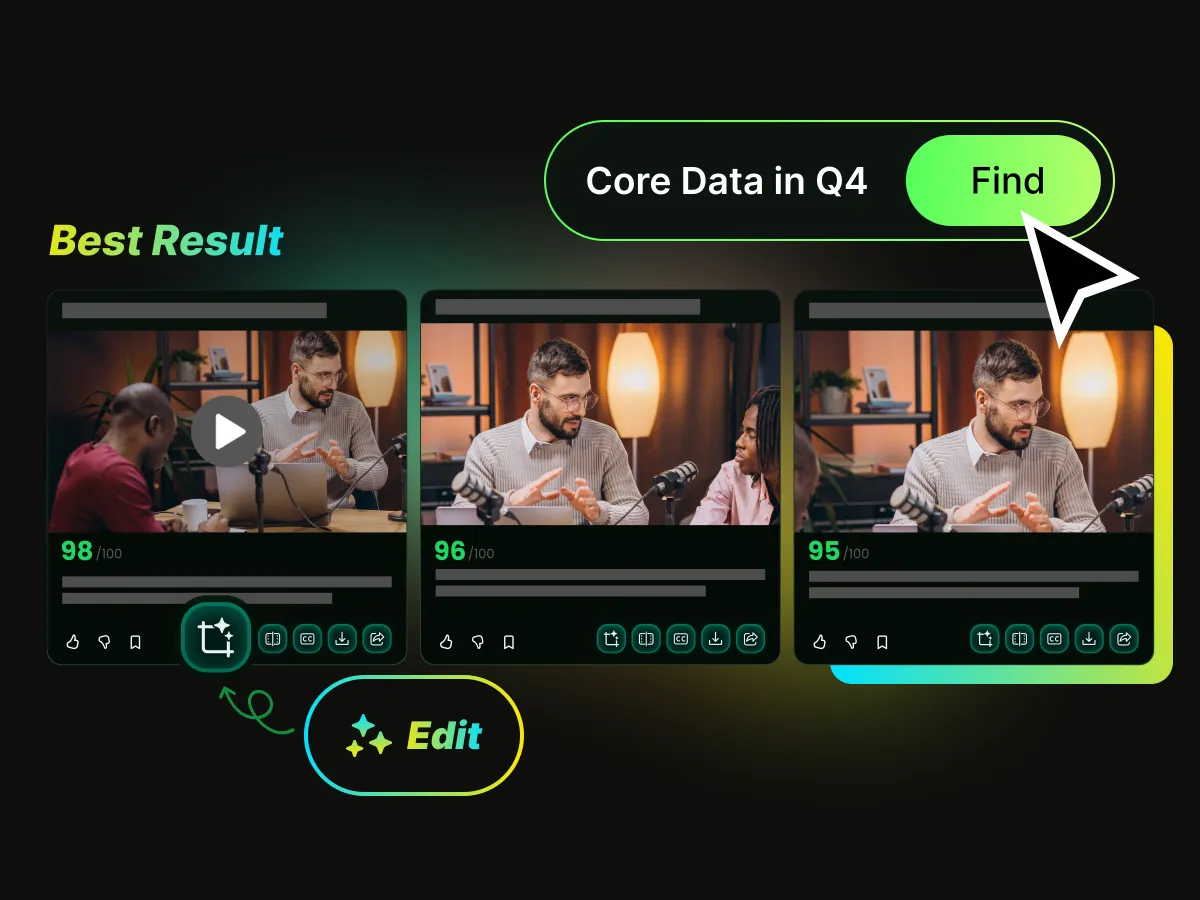
A one-hour podcast contains dozens of quotable, shareable moments. WayinVideo automatically finds them all. Export 15+ platform-ready TikTok clips — each with captions, speaker labels, and B-roll — from a single recording session. Stop leaving content on the table.
Clip My PodcastPaste any YouTube, Twitch, Zoom, or podcast link. WayinVideo fetches the video and auto-clips the highest-potential moments — no re-upload needed.
Every clip gets a real-time virality score before you post. Know which clip will perform — before it goes live.
Connect your social media accounts to publish across multiple platforms instantly, or set up a custom schedule to automate your posting.
Fade, Cross Zoom, Dreamy, and more — applied automatically between clips. A polished, professional finish with zero manual dragging.
Instantly generate SEO-optimized titles, video descriptions, and hashtags ready to copy-paste into YouTube, TikTok, or any platform.
Export every clip in crisp 4K. Switch freely between text-based editing for speed and the visual timeline for precise control — your workflow, your choice.
Click Make Viral Clips and drop in a YouTube, Twitch, Zoom, or podcast URL — or upload a video file directly. No re-upload, no format juggling. WayinVideo handles it instantly.