
_wYFL-.webp)
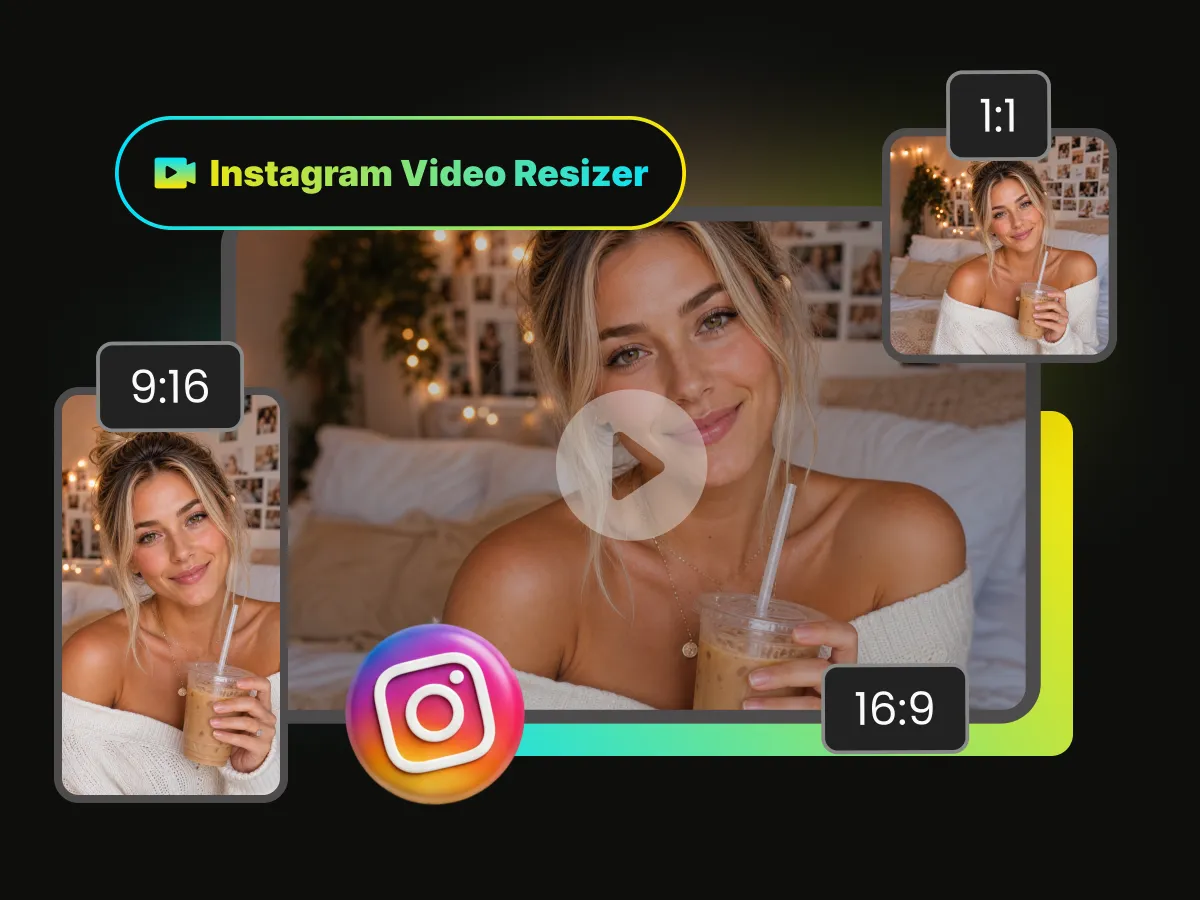
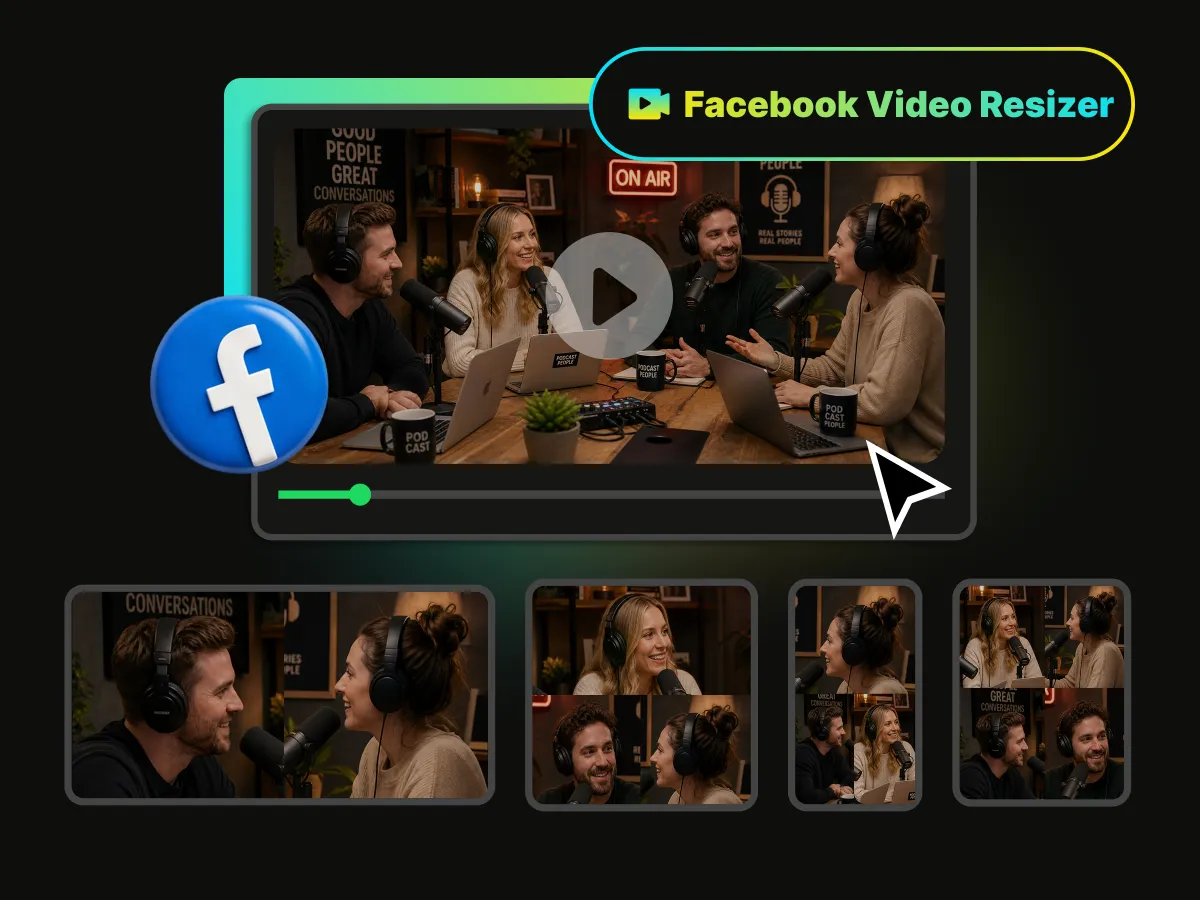
_0PAiz.webp)

Free to Start
WayinVideo makes it easy to resize videos for different platforms, so creators can process multiple projects in one streamlined workflow.
Experience powerful AI auto-resize to convert videos into standard social media formats for free, adapting to any customized dimension requirement with a single click.
Trusted by professionals at












Select your target social platform and let WayinVideo resize the video instantly for YouTube, TikTok, Instagram, Facebook, X and more, ensuring a perfect fit for every platform.
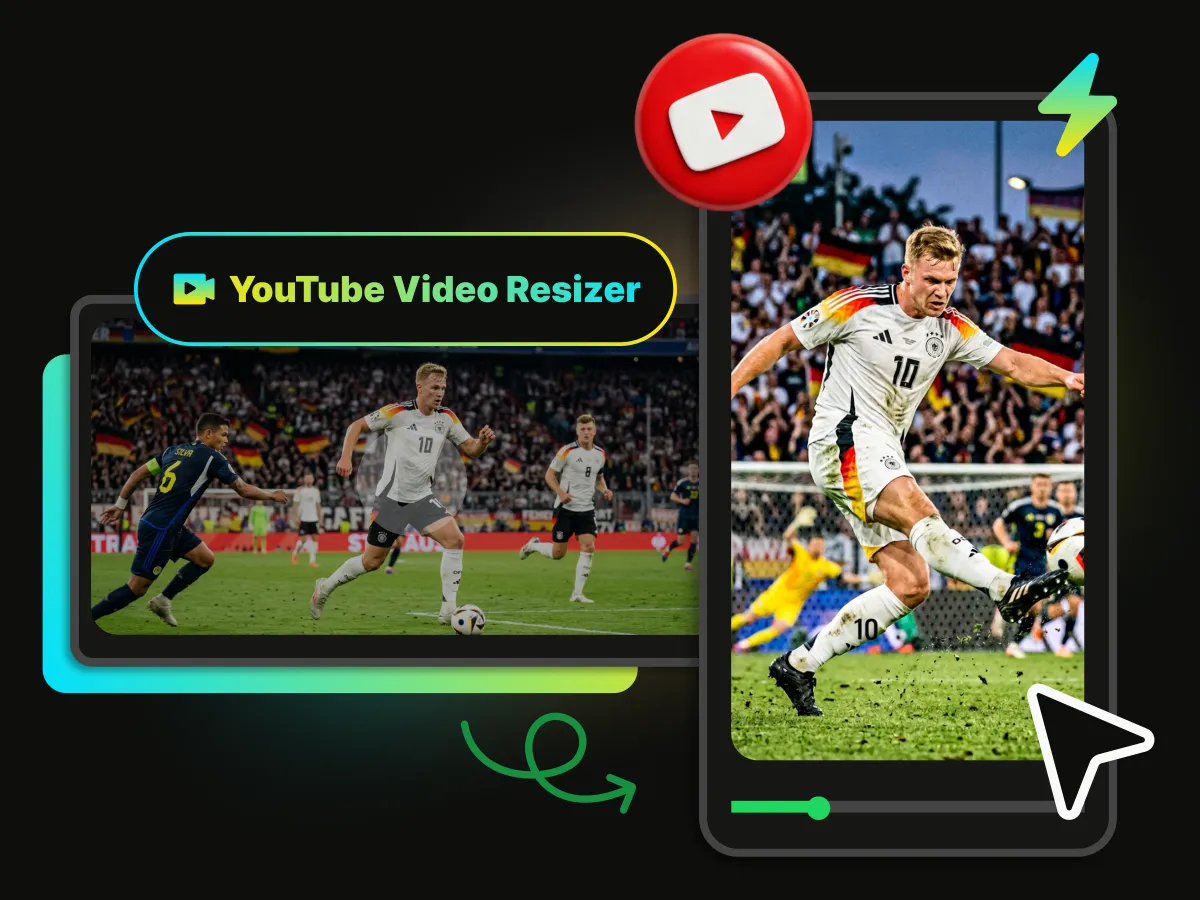
Resize horizontal tutorials, gaming clips, and long-form videos into 9:16 Shorts or 1:1 posts instantly via YouTube video resizer. With AI intelligent screen-fitting and auto-layout, WayinVideo delivers high-quality mobile aspect ratio resizing to help your content distribution.
Resize Video for YouTube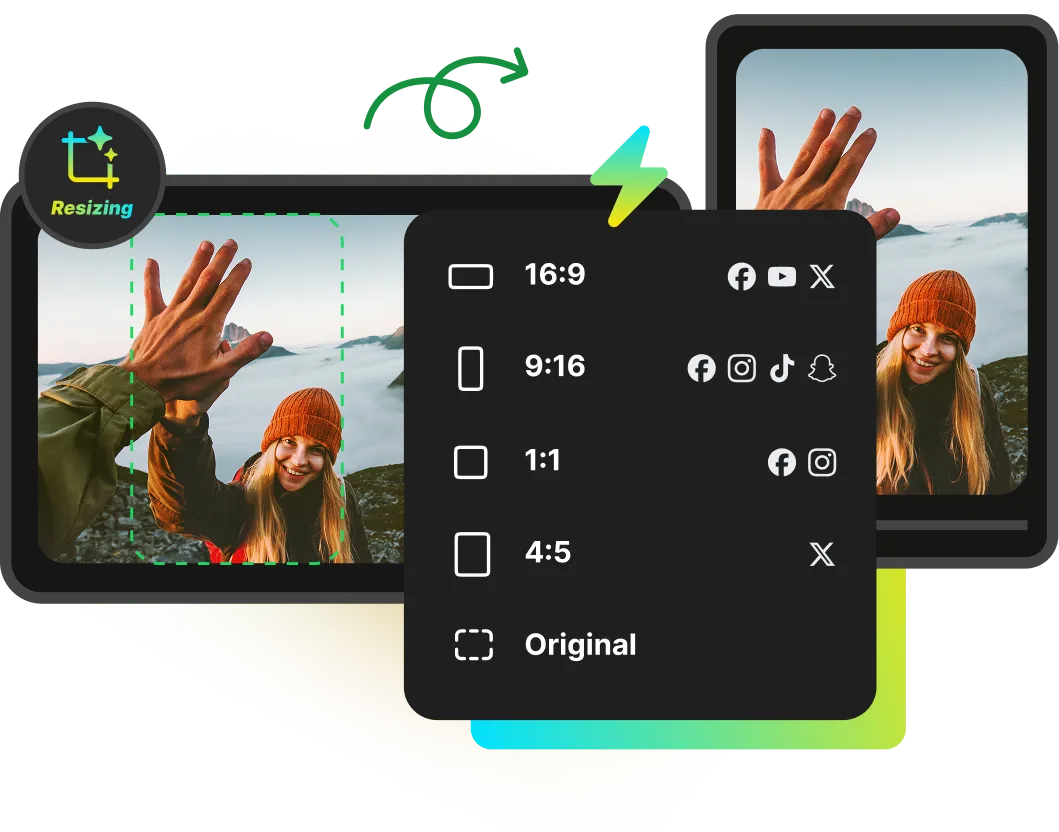
Get high-quality, resized videos online in seconds with just one click. No downloads or installations required. WayinVideo online video resizer delivers rapid processing directly in your browser, automatically tracking actions with AI to keep subjects centered while applying perfect layouts instantly, helping creators edit videos conveniently right from your webpage.
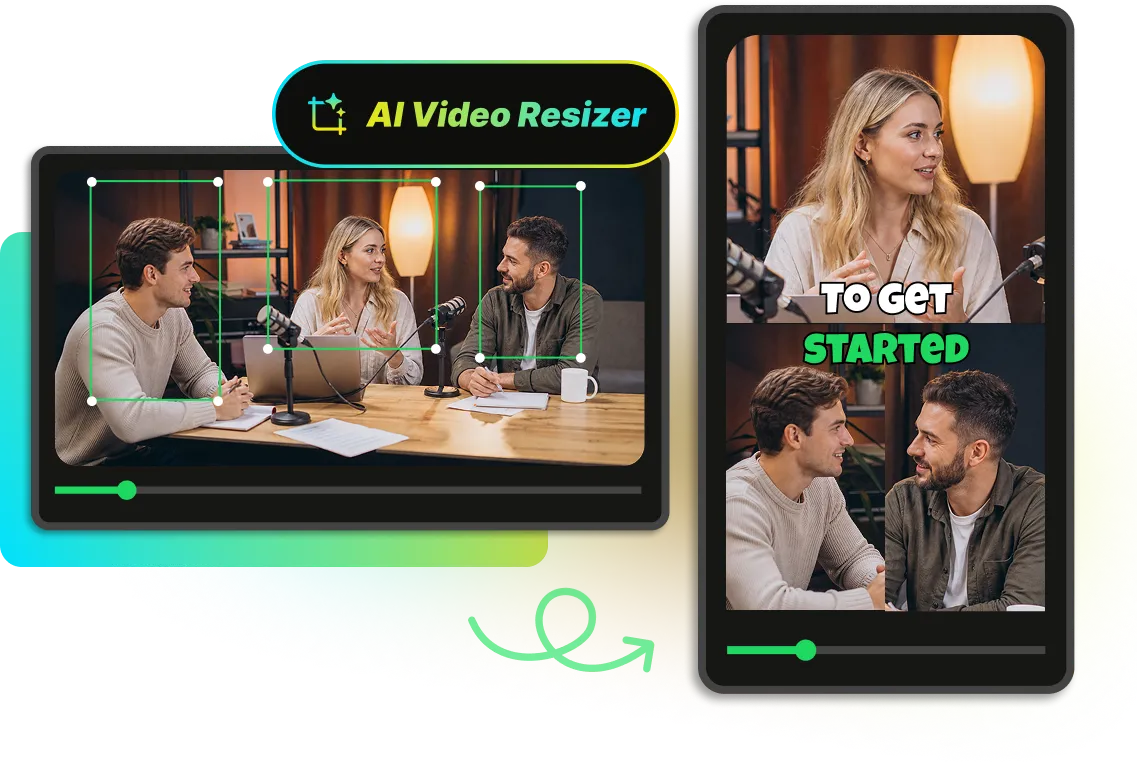
WayinVideo automatically resizes footage to match major video publishing formats across social media networks. The integrated AI detects faces and movement to track the primary subject, maintaining a perfectly centered position when shifting content from widescreen to vertical layouts and supporting creators in switching ratios smoothly.
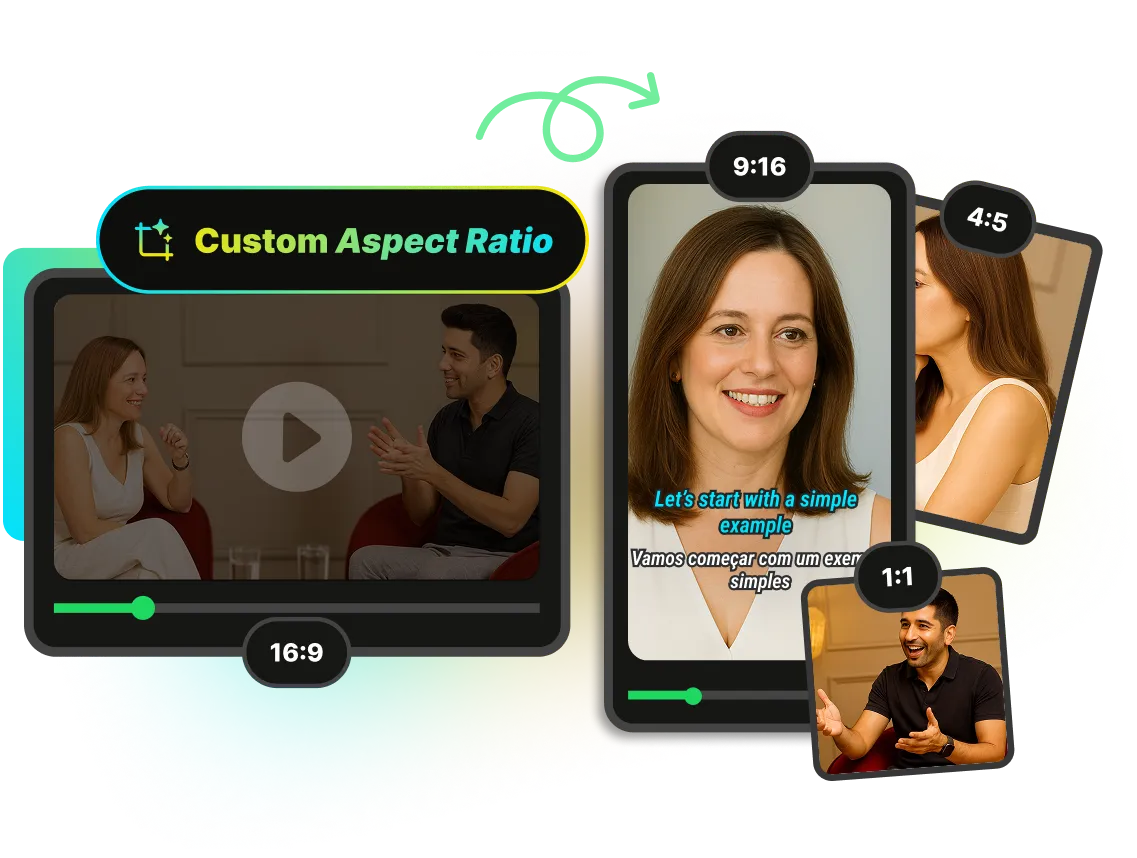
Transform horizontal source videos into popular dimensions such as 9:16, 1:1, or 4:5 in seconds. WayinVideo provides quick presets for major social media channels while supporting flexible adjustments to generate any custom aspect ratio for specific layout requirements.
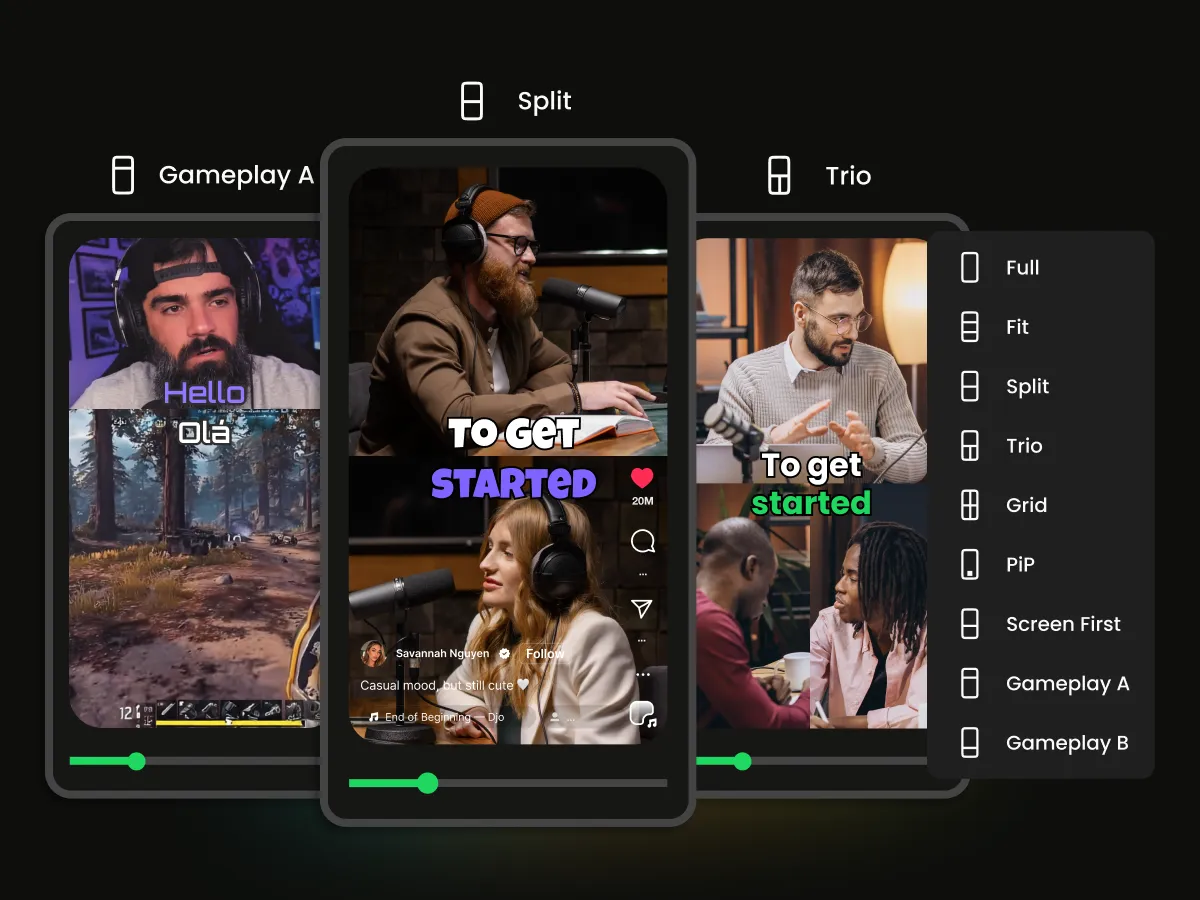
Automated layouts offer diverse styles such as split screen, Trio screen, picture-in-picture, and grid view. The online video resizer tracks active speakers and visual focus to switch arrangements automatically according to content changes. Integrated TikTok, YouTube Shorts, or Instagram Reels templates provide instant publishing previews, with flexible options to clear templates when viewing.
WayinVideo makes it easy to resize videos for different platforms, so creators can process multiple projects in one streamlined workflow.
Advanced AI processes long videos in seconds, replacing manual editing to maximize output efficiency. Saving hours of manual work.
Export clean videos for any social platform. WayinVideo keeps videos free of watermarks, helping creators share clear content everywhere.
AI automatically recognizes and centers the main subject, maintaining a perfectly balanced composition for professional visual results.
Transform video dimensions into standard options like 9:16, 1:1, 4:5, and 16:9 instantly, matching specific social media requirements with a single click.
WayinVideo supports high quality video exports in 1080p, 2K, and 4K, helping creators get clear and sharp videos every time.
Supports direct local video uploads and active links from major platforms like TikTok, Twitch, Vimeo, Facebook, or Instagram to resize videos to standard dimensions like 9:16 for Shorts.
Resize video dimensions to match target aspect ratios instantly. Export and share Resized videos for major social media networks without manual formatting.


_G_LGx.svg)