
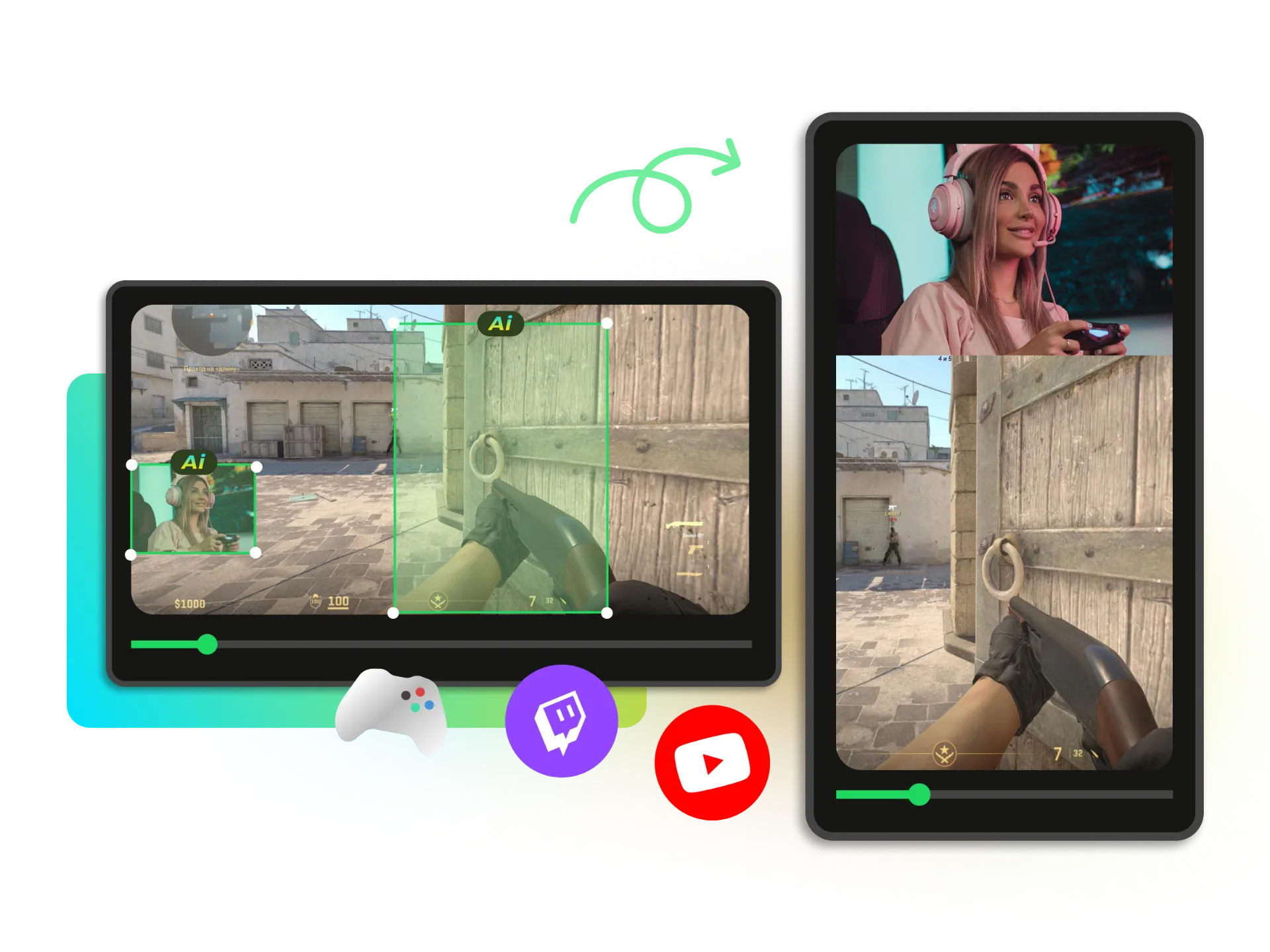


YouTube-Ready Video Output
Every video is automatically formatted and optimized for YouTube upload, ensuring the right aspect ratio, smooth playback, and a professional viewing experience across all devices.
Easily resize your videos to the ideal YouTube dimensions without losing quality. No software to install — it works 100% online. Try it free now!
Trusted by professionals at












Simply upload your video file or paste a video link from YouTube, TikTok, Instagram, Facebook (and more). WayinVideo instantly detects your content and prepares it for YouTube.
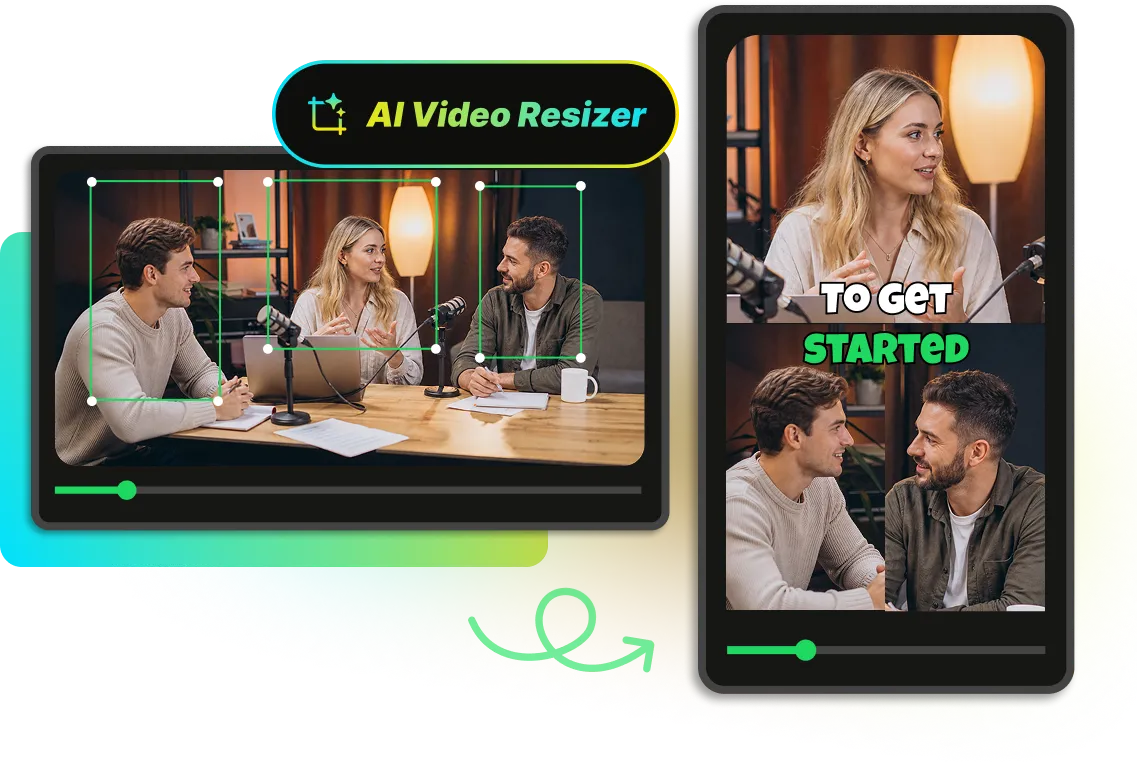
WayinVideo's AI video resizer automatically detects the main subject in your video — whether it’s a face, a person, or a moving object — and keeps it perfectly centered throughout the entire video. Even when resizing to different YouTube video formats like 16:9 or Shorts (9:16), your key subject always stays in focus.
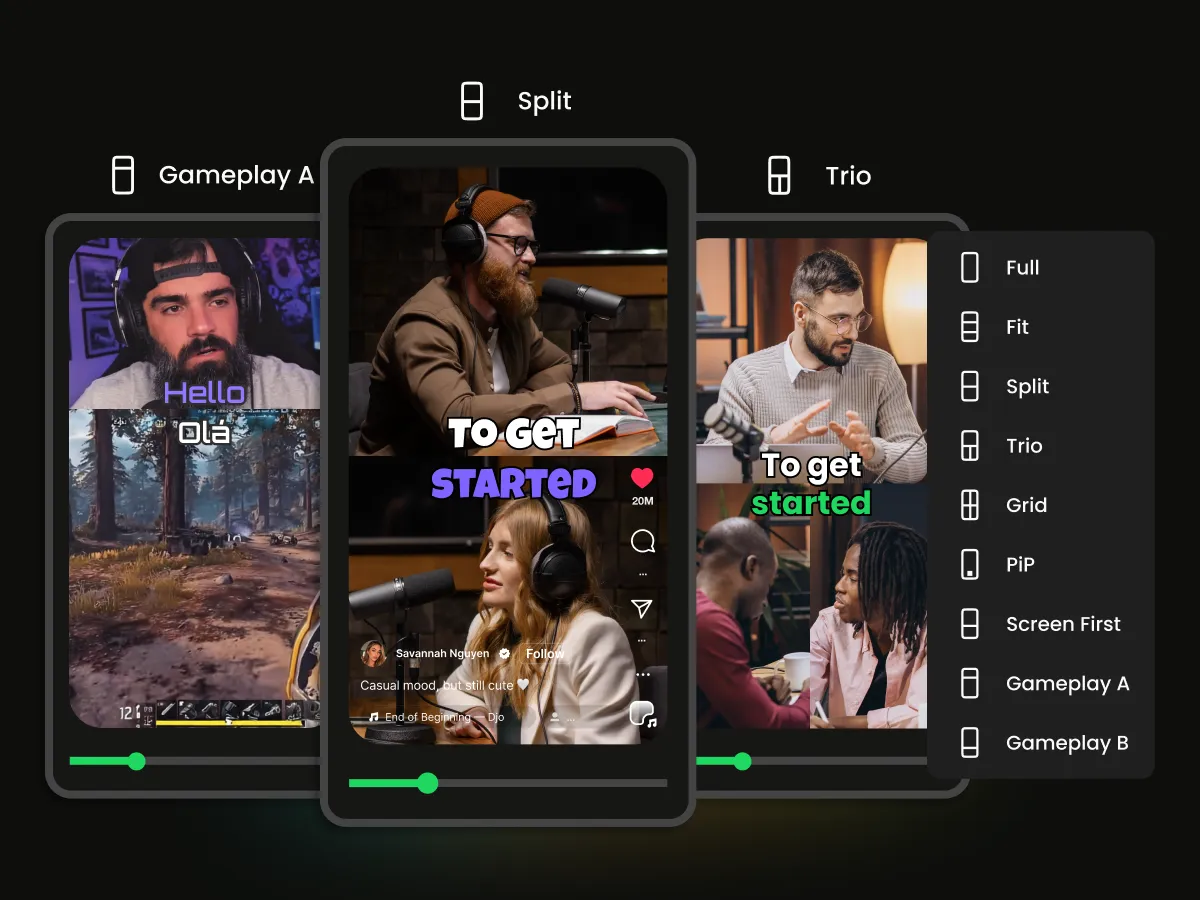
With WayinVideo's AI video resizer, you can fully control your video layout and framing. Choose from multiple layout modes such as Full, Fit, Split, and more to decide how your videos are displayed. Whether you want a cinematic full-screen look, a perfectly fit view, or a split layout for multiple scenes, this tool gives you precise control.
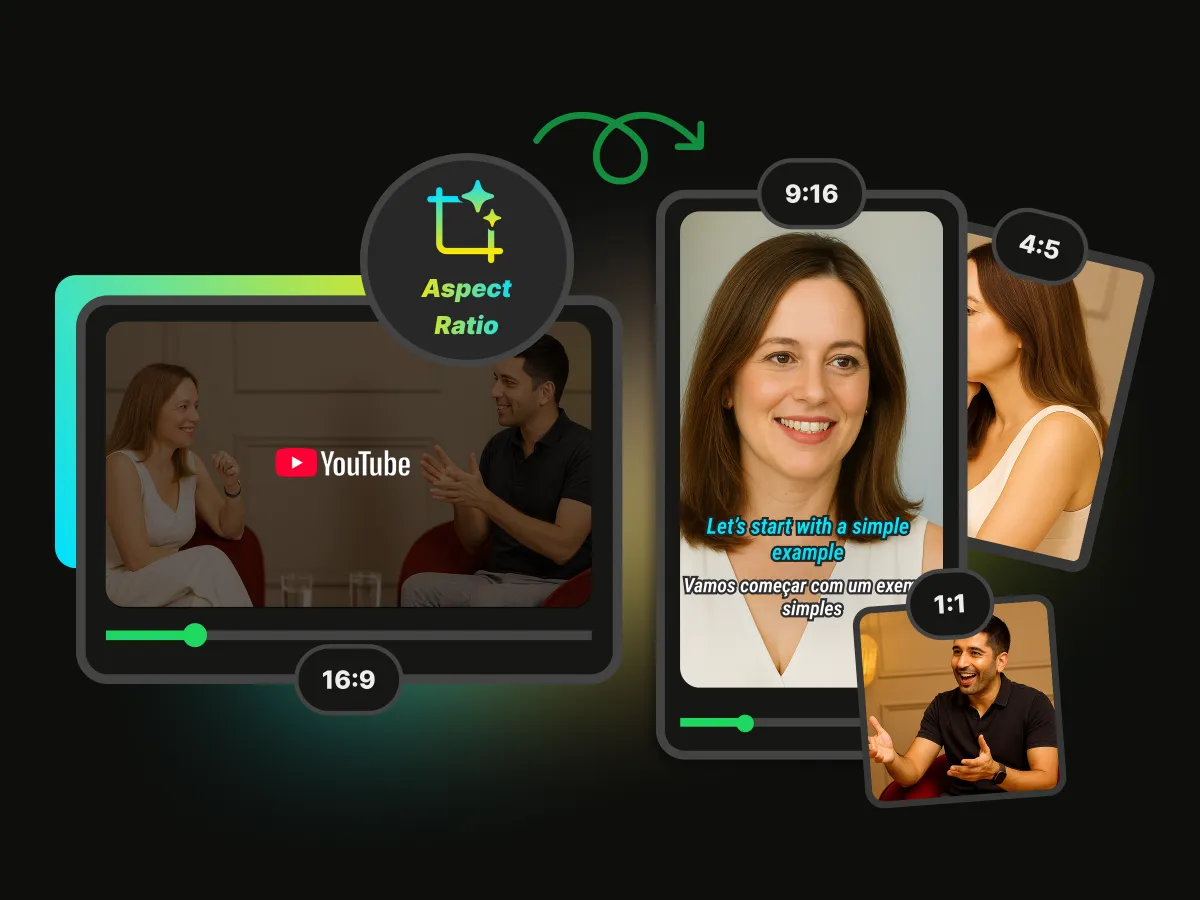
Easily resize videos for YouTube with the built-in aspect ratio converter. Switch between 16:9 for standard YouTube videos, 9:16 for YouTube Shorts, or custom ratios for different content formats. When you need to prepare vertical content for TikTok, a TikTok video resizer can help you adapt your videos to the right dimensions. The AI automatically adjusts framing and keeps your main subject properly centered.

Resize and export YouTube-ready videos with WayinVideo while preserving original clarity. Export in multiple resolutions including 480p, 720p HD, 1080p Full HD, and up to 4K Ultra HD. When repurposing content for Instagram, an Instagram video resizer makes it easier to adapt your video to different formats without sacrificing visual quality. No compression artifacts or quality loss, just clean and sharp videos optimized for YouTube upload.
WayinVideo makes it easy to resize any video for YouTube, no matter the content type. From short-form clips to long-form uploads, marketing creatives, gaming highlights, and educational content, you can quickly adjust aspect ratios, refine framing, and trim videos to fit any YouTube format.
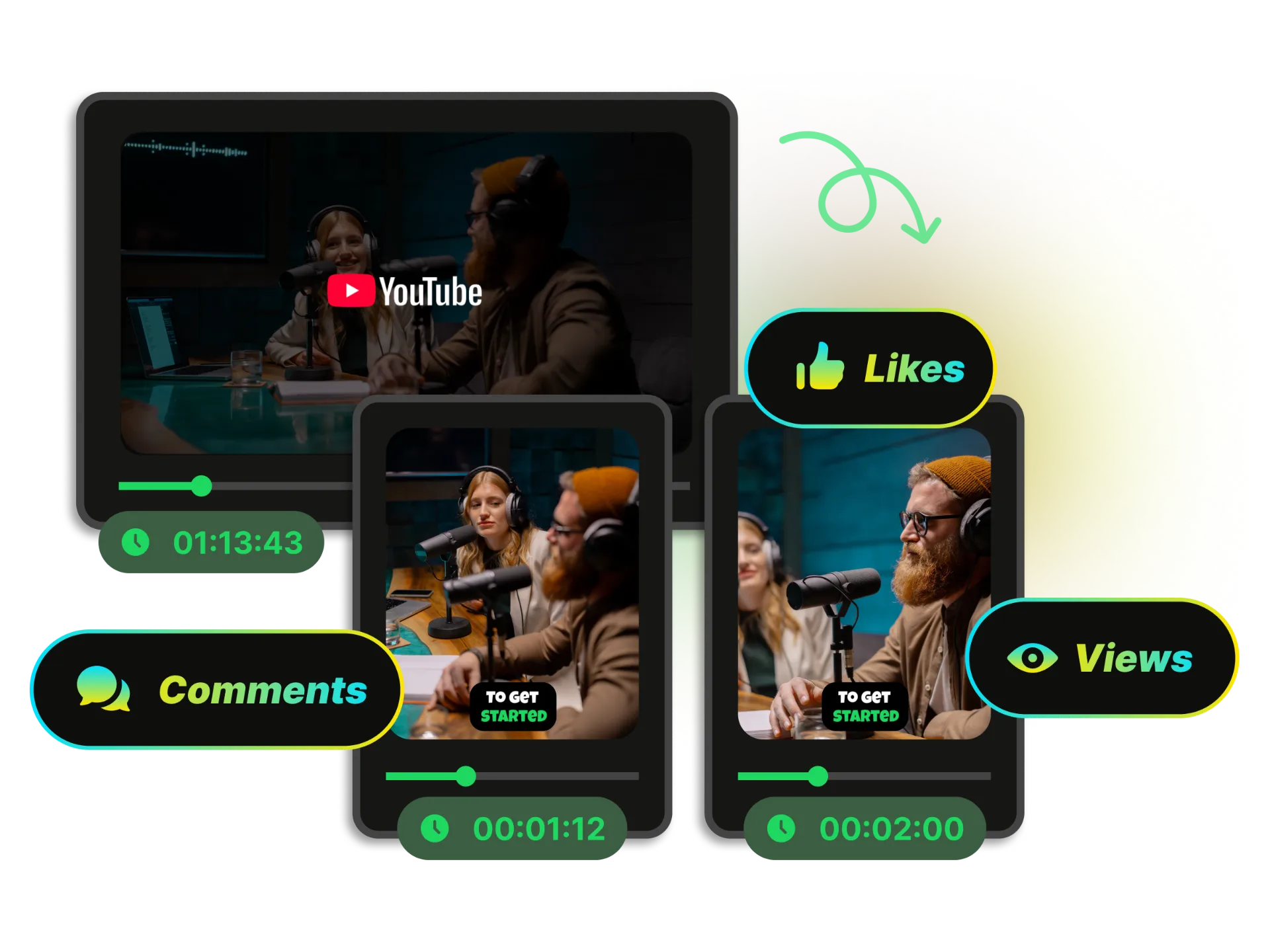
Turn any video into YouTube-ready content with WayinVideo’s video resizer. Instantly resize video for YouTube Shorts (9:16) or standard YouTube format (16:9) while keeping your main subject centered using AI smart reframing. Perfect for creators who want to convert videos for YouTube, optimize aspect ratio, or repurpose content across platforms.
Resize for YouTubeEvery video is automatically formatted and optimized for YouTube upload, ensuring the right aspect ratio, smooth playback, and a professional viewing experience across all devices.
Export your videos without any watermark, so your content looks clean, professional, and ready for YouTube publishing.
WayinVideo automatically detects the main subject and keeps it perfectly centered. No manual adjustments needed — your key content always stays in focus.
Easily switch between 16:9 for standard YouTube videos, 9:16 for Shorts, and custom aspect ratios to fit any content strategy across YouTube and social platforms.
Export your videos in stunning 4K resolution with crisp details and zero quality compromise — optimized for professional YouTube creators.
Start creating and resizing YouTube videos instantly with WayinVideo — no credit card required, no friction, just fast access to powerful tools.
Stop struggling with complicated editing workflows. With WayinVideo, you can resize, trim, preview, and export videos in the perfect YouTube format in seconds — all online.


