Easy Video Quality Enhancer
Upload your video, choose your settings, and let our automatic video enhancer do the work. You don’t need advanced editing skills to get started.
Drag and drop your video here
Video must be shorter than 10 minutes and smaller than 300MB. to upload larger videos.
By uploading a file, you agree to WayinVideo’s Terms of Use and Privacy Policy

 Before

 Before

 Before

 Before

 Before

 Before

 Before
Trusted by professionals at












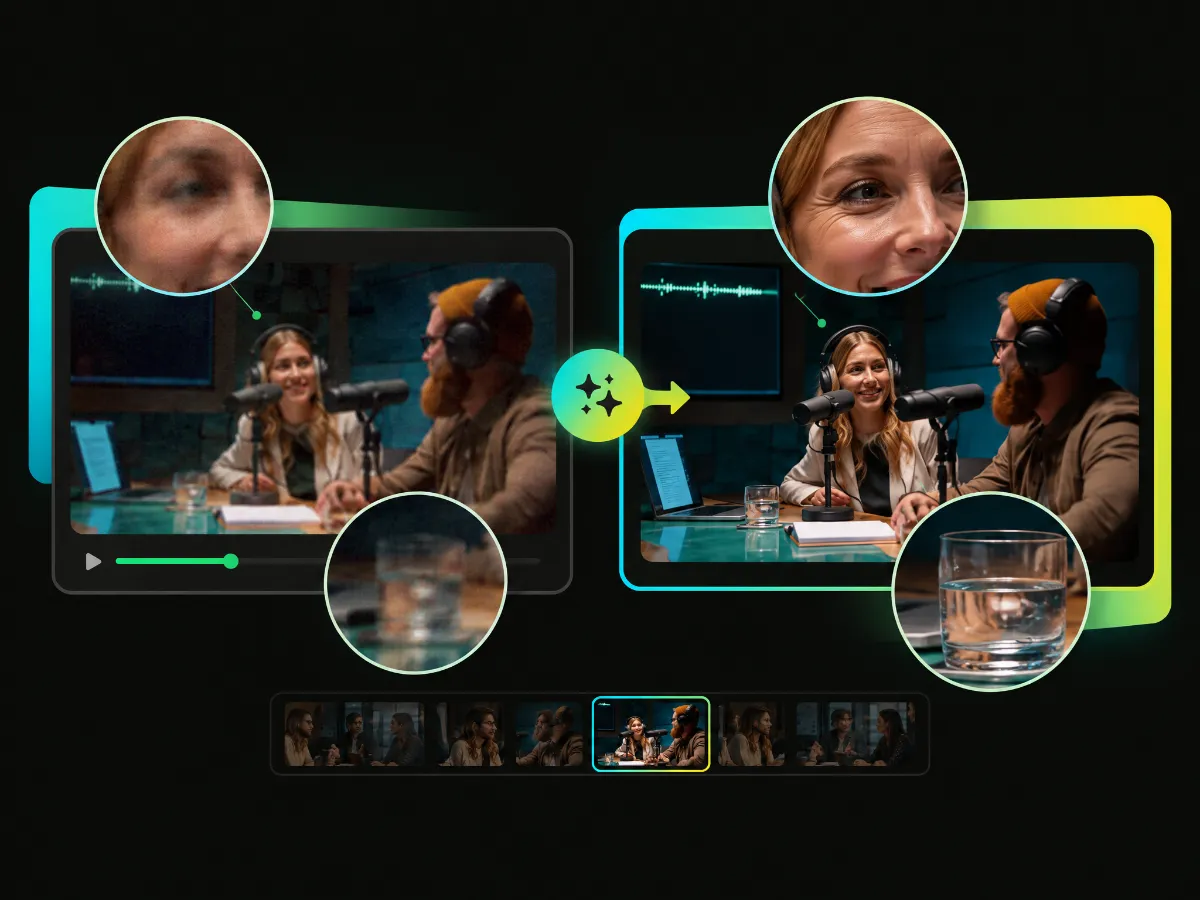
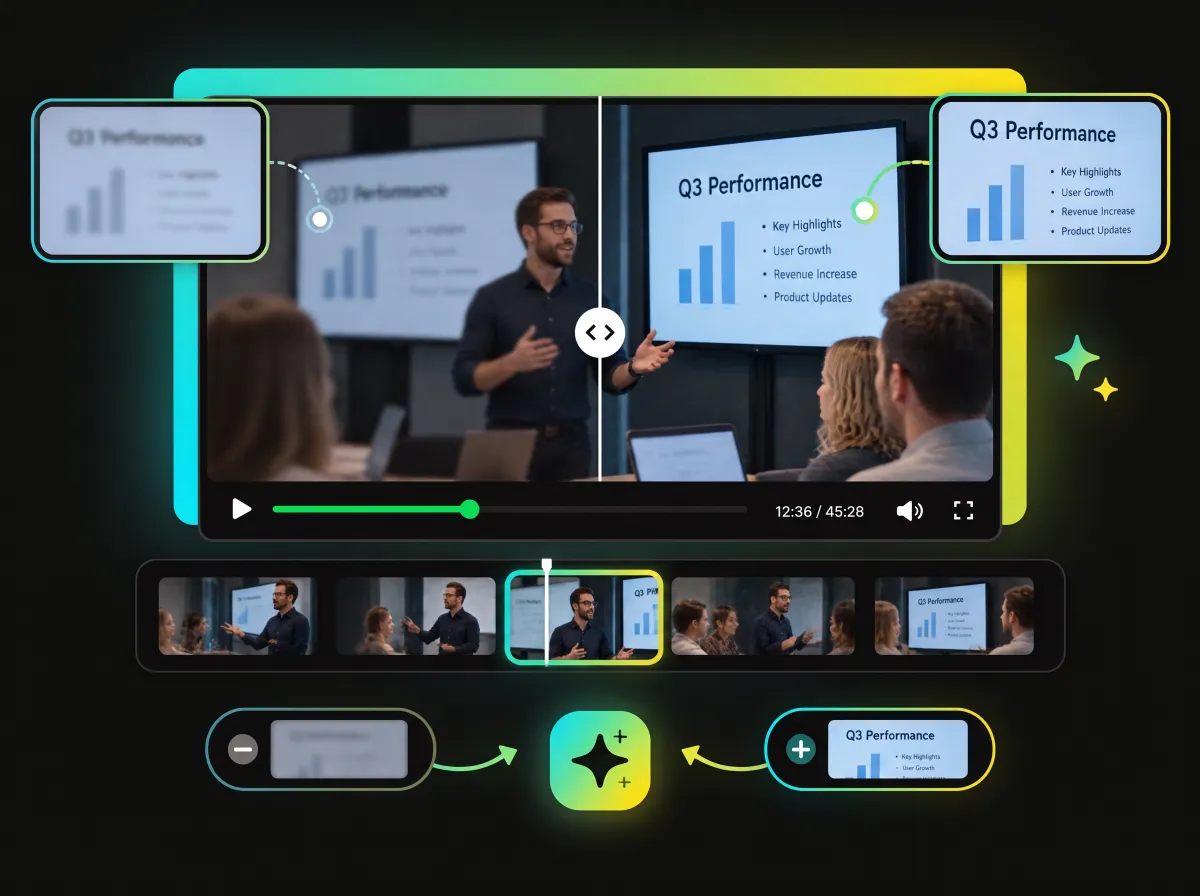
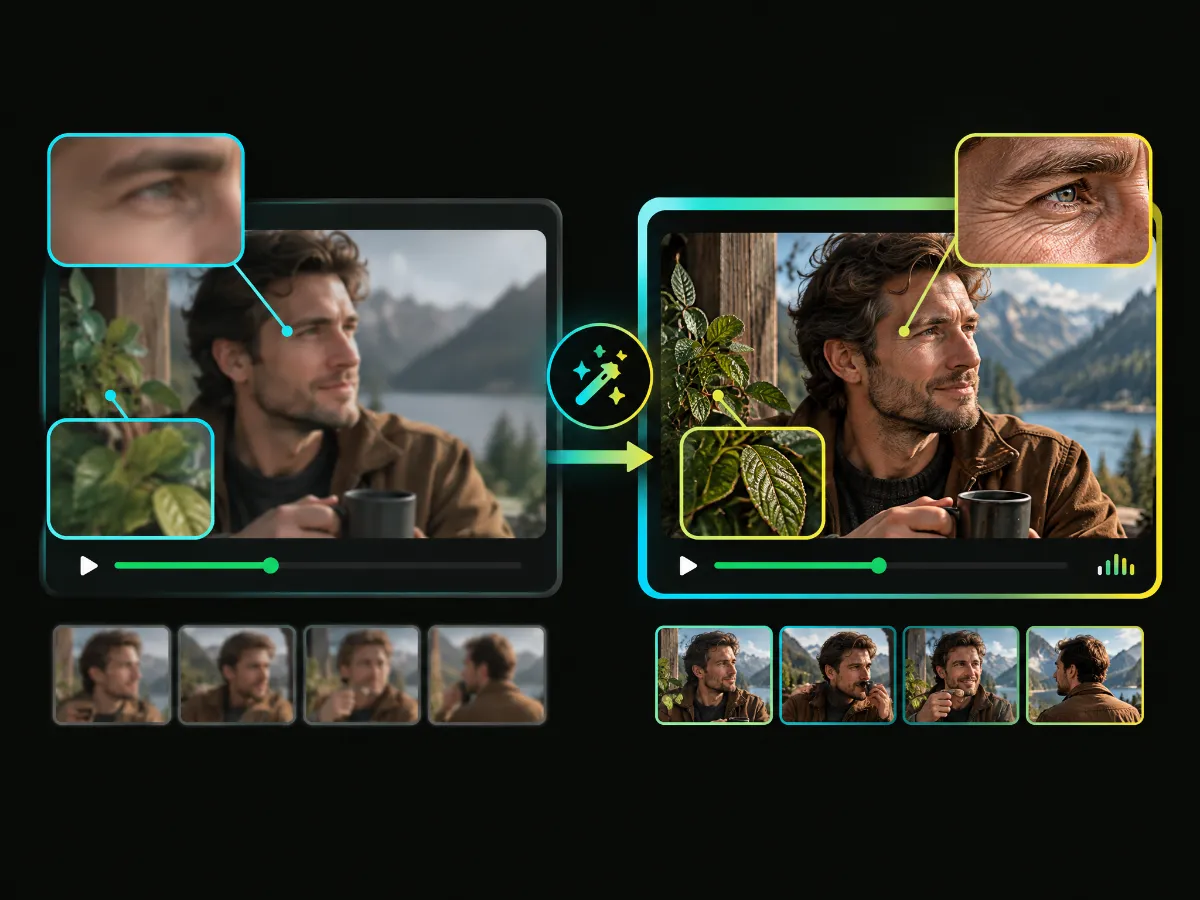
WayinVideo improves visual clarity while aiming to preserve the original appearance of your footage. From facial features and hair to text and fine textures, our AI is designed to enhance details without making them look overly smooth or artificial. The result is a cleaner, sharper look that stays close to the original scene.
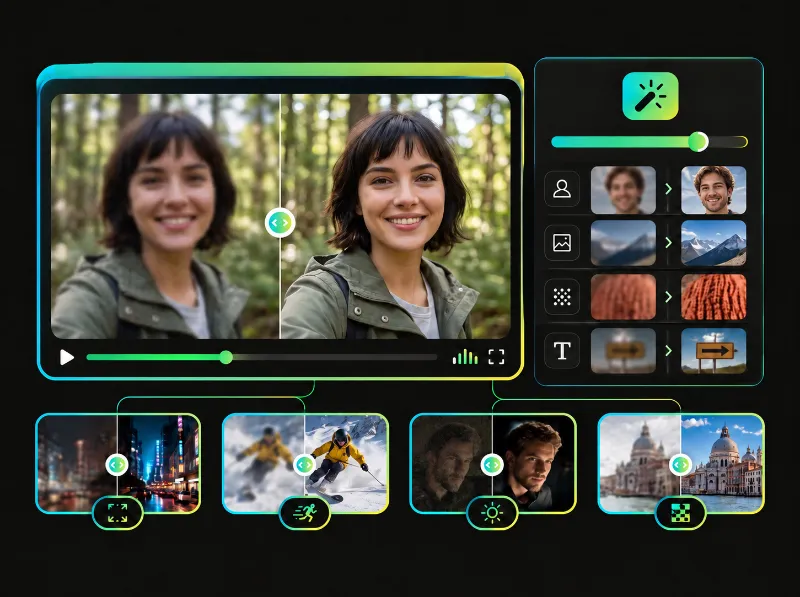
Low-quality videos don’t all look the same. Some appear blurry after being resized, while others lose detail through compression or become difficult to see on a larger screen. WayinVideo helps you unblur videos in a few clicks. Increase clarity, bring out visible details, and choose an output resolution that fits your project—all without complicated editing software.
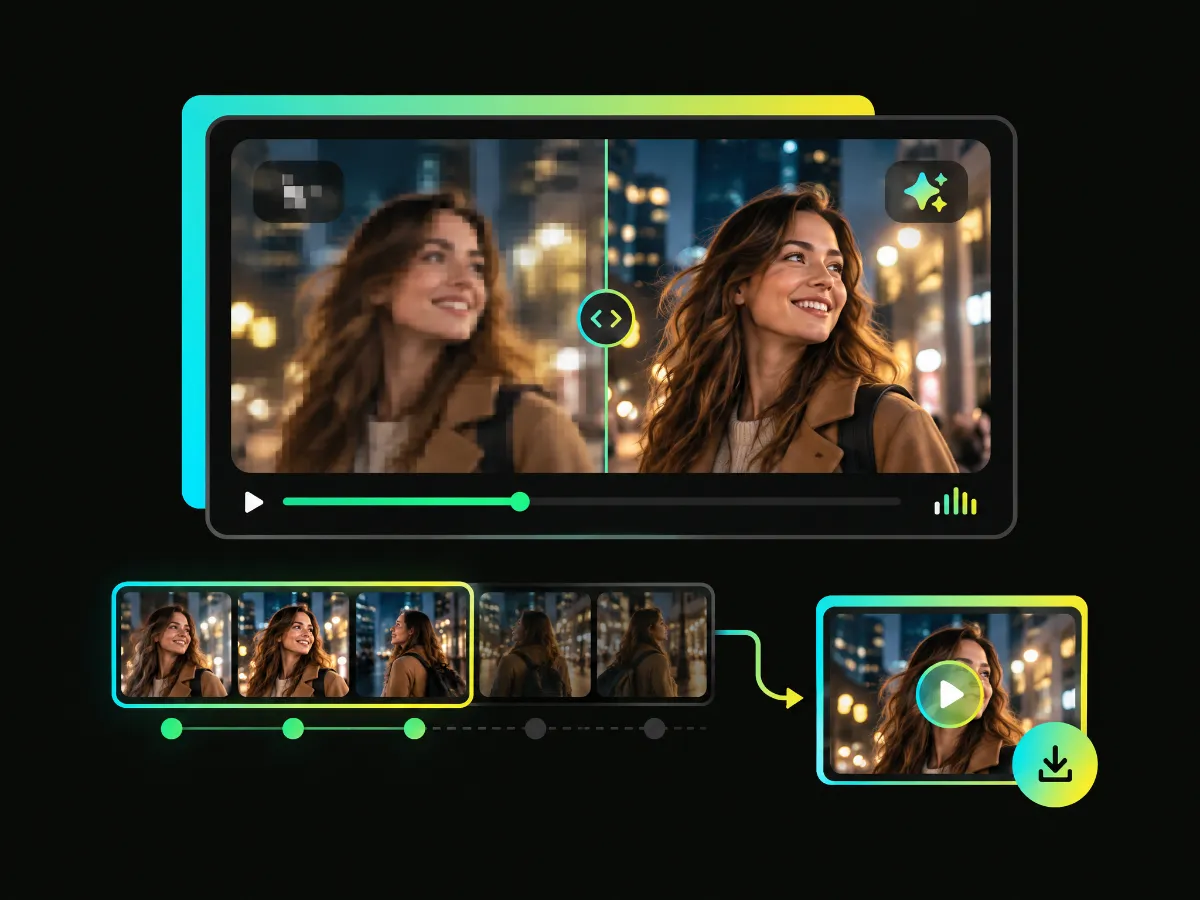
See what an AI video upscaler can do for your footage before deciding to process the full video. Try WayinVideo once without signing in and get a preview of the first three seconds. Your preview is watermark-free and available to download.
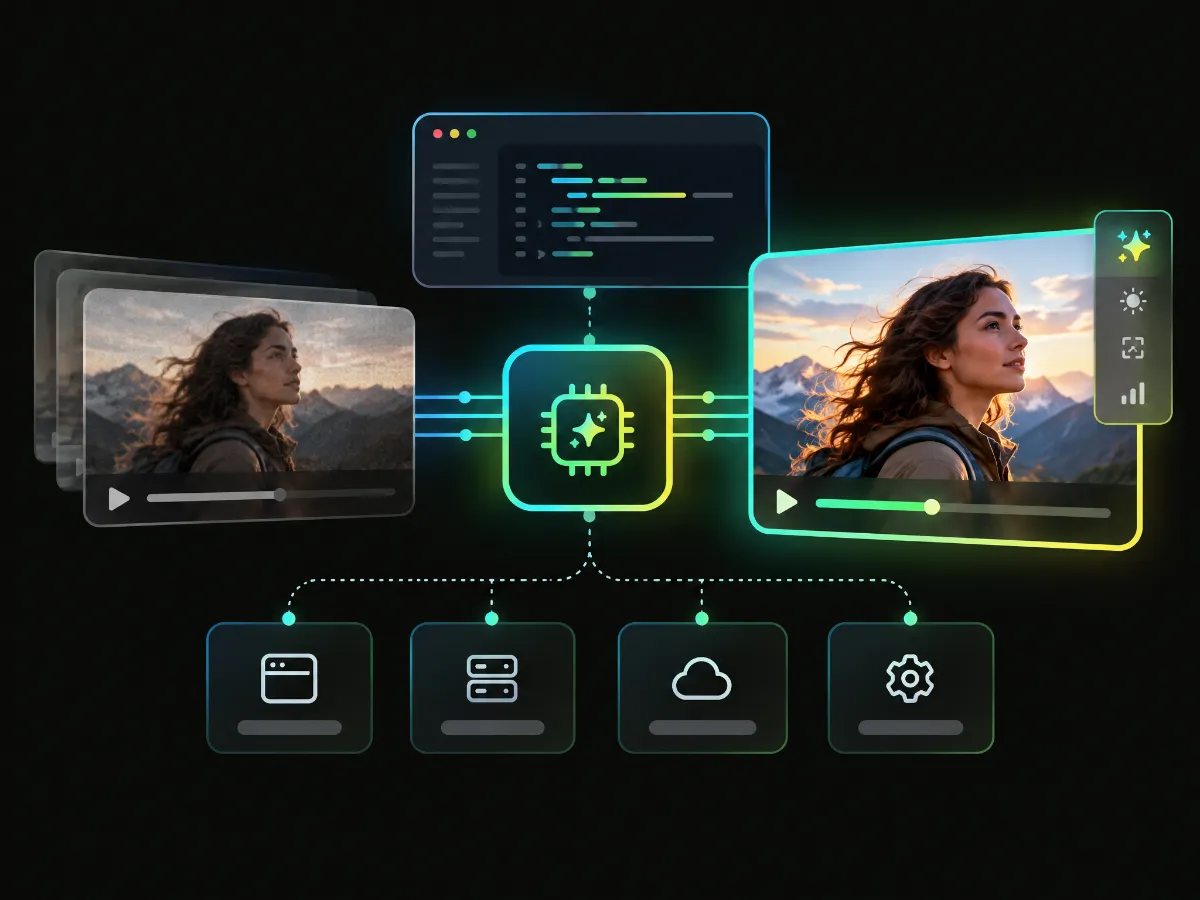
Build the video enhancement API into the tools and processes your team already uses. With the WayinVideo API, you can integrate AI-powered video enhancement into your application or production workflow.
Upload your video, choose your settings, and let our automatic video enhancer do the work. You don’t need advanced editing skills to get started.
Choose from 1080p, 2K, and 4K output options based on how you plan to use your video.
Enhance videos in your browser without downloading software or relying on a powerful local GPU. Start from a supported device and download your result when it’s ready.
Try a free preview without signing in. You can download the preview without a watermark and check the result for yourself.
Upload videos in MP4, MOV, WebM, or AVI format and enhance them online.
Your privacy is our priority. All of your data—including uploads, history, and records—can only be accessed by you.
Improve video quality for the projects and platforms that matter to you.
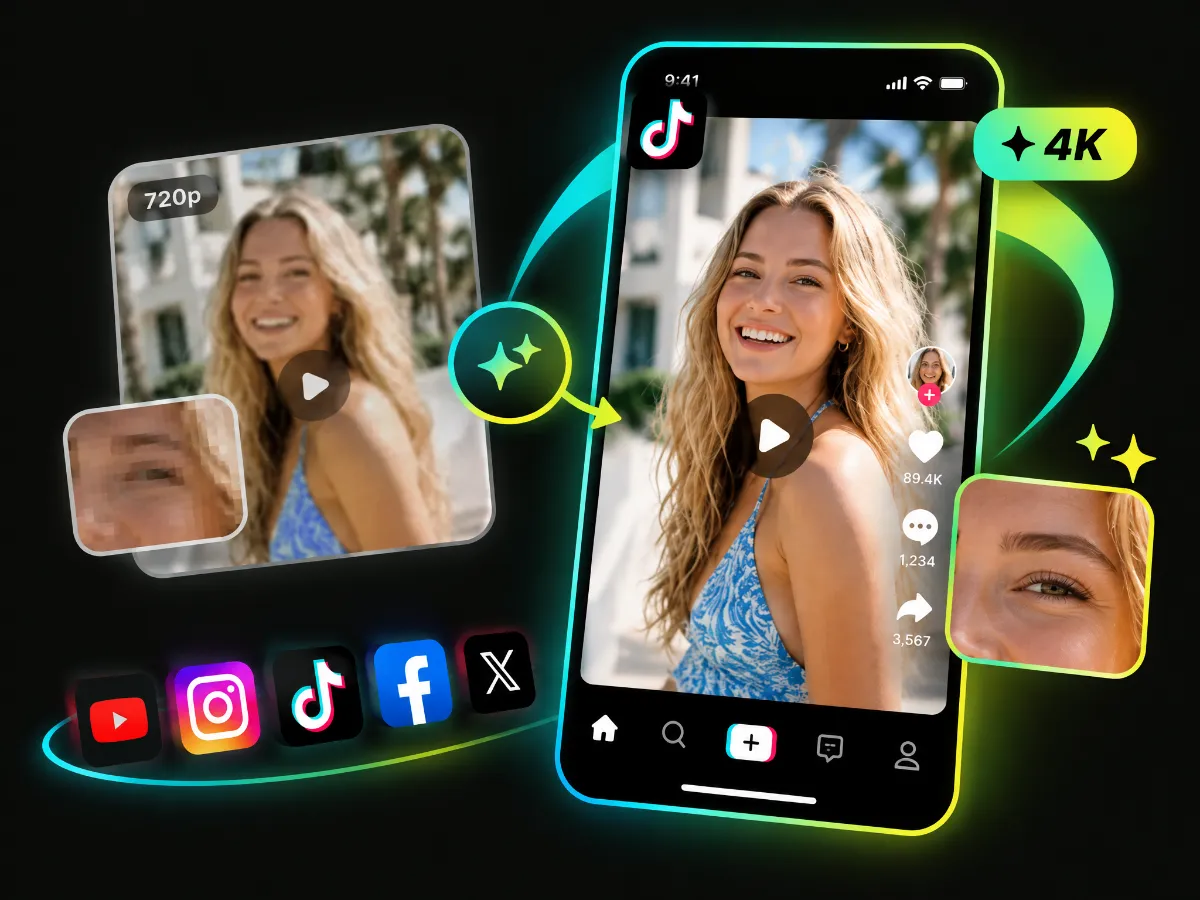
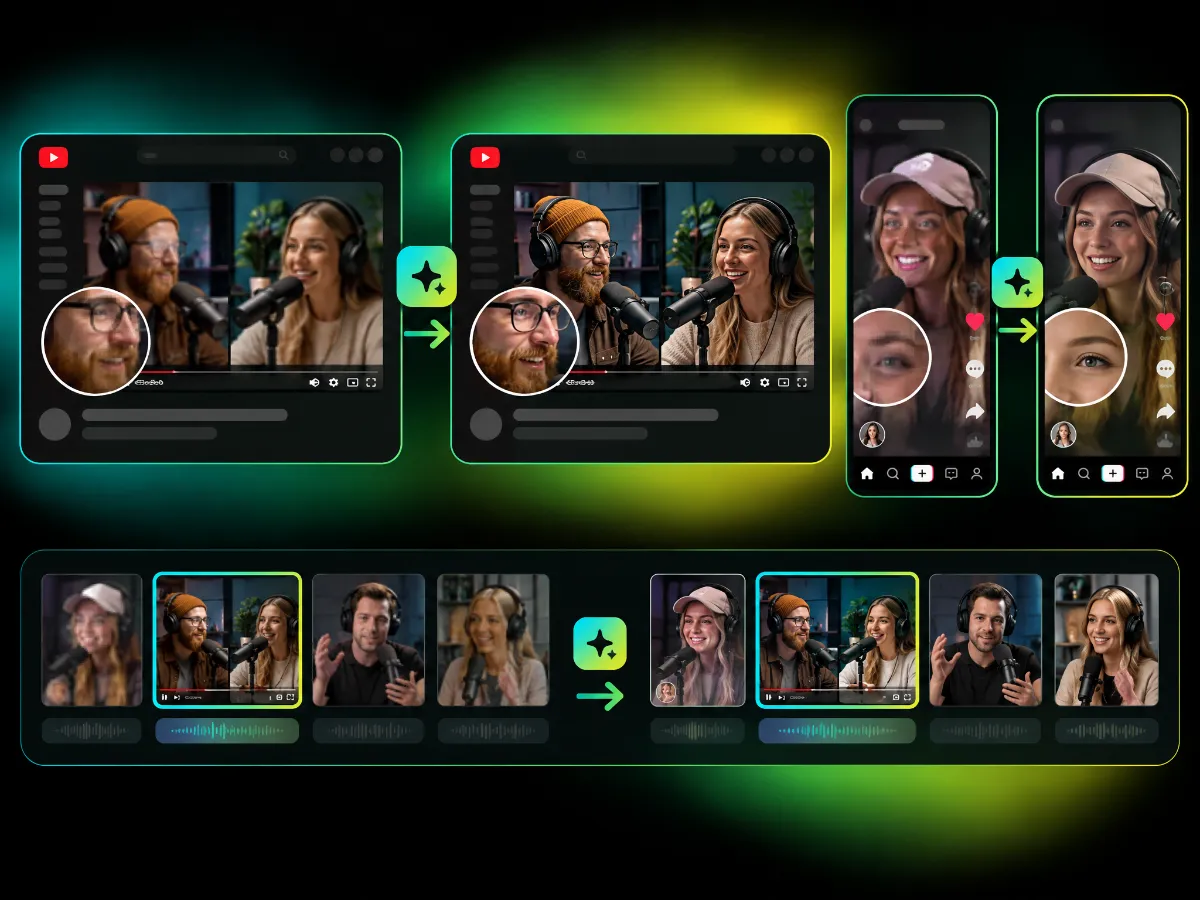
Videos can lose clarity after being downloaded, shared, compressed, or resized. Increase video resolution before repurposing it for TikTok, Instagram Reels, YouTube Shorts, and other social platforms.
Enhance Social VideosChoose the video you want to enhance and upload it to WayinVideo. Supported formats include MP4, MOV, WebM, and AVI.
Select your preferred output resolution, from 1080p to 2K or 4K. Choose the settings that suit your video and let WayinVideo handle the enhancement.
Preview the enhanced result and see how your video looks. You can download your free preview without a watermark or download the full video.
From old memories to your latest AI-generated clip, WayinVideo helps you enhance video quality online in just a few clicks. Upload your footage and see the difference with a free, watermark-free preview.