
AI-Generated B-Roll
Provide a text prompt and generate custom B-roll images in multiple styles—realistic, anime, minimal, and more. Unique visuals tailored to your content.
Paste a video link or upload your file and let AI automatically generate and add contextual B-roll footage. Enhance your videos with cinematic visuals that match your narrative—no manual editing, no stock subscriptions required.
Paste a link from YouTube, TikTok, Twitch, Vimeo, Facebook, Dailymotion (and more), or upload a video from your device. Our AI B-roll generator supports any video length and all major formats.
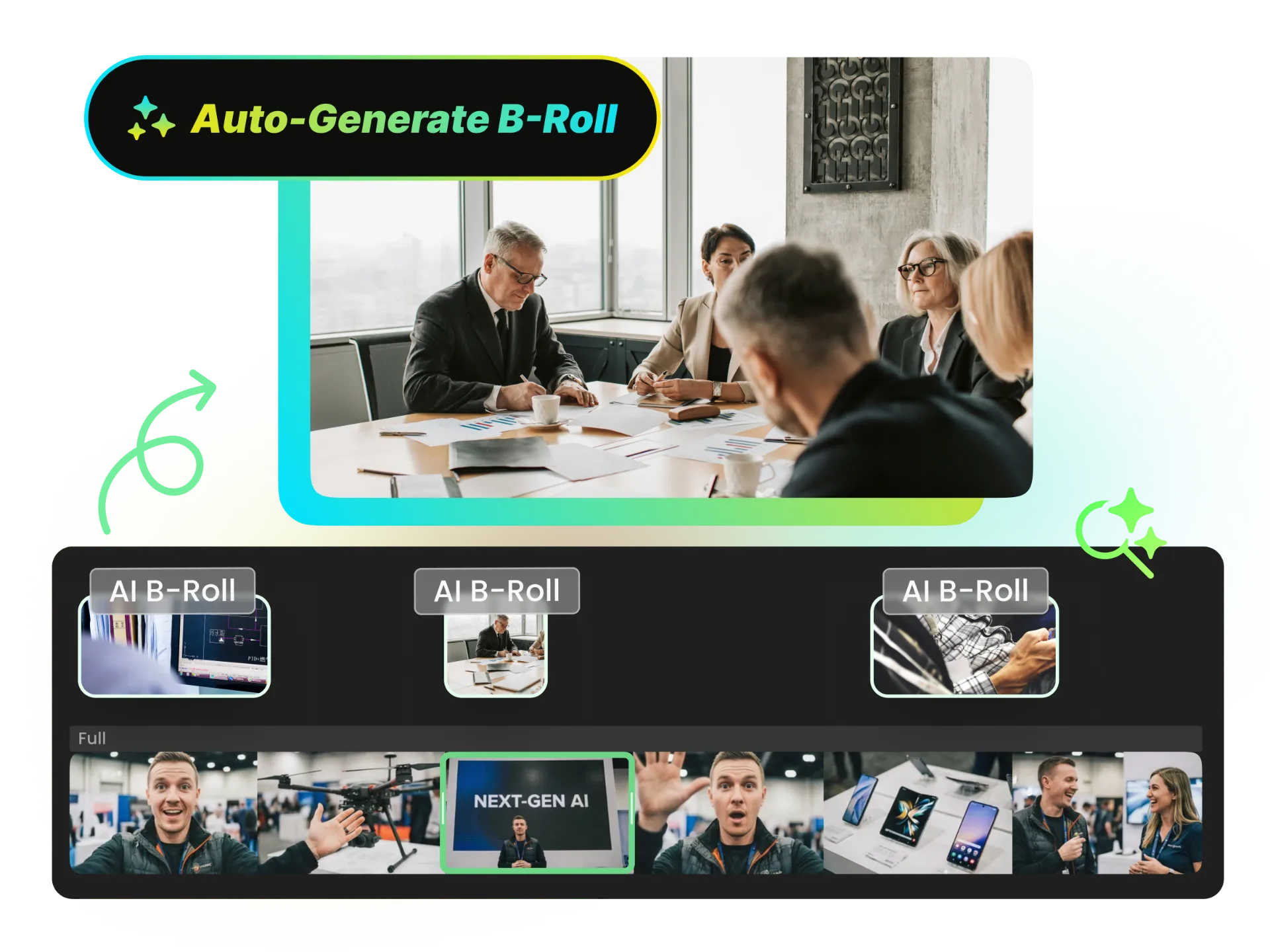
No need to scrub through footage or guess what B-roll to add. Paste your video link or upload a file, and our AI scans the entire content to identify key topics, visual moments, and narrative beats. It then automatically inserts multiple contextual B-roll clips at the right moments—turning dry explanations into engaging visual content.
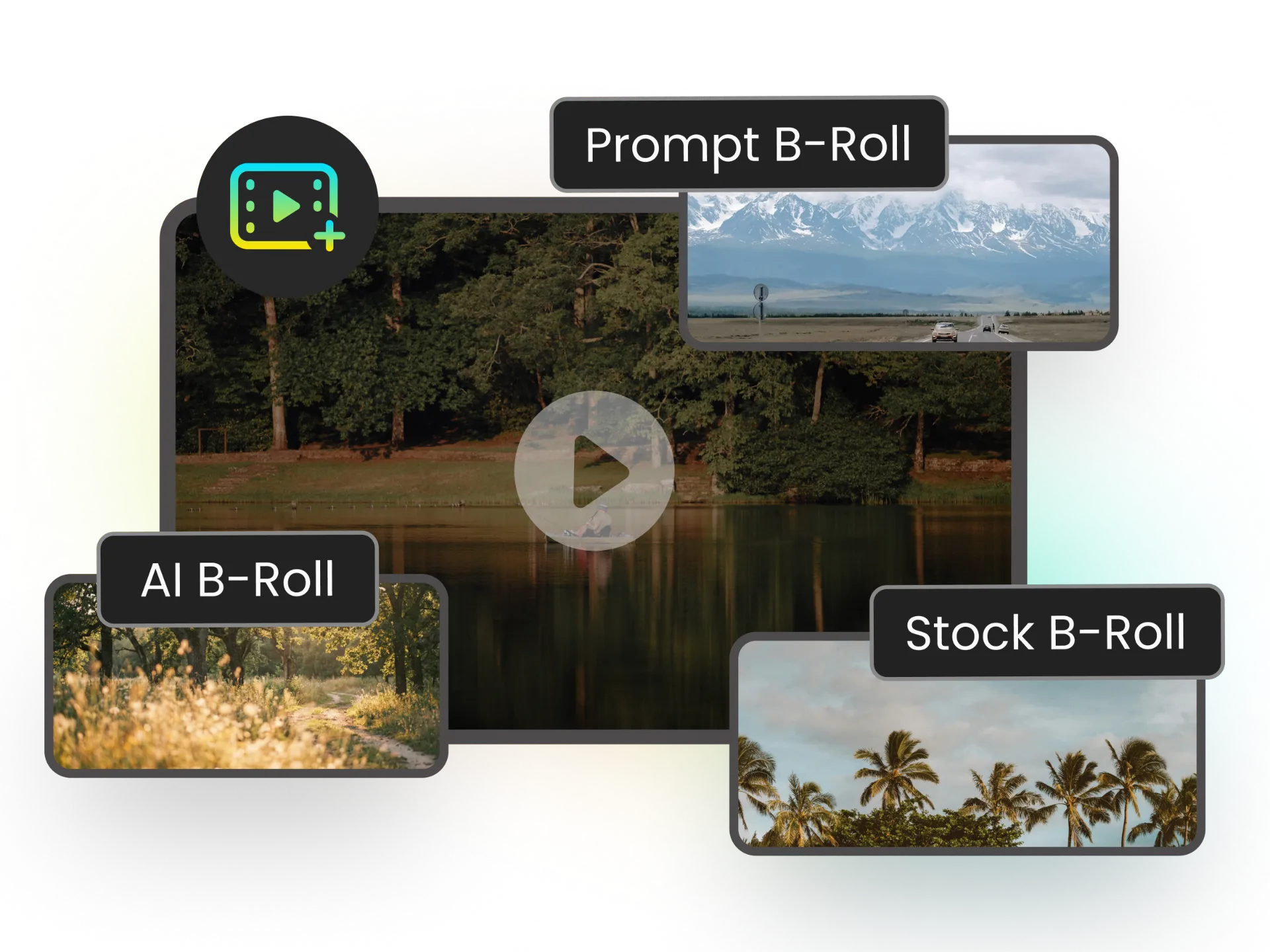
Need something specific? Provide a text prompt to generate a custom B-roll image—'aerial drone shot of modern office' or 'close-up of hands typing'. Or search from a stock video library to find the perfect footage. Combine AI-generated visuals with stock clips for seamless, professional results.
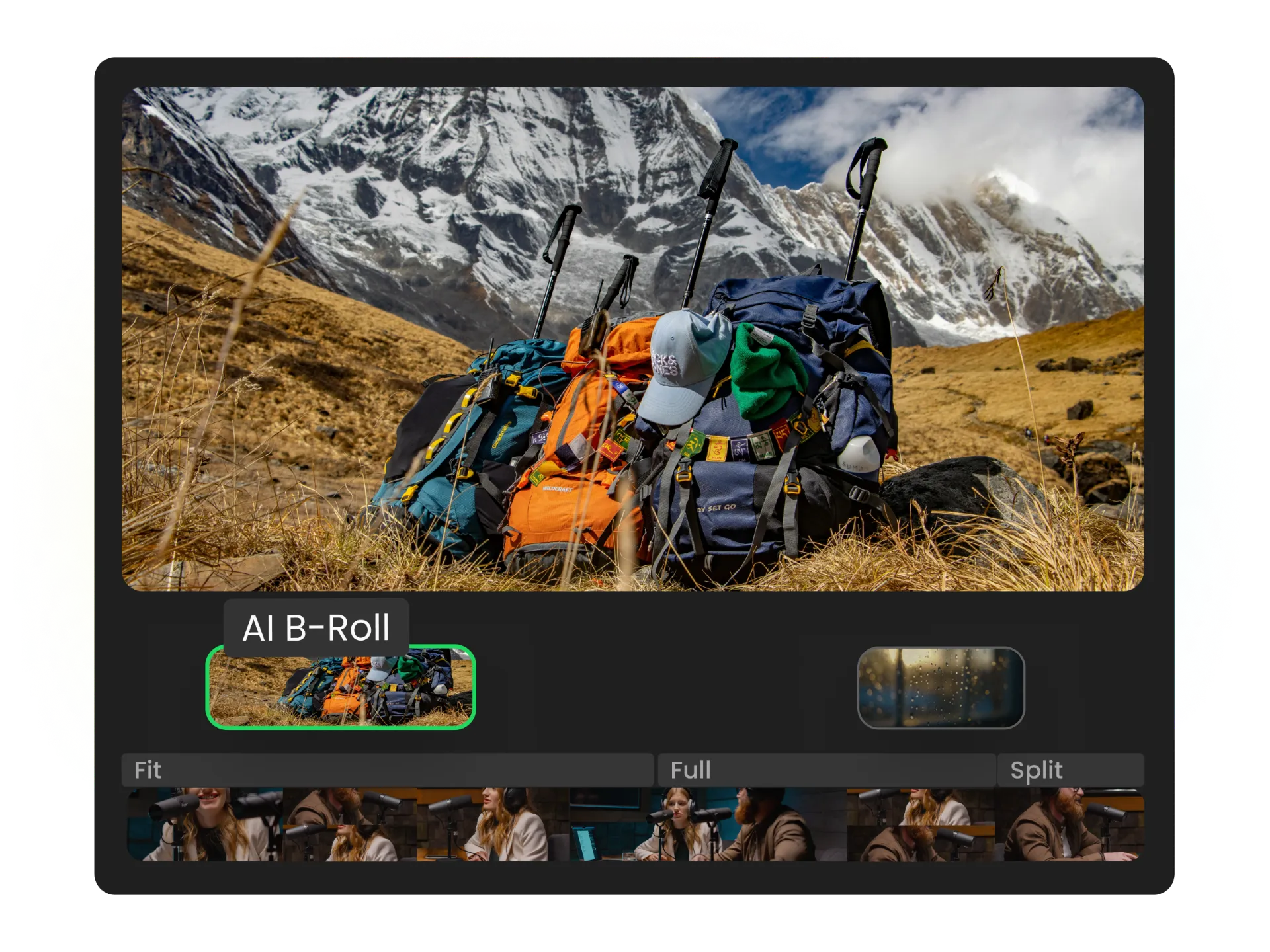
AI B-Roll isn't just generated—it's automatically placed at the right moments in your video. No manual dragging, no guessing timestamps. The AI understands your content flow and inserts B-roll where it makes the most impact. Your video stays polished and professional.
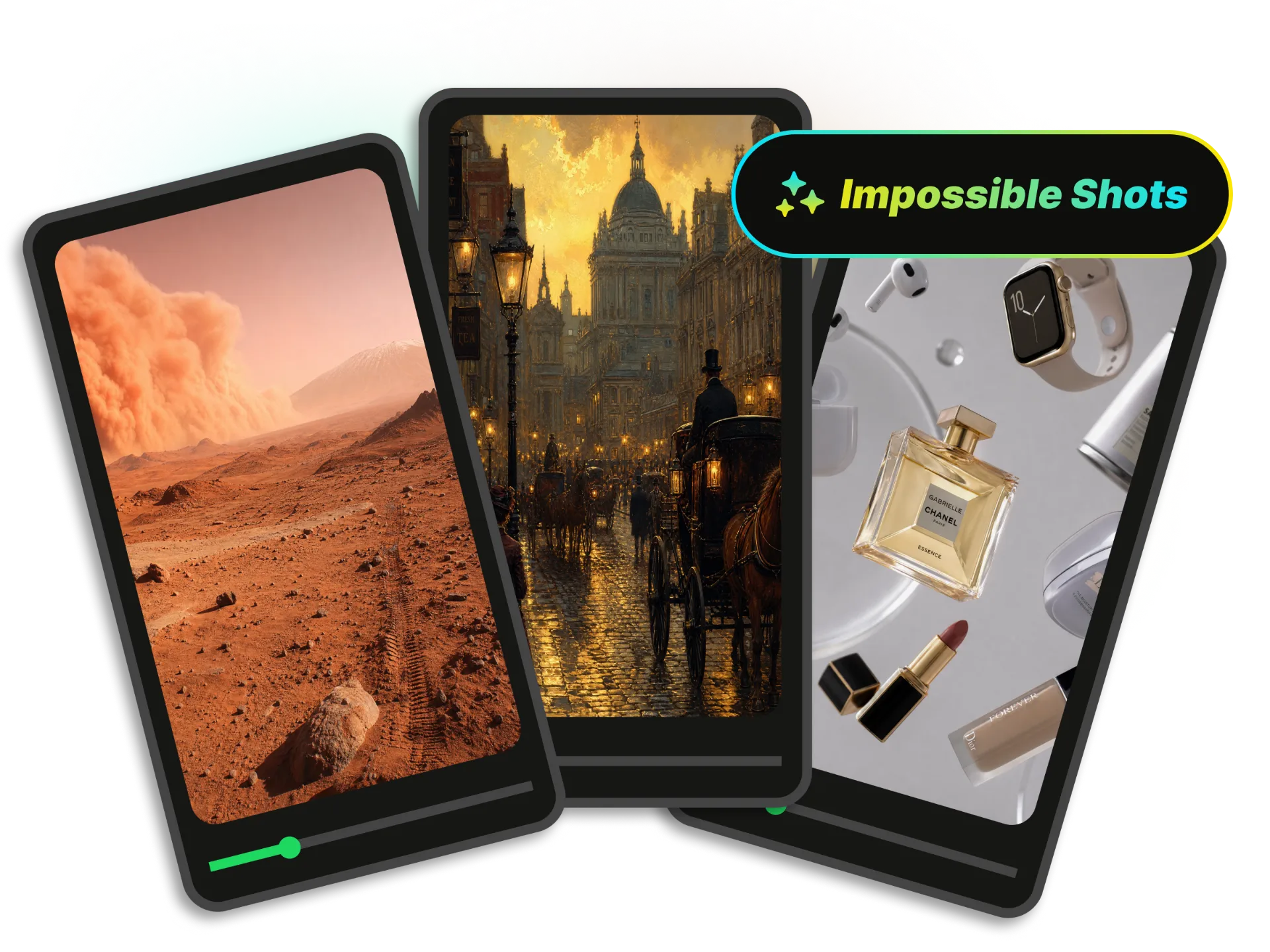
Need footage of Mars from the surface? A 19th-century street scene? Product floating in zero gravity? AI B-roll makes the impossible affordable. Create visuals that would cost thousands to film—or are literally impossible to capture—at a fraction of the cost.
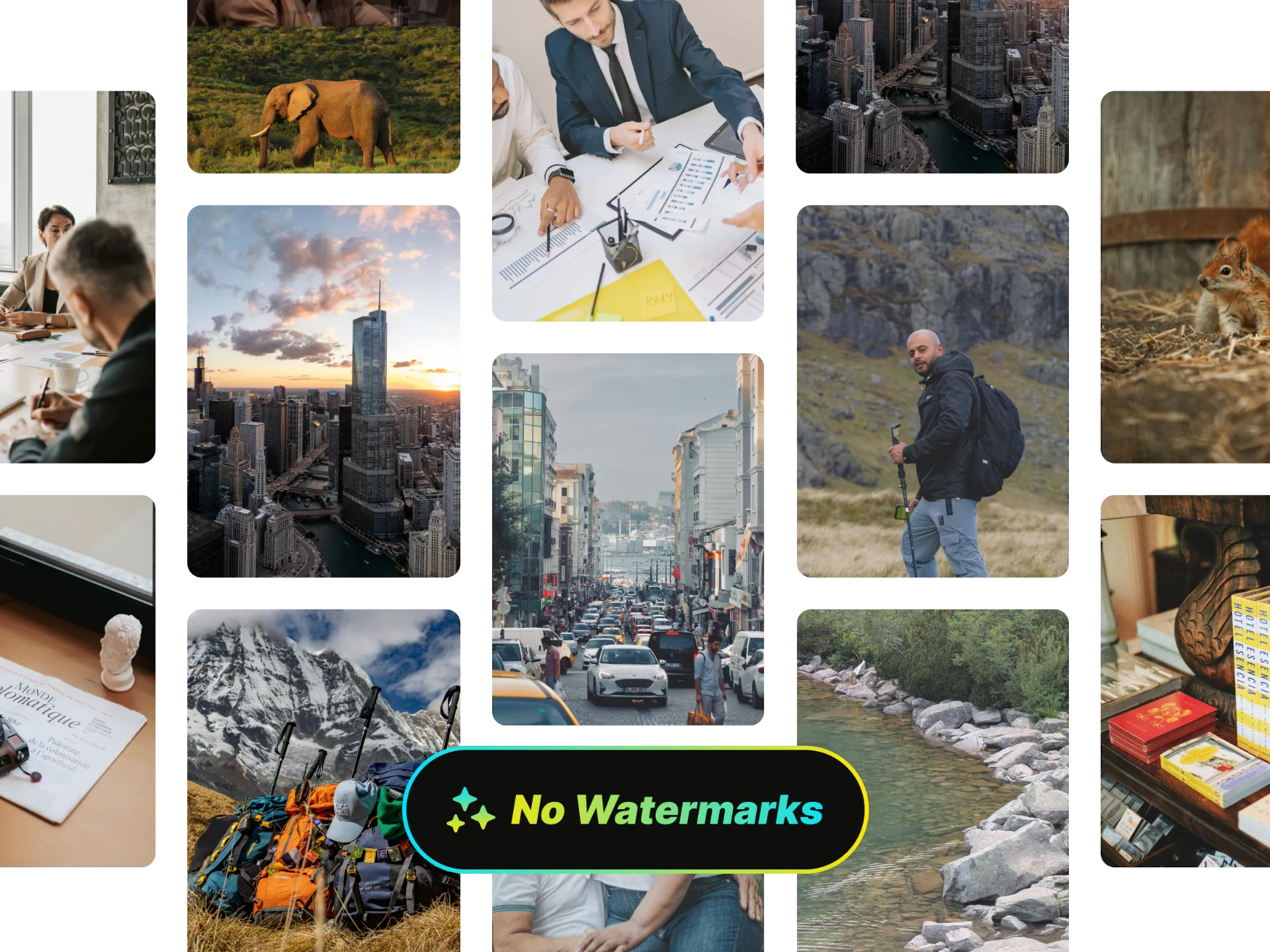
Your AI B-roll is 100% yours. Use it in client projects, ads, monetized YouTube videos, or commercial campaigns without watermarks or attribution requirements. Royalty-free means actually free to use—no fine print.
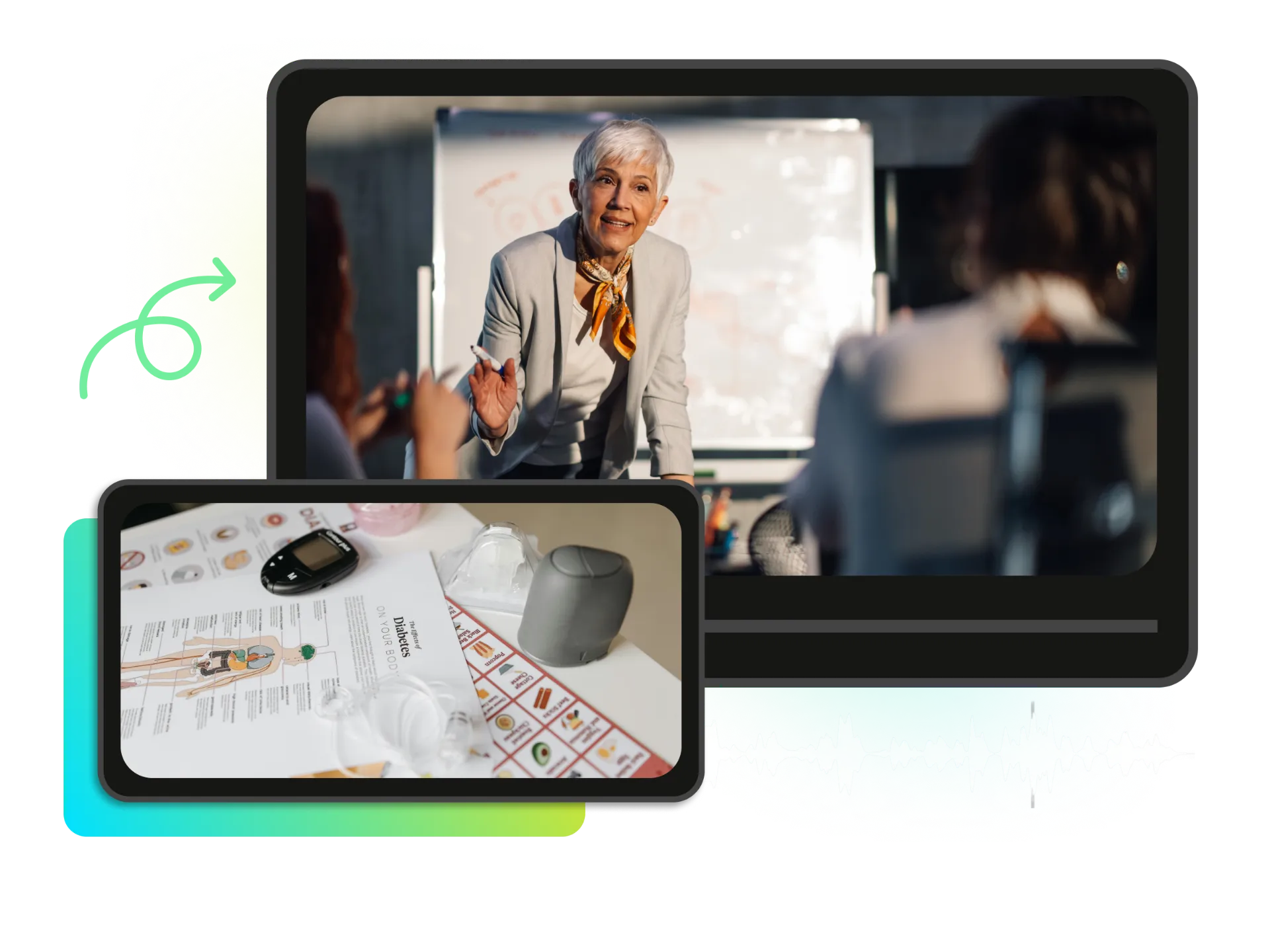
Whether you're editing a podcast, creating tutorials, or producing marketing content—AI B-roll automatically enhances your videos with contextual visuals. No crew, no camera, no stock subscriptions needed.
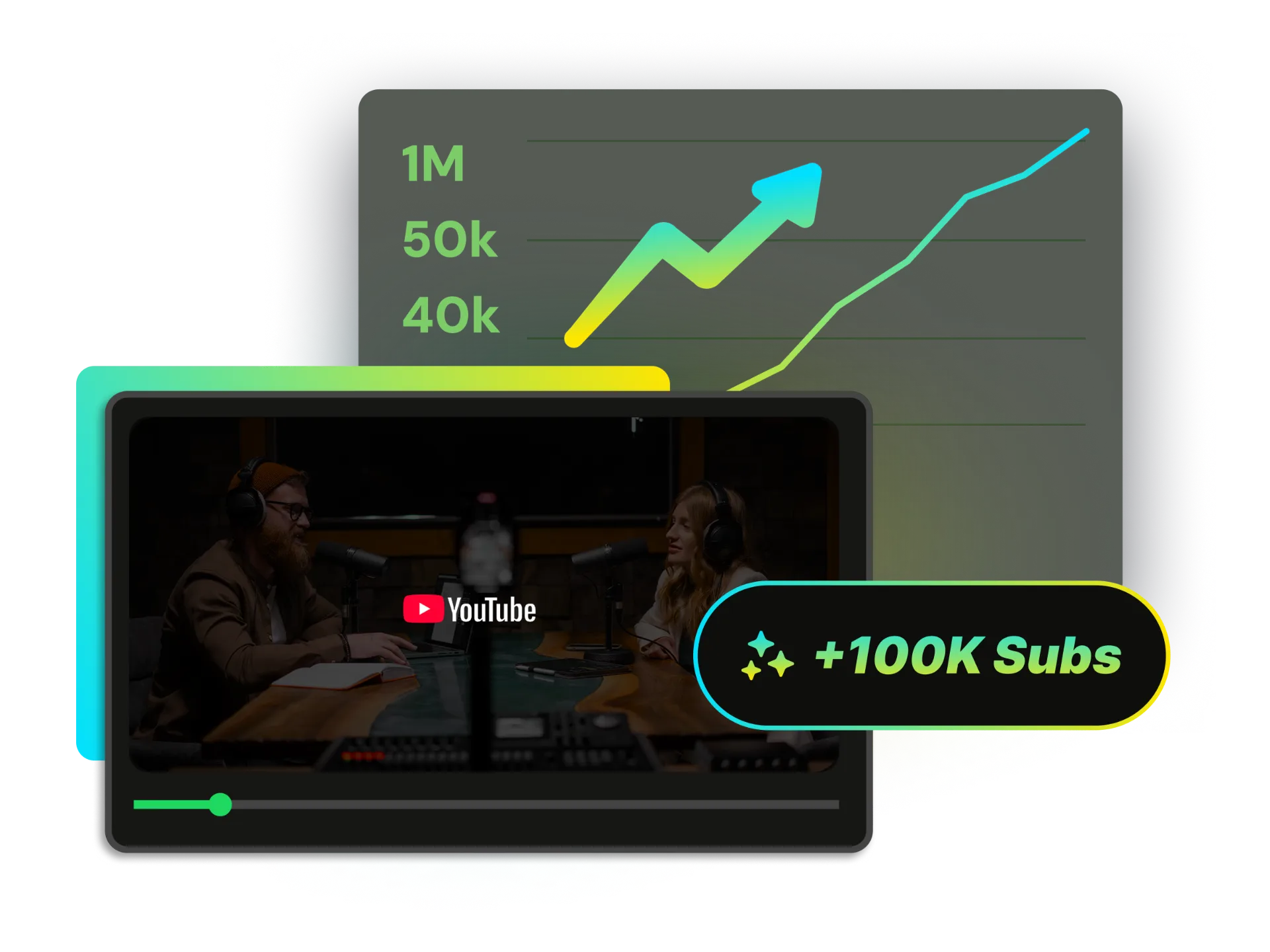
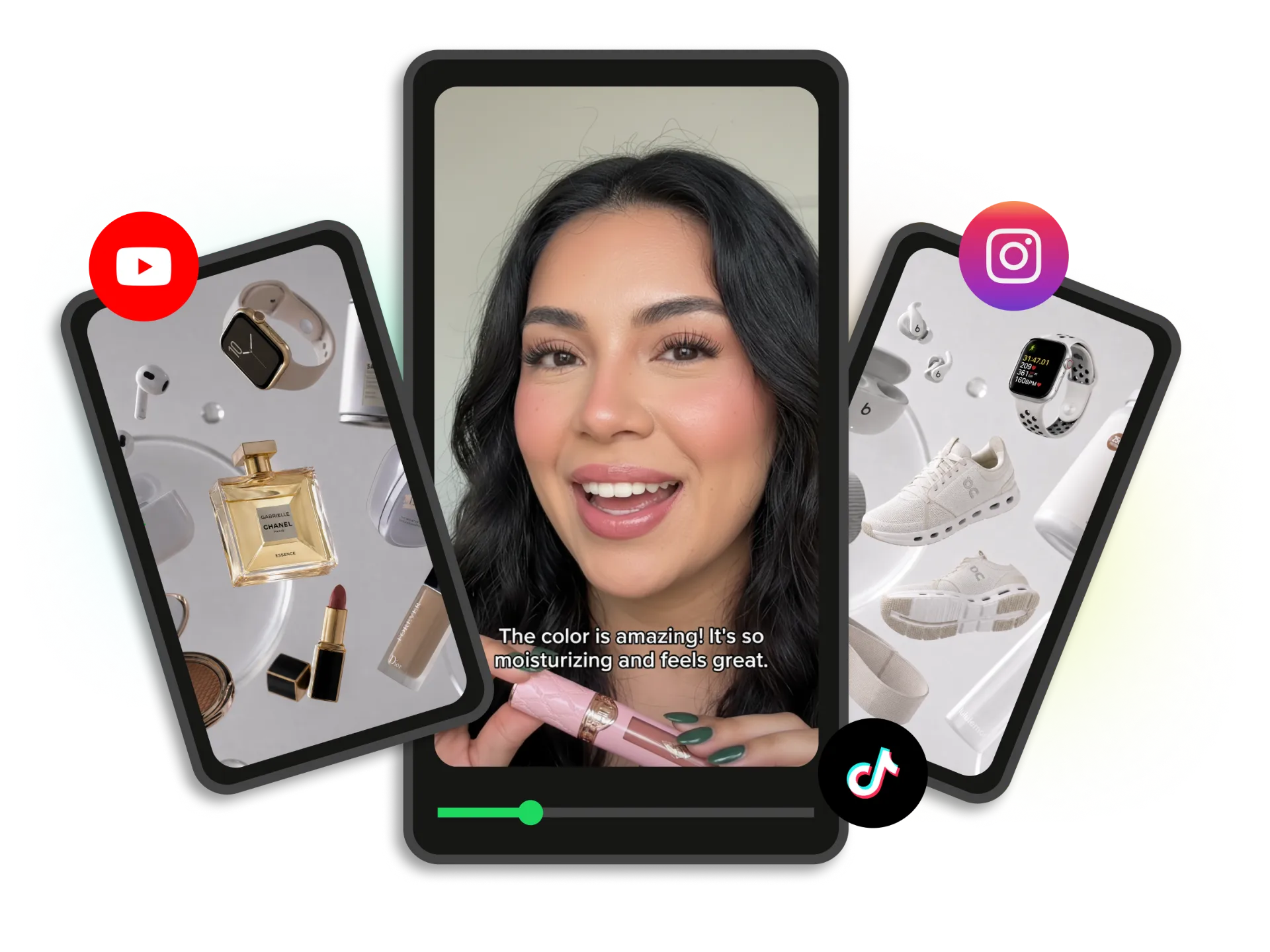
Talking-head videos lose viewers fast. Paste your video link and let AI automatically insert dynamic B-roll that matches your narration—product shots, location footage, abstract visuals—so your audience stays glued to the screen from intro to outro.
Enhance My ContentProvide a text prompt and generate custom B-roll images in multiple styles—realistic, anime, minimal, and more. Unique visuals tailored to your content.
Search from a vast stock video library to find the perfect footage for any scene. Real-world clips that match your video's context.
Our AI scans your entire video—transcript, visuals, and narrative flow—to identify the best moments for B-roll insertion.
One click, multiple B-roll clips inserted at key moments. No manual dragging, no guessing timestamps.
Your B-roll is 100% yours. No watermarks, no attribution required. Use freely in client projects, ads, and monetized content.
Paste links from YouTube, TikTok, Twitch, Vimeo, Facebook, Dailymotion, or upload MP4/MOV files. Works with any video length.
Stop searching stock libraries. Paste your video link or upload a file and let AI automatically generate and add contextual B-roll. Sign up to receive 100 free credits—no watermarks or attribution required.