
AI Summarizer
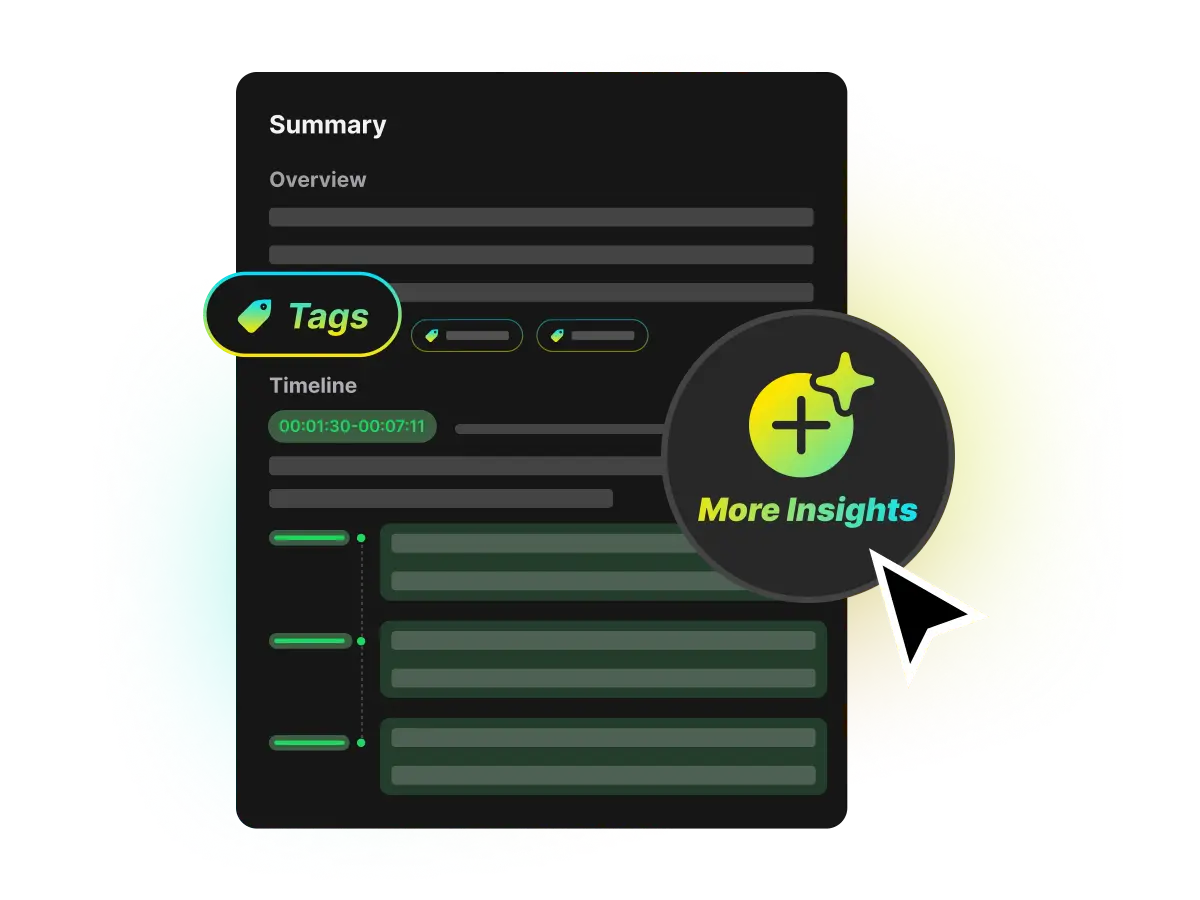
Summarize video and get the main ideas first. WayinVideo AI distills long videos into a concise, source-grounded overview with clear sections, key points, and timestamps for fast review.
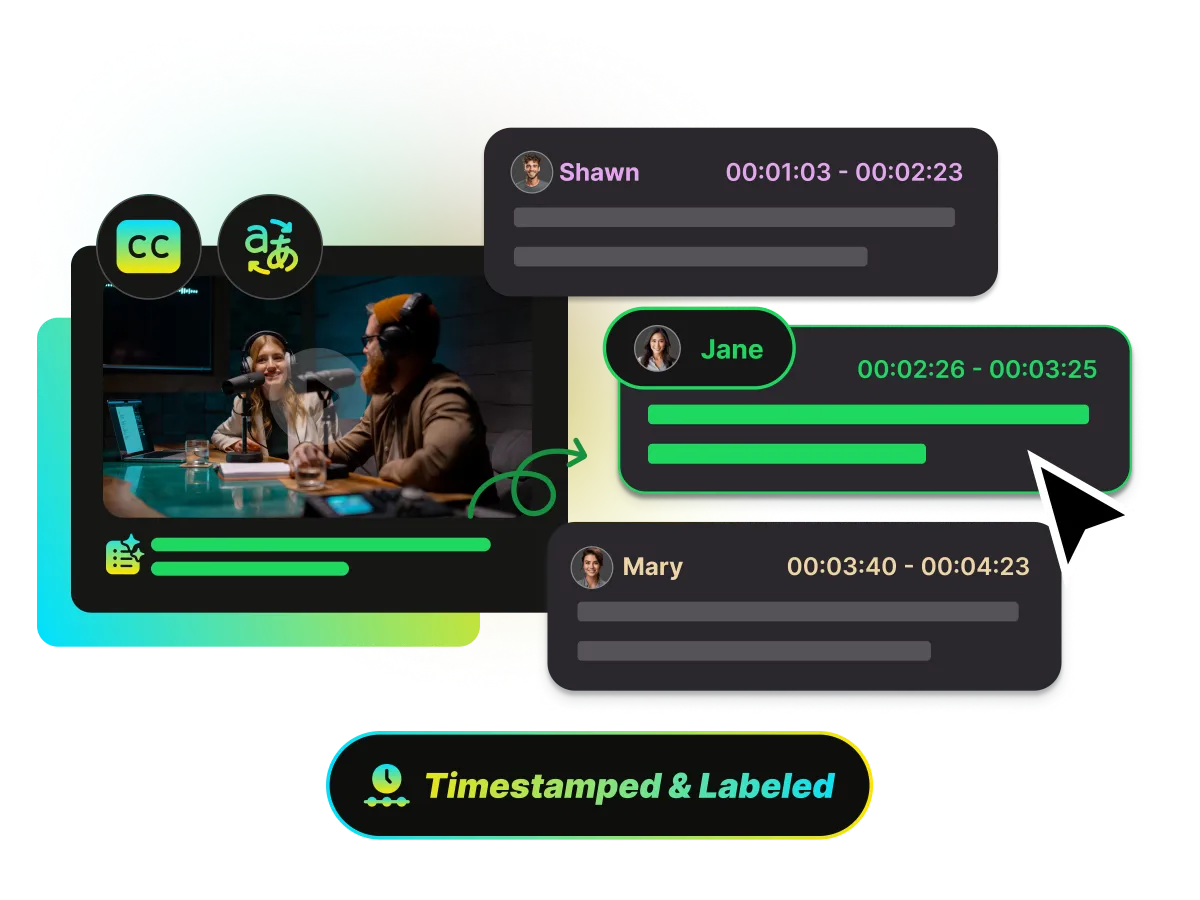
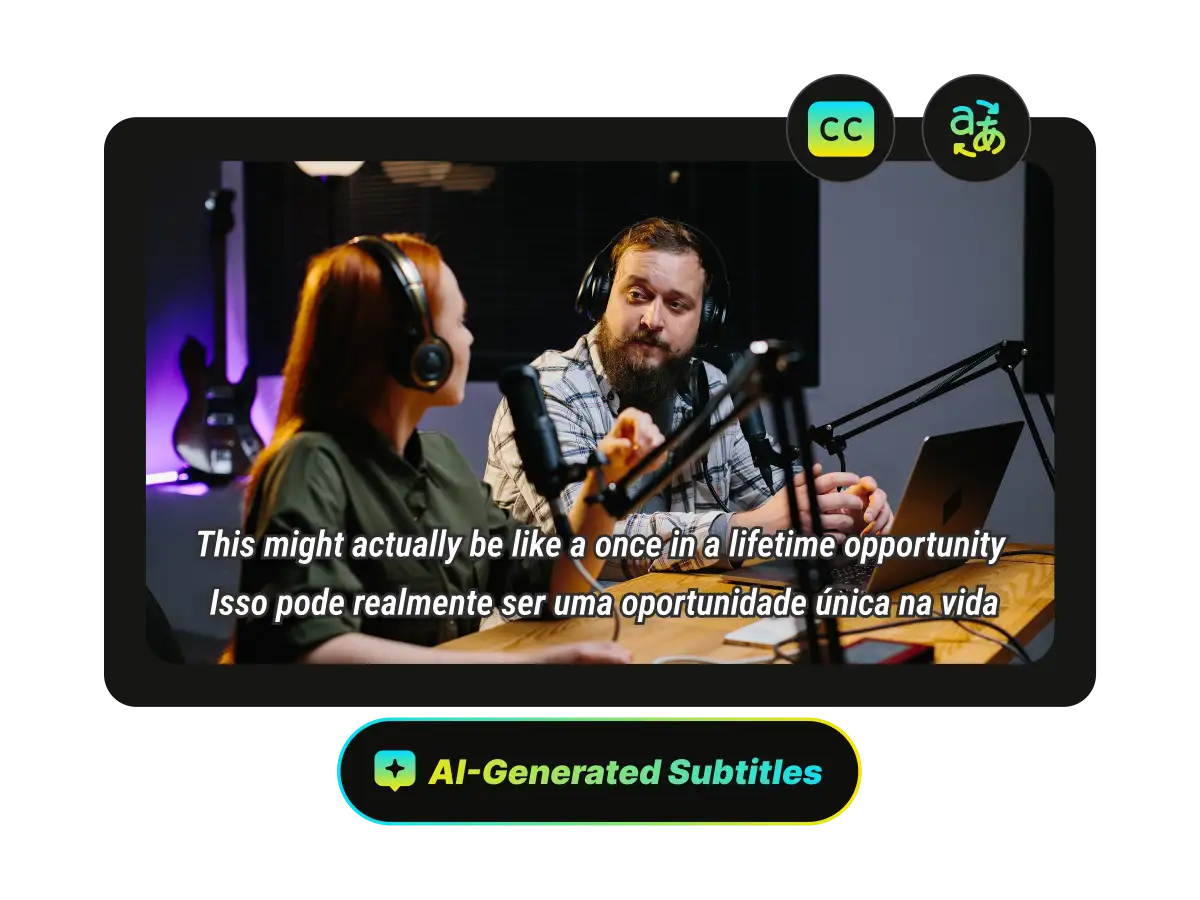
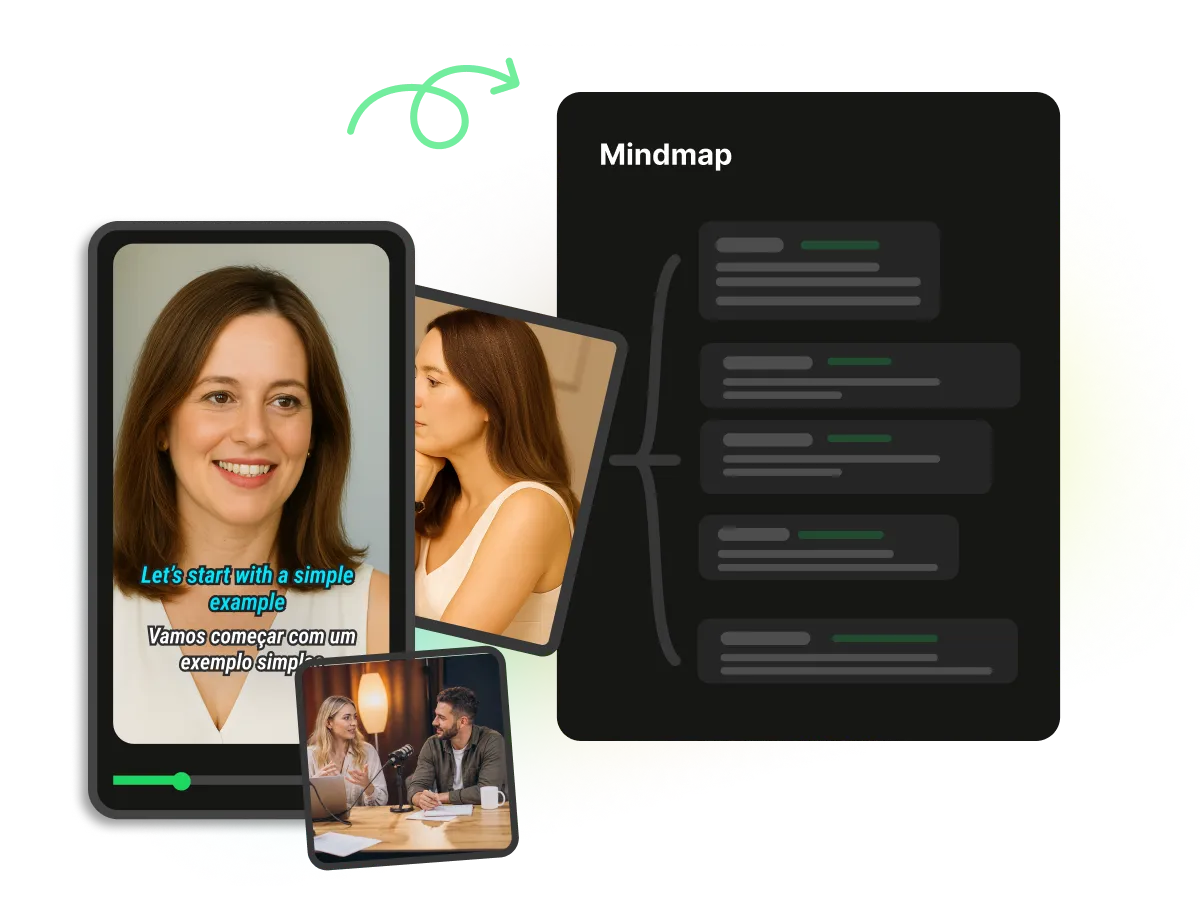
Turn lectures, interviews, podcasts, meetings, and tutorials into clear, editable notes with one AI workflow. Get a summary, transcript, subtitles, key moments, chapters, a mind map, and AI chat—then shape the result into notes you can keep. Supports over 100 languages.
Trusted by professionals at












Summarize video and get the main ideas first. WayinVideo AI distills long videos into a concise, source-grounded overview with clear sections, key points, and timestamps for fast review.
Summarize video and get the main ideas first. WayinVideo AI distills long videos into a concise, source-grounded overview with clear sections, key points, and timestamps for fast review.
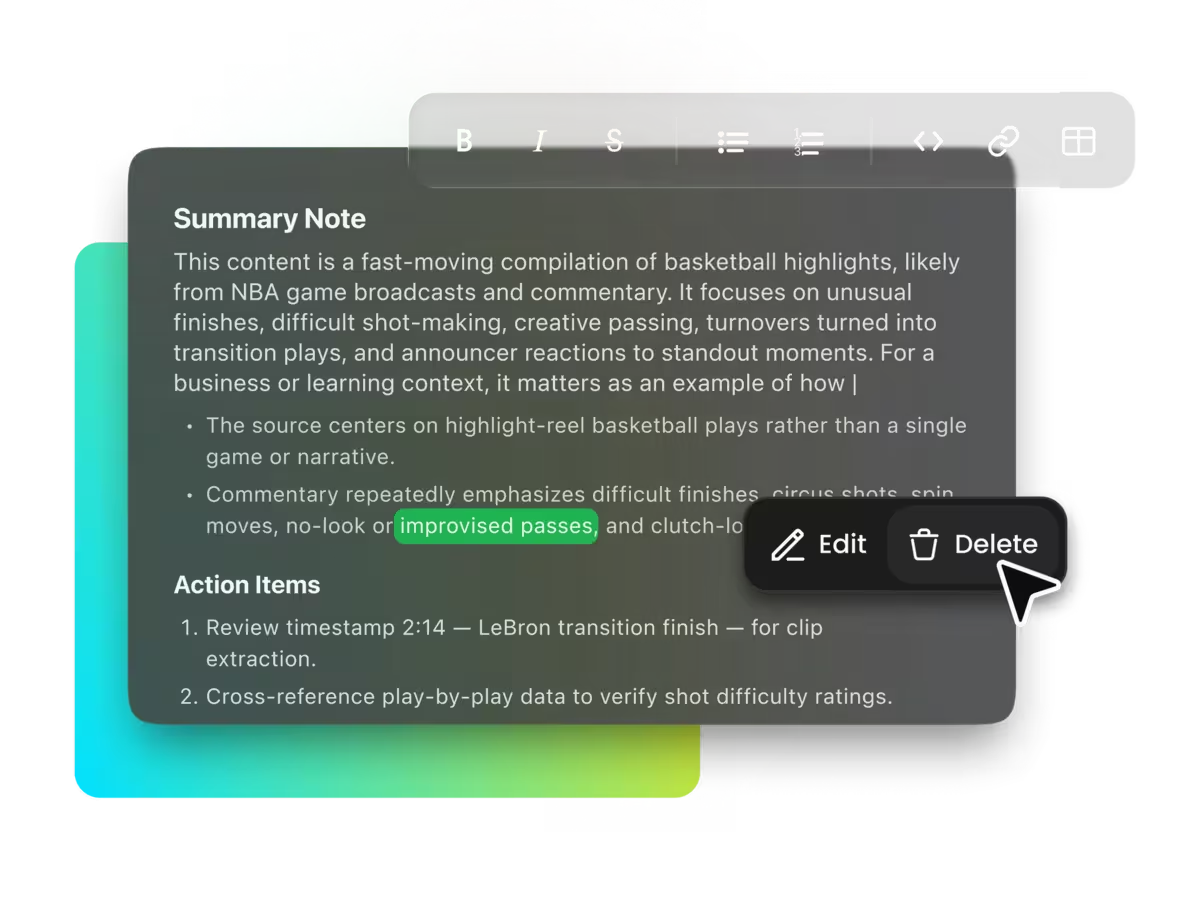
AI gives you a strong first draft, but your note is yours. Rewrite headings, remove noise, add context, and freely adjust the summary so the final document matches your workflow. Use a repeatable summary template for lectures, research, meetings, or content reviews.
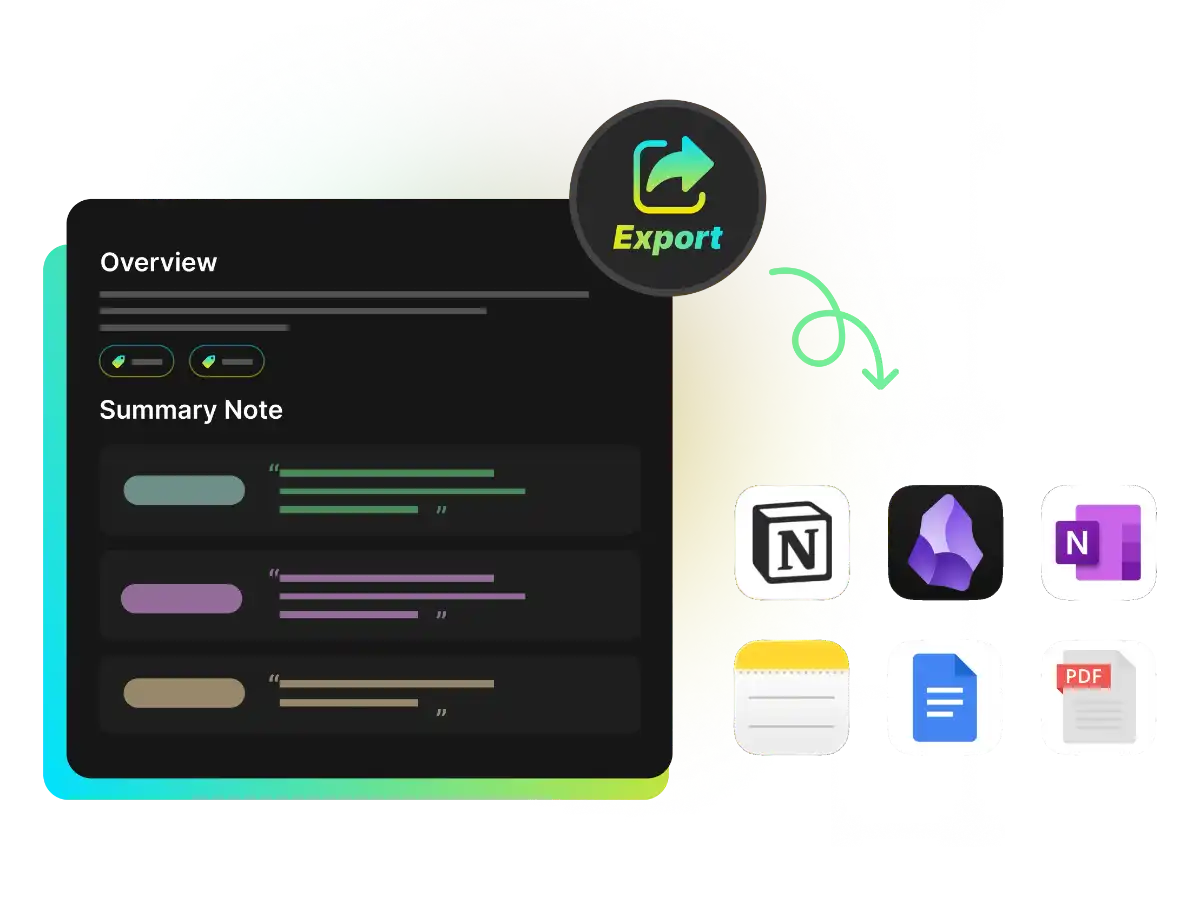
Once your note is ready, move it into your knowledge system in a format you can keep using. Export structured summaries, chapters, transcript highlights, and timestamps to Notion or Obsidian in one click for review, linking, and long-term reference.
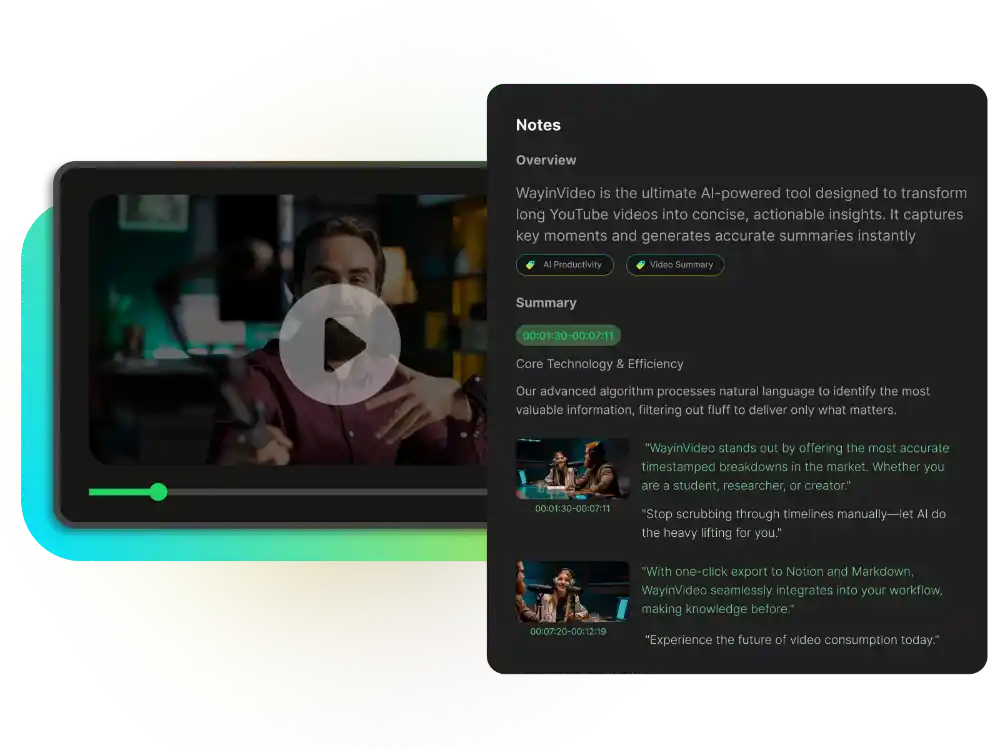
Turn your AI-generated summary into a richer, easier-to-scan note with text, images, timestamps, and structured sections. Keep important visual context close to each idea, add your own explanations, and build a clearer reference for lectures, tutorials, interviews, and research videos.
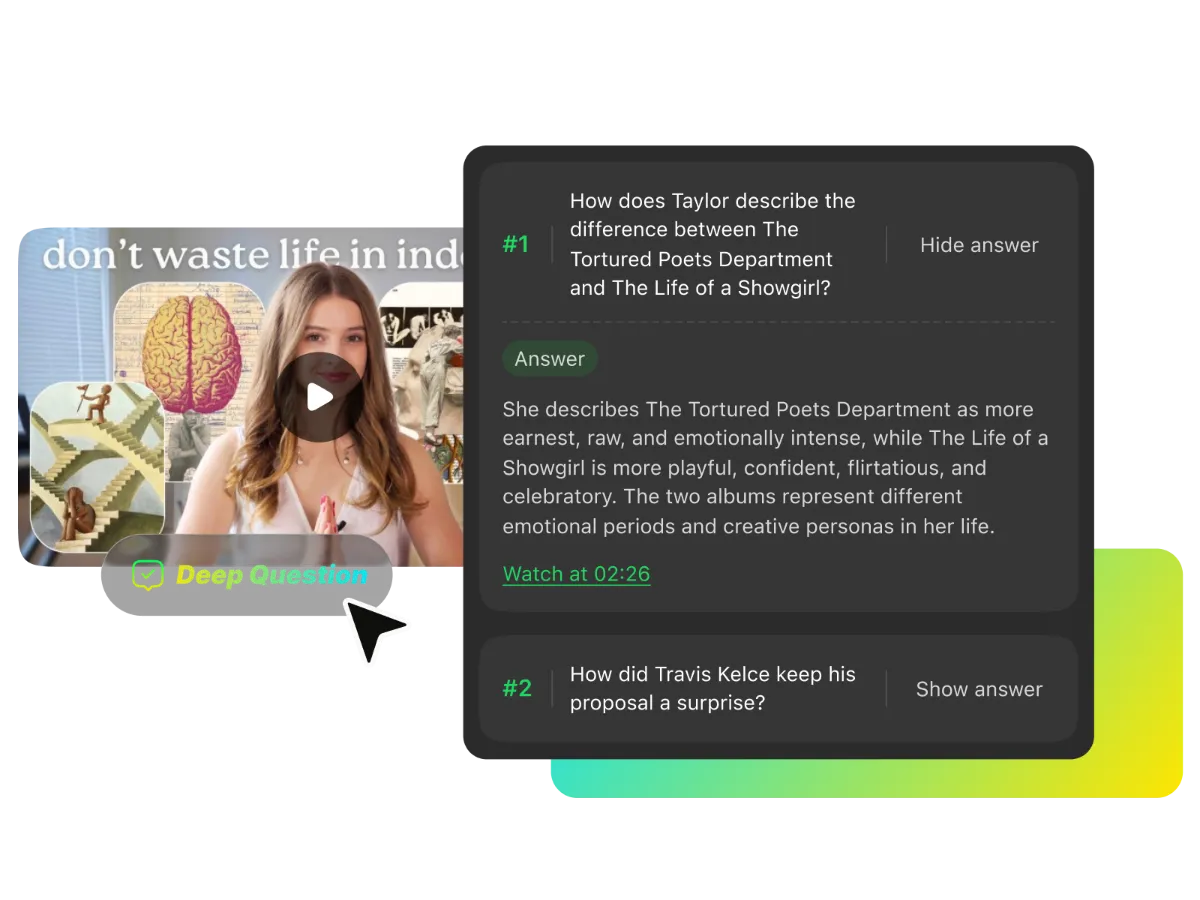
Go beyond passive reading with five AI-generated questions based on your video. Think through each question first, then expand the answer to check your understanding, reinforce the main ideas, and spot details worth revisiting.
Move from a video link to a complete, structured note without switching between separate transcription, summary, and mind map tools.
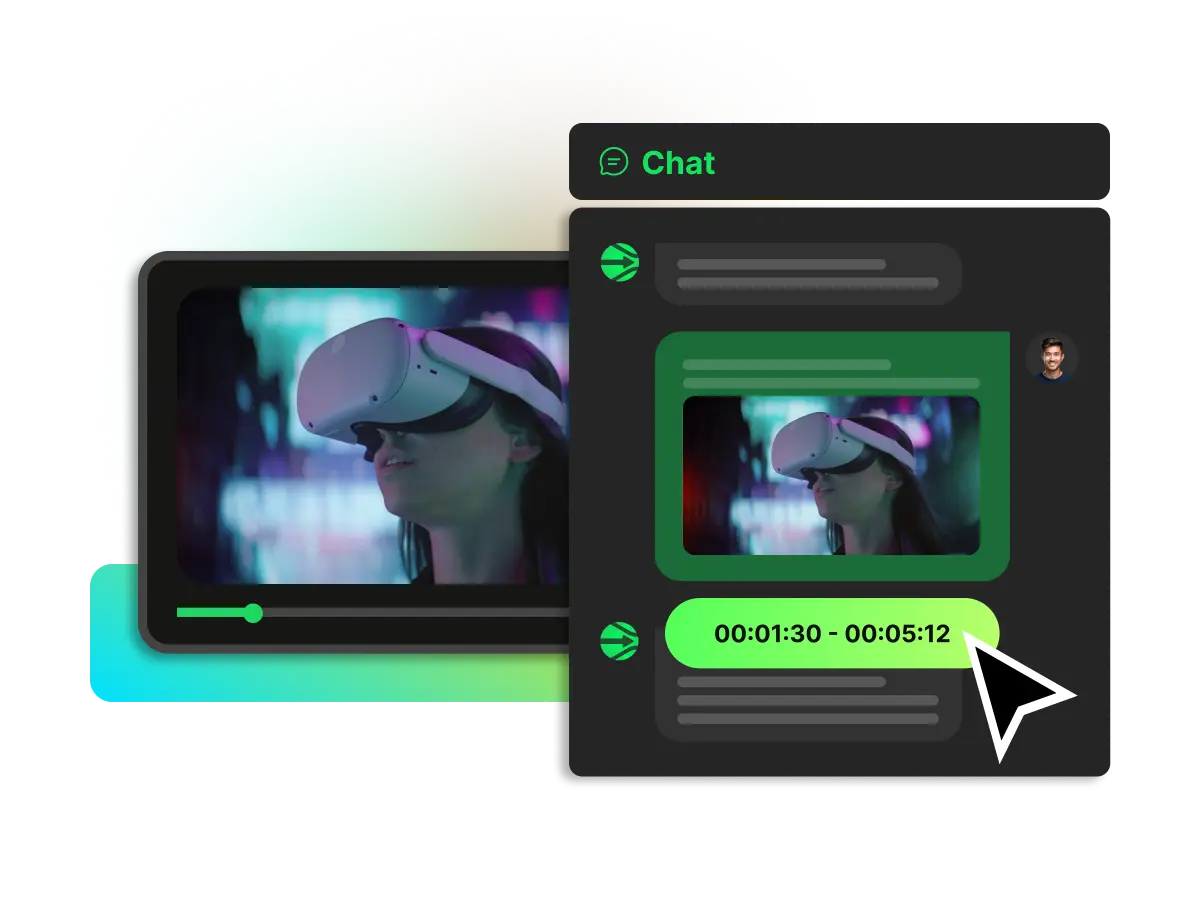
Keep key points connected to the video context with timestamps, searchable text, and answers you can verify against the original content.
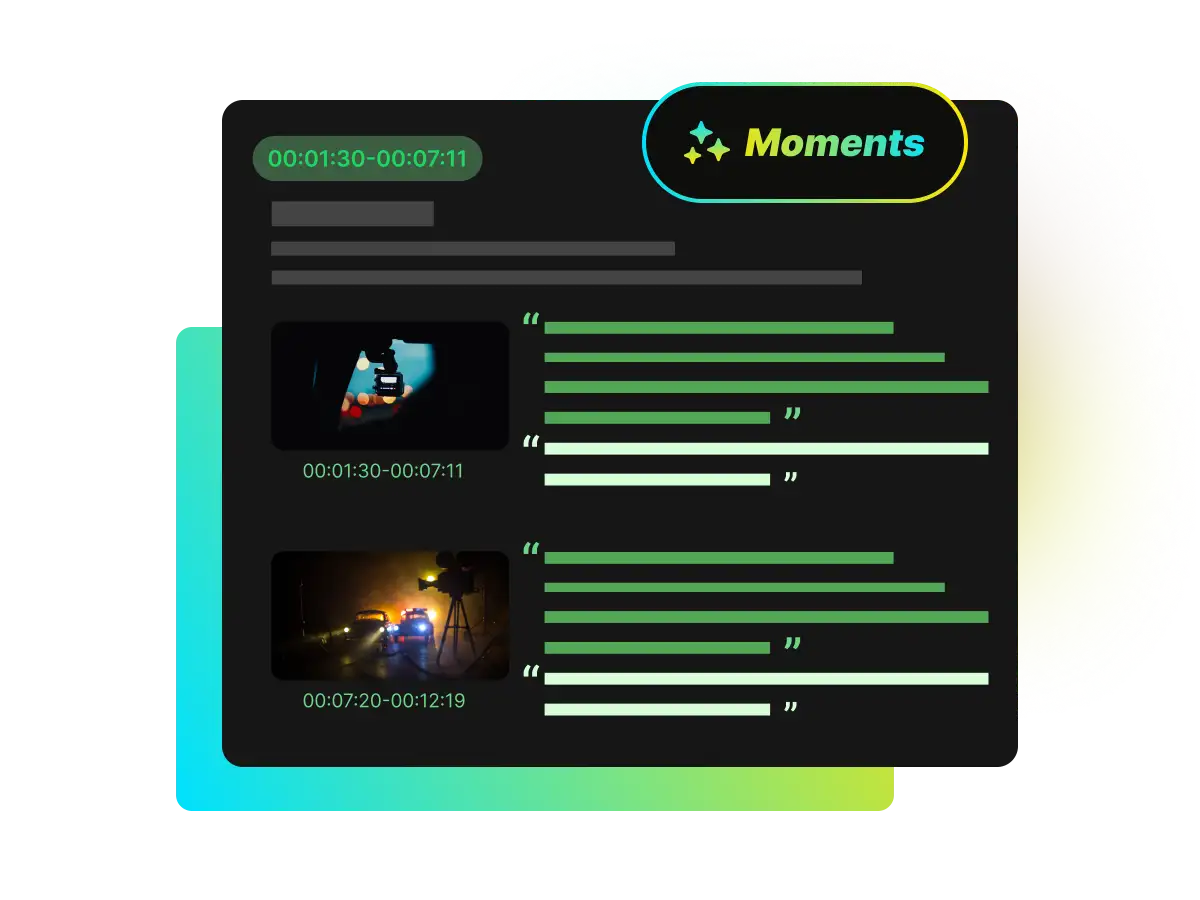
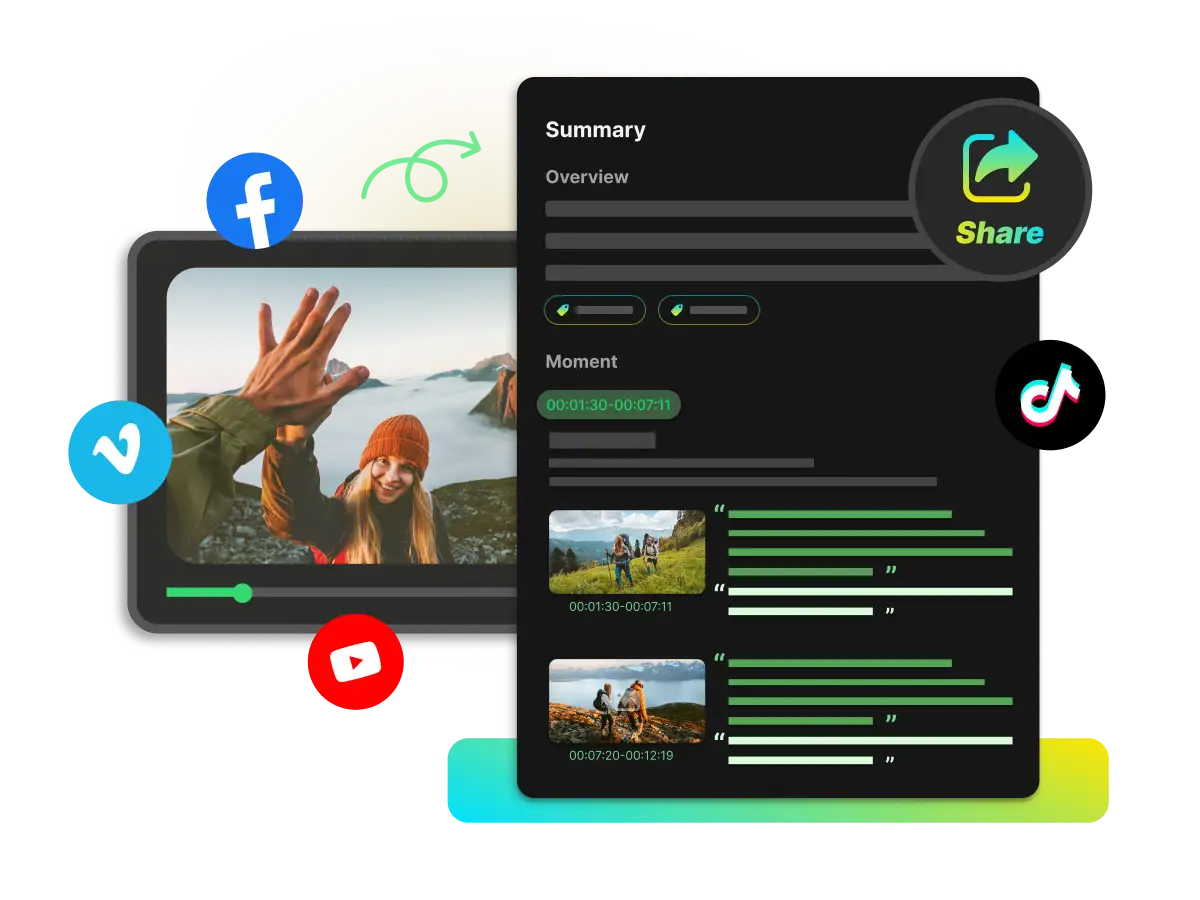
Start with the overview, scan chapters, open key moments, and return to exact timestamps instead of watching everything from beginning to end.
Find the topic, quote, scene, or answer you need using searchable transcripts, AI chat, and timestamped video insights.
Export useful notes to Notion or Obsidian so video insights become part of the knowledge system you already use.
Create summaries, transcripts, and subtitles for multilingual content and make more of your video library easier to understand.
Paste a supported video URL or upload a file from your device to give the AI a source to work from.
WayinVideo analyzes the video and creates a summary, transcript, subtitles, moments, chapters, mind map, and AI chat in one workspace.
Refine the summary, apply your preferred note template, and export the finished notes to Notion or Obsidian for future reference.
Stop taking scattered notes while you watch. Create a structured, editable AI note from your next lecture, interview, podcast, meeting recording, or tutorial—and keep the ideas in your workflow.
Get started for free. No credit card required.


