

Edit Without Complexity
This video trimming tool keeps everyday editing clear and focused without the crowded workspace of professional software. Make precise cuts with simple controls and an easier editing experience.
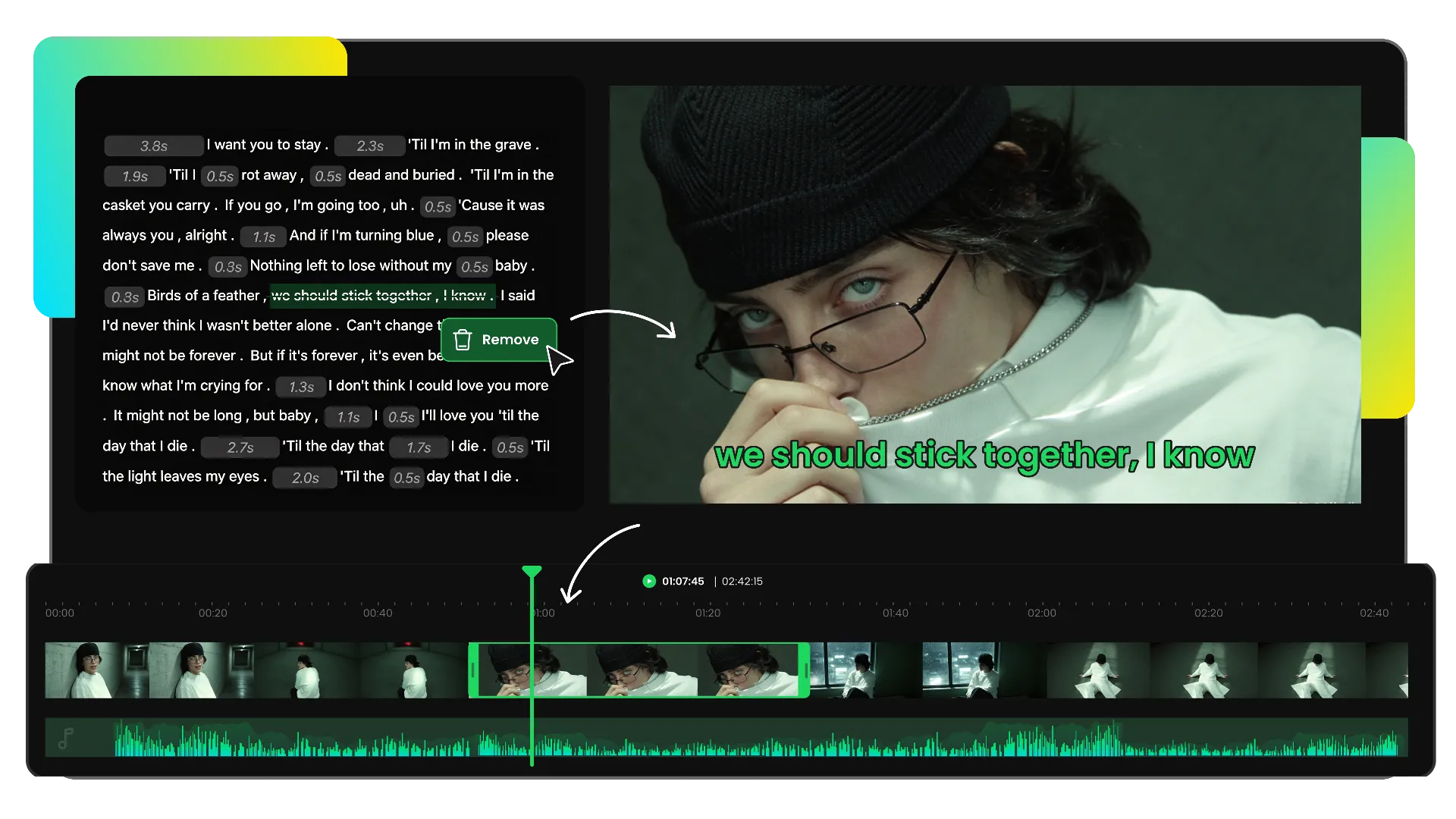
Trim video online by editing the transcript. Find scenes faster, remove unwanted words and pauses from the text, and automatically cut the matching video clips with easy preview and export.
Trusted by professionals at












Upload your video or paste a link to generate an AI transcript. Quickly find scenes and locate the content you want to trim.
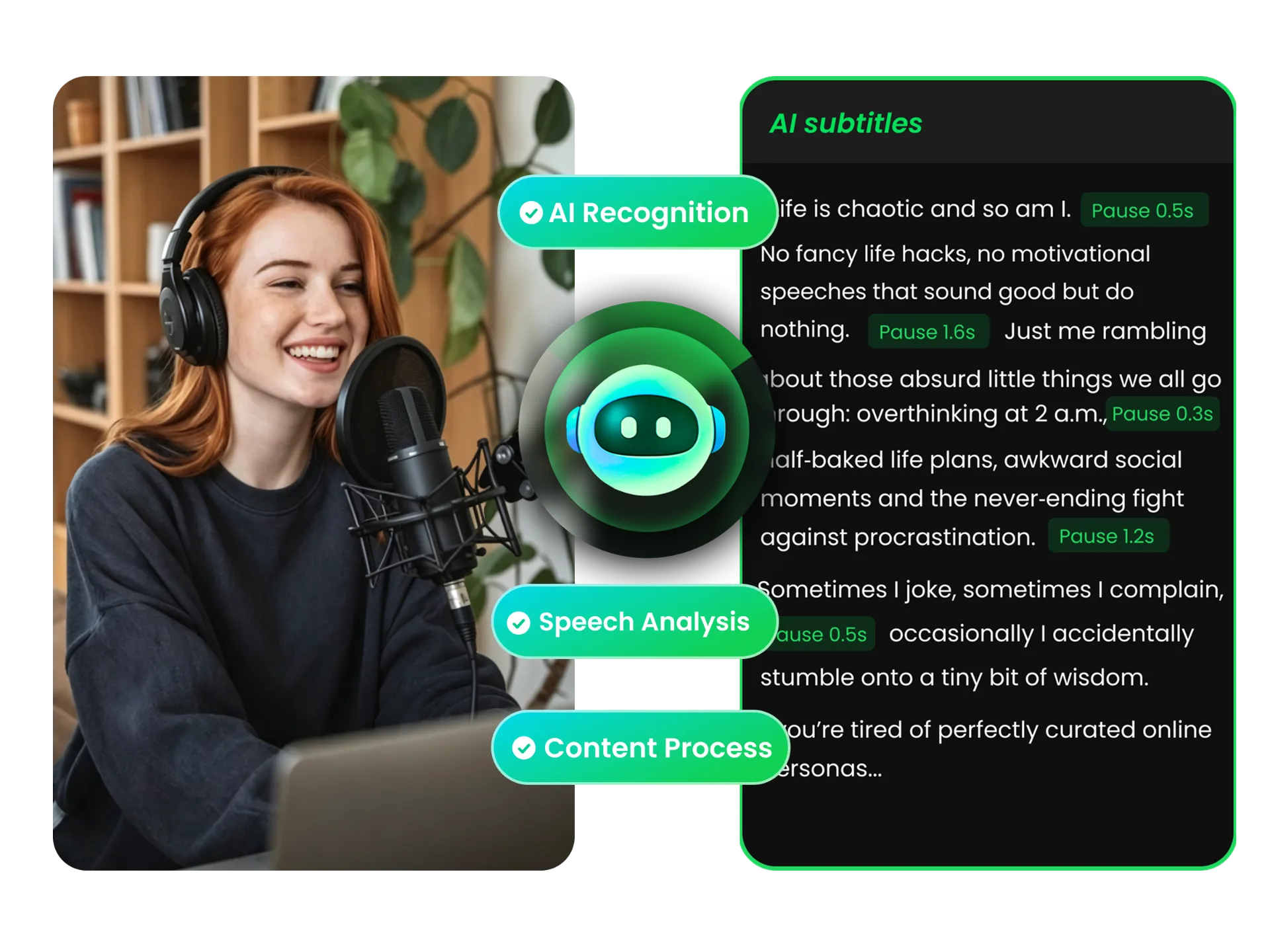
Need to remove video intros, endings, or unwanted sections without learning complex editing tools? WayinVideo turns speech into AI-generated transcripts, helping you quickly find moments and trim video easily without managing a complicated timeline.
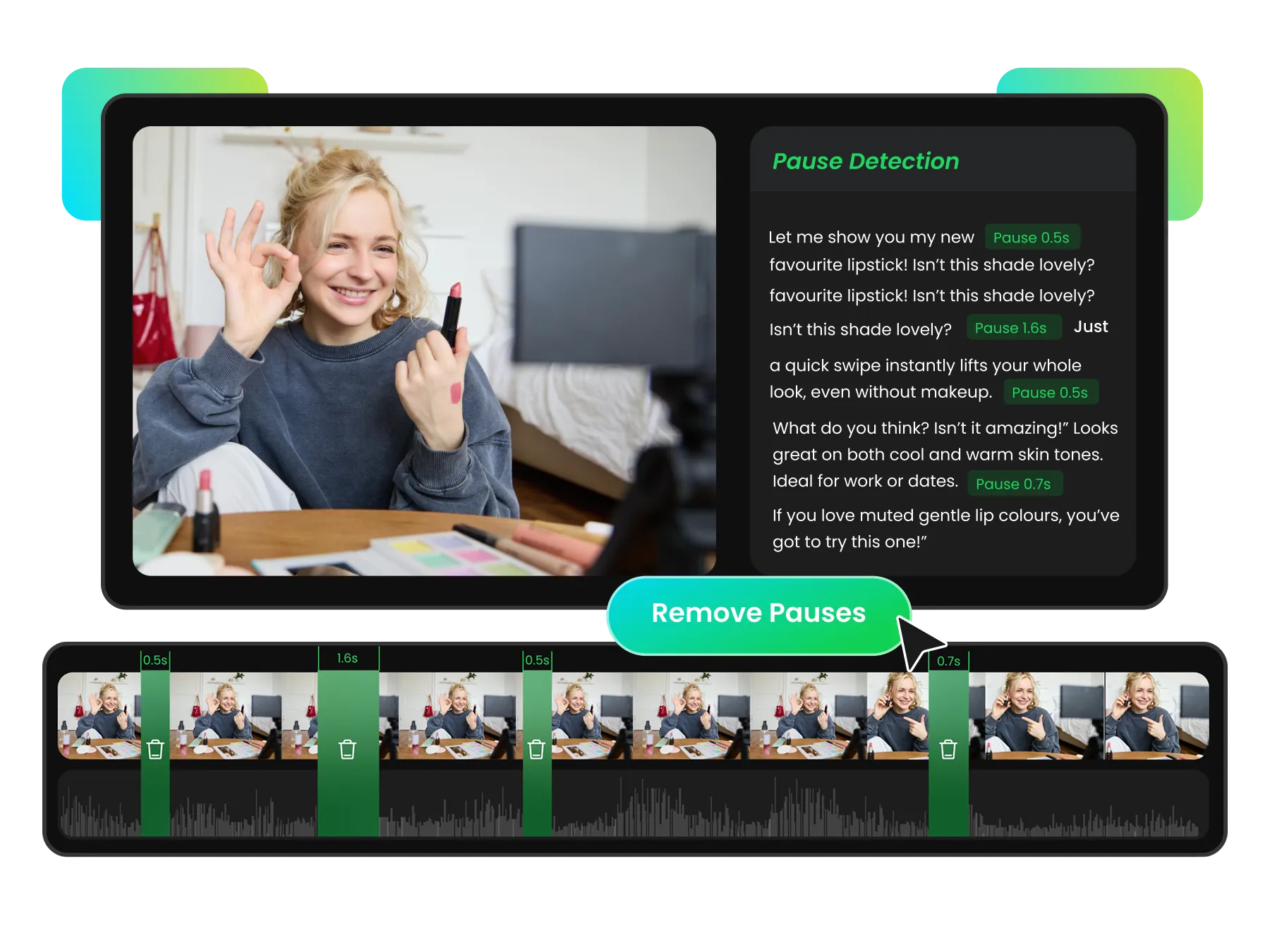
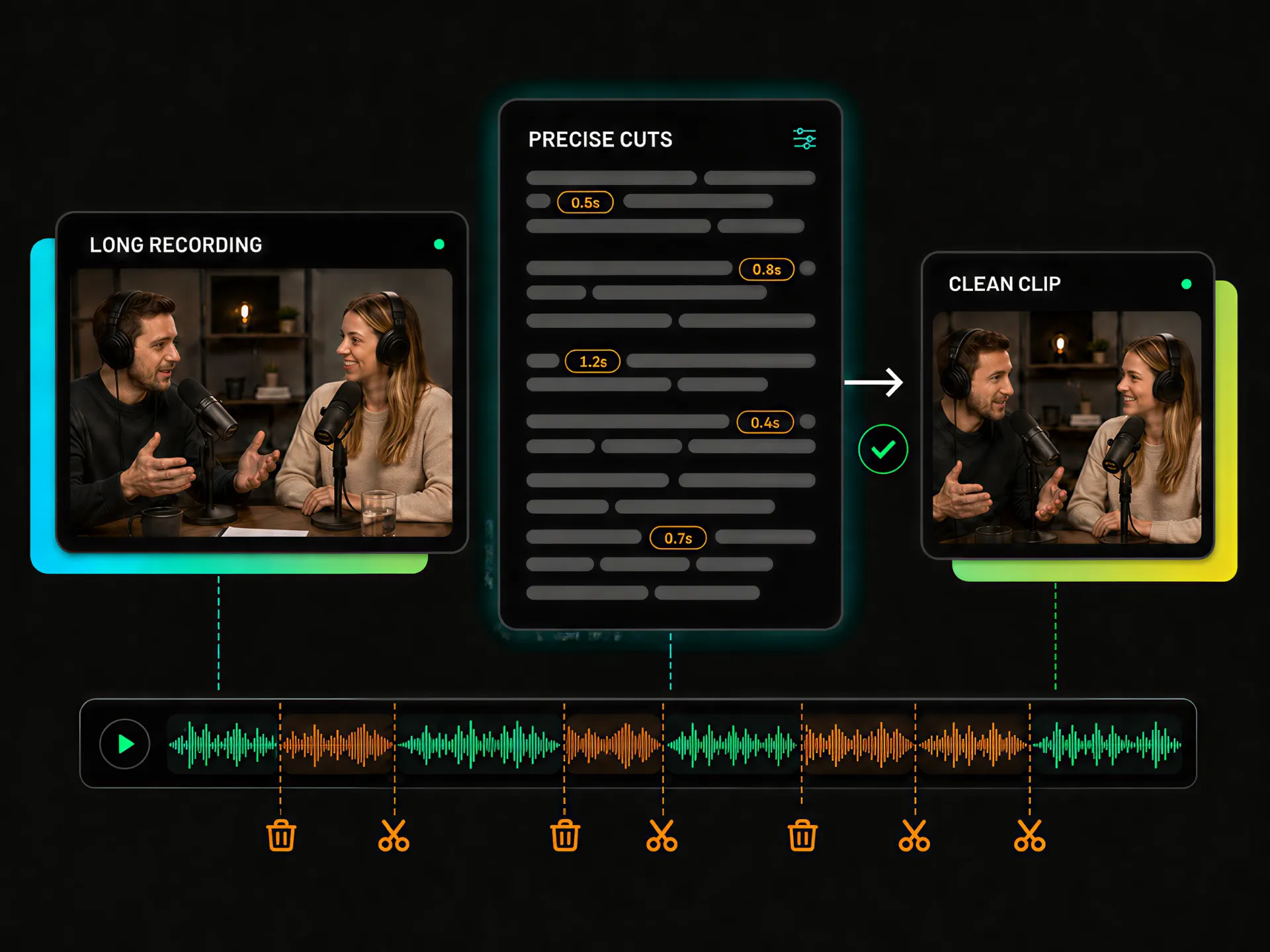
Finding silent gaps manually takes time and makes videos feel less polished. WayinVideo identifies pause durations with markers, helping you quickly review and remove unwanted breaks while keeping a natural flow.
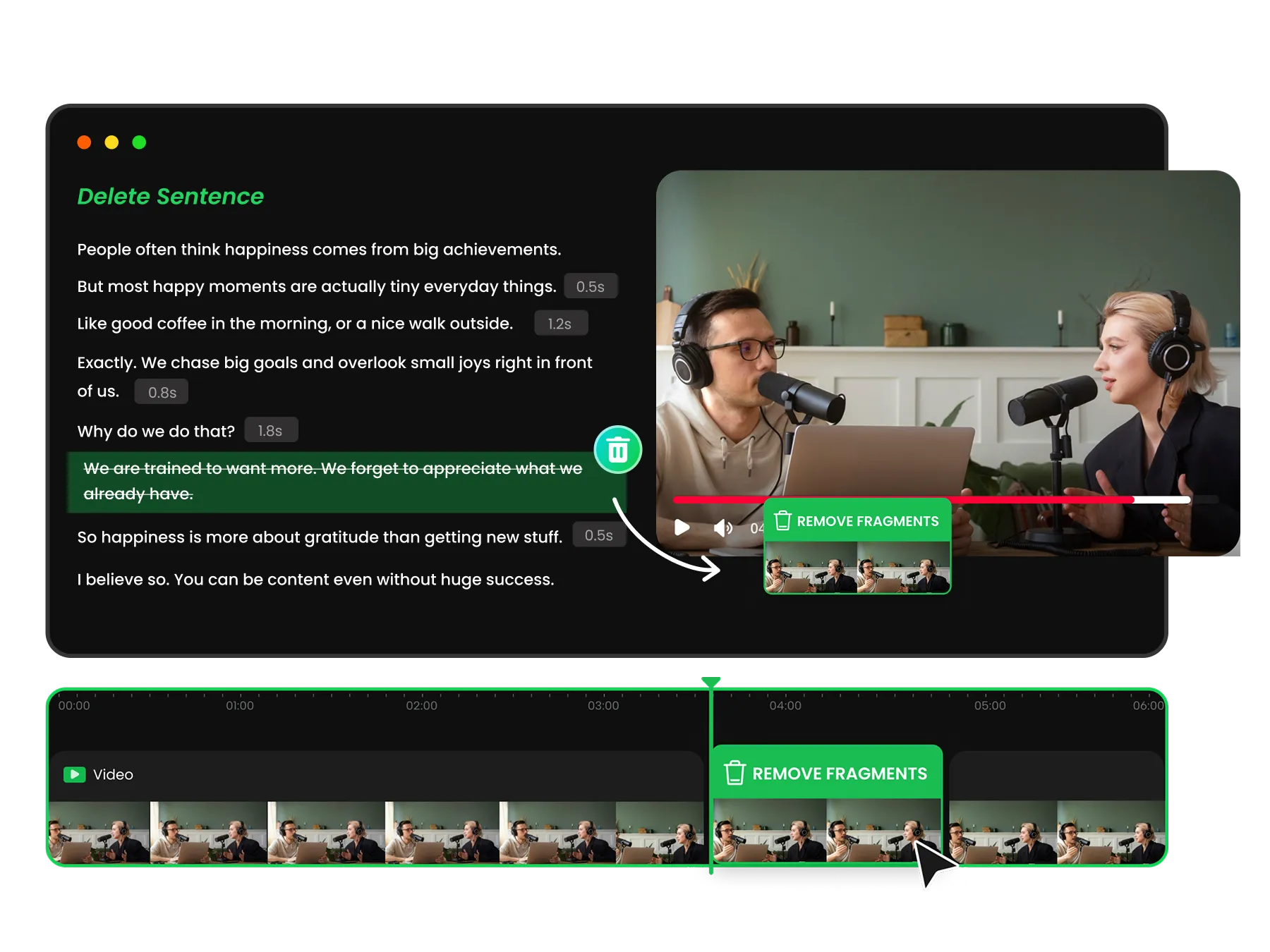
Want accurate cuts without losing important content? Remove unwanted words, pauses, or sections from the transcript and automatically cut the matching video clips while keeping your original content quality.
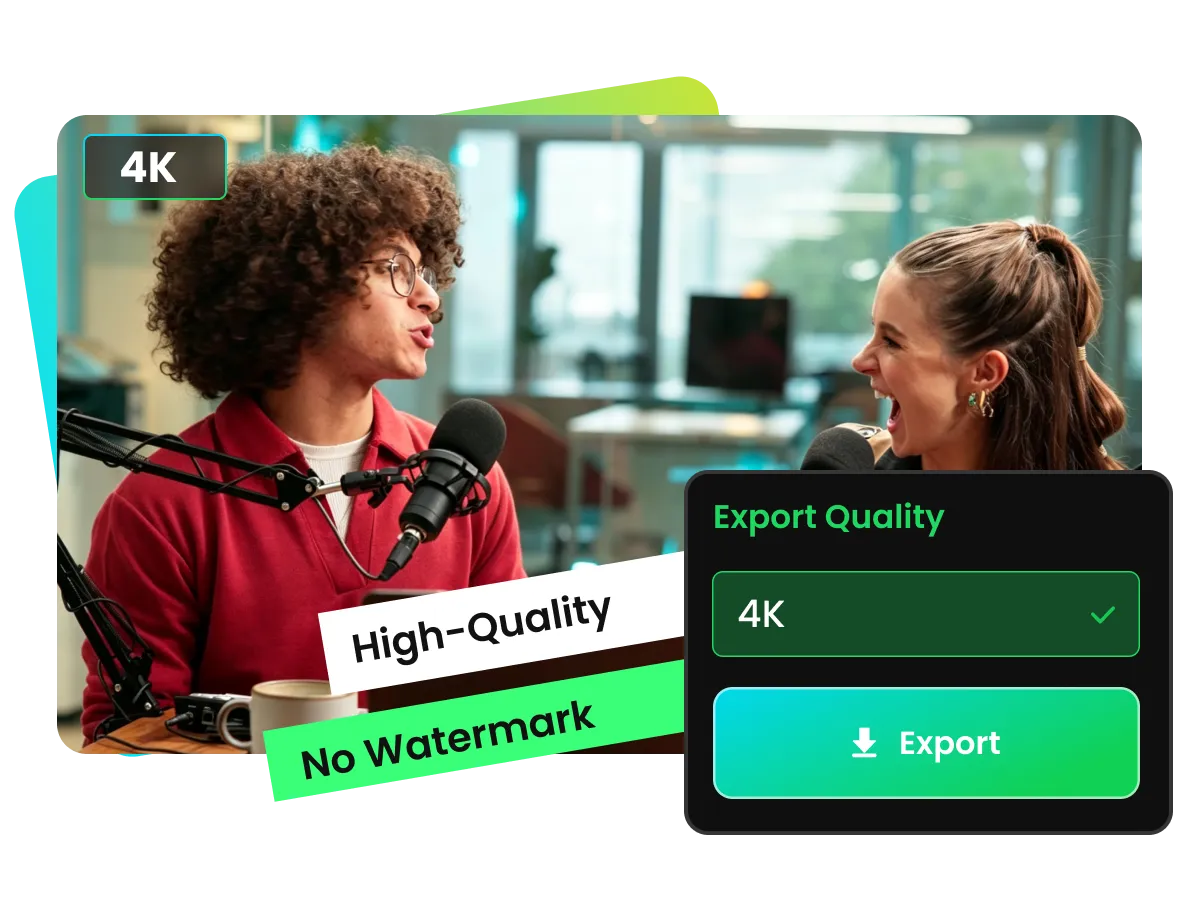
Need to keep video quality after trimming? WayinVideo preserves clear visuals with up to 4K export and no watermark. Trim videos confidently while maintaining sharp details, smooth playback, and high quality for publishing, sharing, or further editing with our video editor.
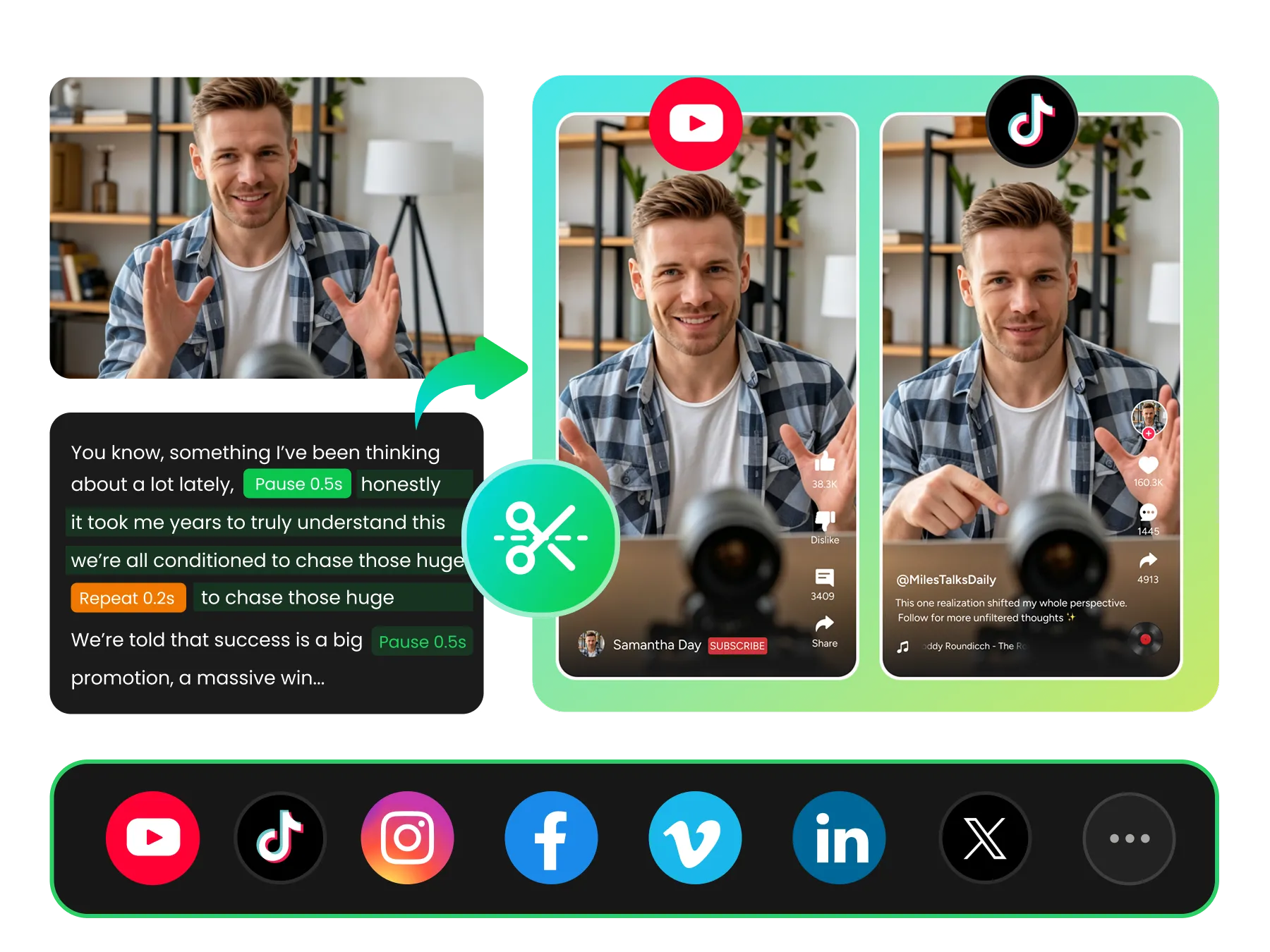
From everyday recordings to social media videos and long-form content, WayinVideo provides an easy way to trim videos, remove unwanted sections, and create polished clips.
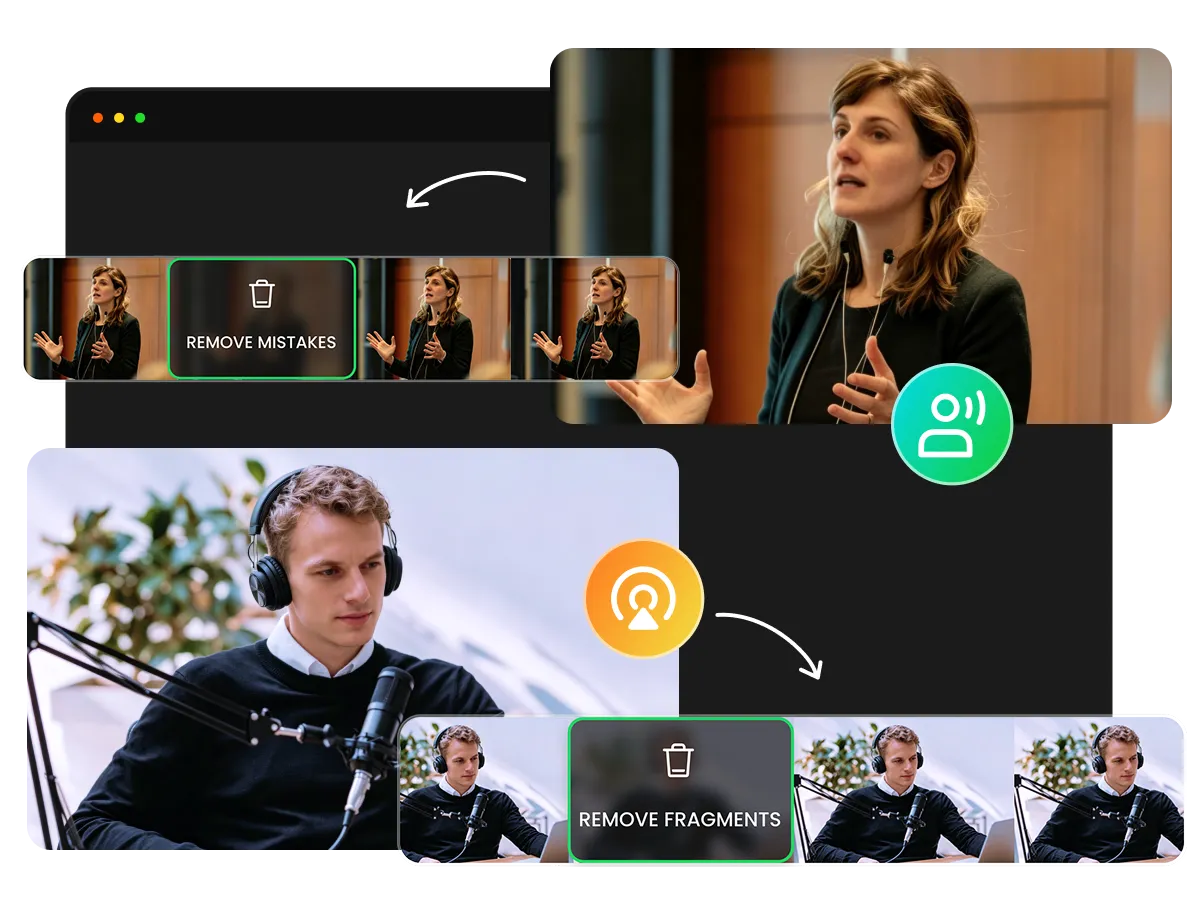
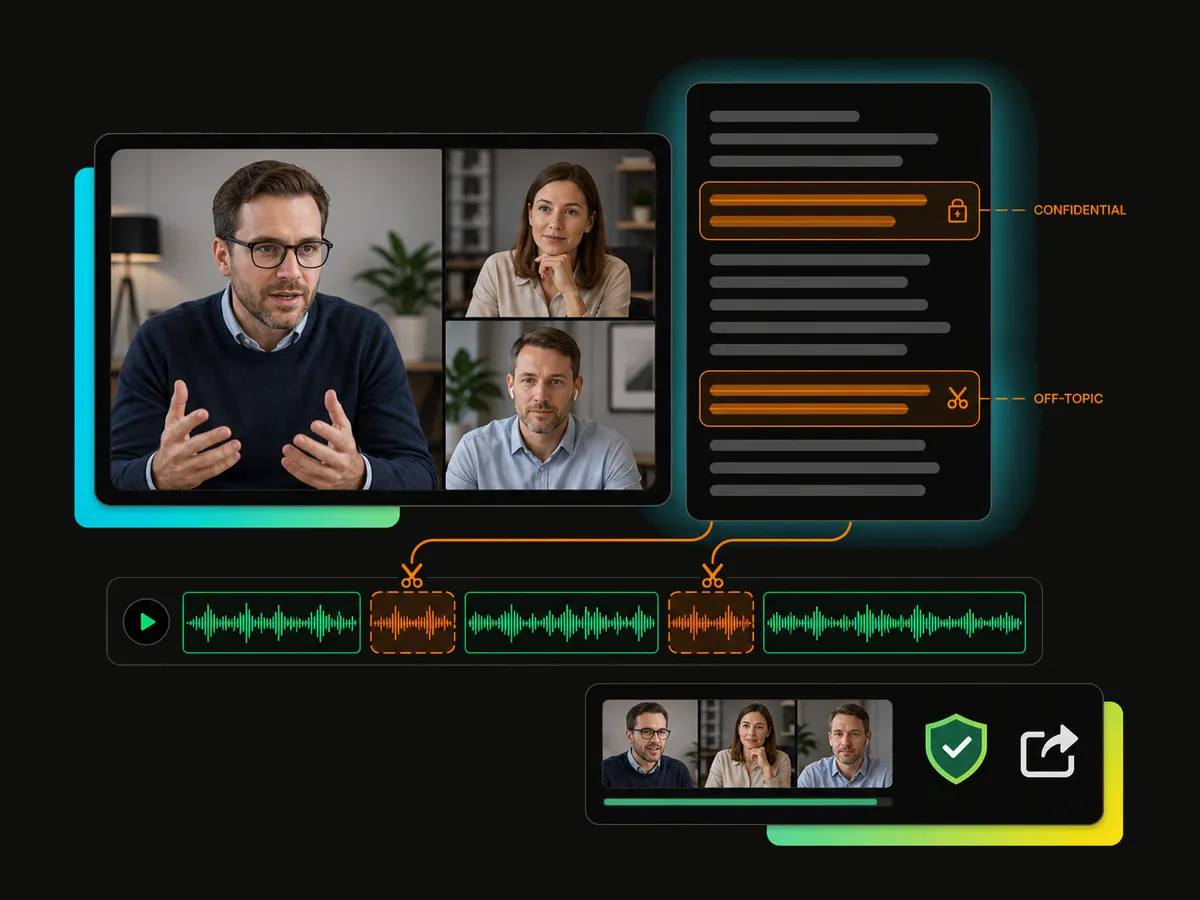
Remove mistakes, long pauses, and unwanted endings from everyday videos without learning complicated editing tools. This simple video trimmer helps users quickly clean up recordings, cut unnecessary sections, and create smoother videos with less effort.
Trim Your Video NowThis video trimming tool keeps everyday editing clear and focused without the crowded workspace of professional software. Make precise cuts with simple controls and an easier editing experience.
Stop replaying long recordings or dragging the playhead back and forth. Use the transcript to quickly reach the right sentences and find the moments you need.
Trim video online without learning difficult commands, complex codecs, or confusing export settings. Focus on your content instead of technical details.
Review the words, captions, and timing before export to avoid unexpected cuts. Make sure your edits match your expectations before processing.
Use our AI video trimmer to remove mistakes, dead air, and sections that slow the story down. Create cleaner videos with a smoother viewing experience.
Get a clean, publish-ready result from a video trimmer with no watermark. Export quality videos up to 4K while keeping your content ready to share.
Remove unwanted sections, pauses, and mistakes with a simple video trimmer. Edit through AI-generated transcripts, preview your cuts, and create polished videos in just a few steps.
Fast, simple, and easy to use.


