

AI-Assisted Trimming
Cut YouTube videos faster with AI-powered tools that help remove unwanted parts and create cleaner clips without complicated steps.
Trim YouTube videos without downloading large files or learning complex trimmers. Paste your link, cut specific moments with editable transcripts, remove unwanted silences, and create clips faster.
Trusted by professionals at












Upload your video or paste a URL to start trimming with the video trimmer for YouTube. No need to download large files at first.
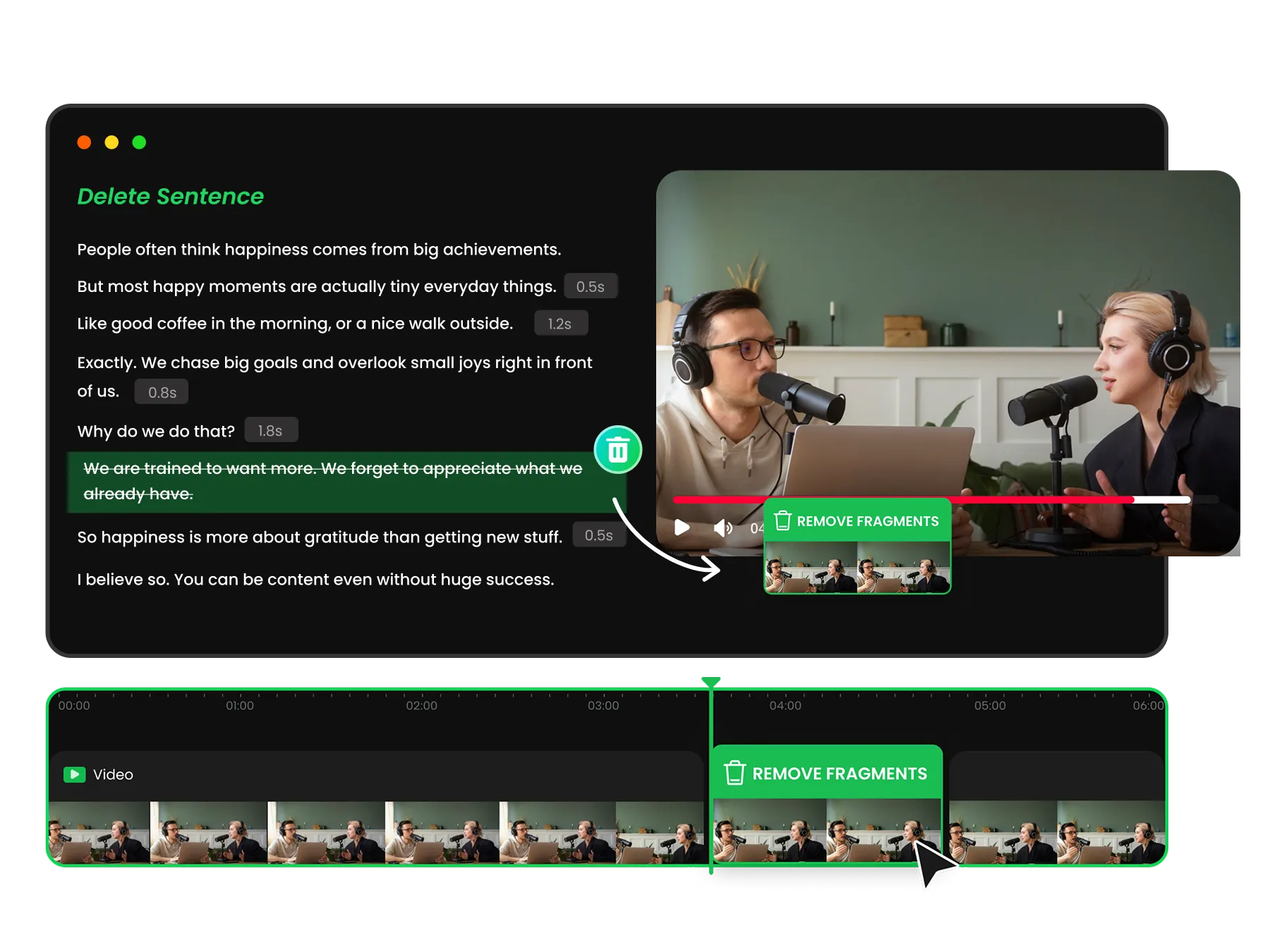
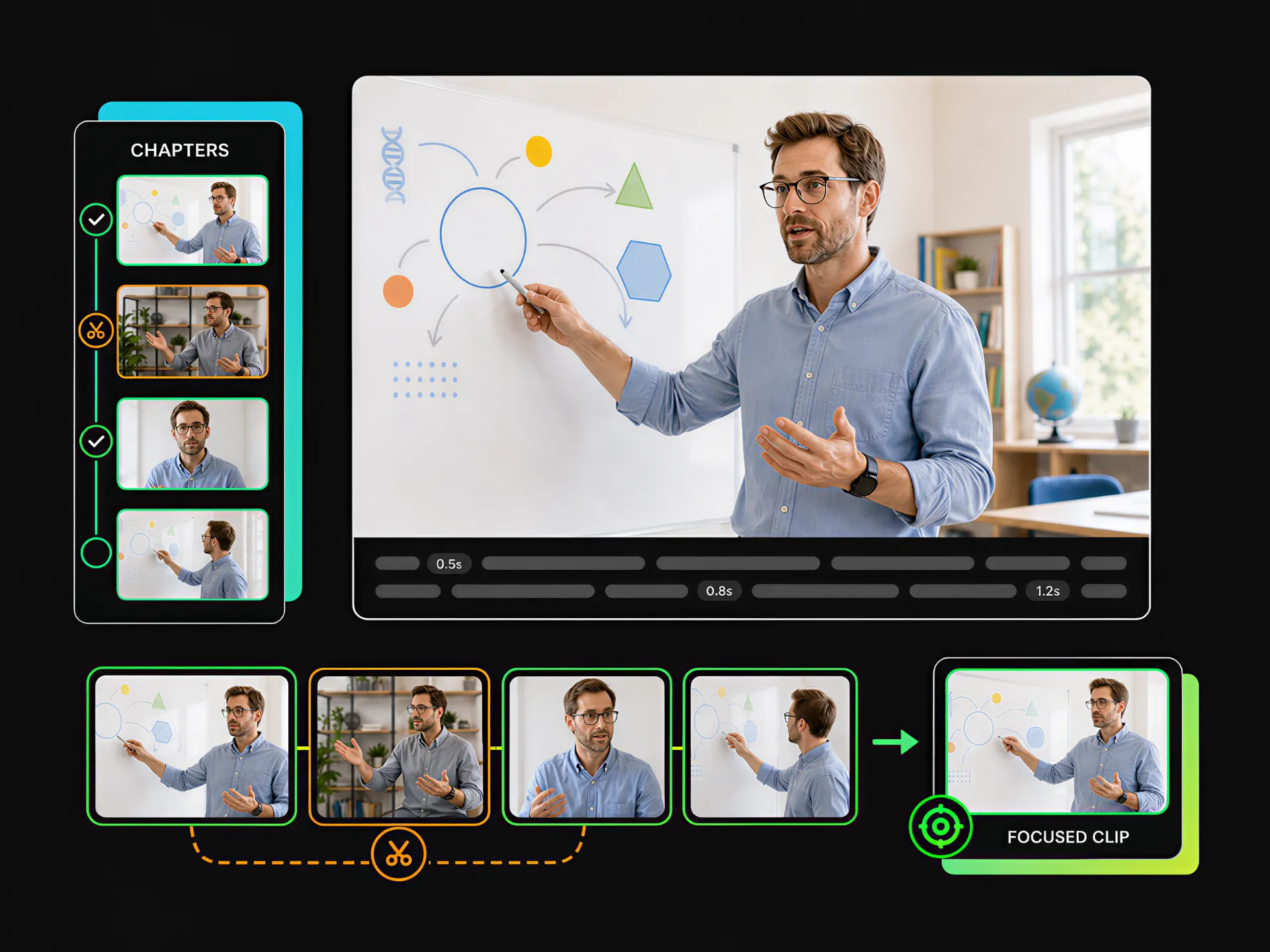
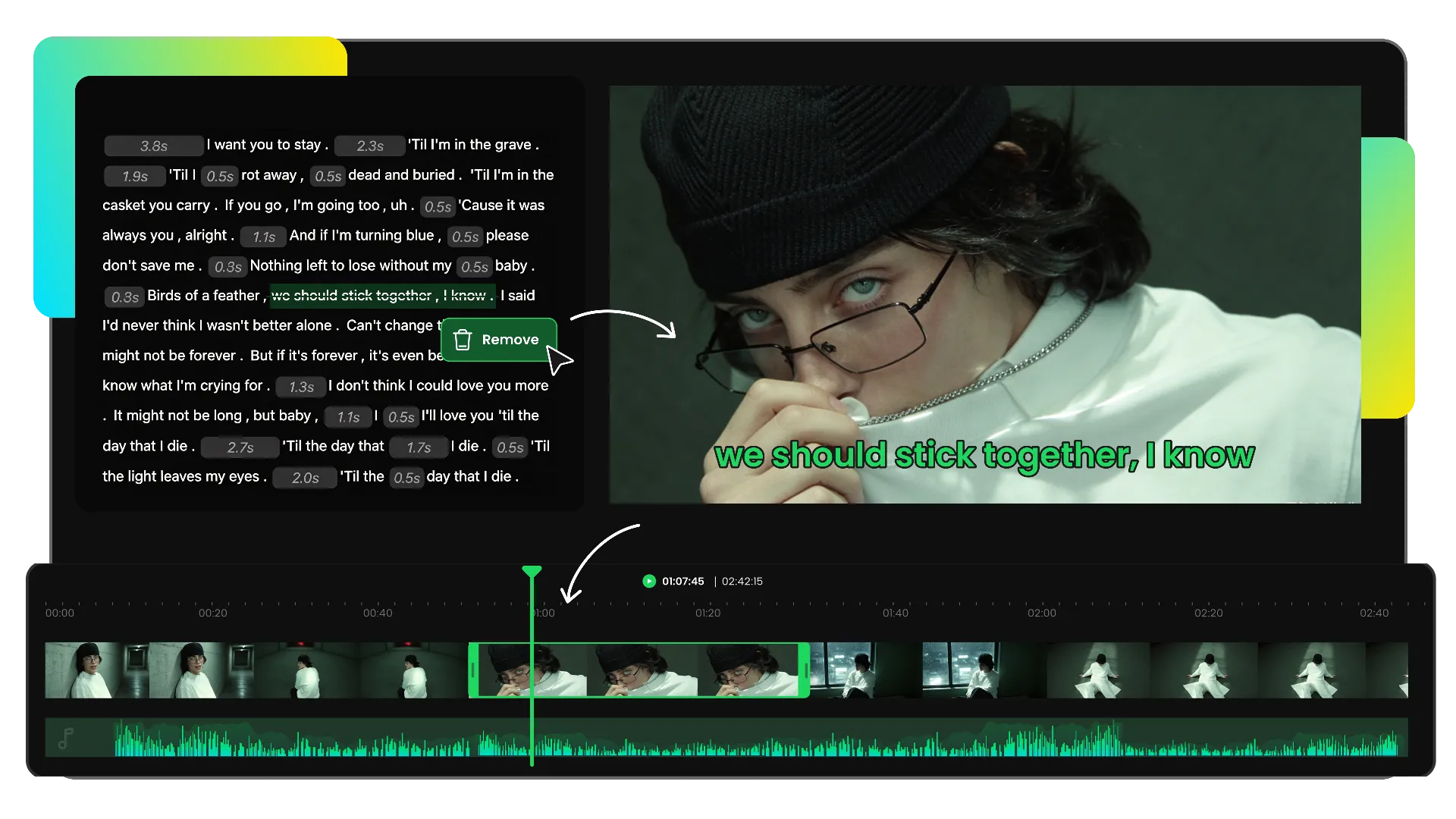
Quickly find specific moments in your video through transcripts. Use our youtube video trimmer to locate the sections you need, adjust clip length, and remove unwanted parts without searching through the entire timeline.
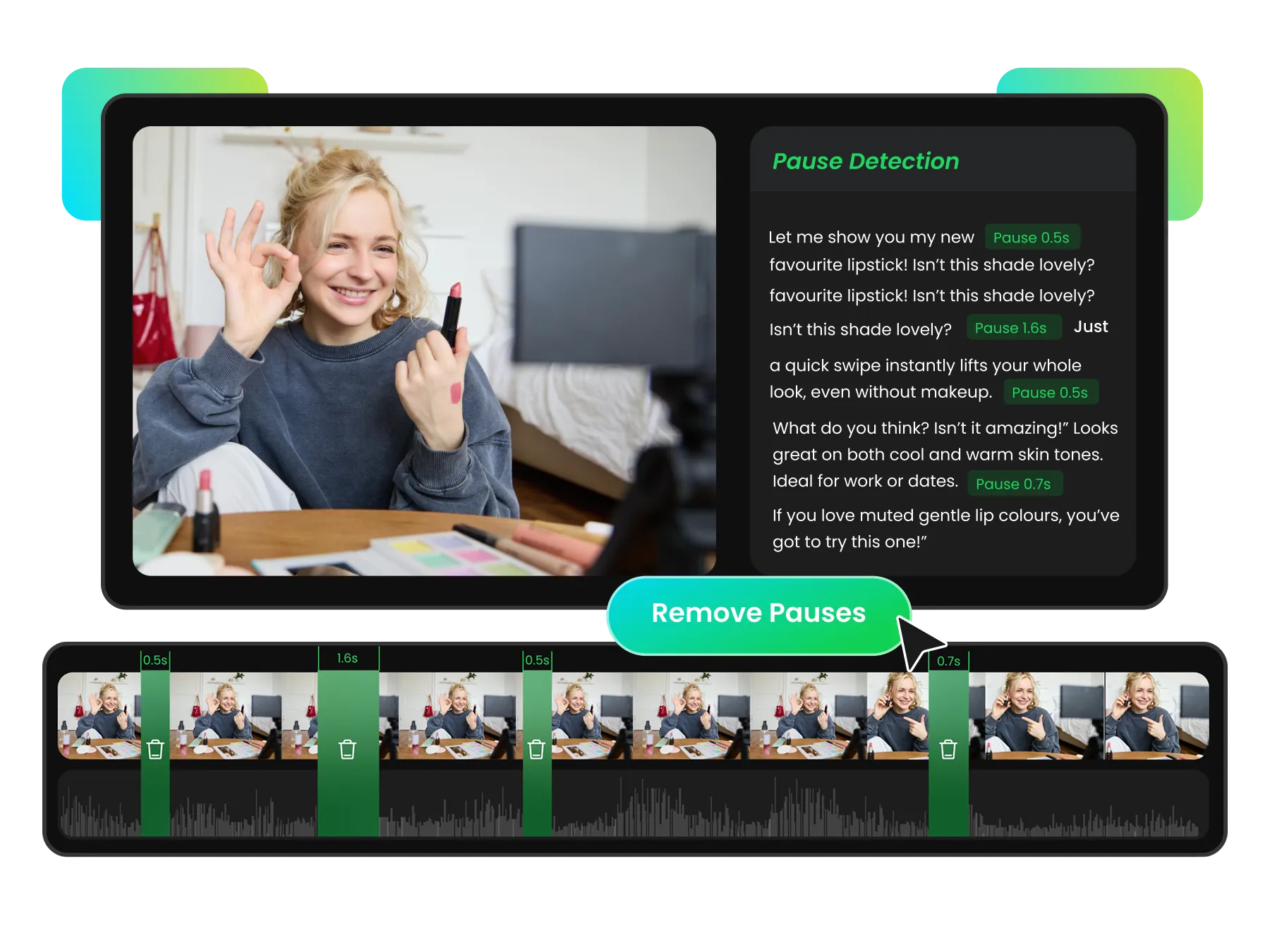
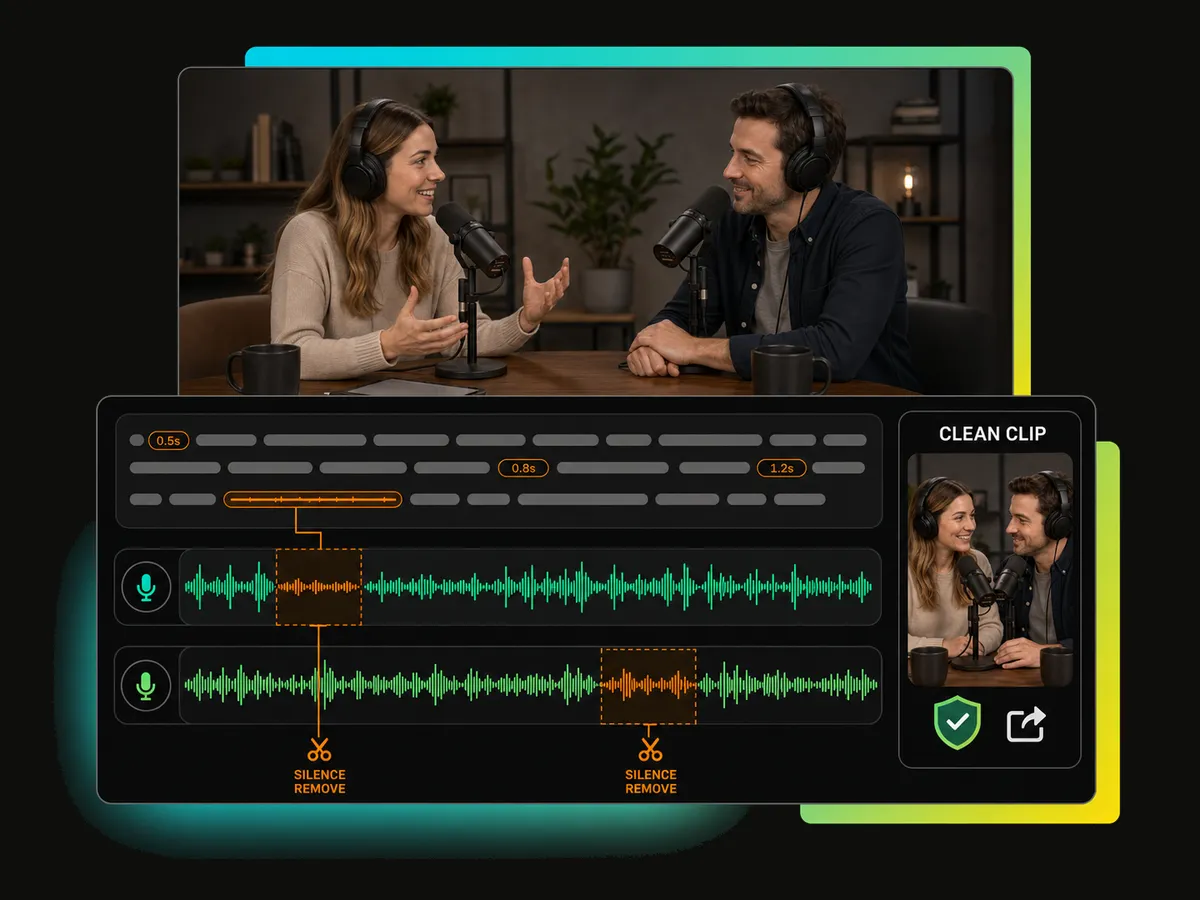
Clean up your videos faster with AI-powered tools that detect silence gaps and filler words. Remove unnecessary pauses and keep your trimmed clips more concise without manually reviewing every second.
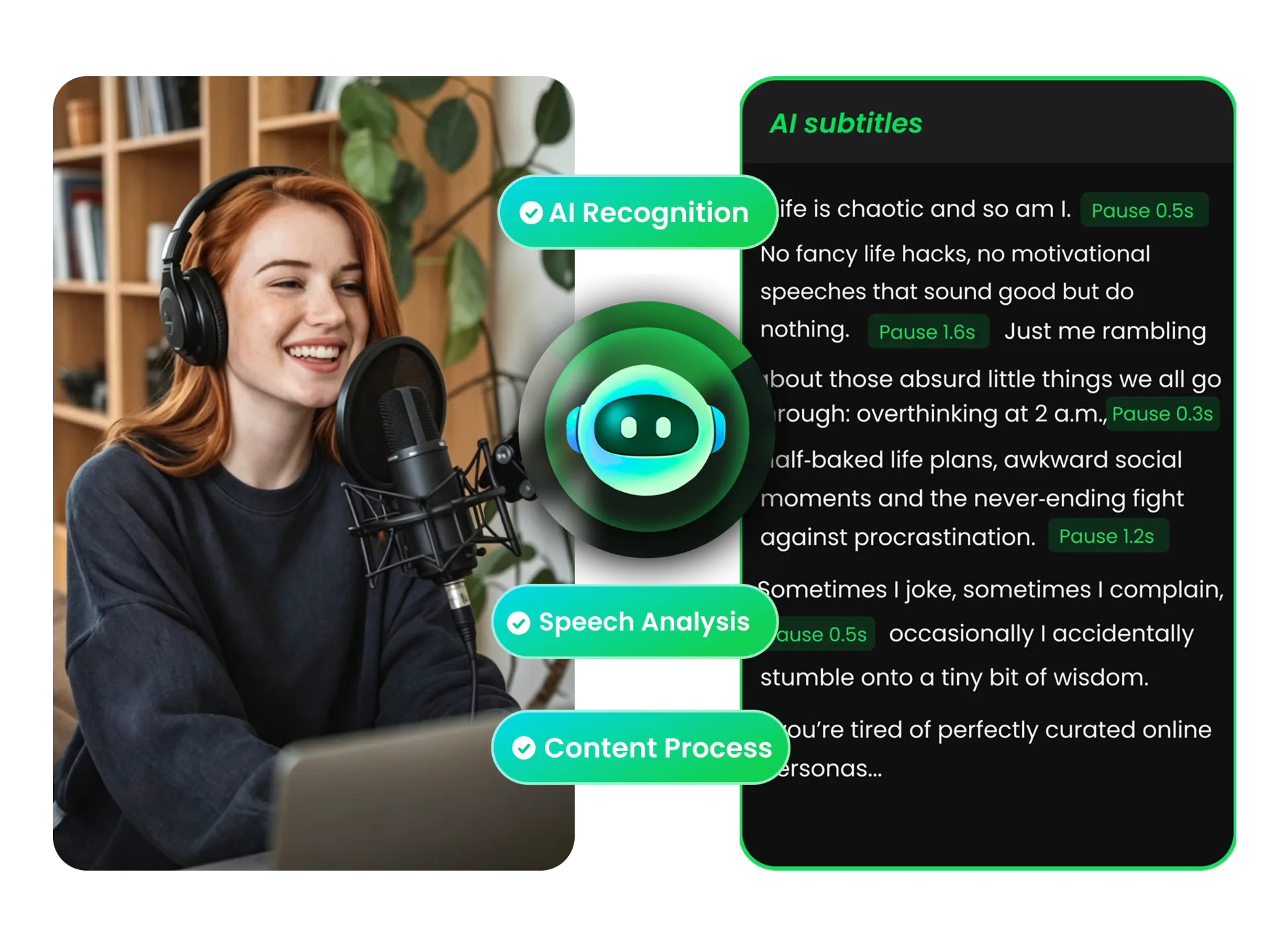
Improve audio clarity with AI-powered cleanup and speaker labels. Reduce background noise, organize dialogue, and make every conversation easier to understand when reviewing and trimming your videos.
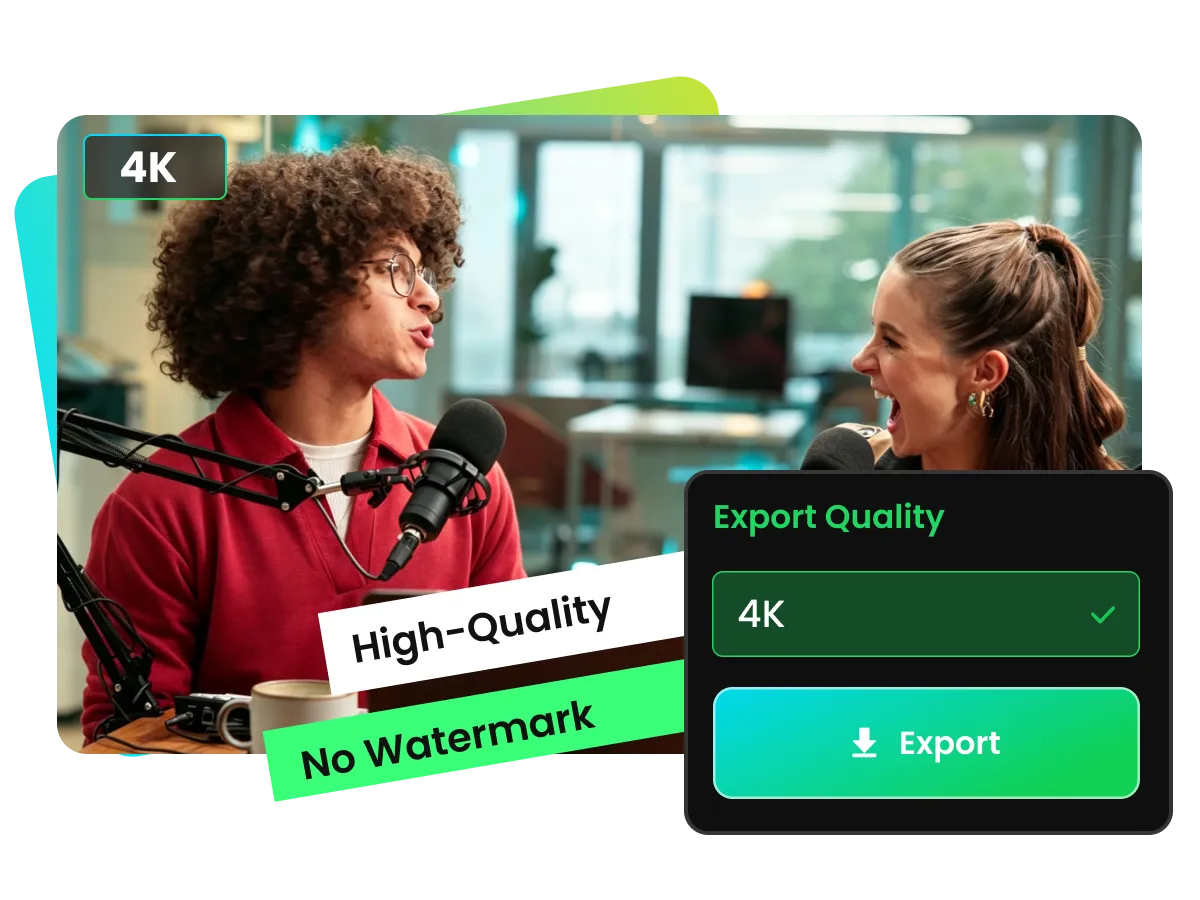
Preserve video quality when you trim YouTube videos with support for high-quality exports up to 4K resolution. This video trimmer helps maintain sharp details, clear visuals, and reliable output quality without unnecessary compression.
For creators, educators, marketers, and teams who need to turn long YouTube videos into focused clips. Use our youtube trimmer to remove unwanted sections and create Shorts.
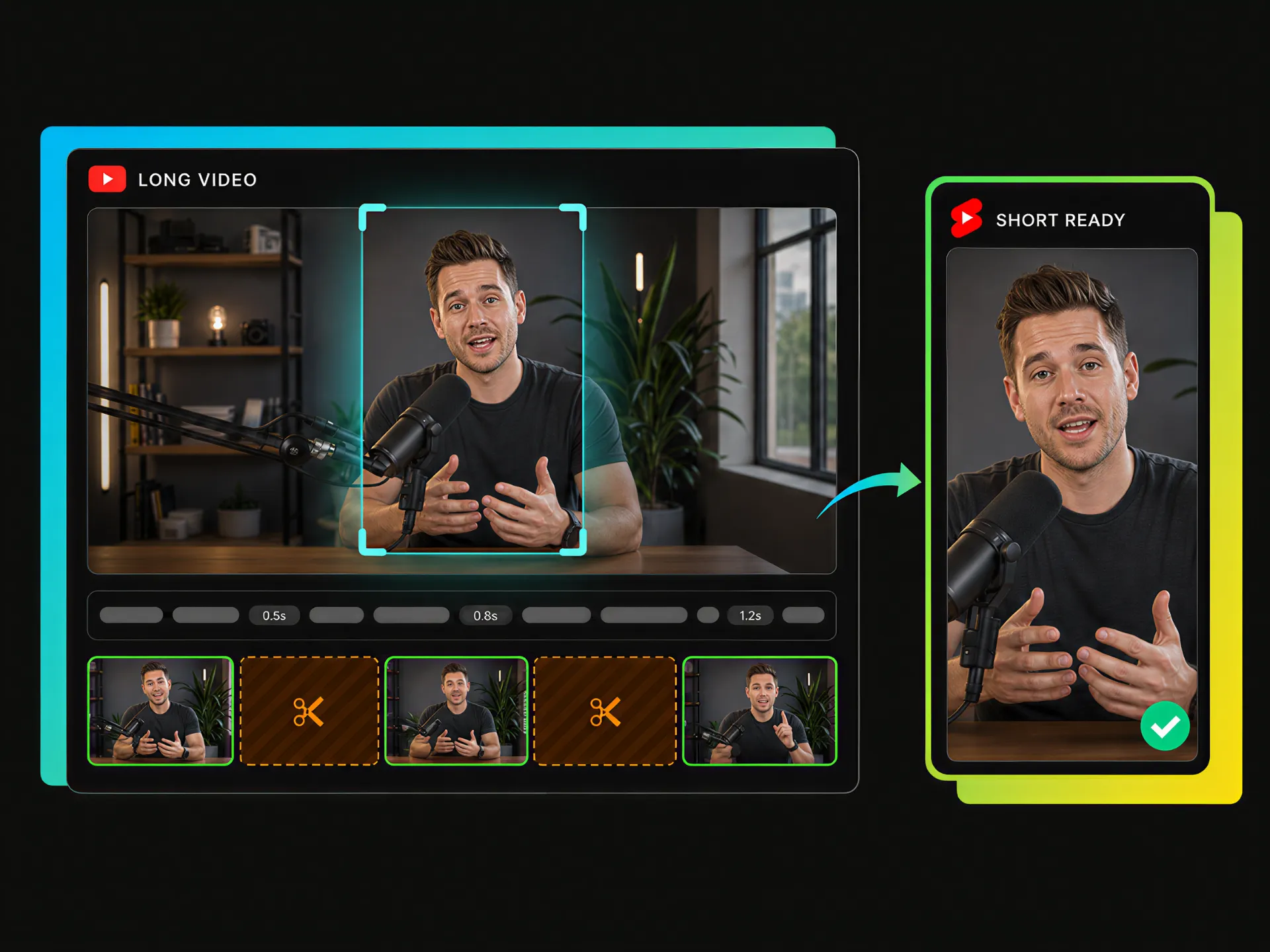
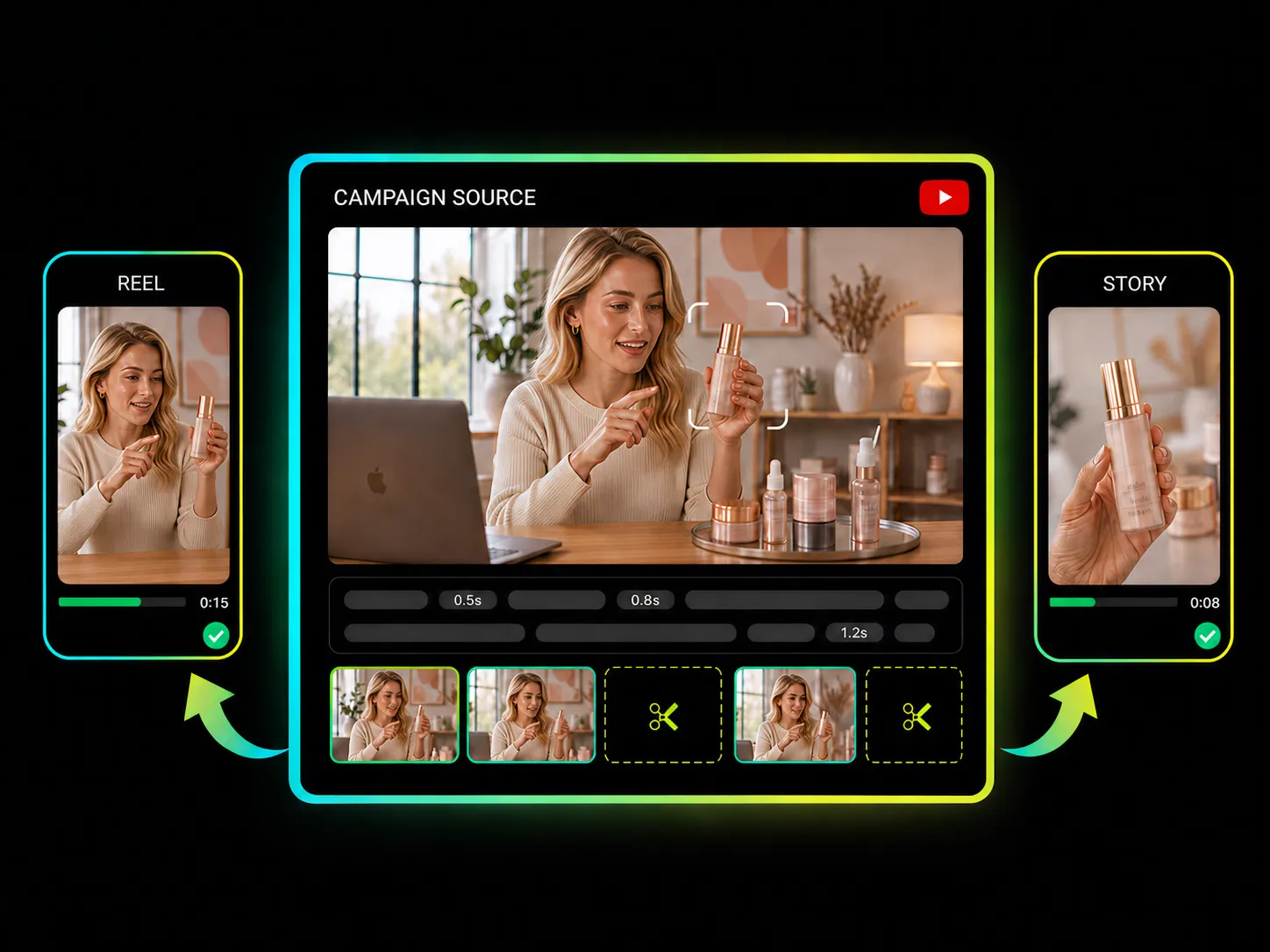
Long YouTube videos often contain multiple moments worth sharing. Trim the sections you need, remove unnecessary parts, and turn existing content into shorter clips for Shorts with a video trimmer for YouTube.
Trim Videos for YouTubeCut YouTube videos faster with AI-powered tools that help remove unwanted parts and create cleaner clips without complicated steps.
Find specific parts through transcript text, jump to the moments you need, and trim corresponding video sections without searching through long timelines.
Trim YouTube videos online with AI tools that detect pauses and filler words, helping you remove distractions and create more focused clips.
Adjust clip length, preview trimmed sections, and refine your cuts before exporting to keep the parts you need.
Export videos from YouTube Trimmer in up to 4K resolution to preserve visual quality and keep your clips clear across different platforms.
Make accurate cuts with the online YouTube video trimmer and trim videos easily without learning complex software.
Turn long YouTube videos into focused clips with a simple online trimmer. Remove unwanted parts, improve your clip quality, and export videos ready to share.
Start trimming faster with no complicated setup.


