Wayin home
Tools
Understand
AI Note TakerNewVideo SummarizerAudio SummarizerVideo Transcript GeneratorVideo to TextAudio to TextFind Moments in VideoChat With YouTubeMind Map GeneratorNewVideo TranslatorSubtitle Translator
Create
Clip MakerLong Video to Short VideoYouTube Thumbnail MakerAI Gaming Clip GeneratorAI ReframeYouTube Shorts MakerAI Video GeneratorVideo Montage MakerNew
Edit
AI Video EditorAuto Caption GeneratorSubtitle GeneratorVideo EnhancerNewSpeech EnhancerVideo ResizerAI B-Roll GeneratorAI Hook GeneratorSocial Media SchedulerNewThumbnail PreviewerNew
By Platforms
View all tools
Solutions
GameGet more clips, views, and fans from every VODPodcastTurn every episode into weeks of short-form contentMarketingCreate 10x more video content with less editingTeam WorkWayinVideo makes video collaboration and team management effortless.Real EstateTurn every home tour into a lead generatorLive ClippingTurn livestreams into viral-ready clips in real time.
Resources
BlogHelp CenterDiscord Community
Pricing
API
Integrations
Agent PluginChrome ExtensionObsidian PluginAgent Skills
Enterprise
Login
Wayin home

Discover, Create, Share - Cherish Every Moment

Company
  • Privacy Policy
  • Terms of Service
  • Contact Us
  • API
  • Pricing
  • Agent Plugin
Resources
  • Blog
  • Help Center
  • Discord Community
  • WayinVideo vs. Opusclip
  • WayinVideo vs. Ssemble
  • WayinVideo vs. Vizard AI
Tools
  • AI Note Taker
  • Video Summarizer
  • Audio Summarizer
  • Video Transcript Generator
  • Video to Text
  • Audio to Text
  • Find Moments in Video
  • Mind Map Generator
  • Video Translator
  • Subtitle Translator
  • Clip Maker
  • Long Video to Short Video
  • AI Video Editor
  • Auto Caption Generator
  • Subtitle Generator
  • Video Enhancer
  • Speech Enhancer
  • AI Reframe
  • YouTube Shorts Maker
  • AI Video Generator
  • Video Montage Maker
  • YouTube Thumbnail Maker
  • AI Gaming Clip Generator

Faster video tasks, fewer tokens with Claude

Connect WayinVideo, an AI-powered video editing plugin, to your AI agent. Find the right moments faster, get more accurate results, and reduce token usage across your video workflow.

Copy and send this to Claude

Read https://wayin.ai/wayinvideo/install-plugin/ and follow it exactly to install and authorize the WayinVideo plugin.

Trusted by professionals at

fox brand iconsky brand iconhubspot brand iconPublicis Groupe brand iconViral Nation brand iconColumbia School logoUC Berkeley School logoJellycat brand iconSquare / Block brand iconStanford logoHarvard logoNYU logo

What You Can Do with WayinVideo Agent Plugin

Find key moments, create clips, turn videos into notes, and improve your edits—all by asking your AI agent.
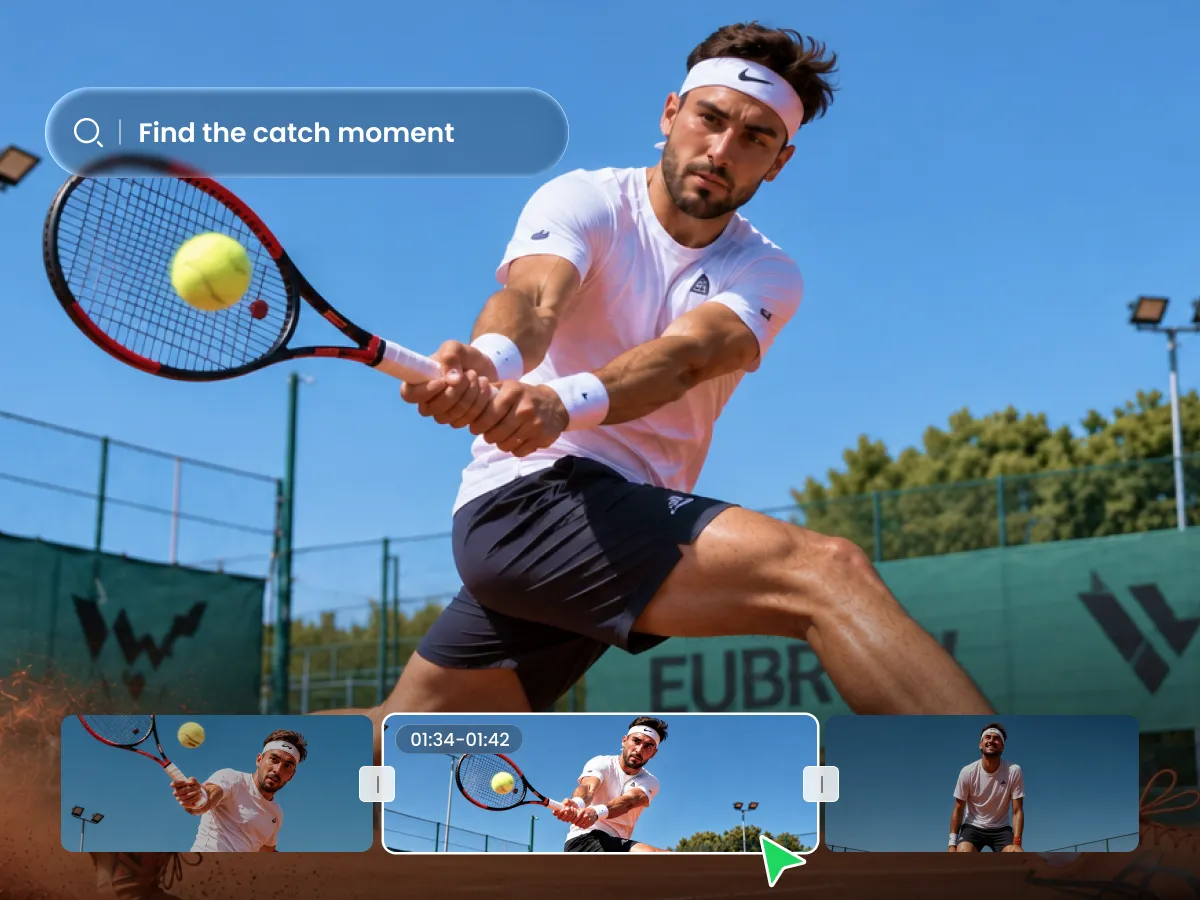
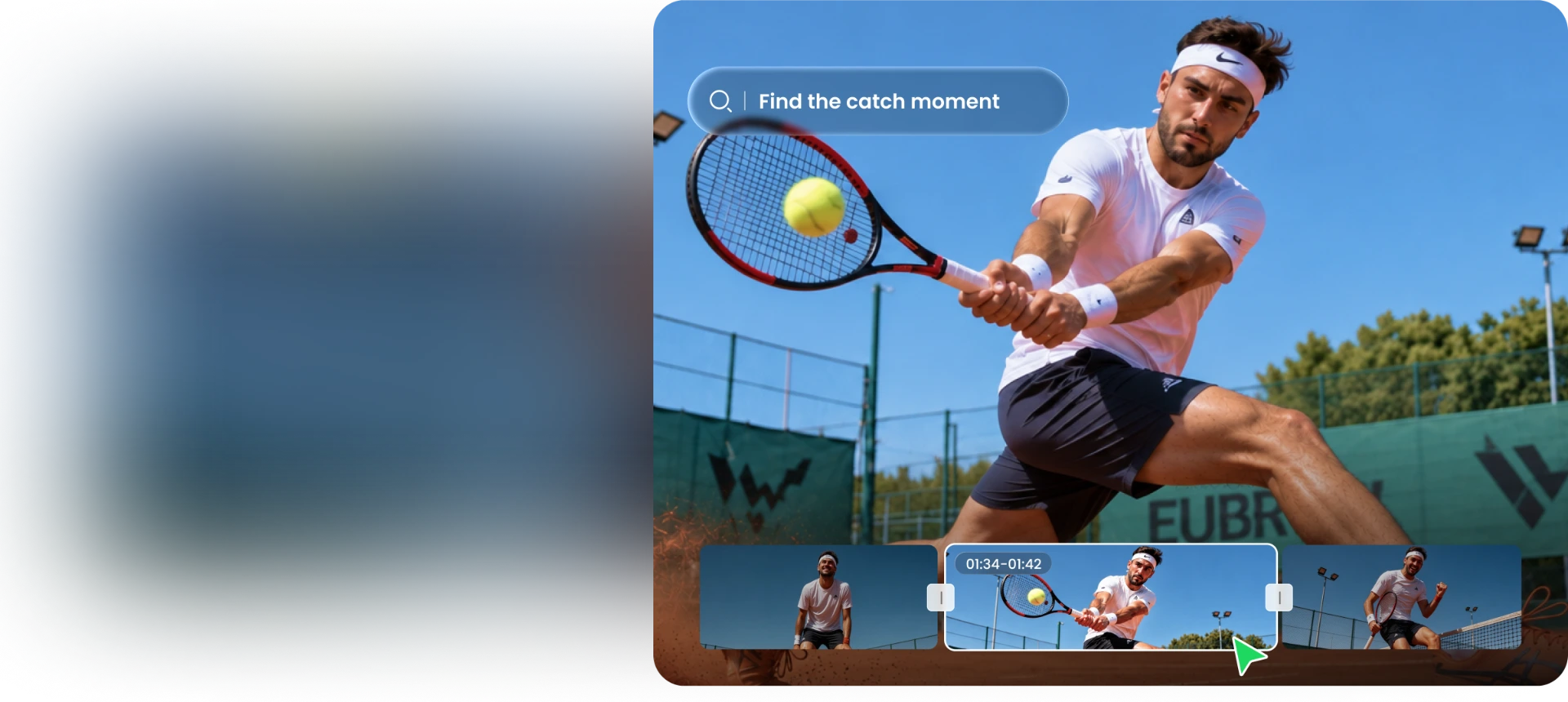
Video preview with topic search and timestamped highlight clips

Simply use the Agent Plugin to upload a video or paste a link, then let AI find the moments that matter. Looking for something specific? Search by topic, choose your preferred clip length, and get the exact timestamps you need.
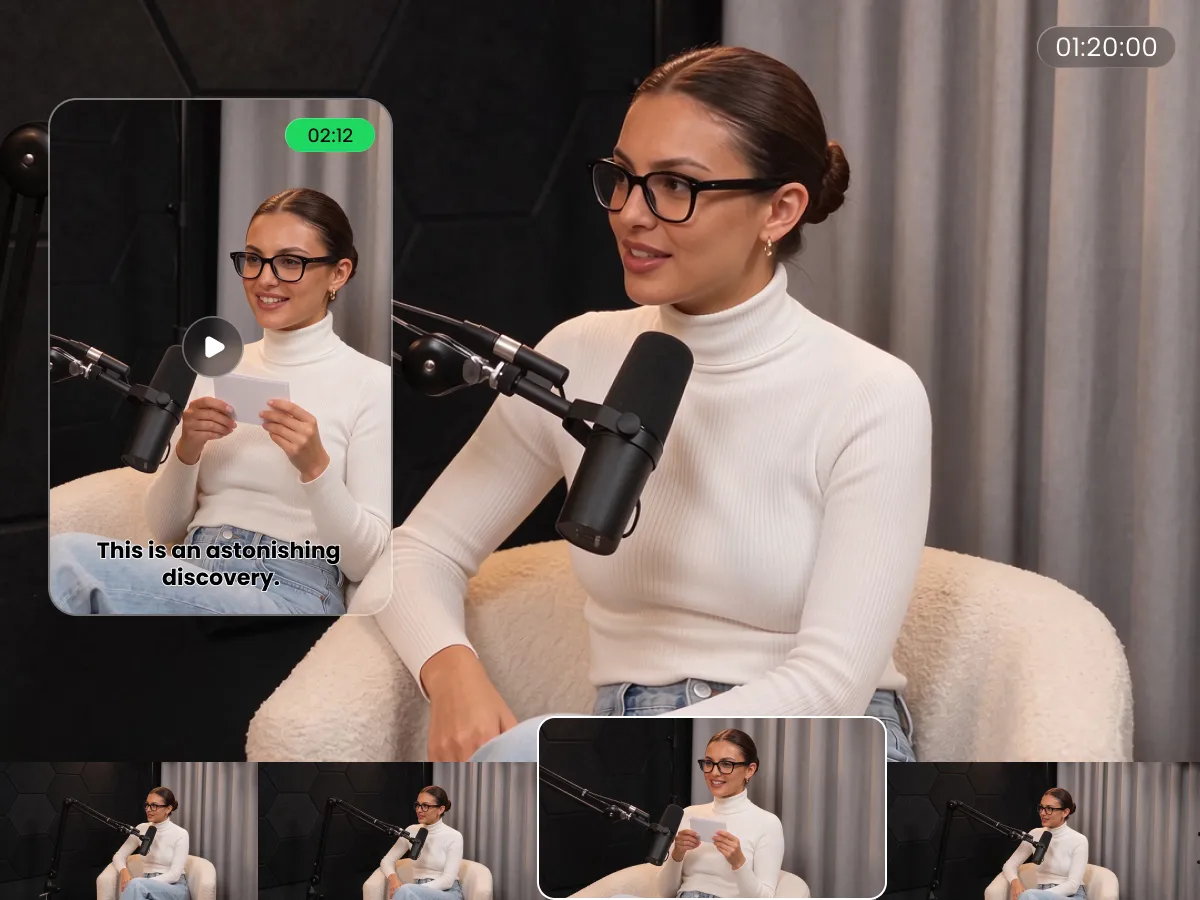
Turn long videos into engaging short clips with this video editing plugin. AI handles reframing and subtitles, while you can add hooks and B-roll, and customize the layout, language, and output resolution.

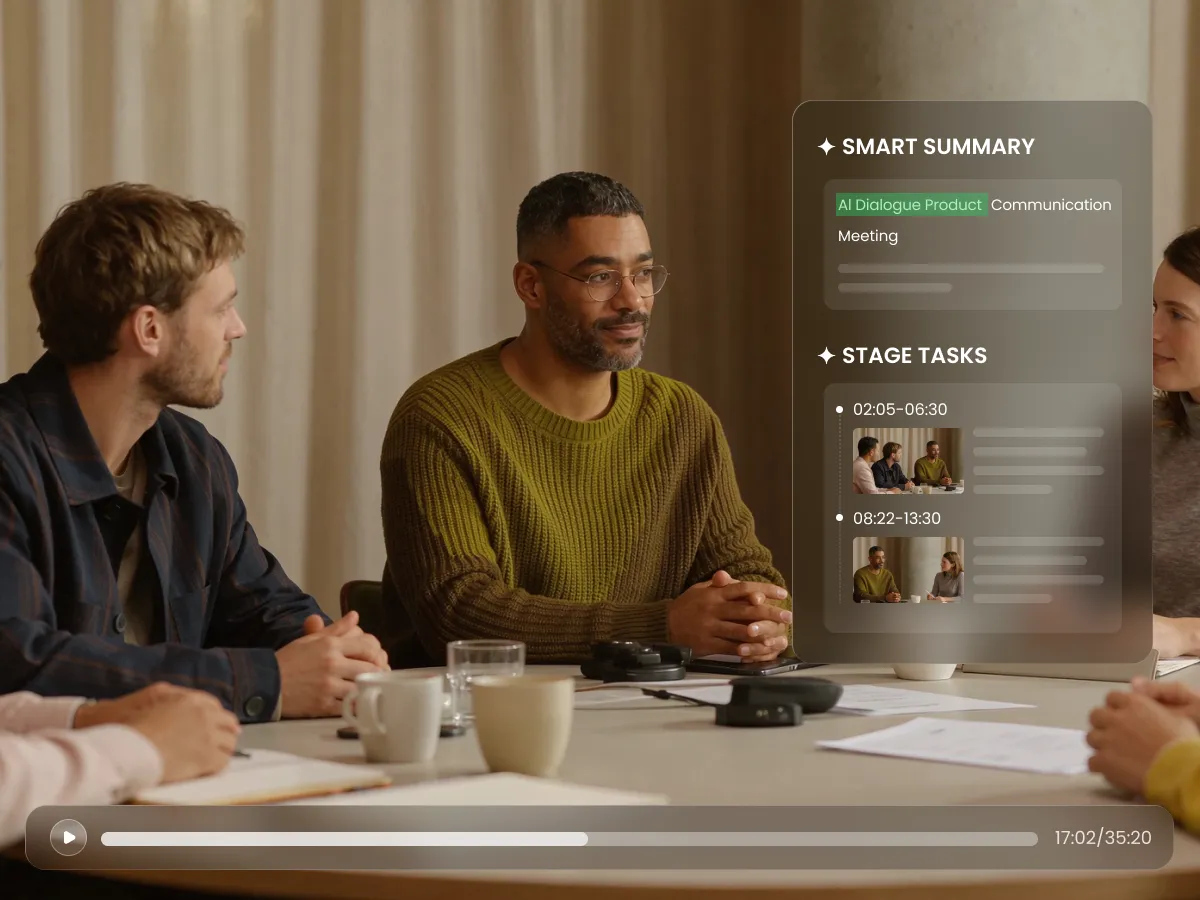
Get more out of every video with summaries, detailed notes, transcripts, and mind maps. Explore the content through AI chat, add timestamps or screenshots to your notes, translate transcripts, and share everything with a simple link.

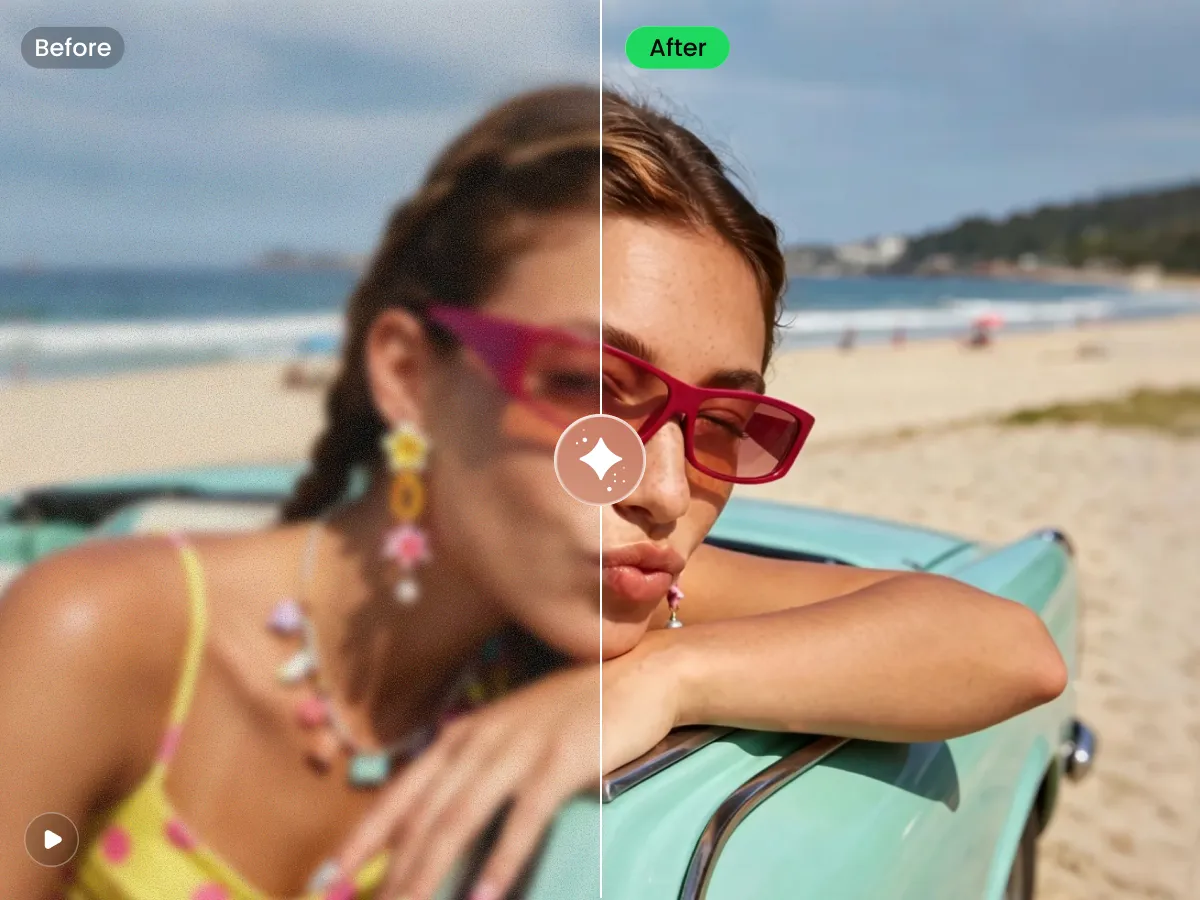
Restore blurry, dark, or low-quality footage with agent plugins that bring more clarity to your videos. Use denoising, sharpening, and compression repair to recover details, preserve faces, and enhance text and charts, with optional 2x upscaling.

Video preview with topic search and timestamped highlight clips

Find Moments

Simply use the Agent Plugin to upload a video or paste a link, then let AI find the moments that matter. Looking for something specific? Search by topic, choose your preferred clip length, and get the exact timestamps you need.

Long video with vertical clip previews and subtitles

Clip & Edit

Turn long videos into engaging short clips with this video editing plugin. AI handles reframing and subtitles, while you can add hooks and B-roll, and customize the layout, language, and output resolution.

Video beside notes with timestamps and a screenshot

Learn & Note

Get more out of every video with summaries, detailed notes, transcripts, and mind maps. Explore the content through AI chat, add timestamps or screenshots to your notes, translate transcripts, and share everything with a simple link.

Before-and-after comparison of a blurry and enhanced video frame

Enhancement

Restore blurry, dark, or low-quality footage with agent plugins that bring more clarity to your videos. Use denoising, sharpening, and compression repair to recover details, preserve faces, and enhance text and charts, with optional 2x upscaling.

Agent Plugin Use Cases & Prompts

Explore practical video workflows and ready-to-use prompts to help your AI agent find moments, edit clips, and organize video content.

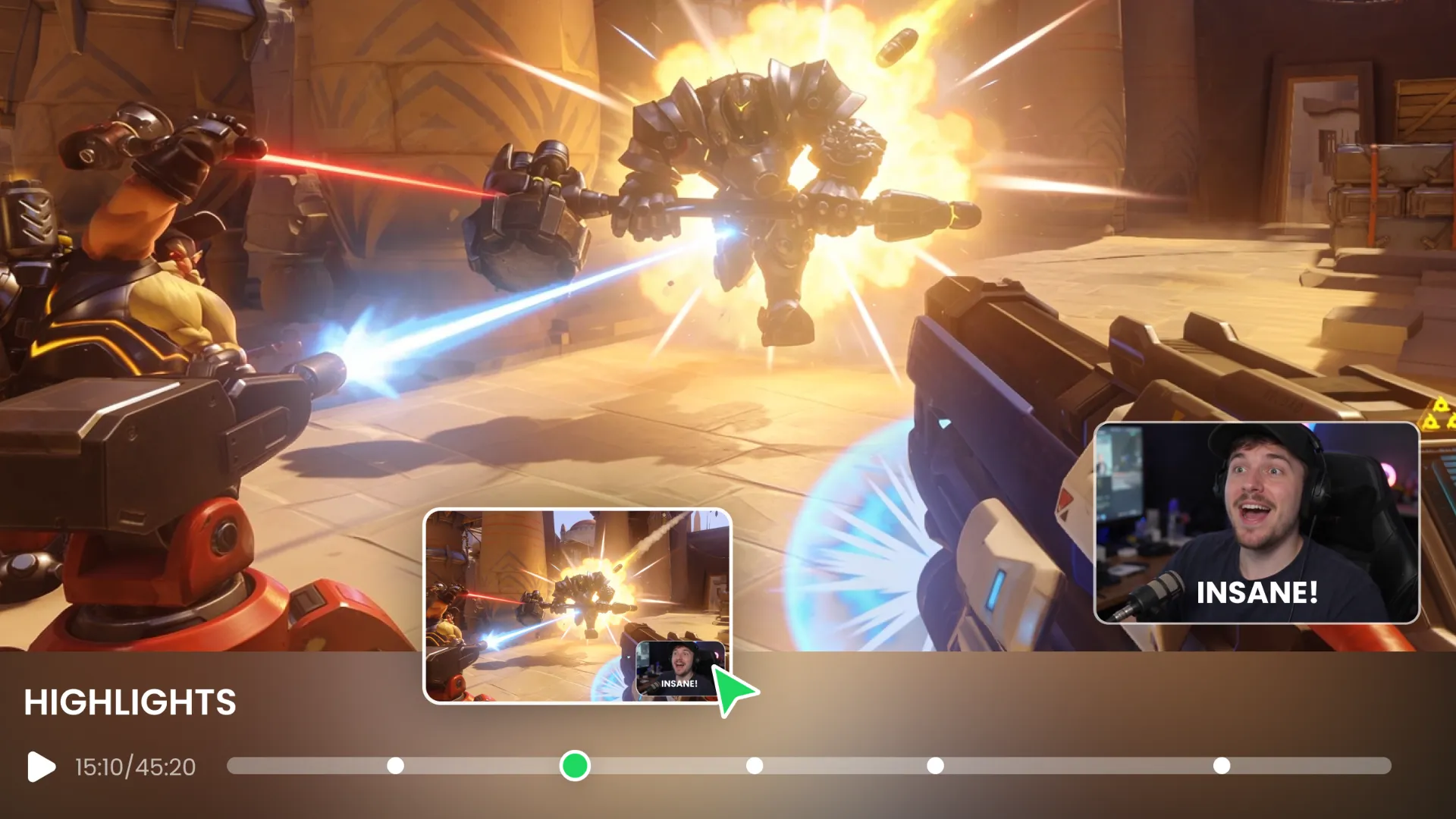
Gaming livestream with streamer reactions and highlighted clips on a timeline

Gaming Stream Highlights

Find a gaming streamer's best plays and funniest reactions, then turn them into short clips worth sharing.
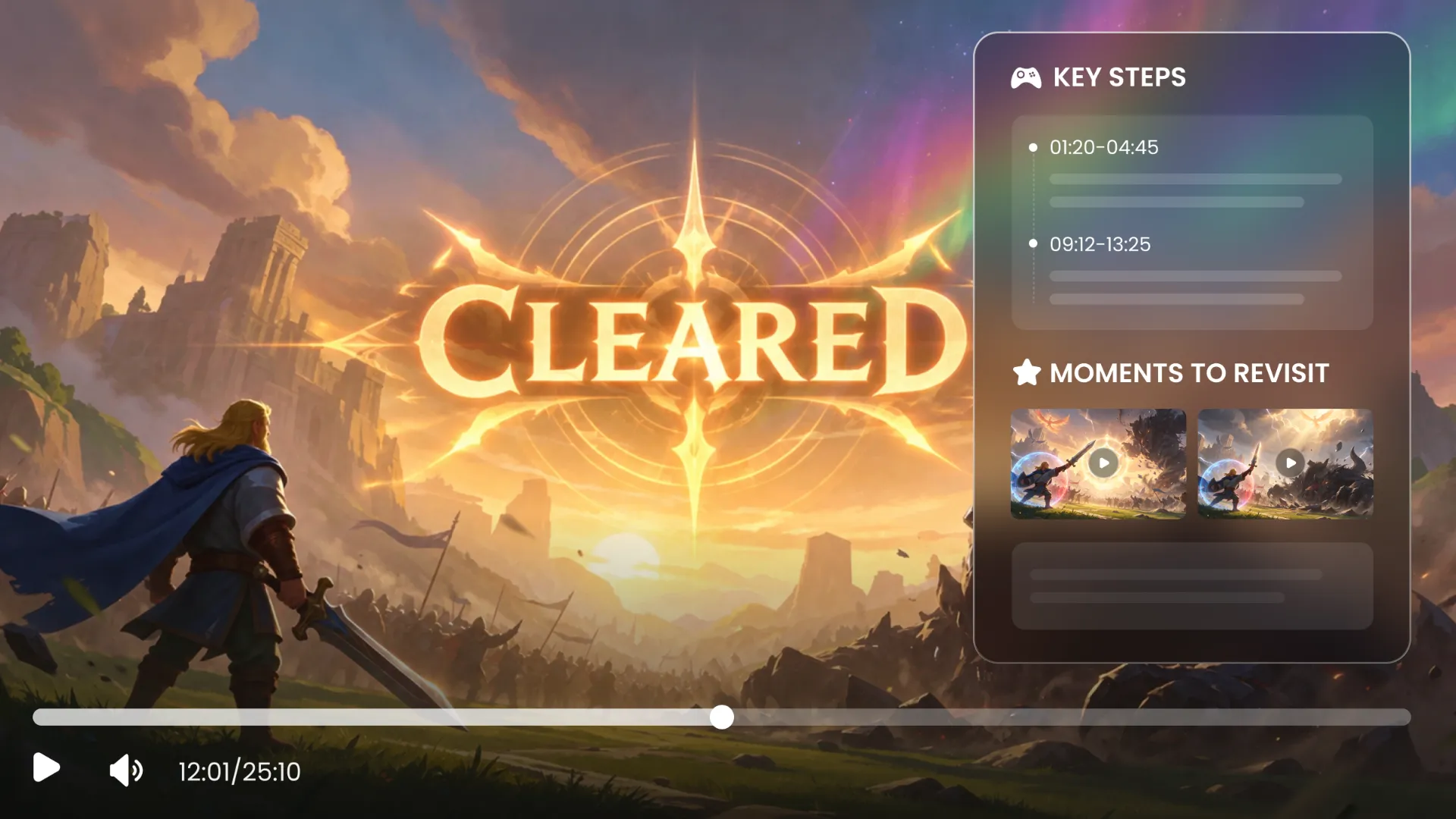
Gameplay video beside notes with objectives and timestamps

Gameplay Walkthrough Notes

Turn a gameplay walkthrough into clear notes that capture key objectives, actions, and moments worth revisiting.
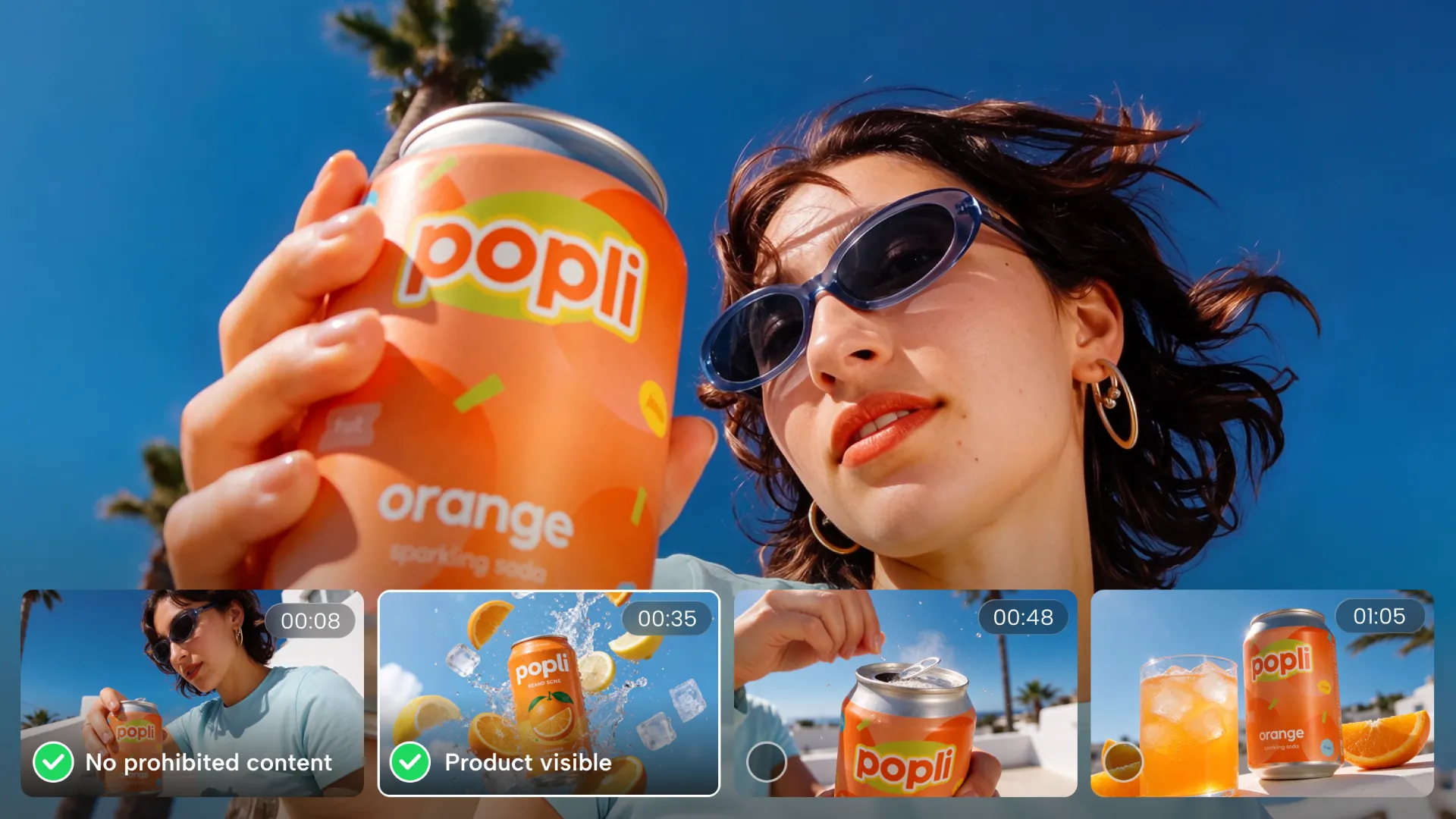
Advertising video beside a review checklist with flagged timestamps

Brand Video Review

Review ad videos for compliance or check whether campaign UGC meets your reward criteria.
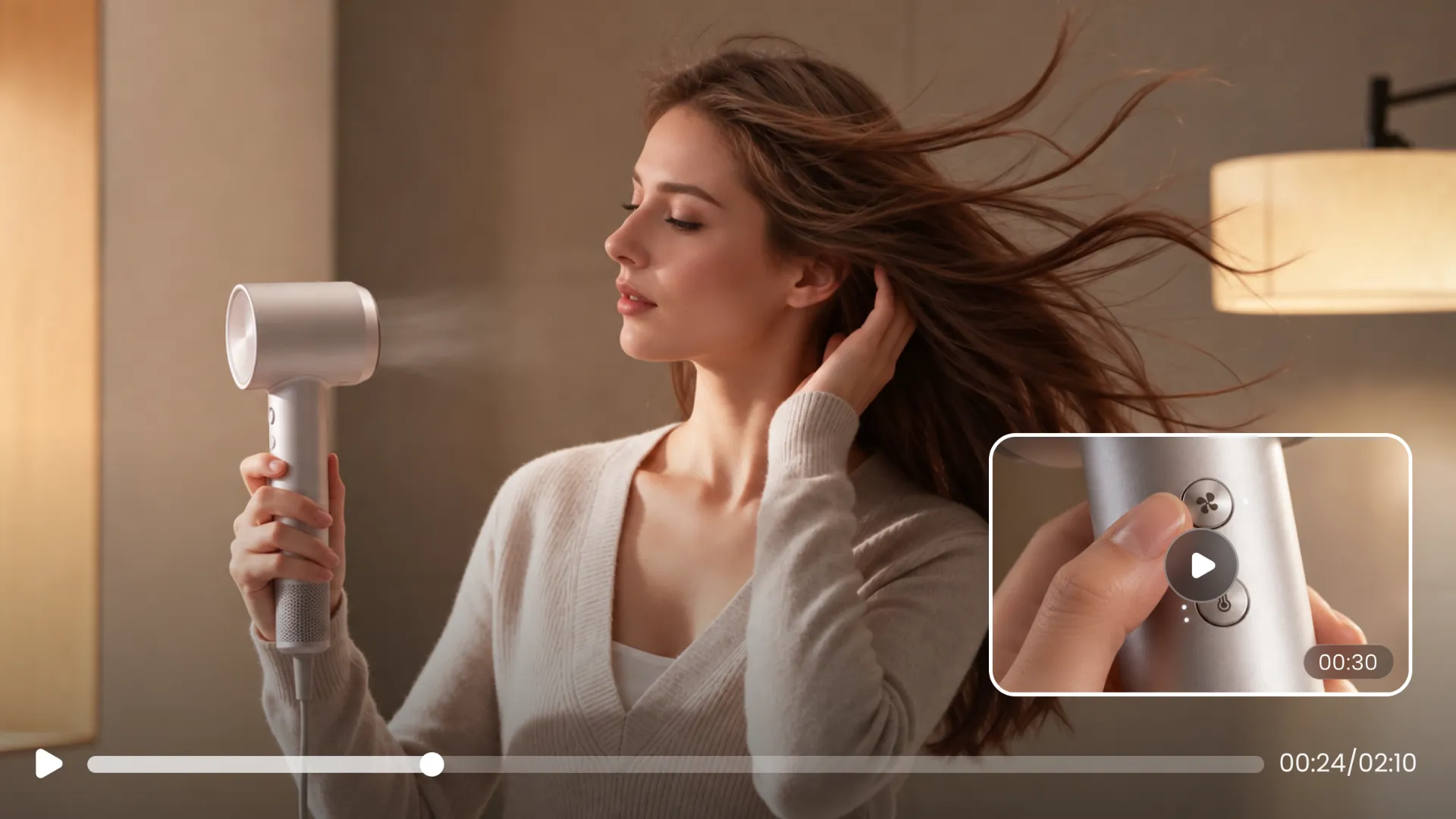
Product launch video with previews of short feature clips

Product Launch Clips

Turn a product launch livestream into concise feature demos that help your audience see what's new.
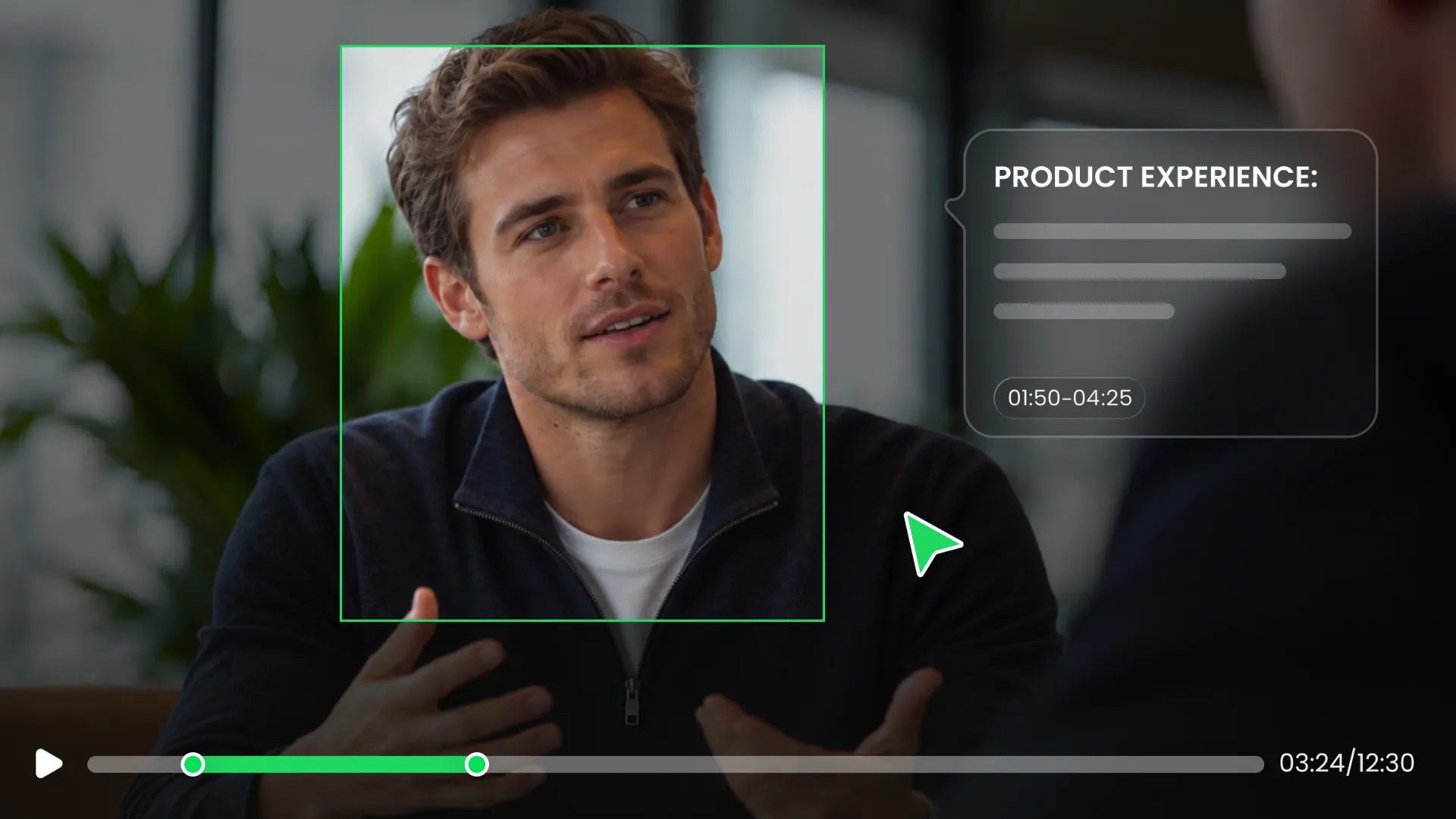
Customer interview with a highlighted quote

Customer Testimonials

Find meaningful customer quotes in interview footage and turn real experiences into stories your audience can relate to.
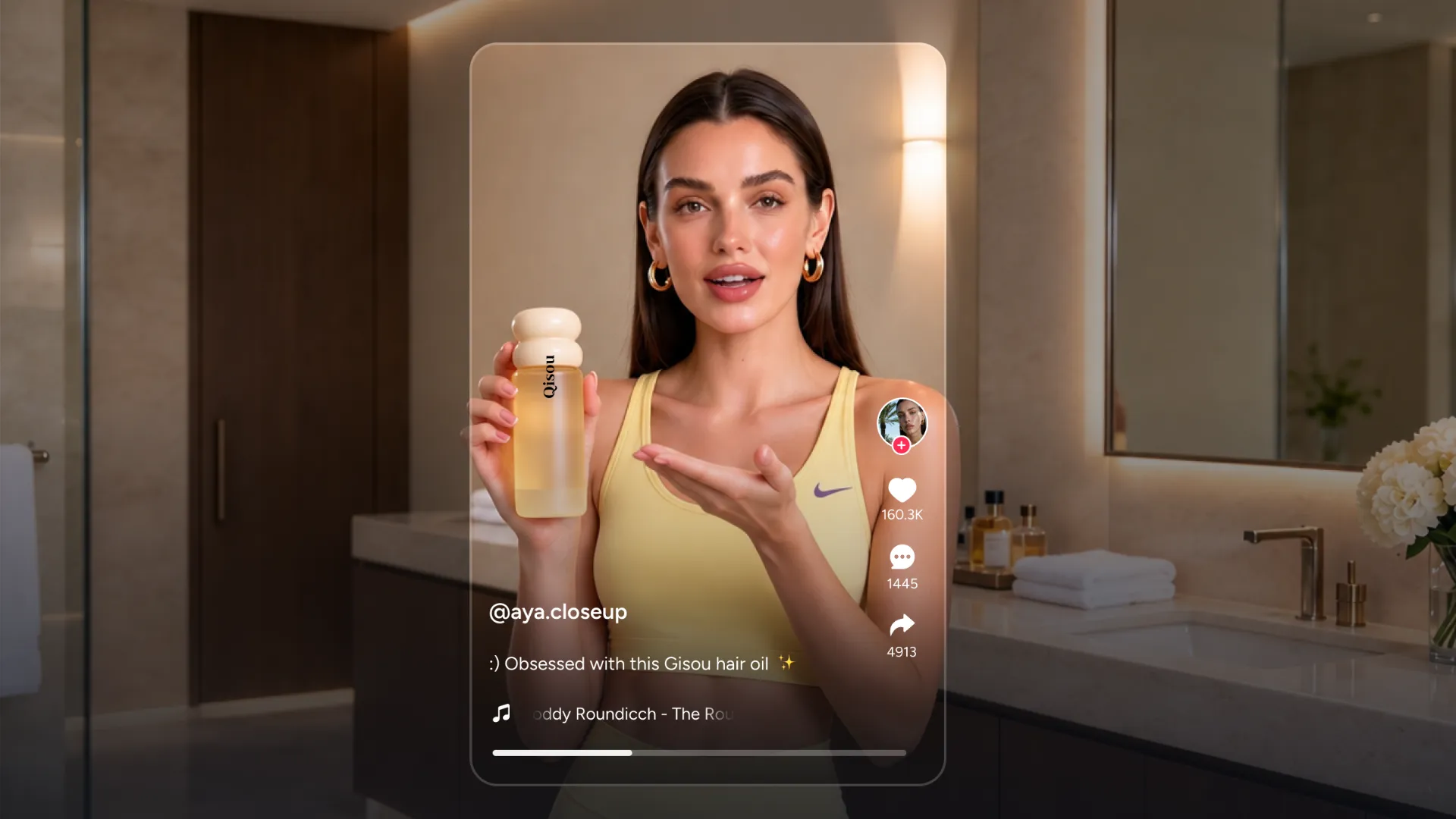
Speaker shown in vertical video previews for multiple social platforms

Social Video Resizing

Adapt a campaign video for TikTok, Instagram Reels, and YouTube Shorts while keeping the speaker clearly in frame.
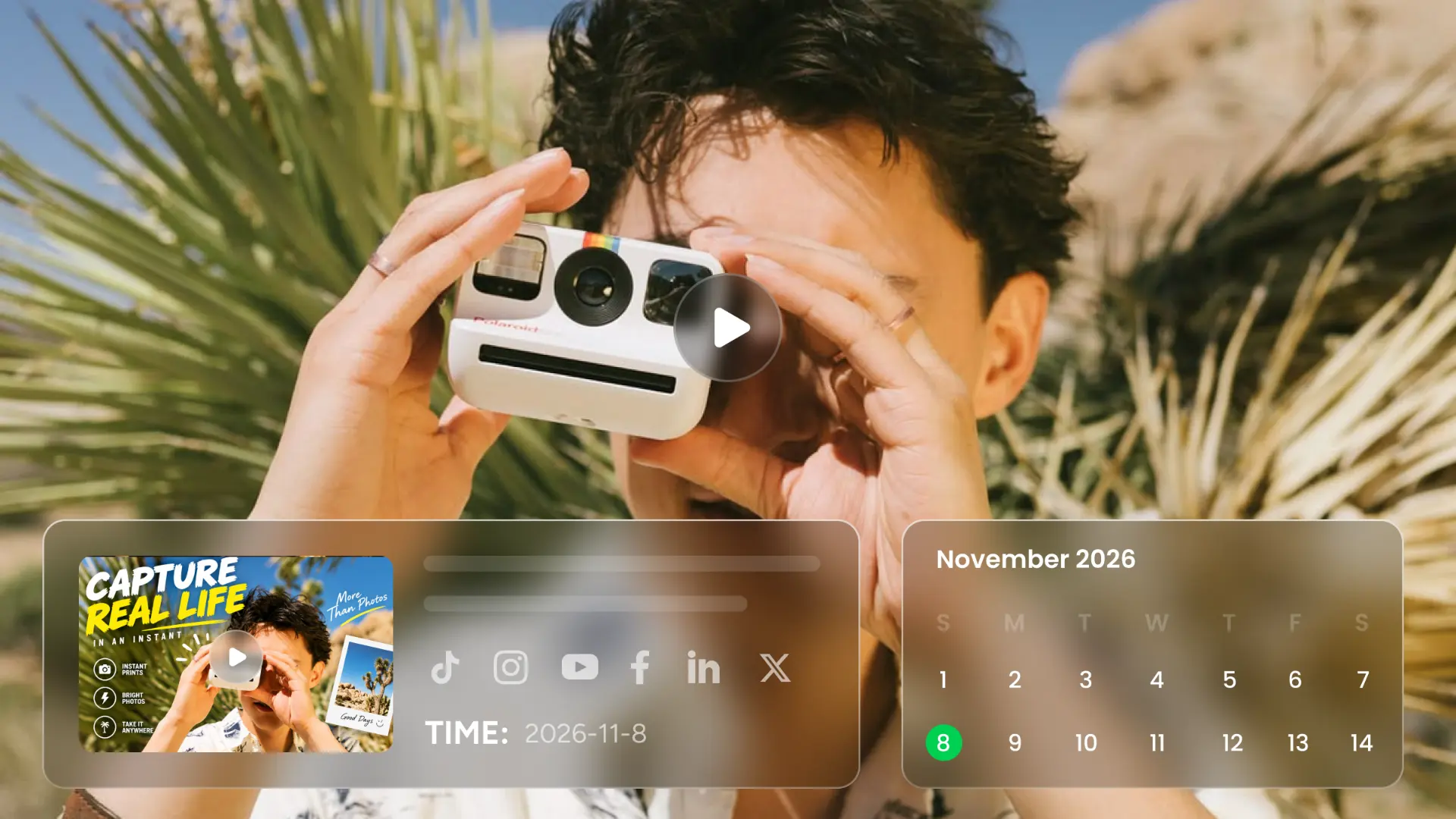
Video thumbnail with a calendar and scheduled post preview

Social Post Scheduling

Export a finished video, prepare its title and caption, and schedule it for social media.

Team celebrating a championship with a trophy and match thumbnails

Championship Highlights

Bring a championship season back to life with a highlight reel of the winning moments and celebrations.
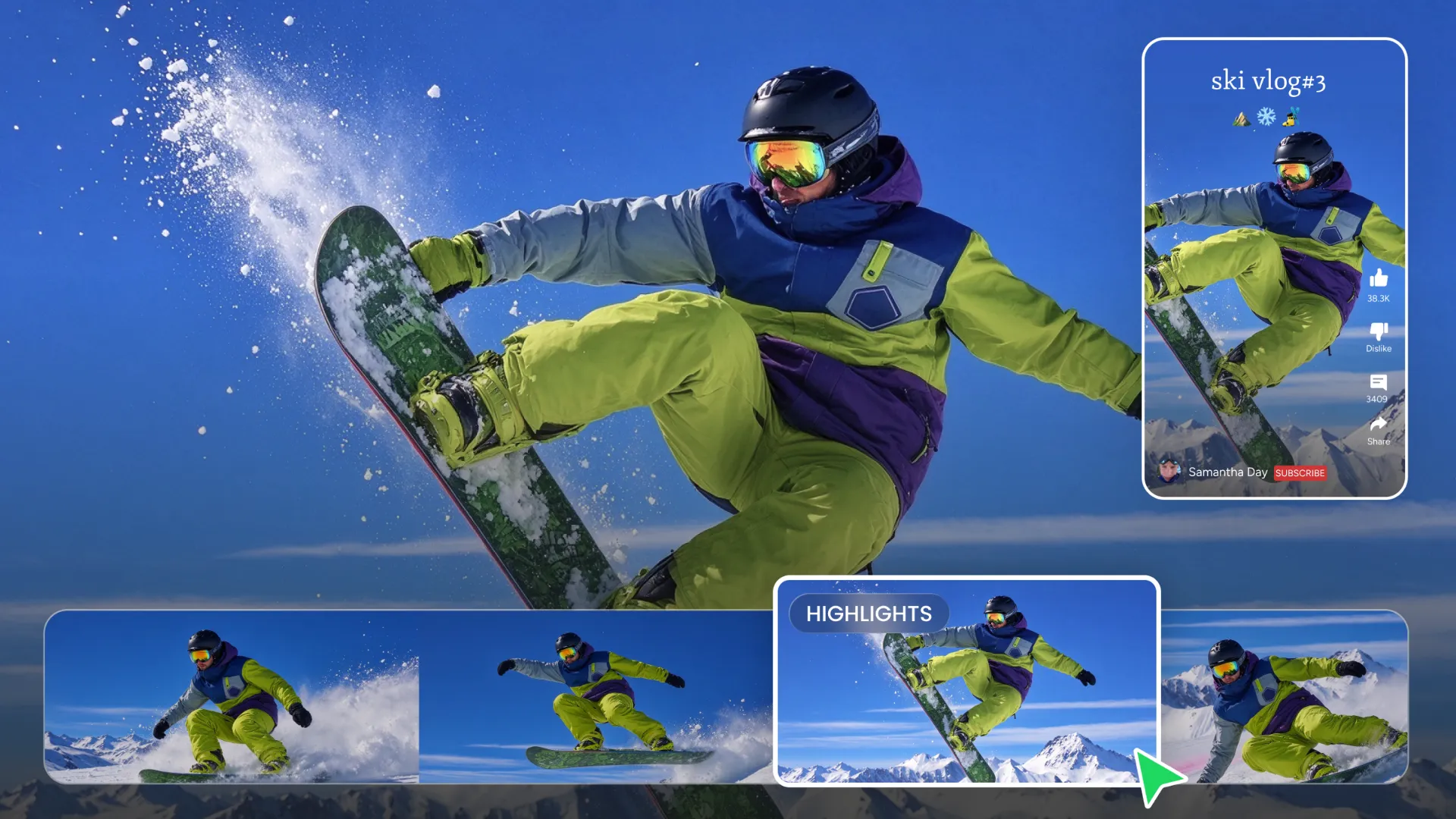
Travel vlog with a vertical clip preview and subtitles

Vlog Highlights

Turn the best moments from a travel or food vlog into vertical clips with subtitles, ready to share.
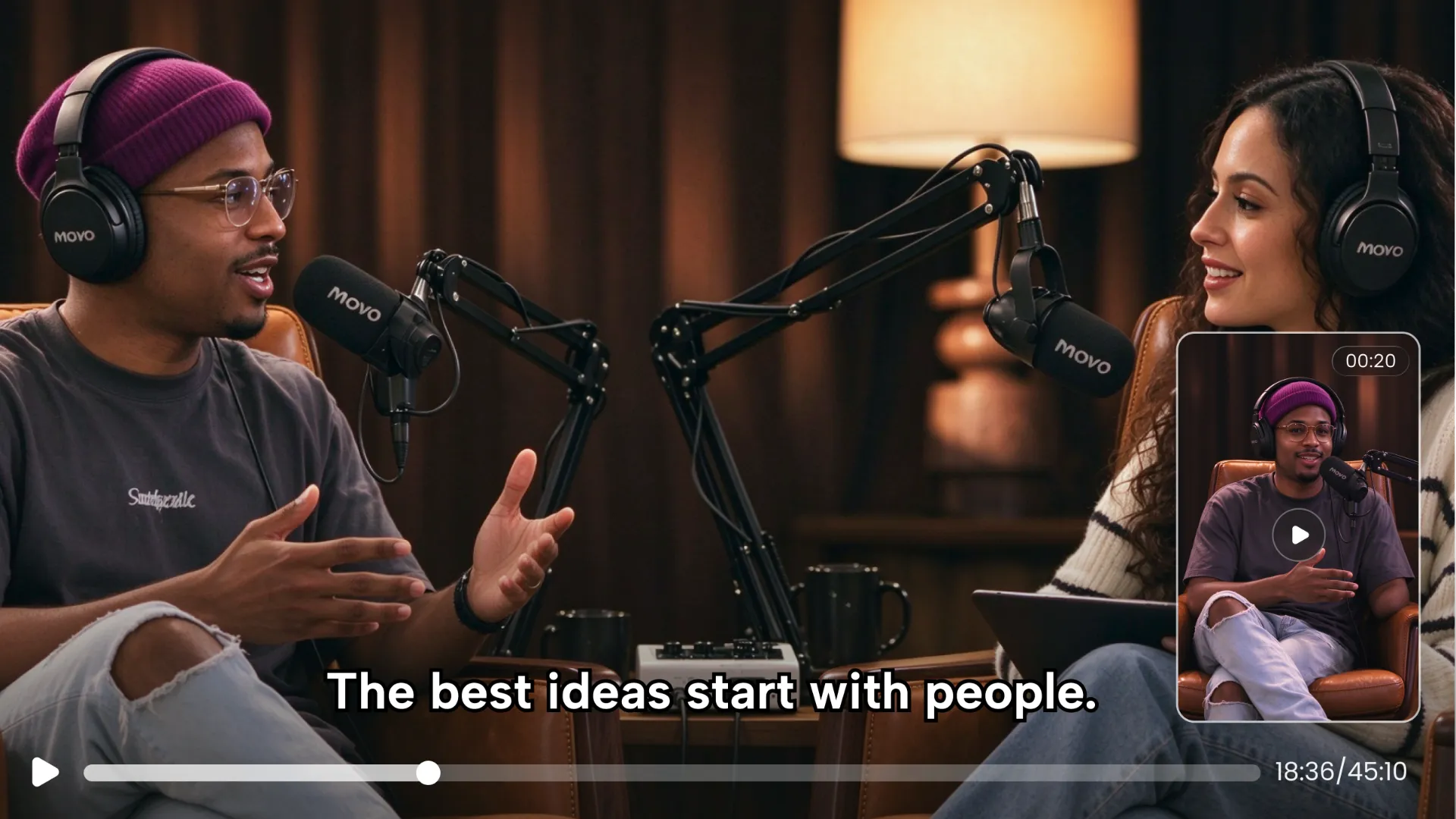
Podcast guest with a subtitled short clip preview

Podcast Story Clips

Turn a podcast guest's best stories and insights into short clips your audience will want to share.
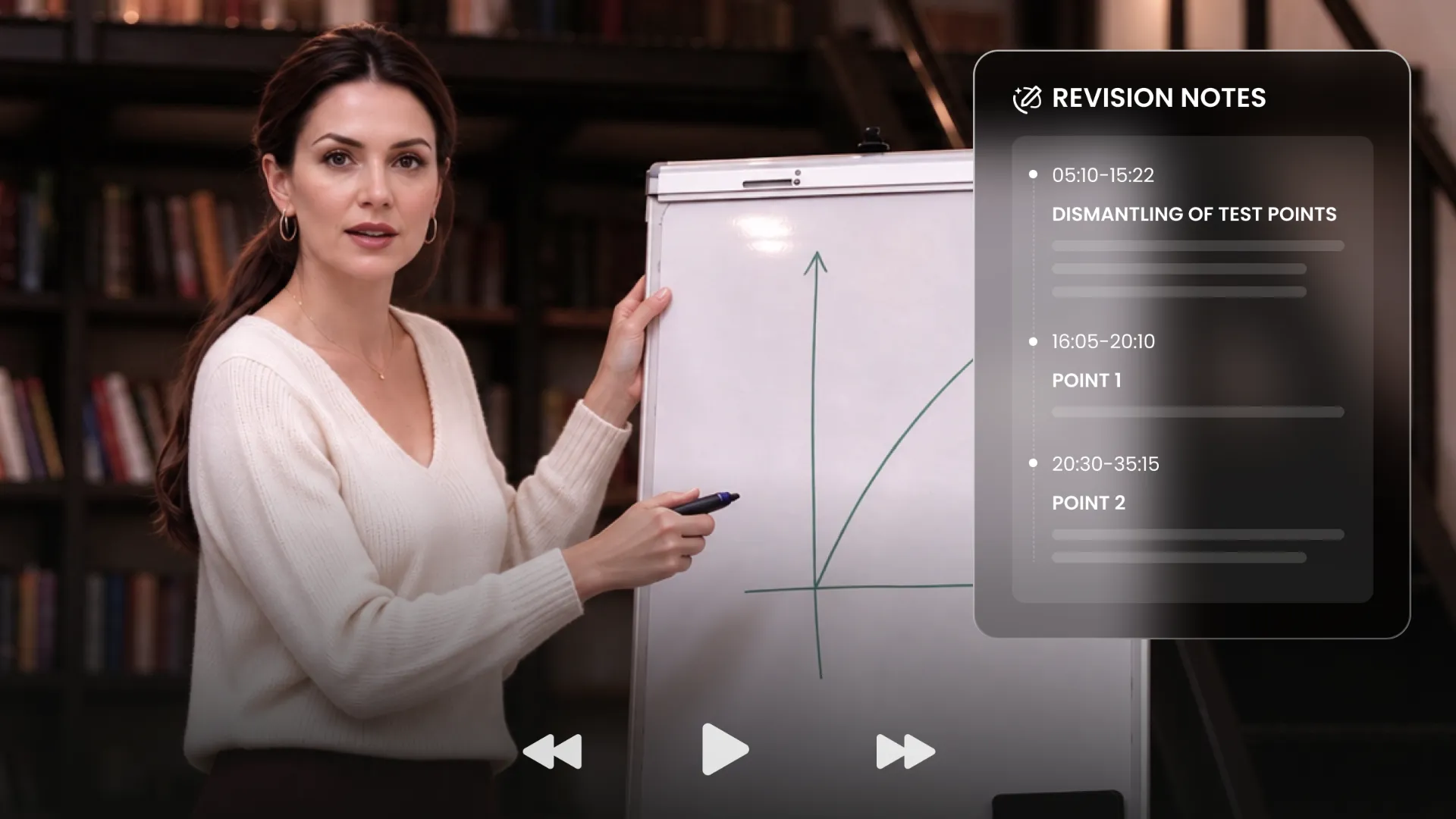
Recorded lesson beside revision notes and timestamp markers

Exam Review

Turn a recorded lesson into focused revision notes, so students can spend less time rewatching and more time preparing for exams.
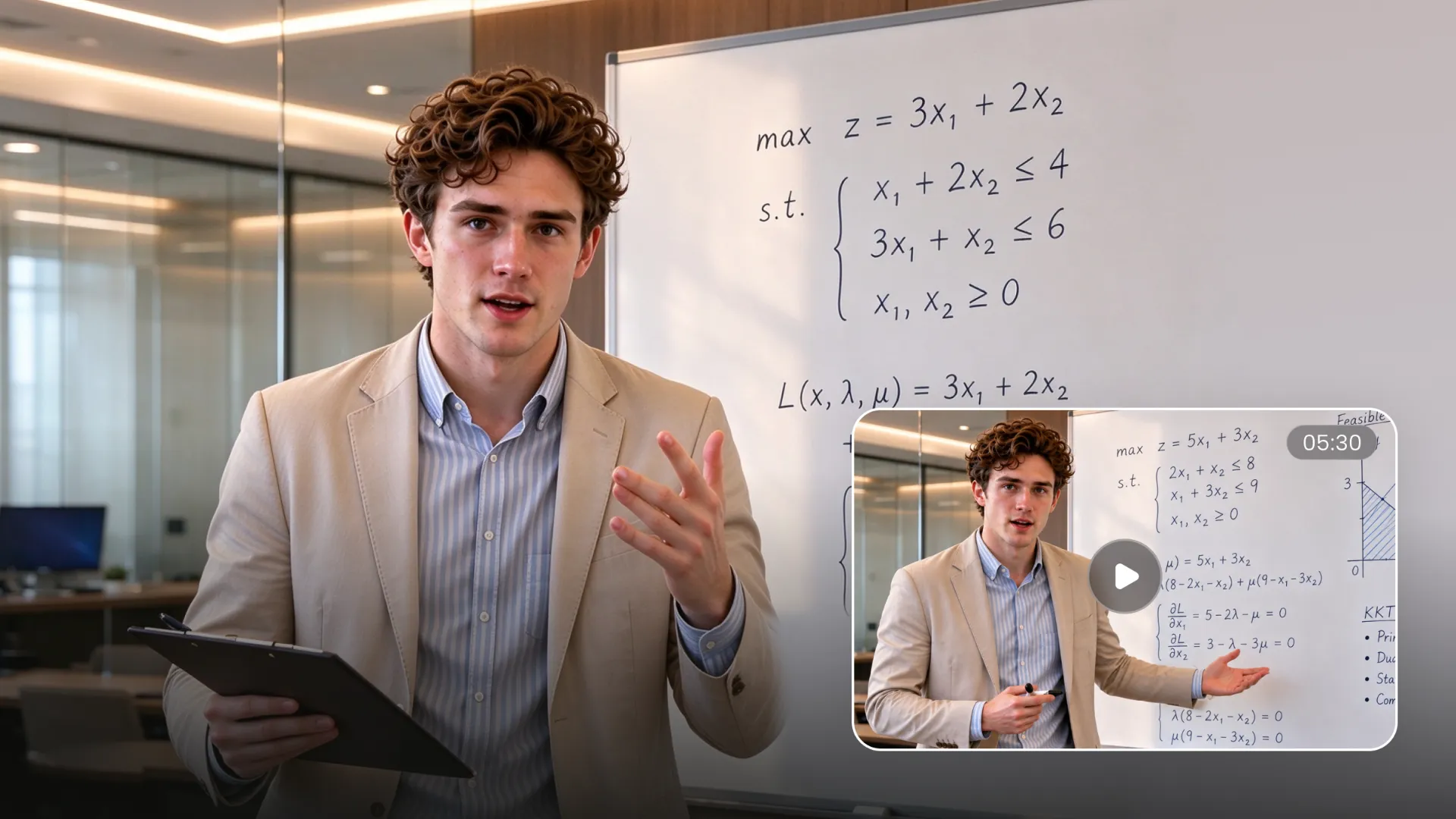
Teacher presenting a lesson beside a short recap video preview

Lesson Recap

Bring the key ideas from a full lesson together in a short video your students can revisit anytime.
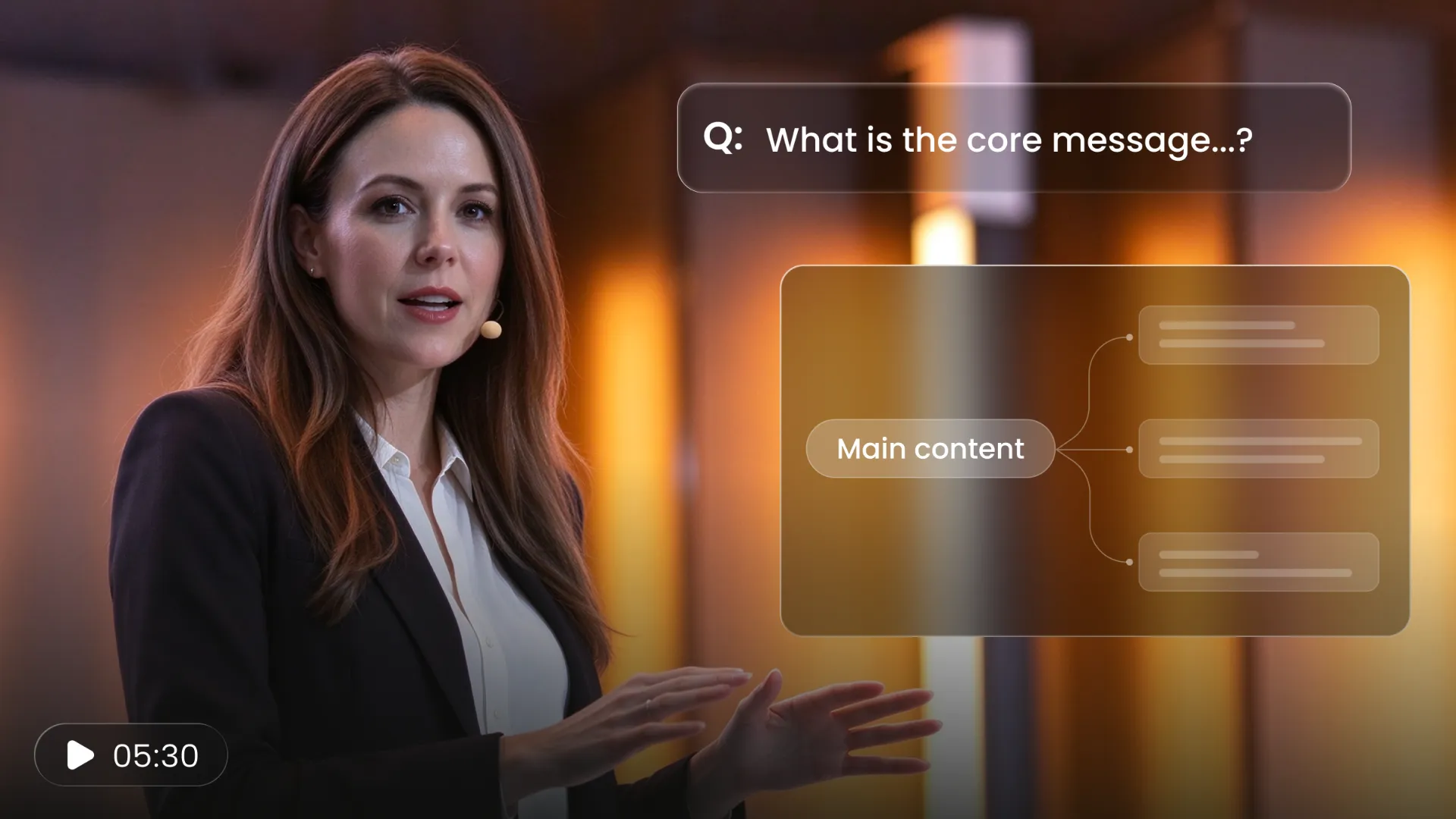
Lesson video with a question bubble and mind map

Lesson Q&A

Ask questions about a lesson and turn its key ideas into a simple mind map students can follow.
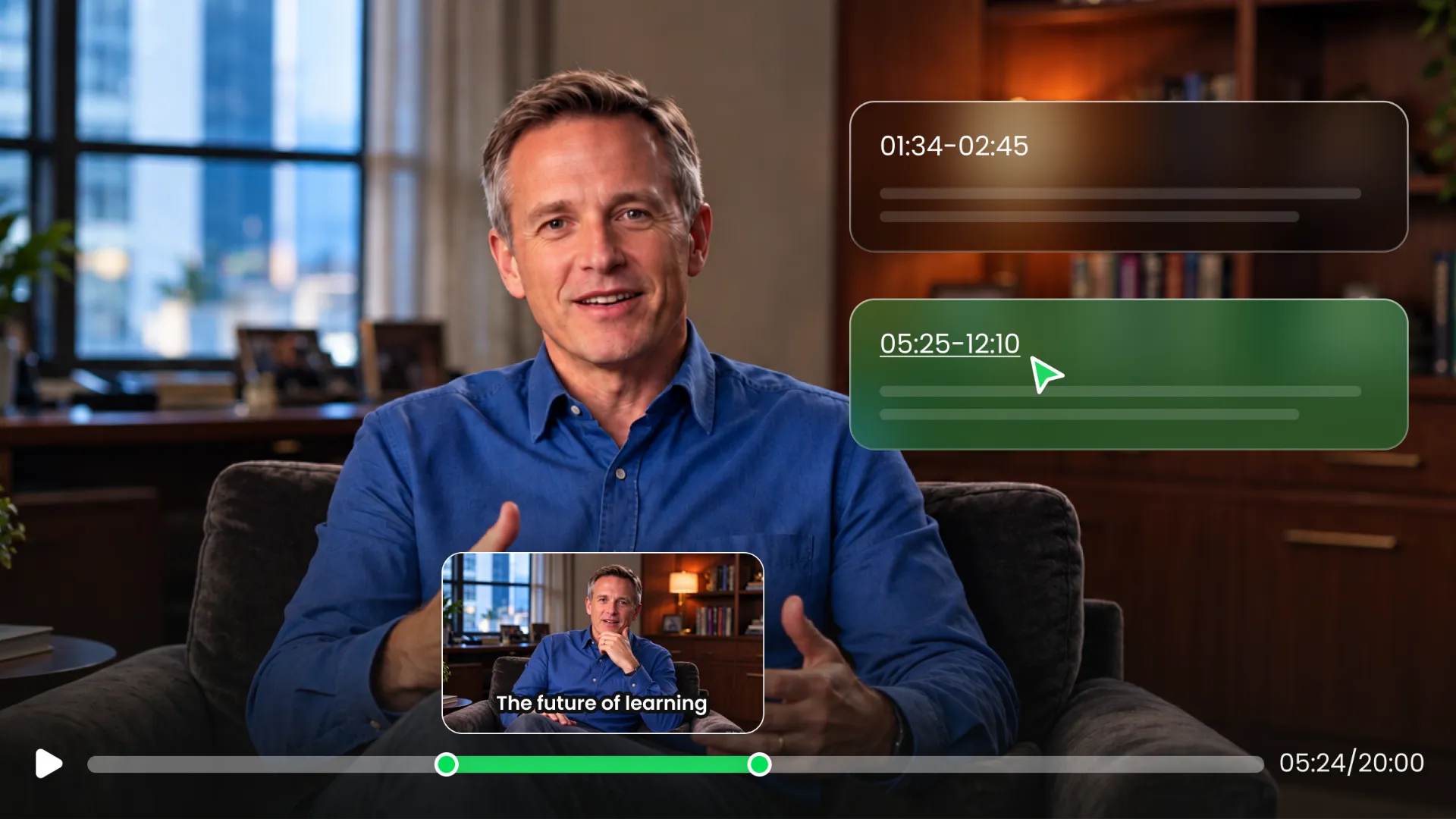
Expert interview with a topic label and relevant timestamp

Interview Topic Search

Find the parts of an interview that discuss your topic, with timestamps that take you straight to the relevant evidence.
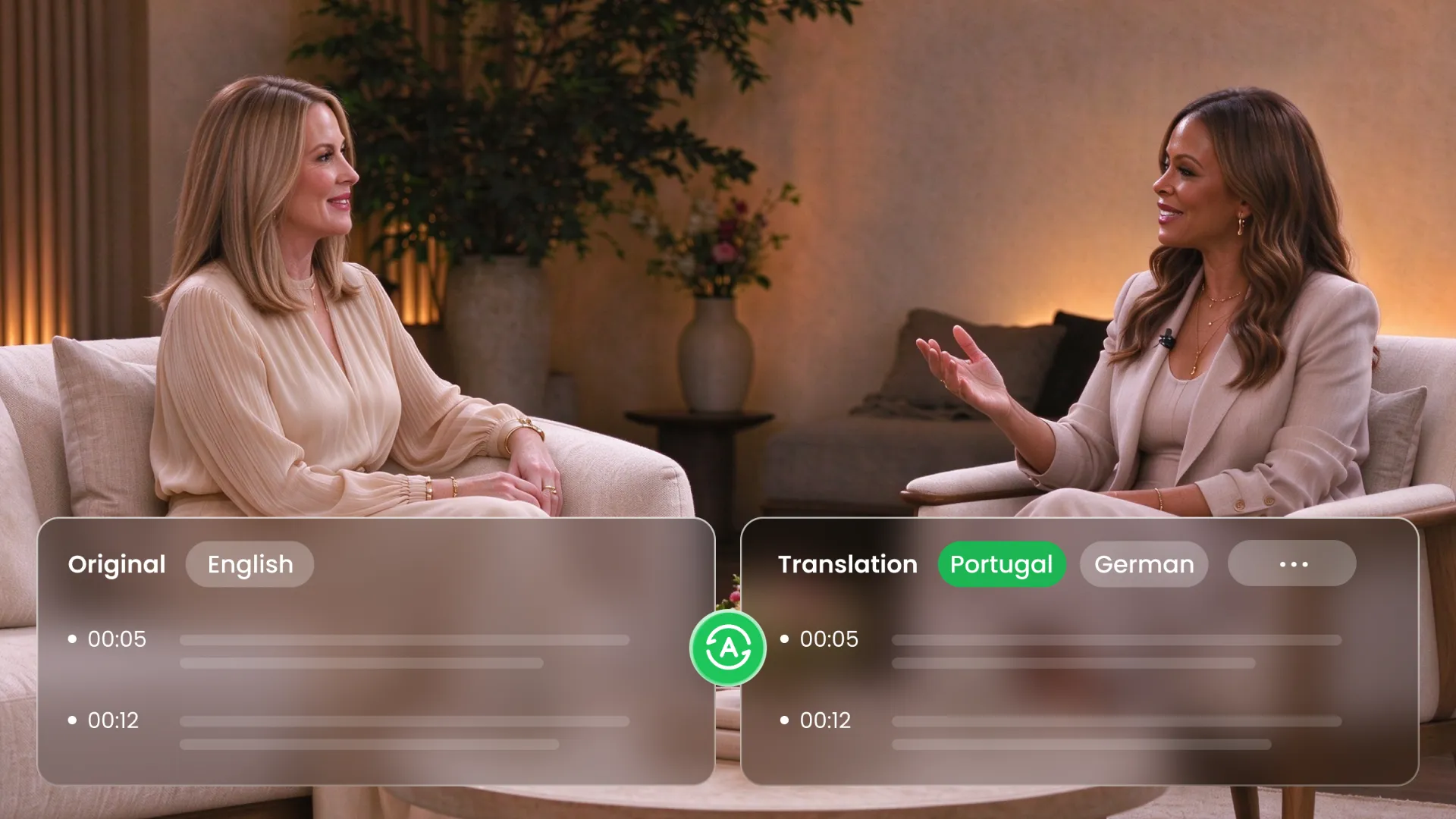
Interview video with a speaker-labeled transcript and translation

Interview Transcript Translation

Turn an expert interview into a speaker-labeled transcript, then translate it into your preferred language.

Gaming livestream with streamer reactions and highlighted clips on a timeline

Gaming Stream Highlights

Find a gaming streamer's best plays and funniest reactions, then turn them into short clips worth sharing.

Gameplay video beside notes with objectives and timestamps

Gameplay Walkthrough Notes

Turn a gameplay walkthrough into clear notes that capture key objectives, actions, and moments worth revisiting.

What Makes WayinVideo Different?

  • Smart Visual Focus

    Understand scenes, objects, people, and actions beyond spoken words, making visual content easier to search.

  • Frame-Level Precision

    Pinpoint relevant moments with accurate timestamps and clip boundaries, reducing irrelevant footage in your results.

  • Blazing Fast Processing

    Process video tasks efficiently through optimized workflows, helping your agent find and handle relevant content faster.

  • Token-Efficient Intelligence

    Focus analysis on relevant video content instead of repeatedly processing unnecessary footage, helping reduce token usage.

  • Multilingual Understanding

    Work with video content across languages and make information easier to understand and reuse globally.

  • Seamless Browser-Based Access

    Access video workflows through a streamlined browser-based experience, without adding unnecessary setup complexity.

Everything to Know About Our AI Agent Plugin

WayinVideo is an AI agent plugin that connects your AI client to powerful video tools. Use natural language prompts to search, edit, understand, and manage video content.

No technical skills are needed. Simply copy the prompt above, paste it into your preferred AI client, and follow the instructions. Log in to your WayinVideo account to get started.

Yes. You need to register and log in to your WayinVideo account. Video tasks such as clipping, notes, transcripts, Q&A, and mind maps use credits based on video length. Each task uses fewer tokens through efficient processing.

Your privacy is our priority. WayinVideo takes strict measures to protect your video content and personal information, ensuring your data is handled securely throughout the process.

Yes. Use natural language prompts to specify your goals, key moments, search criteria, and desired output. You can also refine your prompts and adjust results to match your needs.

You can use YouTube, TikTok, and Vimeo video links, as well as shared links from Google Drive and Dropbox, and so on. Local video uploads support files up to 5 GB, and uploading is free. Processing tasks may use credits based on video length.

Bring Your Video Workflow into Your AI Agent

Connect this AI video plugin to your AI agent and handle video tasks faster, from finding moments to creating and sharing content.

Get Started with WayinVideo

Start creating with 100 free credits.

Get Connection Prompt