

Batch video upload
Build one montage from multiple source videos. Drag and drop local files, select several videos at once, paste links, or choose existing media from your library.
Turn multiple videos into one story worth watching with one click. One prompt. Multiple videos. One finished Video montage. Support 100+ Languages.
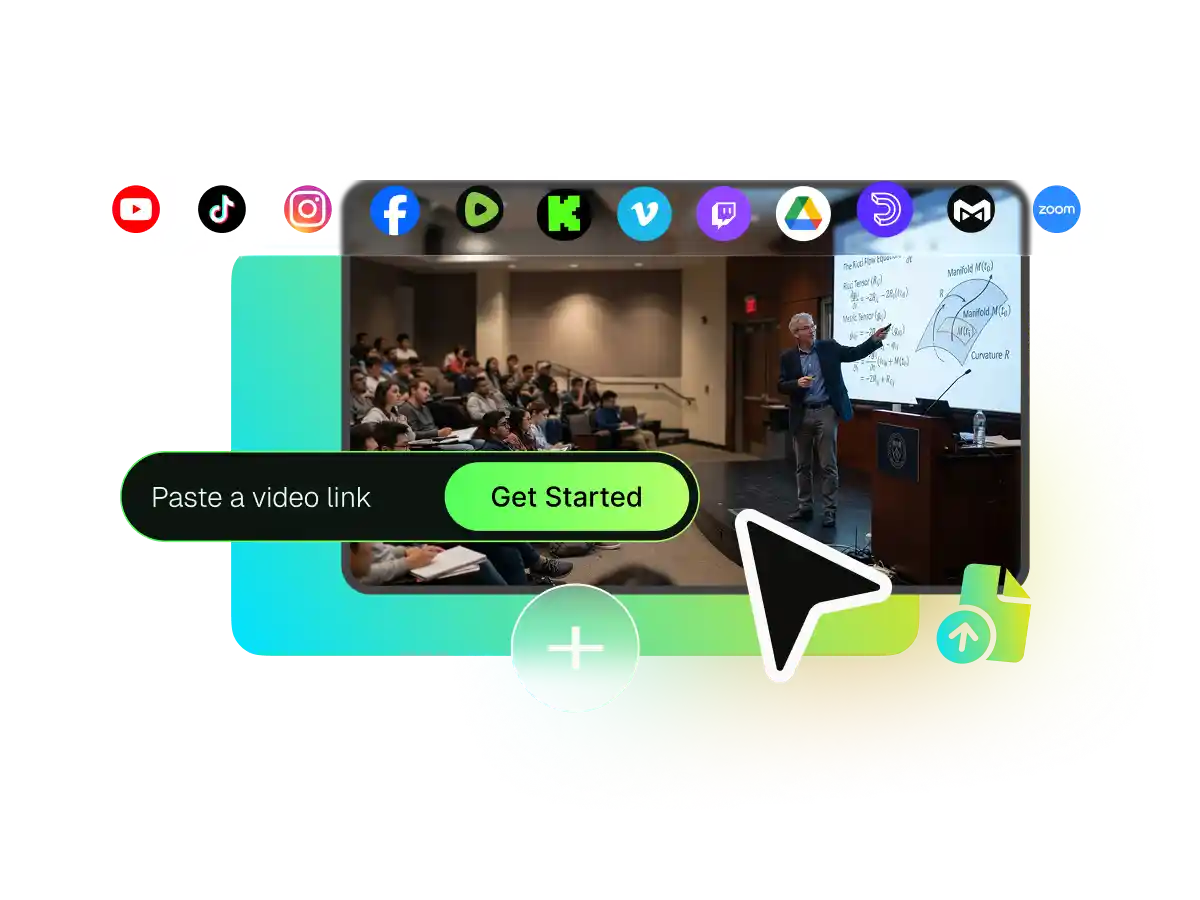
WayinVideo online video montage maker is built to handle multiple source videos in a single project. Bring all your footage together in one place. Upload multiple video files from your device, choose existing footage from your library, import from Google Drive, or paste supported links from YouTube, Vimeo, TikTok, Instagram, Facebook, Twitch, Zoom, Rumble, Medal, DailyMotion and Kick.
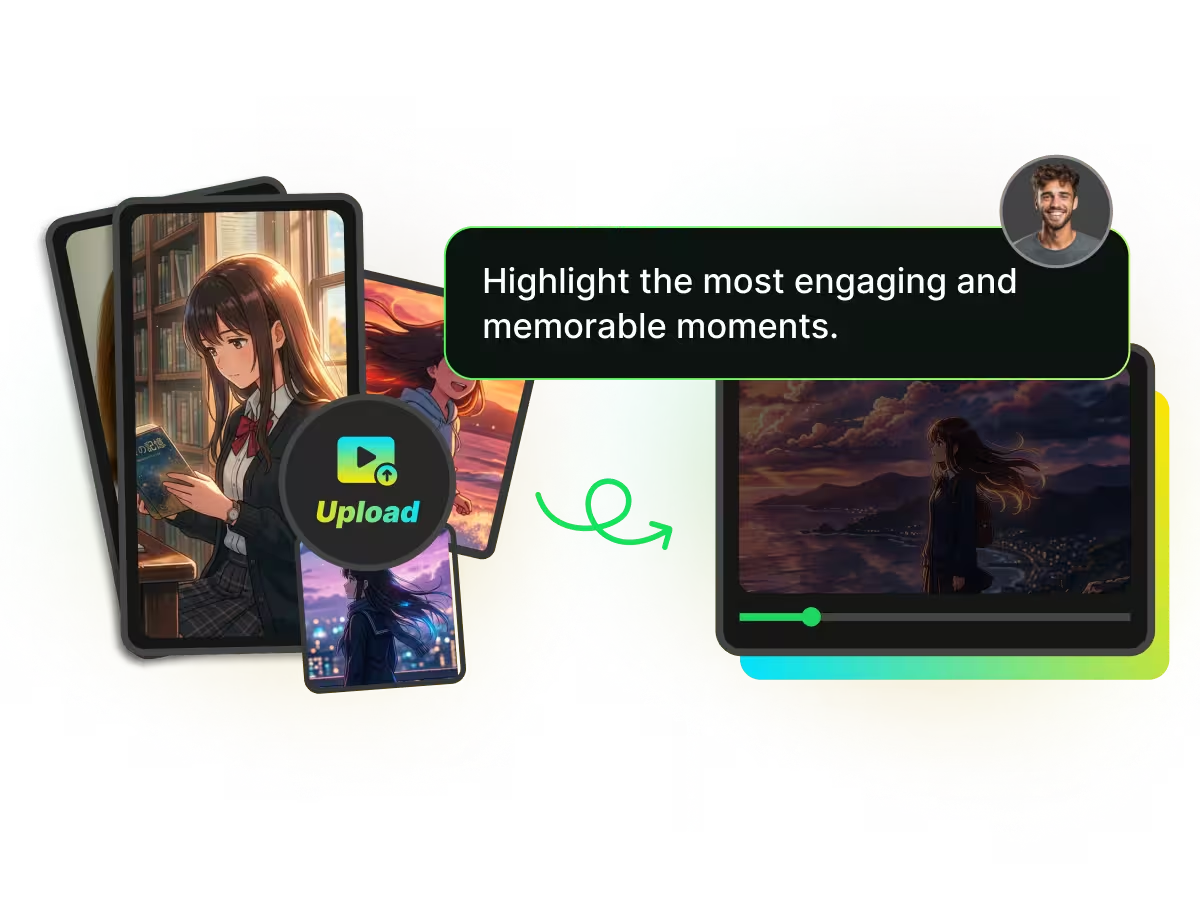
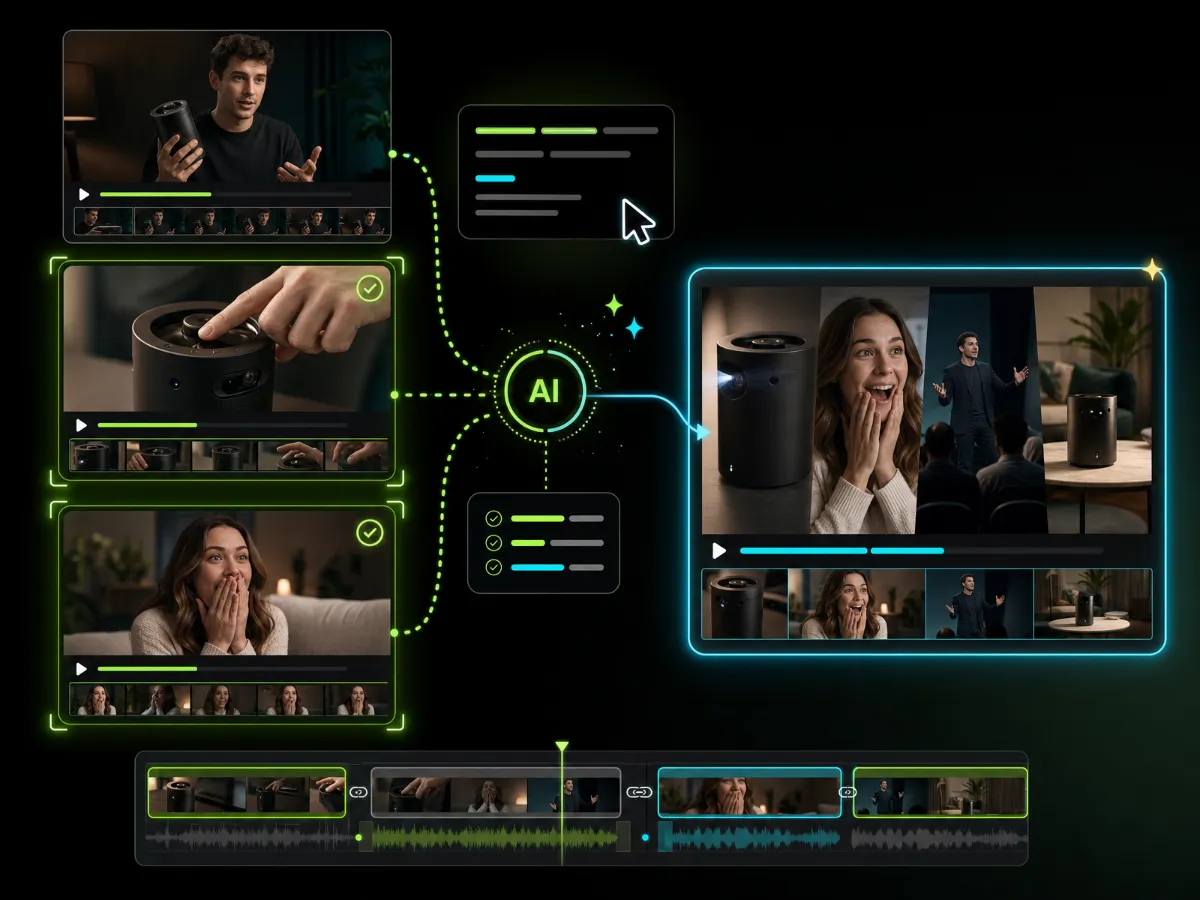
Tell WayinVideo what you want the finished montage to focus on. Enter a prompt describing a topic, product, person, reaction, key insight, or visual story. The AI video montage maker uses your instructions to understand what matters, so you do not have to review every source video and mark each moment manually.
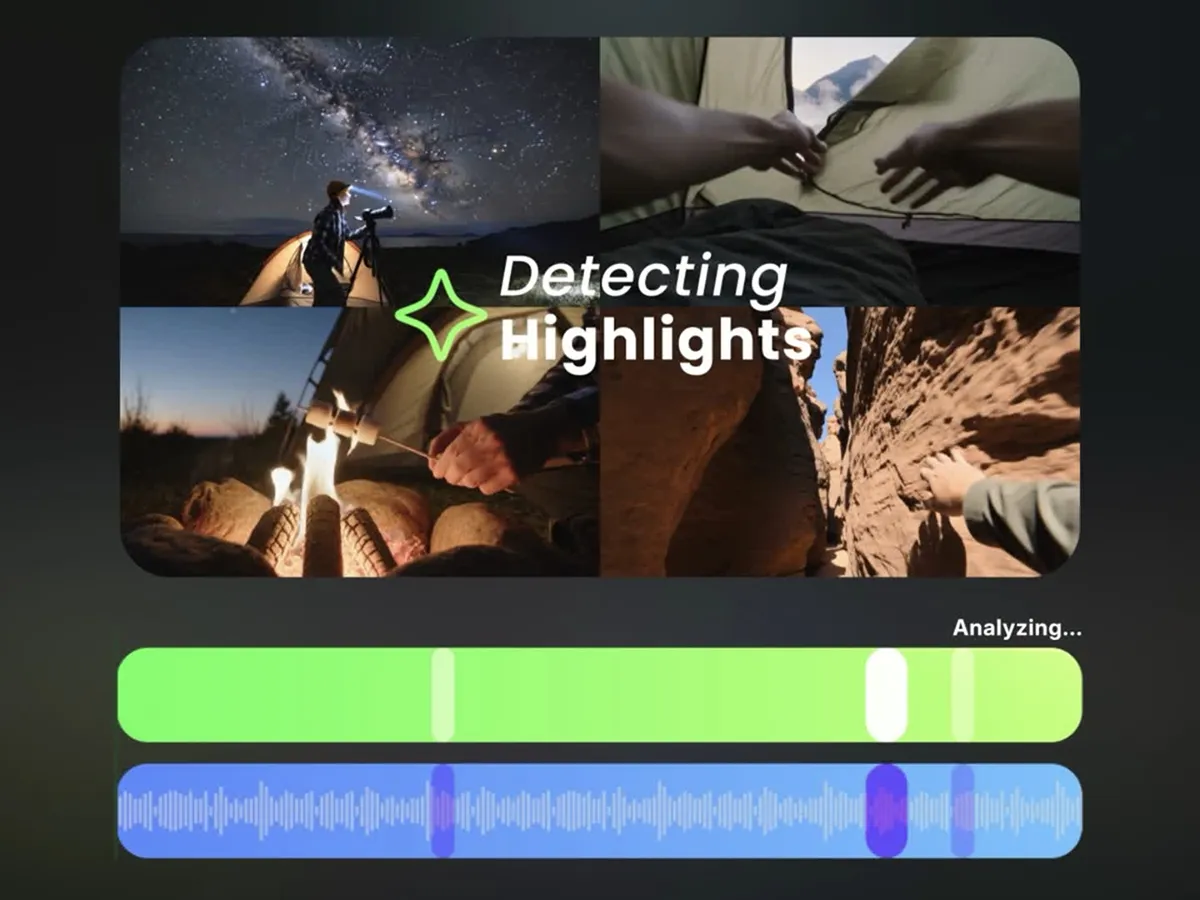
WayinVideo analyzes every uploaded video, finds the strongest moments that match your prompt, trims away unnecessary footage, and combines the selected clips into one coherent montage. Instead of simply joining files end to end, this automatic video montage maker builds a focused first cut from the most relevant moments across all your source videos.
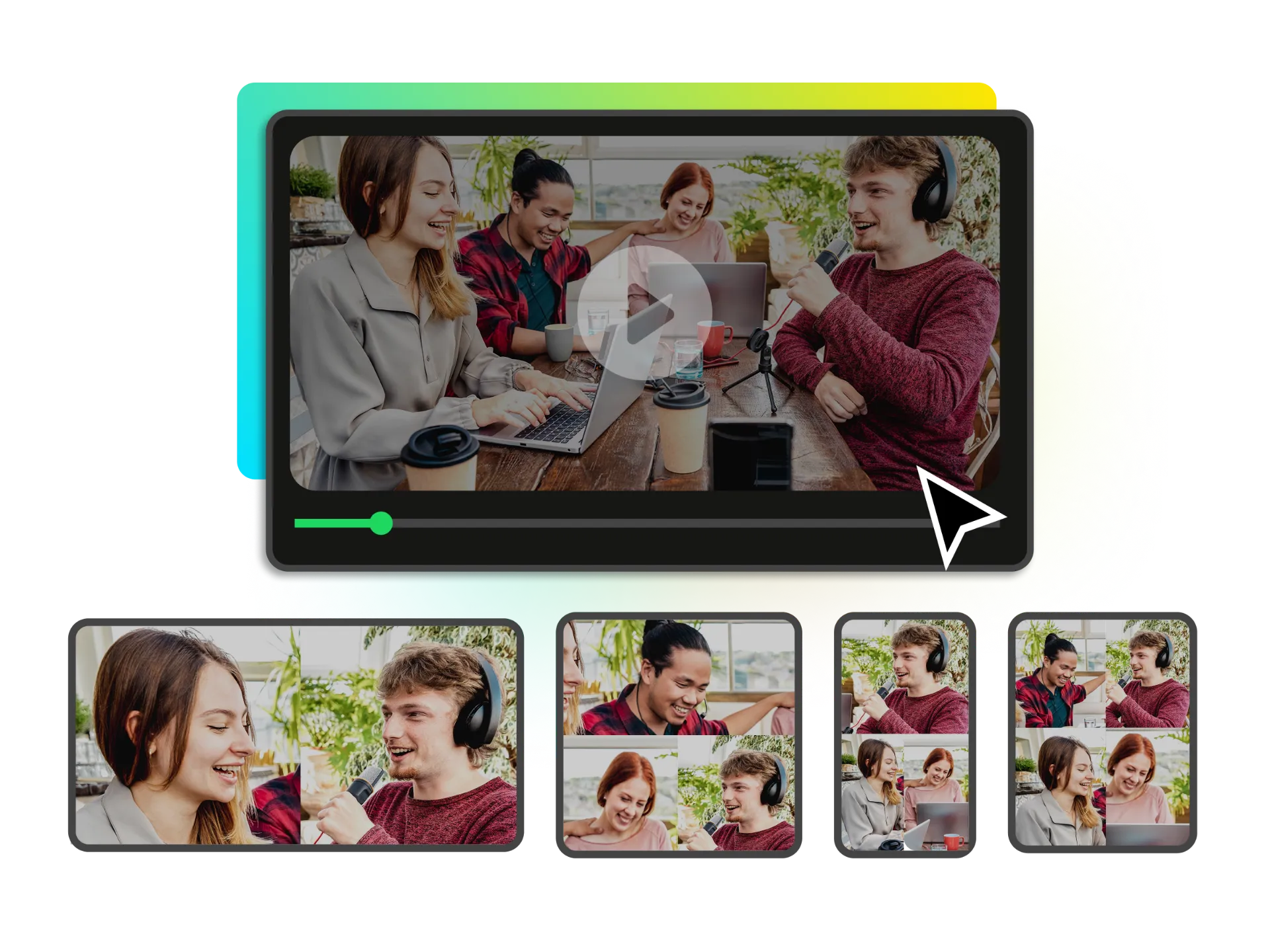
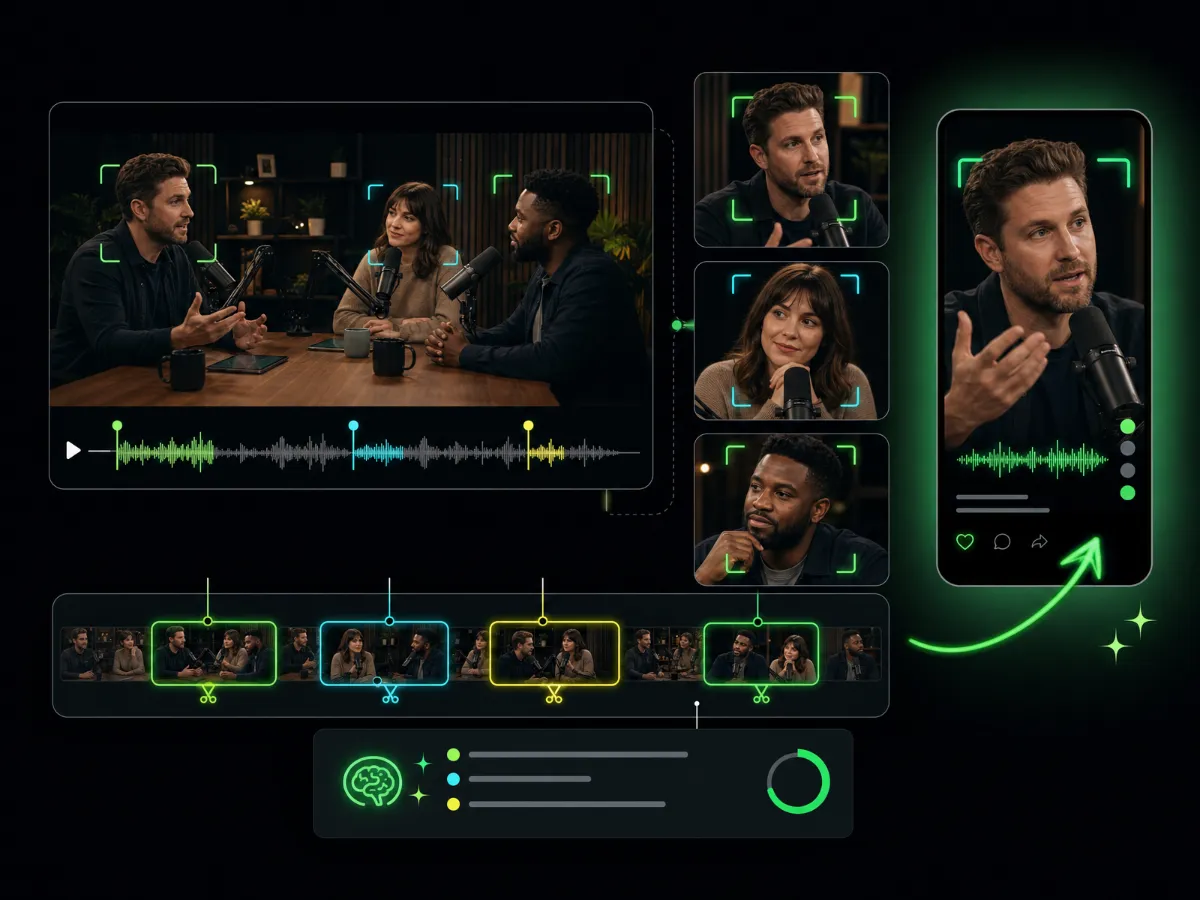
Generate your montage in portrait, landscape, or square format without manually cropping and repositioning every clip. Enable Auto Reframe to track the main subject and keep them properly framed as scenes change—ideal for TikTok, Instagram Reels, YouTube Shorts, and other social platforms. For podcasts, interviews, and multi-person videos, choose a reframe layout that keeps two or more speakers visible and automatically arranges them to fit the content.
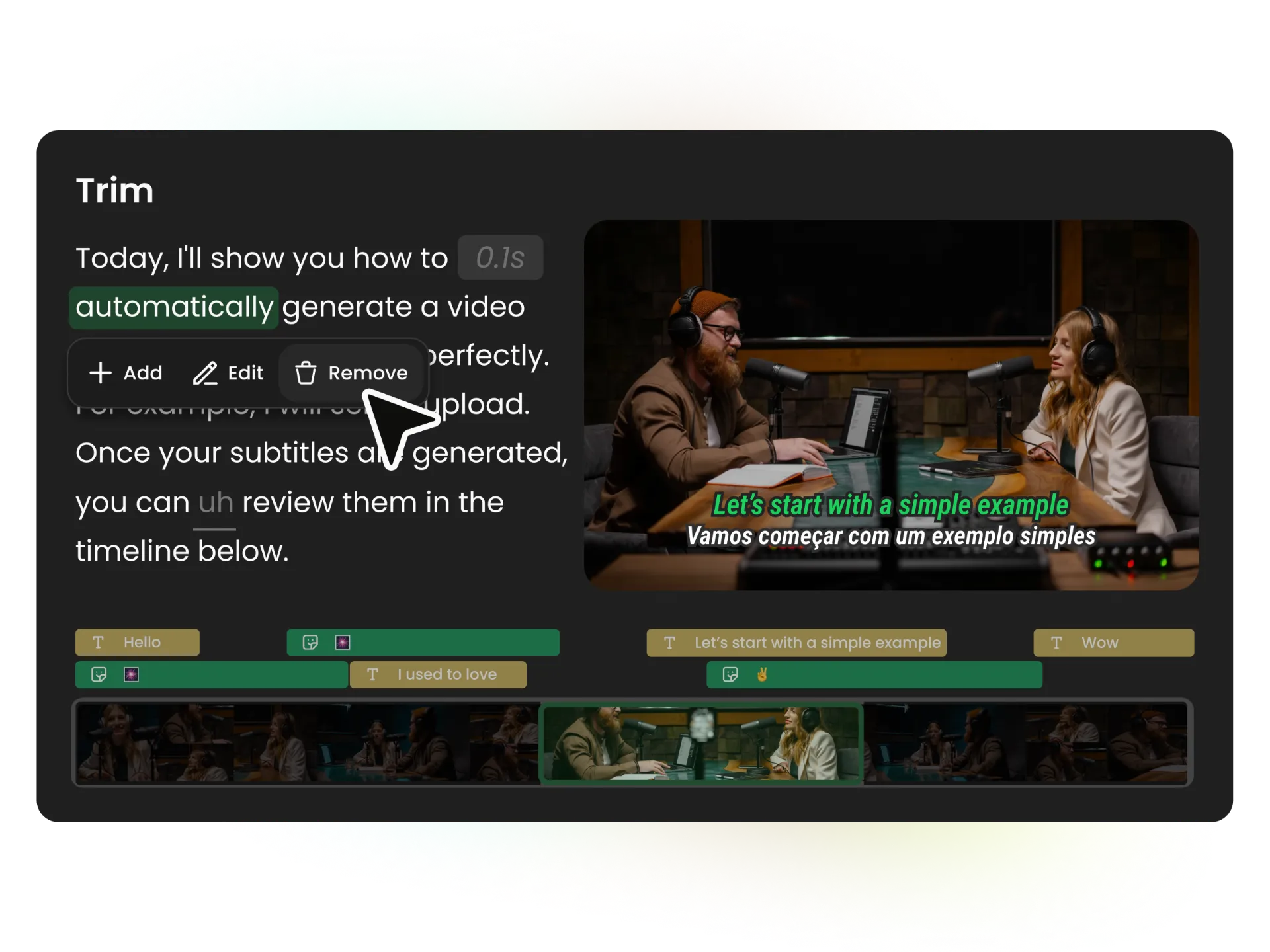
Your auto montage is only the starting point. Open it in the complete WayinVideo video editor to rearrange or trim clips, add B-roll and images, include background music or uploaded audio, and customize subtitles, text, sound effects, transitions, and more. You remain in control of every scene before publishing or exporting the final video.
Turn footage from different moments, cameras, and platforms into one story your audience will want to watch. WayinVideo helps you find the right clips, assemble the first cut, and refine every detail in the editor.
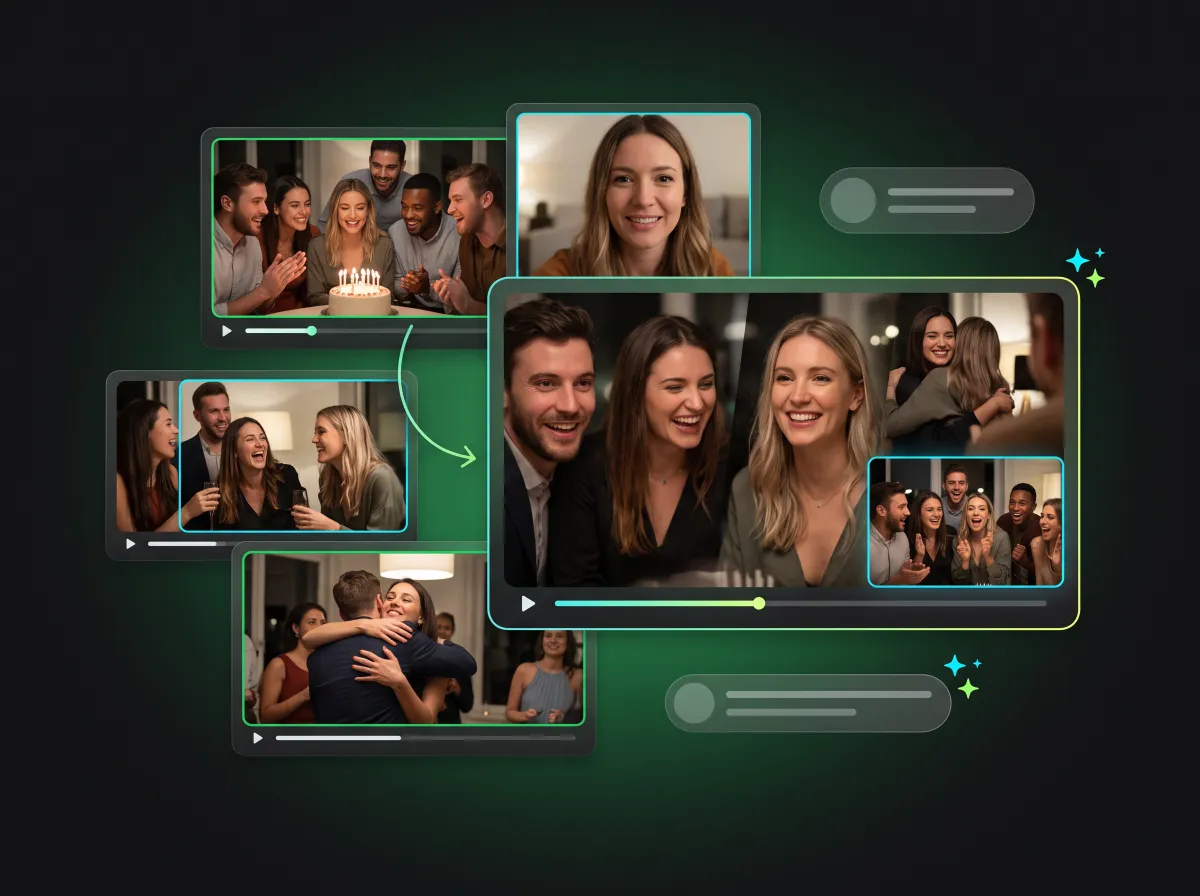
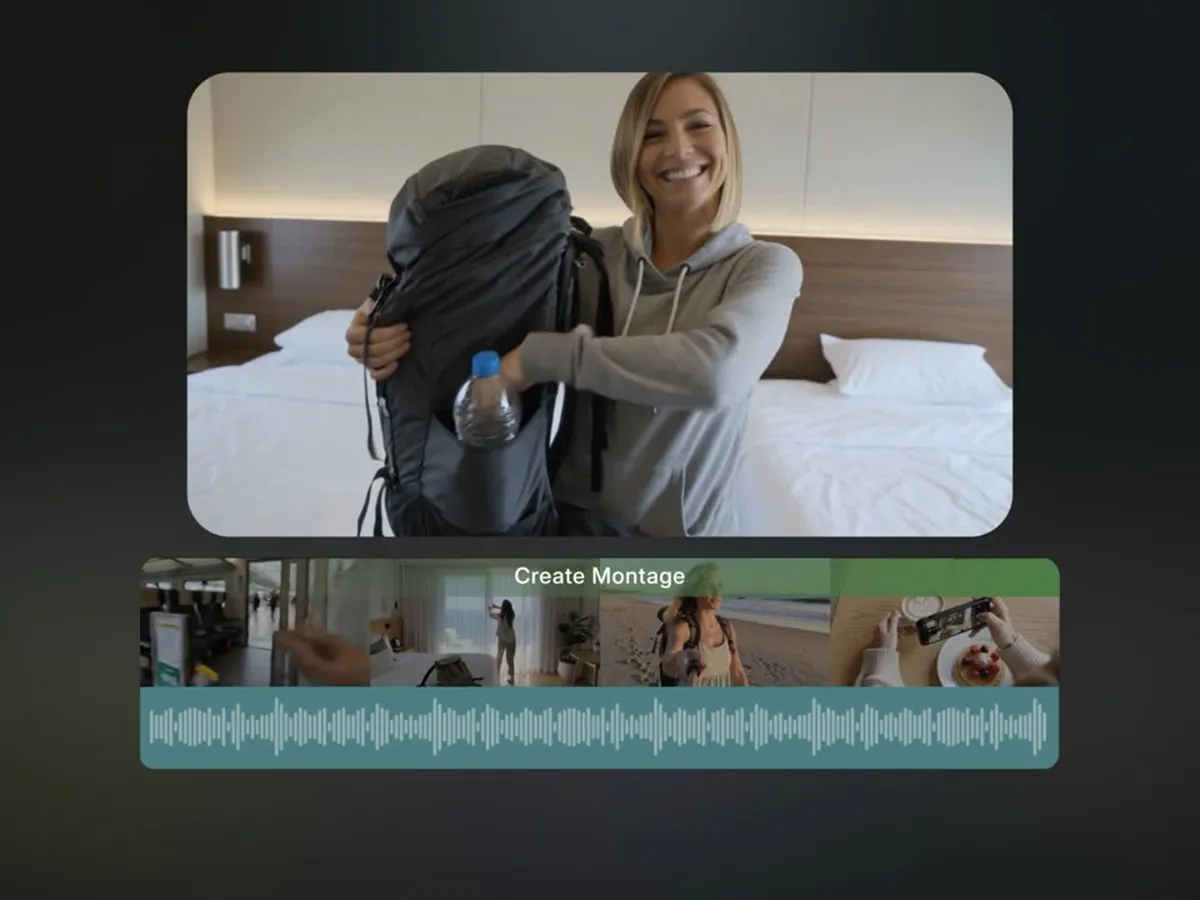
Bring together greetings, candid moments, party footage, and memories recorded by different people. Use the birthday video montage maker to find the most meaningful clips across every upload and combine them into one celebration video. After the first cut is ready, add photos, music, captions, and personal messages in the editor. It also works for weddings, graduations, anniversaries, and family milestones.
Create a Celebration MontageBuild one montage from multiple source videos. Drag and drop local files, select several videos at once, paste links, or choose existing media from your library.
You decide what matters. A natural-language prompt guides AI toward the topics, people, moments, and ideas that should appear in the final video.
AI searches across every source, extracts the most relevant segments, removes unnecessary footage, and combines the selected moments into a single first cut.
Choose a target duration and output ratio based on where the montage will be watched. Create portrait, landscape, or platform-ready social videos.
Generate subtitles for the selected clips and choose a caption style that matches your content. Work with videos in more than 100 additional languages.
Your AI-generated montage is never a locked template. Every clip remains editable inside a complete video editor.
Upload multiple videos from your device, choose existing footage from your library, Google Drive, or paste supported video links.
Use a simple prompt to explain the story you want to tell. You can ask AI to find the best moments, product demonstrations, customer reactions, guest insights, memorable scenes, or content related to a specific topic.
AI reviews the complete set of source videos, finds the strongest moments that match your prompt, trims the selected clips, and assembles them into one video montage.
Upload all your videos, tell AI what matters, and turn hours of raw footage into one polished, editable video montage.
Try a demo


