

Save More Time
Skip the hassle of reviewing long footage and making repeated cuts. Trim Instagram video fast for Instagram and prepare ready-to-share clips with less manual effort.
Trim Instagram video online free to remove unwanted parts, shorten clips, and prepare Reels faster. Cut what you don’t need without downloading or using complex tools.
Trusted by professionals at












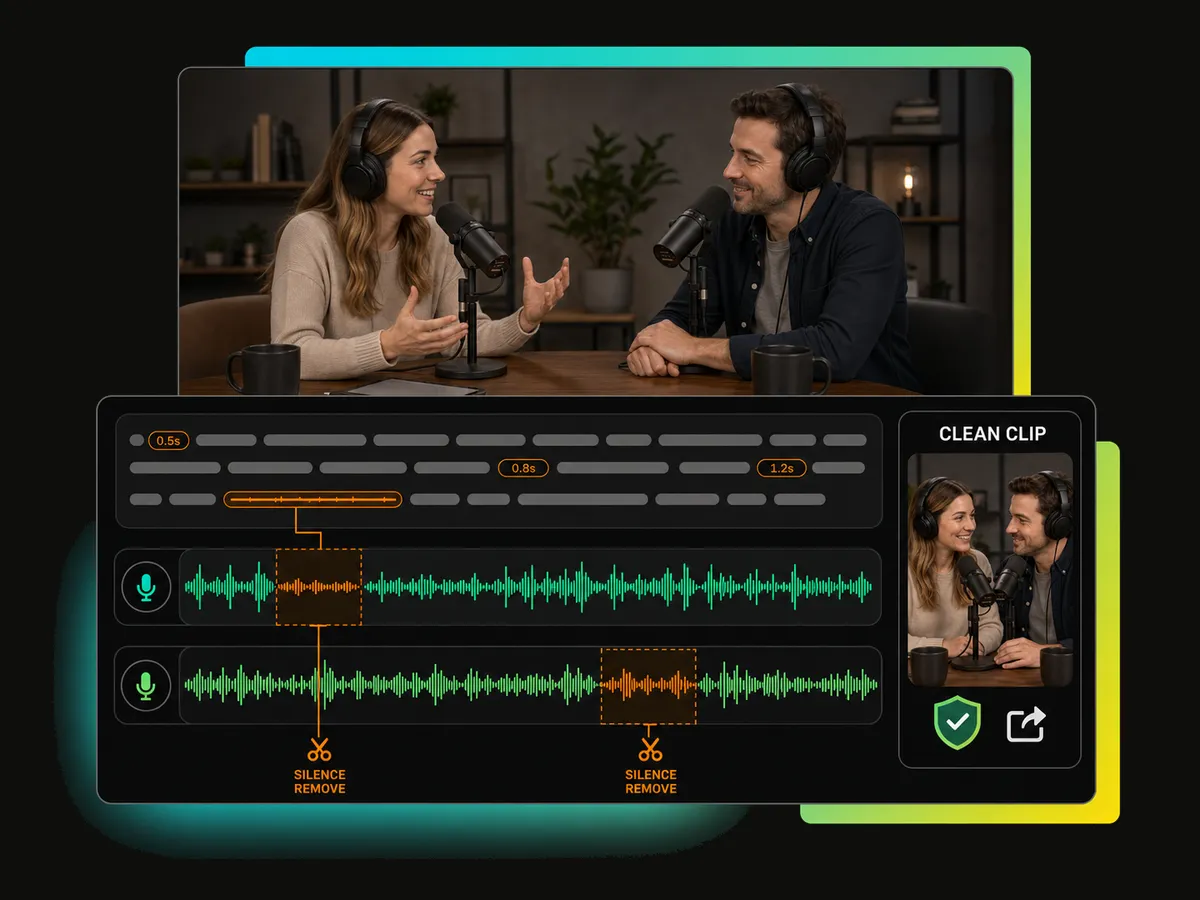
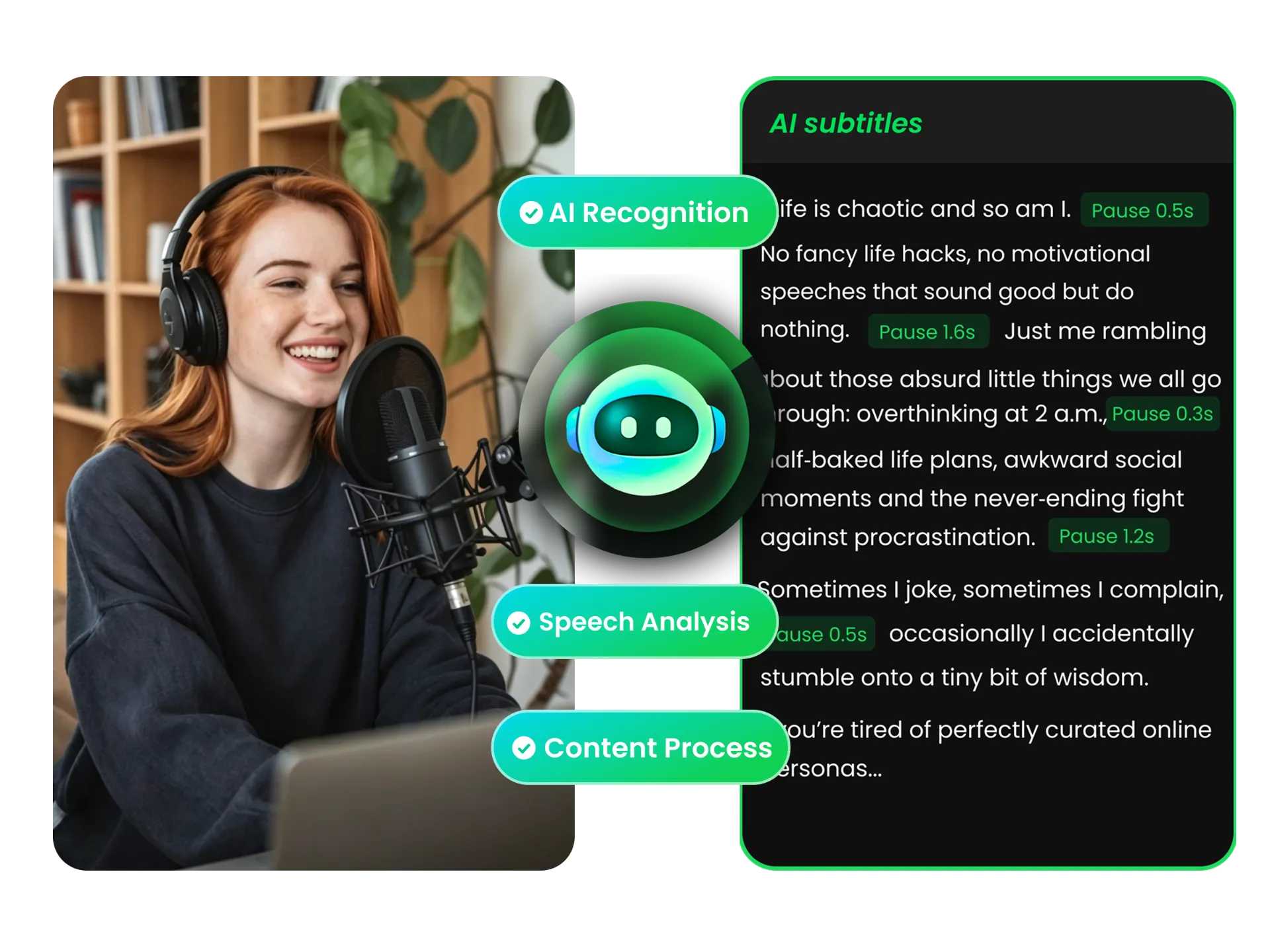
Upload your video or paste an Instagram link, and let AI analyze the content. The tool detects silences with clear time markers.
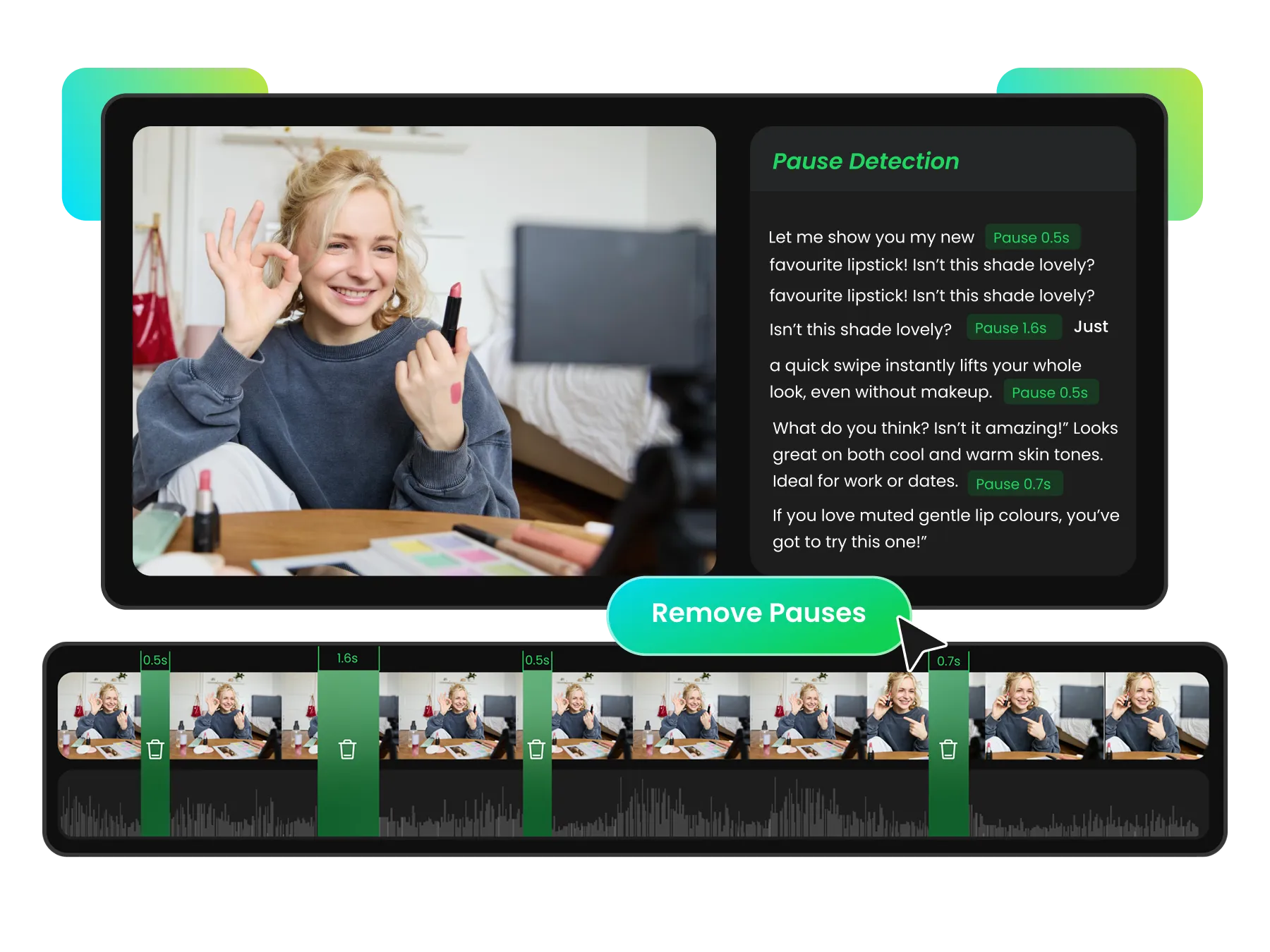
Finding the right part of a long video can take time when you need to replay it repeatedly. Search transcript text and use silence markers to quickly review related moments before you trim Instagram videos.
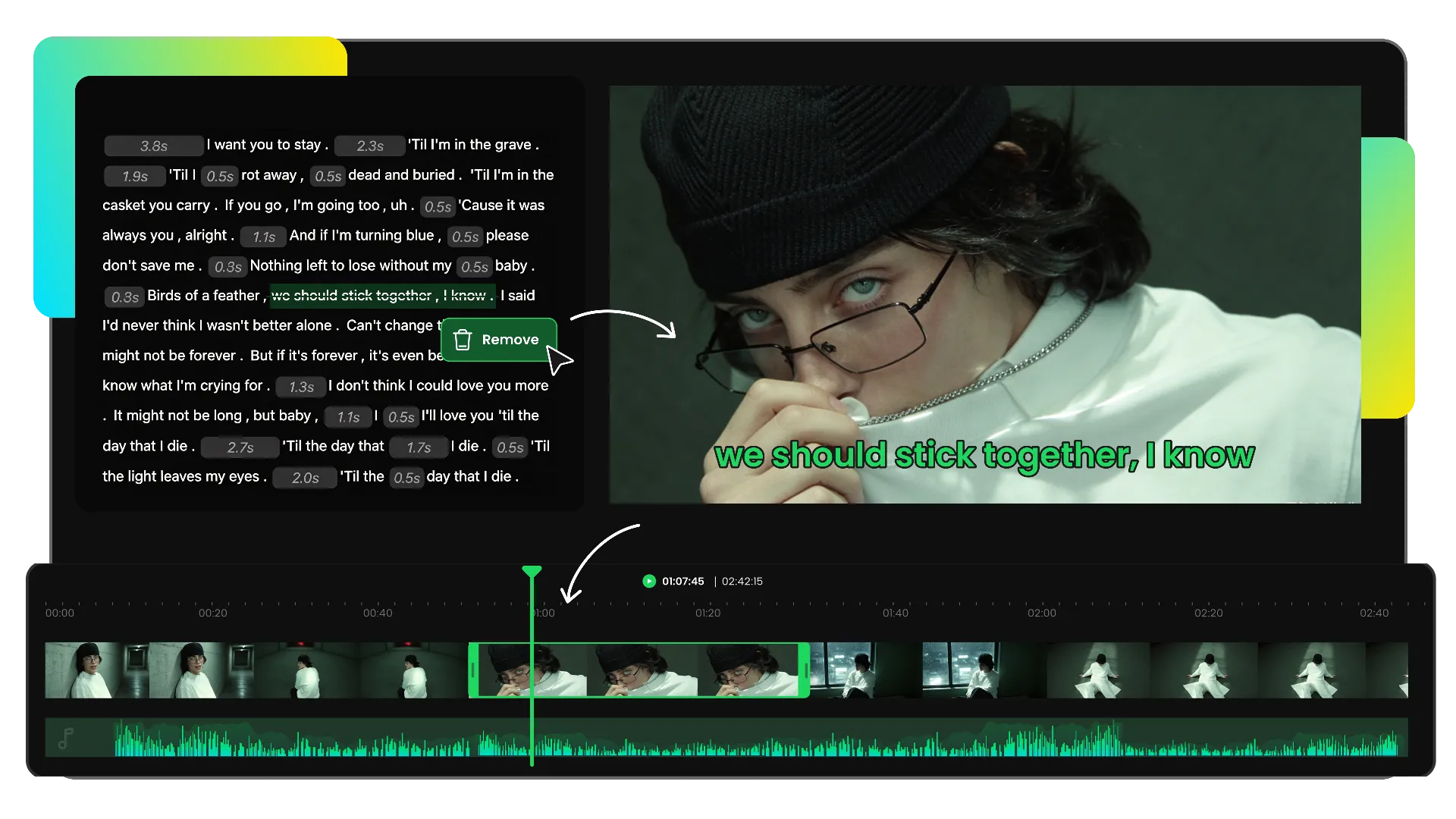
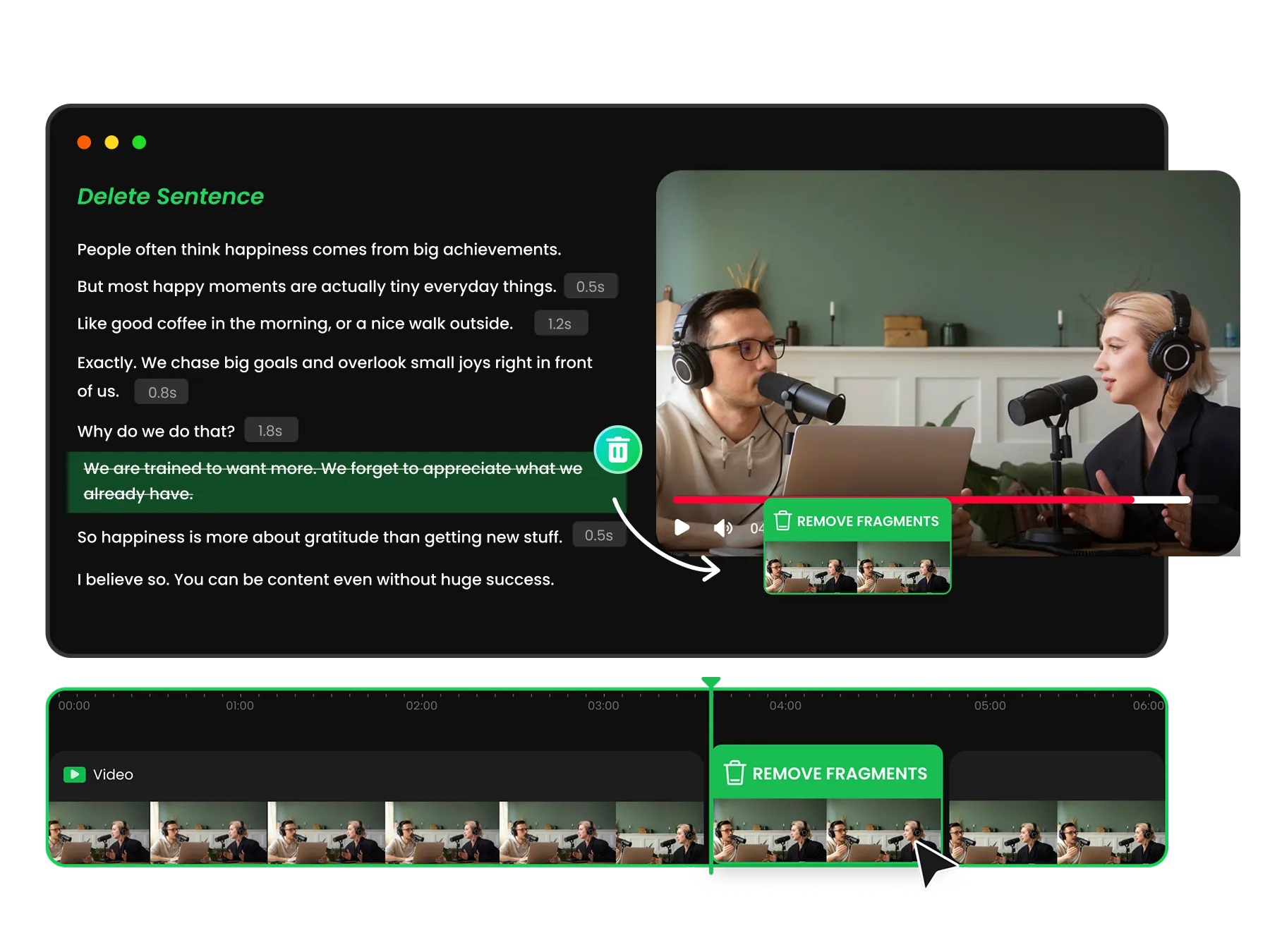
Finding and cutting exact parts from a video can be time-consuming. Transcript-based trimming connects text and video, so you can delete words or sentences to remove the corresponding parts of the Instagram video.
Automatic results may not always match your needs. Refine trimming results with Edit and Remove options. Correct words, delete unwanted video parts, and maintain full control over every cut with our video trimmer.
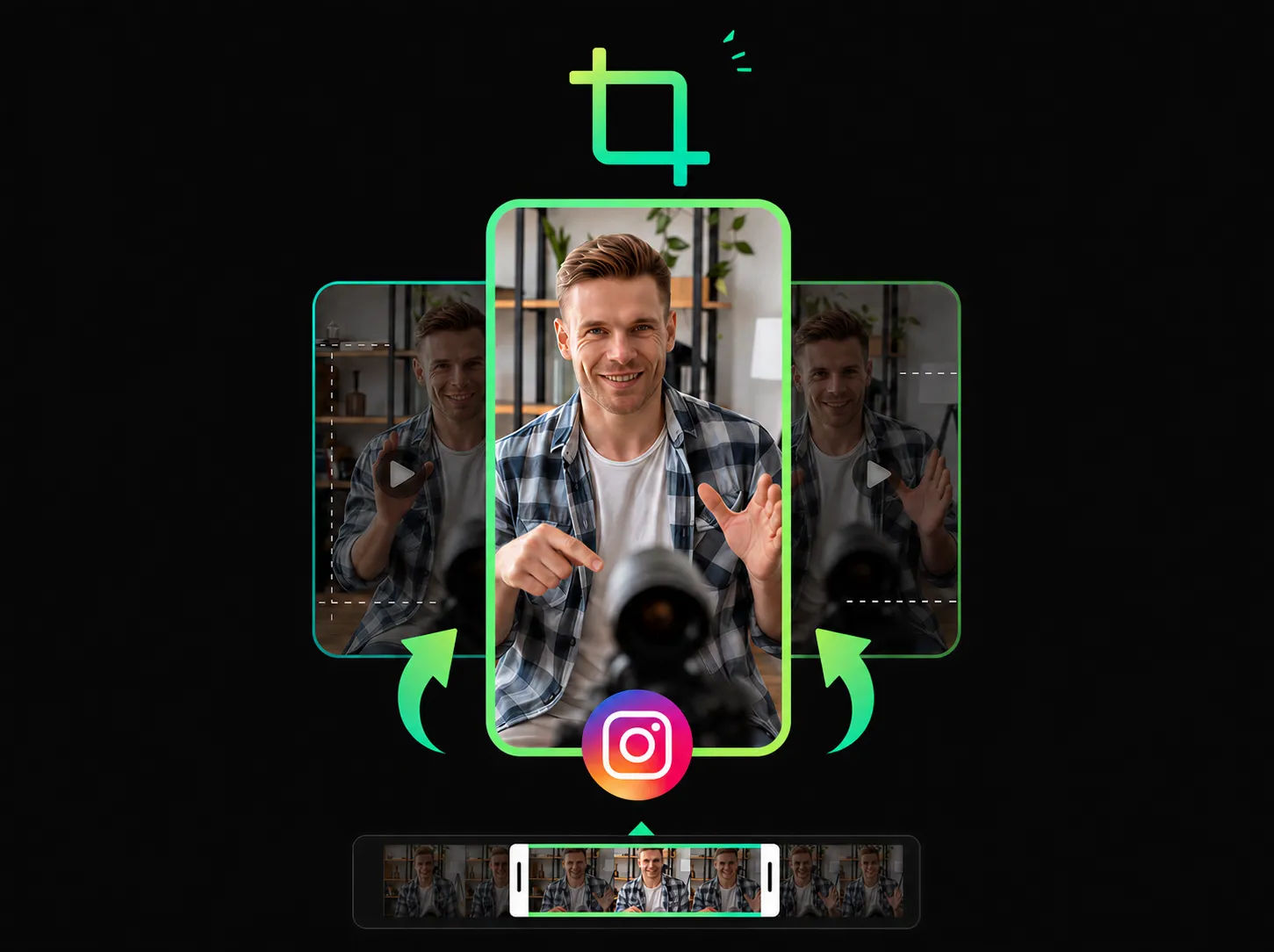
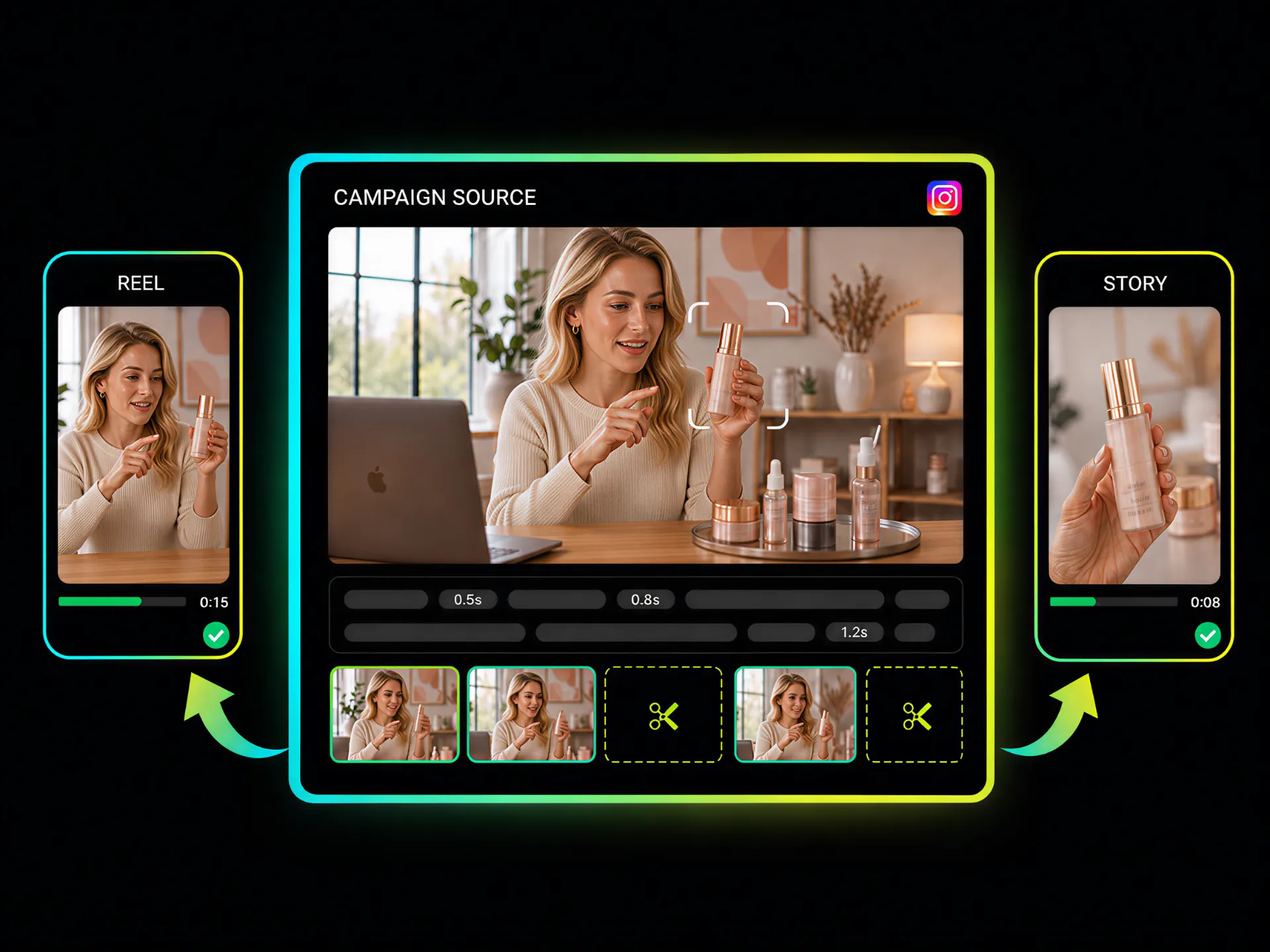
Turning longer recordings into short-form content often requires extra editing steps. Remove pauses, mistakes, and unwanted parts, then prepare Instagram-ready clips with trimming and crop support.
From Reels creators to marketing teams, WayinVideo helps you cut Instagram videos faster by removing unnecessary parts, shortening clips, and preparing content for different social media purposes.
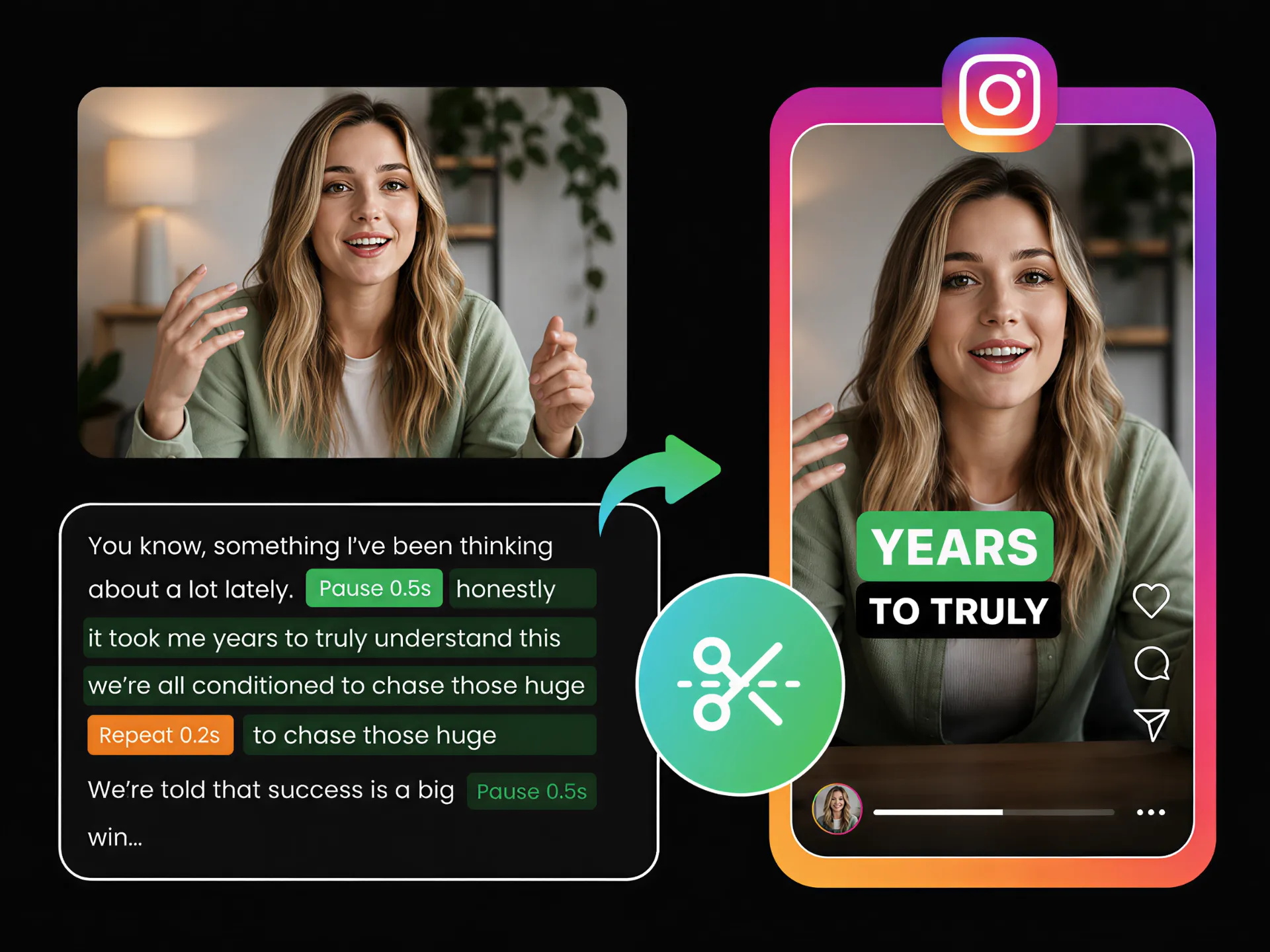
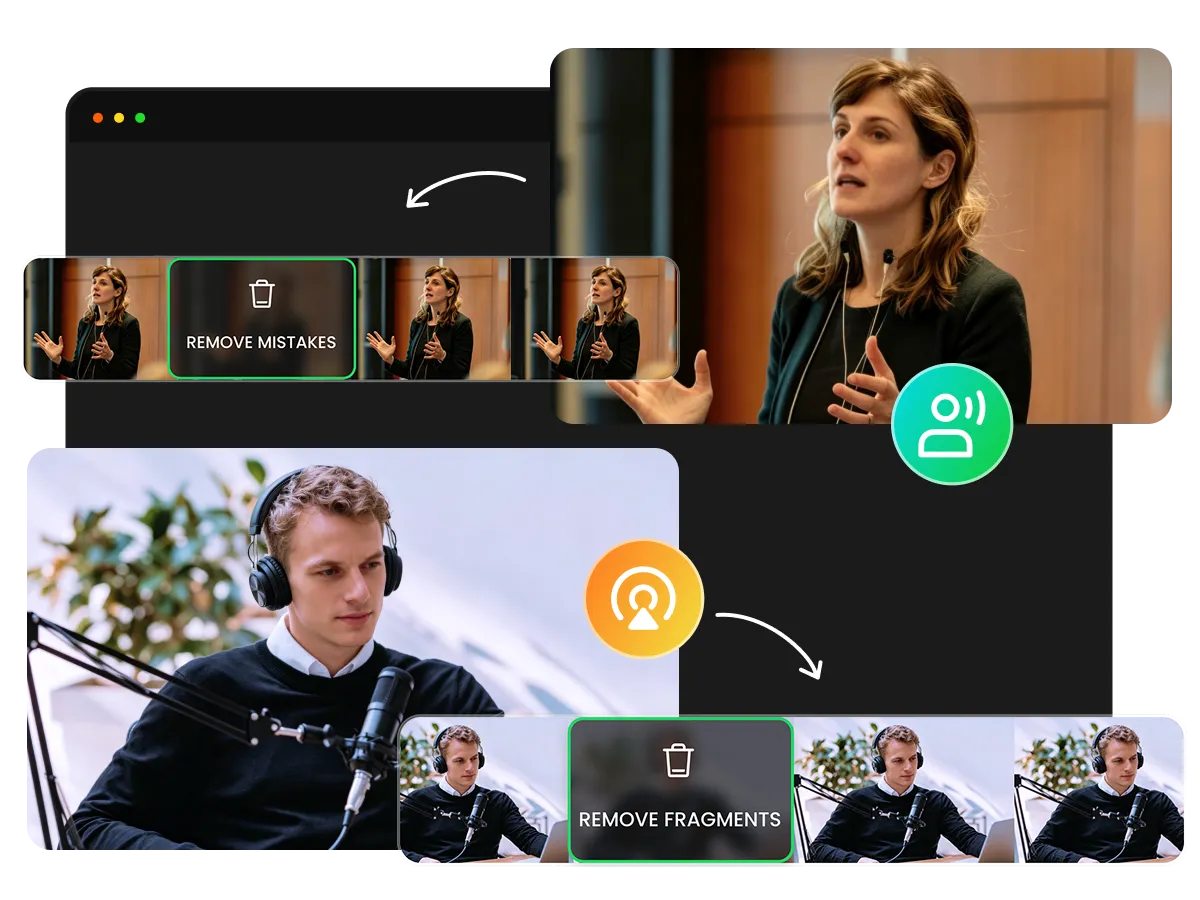
Trim Instagram videos fast by removing mistakes, pauses, and unnecessary parts from raw footage. Keep your content ready for frequent posting without spending extra time on complex software trimming.
Create Instagram ReelSkip the hassle of reviewing long footage and making repeated cuts. Trim Instagram video fast for Instagram and prepare ready-to-share clips with less manual effort.
Create Instagram content without complicated steps or a steep learning curve. Our Instagram video trimming tool helps you make quick adjustments more efficiently.
Export your trimmed clips in up to 4K resolution while preserving clear visuals. Keep your Instagram Reels and posts sharp, polished, and ready to share.
Use an Instagram video trimmer online without installing software. Access your content anytime and make quick updates whenever needed.
Prepare clips that fit Instagram formats by cropping and trimming your videos. Adjust framing and remove unnecessary parts to create polished Reels and posts.
Export your trimmed videos without watermarks and keep your Instagram Reels, posts, and promotional content clean and professional.
Prepare Instagram Reels faster by trimming long recordings into focused clips. Remove parts you don’t need, refine your cuts, and keep control over the final video before sharing.
Simplify Instagram video trimming.


