
_VzVpR.webp)
_C2V95.webp)

100 Free Credits on Sign-Up
Sign up to receive 100 free credits and use them to resize TikTok videos with AI.
Use free AI to auto-resize videos to the 9:16 TikTok ratio. Get AI layouts and use smart focus to keep subjects perfectly centered. Transform videos into engaging TikTok clips with one click.
Trusted by professionals at












Upload your video files or paste TikTok video links directly into the free TikTok video resizer. WayinVideo supports major video formats to start your resizing instantly.
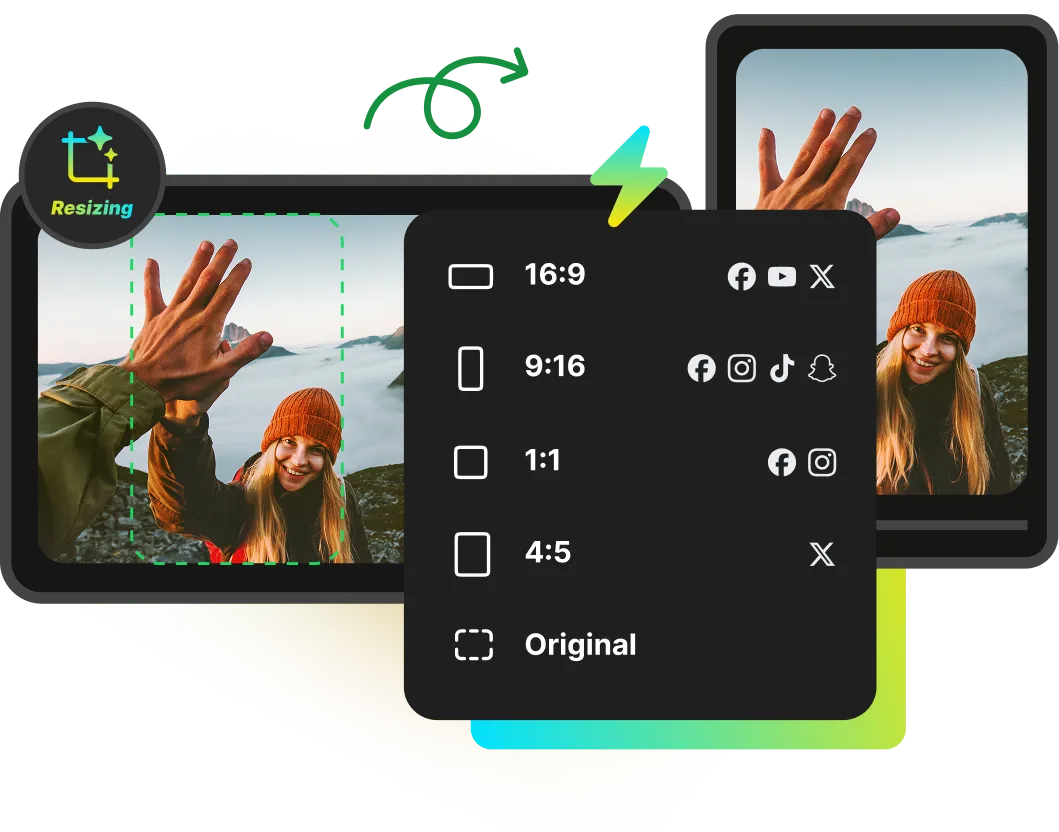
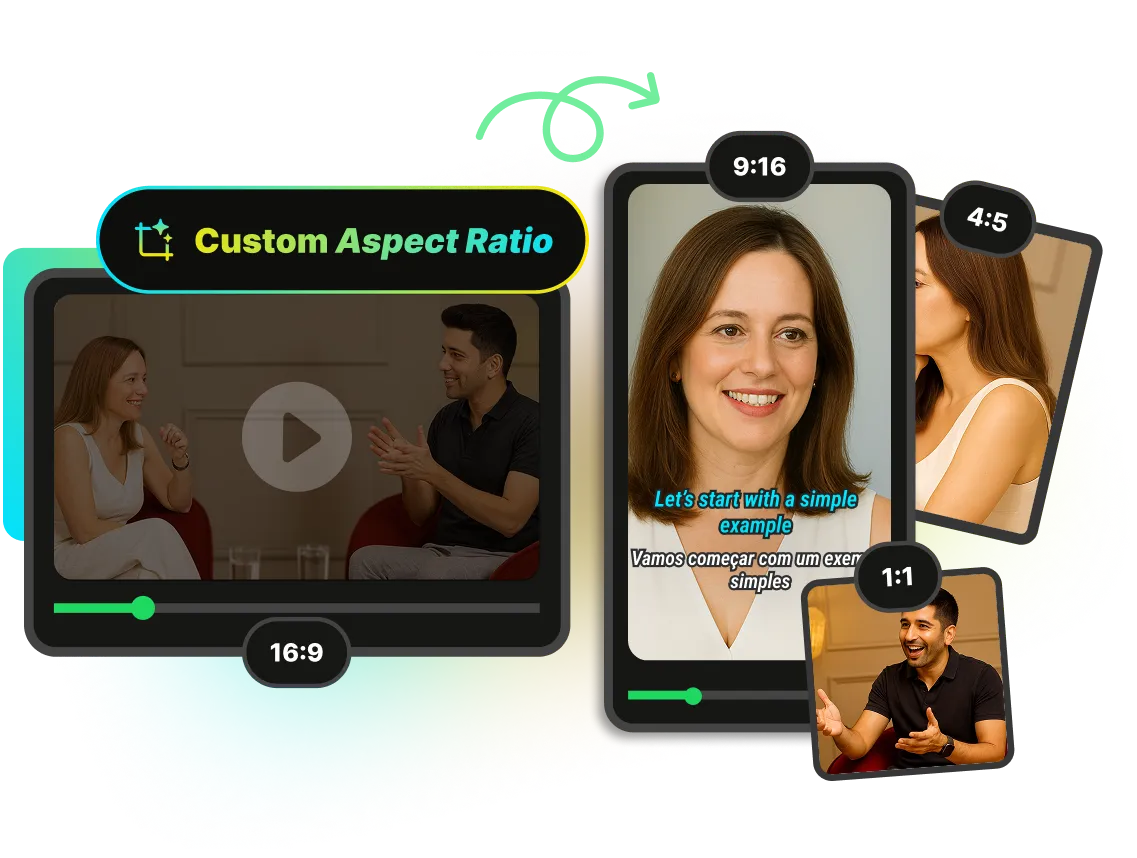
Resize videos to fit the TikTok screen instantly. WayinVideo provides standard TikTok dimensions, offering free online conversion for 9:16, 16:9, 1:1, 4:5, or custom aspect ratios. The AI video resizer automatically adds a blurred background to fill empty borders, while maintaining the original video quality to deliver sharp, high-definition visuals.
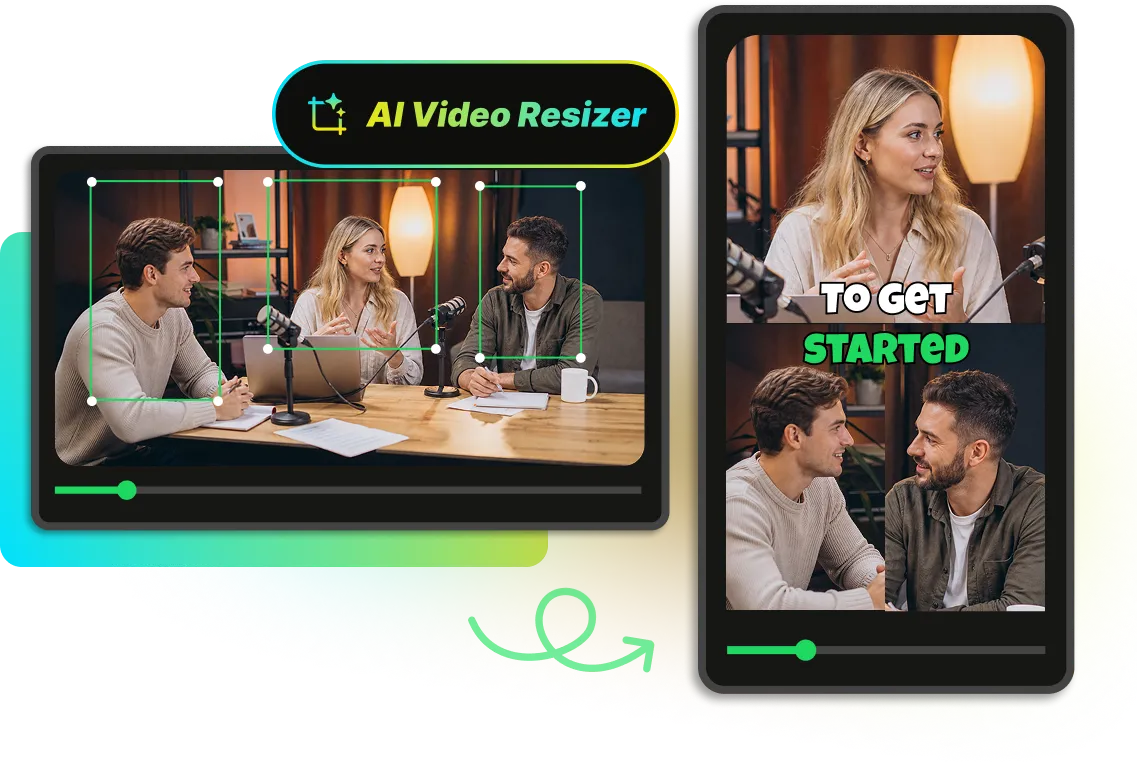
Resize video online for TikTok with WayinVideo's AI video resizer. The intelligent tool automatically focuses and tracks faces, movements, and key actions in the video, and the smart AI auto-resizes the video across different aspect ratios, including vertical 9:16 ratio for TikTok, maintaining a perfect subject centered position to make resized TikTok videos stylish and highly engaging.
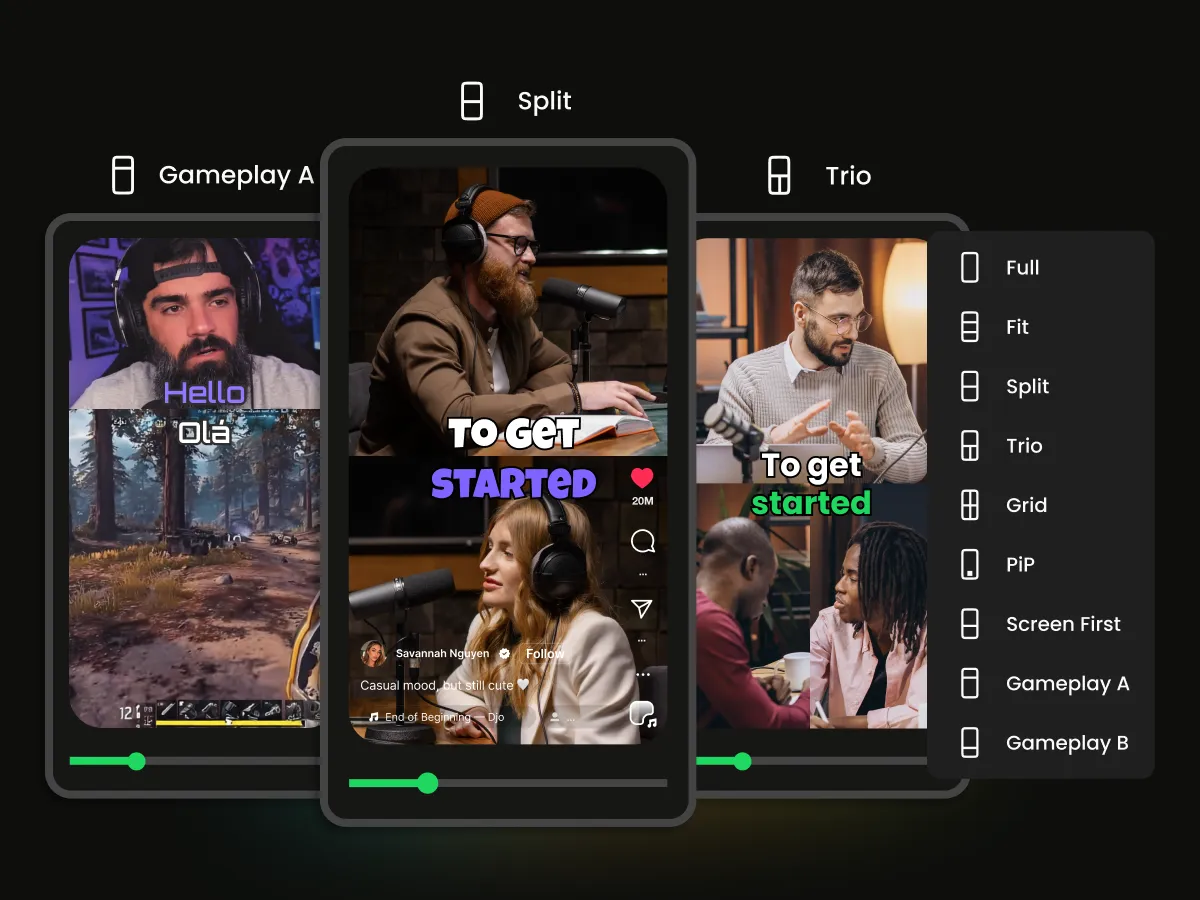
WayinVideo enhances resized videos with automated multi-screen layouts. The TikTok video resizer makes video visuals switch between split-screen, picture-in-picture styles, and more layouts based on video content. The intelligent layouts display every essential detail on any screen, delivering a rich visual experience to hook viewers instantly.
WayinVideo instantly analyzes pasted video links for immediate access. The TikTok video resizer handles the entire workflow in one place, combining built-in templates with native interface previews and flexible outputs. Export with one click or publish directly to social media, significantly reducing manual editing time.
Change any video into perfect ratios for the TikTok FYP. WayinVideo TikTok video resizer fits videos to exact aspect ratios, ensuring professional visual quality and enhancing viewer engagement.
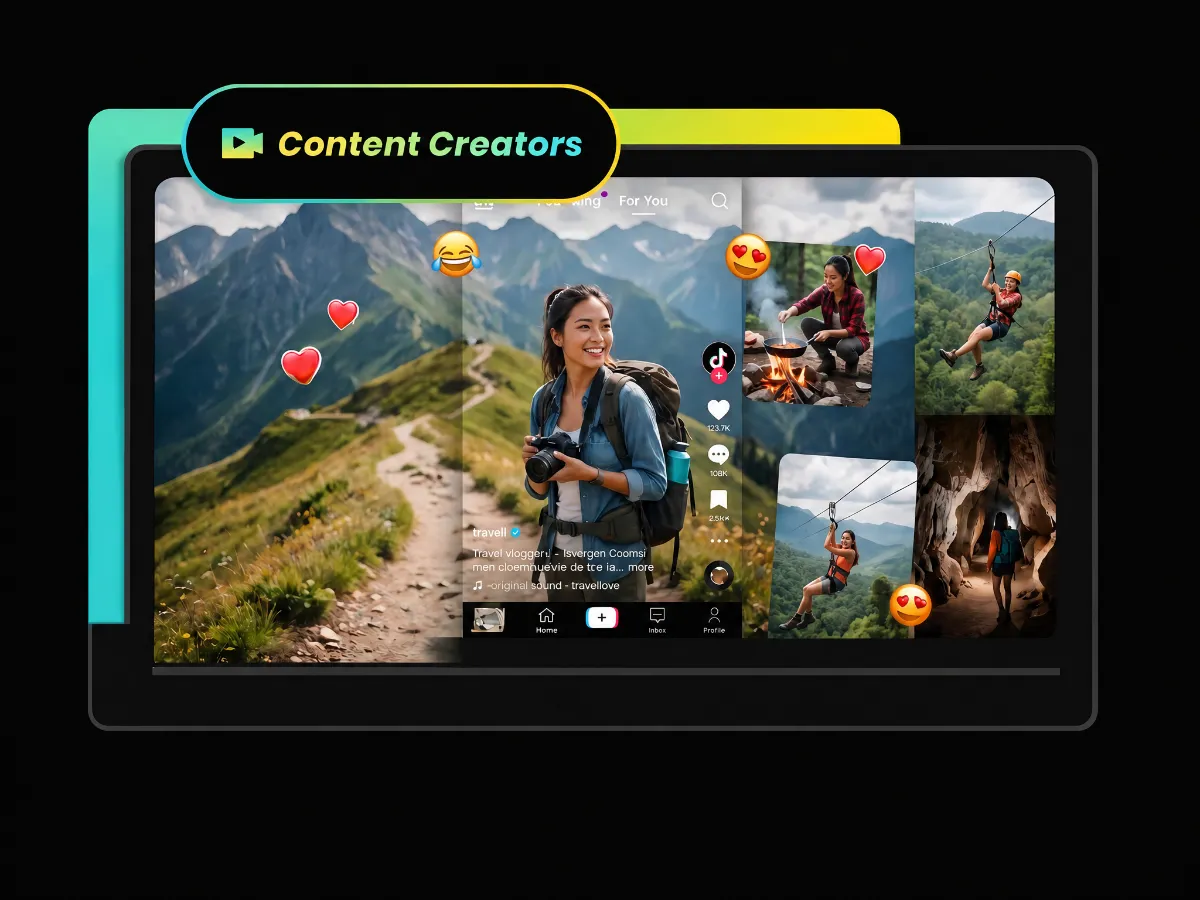
Transform standard videos into dynamic multi-screen social posts. The TikTok video resizer automatically applies split-screen, picture-in-picture or other styles based on content, ensuring key details remain clear on screens. Creators can display reaction videos, interviews, or dual angles in one place.
Try TikTok Video ResizerSign up to receive 100 free credits and use them to resize TikTok videos with AI.
Download resized videos with no watermark for a completely clean display.
Switch between 9:16 vertical, 1:1 square, or other standard dimensions instantly.
Easily change your videos to the perfect TikTok size in seconds. Use WayinVideo free AI resizer to make your content stand out on TikTok For You page.

