



Free to Start
Resize videos for Twitter (X) for free with WayinVideo. Optimize your videos without complicated editing tools.
Easily resize videos for Twitter (X). Adjust aspect ratios, keep your content perfectly framed, and export high-quality videos ready for social media. Try it free now!
Trusted by professionals at












Simply upload your video file or paste a video link from Twitter (X), YouTube, TikTok, Instagram, Facebook, and more. WayinVideo instantly analyzes your content and prepares it for resizing to Twitter-ready formats.

WayinVideo's AI video resizer automatically adjusts videos to fit Twitter (X) formats while keeping the most important content in focus. Our AI detects the main subject, maintaining a perfectly centered position when shifting content, and intelligently crops your video to create perfectly framed content for Twitter.
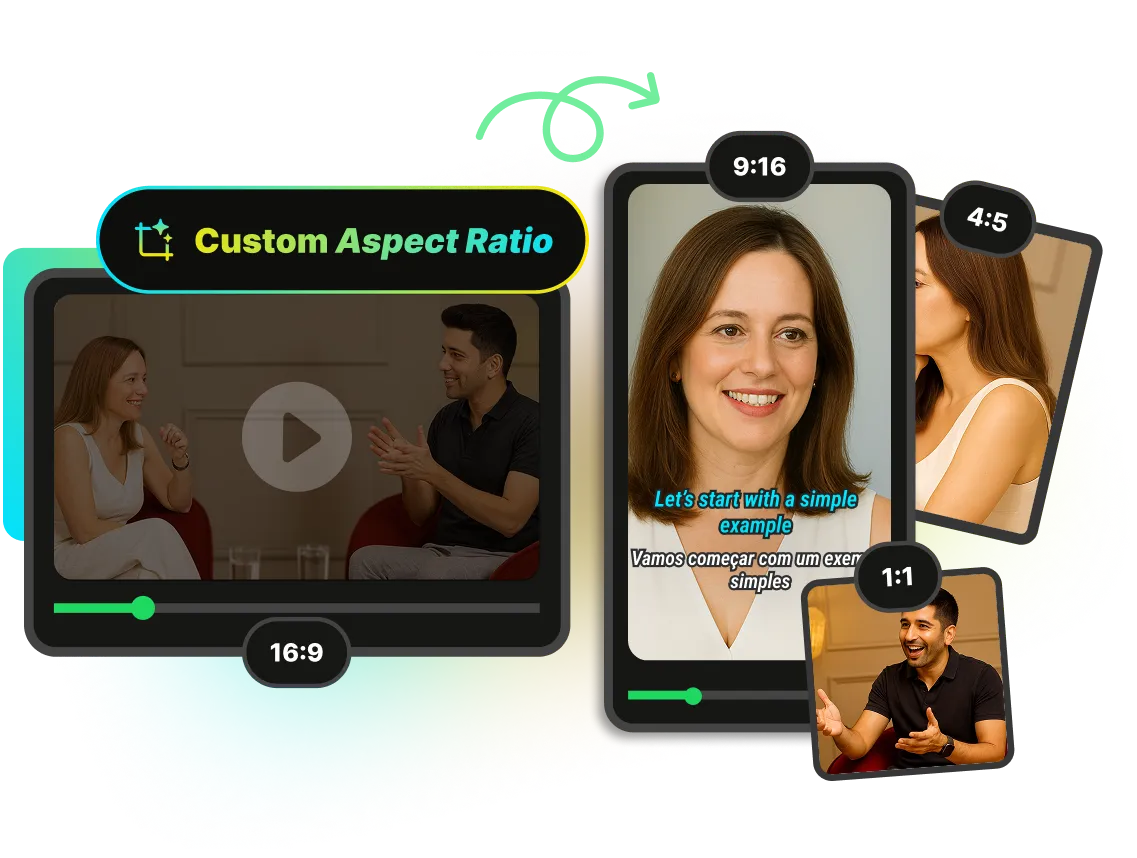
Create videos that match the ideal Twitter video size with WayinVideo's smart aspect ratio adjustment. Easily resize your content into 9:16, 1:1, or 4:5 while maintaining video quality. If the same source also needs a long-form or Shorts cut, use the YouTube video resizer to set the right 16:9 or 9:16 framing before export.
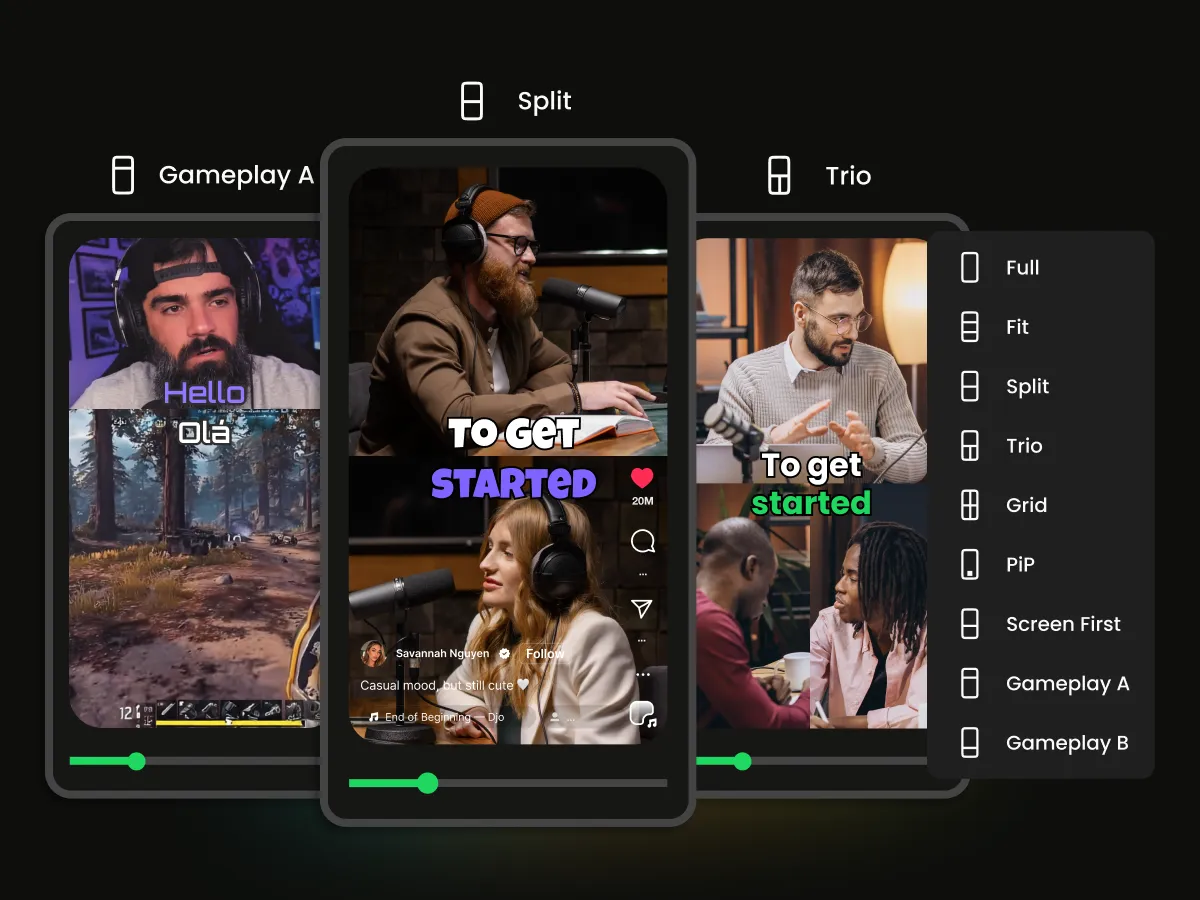
Choose from multiple layout modes like Full Screen, Fit to Frame, Split Screen, and more to make your videos look perfect on Twitter (X). WayinVideo intelligently adjusts the framing while giving you full control over the final composition. For vertical short-form variations, the TikTok video resizer can adapt the same footage for mobile viewing.
_0PAiz.webp)
See exactly how your resized video will look on Twitter (X) before exporting. WayinVideo's real-time preview lets you instantly check framing, cropping, text placement, and overall layout — so you can make adjustments with confidence, then export a high-quality video.
Create engaging Twitter (X) videos that fit perfectly into every post. WayinVideo's Twitter Video Resizer helps creators resize, crop, and optimize videos for different formats while keeping important content visible. Turn long-form videos and social clips into polished Twitter-ready videos that improve engagement.
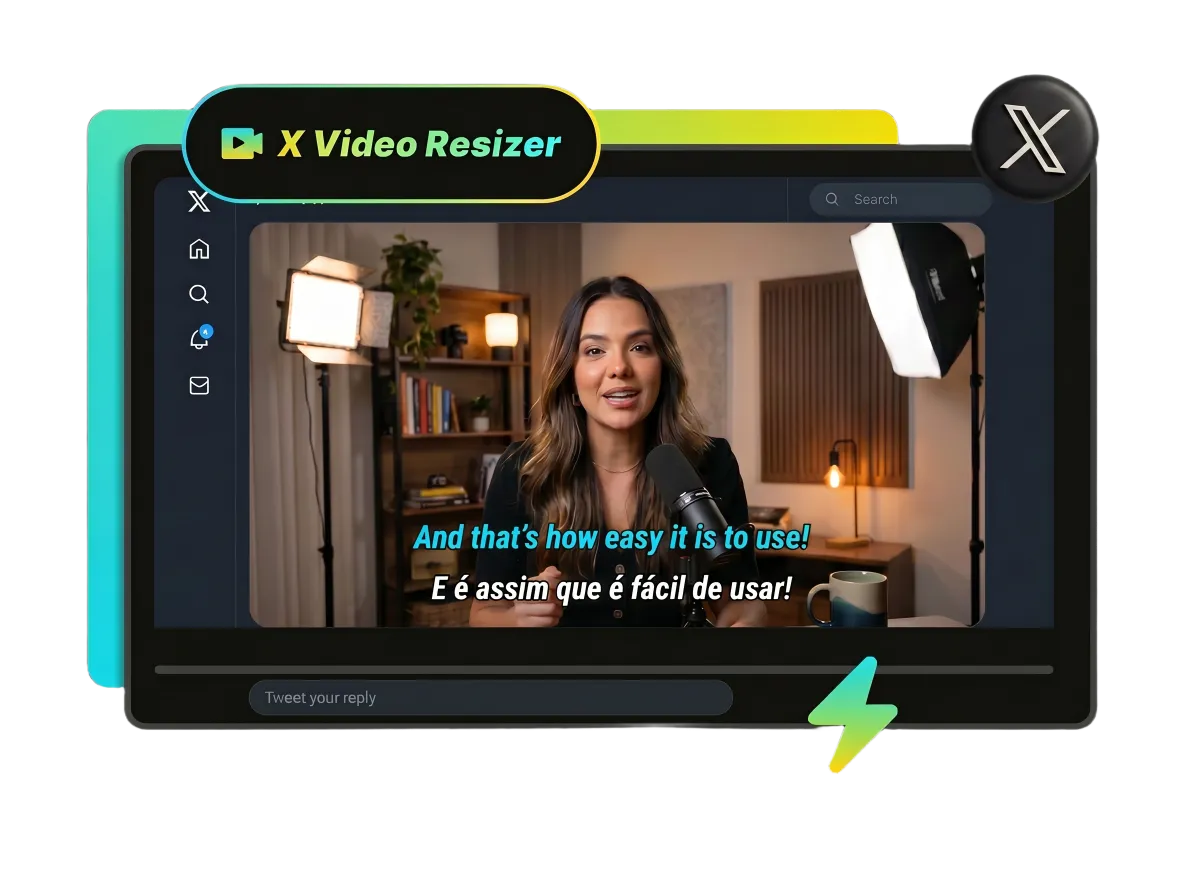
WayinVideo's Twitter Video Resizer lets content creators quickly resize videos, adjust aspect ratios for vertical (9:16), landscape (16:9), and square (1:1) formats, and optimize framing. Perfect for shorts, tutorials, commentary, and highlights — publish resized videos that boost watch time and audience growth.
Grow My AudienceResize videos for Twitter (X) for free with WayinVideo. Optimize your videos without complicated editing tools.
Easily resize videos into landscape, square, and vertical formats to match different Twitter (X) content needs. WayinVideo helps you choose the right video dimensions while maintaining video quality.
WayinVideo's AI automatically detects the main subject and keeps important content centered during resizing. No manual adjustments needed—your key content always stays in focus.
WayinVideo supports high quality video exports in 1080p, 2K, and 4K, helping creators get high-resolution Twitter videos without noticeable quality loss.
Resize Twitter (X) videos directly in your browser without downloading complicated editing software. WayinVideo speeds up your workflow with fast processing.
Export clean Twitter (X) videos without unwanted watermarks. WayinVideo keeps videos free of watermarks, helping creators share clear content everywhere.
Resize videos for Twitter (X) in seconds with WayinVideo's AI Twitter Video Resizer. Adjust aspect ratios and optimize layouts.


