
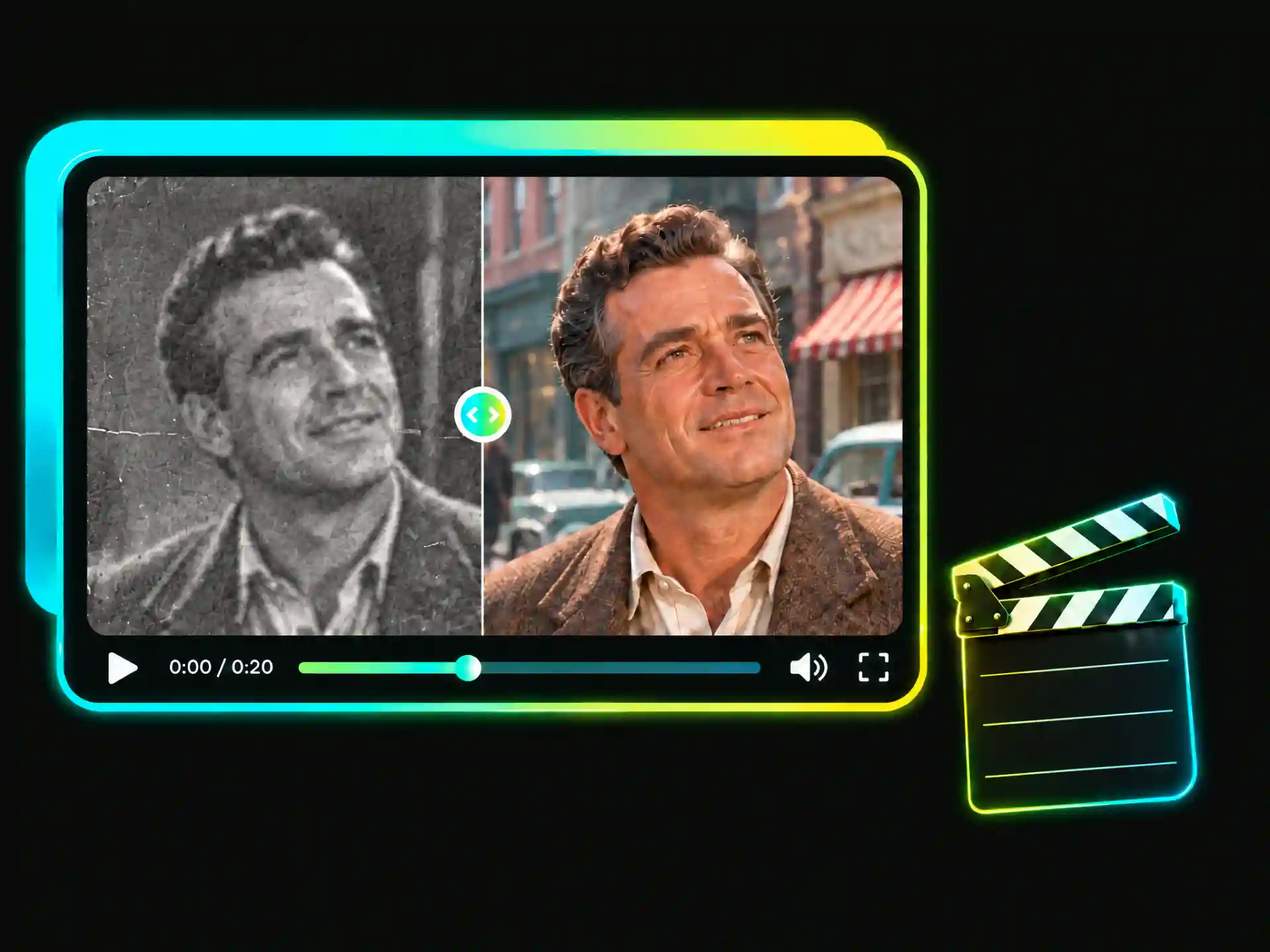

Preserve Precious Memories
Revisit family moments recorded years ago and keep your favorite memories to watch again or share with loved ones.
Drag and drop your video here
Video must be shorter than 10 minutes and smaller than 300MB. to upload larger videos.
By uploading a file, you agree to WayinVideo’s Terms of Use and Privacy Policy
Trusted by professionals at












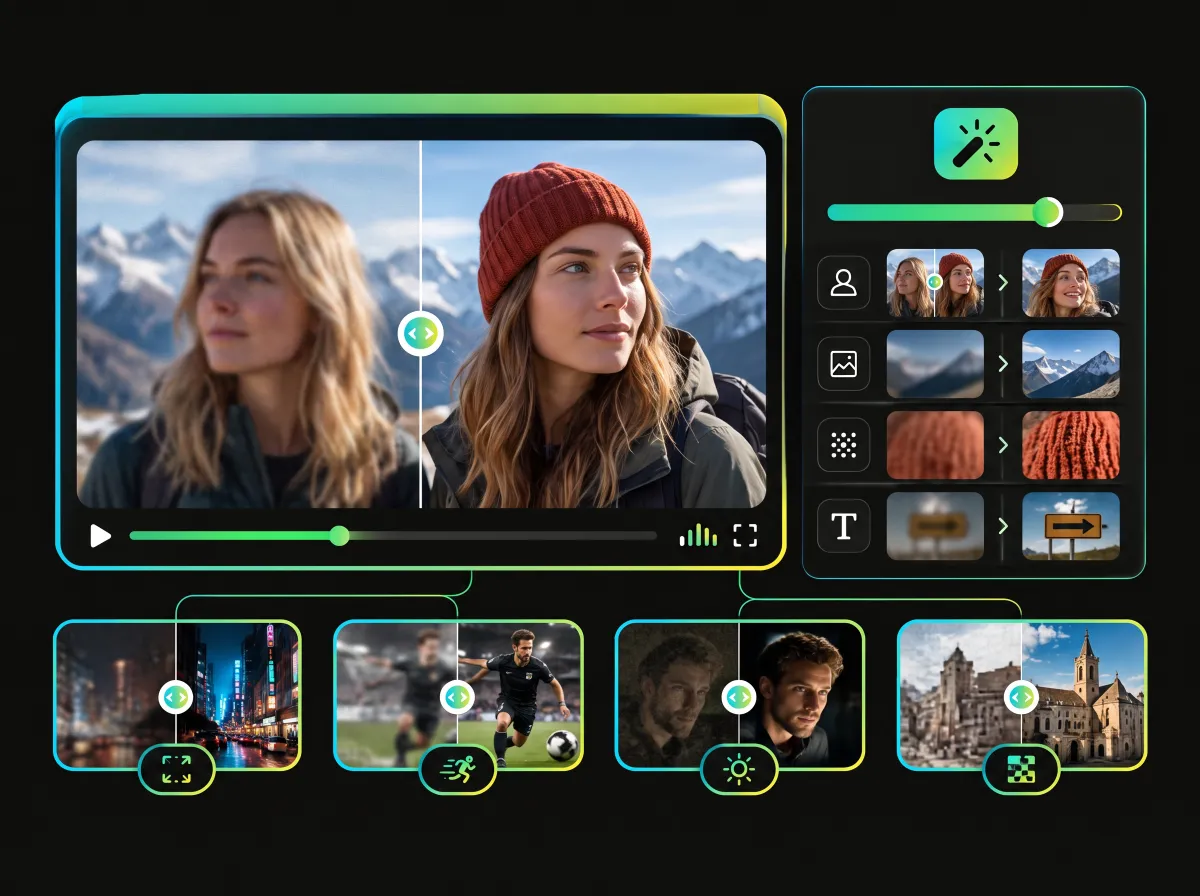
WayinVideo uses AI to improve clarity in older or low-quality footage. Results vary with the source video. For other video types, explore our AI video enhancer.
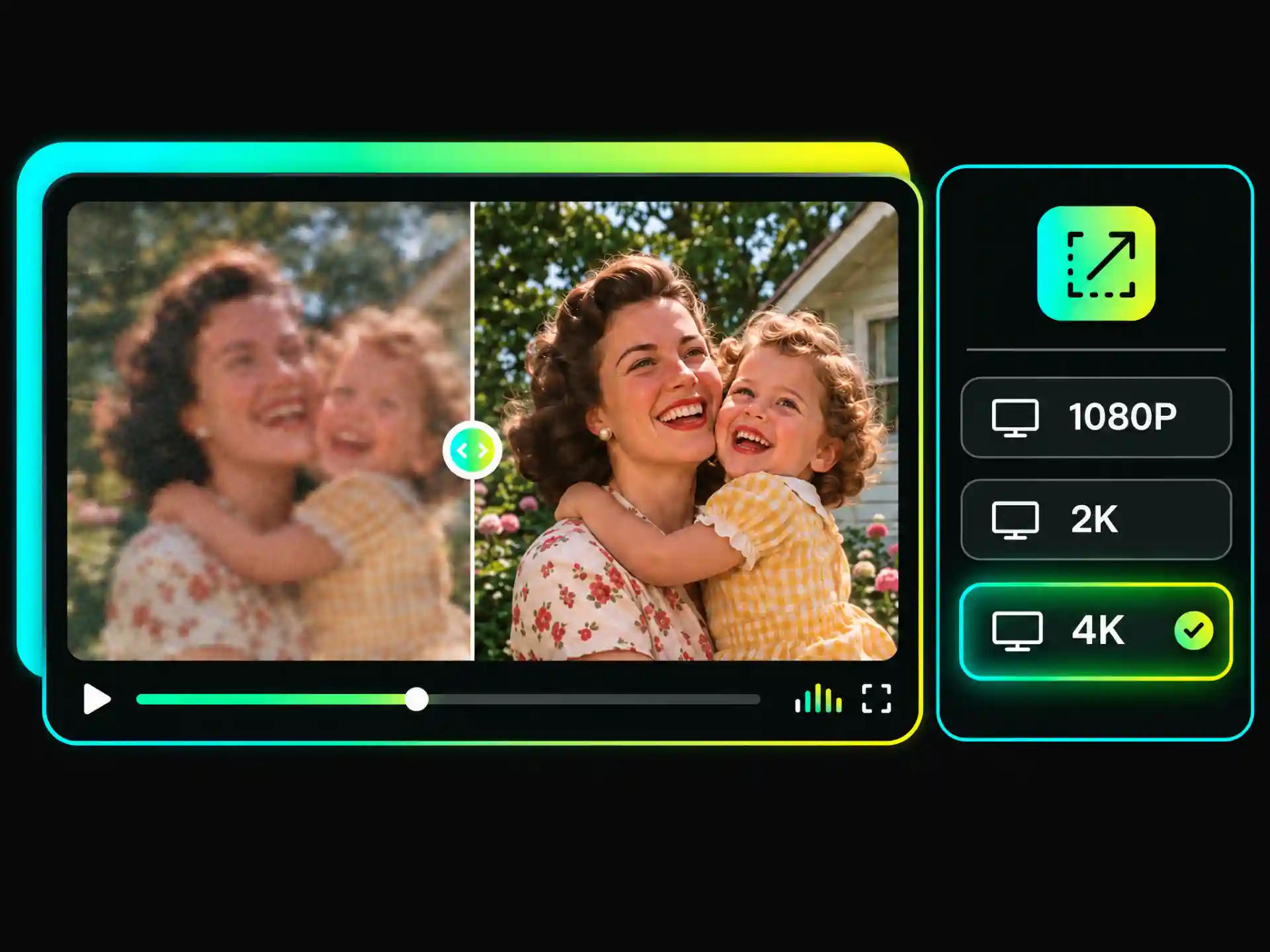
WayinVideo supports 1080P, 2K, and 4K output for old video restoration. Choose a resolution based on your footage and intended use. Results vary with the quality of the original video.
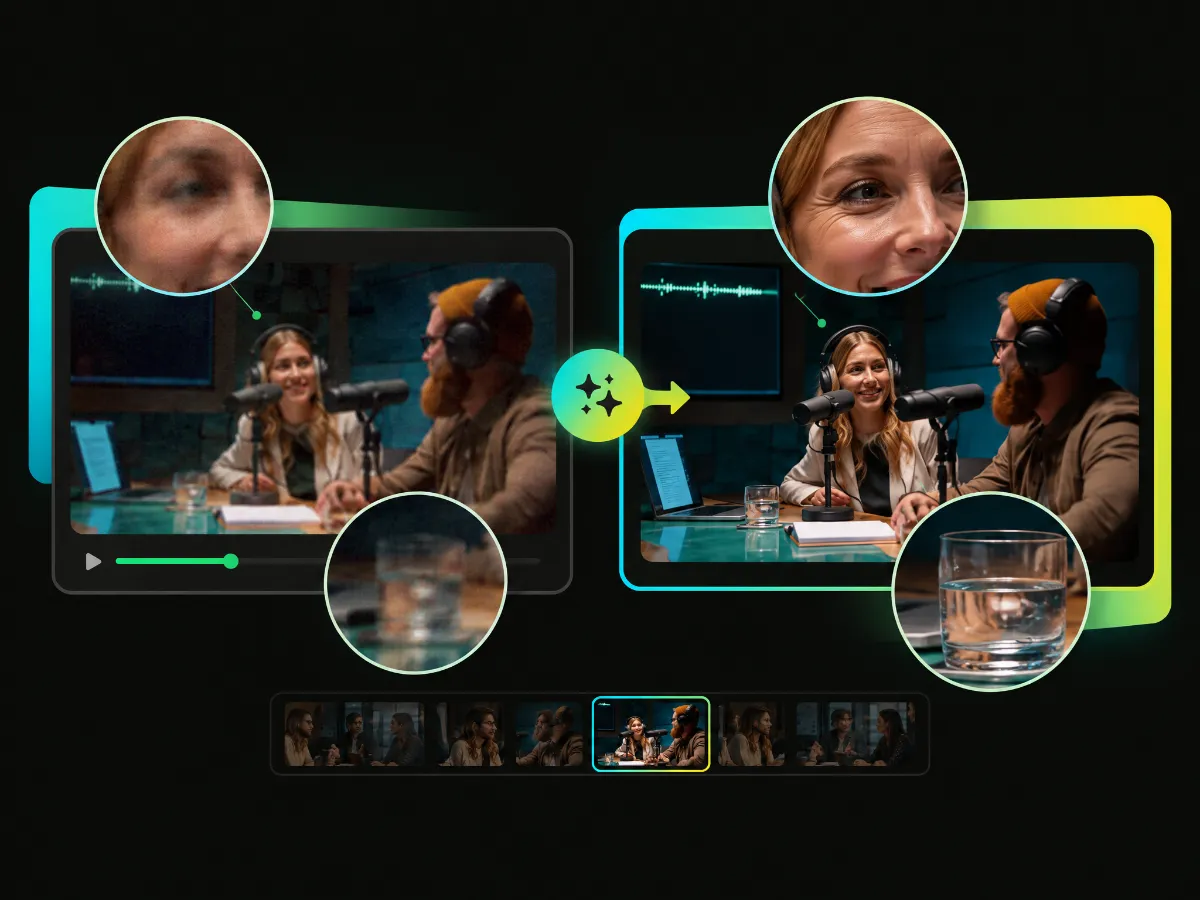
AI video restoration can improve the clarity of older footage, though the enhanced result may look different from the original. Preview the video to check faces, textures, and other visual details.
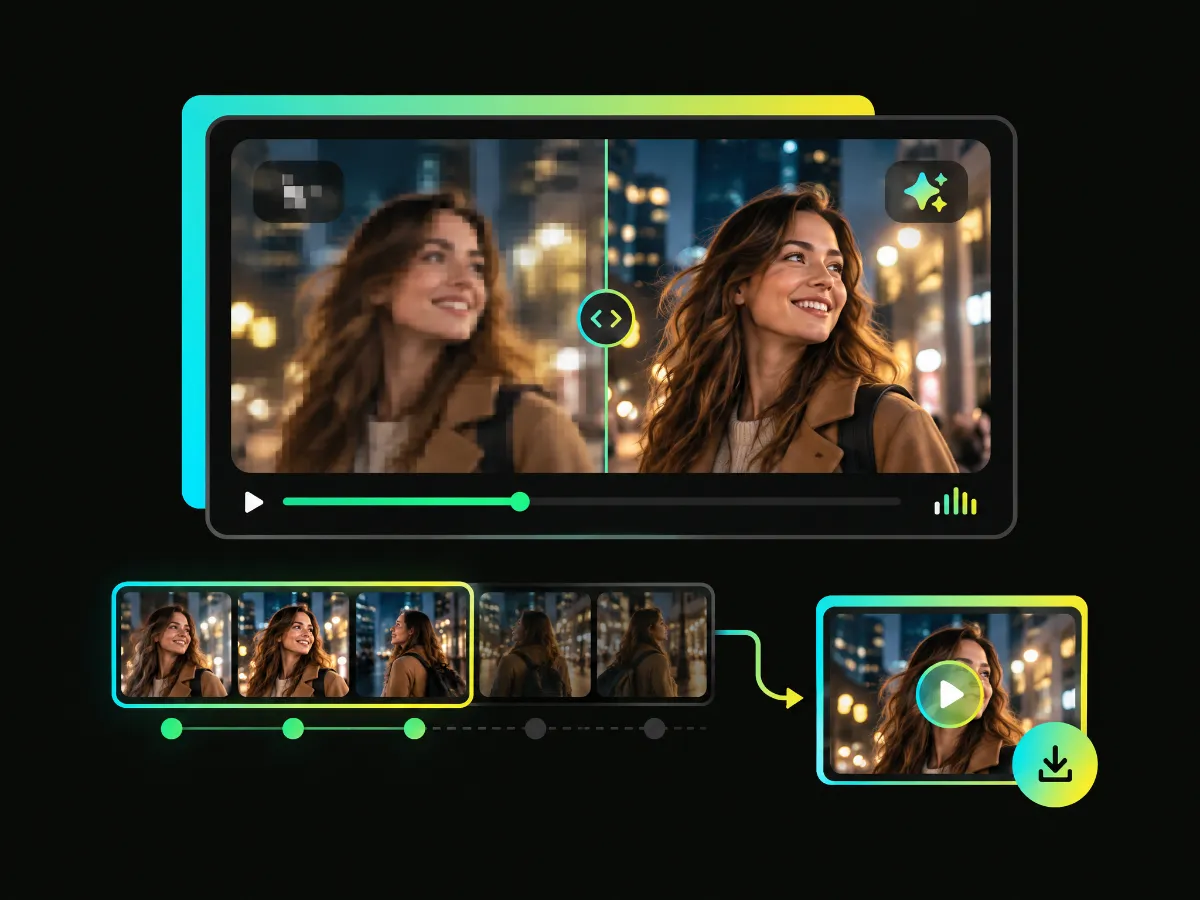
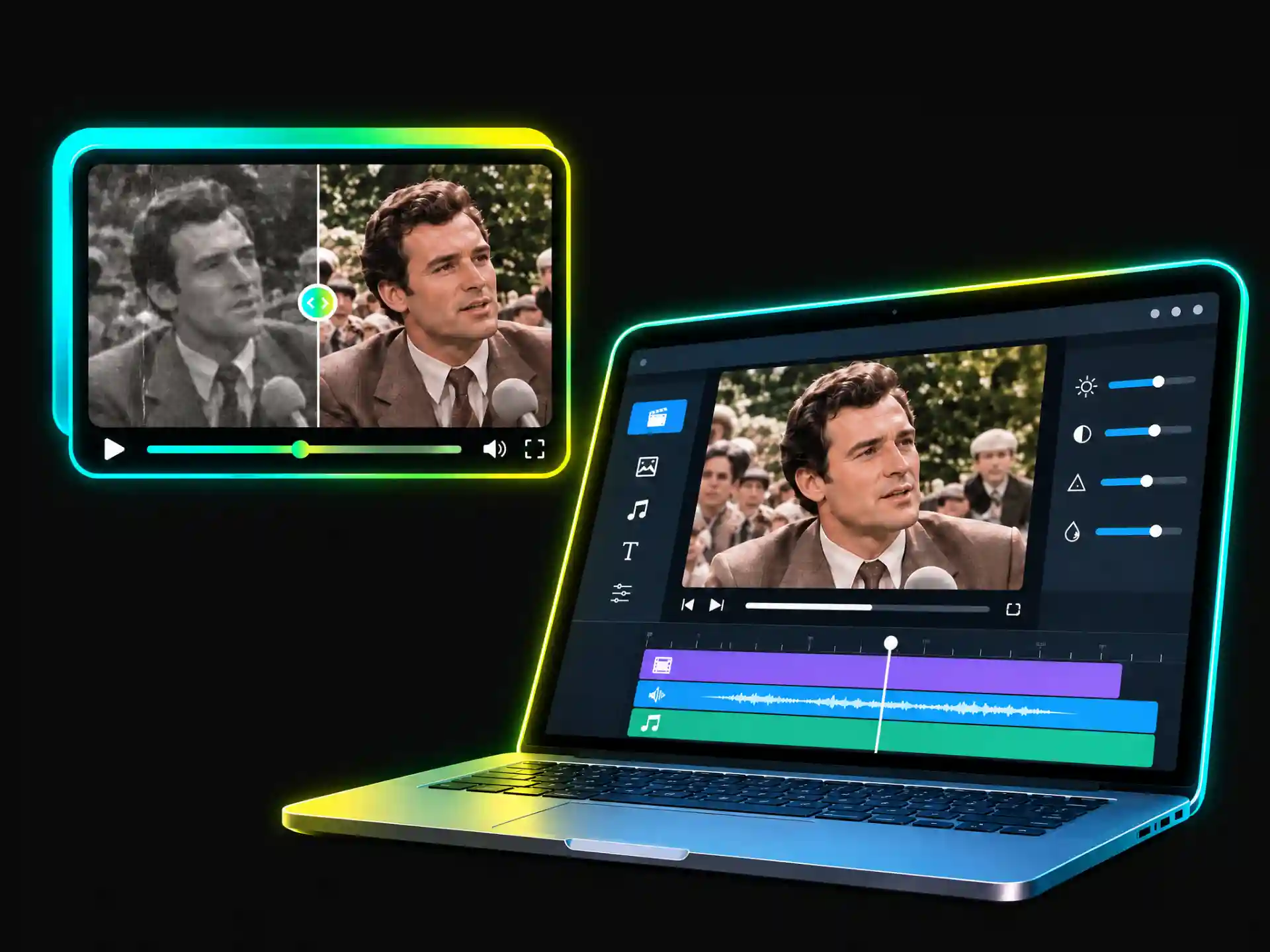
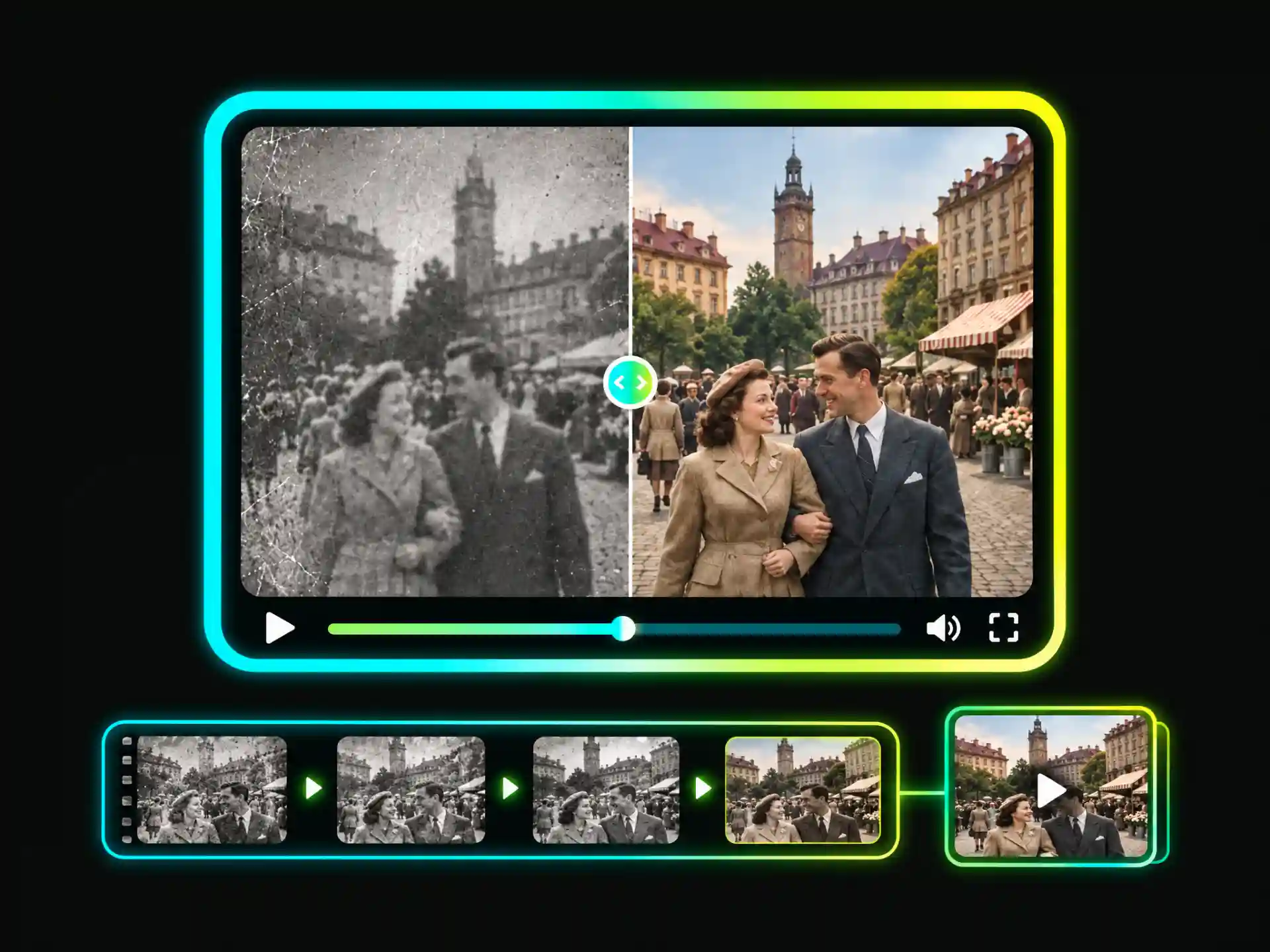
WayinVideo provides a preview of restored footage, showing changes in clarity, facial details, and overall visual quality. This helps users assess the enhancement results before downloading their videos.
WayinVideo helps improve the viewing quality of digitized family recordings, classic footage, and archived videos.
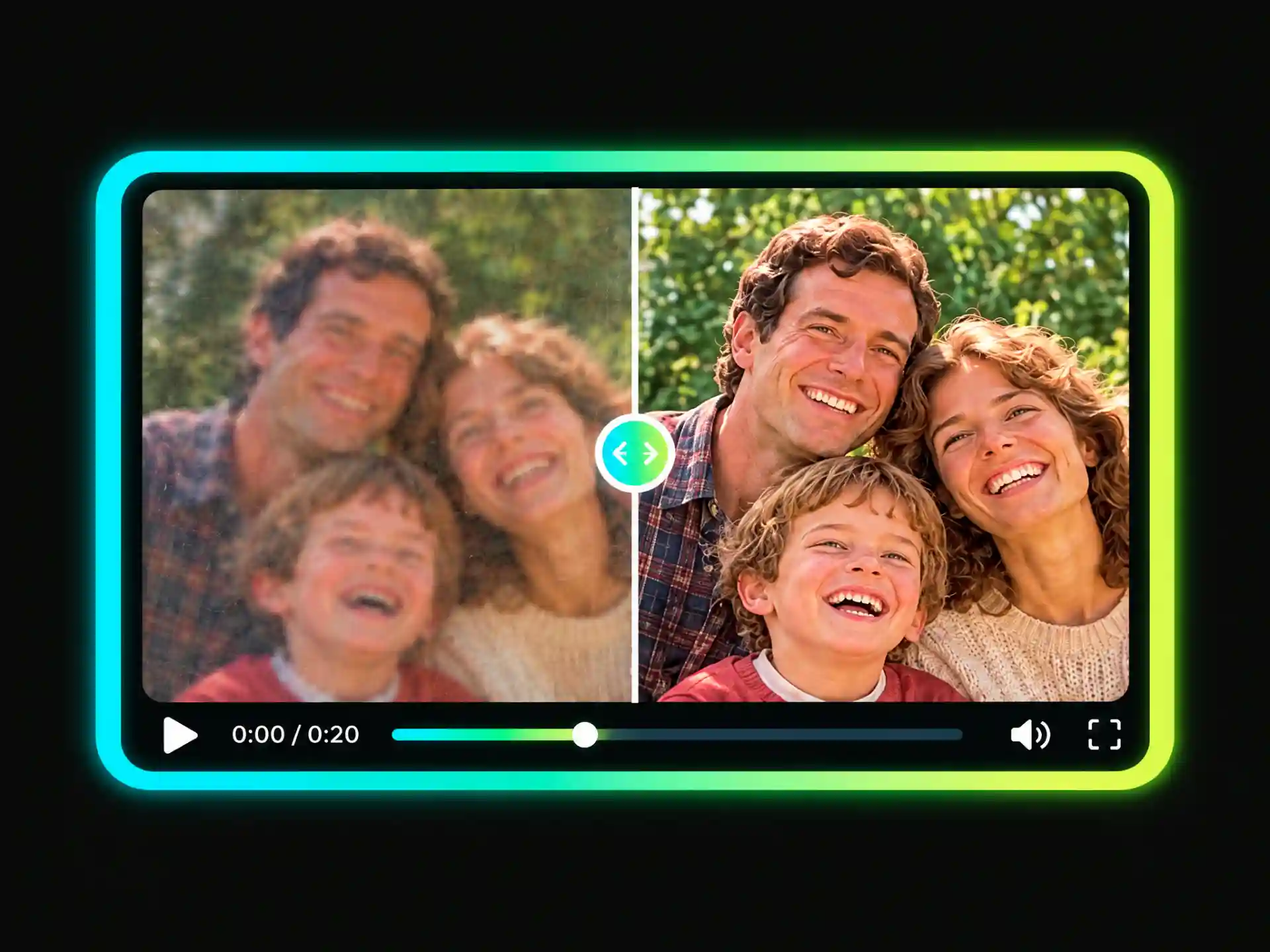
Digitized family recordings and childhood videos may look blurry on modern screens. WayinVideo helps improve their clarity so families can revisit memories and share these moments with loved ones.
Restore Family VideosRevisit family moments recorded years ago and keep your favorite memories to watch again or share with loved ones.
Make older recordings easier to watch on modern screens, especially when low resolution makes details harder to see.
Reduce manual video quality adjustments when preparing an individual old recording for viewing or editing.
Use older interviews, event clips, and other recordings in new projects without relying only on newly captured footage.
Follow a straightforward enhancement process without learning advanced restoration techniques or navigating complex editing controls.
Prepare restored footage for personal viewing, creative editing, or presentations based on your needs.
Upload an old video from your device to begin restoring its quality.
Use WayinVideo for old video restoration and prepare family recordings, classic clips, or archived footage for viewing, editing, and sharing.
No credit card required.


