
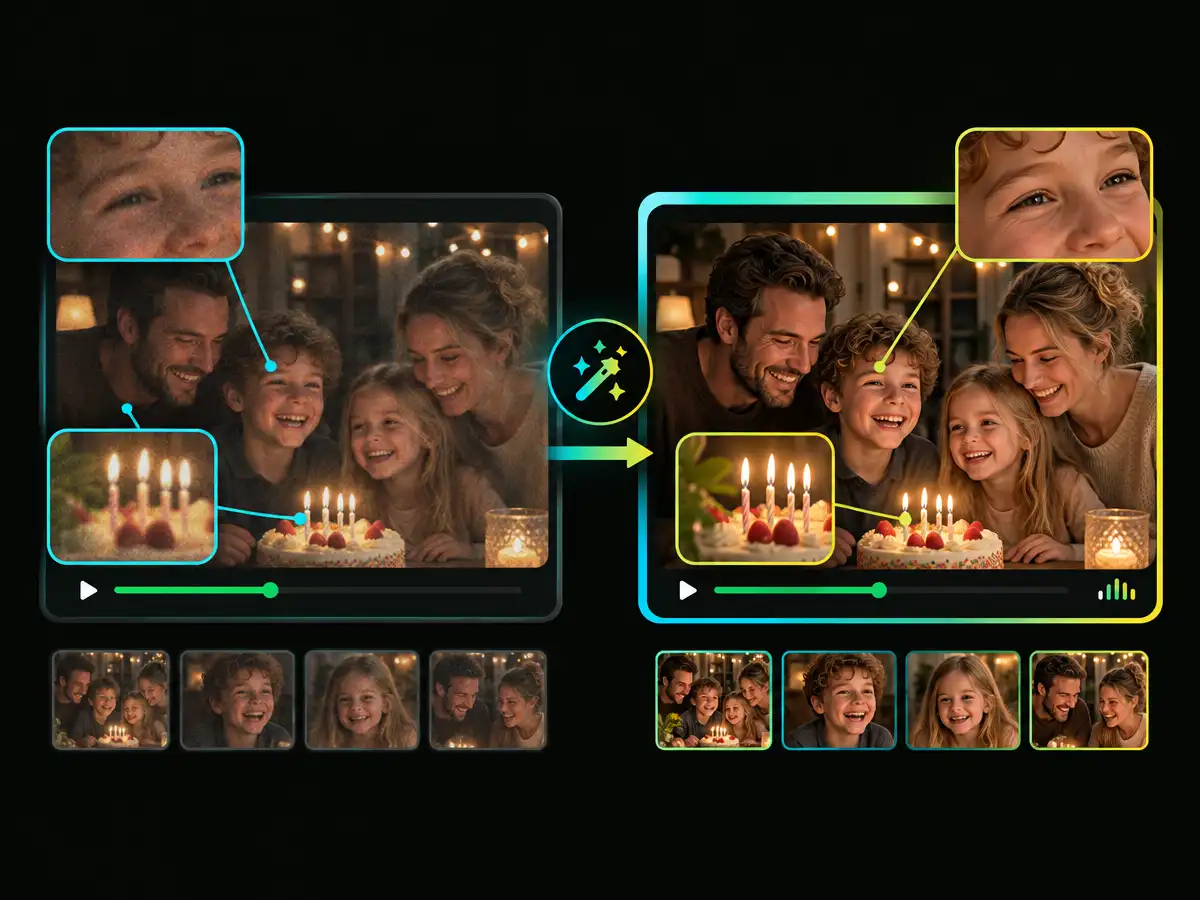
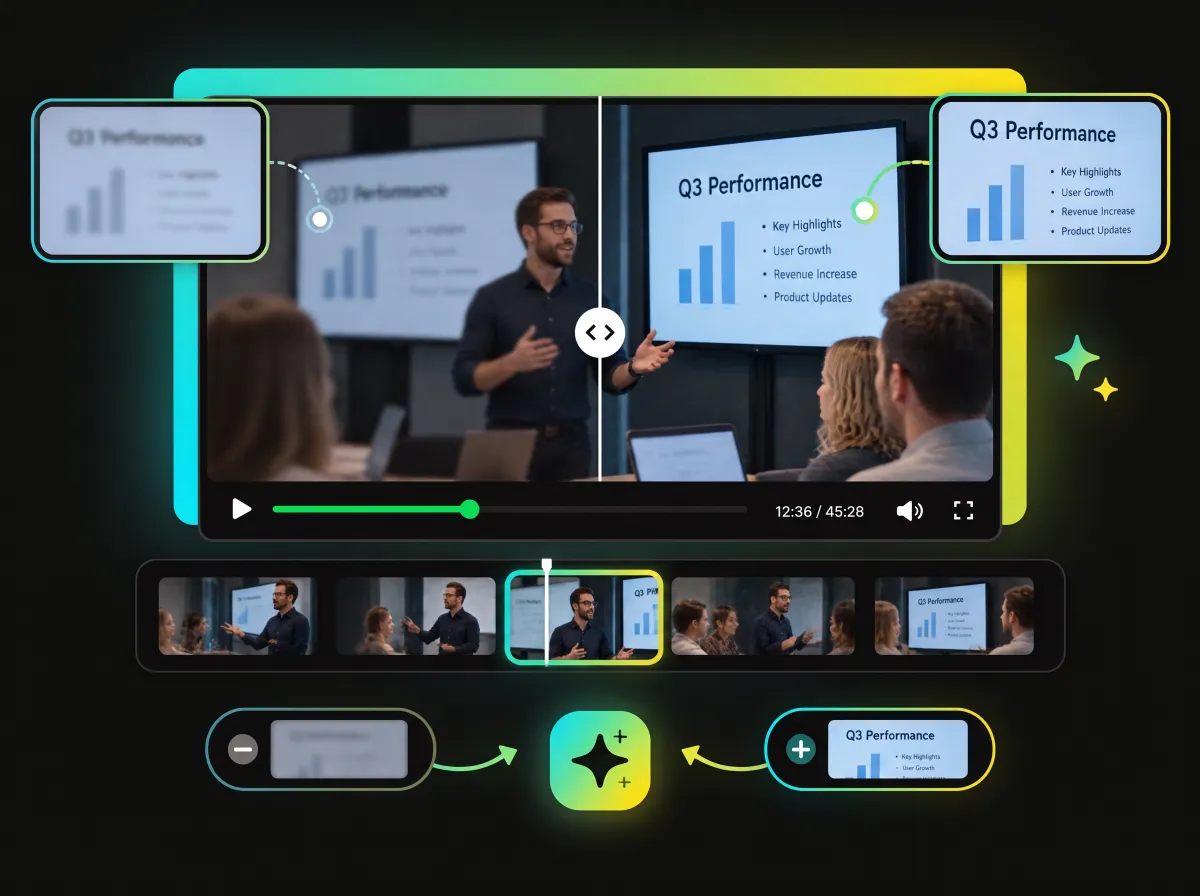
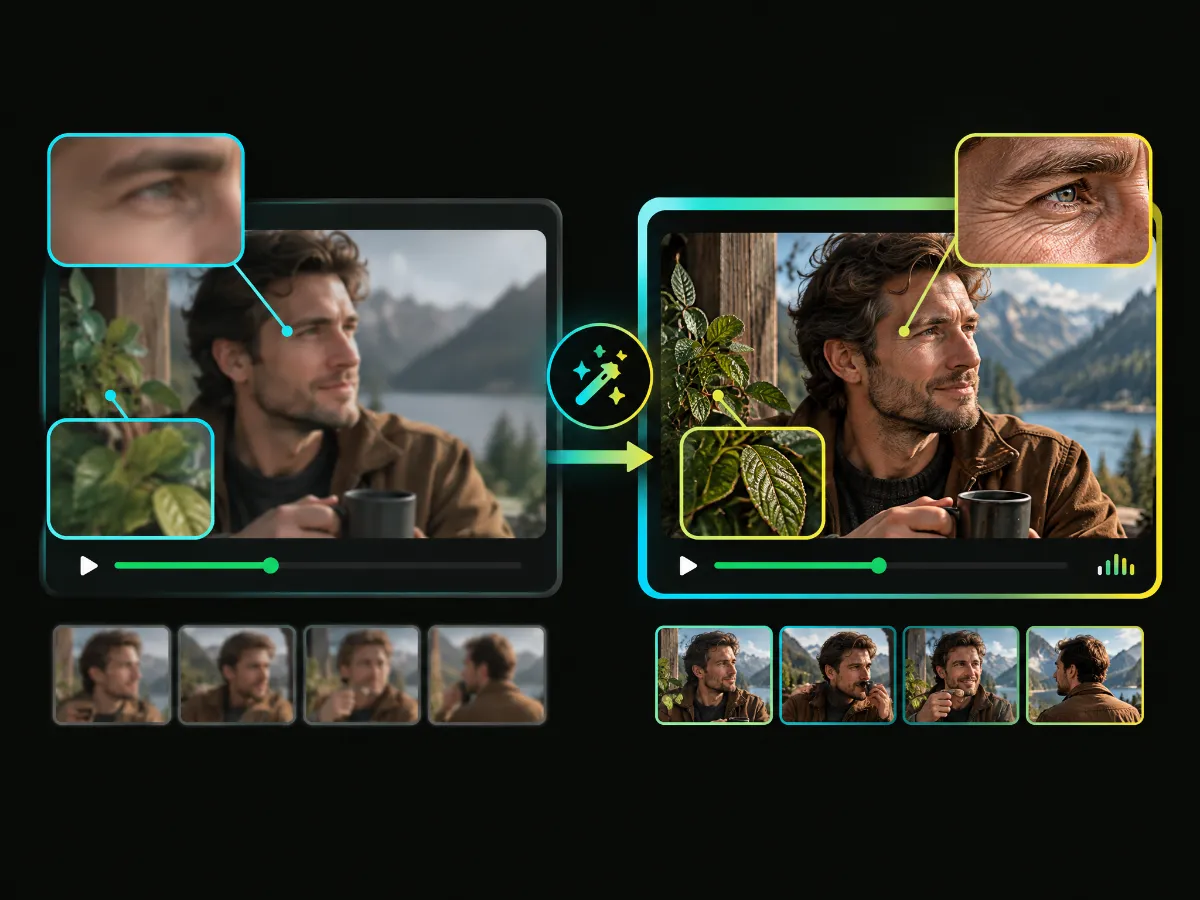

Easy Video Denoising
Upload a clip, choose your settings, and let WayinVideo's AI video denoiser enhance its visual clarity. You can denoise video online without advanced editing skills, while the tool aims to retain natural textures and details.
Drag and drop your video here
Video must be shorter than 10 minutes and smaller than 300MB. to upload larger videos.
By uploading a file, you agree to WayinVideo’s Terms of Use and Privacy Policy
Trusted by professionals at












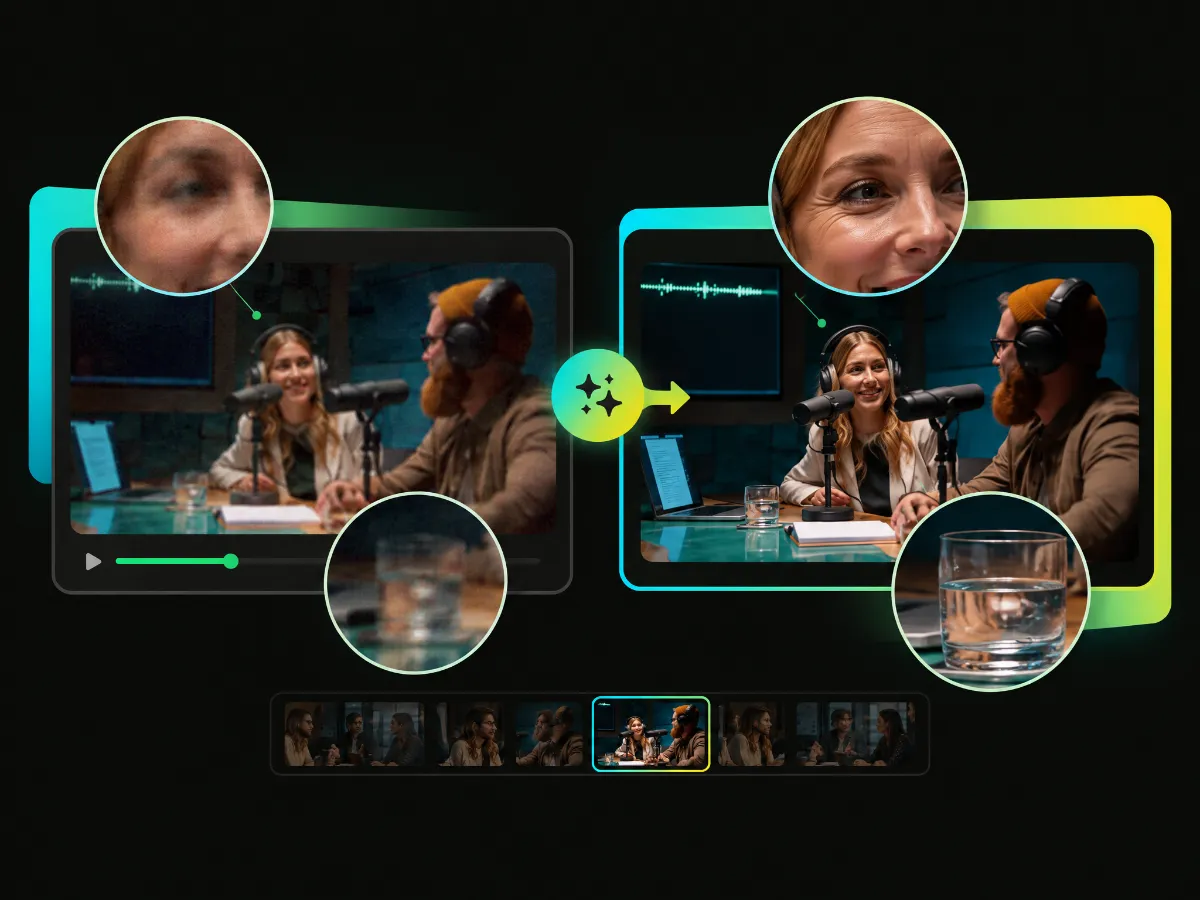
WayinVideo's AI video denoiser helps remove visible grain from low-light or compressed footage while preserving faces, hair, text, and fine textures. Use this online video denoiser to make your footage clearer without an overly smooth or artificial look.

From outdoor vlogs and interviews to online lessons and meeting recordings, WayinVideo's AI video enhancer helps reduce visible grain and improve clarity, making footage easier to share, review, or edit.
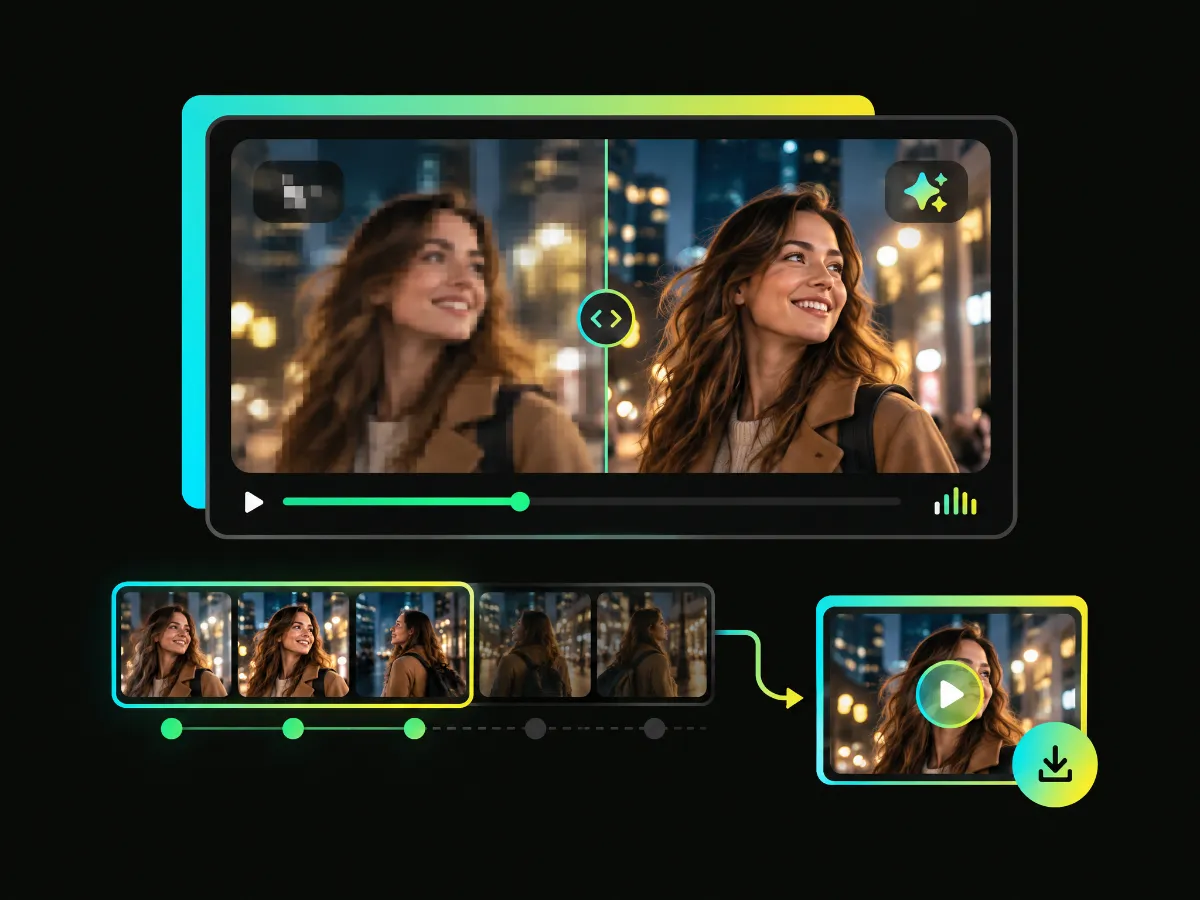
Try the free online video denoiser and preview the result before downloading. You can try it once without signing in and download the preview without a watermark. Check the video grain removal result, then sign in to access another free trial.
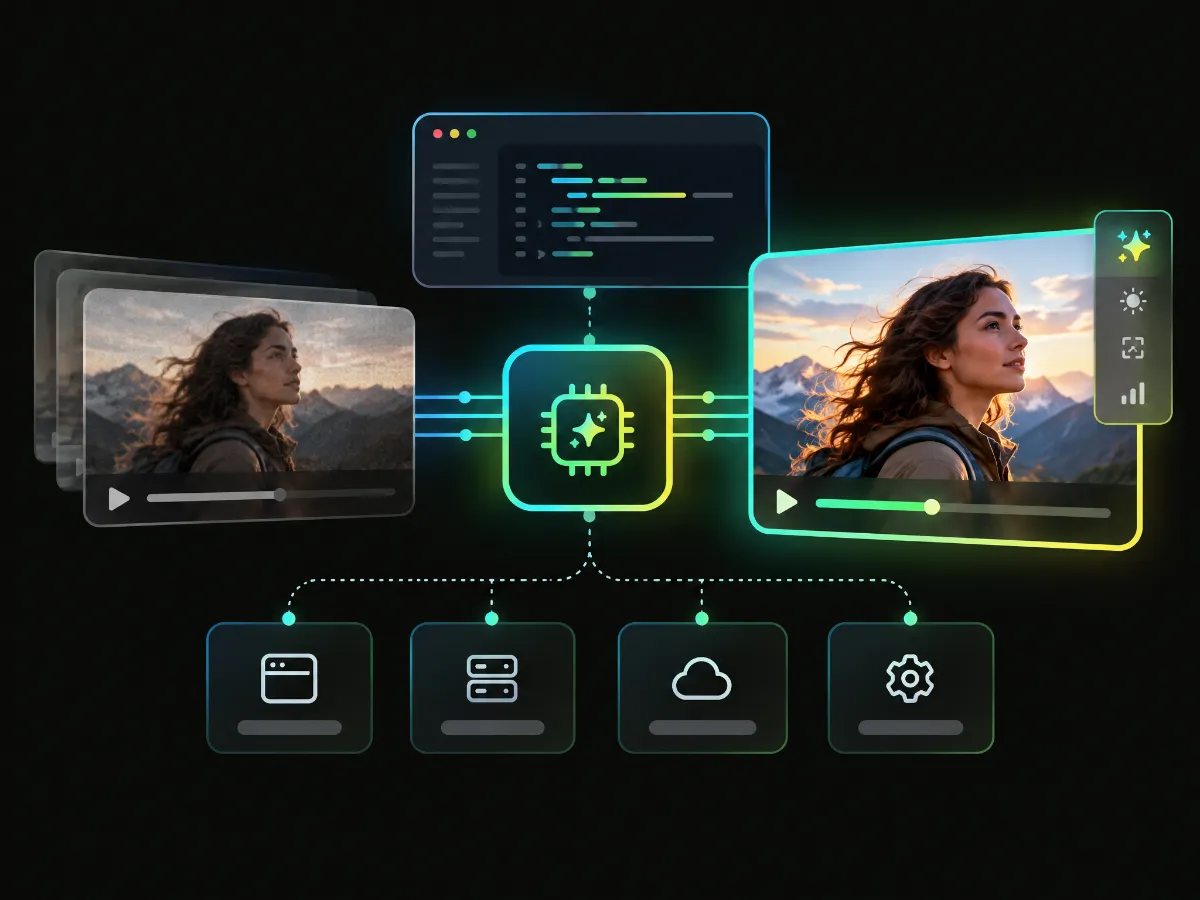
Add WayinVideo's video denoiser plugin to compatible apps or production workflows to remove grain and improve grainy footage within the tools your team already uses, without making major changes to your process.
From social clips and family videos to training recordings and film footage, WayinVideo helps make grainy visuals look cleaner while keeping important details natural. Use the online video denoiser to enhance footage for sharing, review, or post-production.
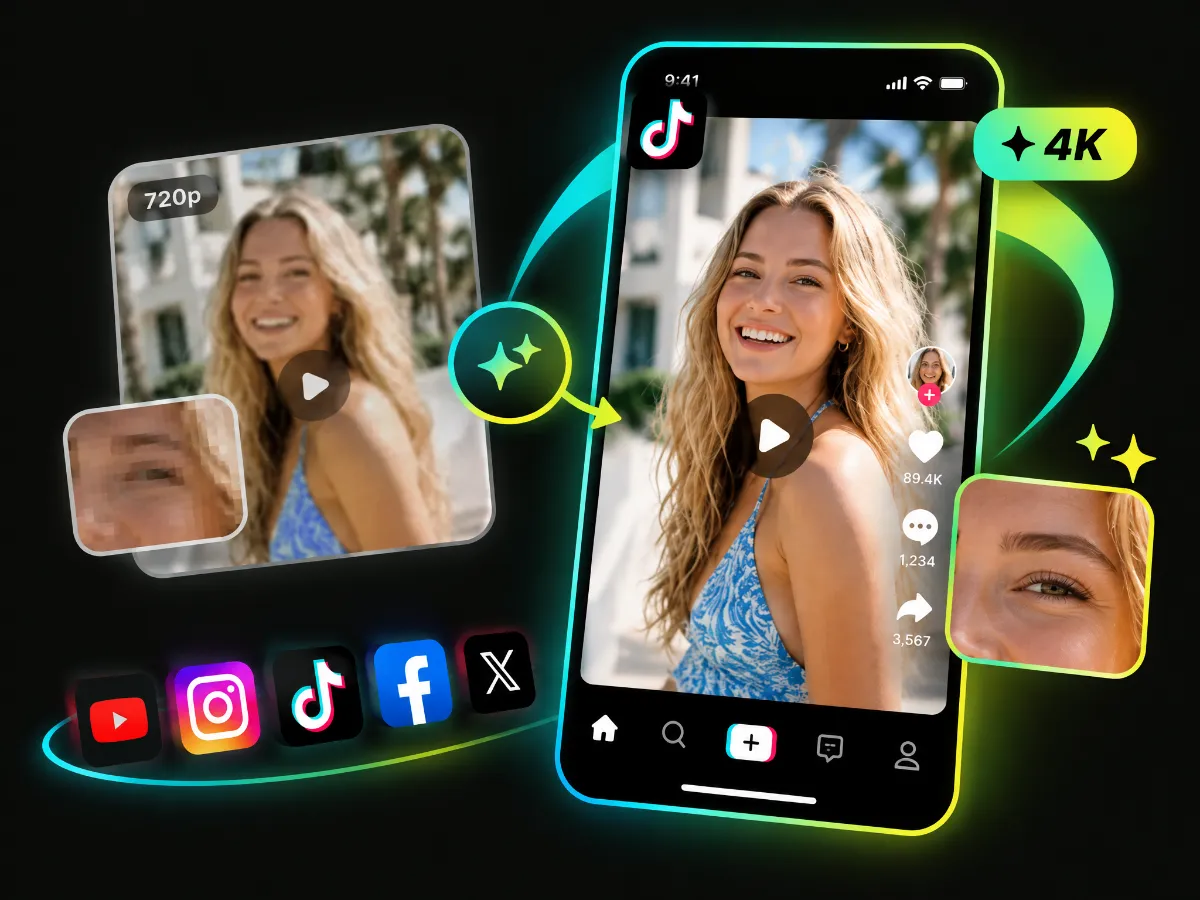
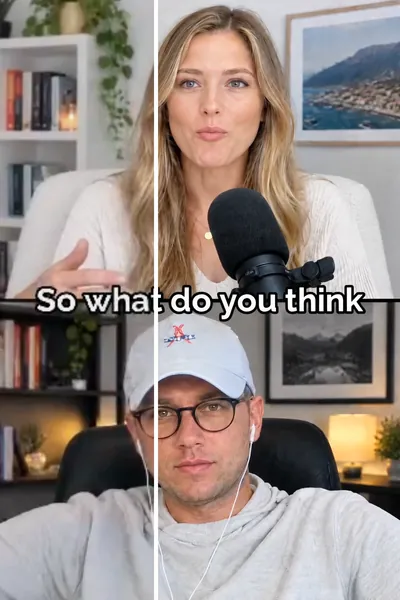
Low-light, night-time, or compressed clips can look grainy on social platforms. Creators can use WayinVideo to denoise clips and brighten video online, giving footage a cleaner look before editing, posting, or delivering branded content.
Denoise a Social VideoUpload a clip, choose your settings, and let WayinVideo's AI video denoiser enhance its visual clarity. You can denoise video online without advanced editing skills, while the tool aims to retain natural textures and details.
From social clips and family videos to online lessons and night footage, choose 1080p, 2K, or 4K output to suit your project. Whether you want to make a video less grainy for social media or prepare low-light footage for a larger screen, WayinVideo helps improve the look of your footage for sharing, editing, or playback.
Use the online video denoiser in your browser without installing software or relying on a high-performance local GPU. Upload your footage from a supported device, process it online, and download the result when it's ready.
Try the video denoiser with a free preview, without signing in. Download the preview without a watermark and check how the video grain removal looks before deciding whether to continue processing.
Upload MP4, MOV, WebM, or AVI files to denoise video online. Support for common formats makes it easier to prepare your footage without converting it first.
Your privacy matters. Your uploads, processing history, and records are accessible only to you, so you can use WayinVideo to work on personal or professional footage with greater peace of mind.
Upload the grainy video you want to enhance. WayinVideo's online video denoiser supports MP4, MOV, WebM, and AVI. If you want to remove grain from video online, begin by uploading your original footage.
Choose the available enhancement settings and start processing. The AI video denoiser applies video grain removal to help make grainy footage look clearer while aiming to preserve natural details such as faces, hair, text, and fine textures.
Review the watermark-free preview to see whether the denoise filter makes your video look clearer and less grainy. Check important details before downloading.
Upload a video to improve visual clarity and remove visible grain while aiming to preserve its original details. Preview the result without a watermark, then use your free credits to continue processing. Try the AI video denoiser online to make grainy footage look cleaner.
Start with Free Credits


