








Brighten Video Online Free

Brighten video online with WayinVideo in just a few simple steps. Upload a dark clip, improve its brightness, then preview and download the clearer result, no complicated editing workflow required.

Drag and drop your video here

Video must be shorter than 10 minutes and smaller than 300MB. to upload larger videos.

By uploading a file, you agree to WayinVideo’s Terms of Use and Privacy Policy

Enhance videos in your AI agent

Trusted by professionals at

fox brand iconsky brand iconhubspot brand iconPublicis Groupe brand iconViral Nation brand iconColumbia School logoUC Berkeley School logoJellycat brand iconSquare / Block brand iconStanford logoHarvard logoNYU logo
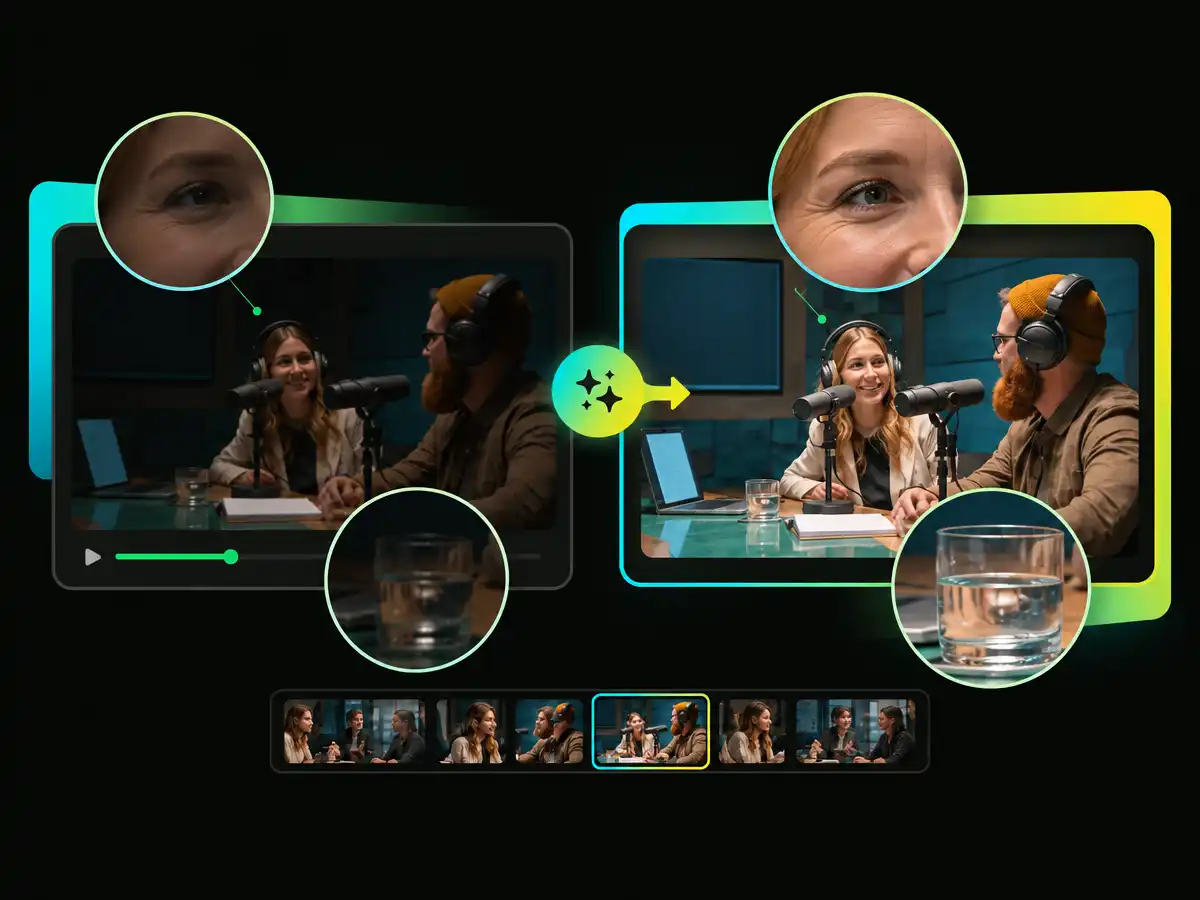
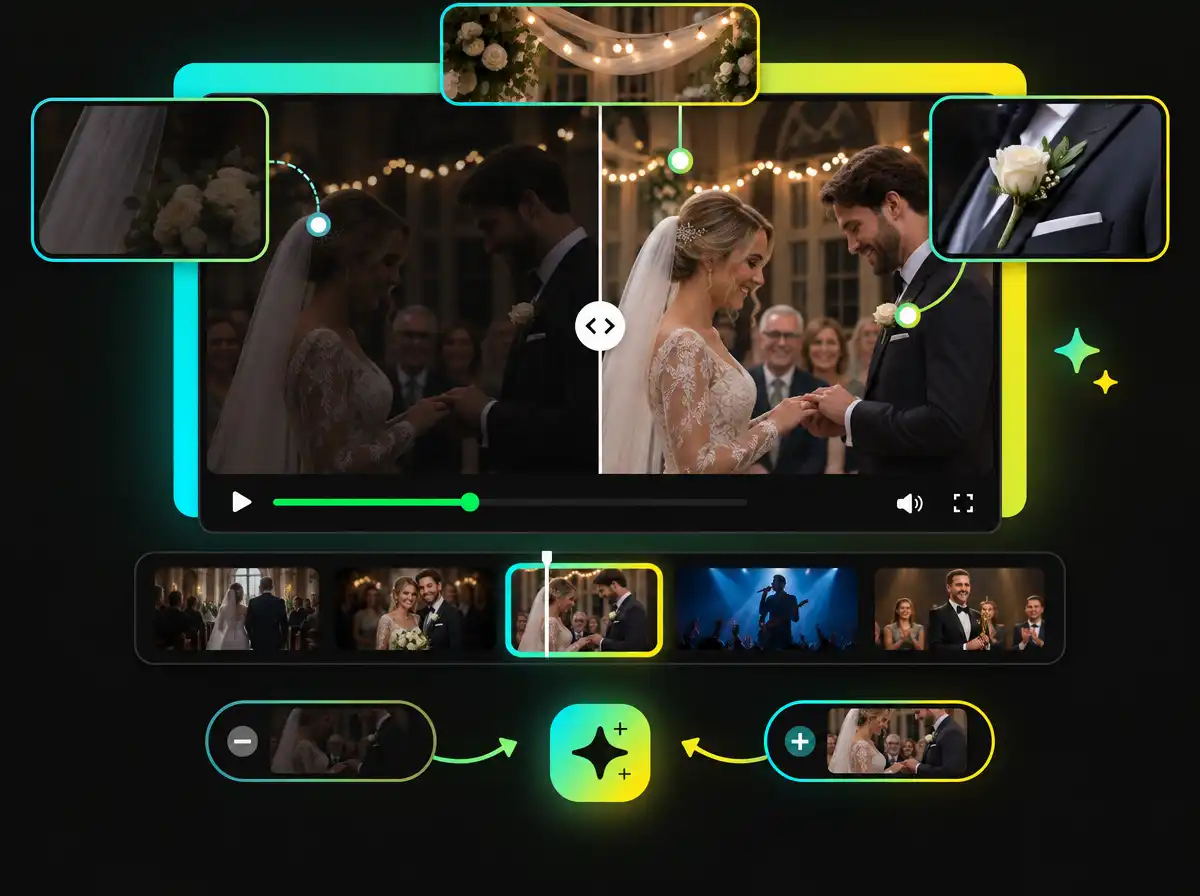
Original and brightened video preview showing facial and texture details

Brighten Video While Preserving Original Details

Use WayinVideo to brighten a video online while keeping the scene close to its original look. AI enhancement is designed to improve visibility while retaining details in faces, hair, text, and textures; results may vary depending on the source footage.

Brighten a Video Now
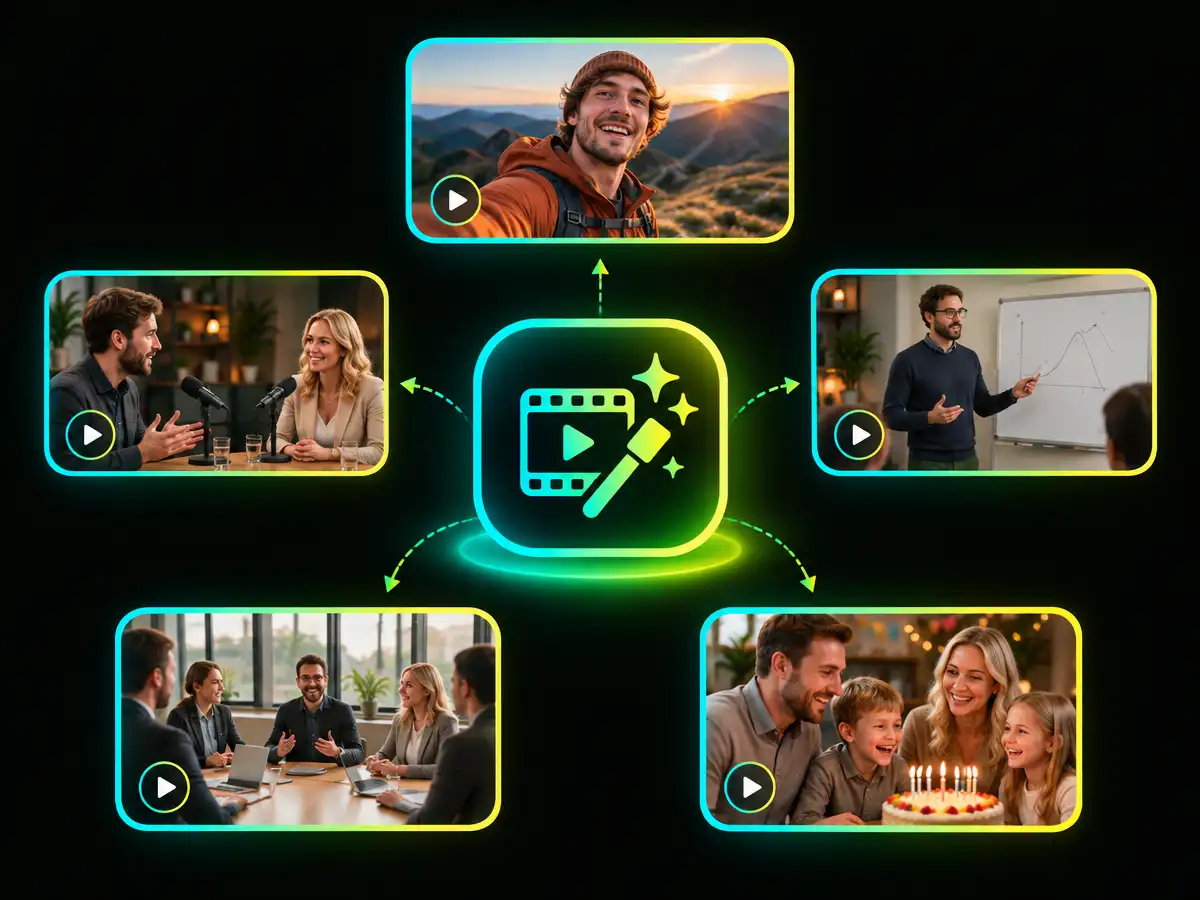
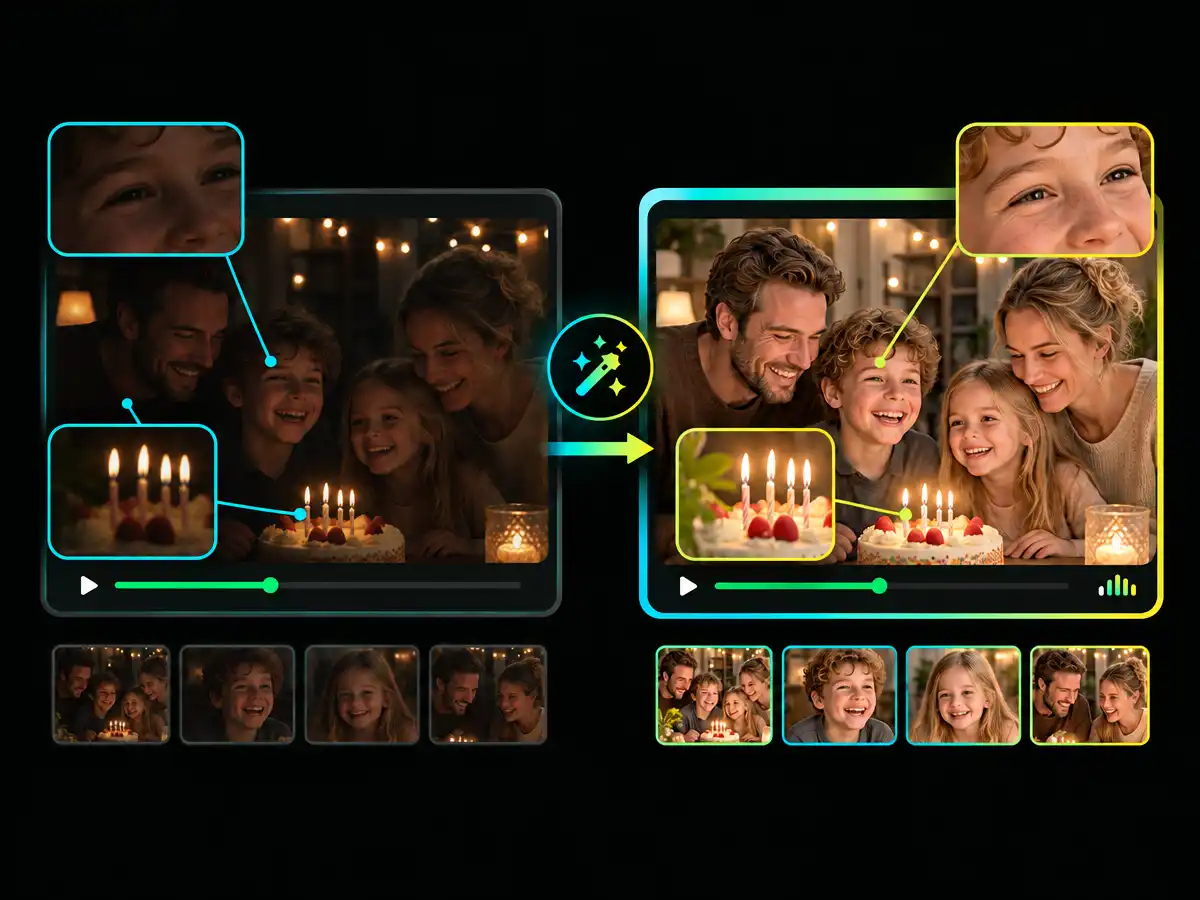
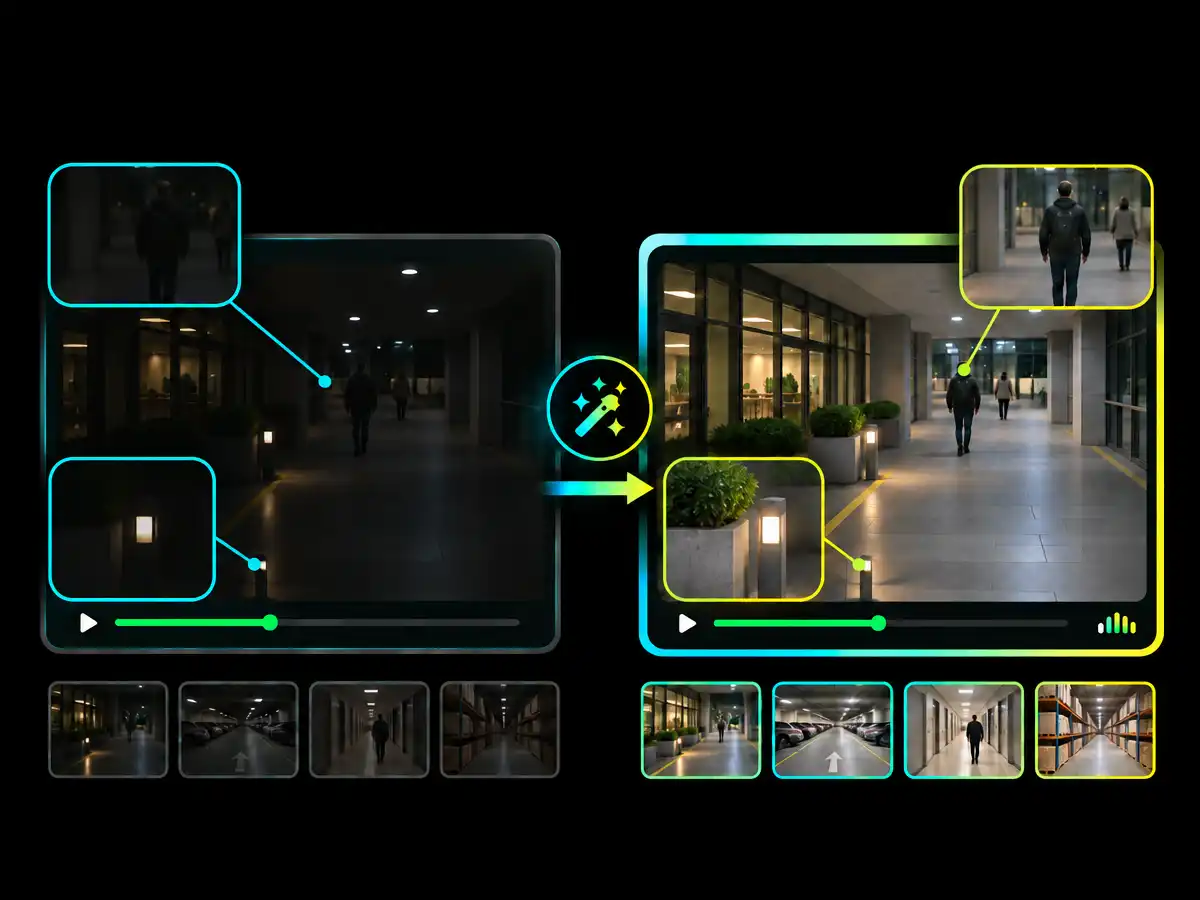
Brightened examples of low-light home, interview, tutorial, and security footage

Brighten Videos for Different Scenes

From dim indoor clips and evening footage to family videos, interviews, tutorials, and nighttime security recordings, WayinVideo offers an easy way to make a video brighter for different viewing needs.

Explore Video Brightening
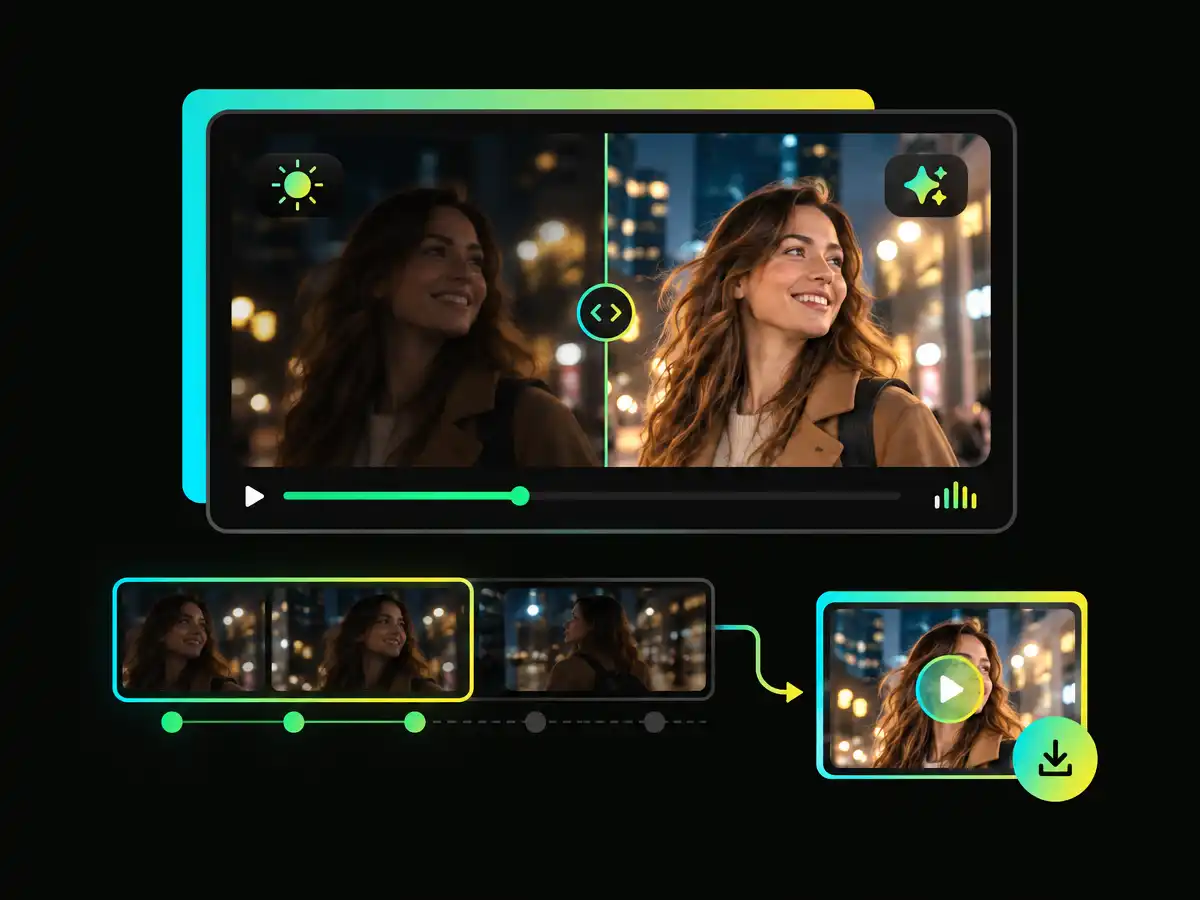
Watermark-free preview of the first three seconds of a brightened video

Preview the Brightened Video Before Downloading

Try the free online video brightener without signing in and preview the first three seconds. Download the watermark-free preview to check the result before deciding whether to process the full video.

Preview for Free Now
WayinVideo Video Enhancer Plugin in a compatible video production workflow

Use the Plugin to Brighten Video in Your Workflow

Add WayinVideo's Video Enhancer Plugin to compatible production workflows to brighten video within the tools your team already uses.

Explore the Plugin

Who Can Use an Online Video Brightener?

WayinVideo gives creators, videographers, families, and security teams a simple way to brighten a video online when low light makes footage hard to see. Improve visibility, preview the result, and decide whether it's ready to download.

Creator previewing a brightened low-light clip before editing

Make Dark Creator Footage Brighter Before Editing

Dim indoor, dusk, or shadowed clips can obscure faces, products, and fine details. Use Brighten Video to make a video brighter for short-form content, Vlogs, and product demos, then preview the result before downloading. If the footage is also grainy, a video denoiser can address noise as a separate step.

Brighten Creator Videos

Why Choose WayinVideo as Your Online Video Brightener?

  • Easy Video Brightening

    Upload your clip, choose the processing settings, and brighten a video online without professional editing skills. WayinVideo is designed to improve visibility while keeping colors, faces, and textures natural, helping you brighten a dark video while retaining its original character.

  • Brighten Videos for Different Scenarios

    From social media clips and family videos to online lessons and nighttime footage, one video brightener can support a variety of projects. Choose an output resolution to suit how you plan to watch, edit, save, or share your video, and lighten a dark video for easier viewing.

  • Online and Across Devices

    Use WayinVideo in your browser to brighten videos online without downloading software or relying on a high-performance GPU. Start on a supported device and download the result when processing is complete.

  • A Watermark-Free Preview

    Try the online video brightener without signing in and preview the first three seconds for free. Download the watermark-free preview to check the result before deciding whether to process the full video.

  • Support for Common Video Formats

    Upload MP4, MOV, WebM, or AVI files and brighten them online without first converting the format. It's easy to brighten an MP4 video or work with other common video files in the same workflow.

  • Privacy and Data Security

    Your uploaded videos, processing history, and related records are accessible only to you. Use the video brightener with greater peace of mind while working with personal or creative video files.

How to Use Video Brightener Online in Three Simple Steps

  1. Upload Your Video

    Upload the dark video you want to brighten to WayinVideo's online video brightener. Choose your clip and start with available free credits; no need to install desktop editing software.

  2. Brighten a Video Online

    Select the enhancement settings and let WayinVideo's AI brighten your video online. Whether you want to make a video brighter after low-light shooting or lighten a dark clip before sharing, the process takes just a few clicks.

  3. Preview and Download

    Preview the result before downloading. If you want to brighten a video without losing quality, check that important details and natural textures remain clear; results can vary depending on the original footage, lighting, and resolution.

Frequently Asked Questions

Brighten Video Online

Upload a dark clip to brighten a video online with WayinVideo. Improve the visibility of people and scenes, preview the result, and download your video without complicated editing. Start with available free credits.

Start with Free Credits