









Unblur Video Online

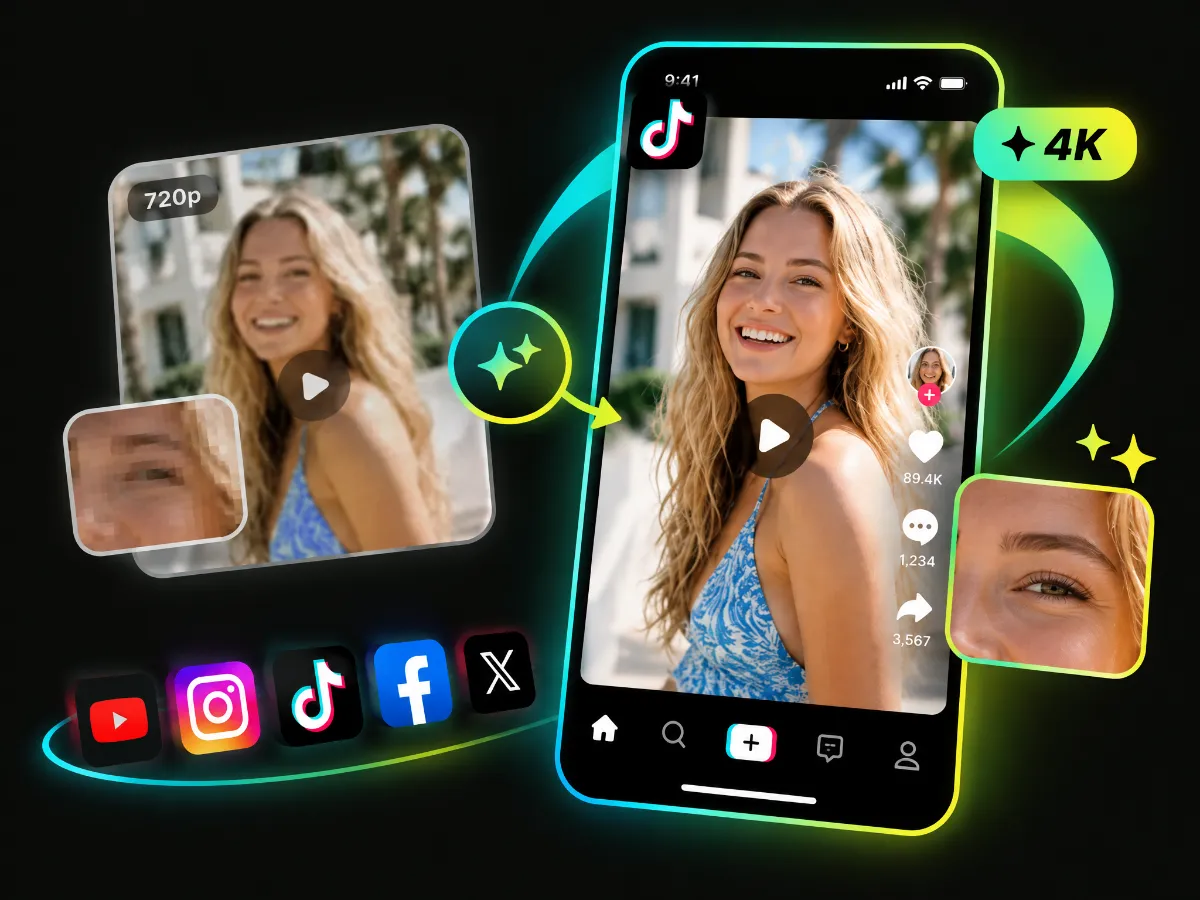
Make a video clearer online with AI. Improve mild blur, soft focus, and indistinct details while keeping the result natural. Unblur faces and everyday clips, then choose 1080p, 2K, or 4K as your export resolution. Try it with free credits.

Drag and drop your video here

Video must be shorter than 10 minutes and smaller than 300MB. to upload larger videos.

By uploading a file, you agree to WayinVideo’s Terms of Use and Privacy Policy

Trusted by professionals at

fox brand iconsky brand iconhubspot brand iconPublicis Groupe brand iconViral Nation brand iconColumbia School logoUC Berkeley School logoJellycat brand iconSquare / Block brand iconStanford logoHarvard logoNYU logo
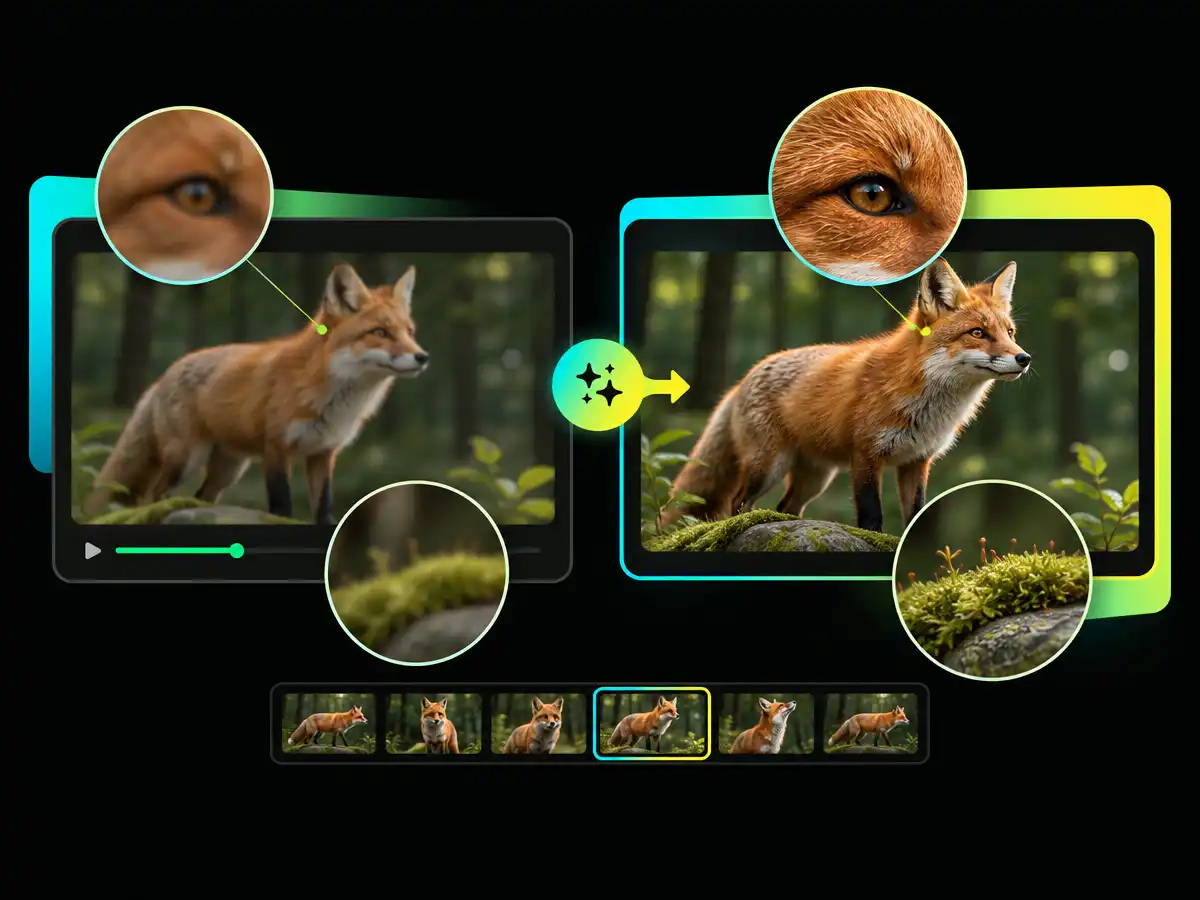
Before-and-after comparison showing improved video clarity with AI video unblur

Unblur Videos and Improve Clarity

Use WayinVideo to unblur video with AI and improve mild blur, soft focus, and indistinct details. Preview the result to see how it looks. Results depend on the original footage.

Unblur and Upscale Now
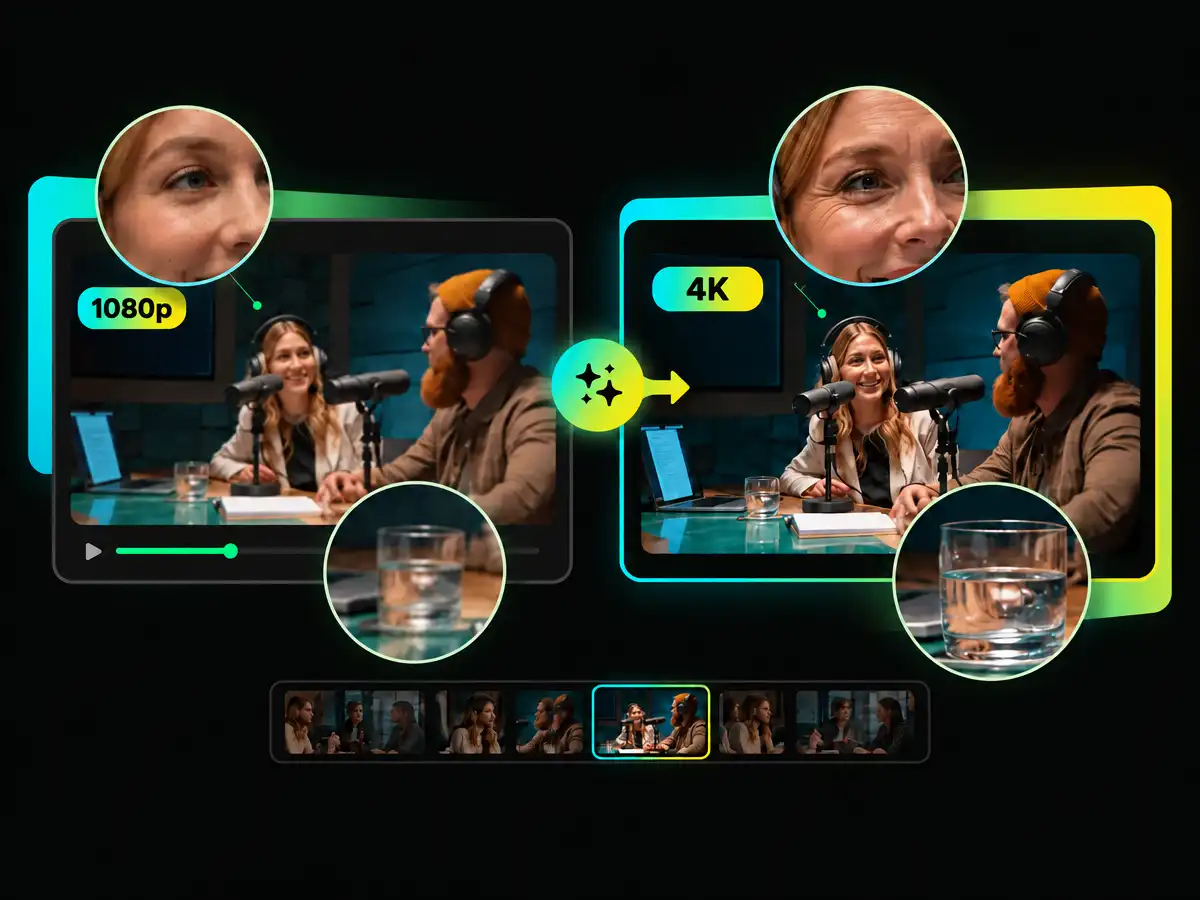
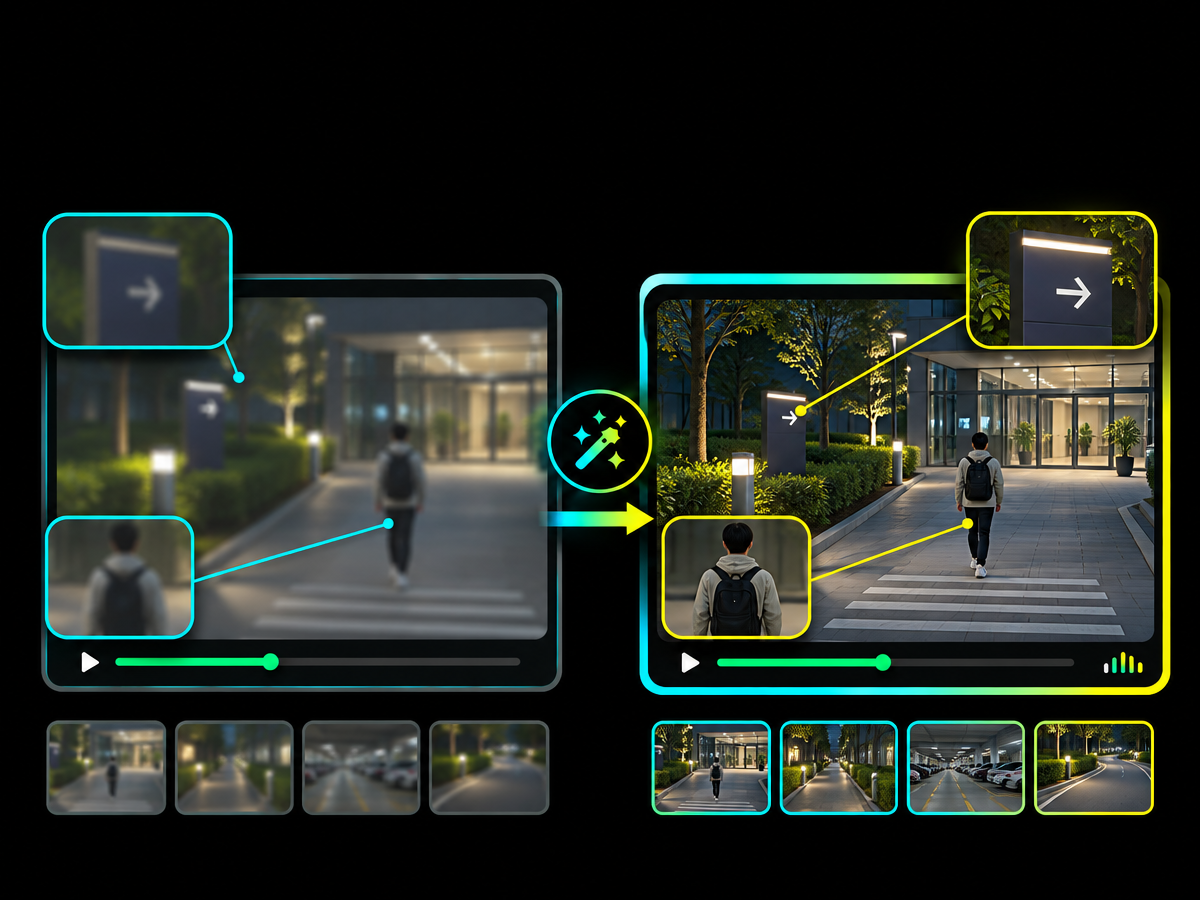
Video output options for 1080p, 2K, and 4K

Choose 1080p, 2K, or 4K Output for Different Needs

Choose 1080p, 2K, or 4K based on your target output needs. After using AI to make video clearer, select the resolution you want to export. HD Video Converter can help when you also need a different file format.

Choose Your Output Resolution
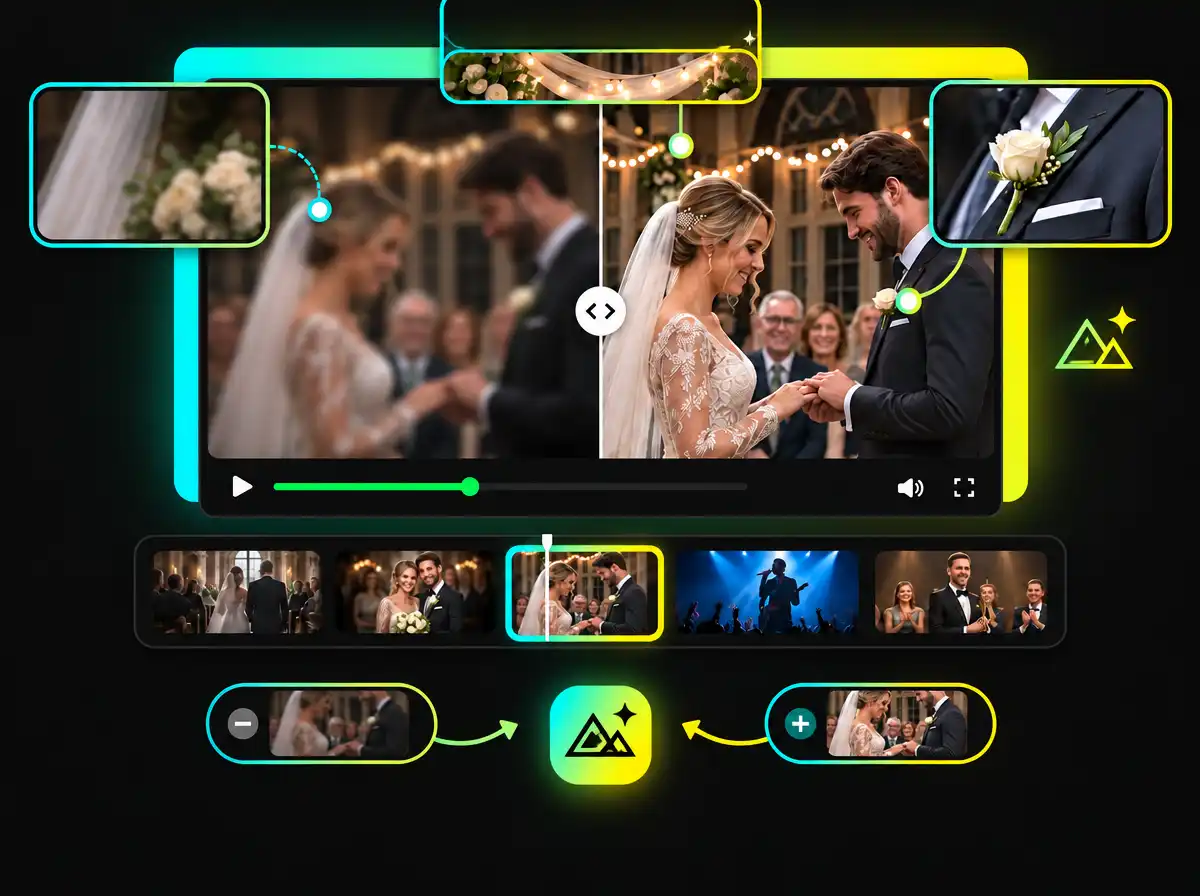
Video preview interface displaying enhanced footage before download

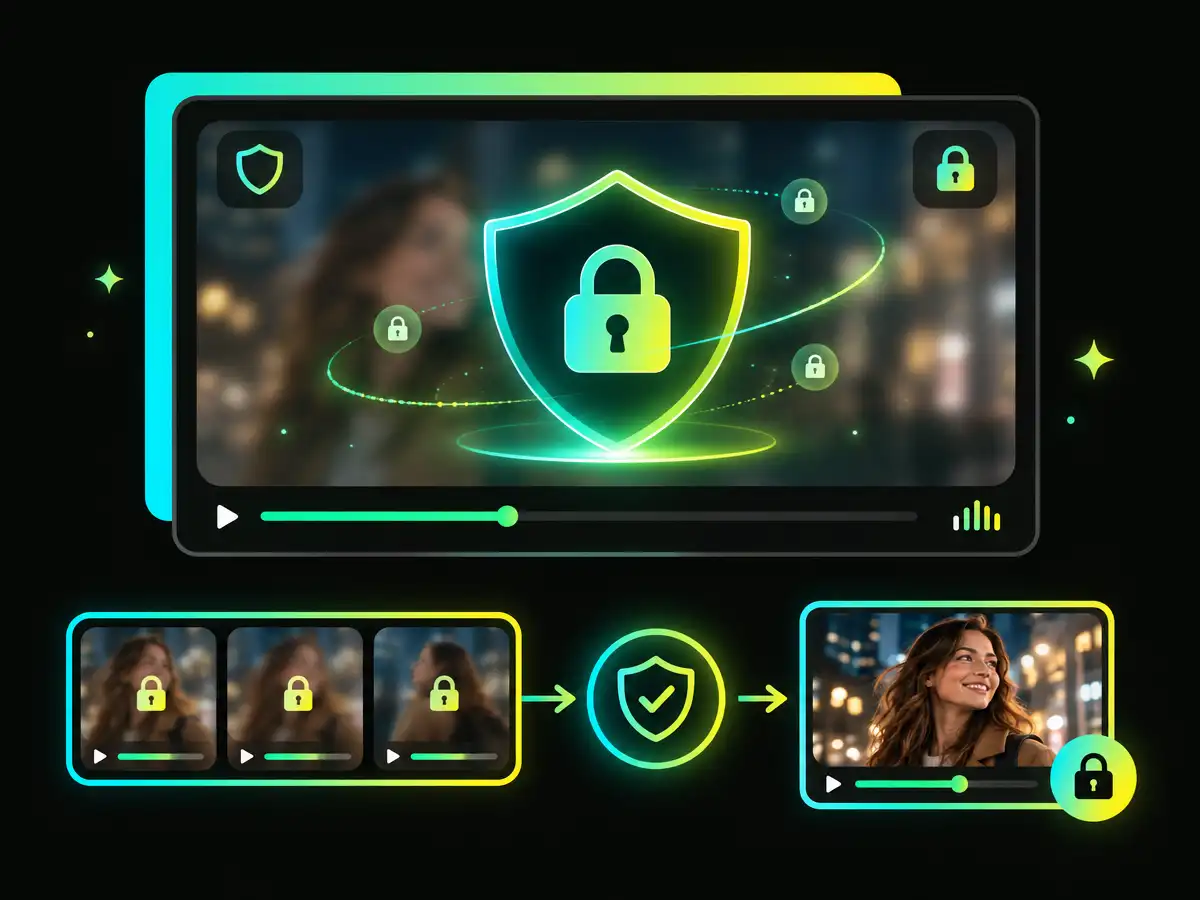
Privacy and Data Protection

WayinVideo treats privacy and data protection as important. Before you unblur a video online, review how uploaded videos and related information are handled so you can make an informed choice about using a video unblur tool.

Review Privacy Details
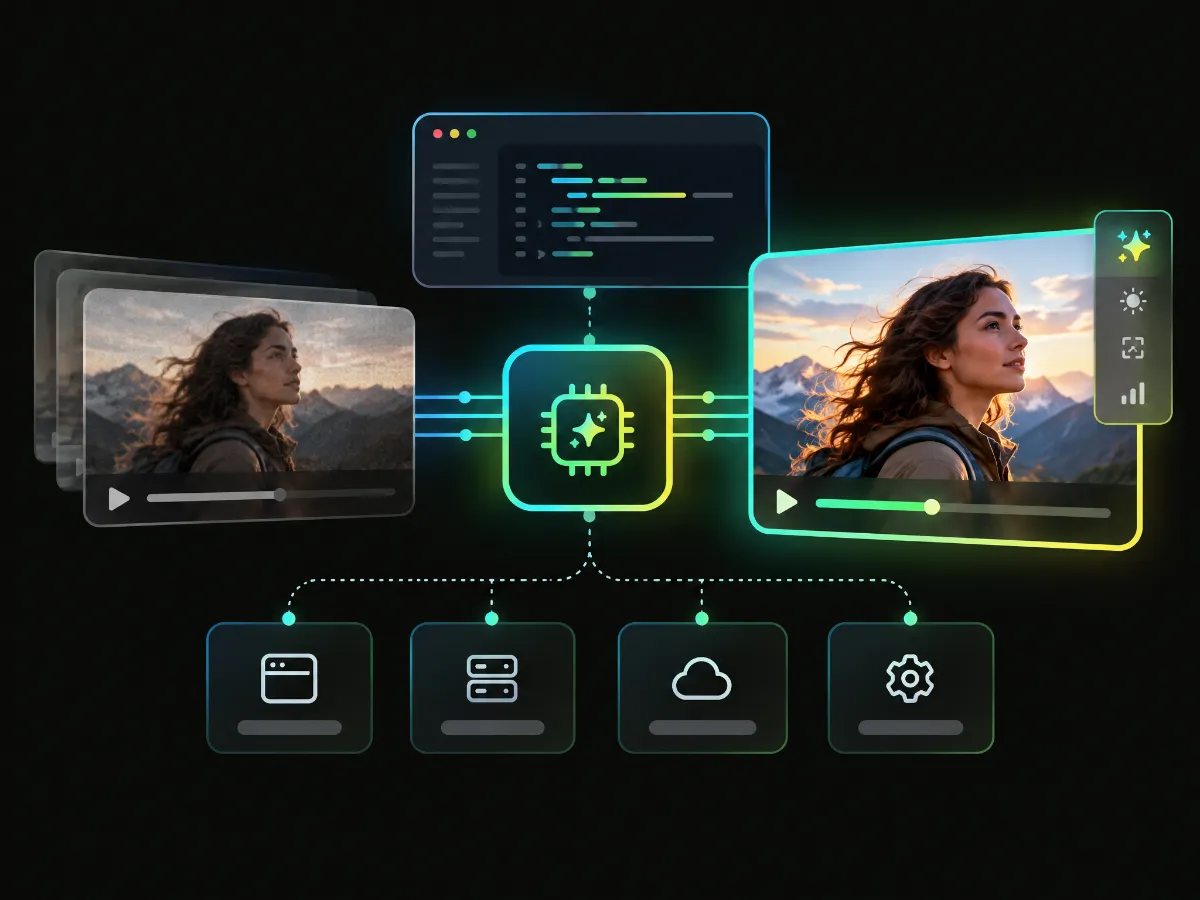
WayinVideo Video Unblur Plugin in a compatible video production workflow

Use the Video Unblur Plugin in Your Workflow

Add WayinVideo's Video Unblur Plugin to compatible apps or production workflows to bring video unblur into the tools your team already uses. It can help you make video clearer as part of a familiar editing process.

Explore the Plugin

Who Can Use an Online Unblur Video Tool?

WayinVideo helps creators, families, and videographers make mildly blurry videos clearer with AI. Preview the result before downloading; severely out-of-focus footage may not recover missing detail.

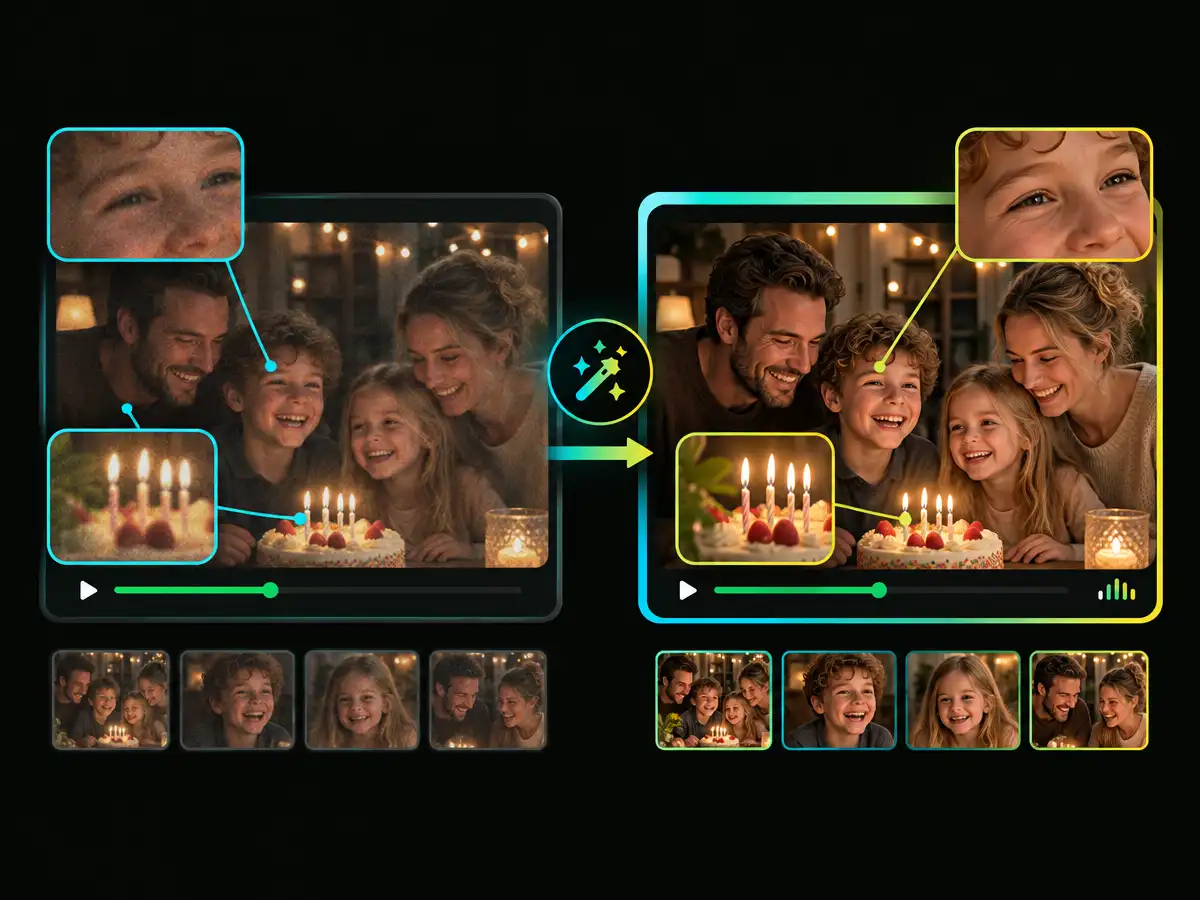
Video creator previewing a clip after using an AI video unblur tool

Make Creator Videos Clearer Before Editing

Phone footage, social clips, and project videos can look soft after recording or platform compression. Use WayinVideo to unblur video online and improve mild blur before editing or publishing. Preview the result to check that details still look natural. When your workflow also needs format conversion, try a 4k video converter.

Unblur Creator Videos

Why Choose WayinVideo to Unblur Video Online?

  • Easy Online Video Unblurring

    Upload a mildly blurry clip and choose your clarity settings—no editing experience required. WayinVideo can help make video clearer by improving soft-looking edges while keeping the result natural. If you're wondering how to unblur a video, start with a preview.

  • Choose 1080p, 2K, or 4K

    Choose 1080p, 2K, or 4K for your video output. Select the resolution that fits how you plan to watch, save, or share your clearer video.

  • Online and Across Devices

    Use WayinVideo to unblur video online in your browser, no software download or high-performance local GPU required. When processing is complete, download your video to watch, edit, or share across devices.

  • A Watermark-Free Preview

    Try AI video unblur once with free credits and no sign-in. Preview the first three seconds without a watermark, and download the preview to check the result before deciding whether to process the full video.

  • Support for Common Video Formats

    Upload MP4, MOV, WebM, or AVI files directly and unblur video files without converting them first.

  • Privacy and Data Security

    Your uploaded videos, processing history, and related records are accessible only to you, helping protect your personal and creative video files while you work.

How to Unblur a Video Online in Three Simple Steps

  1. Upload Your Video

    Upload the blurry video you want to improve to WayinVideo. Choose a clip from your device and get started with available free credits, no desktop software installation required.

  2. Unblur Video Online

    Let AI improve mild blur, soft focus, and unclear details to make your video clearer online. It's an easy way to unblur a video in just a few clicks.

  3. Preview and Download

    Preview your clearer video before downloading to check its details and overall appearance. If you need a higher-resolution output, use the video upscaler to export in 1080p, 2K, or 4K.

Frequently Asked Questions

Unblur Video Free Online

Upload a blurry clip to unblur a video online with free credits. WayinVideo's AI video unblur tool can help make a video clearer by improving mild softness and indistinct details. Preview the result, then choose 1080p, 2K, or 4K output.