
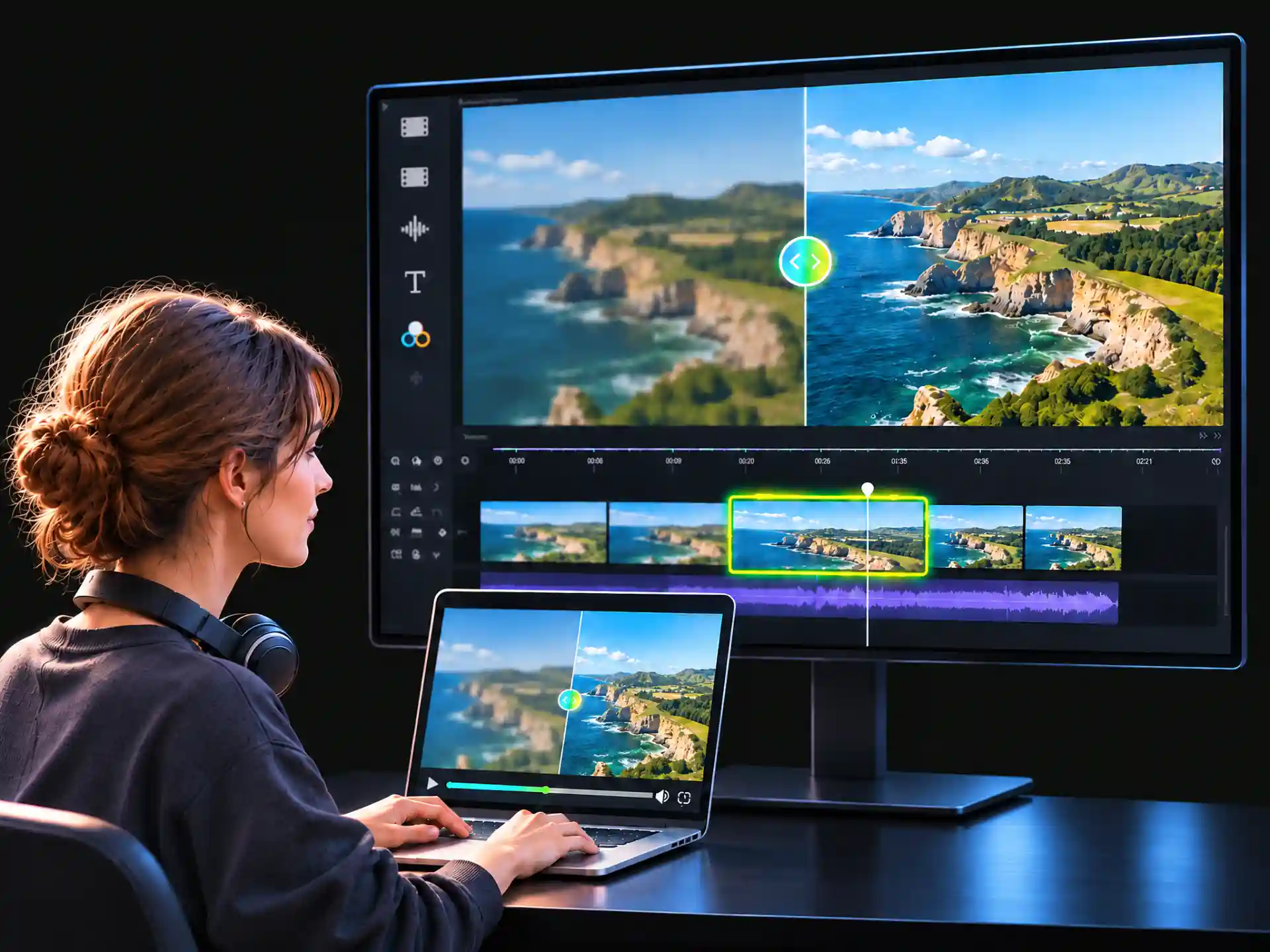

Reuse Existing Footage
Prepare low-resolution recordings for new uses without having to reshoot the original footage.

Drag and drop your video here
Video must be shorter than 10 minutes and smaller than 300MB. to upload larger videos.
By uploading a file, you agree to WayinVideo’s Terms of Use and Privacy Policy
Trusted by professionals at












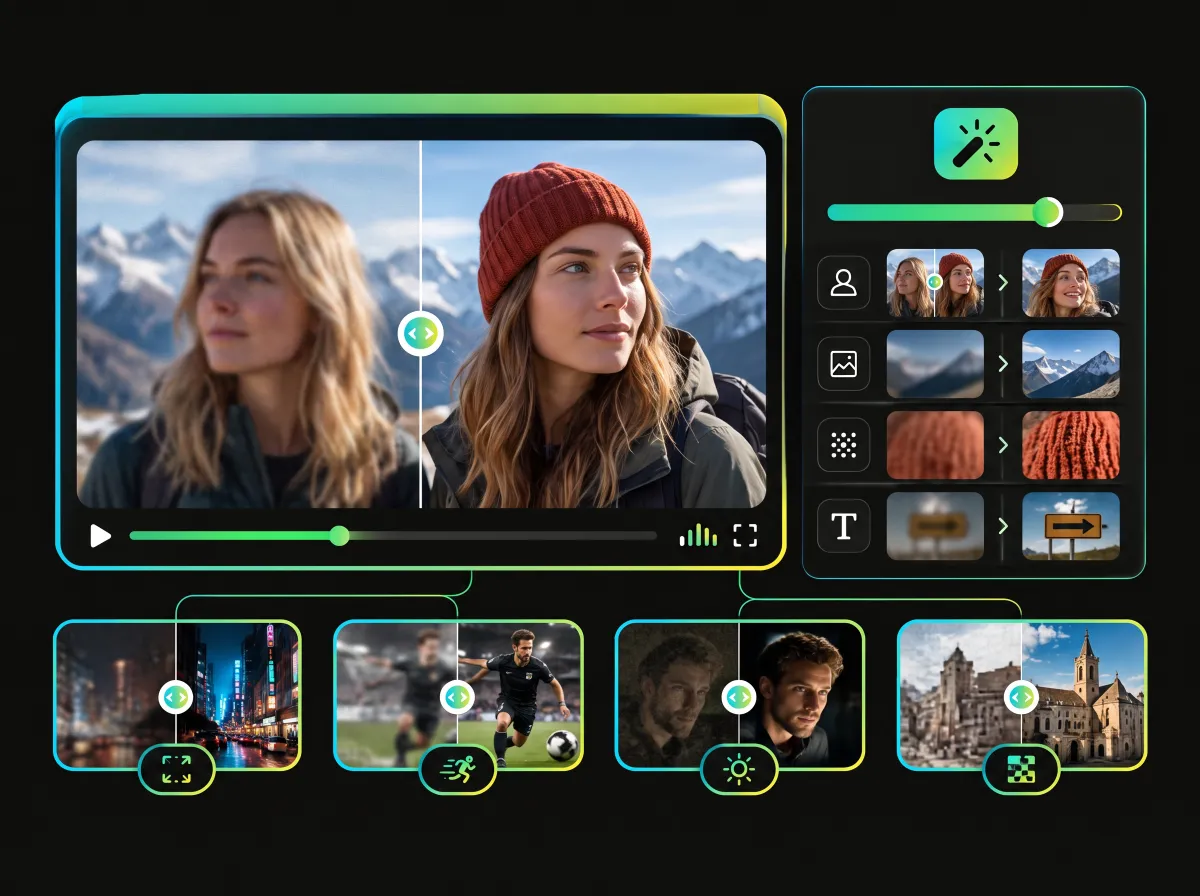
WayinVideo's AI HD video converter uses AI upscaling to increase video resolution beyond basic resizing. It can also improve visual clarity during upscaling, though results depend on the source footage. For other upscaling needs, explore our video upscaler.
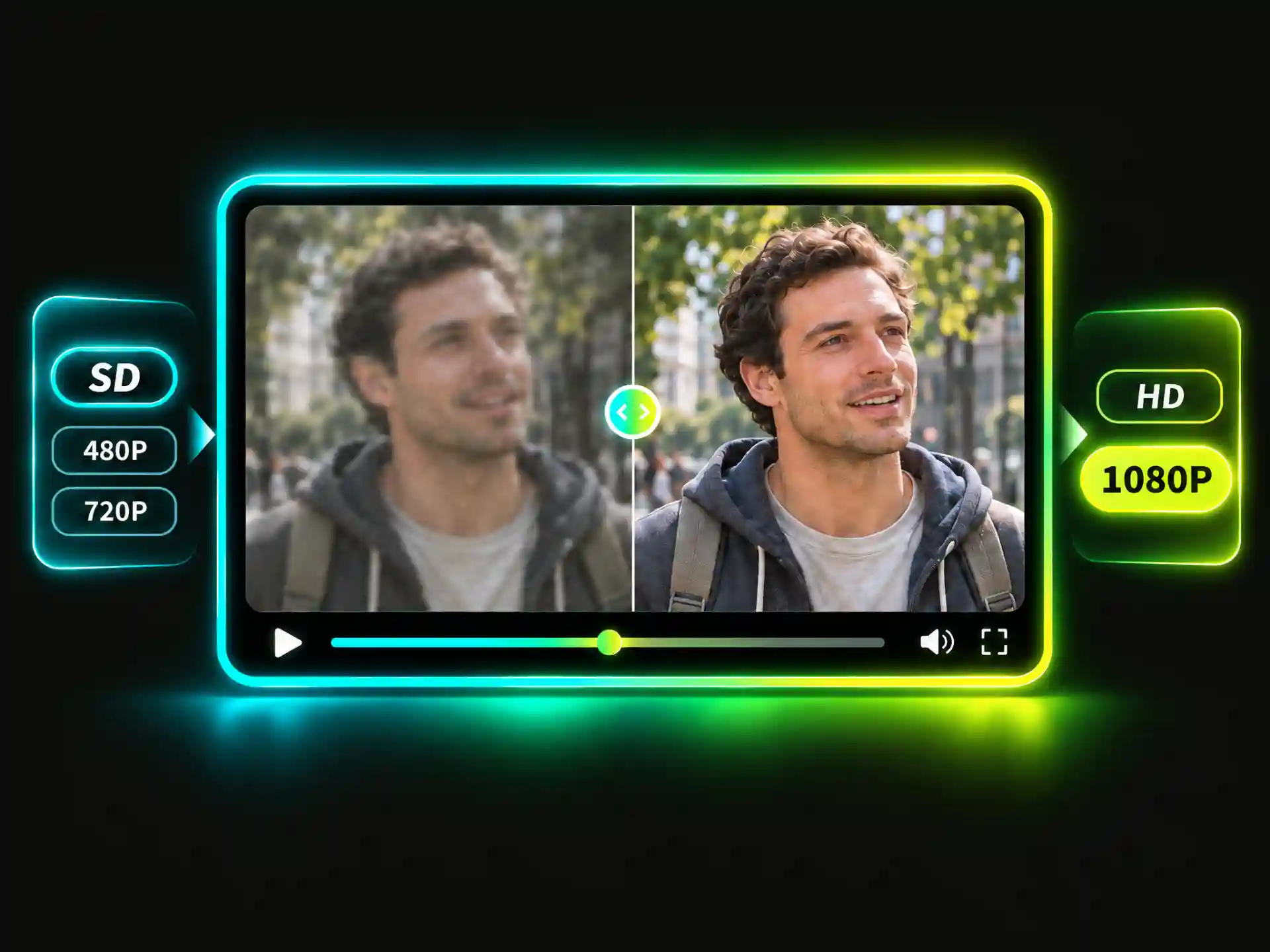
WayinVideo's SD to HD video converter supports converting SD, 480P, and 720P footage to 1080P (Full HD) output. Prepare existing videos for Full HD playback or editing projects without recording them again.
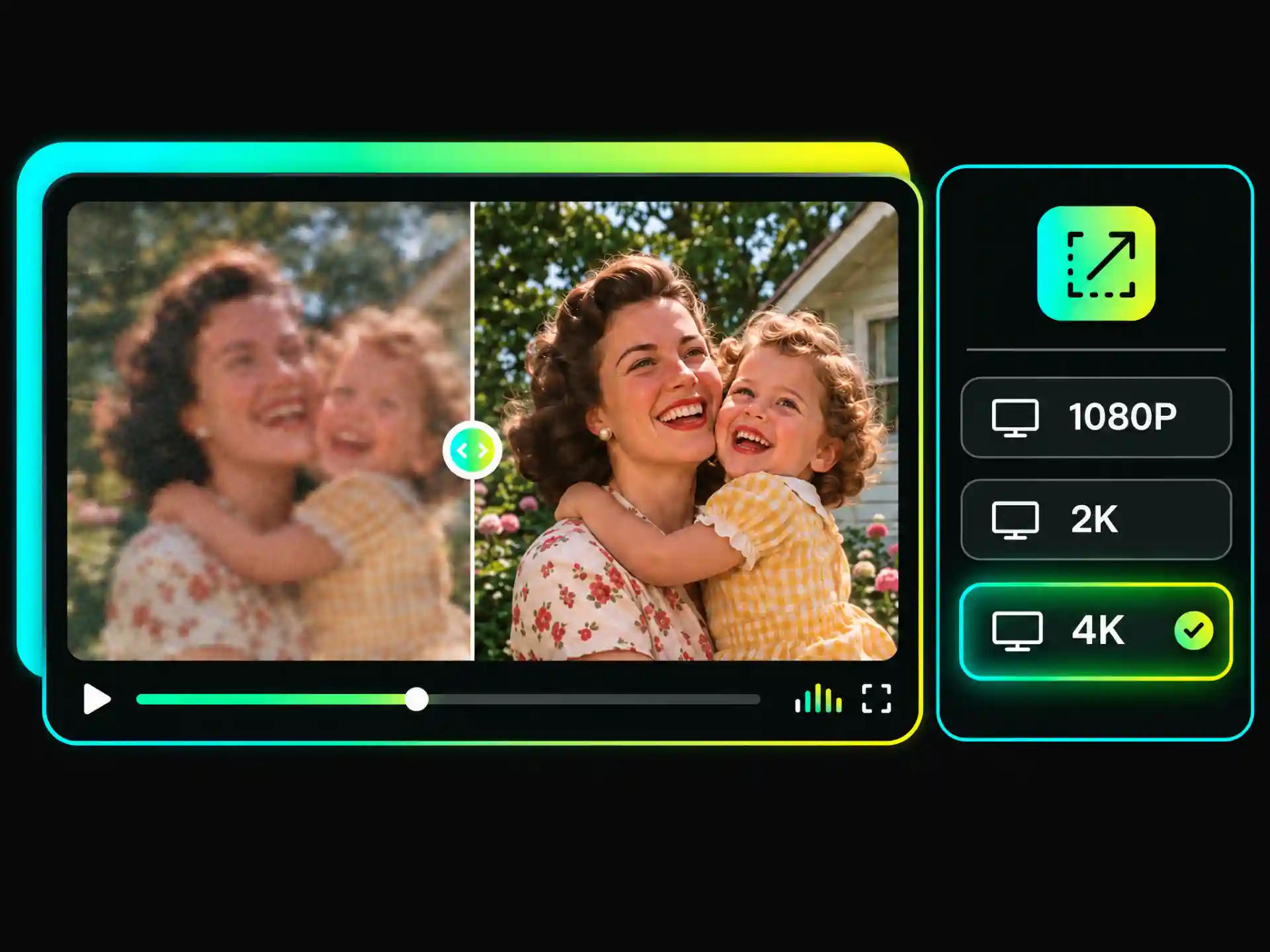
WayinVideo supports 1080P, 2K, and 4K video output for different viewing and editing needs. These resolution options allow users to prepare videos for different display requirements. For dedicated 4K conversion, explore our 4K video converter.
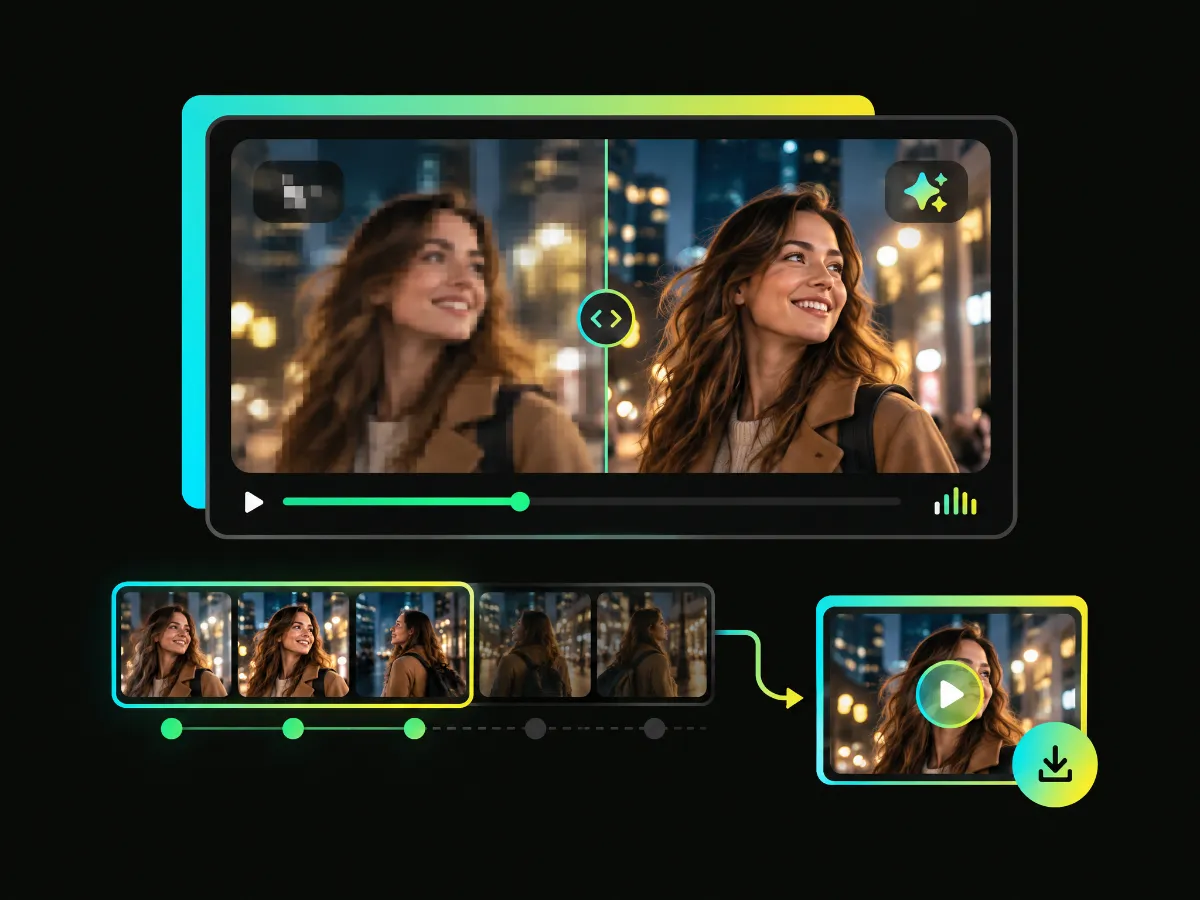
WayinVideo provides a preview of enhanced footage, allowing you to check changes in clarity, facial details, and textures. As results vary with the source video, the preview helps you assess the output before downloading.
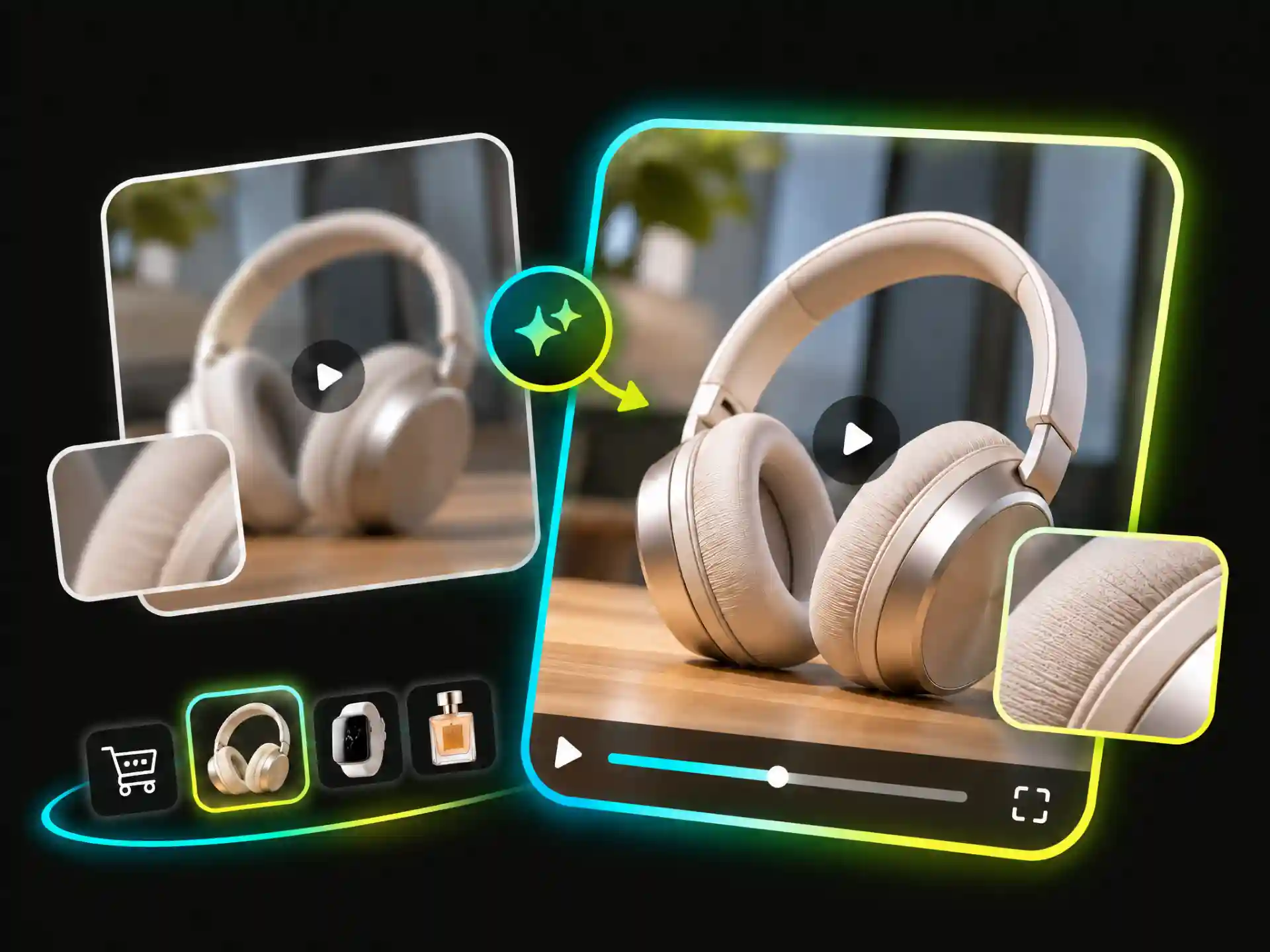
Use WayinVideo to prepare low-resolution footage for everyday viewing, HD editing, social media, and product presentations.
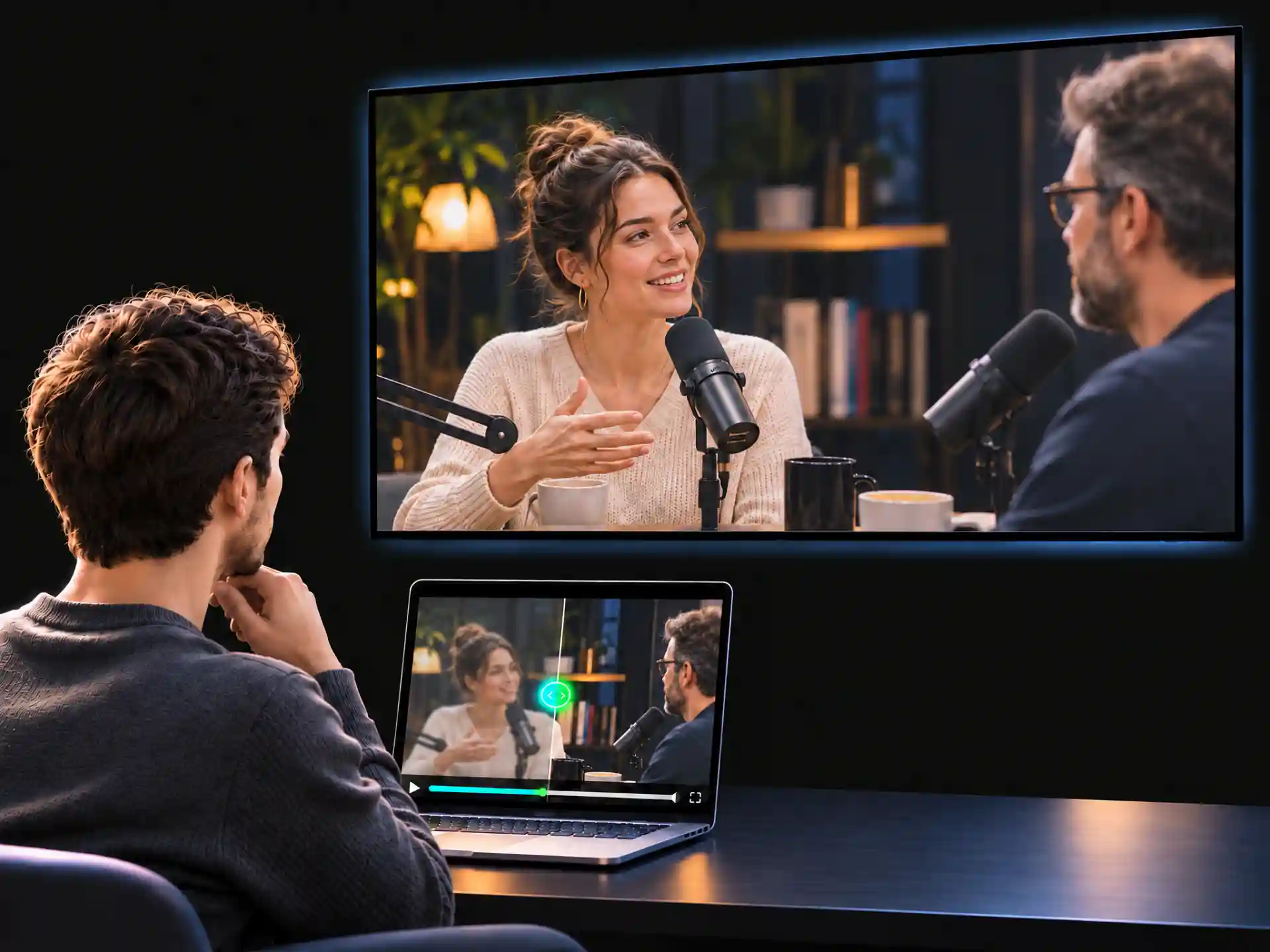
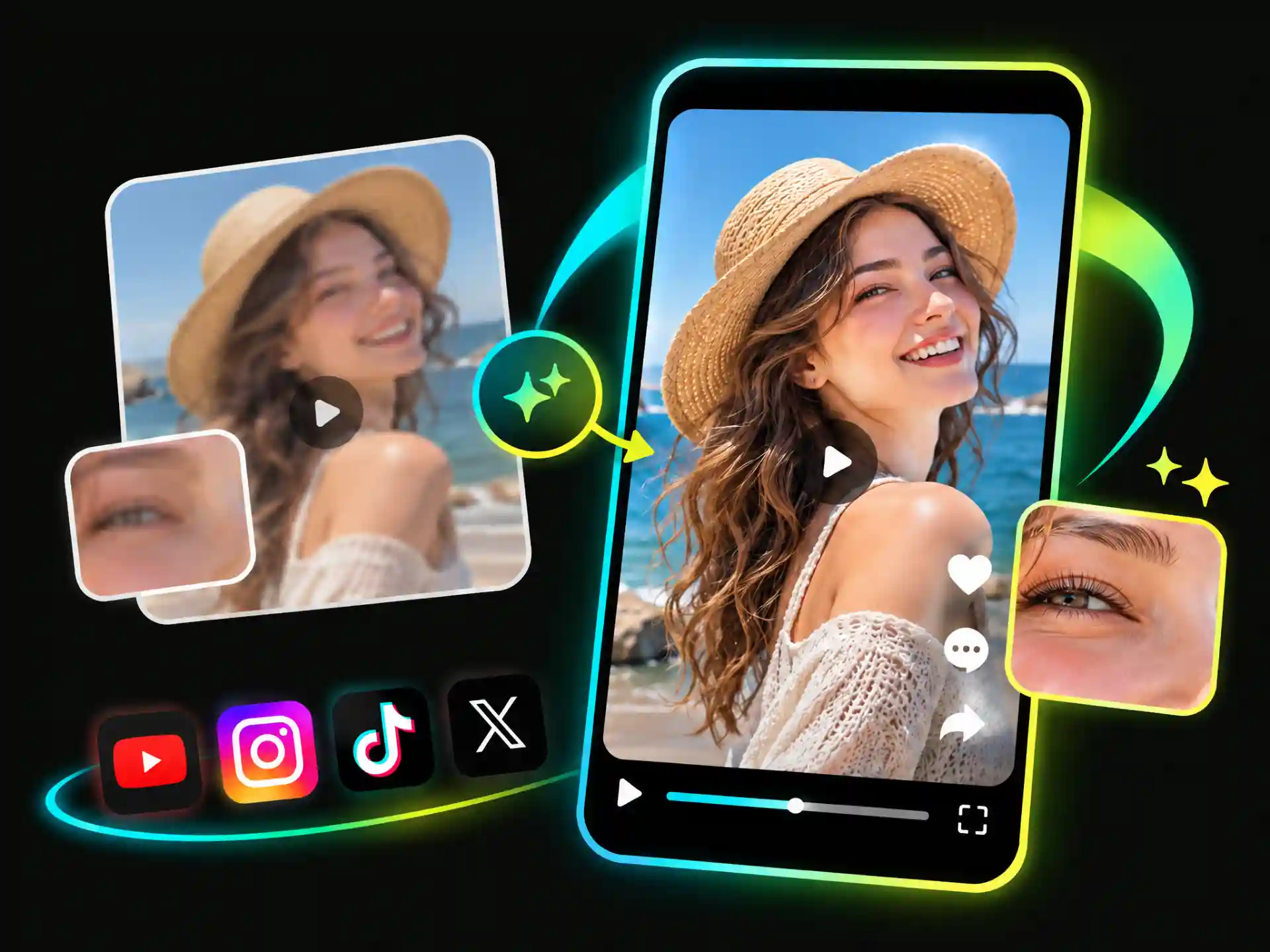
Older phone recordings, travel videos, and everyday clips may look blurry or pixelated on modern screens. WayinVideo can improve their clarity for viewing on computers and TVs.
Convert Videos to HDPrepare low-resolution recordings for new uses without having to reshoot the original footage.
Improve the viewing experience of low-resolution recordings on computers, TVs, and other HD screens.
Reduce the need to adjust video quality manually before converting individual clips to HD.
Prepare footage for personal viewing, editing projects, social media posts, or product presentations.
Upload a video and choose an output resolution without learning complex editing tools.
Download enhanced footage without an added tool watermark. Free usage and export limits may apply.
Upload the low-resolution video you want to convert to HD from your device.
Use WayinVideo's HD video converter online to prepare low-resolution footage for viewing, editing, or sharing.
Free to use · No watermark


