
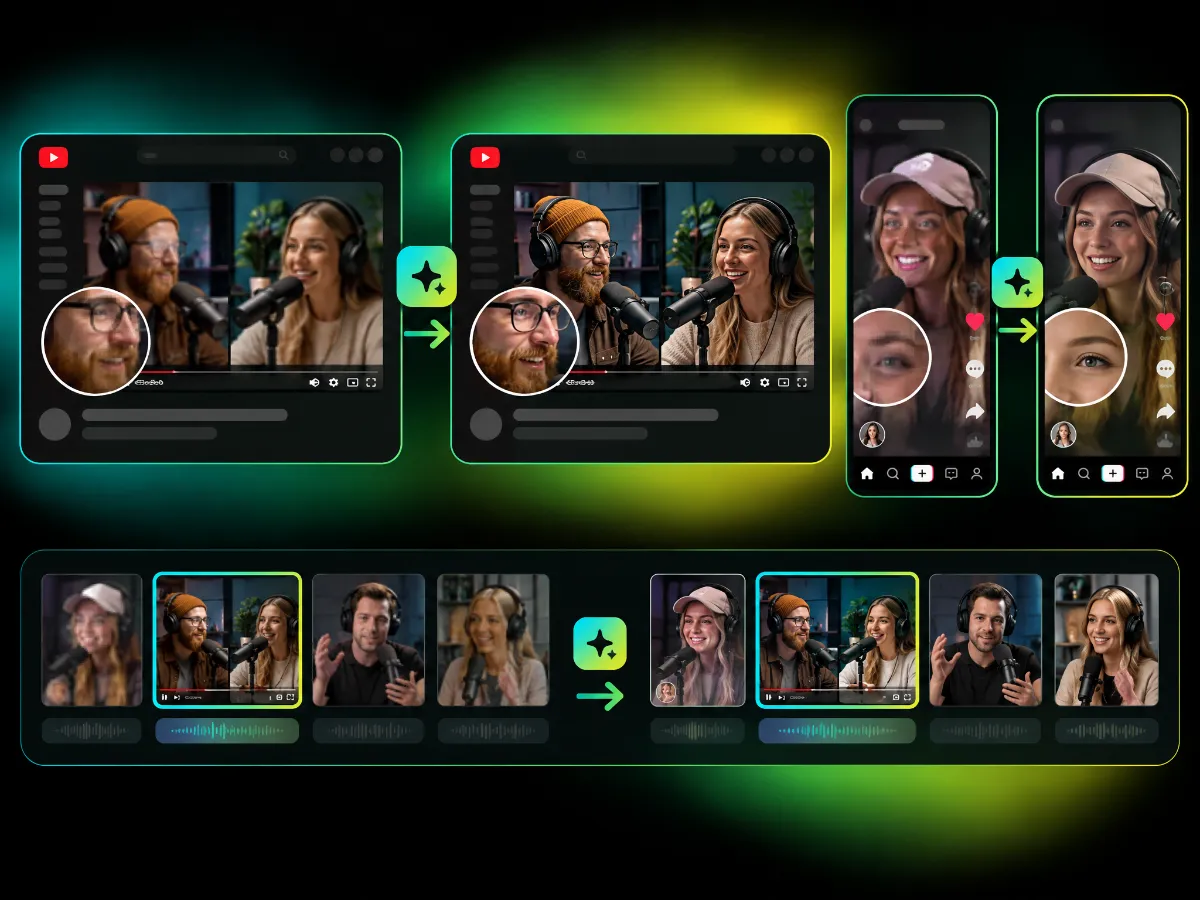
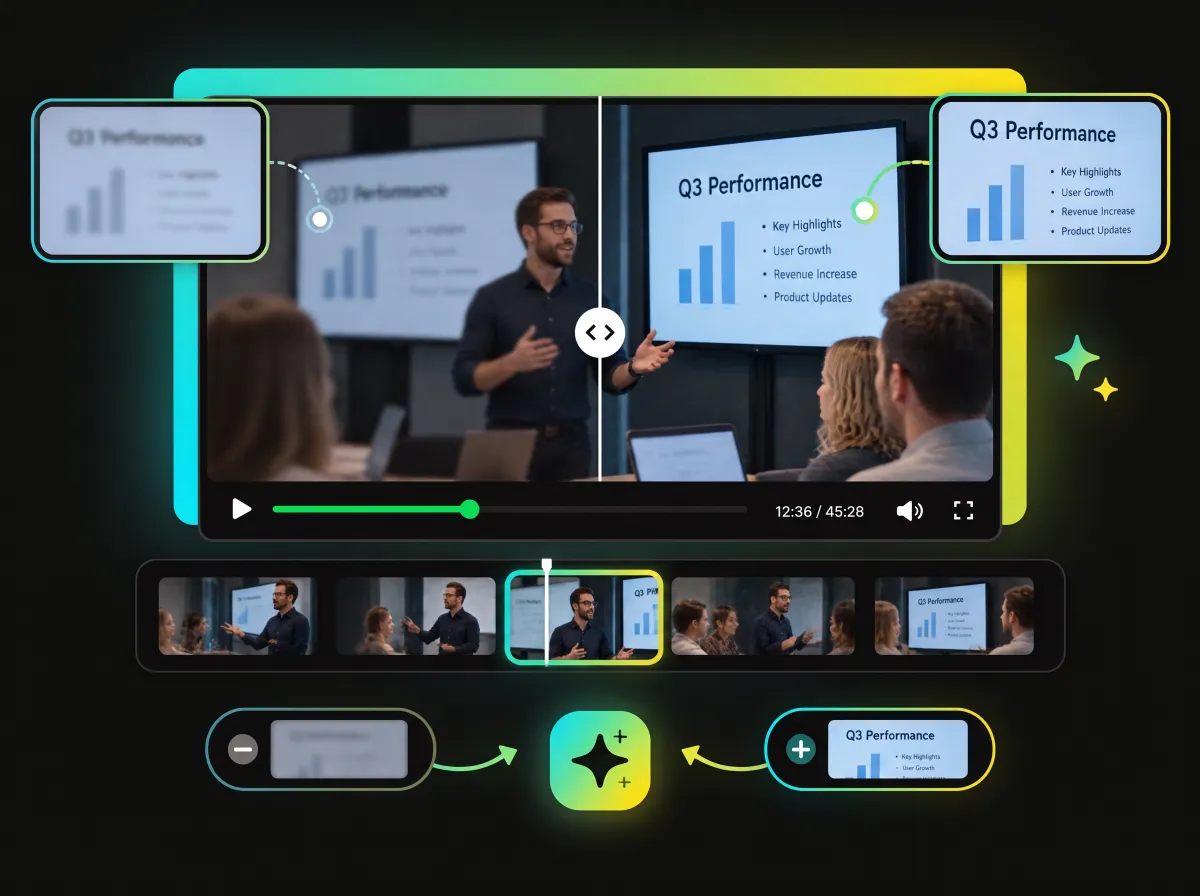
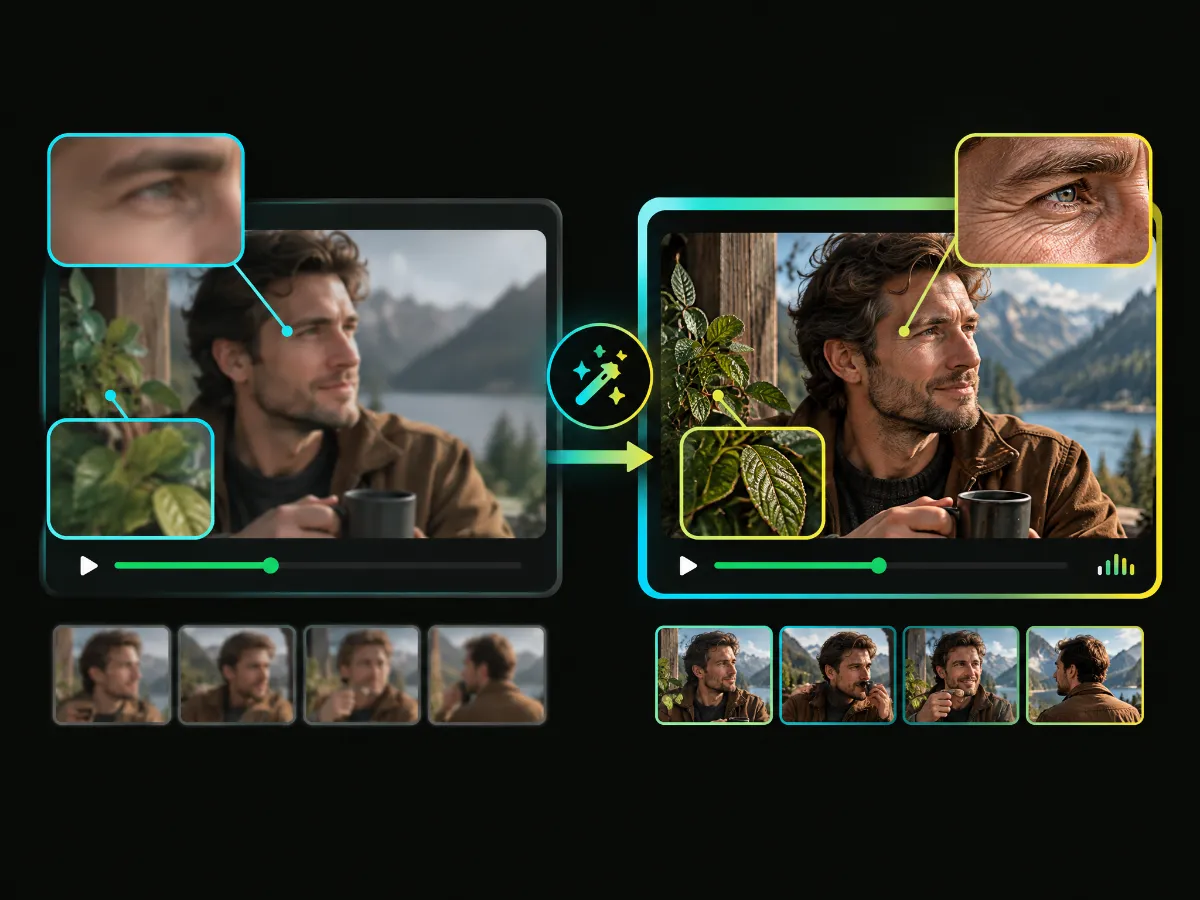

Extend Video Value
Get more value from existing HD recordings and older clips. Prepare them for new viewing and creative projects without reshooting footage just to create a 4K version.
Drag and drop your video here
Video must be shorter than 10 minutes and smaller than 300MB. to upload larger videos.
By uploading a file, you agree to WayinVideo’s Terms of Use and Privacy Policy
Trusted by professionals at












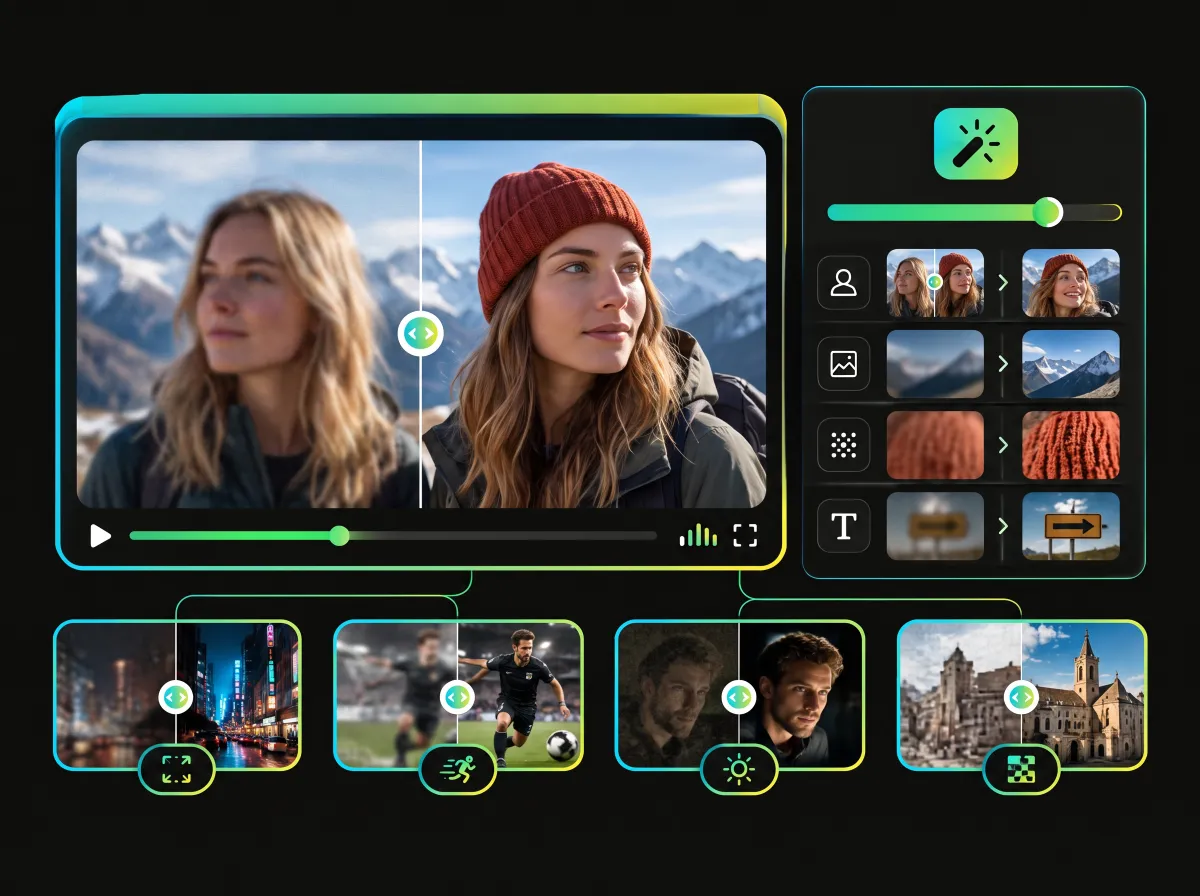
WayinVideo uses AI upscaling to convert lower-resolution footage into 4K output, rather than simply resizing the original video. The final appearance depends on the source video's resolution and quality. For other upscaling needs, explore our video upscaler.
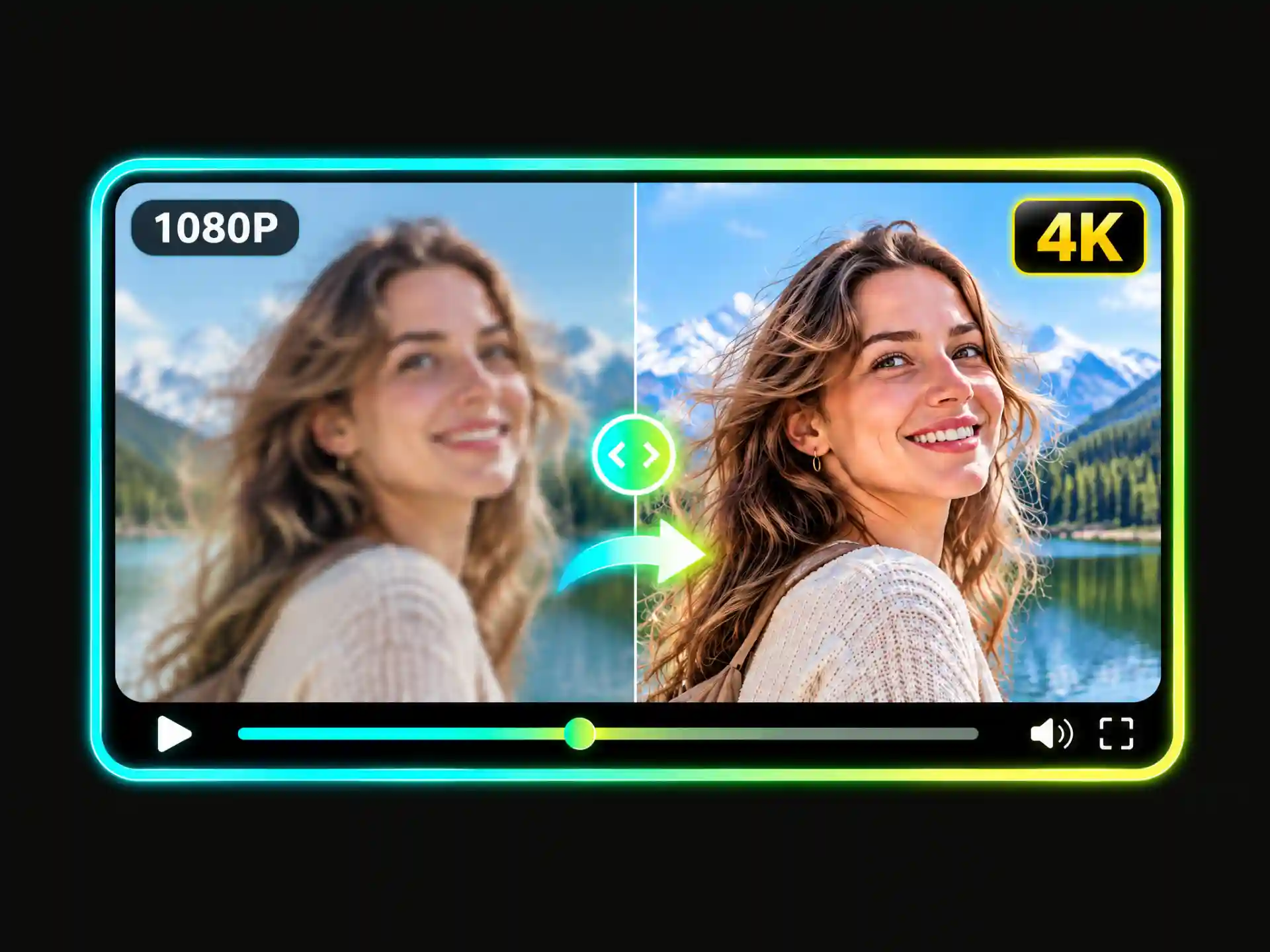
WayinVideo's 1080P to 4K video converter supports 1080P, 720P, and other lower-resolution clips. Convert existing footage for 4K playback or editing without recording it again. For 1080P output instead, try our HD video converter.
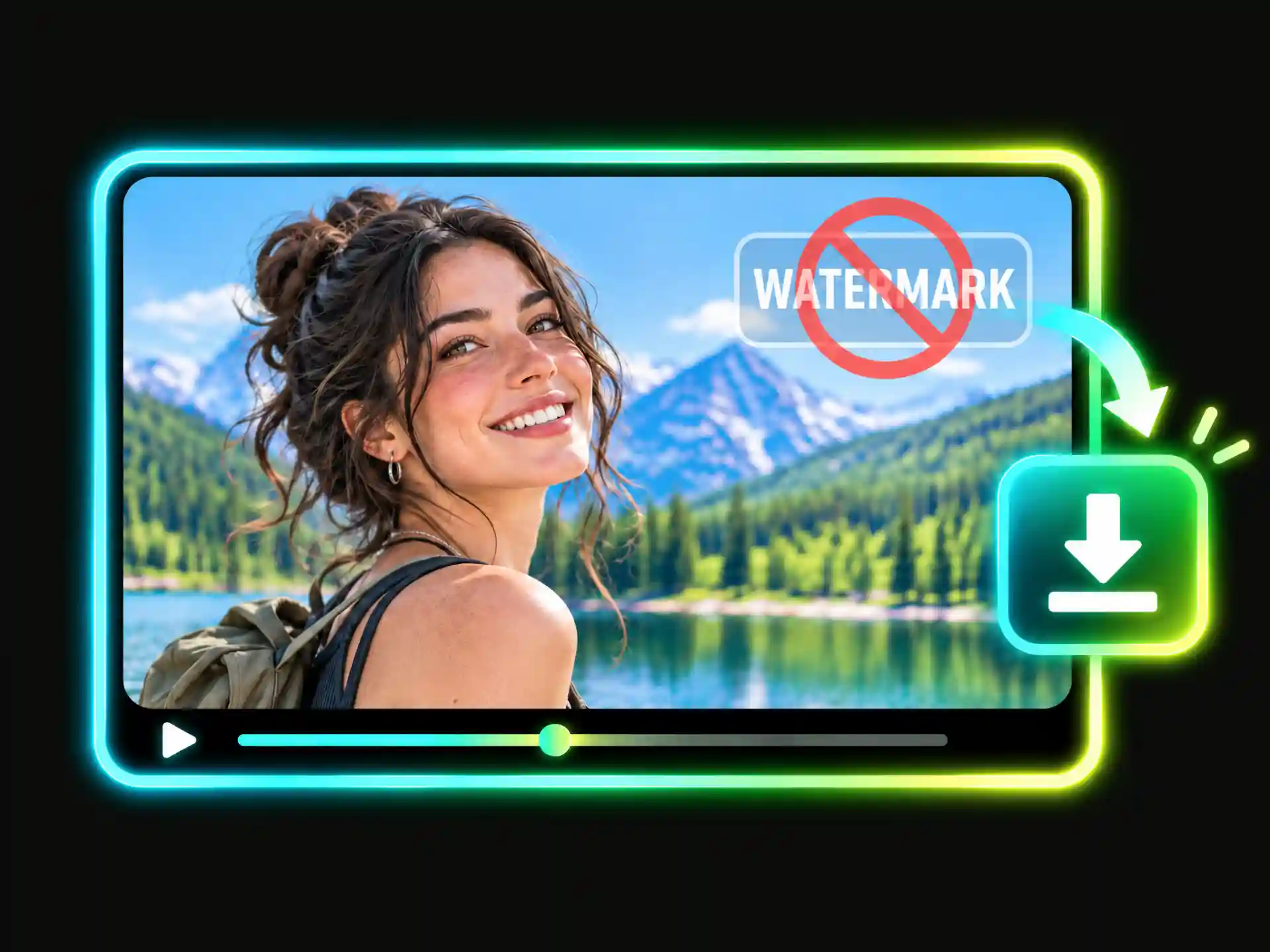
WayinVideo supports watermark-free downloads of converted videos, ensuring exported files do not contain an additional tool watermark. 4K export availability and free usage limits may vary by plan.
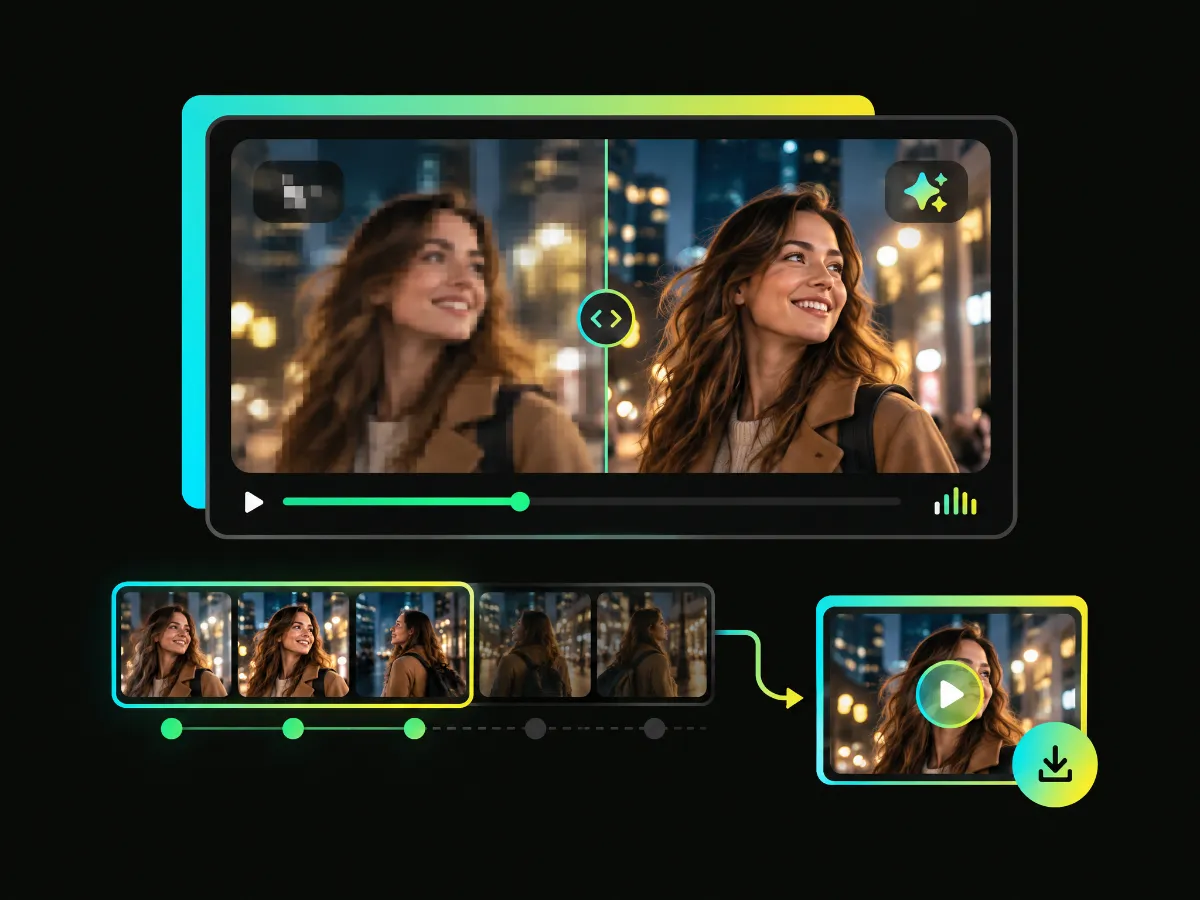
WayinVideo lets you preview converted videos before downloading to assess their clarity and overall appearance. Since results depend on the source footage, you can check whether the output meets your needs.
WayinVideo's 4K video converter helps prepare existing videos for 4K viewing, editing, and online publishing.

Existing 1080P travel recordings, family videos, and personal clips may not look as clear as expected on large 4K screens. WayinVideo helps prepare these videos for 4K playback, with visual improvements depending on the source footage.
Prepare Videos for 4KGet more value from existing HD recordings and older clips. Prepare them for new viewing and creative projects without reshooting footage just to create a 4K version.
Enjoy higher-resolution versions of your videos on 4K TVs, monitors, and larger screens. The viewing experience may vary depending on the original footage and display device.
Make better use of footage recorded at different resolutions. Bring existing clips into 4K editing projects without limiting your options to material originally shot in 4K.
Understand how the original video's quality affects the final 4K output, so you can set realistic expectations before using converted footage in your projects.
Prepare videos for 4K projects without learning complex professional upscaling software. Spend less time on technical setup and more time focusing on your content.
Use converted footage across different workflows, from 4K viewing and editing to online publishing, based on your project needs.
Upload the 1080P or lower-resolution video you want to convert to 4K from your device.
Prepare existing footage for 4K viewing, editing, or publishing with WayinVideo's 4K video converter online.
Free to Use · No Watermark


