

Speech Recognition AI
Trained on thousands of hours of real-world audio, our speech AI adapts to accents, dialects, and background noise to help you transcribe an X video to text accurately.
Trusted by professionals at












Paste or upload a file to use a free X video to text converter and get a readable transcript.
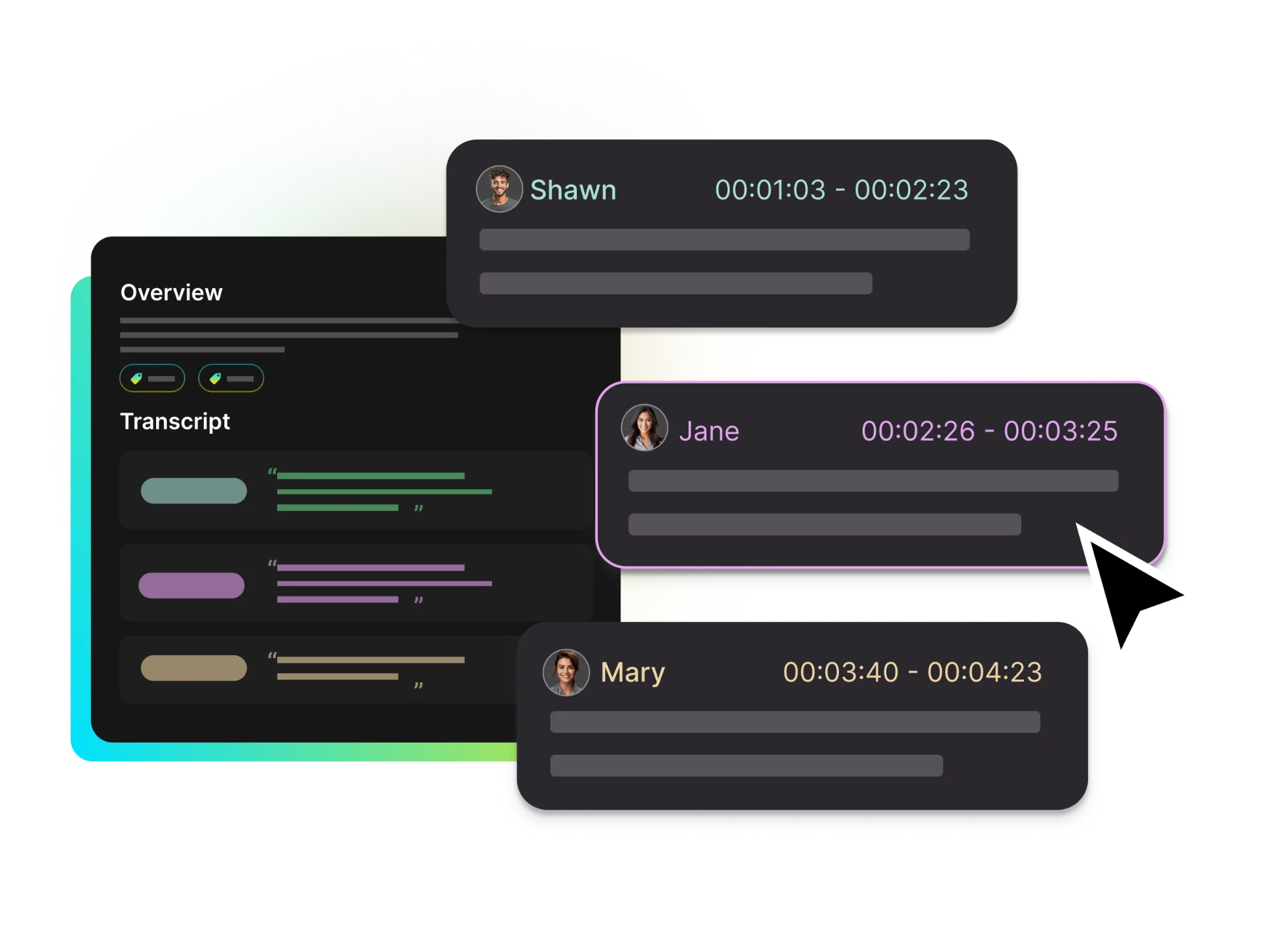
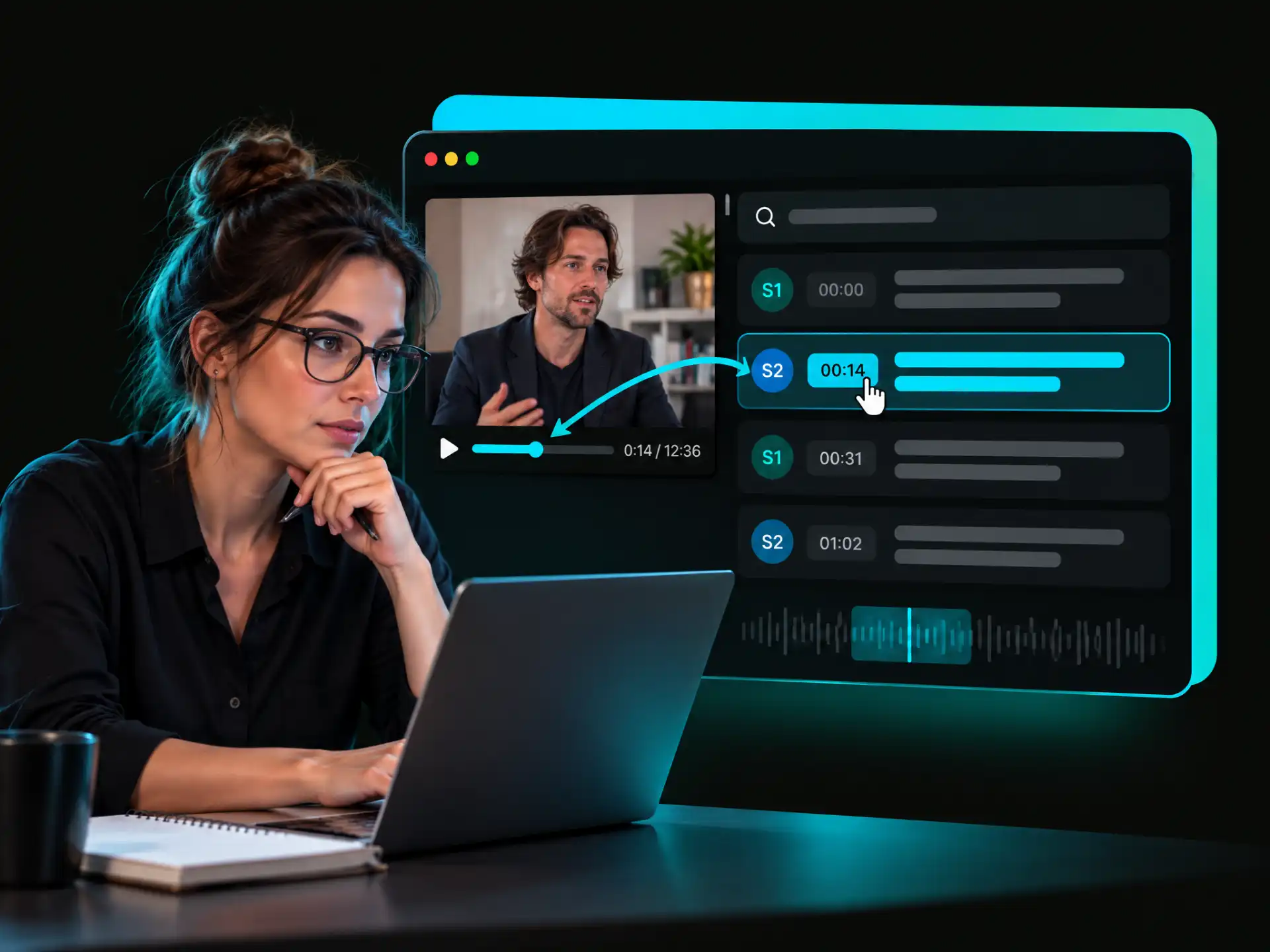
Get a transcript from a Twitter video with speaker labels and word-level timestamps. Click any word to jump to that moment and review interview quotes without replaying the entire clip.
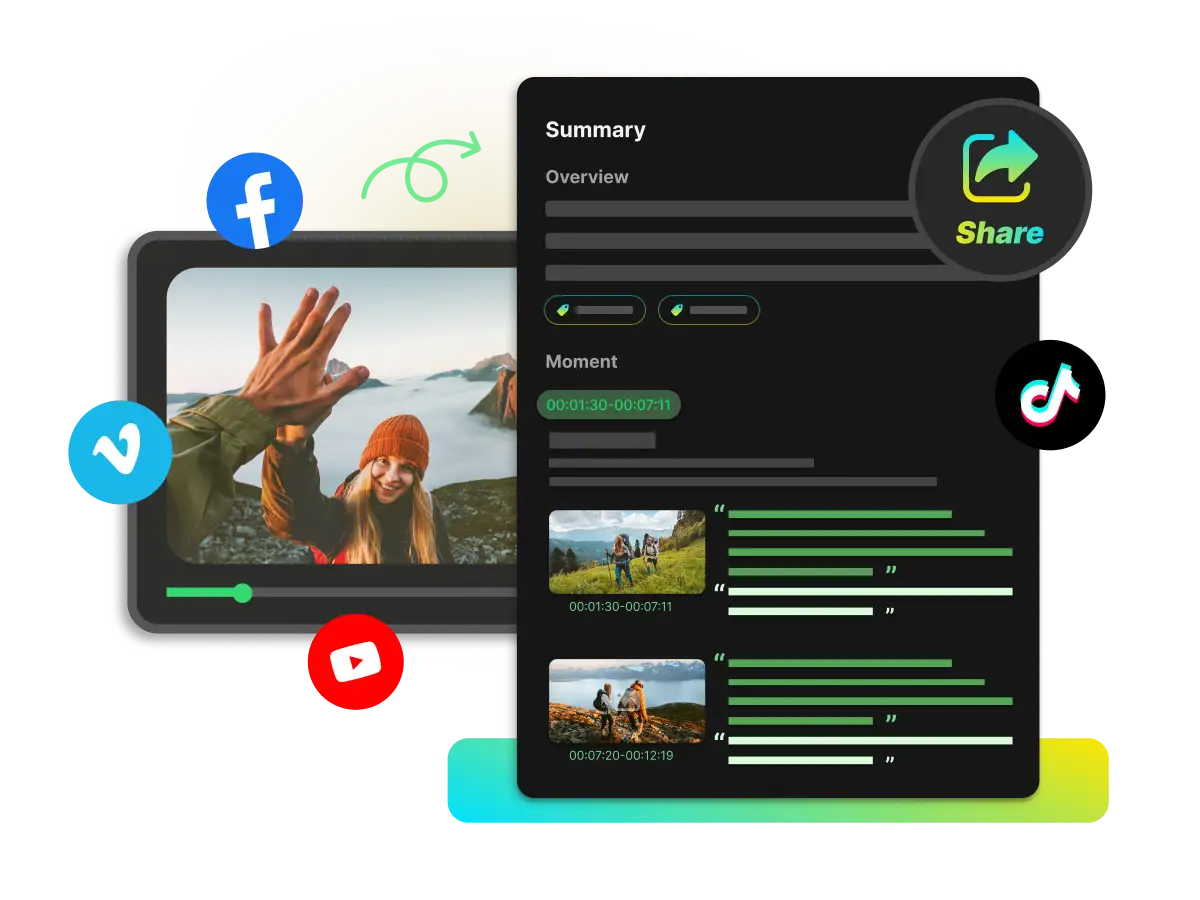
Use AI Summary to review the main ideas, Chat with Video to transcribe the content and explore the mind map to organize your thoughts.
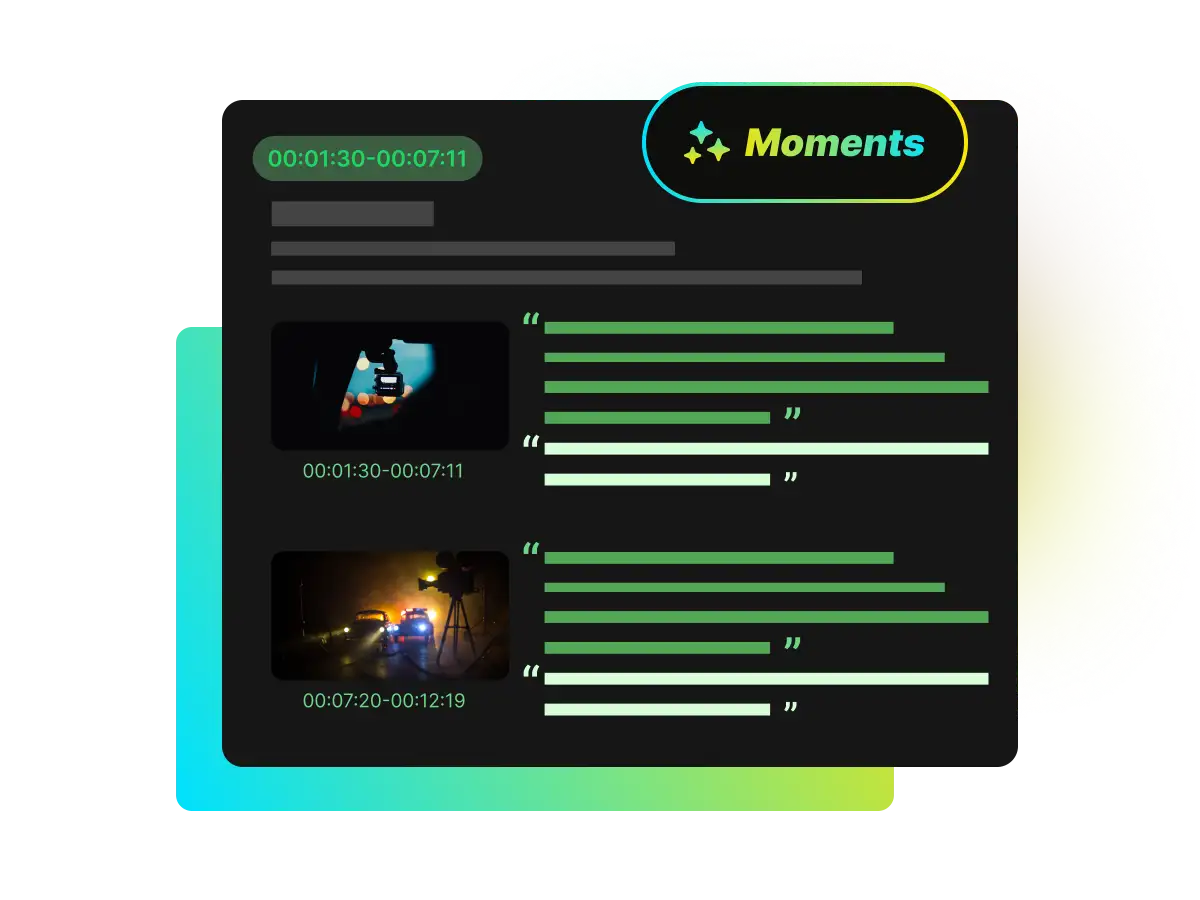
When you transcribe an X video interview, use Key Moment to find important sections, then click a timestamp to revisit the original context and verify quotes.
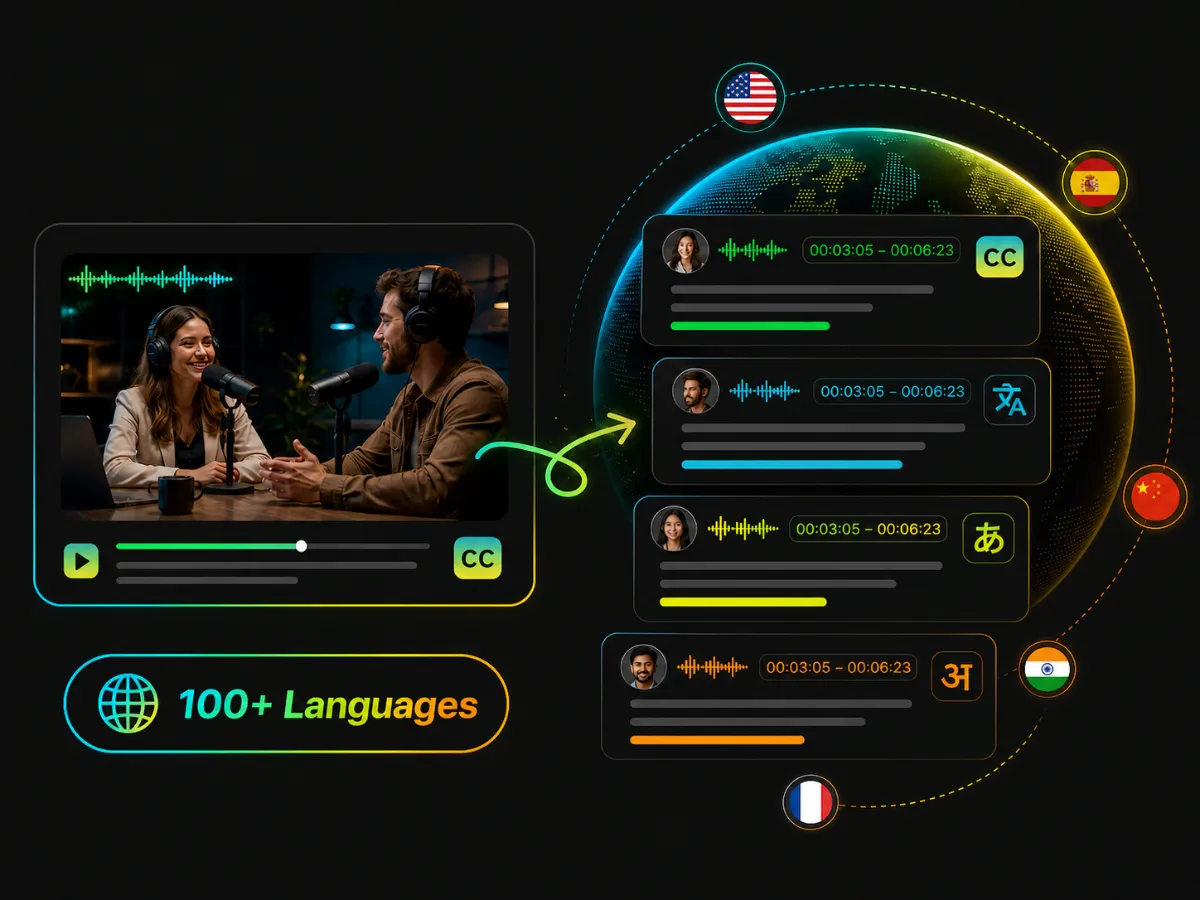
Convert a Twitter video to text, then translate its transcript and subtitles into 100+ languages. Choose original, translated, or bilingual content to follow along or compare wording.
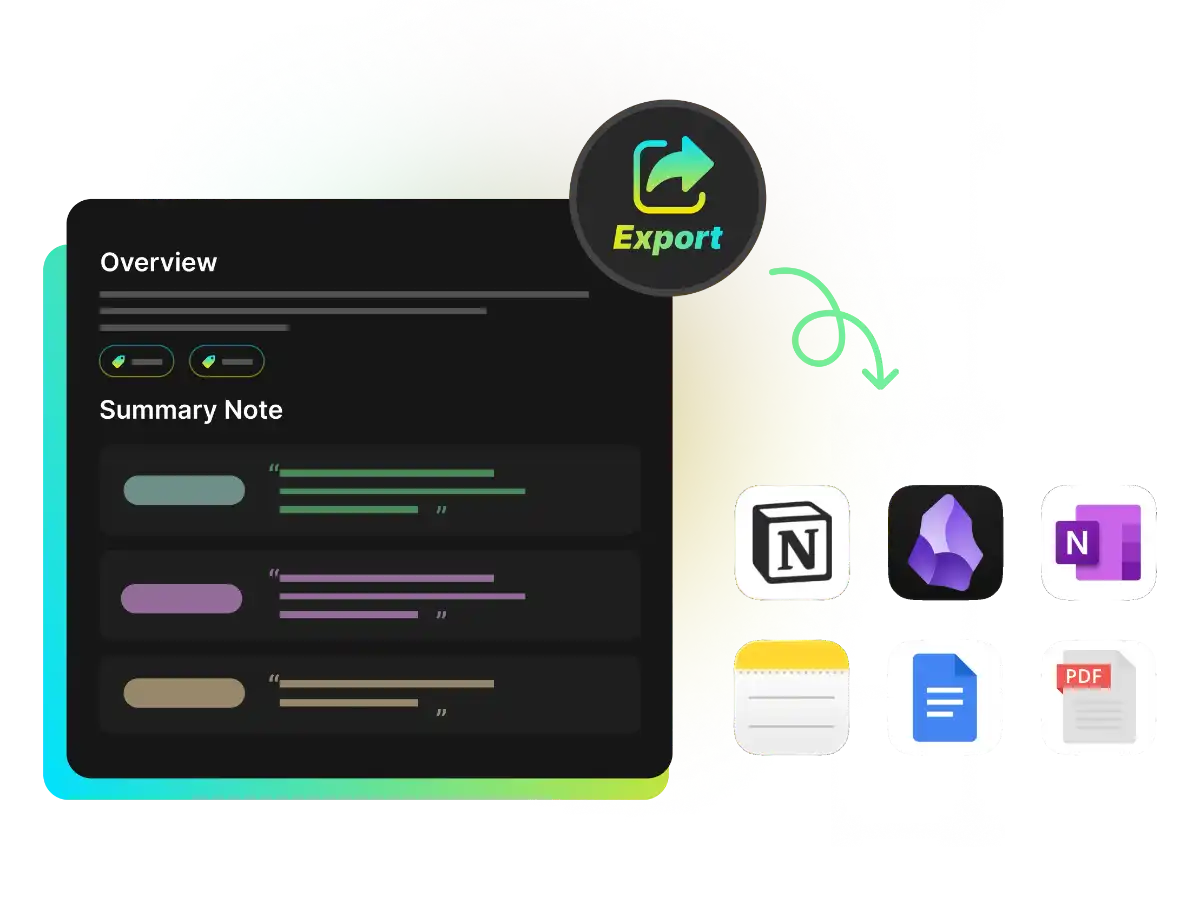
Try the free Twitter video to text converter and export transcripts as TXT, DOCX, or PDF, or subtitles as SRT or VTT.
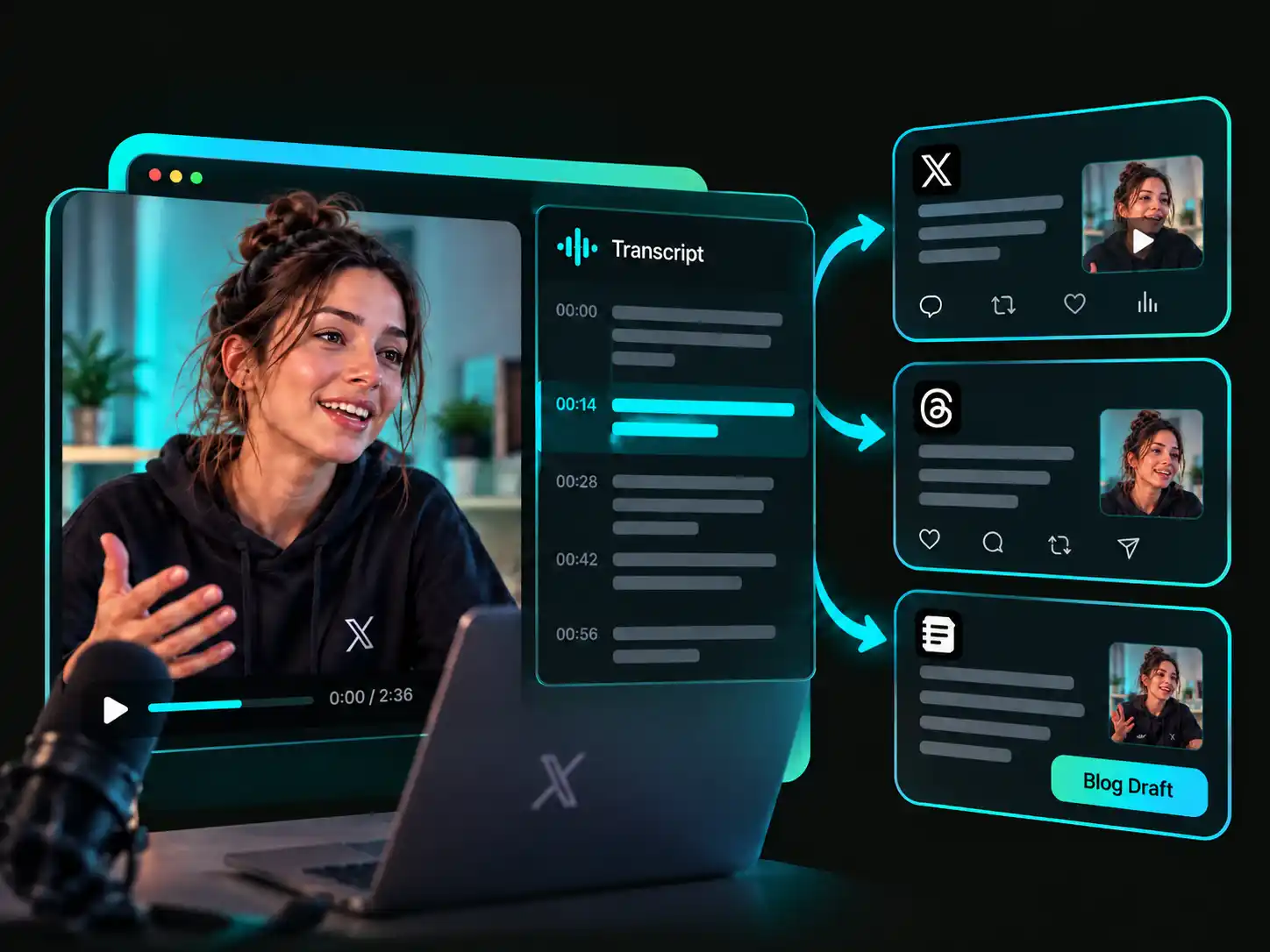
Turn X video speech into readable transcripts, follow translated or bilingual captions, review interviews with speaker labels and timestamps, and extract text from Twitter videos for research, accessibility, or social content.
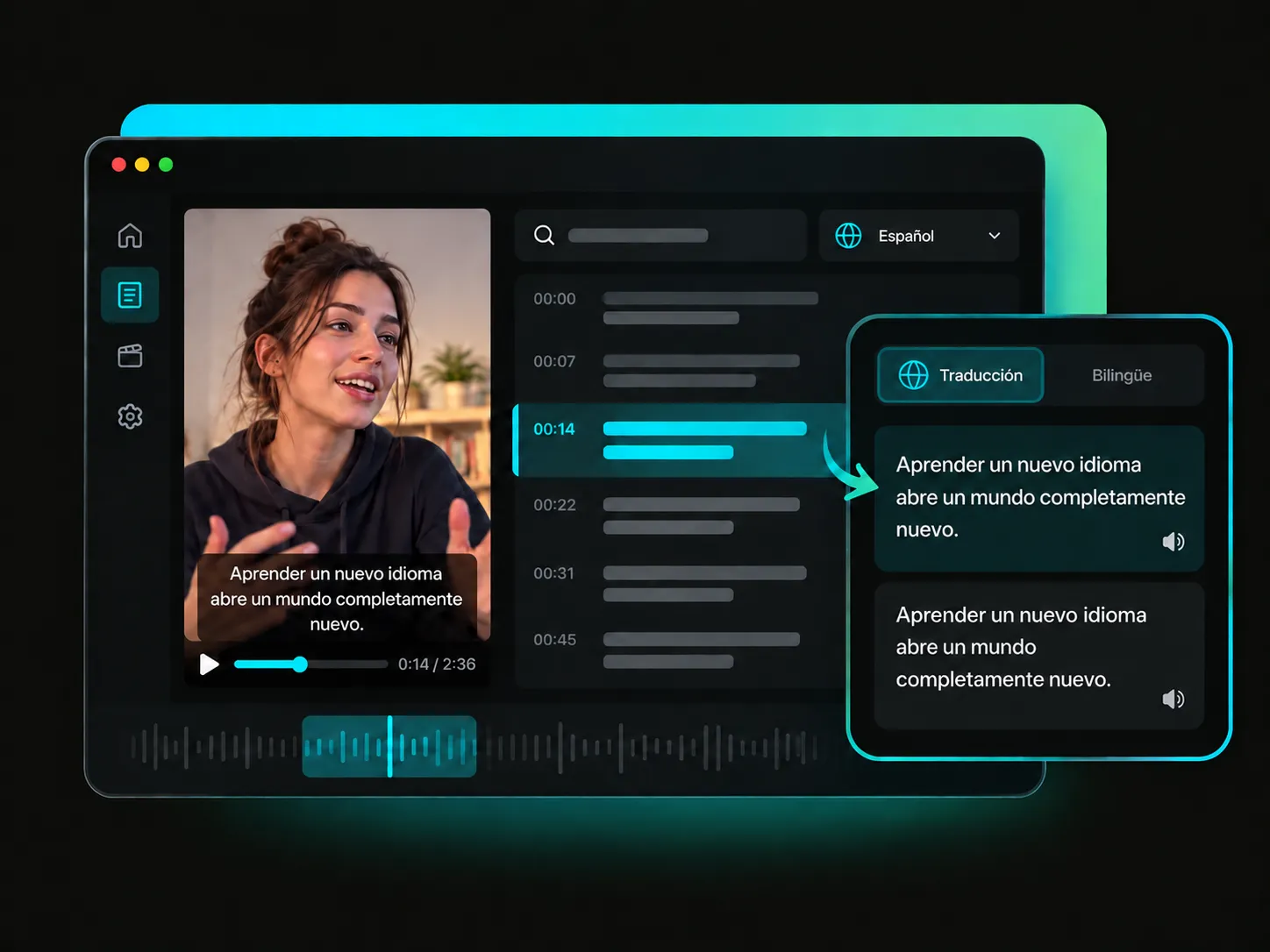
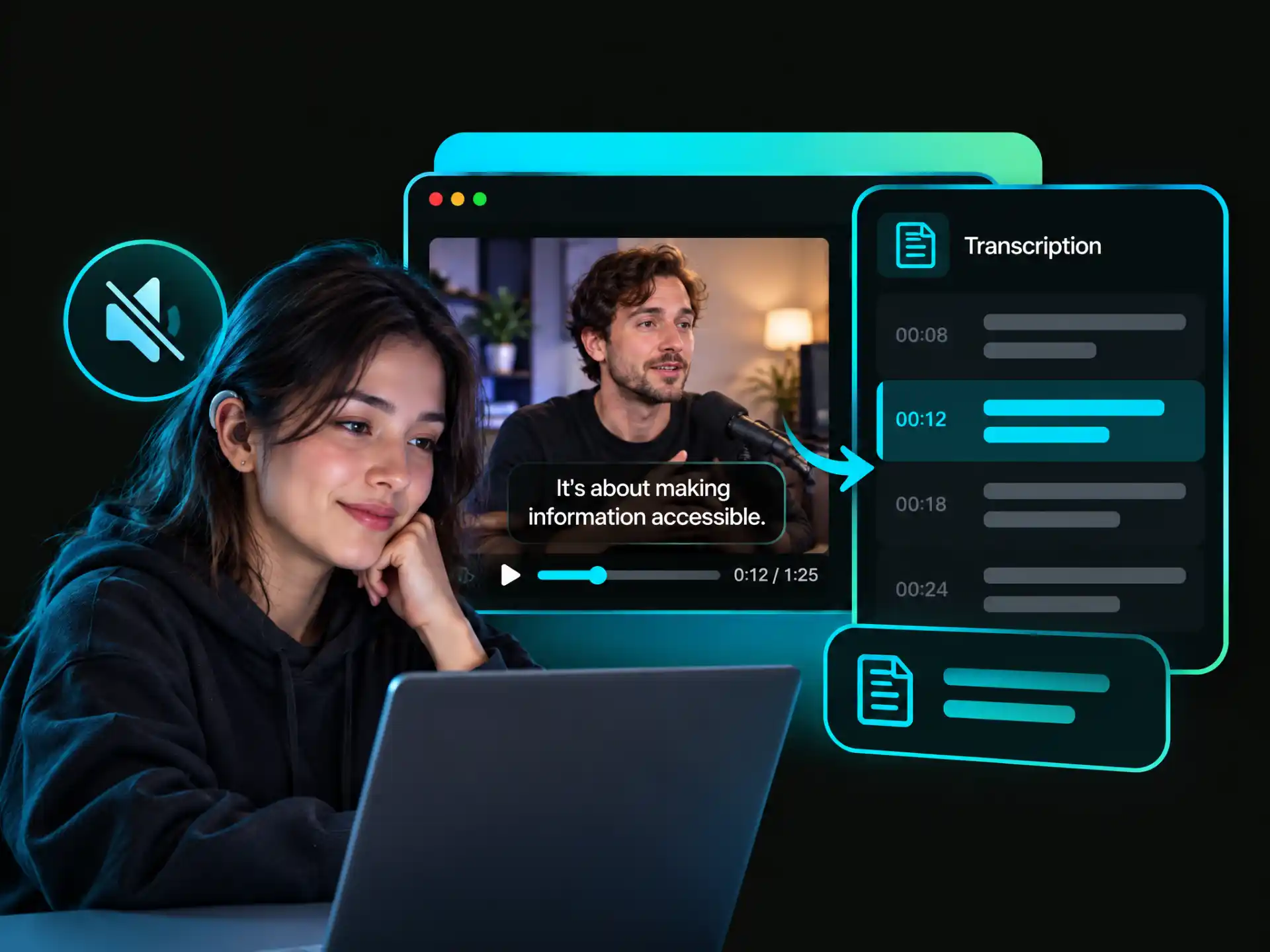
Use WayinVideo's Twitter video to text to get a readable transcript when a clip has no captions or only captions in another language. Choose translated or bilingual content when available to follow along.
Get a Translated TranscriptTrained on thousands of hours of real-world audio, our speech AI adapts to accents, dialects, and background noise to help you transcribe an X video to text accurately.
Get a transcript from video with word-level timestamps, then click any word to jump to its exact moment in the audio for quick and precise review.
Try our free X video to text converter online. Parallel cloud processing turns hours of footage into text in minutes while keeping your browser responsive.
When you transcribe an X video interview, AI speaker recognition identifies who said what and labels each voice automatically—no manual speaker tags needed.
Convert a Twitter video to text and translate transcripts across 100+ languages with native multilingual models for fast and accurate results.
Use the Twitter video to text converter in your browser—no software installation, GPU, or complex setup required. Start converting clips in seconds.
Create a readable transcript, translate it into 100+ languages, and export subtitles. Use AI tools to summarize and explore key information.
Paste a video link or upload a file to get started. Sign-in is required to export transcripts as TXT, DOCX, or PDF, or subtitles as SRT or VTT.