


Easy Drive Import
Choose a video from your connected Google Drive or paste a public sharing link. There’s no need to download it and upload it again.
Convert a Google Drive video to timestamped text with speaker labels. Translate the transcript into 100+ languages, view bilingual subtitles alongside the video, and export the result as a TXT or SRT file.
Trusted by professionals at












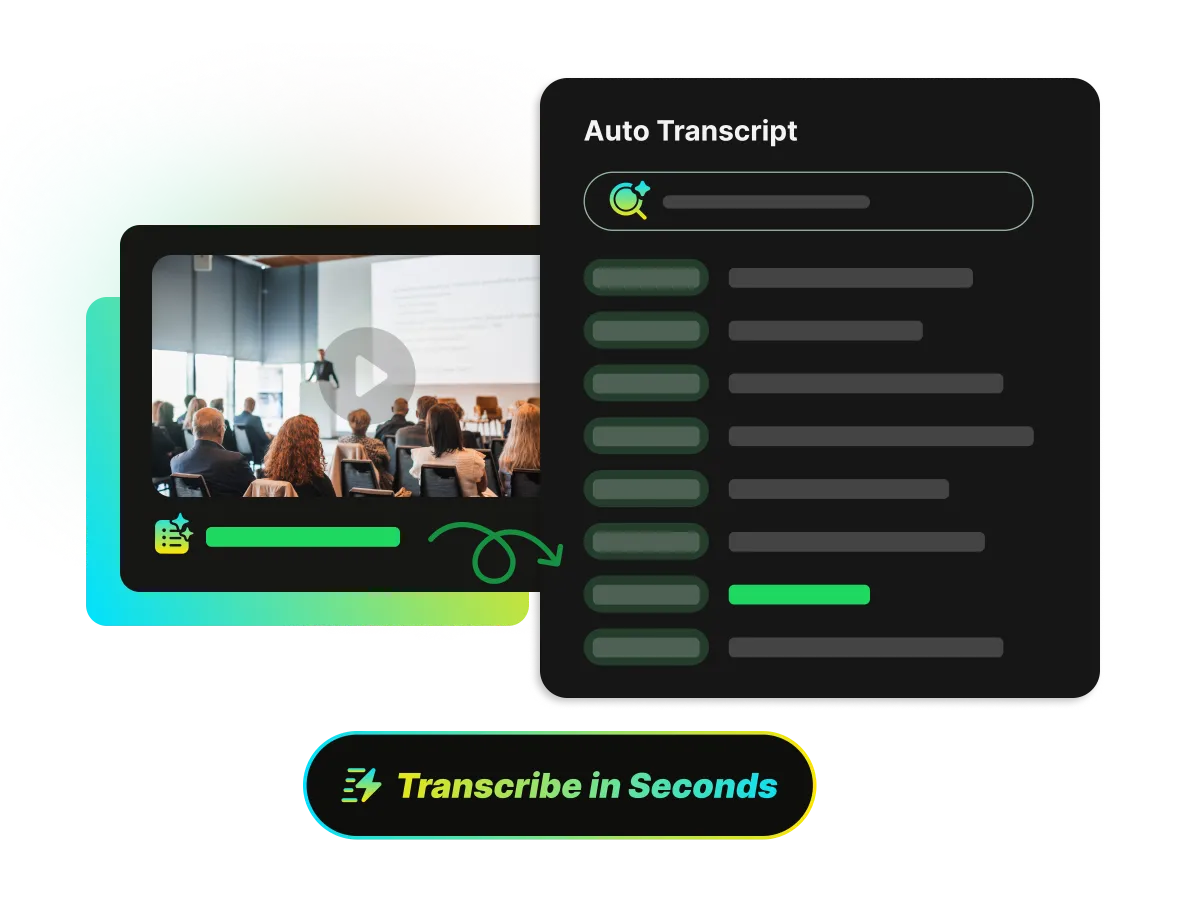
Got a lecture, interview, or meeting recording saved in Google Drive? Use our video to text converter to turn speech into readable text that stays in sync with the video. Scan the transcript for key points instead of replaying the same sections.
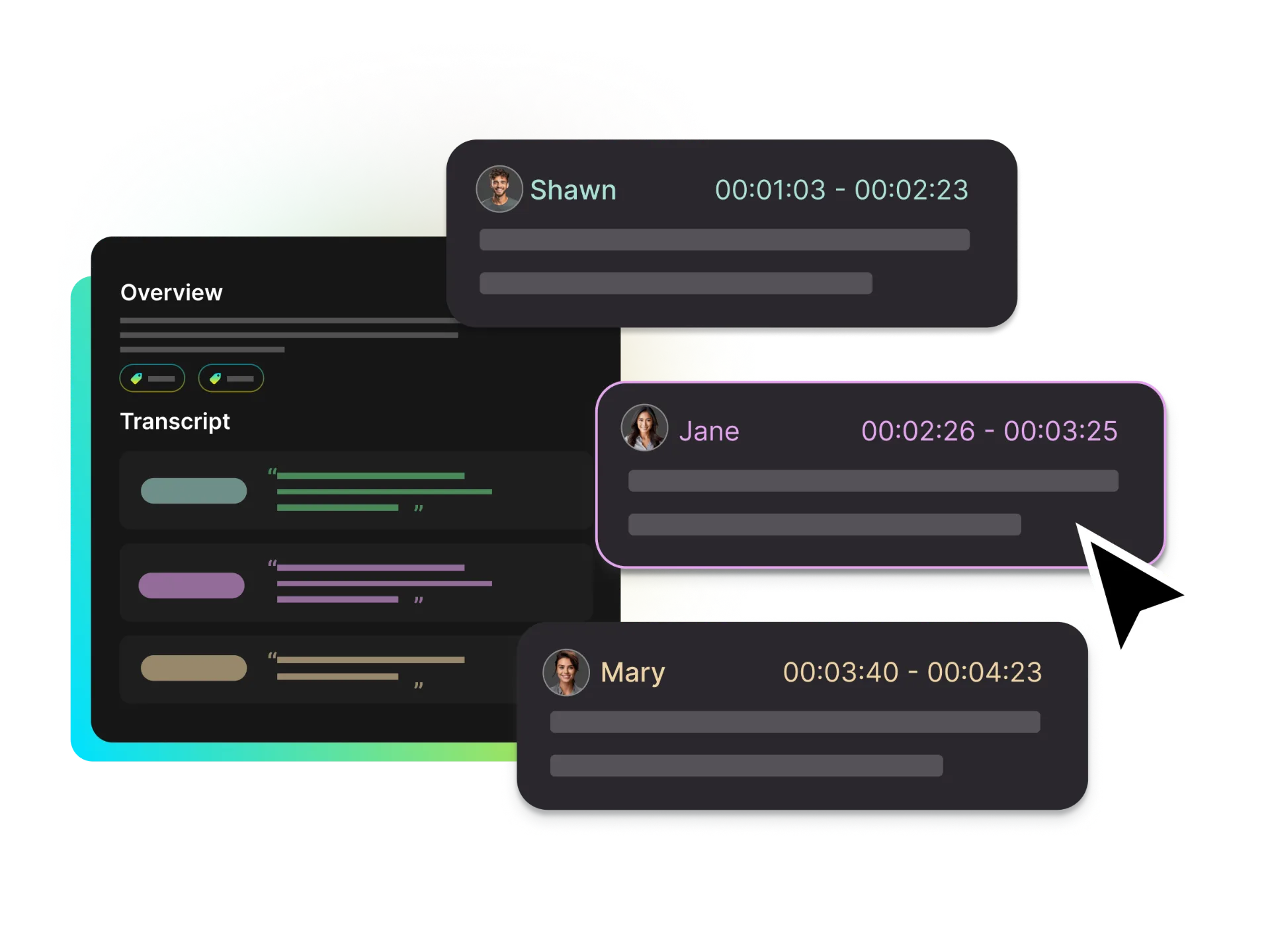
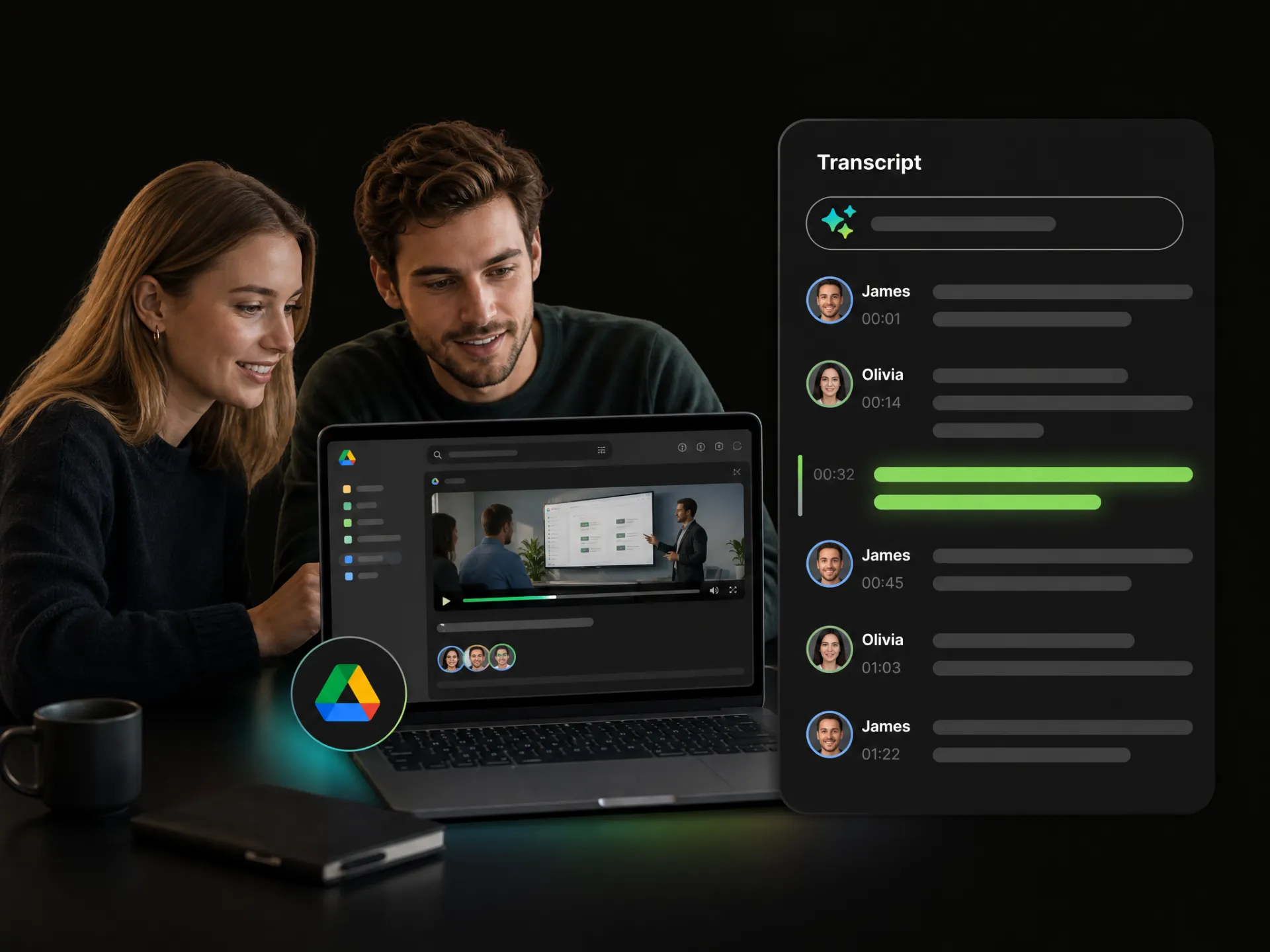
Keep track of who said what without taking notes by hand. AI adds speaker labels and timestamps to your transcript, so you can follow the conversation, tell speakers apart, and return to the right moment to check a quote or catch something you missed.
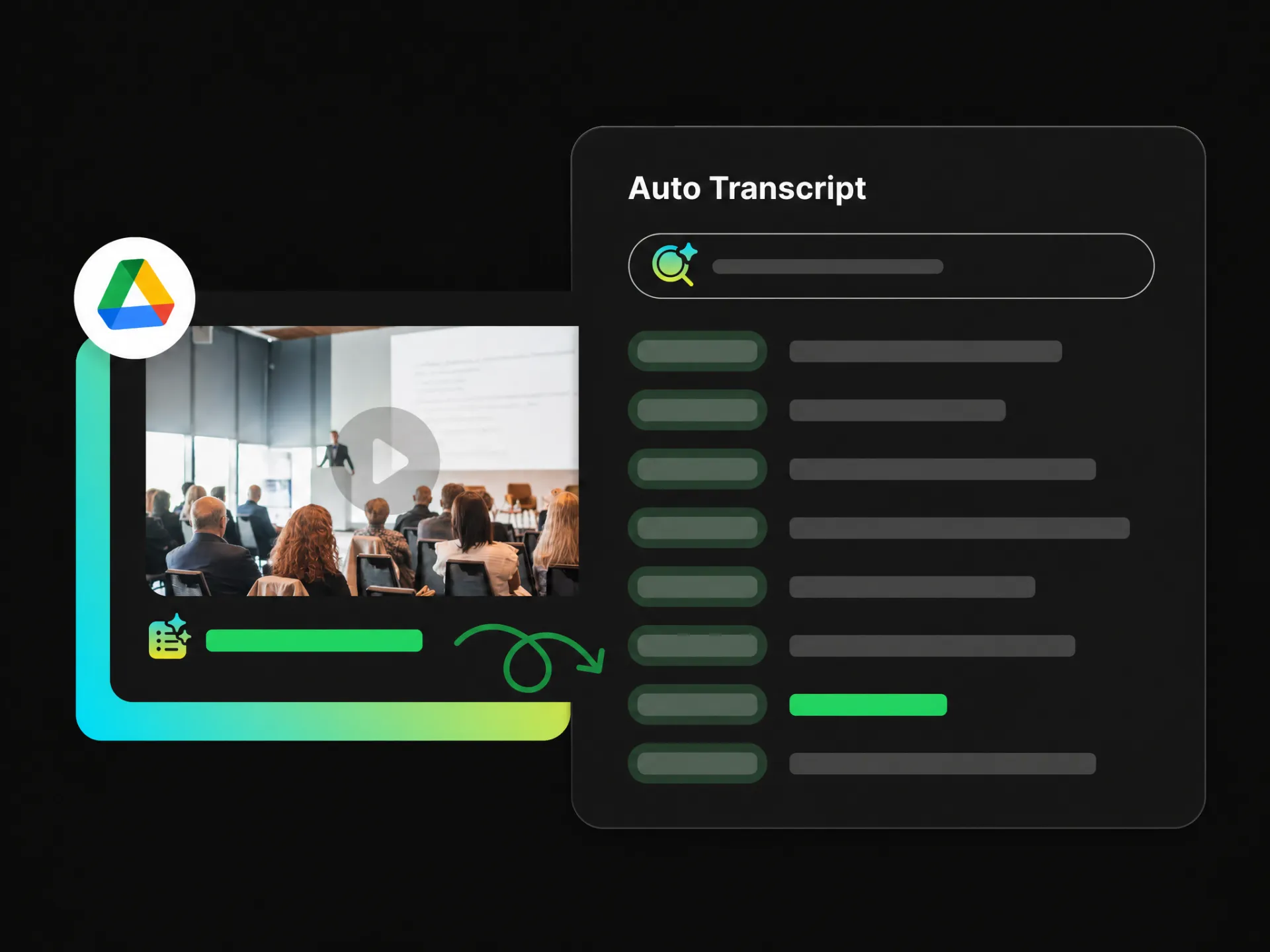
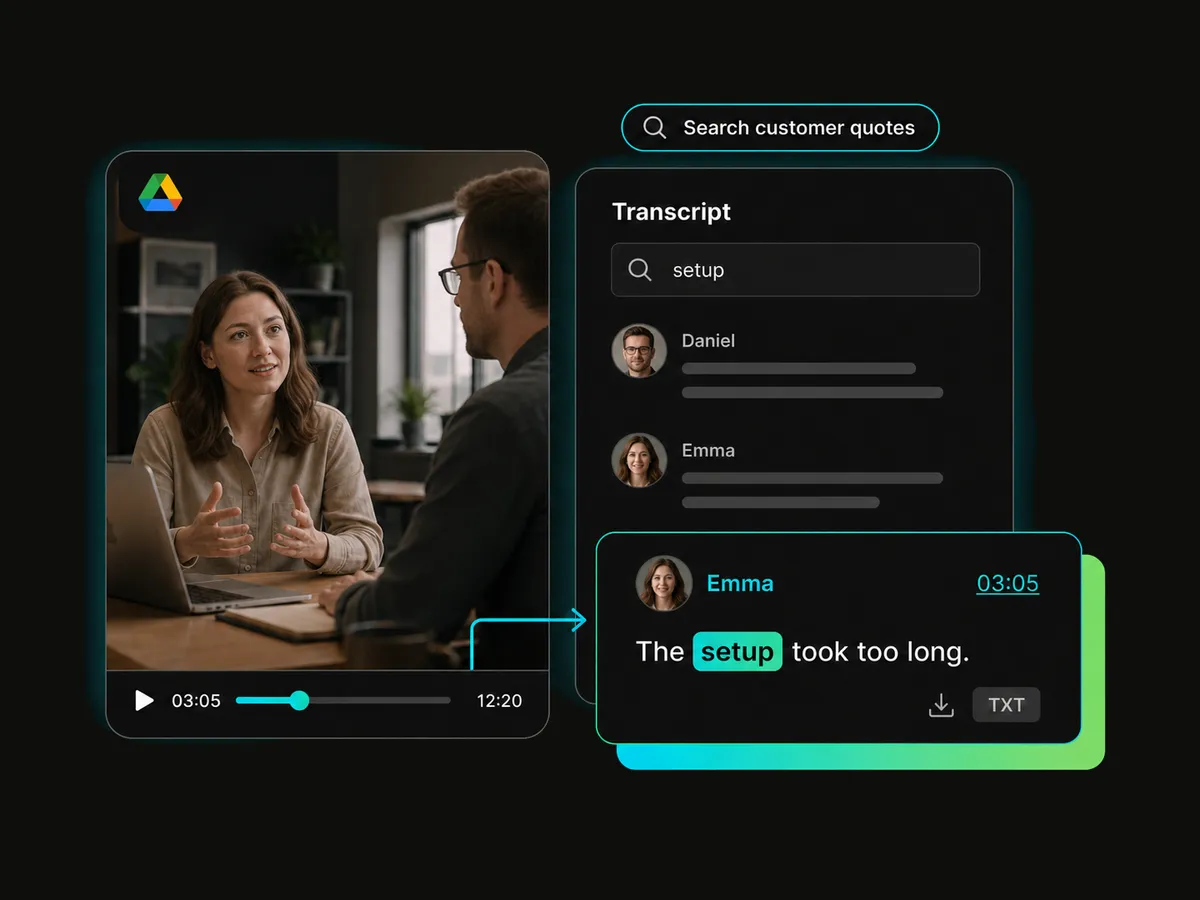
Remember a phrase but can’t find it in the recording? Search your Google Drive video transcript by keyword and go straight to the matching moment. Read the surrounding text or play that section to get the full context, without watching the whole video again.
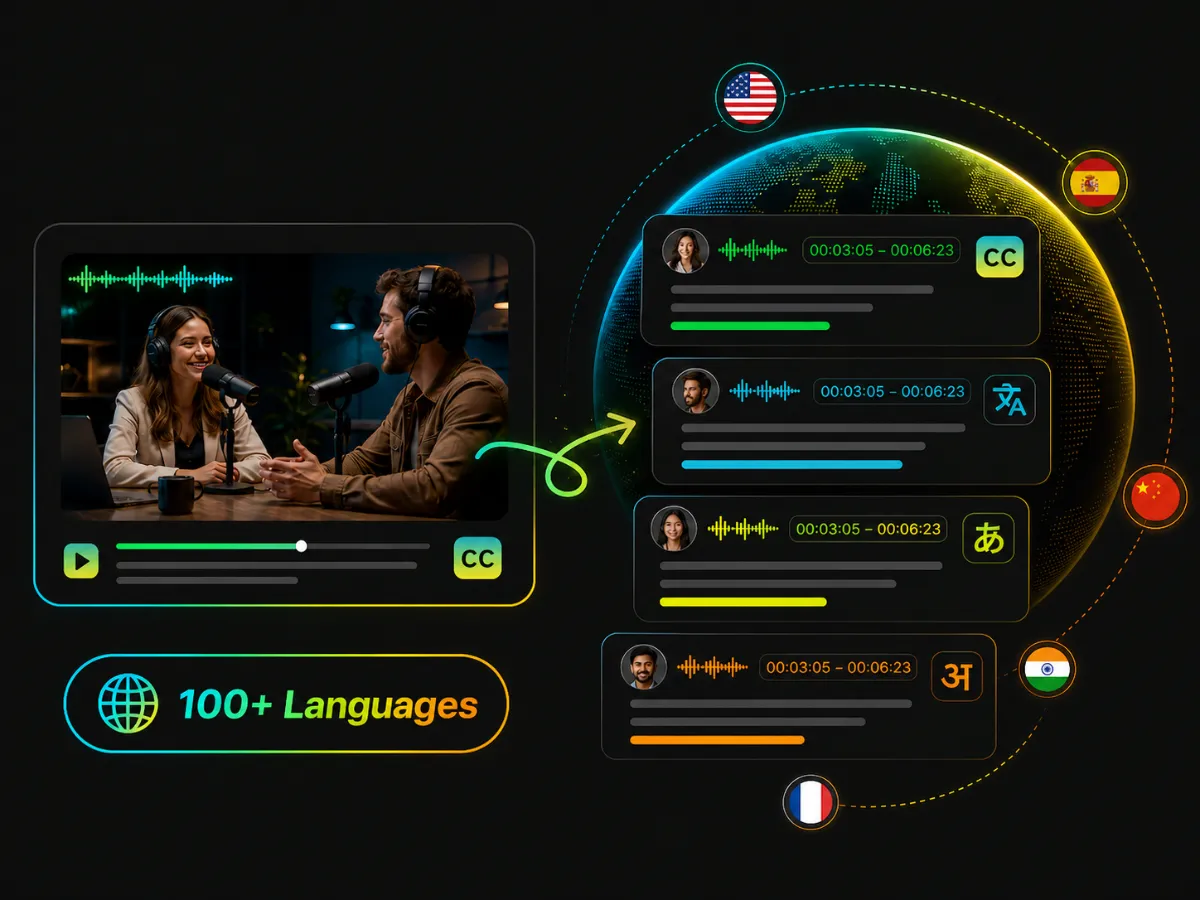
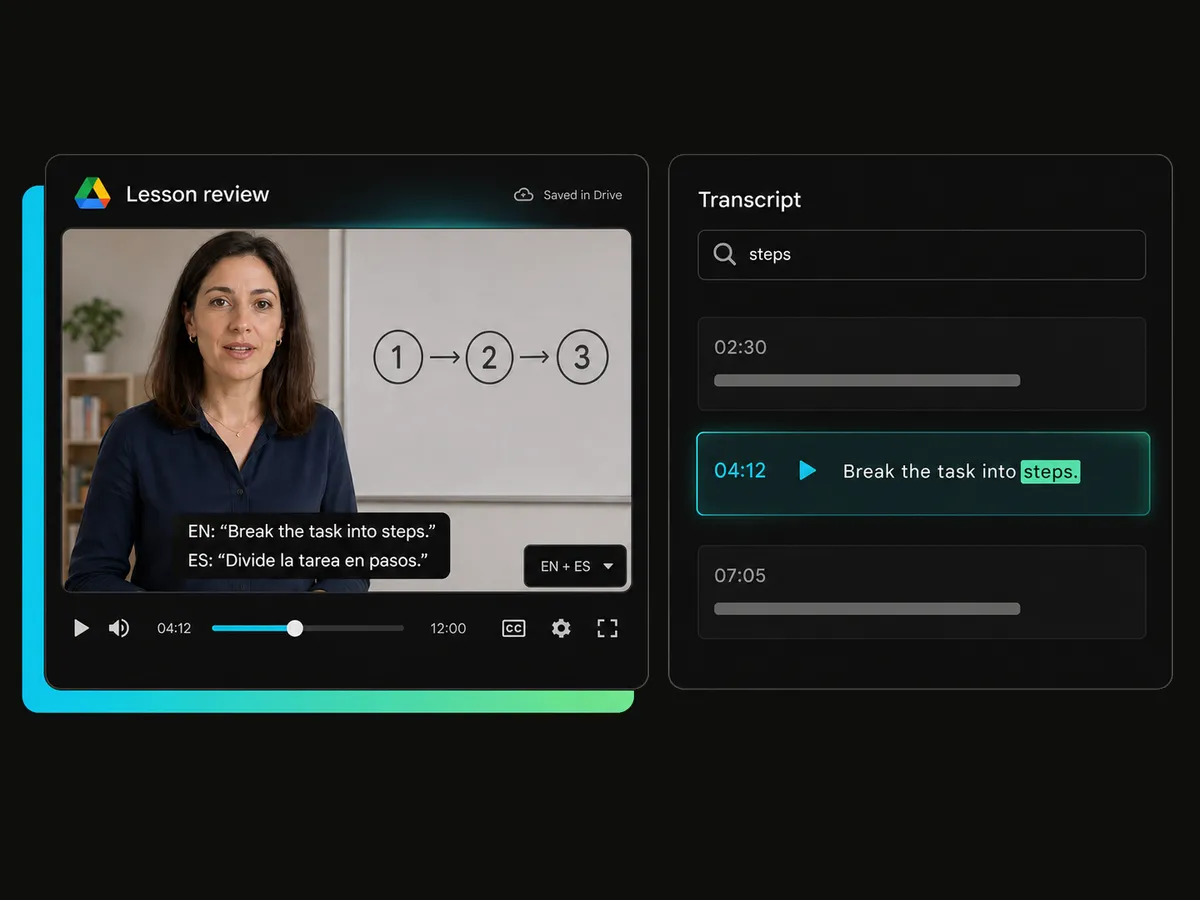
Watching a video in a language you’re still learning? Translate subtitles into 100+ languages and choose the original, the translation, or both together. Follow along as the video plays, compare phrases with bilingual subtitles, and pick up new expressions at your own pace.
Turn meeting recordings, lessons, interviews, and team updates into readable text with the online Google Drive video to text converter. Catch up on what you missed, check a specific detail, or find the part you need.
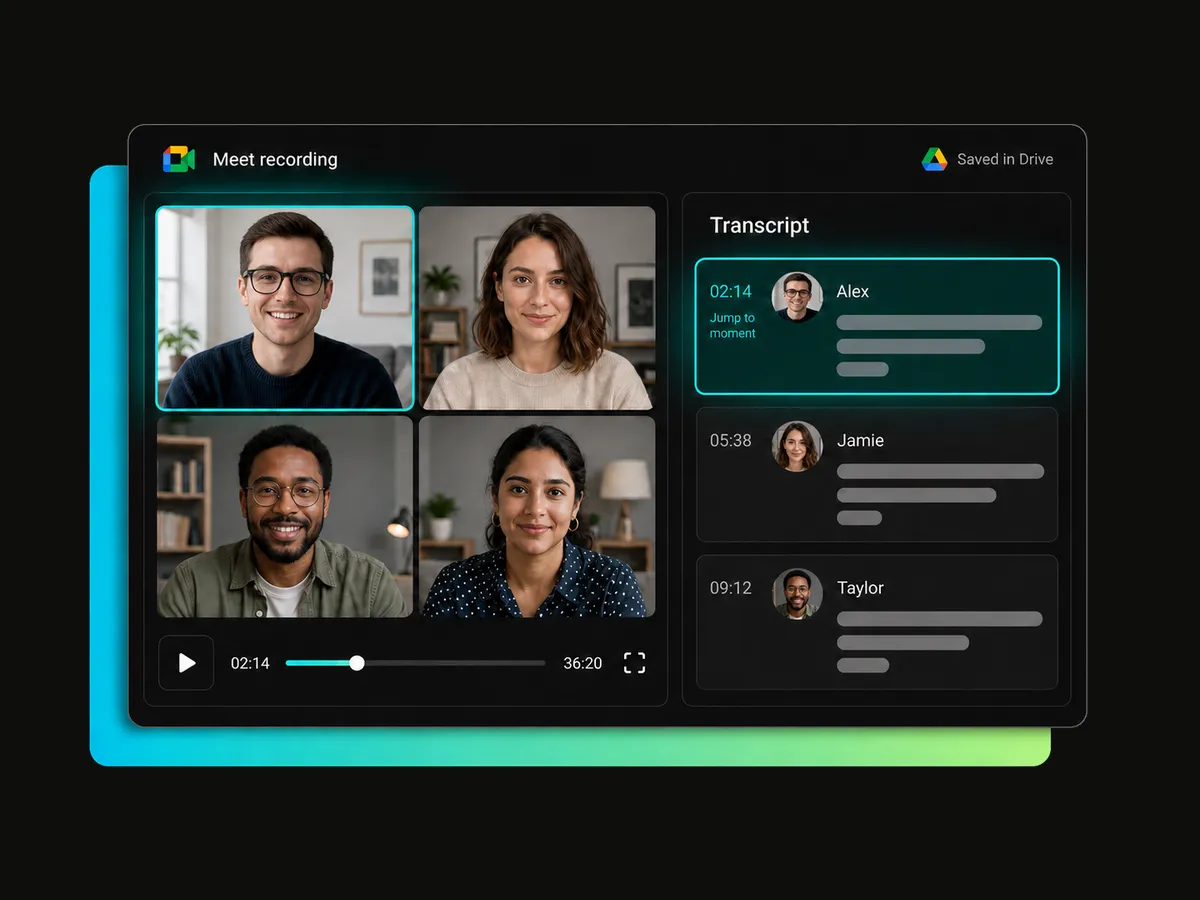
Missed a meeting or need to check what was agreed? Transcribe Google Meet recordings saved in Drive, follow the discussion with speaker labels and timestamps. Read through the conversation without sitting through the entire recording again.
Transcribe a MeetingChoose a video from your connected Google Drive or paste a public sharing link. There’s no need to download it and upload it again.
Convert Google Drive videos to text with AI. Review key details without typing everything out by hand or replaying every minute of the recording.
Search the transcript for a name, phrase, or topic and jump to the matching moment. Get straight to the details without guessing where to look.
Read the transcript alongside the video playback to check a quote, clarify an unfamiliar term, or hear the surrounding conversation for context.
Turn Google Drive video to text in 100+ languages and choose the original, the translation, or bilingual subtitles. Follow along and compare phrases as the video plays.
Download transcripts as TXT with or without timestamps, or export subtitles as TXT or SRT. Reuse the Google Drive video transcript in study notes, research, or team projects.
Choose a video from your connected Google Drive, or set it to Anyone with the link – Viewer and paste the link.
Connect Google Drive or paste a public sharing link. Get a searchable transcript with speaker labels and timestamps, ready to copy or export.
Receive 100 free credits upon sign-up.


