


Speaker Labels
Each Vimeo transcript shows who is speaking, making interviews, lessons, and event recordings easier to understand and revisit.
Transcribe Vimeo videos to text in more than 100 languages. Get searchable transcripts with timestamps and speaker labels, follow synced subtitles, view translations, and export TXT or SRT files.
Trusted by professionals at












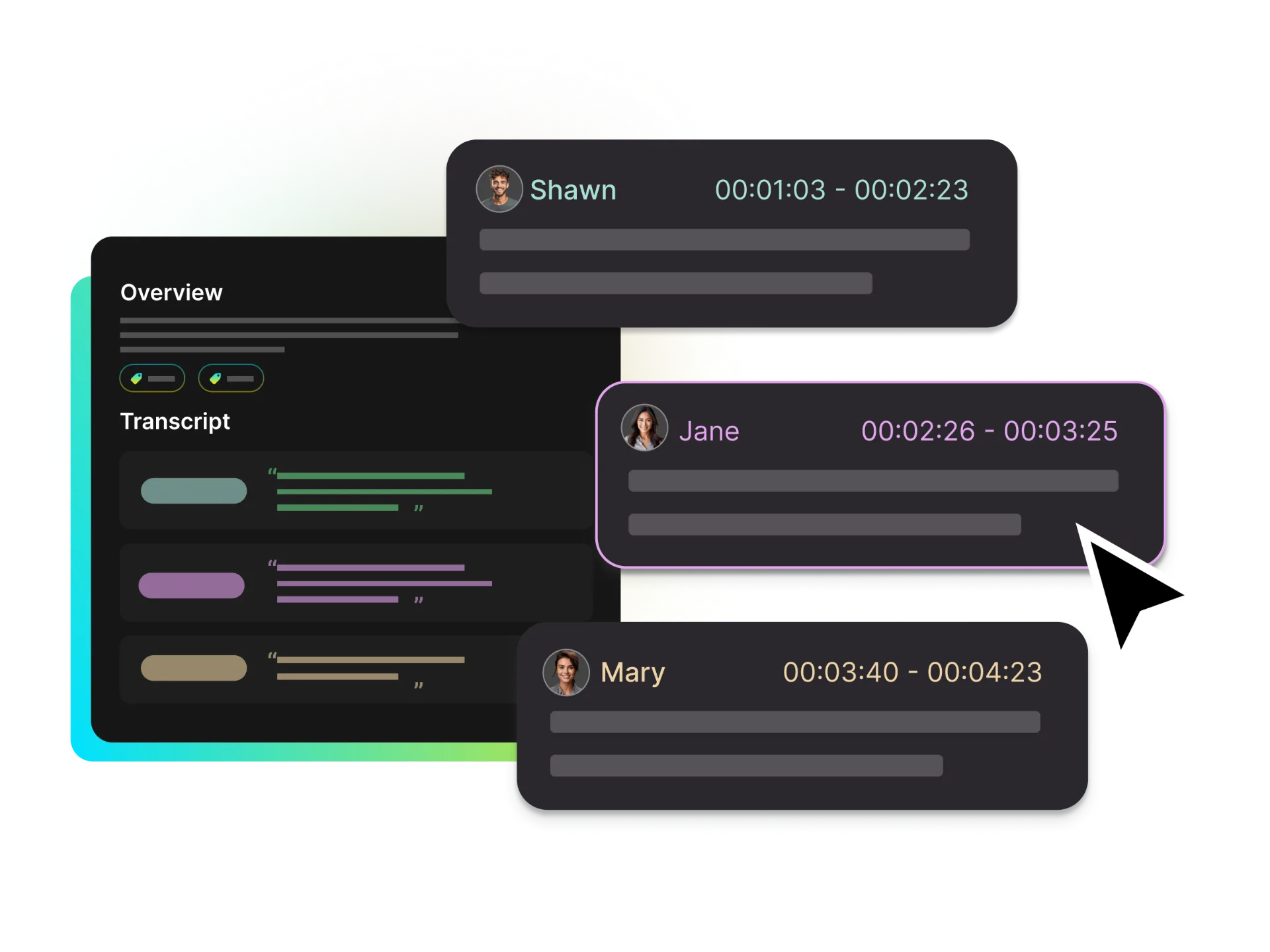
Save time by turning spoken content into an organized record. This AI video to text converter creates a searchable transcript with timestamps and speaker labels, helping you identify who said what and return to the matching video moment.
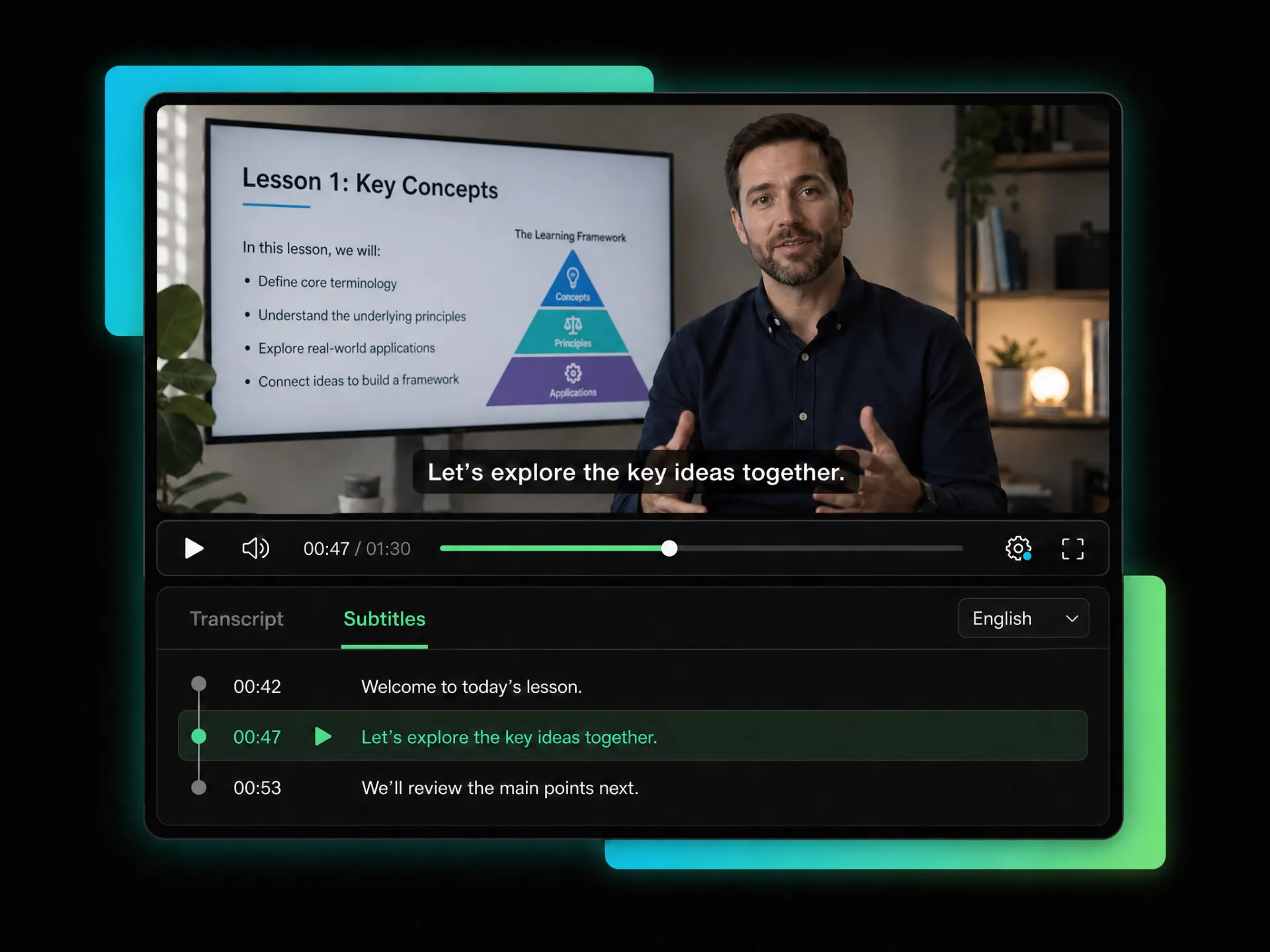
Make Vimeo lessons, interviews, and presentations easier to follow. Switch between Transcript and Subtitles views, display synchronized subtitles on the video, and follow each line alongside the spoken content.
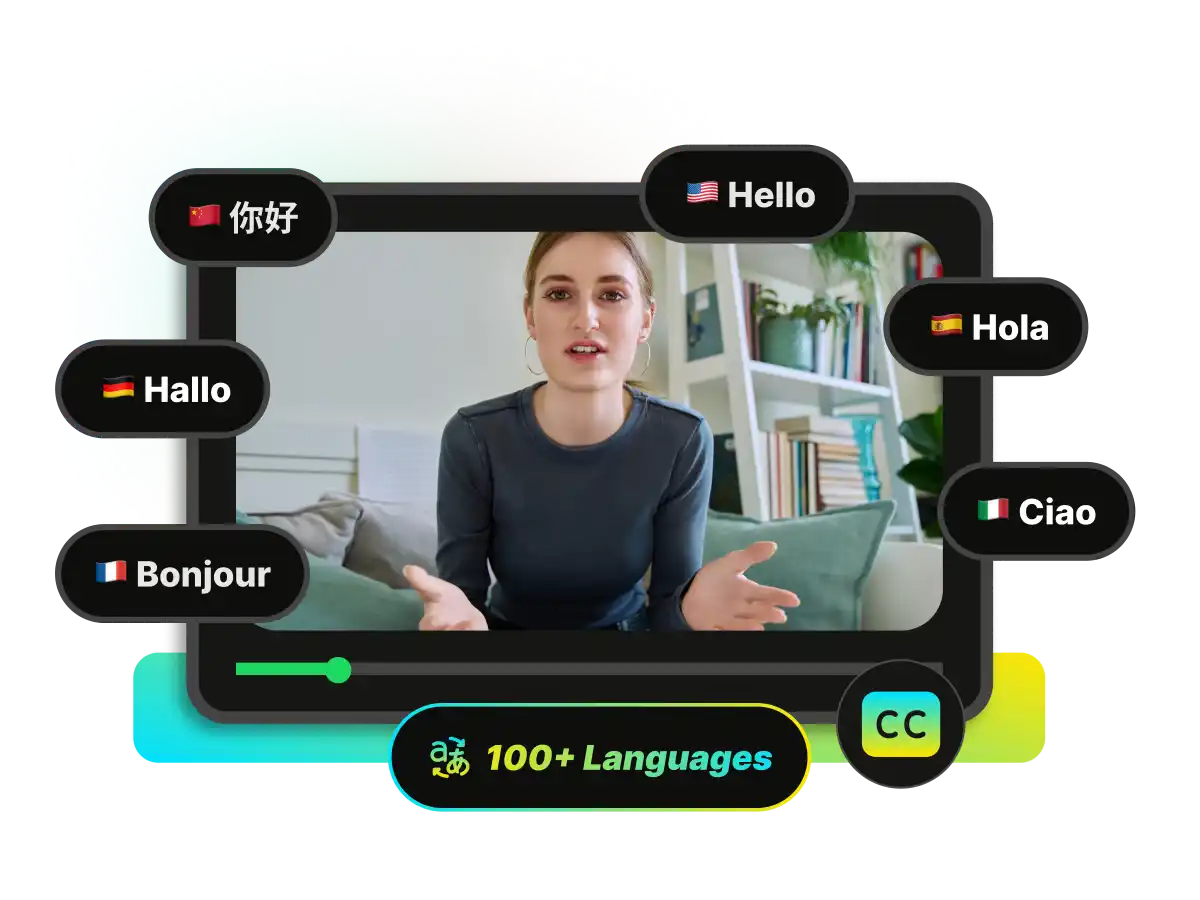
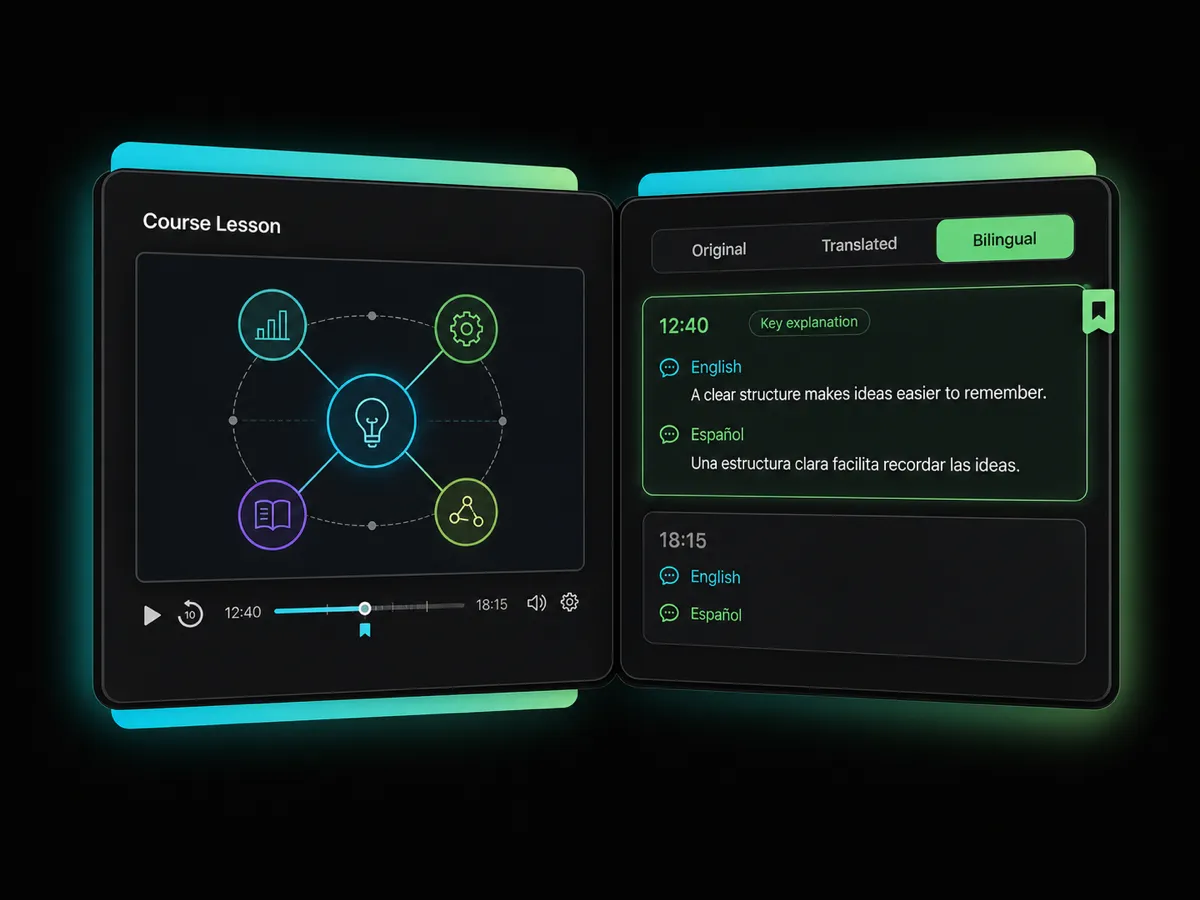
Transcribe a Vimeo video to text, then display the original language, a translation, or bilingual subtitles together. Understand international courses, interviews, and training videos while keeping each translated line connected to the video.
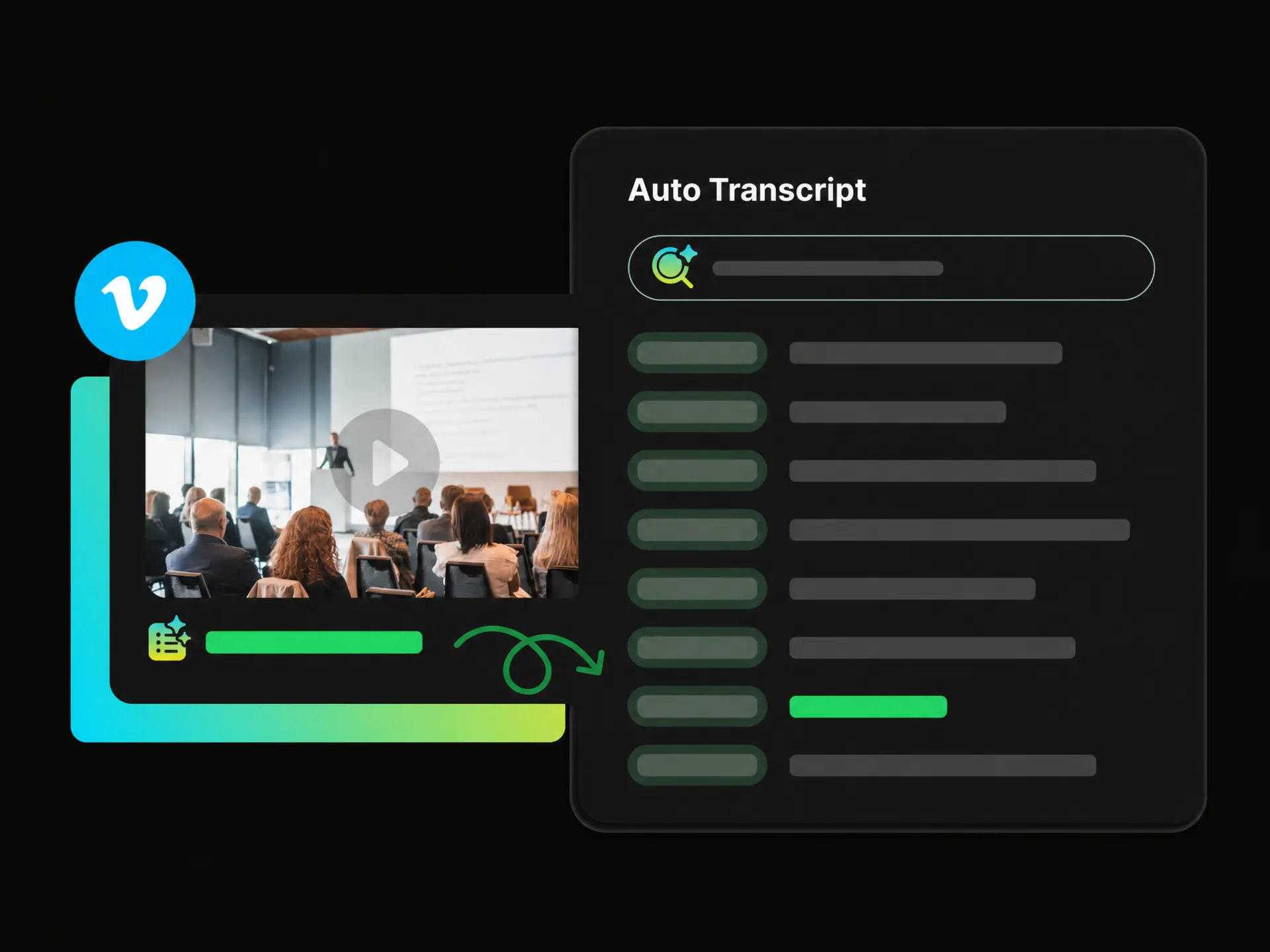
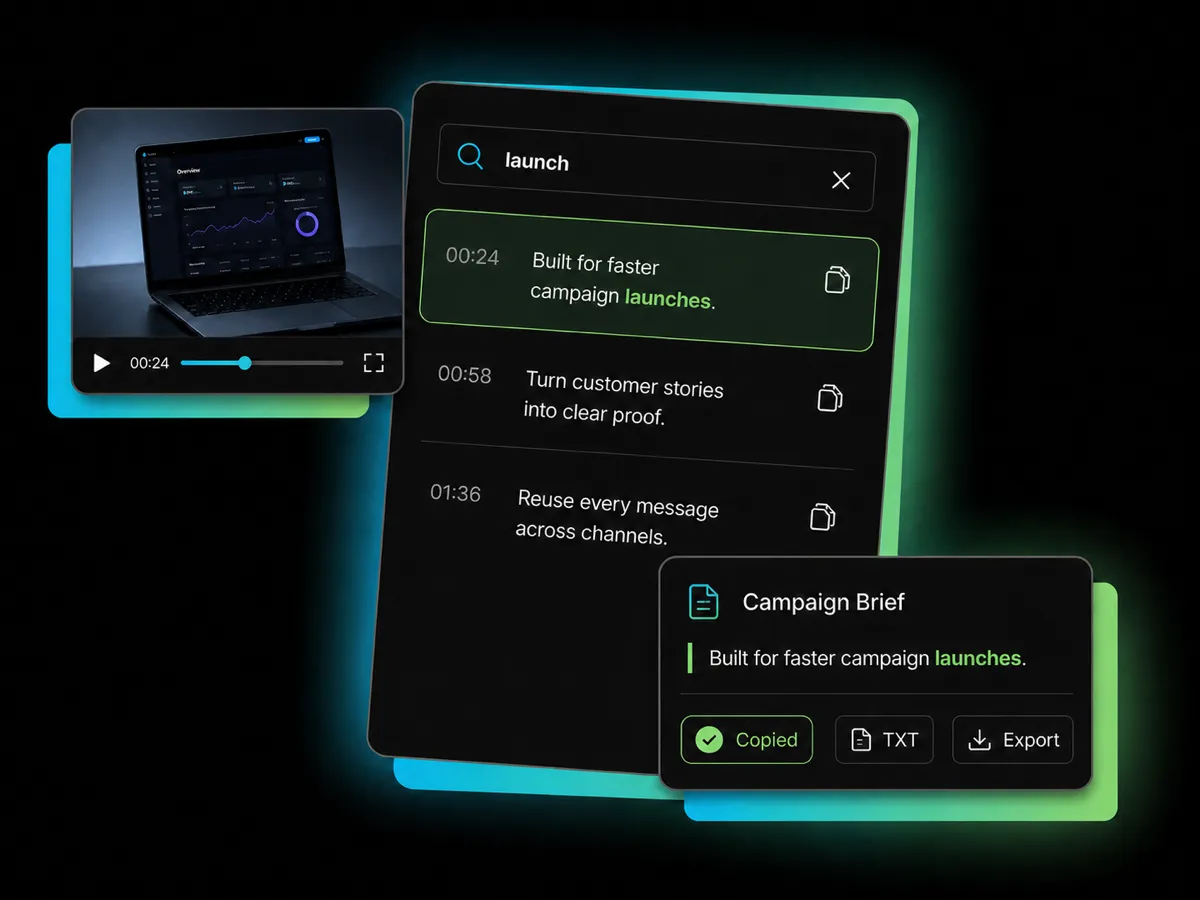
Find and reuse important information without replaying the entire Vimeo video. Search the transcript by keyword, copy individual subtitle lines, or export the complete result as a timestamped TXT, plain TXT, or SRT file.
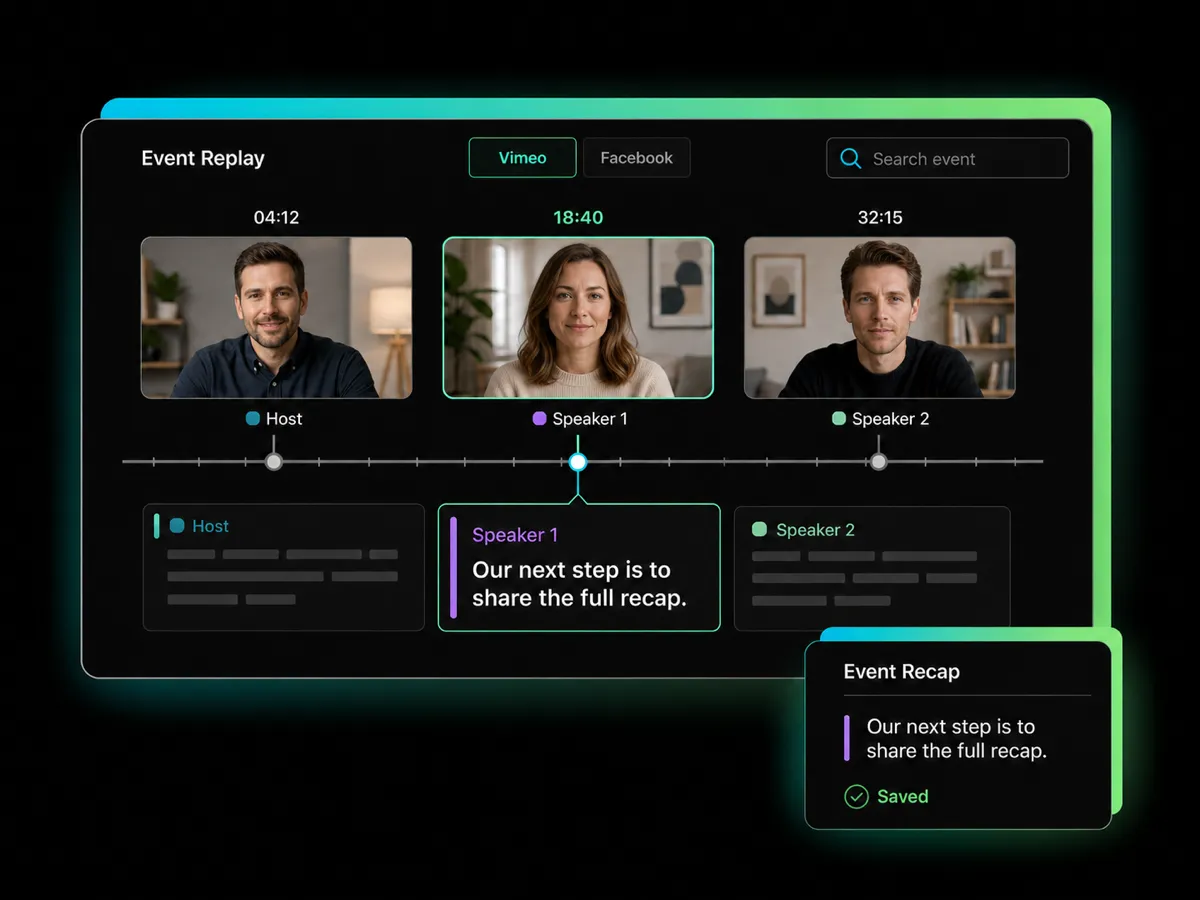
Turn Vimeo videos into searchable text for creative projects, marketing, learning, and online events. Generate timestamped transcripts and synchronized subtitles, then export the result for the next task.
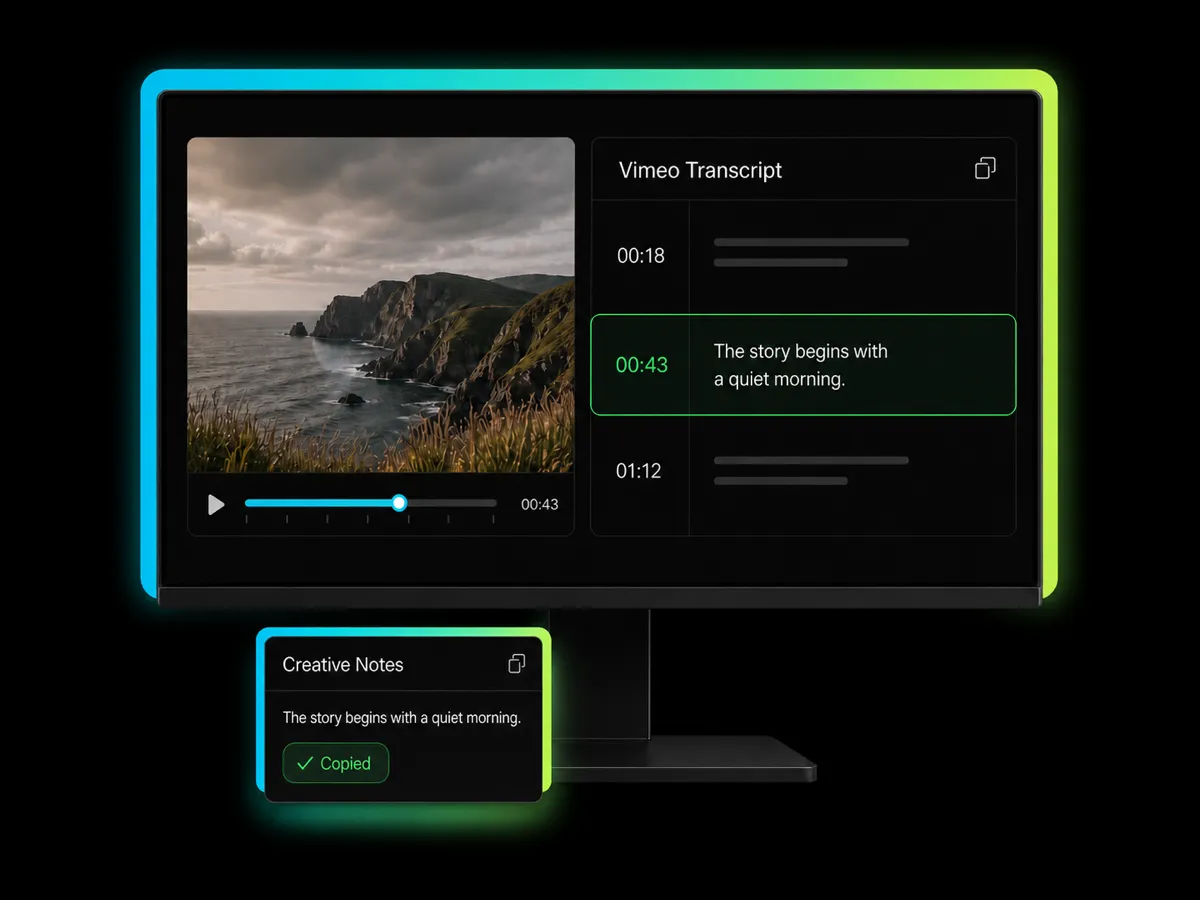
Convert short films, documentaries, and portfolio videos into clear Vimeo transcripts. Review spoken content at your own pace, return to important moments quickly, and reuse the text throughout your creative workflow.
Convert Vimeo Videos to TextEach Vimeo transcript shows who is speaking, making interviews, lessons, and event recordings easier to understand and revisit.
The Vimeo video to text converter creates a Transcript and Subtitles with timestamps, making each part easier to locate and review.
Transcribe Vimeo videos in 100+ supported languages, then check the original text, translated subtitles, or both together in a bilingual view.
Display synchronized Vimeo subtitles directly on the video and follow each line during playback without switching back to the full transcript.
Search your Vimeo transcript by keyword and copy individual subtitle lines whenever you need a specific quote, detail, or passage.
Paste a Vimeo link to transcribe a Vimeo video to text online, with the entire process running in your browser and no downloads required.
Paste a Vimeo link or upload a local video file to the Vimeo video to text converter to prepare it for AI transcription.
Paste your Vimeo link to generate searchable text and synchronized subtitles you can review, translate, copy, and export.
Get 100 free credits at sign-up. No software required.


