
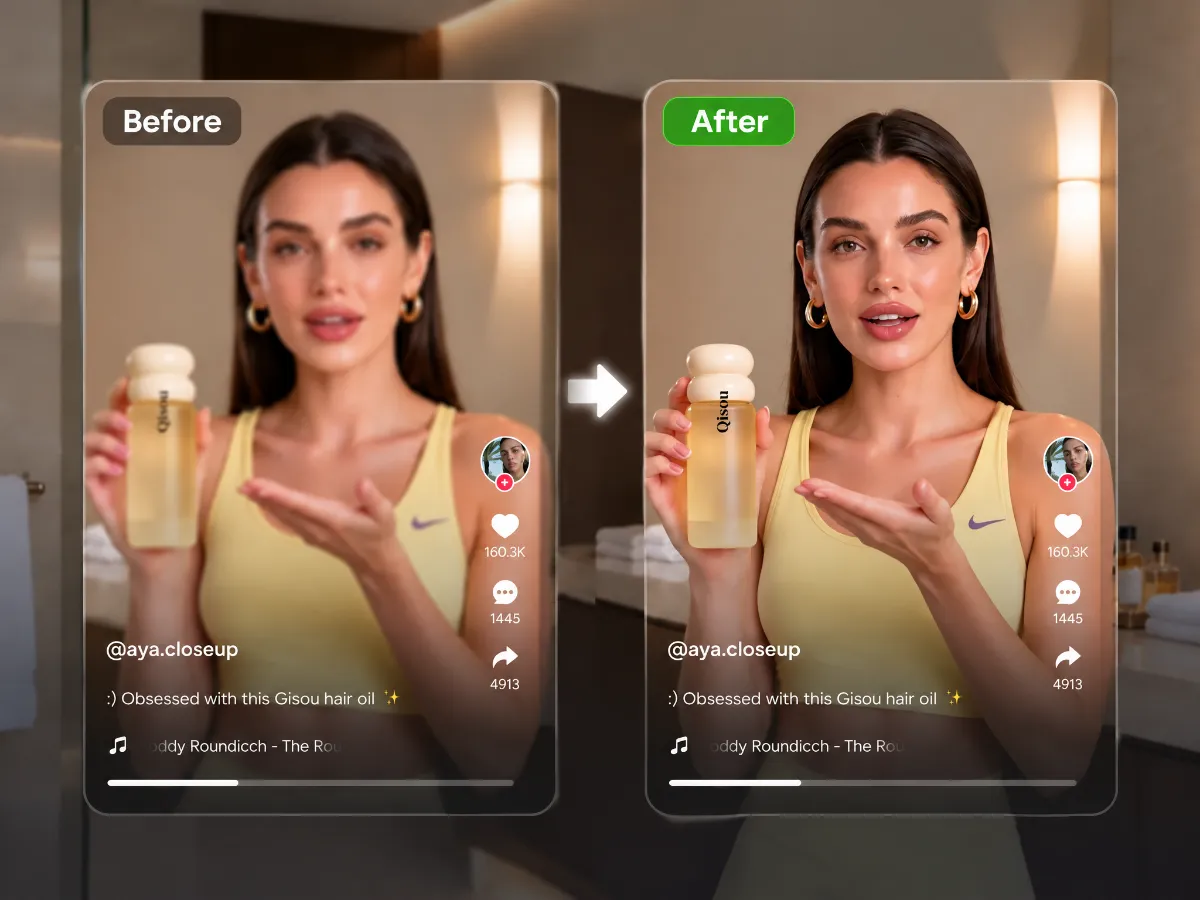

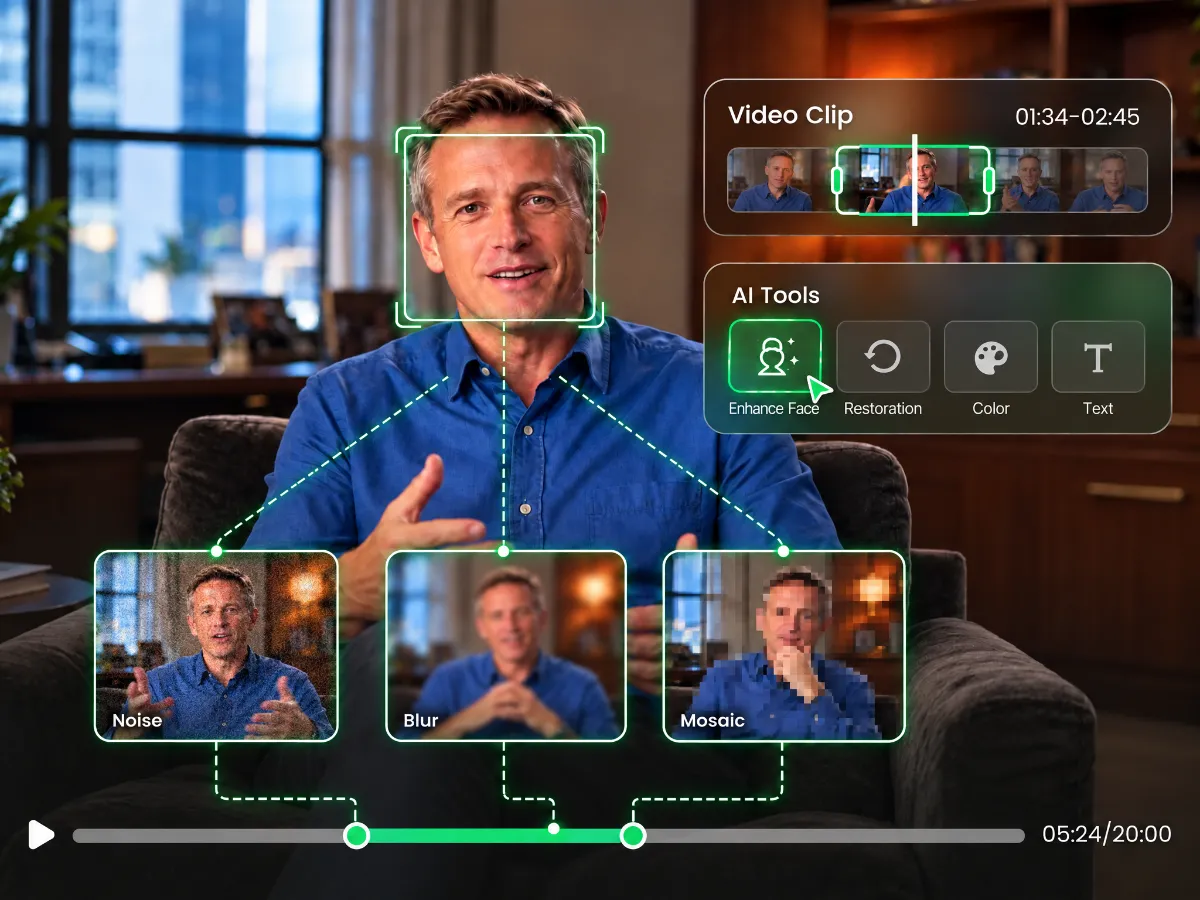

Easy Online Processing
Improve portrait footage online without complex editing software or a powerful computer, making existing clips easier to reuse.
Drag and drop your video here
Video must be shorter than 10 minutes and smaller than 300MB. to upload larger videos.
By uploading a file, you agree to WayinVideo’s Terms of Use and Privacy Policy
Trusted by professionals at












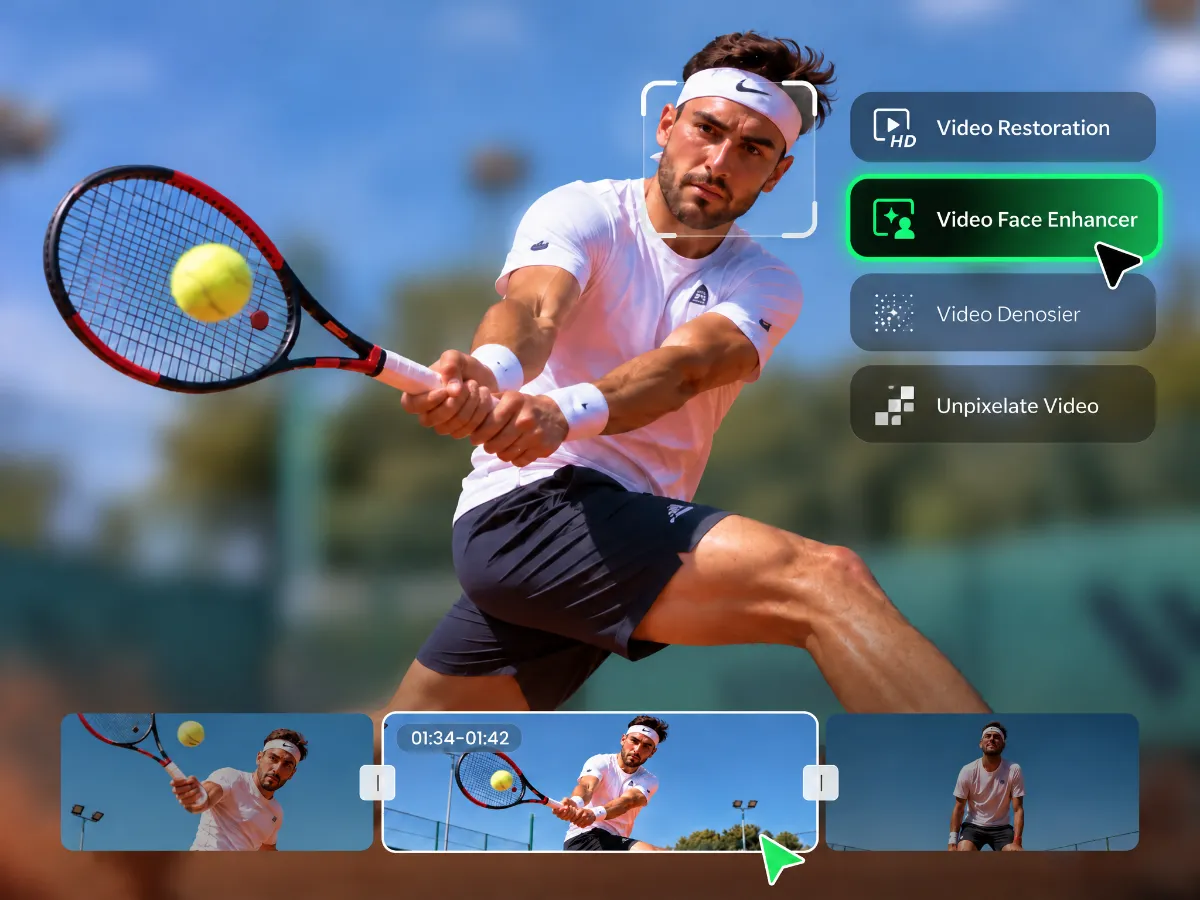
AI face recovery helps bring facial contours and features into clearer view, making blurry faces easier to recognize in close-ups and everyday recordings. People appear more defined on screen, with their expressions easier to see.
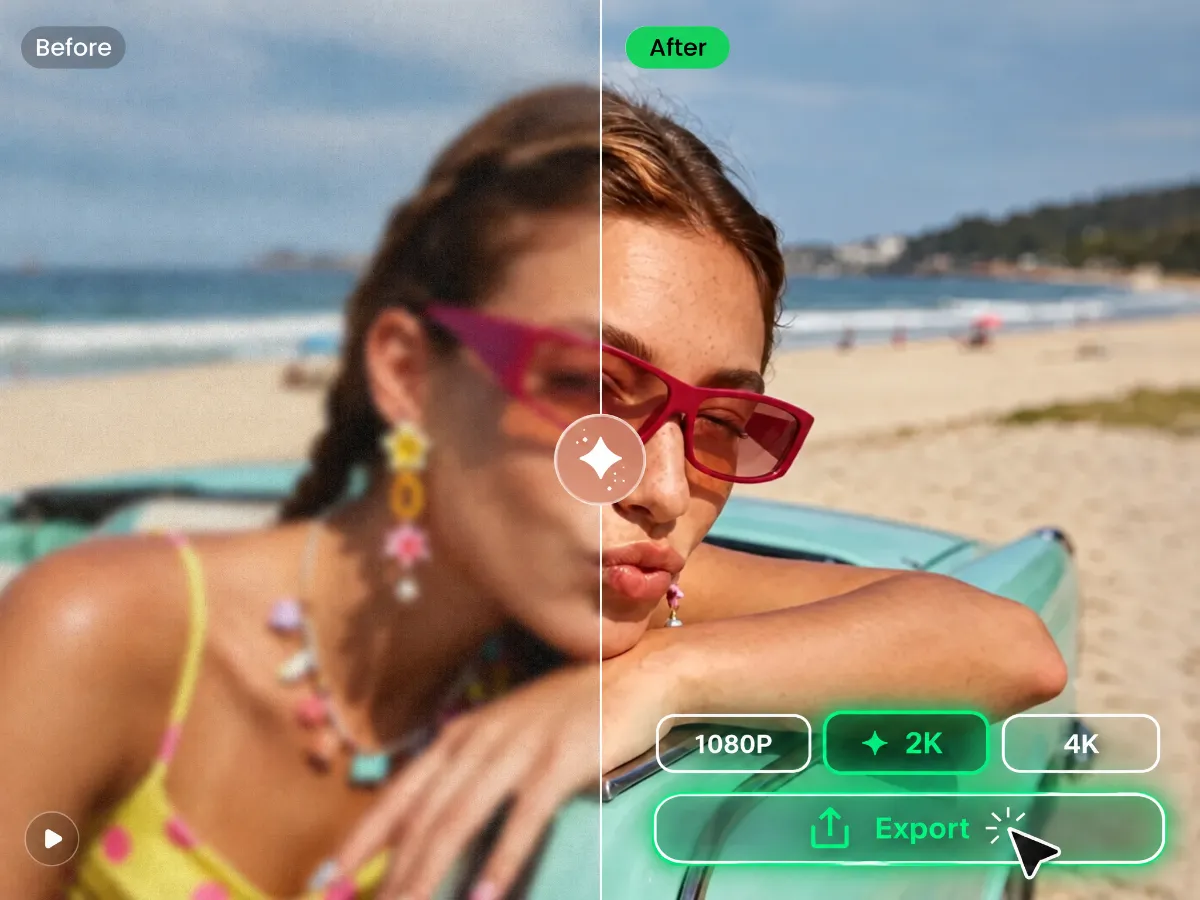
Video enhancer for portrait videos can help make faces clearer when footage is enlarged for a bigger screen or cropped into a short clip. Choose an output resolution—1080p, 2K, or 4K—that fits how you plan to watch, edit, or share your video.
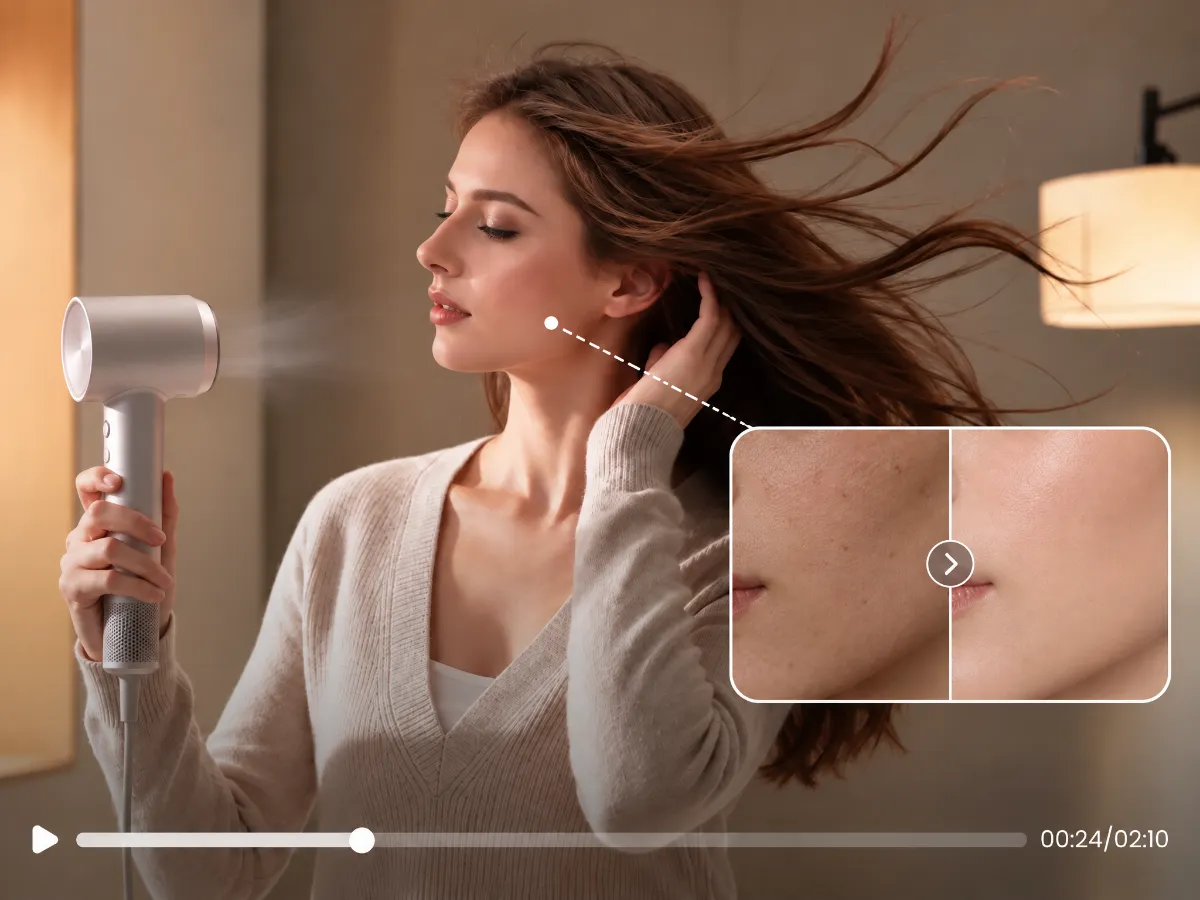
AI video restoration for facial details can reduce the appearance of visible blemishes and uneven details. This creates a cleaner portrait while keeping viewers’ attention on the subject’s expression.
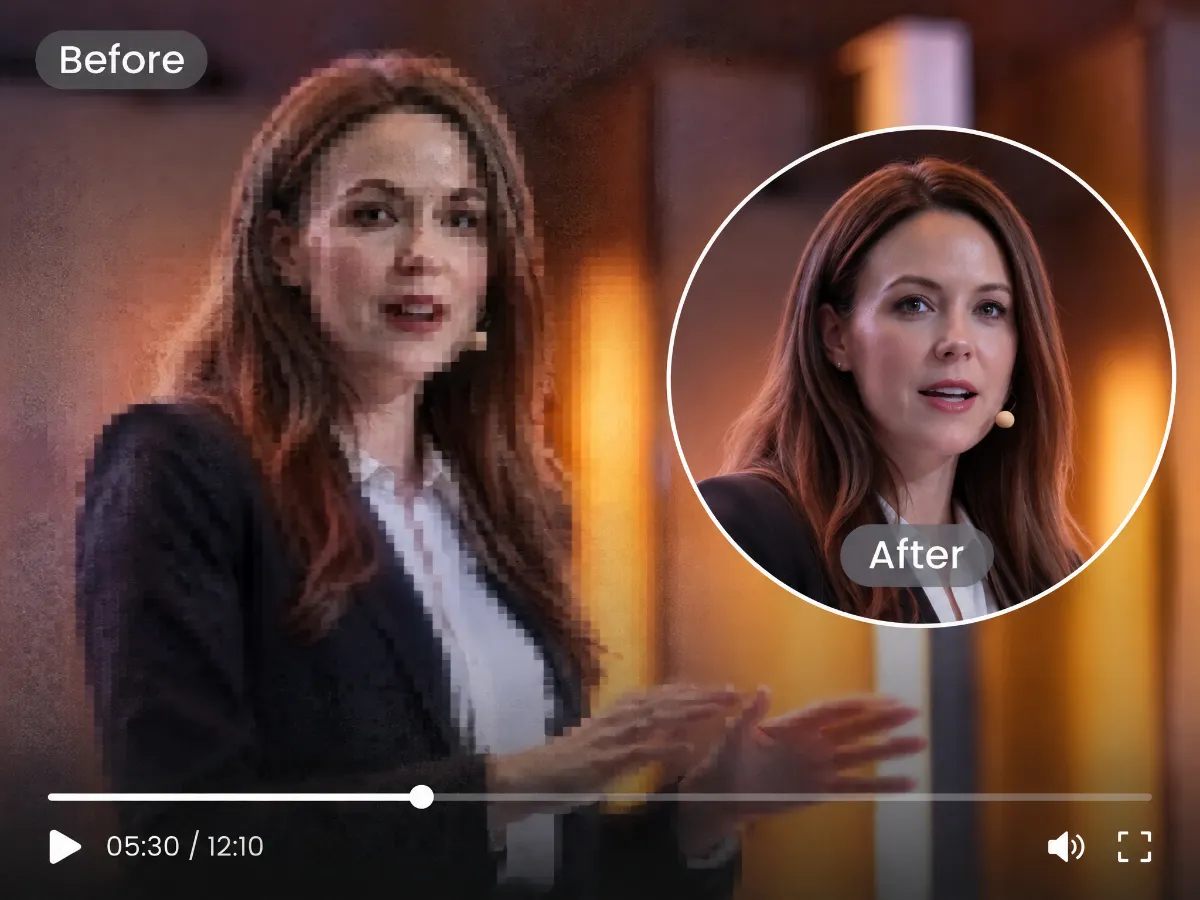
Natural portrait enhancement for video brings out contours, hair, and fine textures while keeping a person’s familiar appearance and the footage’s original character. It is designed to avoid an overly smooth finish or obvious signs of editing.
From cropped creator clips and brand videos to family recordings and editing projects, WayinVideo helps make on-screen portraits clearer and easier to recognize.
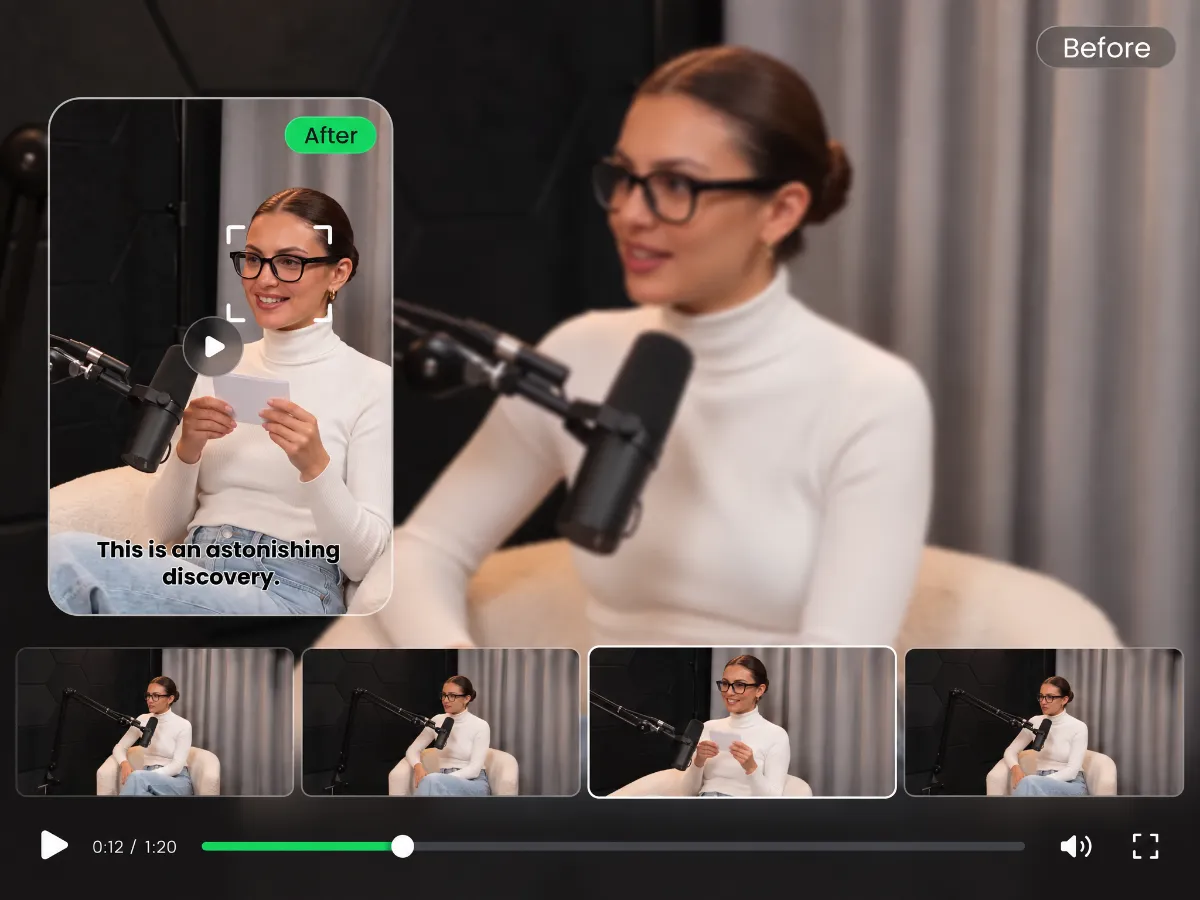
Video podcasts, interviews, and livestreams can lose facial detail when cropped into vertical clips. WayinVideo helps enhance faces in video and keep expressions clear in talking-head footage and AI-generated avatar videos, so short-form posts look polished and ready to share.
Enhance Faces in ClipsImprove portrait footage online without complex editing software or a powerful computer, making existing clips easier to reuse.
Preview the first three seconds of an enhanced headshot-style clip for free, without signing in.
Download enhanced videos without watermarks obscuring faces or fine details.
Upload an MP4, MOV, WebM, or AVI file. WayinVideo checks its duration locally to estimate the credits needed.
AI restores on-screen faces throughout your video, improving facial clarity and detail while aiming to preserve a natural look.
Review the enhanced video before downloading. Get a free, watermark-free preview or download the full video.
Use WayinVideo AI to improve facial clarity and reveal more detail in your videos. Preview the result, then download it for viewing, editing, or sharing.
Free to Use · No Watermark

