
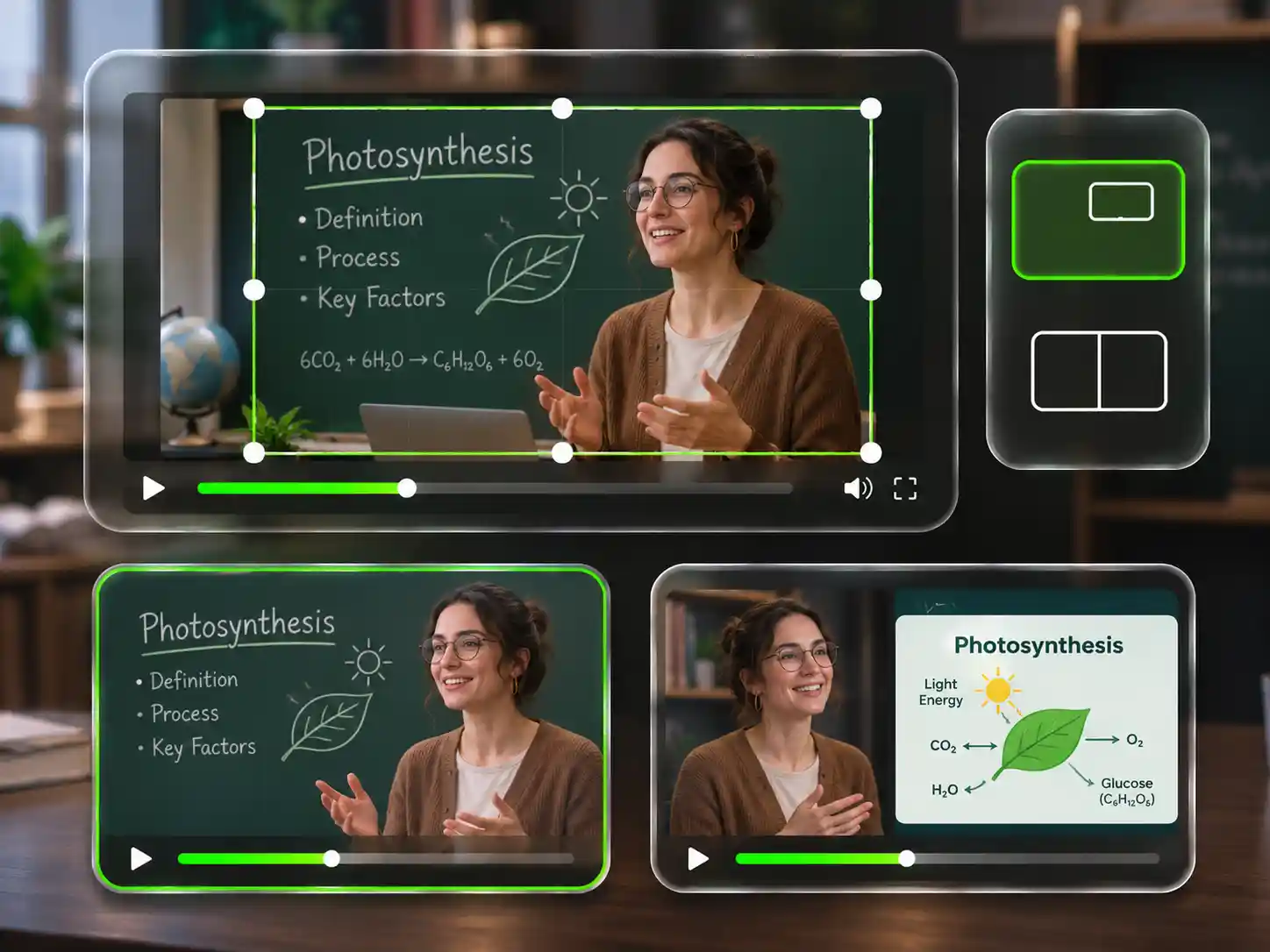

Precise Cropping
WayinVideo's video cropper helps remove unwanted areas and keep important subjects and details in focus.
Crop videos with WayinVideo's AI video cropper. Use AI-assisted framing to keep moving subjects in view and reduce manual adjustments.
Trusted by professionals at












Paste a supported video link or upload a file if your plan allows. Open WayinVideo's online video cropper to get started.
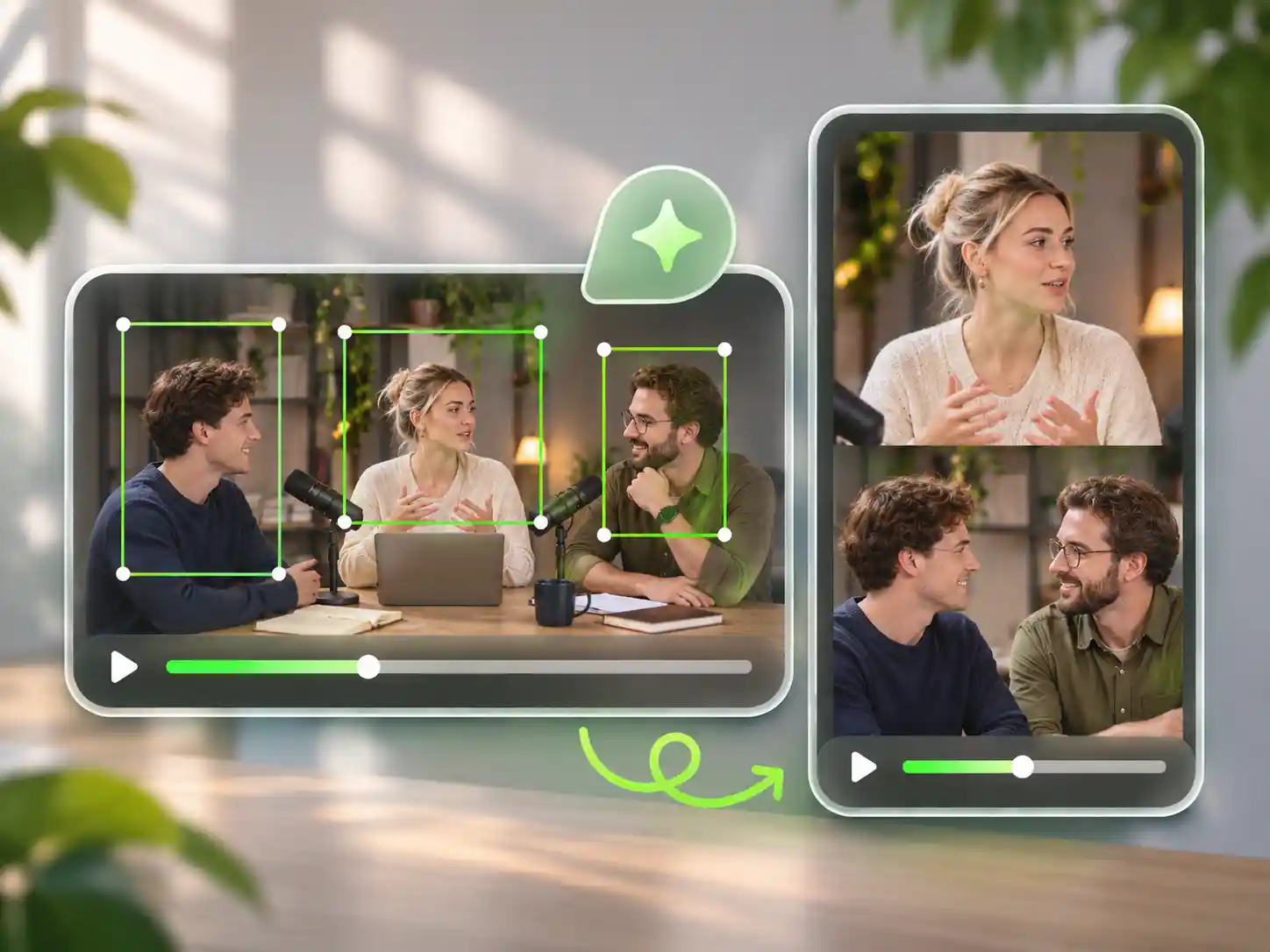
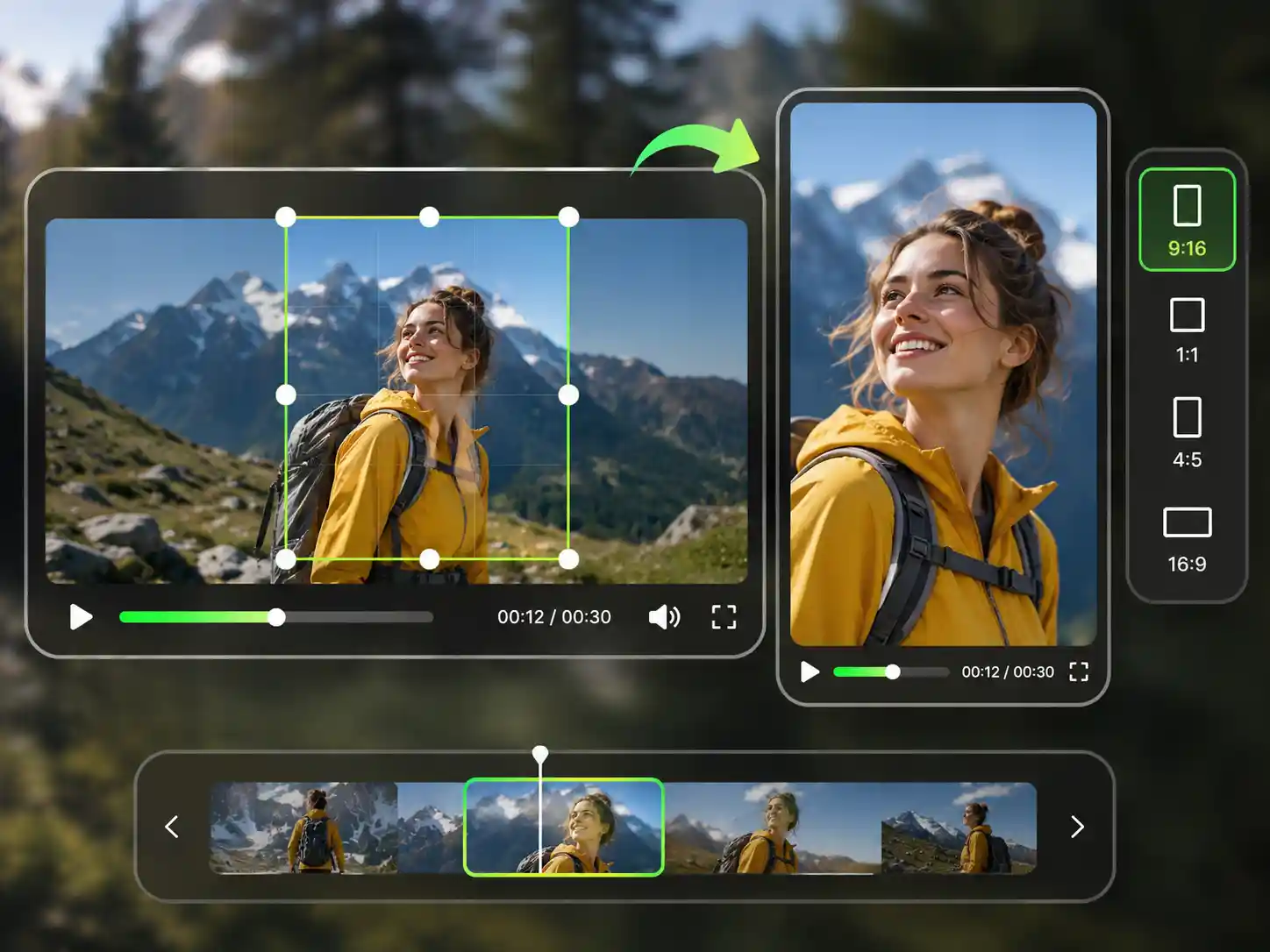
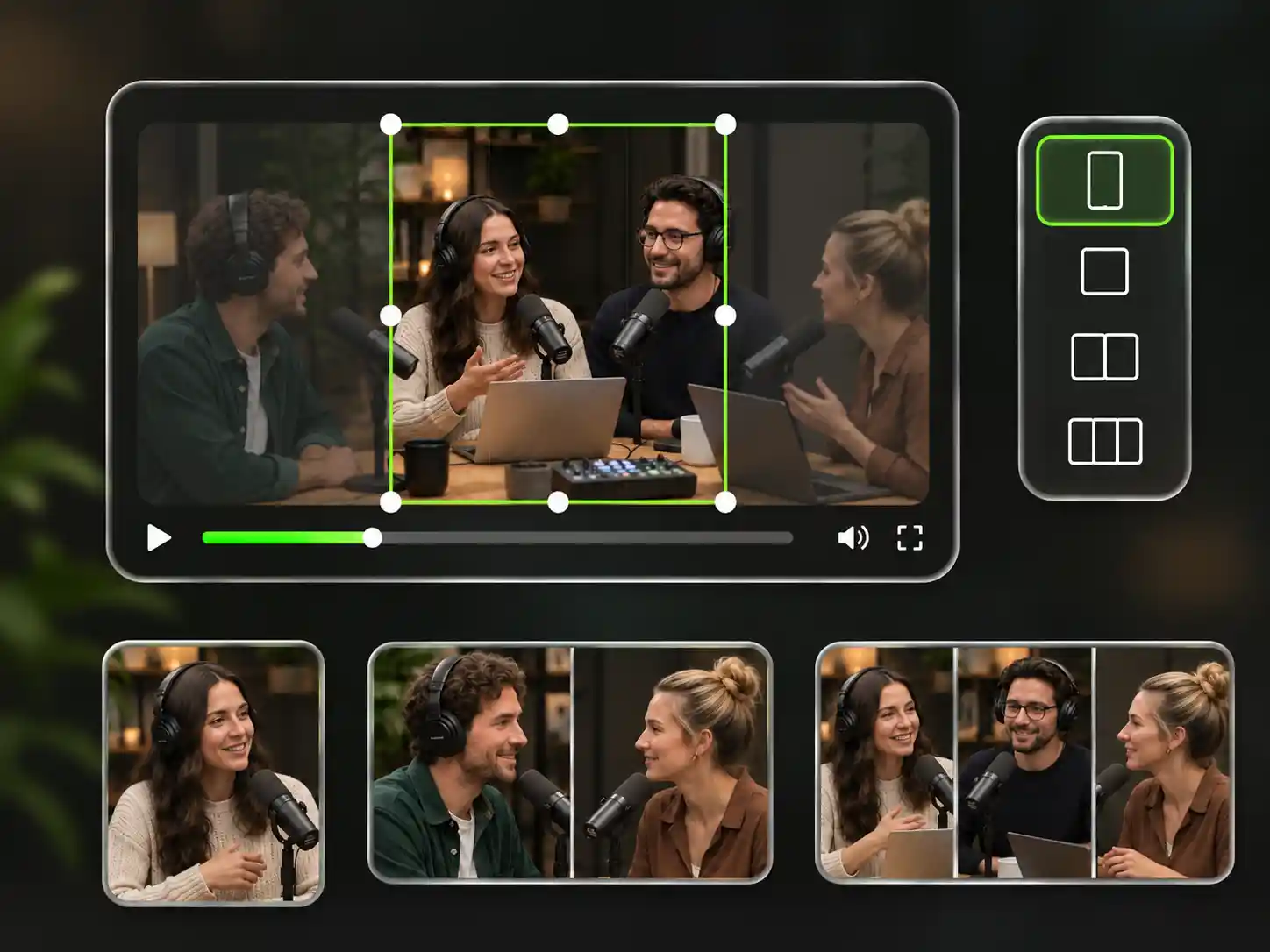
WayinVideo's AI video cropper uses Auto Reframe to detect and track important subjects as they move, adjusting the framing across scenes. It helps keep people and other key subjects visible in cropped videos.
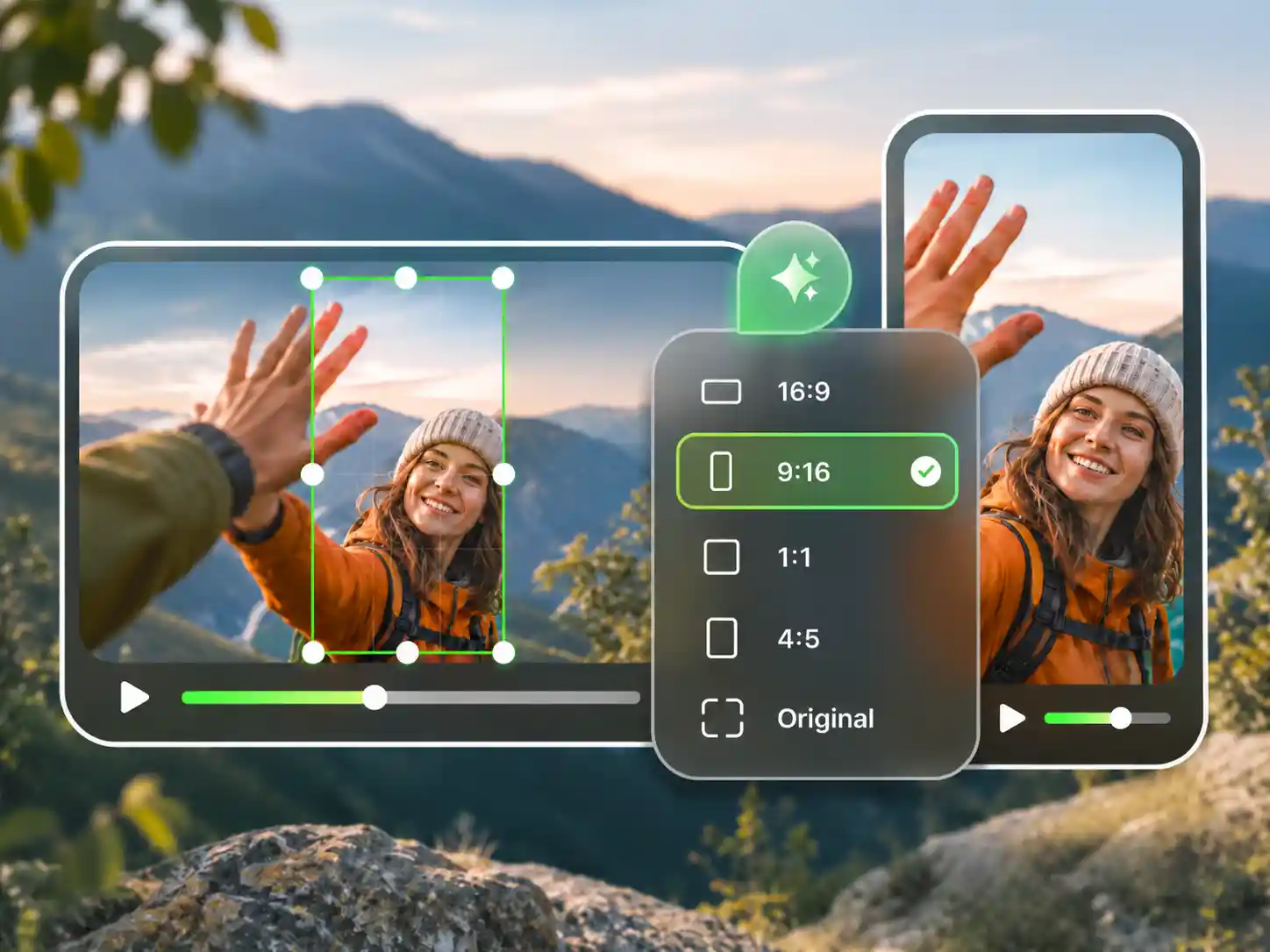
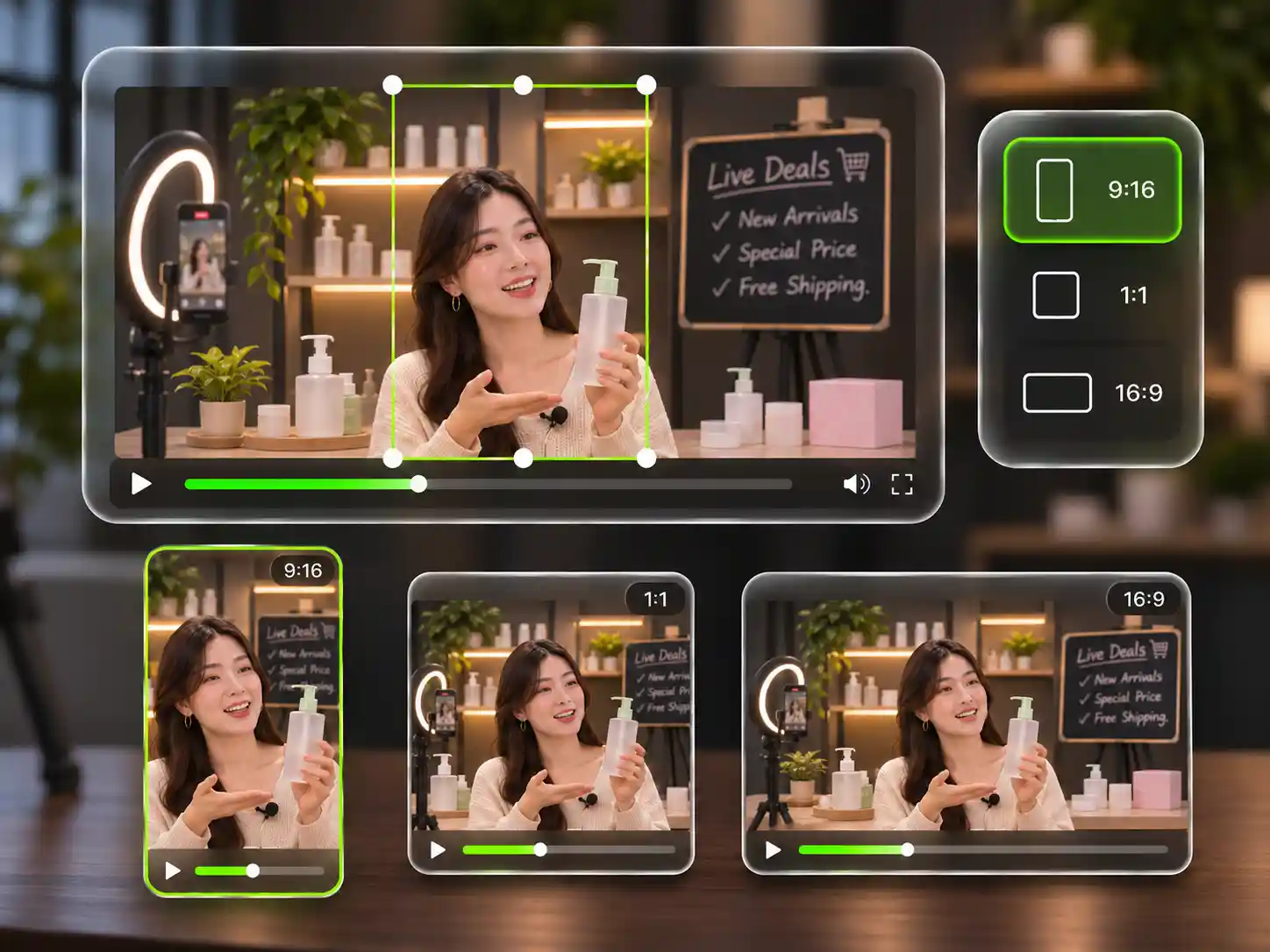
This video cropper tool supports preset aspect ratios, including 9:16, 16:9, 1:1, and 4:5, for vertical, horizontal, and square videos. The Original option keeps the source video's aspect ratio.
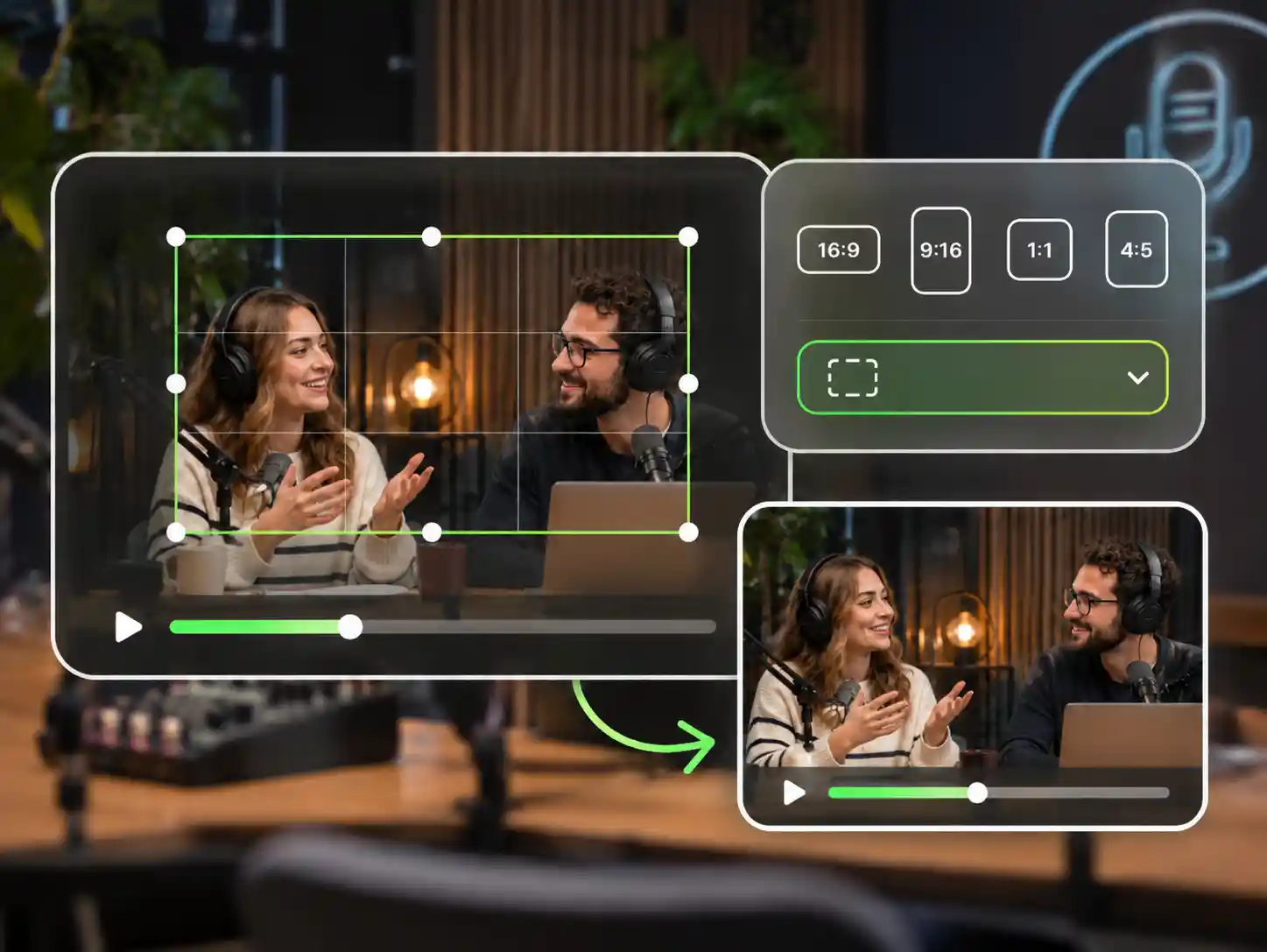
A resizable crop box lets users select the exact area of a video to keep and remove unwanted edges. Custom aspect ratios provide more control beyond standard presets.
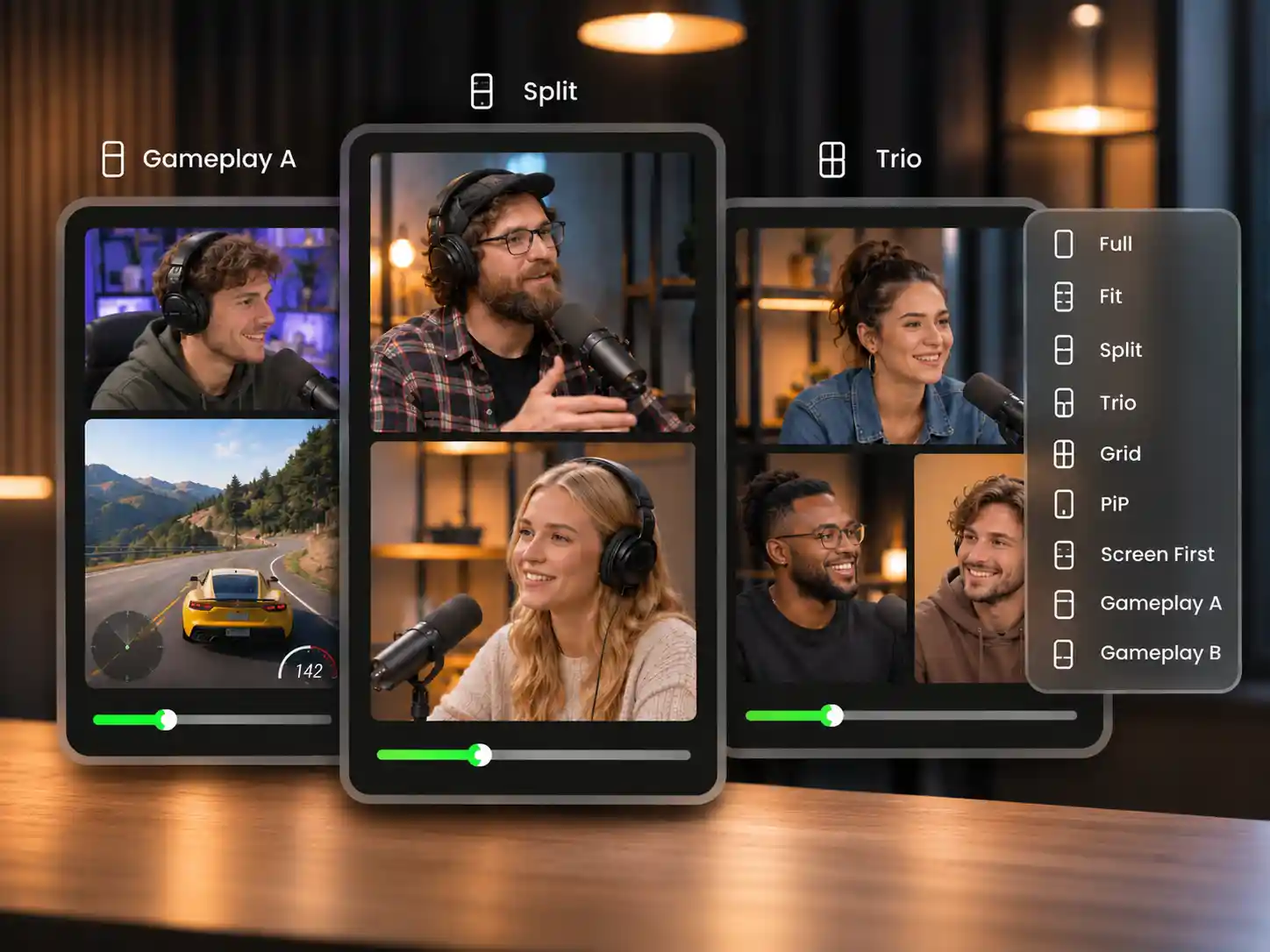
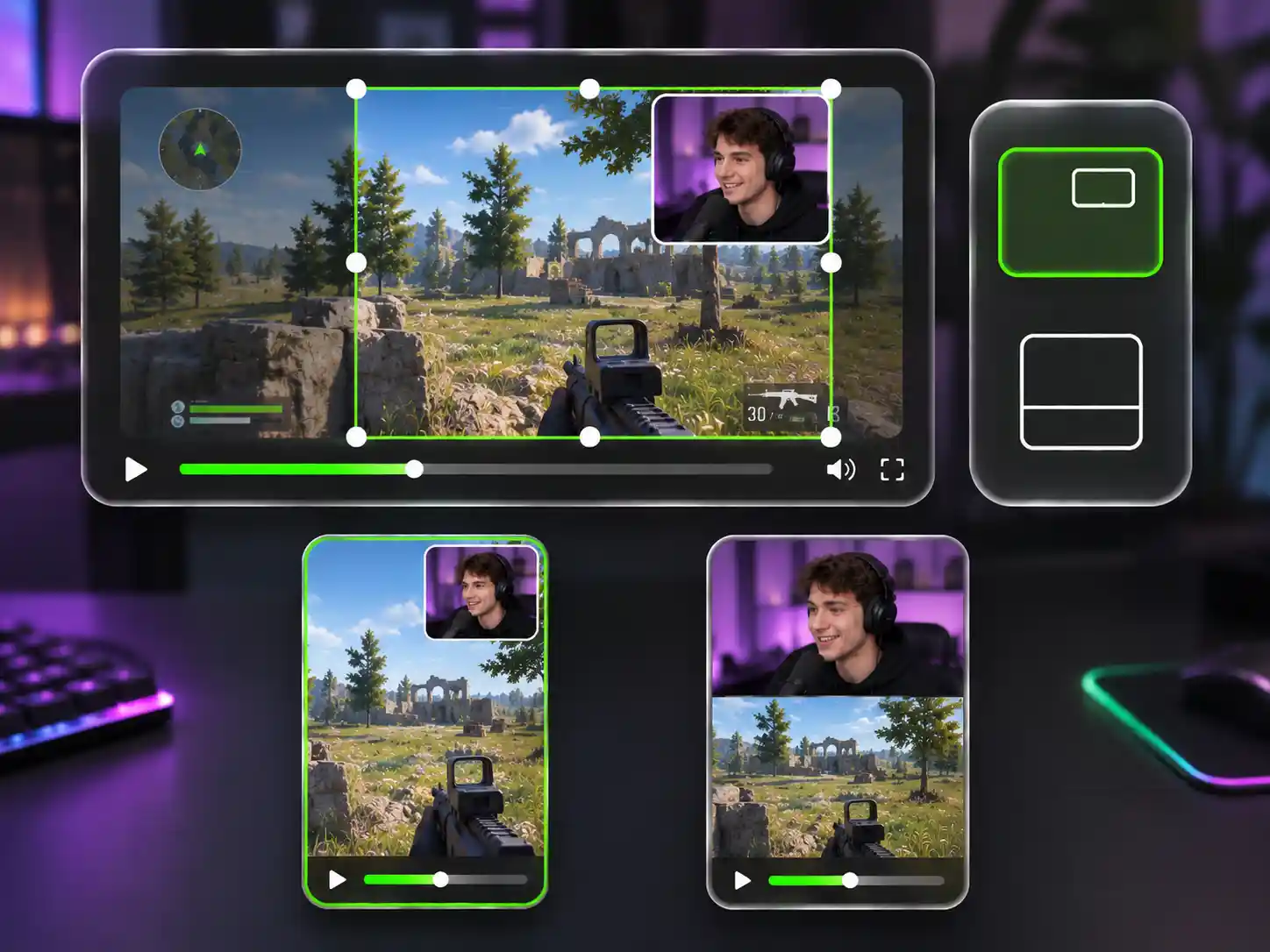
Split, Trio, Grid, and Picture-in-Picture layouts support videos with multiple people or visual elements. Full, Fit, and Screen First offer additional ways to arrange content within the frame.
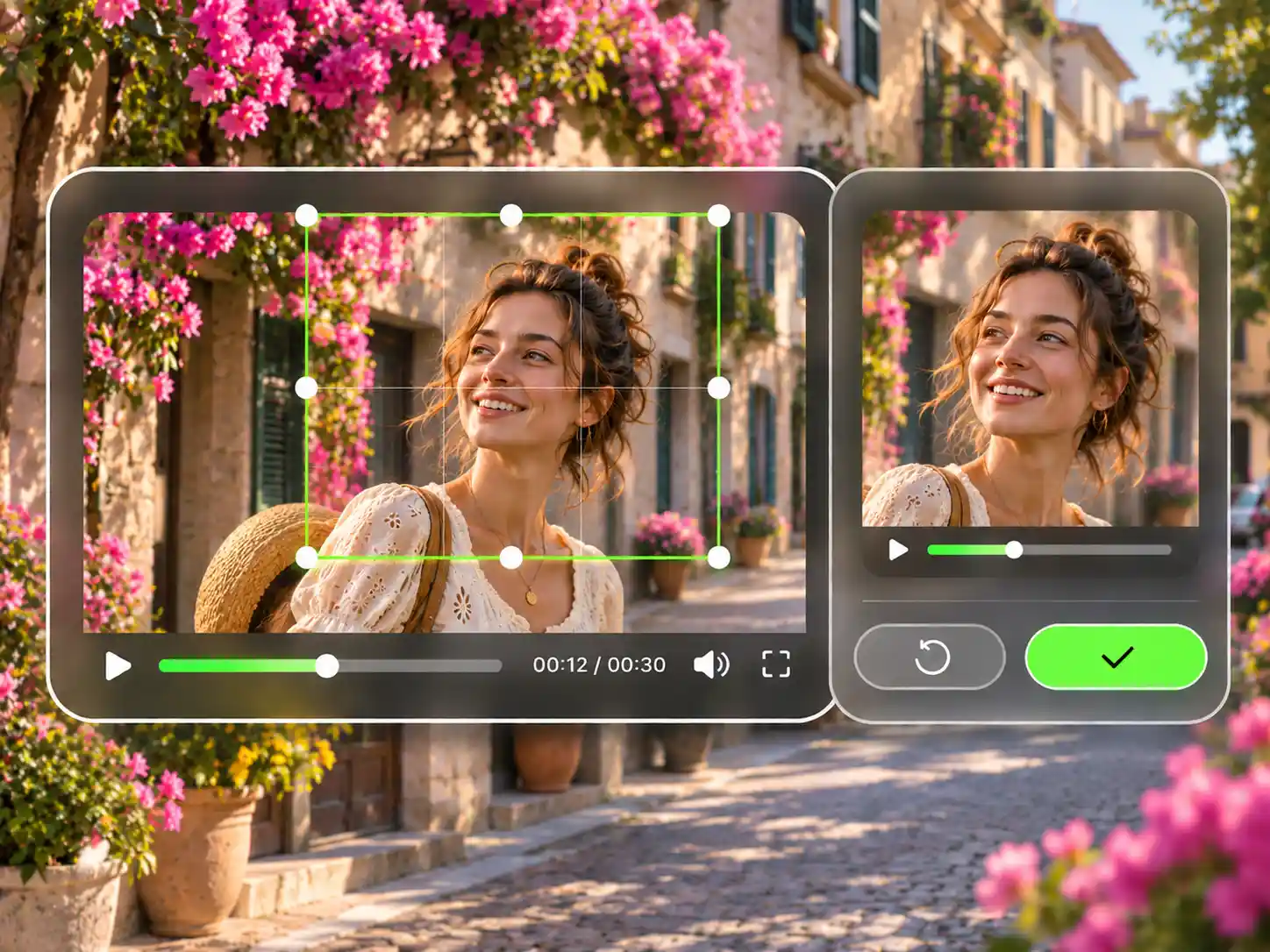
The online video cropper provides a preview of the selected area before changes are applied. Reset and Apply controls make it easier to review and confirm crop settings.
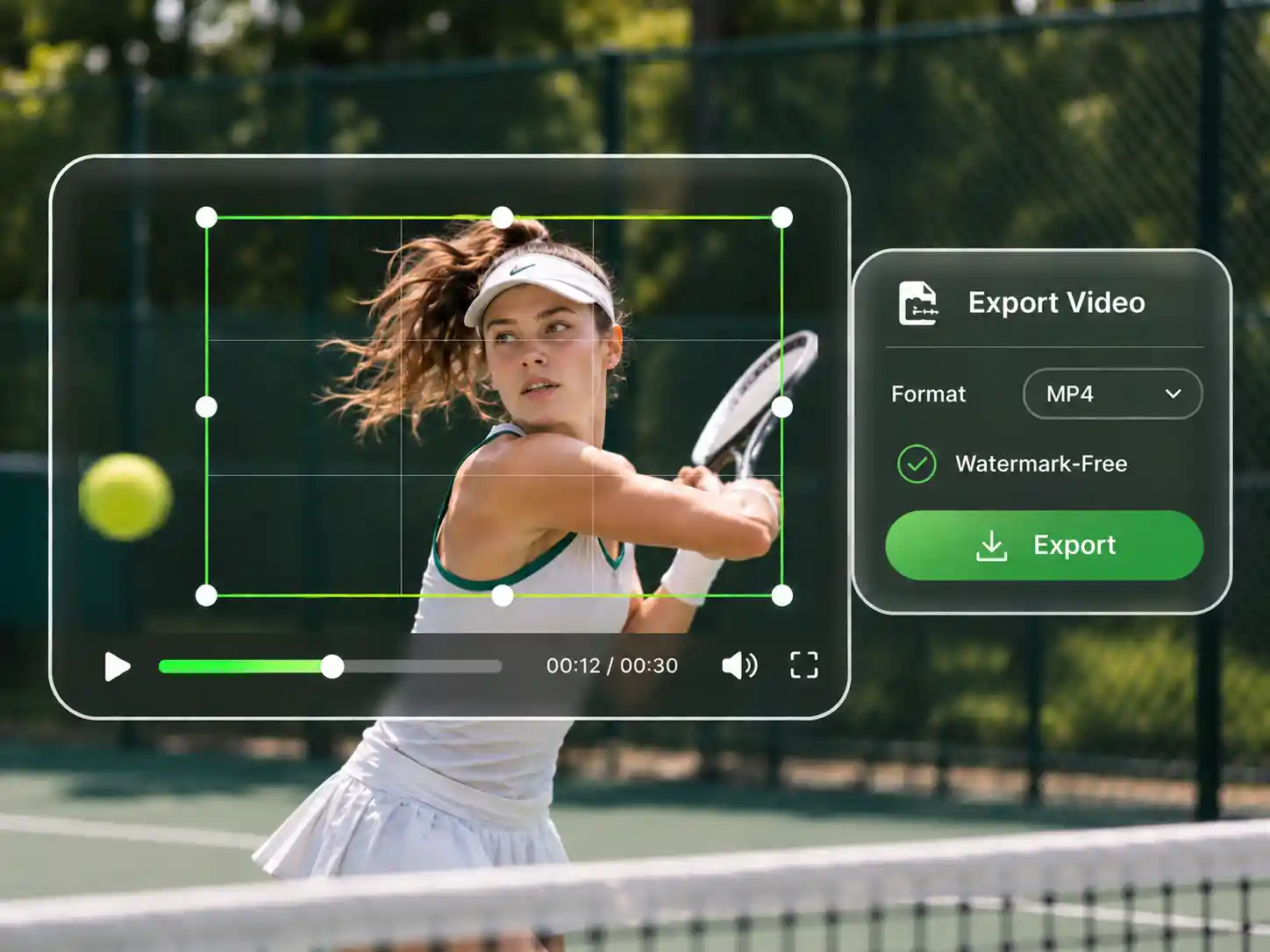
WayinVideo lets you export cropped videos as MP4 files without adding a platform watermark. Save your edited videos for social media sharing, content creation, or further editing.
Use WayinVideo's video cropper online to prepare social clips, podcasts, gameplay, and tutorials with framing that fits your content.
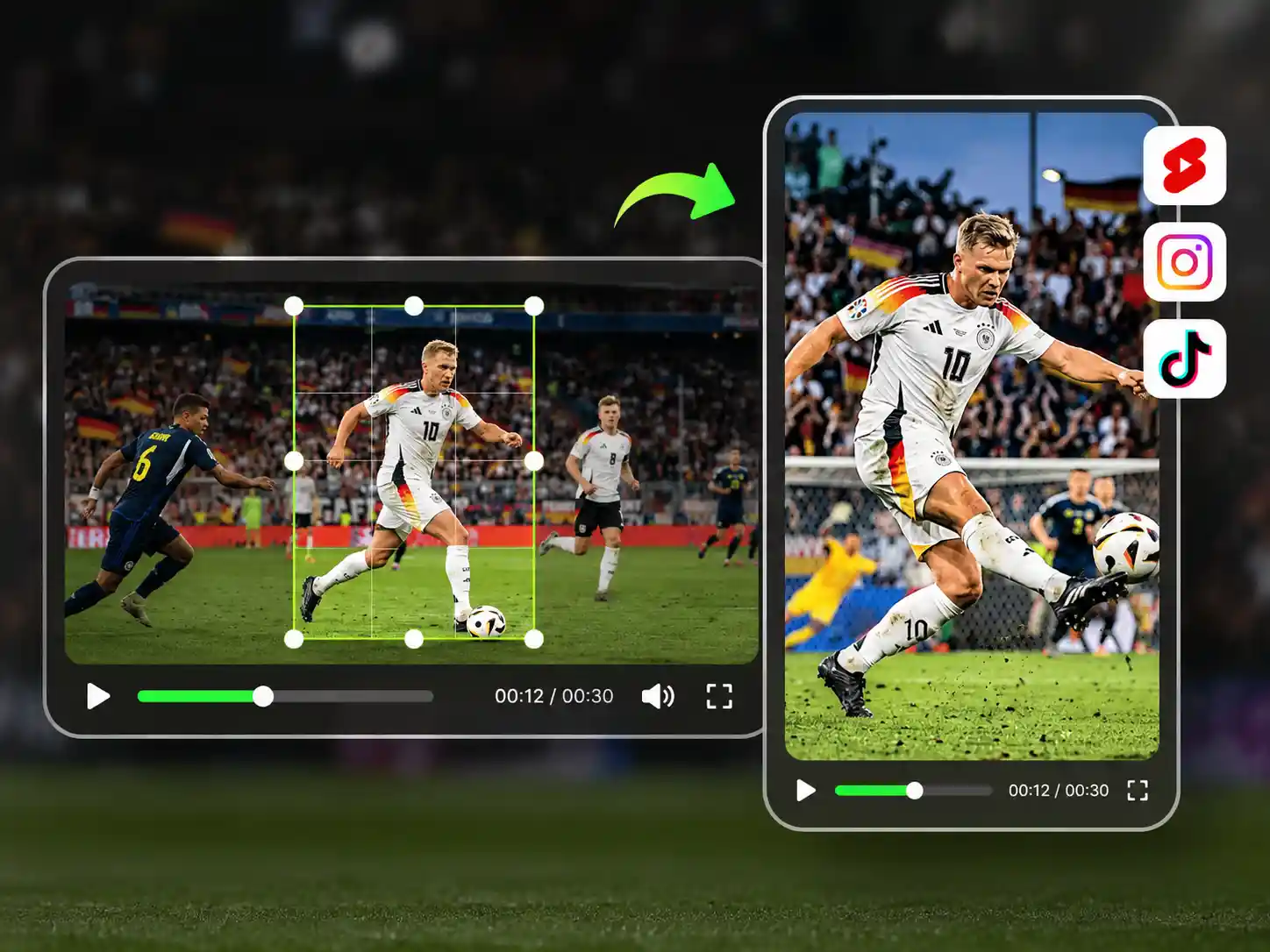
Turn landscape footage into vertical clips for YouTube Shorts, Instagram Reels, and TikTok. WayinVideo's AI video cropper helps keep moving subjects in frame when creating 9:16 videos.
Crop Social VideosWayinVideo's video cropper helps remove unwanted areas and keep important subjects and details in focus.
Combine AI-assisted framing with manual adjustments to crop videos according to your content needs.
Spend less time adjusting video framing with WayinVideo's AI video cropper, especially when subjects move or scenes change.
Keep people, text, and key visual details in view when cropping videos for different formats.
Repurpose existing footage for different formats and platforms without recording new videos.
Export cropped MP4 videos without an added WayinVideo watermark. Available resolutions depend on your plan.
Remove unwanted edges and focus on what matters. Use our video cropper to prepare videos for social media, product demos, and tutorials.
No credit card required.


