
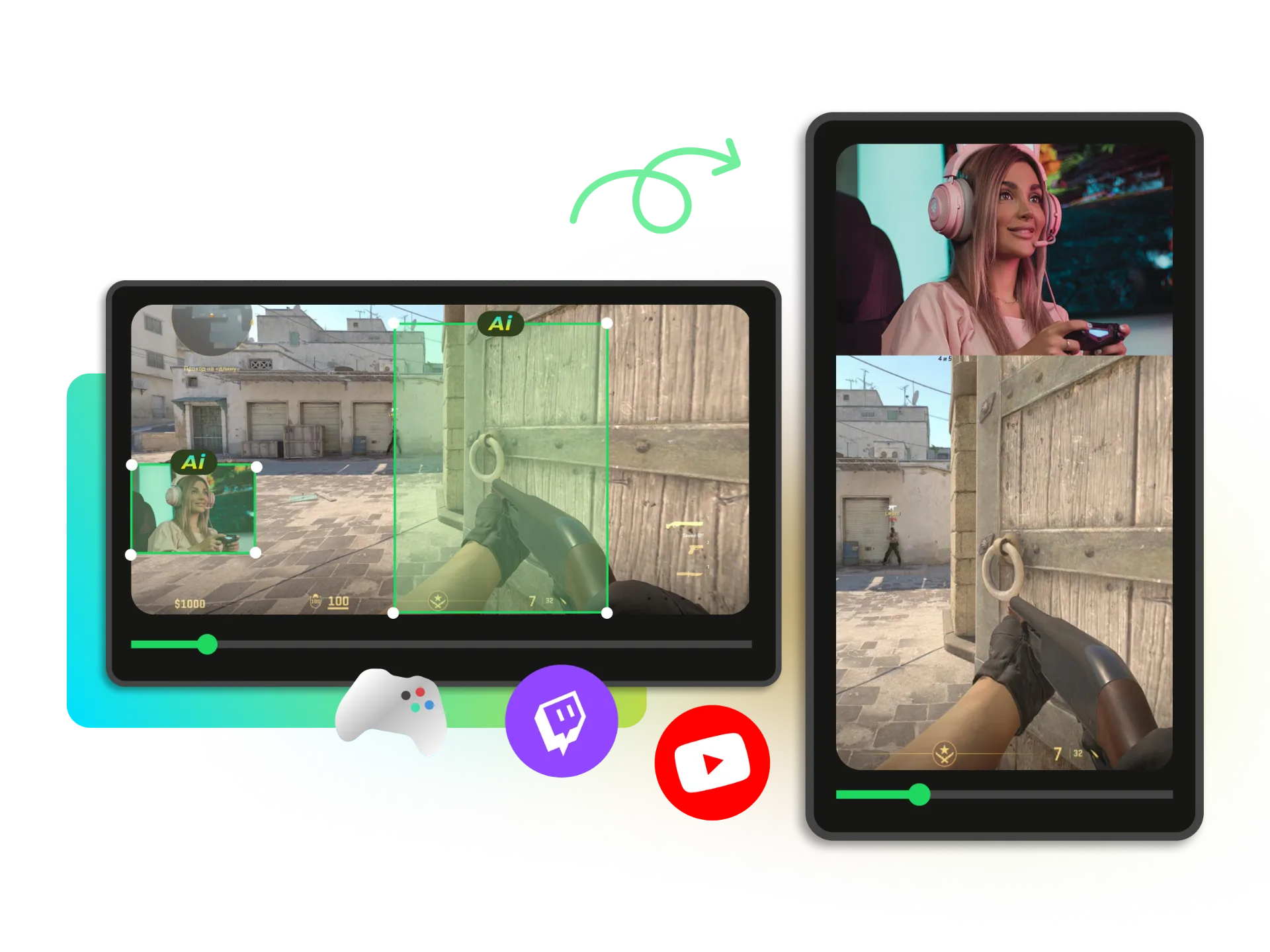
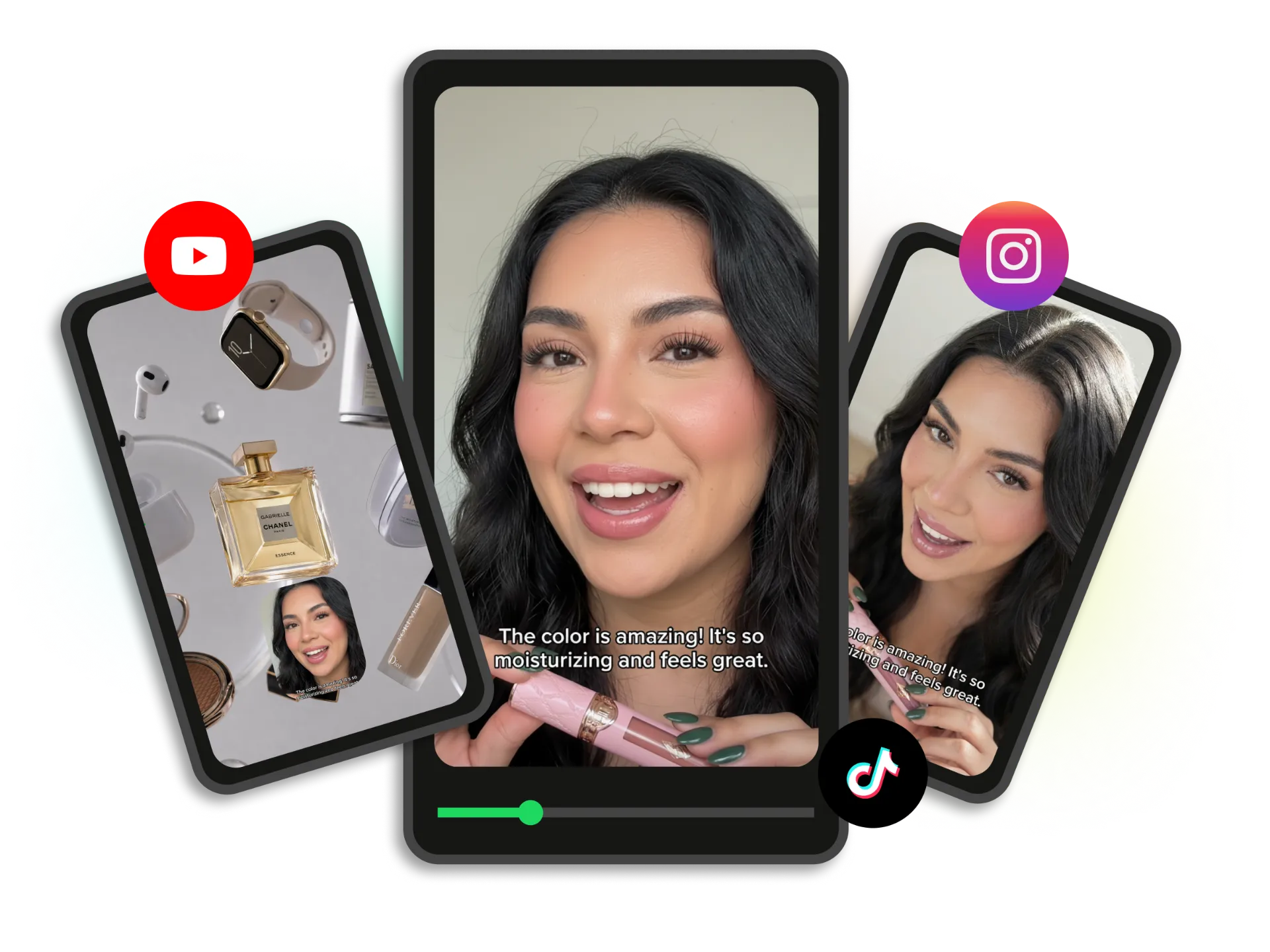

Automatic Subject Focus
WayinVideo's AI automatically detects the main subject and keeps it in focus as your video is resized. No manual cropping, repositioning, or subject tracking is required.
Auto resize video online with WayinVideo. Instantly adjust video size and aspect ratio for TikTok, YouTube, Instagram, Facebook & more. Fast, high-quality, no watermarks.
Trusted by professionals at












Upload your video file or paste a video link from supported platforms. WayinVideo analyzes your content and prepares it for automatic resizing.
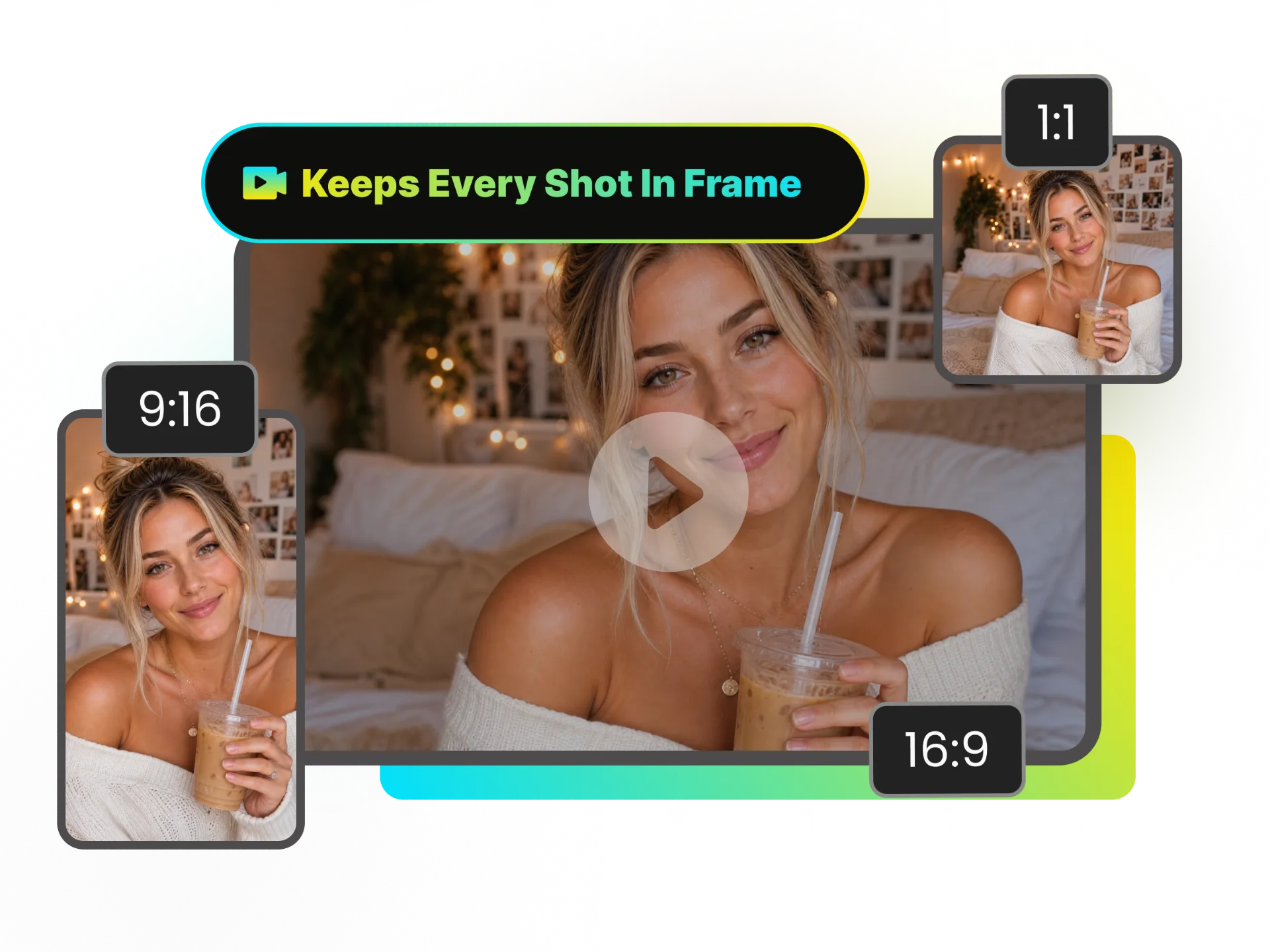
WayinVideo resizes video automatically while keeping the main subject in focus. Our AI detects the important subject in your video and automatically adjusts the framing as the video dimensions change, so you don't need to manually crop, reposition, or track the subject.
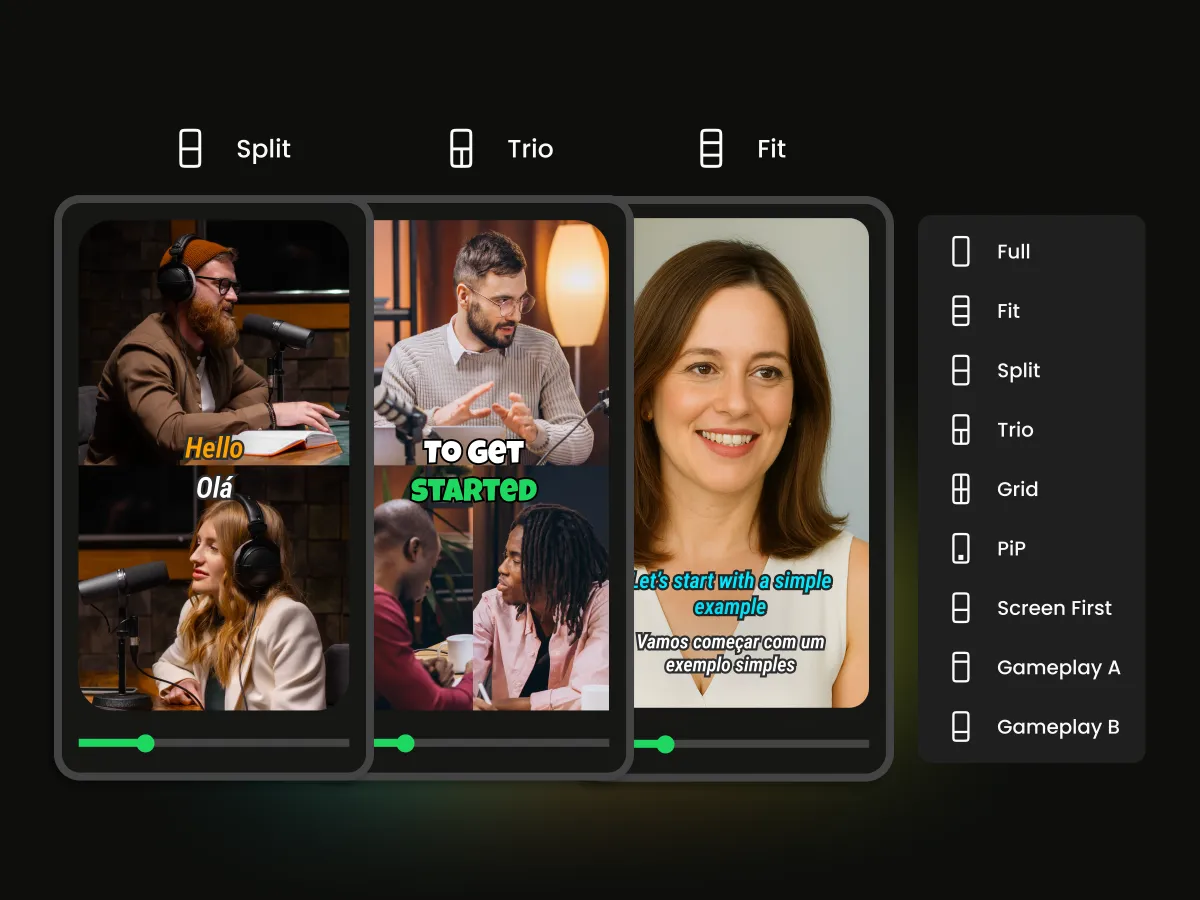
Choose from Full, Split or Fit — then instantly see how your video will look on every major platform before you export. WayinVideo's automatic video resizer adapts the composition so your content stays perfectly framed and eye-catching across TikTok, Reels, X and more.
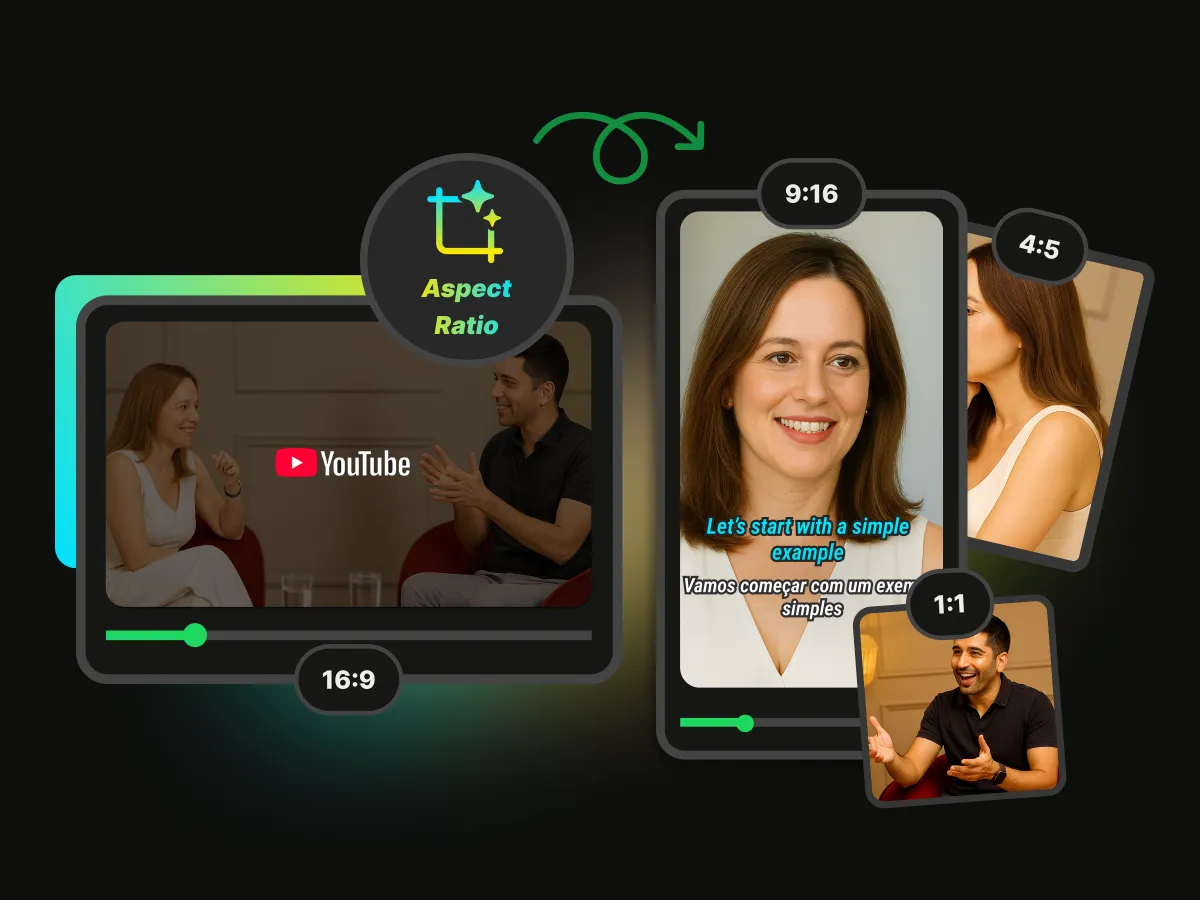
Resize video automatically into different sizes and aspect ratios to fit different platform requirements and content formats. WayinVideo supports common formats such as 1:1, 16:9, 9:16 and 4:5, making it easier to adapt one video for different publishing needs with an AI-powered video resizer.
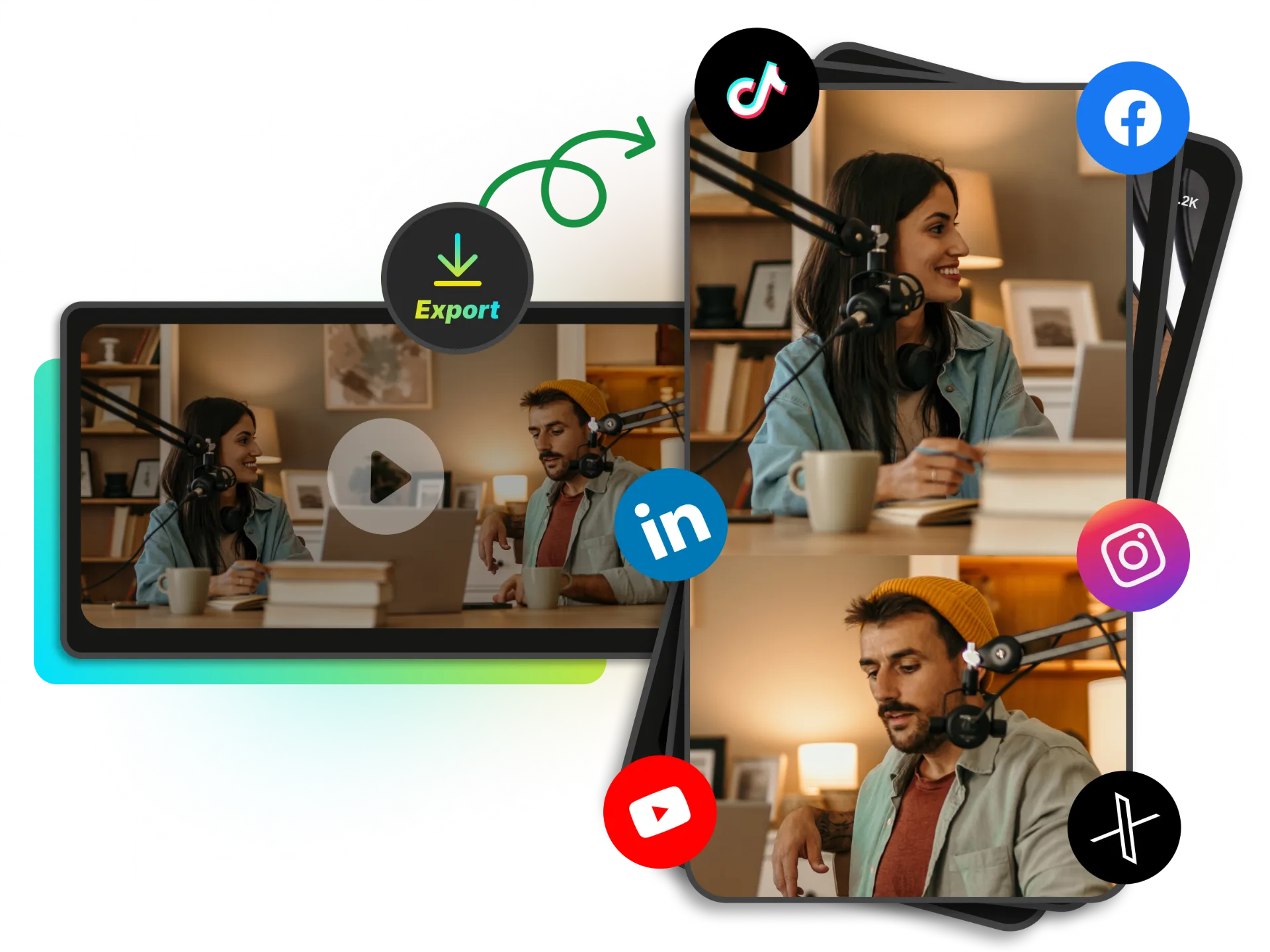
Adapt one video to different platform formats without manually resizing each version. WayinVideo automatically adjusts the video's dimensions and framing based on your selected size, making it easy to auto resize YouTube video content for different publishing formats with a YouTube video resizer.
Automatically adapt one video to different sizes and layouts without repeating the same manual resizing work. WayinVideo keeps your main subject in focus while adjusting the composition, making it easier to auto resize video for different publishing formats.
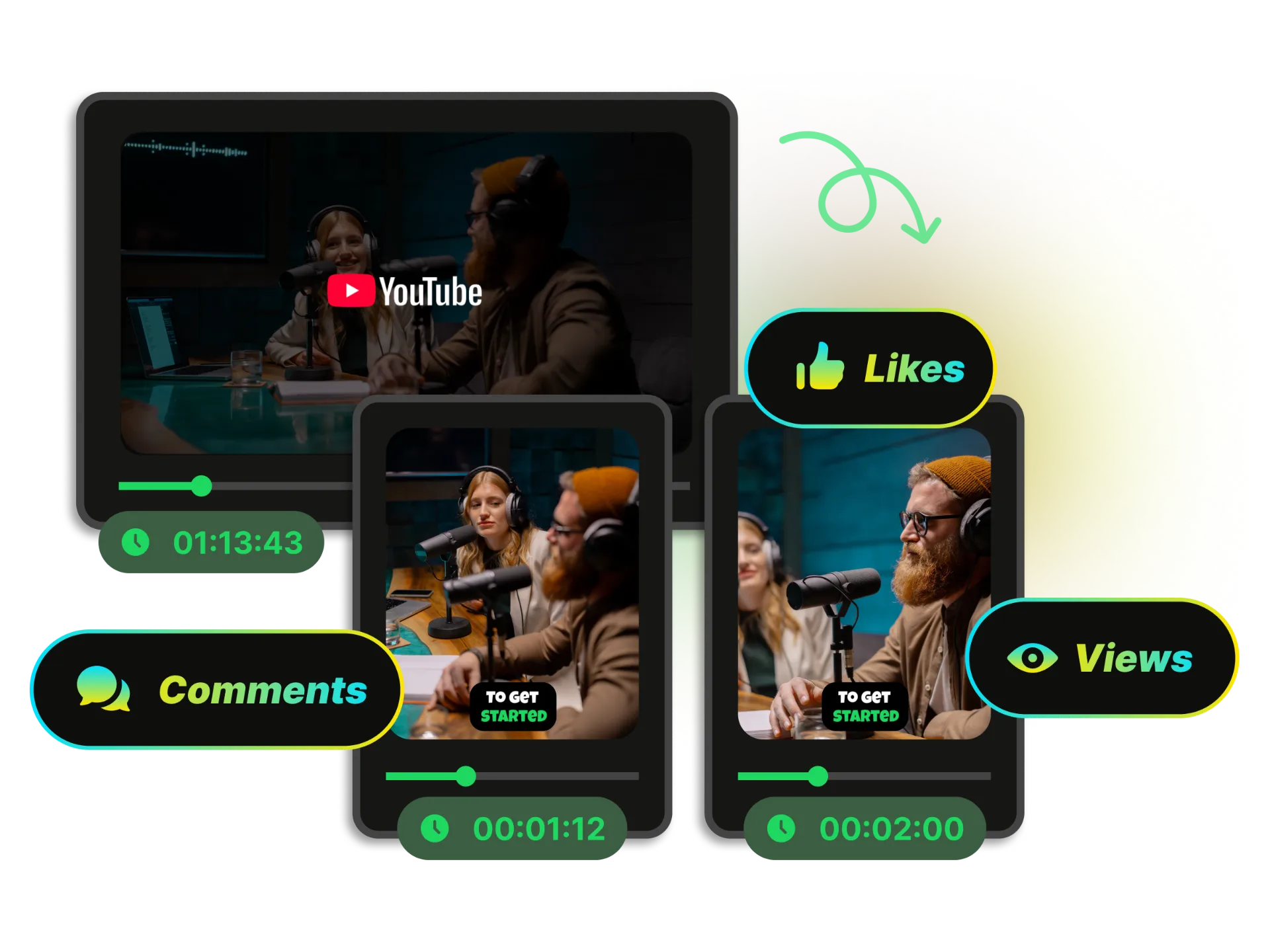
Turn existing content into more social-ready videos without manually adjusting every frame. WayinVideo automatically resizes and reframes your content, making it easier to auto resize video for Instagram and TikTok while keeping your main subject in focus. A TikTok video resizer makes it easier to prepare content in the right format for vertical viewing.
Create More ContentWayinVideo's AI automatically detects the main subject and keeps it in focus as your video is resized. No manual cropping, repositioning, or subject tracking is required.
Choose from Full, Split, Fit, and other layout options to create the right composition for your content. Easily control how your video is arranged after resizing.
Auto adjust videos effortlessly on any device with WayinVideo's fully mobile-friendly tool. Easily create new videos anytime, anywhere, even on your mobile device.
Automate repetitive editing with AI-powered automatic video resizing. WayinVideo uses AI to resize your content while keeping important visual elements properly positioned.
WayinVideo is an automatic video resizer that works directly in your browser, automating repetitive resizing and framing adjustments in seconds.
Export your resized videos in high quality, with support for 1080p, 2K, and 4K output. Keep your content sharp and ready for professional publishing.
Need to auto adjust video dimensions and framing? WayinVideo uses AI to resize video for you. Choose different sizes and layouts while keeping your main subject in focus without manual adjustments.
Start free with 100 credits


