

Save Time on Subtitle Editing
Edit existing subtitles instead of recreating them from scratch. Spend less time on repetitive corrections and more time improving your video content.
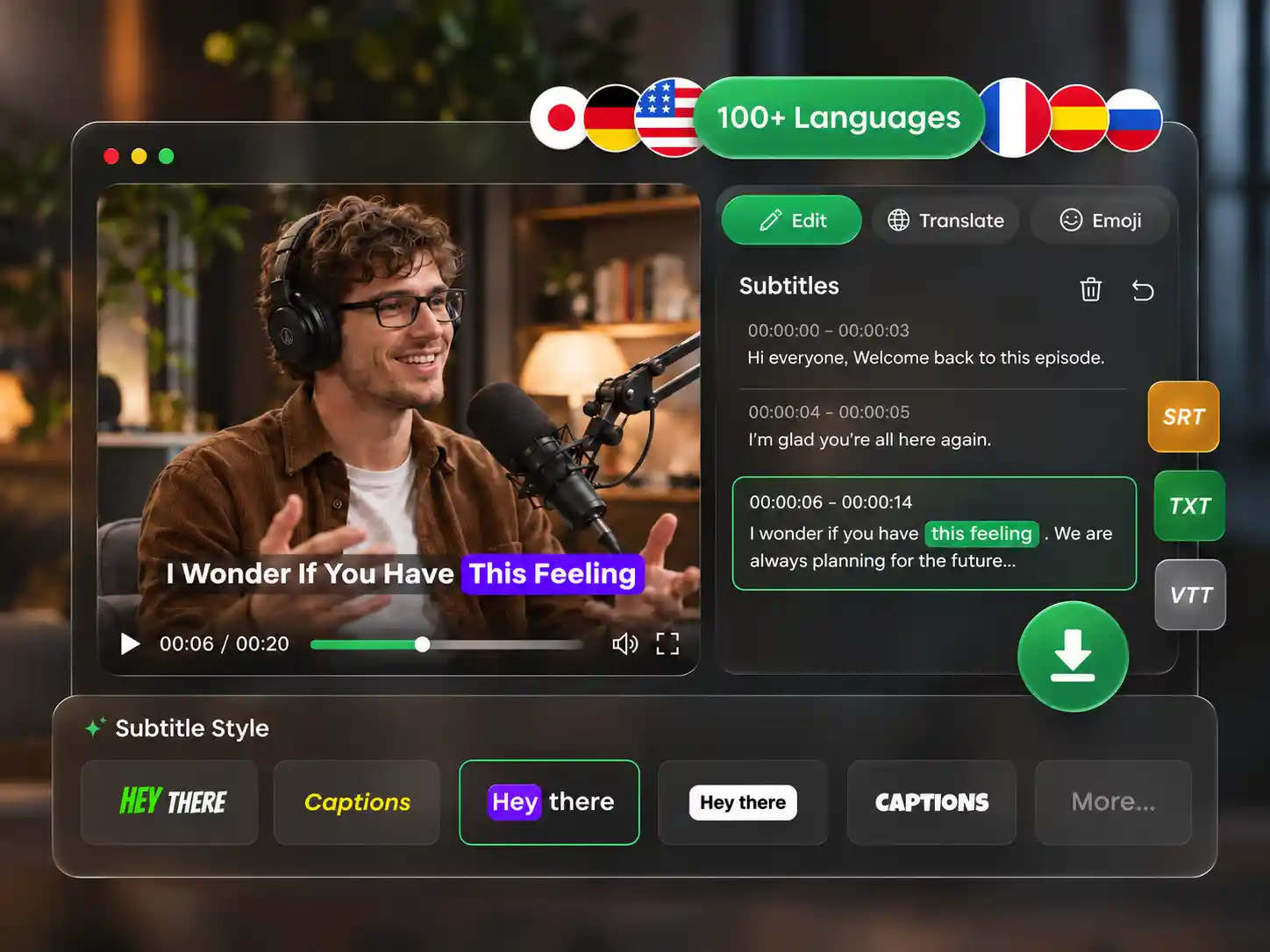
Edit and refine video subtitles with WayinVideo's online subtitle editor. Fix errors, adjust styles, and get your subtitles ready for publishing.
Drag and drop a video file here
Video: MP4, MOV, WebM, AVI
Trusted by professionals at












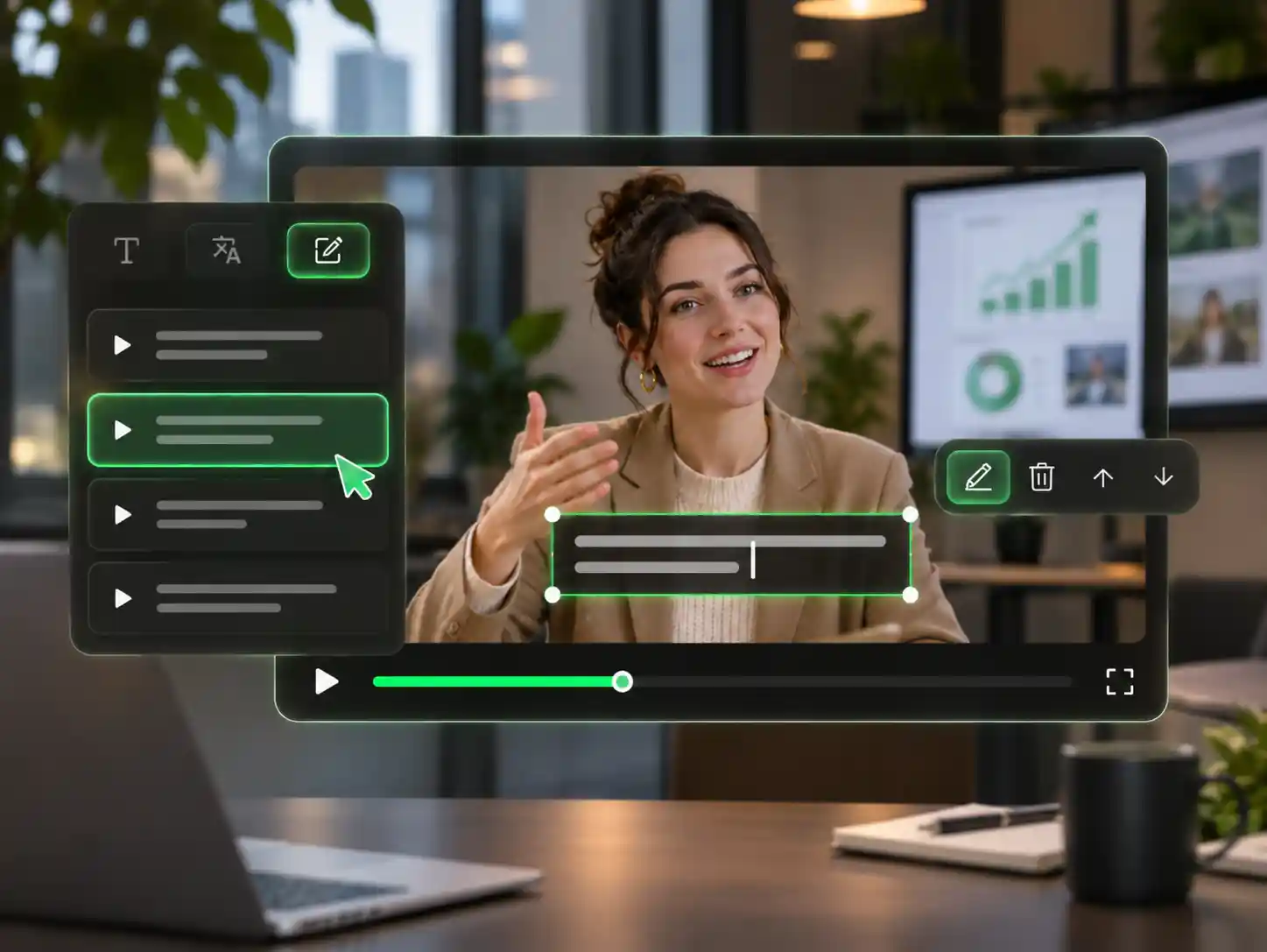
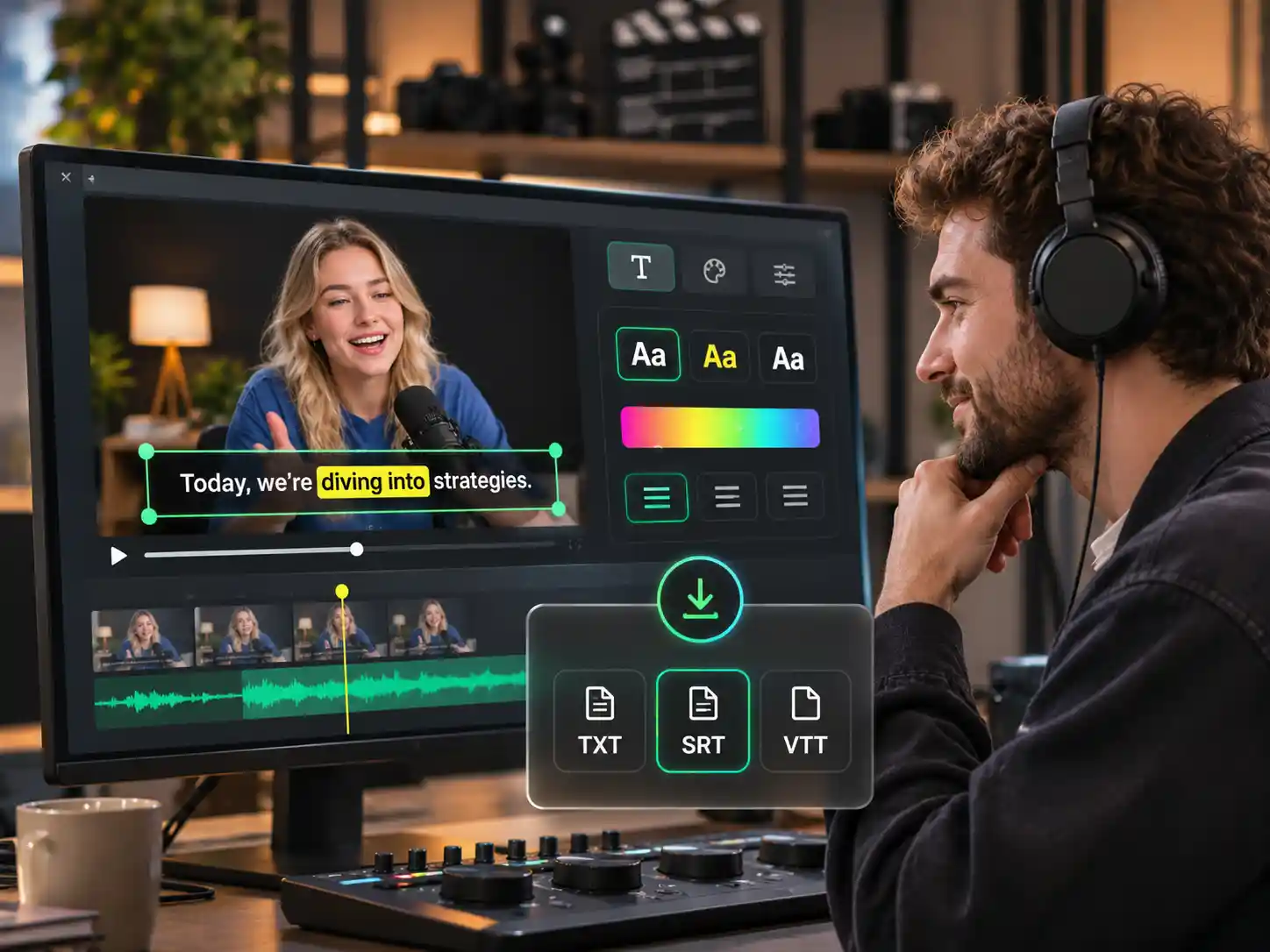
WayinVideo lets you edit video subtitles online by modifying individual subtitle text directly in the editor. Correct recognition errors, fix spelling and punctuation, or refine wording to make your subtitles clearer and easier to read.
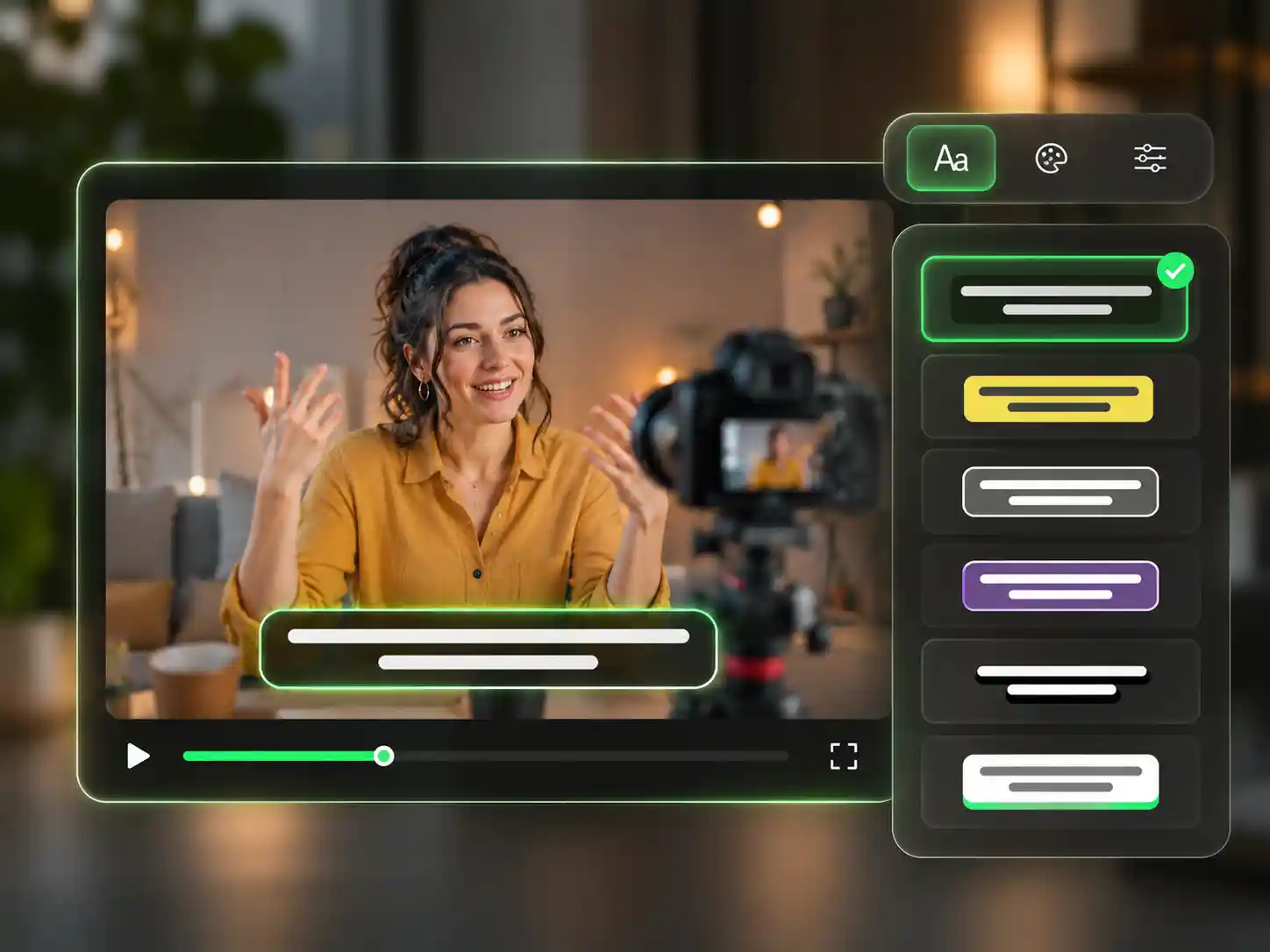
Choose from different subtitle styles to match your video's visual presentation. Give subtitles a consistent look across YouTube videos, social media clips, and branded content without changing your original video editing workflow.
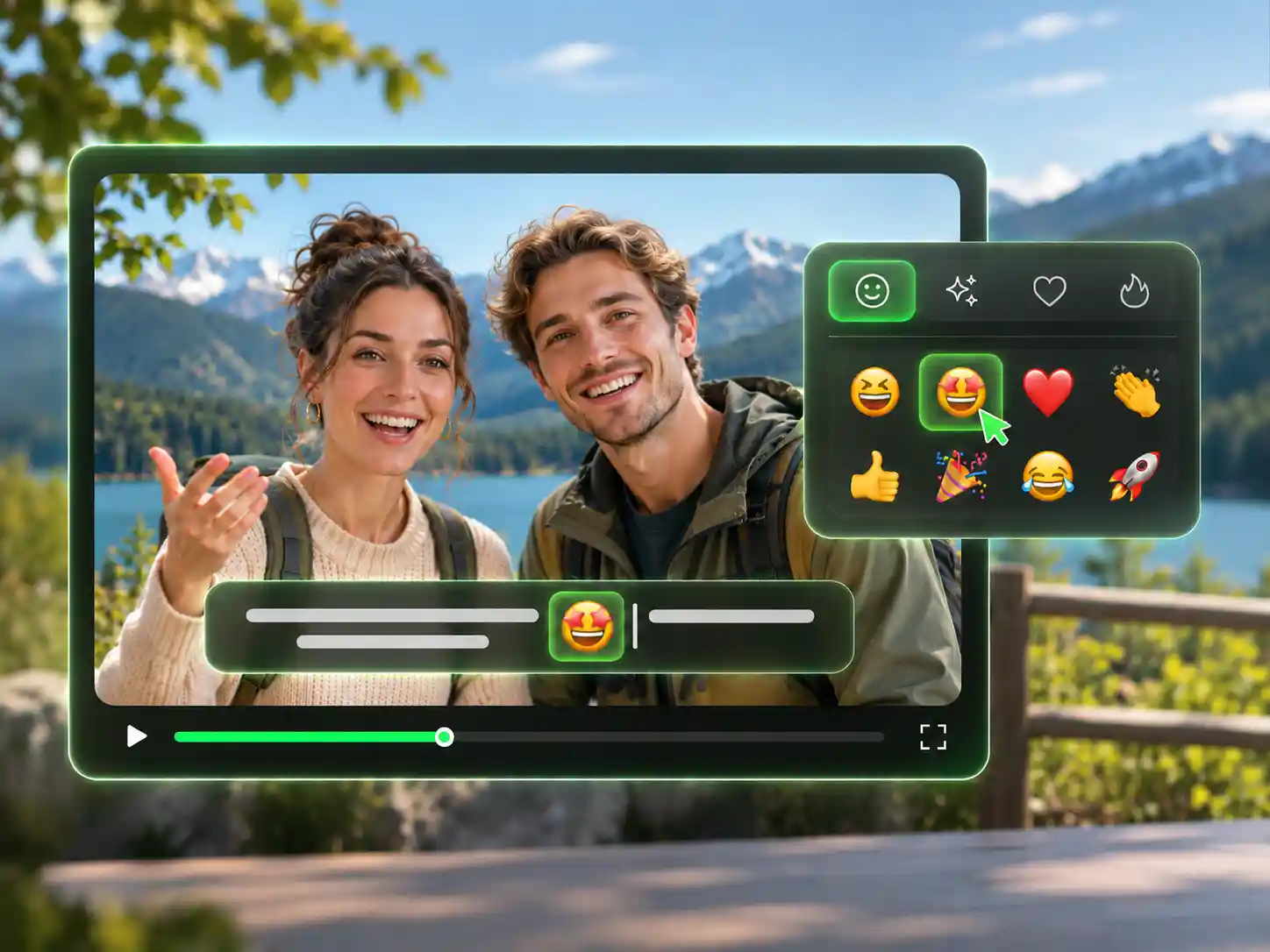
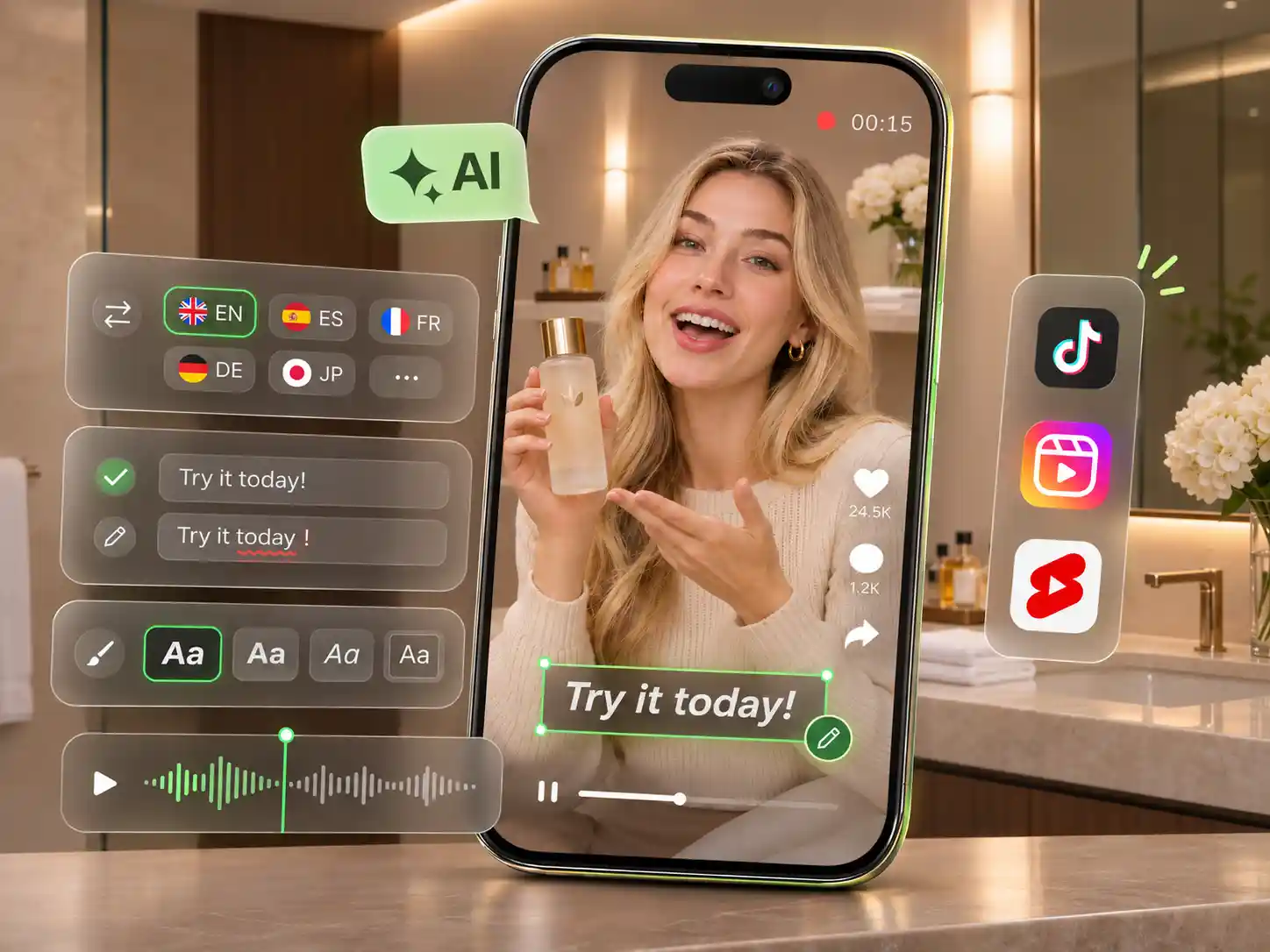
Use AI Emojis to add expressive emojis to individual subtitles. This AI subtitle editor feature helps highlight emotions and key moments, making subtitles more engaging and visually expressive.
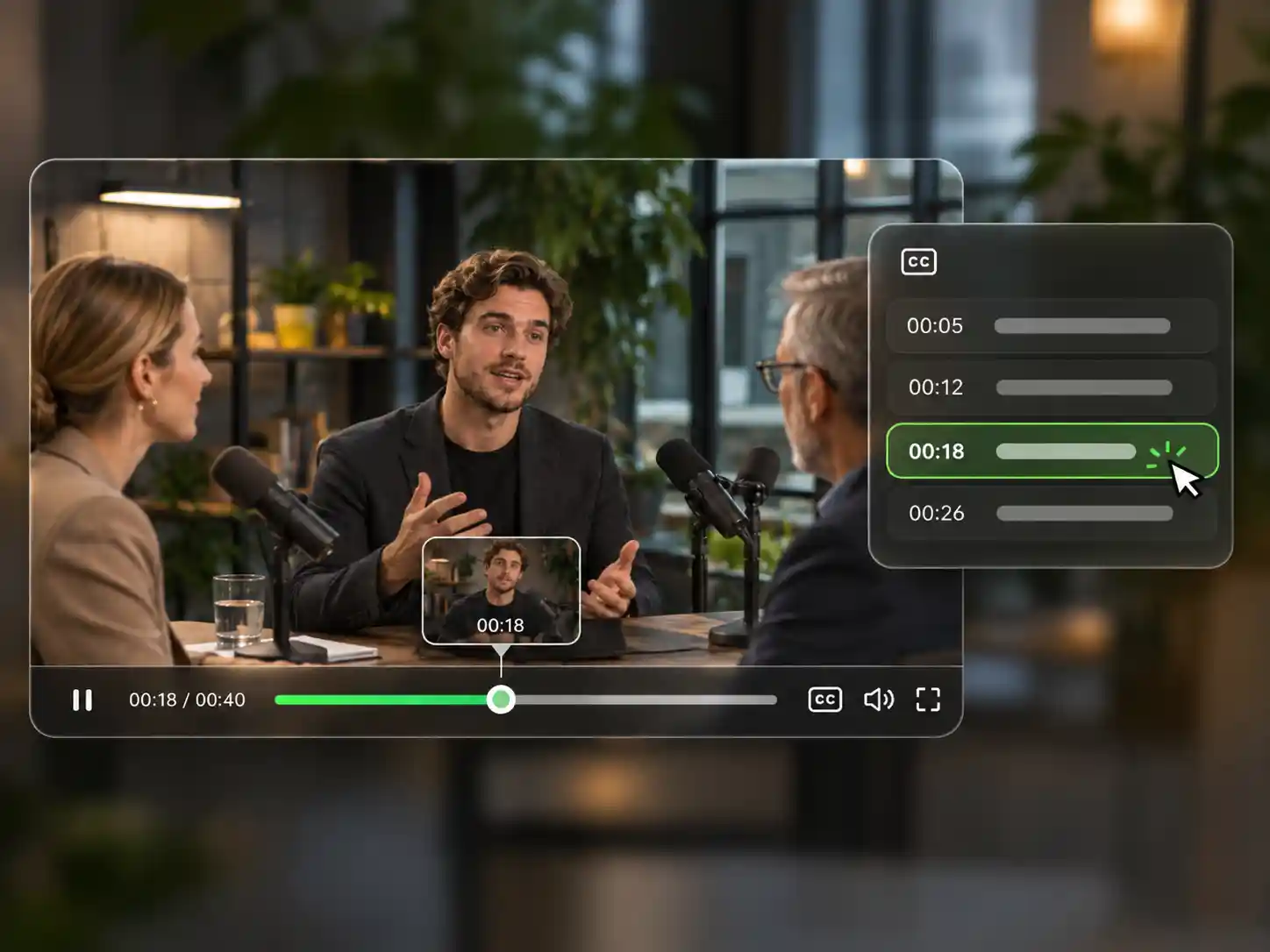
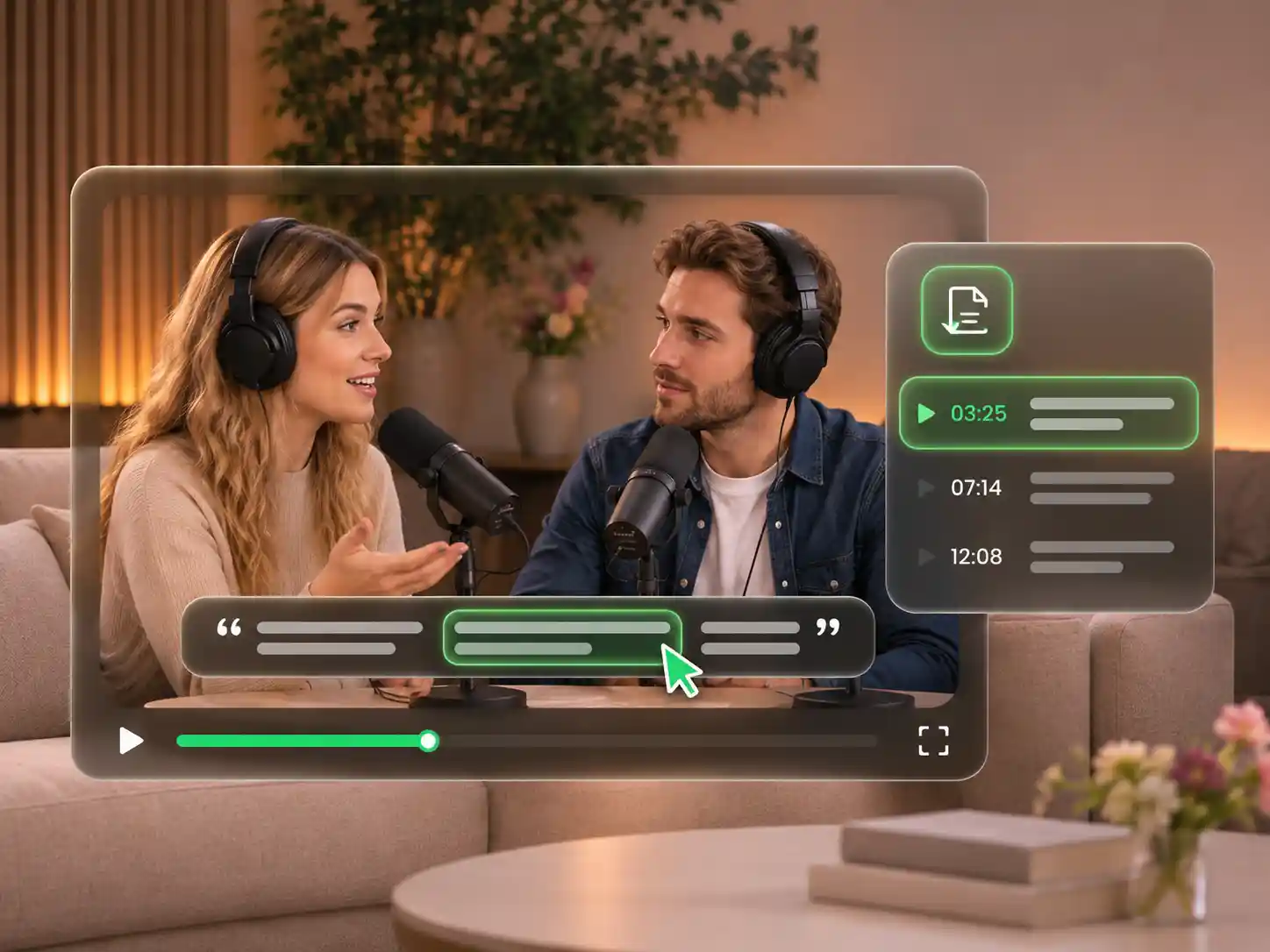
Click any subtitle to jump to its corresponding position in the video. Review the original footage and check the surrounding context without repeatedly searching through the video timeline.
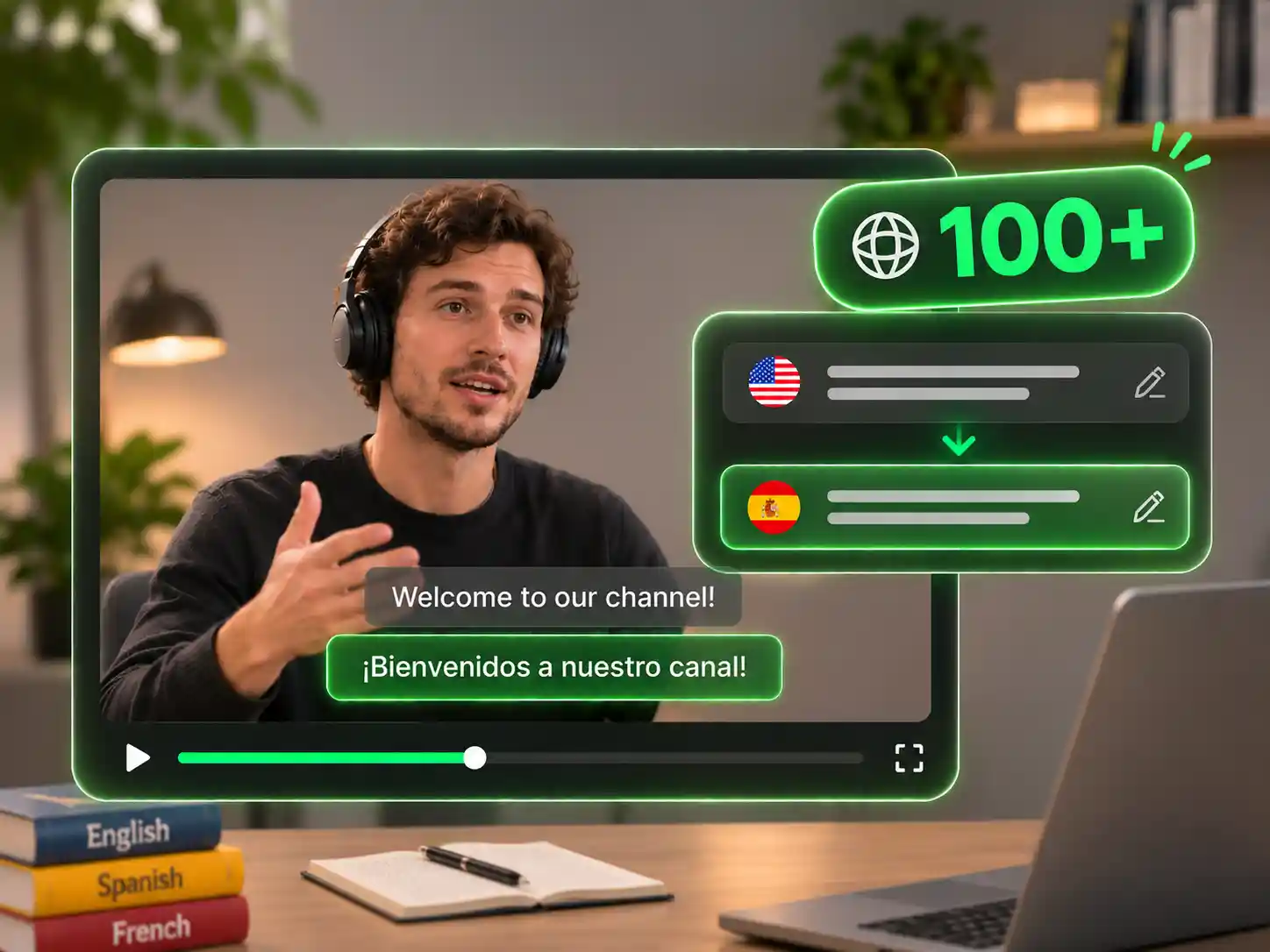
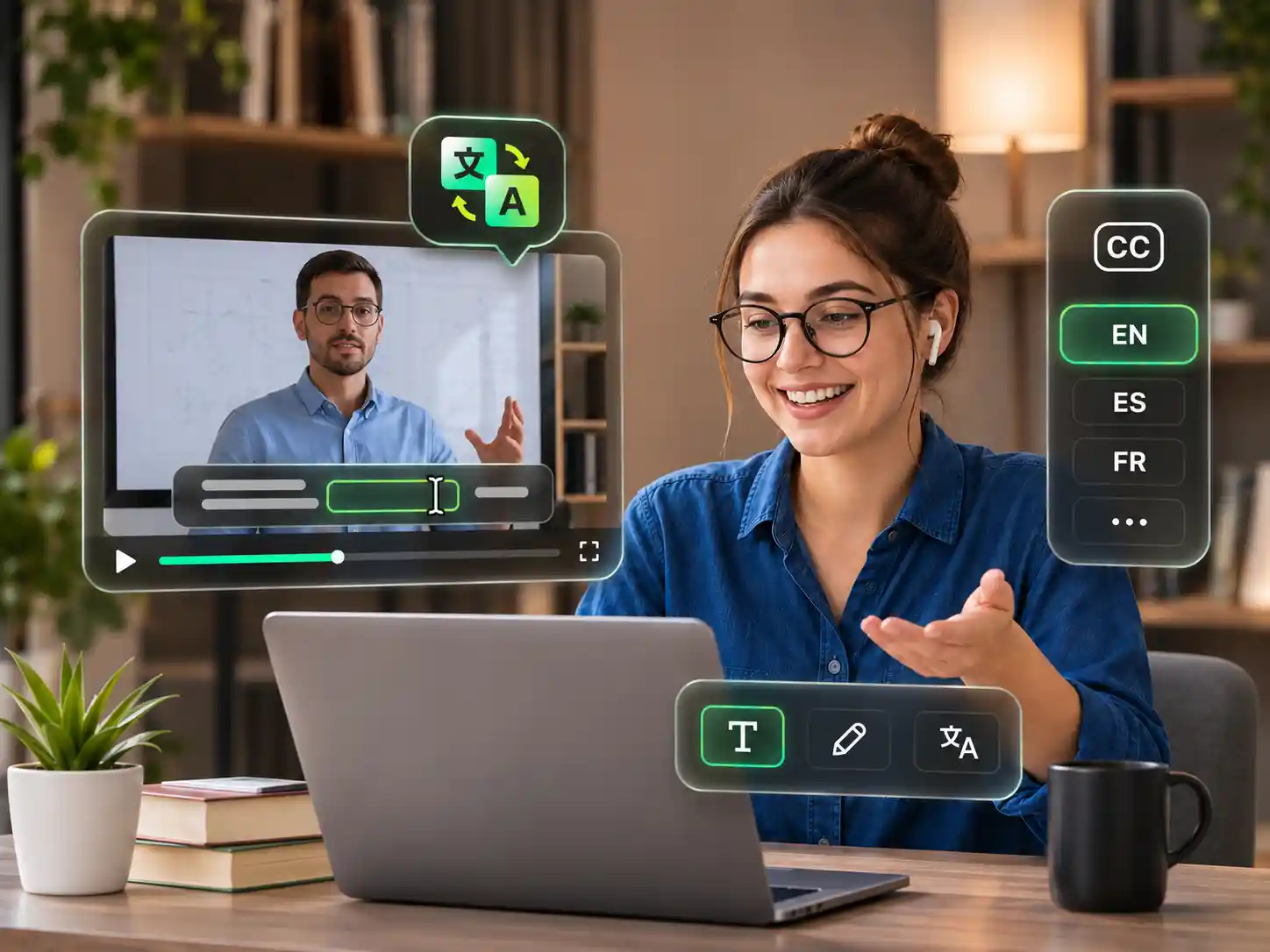
Translate existing subtitles into different languages to prepare multilingual versions of your video. Review and edit the translated text before exporting. For more translation options, explore our subtitle translator.
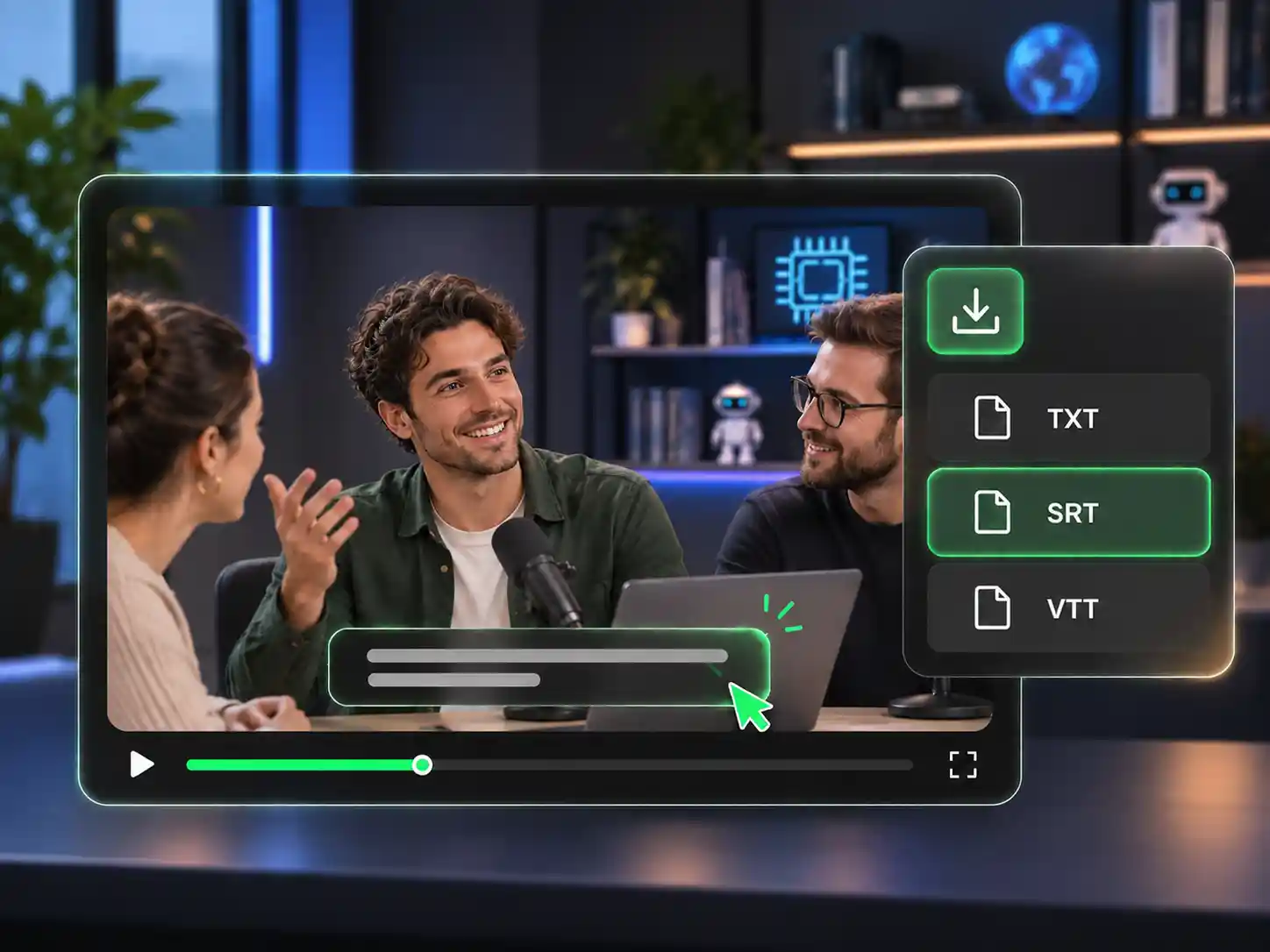
Download your edited subtitles as TXT files with timestamps, SRT, or VTT. Choose a format that fits your content organization, video editing, or subtitle delivery needs.
Edit subtitles for video publishing, post-production, branded content, interview review, and educational materials.
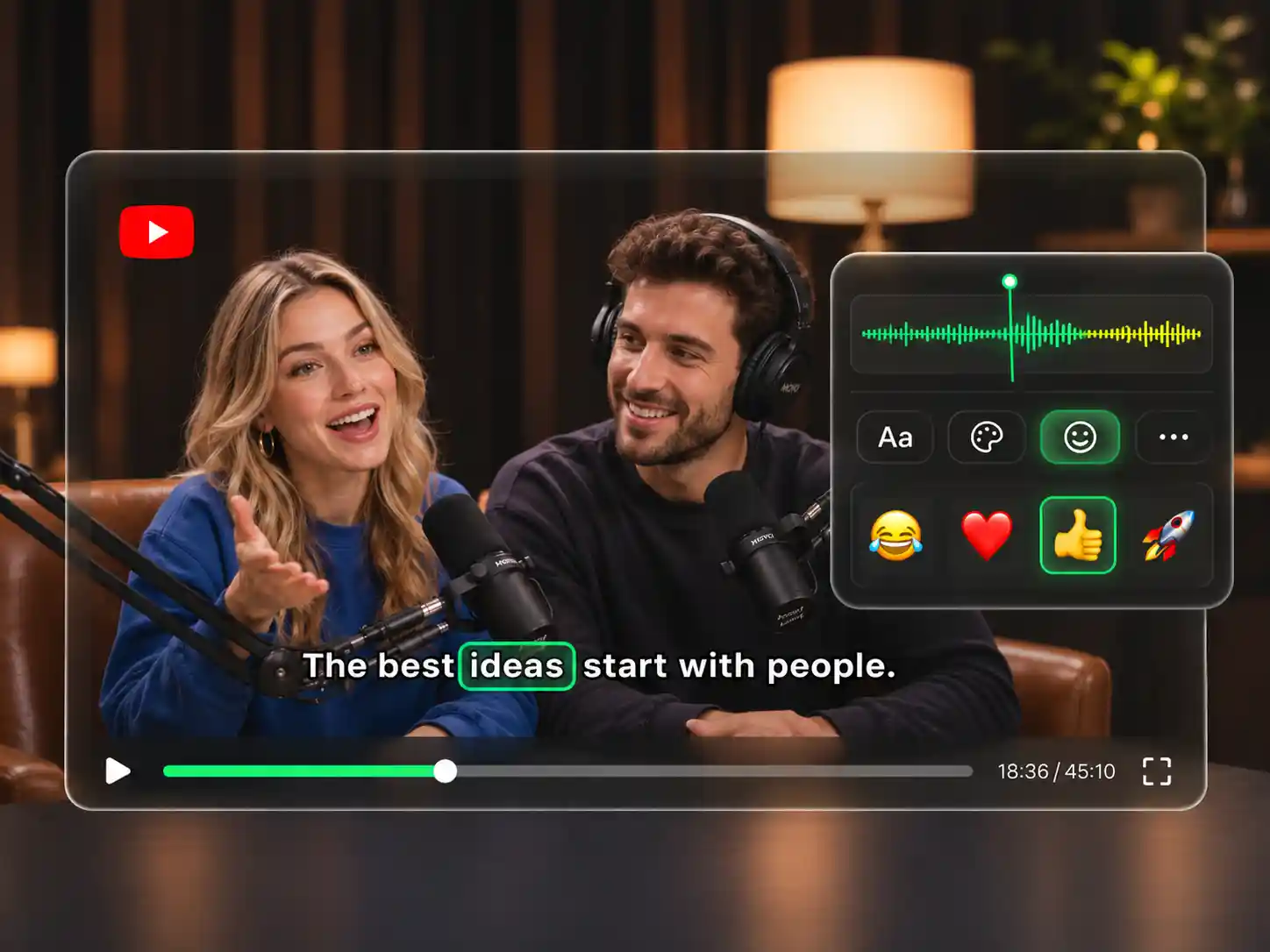
Before publishing YouTube videos or social media content, creators can use a video subtitle editor to review and correct automatically generated subtitles. Correct spelling mistakes, missing words, and inaccurate expressions, then click subtitles to check the corresponding video moments. Customize styles or add emojis to match the content.
Review Video SubtitlesEdit existing subtitles instead of recreating them from scratch. Spend less time on repetitive corrections and more time improving your video content.
Review and correct spelling, wording, and recognition errors to make your subtitles clearer and more reliable.
Combine subtitle styles and emojis to create subtitles that better match your video’s content and visual tone.
Translate existing subtitles into different languages to make your video content accessible to more viewers.
Choose TXT, SRT, or VTT formats based on your content organization, editing, and delivery requirements.
Edit, customize, translate, and export subtitles in one workflow without constantly switching between different tools.
Upload a video or paste a supported video link to get started. Generate subtitles using our subtitle generator if needed, then open the editor to refine them.
Make your video subtitles clearer and more engaging with WayinVideo's subtitle editor. Refine your subtitles and get them ready for your next project.
Edit, customize, and export subtitles in one place.


