
Add Basic Subtitles to Video
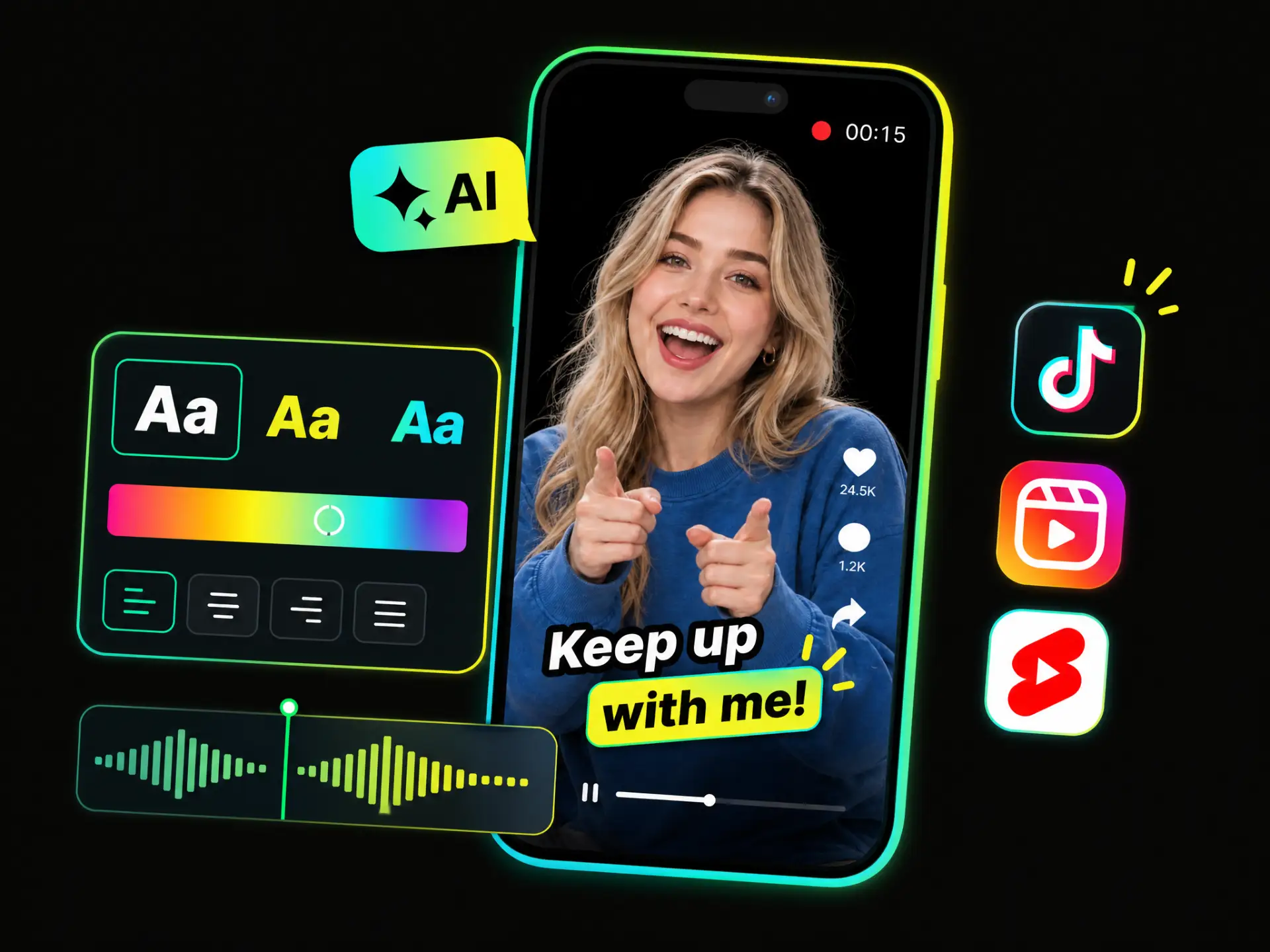
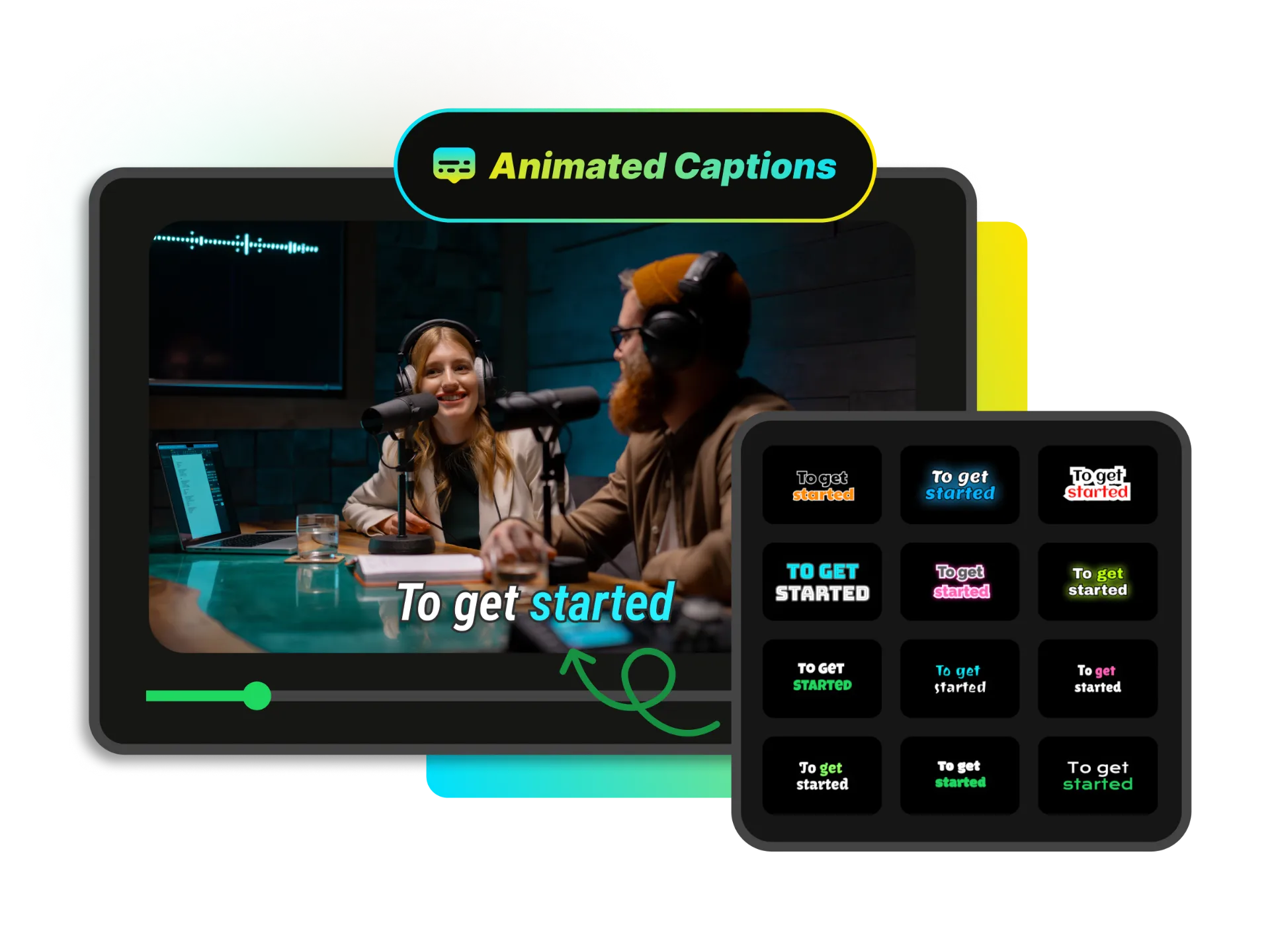
Put subtitles on video with a clean, simple style that keeps every word easy to read. Adjust the font, position, and timing to create clear captions without distracting from your content.
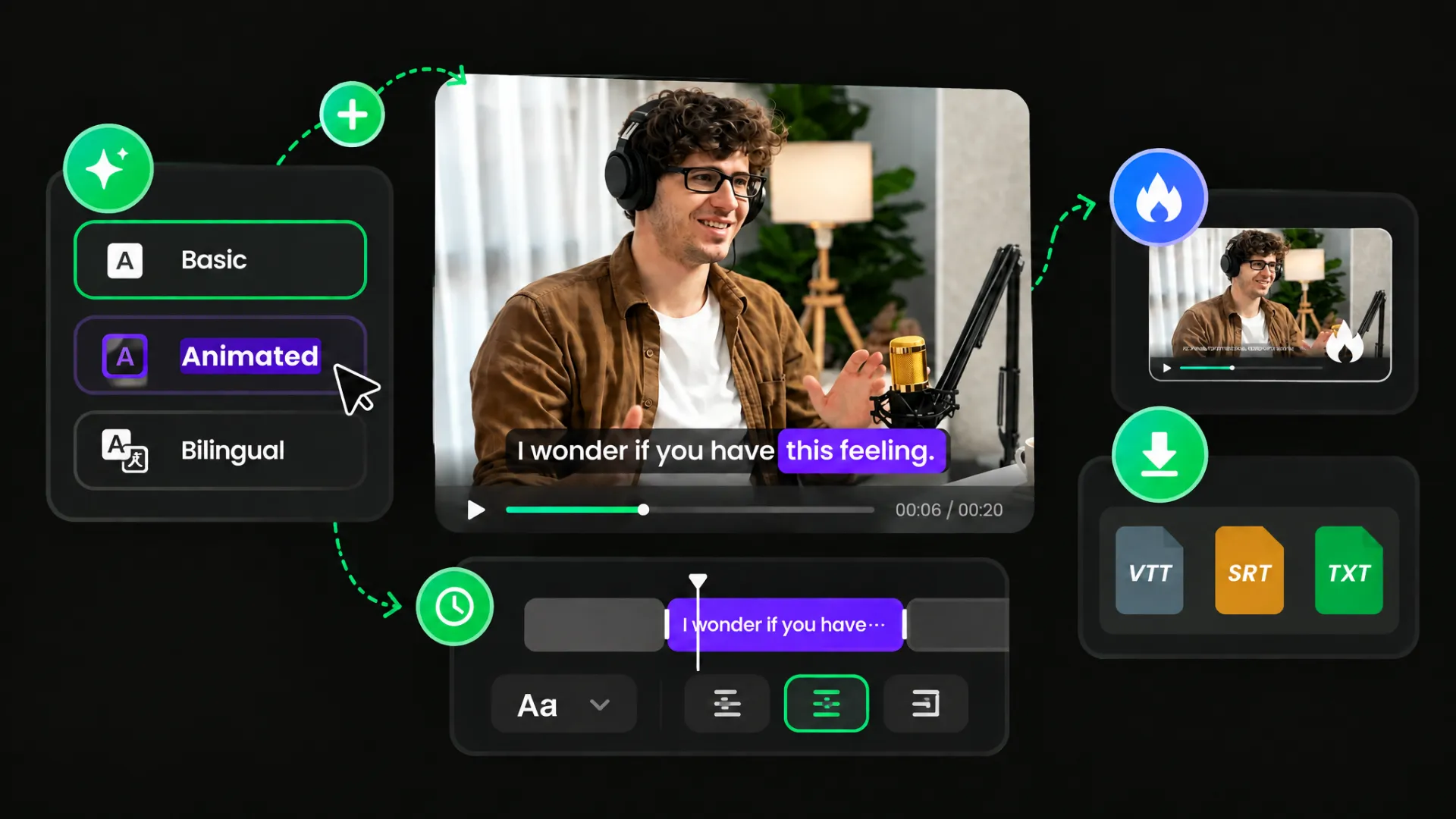
Add subtitles to video free without complicated editing. Automatically generate captions, customize their style and timing, then burn them into your video or download SRT, VTT, or TXT files.
Drag and drop a video file here
Video: MP4, MOV, WebM, AVI
Trusted by professionals at












Put subtitles on video with a clean, simple style that keeps every word easy to read. Adjust the font, position, and timing to create clear captions without distracting from your content.
Put subtitles on video with a clean, simple style that keeps every word easy to read. Adjust the font, position, and timing to create clear captions without distracting from your content.
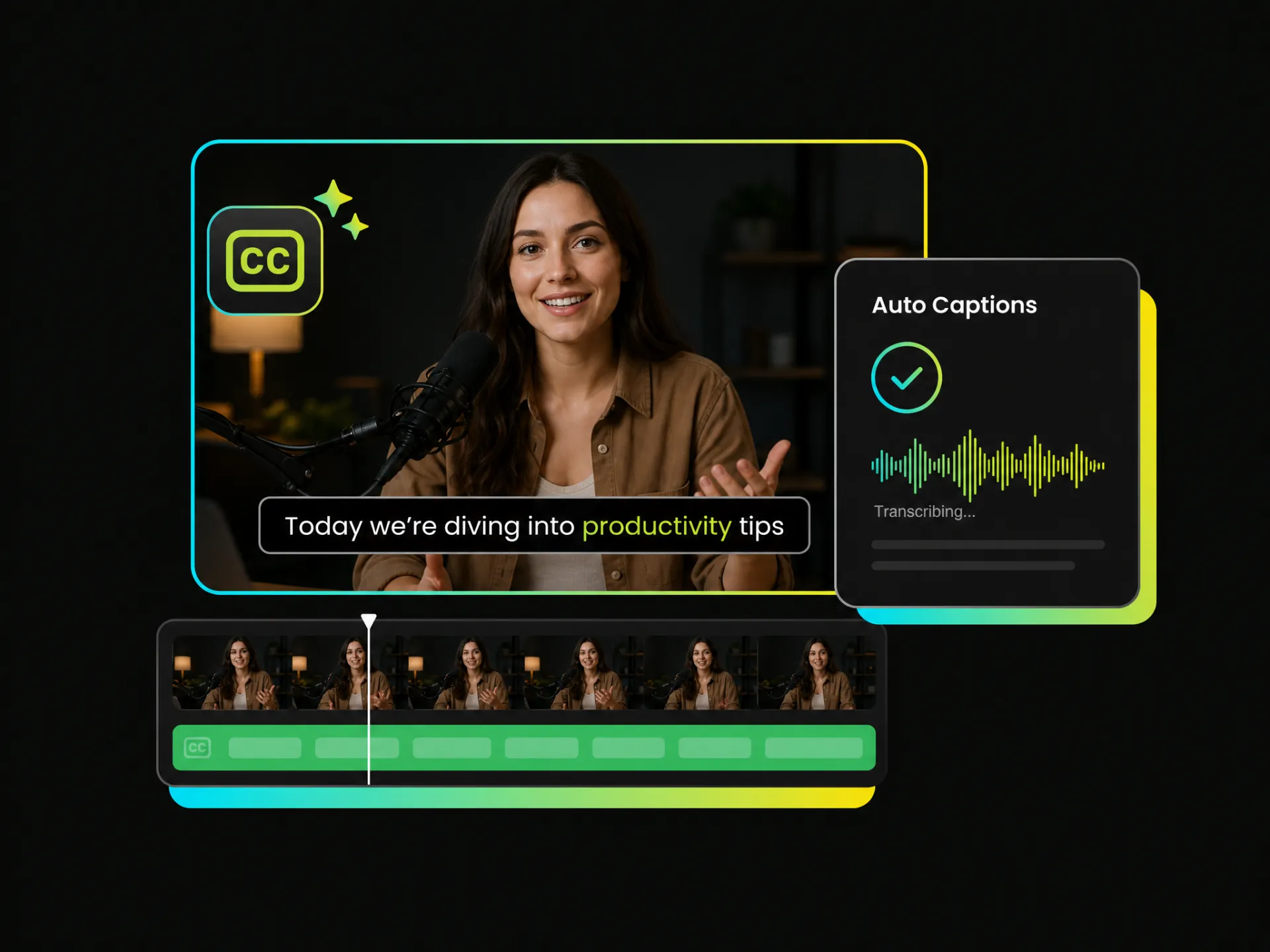
Automatically add subtitles to video without typing every line yourself. Generate captions from your video and add them directly to keep your editing workflow simple and efficient.
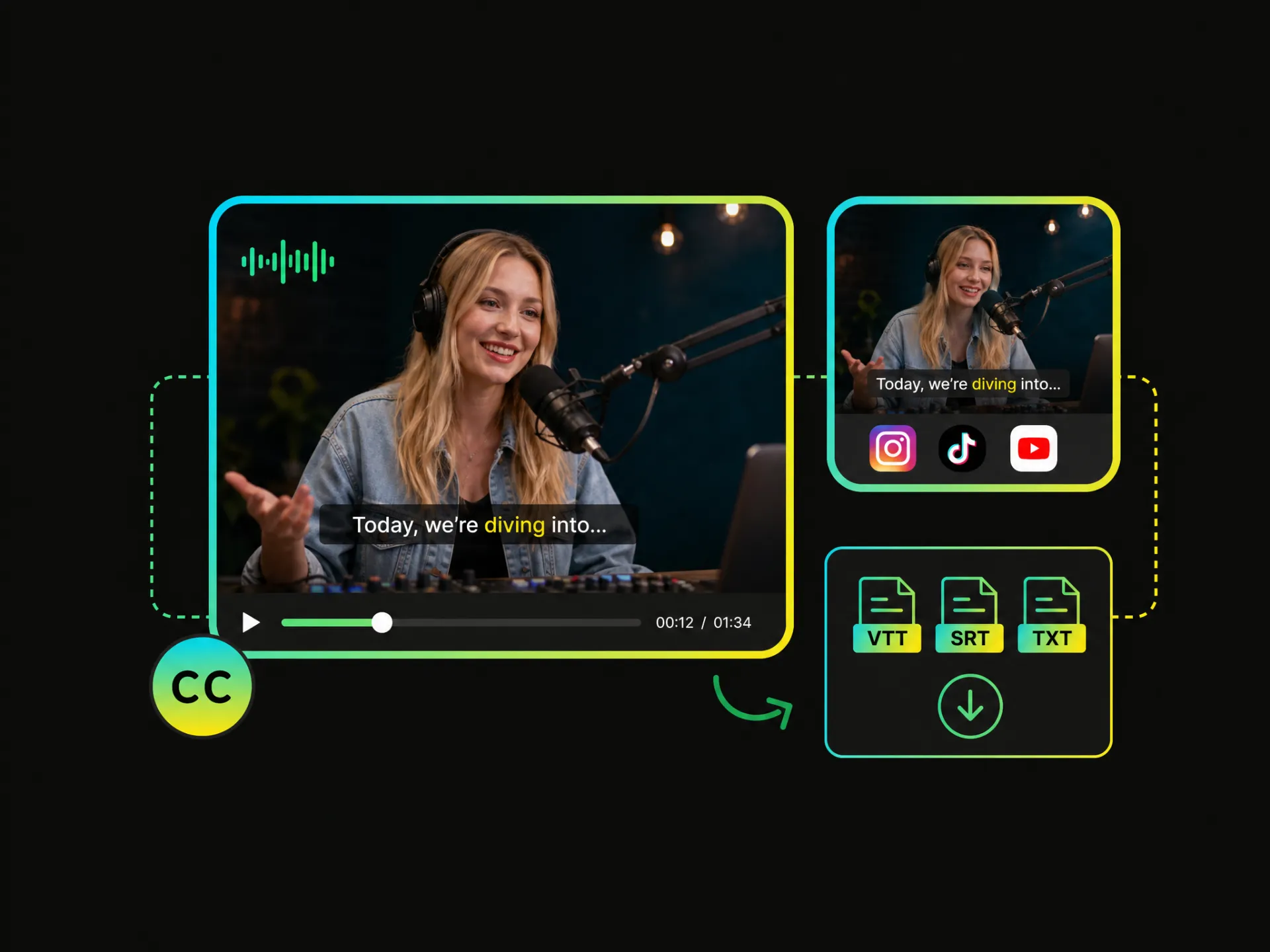
Burn subtitles directly into your video so they stay visible during playback. Create a finished video with permanent captions that are ready for social media uploads, sharing, and playback across different devices.
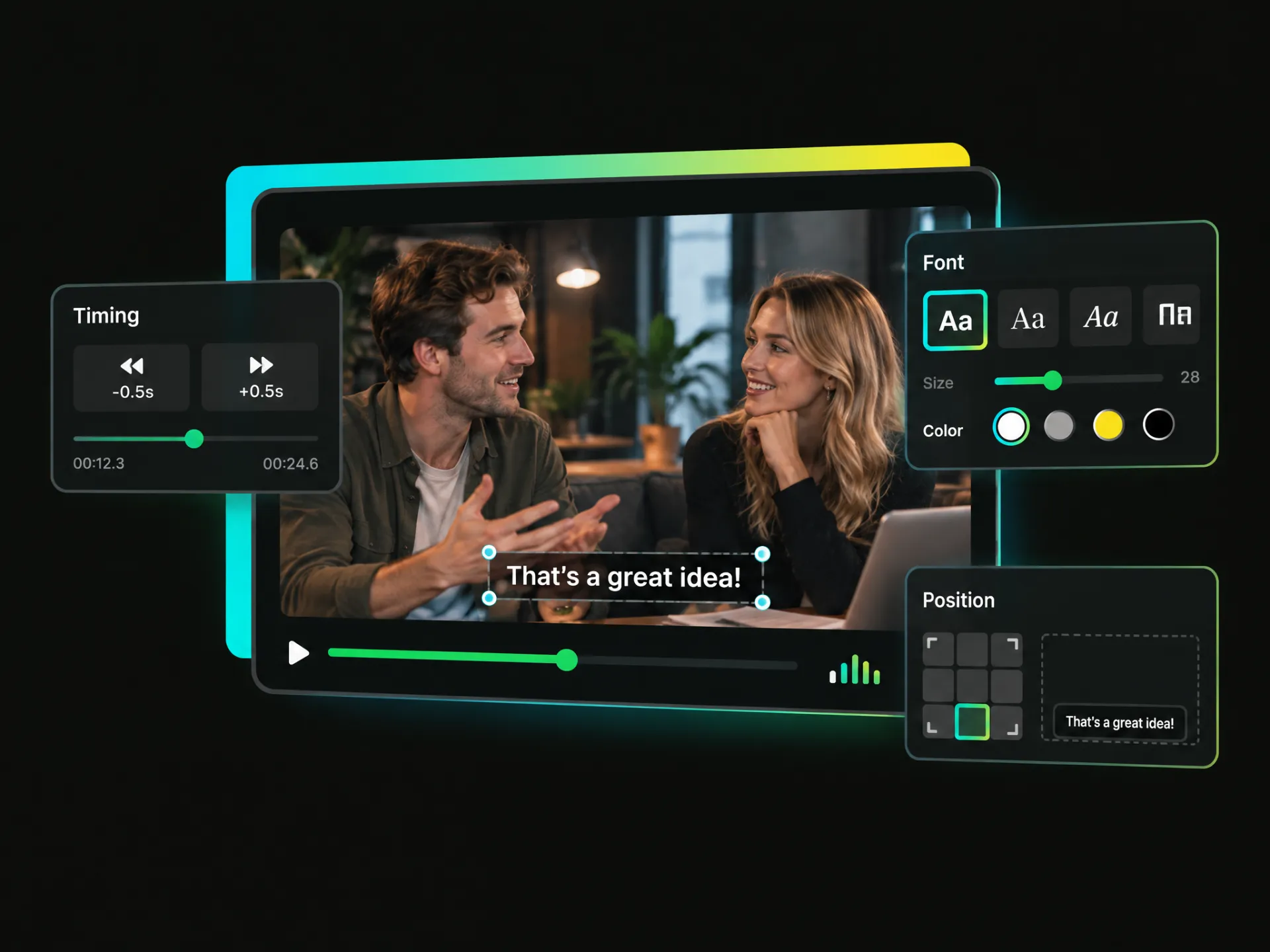
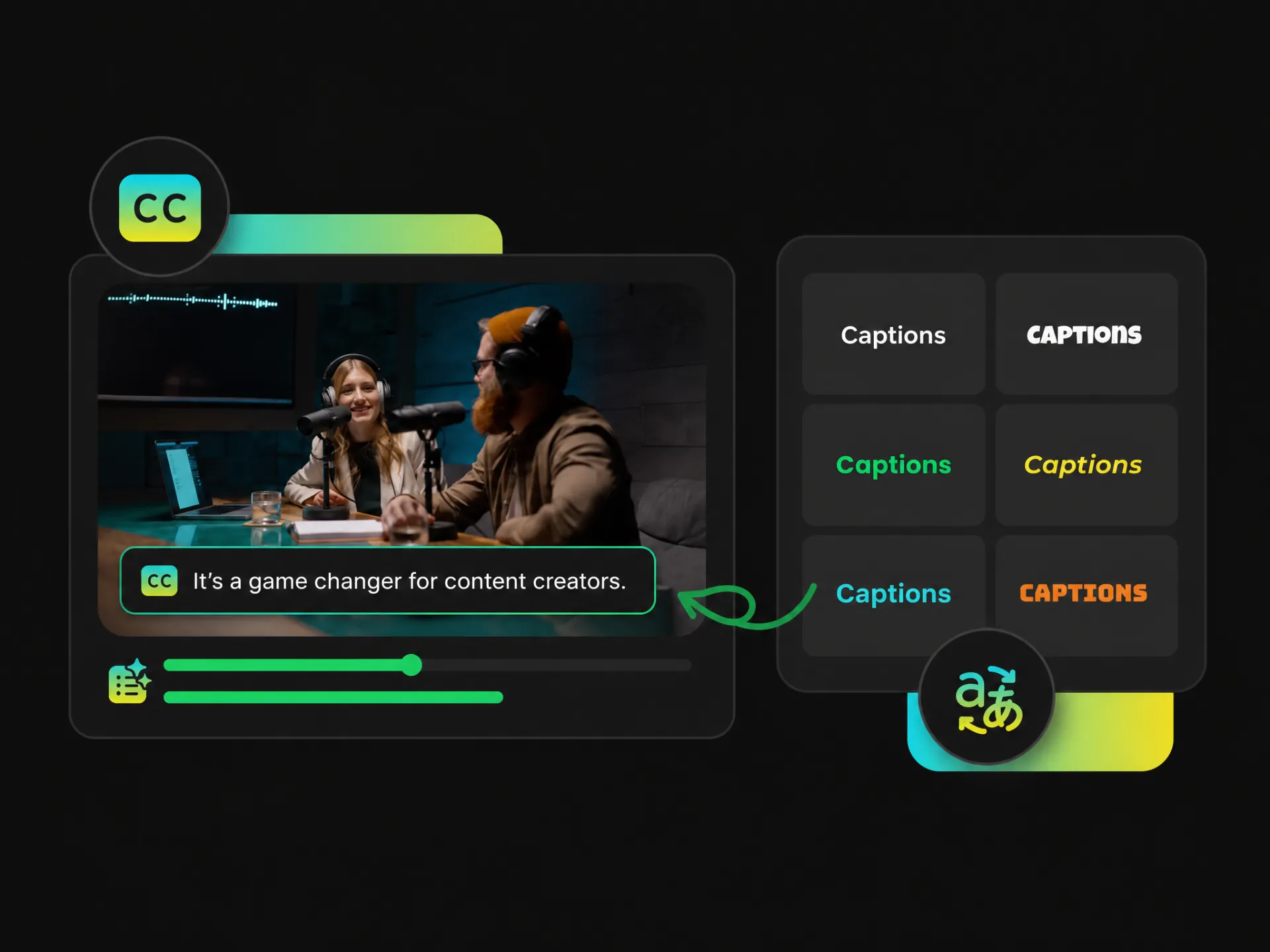
You can adjust subtitle timing when captions don't match the speech, change the font when text is too small or hard to read, and reposition captions when they cover important visuals. Fine-tune the timing, font, and position to fit your video.
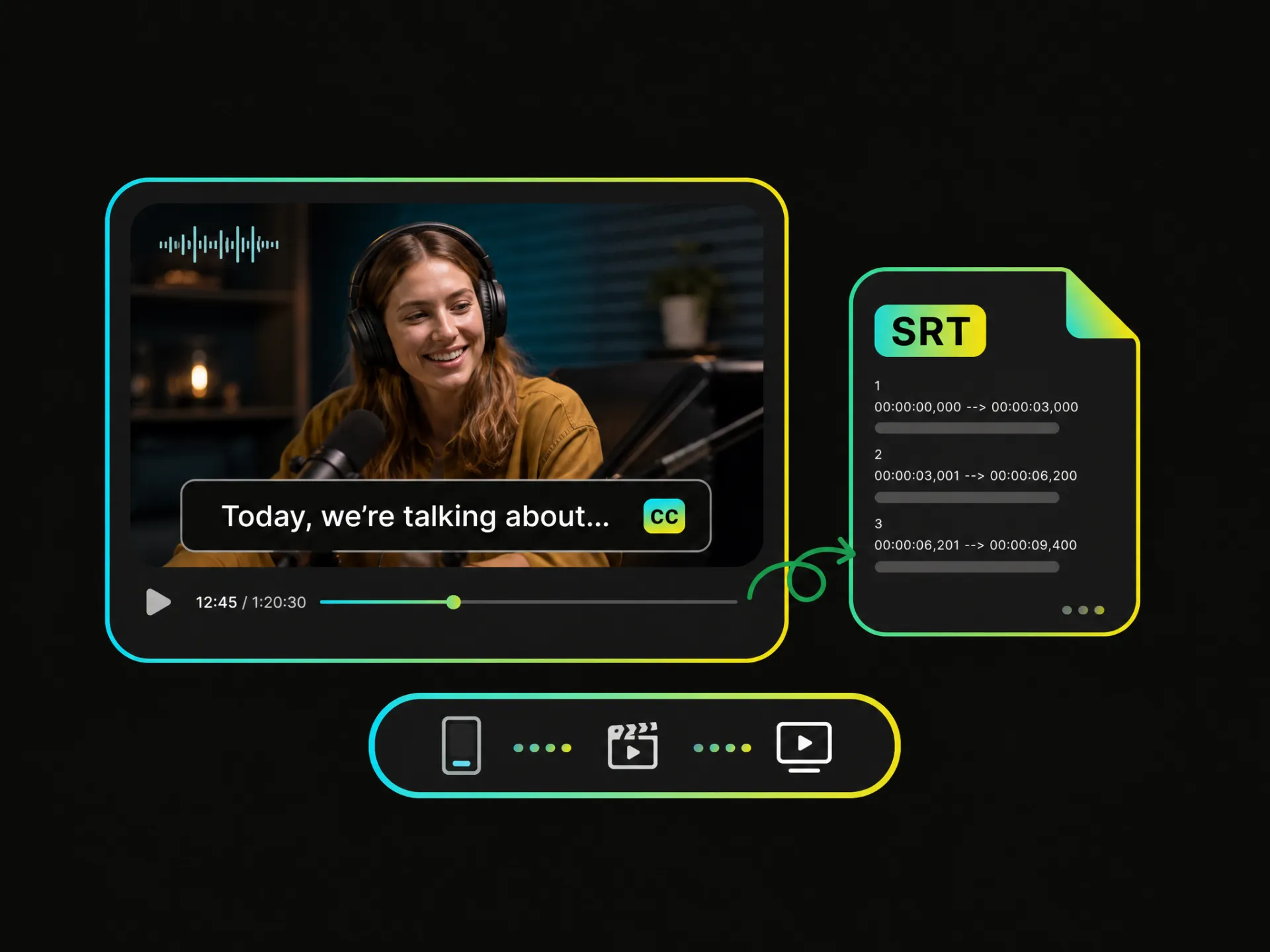
Already have an SRT file and just need to add it to your video? Import, edit, and download your subtitles as an SRT file. Keep your subtitles separate when you need more control over where and how they are used—whether you plan to add subtitles to video later or use the file elsewhere.
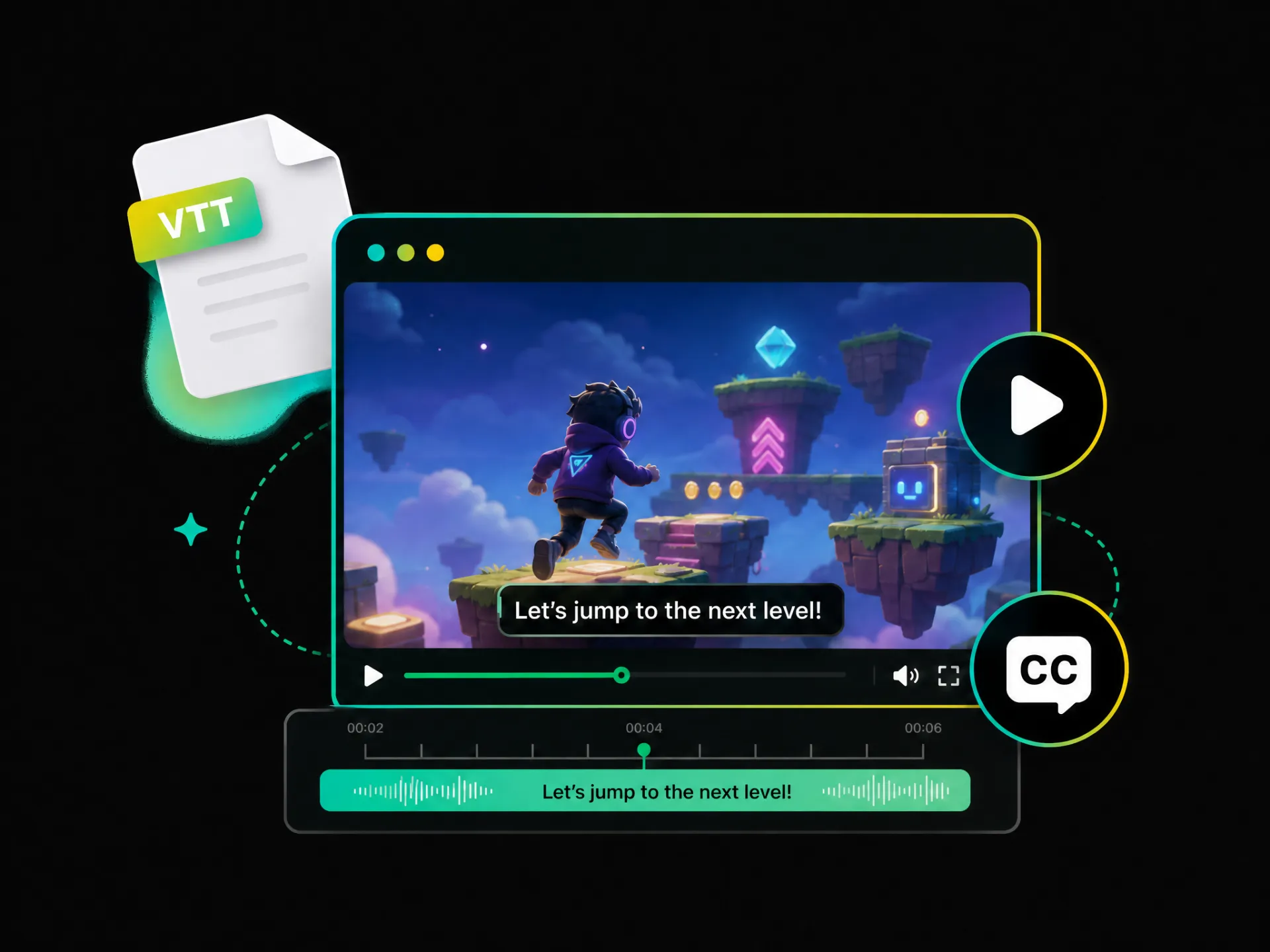
Need a web-friendly subtitle format for your video? Download your subtitles as a VTT file for online video players, websites, and web-based platforms. Use VTT when you need to add subtitles to a video online while keeping the subtitle file separate.
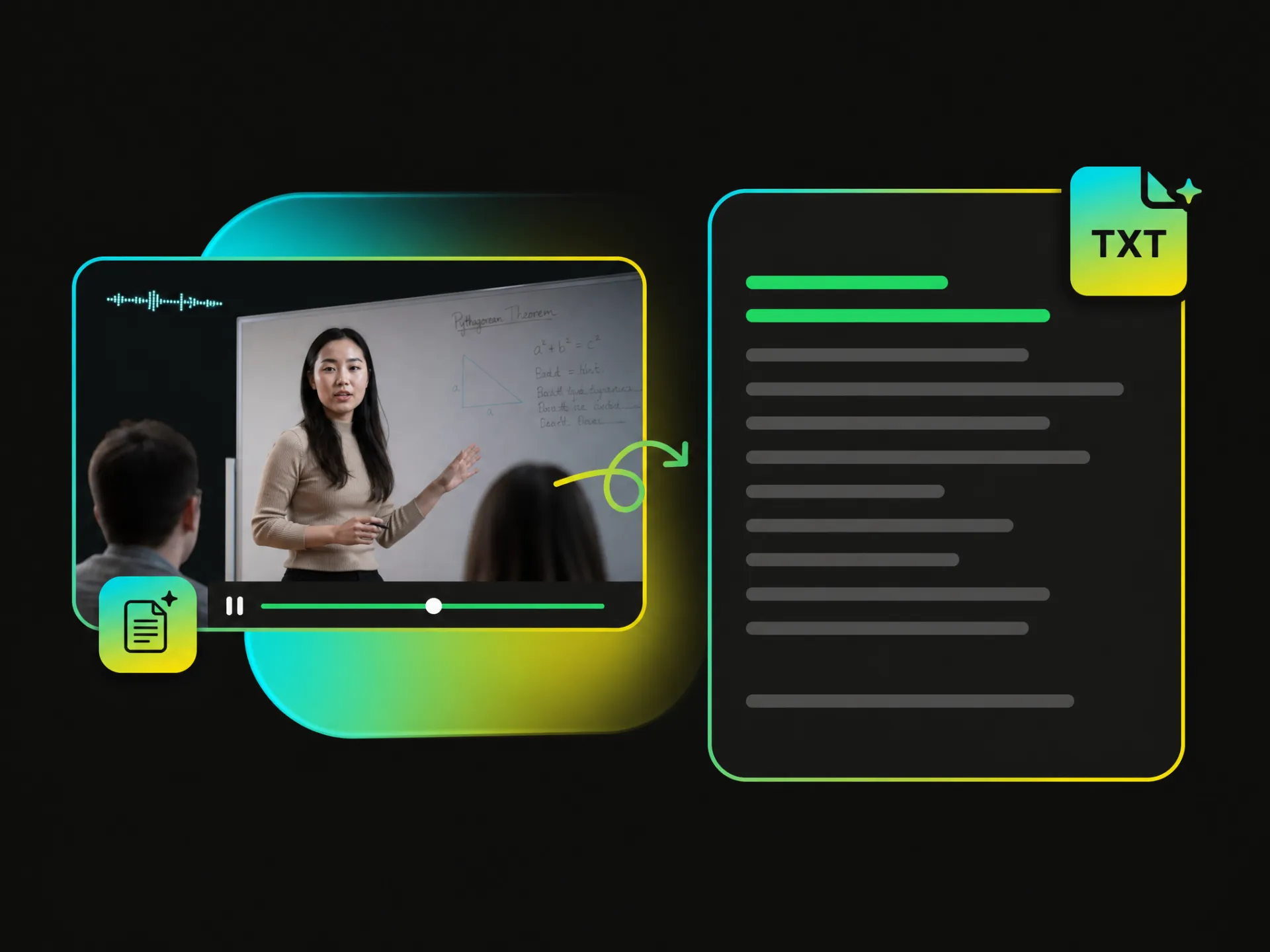
Download subtitles as a TXT file and bring your existing text into your subtitle workflow. TXT is useful when you need to review, edit, share, or add subtitle text to a video later.
Automatically add subtitles to video online free and make your content easier to understand, watch, and share across every platform.
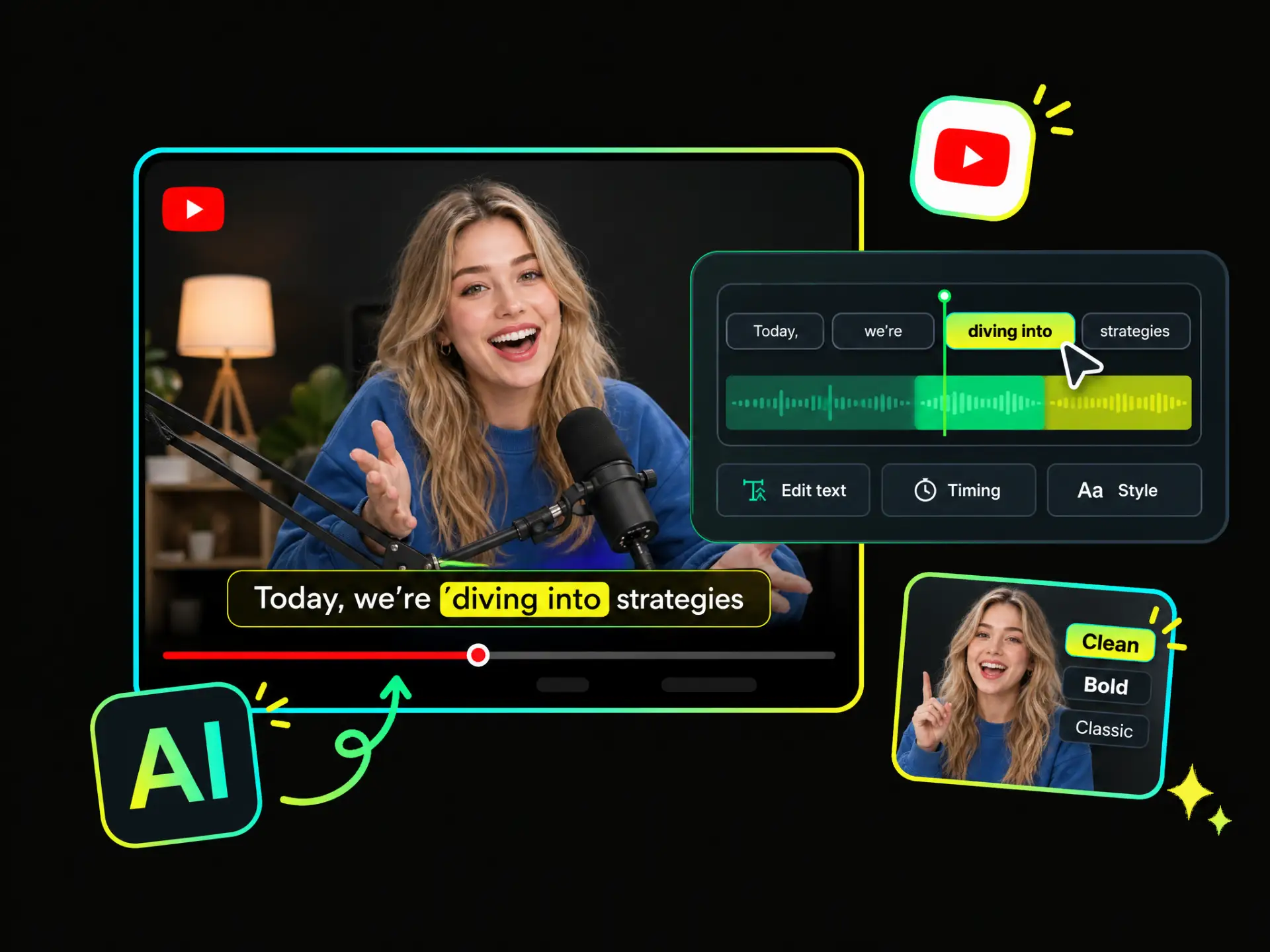
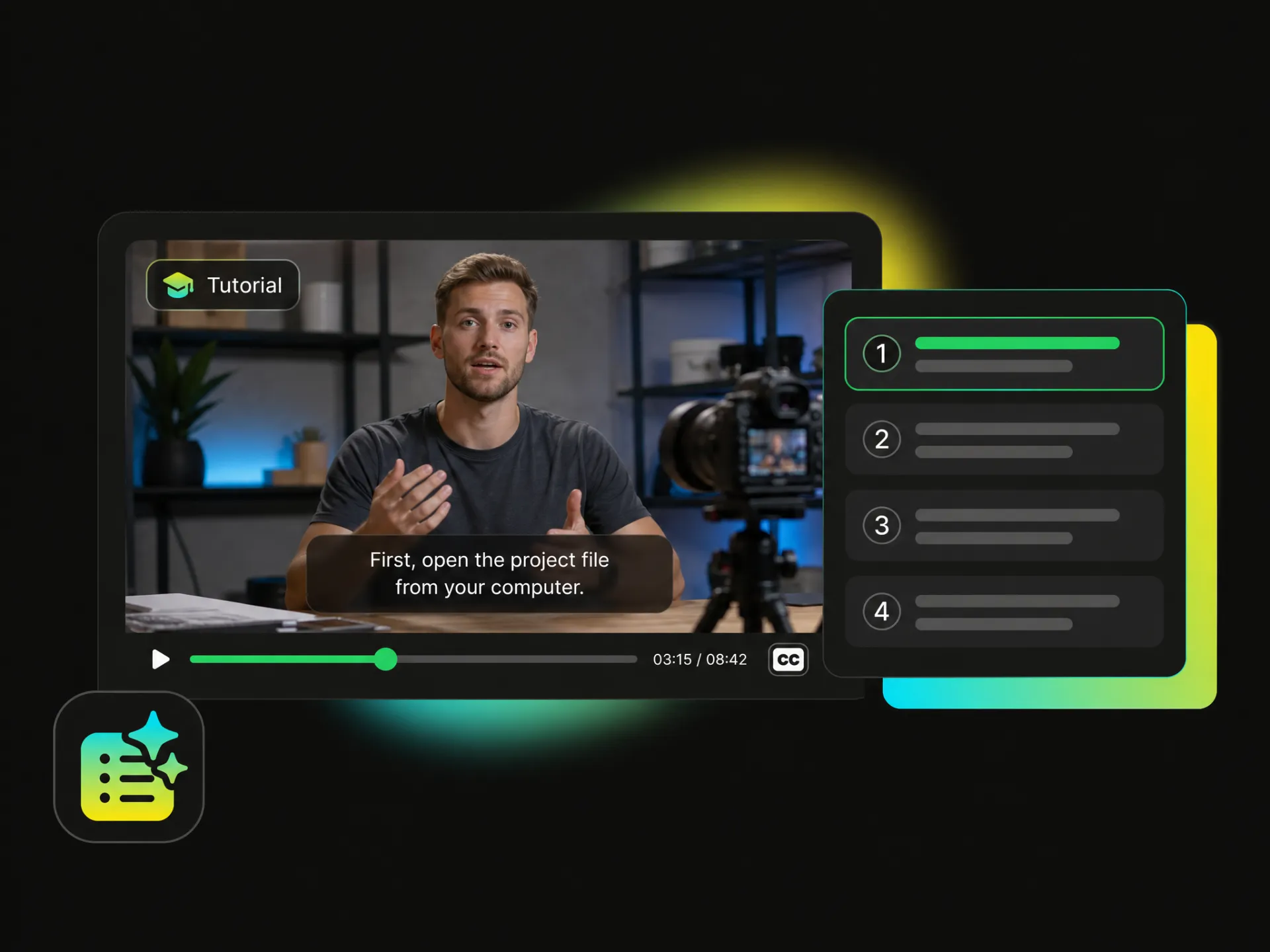
Add clear subtitles to long-form YouTube content and reach viewers in more languages. Choose basic subtitles for easy viewing, bilingual subtitles for a global audience, or download an SRT file for flexible editing and publishing.
Add Subtitles to YouTube VideosExport clean, professional videos with no added branding, so you can add subtitles to video without covering your content or distracting viewers.
Word-level timestamps keep each caption aligned to speech, making it easier to put subtitles on video with precise timing.
Speech recognition captures spoken content quickly, reducing the manual review needed to create and refine accurate captions.
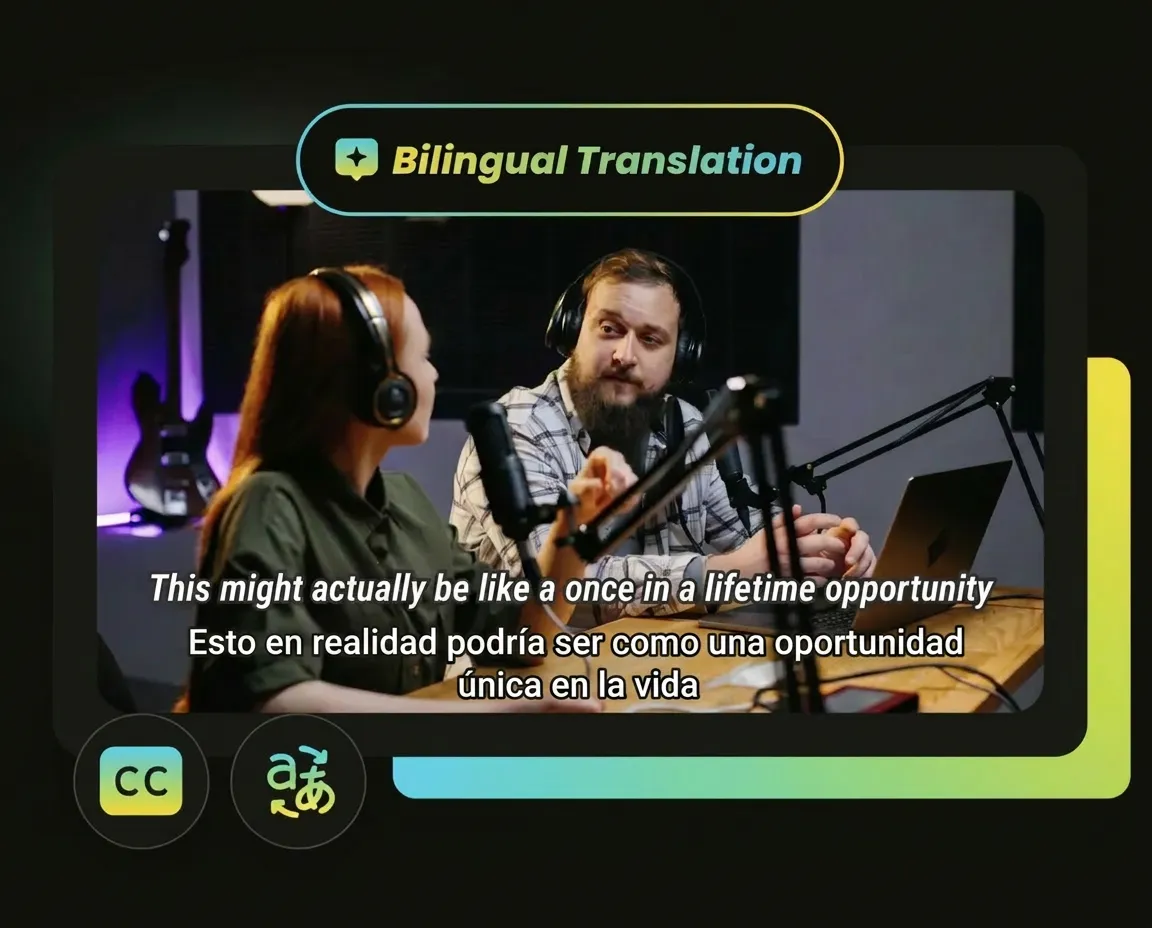
Create bilingual videos in 100+ languages and make your content easier to understand for audiences across different regions.
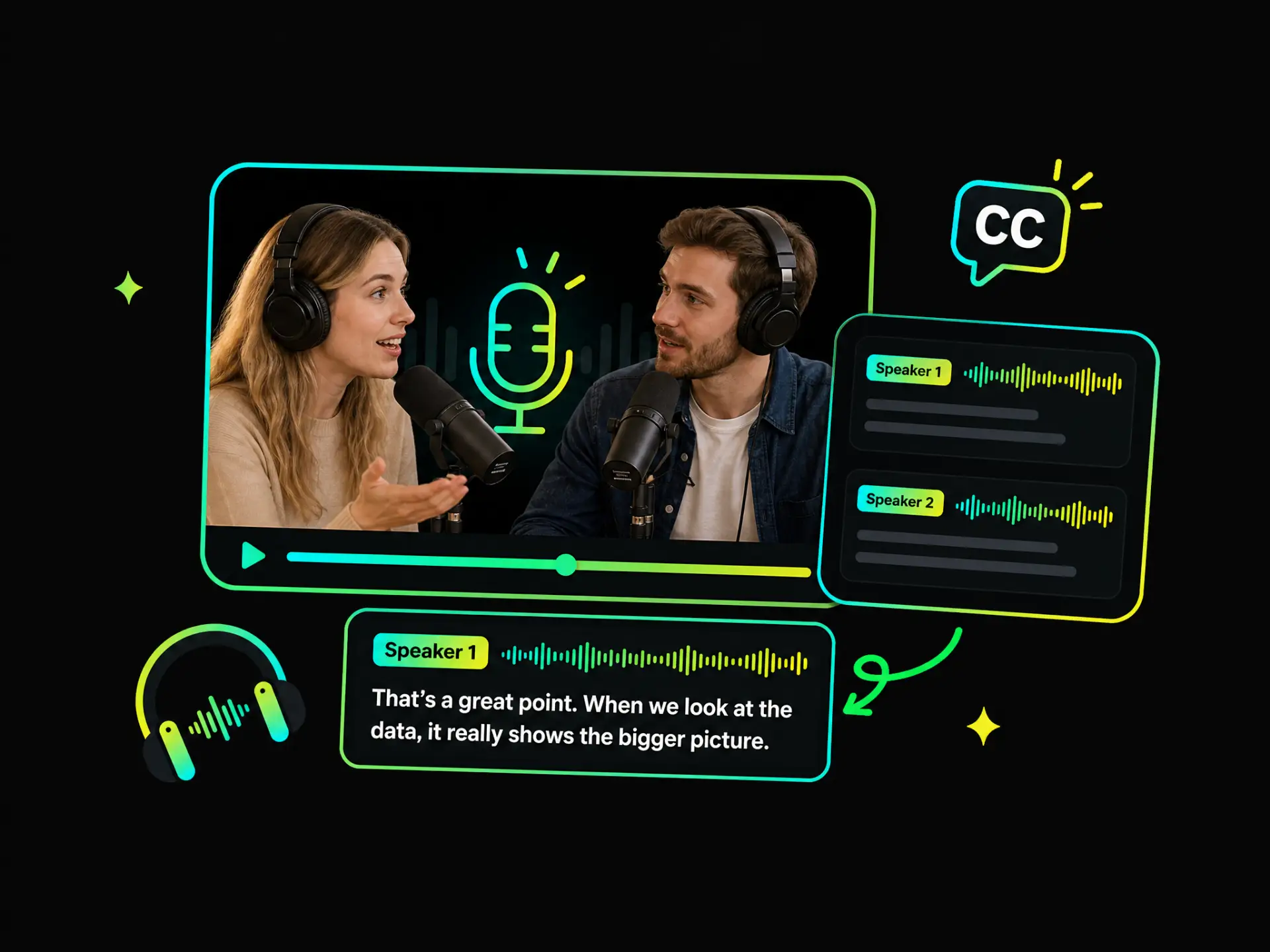
Reliable speaker separation keeps dialogue attribution clear, so viewers can follow multi-person conversations with less confusion.
Stable rendering keeps subtitles visible and positioned correctly after export, matching the preview instead of introducing missing or misplaced captions.
Upload a video from your device or paste a supported video link to get started. Once the video is ready, the system can analyze its spoken content and prepare it for subtitle generation.
Add subtitles to video online for free, then customize the timing and style or download the format that fits your workflow. Give your content the clarity it deserves and share it with more viewers.
Edit, customize, and add subtitles with ease