
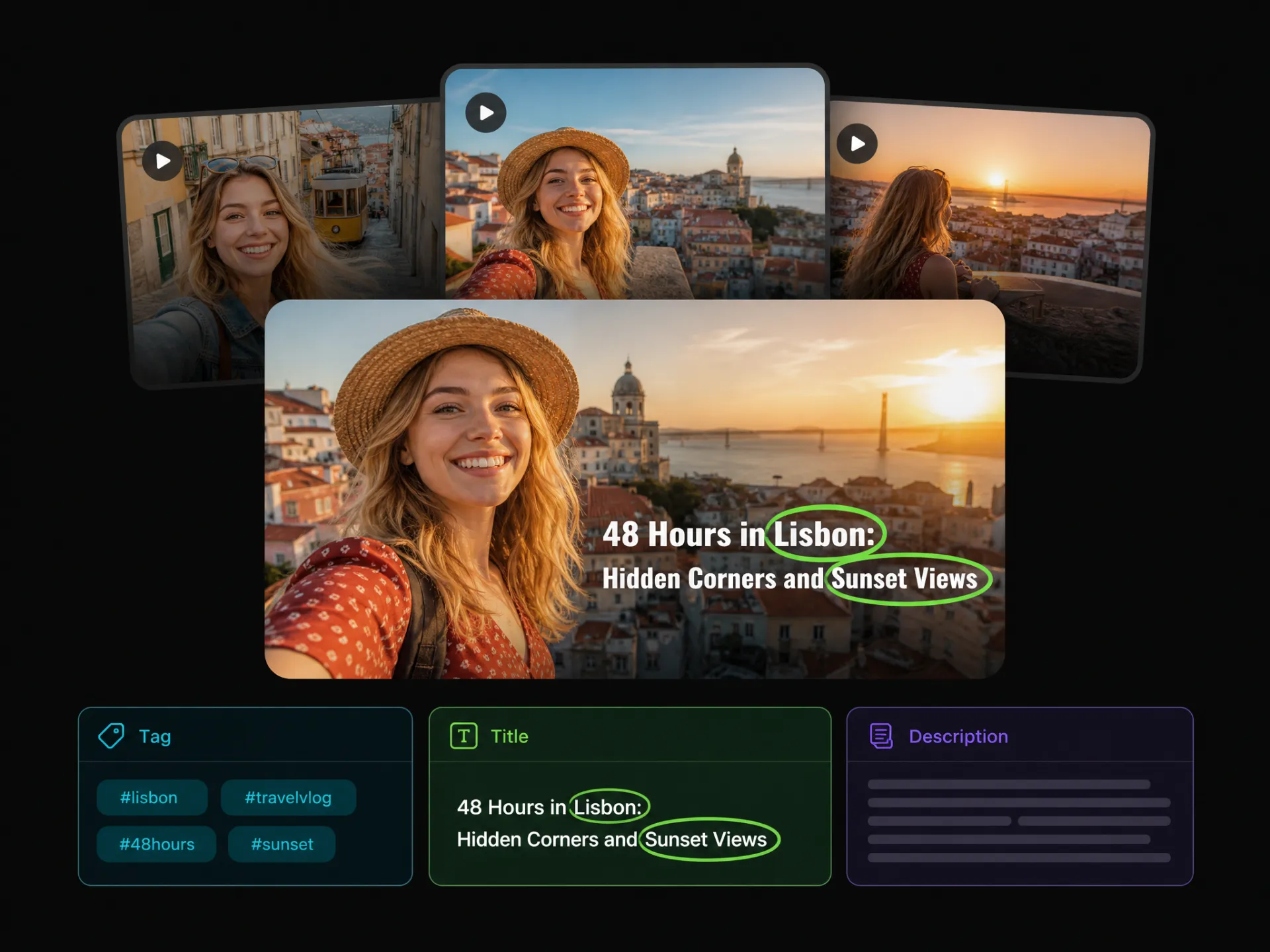

Save Time on Every Upload
Preparing captions often means rewatching videos, taking notes, and deciding what to highlight. WayinVideo helps reduce this repetitive work, so you can create captions faster and spend more time creating content.
Create relevant YouTube captions with WayinVideo's AI YouTube caption generator. Turn your video's main topics and highlights into publishing copy that reflects your content.
Trusted by professionals at












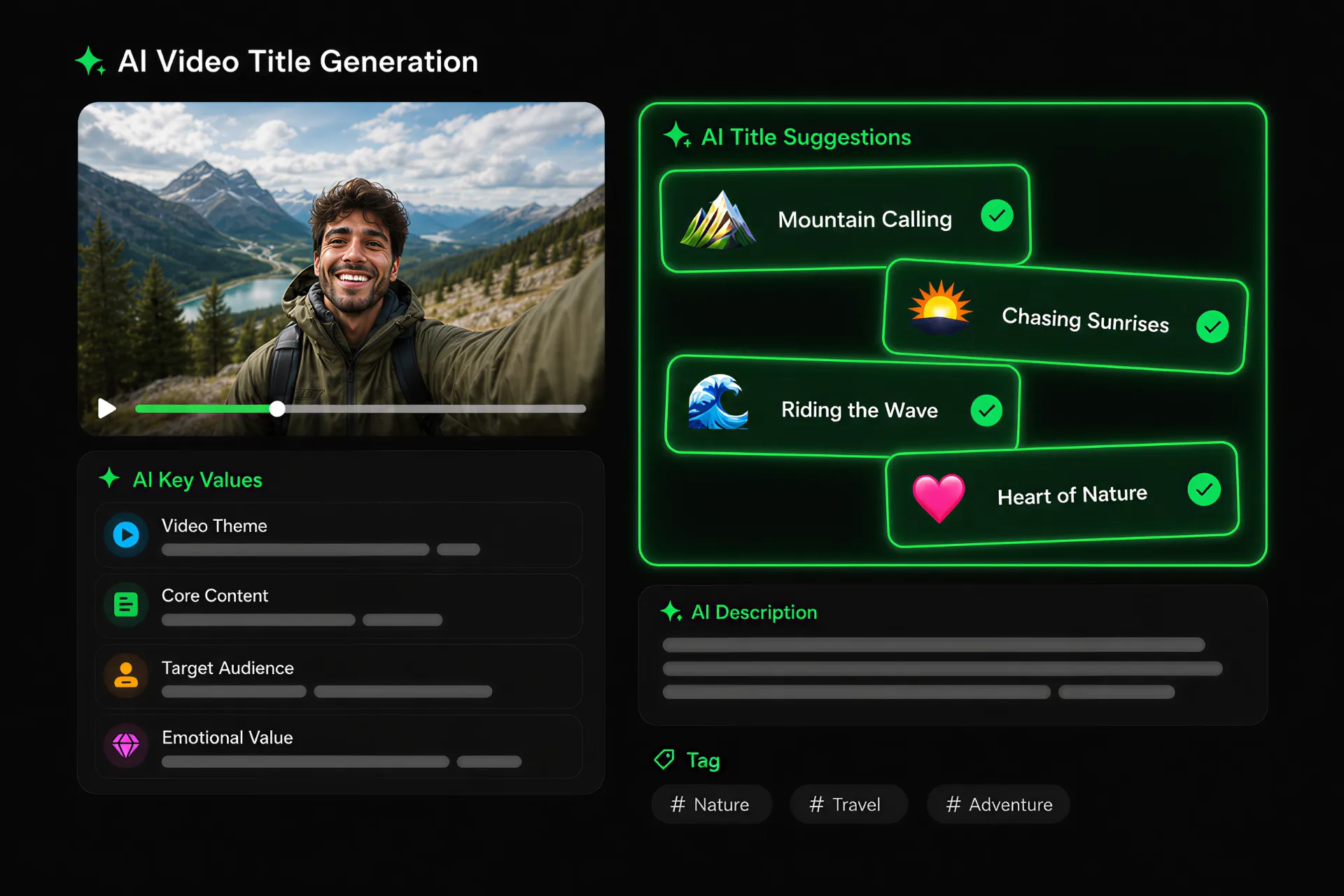
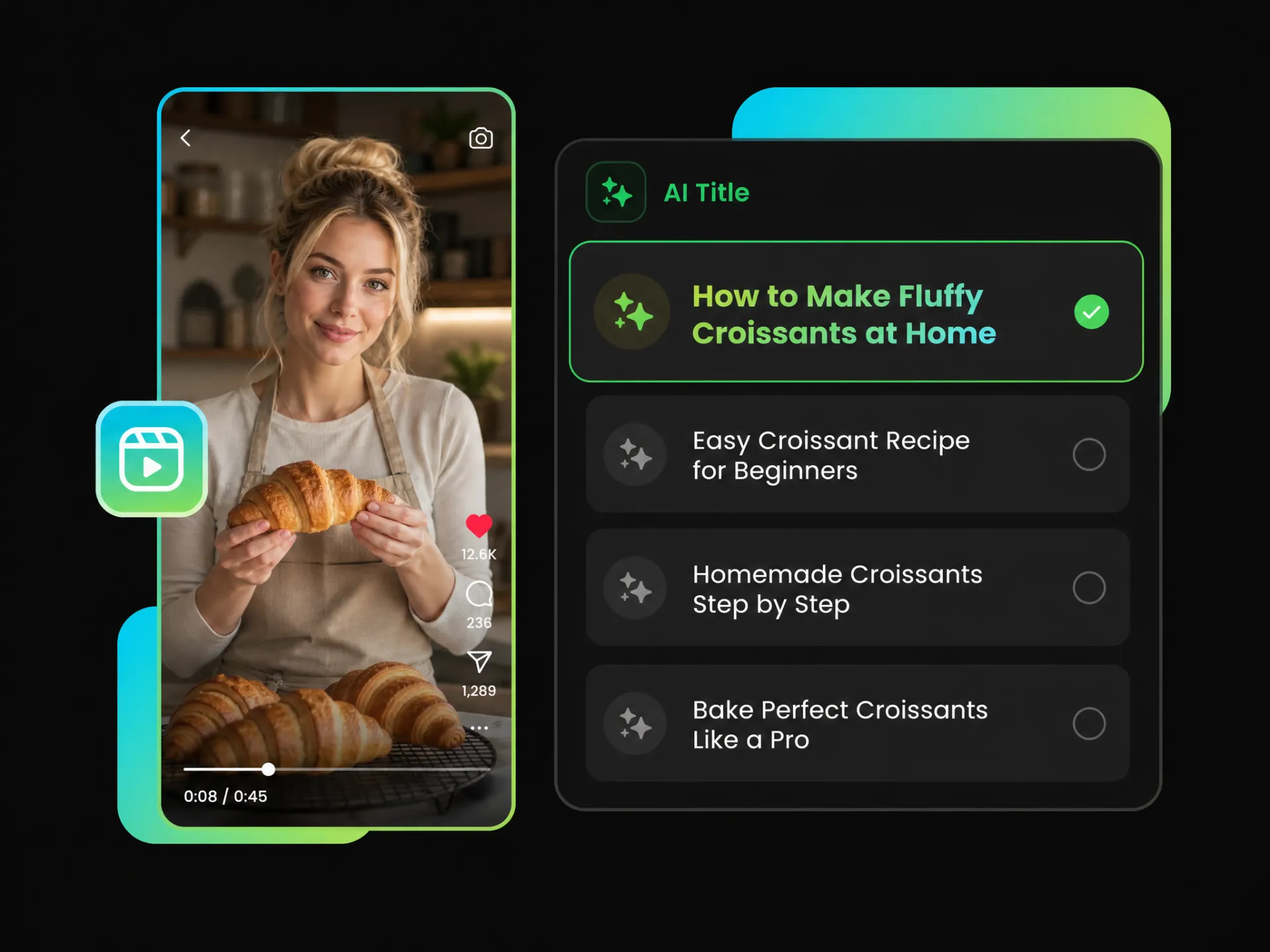
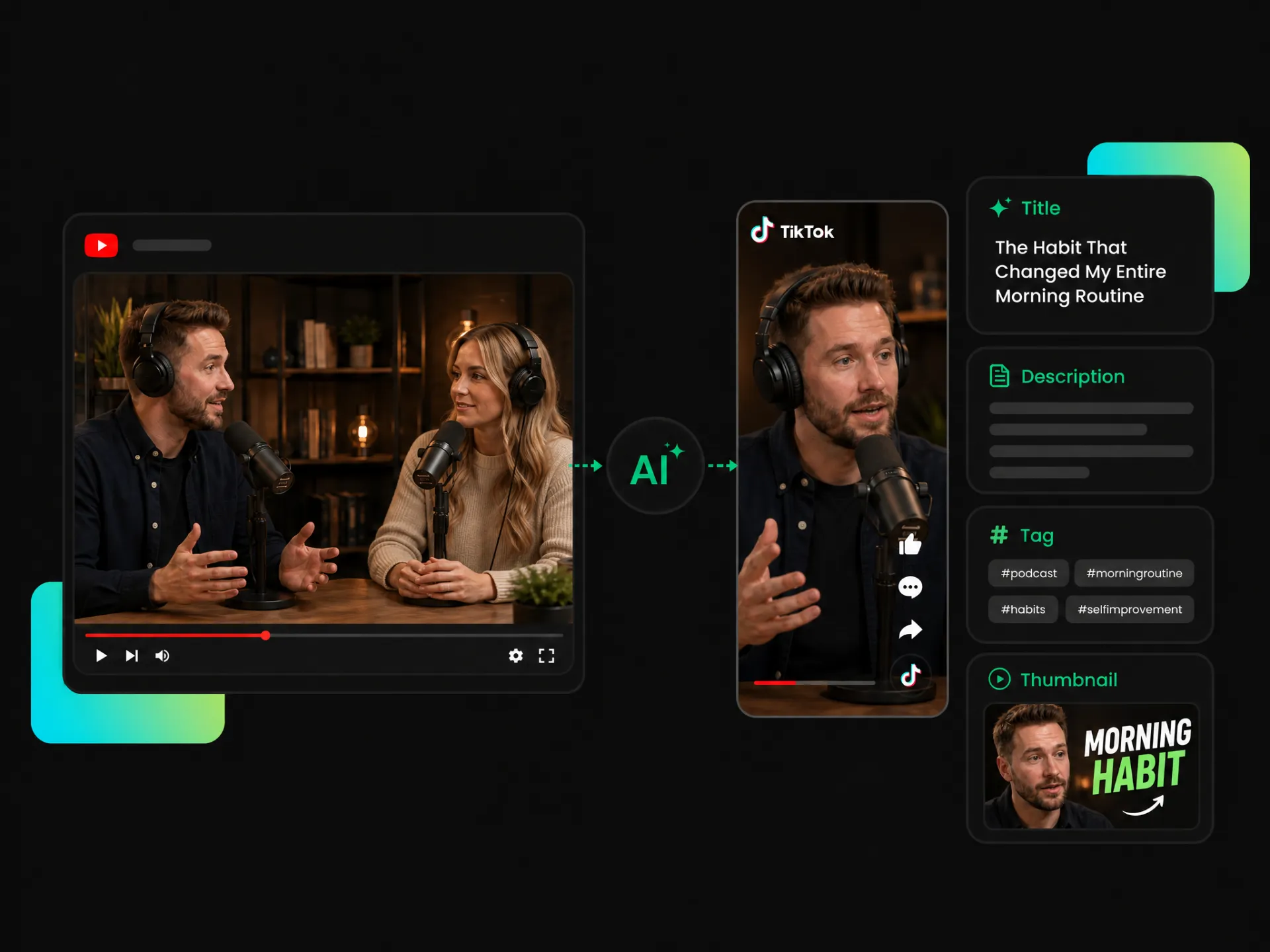
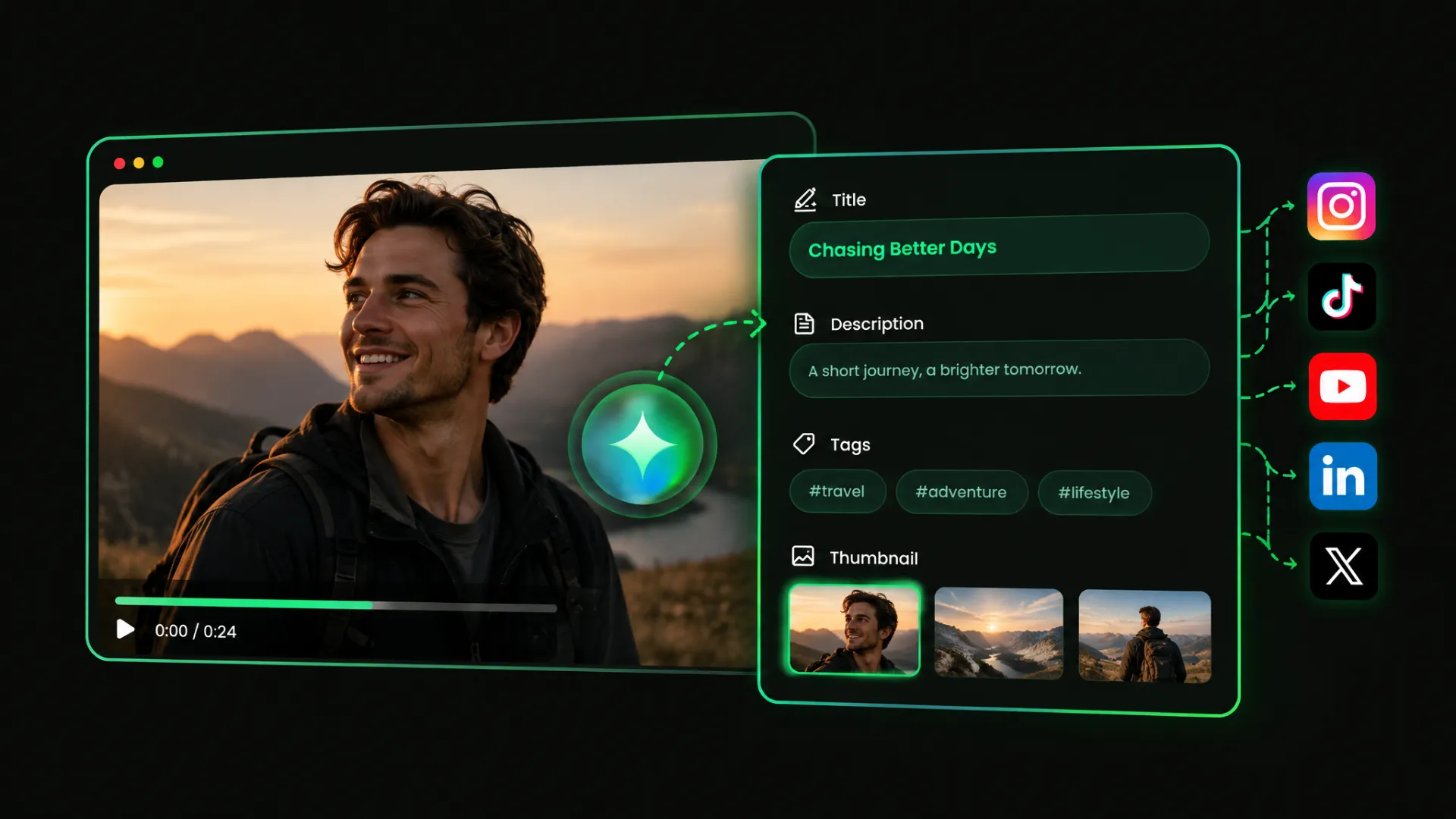
WayinVideo's AI caption generator analyzes your video's topic, tone, and key moments to suggest YouTube titles. Explore different options and choose one that highlights what makes your video worth watching.
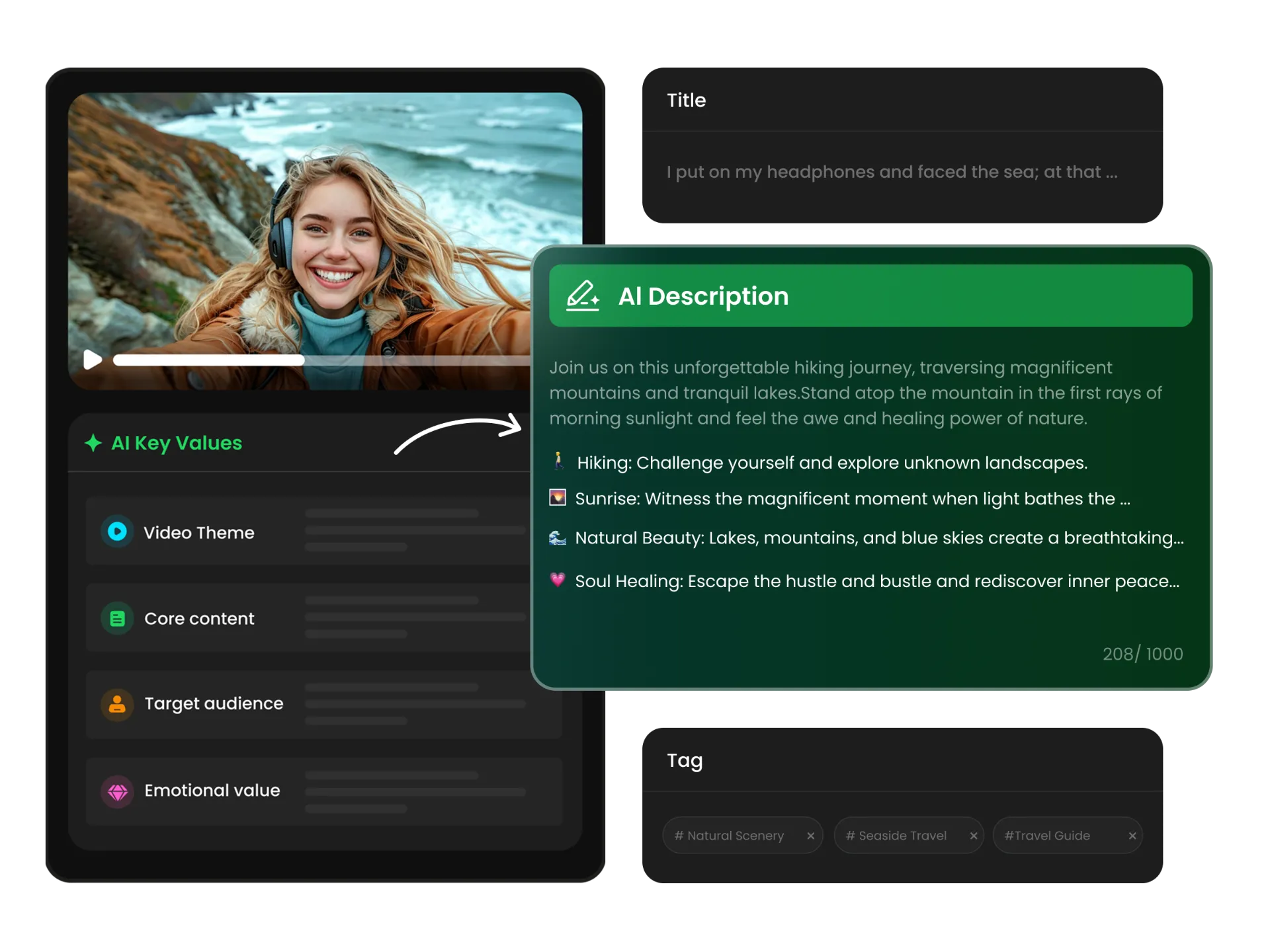
Turn your video's main topics and key takeaways into an SEO-friendly YouTube description with naturally integrated keywords. Refine the wording, tone, or keyword placement to better match your content and improve its search visibility.

Find tags related to your video's subject, key topics, and featured content. WayinVideo suggests YouTube video tags from your footage, reducing the need to research and list relevant terms manually.
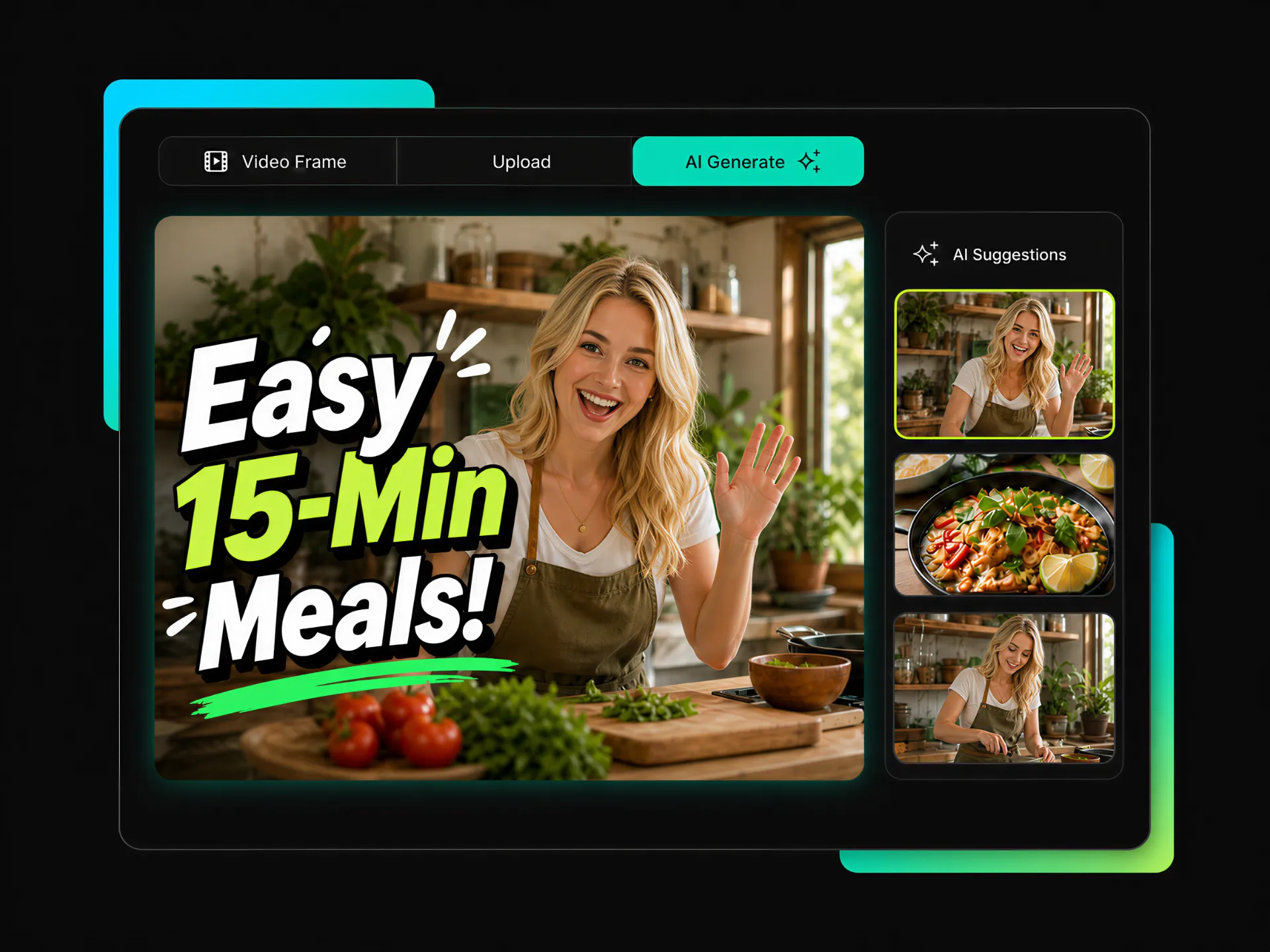
Generate a YouTube thumbnail based on your video's visuals and subject. Create a cover image that complements your title and gives viewers a visual preview of your content.
Whether you're posting Shorts, sharing personal experiences, or creating educational content, WayinVideo helps turn your videos into relevant YouTube captions.
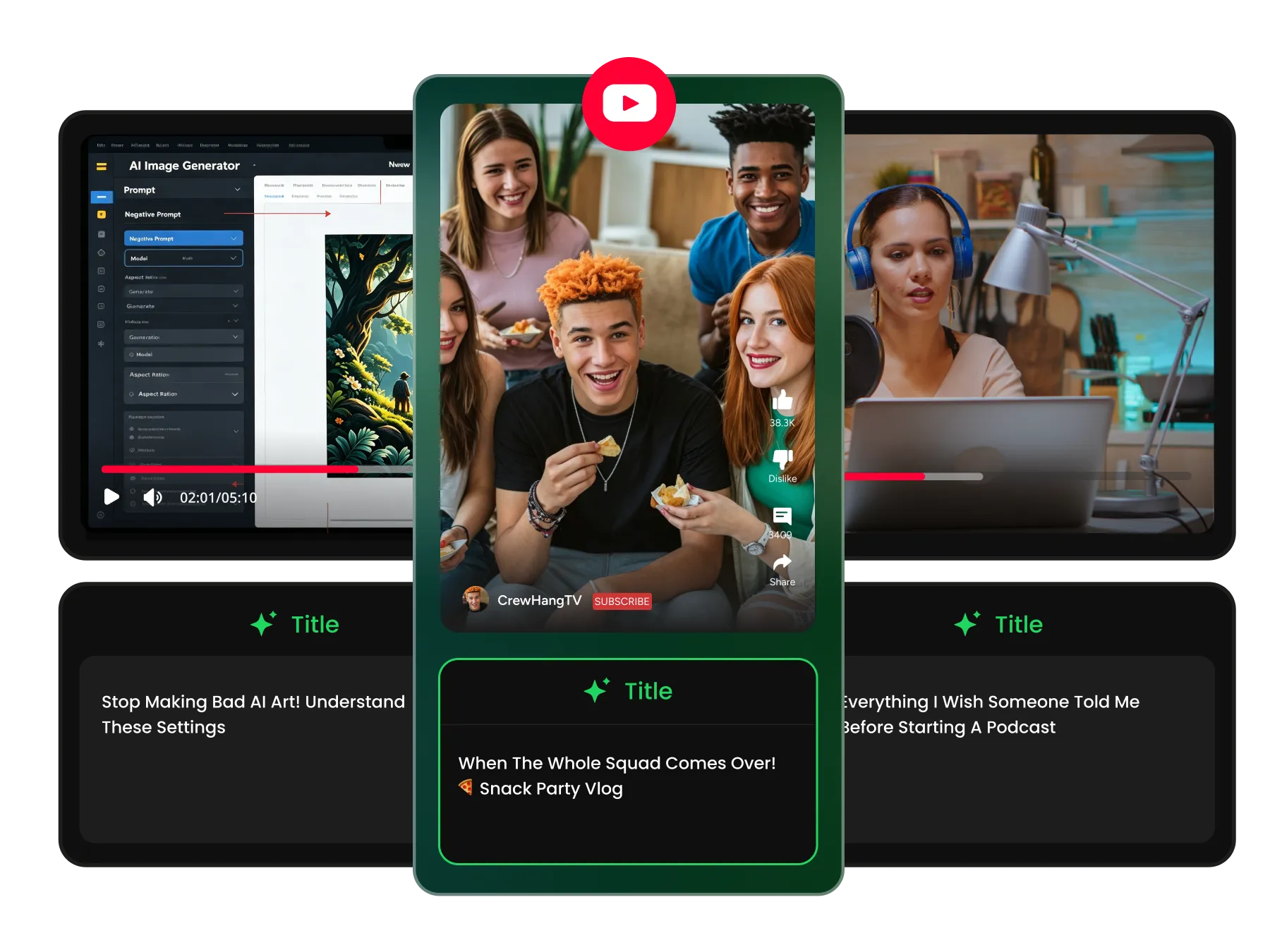
Creating captions for every new Short can take time. WayinVideo's YouTube Shorts caption generator helps turn your clip's main idea or highlight into short, relevant publishing copy, making regular uploads easier to prepare.
Generate Shorts CaptionsPreparing captions often means rewatching videos, taking notes, and deciding what to highlight. WayinVideo helps reduce this repetitive work, so you can create captions faster and spend more time creating content.
You don't need copywriting skills to prepare YouTube captions. WayinVideo generates a draft based on your video's content, allowing you to focus on reviewing important details and adjusting the wording before publishing.
Your captions should reflect what's actually in your video. By drawing on real video content, WayinVideo helps you communicate your main topics and ideas naturally instead of relying on generic promotional copy.
Keep a recognizable writing style across Shorts, tutorials, vlogs, and podcasts. Adjust your captions to match your channel's tone while making sure each video has its own clear message.
Use clear descriptions and relevant keywords to help viewers understand what your video covers. Give your content more context for YouTube search without relying on misleading titles or unrelated terms.
Keep your video titles, descriptions, and other publishing text organized in one workflow. Review AI-generated drafts before uploading, whether you post occasionally or maintain a regular schedule.
Upload your video or paste a supported YouTube video link into WayinVideo to get started.
Use WayinVideo's YouTube caption generator to create relevant publishing copy from your video content. Highlight key moments, introduce your main ideas, and prepare captions for your next YouTube upload with less manual writing.
No credit card required.


