
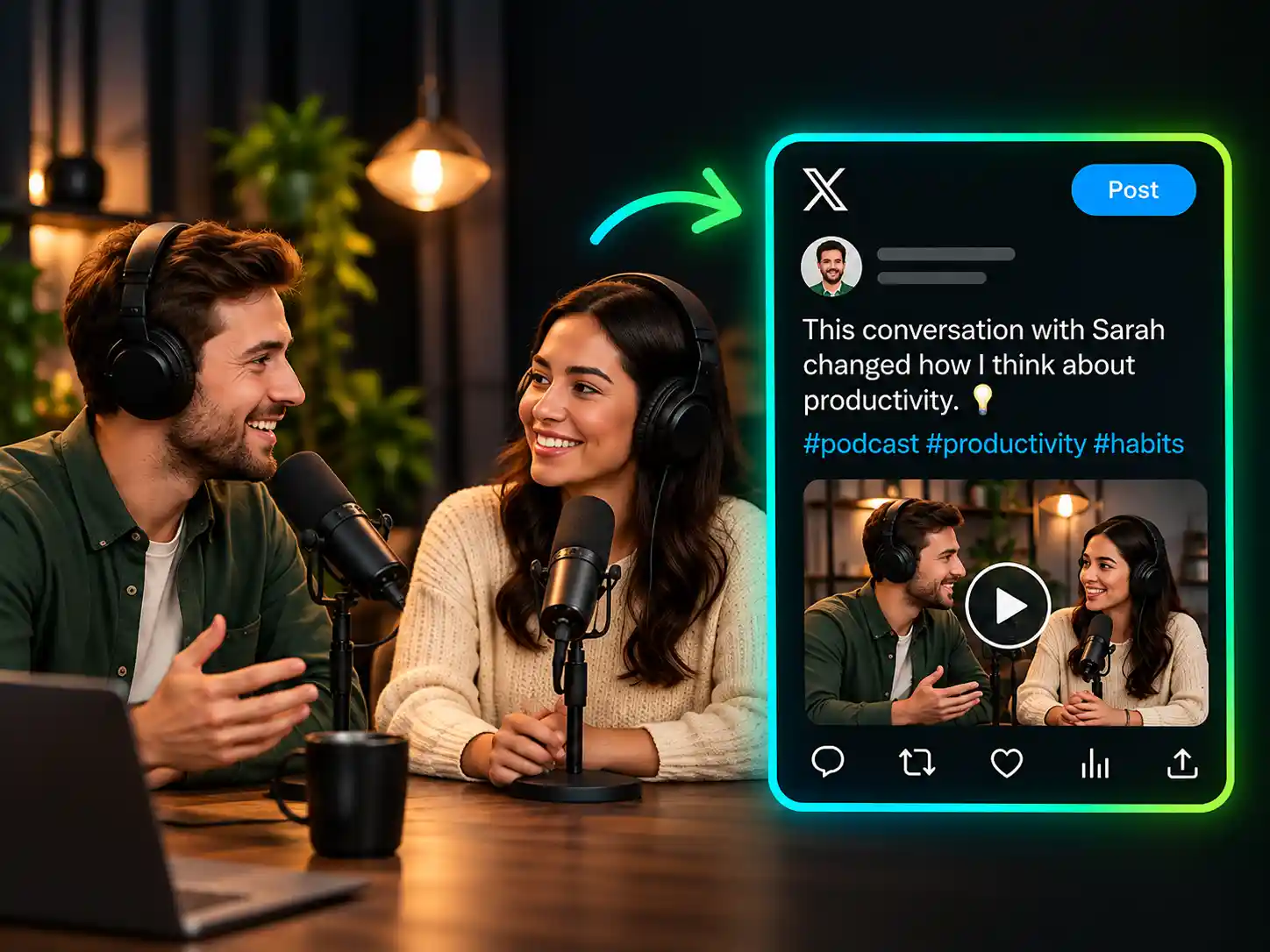



Save Time on Content Creation
WayinVideo's Twitter caption generator reduces the time spent reviewing footage and drafting captions from scratch. Focus more on refining your message, creating videos, and sharing content.
Turn videos into concise Twitter/X captions with WayinVideo's Twitter caption generator. Highlight key moments and refine the wording before sharing.
Trusted by professionals at













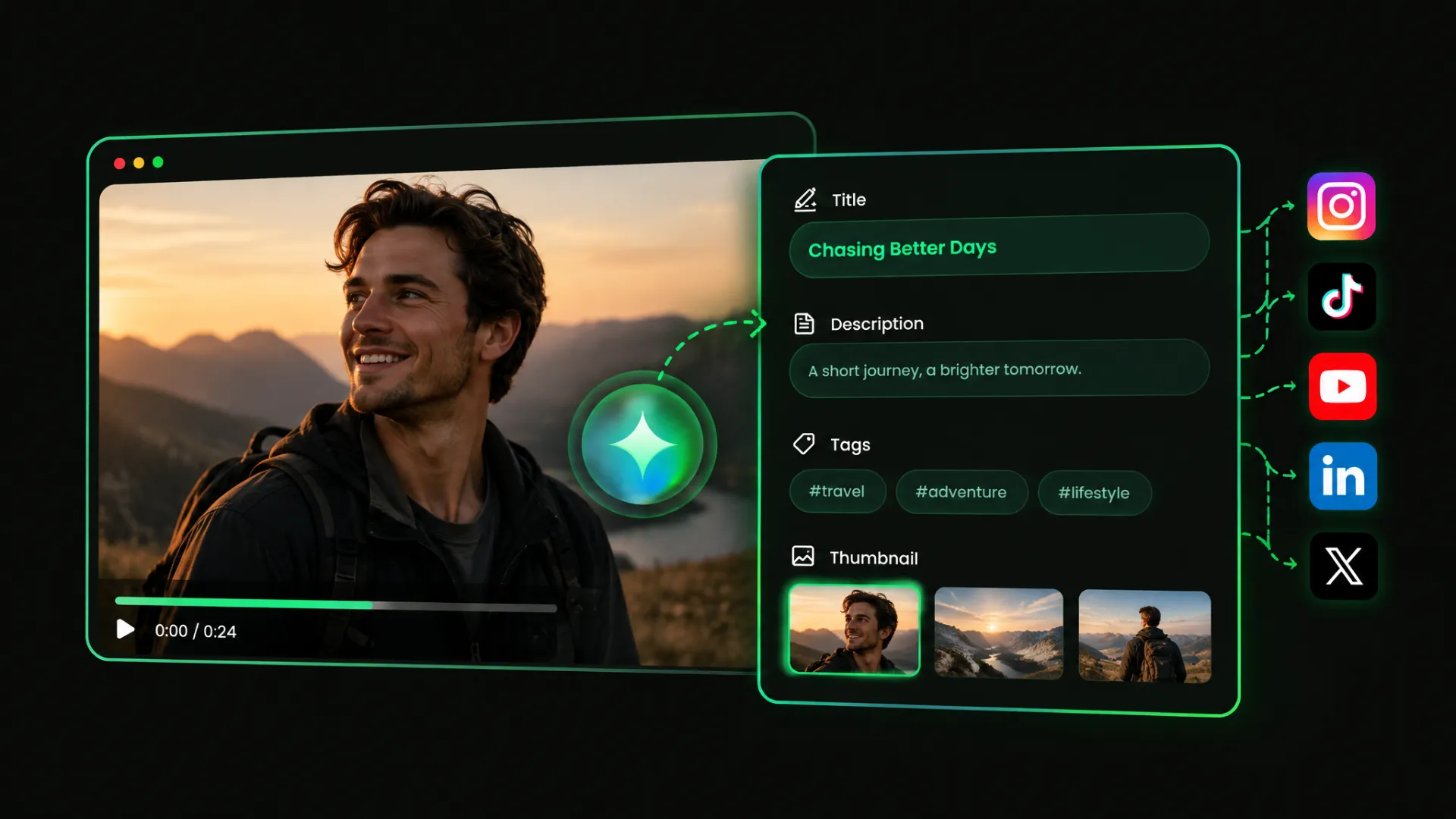
WayinVideo's AI Twitter caption generator analyzes your video's speech, visuals, and main topics to create Twitter/X captions and suggested video titles. Highlight key quotes, product updates, or discussion points without manually summarizing the footage.
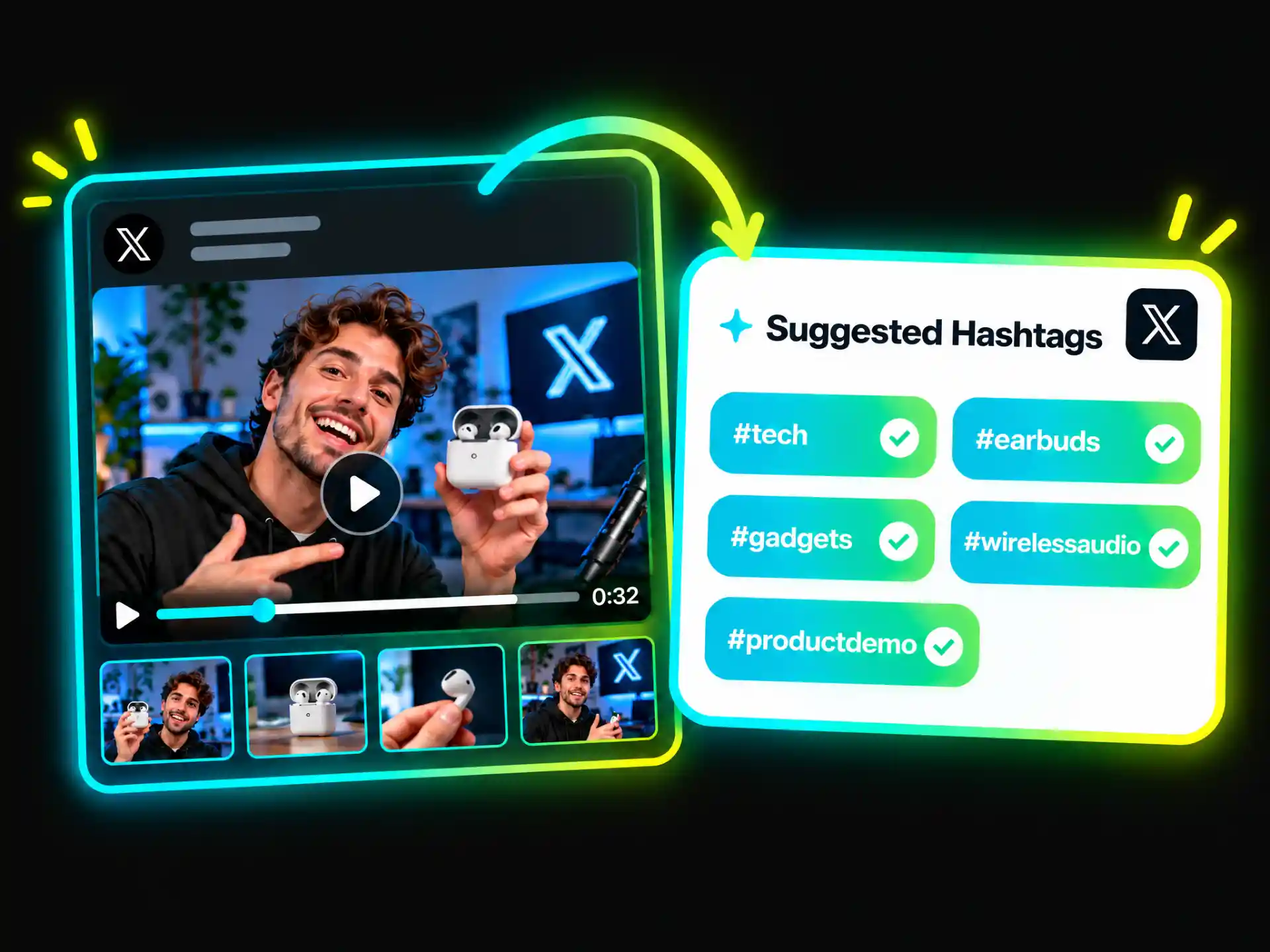
Get Twitter hashtag suggestions based on your video's topics, people, or products. Review the options, remove unrelated tags, and select those that best match your content before sharing it on X.
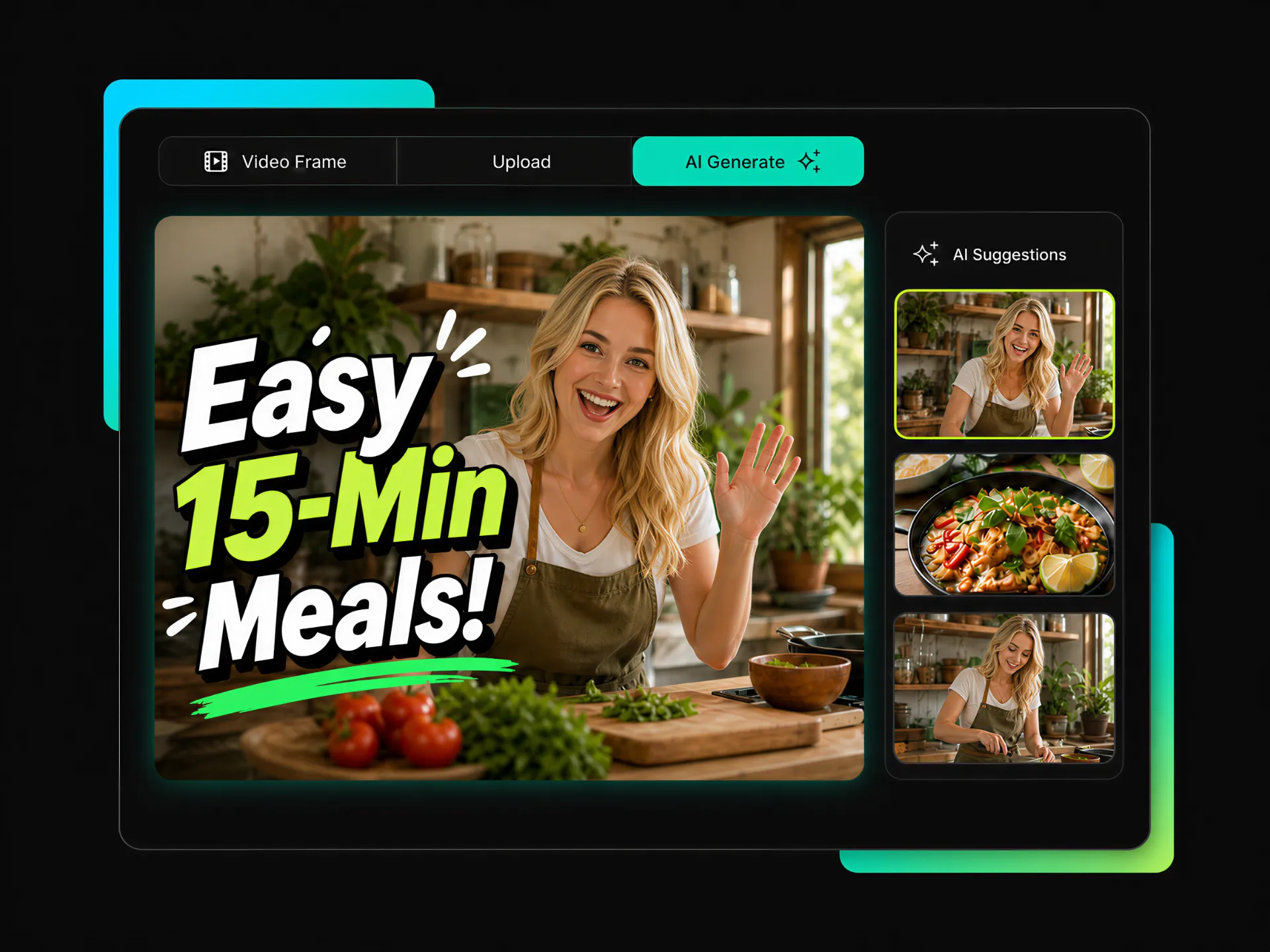
Generate AI thumbnails from key scenes, people, or products in your video. Compare the options and choose an image that represents your content. Custom video covers depend on X's publishing features and account permissions.
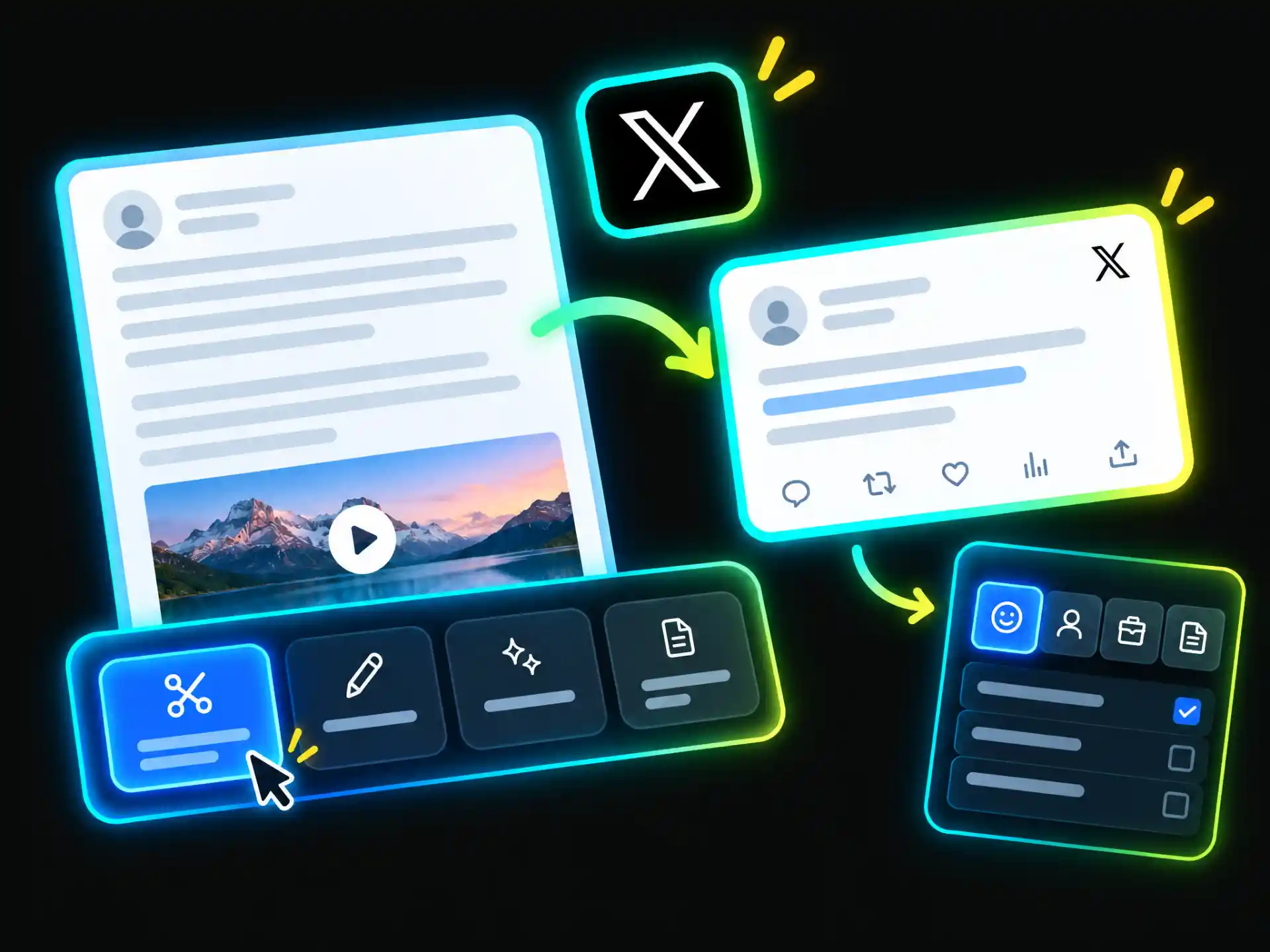
Use WayinVideo's caption generator for Twitter to refine captions generated from your video. Shorten lengthy text, adjust the tone, or rewrite the opening to highlight a specific point. Check the final wording before sharing.
From creative clips to podcast highlights and product updates, WayinVideo's Twitter caption generator turns video content into captions you can adapt for different audiences and sharing goals.

Turn project previews, behind-the-scenes clips, and creative updates into Twitter/X captions. Highlight a memorable moment or explain your work. If you also share the video on Instagram Reels, use the Instagram Caption Generator to prepare a platform-specific caption.
Create Creator CaptionsWayinVideo's Twitter caption generator reduces the time spent reviewing footage and drafting captions from scratch. Focus more on refining your message, creating videos, and sharing content.
Start with details from your footage rather than generic phrases. Keep each post focused on the moments and topics you want readers to notice.
Keep a recognizable writing style across personal updates, professional discussions, and brand announcements. Adapt your message to different topics without losing your usual tone.
Clear descriptions and relevant hashtags help communicate what your video covers. Give readers useful context when they encounter your post or explore related topics.
Keep content preparation more organized, whether you're sharing a single clip or publishing across platforms. WayinVideo's AI Caption Generator also supports caption creation for other social channels.
Start with a useful draft even without professional writing experience. Focus on communicating your ideas, reviewing important details, and making the final post reflect your own perspective.
Upload your video or paste a supported video link into WayinVideo. Start with a creative clip, podcast excerpt, product demo, or recorded presentation.
Turn your videos into clear Twitter/X captions with WayinVideo's Twitter caption generator. Review the generated text, refine the wording, and share it alongside your video.
No credit card required.


