

Save Time on Captions
Spend less time reviewing footage and drafting posts from scratch. Start with an Instagram caption generator that draws on your video, leaving more time for planning, creating, and sharing content.
Create captions for Reels, everyday clips, and product videos with WayinVideo's Instagram caption generator. Refine each draft to match your style.
Trusted by professionals at












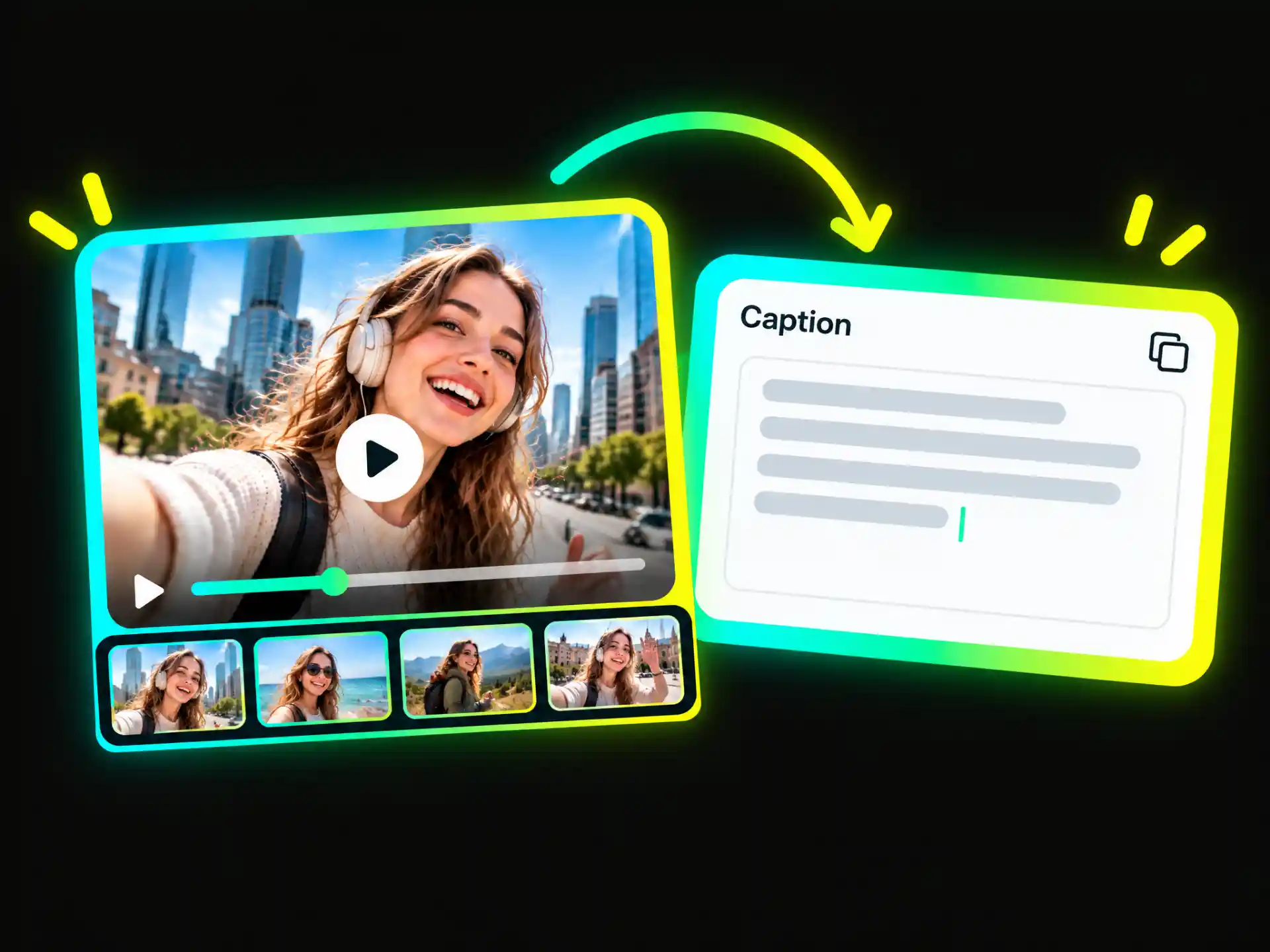
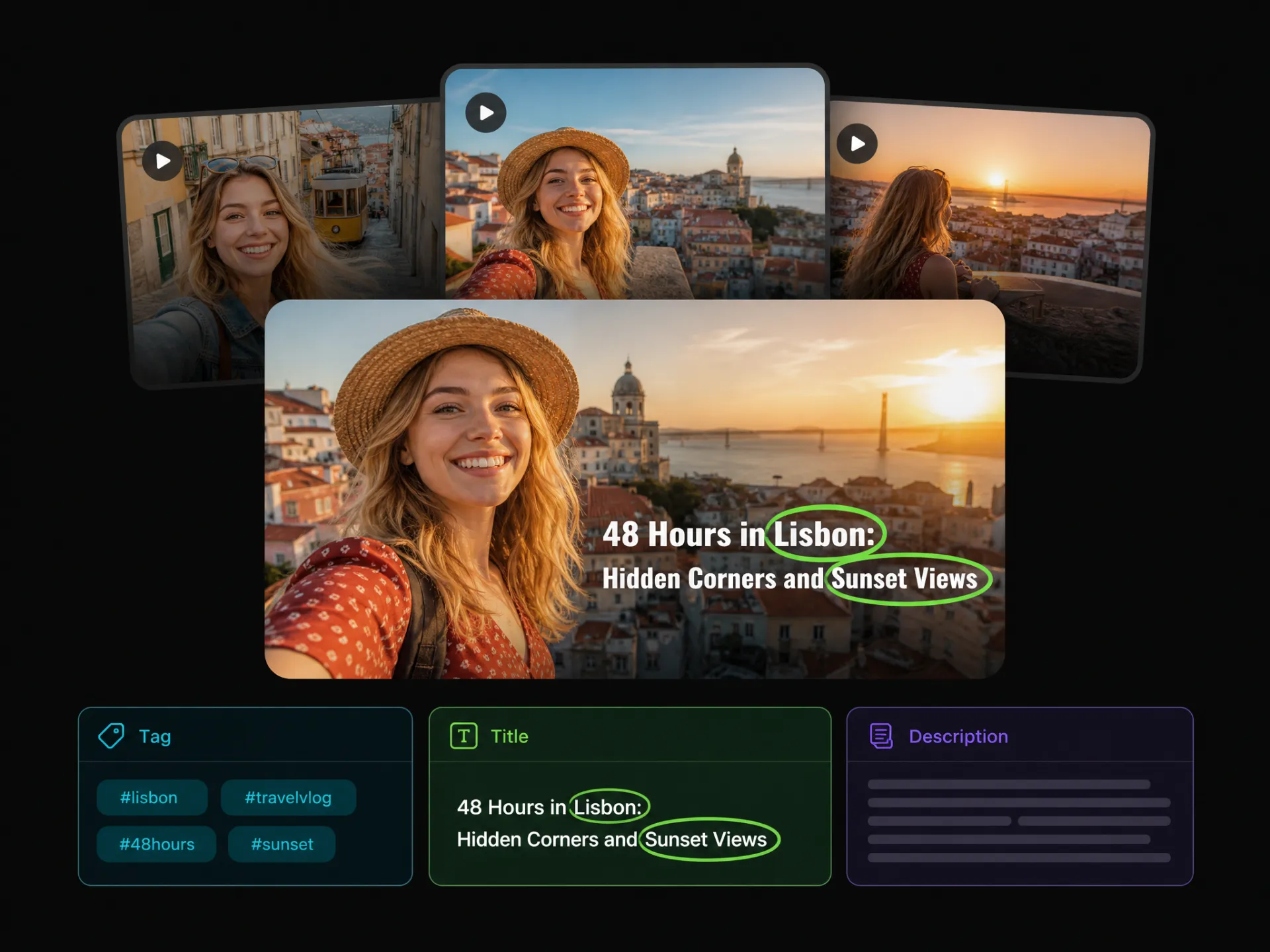
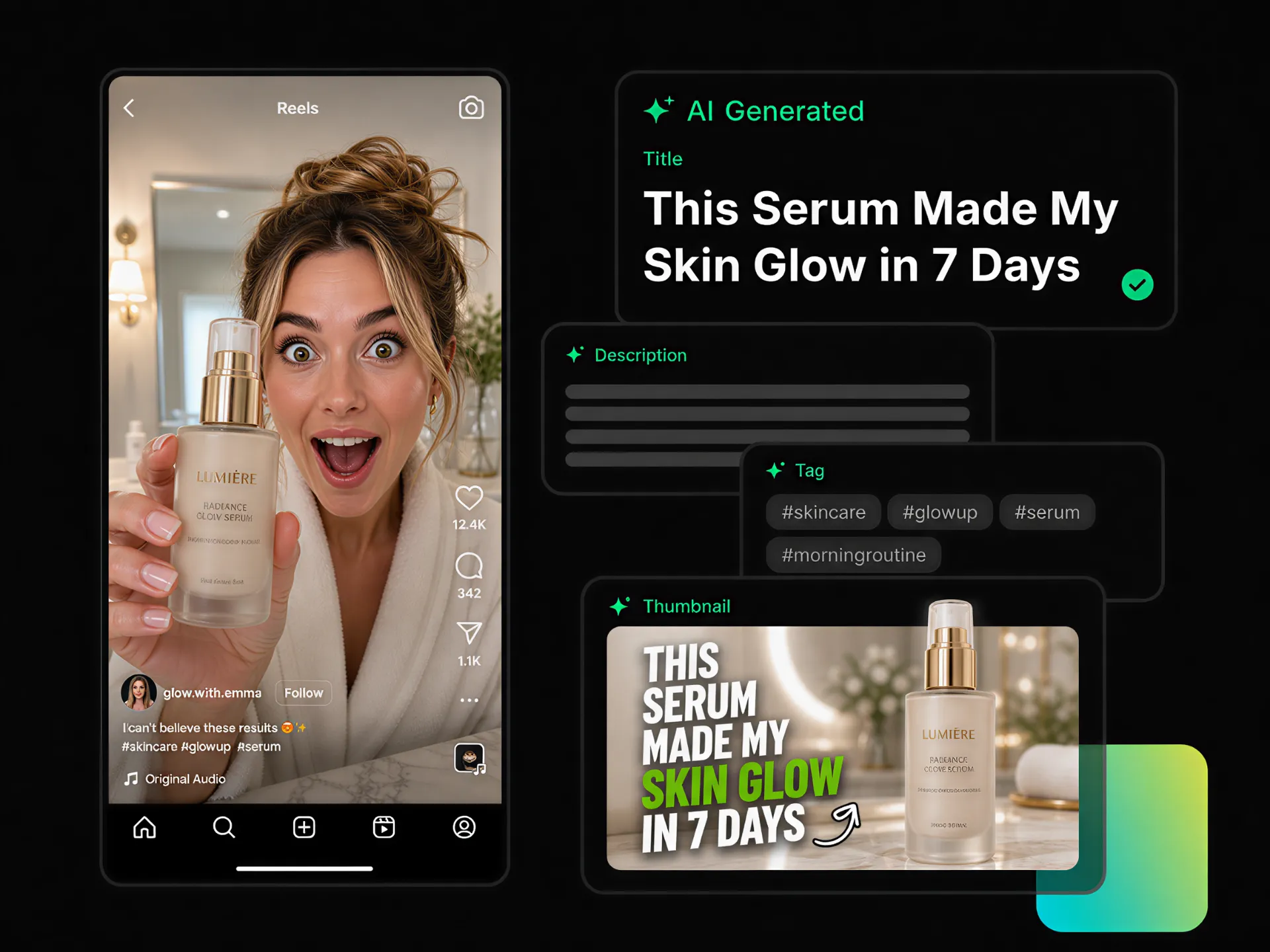
WayinVideo analyzes the speech, visuals, and main topics in your video to create an Instagram caption draft. Instead of writing a detailed prompt or summarizing the footage yourself, you can get a caption draft based on your video and edit it before posting.
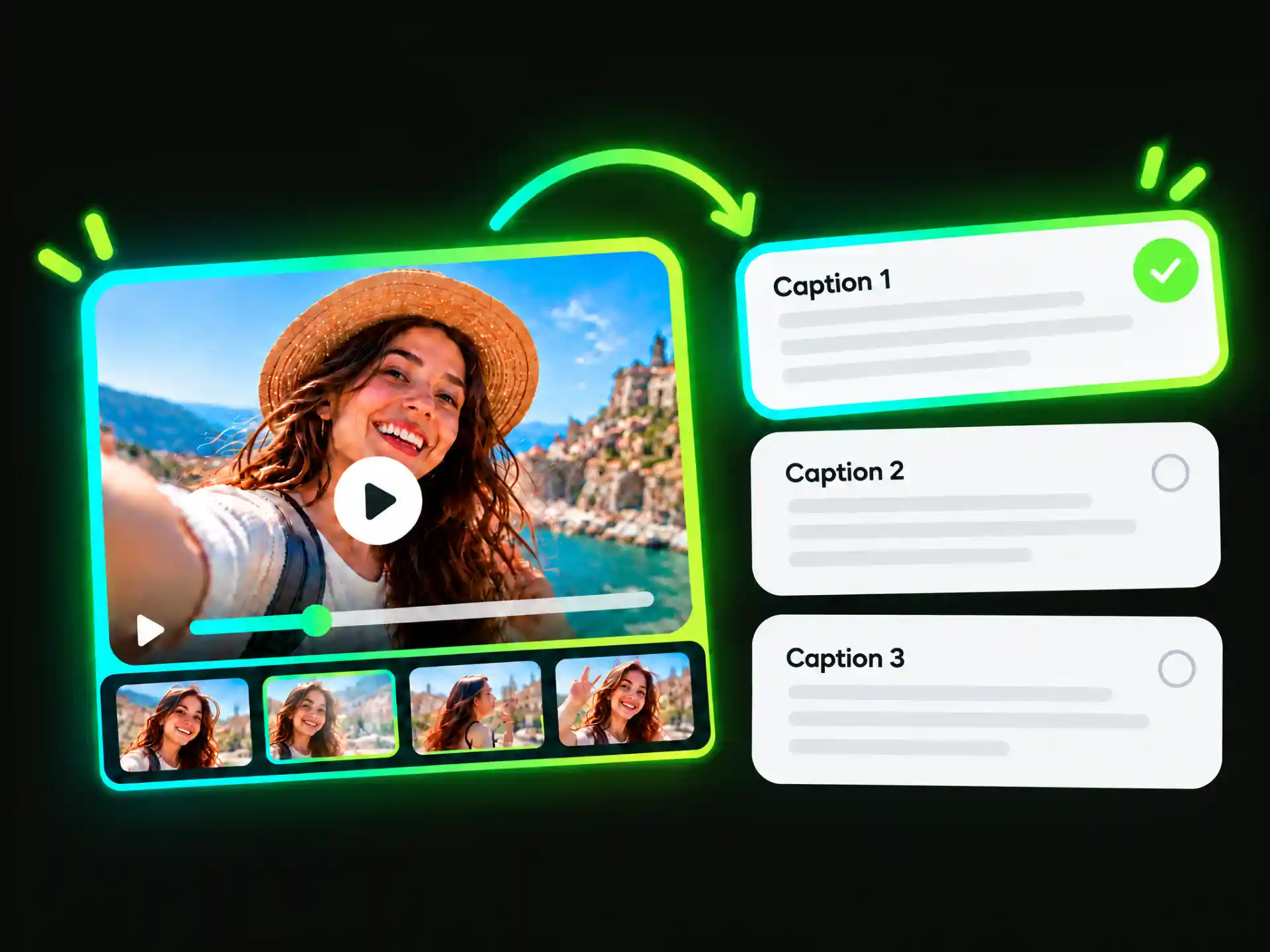
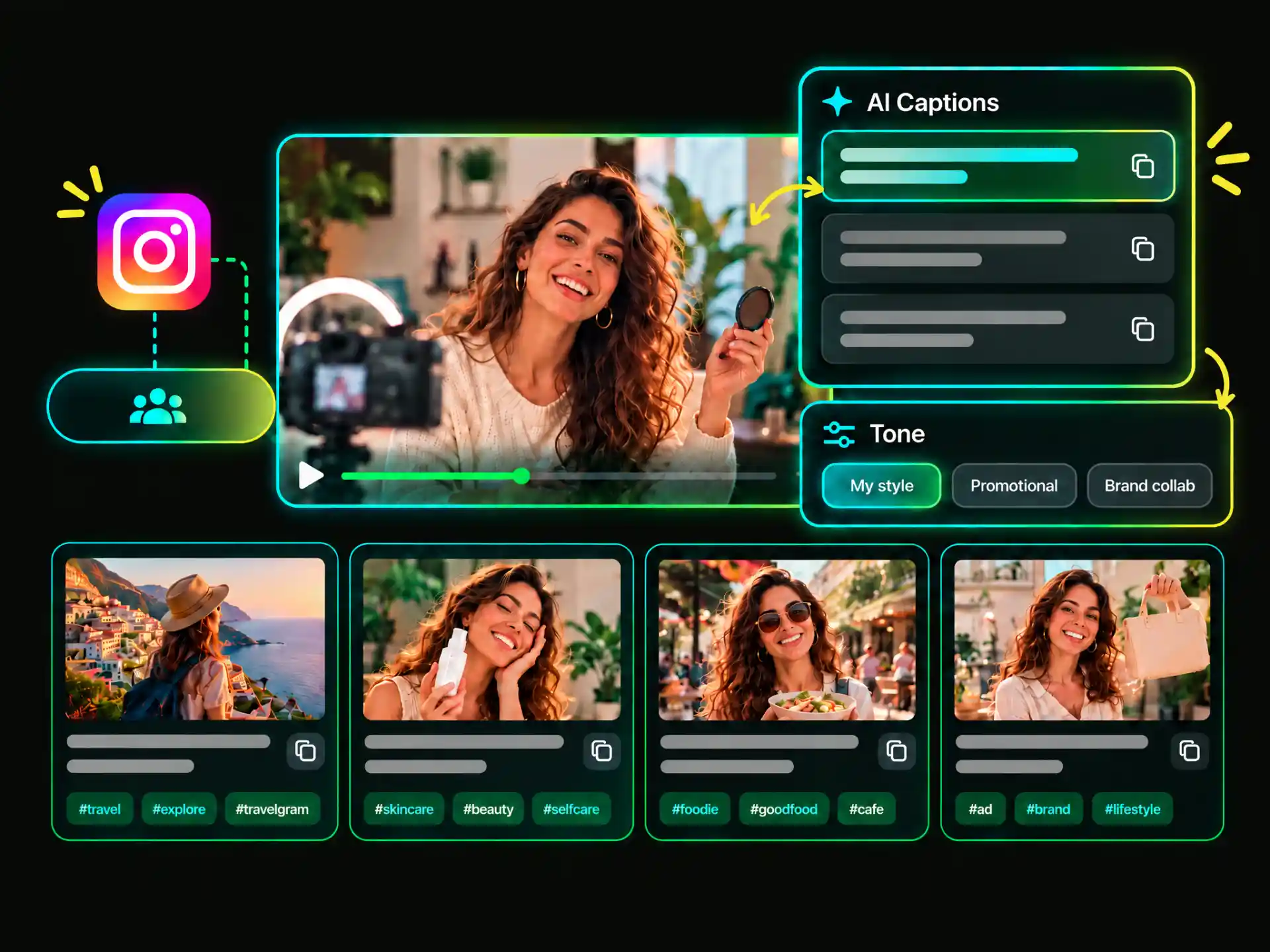
Explore different ways to describe the same video with our caption generator for Instagram. Choose from versions that briefly introduce your content, highlight a specific moment, or include a question for your audience. Compare the options and choose the version that best fits your post.
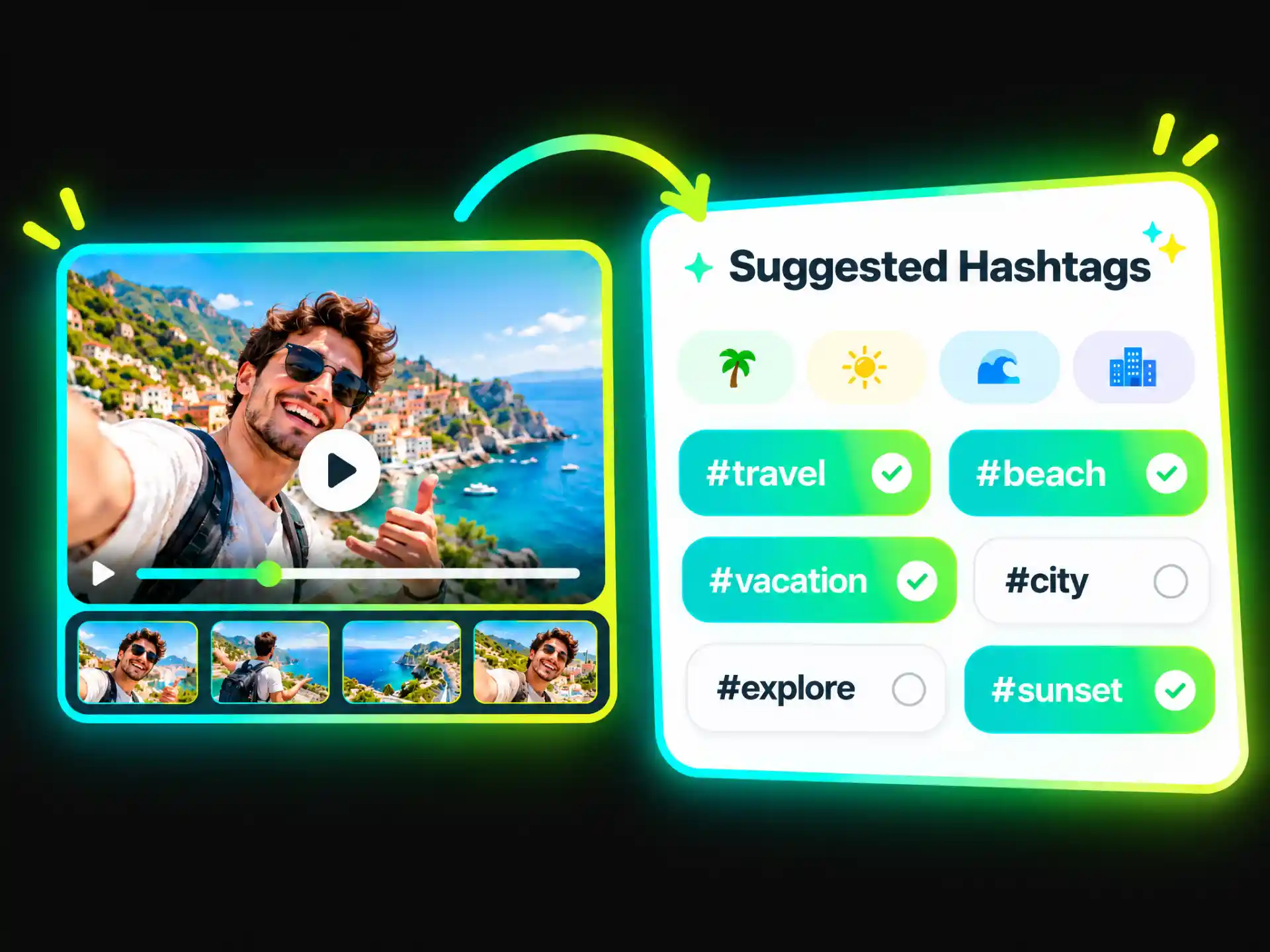
Get Instagram hashtag suggestions based on your video's topics and related keywords. Review the options, select tags that describe your content, and adjust them before posting. This helps you prepare hashtags alongside your caption without having to research every tag separately.
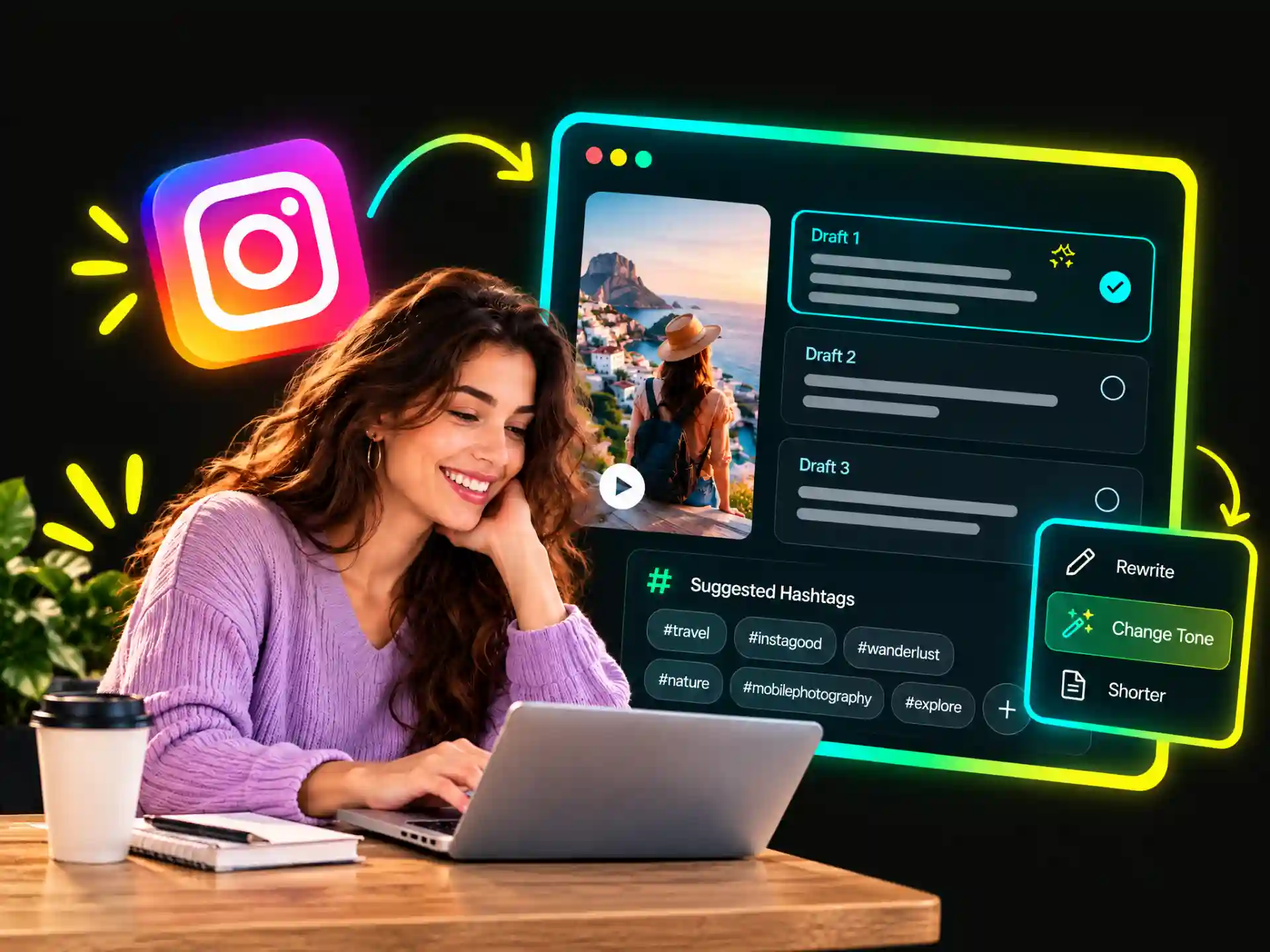
Revise an existing caption with WayinVideo's AI caption generator for Instagram. Adjust the tone, shorten or expand the text, rewrite the opening, or refine a call to action. Check the final wording to make sure it reflects your content and fits your personal or brand style.
From everyday Reels to brand campaigns, WayinVideo helps creators and marketers turn video content into Instagram caption drafts that can be adjusted for different audiences and posting goals.
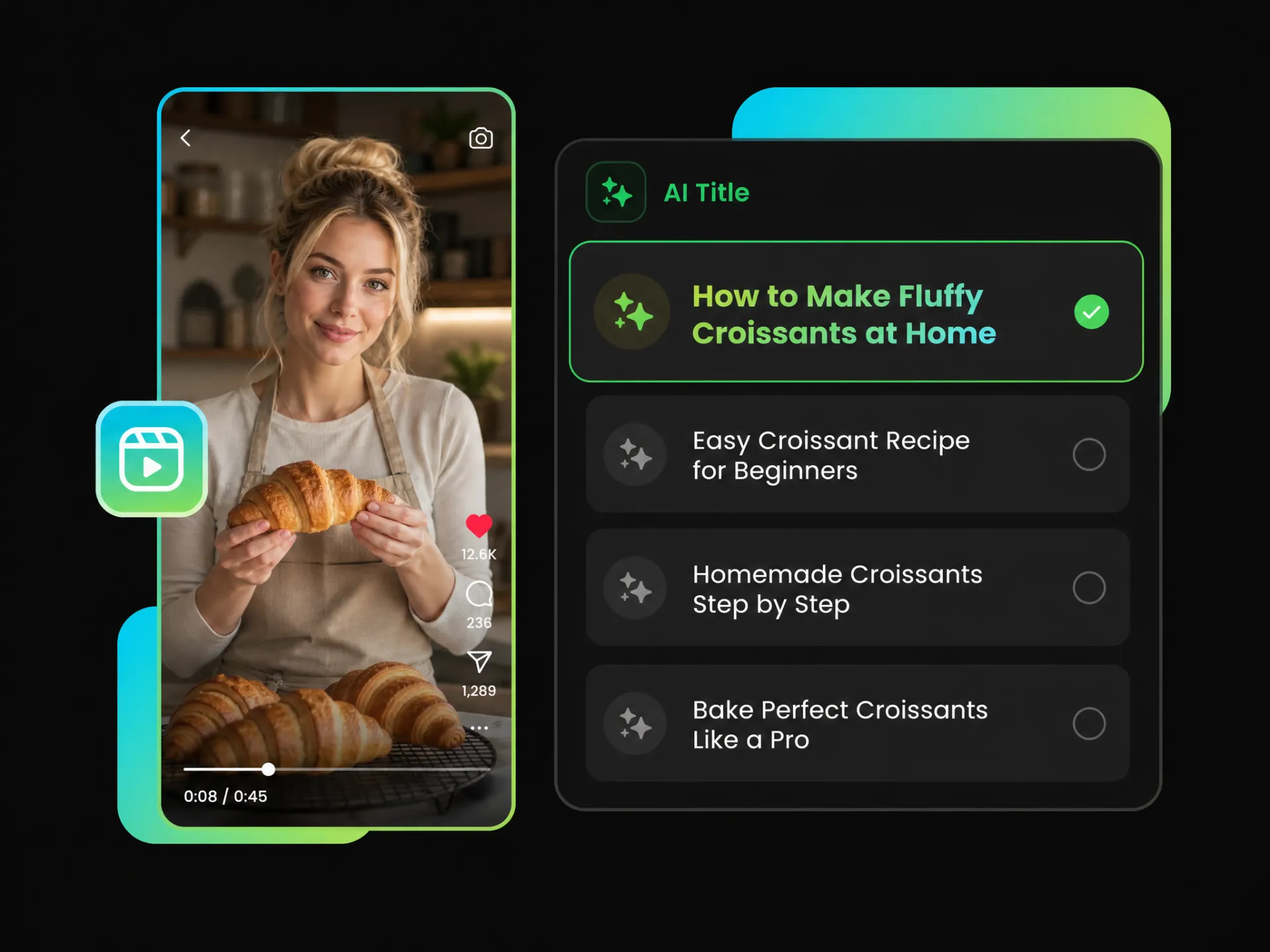
Creative clips, tutorials, and behind-the-scenes videos often need more context than the footage alone provides. WayinVideo's AI Instagram caption generator helps create captions around key moments and topics, leaving room for personal stories or additional details.
Create Reels CaptionsSpend less time reviewing footage and drafting posts from scratch. Start with an Instagram caption generator that draws on your video, leaving more time for planning, creating, and sharing content.
Use your video's actual topics and moments as a starting point instead of relying on generic phrases. Add your experiences, opinions, and personal wording to make the caption your own.
Whether you're sharing everyday Reels or sponsored content, adjust captions to reflect your usual tone. Maintain a recognizable writing style across personal updates, collaborations, and brand posts.
Add clear descriptions, relevant keywords, and appropriate hashtags to give viewers more context about your video. Help them understand what your content covers without relying on generic phrases or unrelated tags.
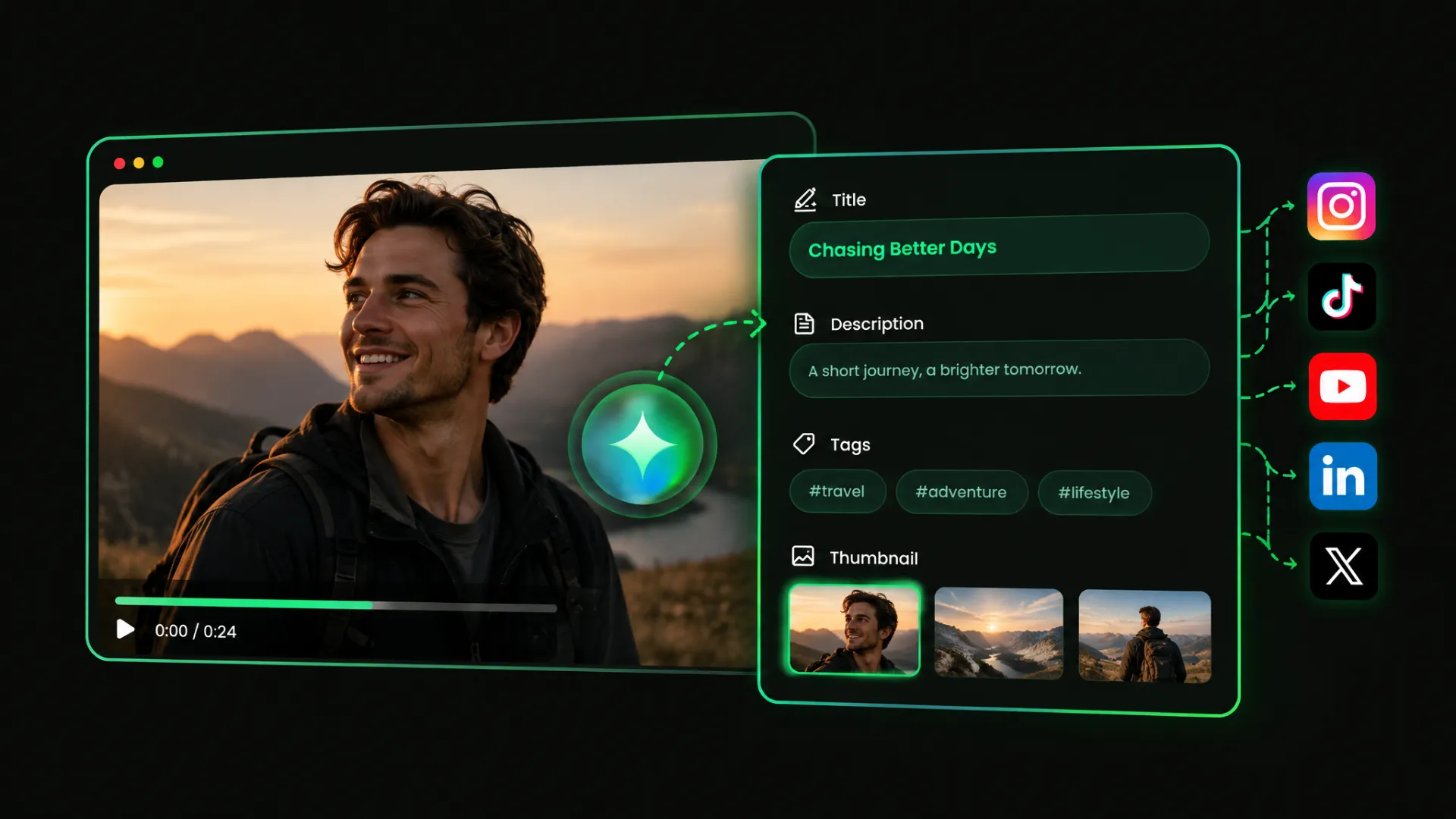
Prepare caption drafts, compare versions, and refine the wording as part of your posting process. For videos shared across multiple platforms, WayinVideo's AI Caption Generator also supports caption creation for other social channels.
You don't need professional copywriting experience to get started. An AI-generated draft gives you something to work from, so you can focus on reviewing details and expressing what matters to you.
Upload your video or paste a supported video link into WayinVideo. Use existing footage, whether it's a Reel, a personal clip, or a product demo.
Use WayinVideo's Instagram caption generator to prepare captions based on your video content. Review and refine the drafts for Reels, personal updates, or brand posts before publishing.
Free to get started. No credit card required.


