

AI Zoom Captioning
Skip the manual captioning work! AI helps transform spoken words from your Zoom recordings into clear, editable captions for more accessible videos.
Turn Zoom recordings into share-ready videos with editable captions, bilingual display, dynamic styles, and custom brand fonts, colors, and layouts.
Trusted by professionals at












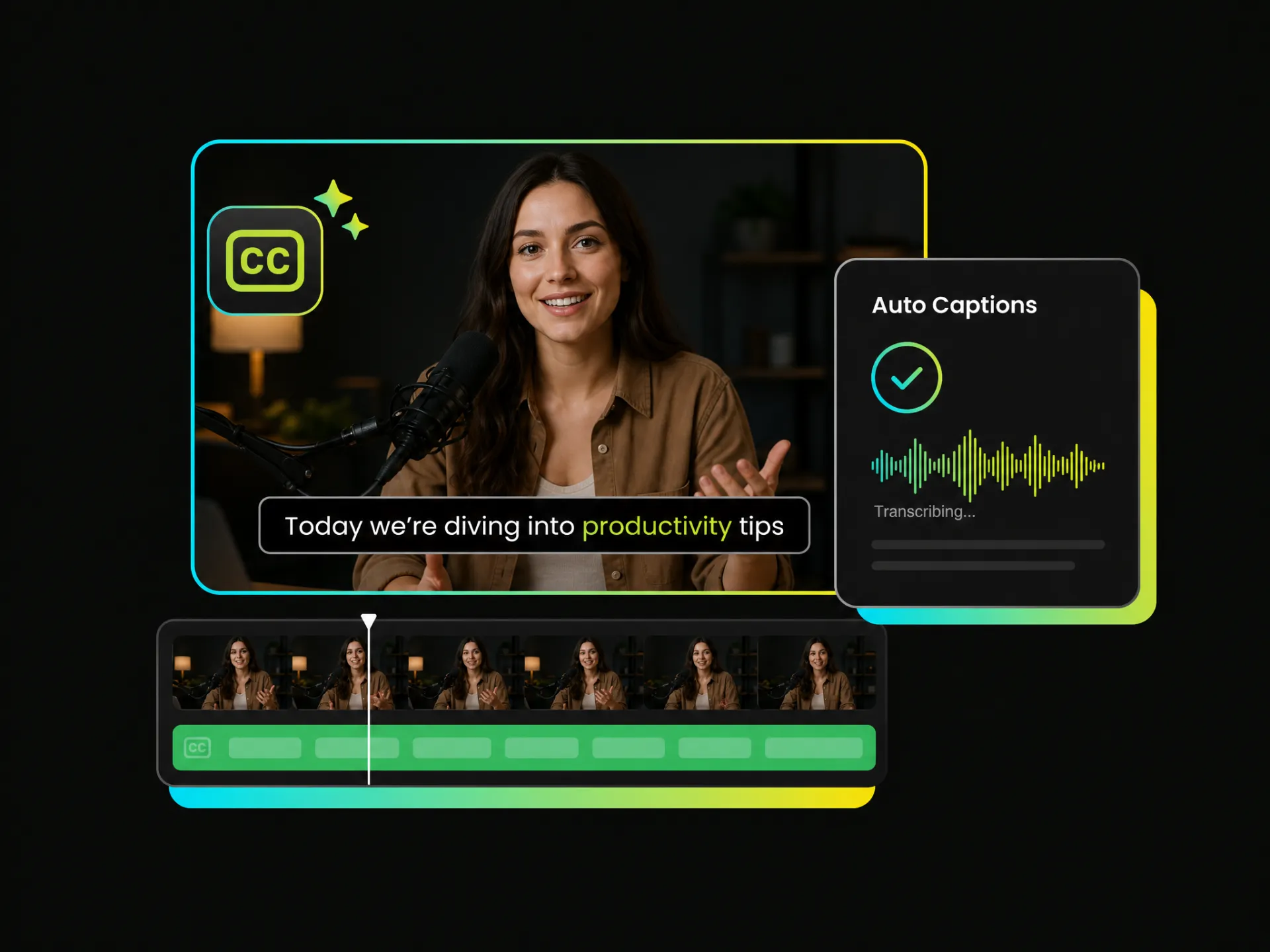
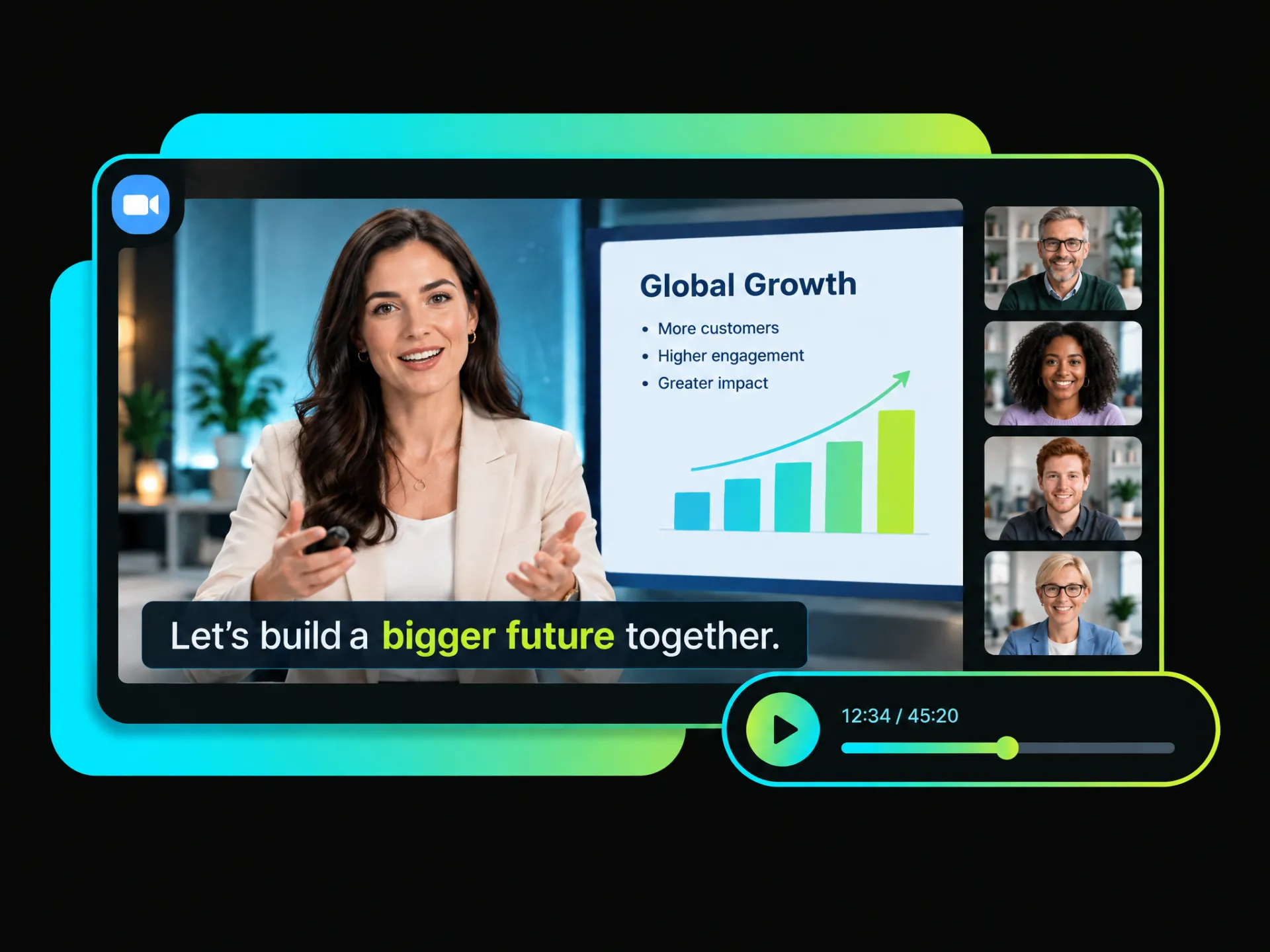
Long Zoom recordings can be hard to keep up with. AI-generated on-screen captions make every conversation easier to understand, helping viewers follow meetings, webinars, and presentations more comfortably with less effort.
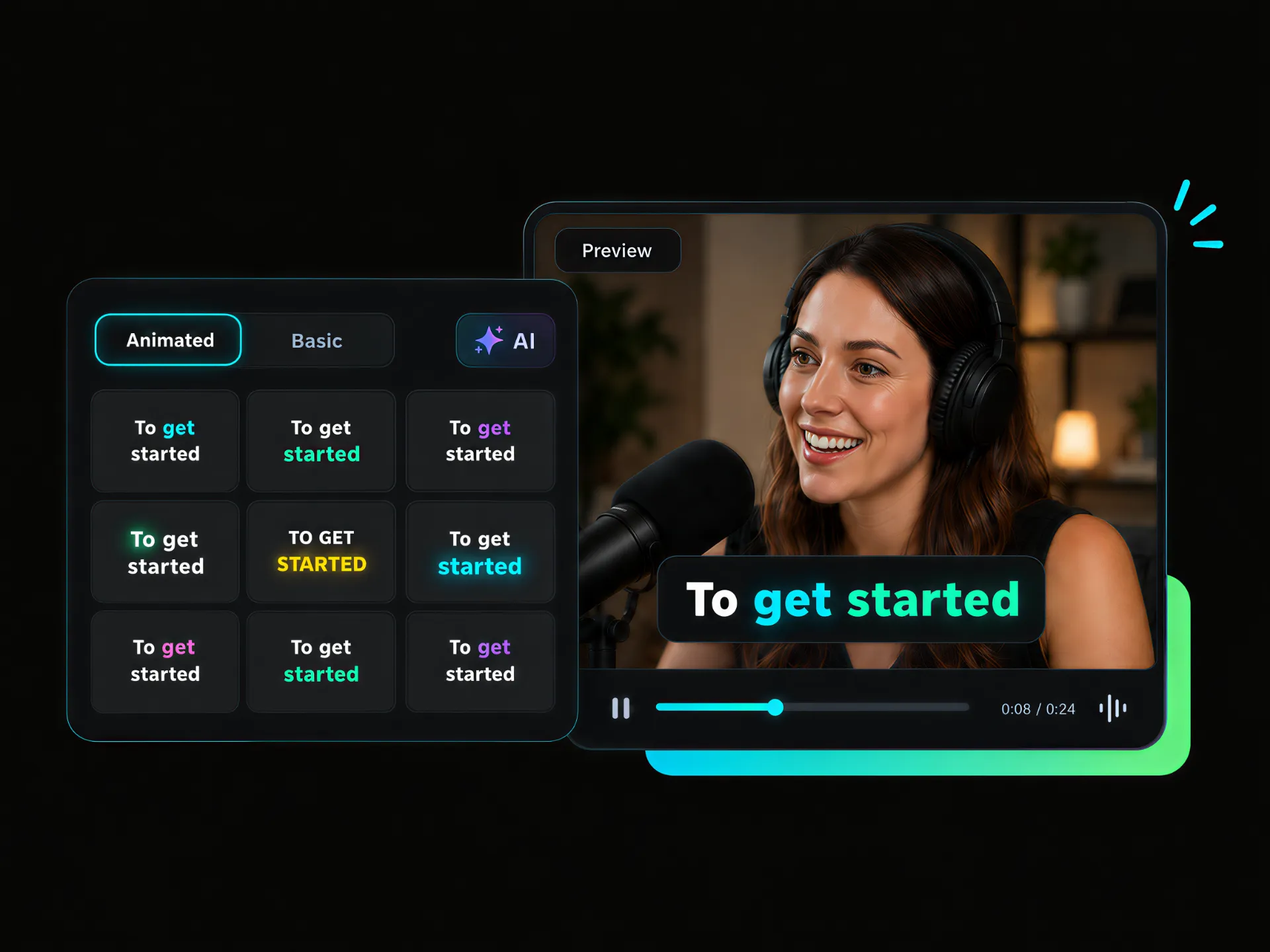
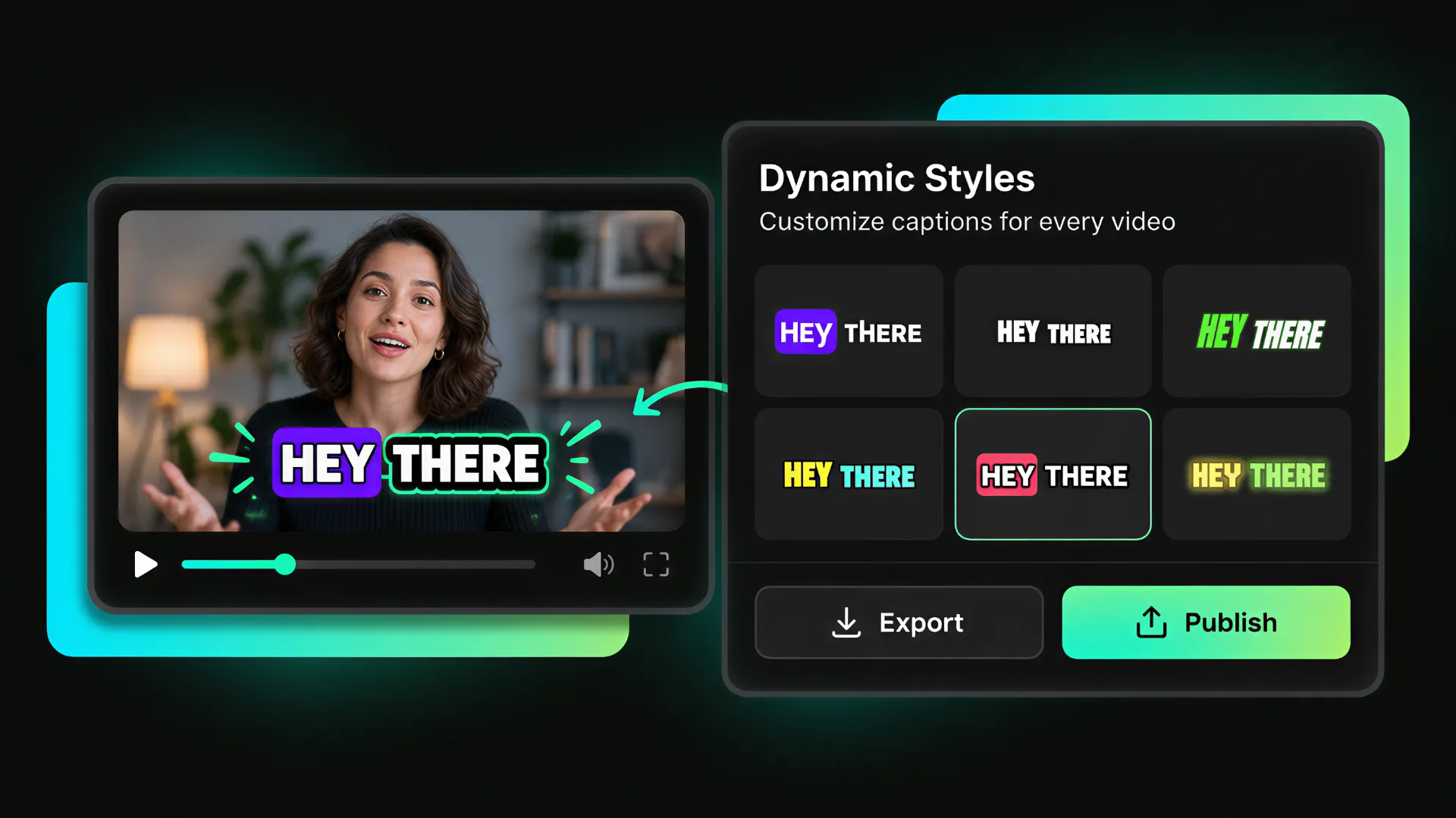
Want your captions to catch people's attention? Make key phrases stand out on screen with animations and word highlight, so viewers can follow the conversation more easily without losing focus on the speaker or the message.
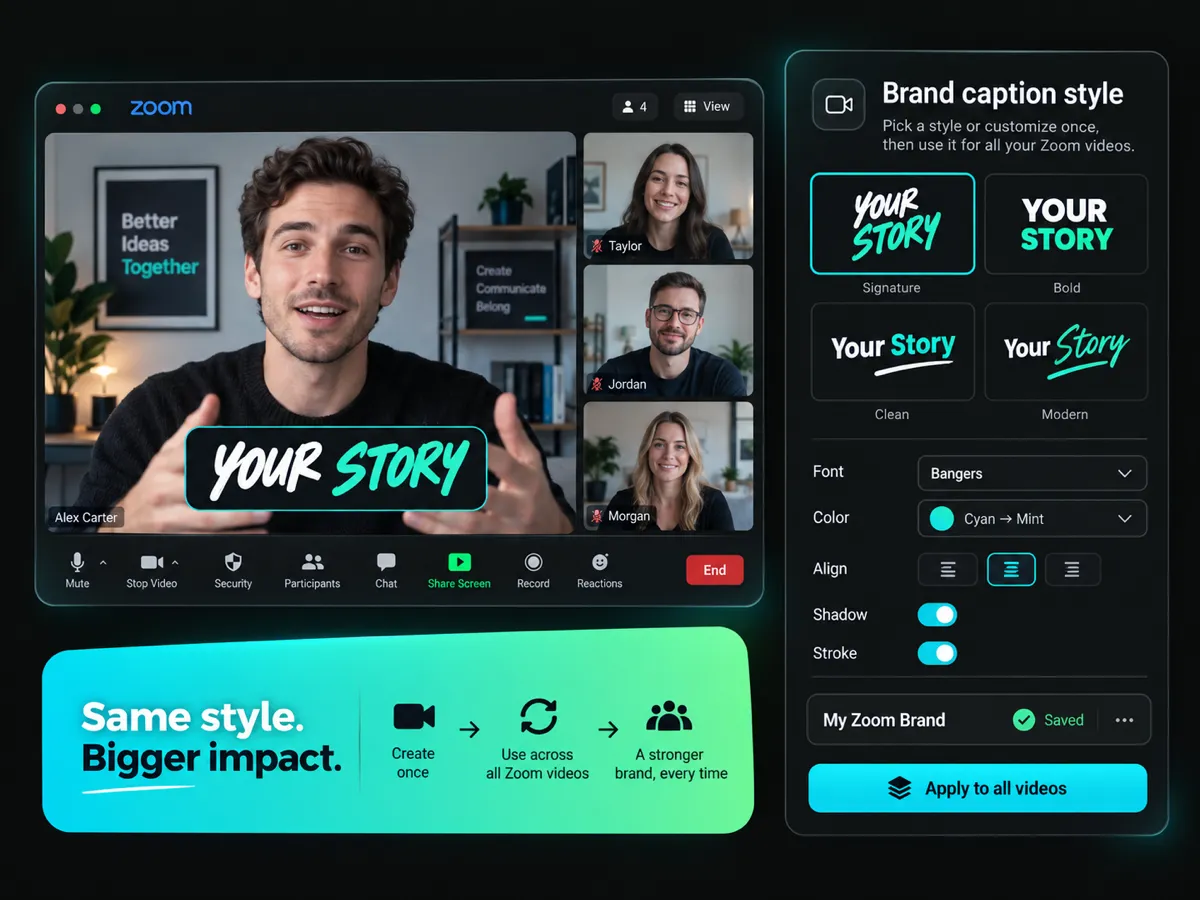
Your captions should look like part of your brand, not an afterthought. Pick from ready-made font templates or create a custom style with your preferred visual details. Save it once and give every Zoom video a more consistent look.
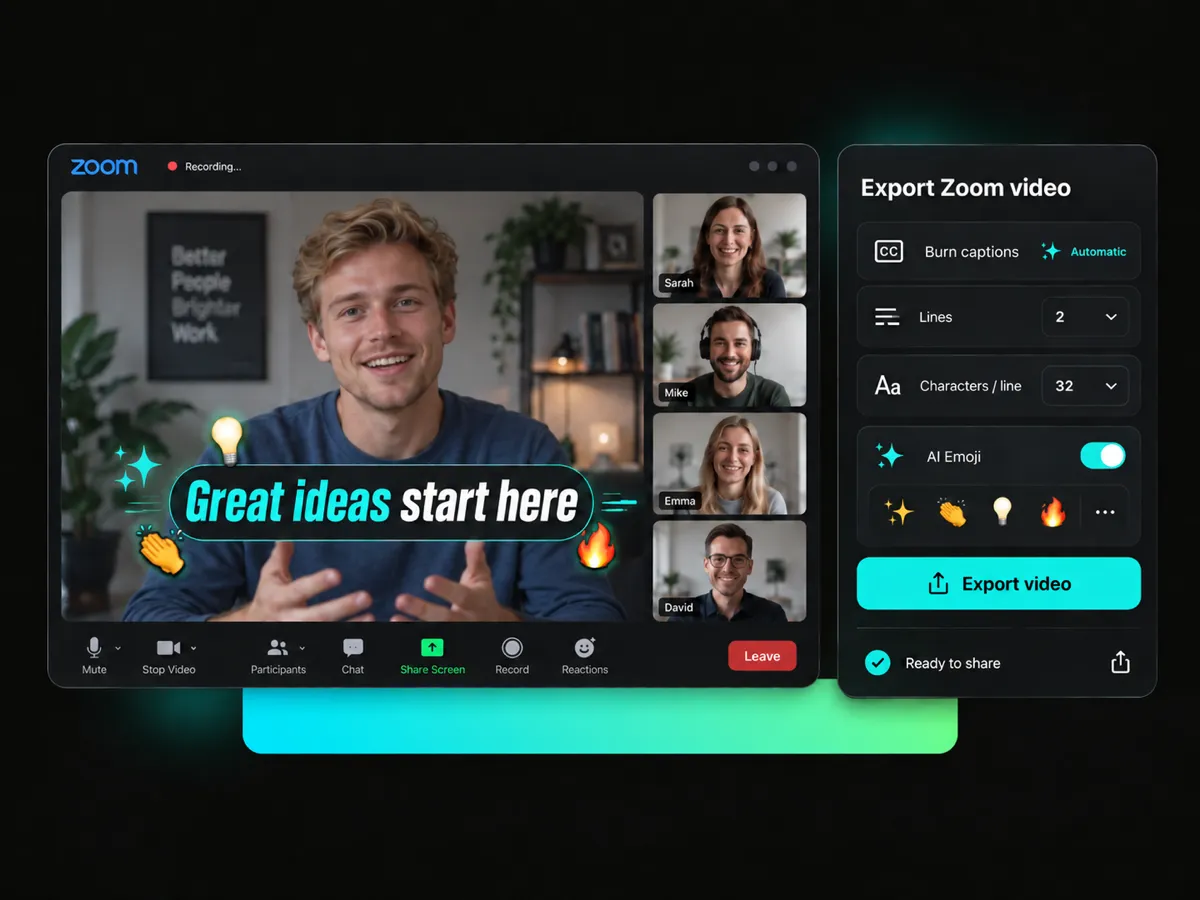
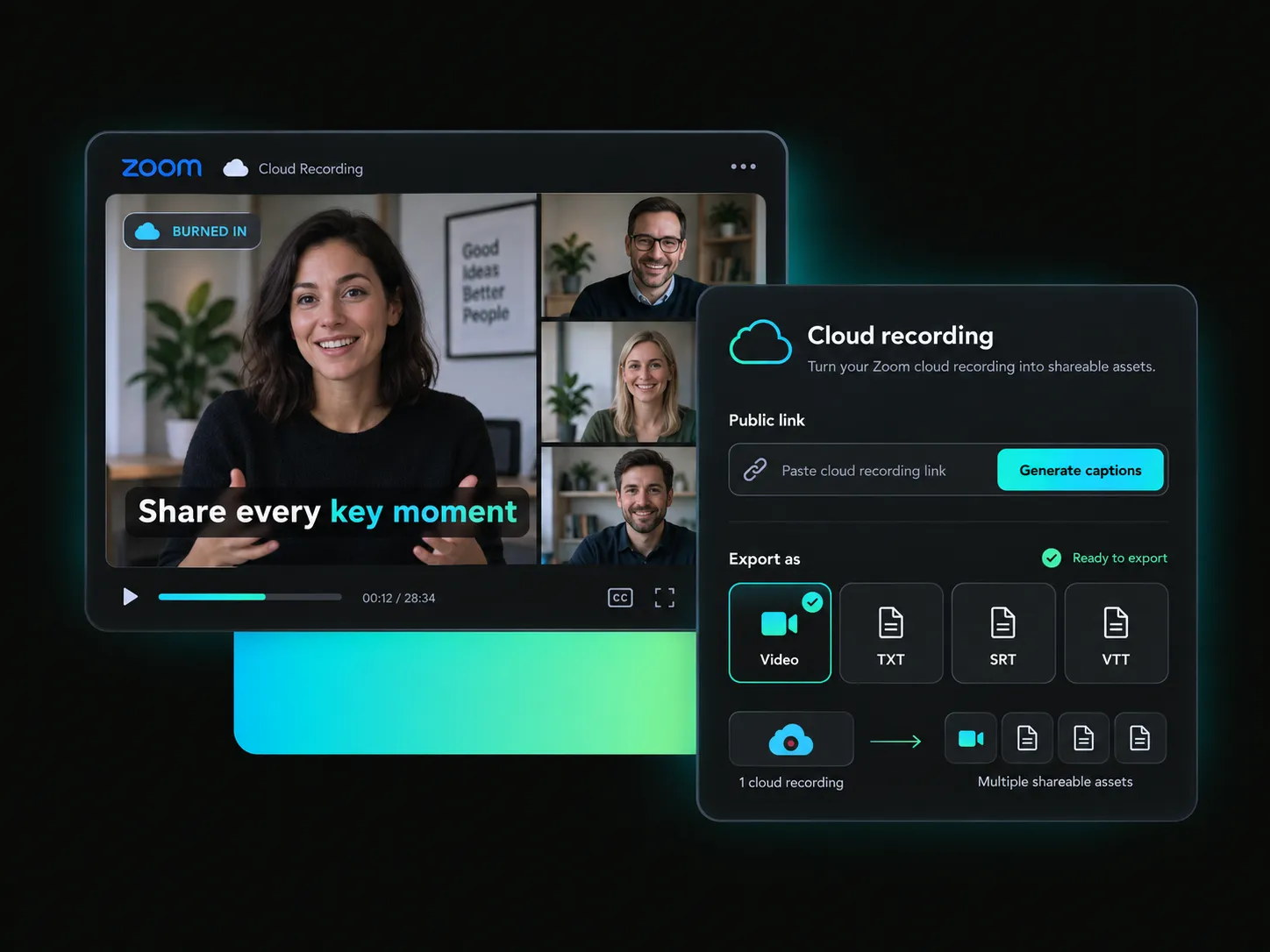
Ready to share your Zoom recording? Burn captions into Zoom videos directly, then adjust caption lines, characters per line, and AI Emoji settings. Create a cleaner viewing experience for social media and other channels.
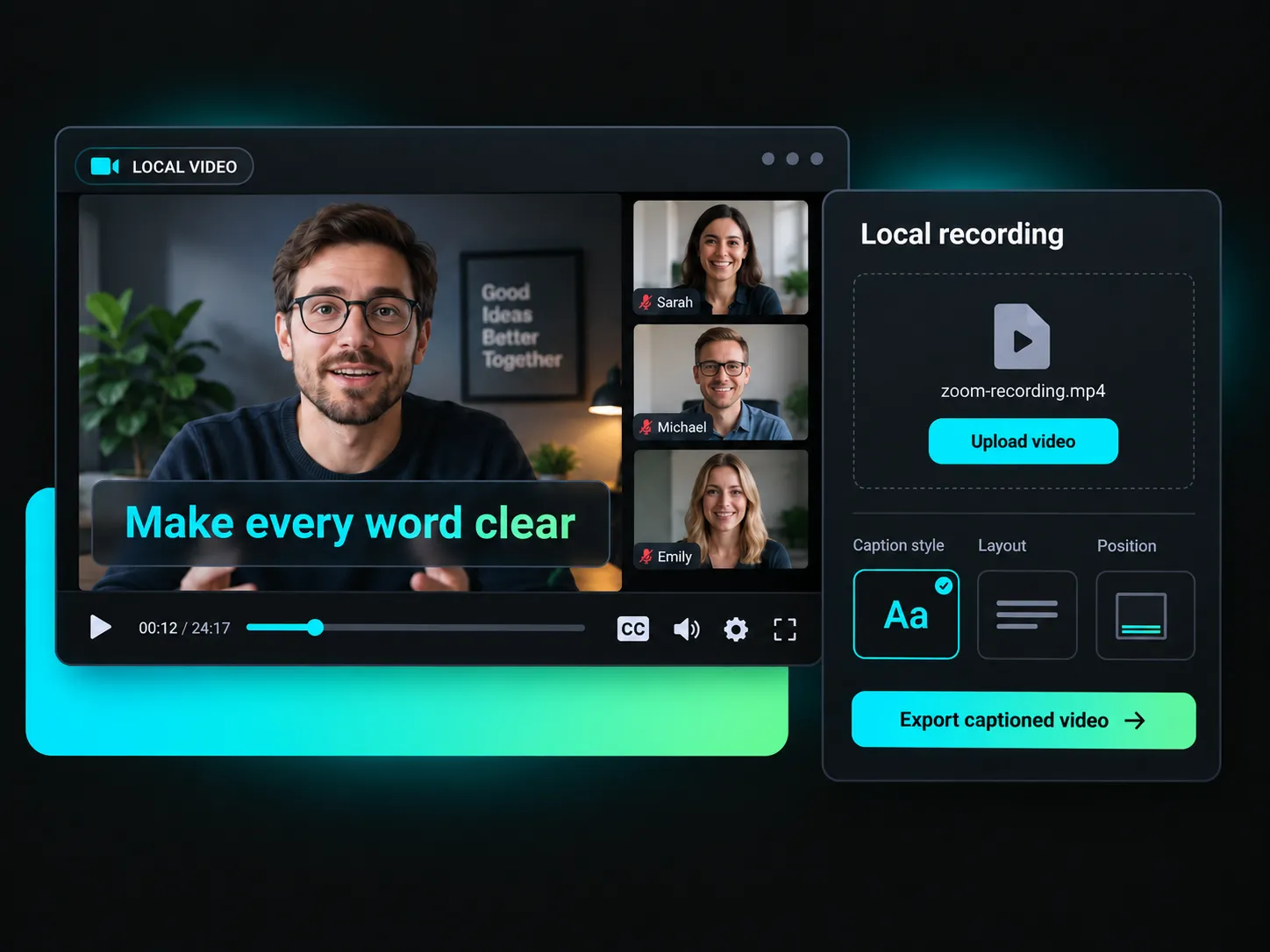
Make Zoom recordings easier to follow with on-screen captions. Whether you're sharing a meeting, webinar, cloud recording, or downloaded video, create a better viewing experience for your audience.
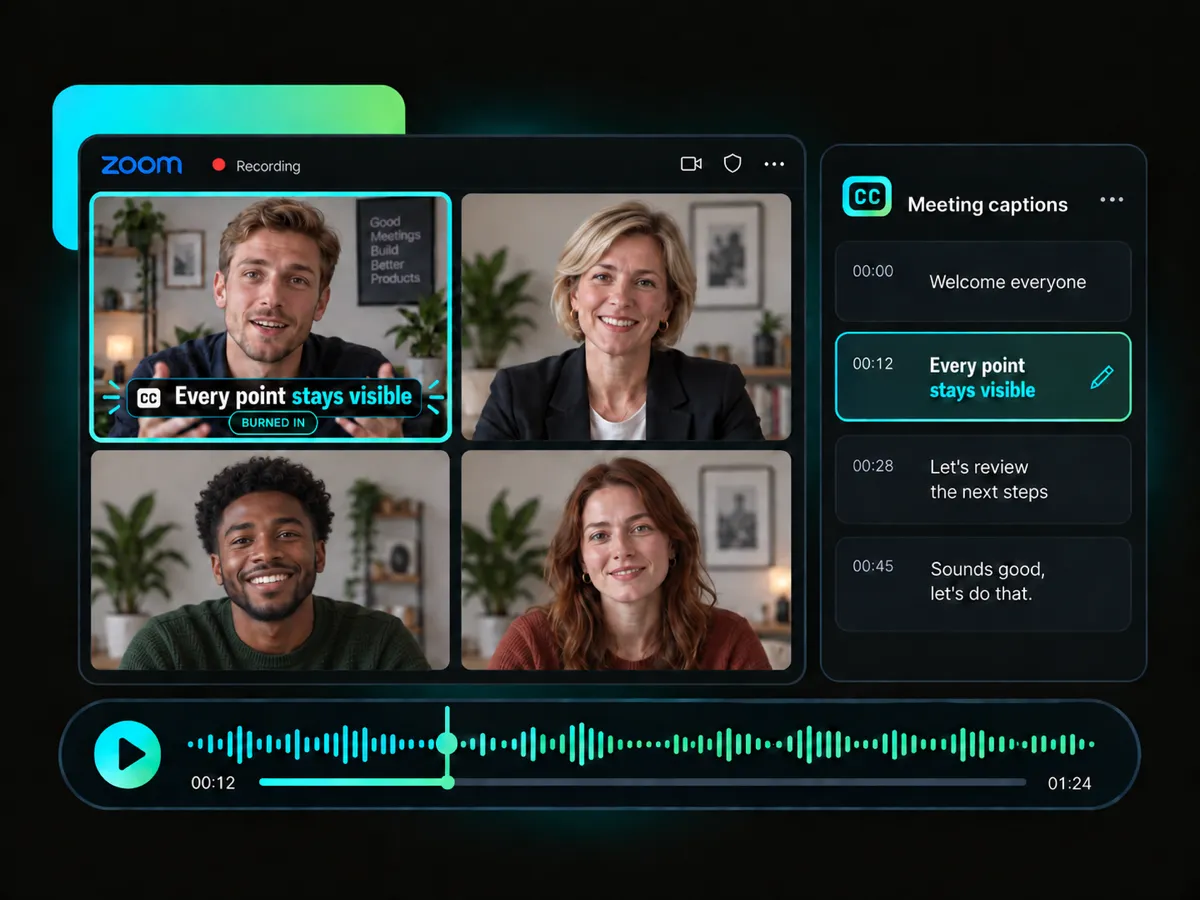
Important details can get lost in a long meeting recording. Add burned-in captions to keep every point visible, correct the text when needed, and use animations to make the conversation easier to follow from beginning to end.
Caption Meeting RecordingsSkip the manual captioning work! AI helps transform spoken words from your Zoom recordings into clear, editable captions for more accessible videos.
Reach a wider audience with caption translation in 100+ languages. Create multilingual Zoom videos that are easier for viewers around the world to understand and enjoy.
Bring more energy to your Zoom recordings with dynamic caption styles for social media. Highlight key words on screen and help viewers stay focused on the conversation.
Found a caption style that fits your brand? Save it as a reusable template, so you can apply a consistent look to future Zoom videos without starting from scratch each time.
Add a thumbnail to your captioned Zoom video before publishing. Give viewers a preview of what to expect and help your video look polished in social feeds and shared links.
Export high-definition Zoom videos with burned-in captions and no watermark, giving you a cleaner final file that's ready for publishing, sharing, and building a consistent video presence.
Paste a public Zoom video link or upload a recording from your computer. Your video will be ready for AI Zoom video captioning in just a few moments.
Make your Zoom recordings easier to follow and share with AI-generated captions, custom styles, bilingual display, and burned-in video export.
Sign up to receive 100 free credits.


