


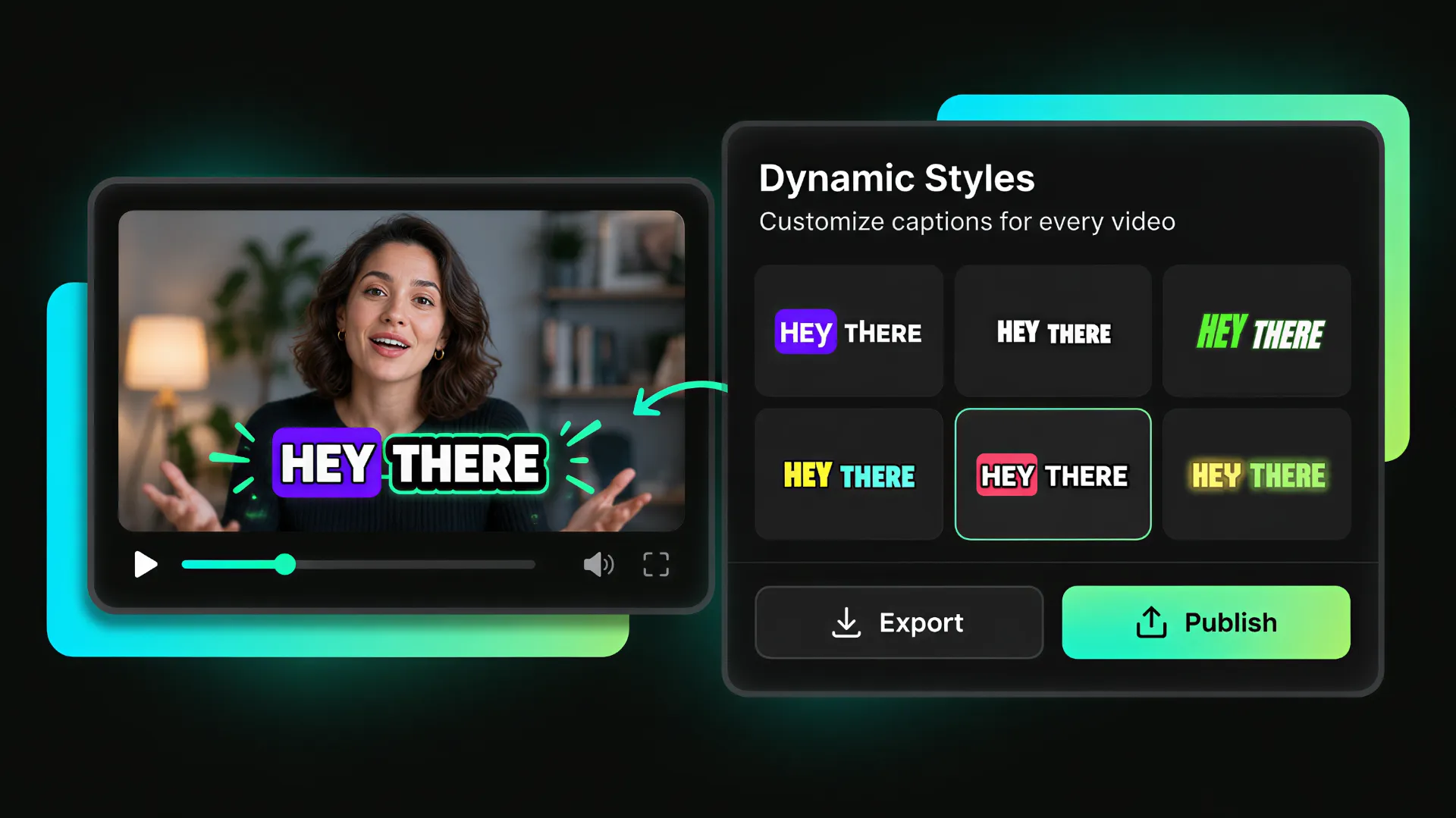
Dynamic Word Highlighting
Use dynamic captions and word highlighting to make captions for Instagram Reels easier to follow, especially when viewers watch without sound.
Turn spoken audio into visible captions for Instagram videos, Reels, and Stories. WayinVideo helps creators and teams make videos easier to follow, even when the sound is off.
Trusted by professionals at












Need to add captions to Instagram videos? WayinVideo turns spoken audio into visible in-video captions, making Reels, Stories, and feed videos easier to follow.
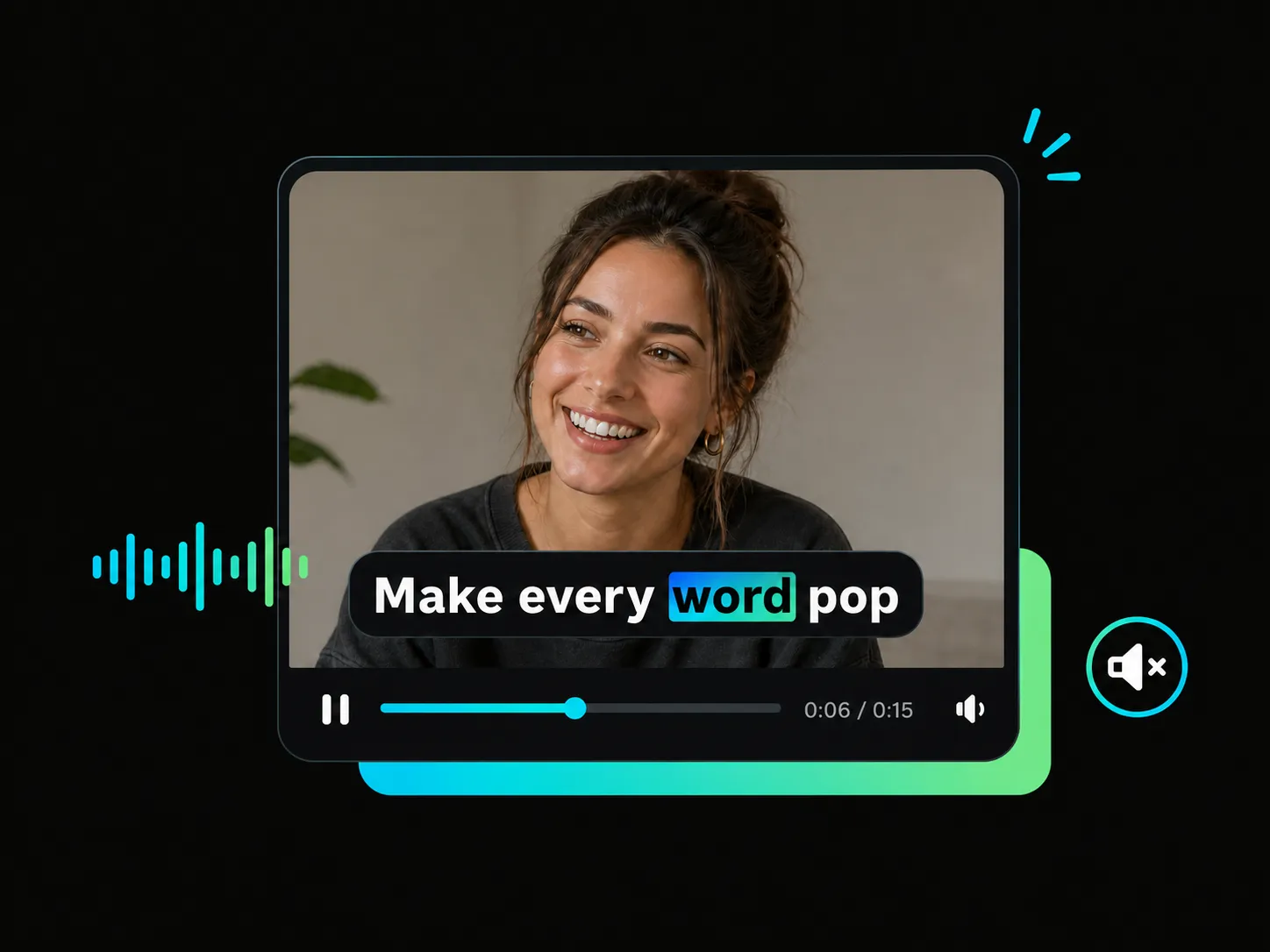
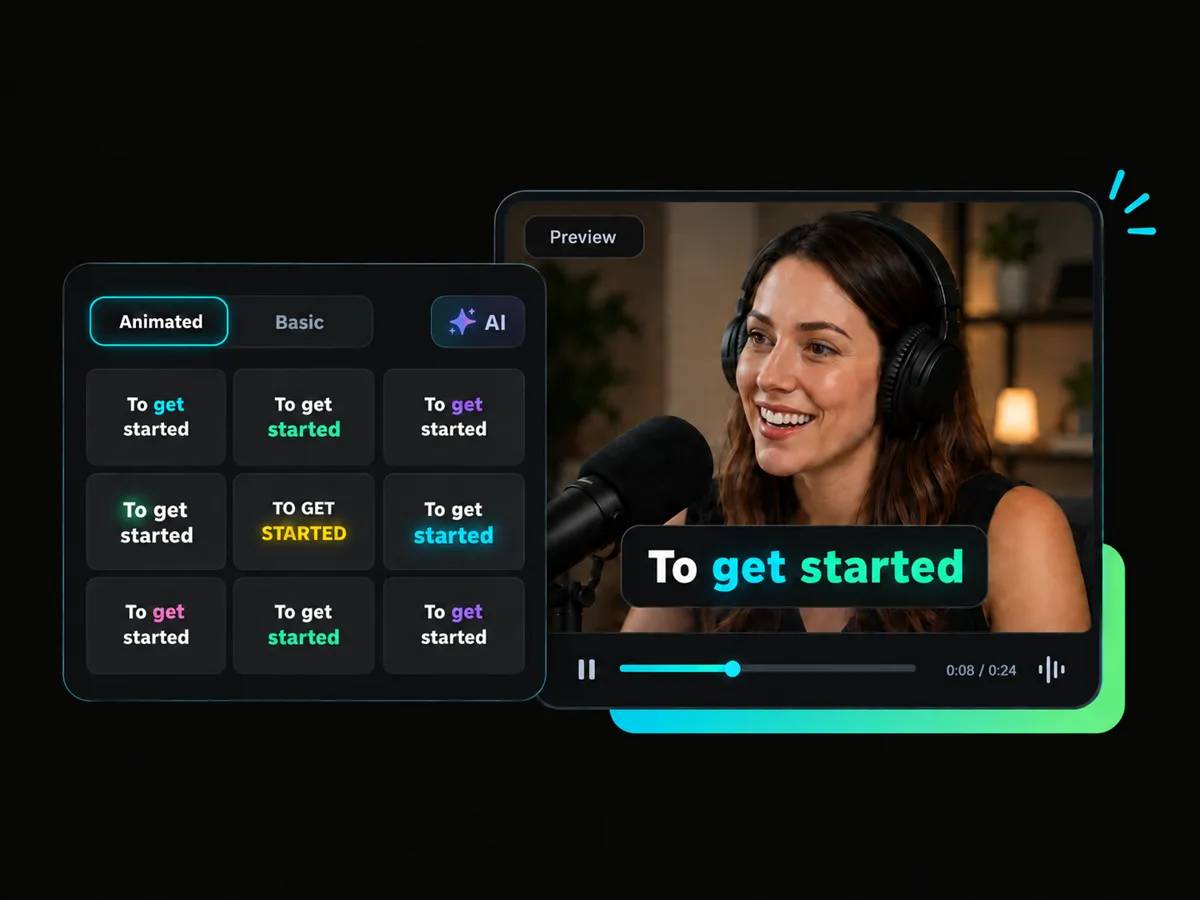
Create auto-generated captions for Instagram Reels, then use dynamic captions and word highlighting to make spoken content easier to follow.
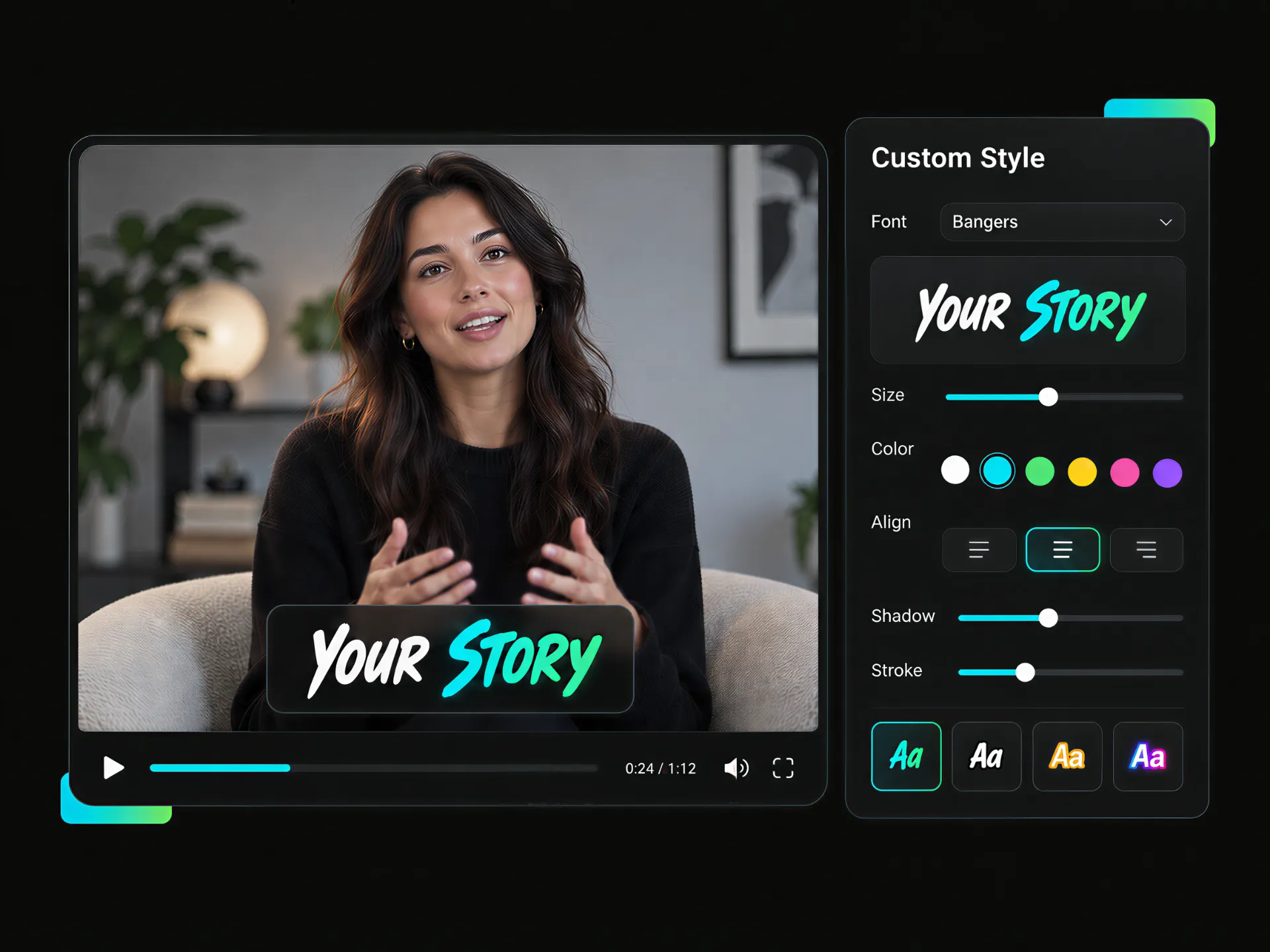
Turn video speech into IG Story captions with font templates and brand styles. Export the finished video and upload it to your Instagram Story when you are ready to share.
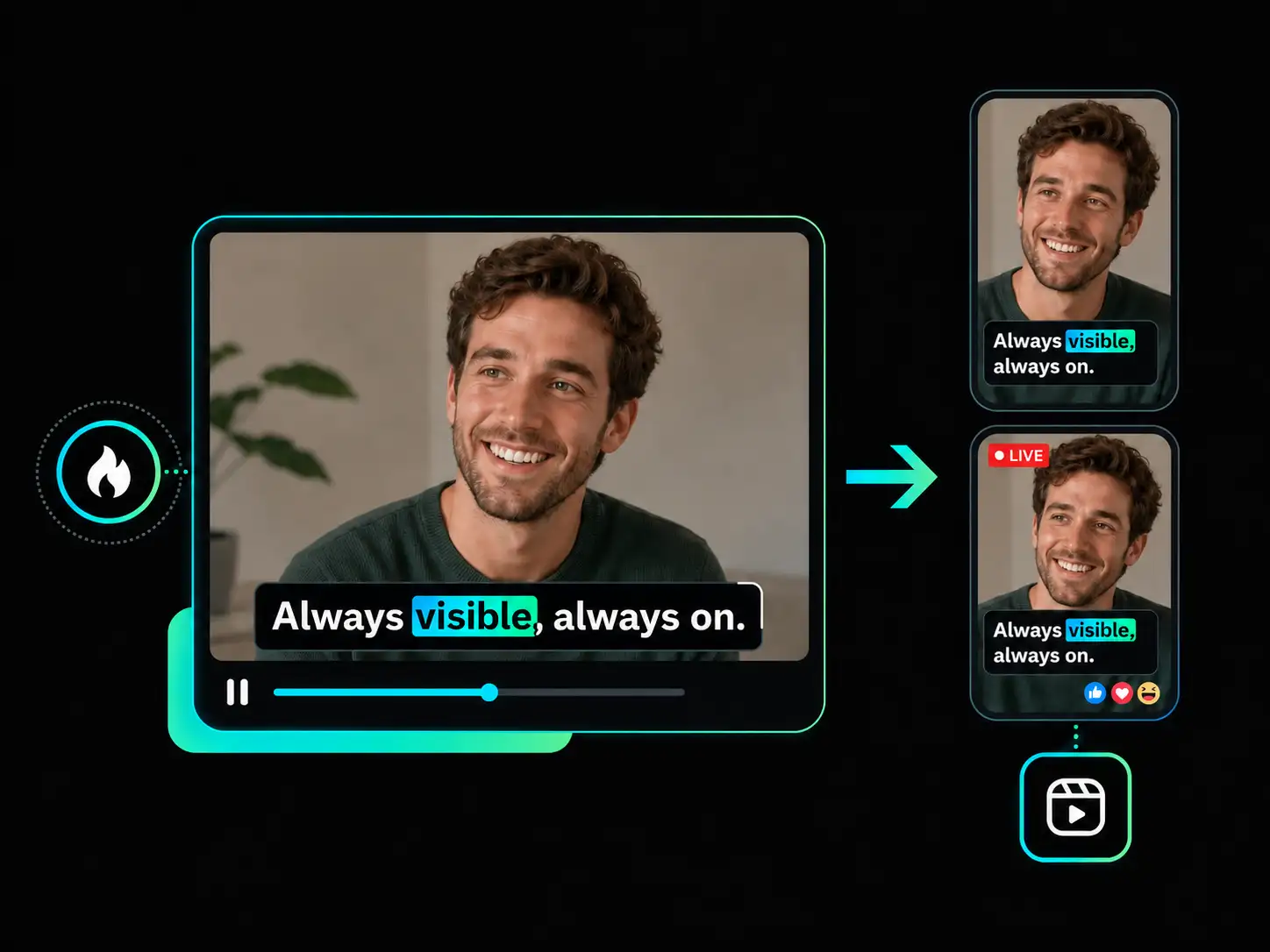
Burn captions directly into your video and export a social-ready file for Instagram Reels, Stories, and feed posts.
From Reels creators and educators to researchers and marketing teams, WayinVideo helps you create clear, styled captions for Instagram videos, Stories, and Reels.
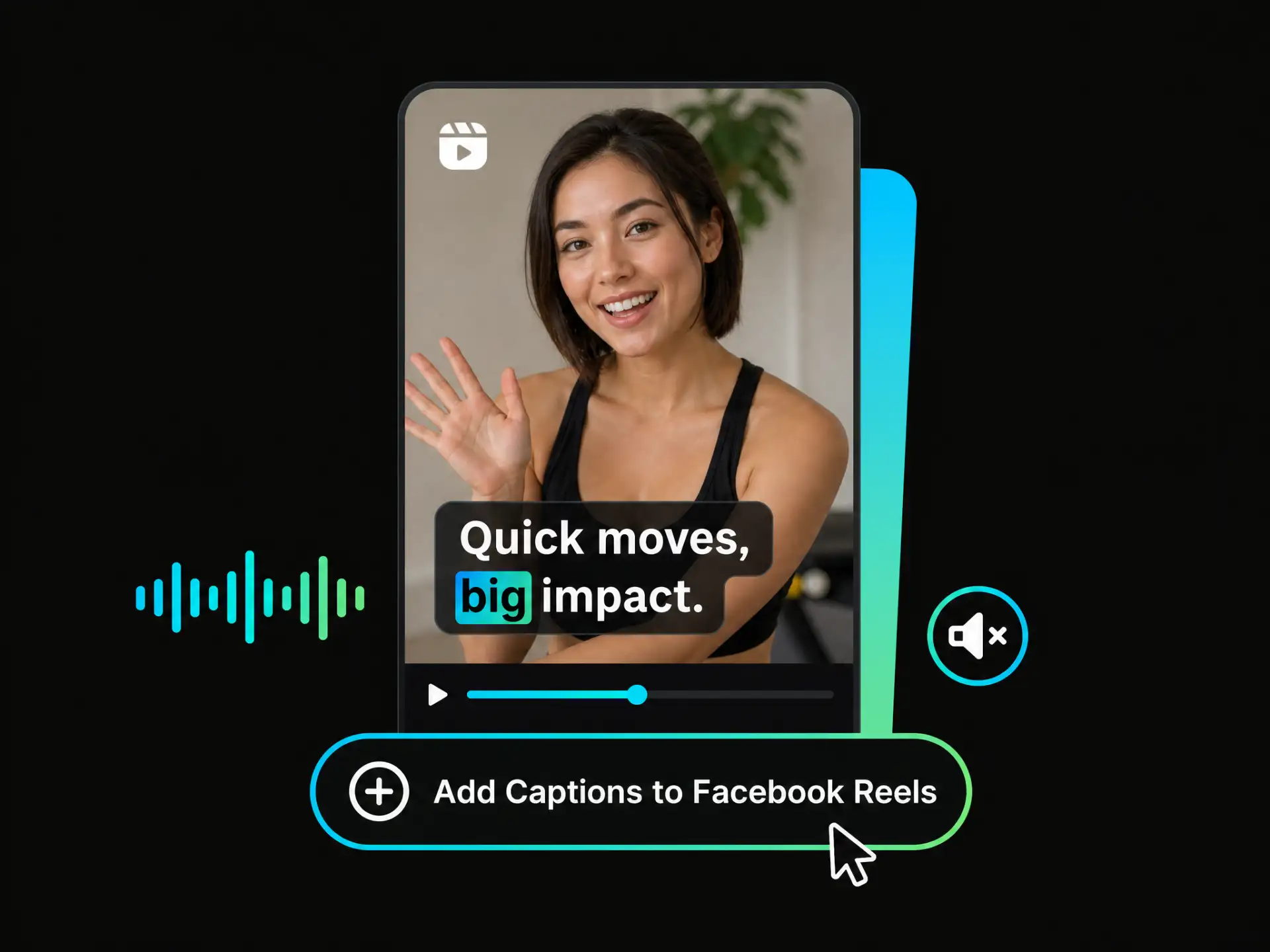
Creators making Reels, interview clips, and short videos often need polished captions but have limited time for styling and manual caption work. WayinVideo helps you add captions to Instagram Reels with auto-generated captions, dynamic subtitles, and word highlighting.
Create Reel CaptionsUse dynamic captions and word highlighting to make captions for Instagram Reels easier to follow, especially when viewers watch without sound.
Create captions for Instagram videos from spoken content and use your preferred caption style for Reels and Stories.
Upload a video, paste a supported link, or use bulk import when you need to add captions to videos without complicated editing steps.
Create accessible subtitles directly in your browser with closed captioning on Instagram, without installing additional software.
Auto-generated captions for Instagram videos and Reels from your video’s speech, then apply a consistent caption style before exporting.
Export captioned videos or download SRT, TXT, and VTT files for captions on Instagram videos, other platforms, like TikTok, Facebook and Vimeo.
Upload a video, paste a supported video link, or use bulk import when preparing multiple videos. WayinVideo makes it easy to add captions to Instagram videos.
Create a captioned Reel, Story, or feed video with WayinVideo. Generate captions automatically, apply your brand style, and export a social-ready video in minutes.
Make every Instagram video easier to follow.


