

Engaging Animated Captions
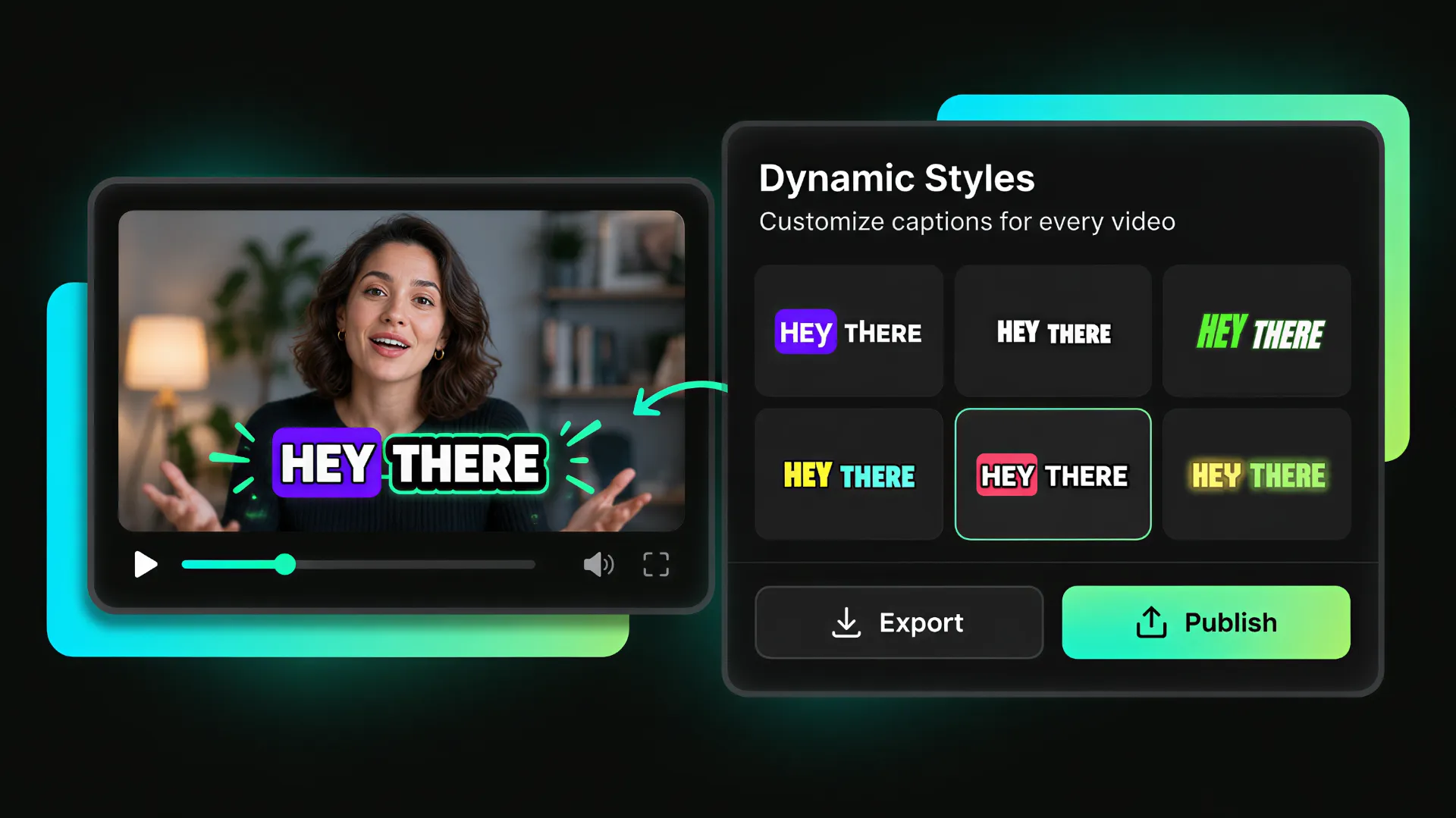
Use animated styles and word-by-word highlights to make captions on TikTok videos more engaging, especially for viewers watching without sound.
Create clear, engaging captions for TikTok videos with automatic caption generation, dynamic subtitles, word highlighting, brand styles, and social-ready export.
Trusted by professionals at












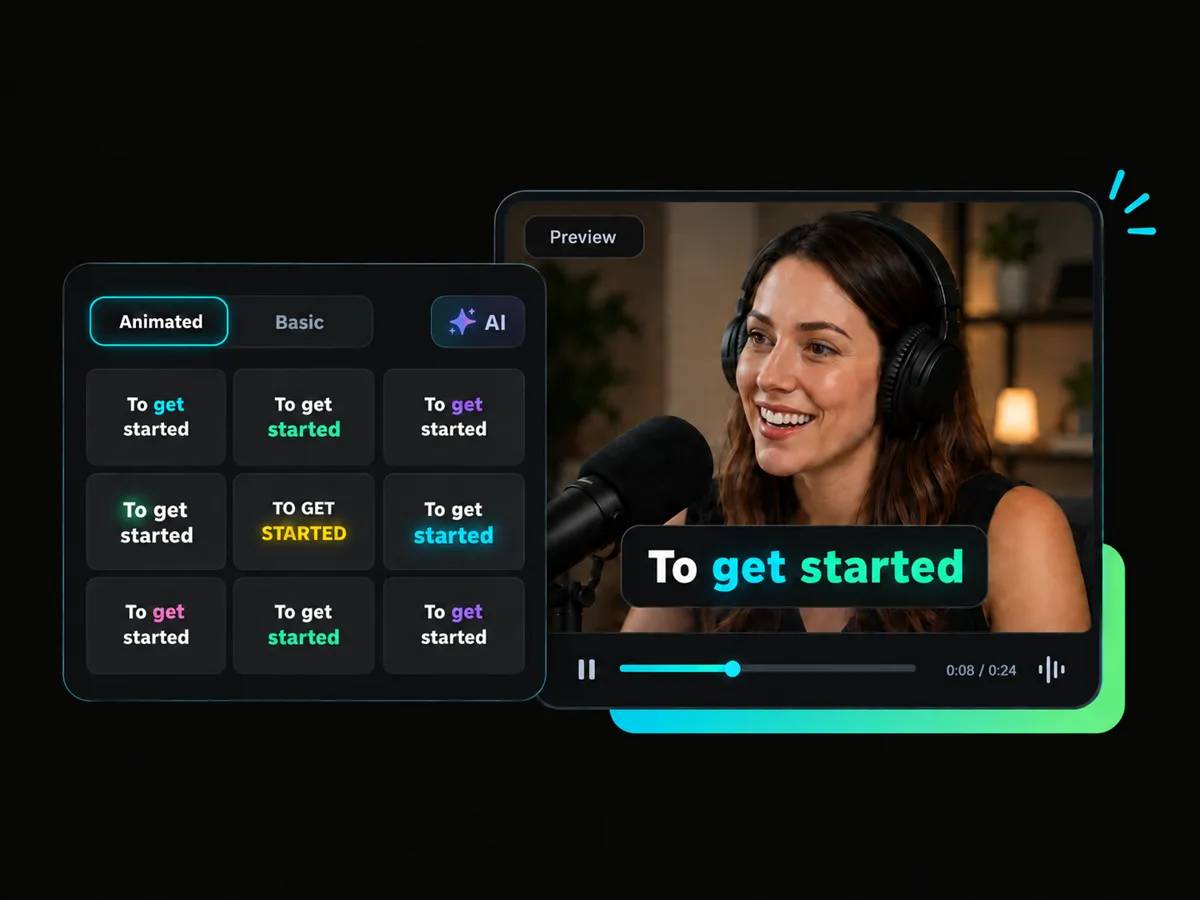
WayinVideo makes it easy to add captions to TikTok by turning your video's spoken content into clear on-screen subtitles.
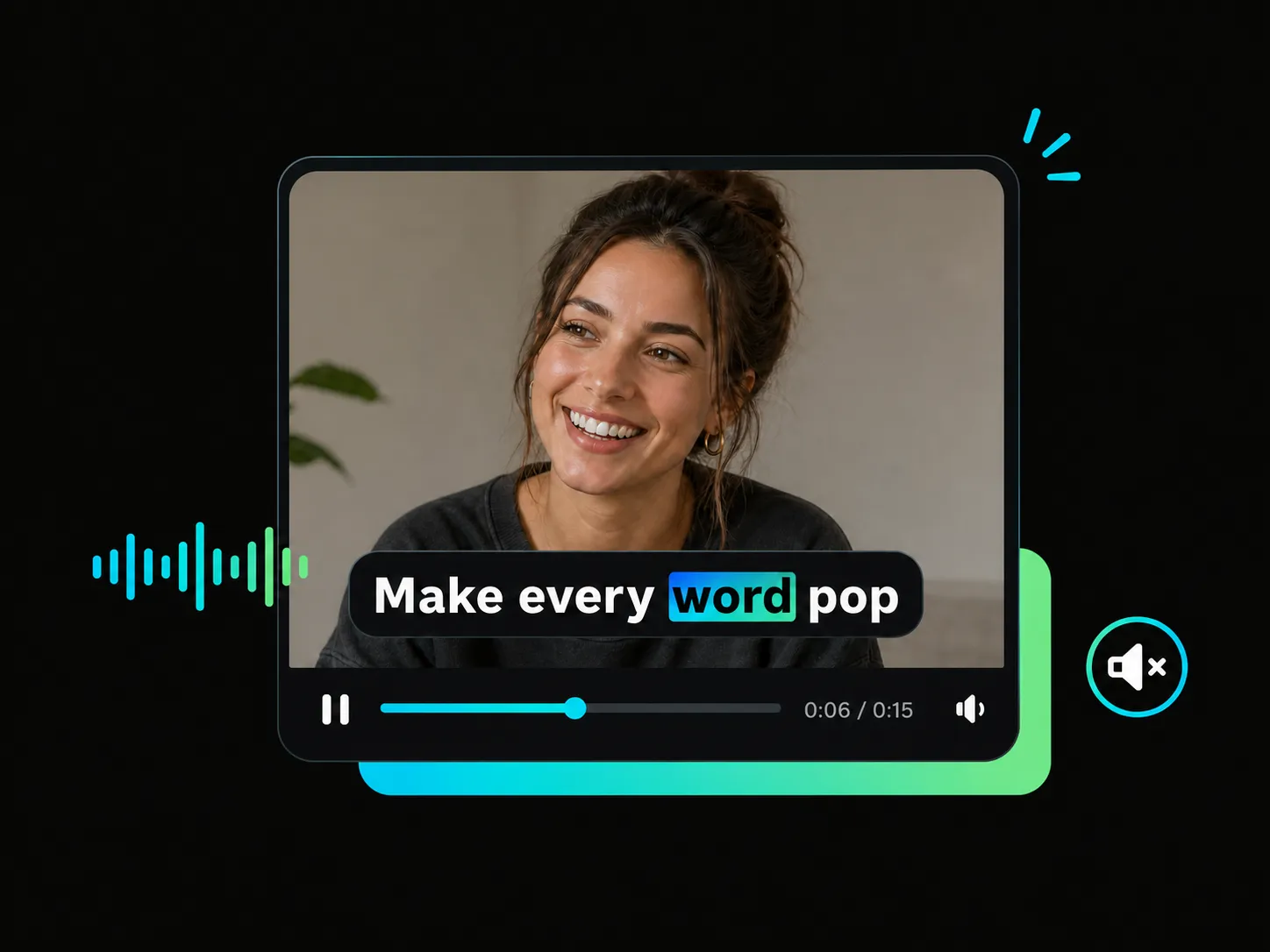
Learn how to add auto captions on TikTok with dynamic subtitles and word highlighting that bring more emphasis to your key messages.
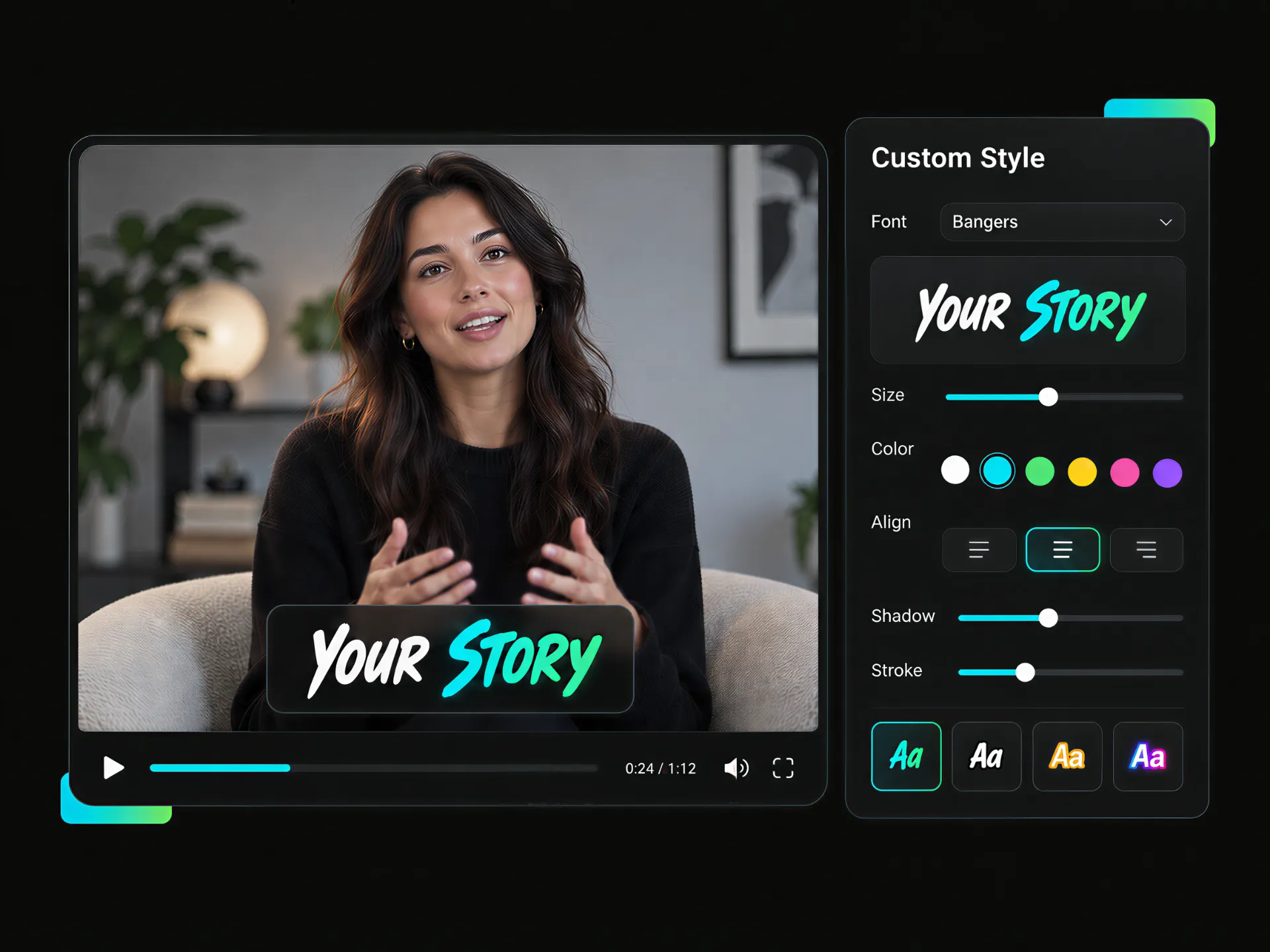
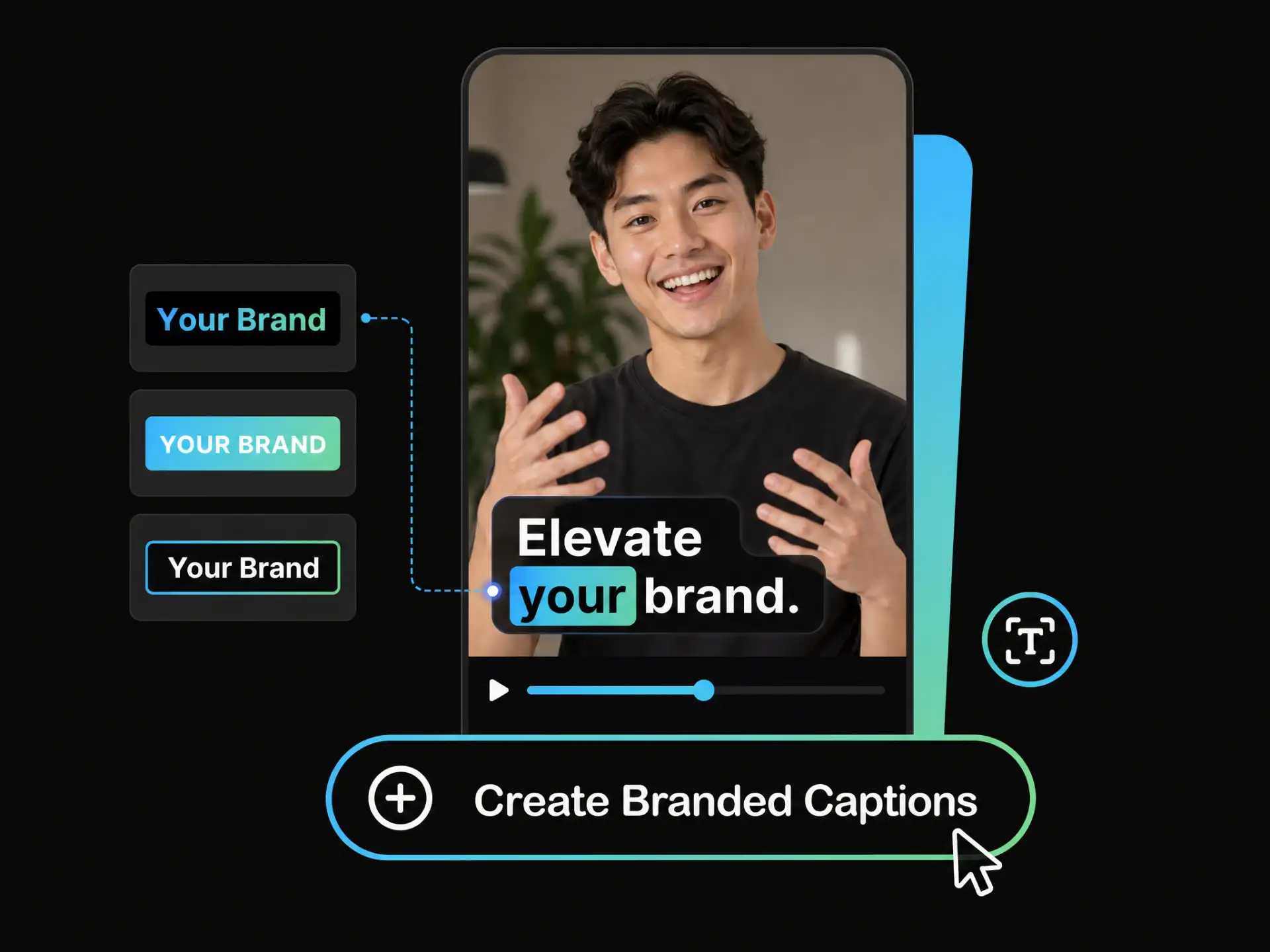
Create consistent closed captions on TikTok with font templates and brand styles that match your visual identity.
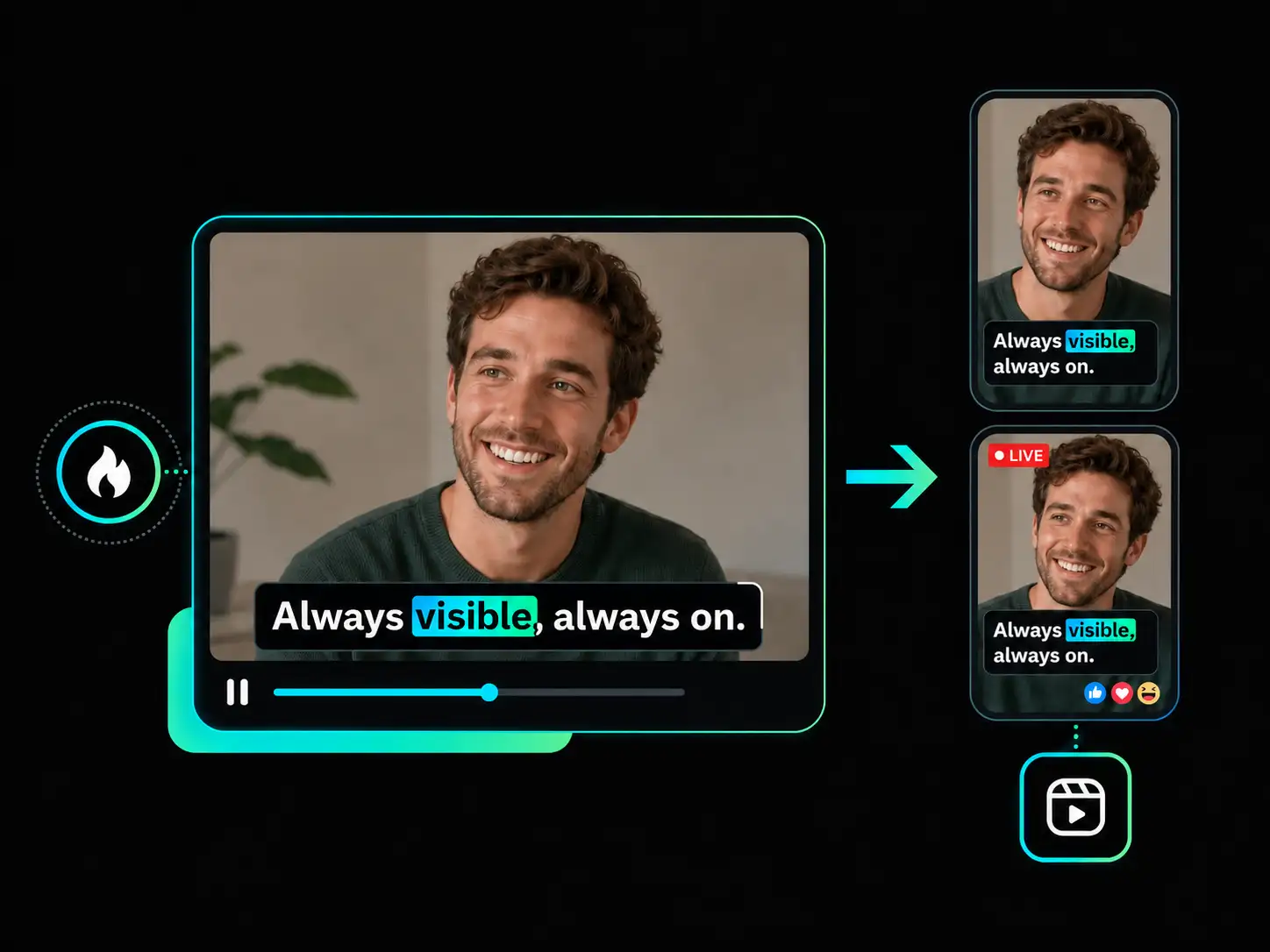
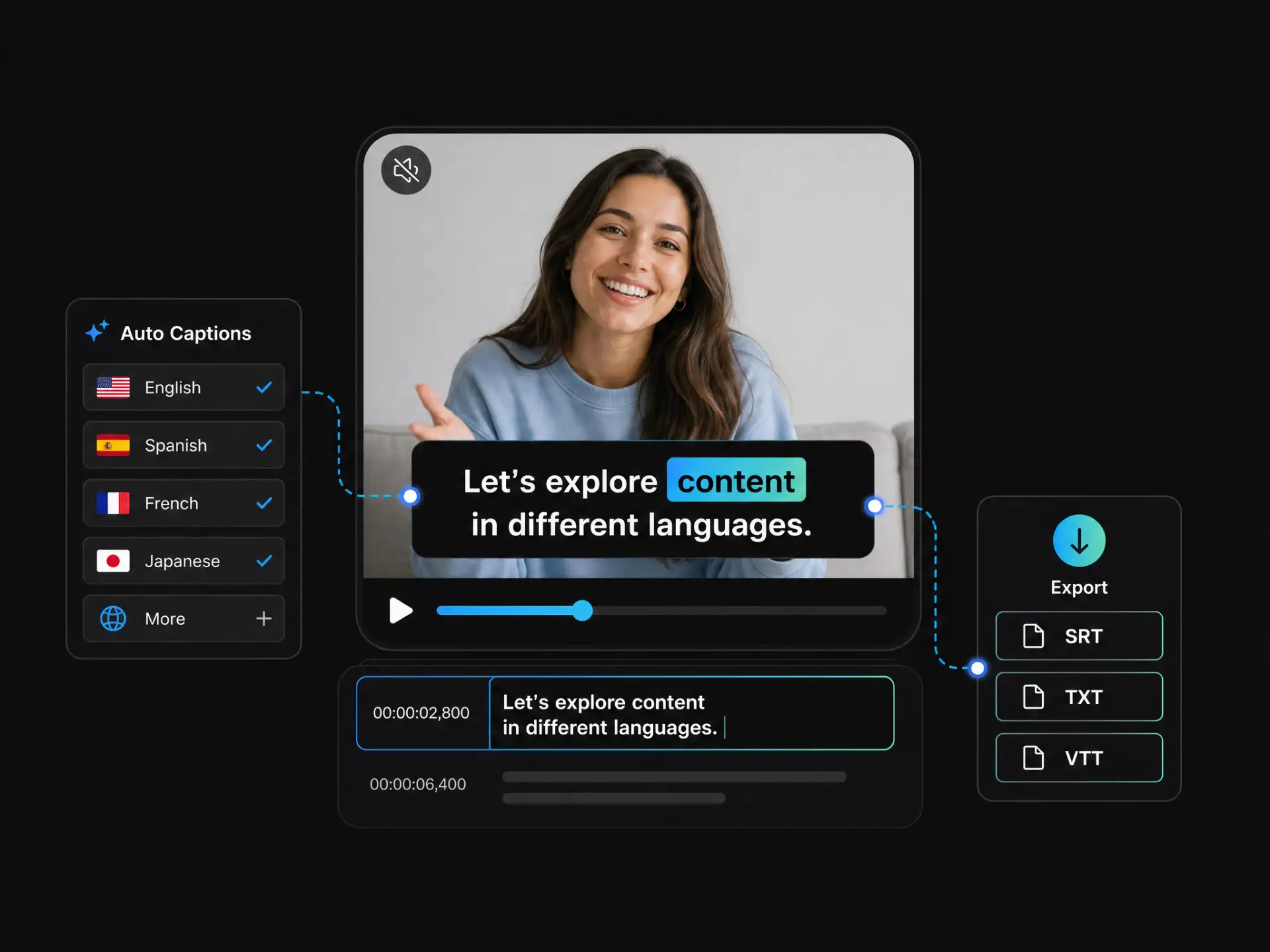
Learn how to put captions on TikTok videos by exporting a TikTok-friendly 9:16 video with embedded captions. You can also download SRT, TXT, or VTT files for other platforms, such as Instagram, Vimeo, Facebook and editing workflows.
From learning how to add captions on TikTok to creating branded, accessible, and multilingual content, WayinVideo helps you generate, style, and export subtitles for social videos.
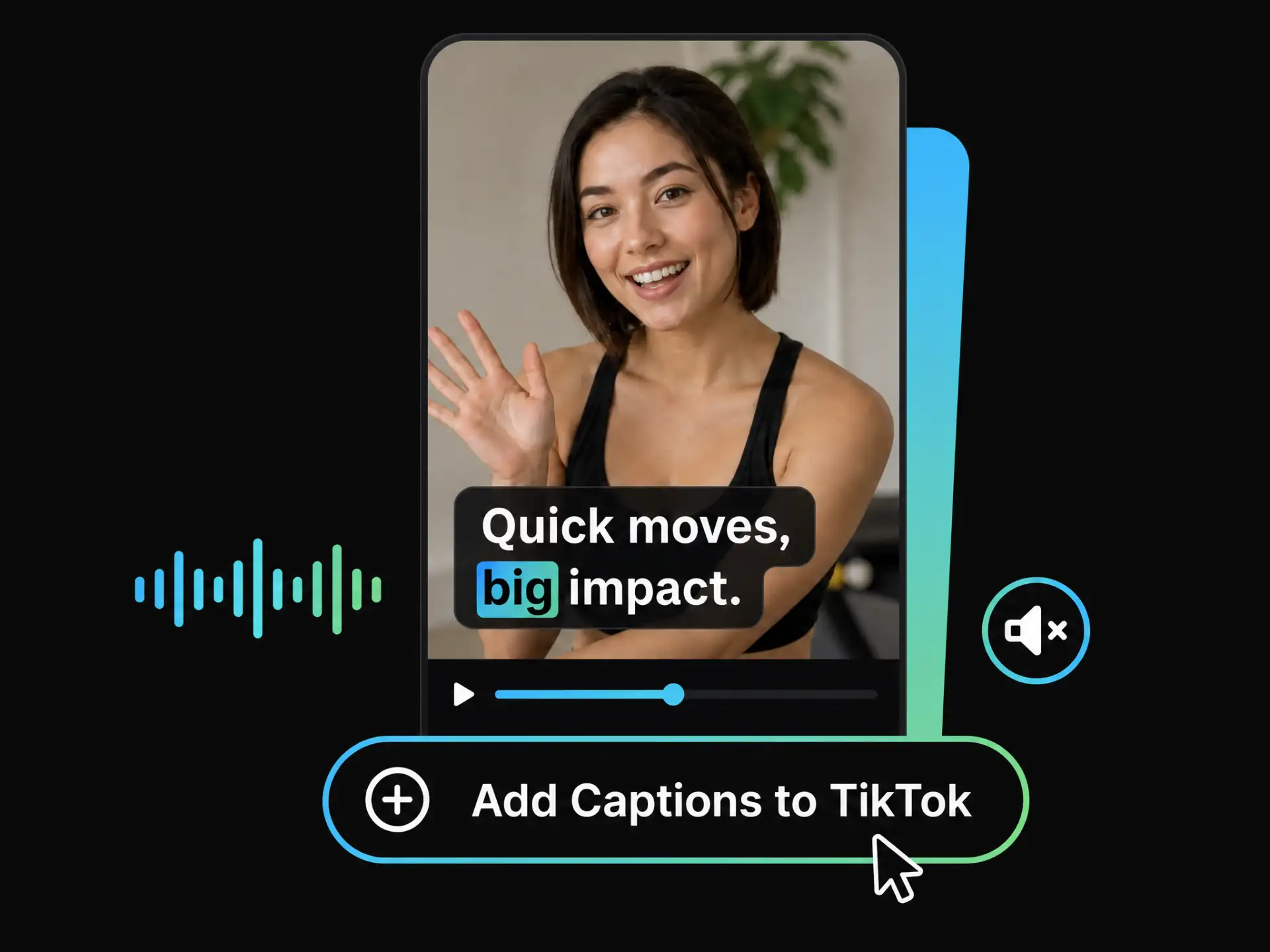
Whether you are a new creator or edit videos on desktop, WayinVideo helps you add captions to TikTok videos by generating, reviewing, and styling subtitles in one workflow.
Add Captions to Your VideoUse animated styles and word-by-word highlights to make captions on TikTok videos more engaging, especially for viewers watching without sound.
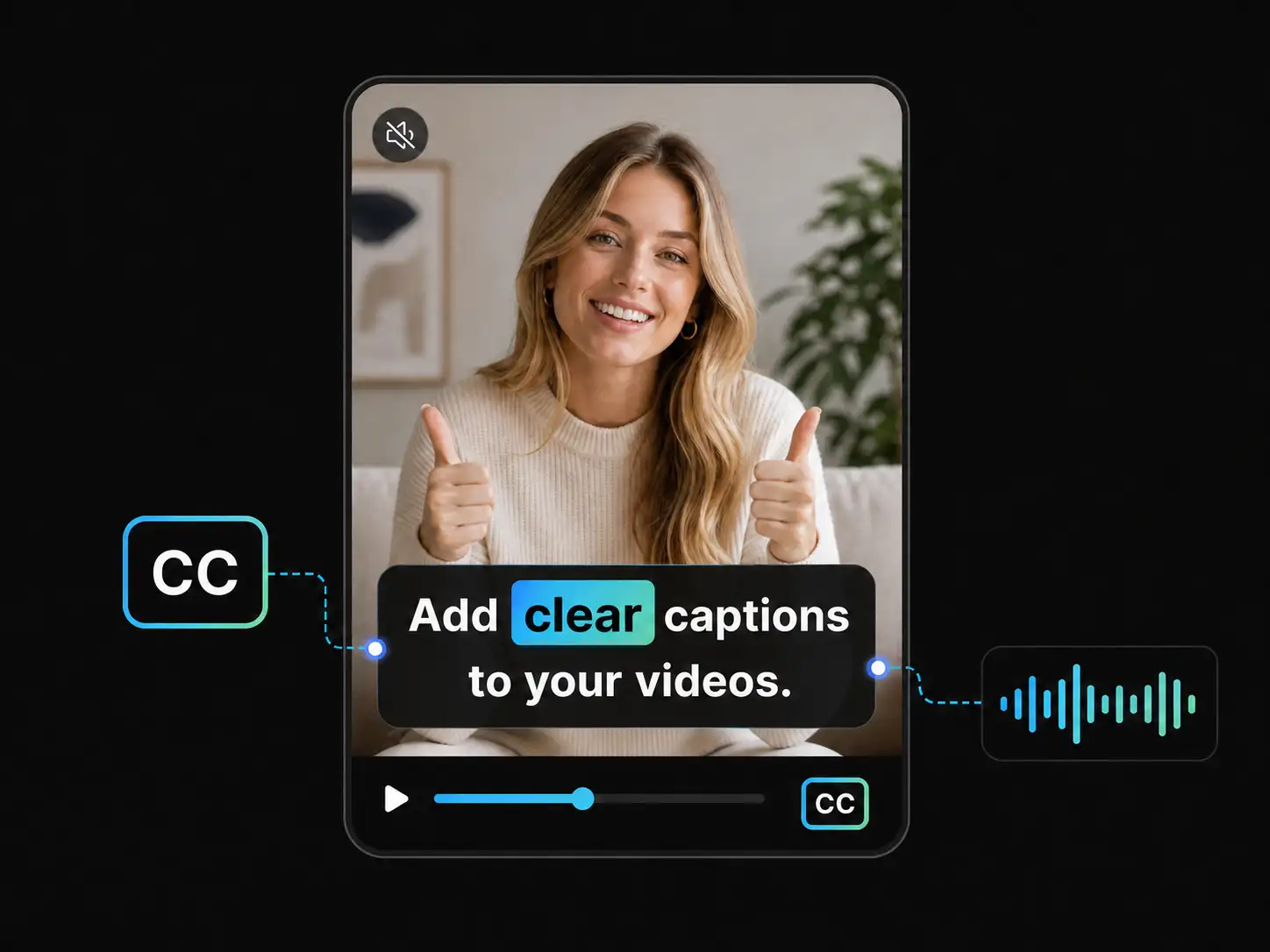
Generate precise, time-synced captions using advanced AI speech recognition technology. Get reliable captions with minimal manual correction needed.
Upload a video or paste a supported link to add captions to videos without complicated editing steps.
Use AI Reframe to crop your video to a TikTok-friendly 9:16 frame, creating a better layout for captions on TikTok videos and vertical social content.
Learn how to get captions on TikTok for multilingual content by translating captions into 100+ languages and adapting videos for global audiences.
Export captioned videos or download SRT, TXT, and VTT files for captions on TikTok videos, other platforms, and editing workflows.
Upload your video or paste a TikTok video link. WayinVideo supports a wide range of video formats, helping you start creating captions on TikTok quickly.
Create clear captions on TikTok videos with AI-powered transcription, dynamic word highlights, brand styles, and TikTok-ready 9:16 export. Upload a video or paste a link to get started.
No Credit Card Required


