
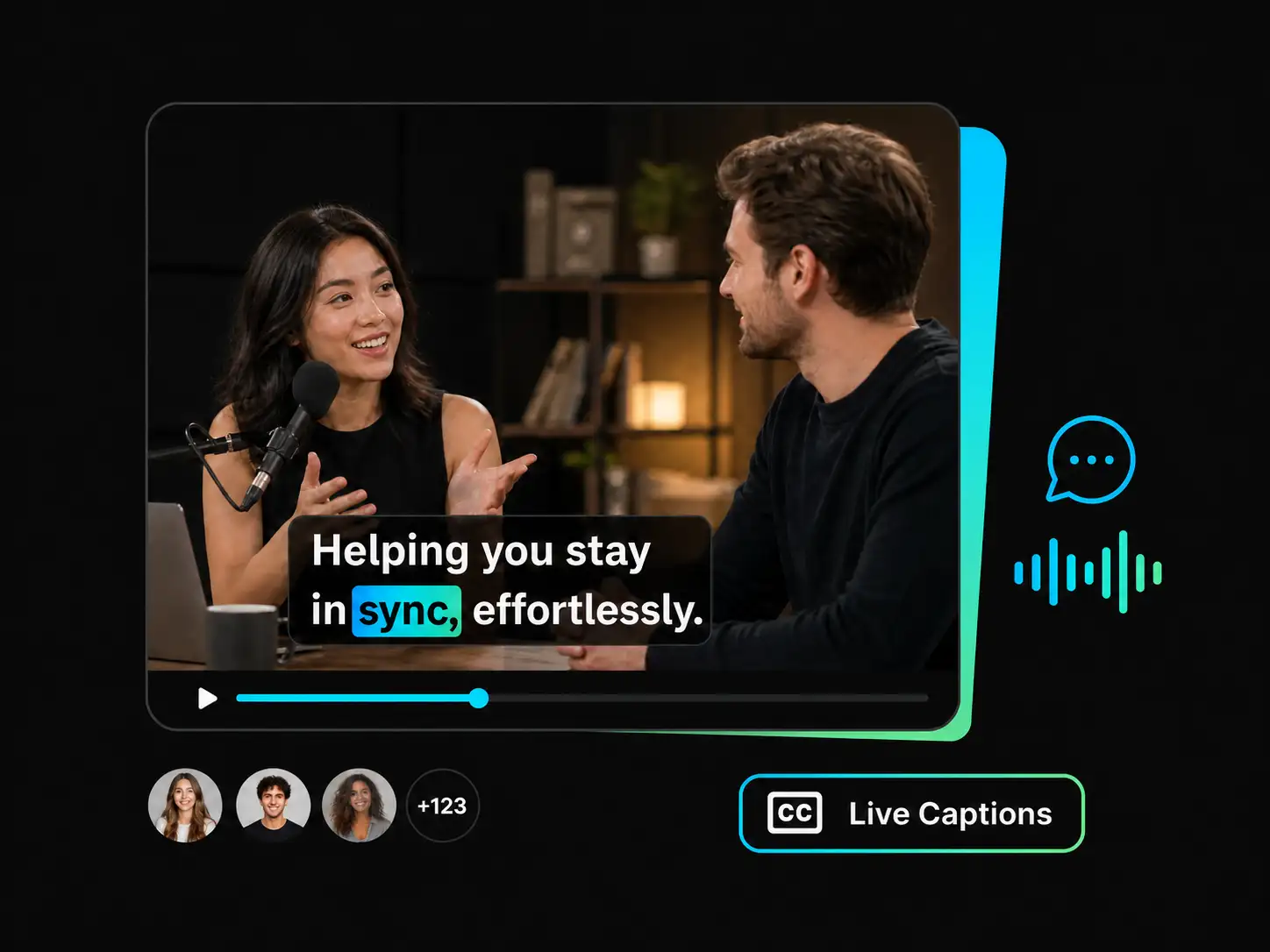
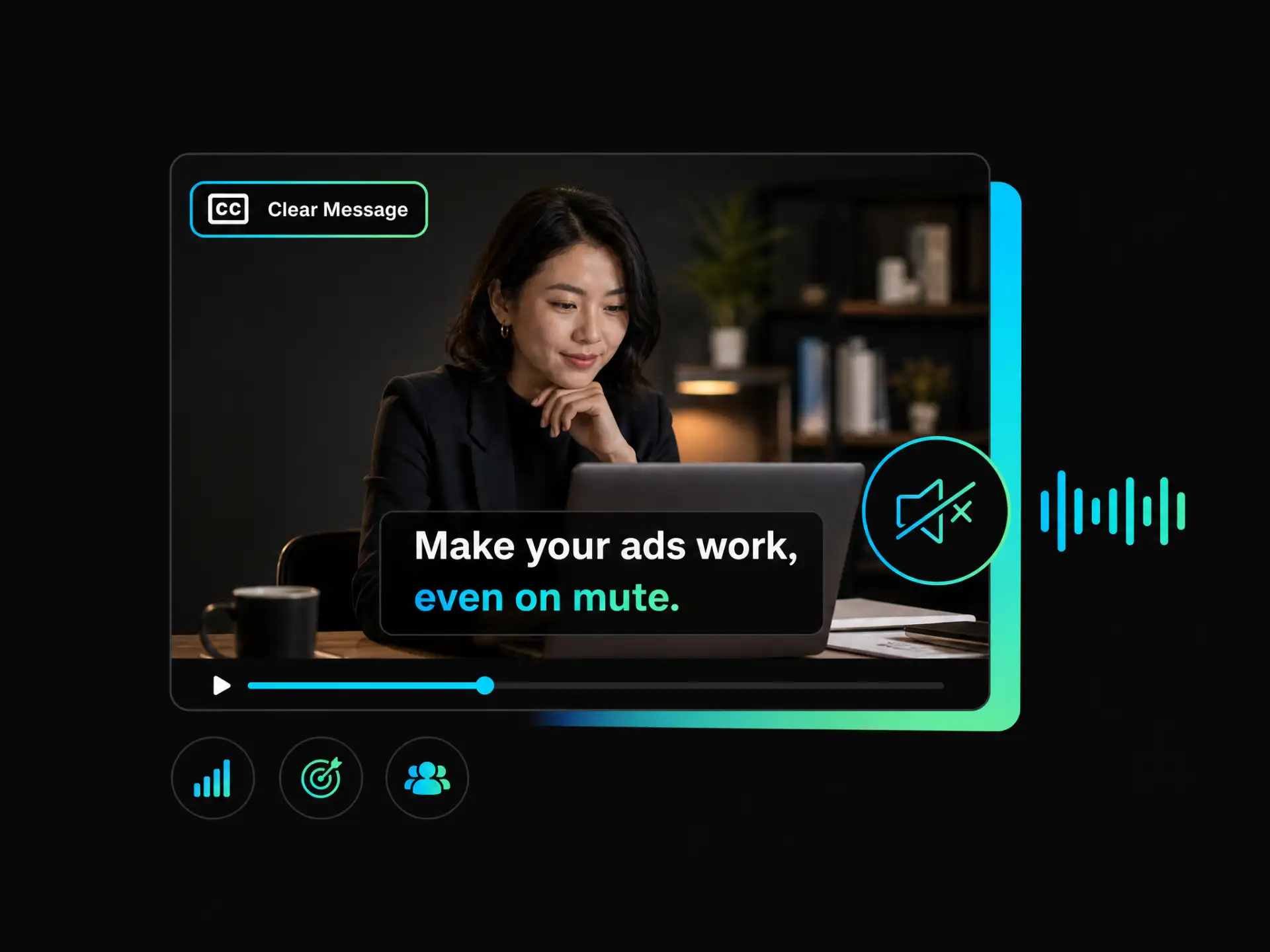
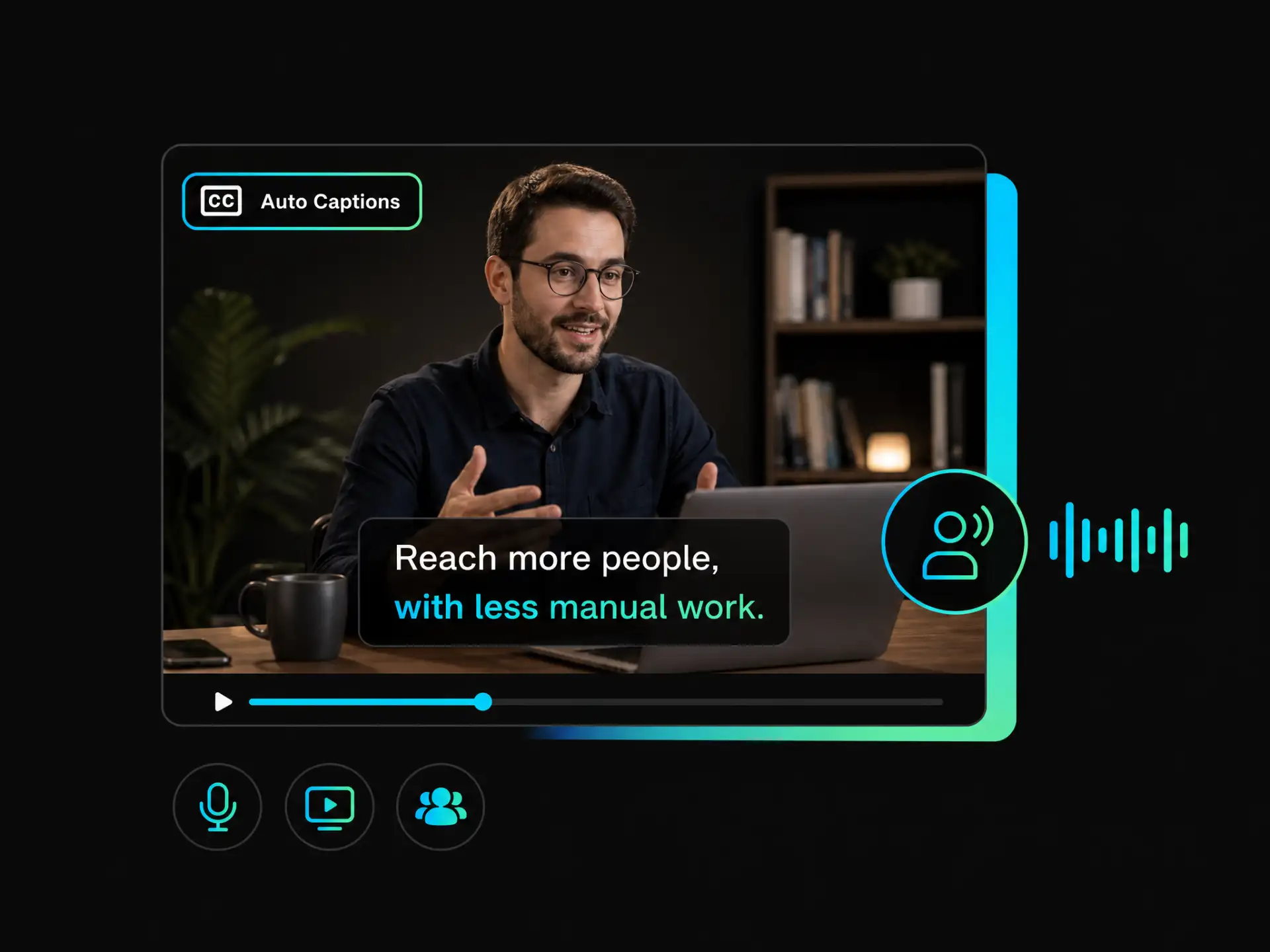

Engaging Animated Captions
Use animated styles and word-by-word highlights to make captions on facebook reels more engaging, especially for viewers watching without sound.
Automatically create Facebook video captions with AI, apply dynamic highlights and brand styles, then export videos with captions burned in for silent viewing.
Trusted by professionals at












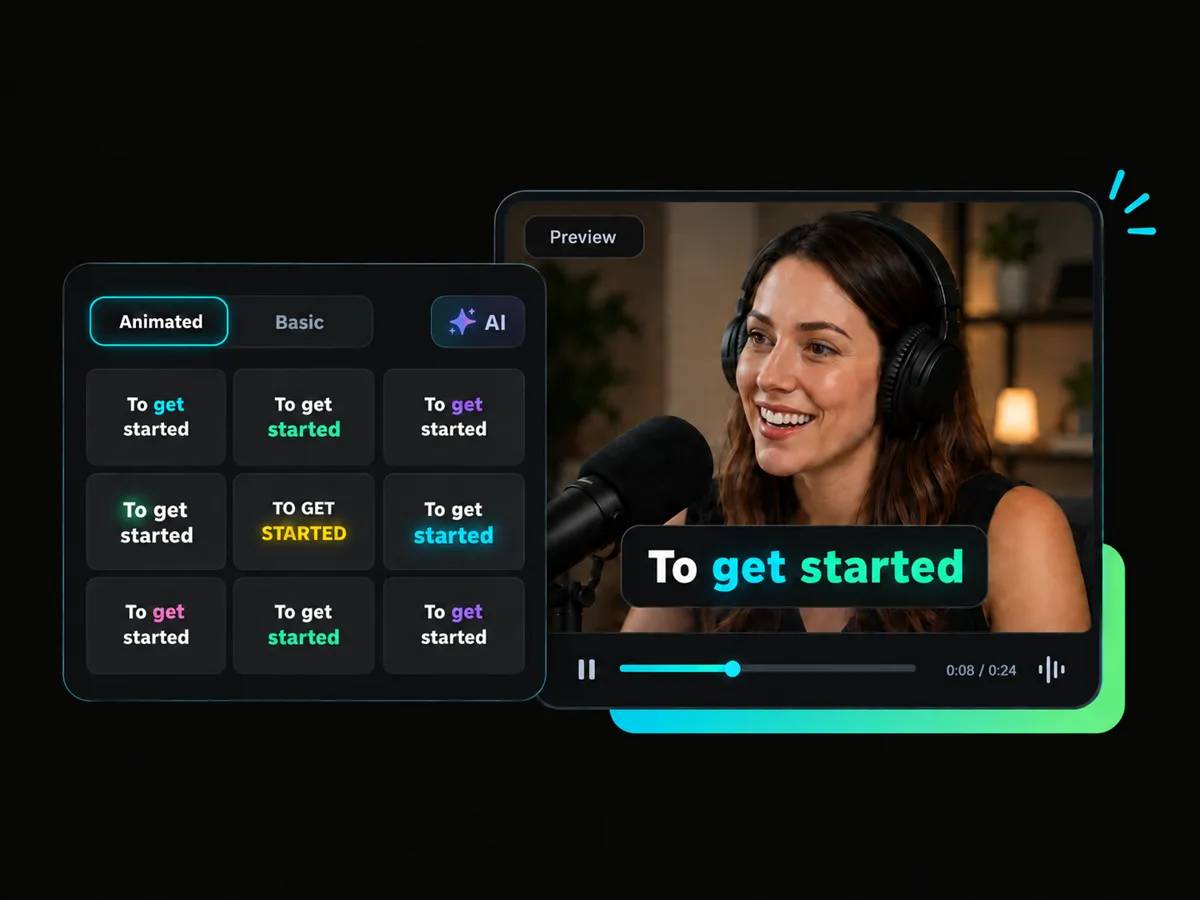
Upload your video and let WayinVideo automatically generate accurate Facebook video captions. It makes it easy to add captions to Facebook Reels, and create accessible content without manual transcription.
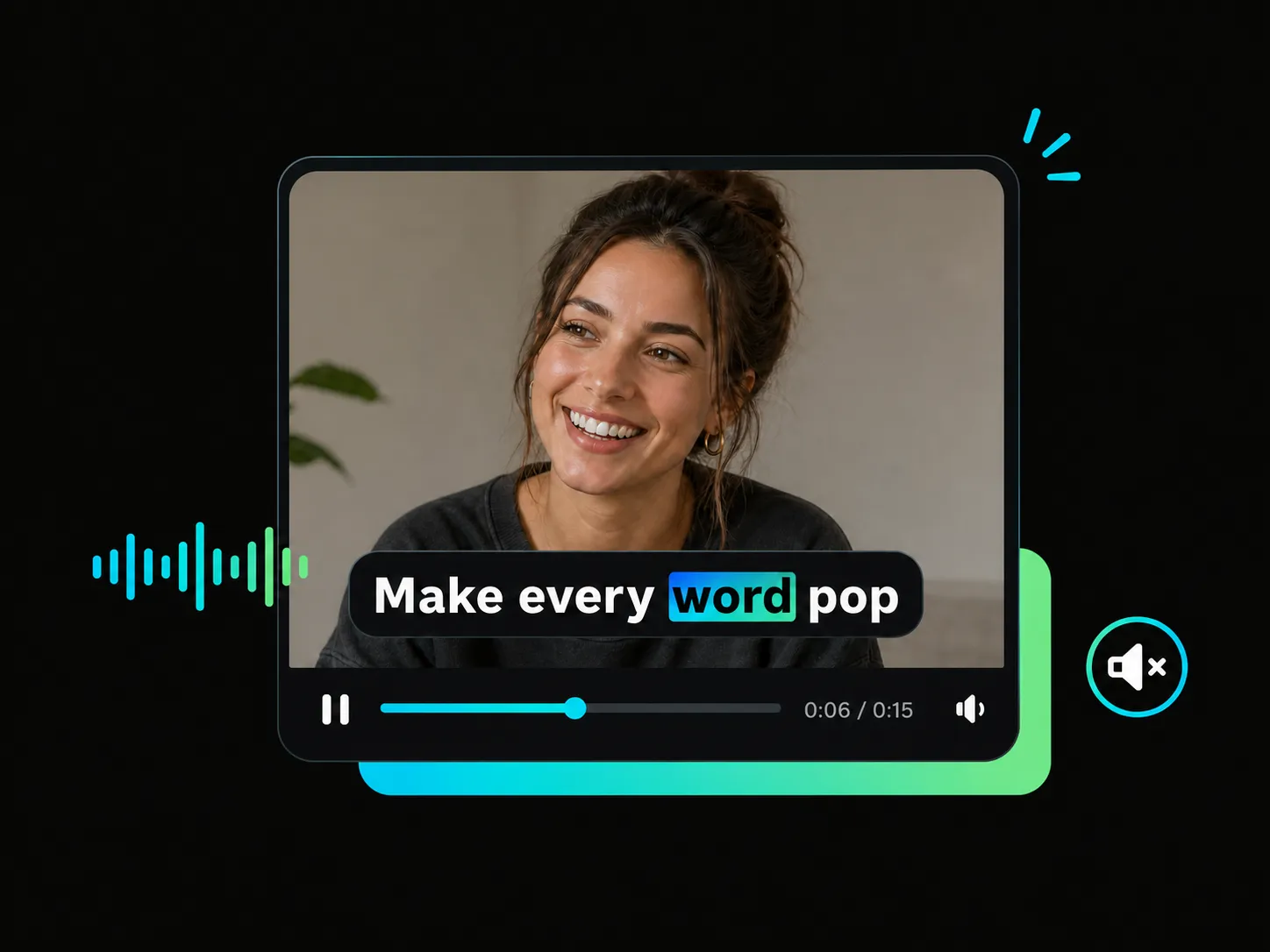
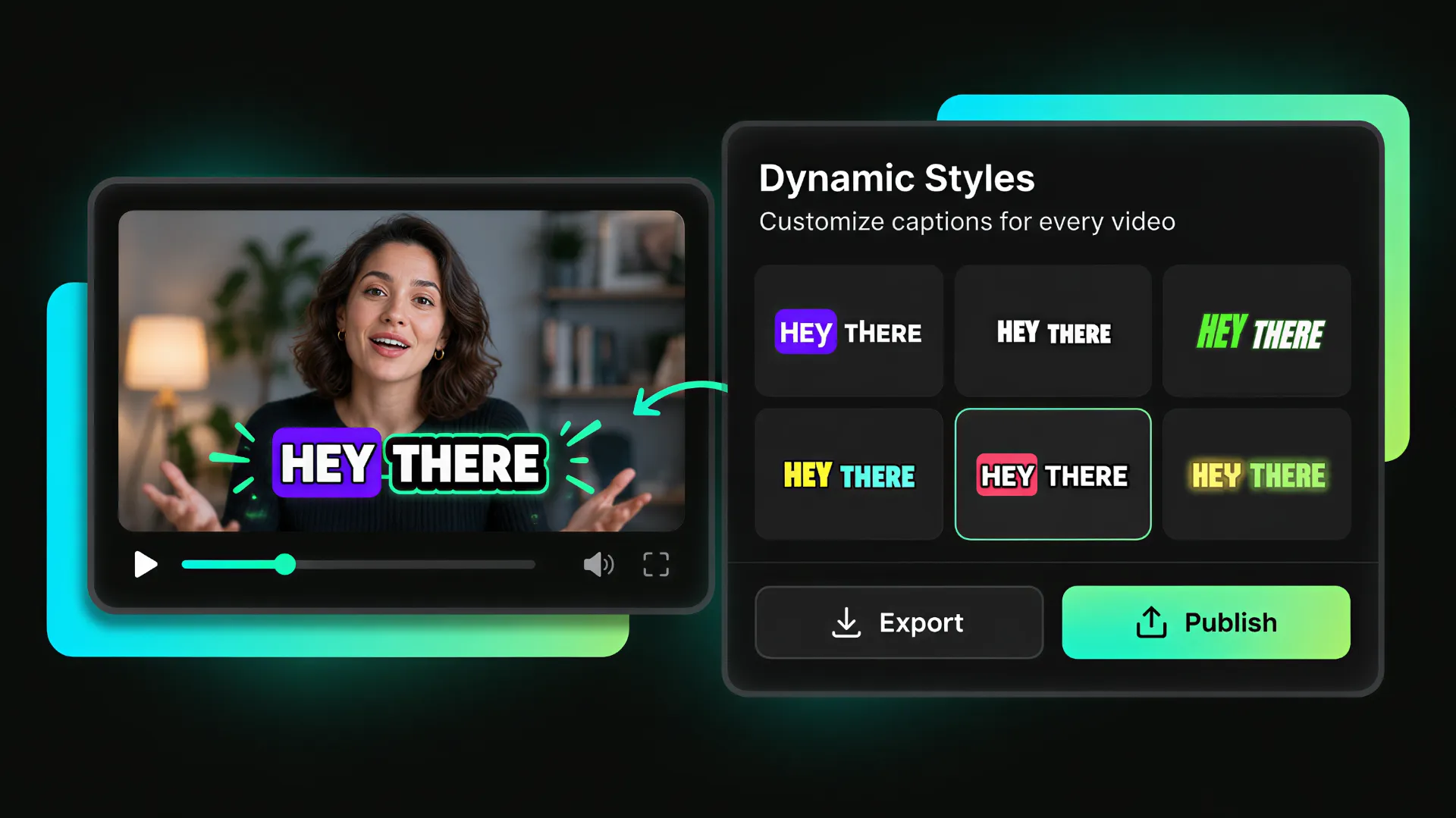
Make captions on Facebook Reels more engaging with dynamic subtitles and word-by-word highlighting. These animated captions improve silent viewing, support closed captioning on Facebook, and help viewers follow every part of your message.
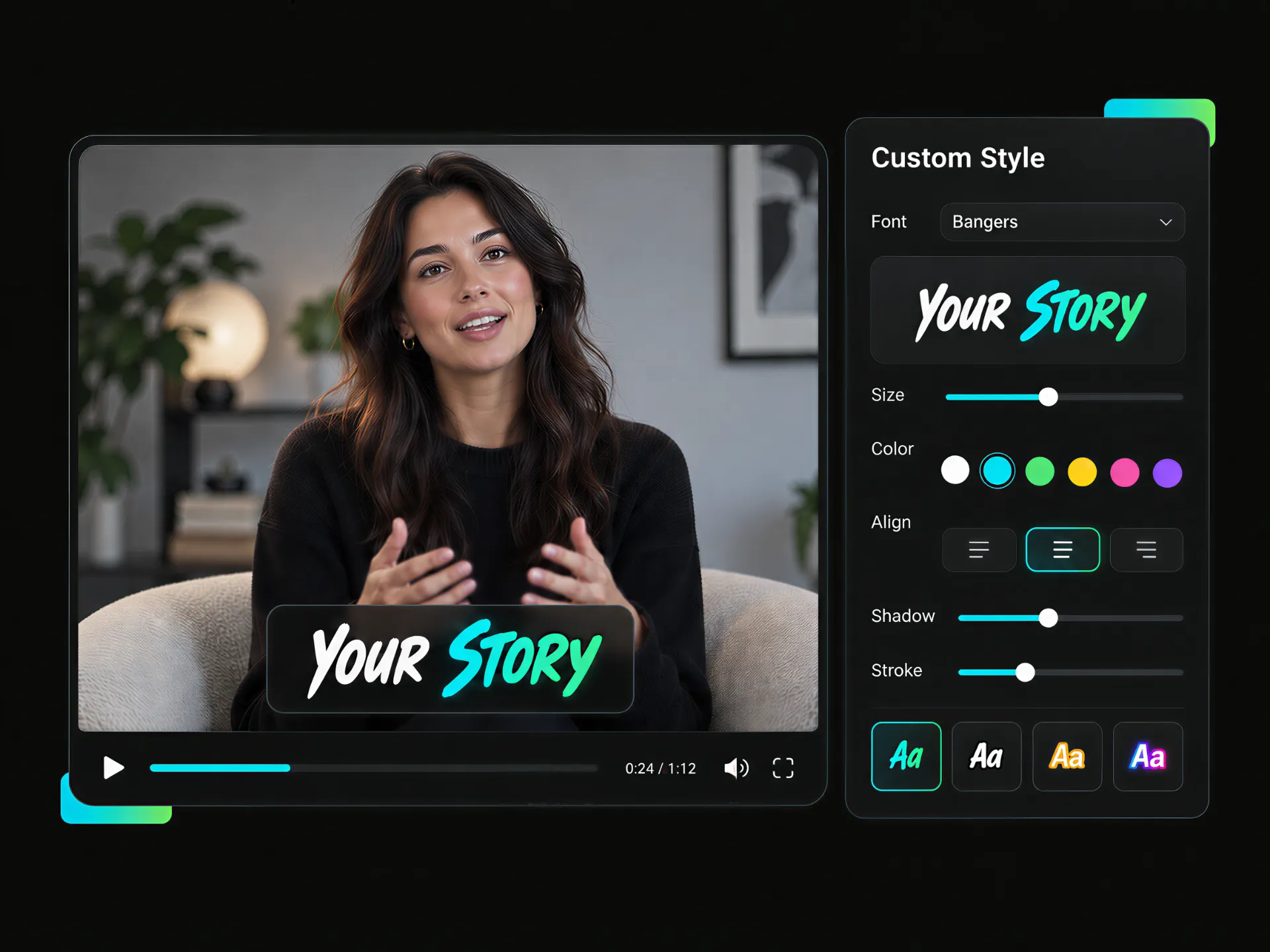
Apply font templates, colors, sizes, and branded subtitle styles to your Facebook video captions. Create consistent visuals for Reels, ads, tutorials, and other videos while keeping your captions clear and recognizable.
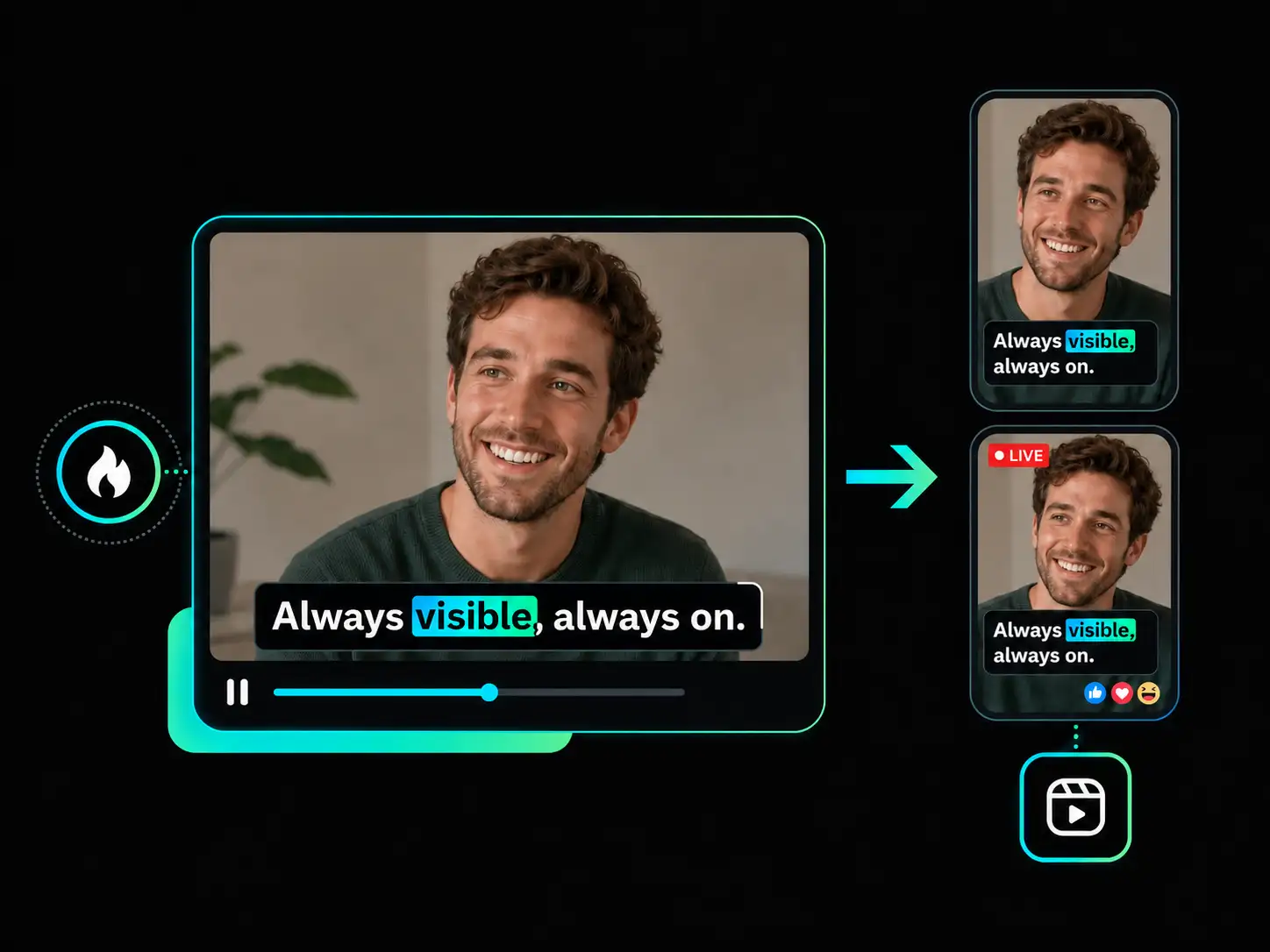
Export videos with captions permanently burned in for Facebook Reels, live content, and social campaigns. Burned-in subtitles remain visible even when viewers watch without sound, helping prevent issues such as Facebook Reels captions not showing.
From live streams and marketing videos to professional content, WayinVideo helps creators generate clear subtitles faster. If you want to know how to get captions on Facebook videos, its AI workflow makes the process simple.
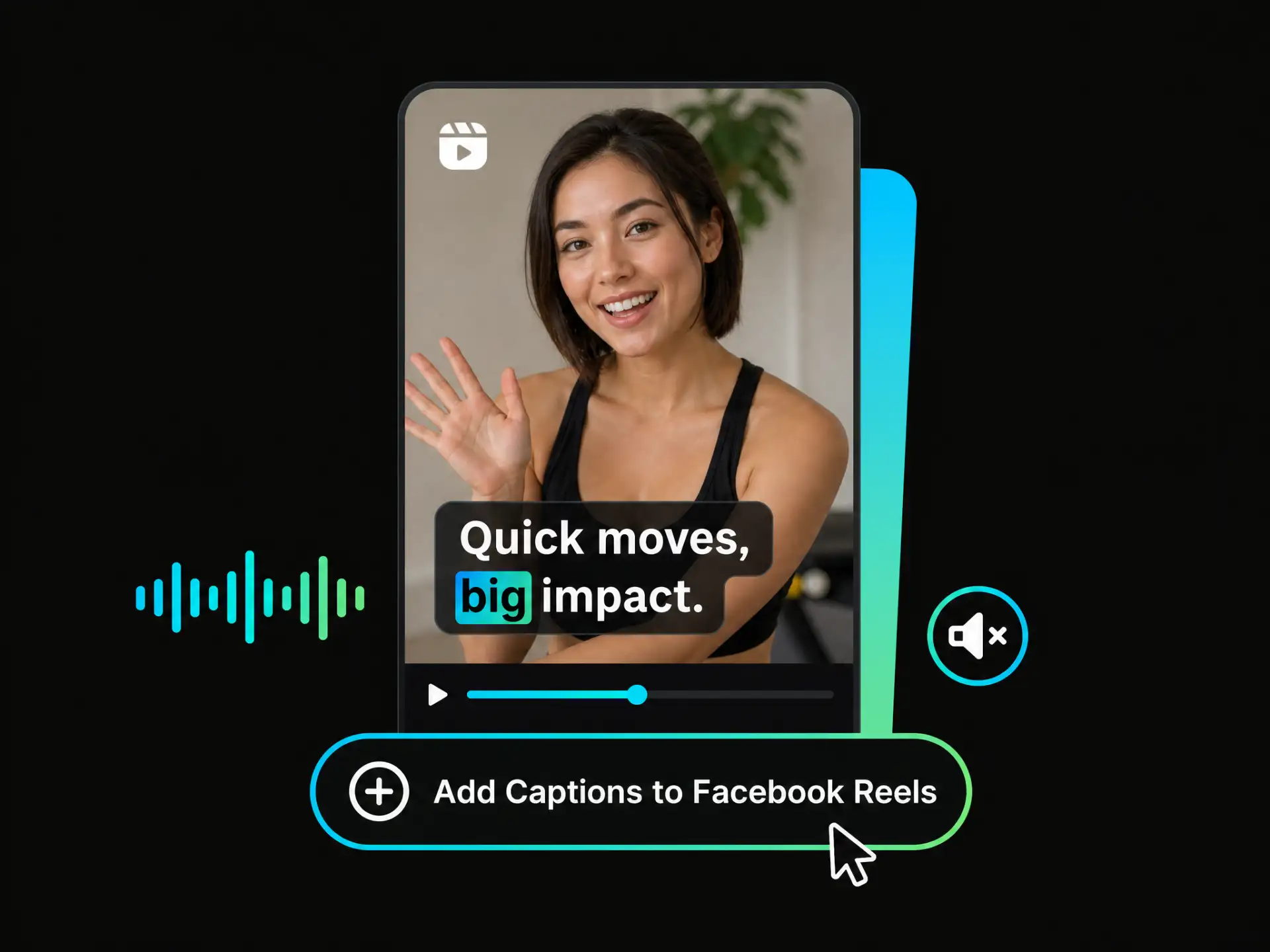
Make fast-paced Reels easier to follow, even without sound. WayinVideo shows you how to add captions to Facebook Reels and create readable subtitles in less time.
Add Captions to Facebook ReelsUse animated styles and word-by-word highlights to make captions on facebook reels more engaging, especially for viewers watching without sound.
AI generates facebook video captions in seconds, eliminating manual transcription and helping you complete your video workflow faster.
Upload a video or paste a supported link to add captions to videos without complicated editing steps.
Create accessible subtitles directly in your browser with closed captioning on facebook, without installing additional software.
Generate precise, time-synced captions using advanced AI speech recognition technology. Get reliable captions with minimal manual correction needed.
Choose flexible export options, including burned-in subtitles, when troubleshooting searches such as facebook reels caption not showing.
You can also use a video link, other supported links, or bulk import when preparing multiple videos.
Generate accurate Facebook video captions in seconds. Upload a video or paste a link, customize your subtitle style, and export a social-ready version with WayinVideo.
No Credit Required


