01
Add Basic Captions to Video
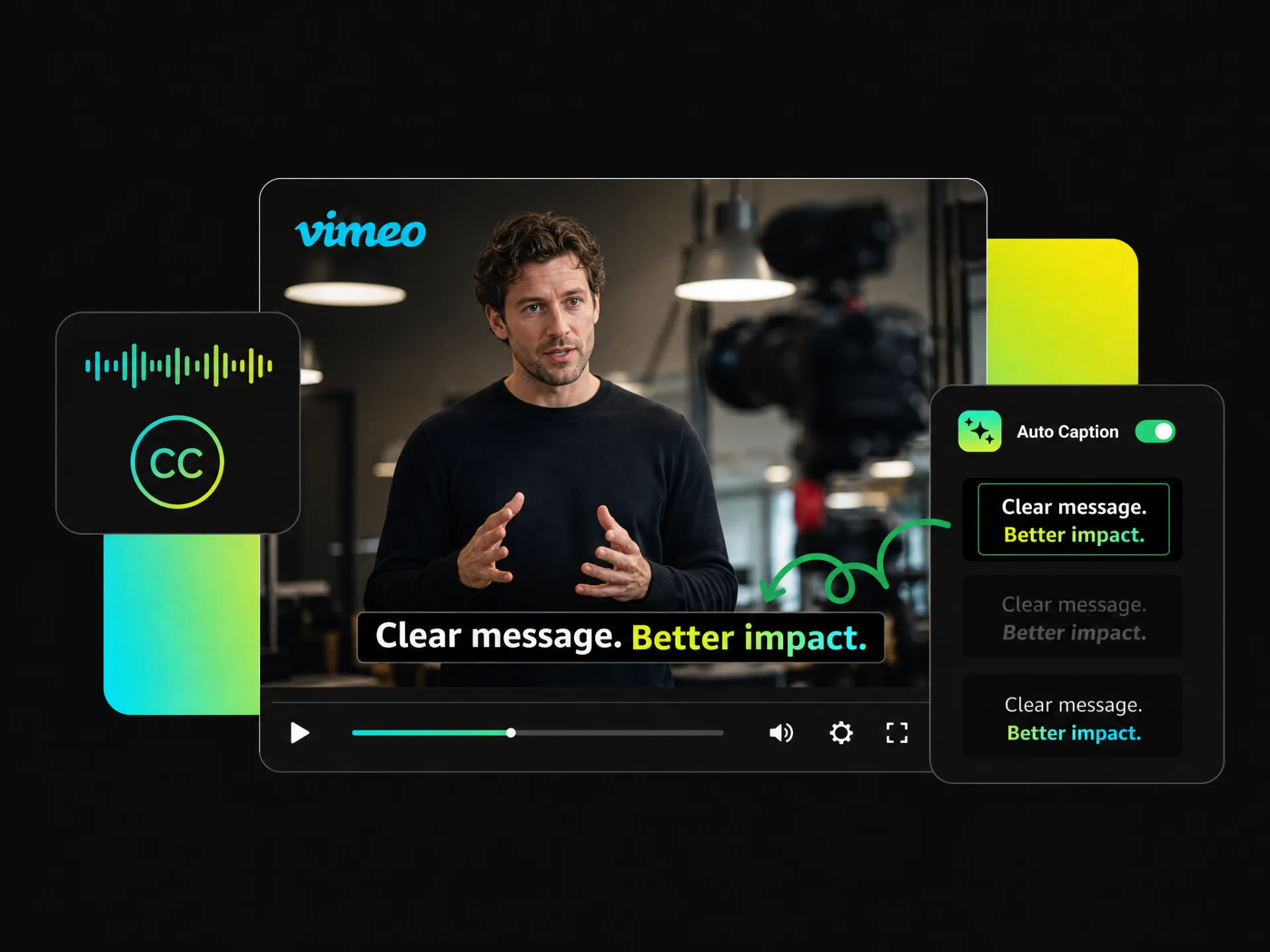
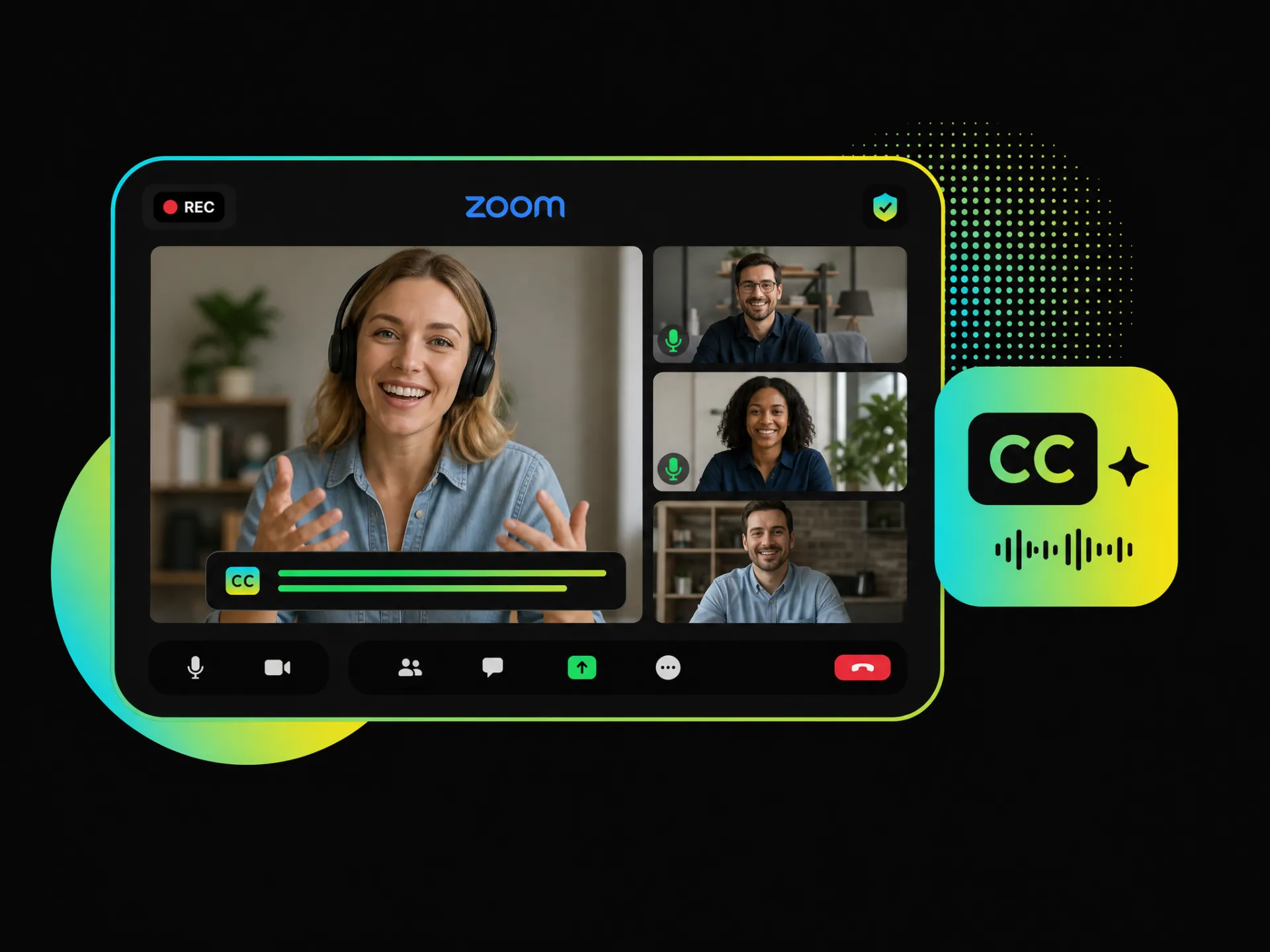
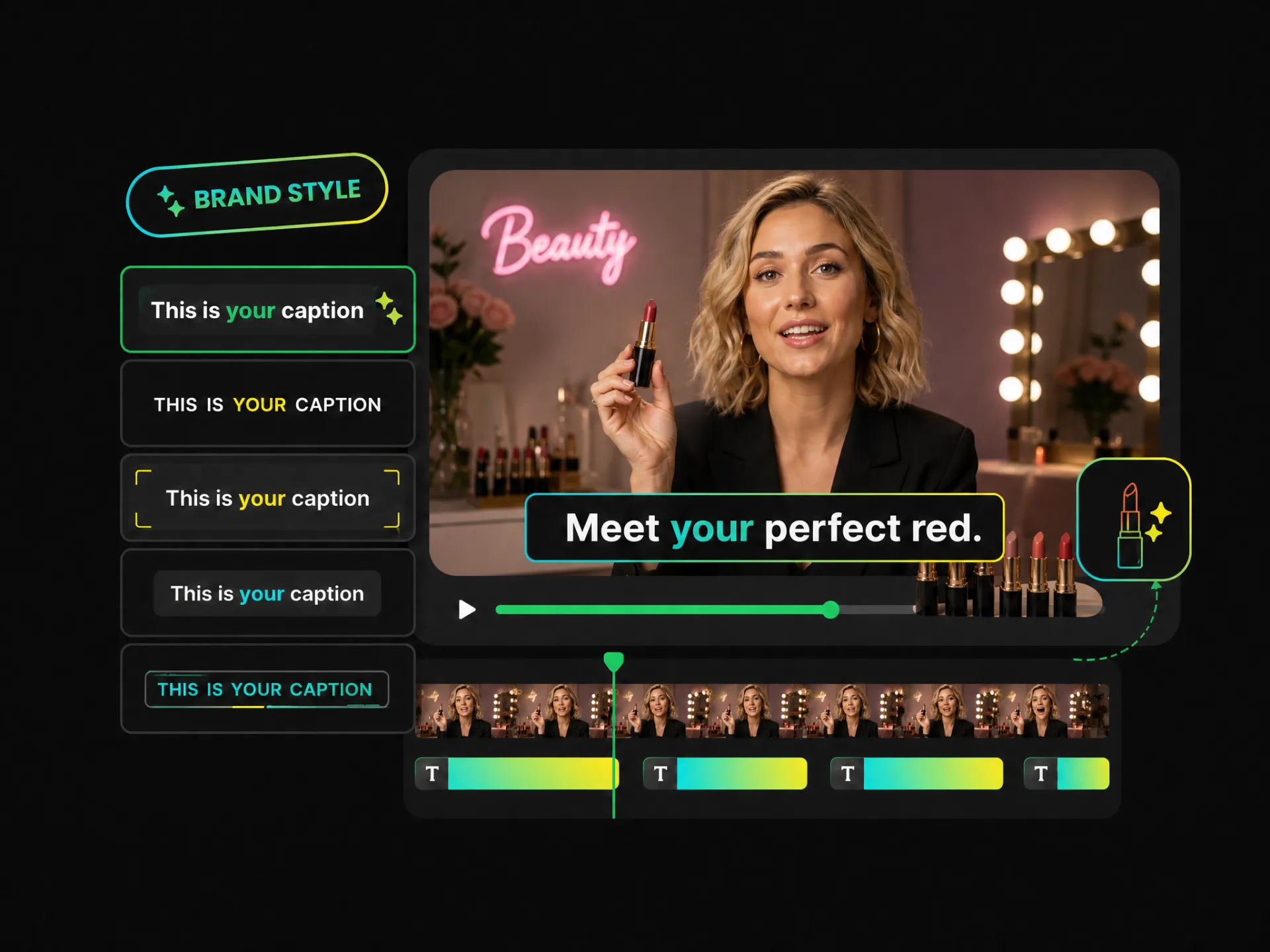
Need clear and readable subtitles without the extra work? Auto add captions to video with simple video captions that keep every line easy to follow—ideal for YouTube videos, tutorials, interviews, and more.
Tired of creating captions manually? Use our video caption generator to auto-generate captions, customize their style, add them to your video, and export polished content without the tedious editing.
Trusted by professionals at












Create captions that fit your content and audience. Add captions to video free with basic captions, animated captions, or dynamic captions, and choose the style that makes your message easier to follow.
Need clear and readable subtitles without the extra work? Auto add captions to video with simple video captions that keep every line easy to follow—ideal for YouTube videos, tutorials, interviews, and more.
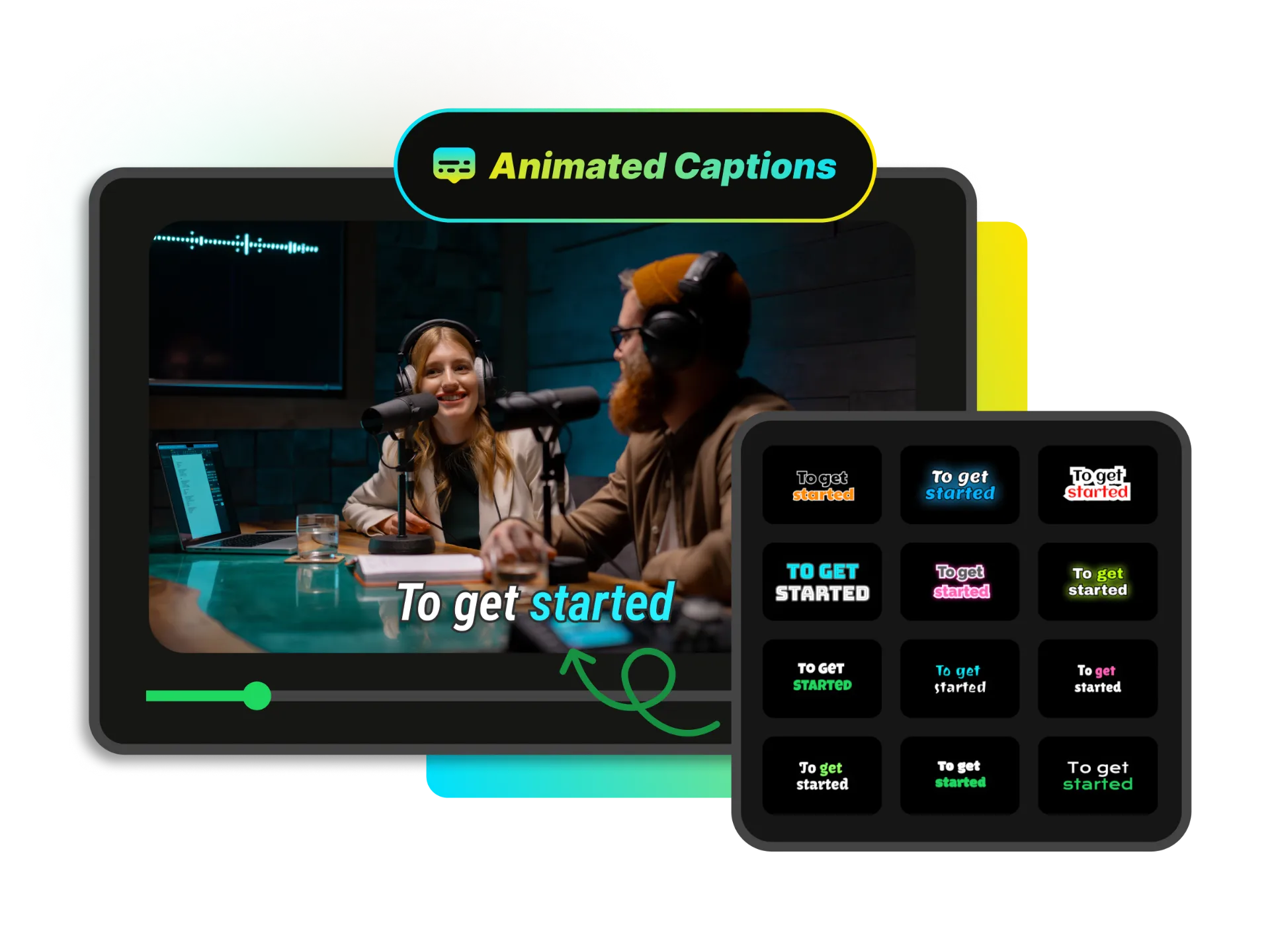
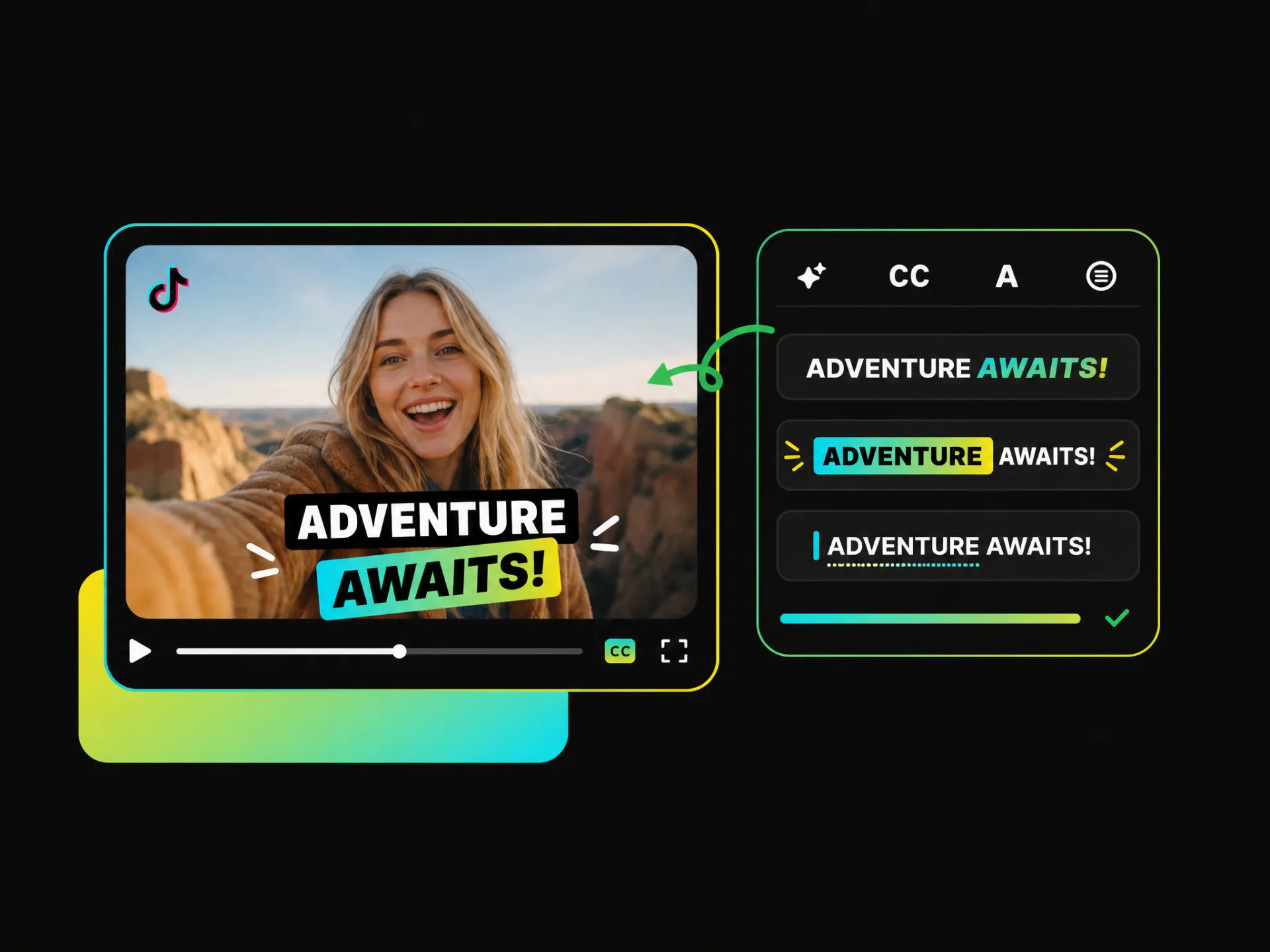
Basic captions can feel too static for short-form videos. Add animated captions to video with word highlights, text animation, AI emojis, and visual emphasis that make key moments stand out and keep viewers engaged.
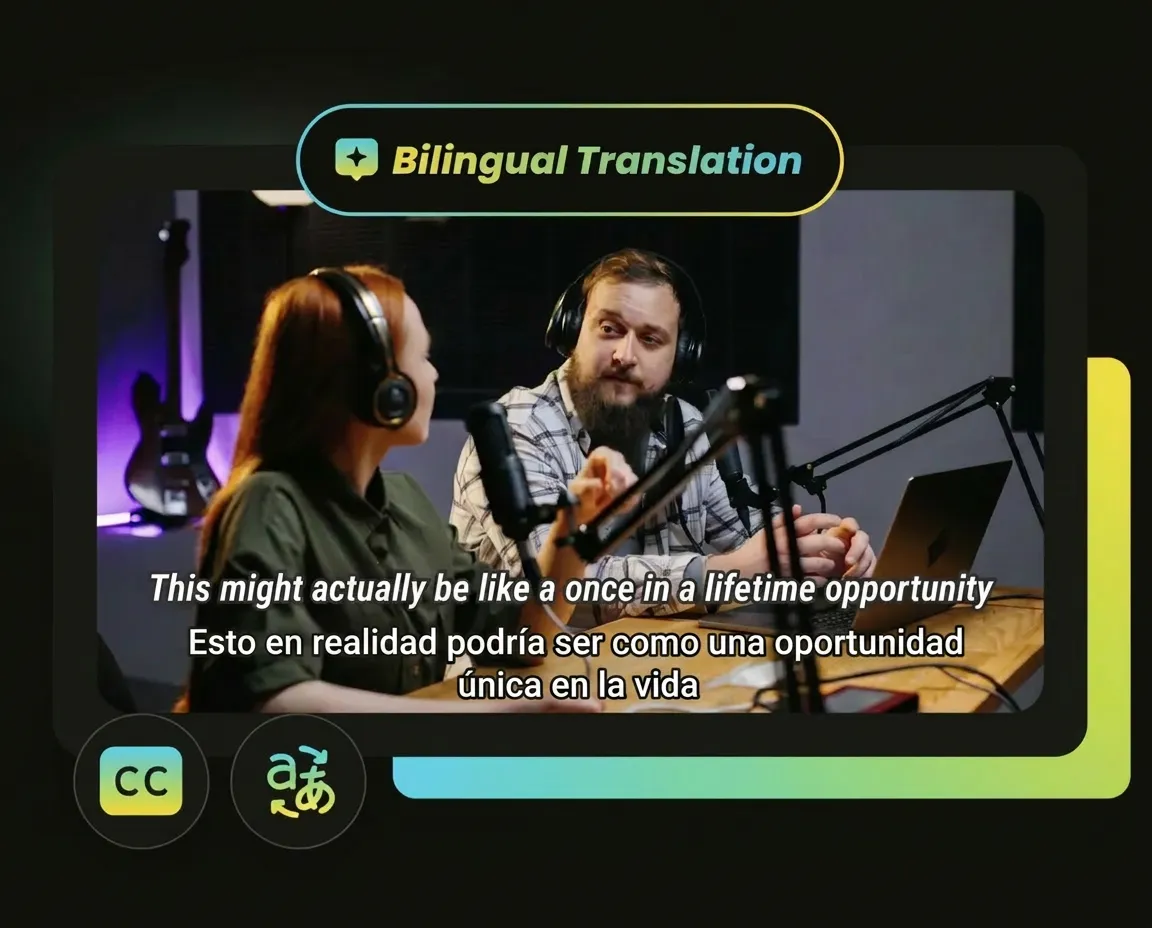
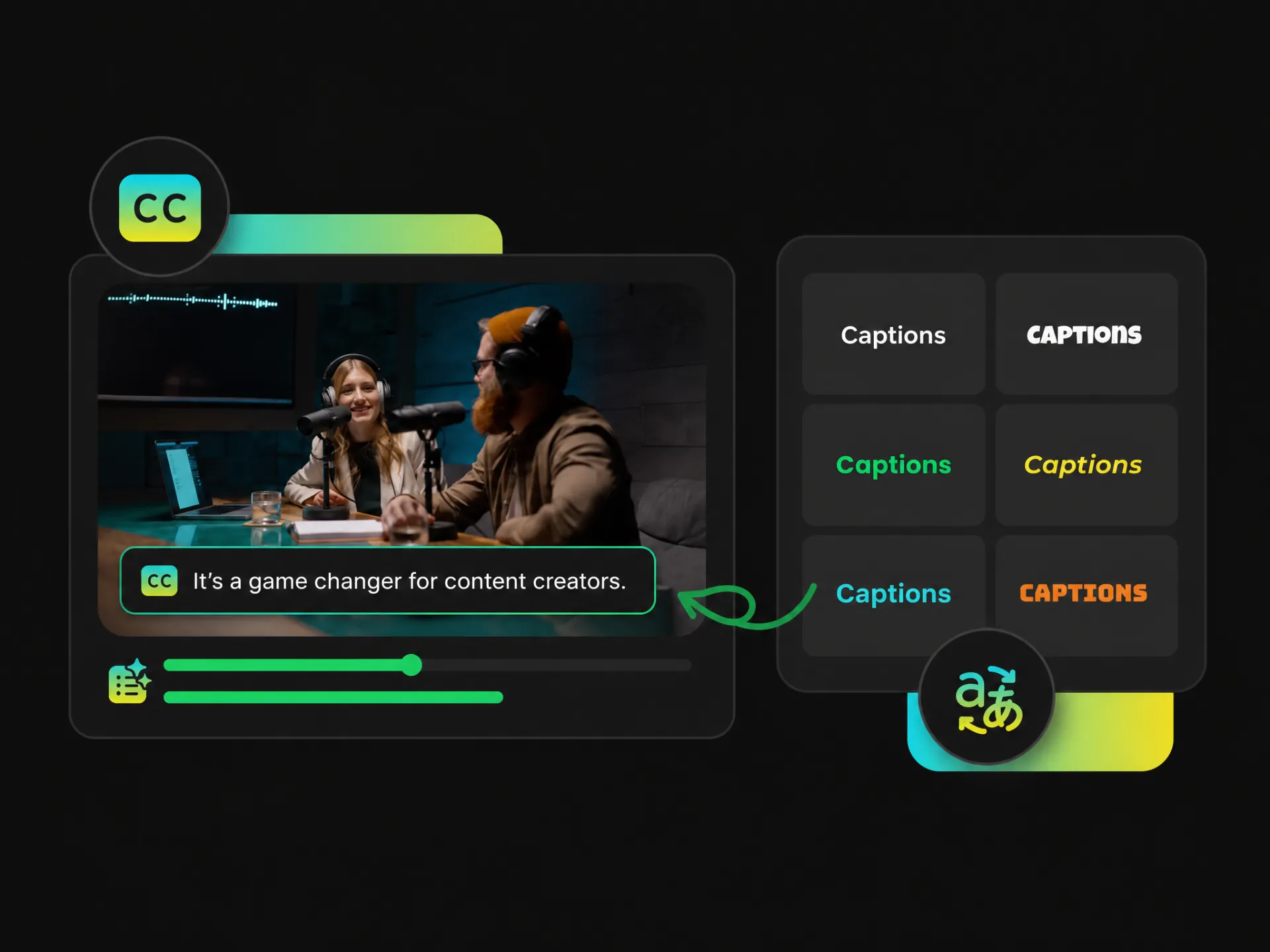
Display two languages in the same video with bilingual captions, making it easier to reach audiences across languages without creating separate versions. Add captions to video free and make your content easier to understand and share.
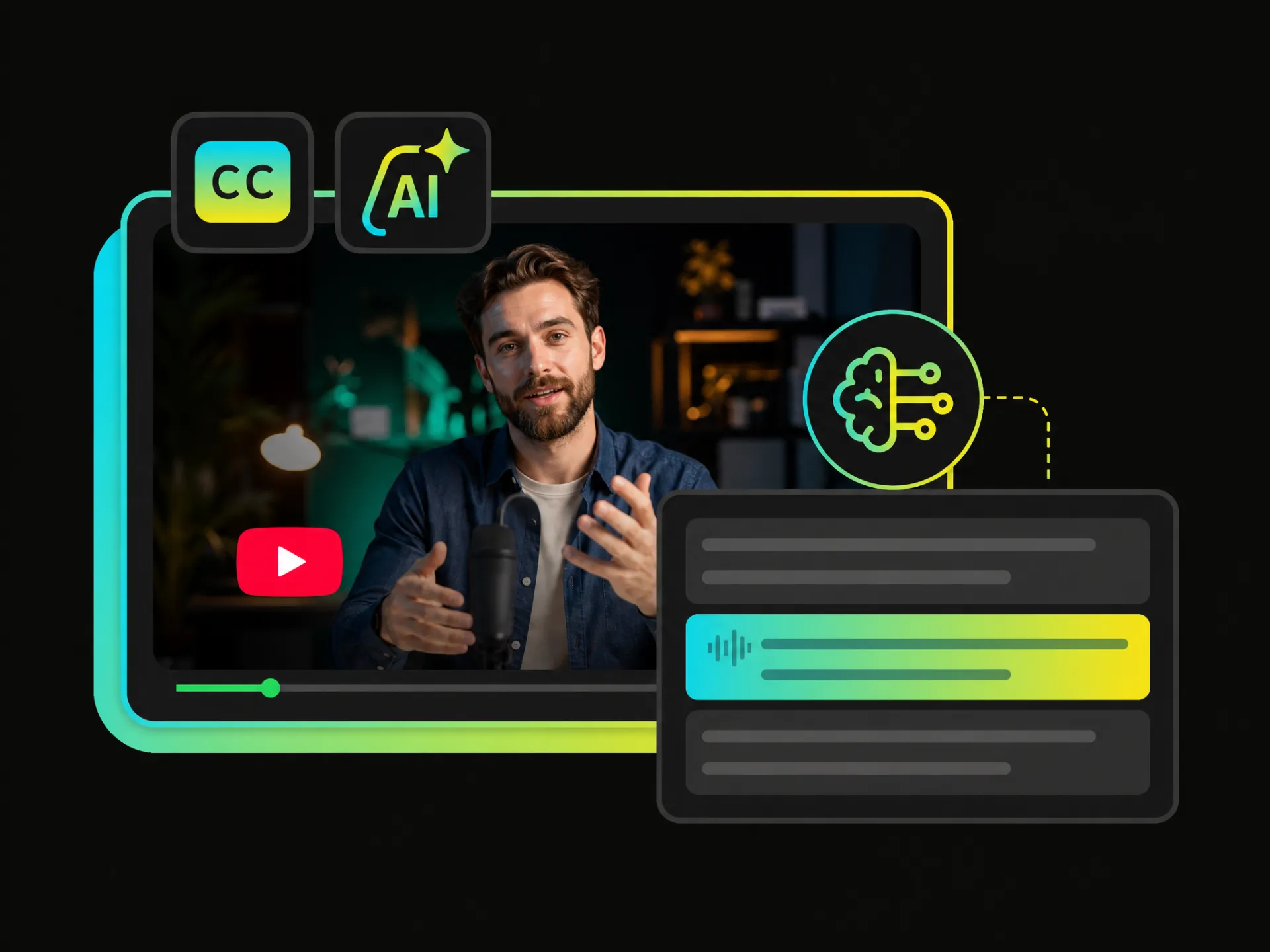
Generate accurate, readable captions using a free YouTube video caption generator, making conversations, explanations, and key details easier to follow in long videos packed with information.
Generate accurate, readable captions using a free YouTube video caption generator, making conversations, explanations, and key details easier to follow in long videos packed with information.
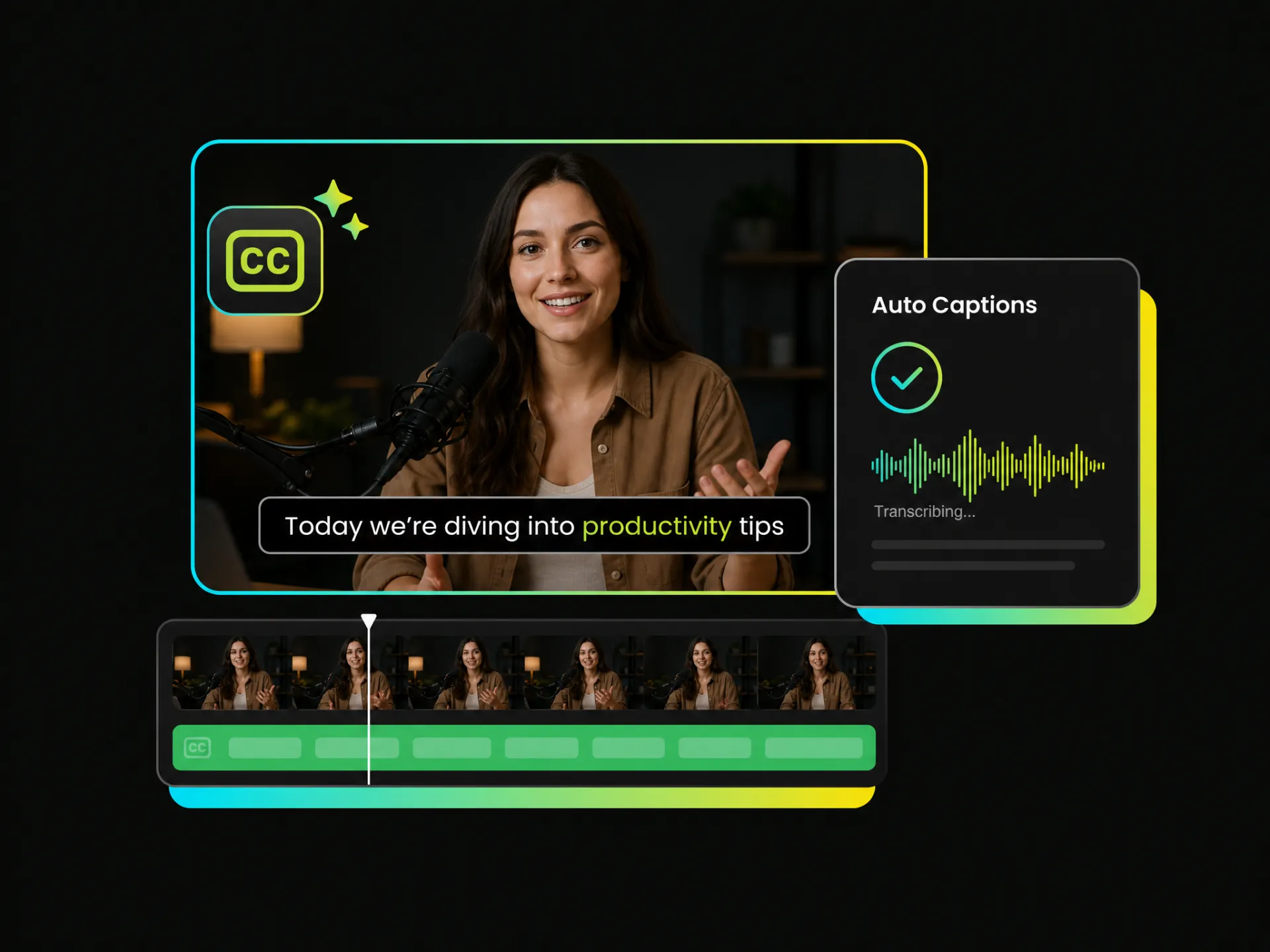
Upload your video and let an auto caption generator recognize the spoken content, create accurately timed captions, and add them directly to the video, so you can skip the tedious work of transcribing and syncing every line manually.
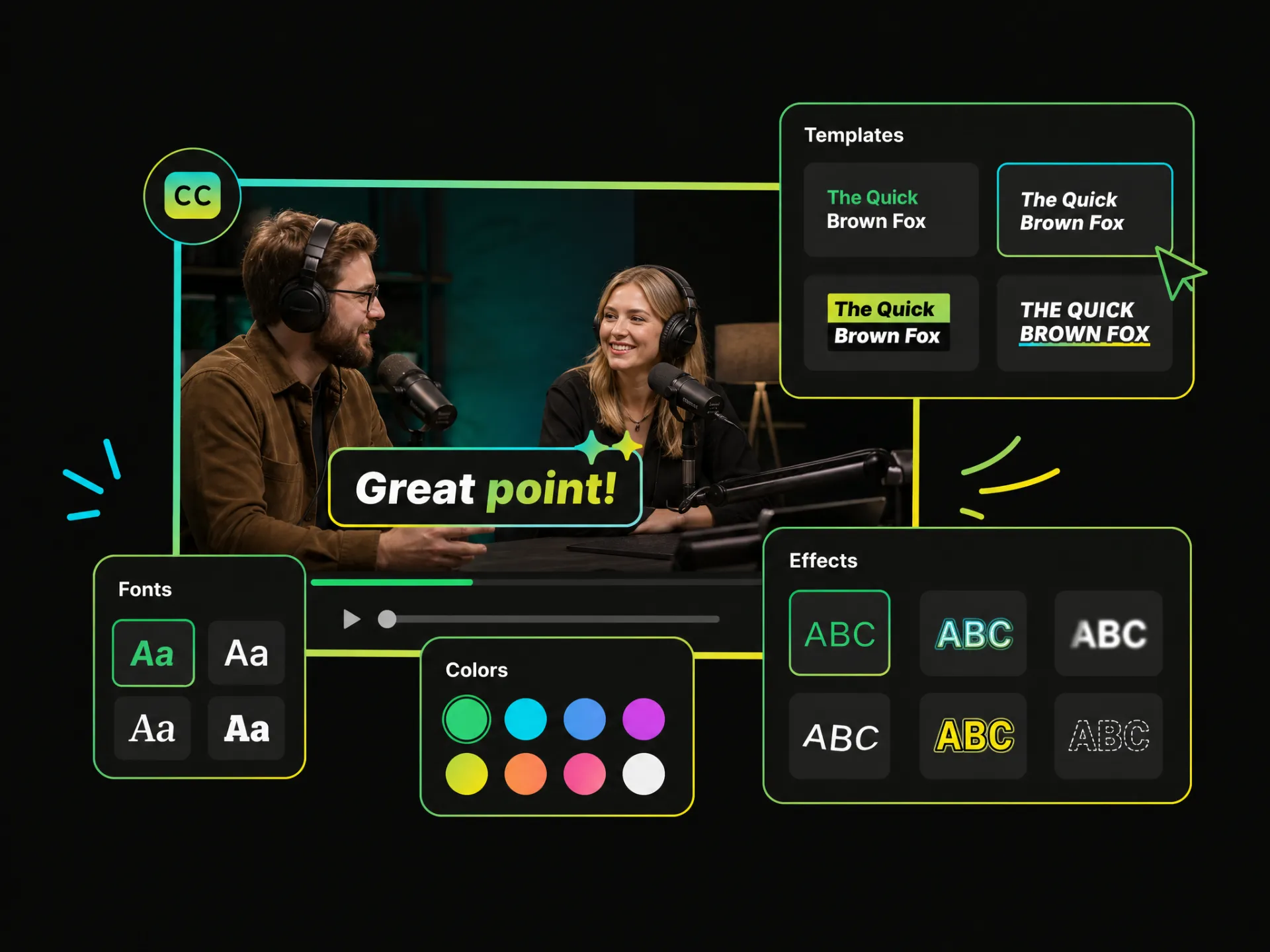
Start with auto-generated captions, then customize them using caption templates, fonts, colors, highlight styles, word-level animation, and dynamic effects. Add captions to video in your own style without spending hours creating animated captions manually.
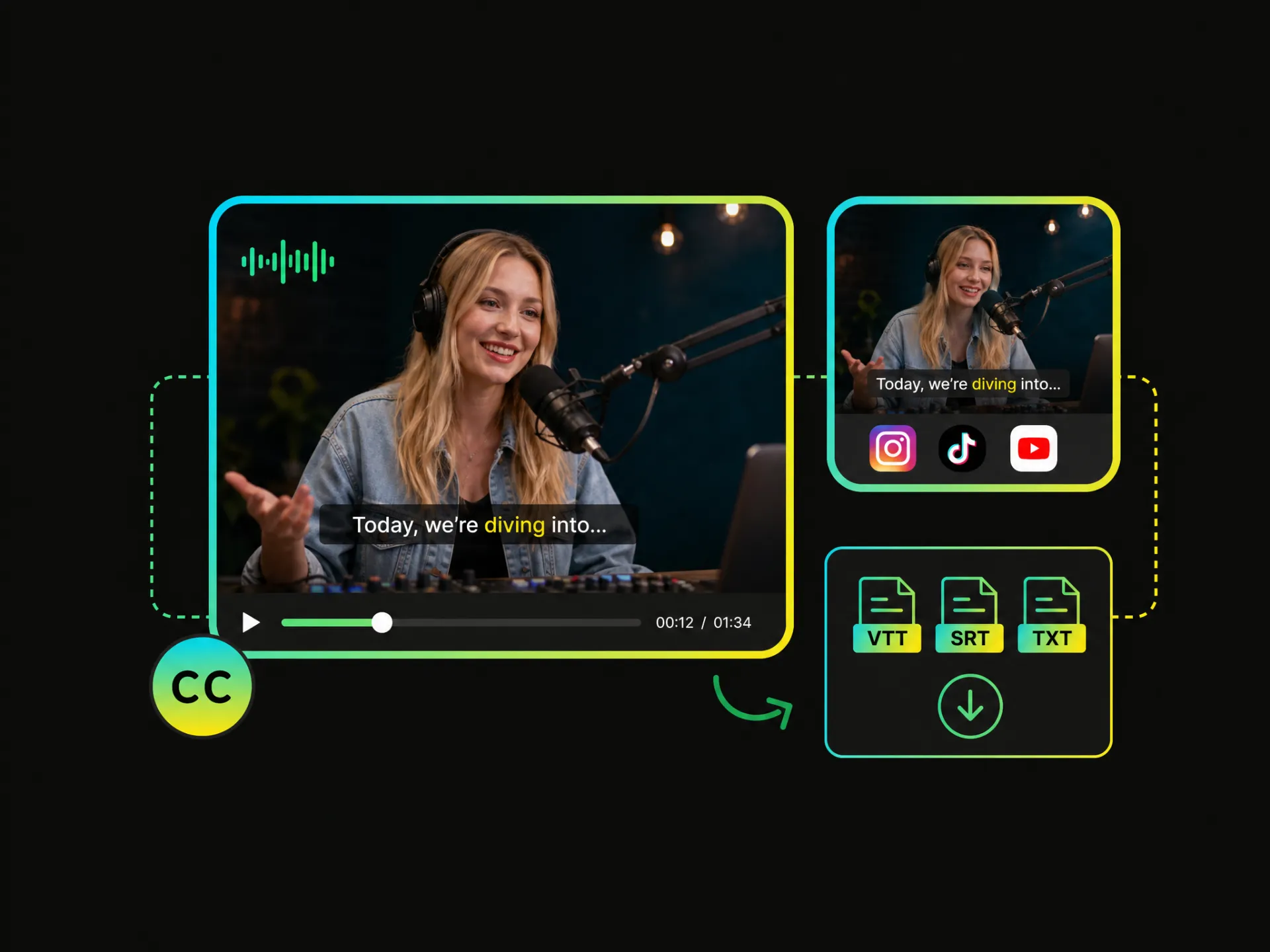
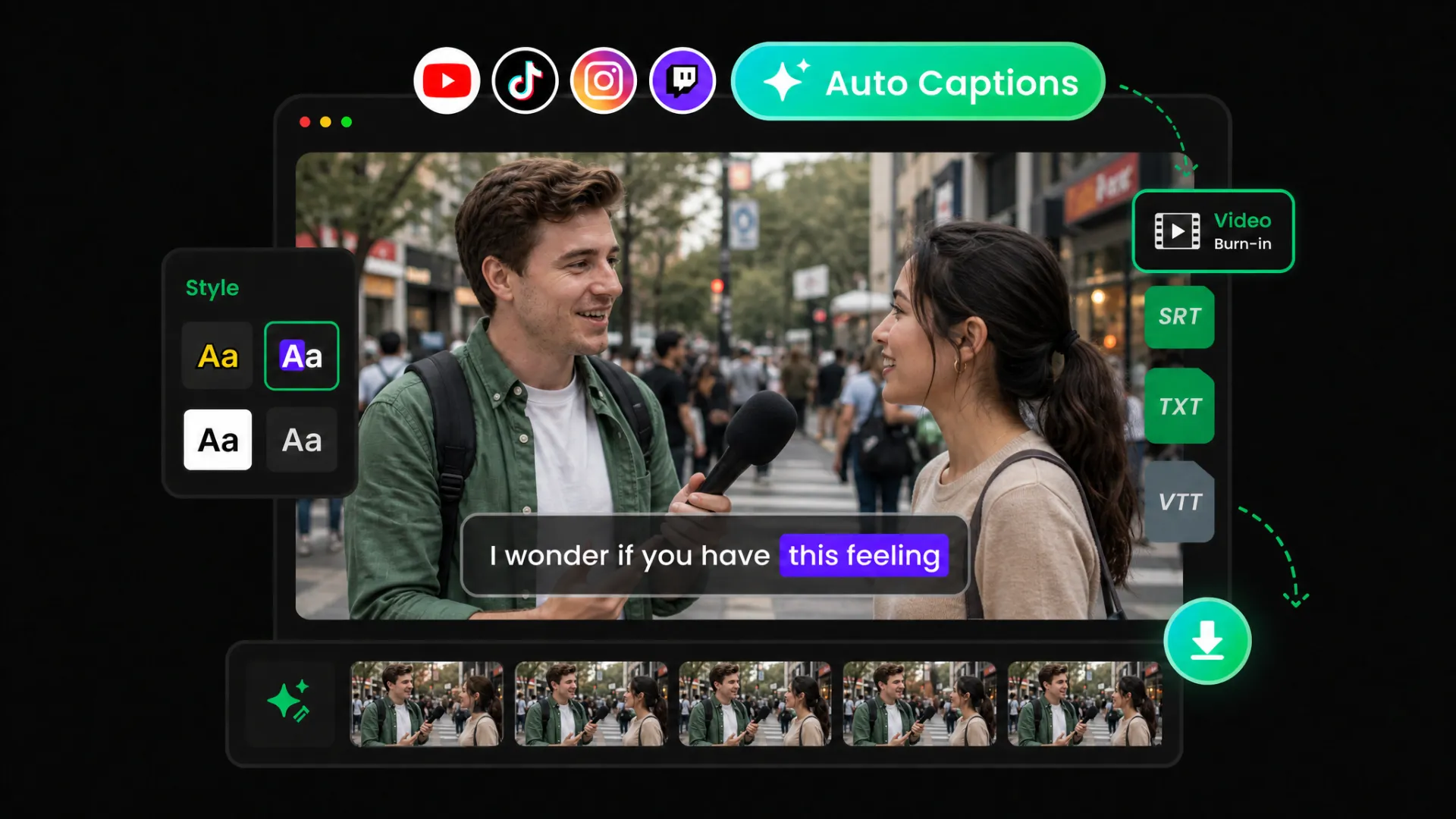
Captions are ready, but the video still needs to be finished. Add captions to video online free, burn them directly into your video, and export a ready-to-share file. You can also download VTT, SRT, or TXT caption files when needed.
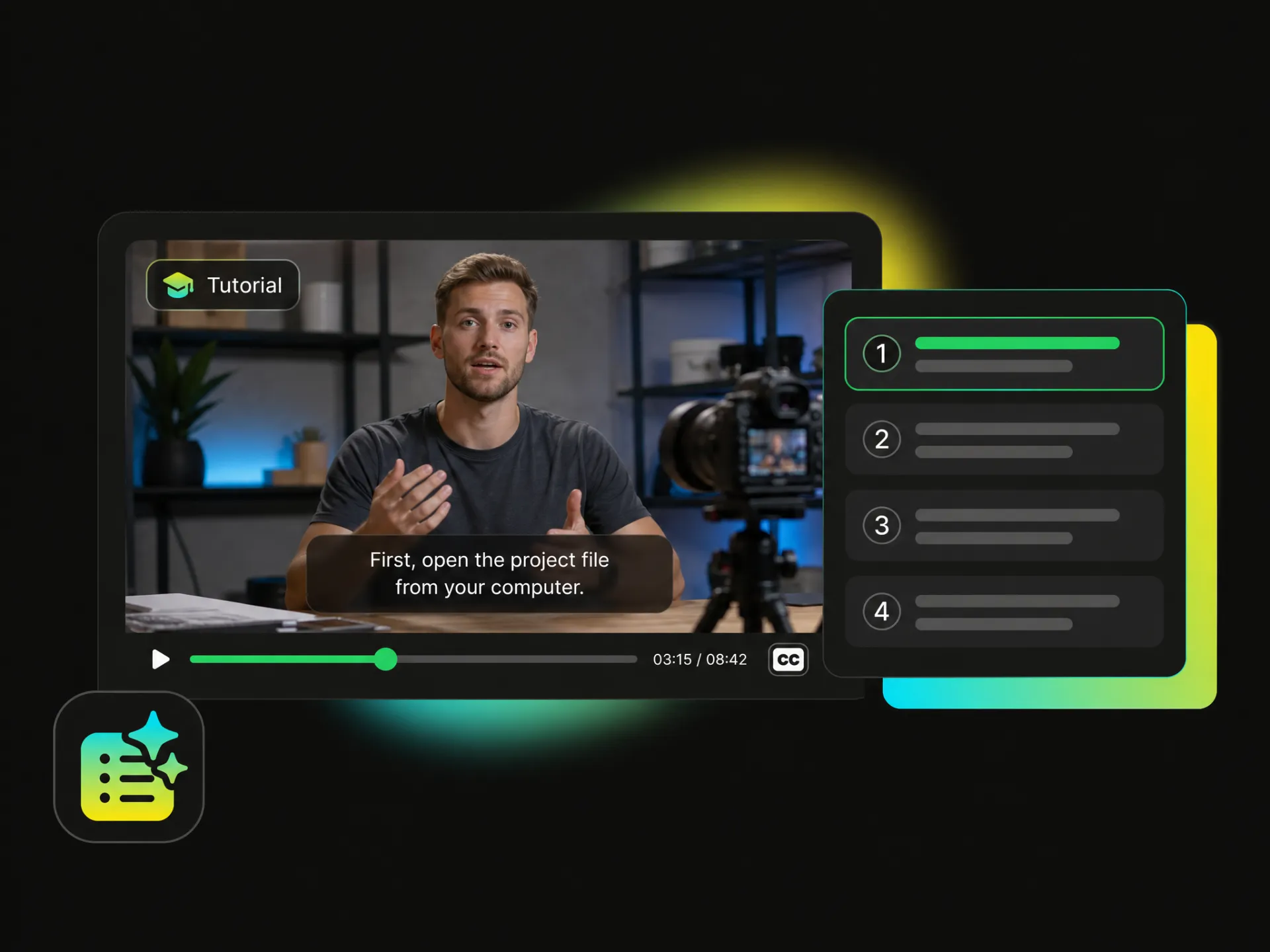
From short-form content and tutorials to interviews and educational videos, a free caption generator for video makes it easier to create clear, engaging captions for different content needs.
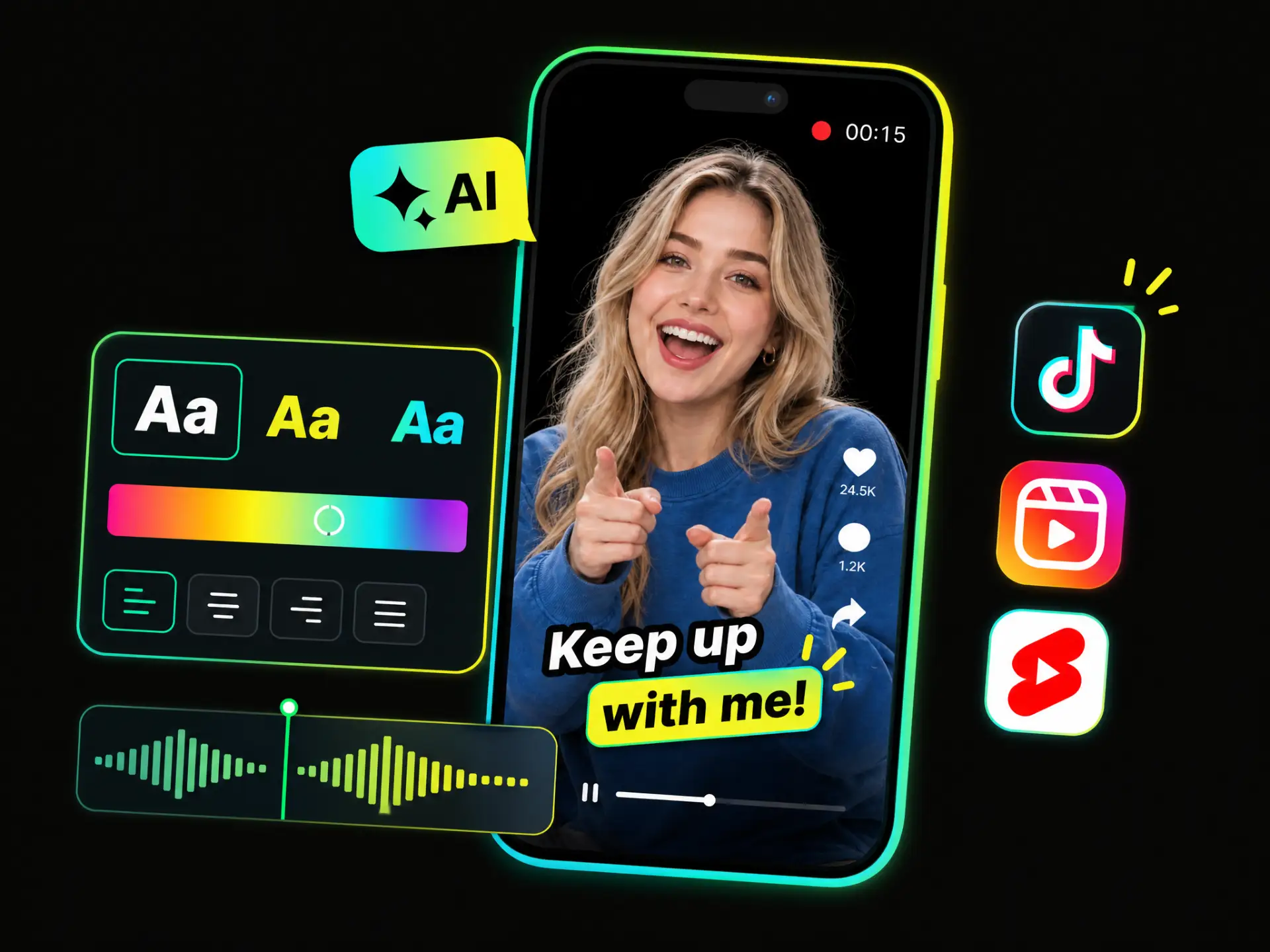
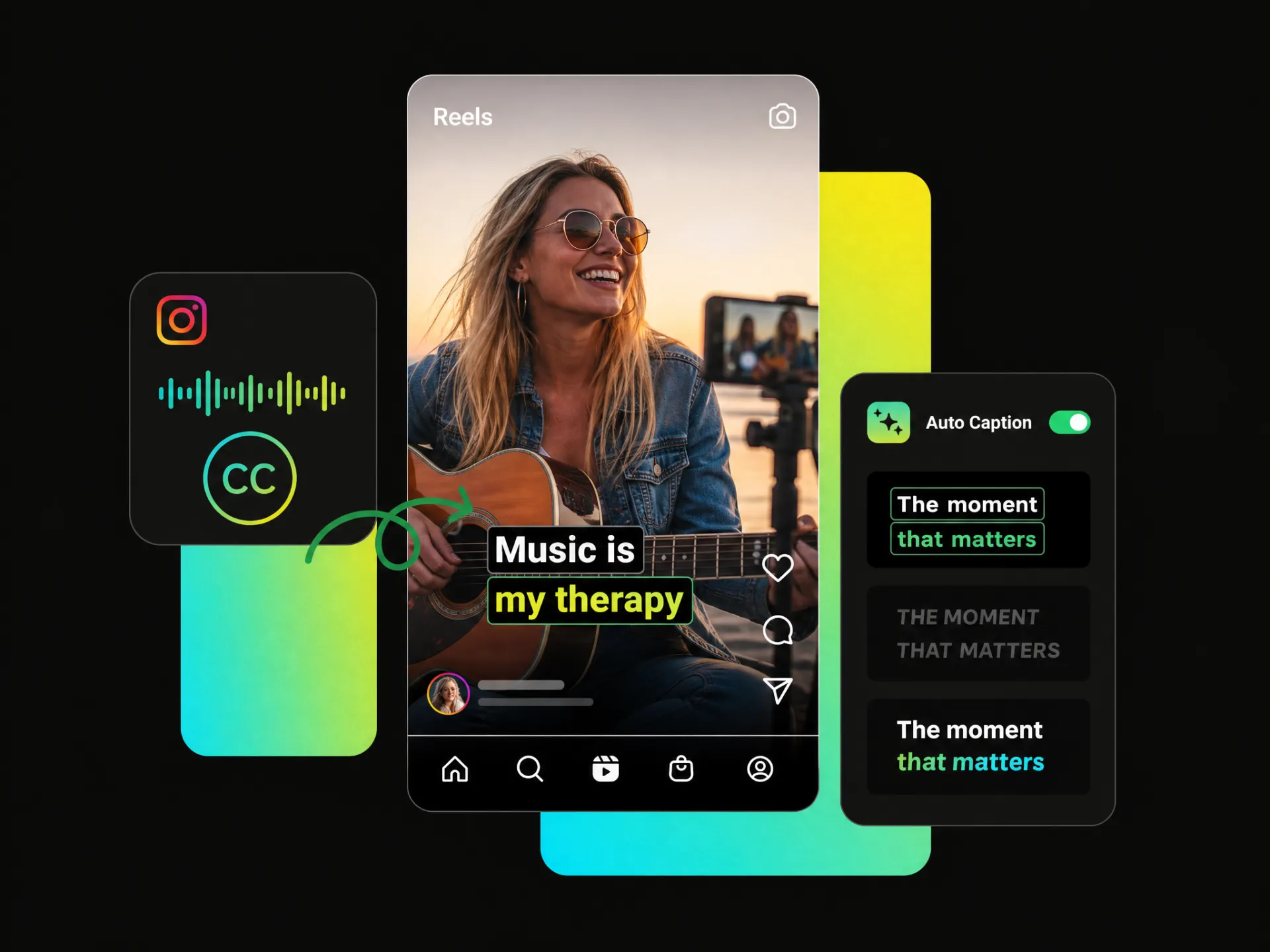
Make captions more dynamic with a short video caption generator. Animated and dynamic captions highlight key words, follow the rhythm of speech, and add movement when standard subtitles feel too static.
Add Captions to Video FreePrecise word-level timing keeps captions closely aligned with speech, making add captions to video more natural and accurate, especially for animated and dynamic caption styles.
Advanced speech recognition helps an auto caption generator handle accents, complex speech, and specialized terminology more reliably, reducing the need to correct captions word by word after generation.
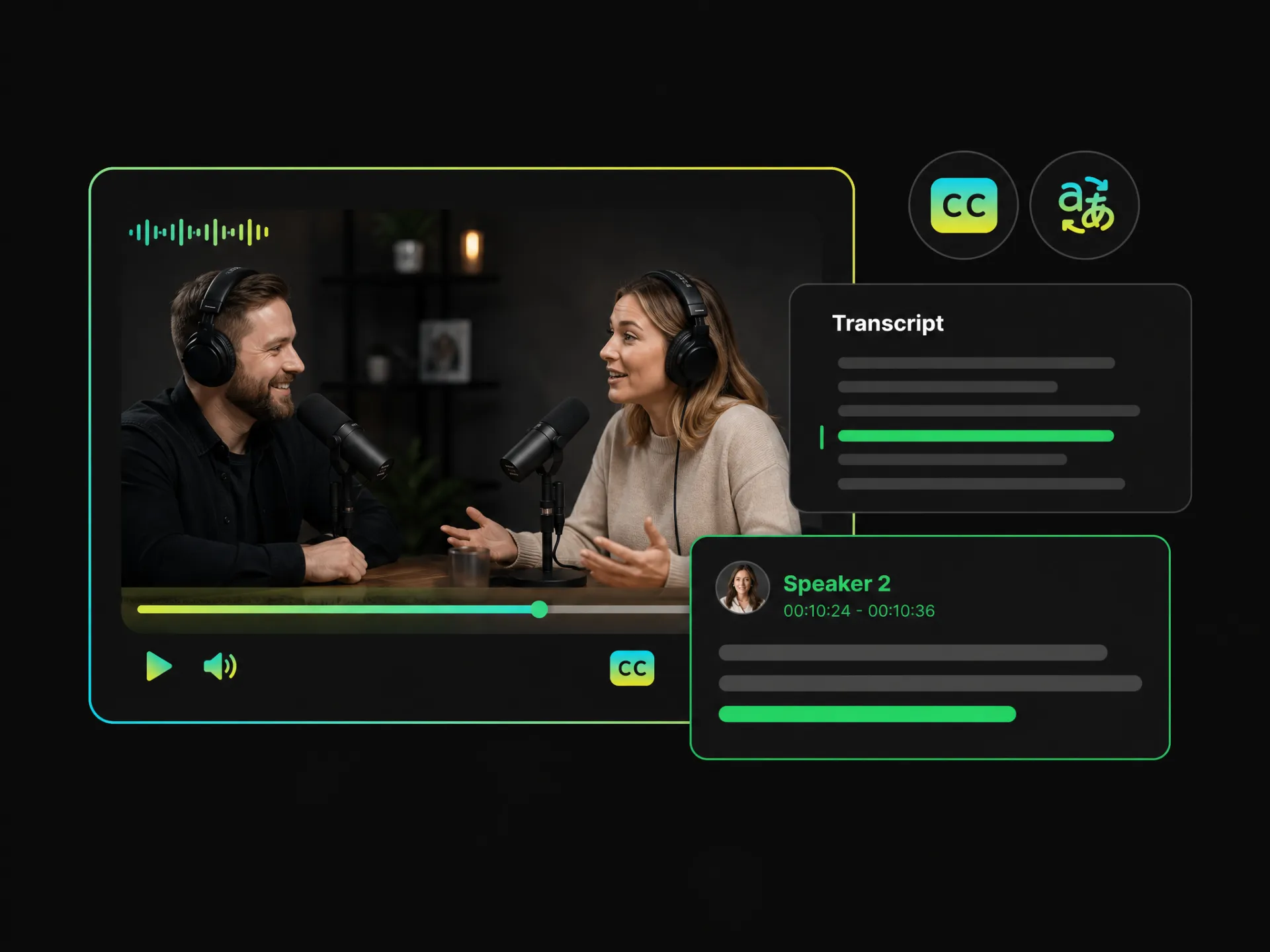
Speaker detection separates different voices in a recording, making conversations easier to organize and caption when interviews, podcasts, meetings, or other content involve multiple speakers.
Video and caption tasks can be processed in parallel, helping a video caption generator handle long videos and multiple processing tasks more efficiently without unnecessary waiting.
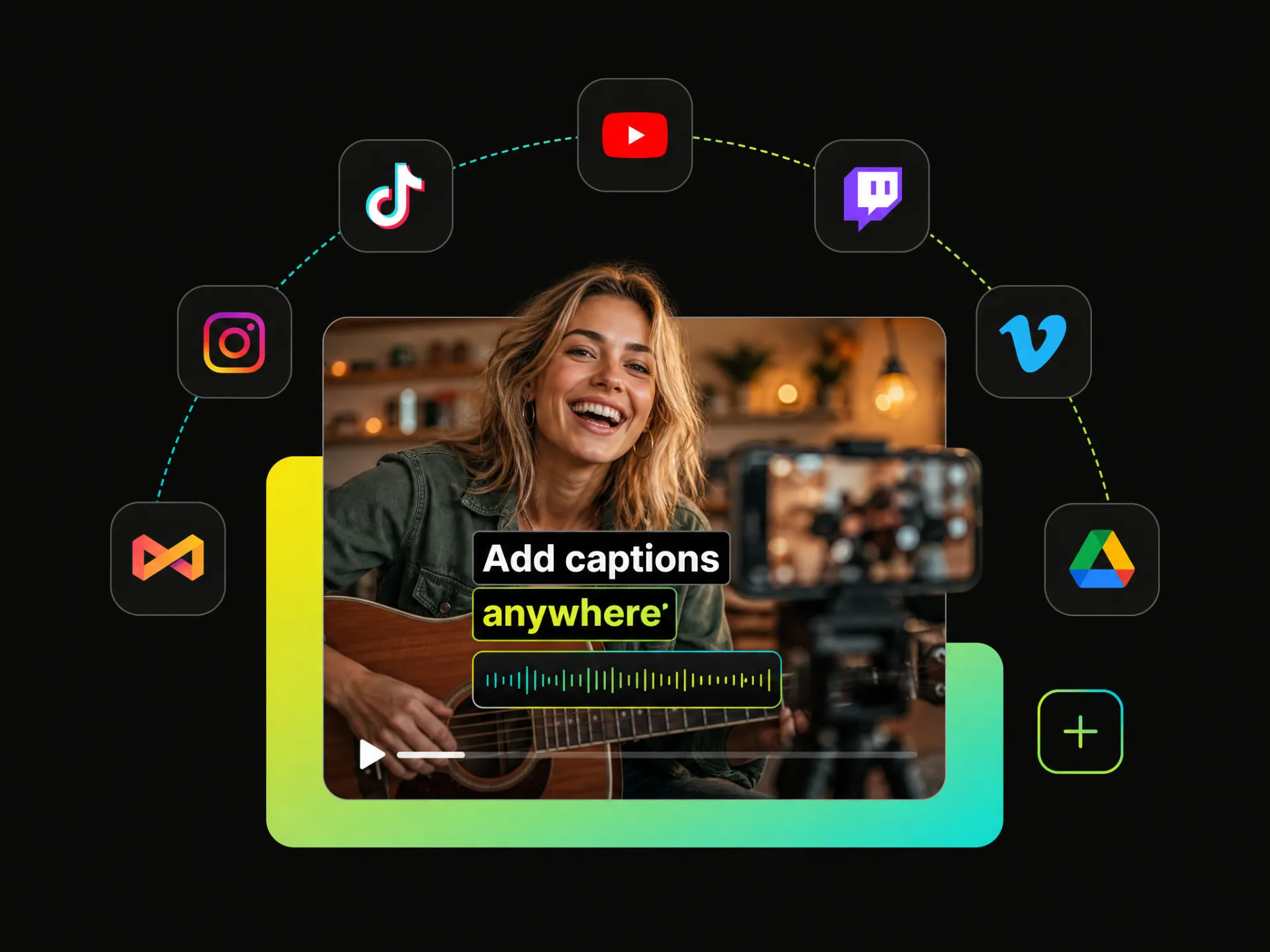
Upload, generate, edit, and customize captions directly in your browser, without relying on complex local software or switching between different tools during the captioning process.
Export finished videos without a forced watermark, so your captions stay clean and professional and the final video is ready to publish across your preferred channels.
Upload your video or paste a video link to add auto captions to video without typing or timing each line yourself.
Create polished, ready-to-share videos with an auto caption generator for video free. Generate, customize, and add captions to your video without spending hours on manual transcription and timing.
Start Free with 100 Credits