

Faster Dynamic Captions
Generate YouTube video captions in seconds and spend less time typing everything by hand. Edit the text, choose a style, and keep your video moving!
Add captions to YouTube videos with custom fonts, colors, and animations. Edit and translate your captions, then save your styles as a template for consistent branding across videos.
Trusted by professionals at












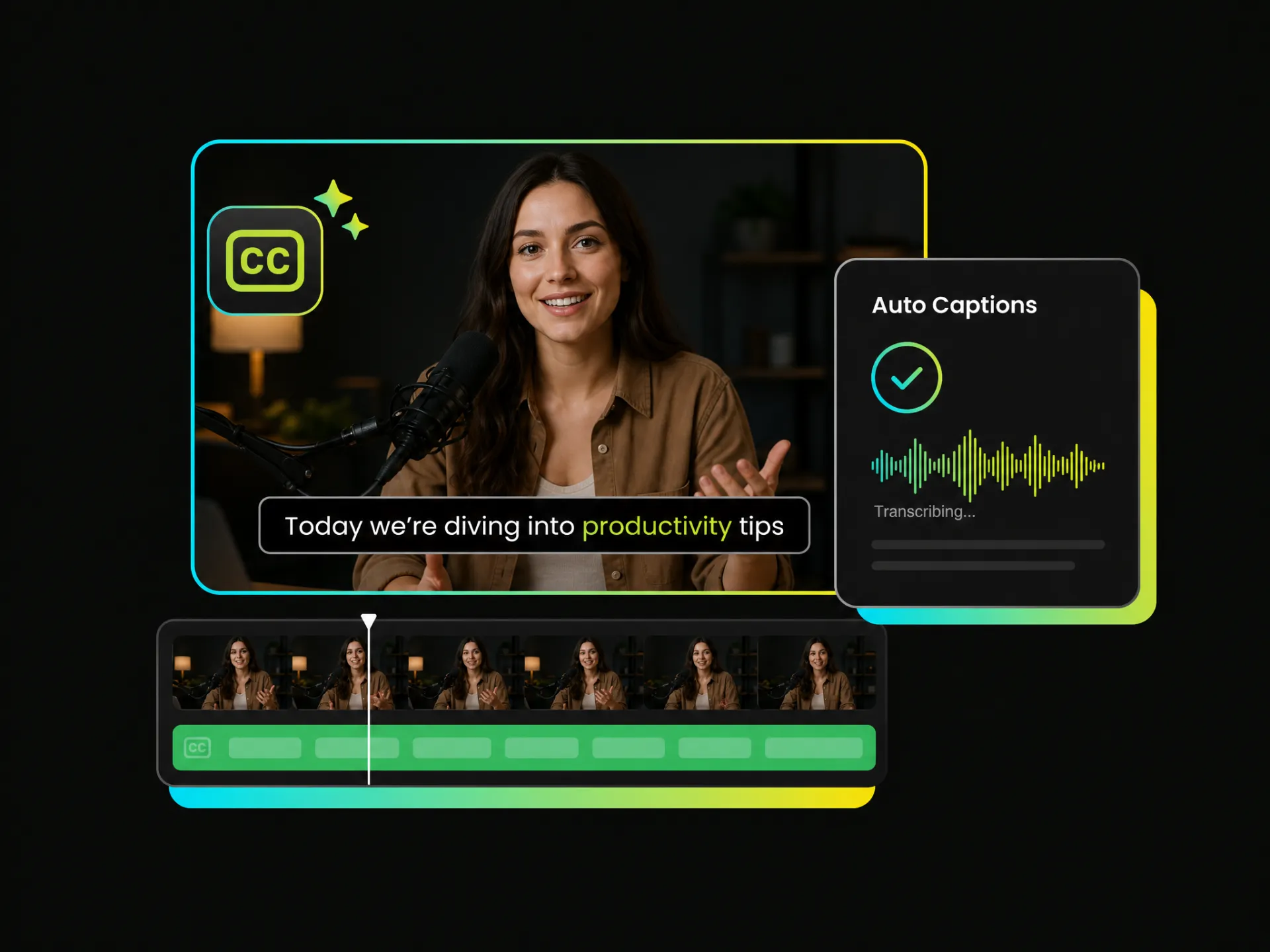
Tired of typing out every line by hand? Paste a YouTube link and let AI recognize the speech to generate editable captions automatically. Review the text, correct details, and get your video ready for styling in just a few seconds!
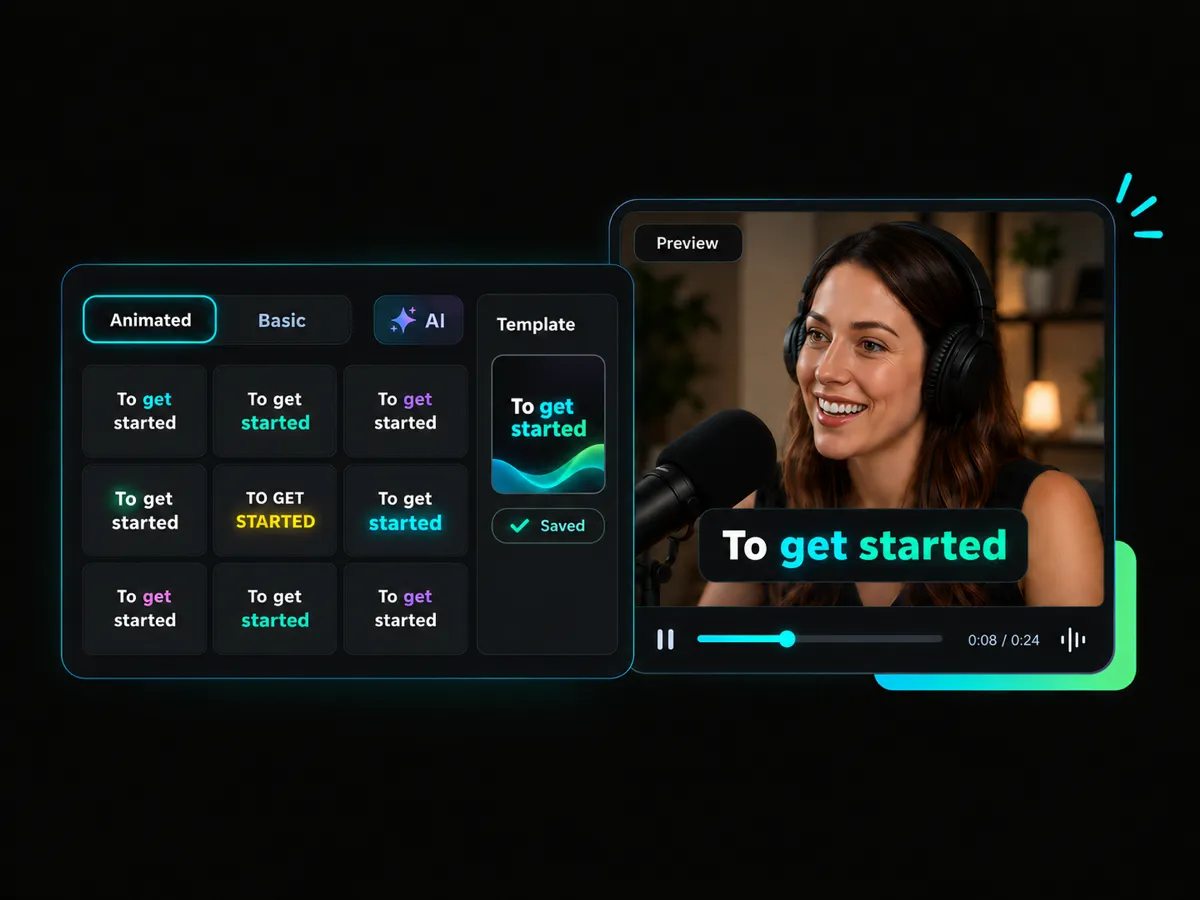
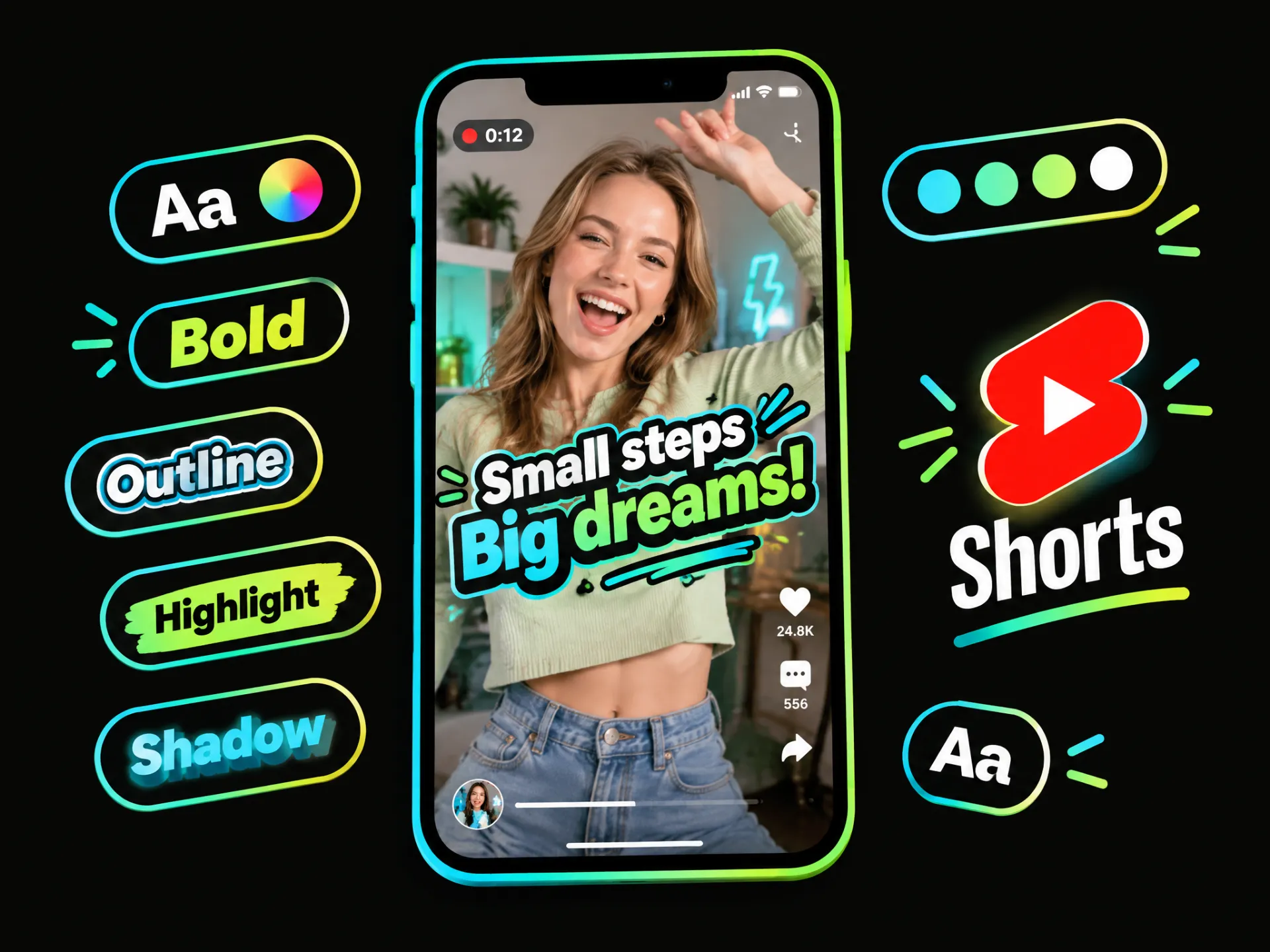
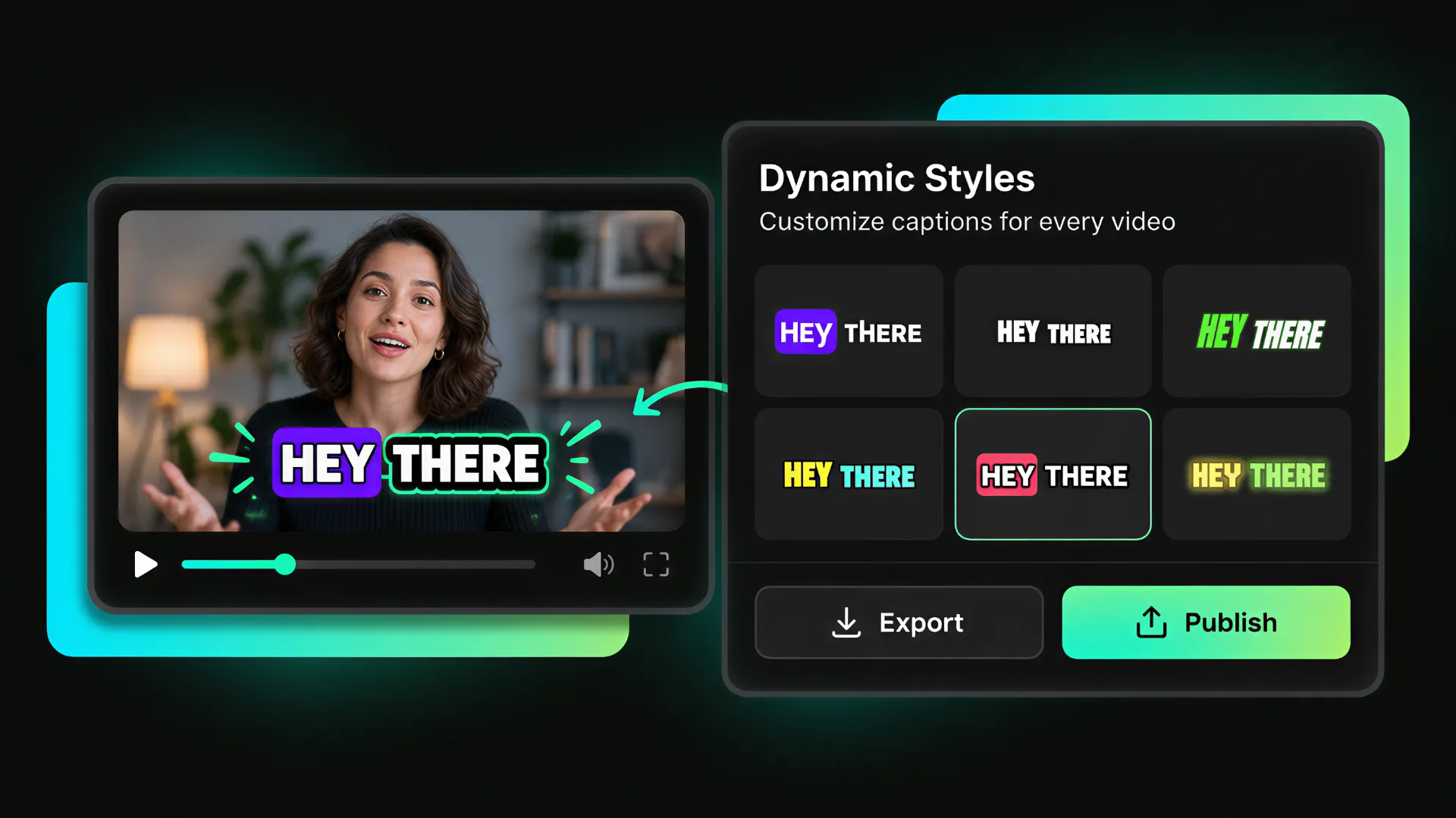
Want your YouTube video captions to feel more engaging? Choose dynamic caption styles with word highlights and color emphasis, or apply a saved template to keep your videos visually consistent with your brand style.
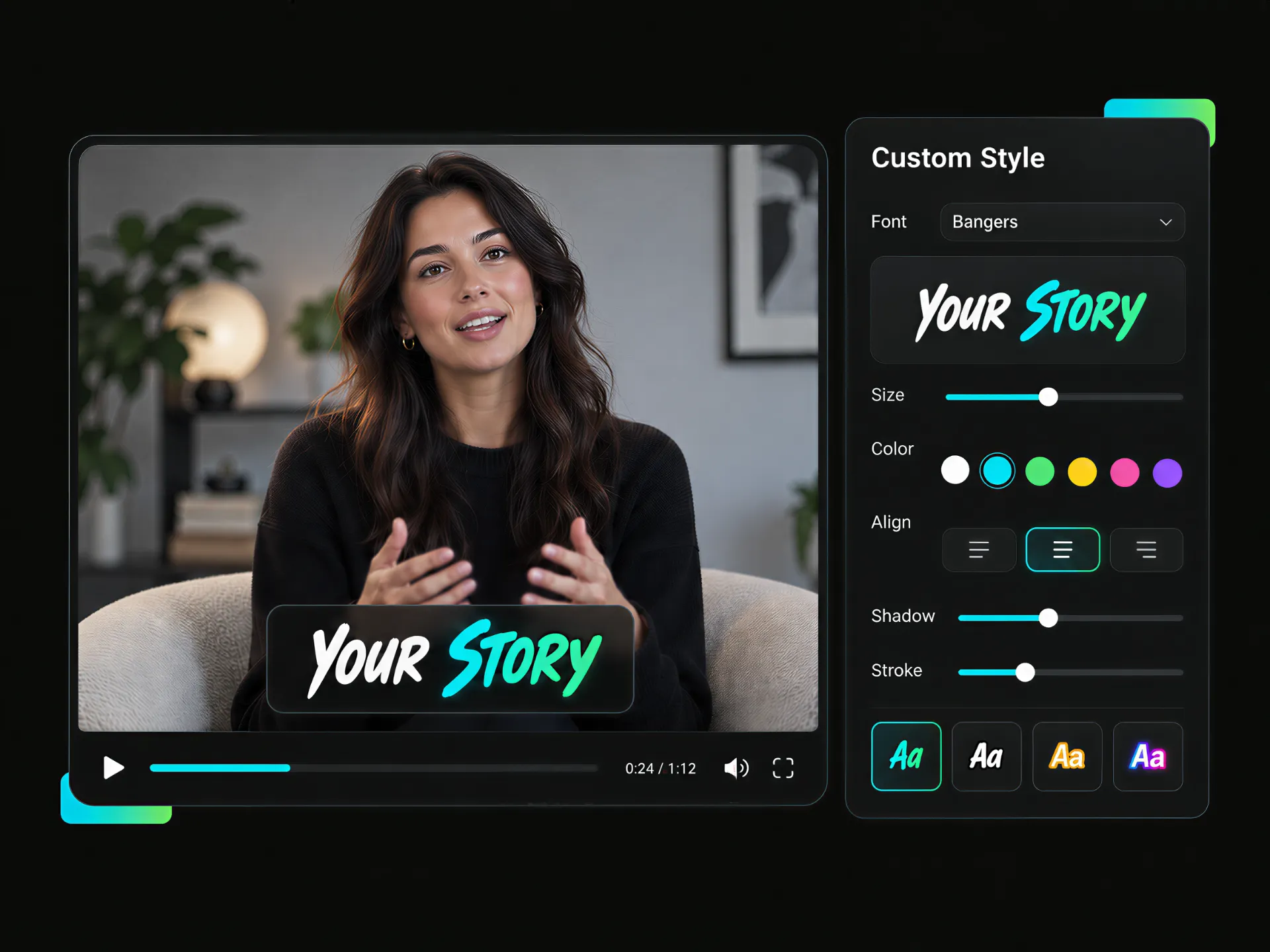
Need to fix a name, phrase, or jargon? Edit your YouTube captions line by line, then choose the font, color, position, and display effects. Preview each change instantly and make every caption clear, readable, and easy to follow.
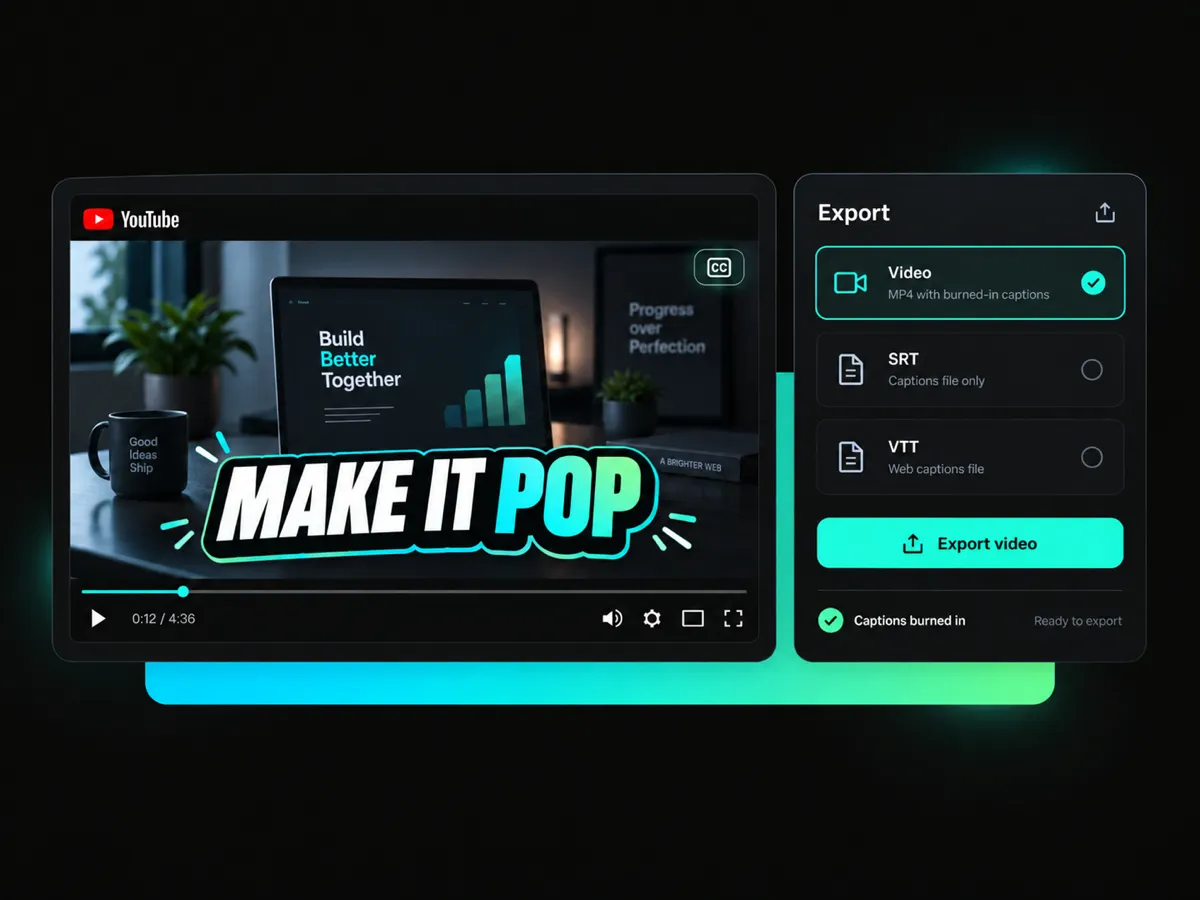
Ready to publish your captioned video? Burn the captions directly into the video so they stay visible wherever you share it. Preview the final result, export the captioned video, or SRT/VTT files for YouTube closed captioning.
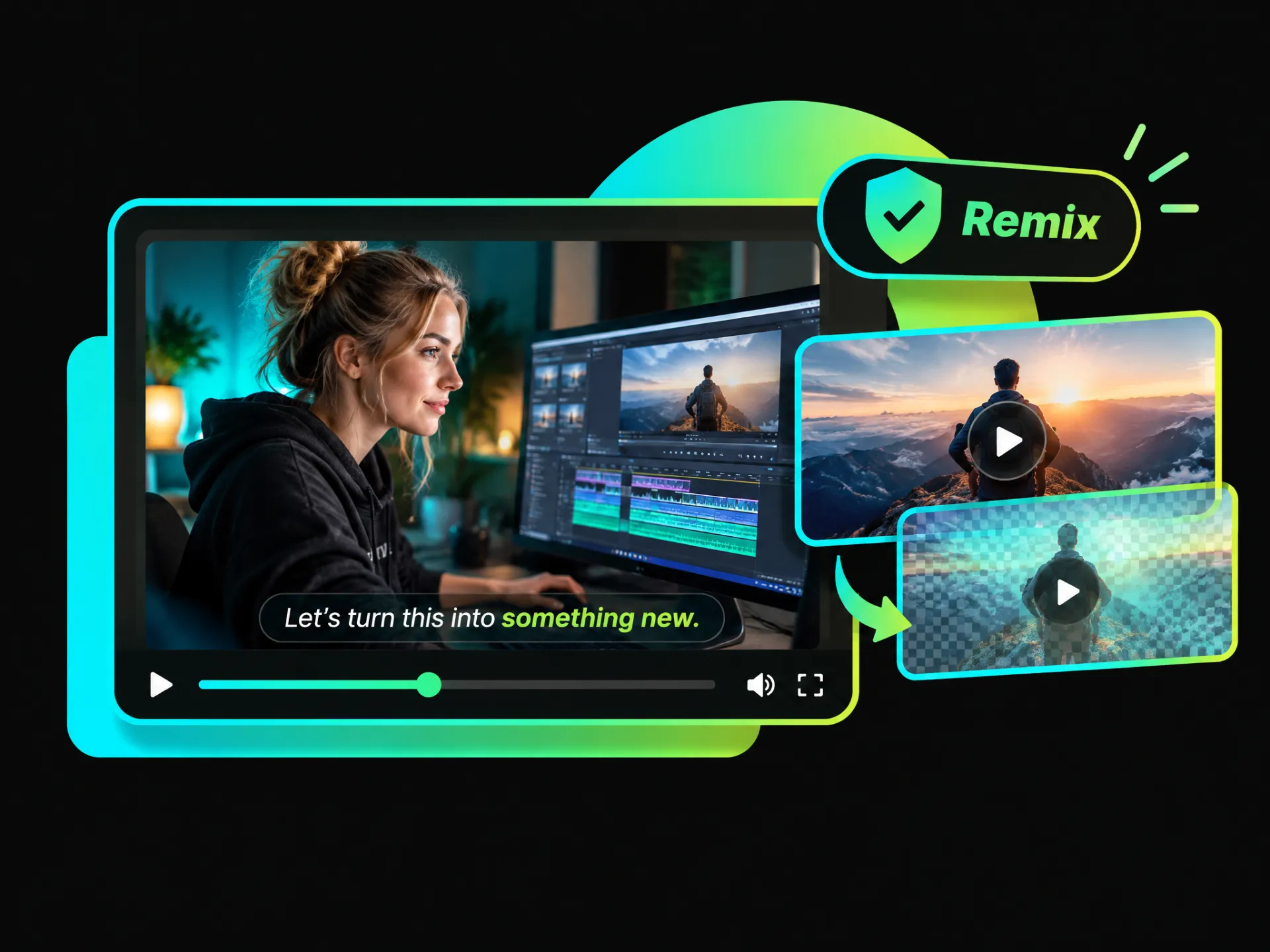
Add dynamic, stylish captions to YouTube videos for live replays, Shorts, webinars, and authorized remixes. Customize your captions to create a better viewing experience.
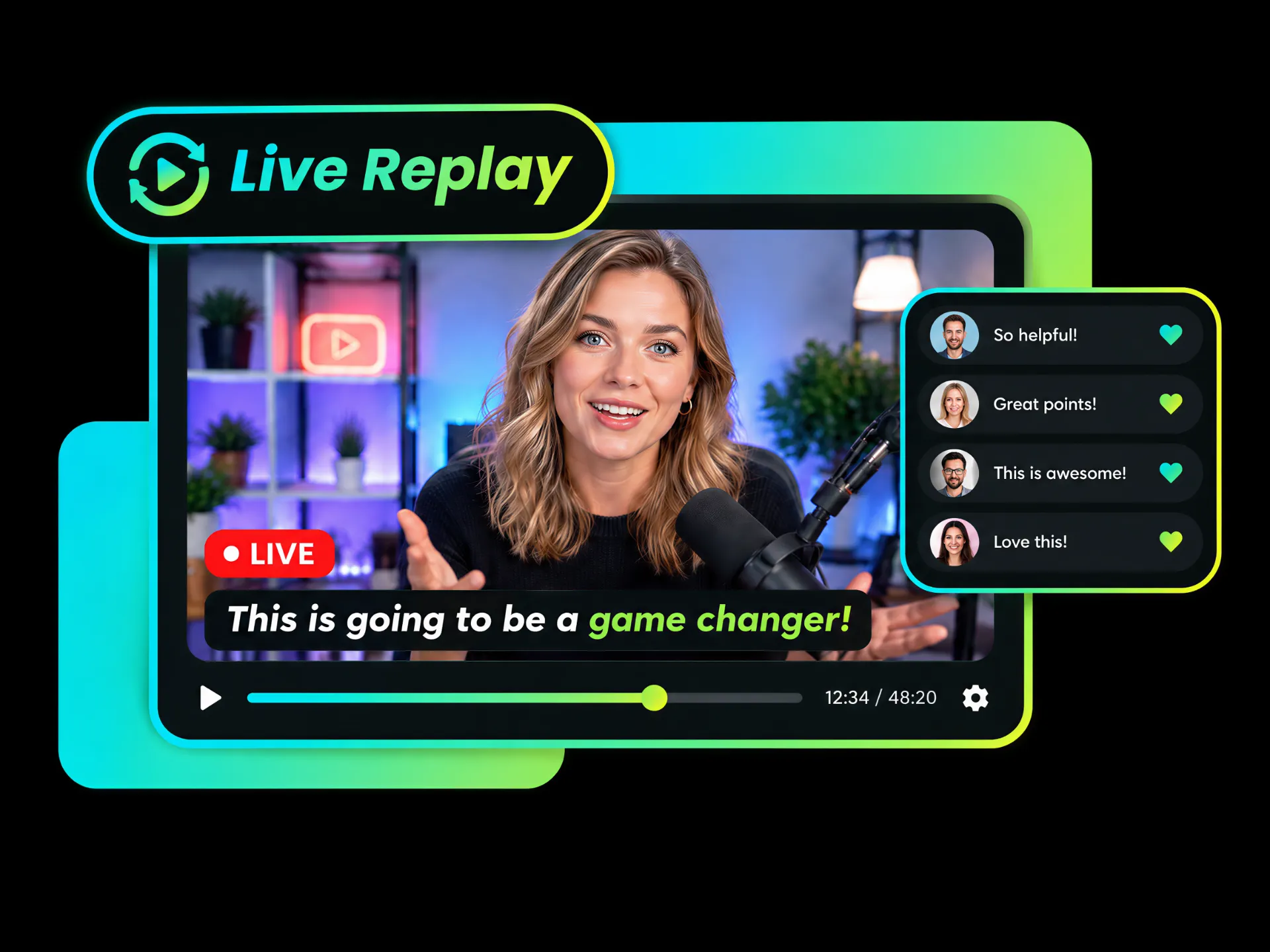
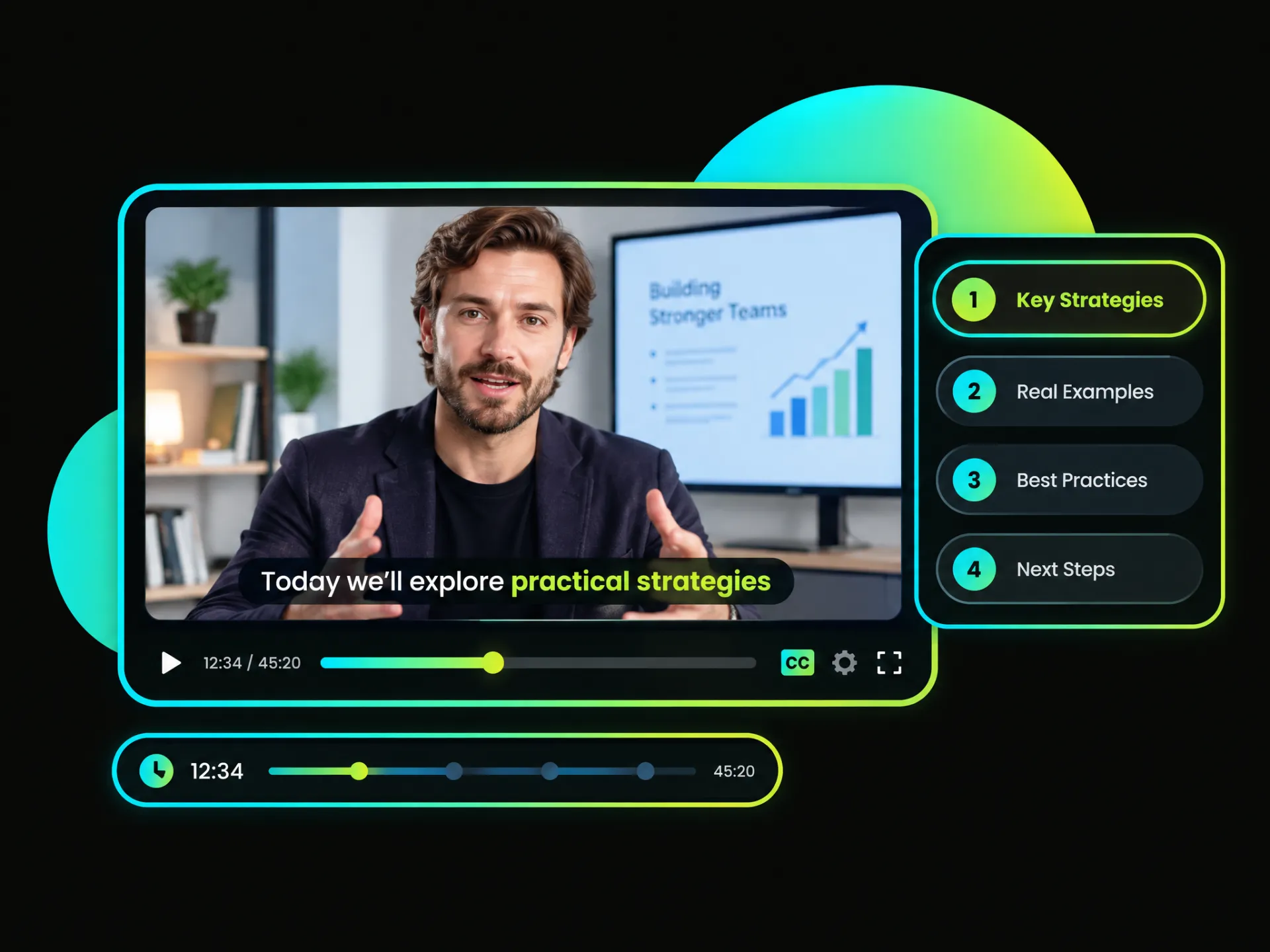
Did your live stream move too fast for viewers to catch every detail? Add captions to YouTube live replays so audiences can follow the conversation, review key moments, and enjoy your content even with sound off.
Caption Your Live ReplayGenerate YouTube video captions in seconds and spend less time typing everything by hand. Edit the text, choose a style, and keep your video moving!
Let AI handle the first draft! It recognizes the speech and adds automatic captions to YouTube videos, so you can focus on reviewing and styling the auto-generated captions.
No downloads. No complicated setup. Paste a link and try online YouTube video captioning directly in your browser. Create your captioned videos whenever you are ready.
Found a caption style you love? Save it as a template and reuse it across your videos. Keep your fonts, colors, and caption effects consistent without starting from scratch!
Reach more viewers with captions in 100+ languages! Translate your YouTube captions and display the bilingual captions to make your video easy to follow for international audiences.
Ready to share your captioned video? Publish it directly to YouTube, Instagram, TikTok, and other social media platforms, or schedule it with your preferred time and time zone settings.
Paste your YouTube link or upload a video to automatically generate editable captions and start your video captioning workflow.
Create clear, dynamic captions from your YouTube link, customize the style, and share your finished video with a wider audience.
Start with 100 Free Credits at Sign-Up


