

Fast Vimeo Import
Paste a Vimeo video link and start creating captions online without downloading or re-uploading the original file.
Paste a Vimeo link to create on-screen captions with eye-catching animations, custom fonts, colors, and word highlights. Save your styles as presets to keep videos on-brand, then export and share anywhere.
Trusted by professionals at












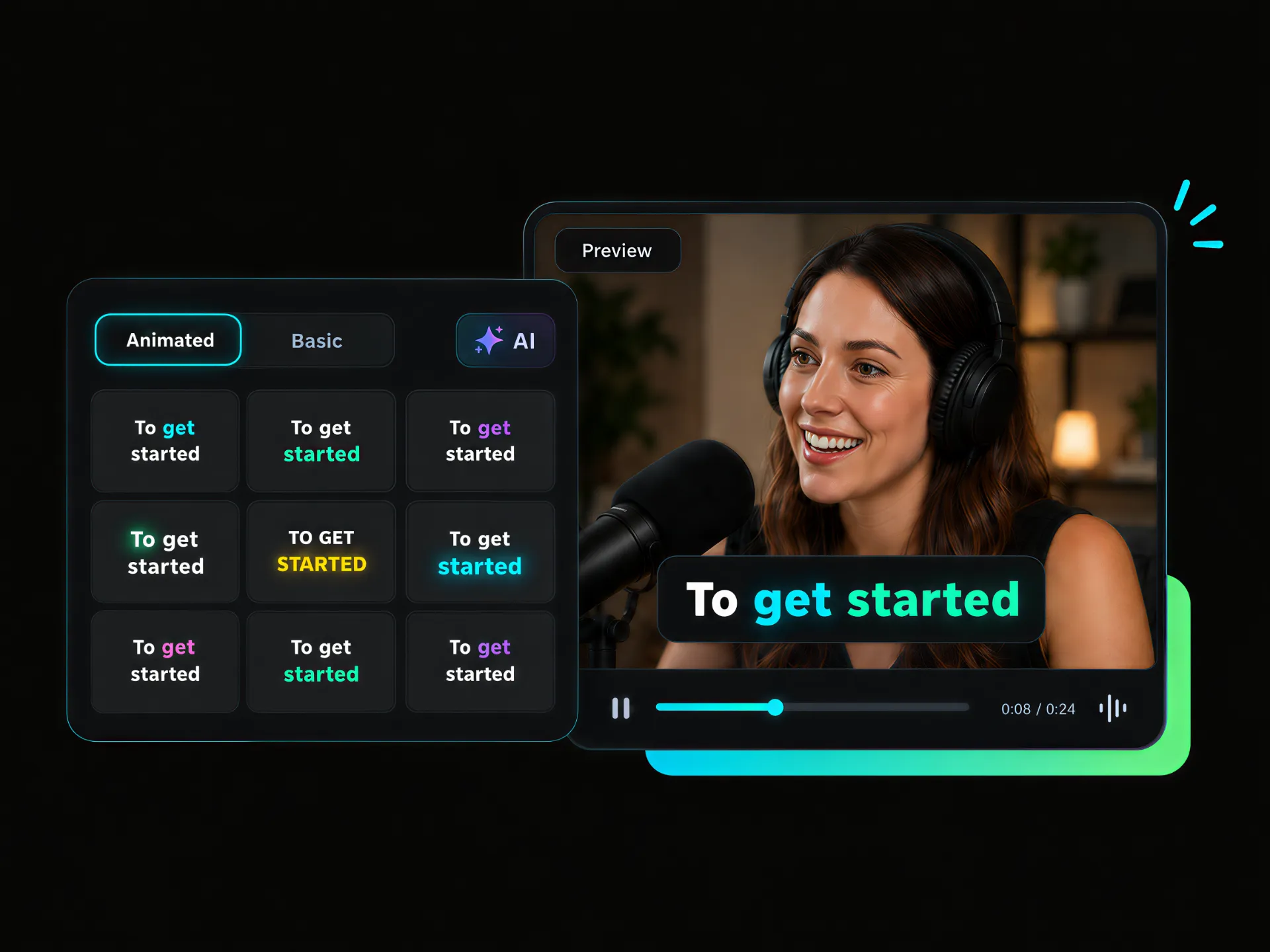
Want viewers to follow your Vimeo videos even with the sound off? Add captions to videos with smooth animation and word highlights. Make key points easier to follow across talks, lessons, and interviews, with a clearer visual experience from the first frame to the last.
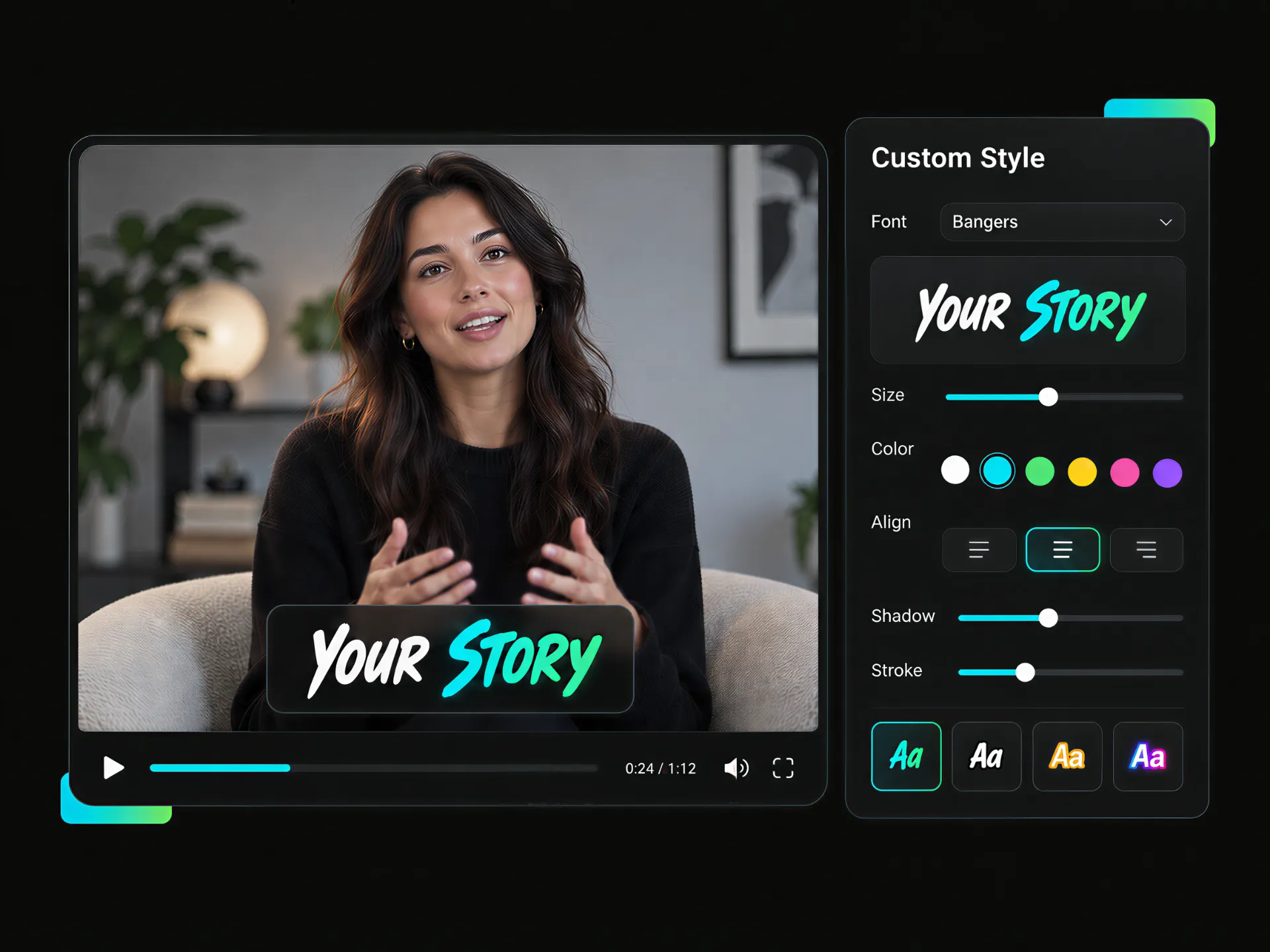
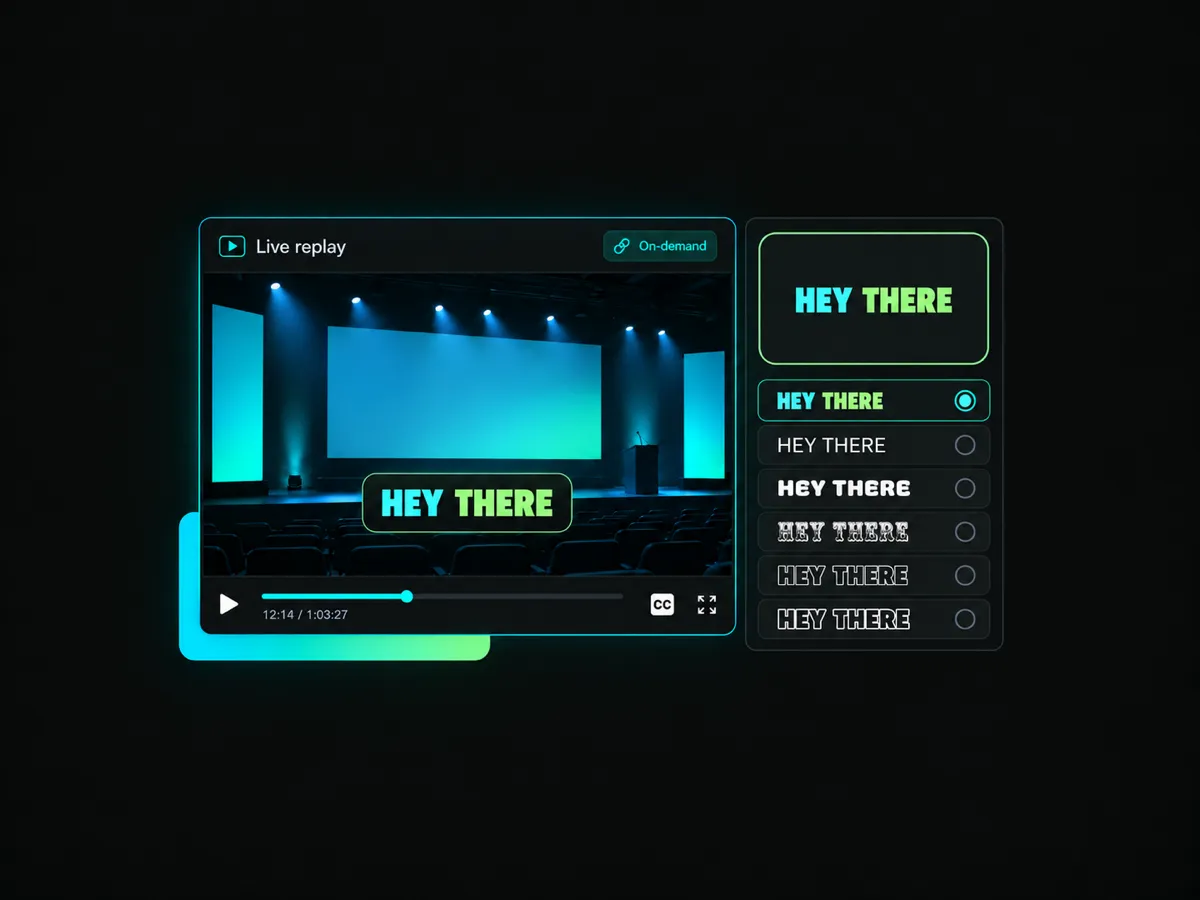
Generic captions can make your videos feel less personal. Choose a preset or build a custom design with your preferred font, size, color, shadow, and stroke. Keep captions aligned with your brand, content style, and visual identity across every video.
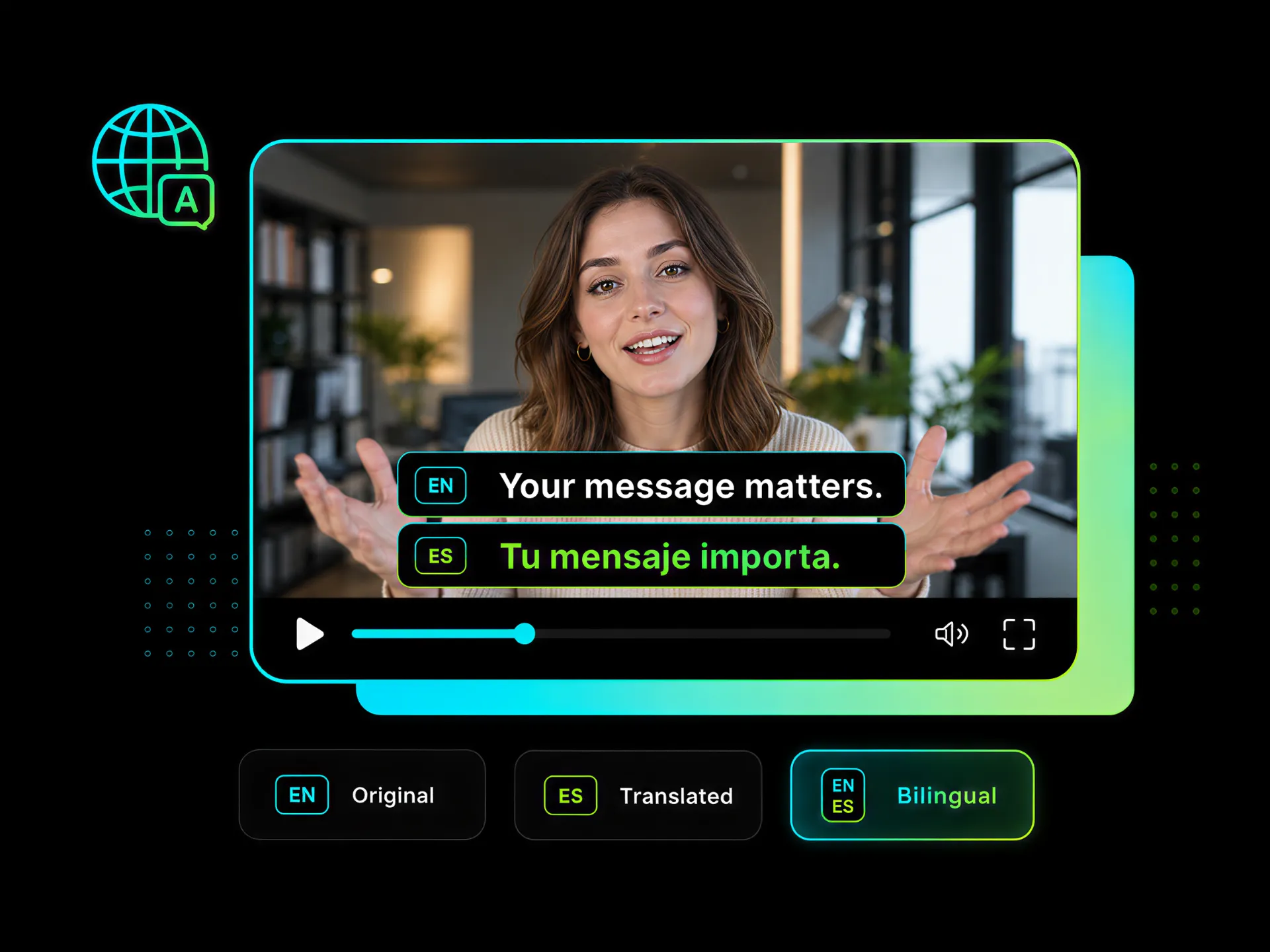
Make your Vimeo videos easier to understand for more viewers. Choose to display original, translated, or bilingual captions. Create a more accessible viewing experience without changing your video's message or format.
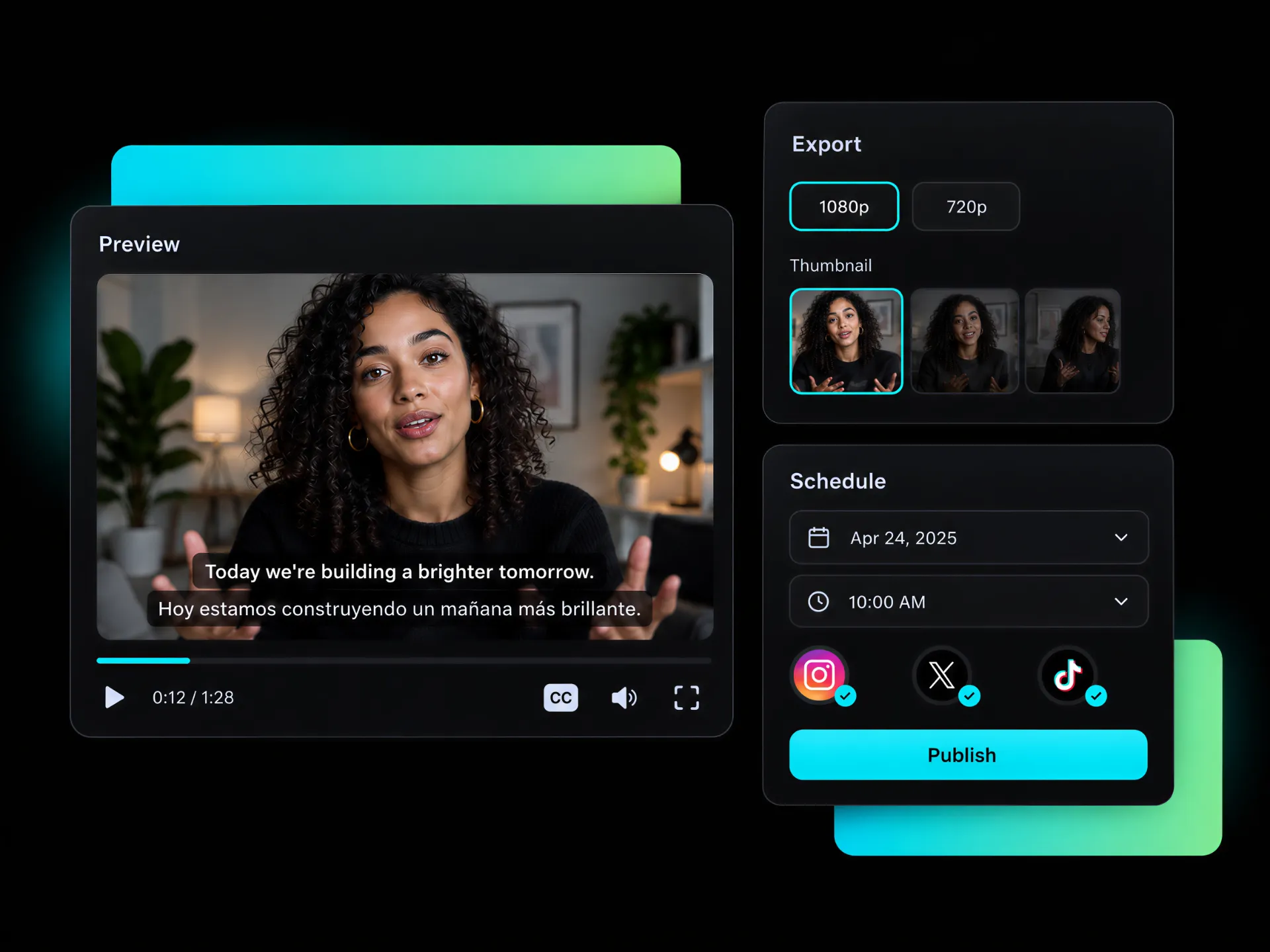
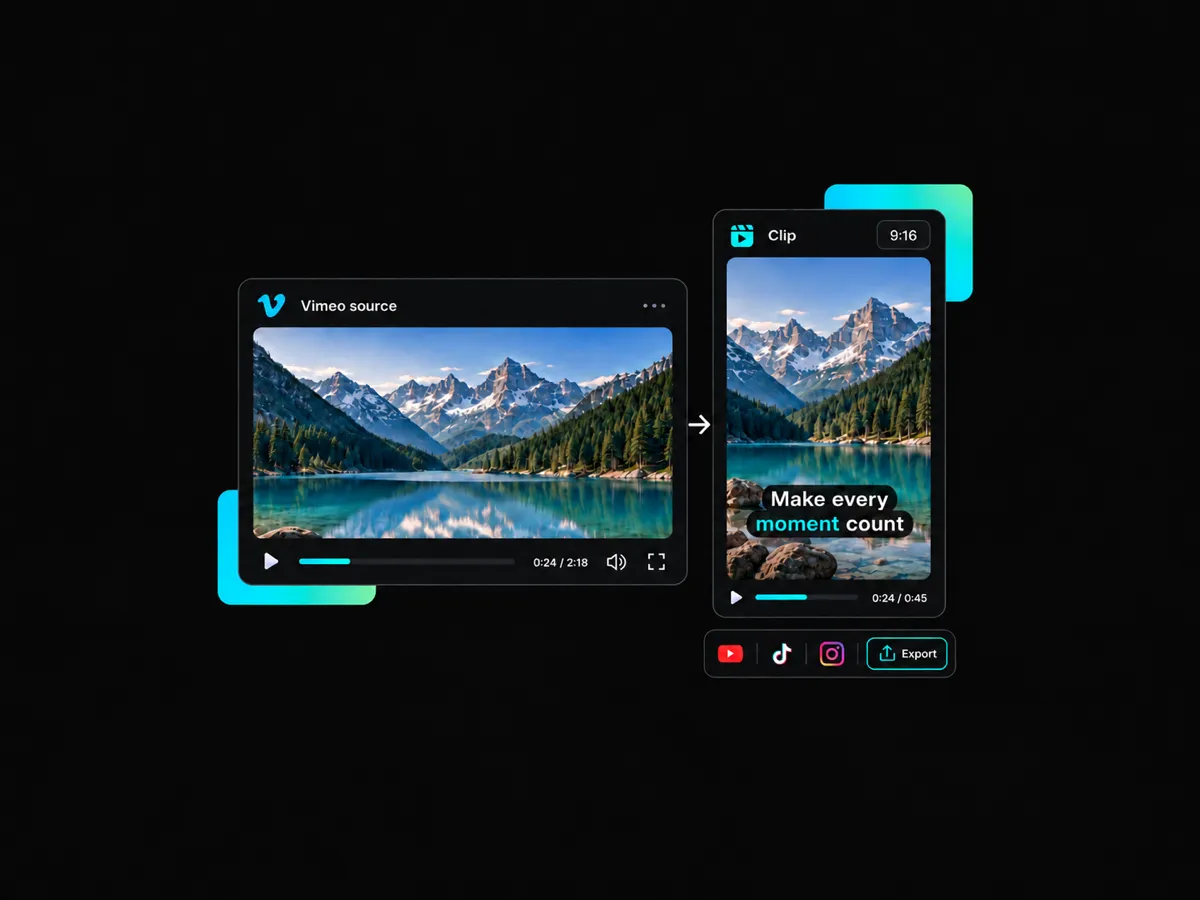
Looking for an easy way to share a captioned vimeo video? Preview the final result, choose your quality and thumbnail, then export the video for later use. You can also connect your social media accounts to publish now or schedule posts.
Create engaging captions for Vimeo videos, customize the design with animations and word highlights, then export videos to reach more viewers across your website, Vimeo OTT, and social media channels.
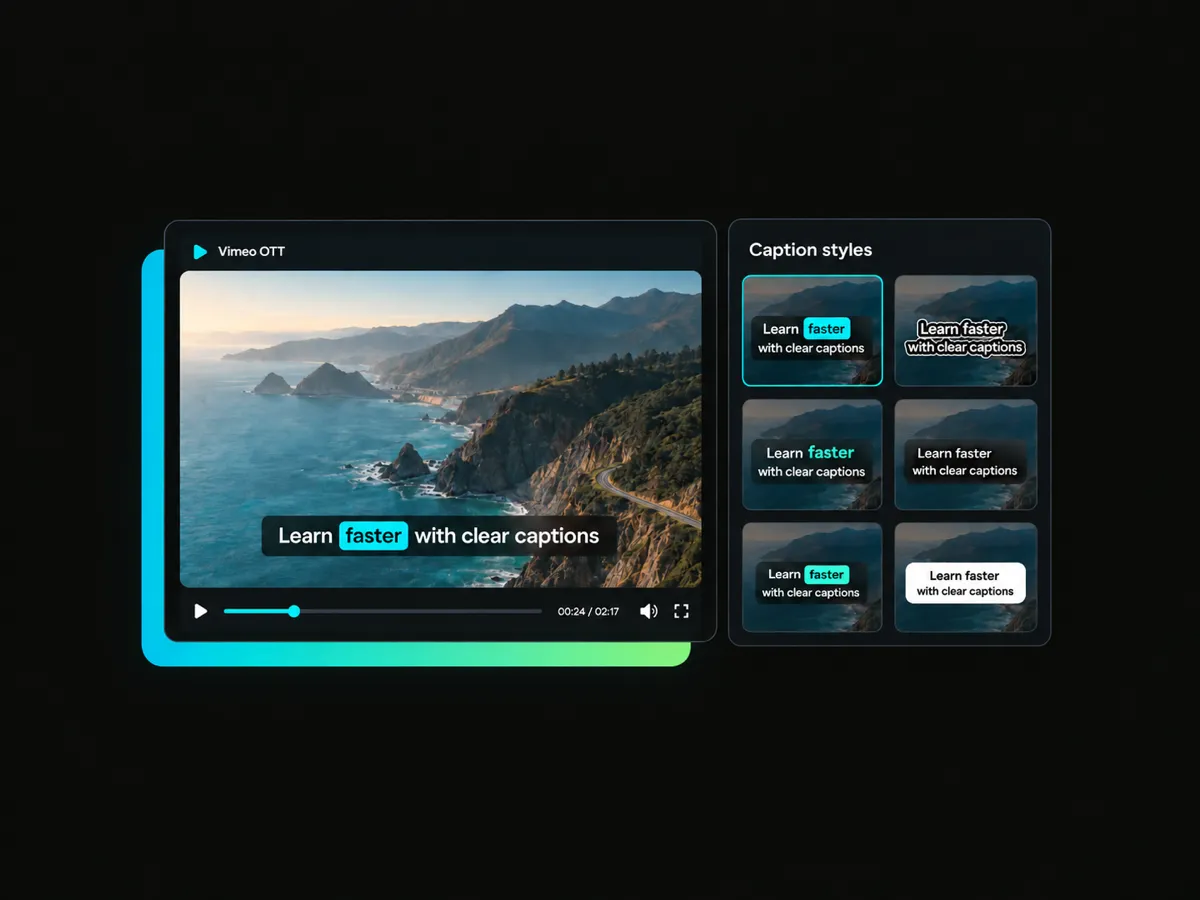
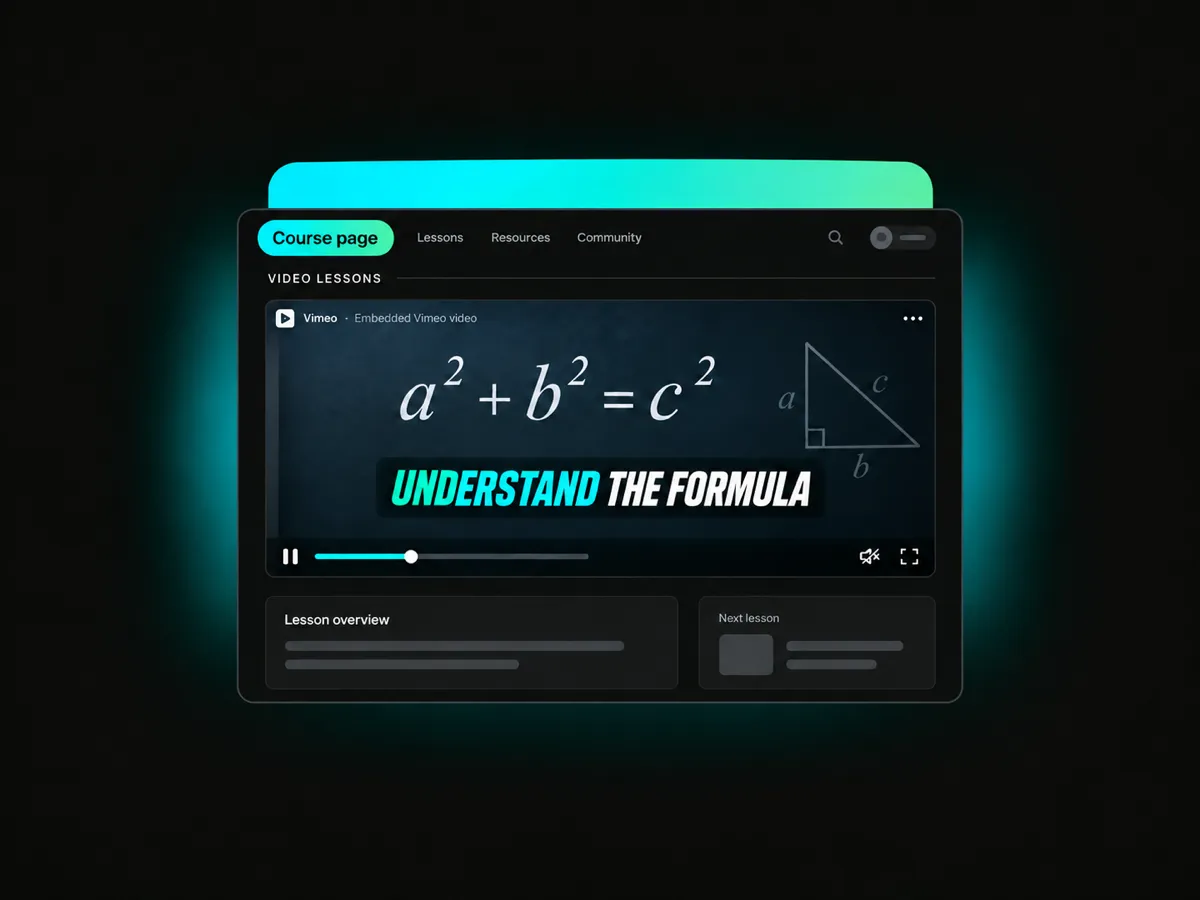
Make courses, shows, and on-demand programs easier to follow with clear captions. Add captions to Vimeo OTT videos, highlight key words, and create a better viewing experience that helps learners and subscribers stay focused from start to finish.
Burn Captions into VideosPaste a Vimeo video link and start creating captions online without downloading or re-uploading the original file.
Turn speech into accurate on-screen captions with AI, then burn captions into vimeo videos for clear, ready-to-share playback.
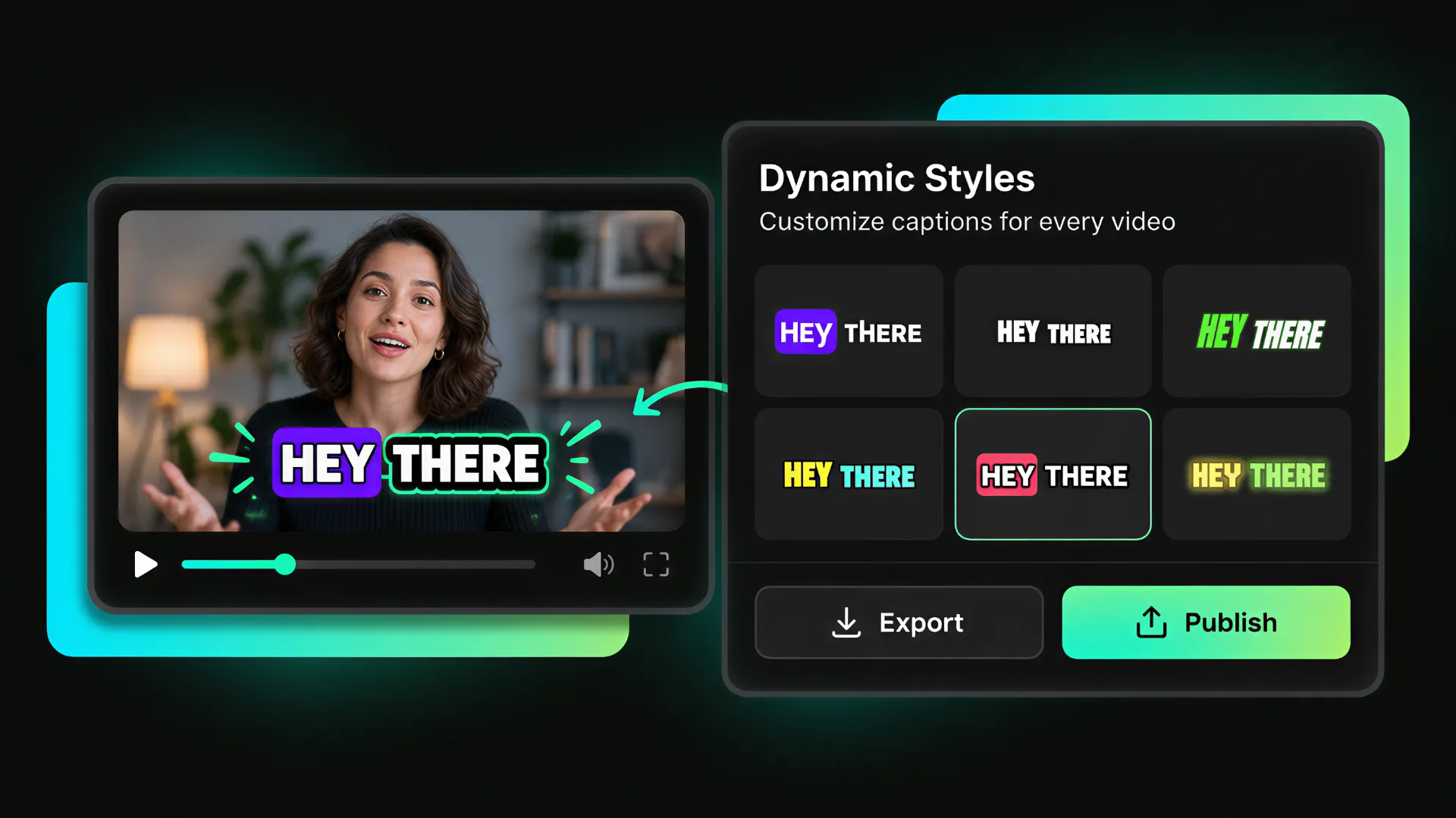
Choose animated caption styles with word highlights that draw attention to key points and keep viewers engaged.
Match your captions to your visual identity with custom fonts, colors, sizes, alignment, shadows, strokes, and backgrounds.
Create original, translated, or bilingual captions adding to Vimeo videos to make content clearer and more accessible to a wider audience.
Export captioned Vimeo videos in up to 4K without a watermark, then publish the finished versions to connected social media accounts.
Paste a Vimeo video link or upload a video file. AI processes the speech and prepares the captions automatically.
AI generates captions from the audio. Add dynamic styles, word highlights, custom effects, and display the bilingual captions.
Preview your finished video, choose the quality and thumbnail, then export or publish it directly to connected social media accounts.
Let AI create captions for your Vimeo videos. Apply a caption style that fits your message, then export your video or share it directly with your audience.
Start with 100 Free Credits at Sign-Up


