

Fast AI Caption Creation
AI quickly turns spoken words into timed captions, giving you an editable starting point for clearer Twitter videos.
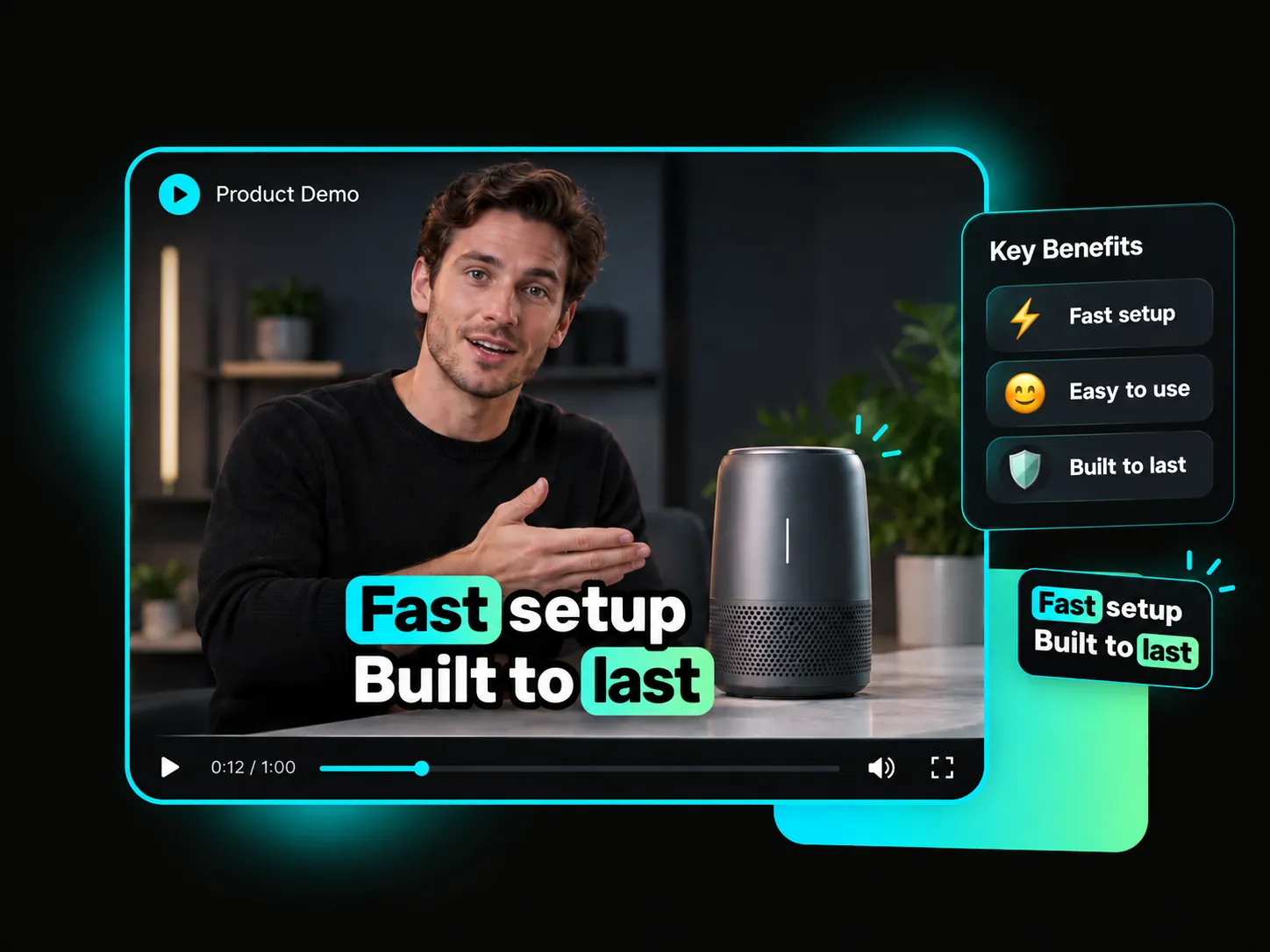
Automatically create captions for Twitter videos, add dynamic effects and word-by-word highlights, apply your brand style with custom fonts and colors, then export videos with captions burned in.
Trusted by professionals at












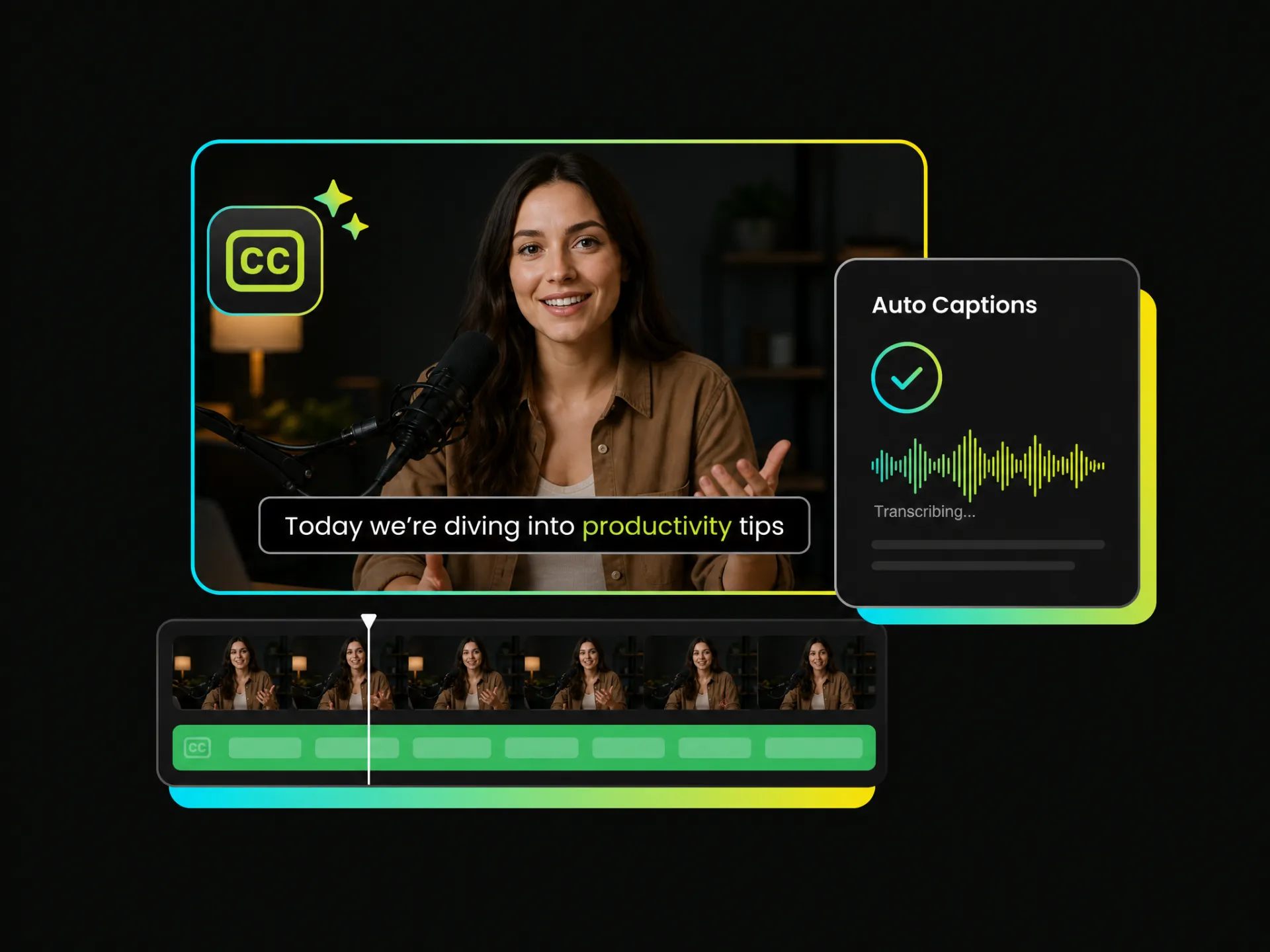
Looking for a fast way to add captions to videos? AI recognizes speech and converts natural language into timed on-screen captions, helping you edit an existing Twitter video and burn captions into it for clearer, more accessible viewing with the sound off.
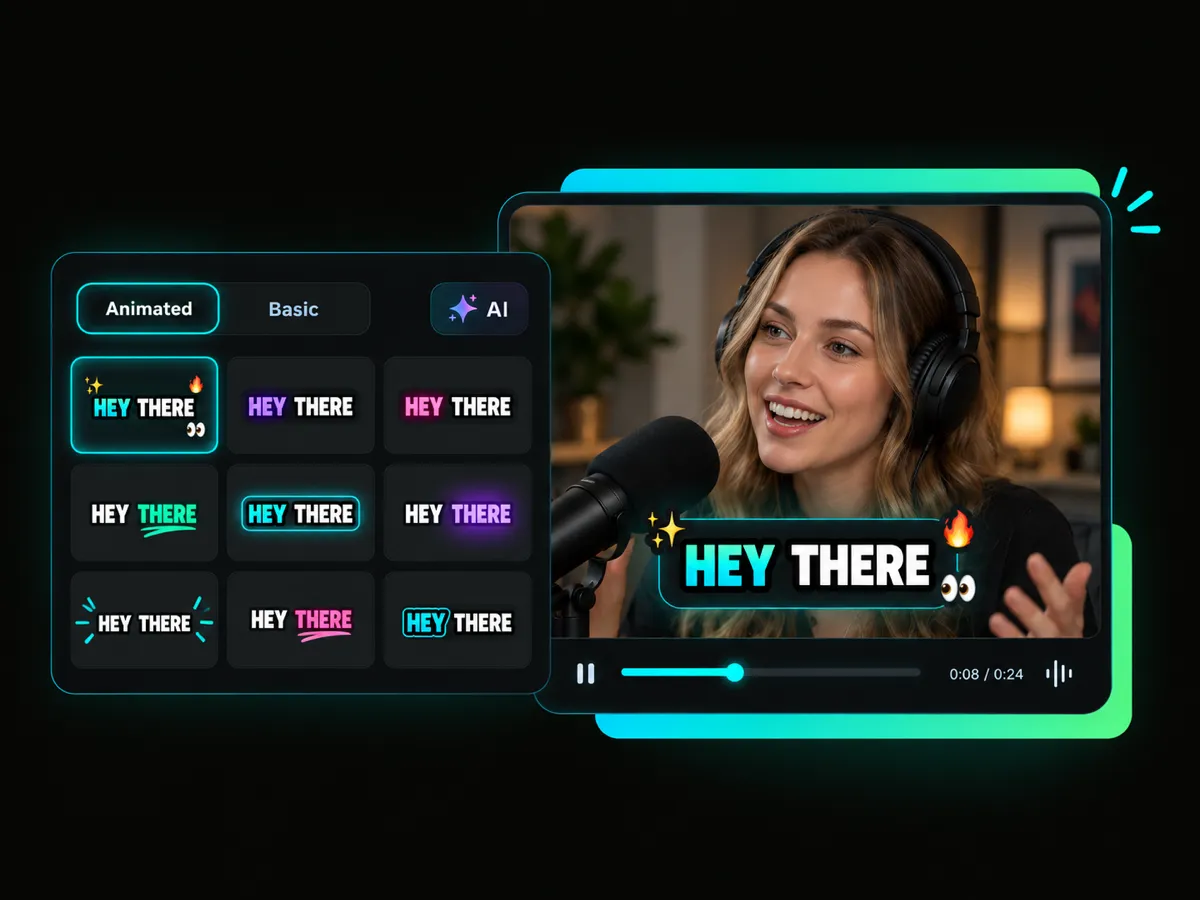
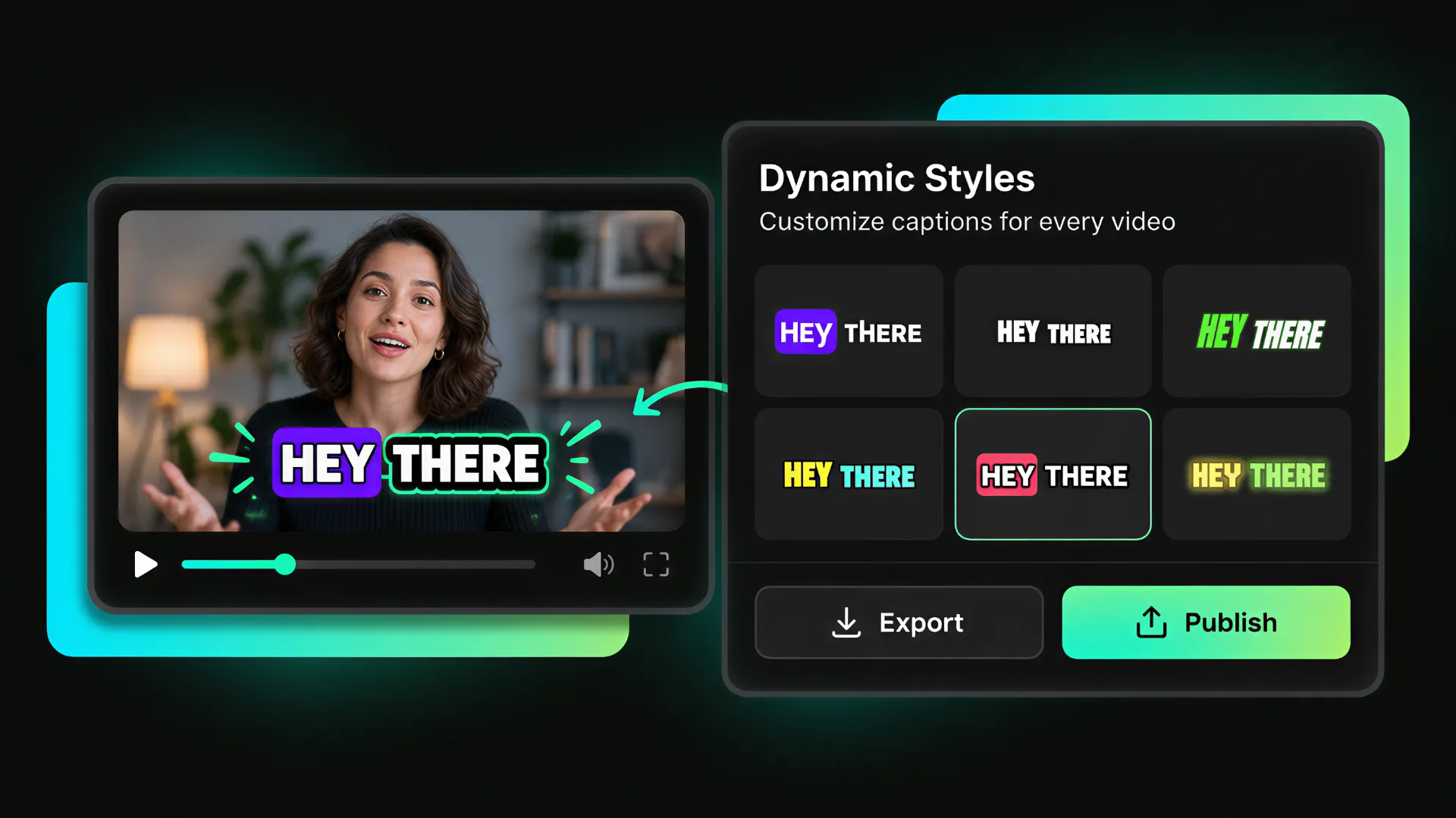
Want to make viewers more engaged without making the message feel overwhelming? Choose dynamic effects, word highlights, and emoji to guide attention, emphasize key phrases, and make video captions on Twitter easier to follow in a fast-moving feed.
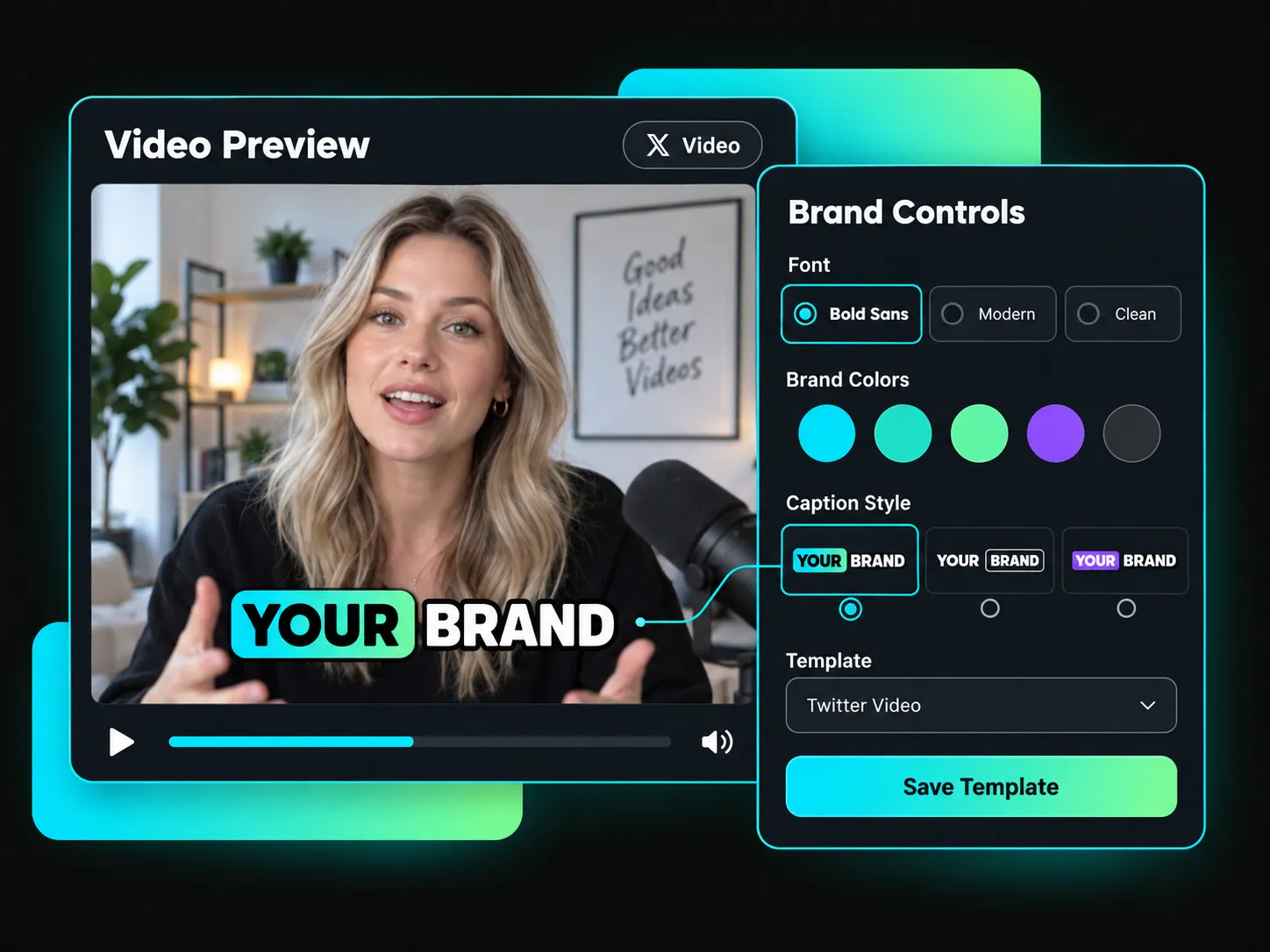
Generic styles can weaken your brand presence. Create captions for Twitter marketing videos, product demos, and talking-head clips with custom fonts, colors, and visual styles. Save your preferred look as a template and keep every post on-brand.
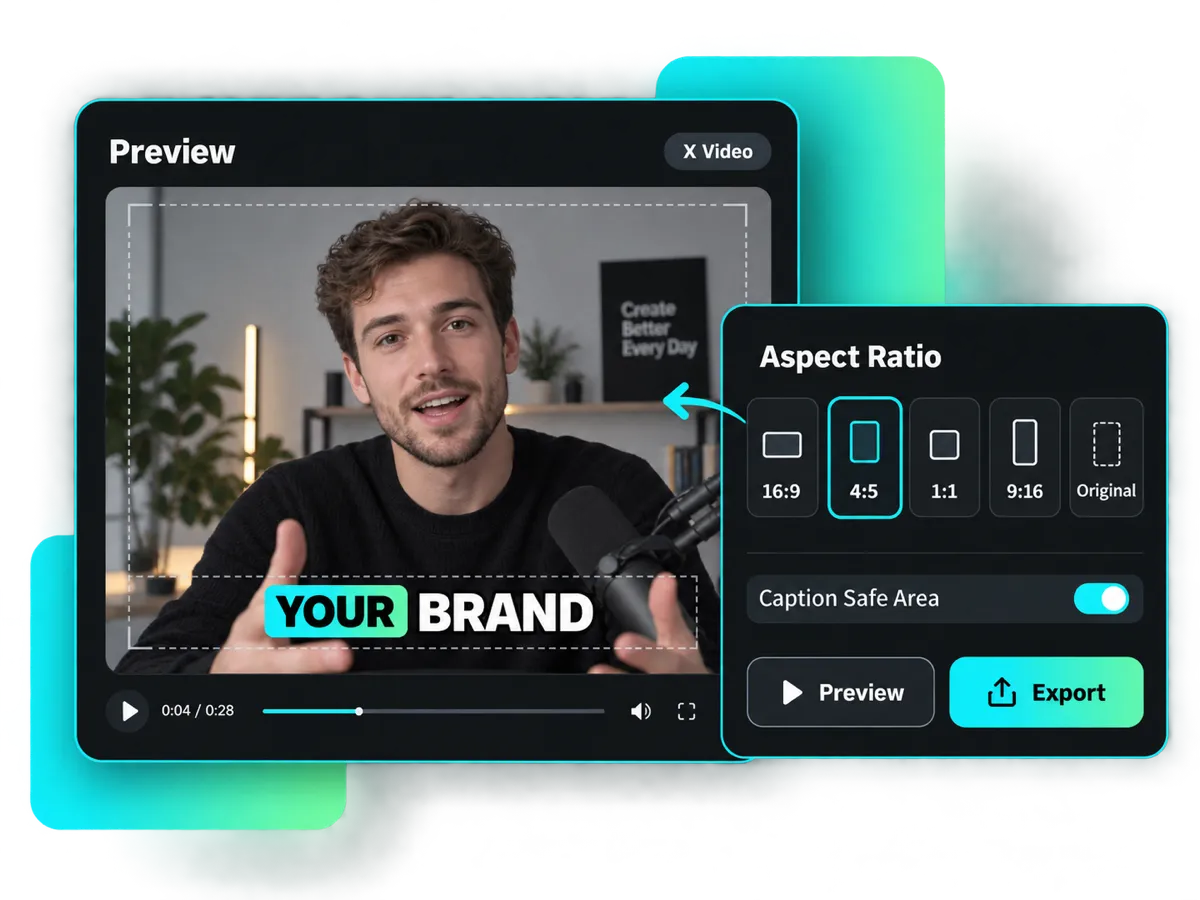
One video, multiple social media platforms? No problem. Adjust the aspect ratio to 16:9, 4:5, 1:1, 9:16, or Original, then preview the result before exporting. Keep your burned-in captions clear and well positioned across every channel.
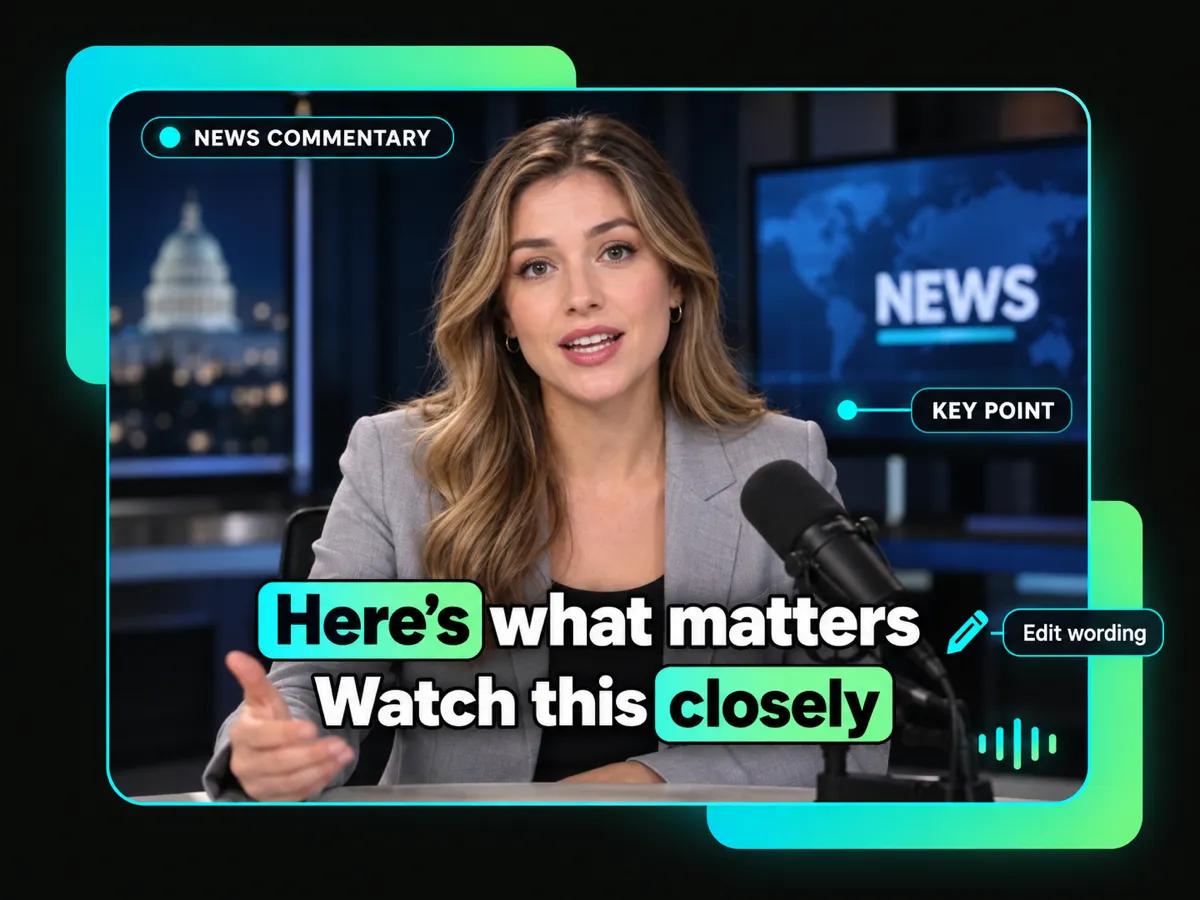
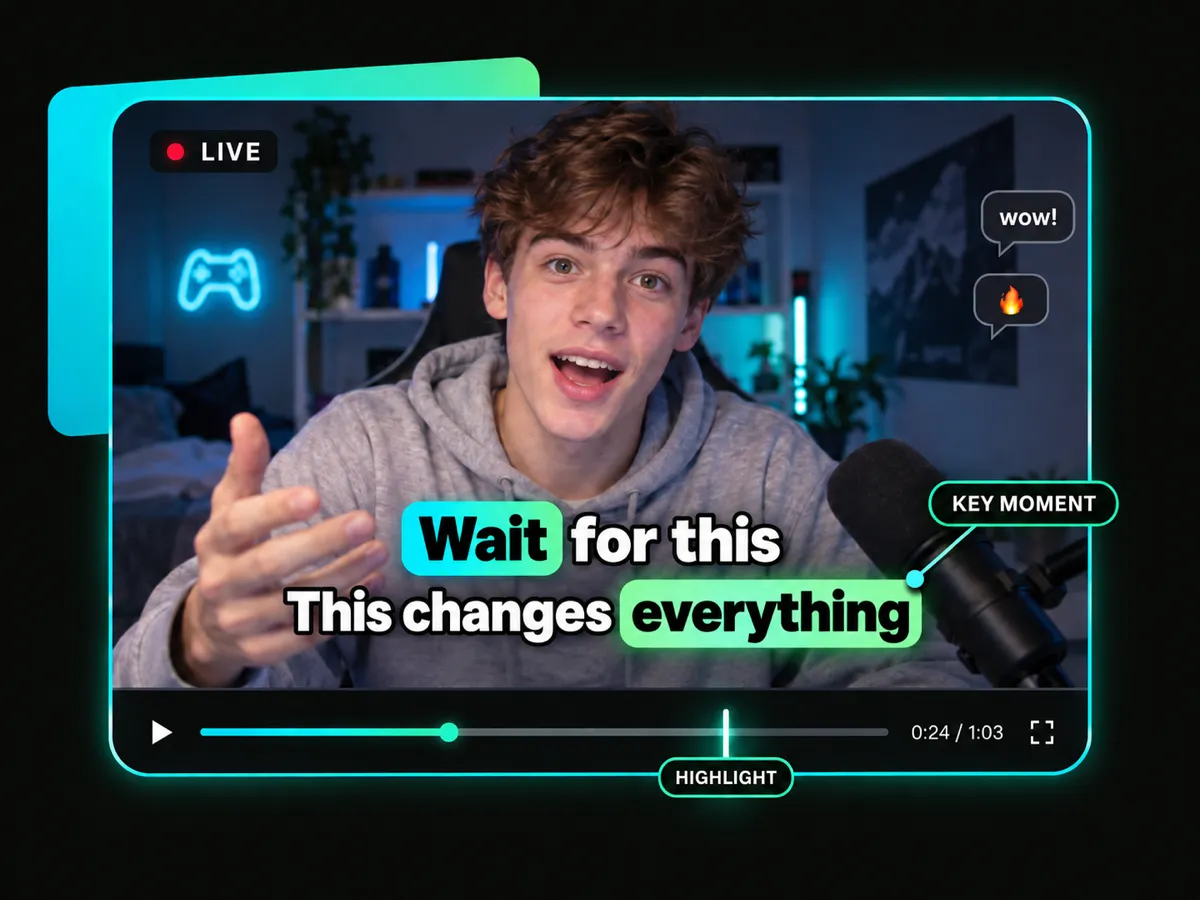
Add captions to Twitter interviews, product demos, news commentary, and live highlights. Make every video easier to follow even with the sound off. Keep key messages clear and engaging.
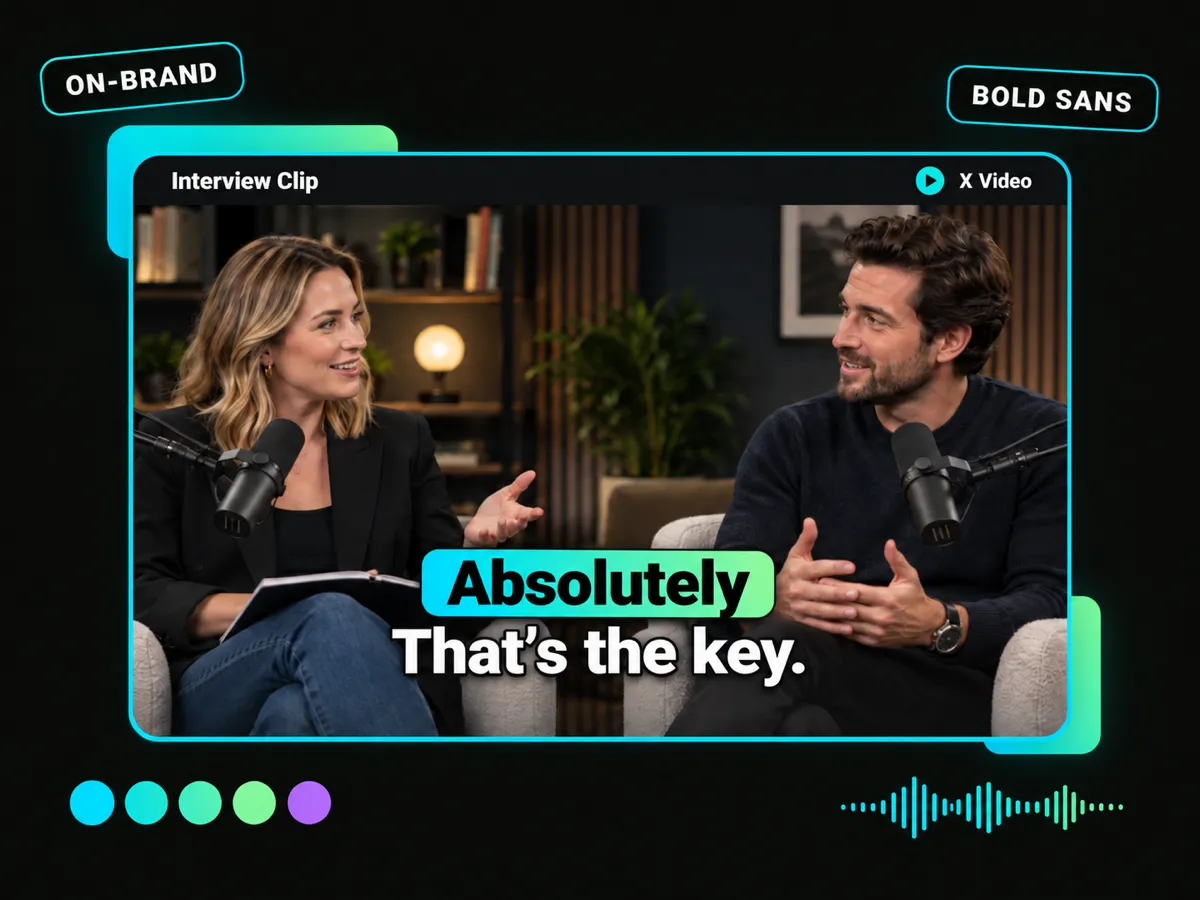
Important answers can get lost when viewers watch with the sound off. Add captions for Twitter interview videos, apply your brand fonts and colors, and keep every question, answer, and reaction clear, readable, and consistent with your visual identity.
Customize Captions for an Interview ClipAI quickly turns spoken words into timed captions, giving you an editable starting point for clearer Twitter videos.
Burn captions directly into Twitter videos so your selected text and style stay visible in the exported file.
Publish completed captioned Twitter videos to connected social accounts or schedule them for later.
Customize fonts, colors, and caption styles, then save your preferred look as a reusable template.
Translate captions into 100+ languages, and preview original and translated text together on the finished Twitter video.
Download captions as TXT, SRT, or VTT files, or export a finished Twitter video with on-screen captions and no watermark.
Start with the Twitter video you want to caption. Upload an existing video or paste an X video link to bring it into the AI tool and begin creating on-screen captions.
Generate accurately timed captions, apply dynamic or branded styles, and export your Twitter video with captions burned in.
Edit captions, choose your format, and export when ready.


