

Works Without Captions
WayinVideo generates transcripts from YouTube even when captions are not available or subtitles are disabled. Paste a YouTube link and get readable text without relying on YouTube's built-in captions.
Generate a YouTube transcript in seconds by pasting a YouTube link. It works even when the YouTube transcript is not available and the video has no captions. Copy instantly or export as TXT, Doc, SRT, or VTT with timestamps. No login, no credit card.
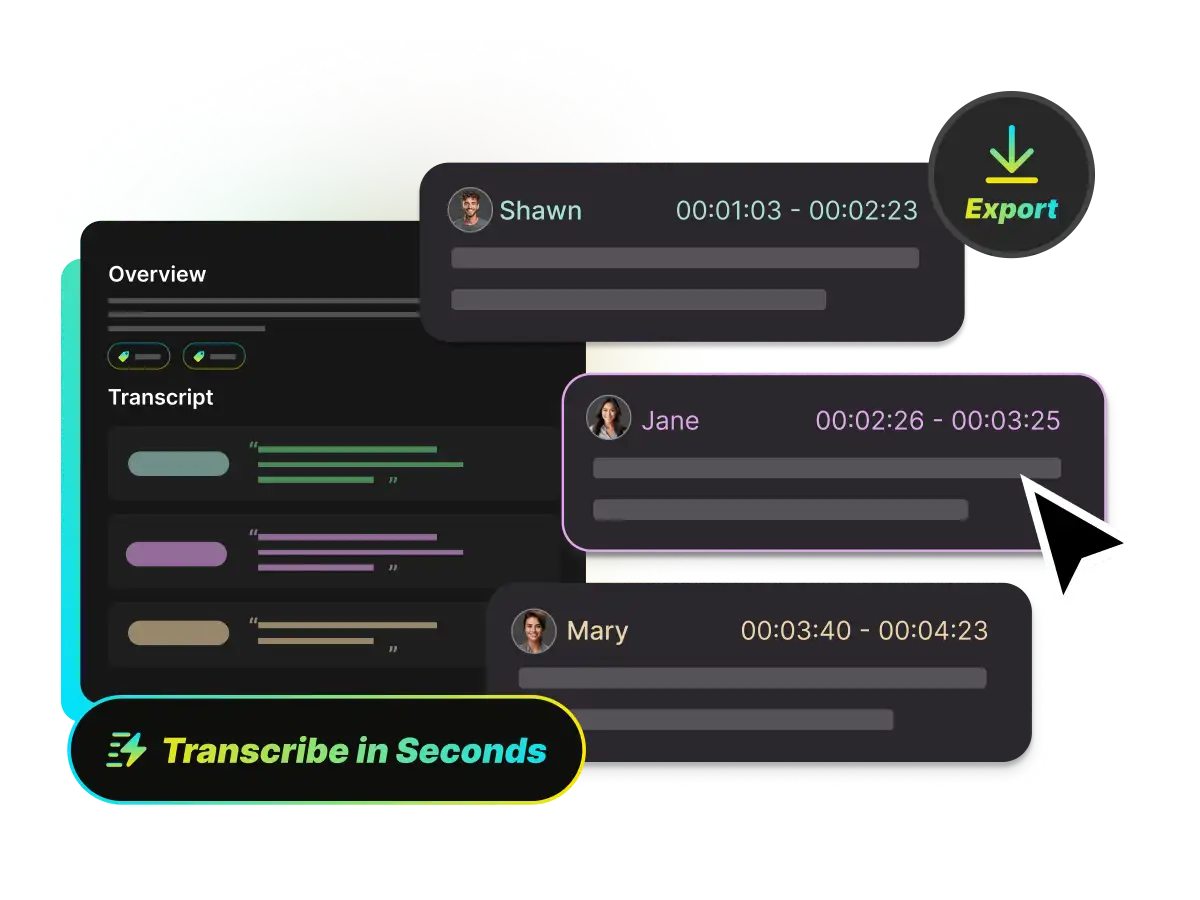
Within seconds, WayinVideo YouTube to transcript tool gives the results. After you generate transcripts, you can copy the full text right away. If you need subtitles, export SRT or VTT with timestamps. If you only need text for notes, export TXT/Doc.
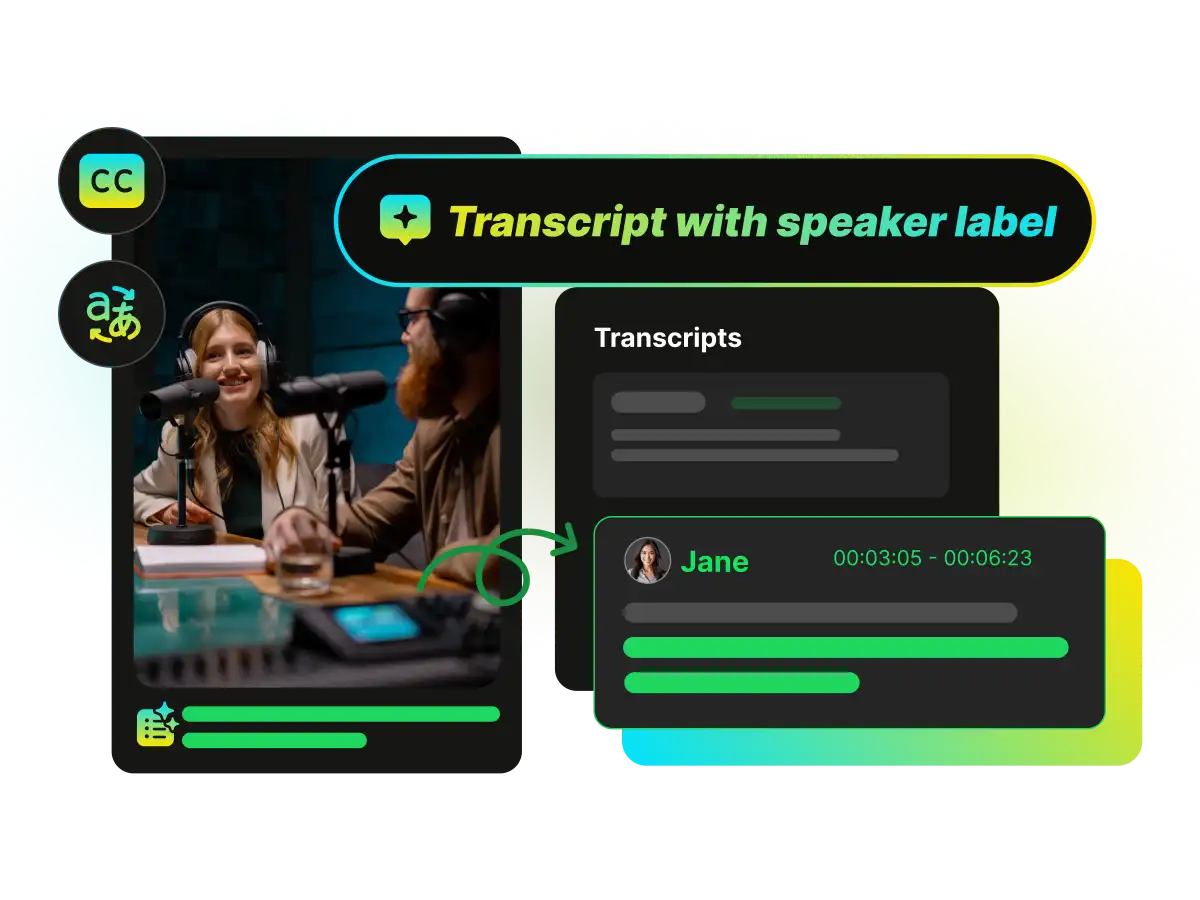
Many tools only pull the captions that already exist on YouTube. When captions are disabled or not provided, they return nothing. WayinVideo YouTube transcript generator can generate a transcript from the video with AI, so you can still get the text easily.
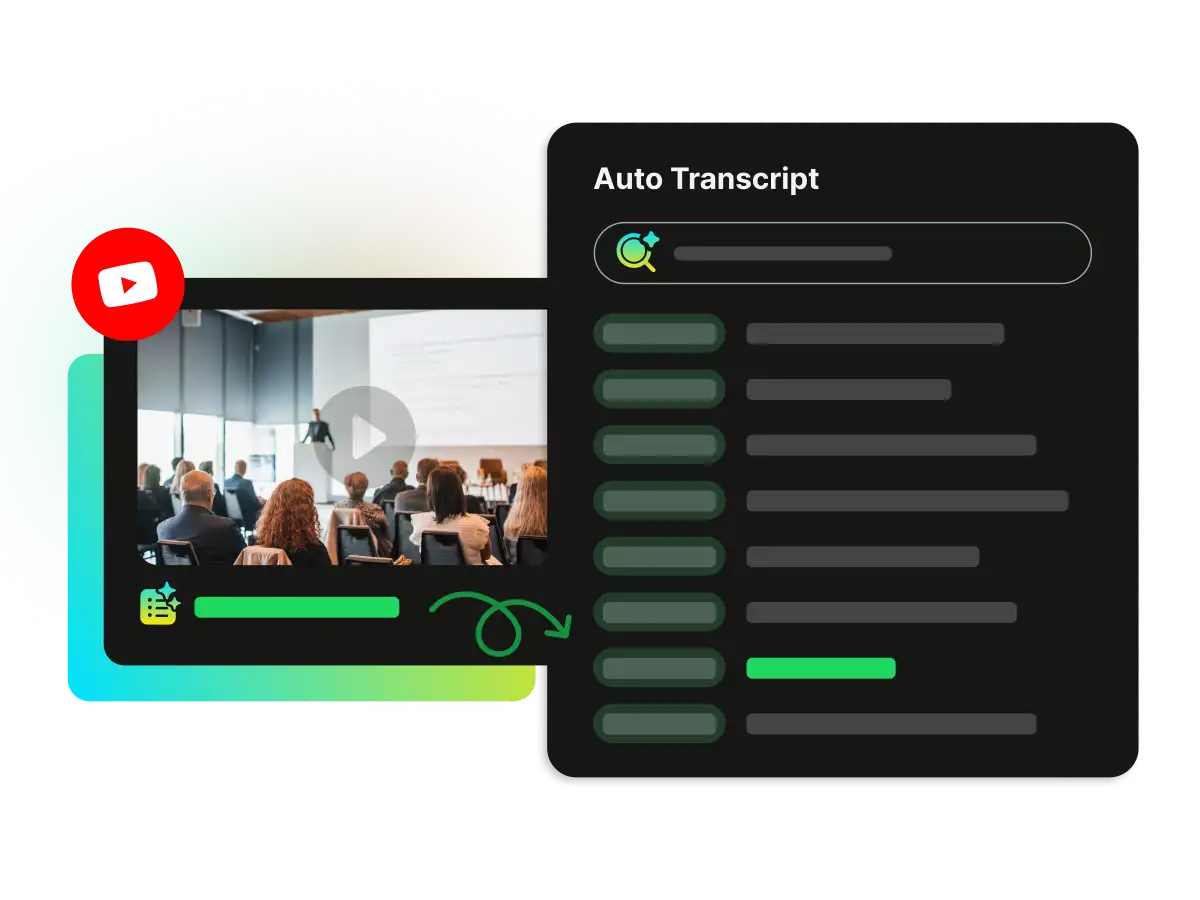
Find any line without rewatching the whole video. Search inside the transcript, then click a timestamp to jump to that exact moment. It is built for long videos, interviews, lectures, and podcasts on YouTube.
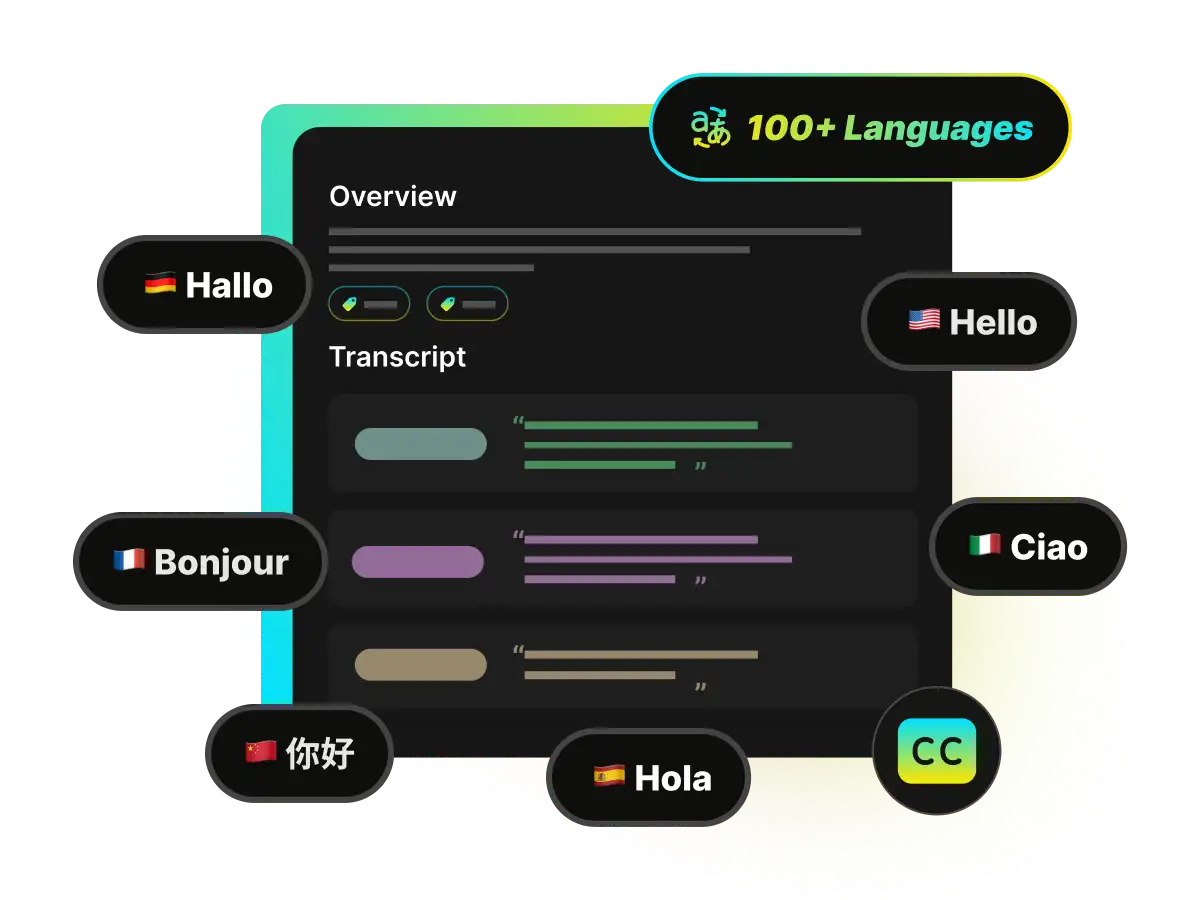
Generate transcript from YouTube in 100+ languages to make content easier to understand and share. This is helpful for accessibility, international audiences, and language learning. You can also translate the transcript when you need a faster read.
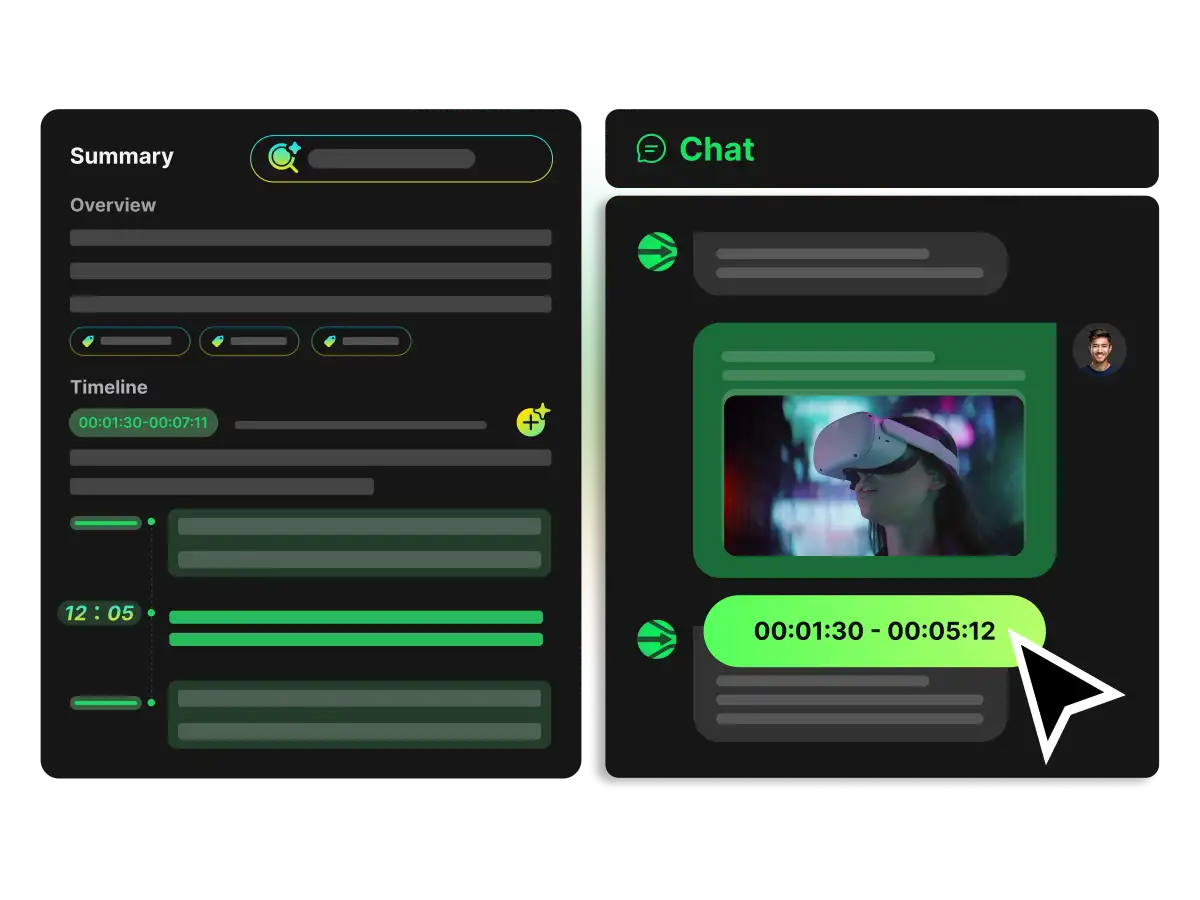
Turn a YouTube transcript into something you can use. Create a YouTube summary, extract highlight moments and key quotes, identify speakers, and chat with the video to get direct answers. You can also generate a mind map to see the structure at a glance.
WayinVideo generates transcripts from YouTube even when captions are not available or subtitles are disabled. Paste a YouTube link and get readable text without relying on YouTube's built-in captions.
Export your transcript in the format you need. Download TXT for plain text, export SRT and VTT with timestamps for subtitle workflows, or choose DOC for easy editing and formatting.
Built for speed and accessibility. You can generate a video transcript without creating an account, allowing you to start immediately and keep your research workflow simple and friction-free.
Turn a transcript into usable output in one click. Create AI summaries, find highlights, generate mind maps, and get instant answers by chatting directly with the video content.
Your privacy is our priority. All of your data—including uploads, transcripts, and history—is encrypted and can only be accessed by you. Your browsing and processing stay secure.
Make long videos easy to review. Search inside the transcript, click timestamps to jump to exact moments, and follow along with synced scrolling while the video plays.
Paste a YouTube link to get a YouTube transcript in seconds. If you have a file instead, you can upload your video directly.
Paste a YouTube link and get the transcript instantly. Search, jump by timestamps, then export as TXT, SRT, VTT, or DOC. No login needed.