
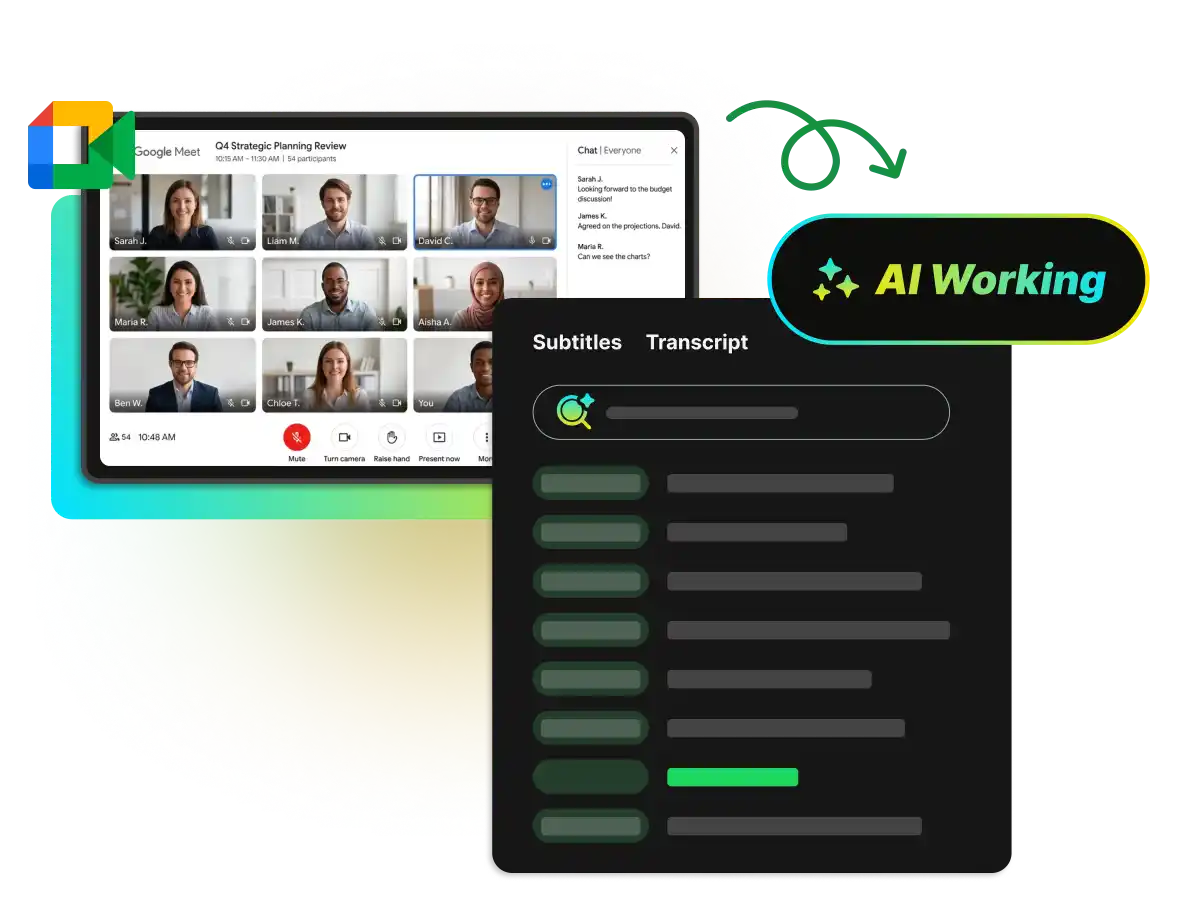
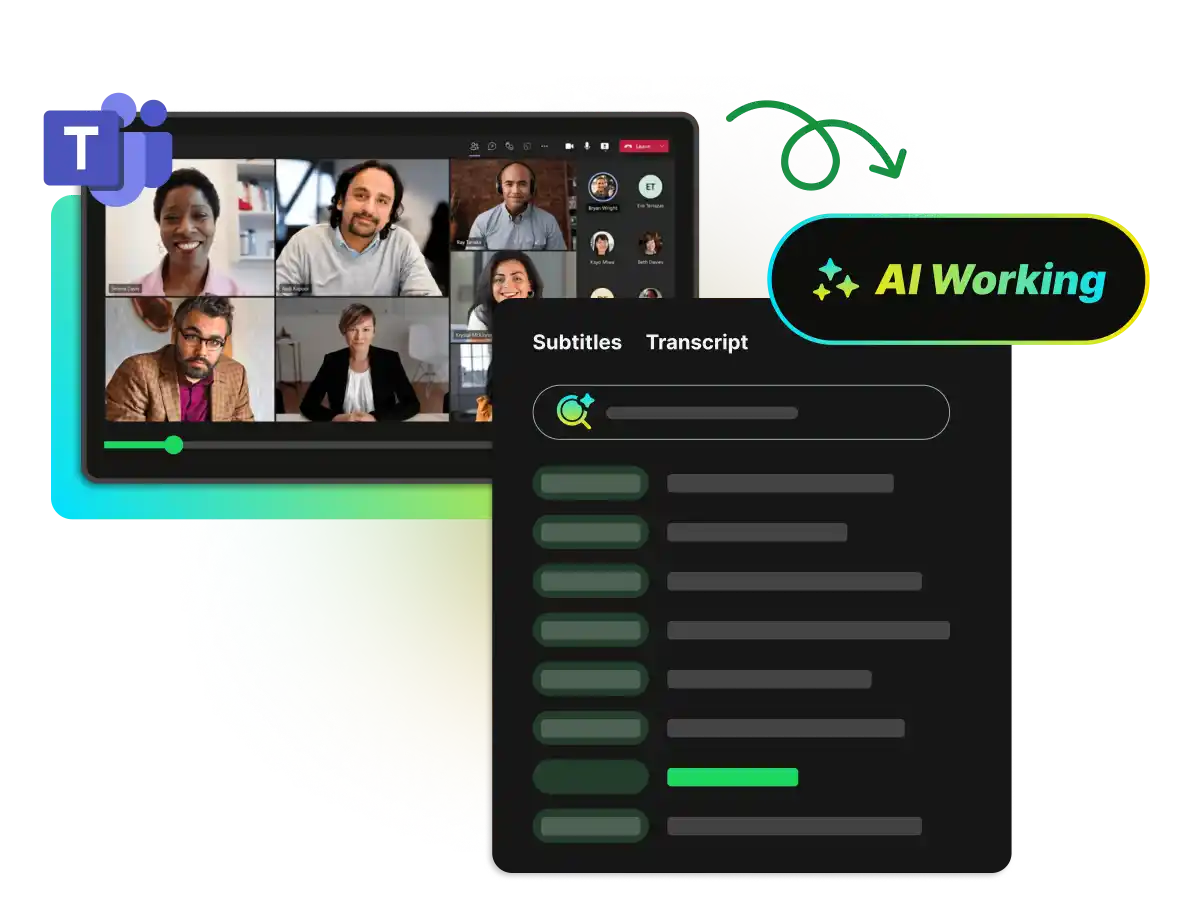

Searchable & Indexed
Search your entire meeting library by keyword. Find specific discussion points, decisions, and action items in seconds without replaying recordings.
Paste a meeting link or upload meeting recording from Zoom, Teams, Google Meet, Webex & more, let WayinVideo’s AI process it instantly, and get your meeting transcript in seconds with speaker labels, timestamps, and 100+ language support. Stop wasting time on manual note-taking—focus on what matters.
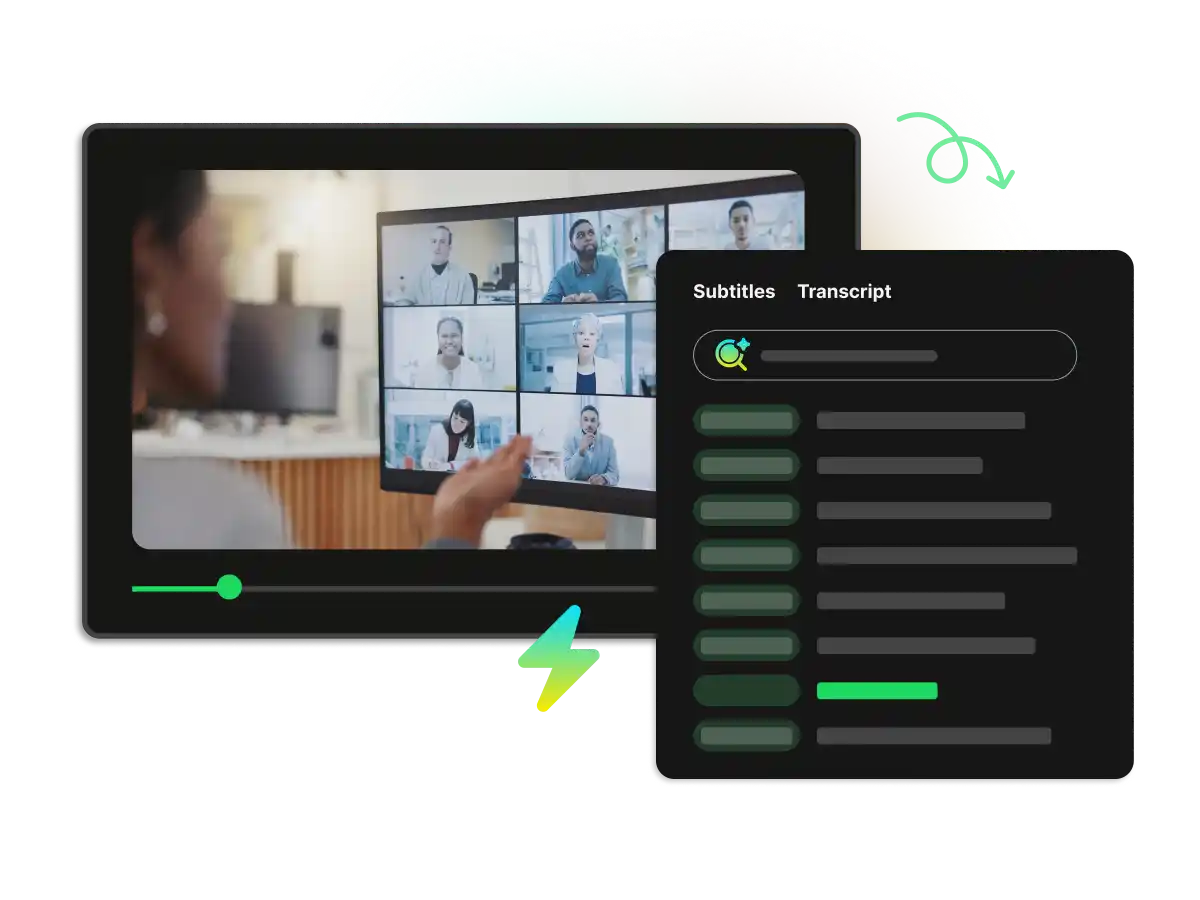
Get professional-grade speed and reliability. Whether you're managing back-to-back client calls, documenting team meetings, or conducting interviews, WayinVideo's meeting transcription tool captures every word with high accuracy. No manual note-taking. No time-consuming reviews. Focus on the discussion—we handle the documentation.
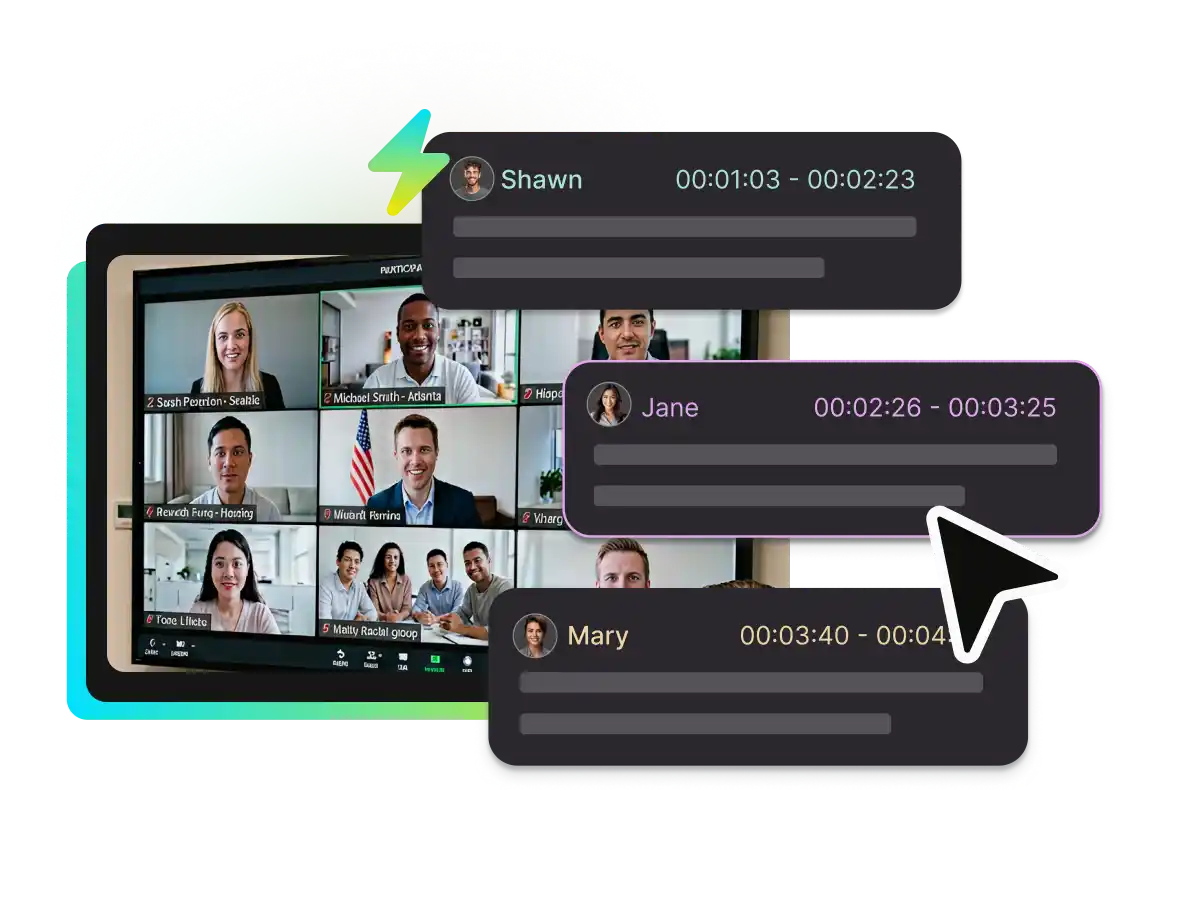
WayinVideo identifies individual speakers even in fast-paced, multi-person conversations. Every line of dialogue is time-stamped to the exact second, letting you jump to any moment in your meeting recording instantly. Search by keyword, find critical discussion points, and verify decisions without rewatching the entire call.
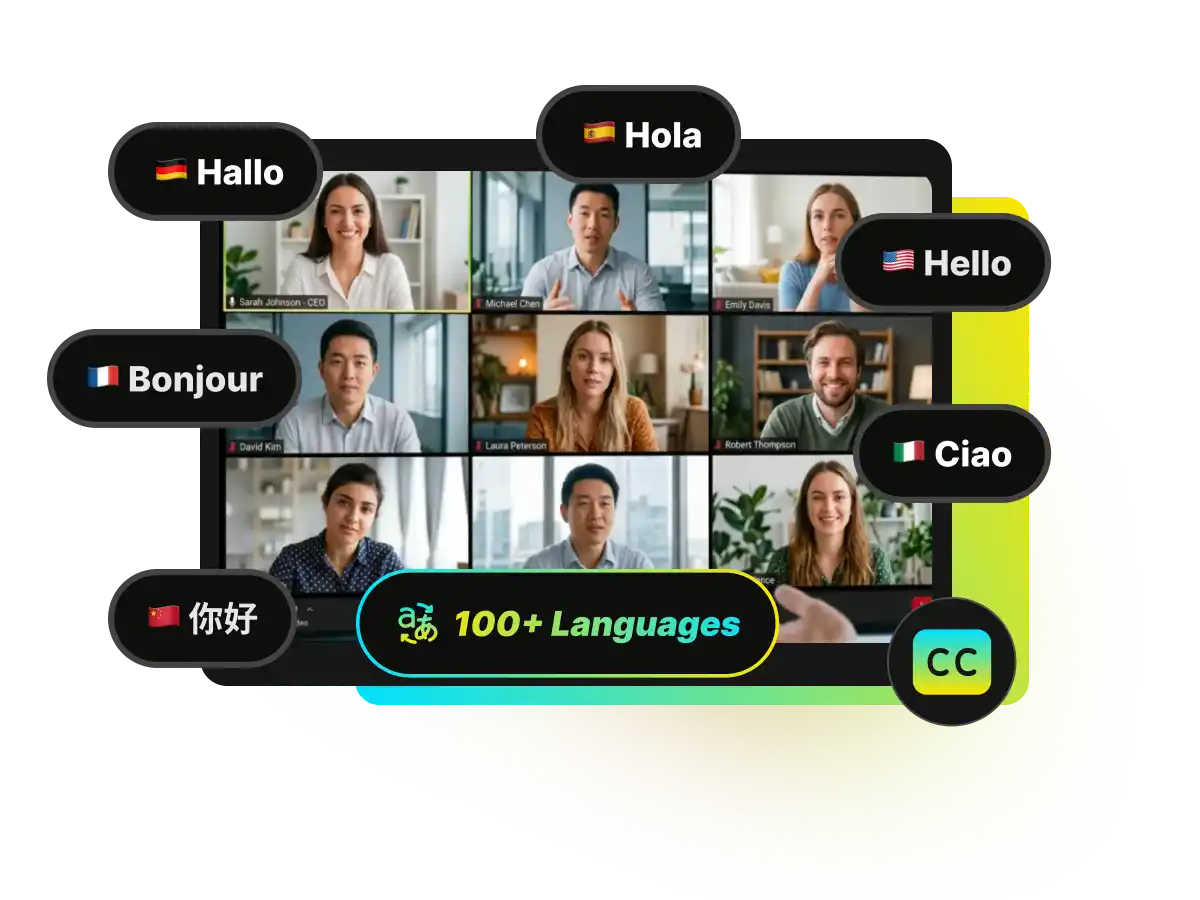
Coordinate with global teams effortlessly. Transcribe your meeting in its original language, then generate translated versions for participants worldwide. Clear, searchable transcripts make multilingual meetings accessible to everyone.
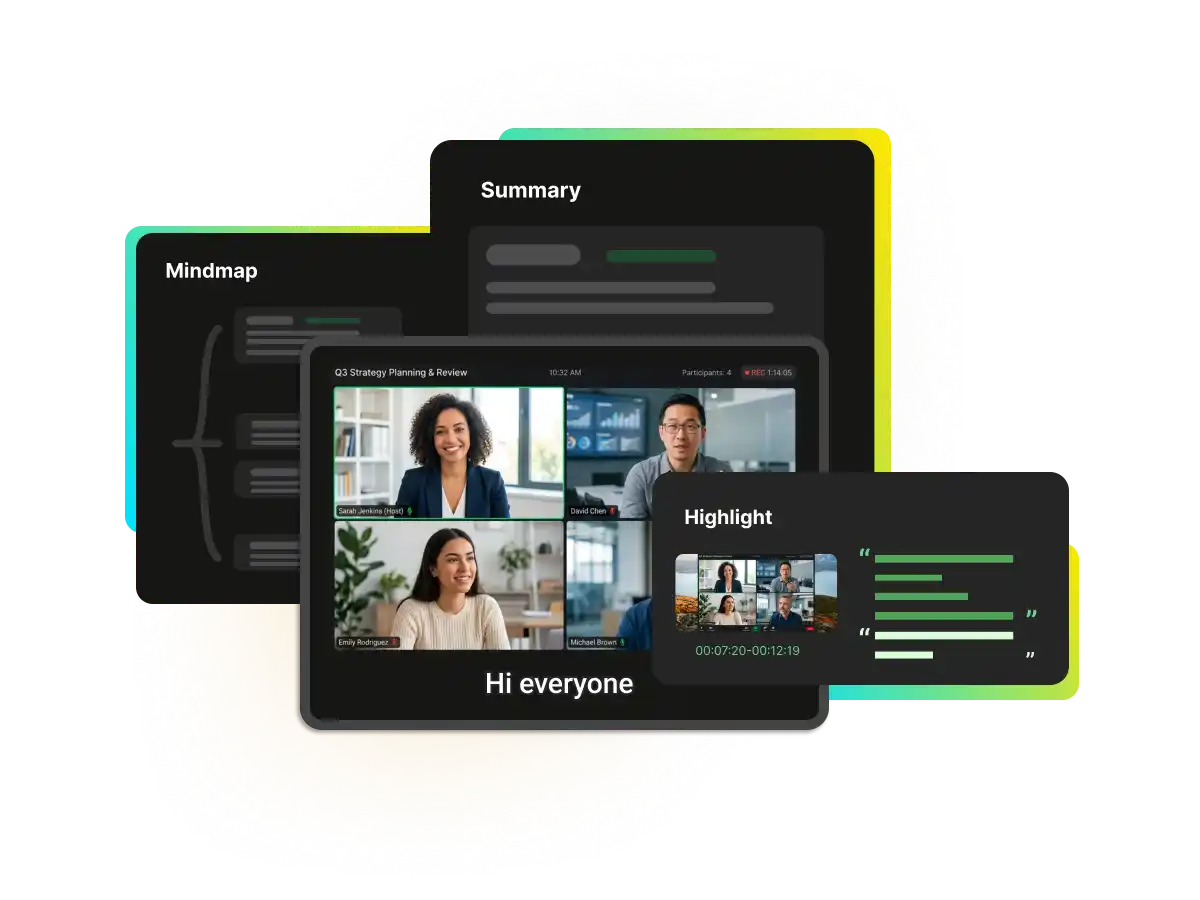
Your meeting transcript is the foundation. Use WayinVideo to power additional meeting workflows: auto-summarize discussions, create highlight reels of key moments, build visual mind maps of topics covered, and auto-generate subtitles for recording playback.
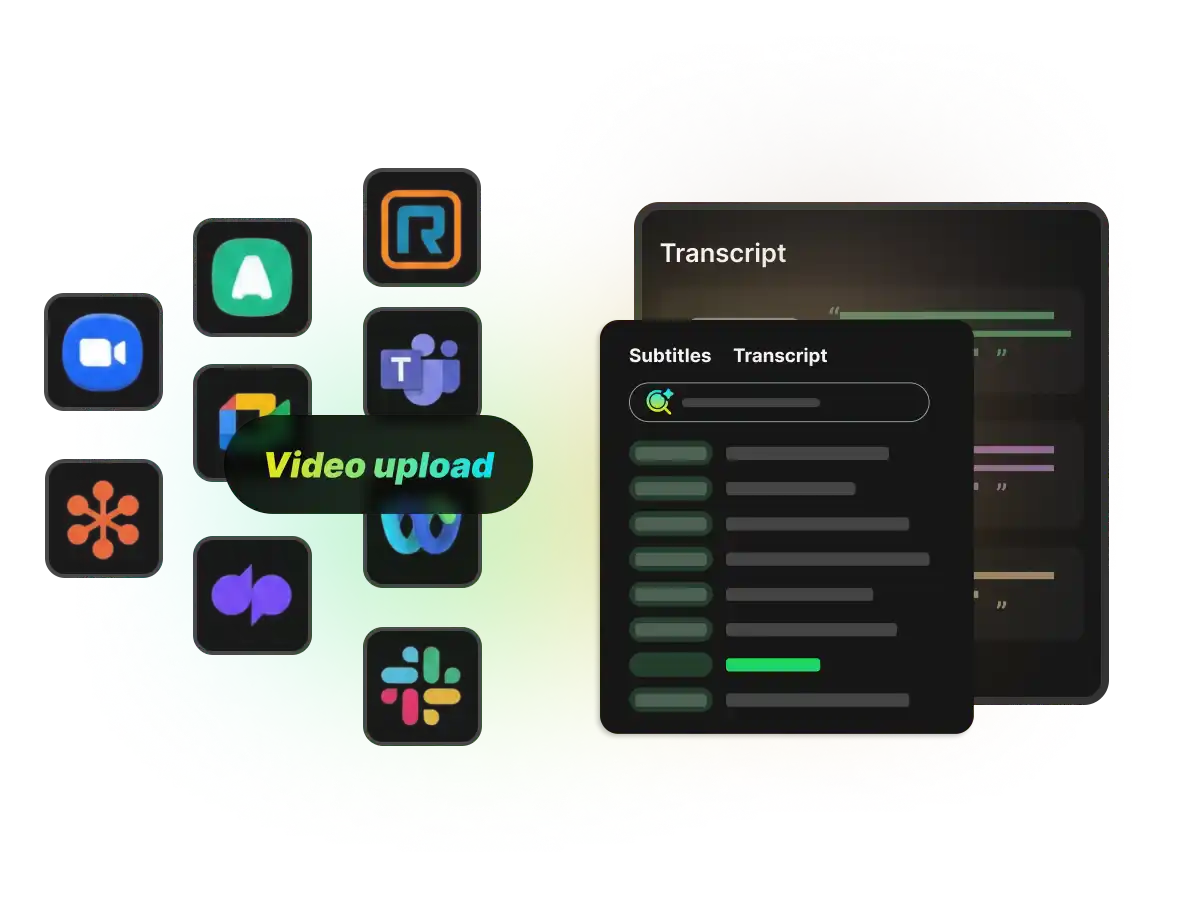
Turn your meeting recordings into accurate transcripts in seconds, no matter what software your team uses. Simply paste your link or upload your file to start transcribing directly right here—no redirection, no complex setup, just an instant, ready-to-use tool for all your meeting platforms.
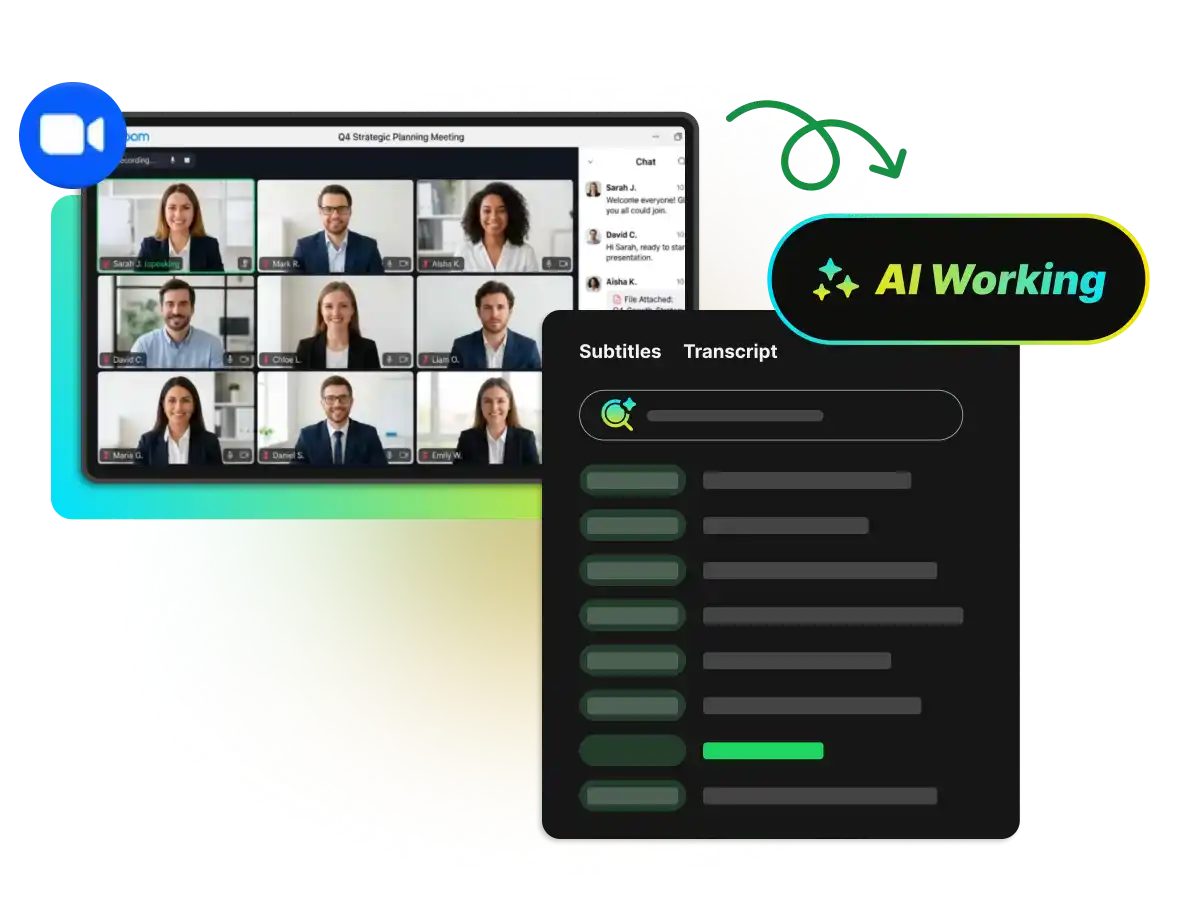
Paste your Zoom meeting link for instant transcription—or download your recording and upload it here. WayinVideo transcribes Zoom meeting with complete accuracy, capturing all speakers and background context.
Transcribe Zoom MeetingSearch your entire meeting library by keyword. Find specific discussion points, decisions, and action items in seconds without replaying recordings.
New users receive 100 credits at signup to start transcribing meetings with WayinVideo.
See exactly who's speaking at every moment. Multi-speaker meetings stay organized and easy to follow—perfect for team calls, interviews, panels, and client discussions.
Generate accurate transcripts even when recording platforms disable captions or native features aren't available. WayinVideo transcribes directly from video.
Download as plain text (TXT), subtitle-ready formats (SRT/VTT with timestamps), or editable Word documents (DOC). Use transcripts wherever they're needed.
Generate your first meeting transcript instantly—no sign-up, no credit card, no friction. Create an account later if you want to save transcripts.
Paste your meeting link directly—or download your recording from Zoom, Teams, Google Meet, or Webex meeting platform and upload the file (MP4, MOV, WebM format).
Stop manual note-taking, start transcribing. Paste a link or upload any meeting file and get an accurate meeting transcript in minutes. No credit card needed.