01
AI Recording Summary
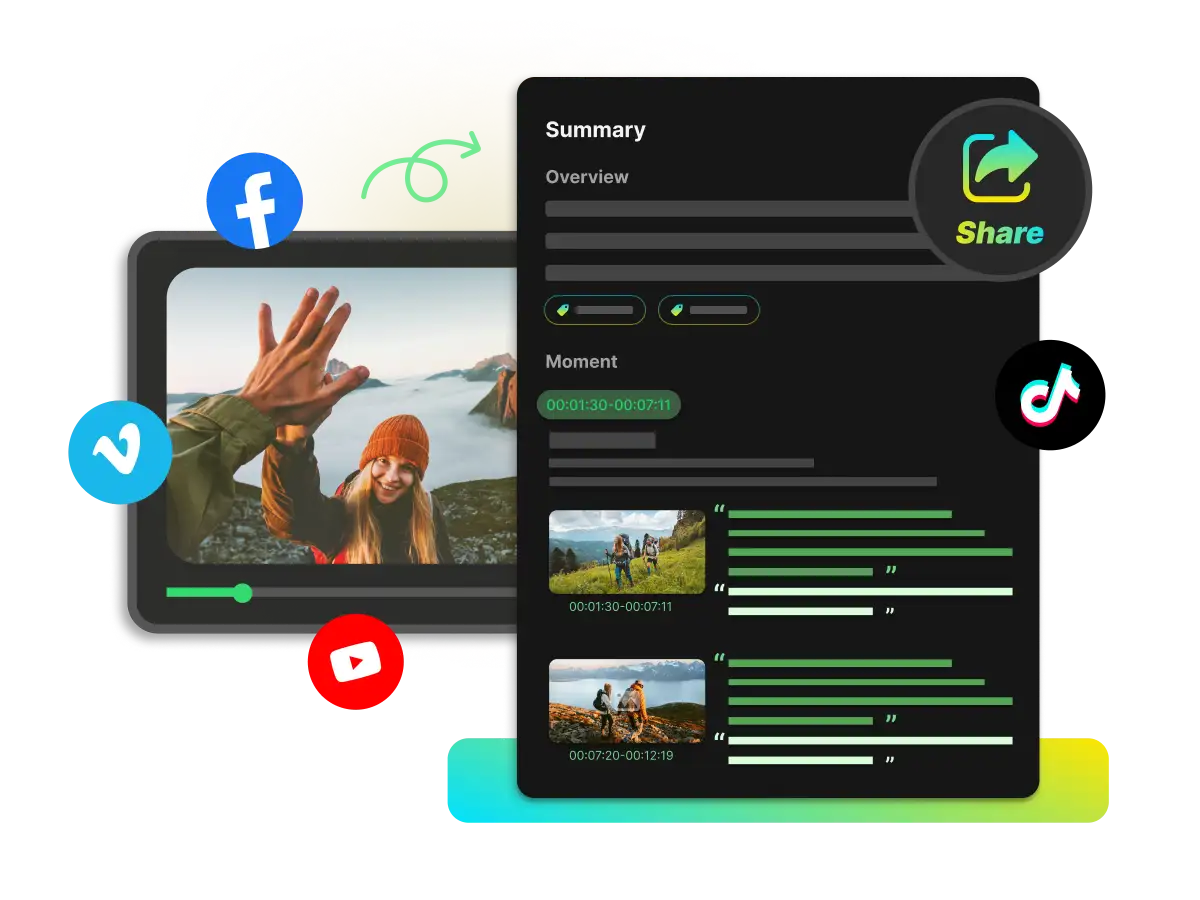
Get a clear overview of your recording, with its main ideas and key takeaways in one place. Use it to quickly understand what the video covers before exploring the transcript, subtitles, or chapters.
Turn recorded videos into clear notes. View summaries, transcripts, chapters, and mind maps to find key moments and explore ideas with AI Chat. Add your insights, then export your notes.
Trusted by professionals at












Create recording notes your way. Pull in summaries, transcripts, subtitles, chapters, and mind maps to review the video. Use these materials to refine your notes.
Get a clear overview of your recording, with its main ideas and key takeaways in one place. Use it to quickly understand what the video covers before exploring the transcript, subtitles, or chapters.
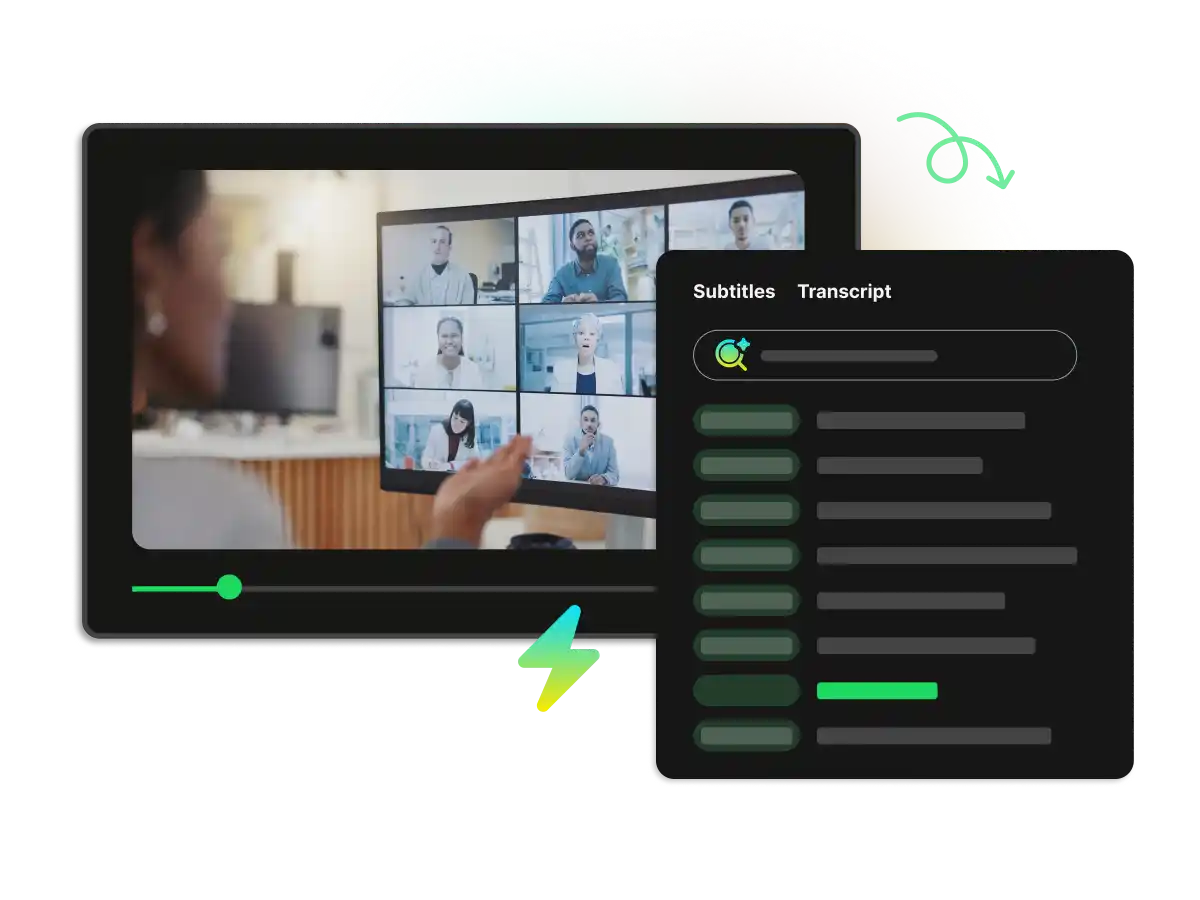
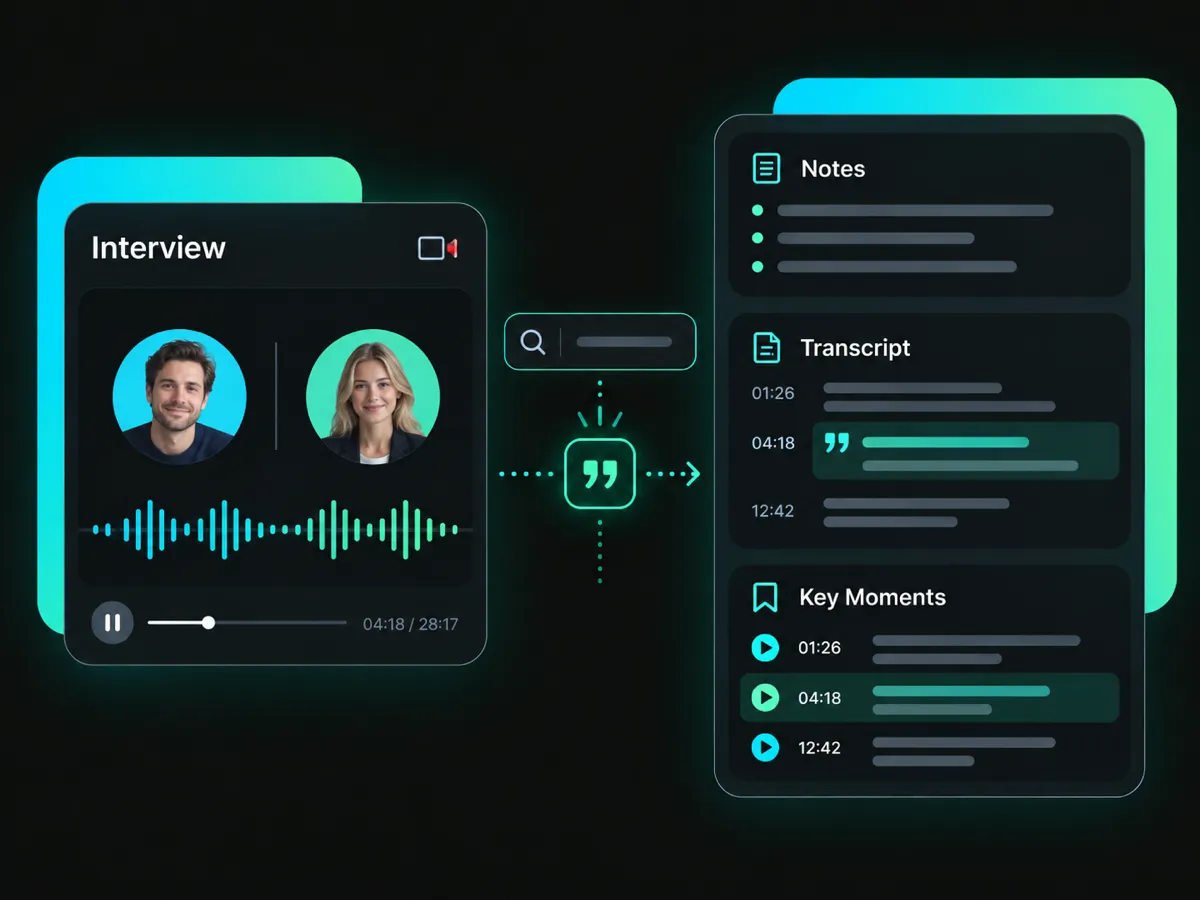
Follow what was said with a timestamped transcript and subtitles. Search the transcript to find a phrase or topic, then use the timestamps to locate it in the video.
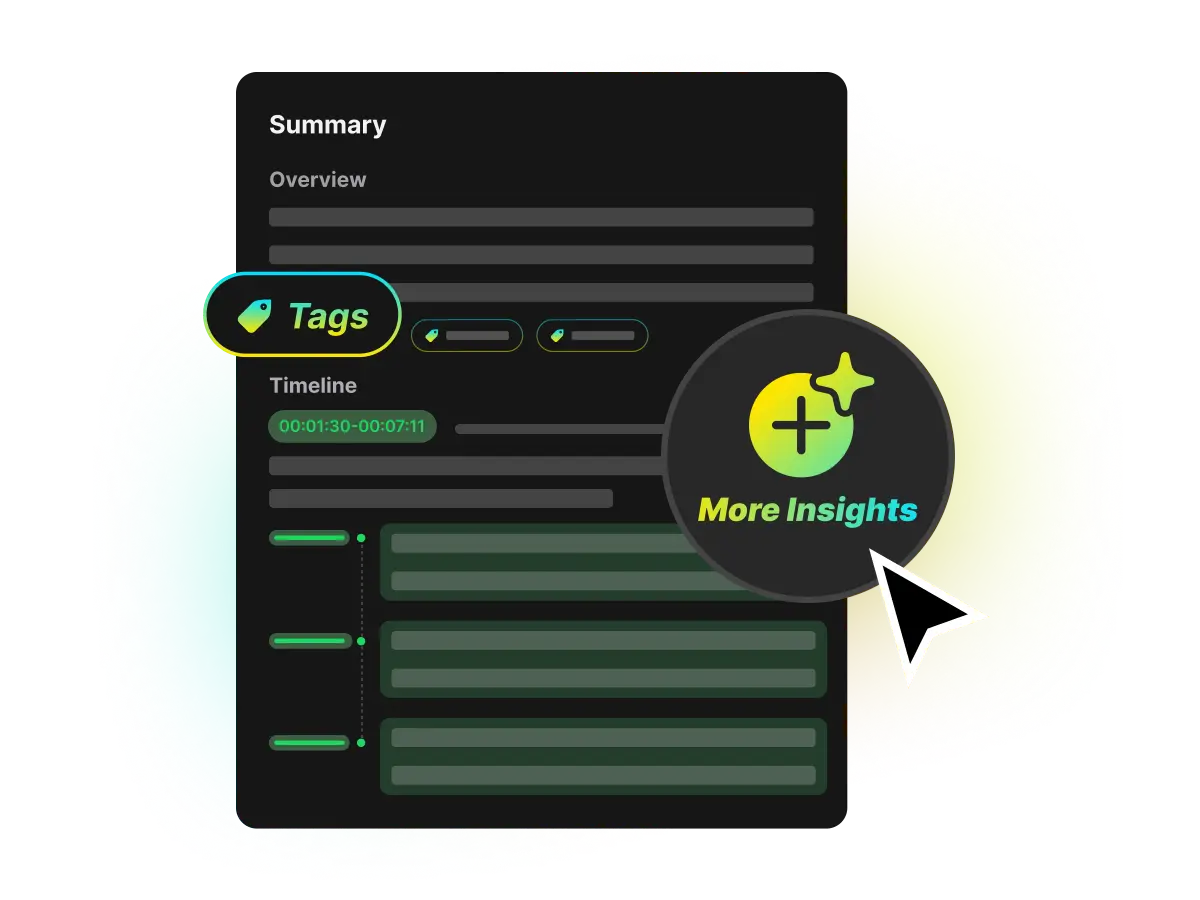
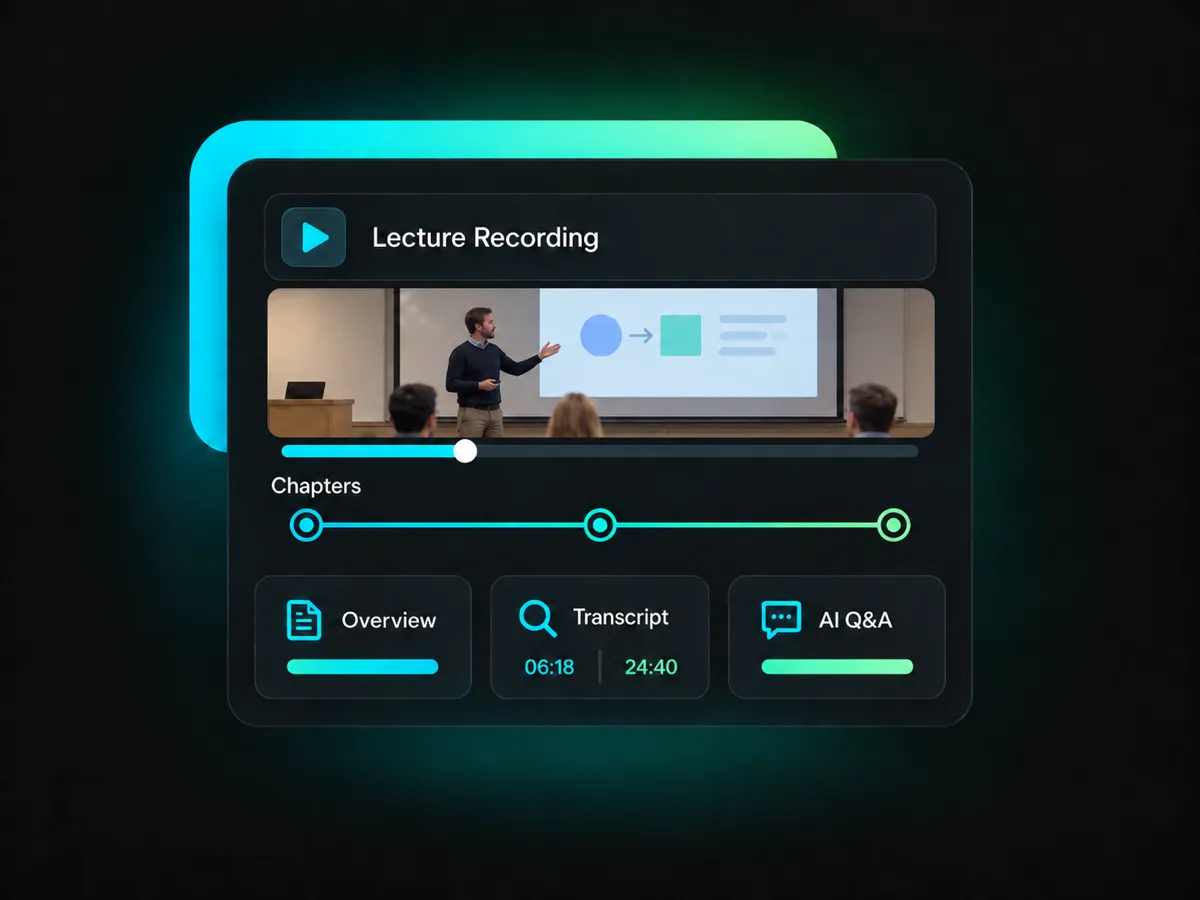
Browse topic-based chapters to see how a recording is organized. Follow the timelines to find a specific topic and revisit the parts you want to include in your notes.
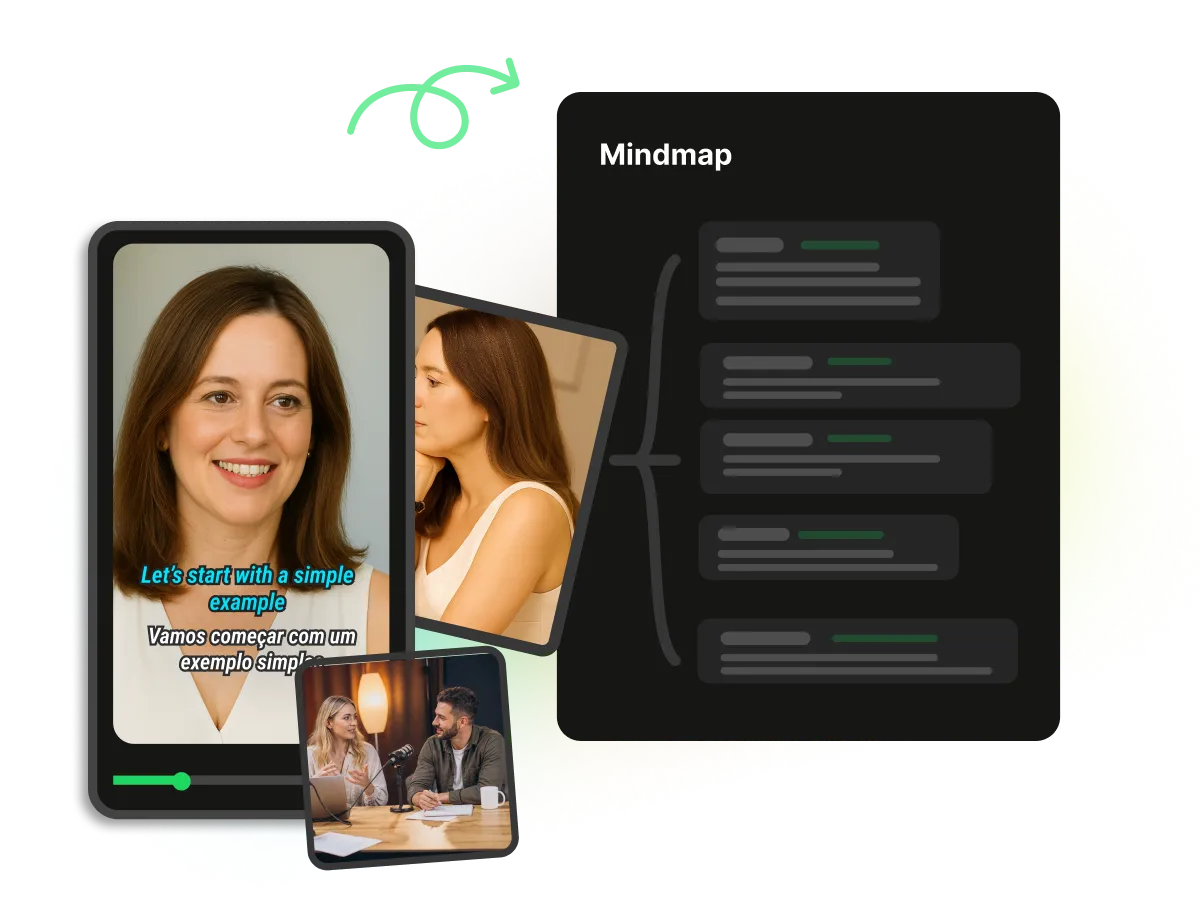
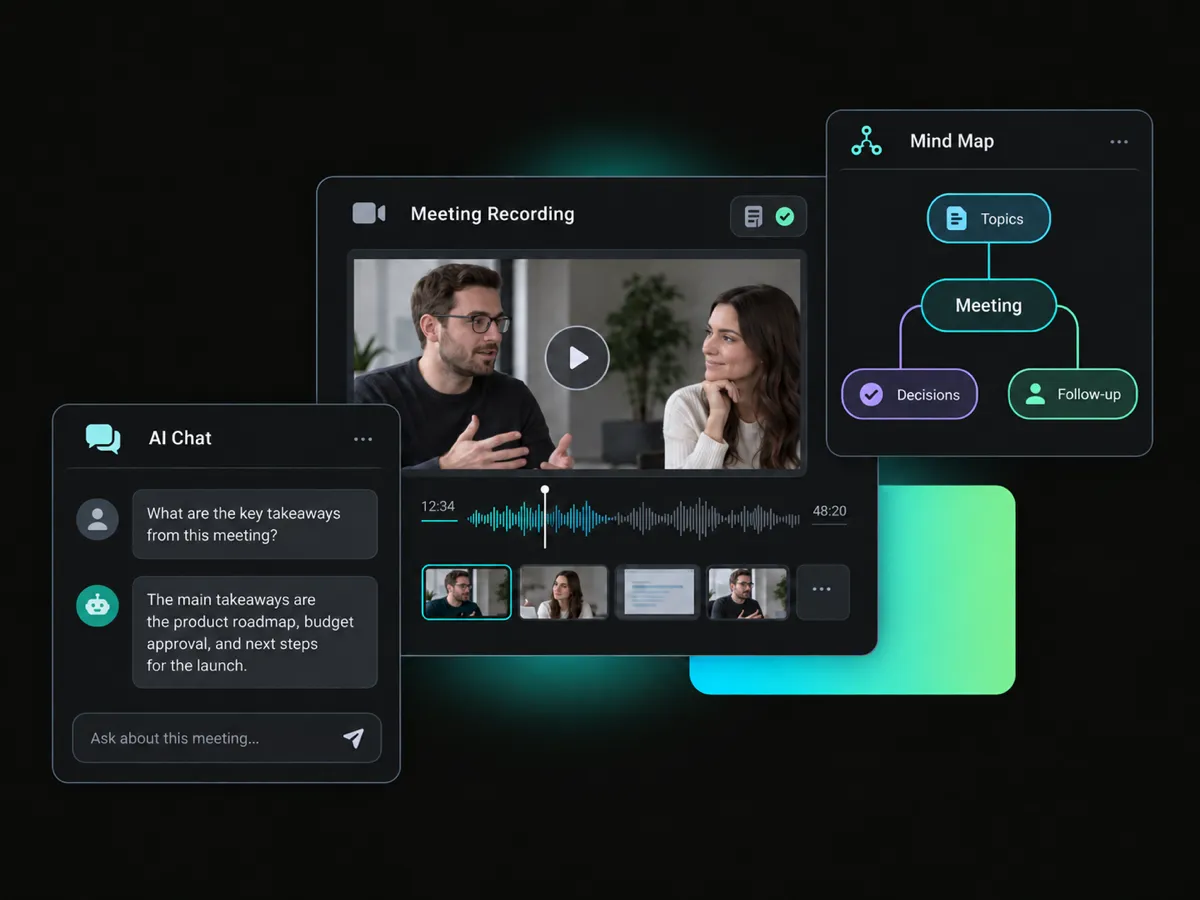
Build a clear picture of your recording with a visual mind map. Follow the connections between ideas and decide how to organize your recording notes.
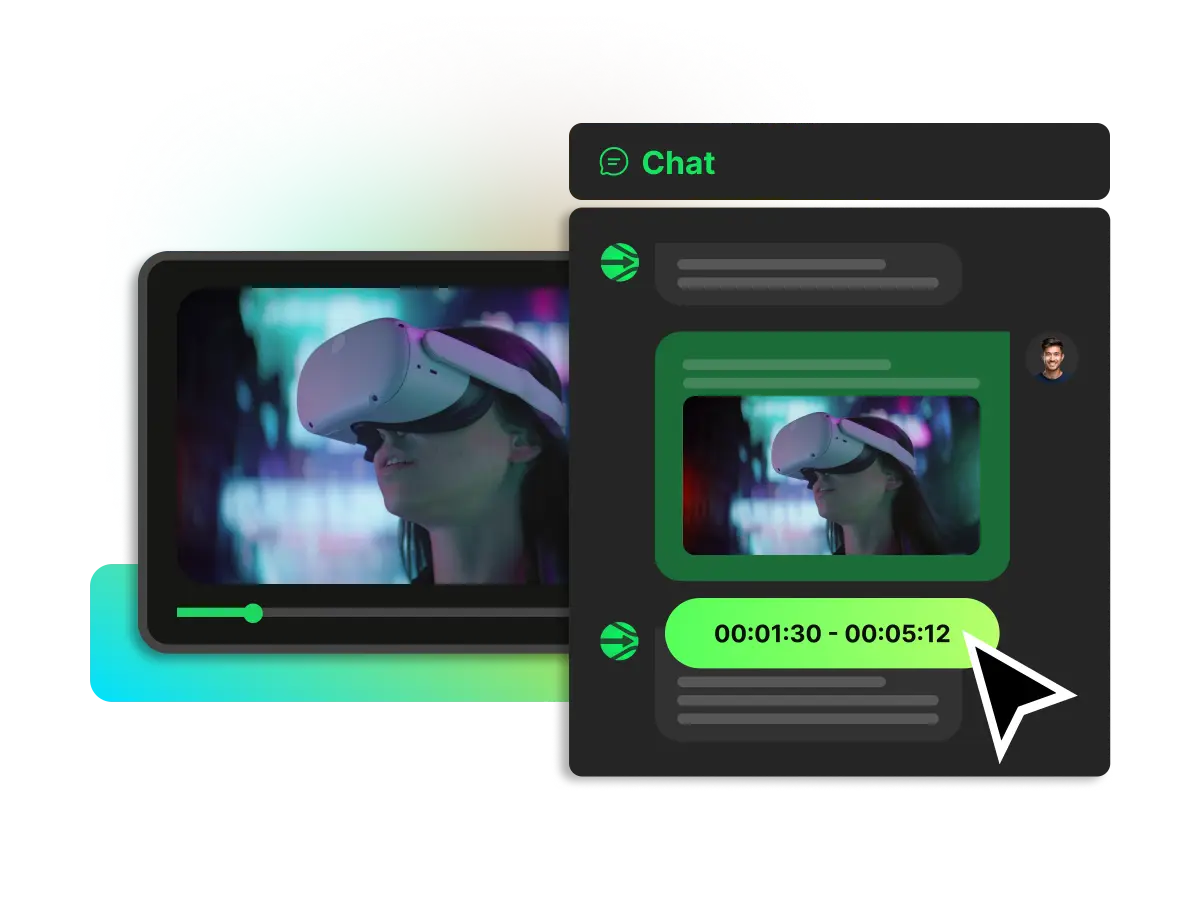
Chat with AI to ask questions about the recording to explore its ideas and clarify details. Follow up on topics as you review the video and develop the AI recording notes.
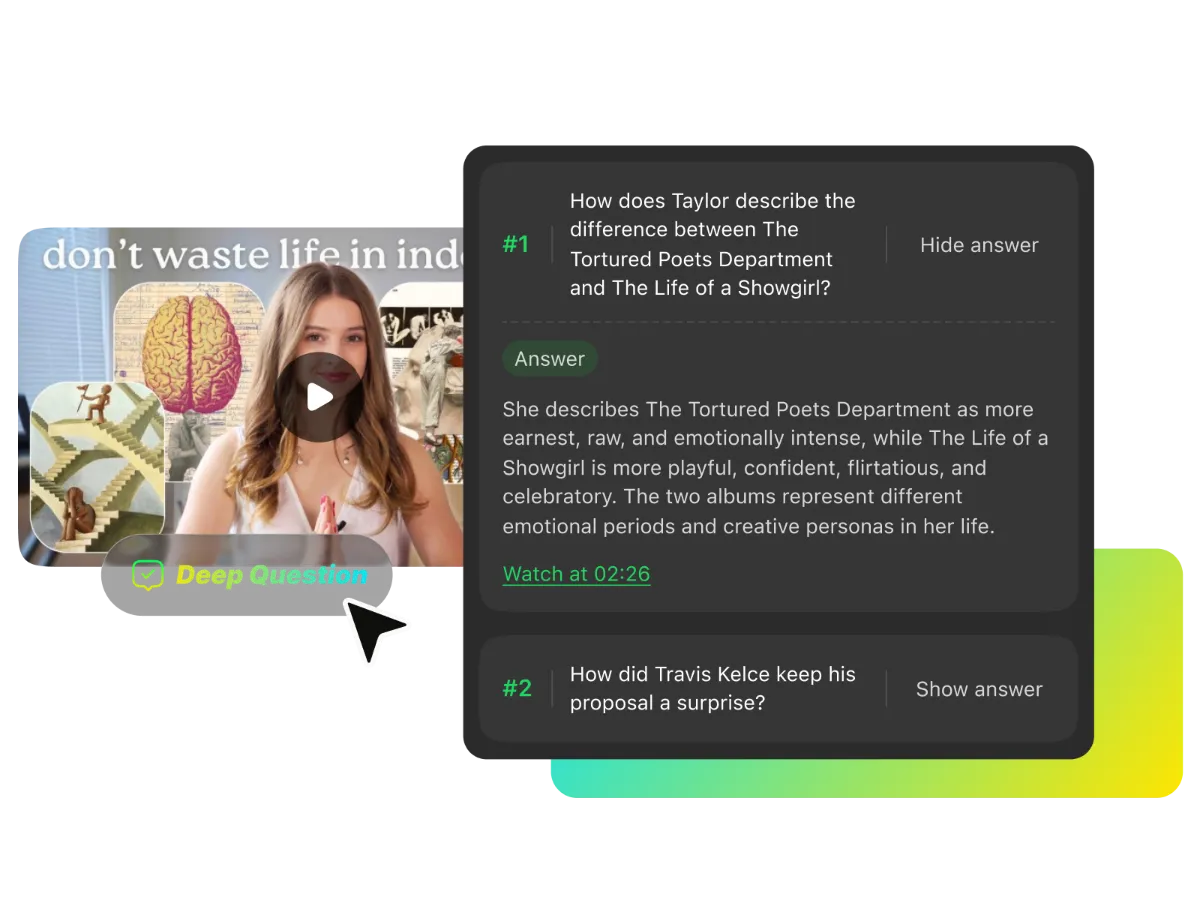
Want to get more from a long recording? Explore five AI-generated questions about its content. Think through each question, then reveal the answer when you're ready. It's an easy way to revisit key ideas and check your understanding.
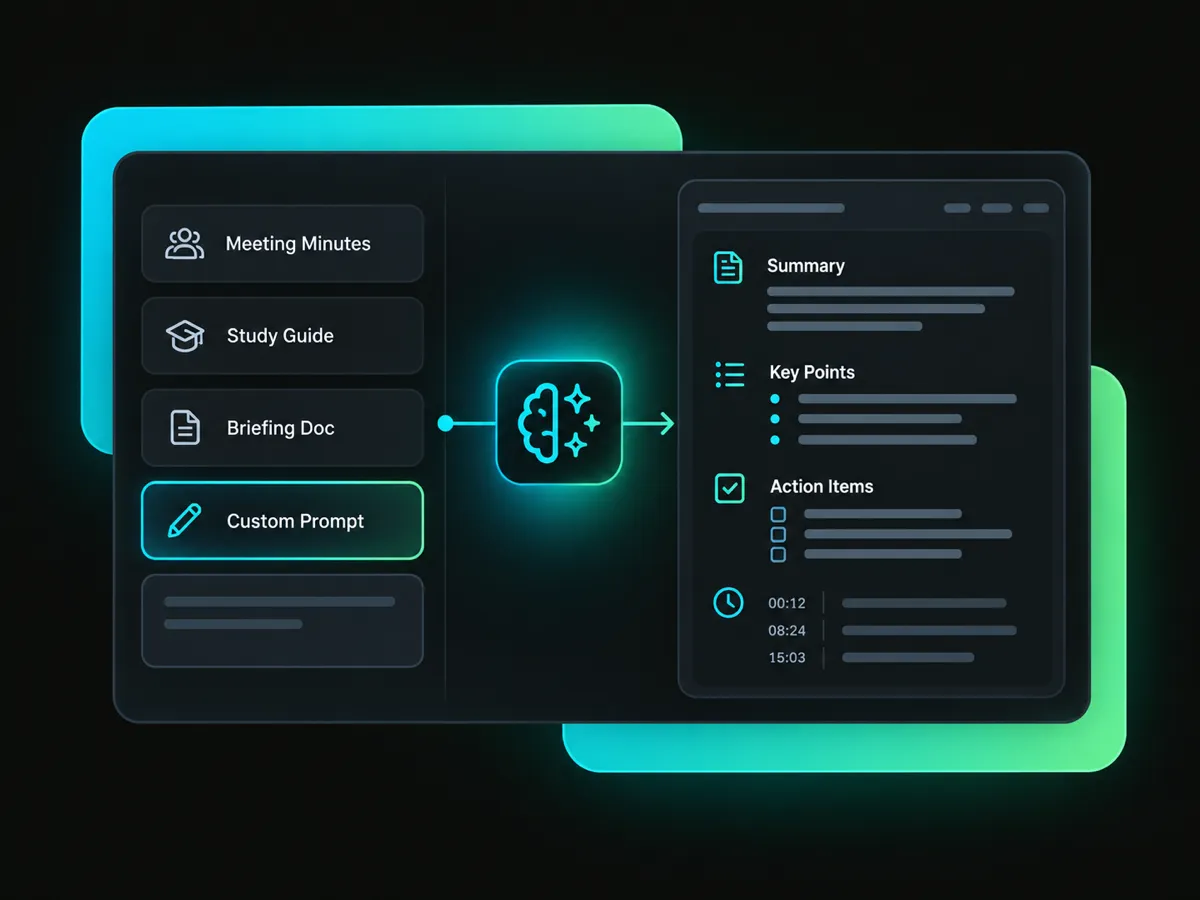
Need notes from recordings of any kind? Pick a template like Meeting Minutes, Study Guide, or Briefing Doc — or write a custom prompt to shape the results. Try the AI note taker online for more personalized output that fits your needs.
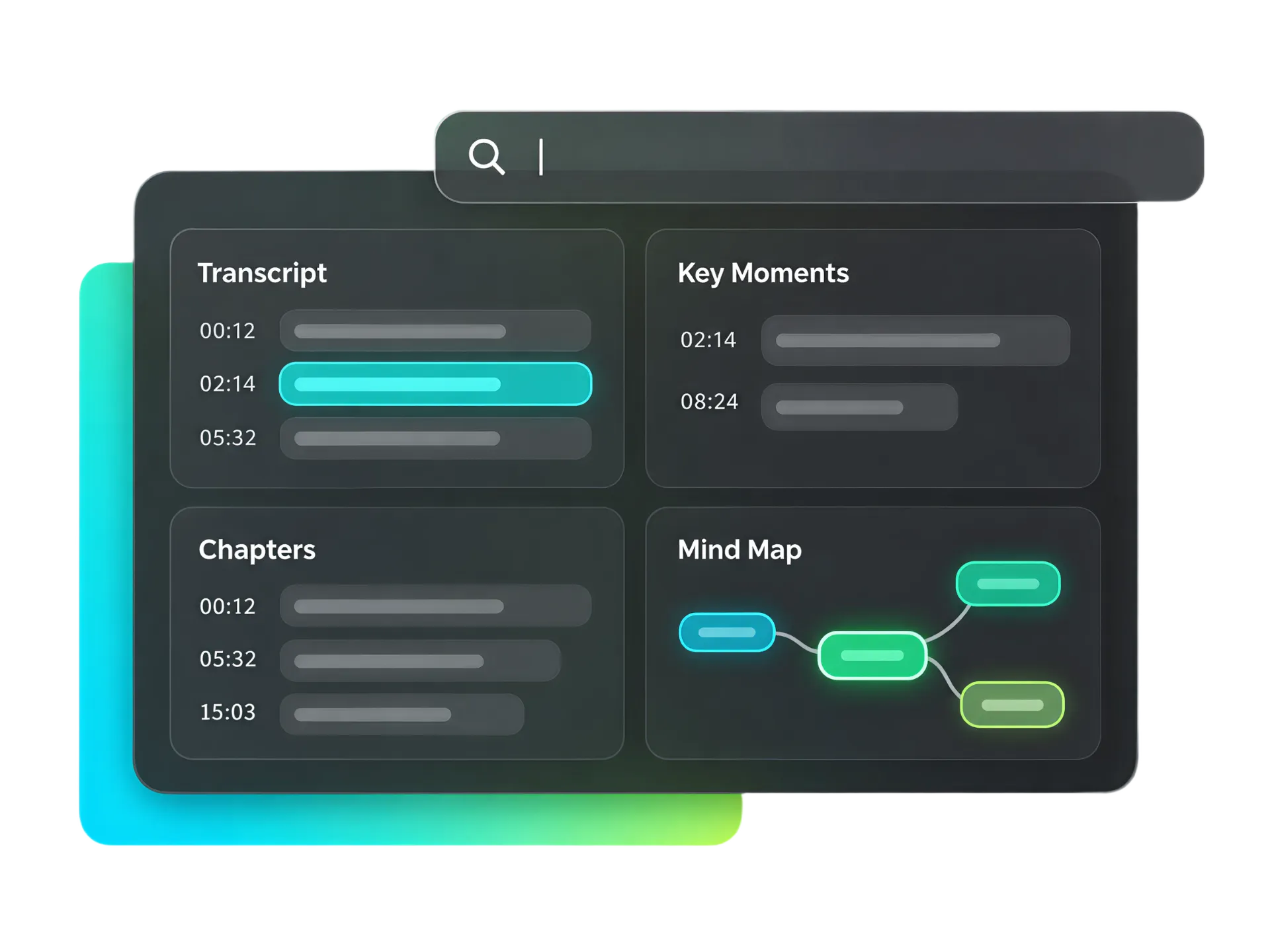
Find your place in any recording with timestamps across transcripts, key moments, mind maps, and chapters. Search what was said, scan chapter topics, and revisit important ideas at the moments they appear in the video.
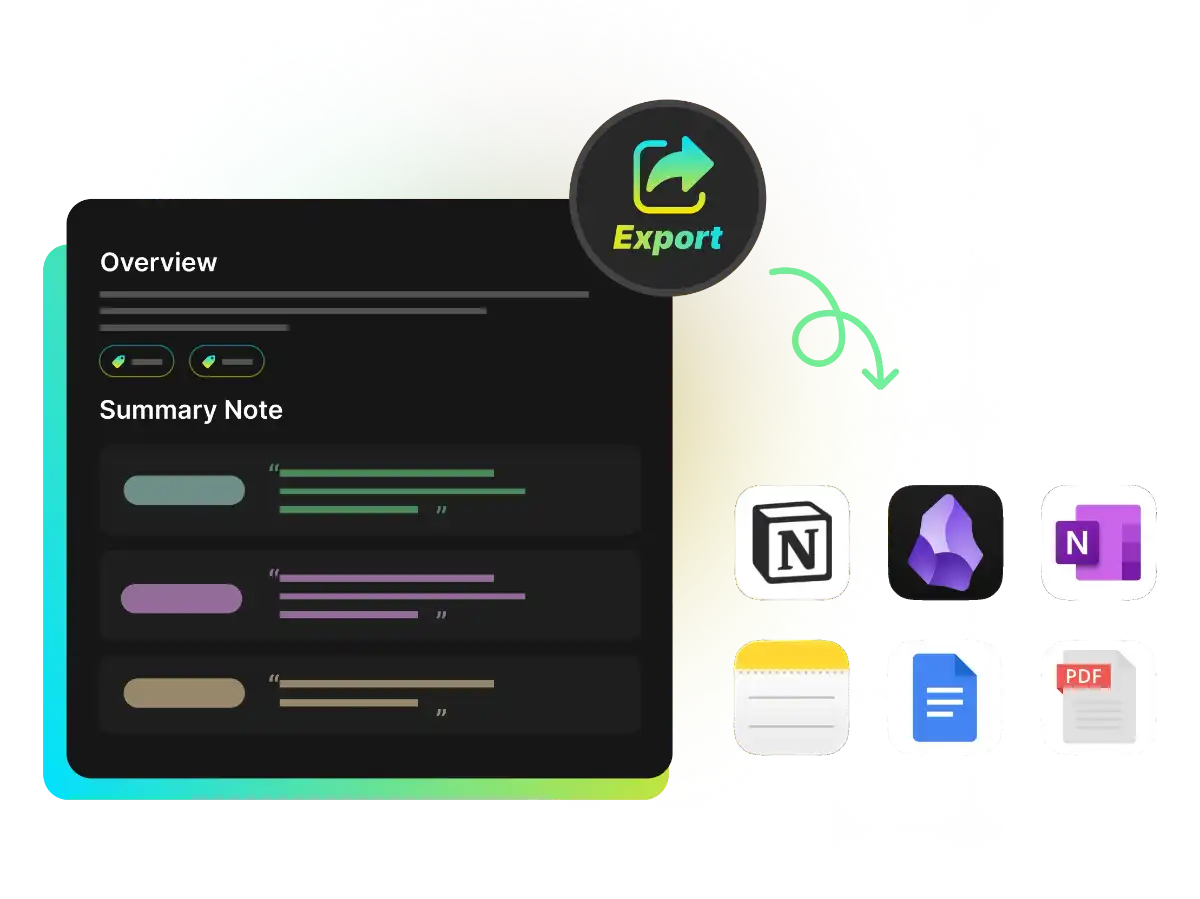
Choose an output language to create notes that are easy to review and reuse. Download notes as TXT, PDF, DOC, or Markdown, or export the results to Notion or Obsidian. Keep your notes in the format and workspace that work best for you.
Review voice recordings, interviews, lectures, or meetings with notes, transcripts, subtitles, chapters, and AI Q&As. Find key details and shape notes to fit your needs.
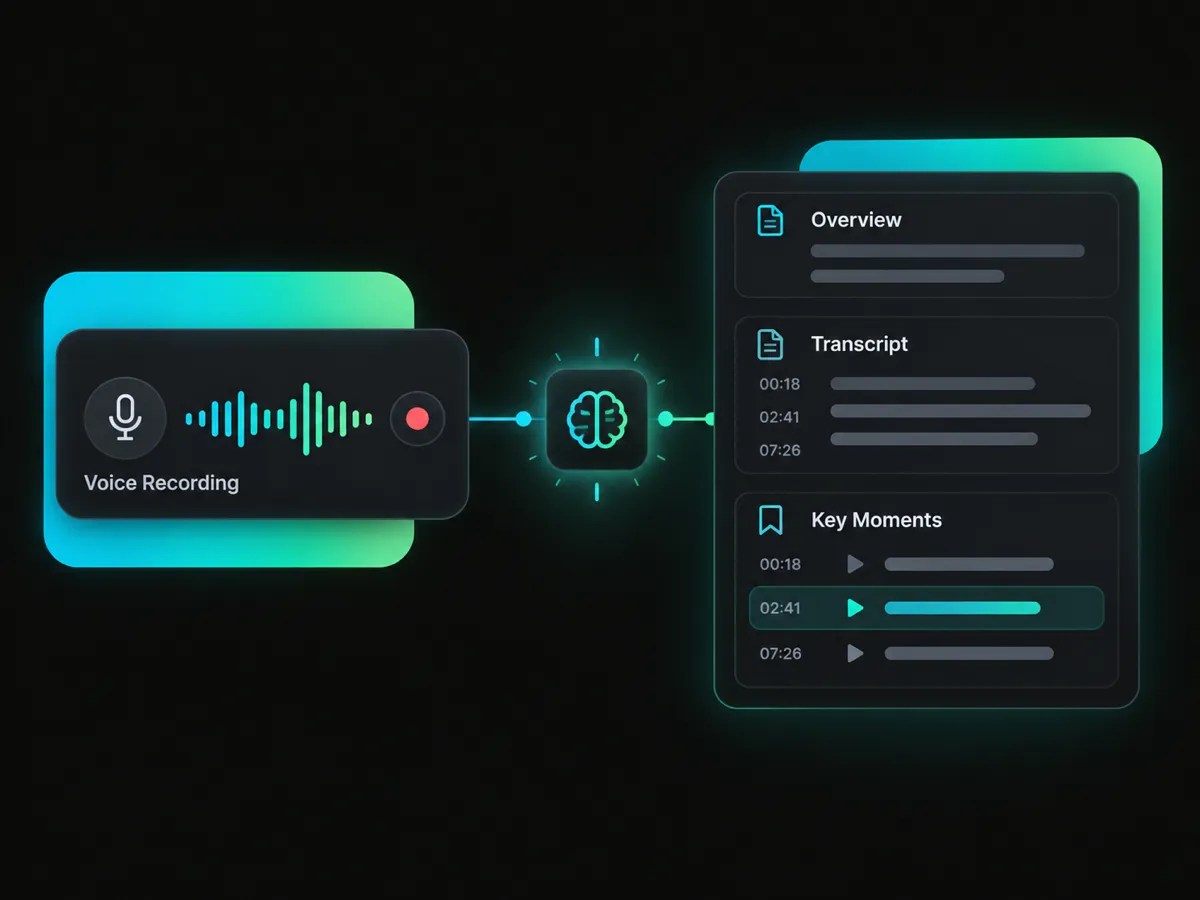
Have a voice recording you need to review? Use an AI note taker from a voice recording to create an overview, read the transcript, and find key moments. Gather the main points in notes you can revisit and reuse at any time.
Generate Voice Recording NotesLet the tool create notes from your recording, so you can focus on watching instead of writing everything down.
Timestamps help you find important points in the transcript and return to the matching moment in the video.
Generate an overview, transcript, chapters, and a mind map with one AI note-taking tool, so you can explore different parts of your video.
Pick a template for meeting minutes, study guides, briefings, and more — or write a prompt to customize the output.
Work from a recording by uploading a video or pasting a link. No bot needs to join a live meeting or lecture.
Edit the AI-generated notes to add details, remove what you don't need, and make the content your own.
Paste a supported video link or import a video from your device to prepare AI note taking for your recordings.
Turn a recording into notes, transcripts, chapters, and more. Choose a template, explore key details, and make the notes your own.
Sign up and get 100 free credits.