01
AI-Powered Meeting Summary
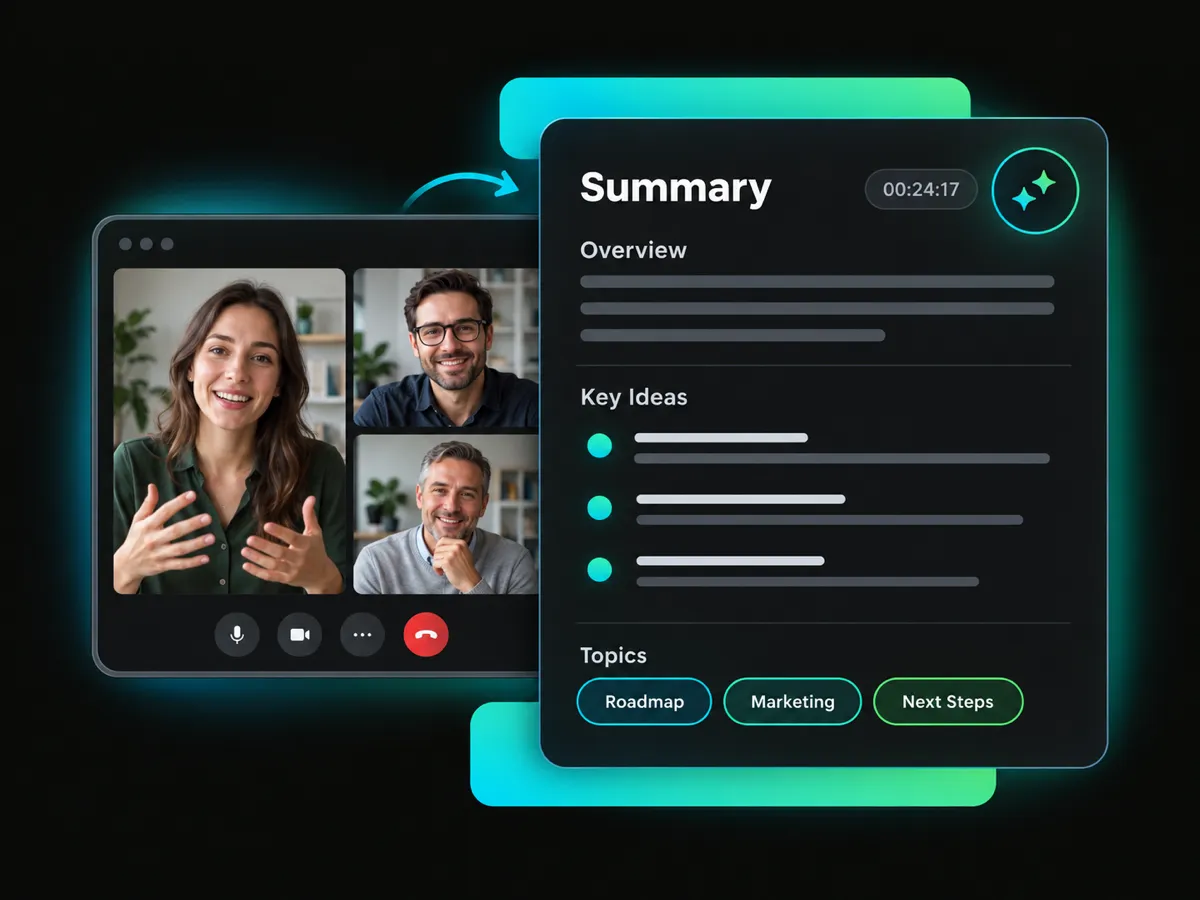
Get a clear overview of your meeting with the main ideas and important details organized in one place. AI-generated tags help you quickly identify and browse the topics covered in the meeting.
Turn meeting videos into clear, structured notes with the Meeting Minutes template. Review transcripts, chapters, mind maps, and key moments, then explore the content further with AI Chat.
Trusted by professionals at












Turn your meeting video into a clear summary and transcript. Review key moments, explore the discussion with a mind map, and ask AI follow-up questions.
Get a clear overview of your meeting with the main ideas and important details organized in one place. AI-generated tags help you quickly identify and browse the topics covered in the meeting.
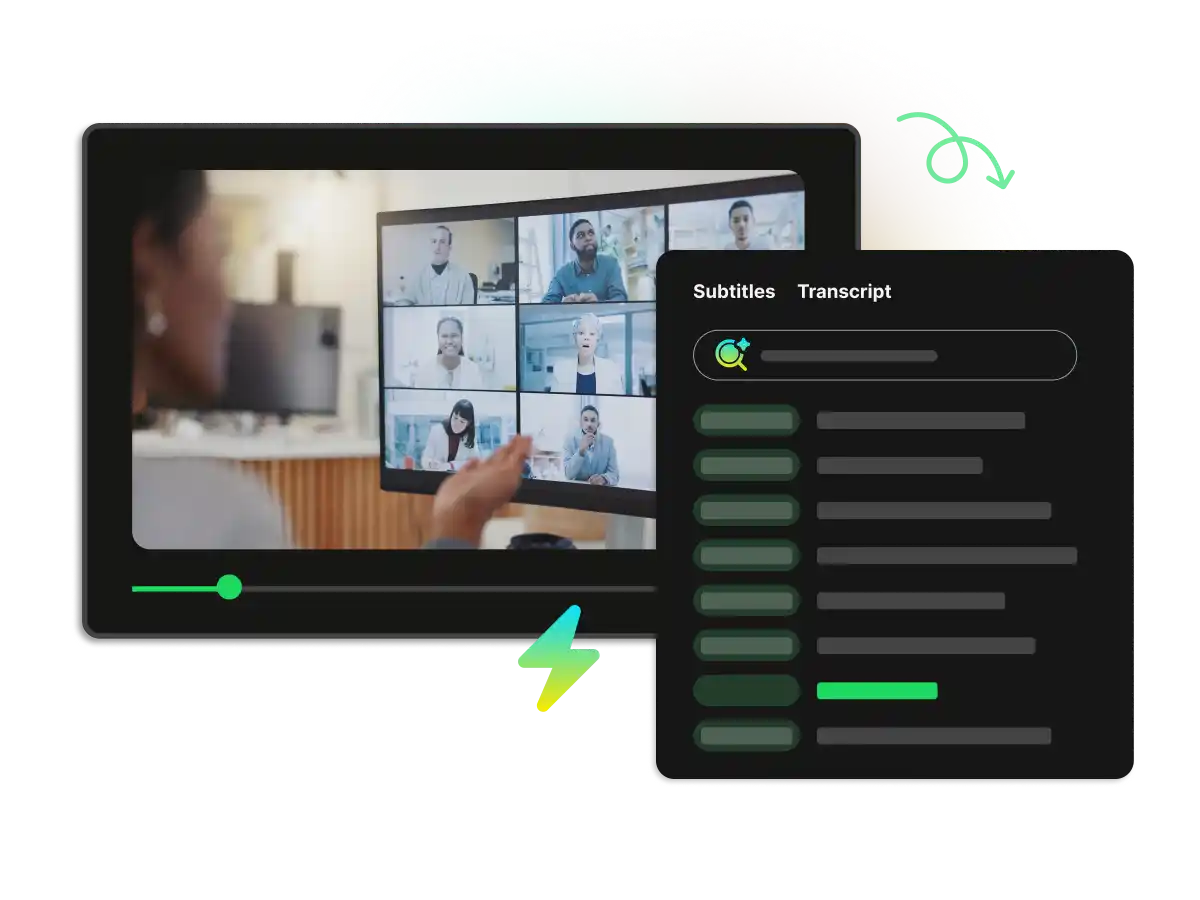
Read a timestamped transcript to get through the whole meeting content. Turn on the auto-generated subtitle as the video plays to follow exactly when each point was discussed.
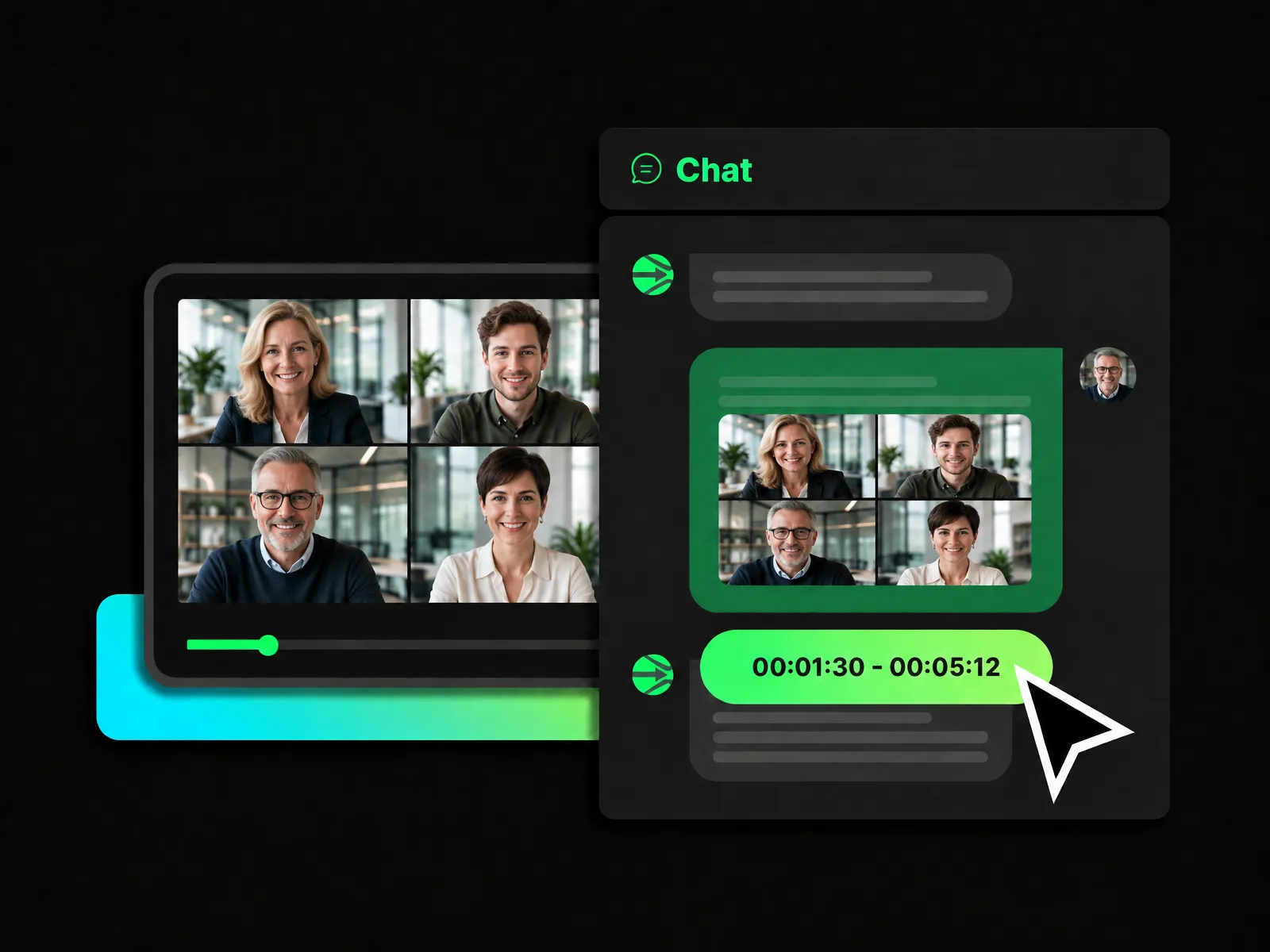
Ask AI questions about the meeting and explore specific topics. Use the chat box to review details, clarify points, and find information without going through the entire video again and again.
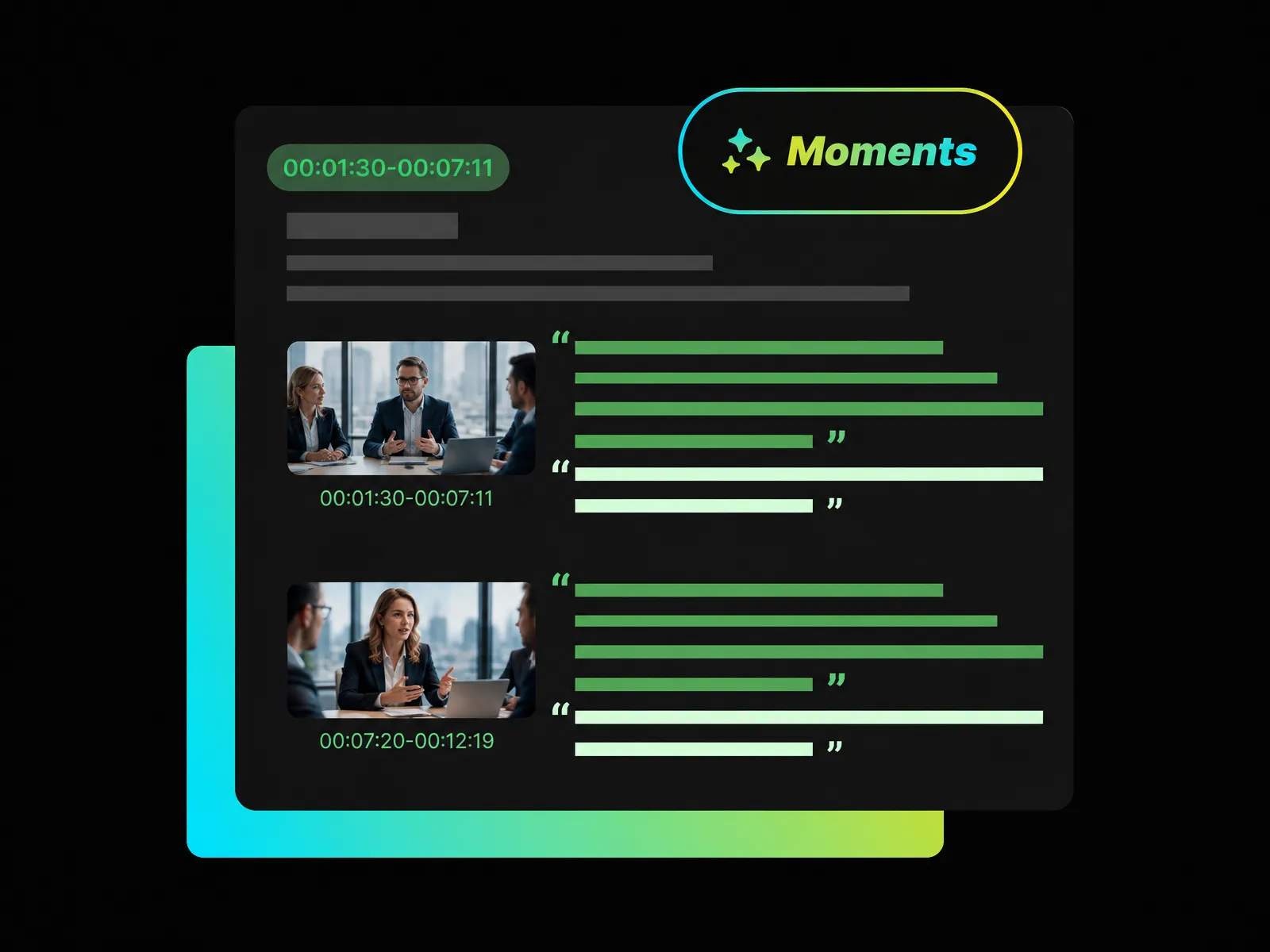
Find important moments from the meeting and review each highlight with its related timestamp and video context. Quickly return to the matching part when you want to check the full discussion.
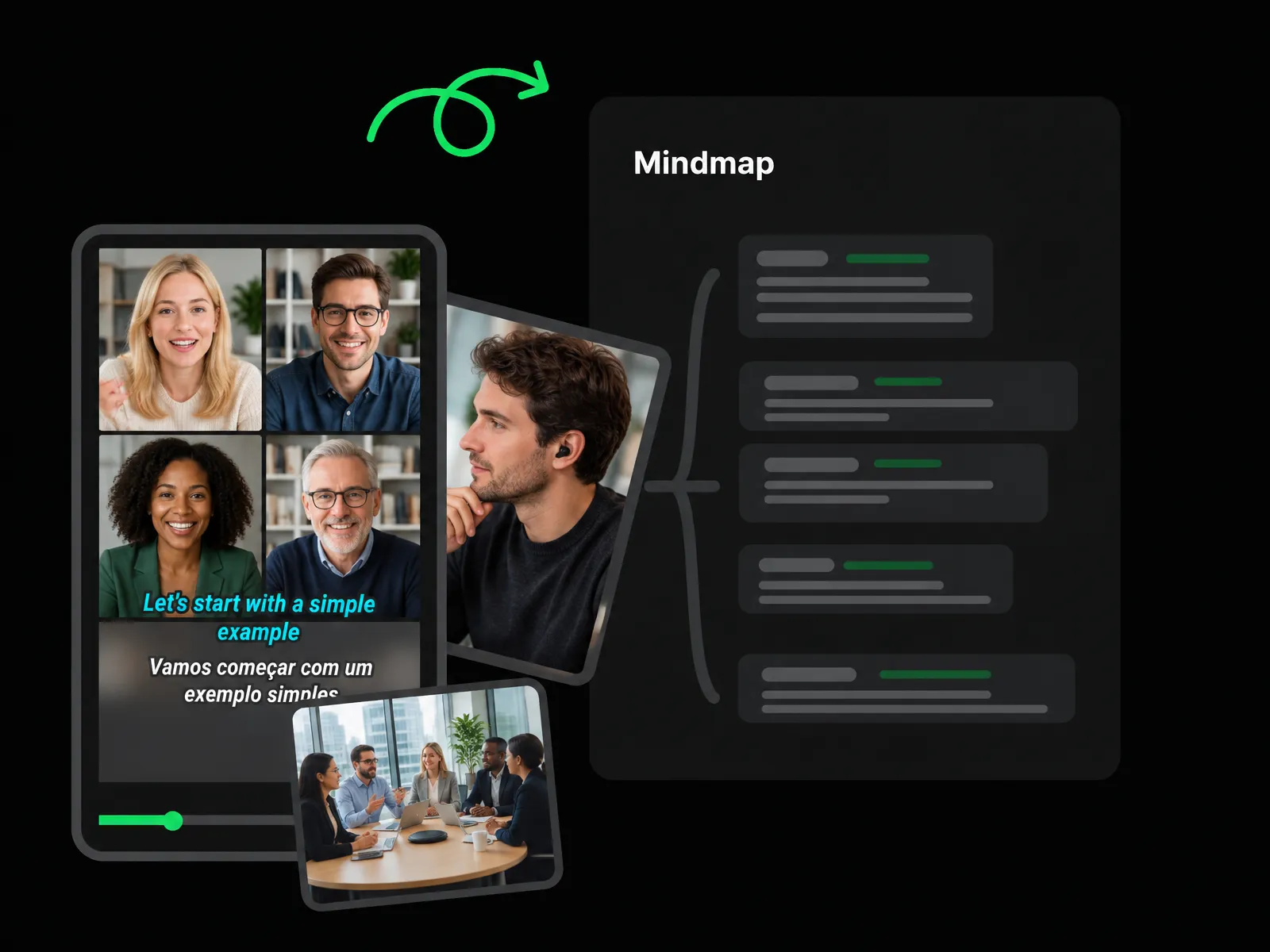
Explore the main topic of your meeting and see related discussions and supporting points arranged in a visual mind map. Follow the structure of the conversation to understand how the key ideas connect.
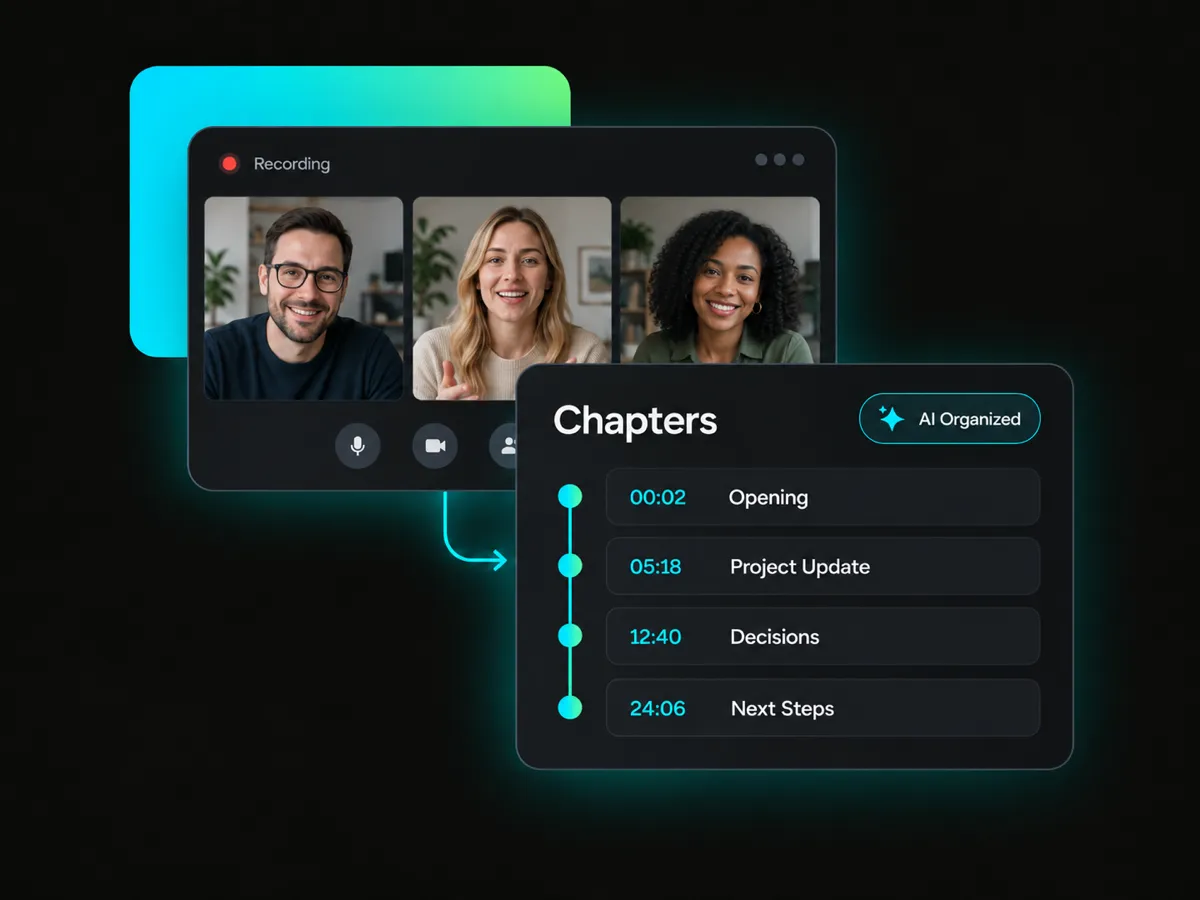
Long meetings can be difficult to review from beginning to end. An AI note taker organizes a meeting recording into clear chapters with timestamps, helping you scan the discussion, locate each topic, and return to the exact part of the video.
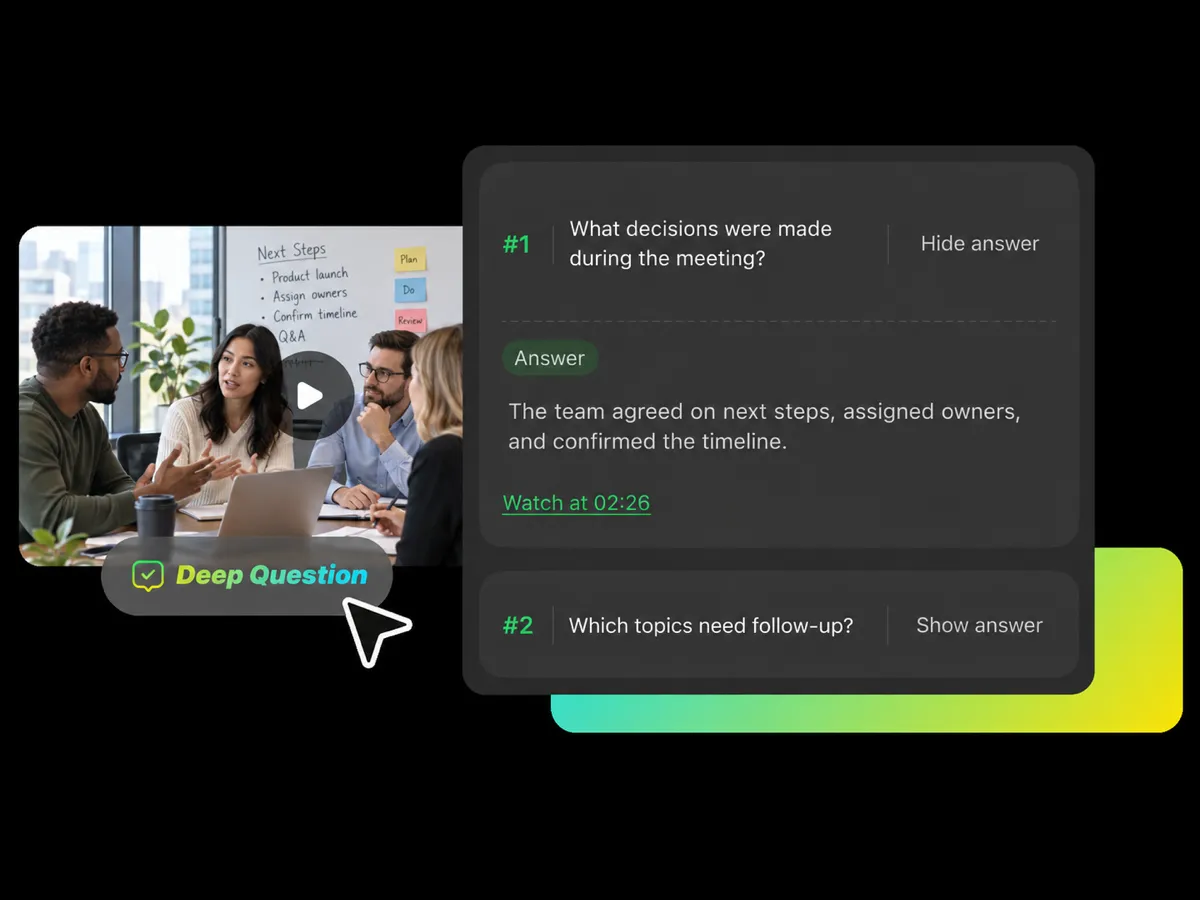
A summary may not answer every question. AI helps you explore the recording in more detail by giving questions about the video and revealing answers when you are ready to review important ideas, explanations, and discussion points.
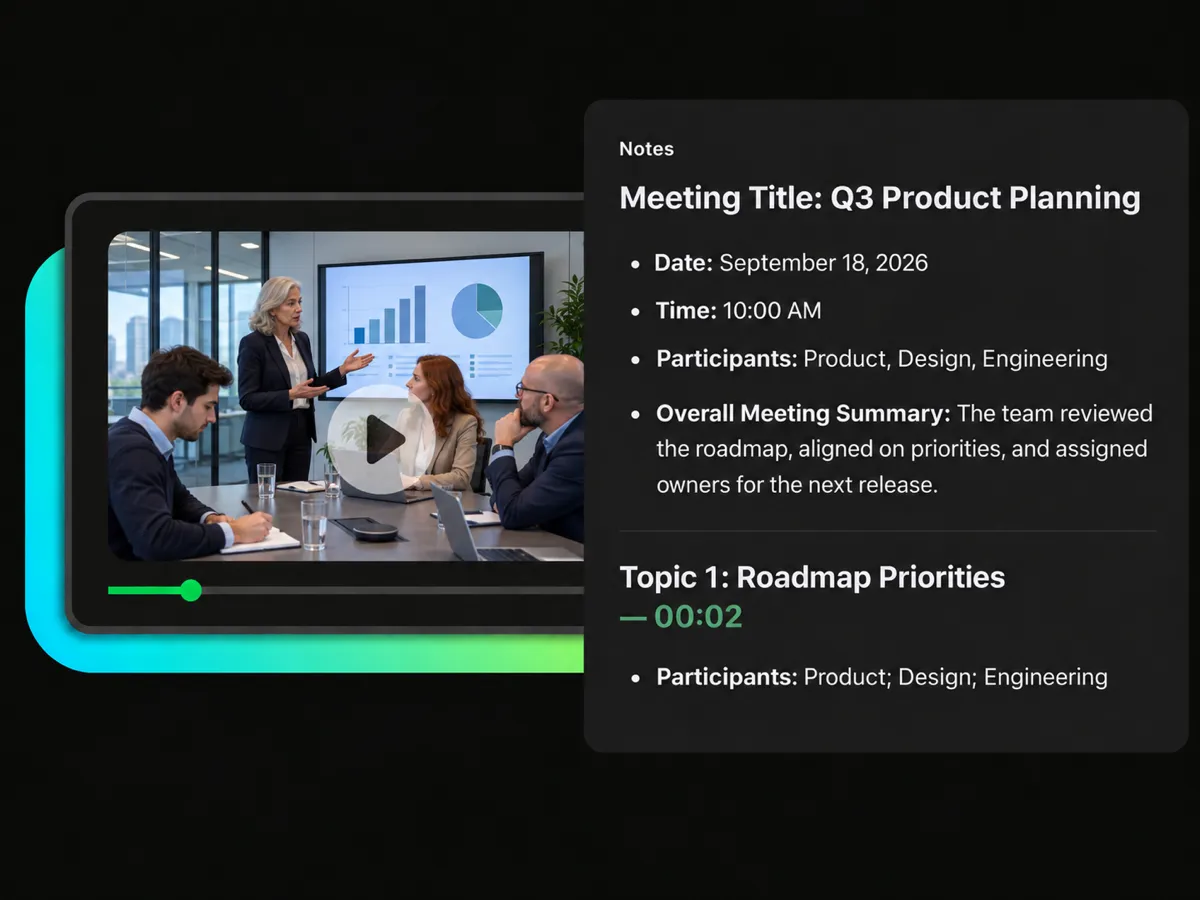
Taking notes manually can distract you from the discussion. Choose the Meeting Minutes template to turn a recording into structured notes with clear timestamps that connect with the matching parts of the original conversation.
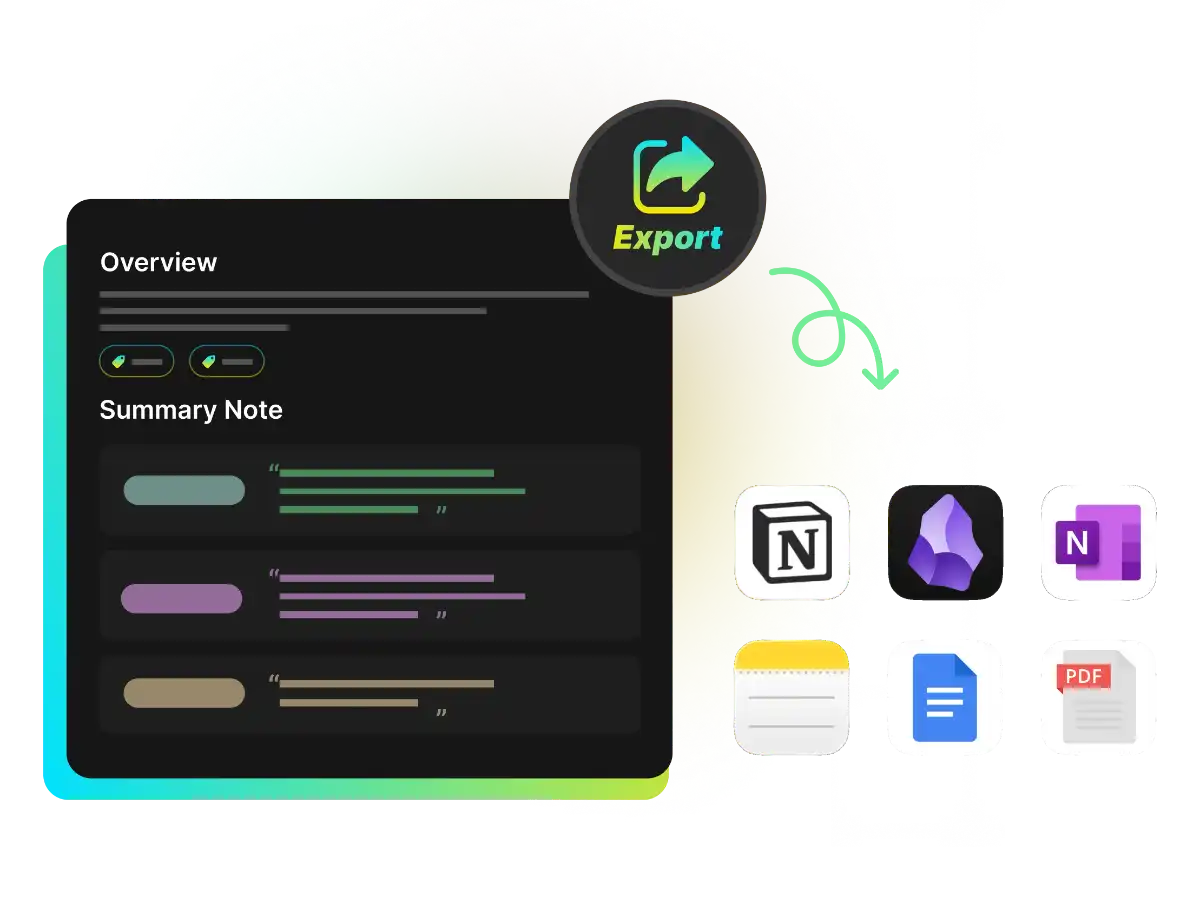
Save your meeting notes as TXT, PDF, DOC, or Markdown files to fit your workflow, or send the result directly to Notion and Obsidian. Export transcripts, subtitles, chapters, and mind maps for additional context and future content reuse.
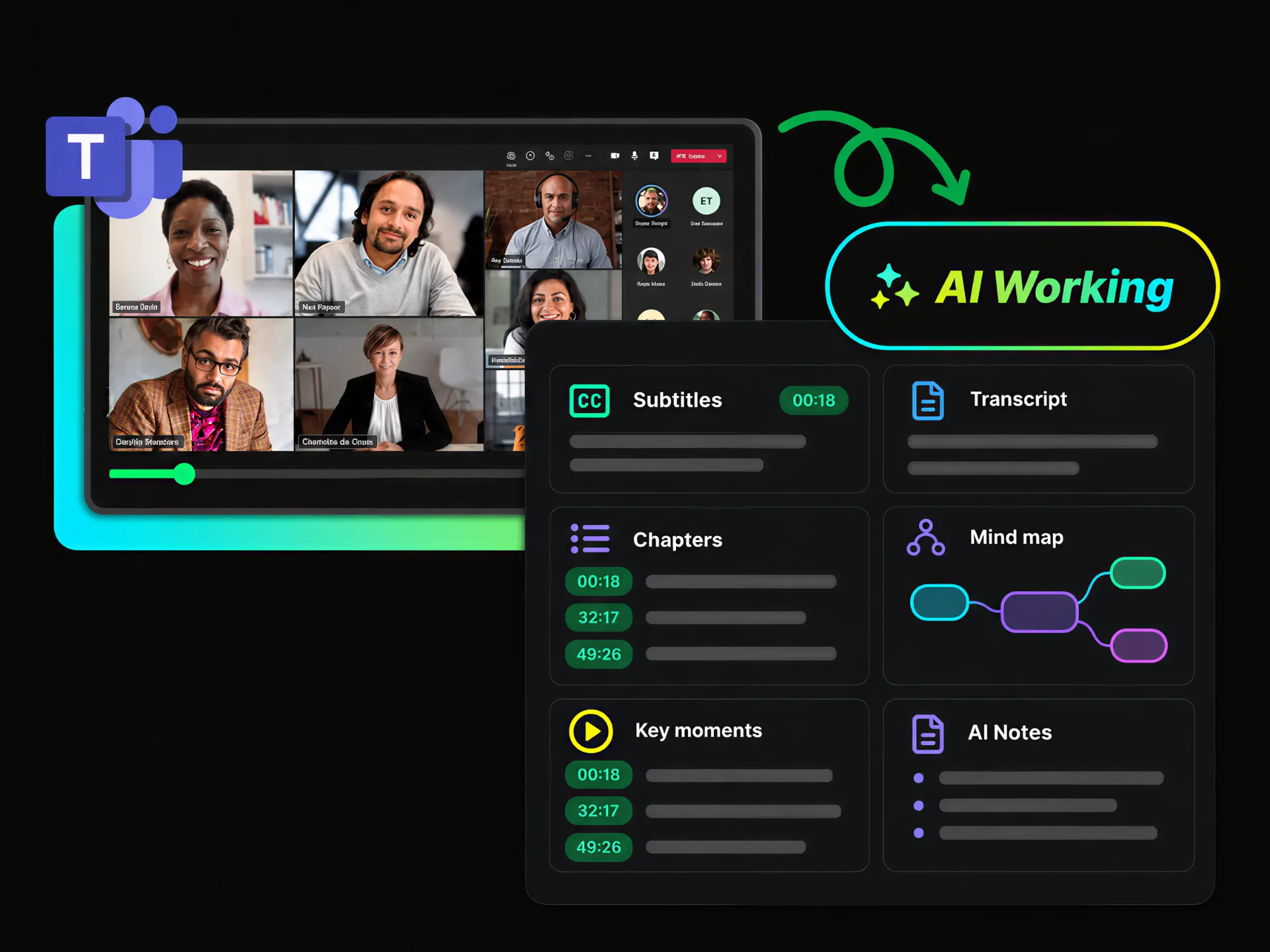
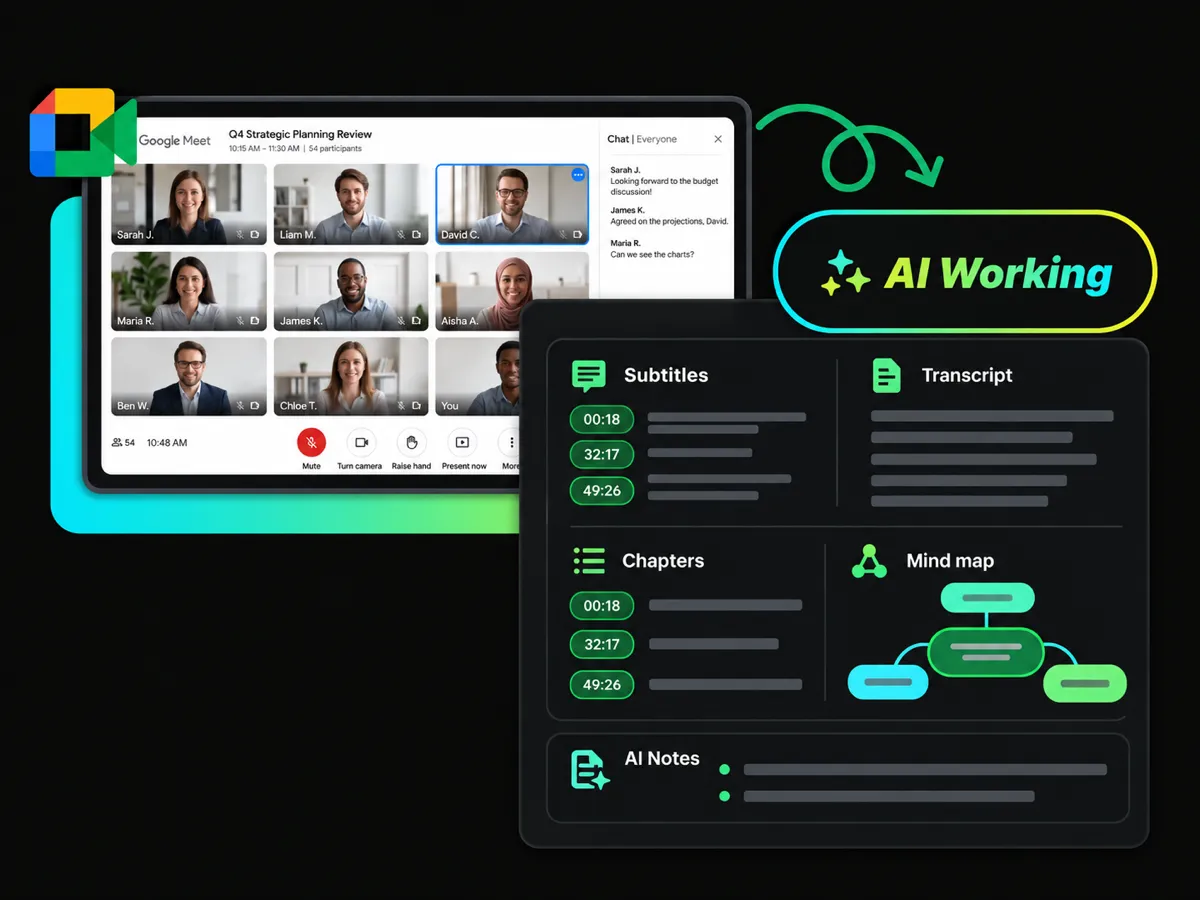
Turn Zoom, Teams, and Google Meet recordings into clear notes, transcripts, chapters, subtitles, and key discussion points for easier review.
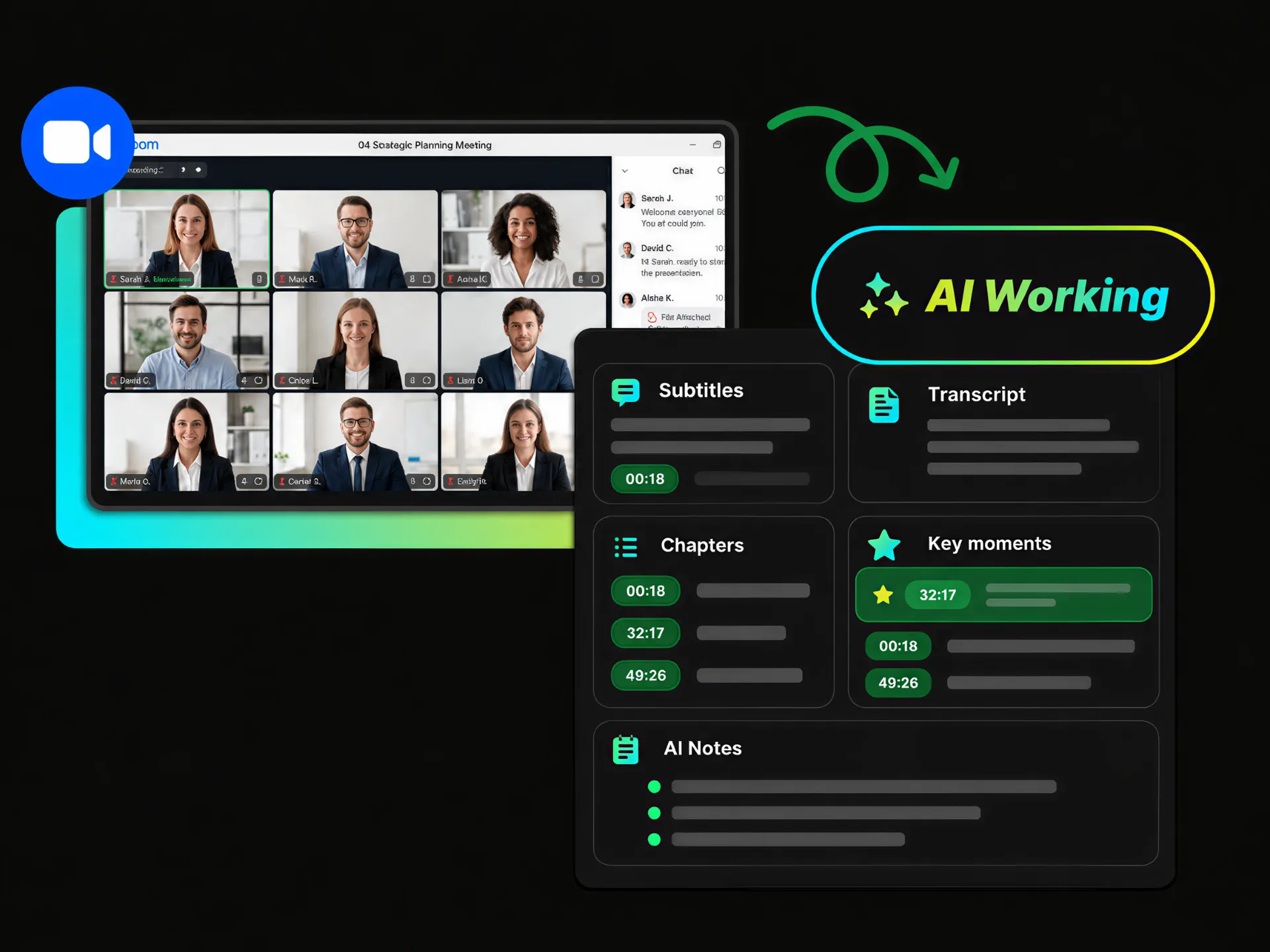
Need to revisit a long Zoom recording? An AI note taker for Zoom helps you review the transcript, follow timestamped chapters, and check important moments from the discussion without watching the full meeting again.
Create Zoom Meeting NotesTurn meeting videos into clear, structured notes, transcripts, chapters, and mind maps in less time. WayinVideo helps you move from raw meeting content to useful takeaways faster.
Choose a format that fits your needs, including Meeting Minutes, Smart Summary, and Keynote Notes. You can also create a custom prompt for more personalized meeting notes.
Review and edit your AI-generated meeting notes to match your preferred structure, wording, and level of detail before sharing or reusing the content.
Keep the full process in one place — from transcripts and subtitles to summaries, chapters, auto Q&As, key moments, mind maps, and AI Chat for deeper exploration.
Follow important points back to the original video with clear timestamps. Check the source context whenever you need to review a discussion or verify a detail.
Create meeting notes from your meeting video without adding a bot to the live meeting. The meeting notes AI processes your recordings and reduce concerns about unexpected access.
Start with a downloaded meeting video or paste a supported video link to begin creating your meeting notes.
Create structured meeting notes, explore important moments, visualize key points, and ask AI questions about your meeting details.
Start free to get your meeting notes.