01
Automatic Lecture Summary
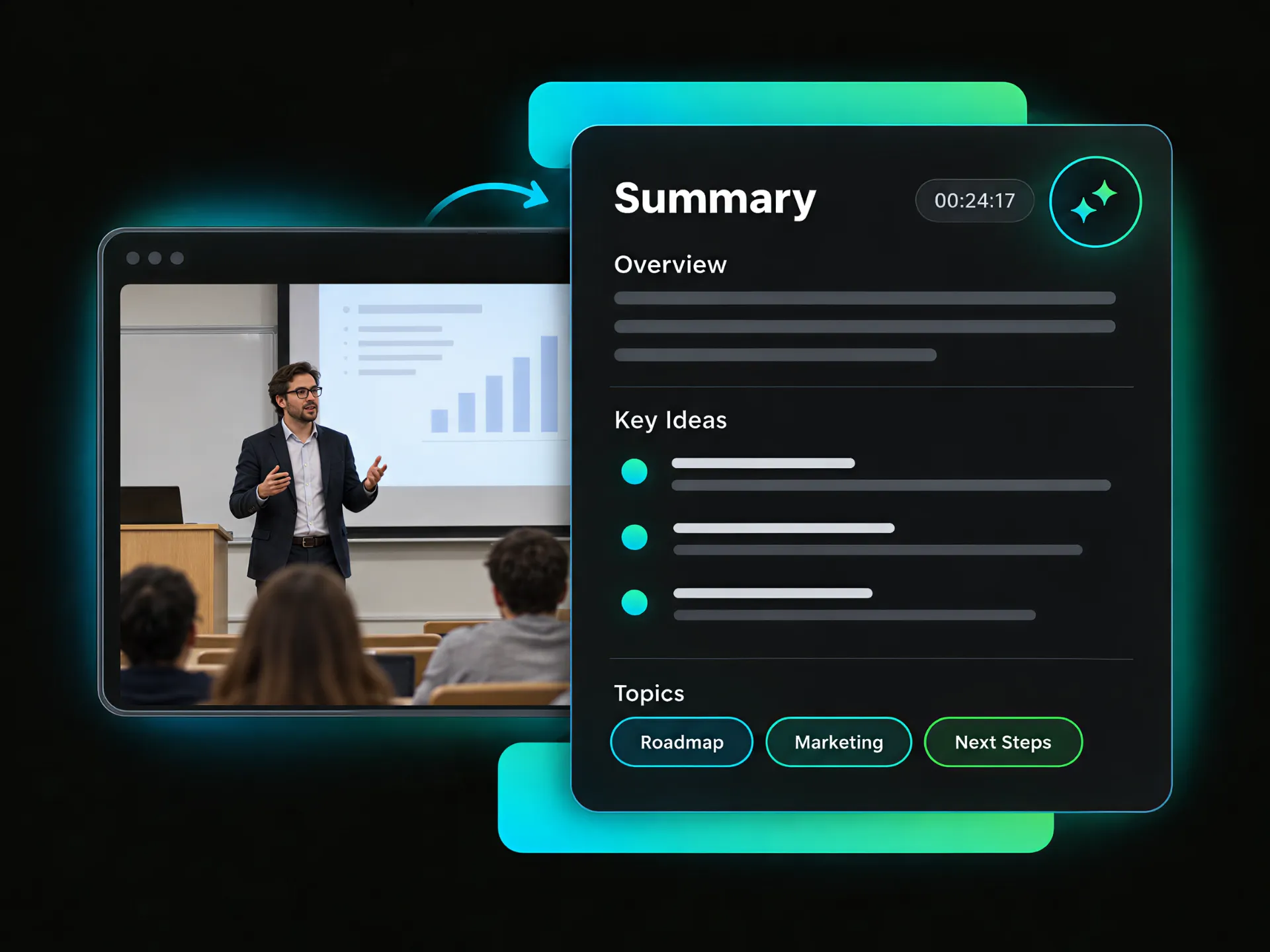
Review a concise summary of the lecture video. See its core idea, main points, and topic tags at a glance. Get a clear sense of the content before reading the full notes.
Turn lecture videos into transcripts, chapters, mind maps, key moments, and Study Guides. Find key ideas faster and ask questions with AI Chat.
Trusted by professionals at












Explore lecture videos in one place with an overview, transcripts, subtitles, chapters, mind maps, and AI Chat.
Review a concise summary of the lecture video. See its core idea, main points, and topic tags at a glance. Get a clear sense of the content before reading the full notes.
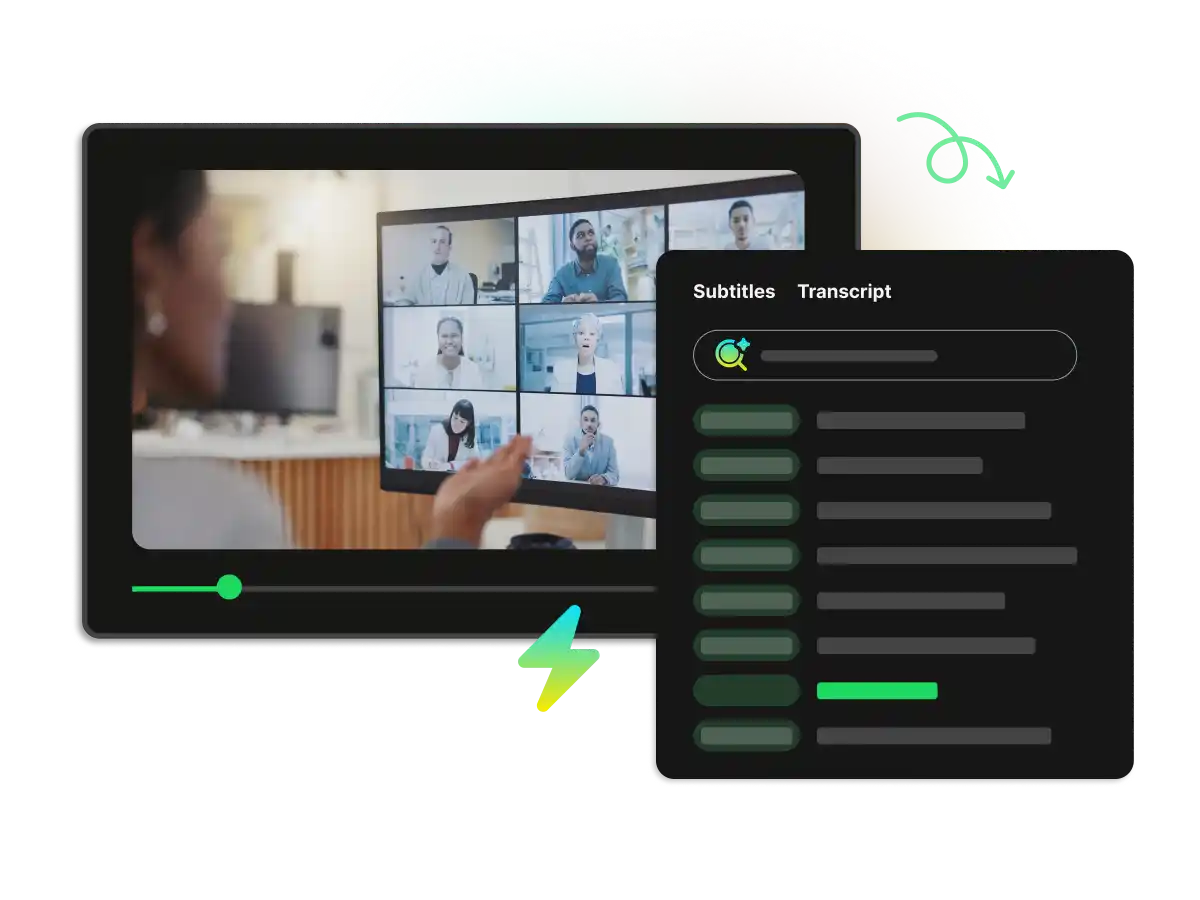
Search the full transcript by word or phrase. Copy key passages, follow timestamps, and switch to subtitles for an accessible way to review important parts of the lecture.
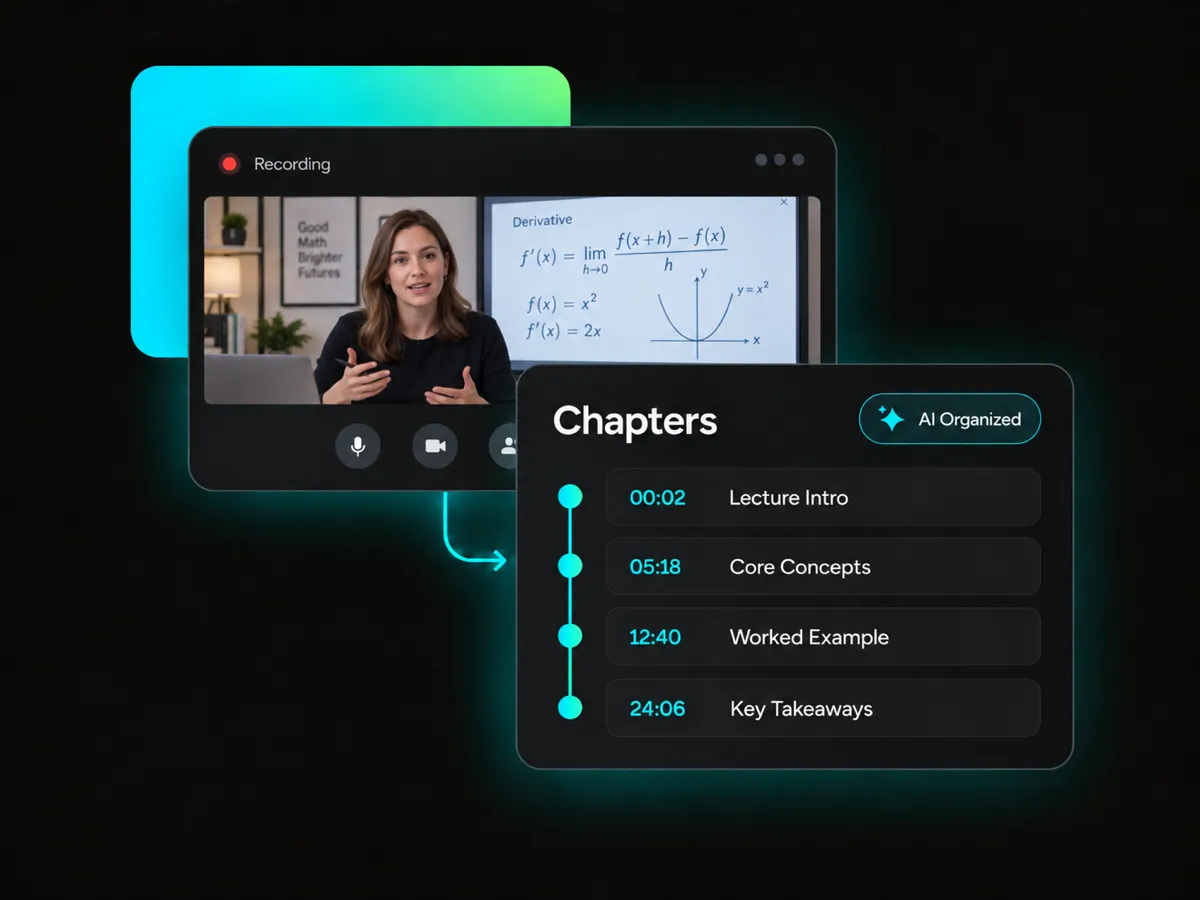
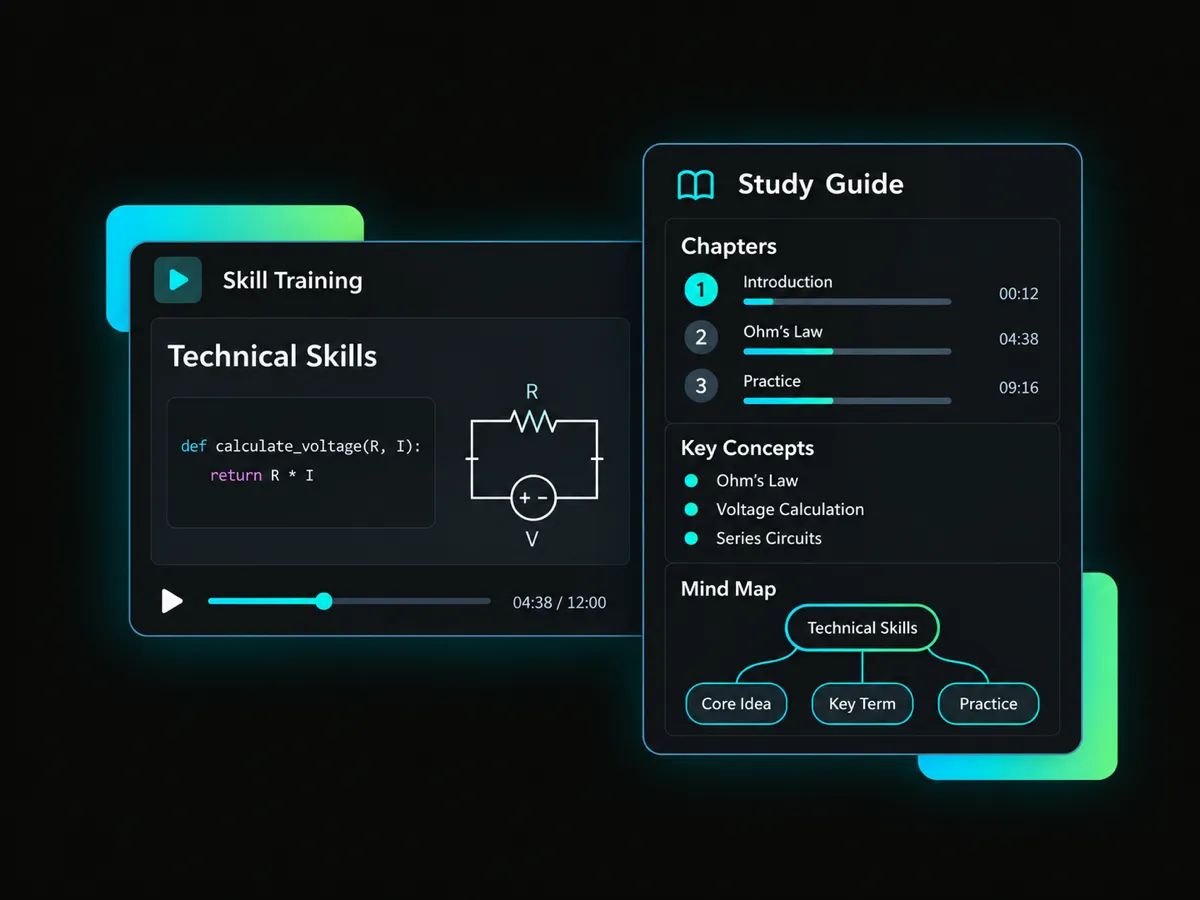
Break long lectures into clear chapters with timestamps and key points. Locate specific topics faster, follow the lesson structure, and return to exact parts of the video with ease.
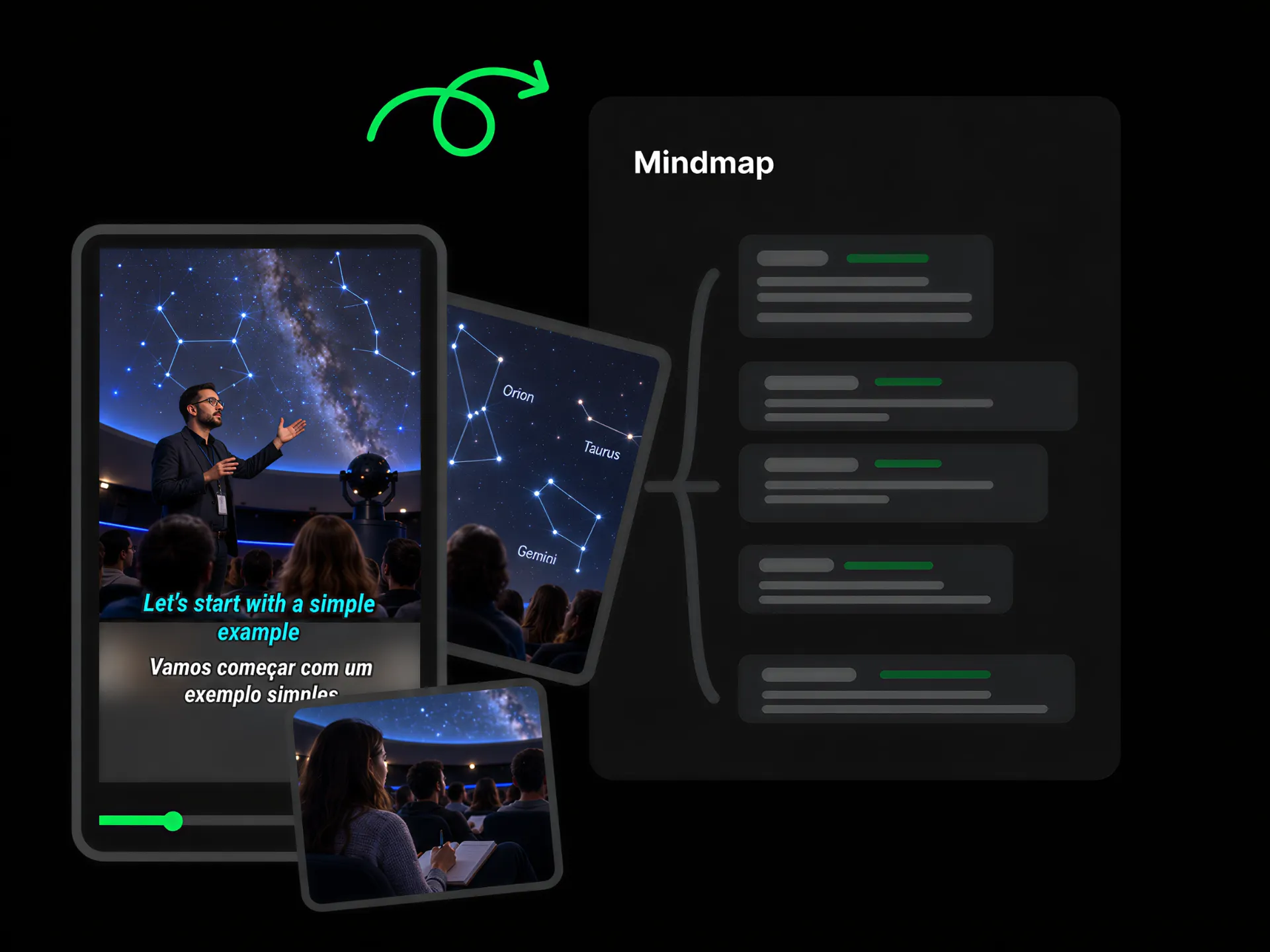
See the lecture as a visual map of topics and subtopics. Follow timestamped points, spot connections between ideas, and build a clearer picture of the lecture.
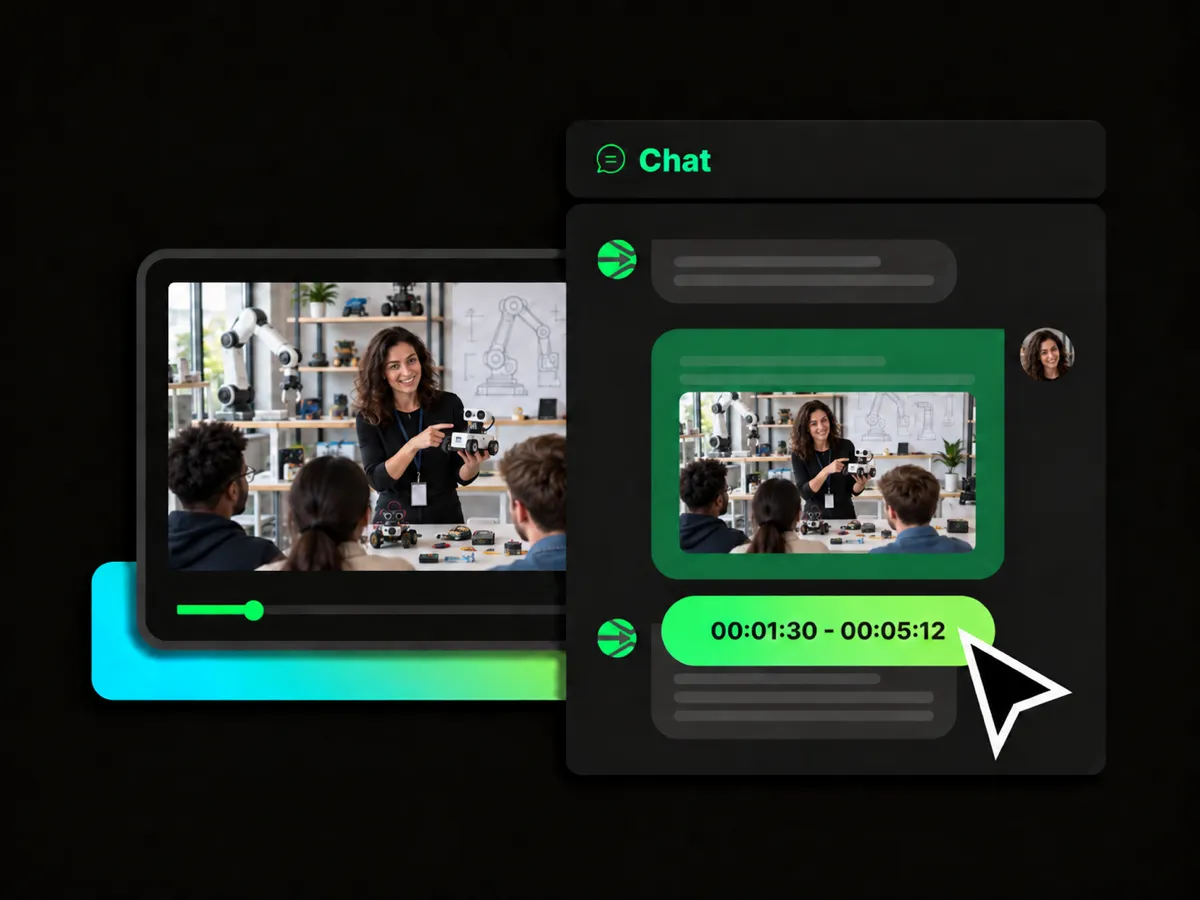
Ask questions about the lecture with AI Chat. Get insights into difficult concepts, follow up on important points, and explore ideas from the video in more depth.
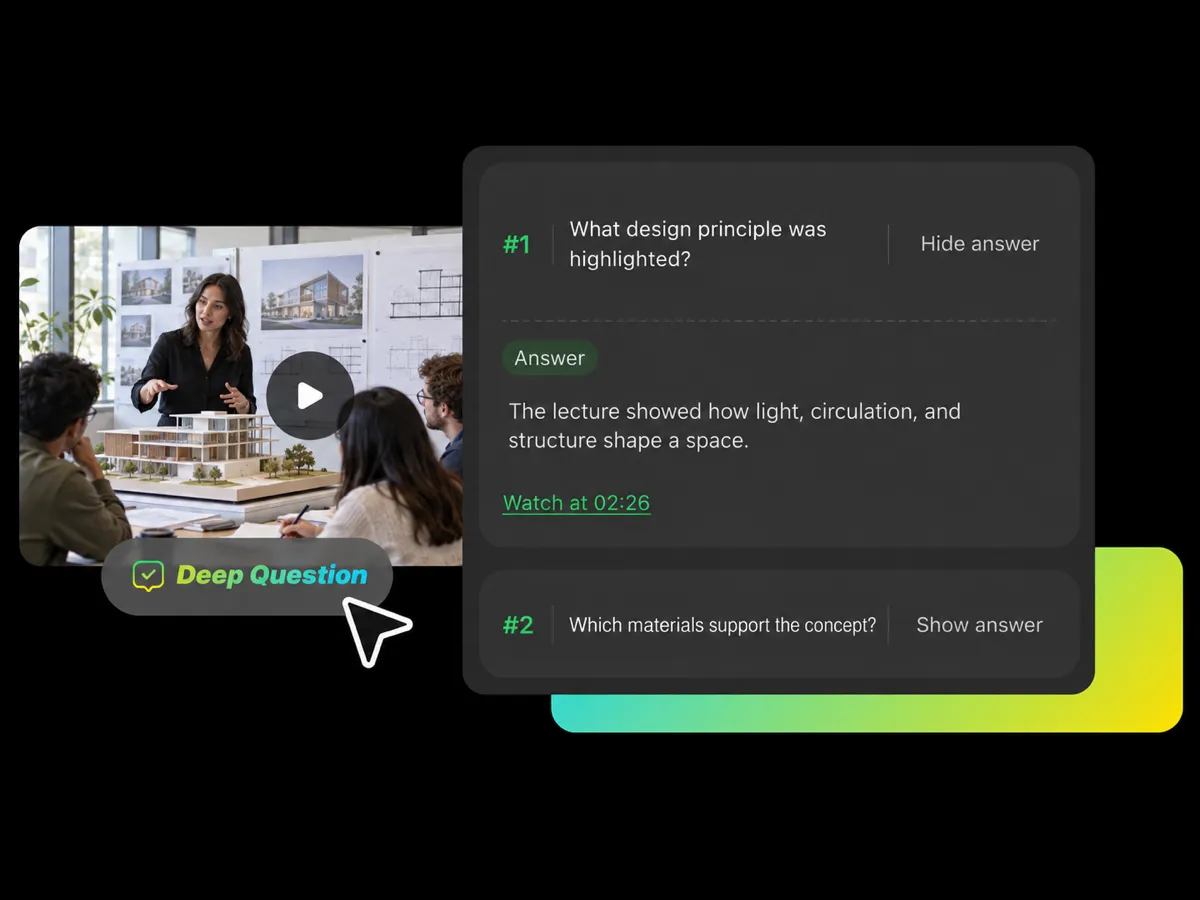
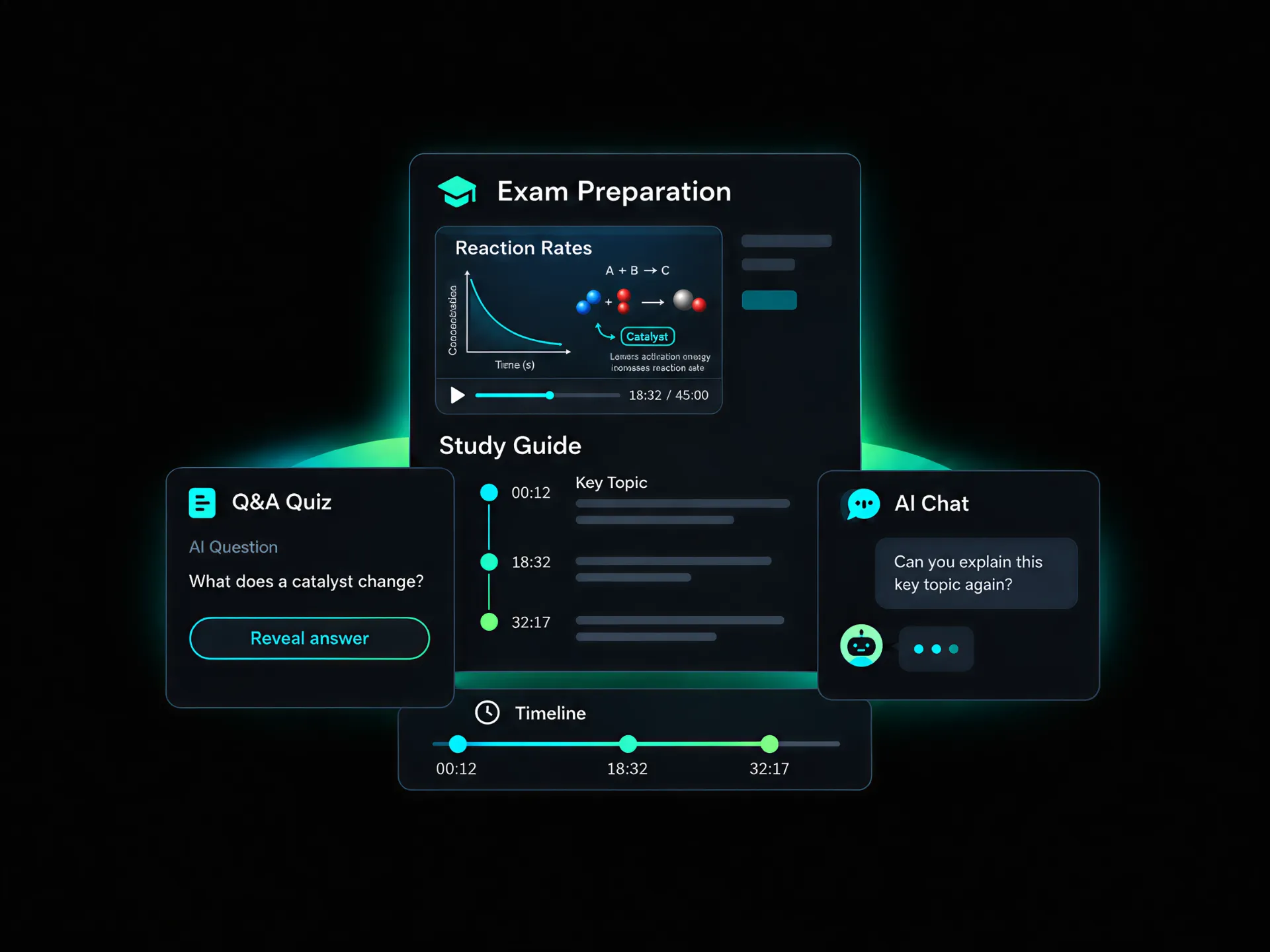
Need to check your understanding? AI can turn lecture content into questions with answers. Think through each question, reveal the answer when ready, and use the explanations to revisit difficult ideas before moving on.
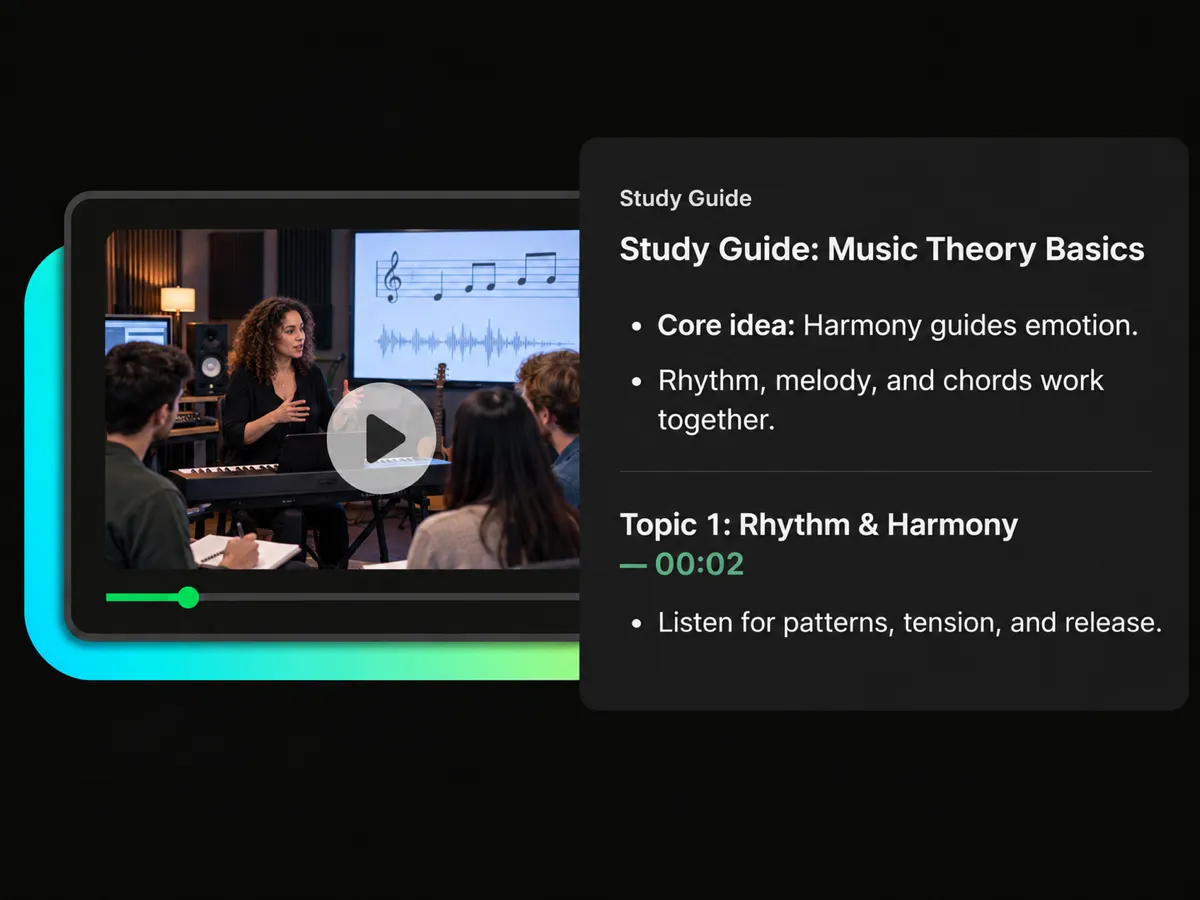
Want notes that are easier to review? Choose Study Guide or add a custom prompt. Generate structured notes with timestamps, connect each point to the source video, and focus on the ideas that matter most for your study.
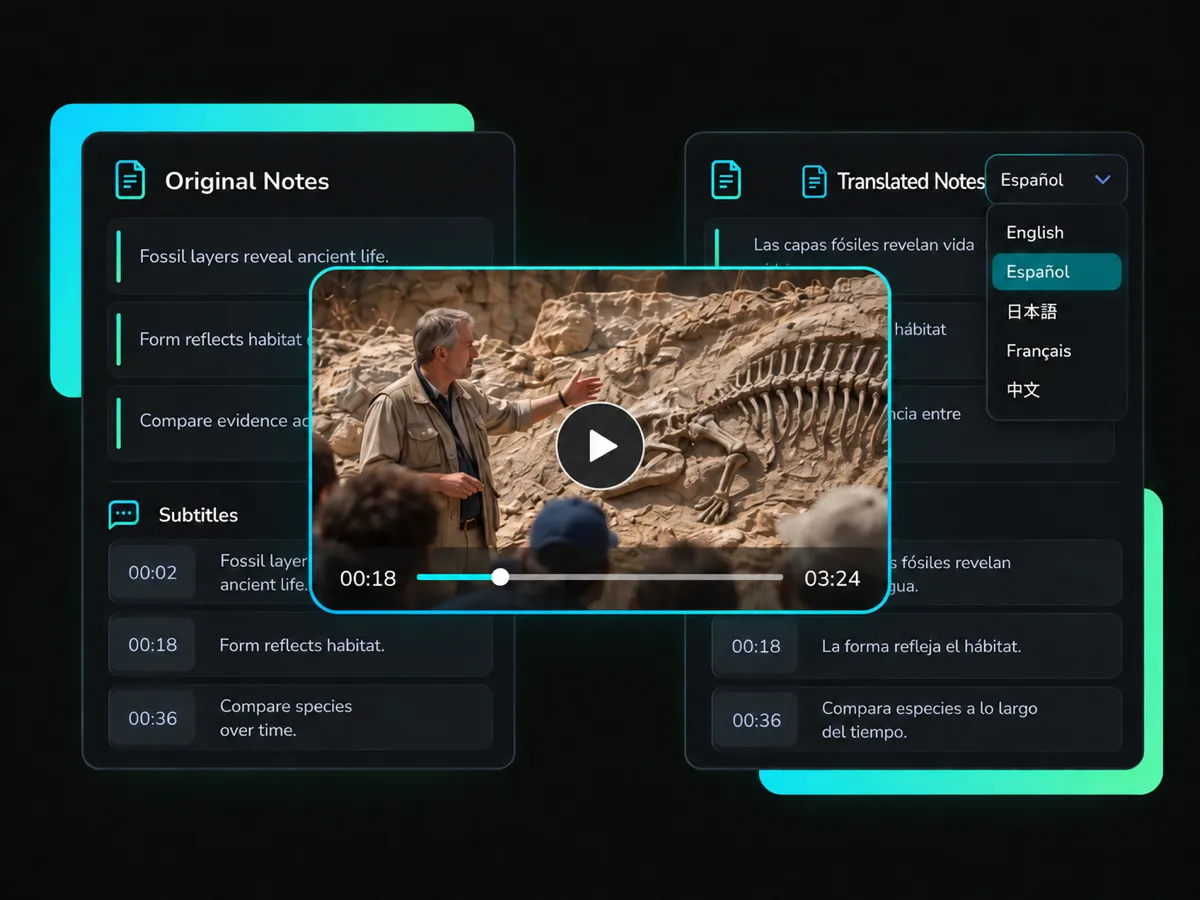
Need lecture notes in another language? Choose an output language for your learning materials. Translate the lecture notes for easier review and clearer comprehension. Follow key ideas in the language that feels most comfortable for you.
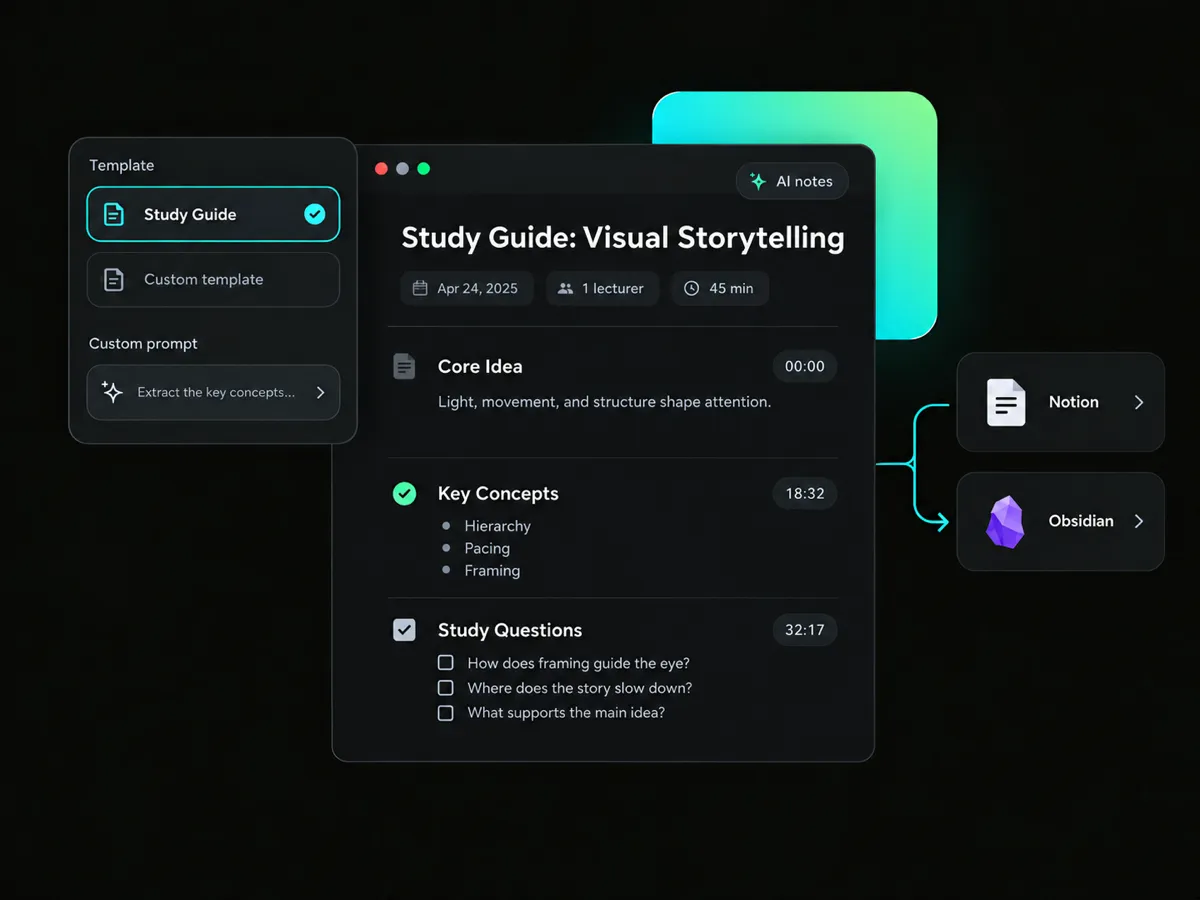
Where should your lecture notes go next? Move the AI-generated results into Notion or Obsidian for archiving and deeper study. Keep summaries, transcripts, and other materials in one place for quick access.
Turn lecture and training videos into structured notes, chapters, study guides, and visual learning materials for different learning and teaching workflows.
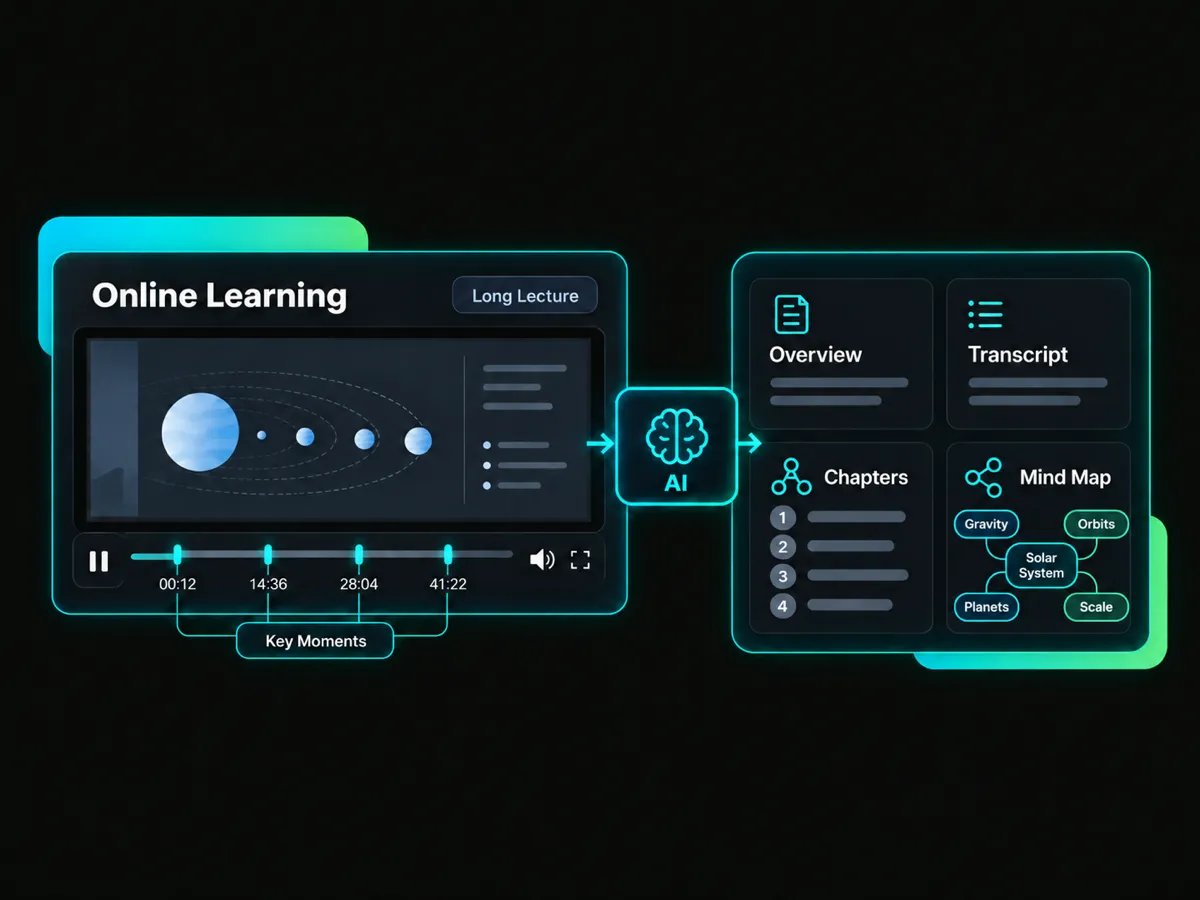
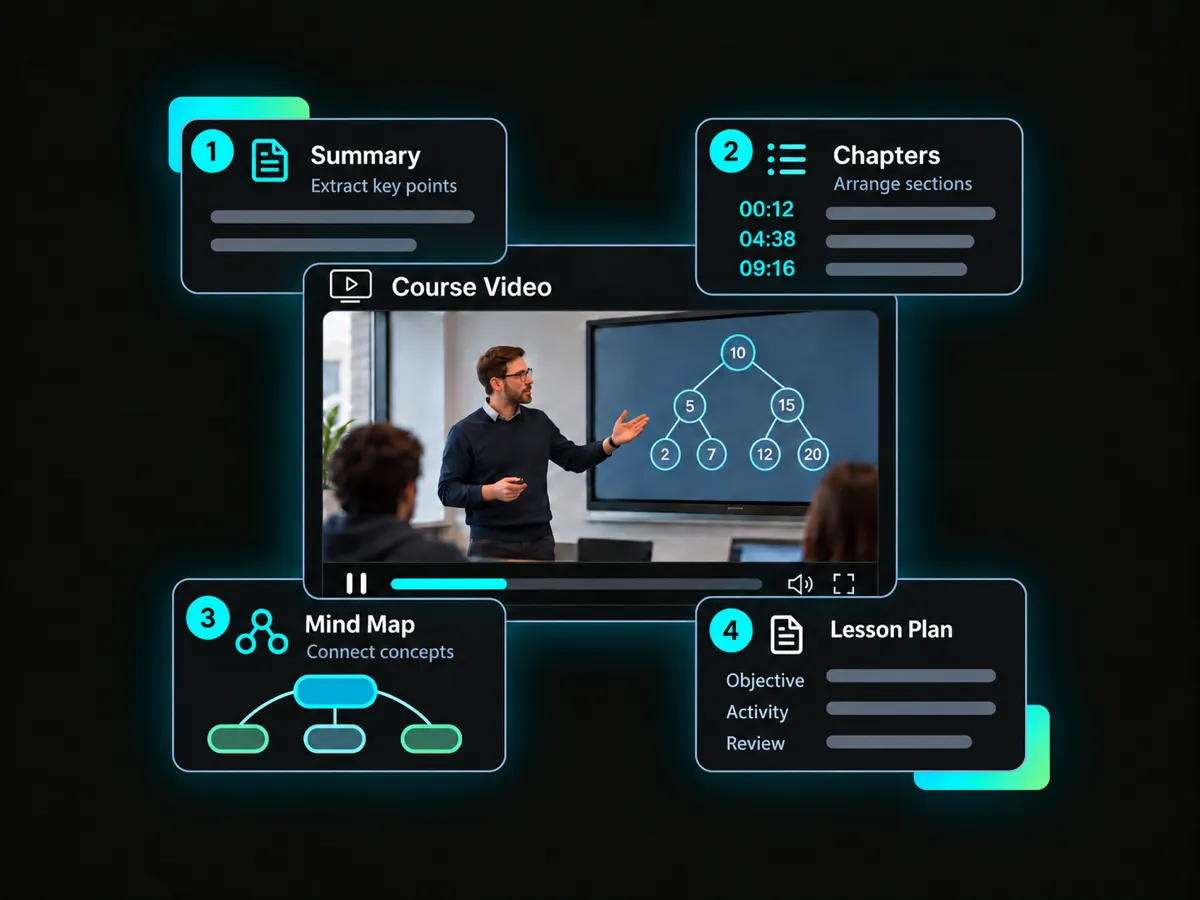
Long lecture videos can be hard to review. AI can turn your recording into notes, along with a transcript, chapters, and a mind map. Find key moments faster, follow the main ideas, and return to the right video parts when you need more context.
Create Lecture Notes for StudyTurn lecture videos into clear, structured notes with AI. Spend less time sorting information and more time reviewing what matters.
Get notes, summaries, transcripts, and mind maps from one AI lecture note taking tool. Keep everything in one place for easier review.
Choose Smart Summary, Study Guide, Briefing Doc, or a custom prompt. Get notes that fit the way you study.
Edit generated notes to fix technical terms or polish the wording. Keep your study materials clear and easy to use.
Copy notes, summaries, and key points into your own materials. Keep useful content ready for review and future reference.
Each key point includes a timestamp. Jump to the exact moment in the video and check the original context whenever you need.
Paste a lecture video link or upload a video file to get started. Add your source in a few clicks and prepare it for note generation.
Create a concise summary, transcripts, chapters, and mind maps to complete a Study Guide from a lecture video. Review key moments and ask questions with AI Chat.
Start with 100 free credits.