









Transcribe Arabic Audio to Text

Upload an Arabic recording to quickly transcribe Arabic audio to text online. Your editable transcript includes timestamps and speaker labels, making it easier to review, replay, and organize key points. Generate an AI summary or mind map, and start with free usage.

Trusted by professionals at

fox brand iconsky brand iconhubspot brand iconPublicis Groupe brand iconViral Nation brand iconColumbia School logoUC Berkeley School logoJellycat brand iconSquare / Block brand iconStanford logoHarvard logoNYU logo
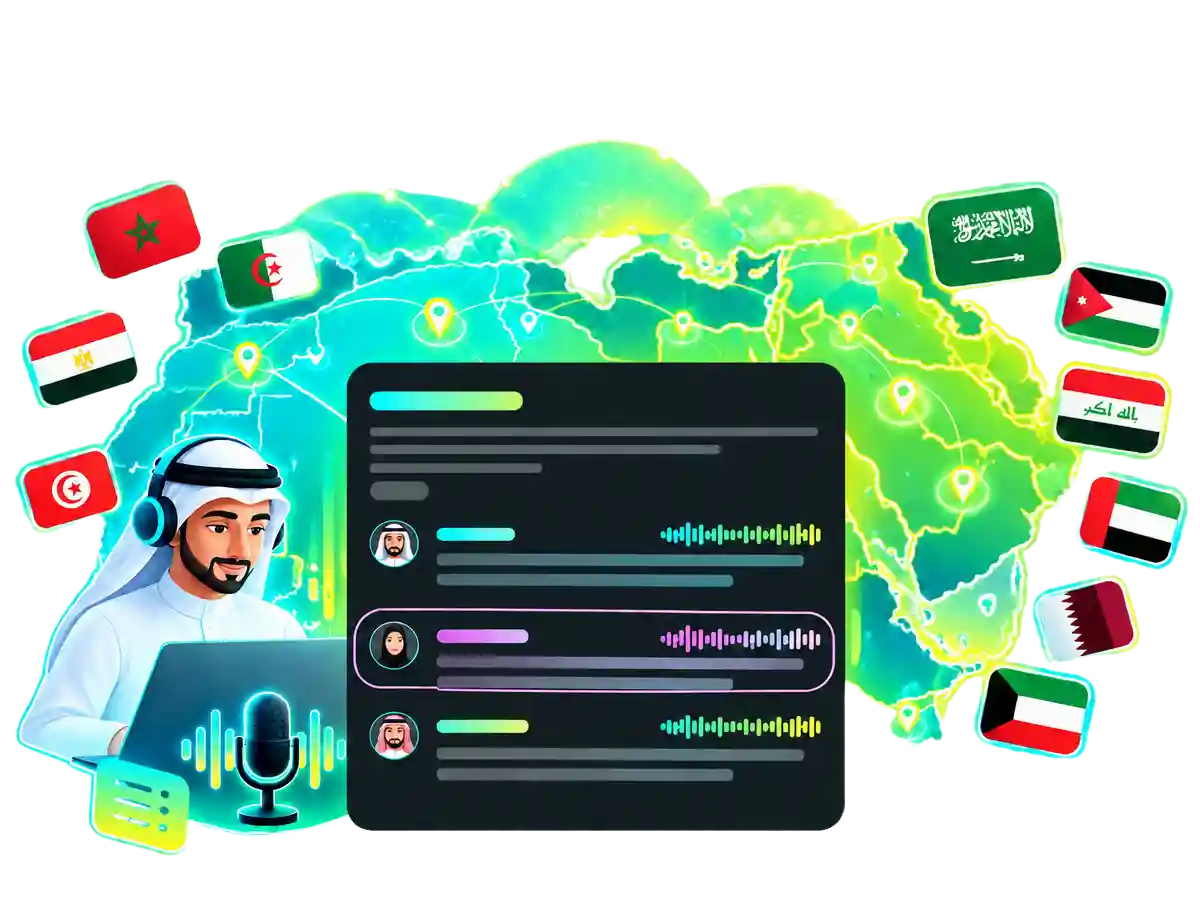
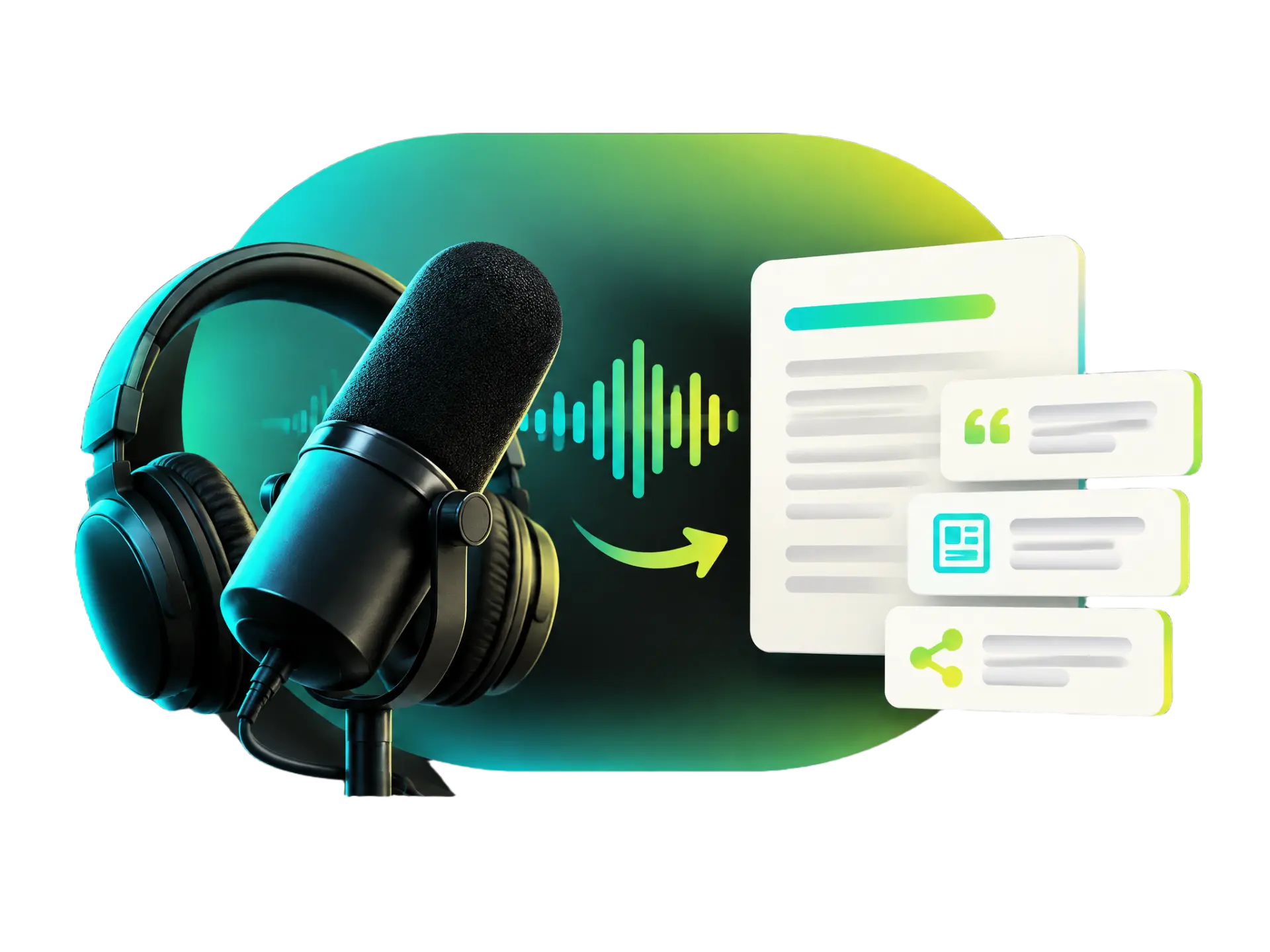
AI-powered Arabic transcription converts audio from North Africa and West Asia into clear, readable text while preserving regional pronunciation and local expressions.

Transcribe Regional Arabic with AI

Transcribe Arabic audio from across North Africa and West Asia. WayinVideo's AI recognizes regional pronunciation and vocabulary, then turns audio into clear, readable Arabic text while preserving local expressions, without typing every word yourself.

Transcribe Arabic Now
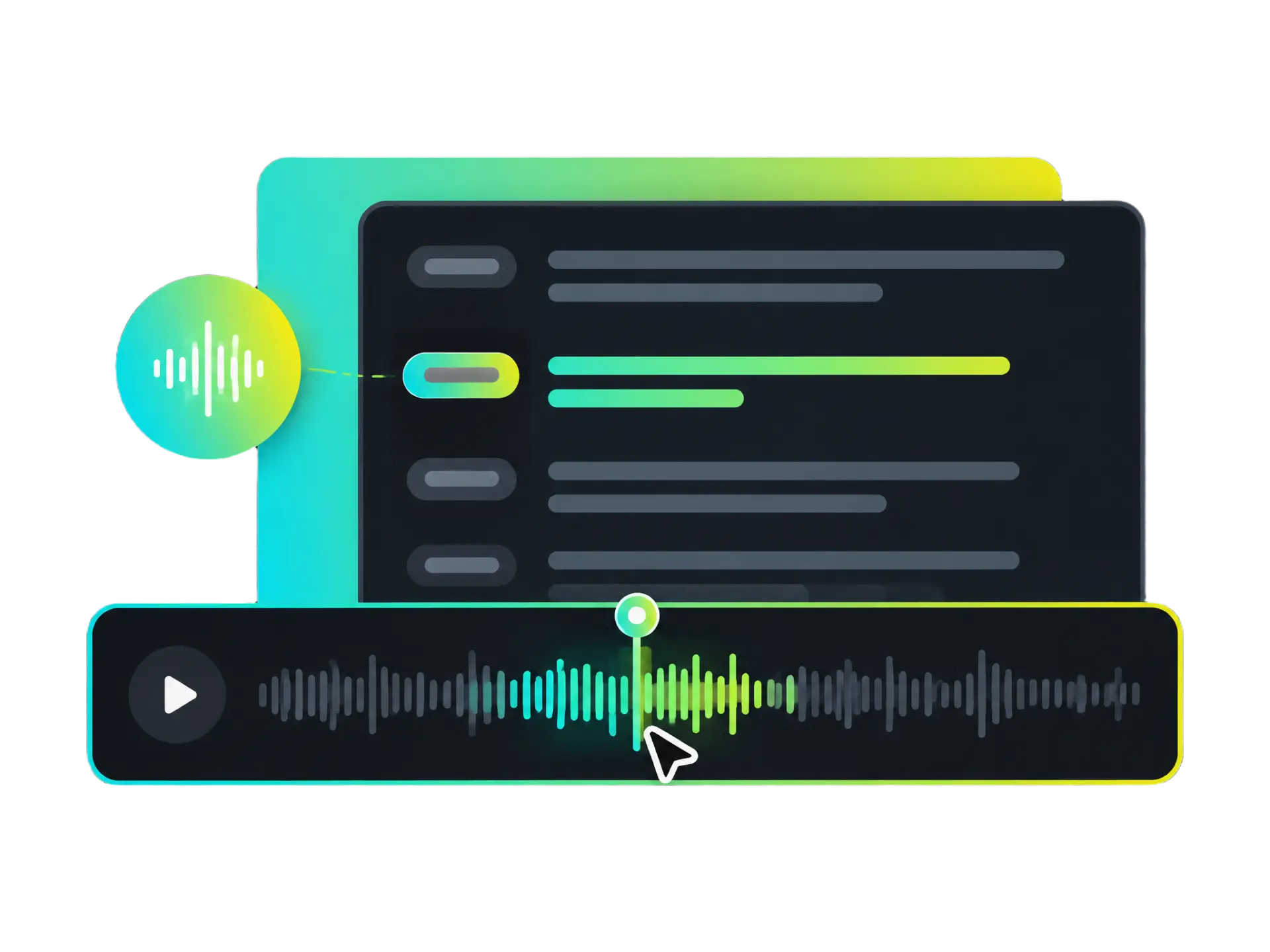
Arabic transcription with timestamps for finding and replaying key audio moments.

Timestamp Navigation

Use timestamps to jump from your transcript in Arabic to the matching moment in the audio. Recheck an interview quote, revisit a meeting detail, or replay an important point from a lecture without searching through the entire recording.

Find Key Moments
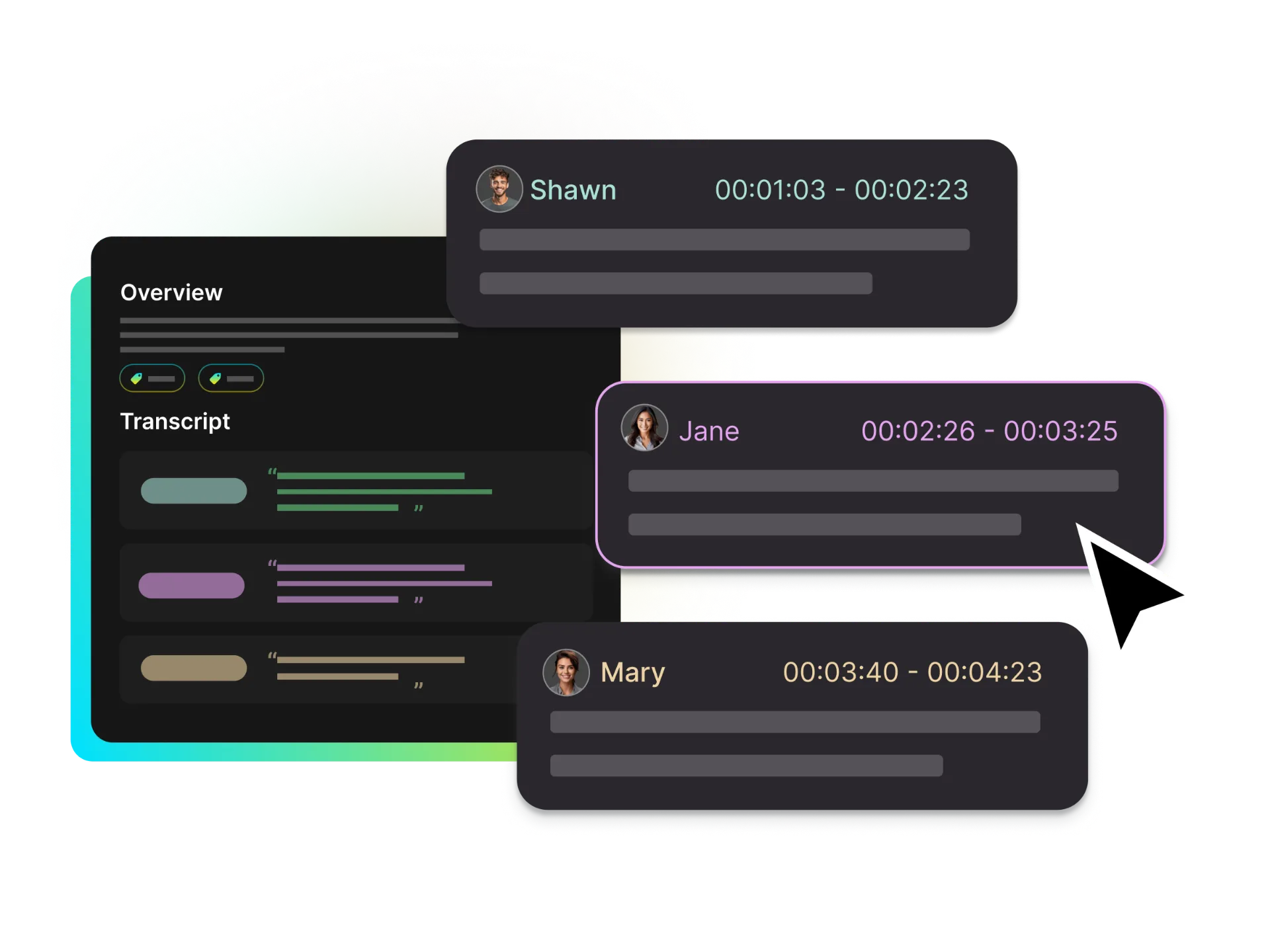
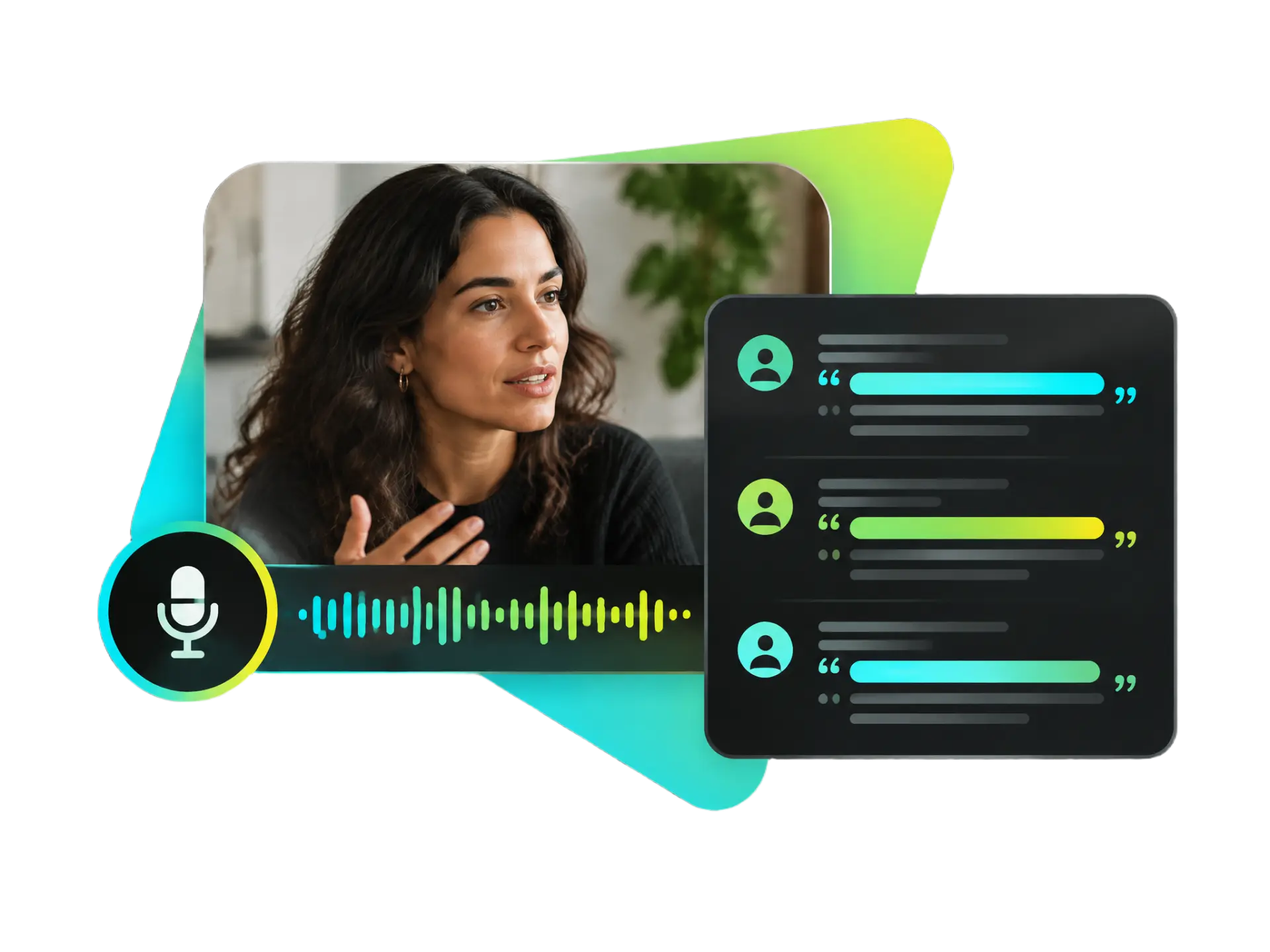
Arabic audio to text transcript with clearly identified speakers.

Arabic Speaker Identification

WayinVideo automatically identifies and labels different speakers. Keep each person's contributions clear in interviews, meetings, and group discussions, and review your text transcript with greater clarity.

Explore Speaker Labels
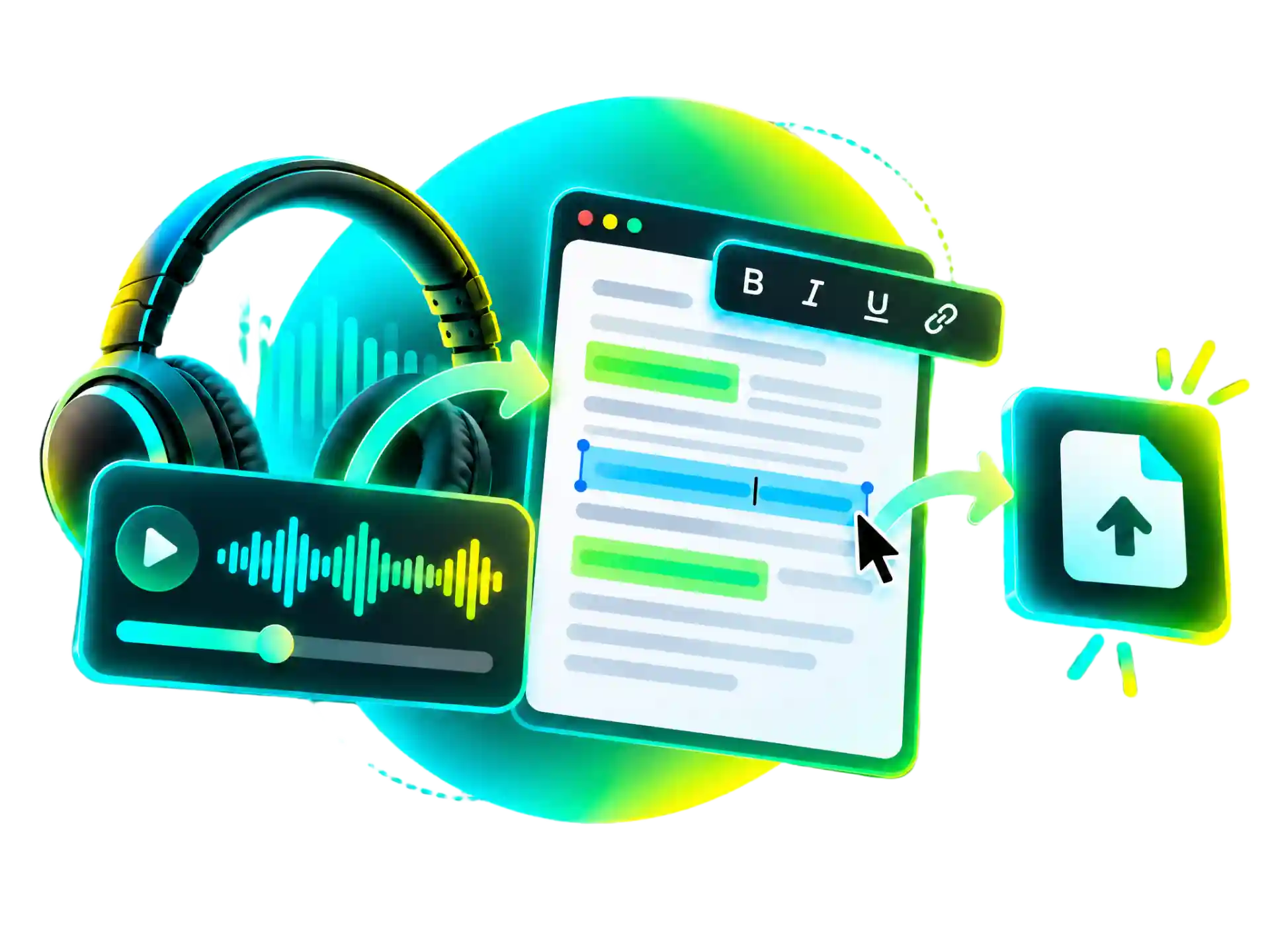
Edit and export a transcript in Arabic after checking it against the original audio.

Arabic Transcript Editing and Export

A dedicated Arabic transcript editor keeps the text alongside the original audio, making it easy to refine names, regional expressions, and specialist terms. Export polished transcripts for learning, research, work, or content planning.

Edit and Export Transcript

Who Can Use an Online Arabic Transcriber?

Whether you're learning Arabic, creating content, conducting research, marketing, or collaborating with a team, WayinVideo makes it easy to transcribe Arabic audio to text online. Create searchable transcripts with timestamps to review, verify, and organize.

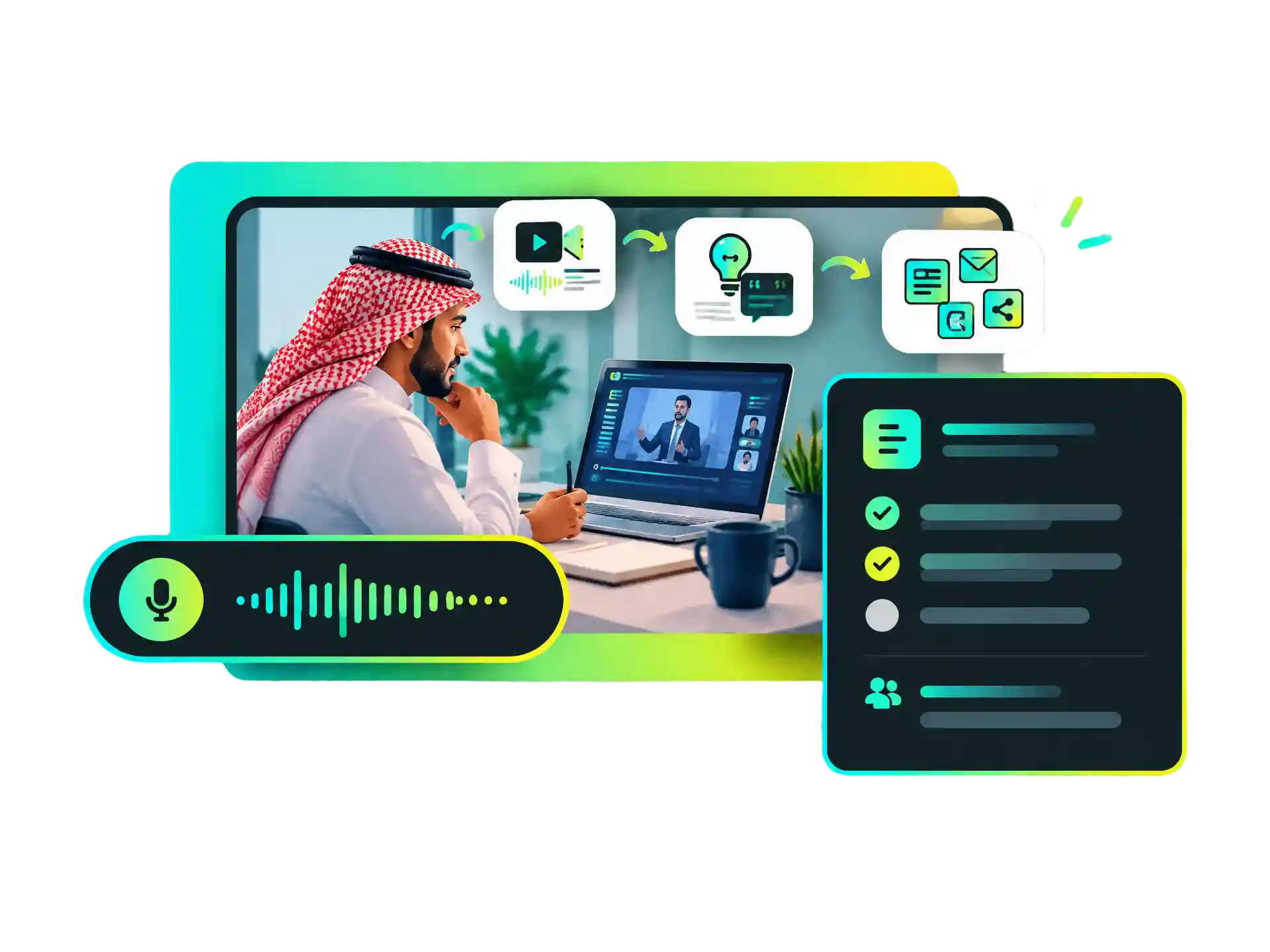
A lecture audio converts into a text document, illustrating how Arabic audio to text turns lessons into searchable study notes.

Turn Arabic Lessons into Searchable Study Notes

Turn Arabic classes, lectures, and teaching recordings into searchable text. Find vocabulary, review explanations, and organize notes for revision.

Transcribe an Arabic Lesson

Why Choose WayinVideo for Arabic Audio Transcription?

  • Save Time Transcribing Arabic Audio

    Use WayinVideo to transcribe Arabic audio to text for classes, interviews, meetings, and podcasts. AI-powered Arabic transcription cuts down on repeated listening and manual typing, so you can focus on reviewing the text.

  • Simple Arabic Transcription

    Upload a recording to create a clear transcript in Arabic, then review and edit it in the same workflow. WayinVideo makes it simple to transcribe Arabic audio to text online without switching between tools.

  • Find Key Moments with Timestamps

    Timestamps connect your Arabic transcript to the matching audio. Jump to a specific moment to replay a quote, verify the original wording, or check a detail without searching through the entire recording.

  • Distinguish Speakers in Arabic Audio

    WayinVideo automatically labels different speakers, making transcripts easier to follow. Keep interviews, meetings, and group discussions clear, with each person's contributions easy to identify.

  • Generate AI Audio Summaries

    Turn long Arabic classes, interviews, and podcasts into an AI summary. Quickly review the main themes and key points without listening to the full recording again.

  • Reuse Your Arabic Transcripts

    Use your editable Arabic transcript for language learning, interview research, or meeting records. Make any needed changes, then export the text for your next project.

How to Transcribe Arabic Audio to Text Online in Three Simple Steps

  1. Upload Your Arabic Audio

    Upload an Arabic recording to WayinVideo, use it to transcribe Arabic audio to text and create editable text without typing out the conversation yourself.

    Upload Arabic audio to transcribe to text online
  2. Convert Arabic Audio to Text

  3. Review and Use Your Transcript in Arabic

Frequently Asked Questions

Transcribe Arabic Audio to Text Online

Upload your audio to create a transcript in Arabic with timestamps and speaker labels, ready to review, search, and organize. Get started with free credits.

Start with Free Credits