01
AI Summary
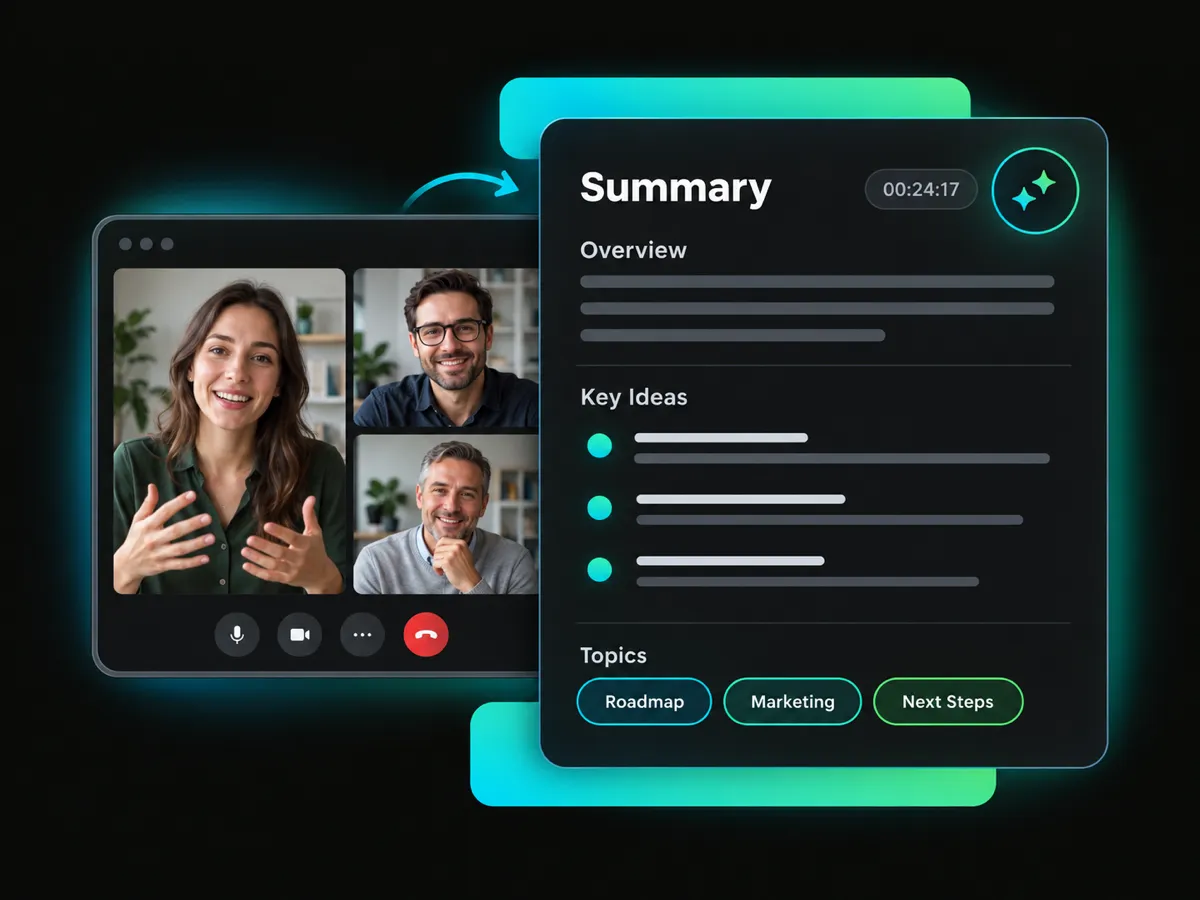
The Google Meet AI note taker automatically extracts the main ideas from your meeting video and quickly creates a concise summary.
WayinVideo is an AI note taker for Google Meet videos, helping you create summaries, ask questions, view transcripts, build mind maps, and find key highlights faster.
Trusted by professionals at












WayinVideo helps you understand Google Meet videos with AI summaries, detailed Q&A, visual mind maps, synchronized transcripts, subtitles, and multilingual translation.
The Google Meet AI note taker automatically extracts the main ideas from your meeting video and quickly creates a concise summary.
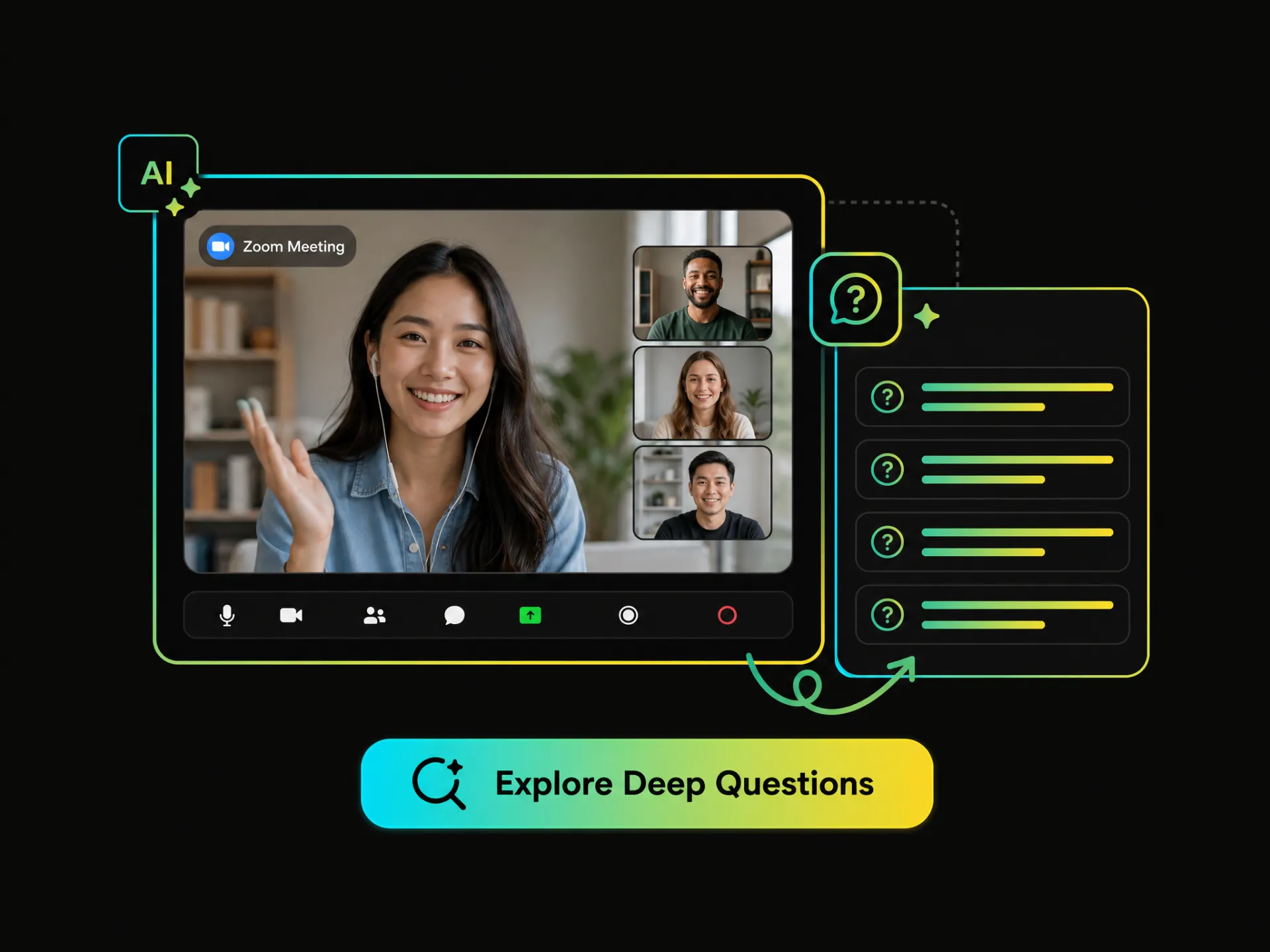
An AI meeting note taker for Google Meet lets you ask detailed questions about specific topics, decisions, and explanations in the video.
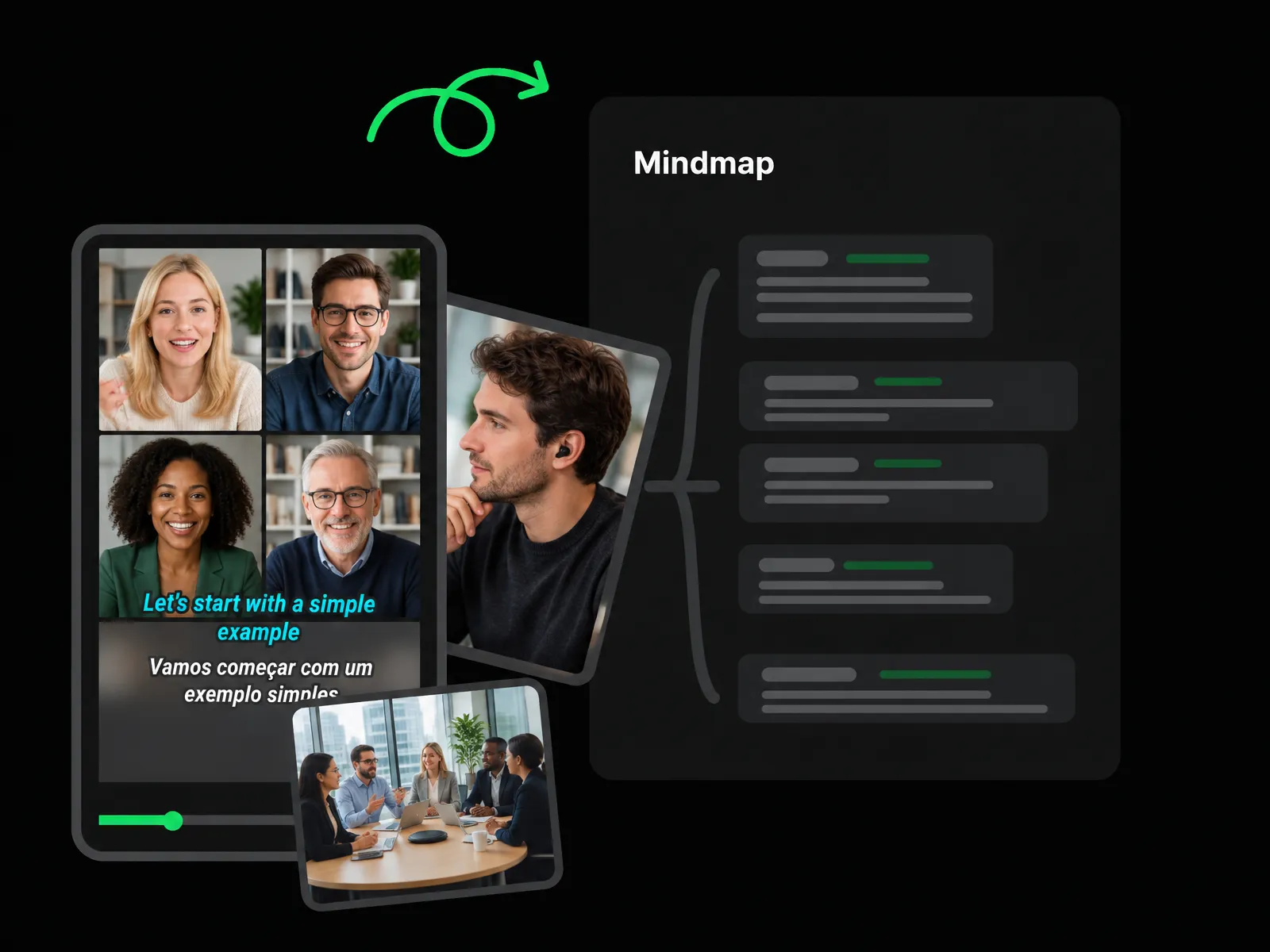
The Google Meet note taker turns meeting information into a clear visual knowledge structure, helping you understand how key ideas connect.
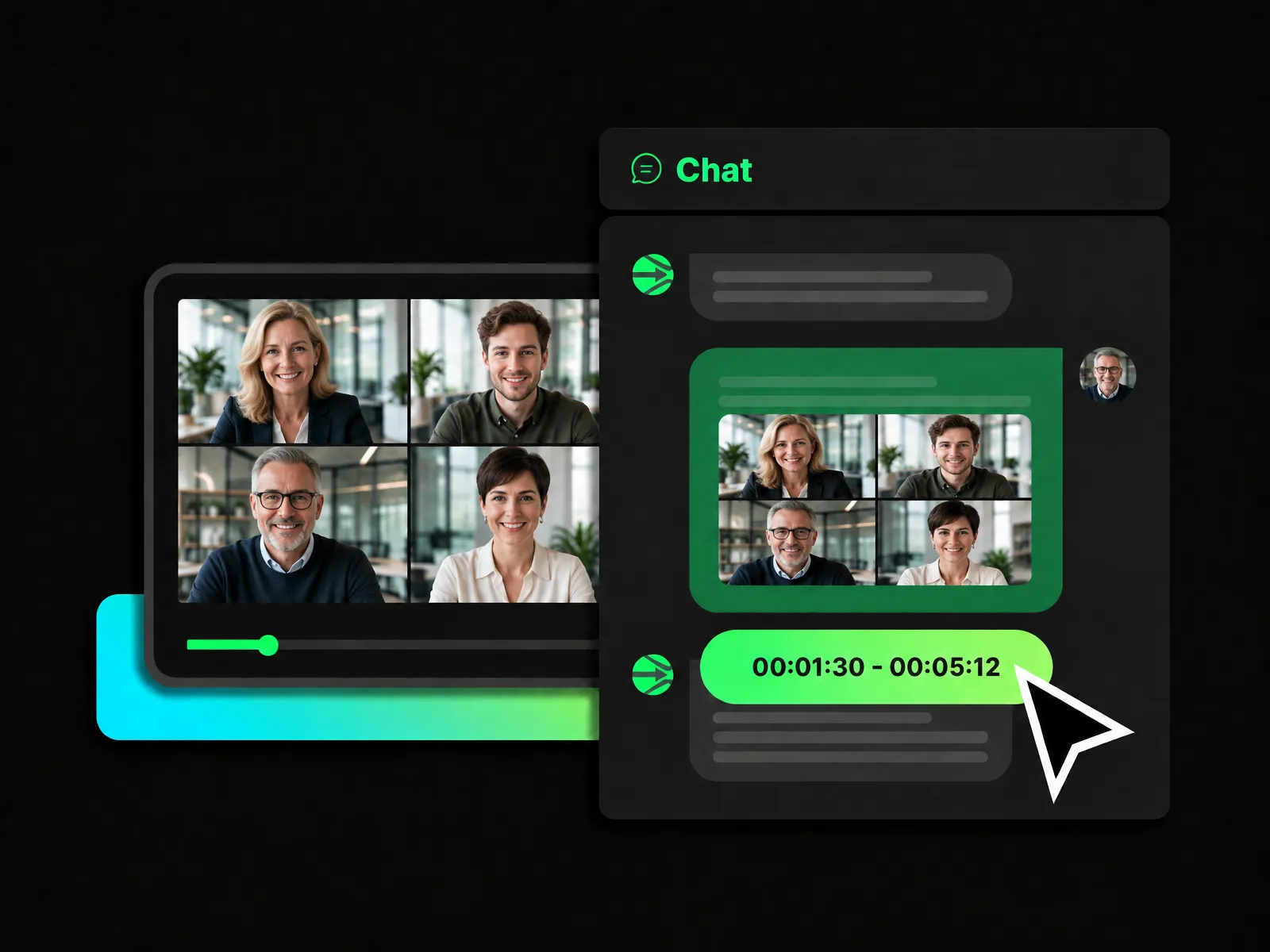
Use an AI note taker in Google Meet to have a flexible conversation about video content, ask follow-up questions, and explore different perspectives.
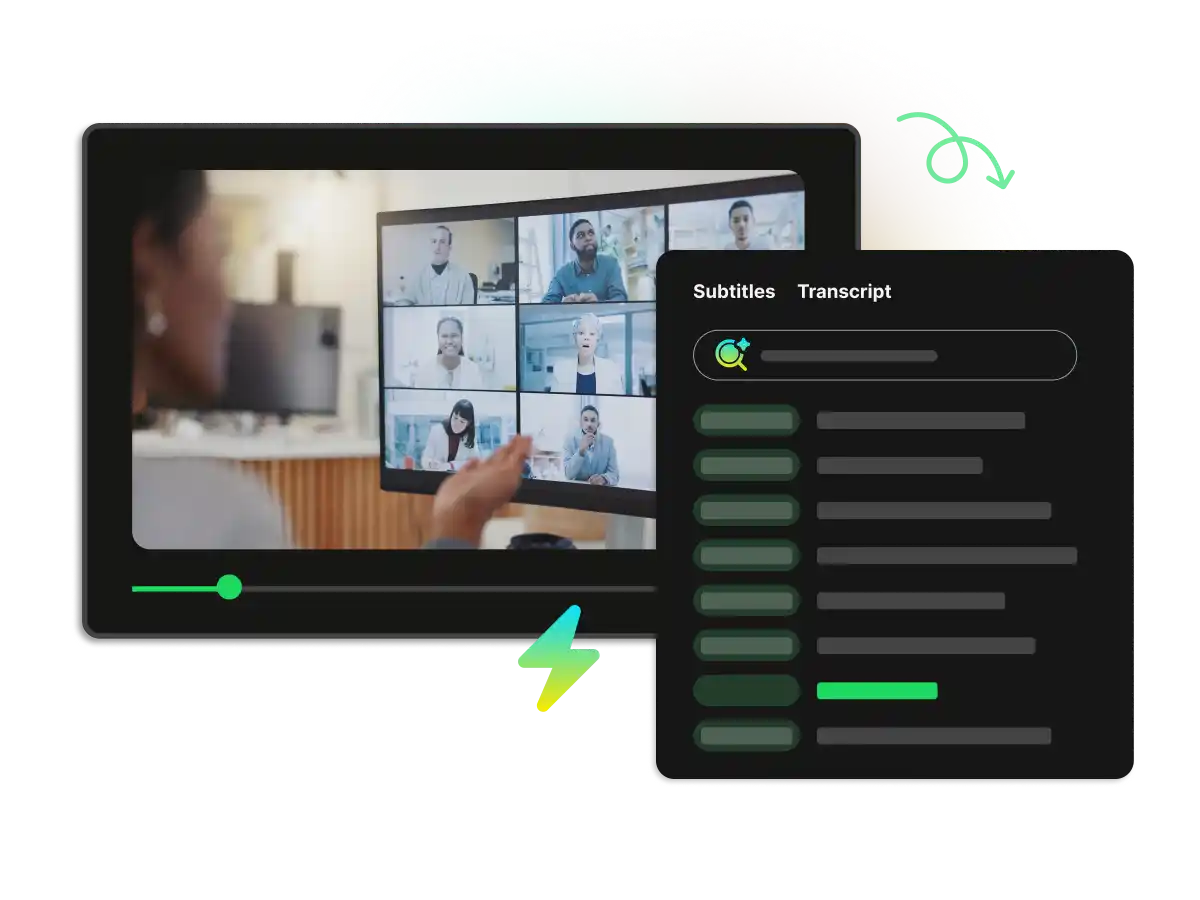
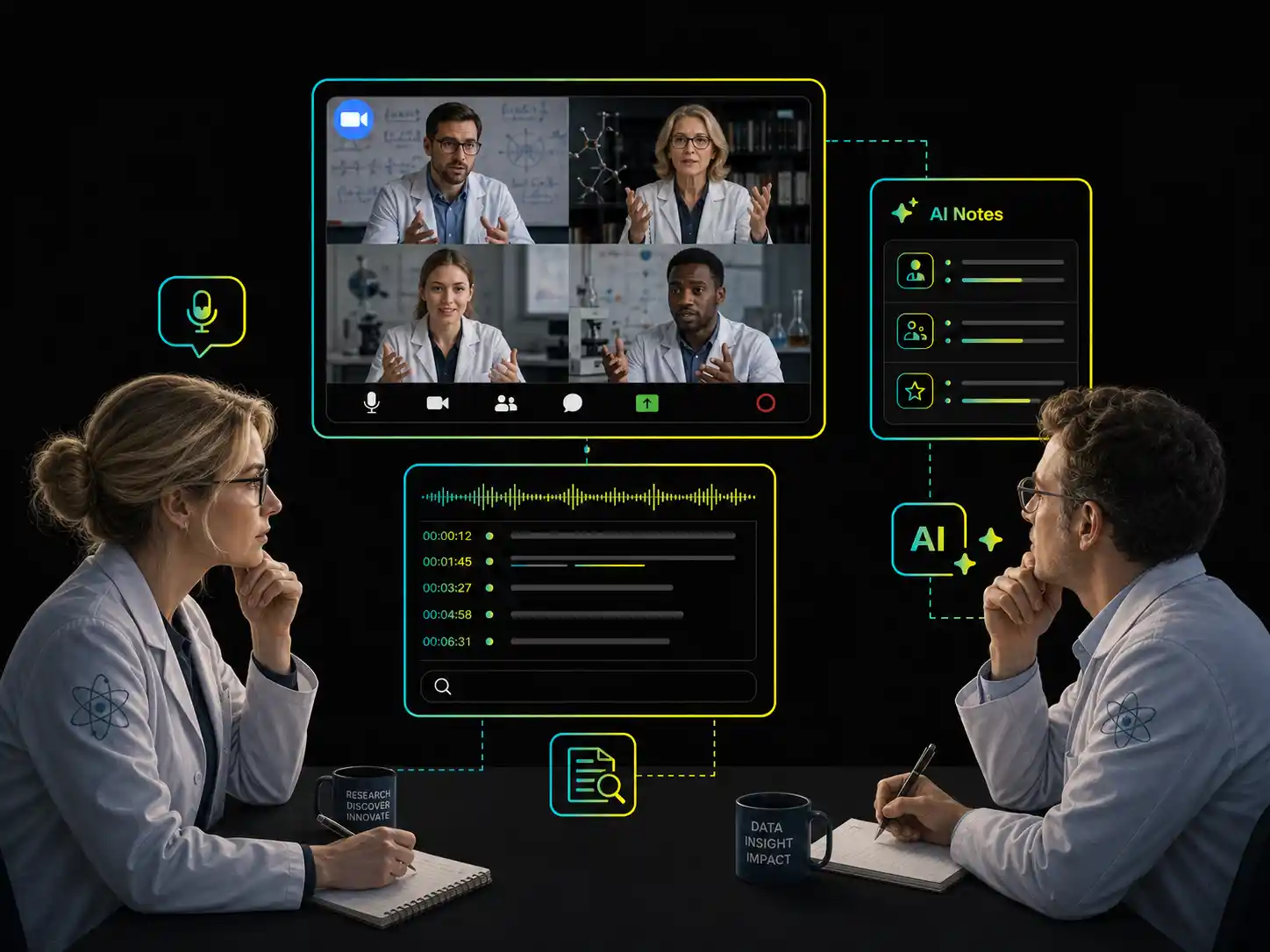
Google Meet AI note taker displays synchronized transcripts and subtitles while you watch the video, making spoken content easier to follow and review.
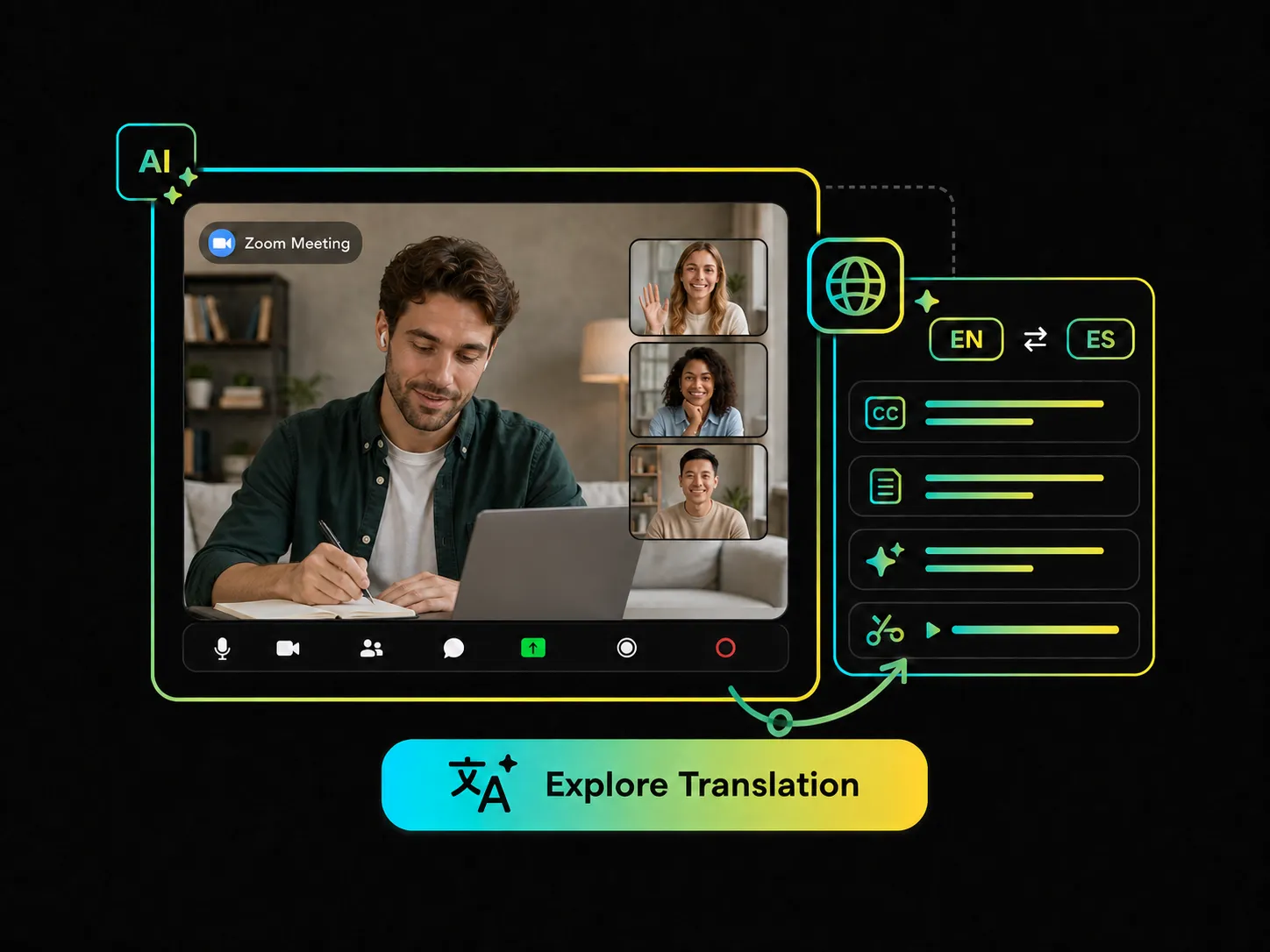
The AI note taker for Google Meet translates subtitles, transcripts, AI notes, and highlight clips into your selected language for easier cross-language collaboration.
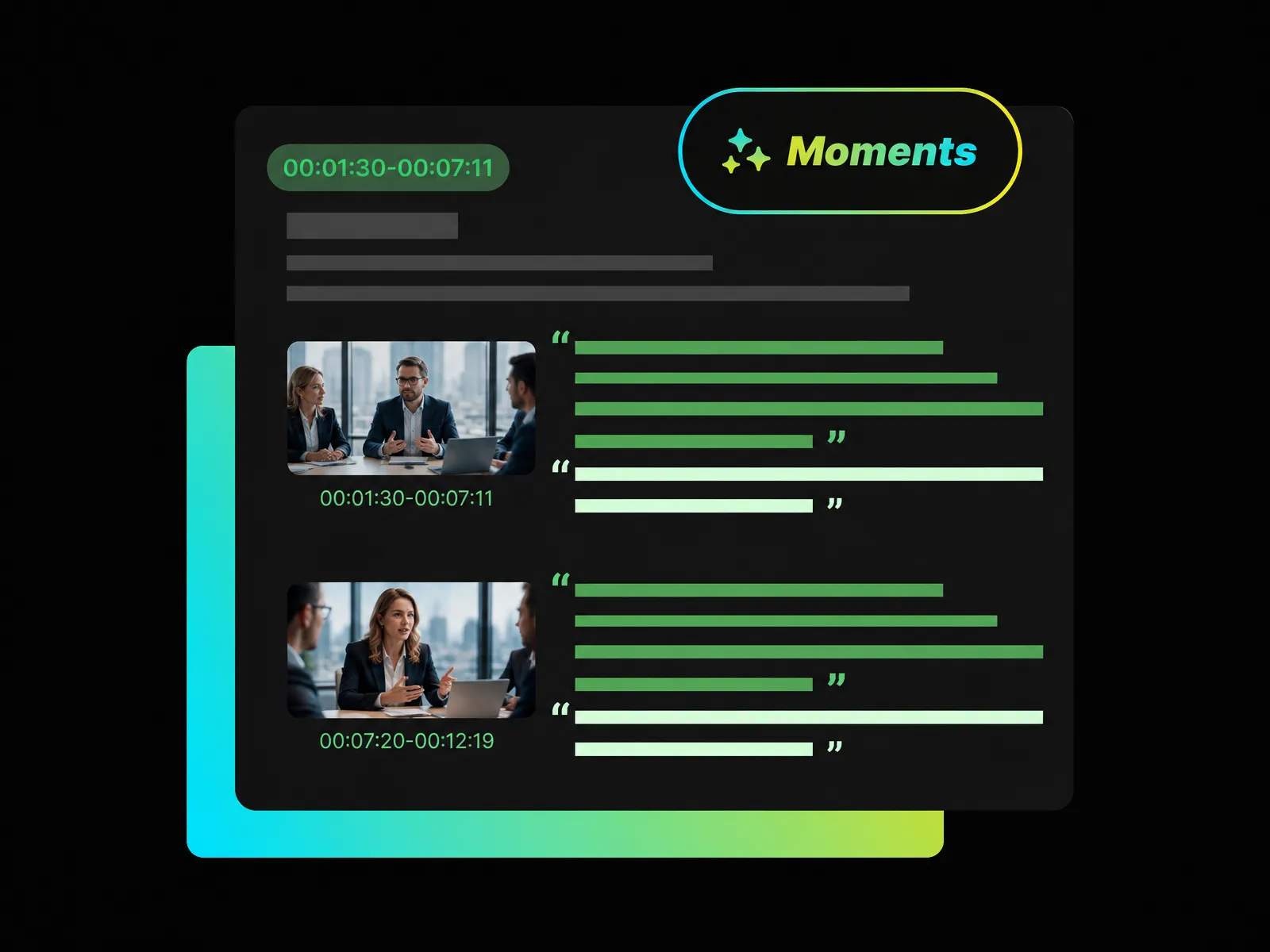
With a Google Meet AI note taker, WayinVideo automatically identifies memorable moments and important sections from your meeting video, so you can review the content that matters most.
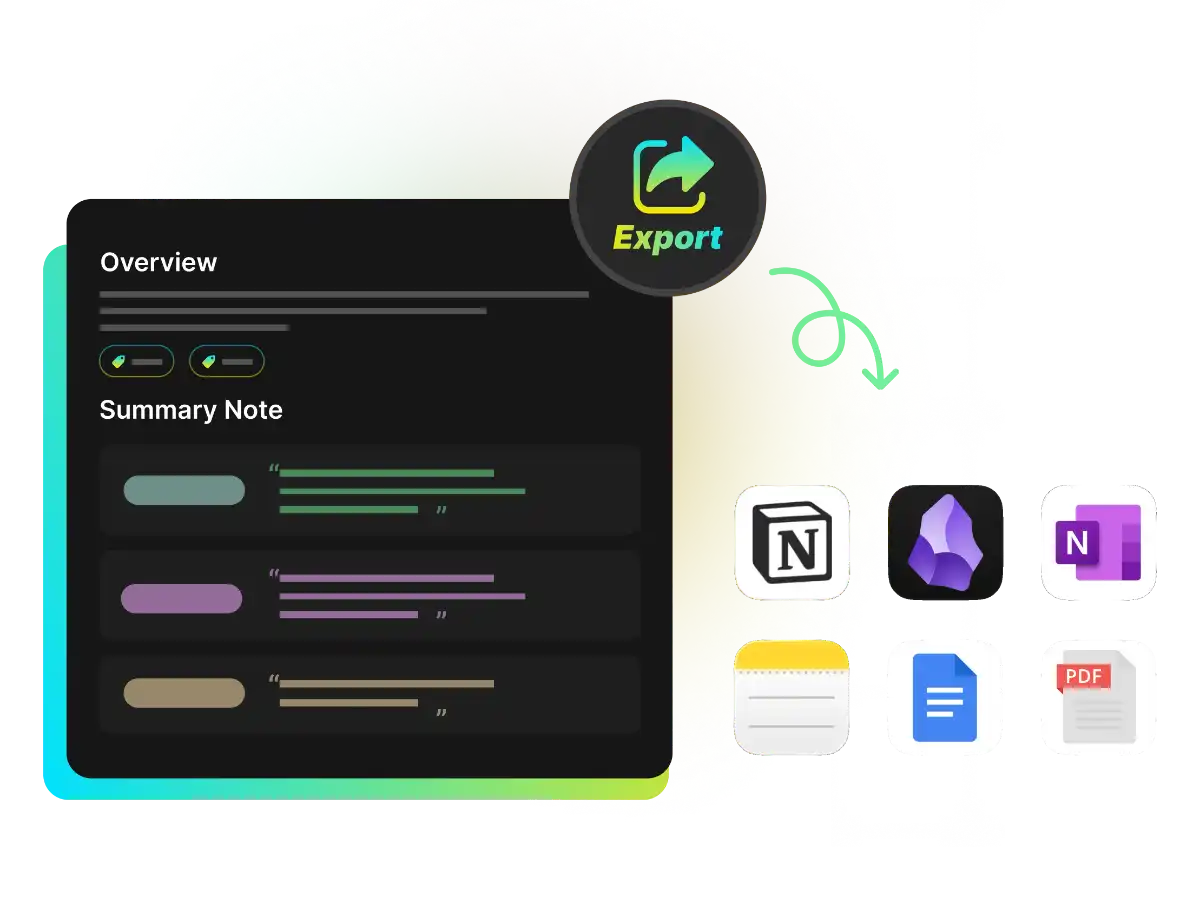
An AI note taker for Google Meet lets you download or export subtitles, transcripts, and other meeting content in multiple formats for easier sharing and reuse.
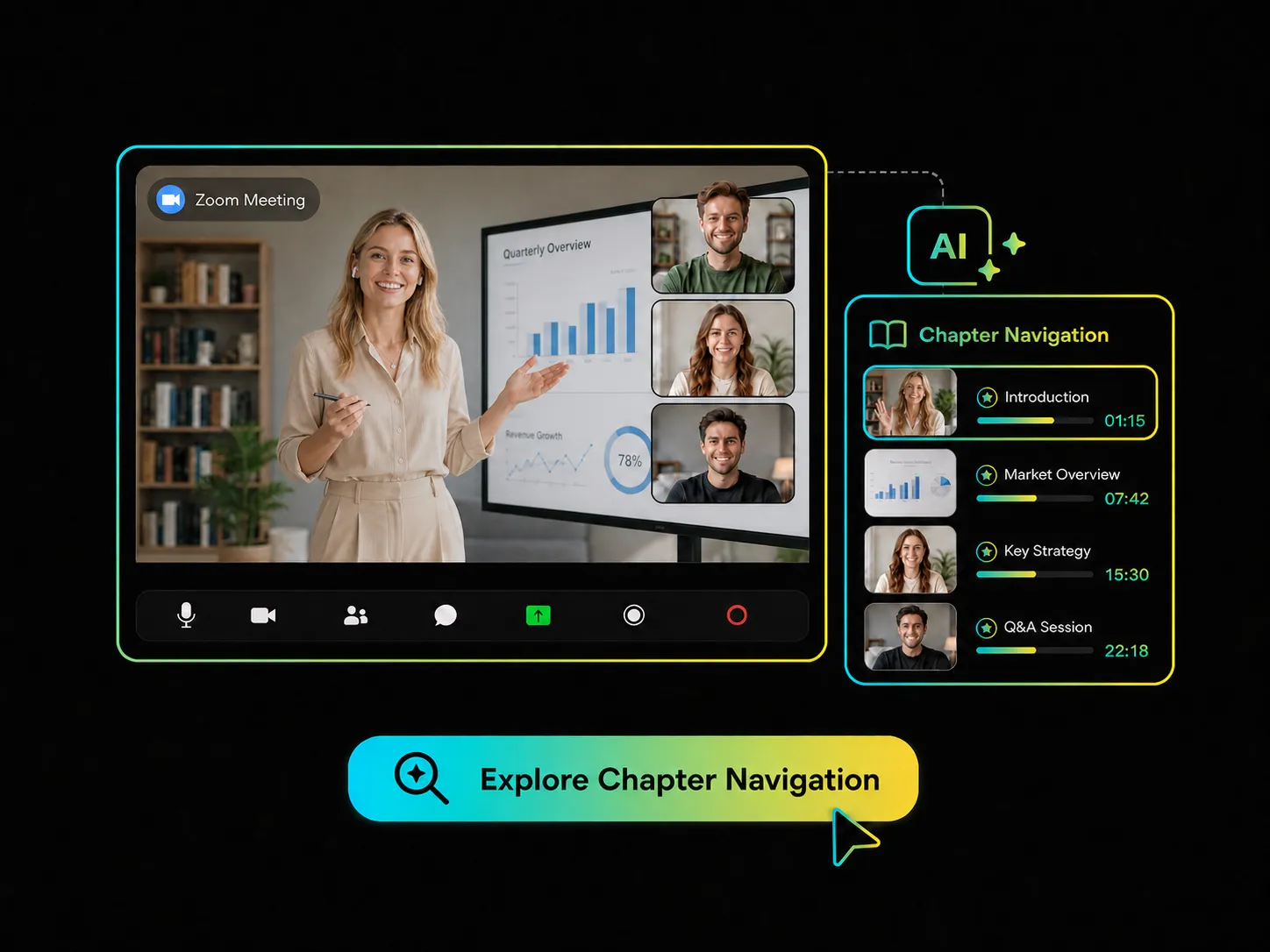
Use your Google Meet note taker to navigate by content chapters and quickly locate the sections you need without replaying the entire video.
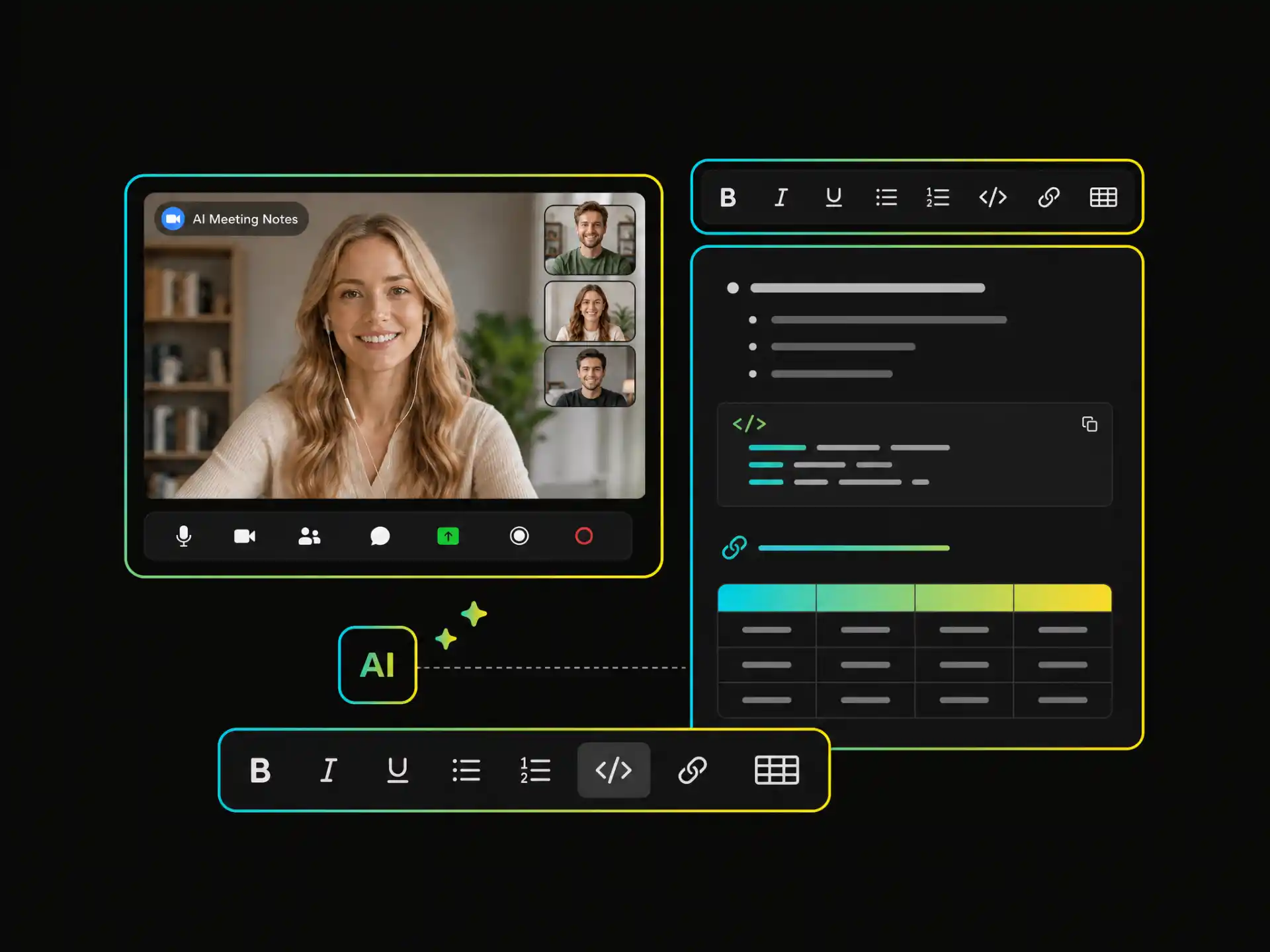
With an AI meeting note taker for Google Meet, you can edit titles and note content, then use headings, lists, code, links, and tables to organize your notes your way.
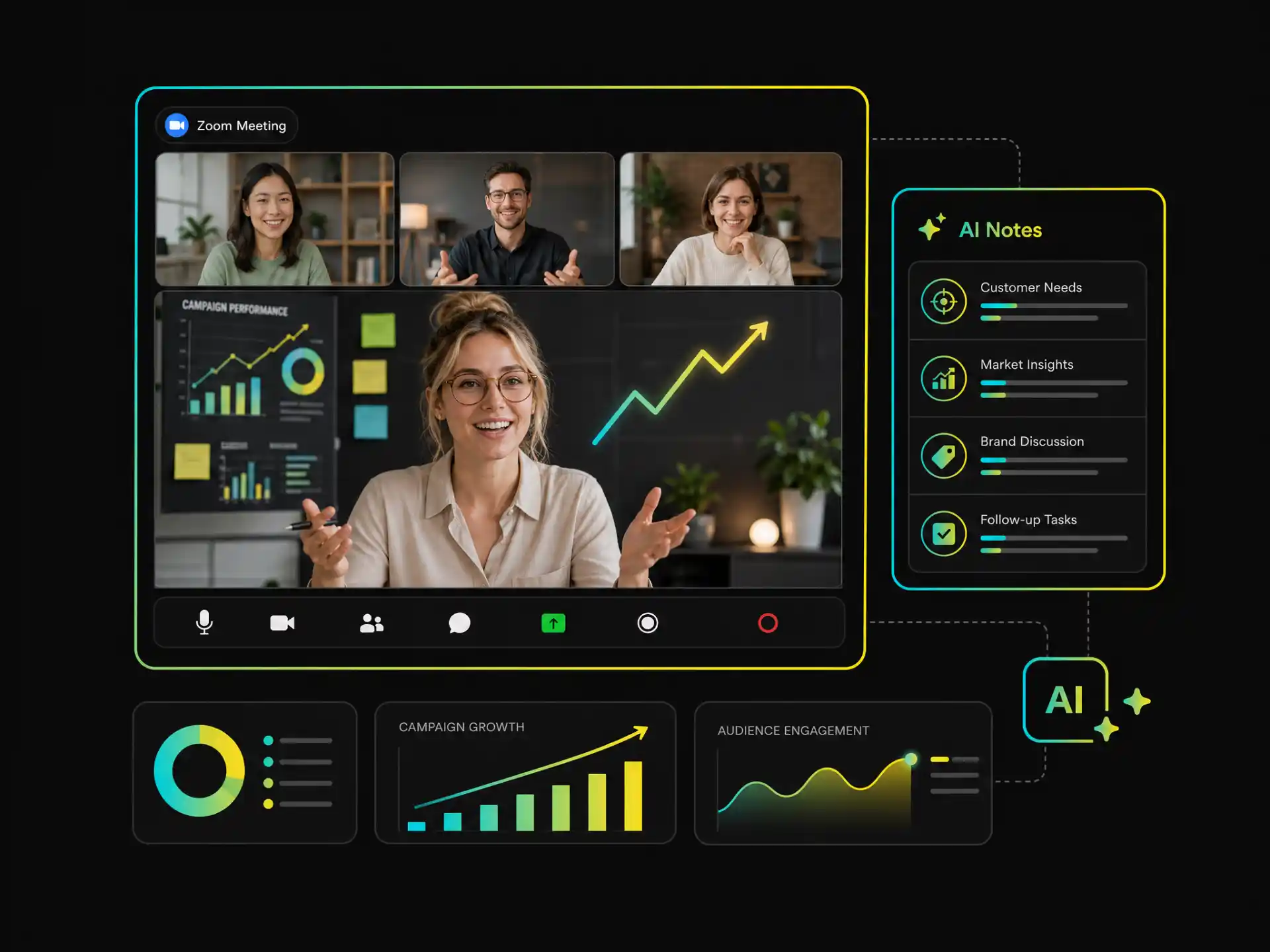
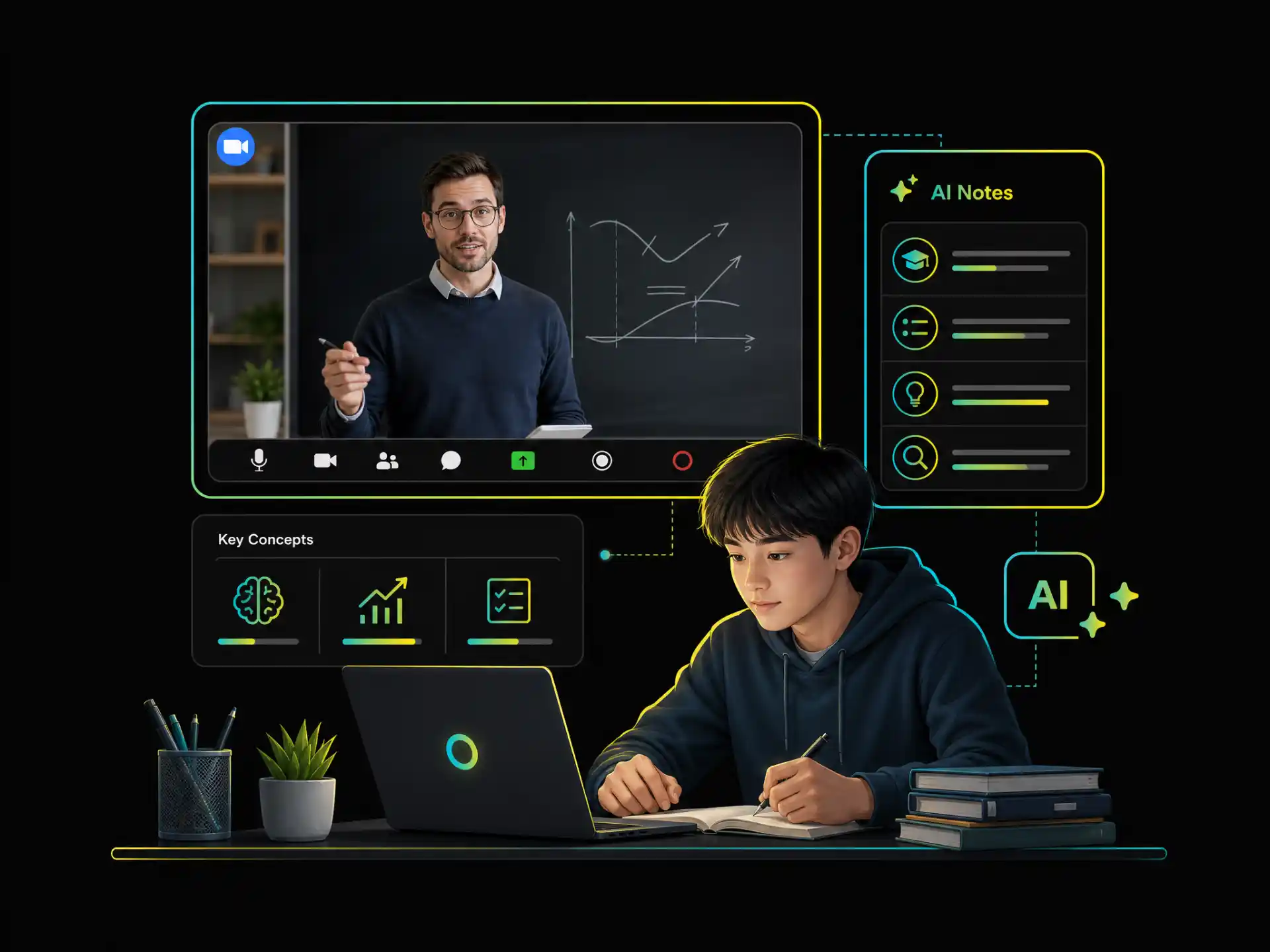
Whether you are creating content, managing projects, following up with customers, or reviewing lessons, WayinVideo helps you turn Google Meet videos into clear, useful notes.
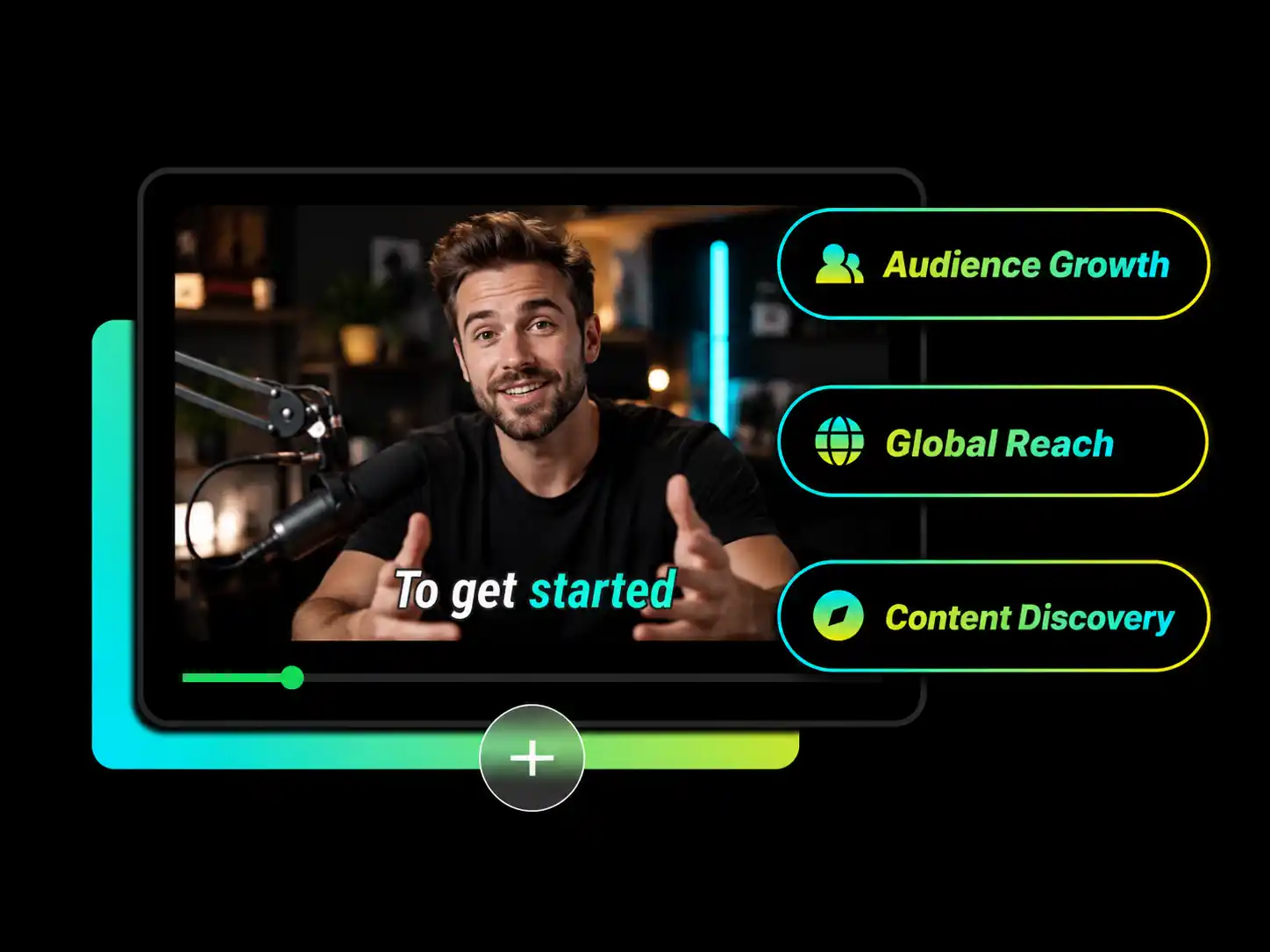
An AI note taker for Google Meet helps creators and podcasters extract highlight clips, key ideas, and reusable material from interviews, topic discussions, and recorded conversations.
Find Meeting HighlightsThe Google Meet note taker automatically extracts key points and quickly creates clear, structured meeting notes.
The note taker for Google Meet supports smart summaries, brief documents, study guides, meeting minutes, keynote notes, blog posts, and LinkedIn posts.
The Google Meet note taker lets you edit highlight titles and time ranges to keep only the content you need.
Google Meet AI note taking helps organize transcripts and turn them into clear, structured meeting summaries
This Google Meet AI note taker supports pasted video links, direct uploads, and cloud imports.
With an AI note taker on Google Meet, you can follow video timestamps and quickly revisit the source content.
Start with your Google Meet video or paste a supported meeting link into WayinVideo to set up your AI note taker for Google Meet. View synchronized transcripts and subtitles alongside the video.
Stop replaying the full meeting to find what matters. Use WayinVideo to create summaries, ask questions, explore mind maps, find highlights, navigate chapters, translate content, and export clear notes from your Google Meet video.
Summaries, highlights, and exports in one place.