
AI Gaming Clip Generator for Medal
Paste a Medal video link and turn your gameplay into ready-to-share gaming clips. Find high-energy moments, add animated captions, reframe for Shorts, and create content for TikTok, YouTube Shorts, and Instagram Reels.
Kickstart your next clip with a Template!
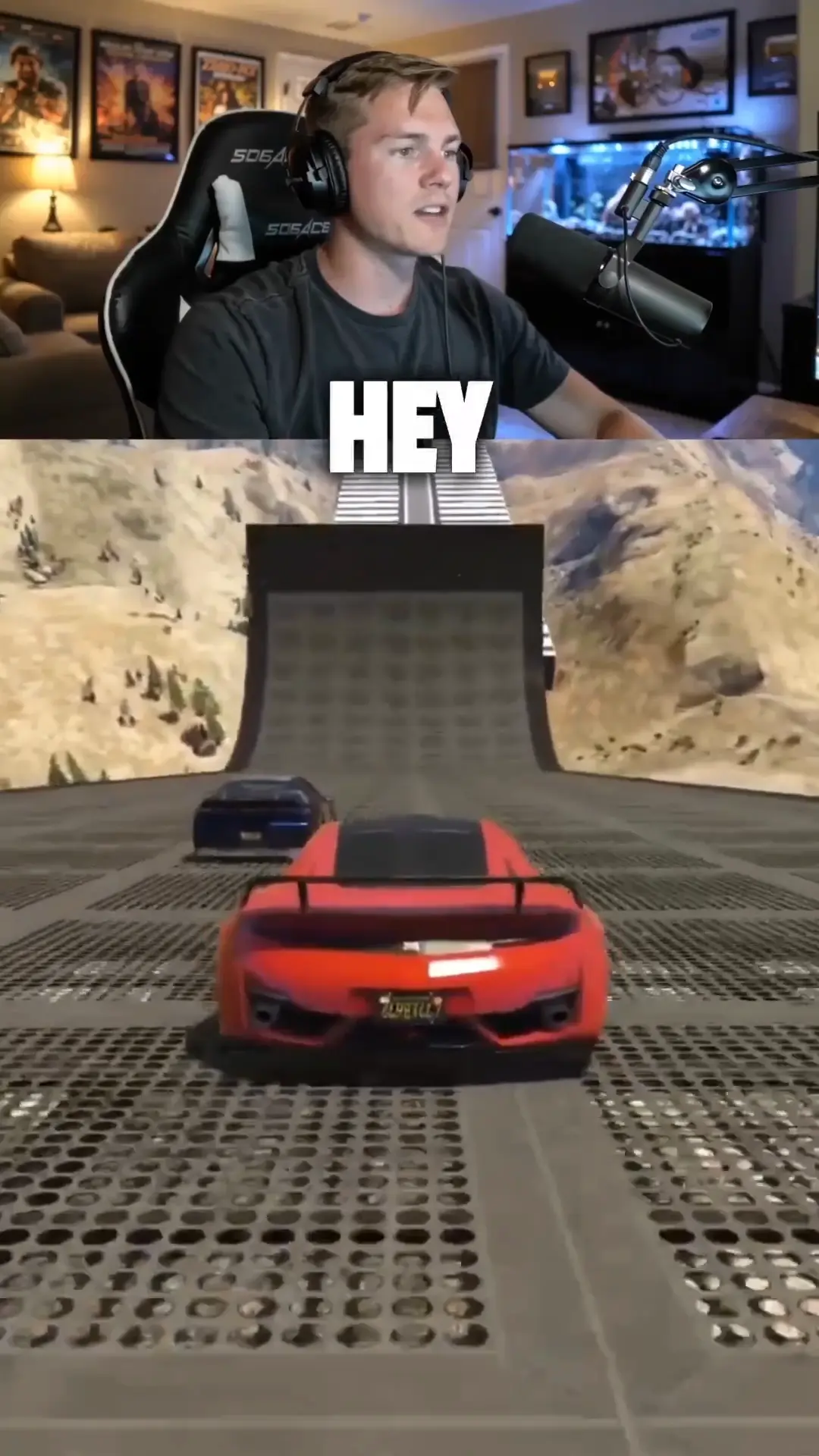
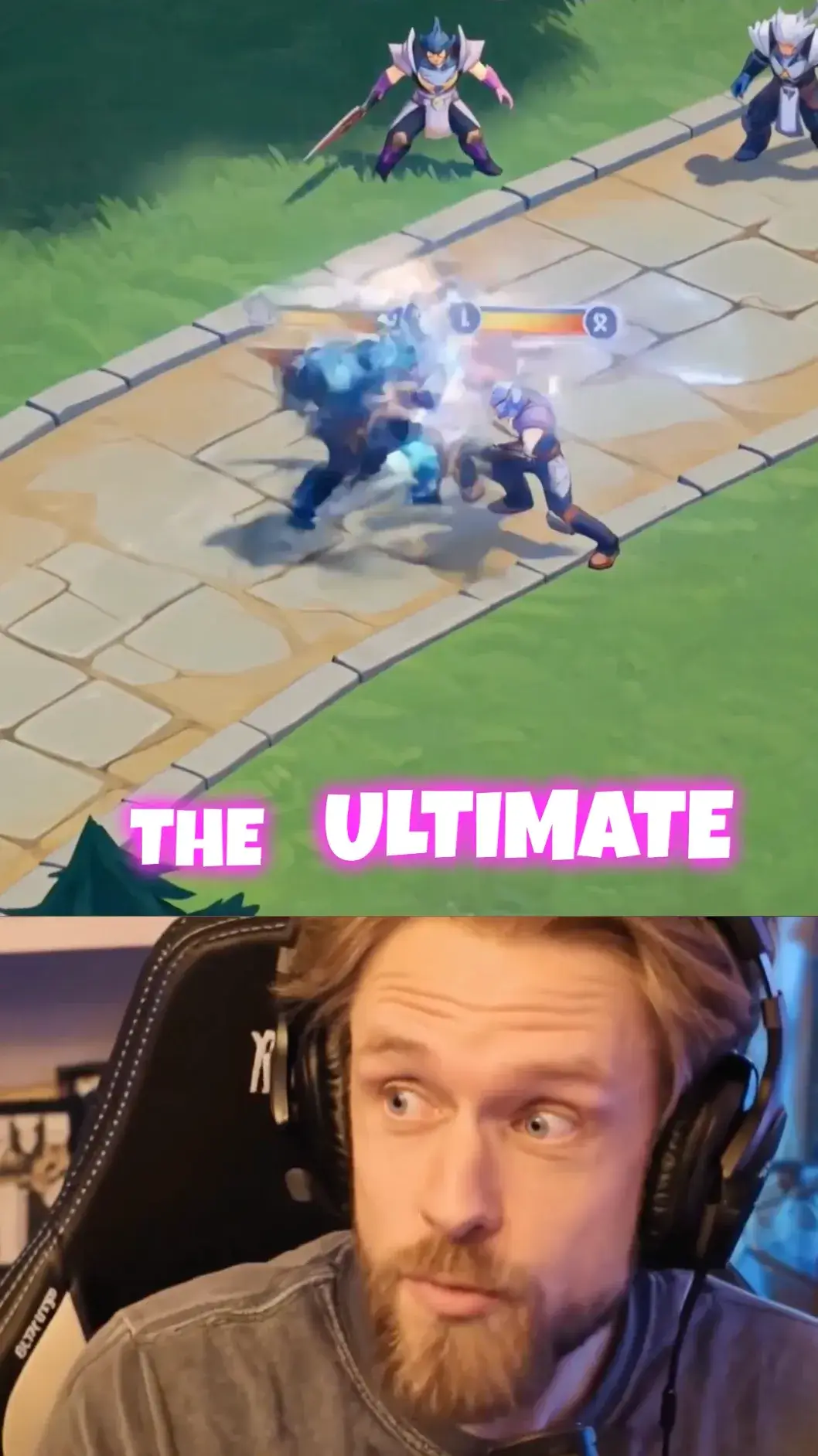
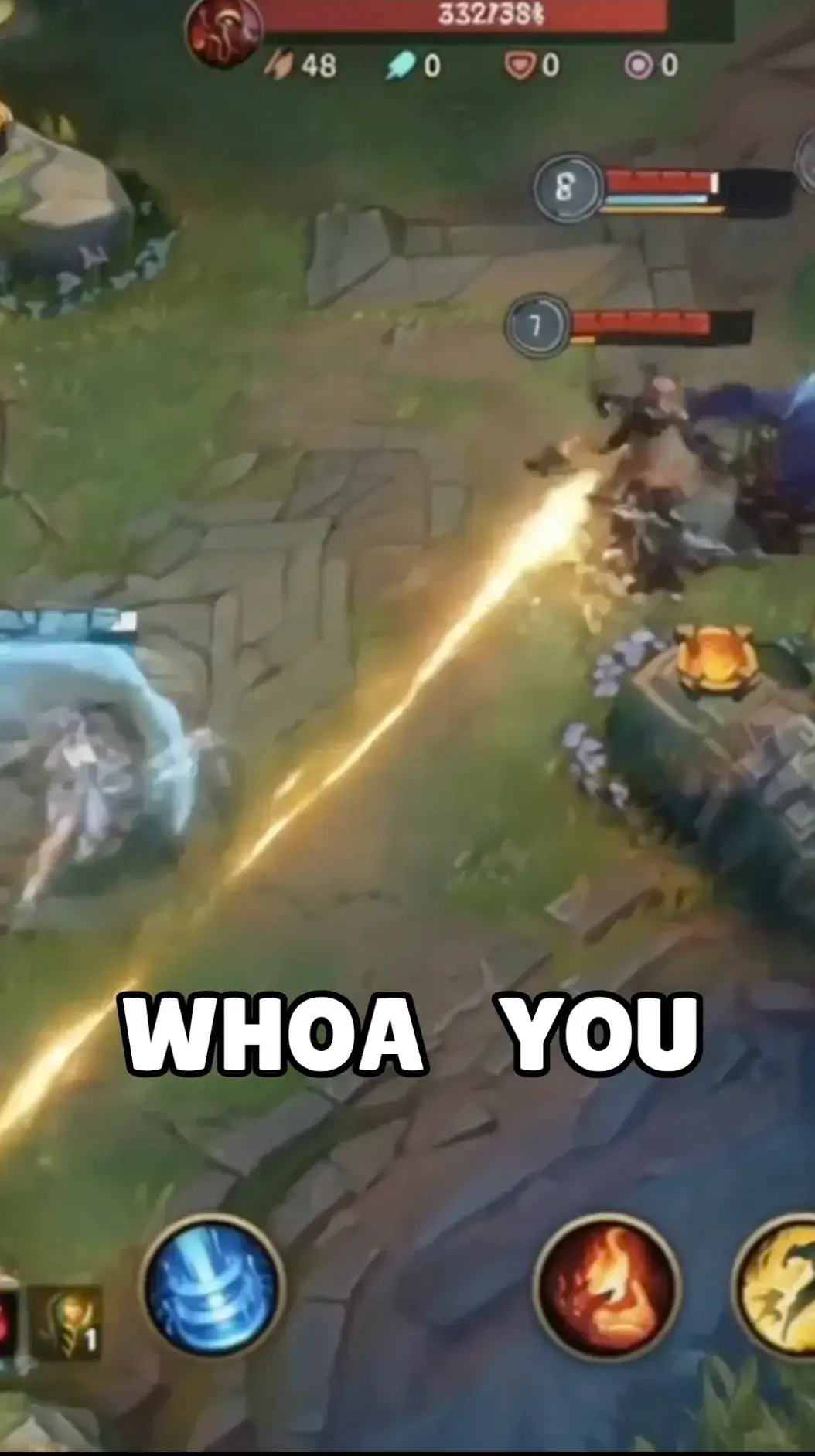
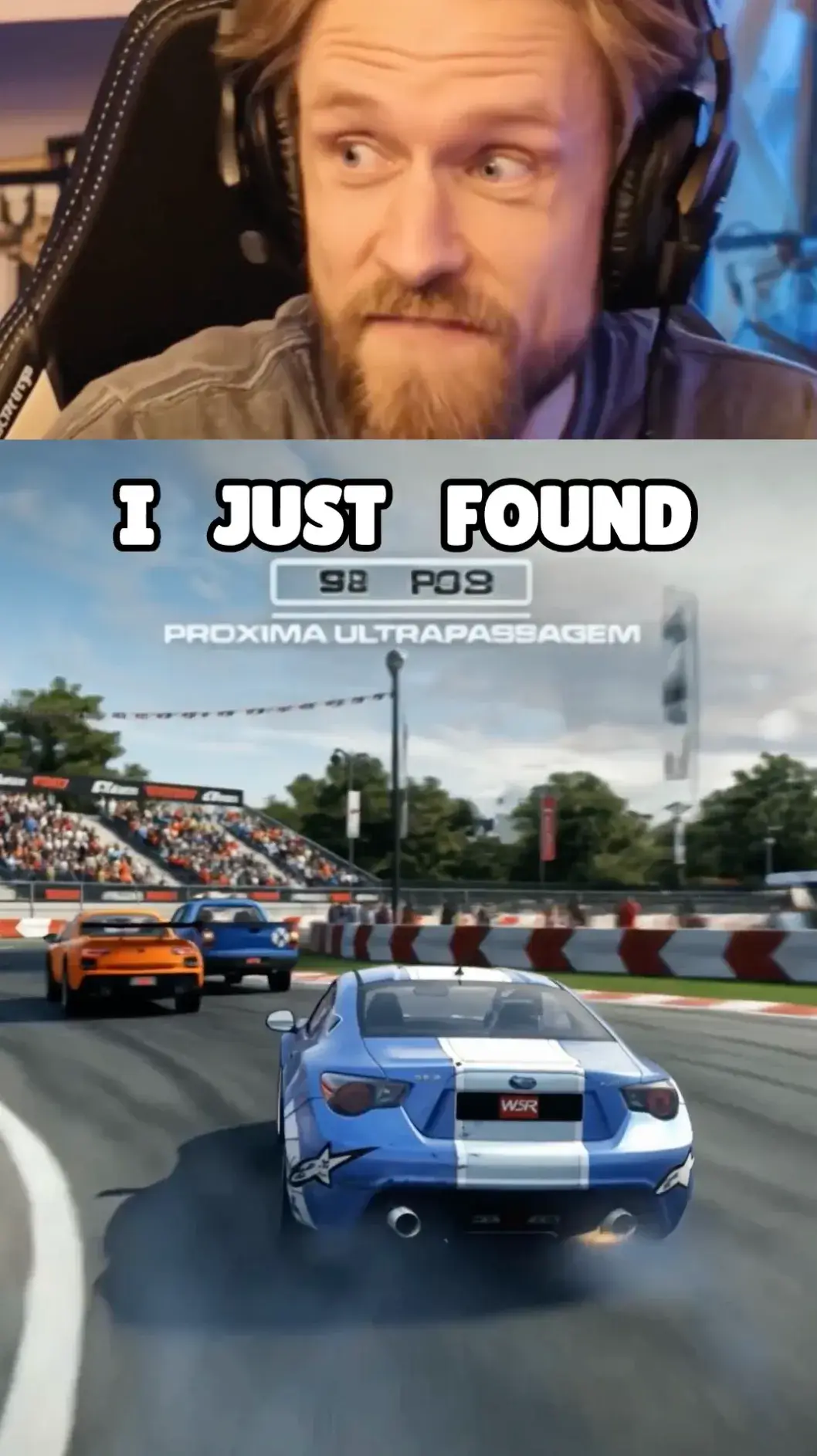
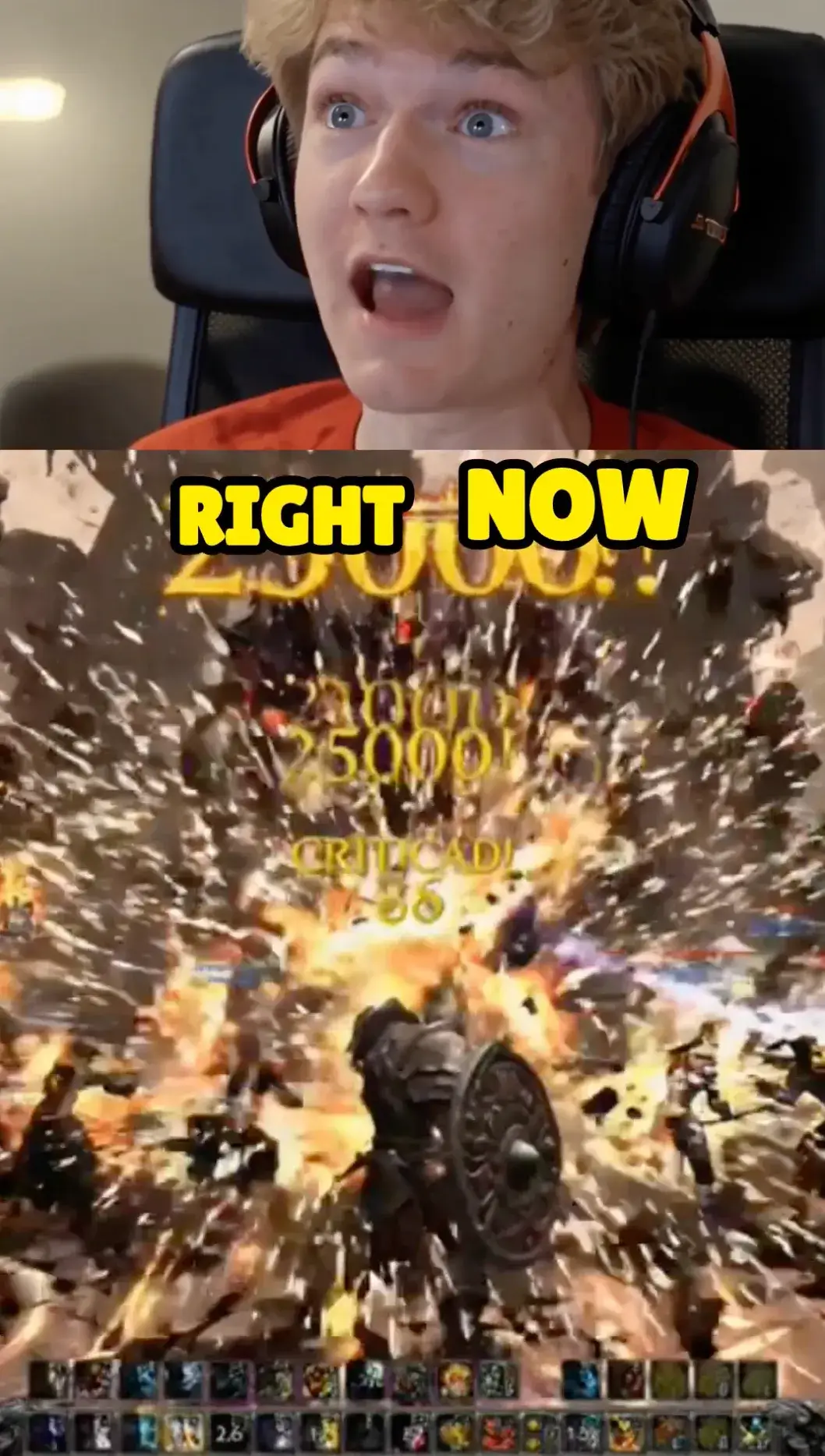
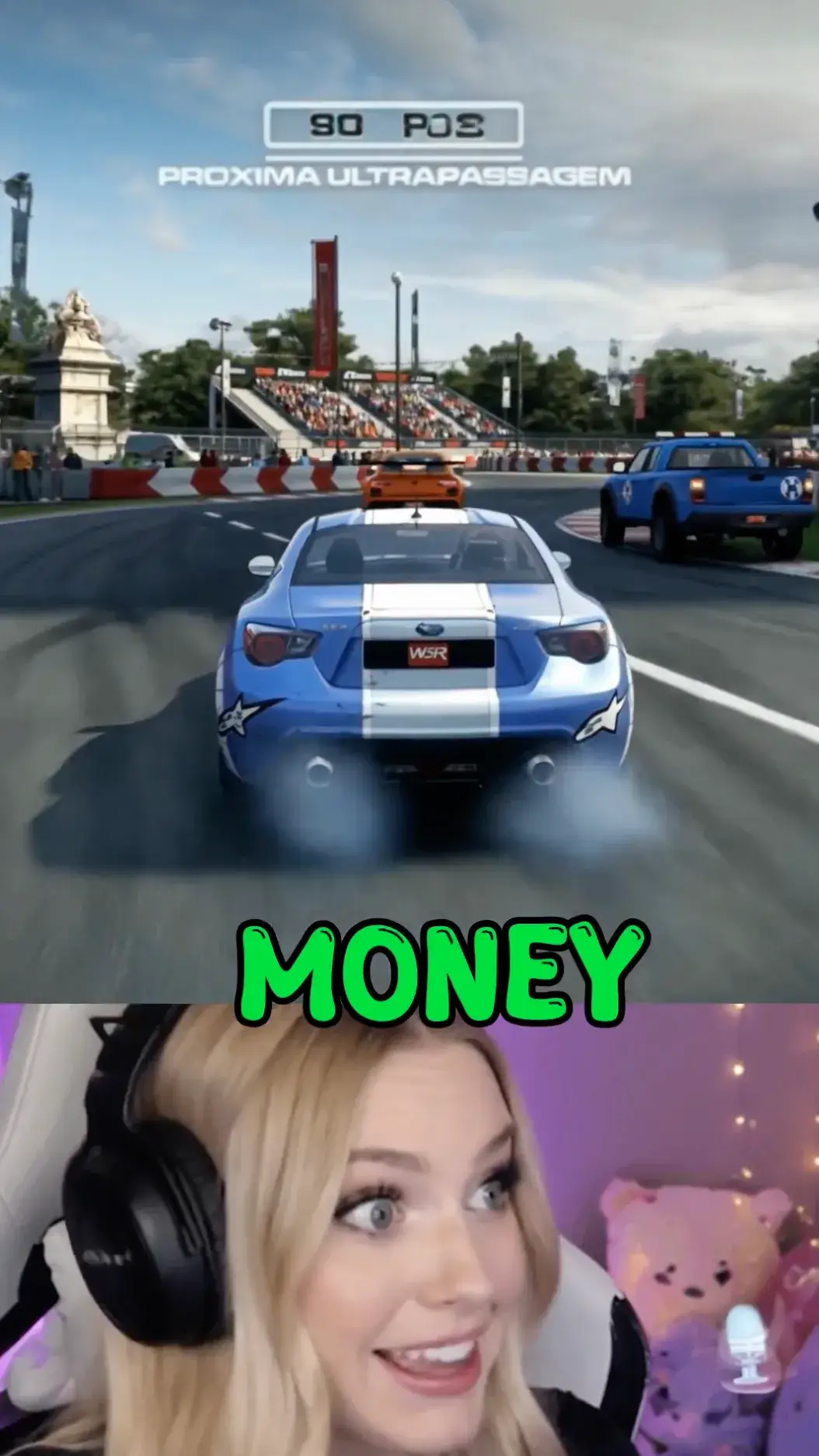
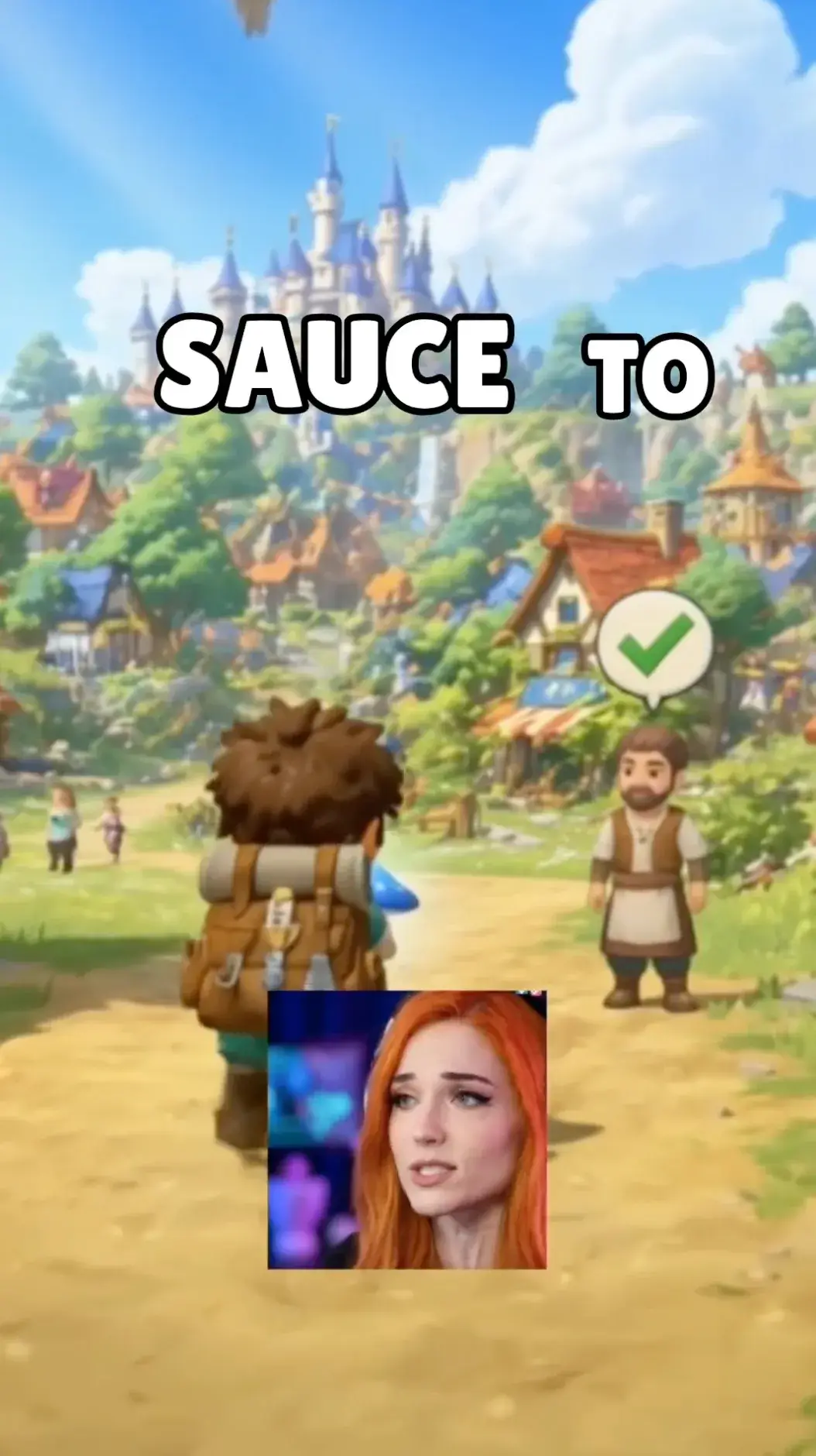
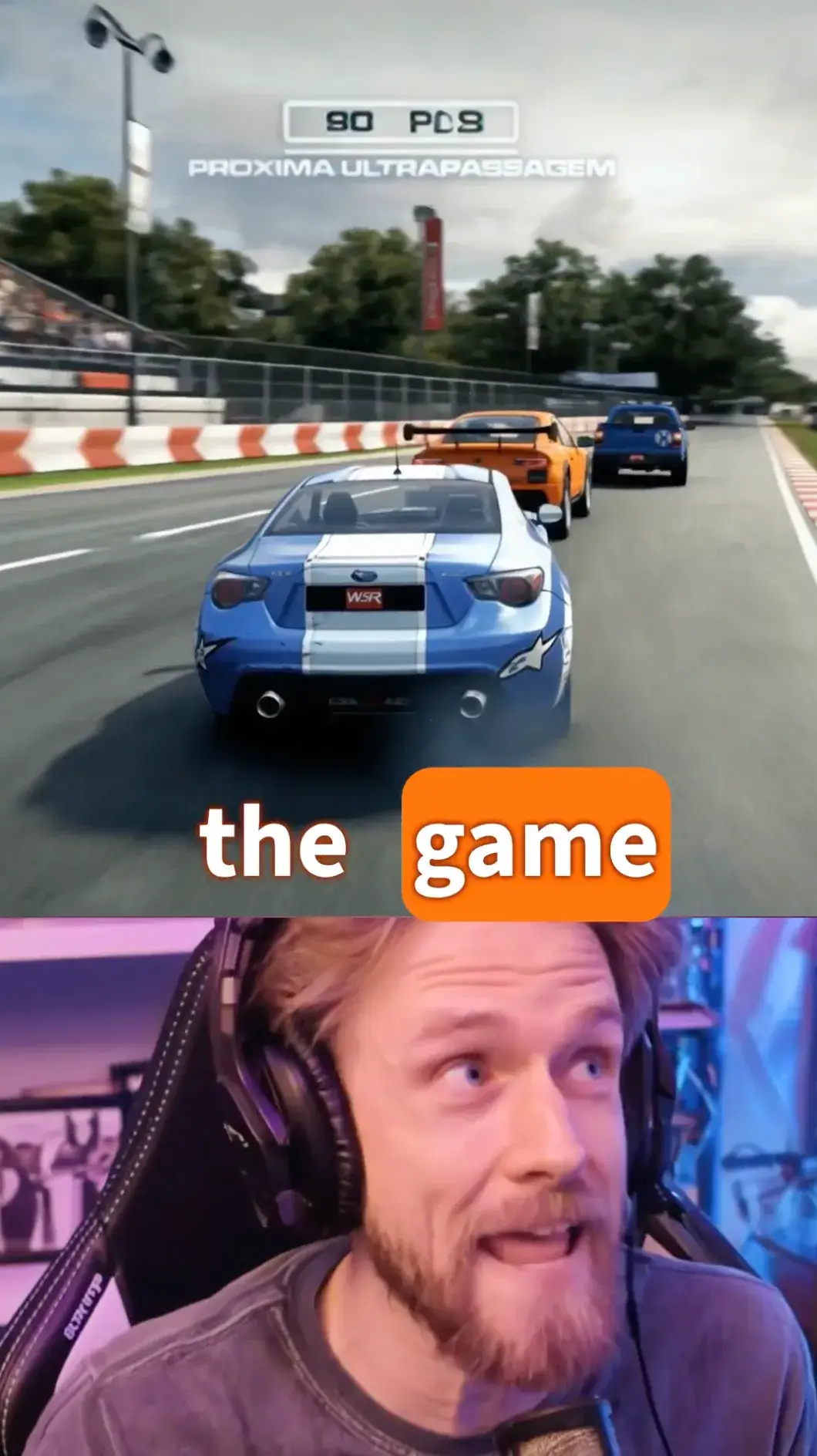
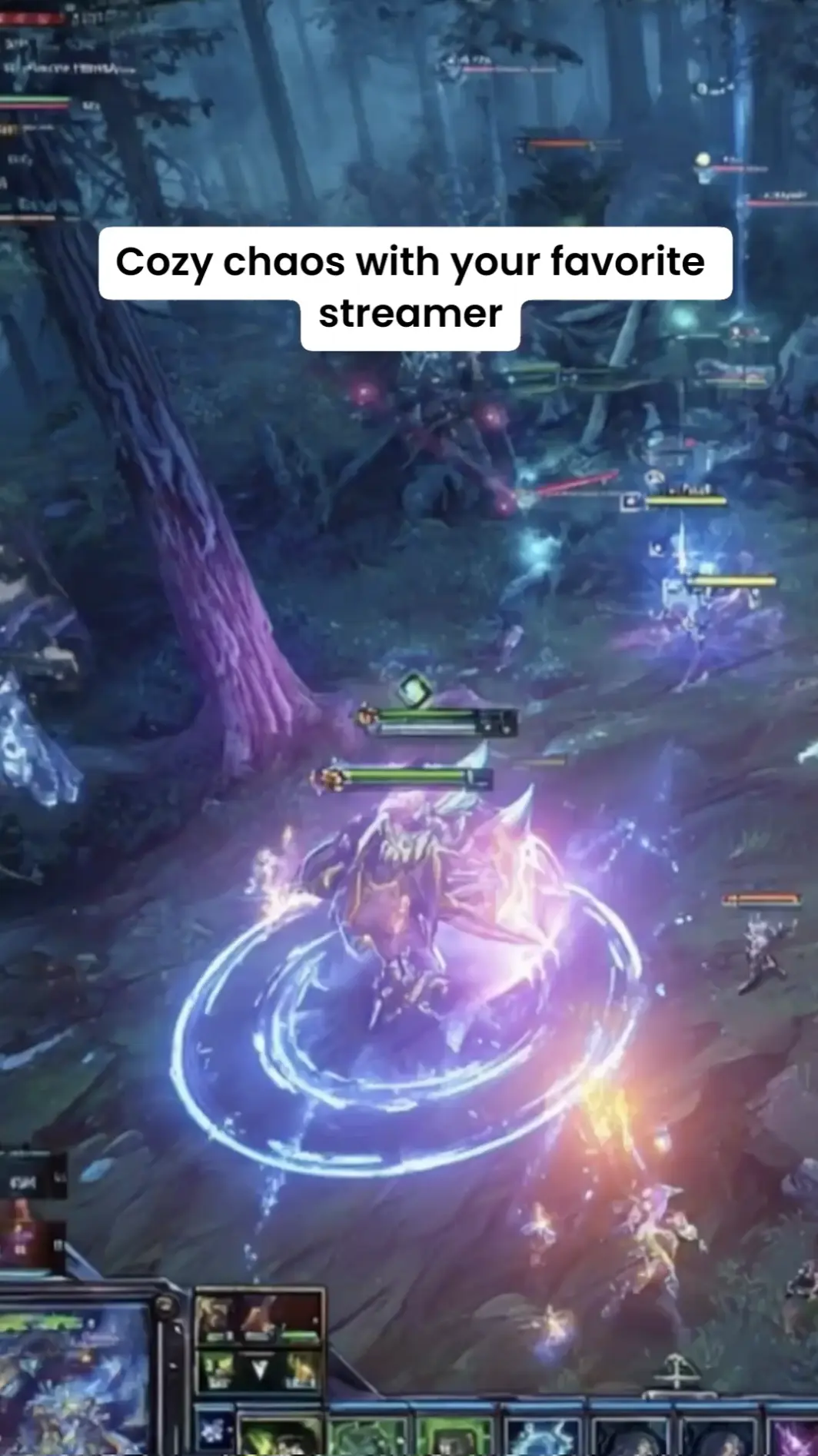
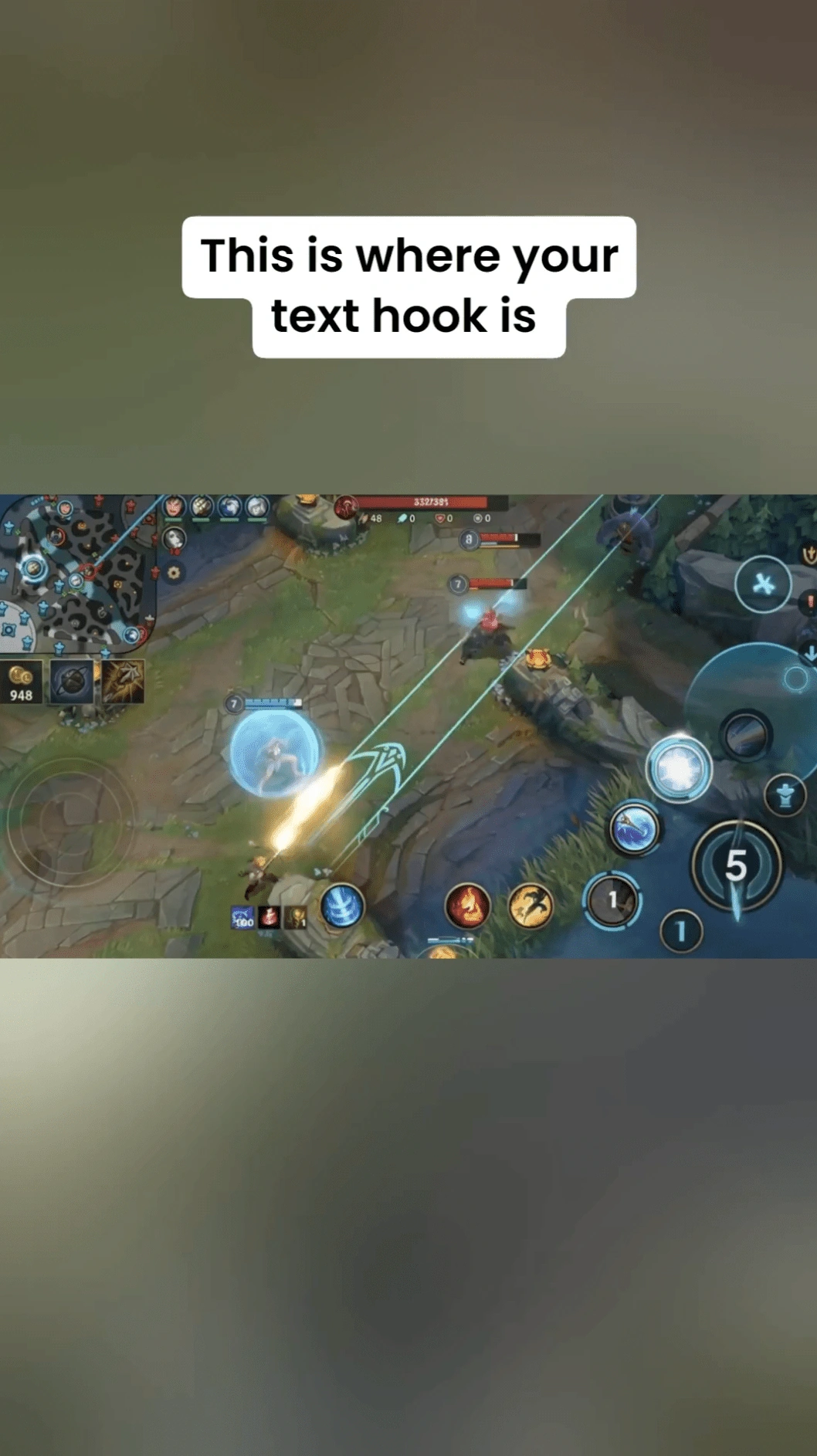
How to Make Gaming Clips from a Medal Link

Paste Your Medal Clip Link
Copy an accessible Medal clip or video link and paste it into the input box. You can start creating gaming clips without downloading the video first.
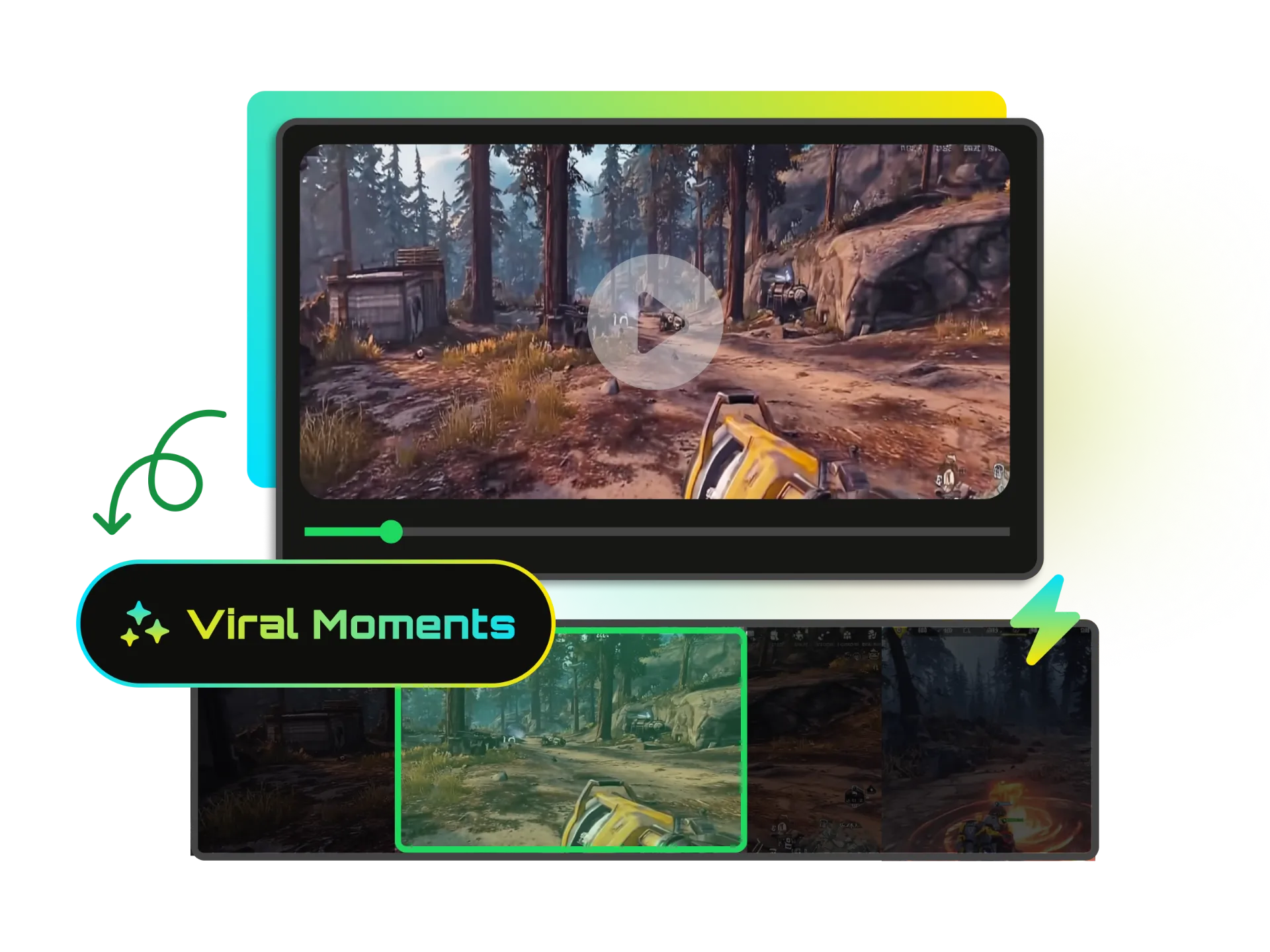
Let AI Find the Best Gaming Moments
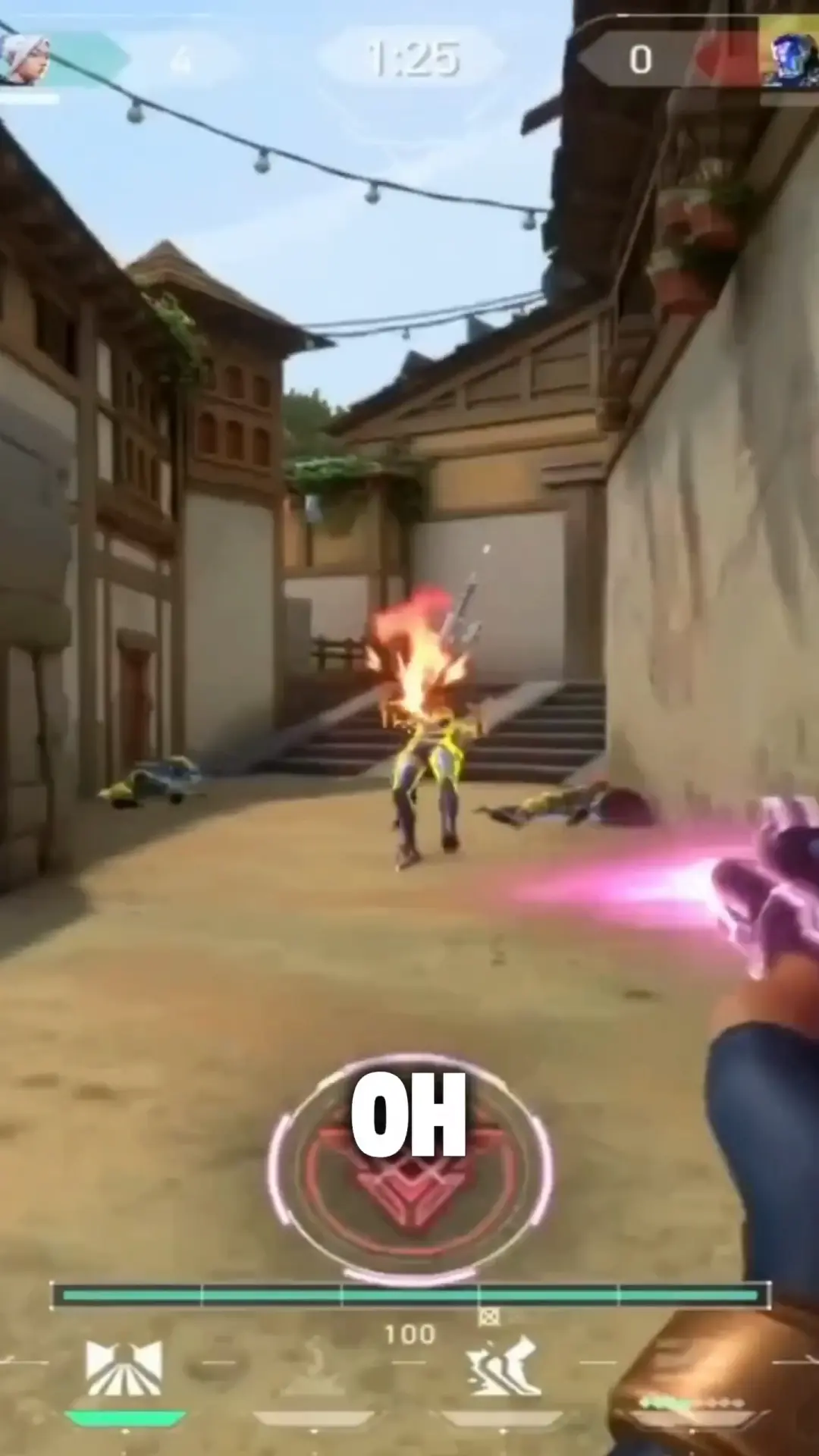
Wayin analyzes your video using visual, audio, and scene understanding to identify clutch plays, kills, funny fails, reactions, and other moments worth sharing. Use Find Moments to search by keywords, actions, scenes, or emotions.
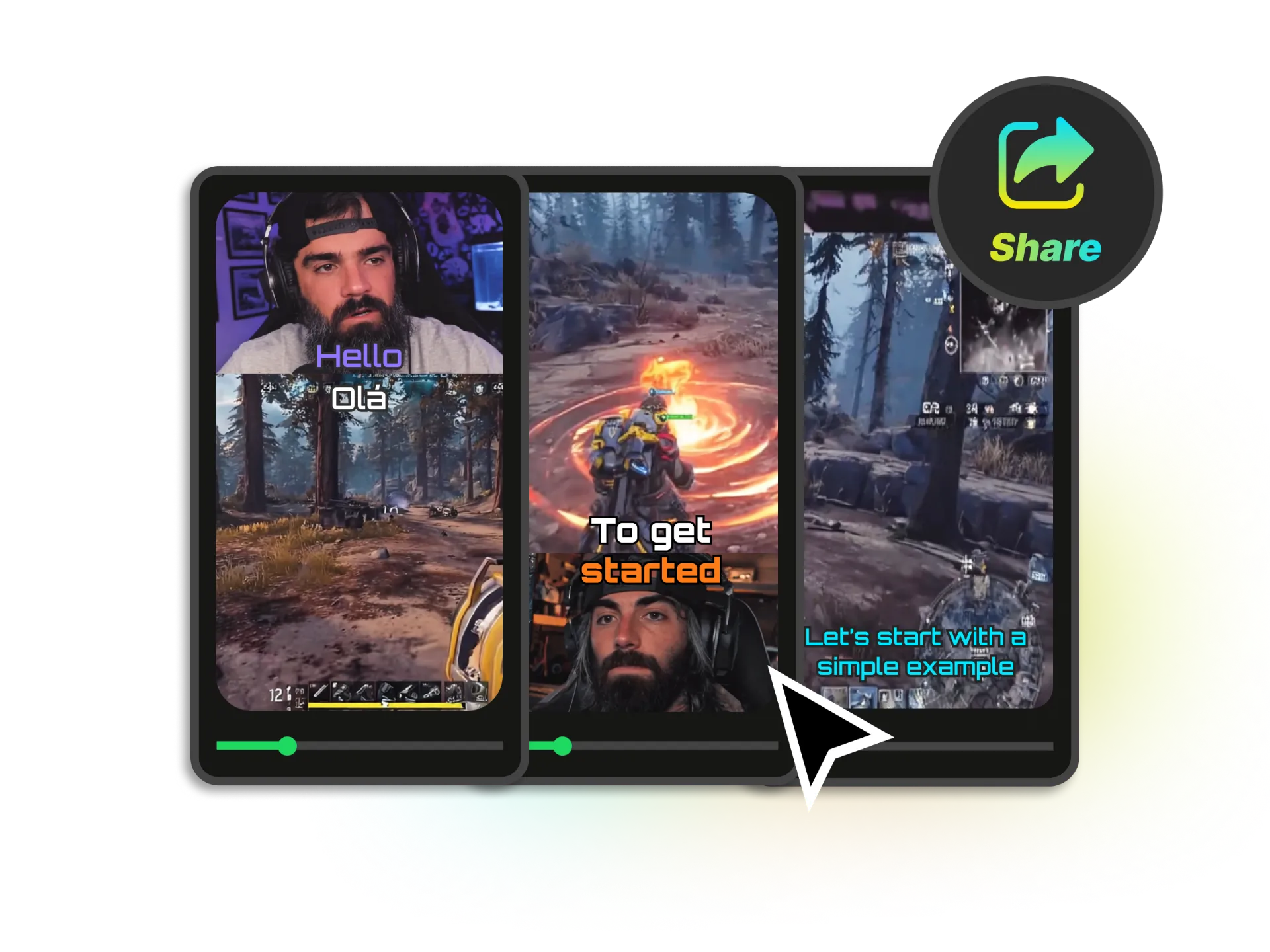
Create Ready-to-Share Game Clips
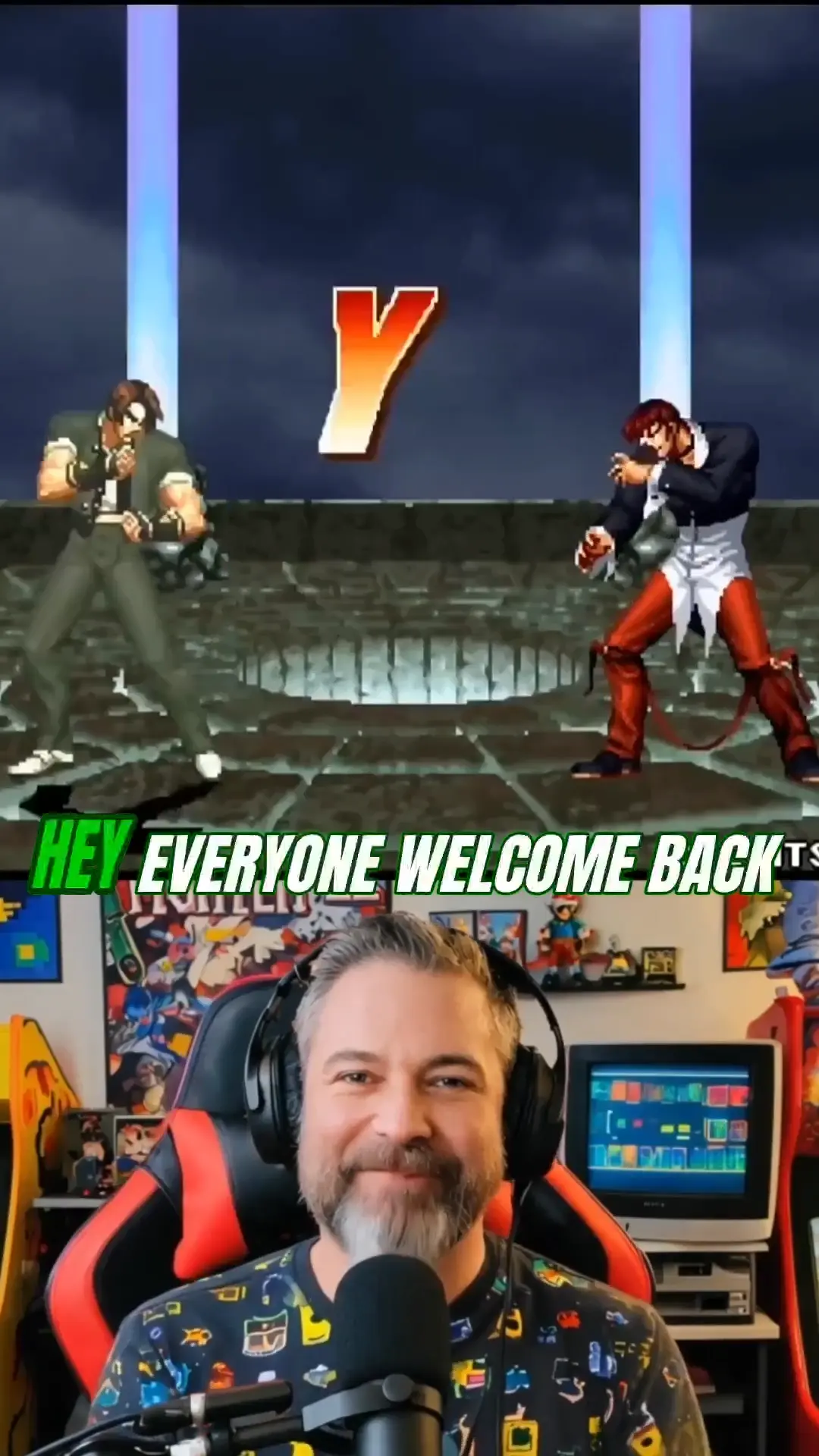
Choose a template or customize the clip length, layout, captions, zoom, and framing. Create versions for TikTok, YouTube Shorts, Instagram Reels, and other short-form platforms.
AI Finds the Best Moments in Your Medal Clips
Skip the timeline search. Wayin analyzes your Medal video and surfaces high-energy gameplay, clutch plays, funny fails, reactions, and other moments worth turning into game clips.
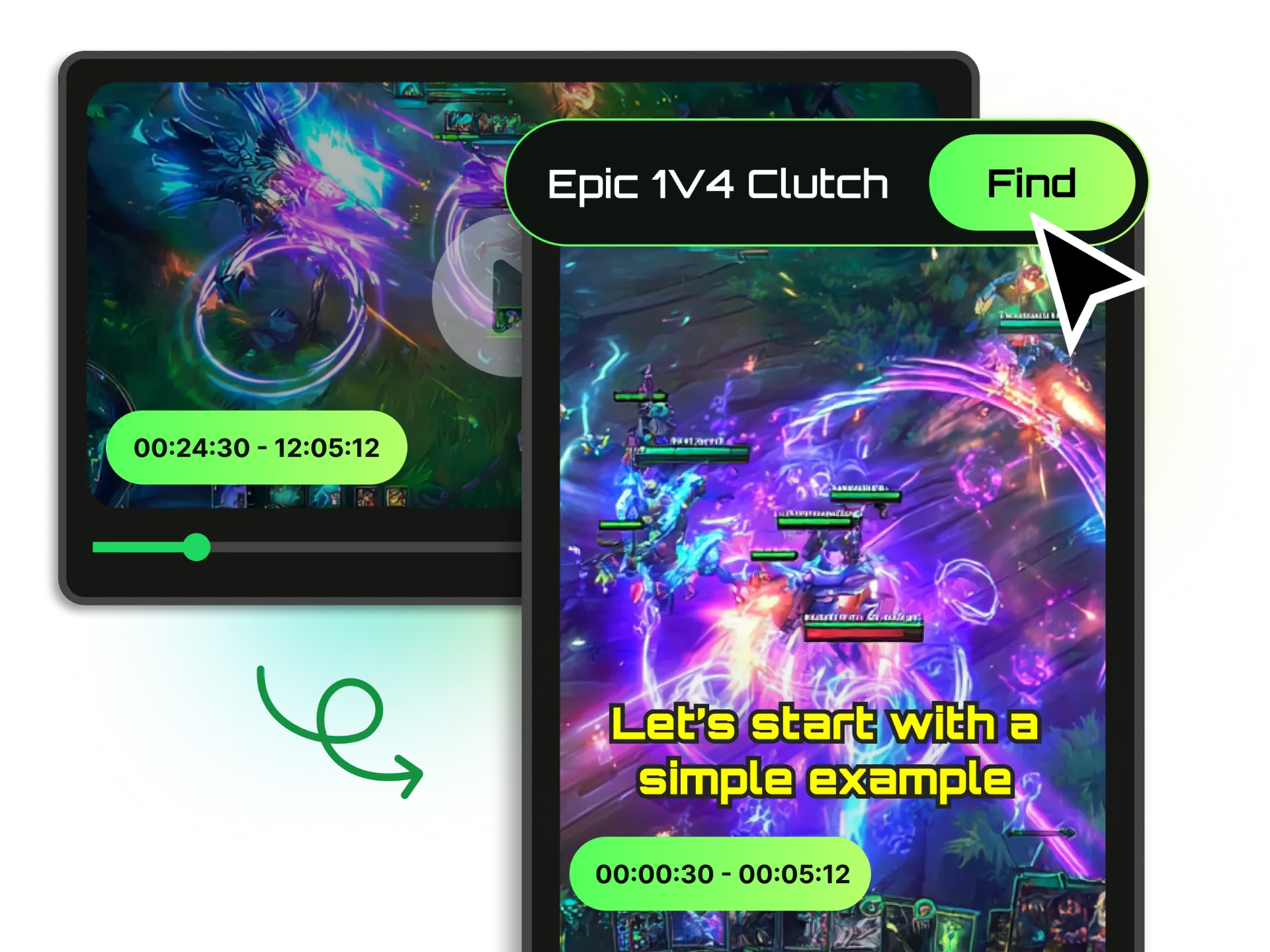
Gaming Clip Templates for Every Style
Start with a template for fast gameplay, face-cam reactions, or commentary, then adjust clip length, captions, layout, zoom, and transitions. Save a consistent look for your future gaming clips.

Reframe Game Clips for TikTok and Shorts
Turn landscape gameplay into vertical 9:16 clips without losing the action. Smart framing keeps your player, face cam, crosshair, and key gameplay in view for mobile-first feeds.
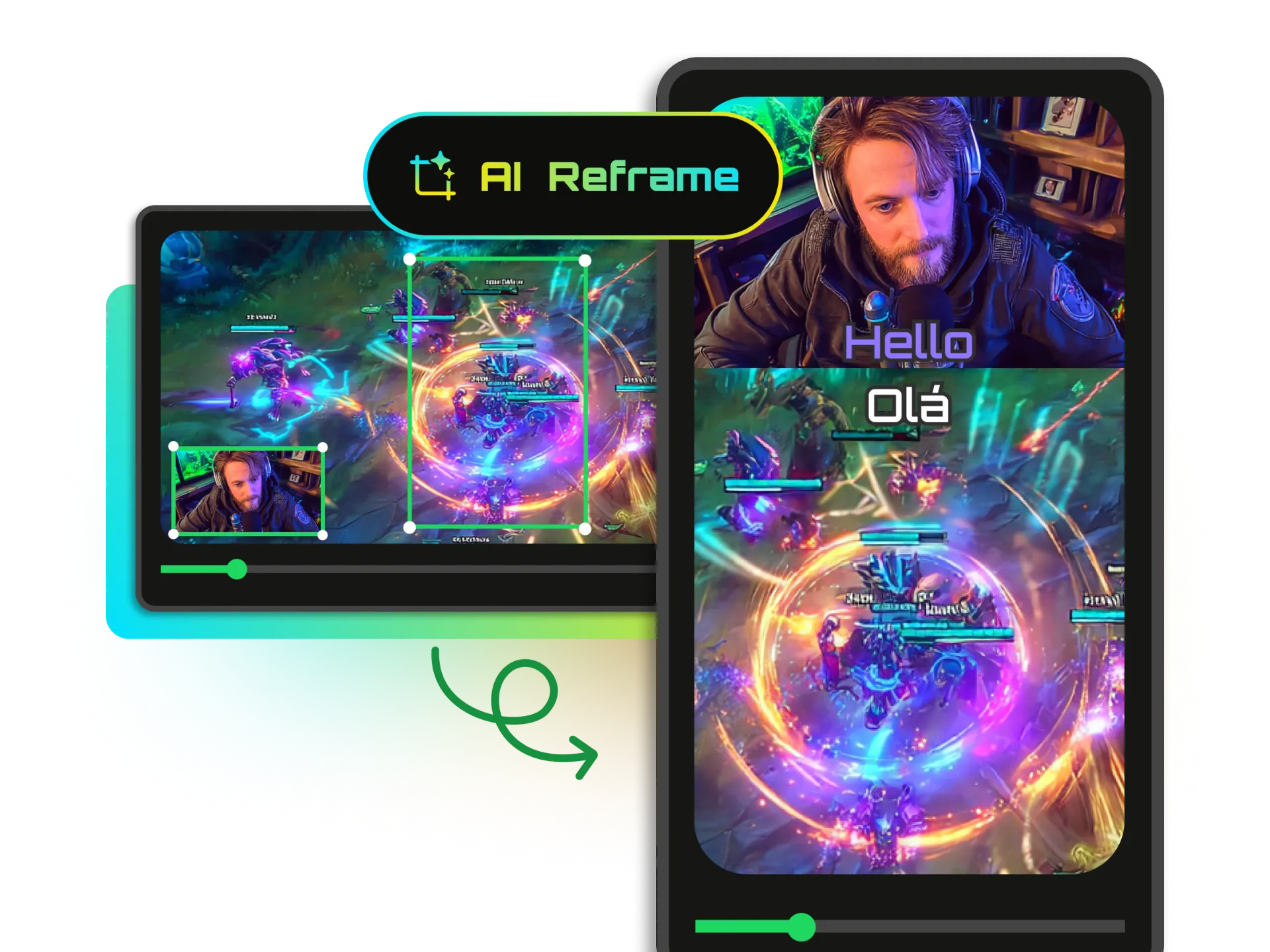
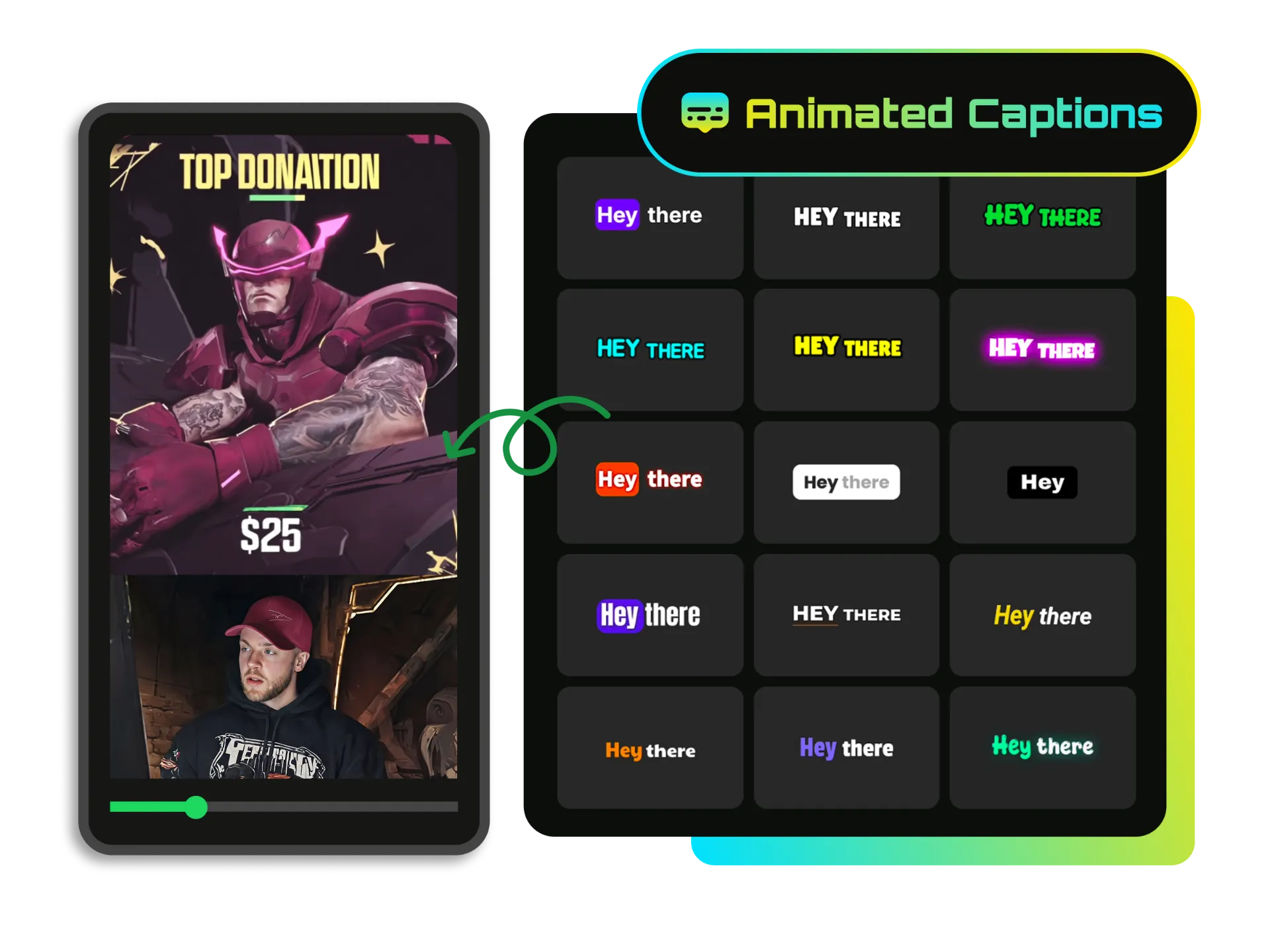
Add Animated Captions to Gaming Clips
Automatically transcribe commentary and apply dynamic caption styles that match the pace of your gameplay. Make spoken reactions and key moments easier to follow without creating subtitles by hand.
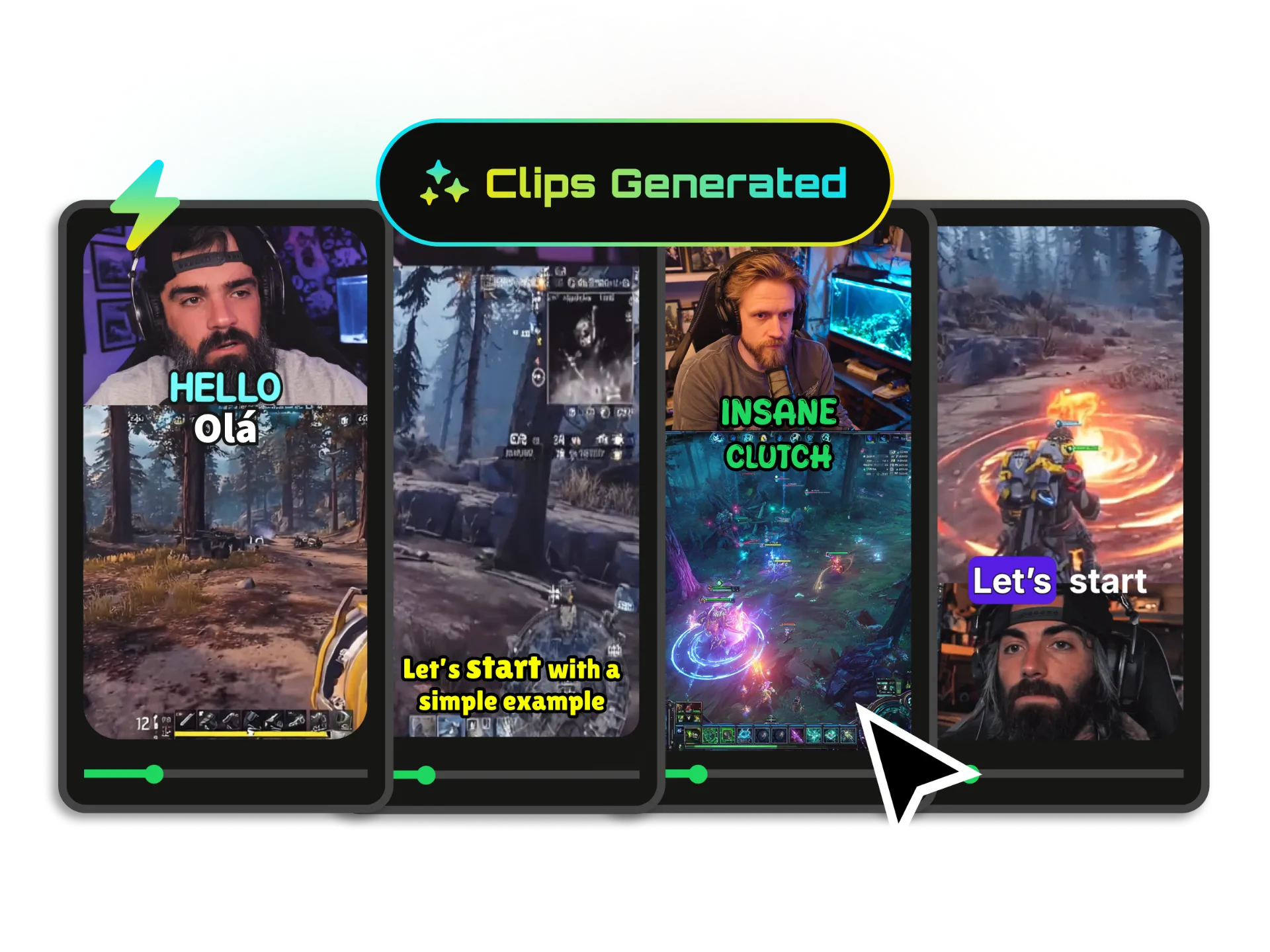
Make Every Type of Gaming Clip
Whether you play competitively, stream for fun, or publish gaming content every day, turn your Medal links into clips that are easier to share and publish.
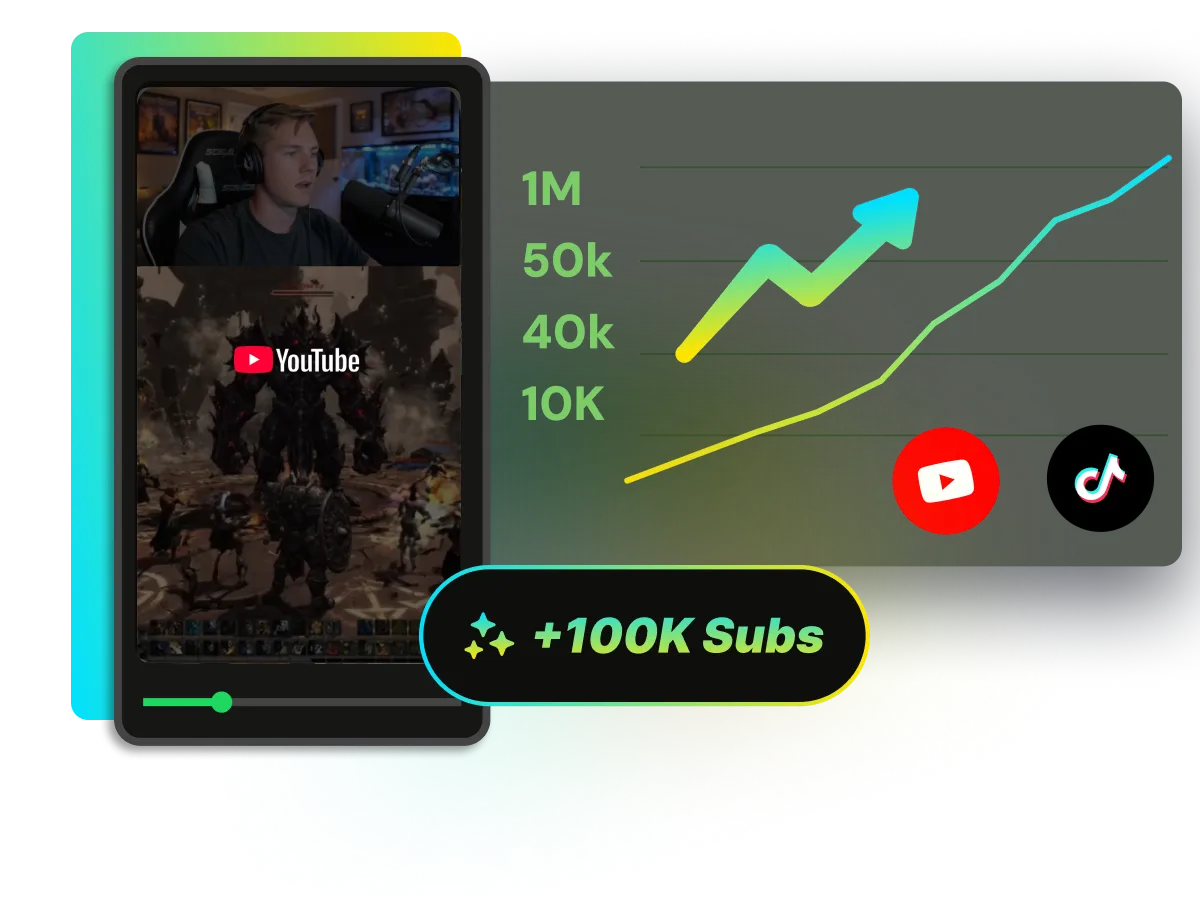
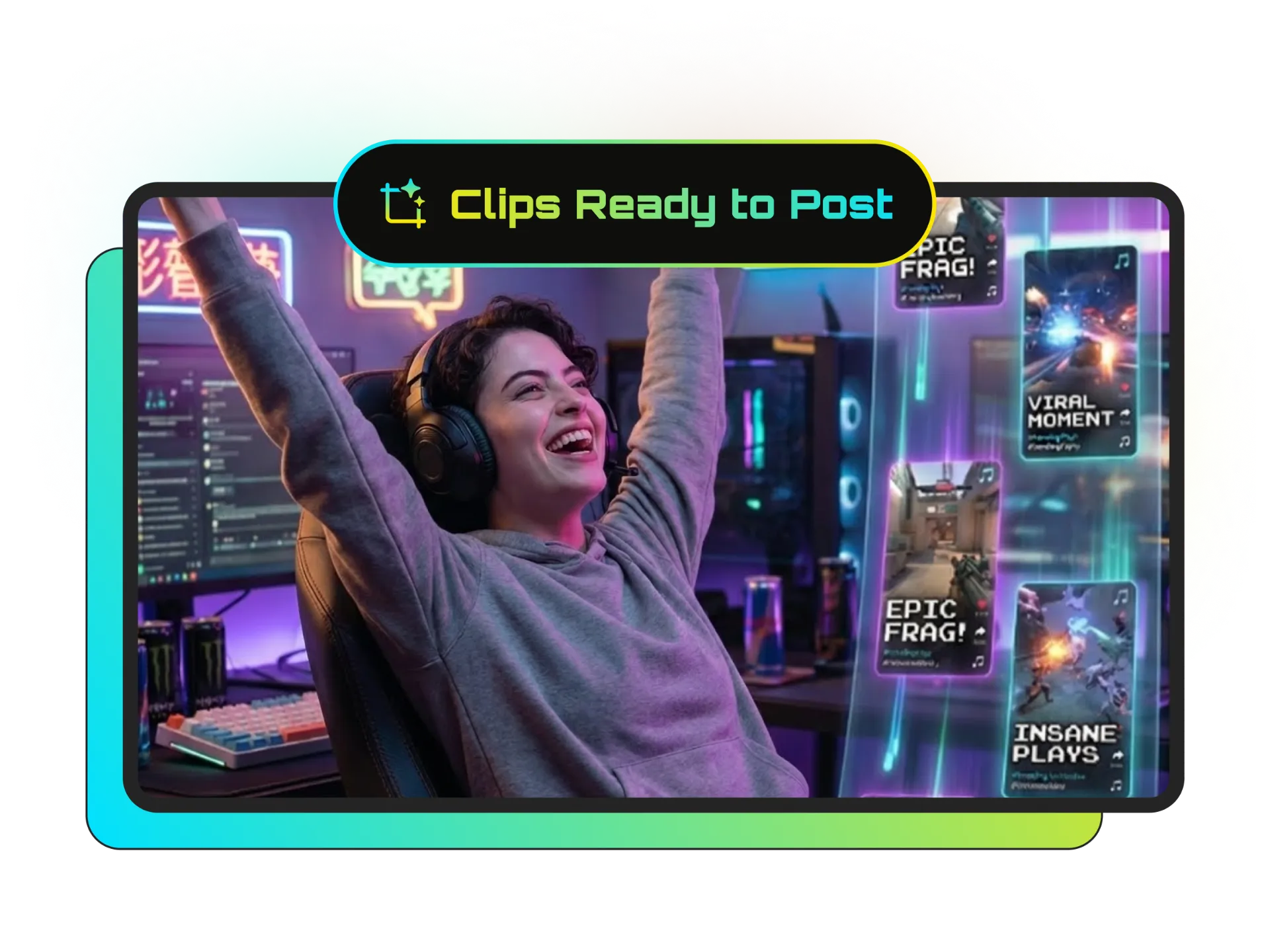
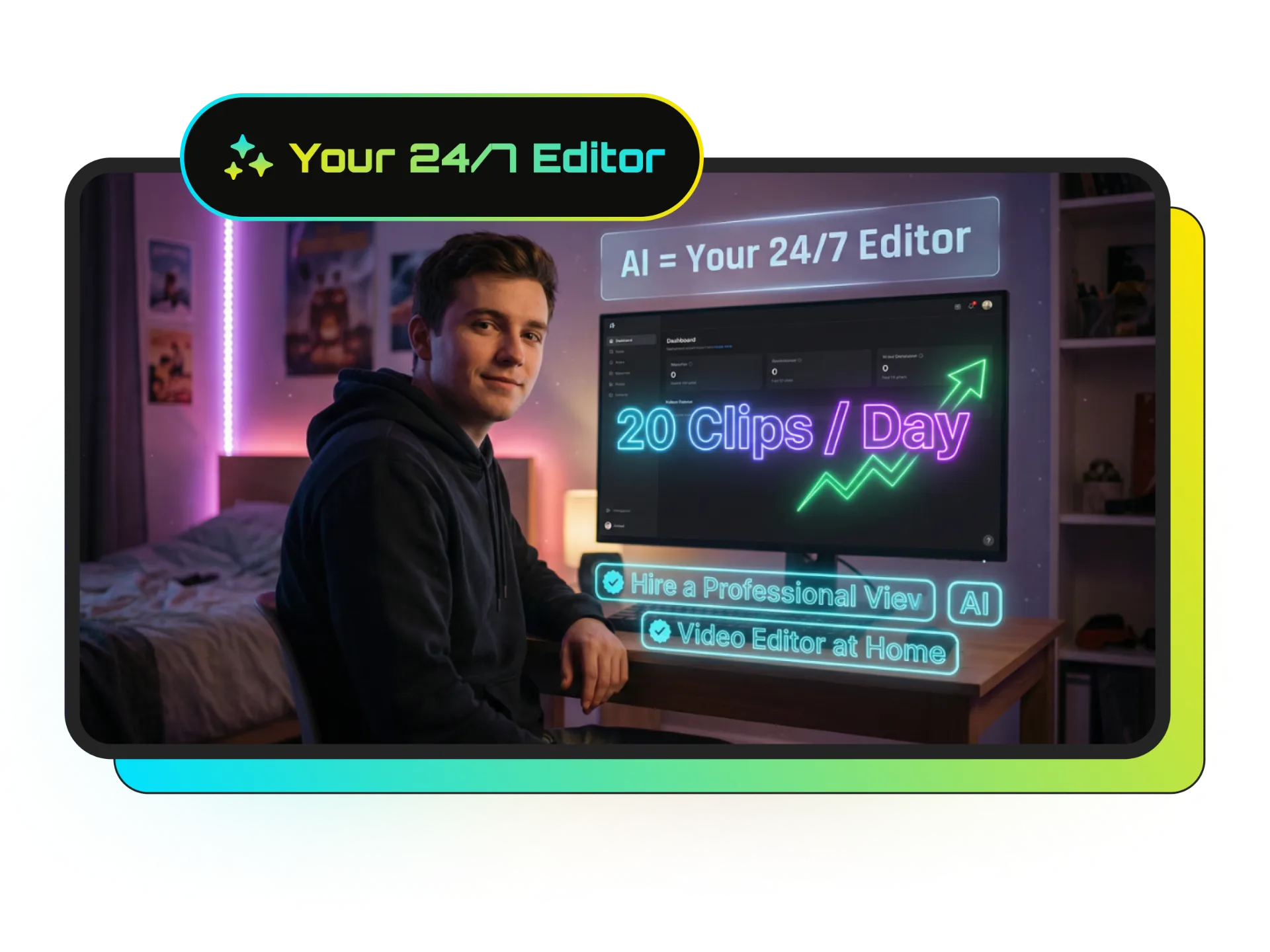
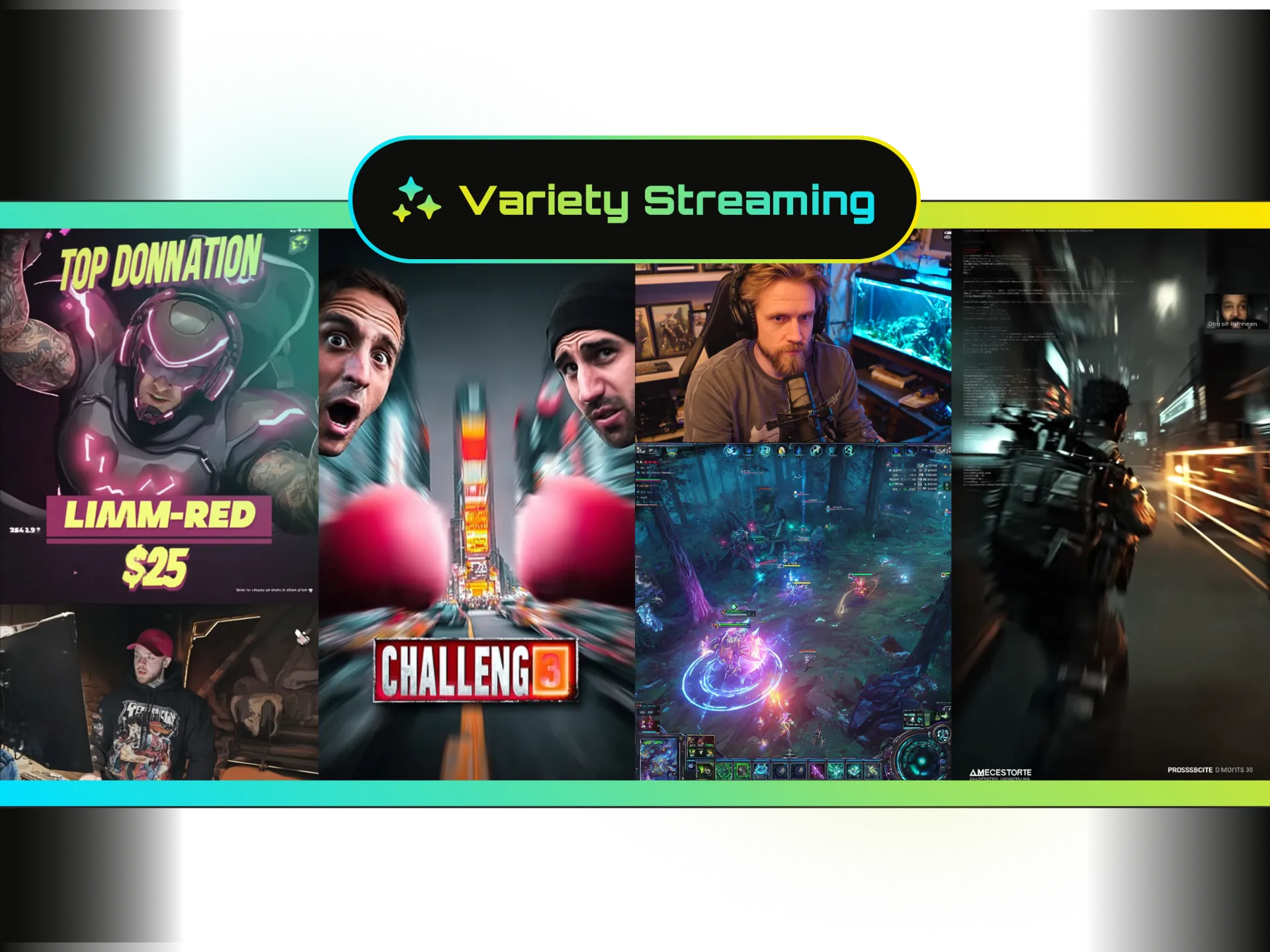
Medal Clipping Software for Gaming Creators

Direct Medal Link Import
Medal captures and shares gaming moments. Wayin turns your Medal links into gaming clips without downloading or re-uploading the file.

AI Gaming Highlight Detection
Find gameplay moments using visual and audio context, not just a transcript.

Find Moments Search
Search for a specific play, reaction, action, or scene across your gaming video.

Smart Vertical Framing
Create 9:16 game clips while keeping the action, player, face cam, and key gameplay visible.

Animated Gaming Captions
Turn spoken commentary into dynamic captions that fit short-form gaming content.

Batch Processing and Scheduling
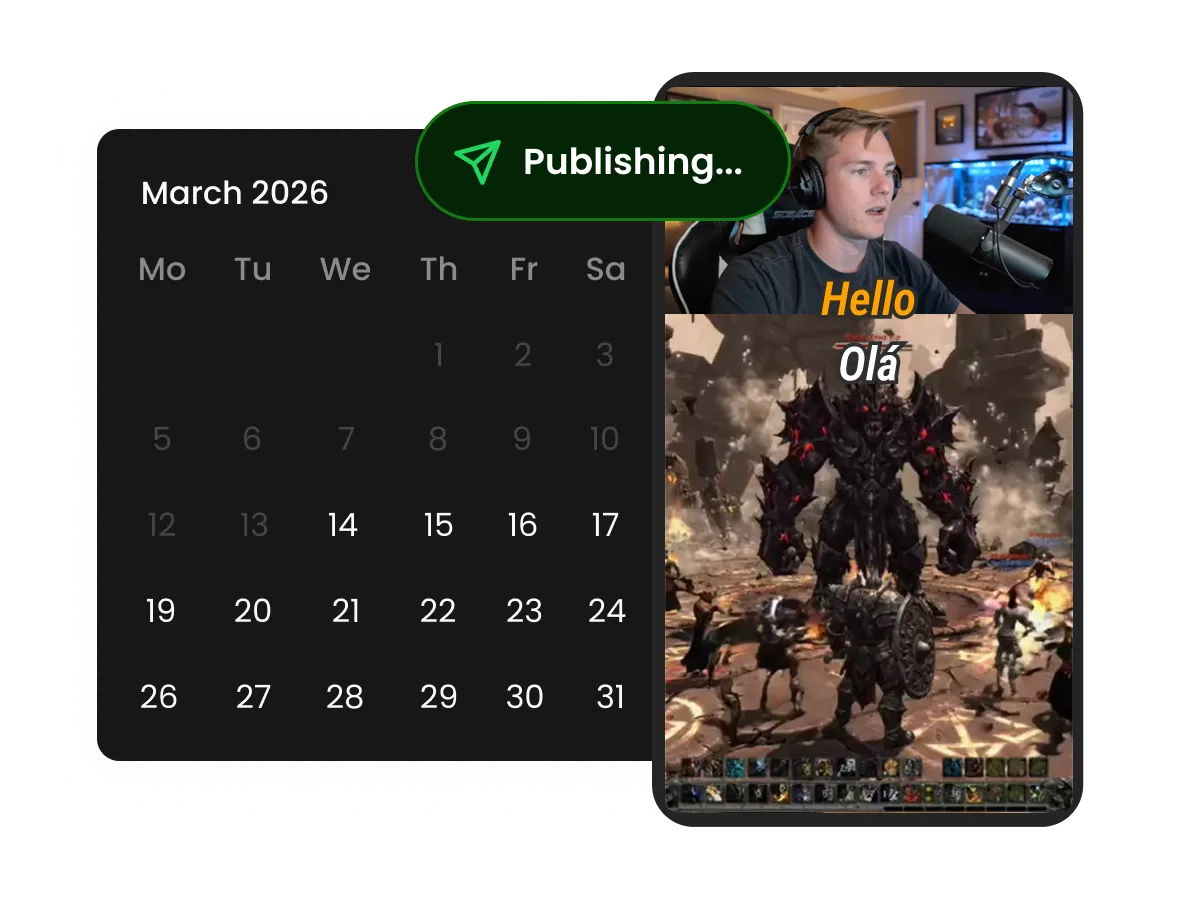
Process multiple game clips and build a repeatable workflow for publishing across social platforms.
FAQ
Frequently asked questions
Explore More Tools for Gaming Content
Start Creating Gaming Clips from Medal
Paste a Medal link and turn your gameplay into ready-to-share game clips. New users get 100 free credits to start creating.