01
Create Videos from Your Footage
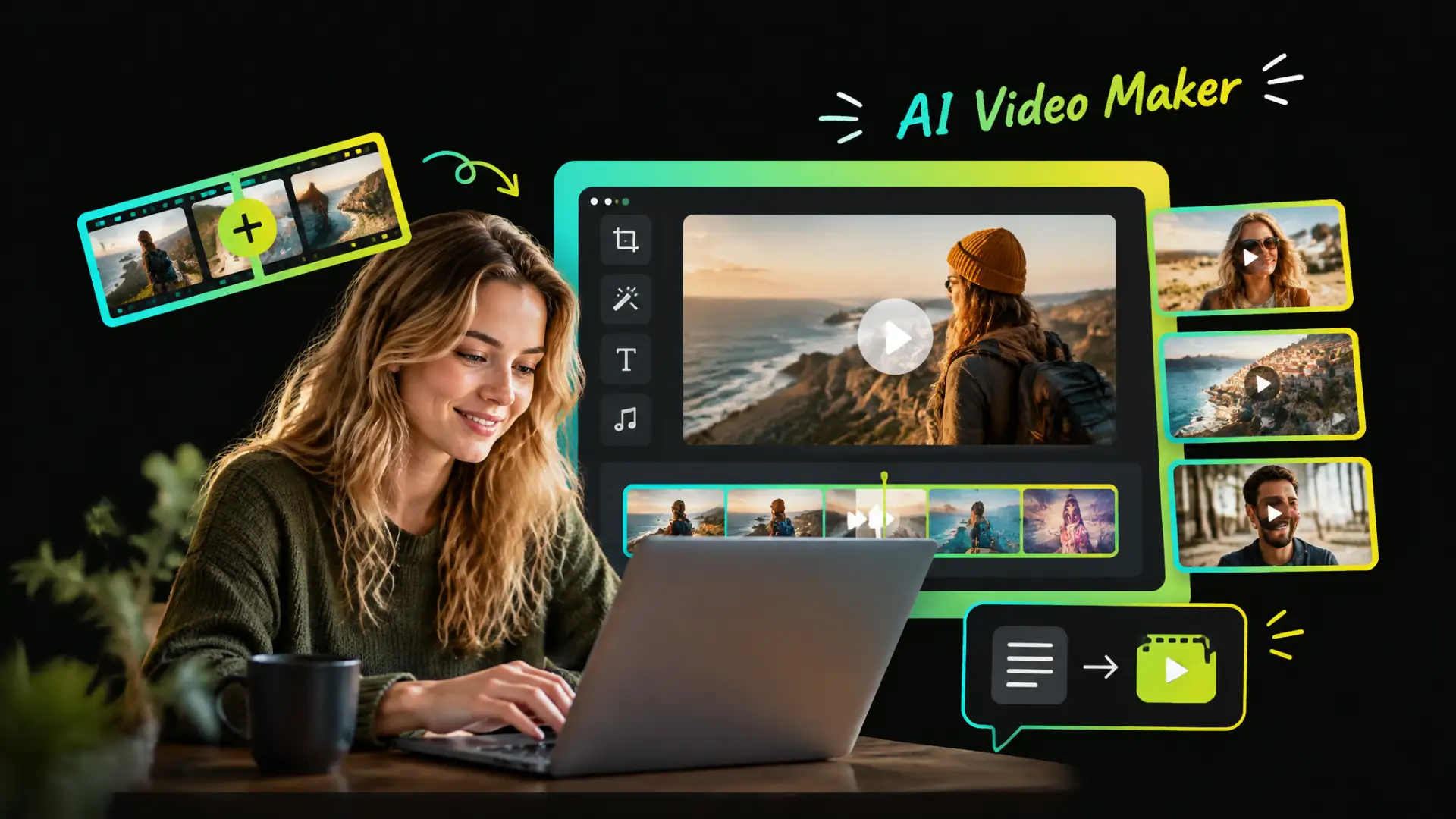
Combine clips from different moments with our video montage maker. AI-assisted selection and assembly bring your footage together into a complete video with less manual work.
Create videos with WayinVideo, a free AI video maker for combining clips, editing existing footage, finding highlights, or turning text ideas into videos—all with less manual work.
Trusted by professionals at












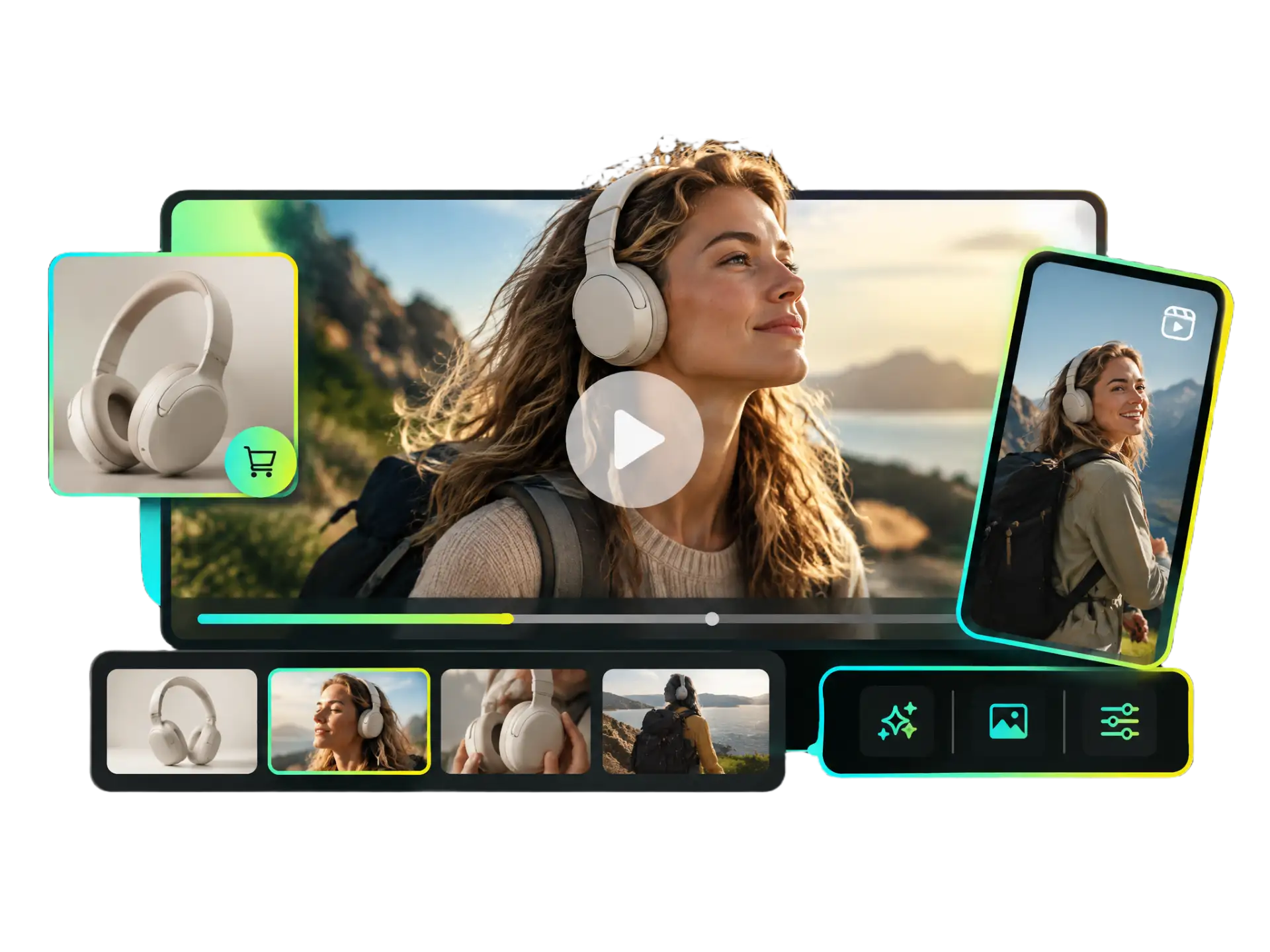
Whether you need a free video maker for existing footage, long recordings, or text ideas, WayinVideo offers flexible tools to create videos with less manual work.
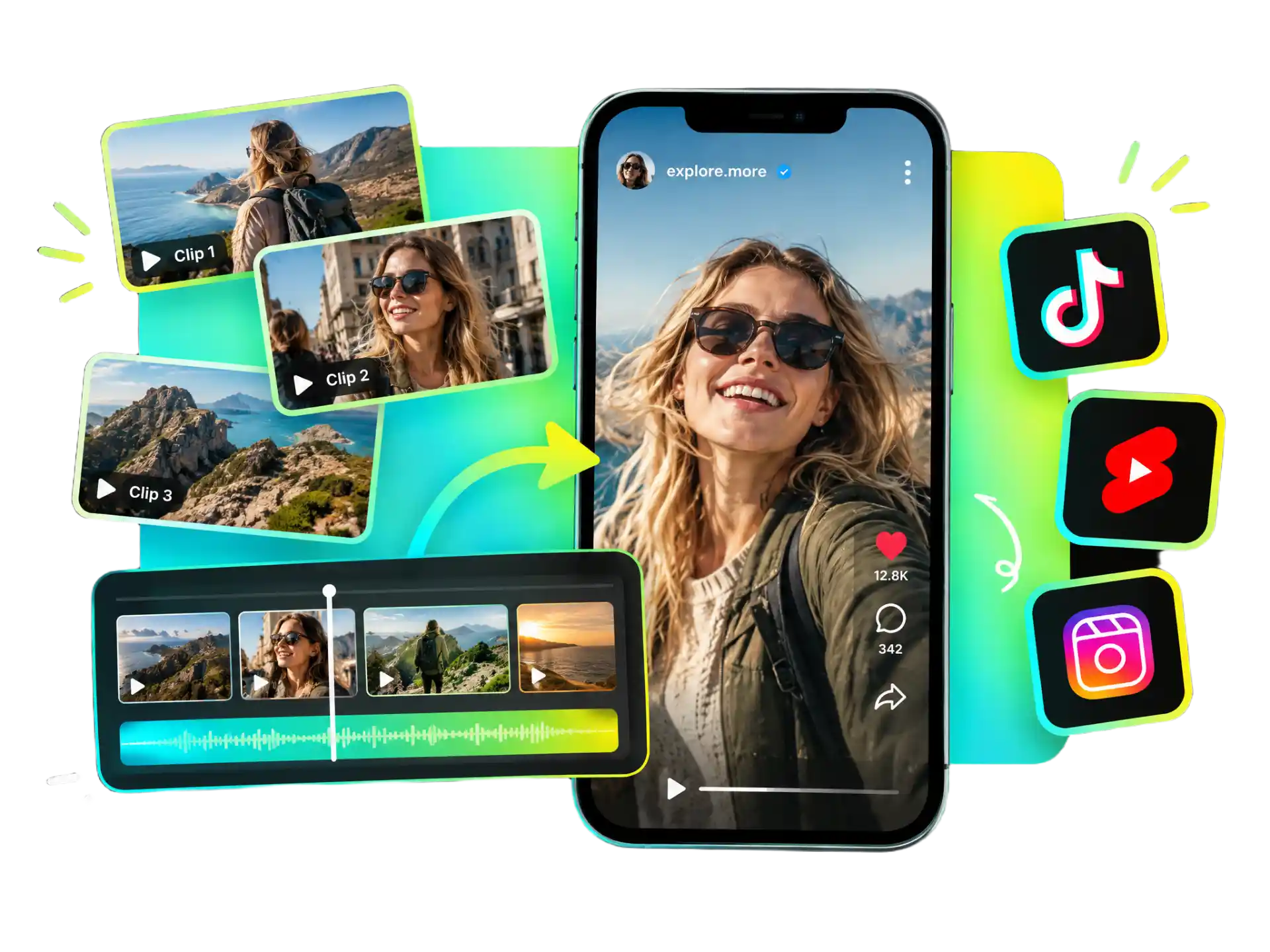
Combine clips from different moments with our video montage maker. AI-assisted selection and assembly bring your footage together into a complete video with less manual work.
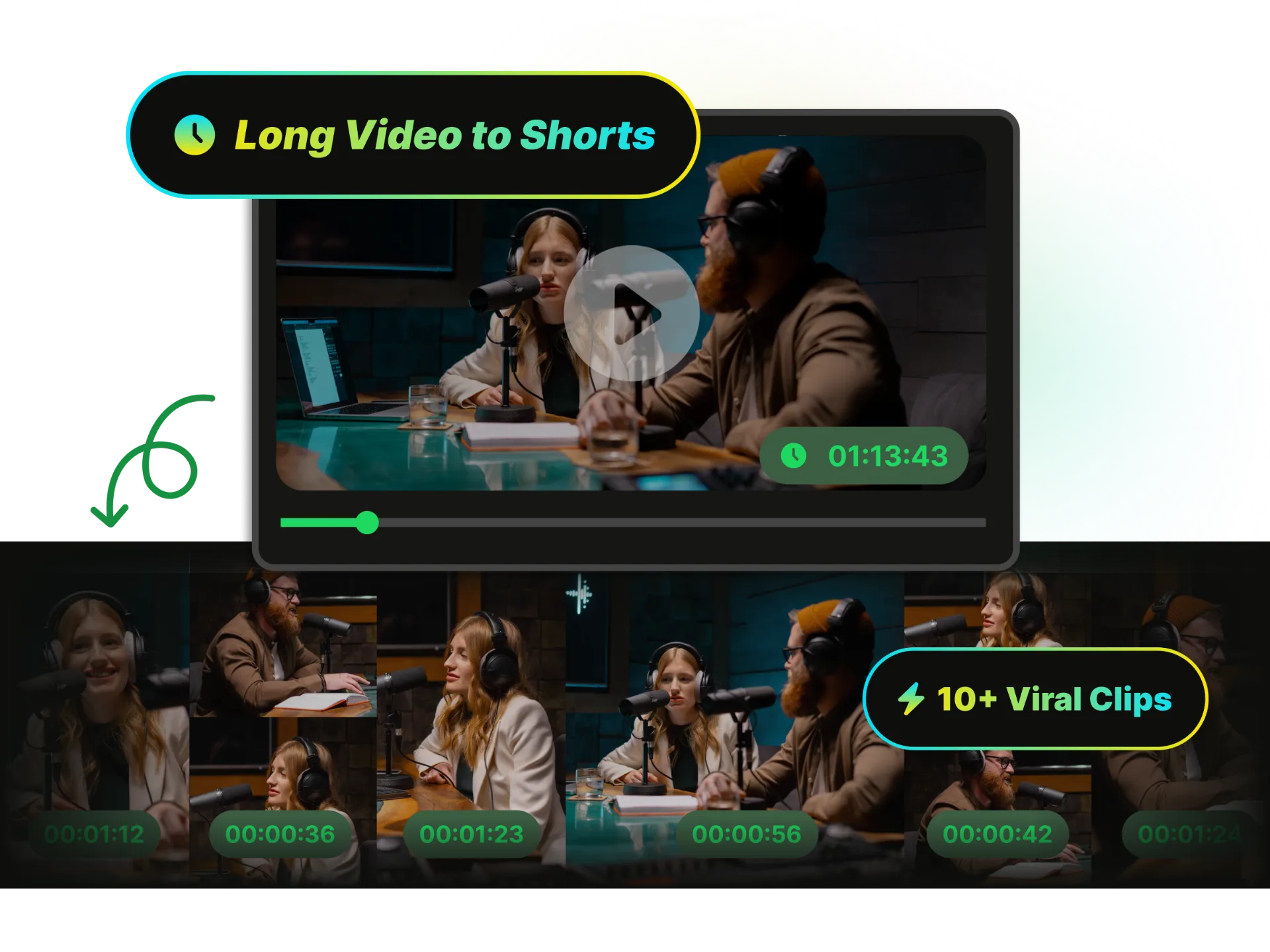
Repurpose long recordings into social-ready clips. This social media video maker identifies standout moments, helping you create short-form content for TikTok, YouTube Shorts, and Instagram Reels.
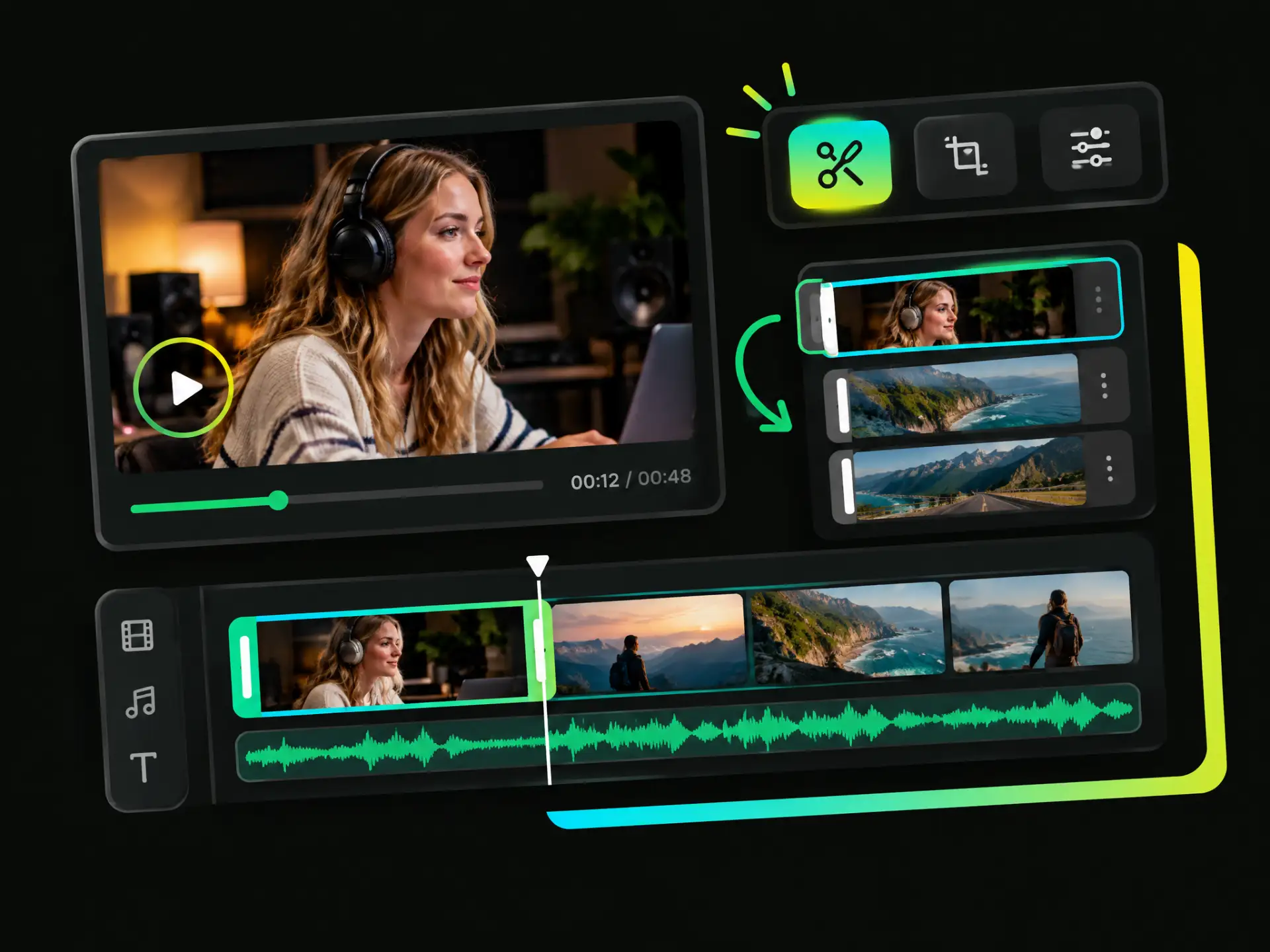
Trim footage, adjust individual clips, and fine-tune your edits with WayinVideo's video editor. Shape the pacing and details of your video to match your creative vision.
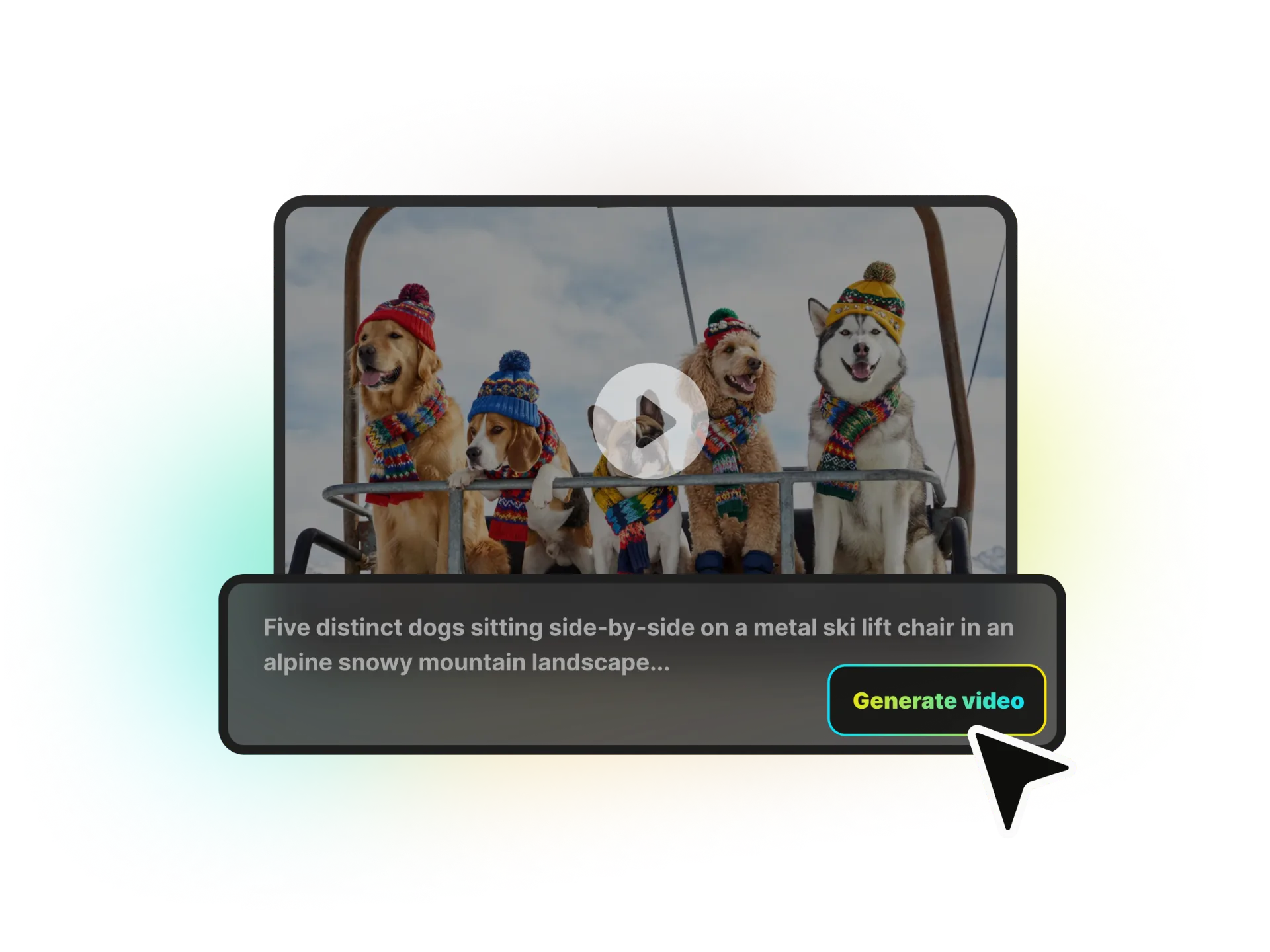
Turn written prompts into video content without sourcing footage first. Simply describe your idea, and let our text video maker automatically generate compelling videos from scratch—saving you time while bringing your concepts to life.
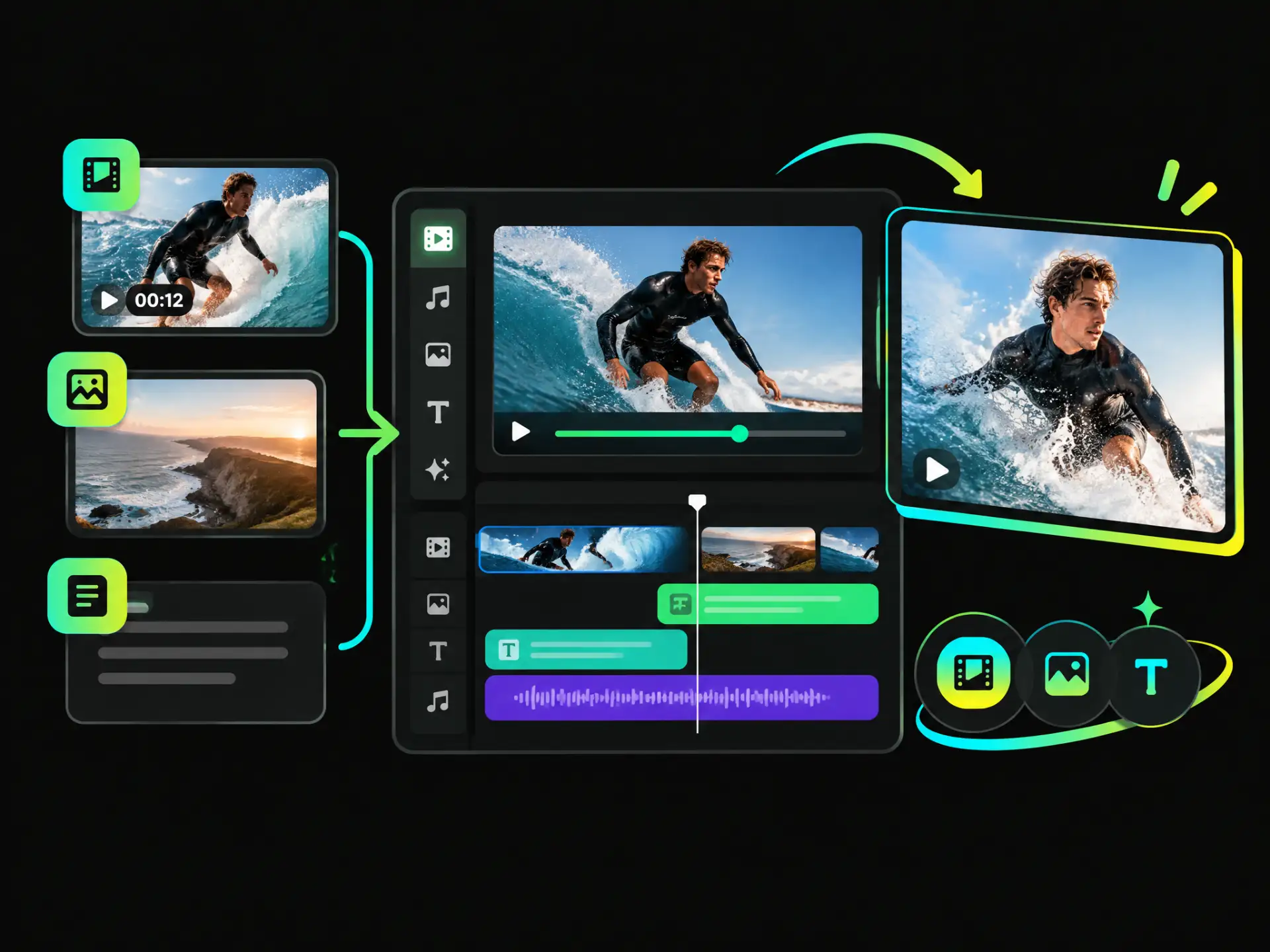
Bring video clips, existing footage, or text ideas into one creative workflow. Our video maker offers flexible ways to create, from assembling multiple assets into a complete video to turning an idea into video content with less manual work.
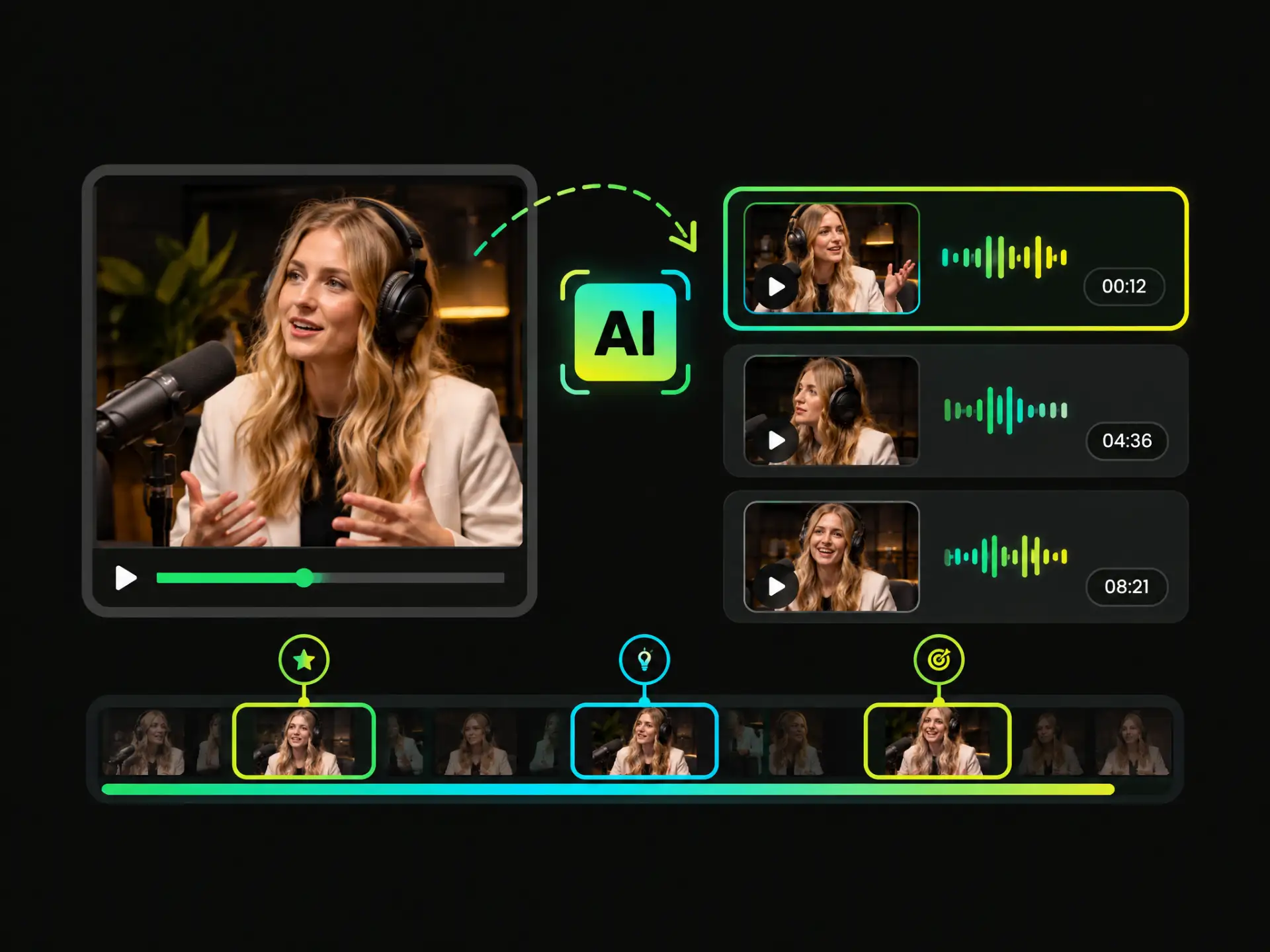
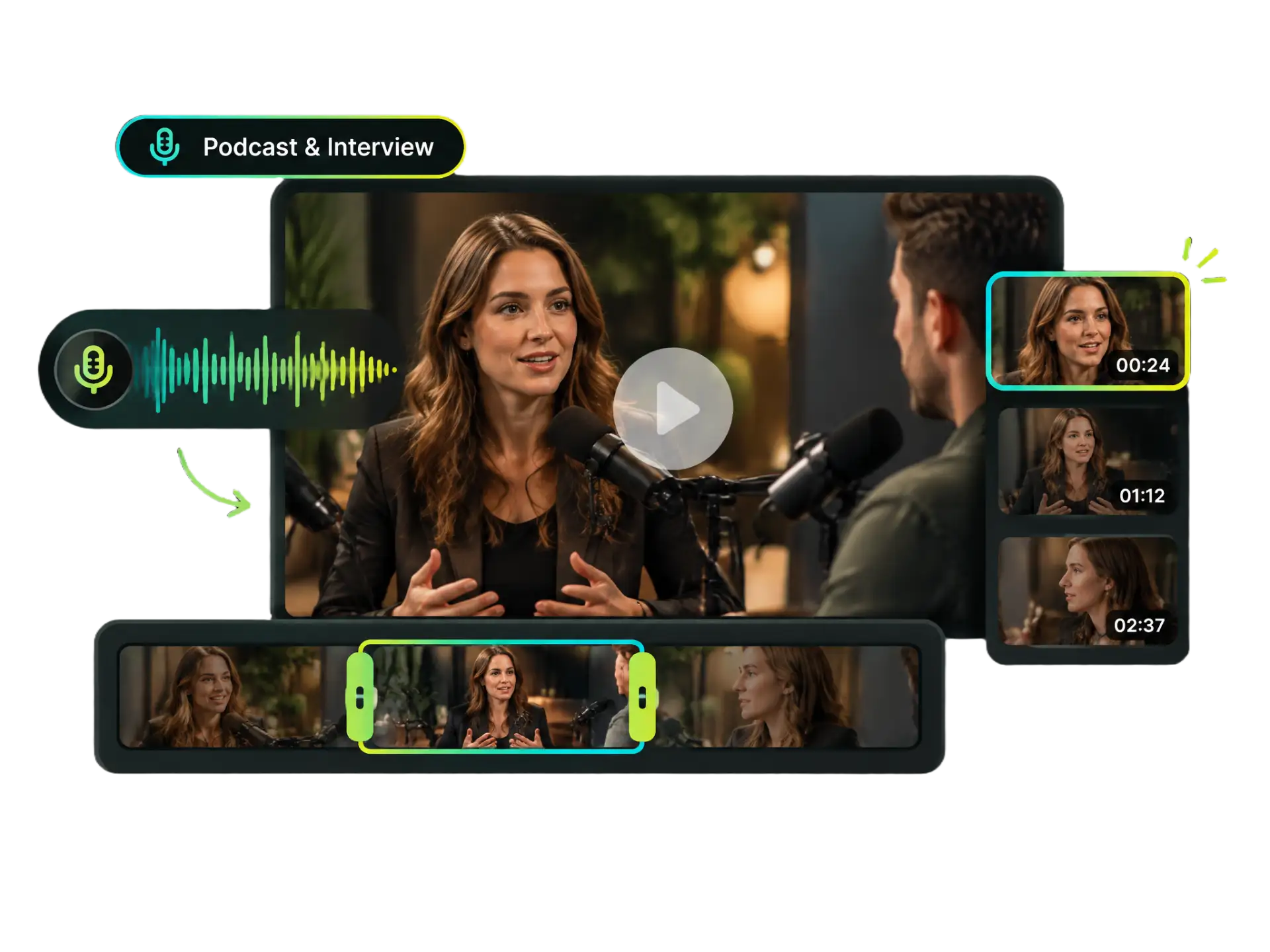
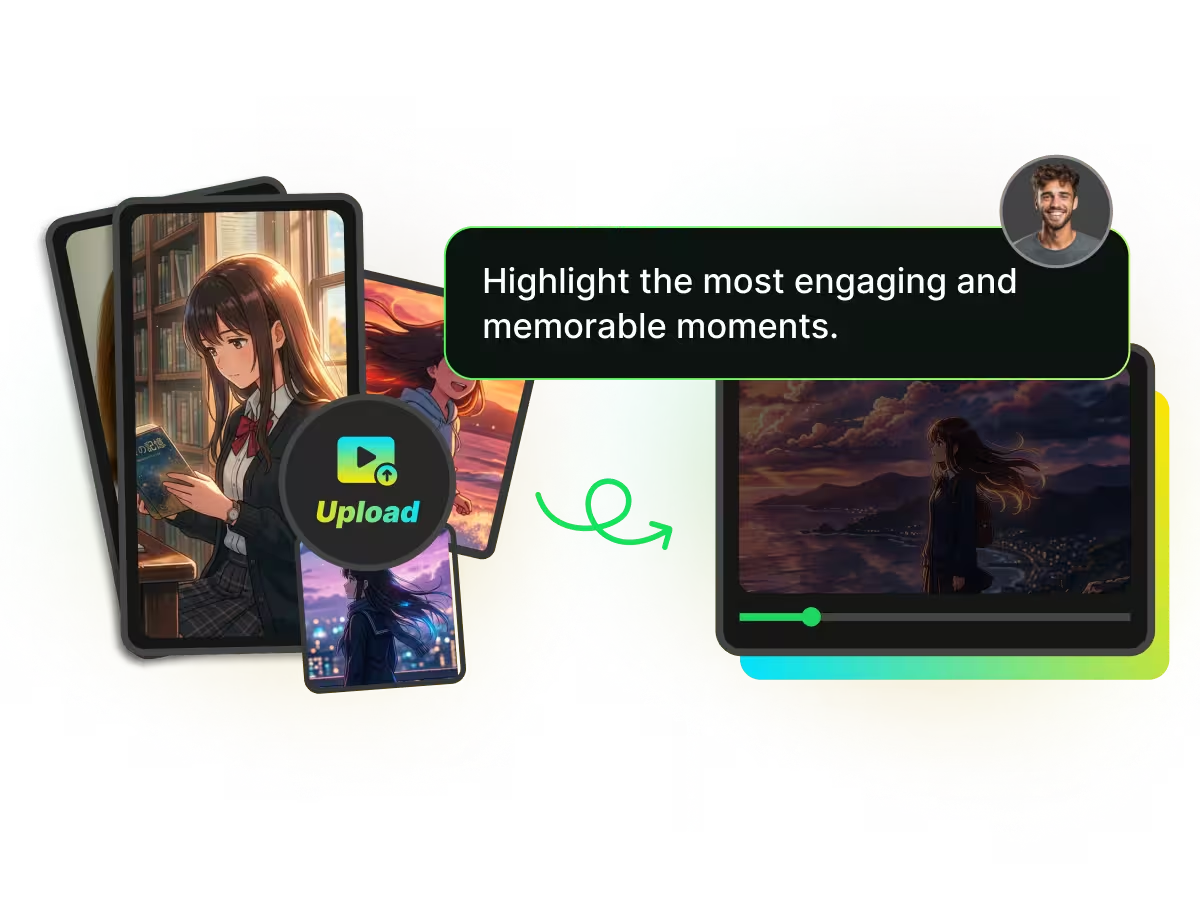
Long recordings often contain more useful content than you have time to review. Our AI analyzes video context to identify standout moments and create focused clips, making it easier to repurpose interviews, podcasts, tutorials, and other long-form content.
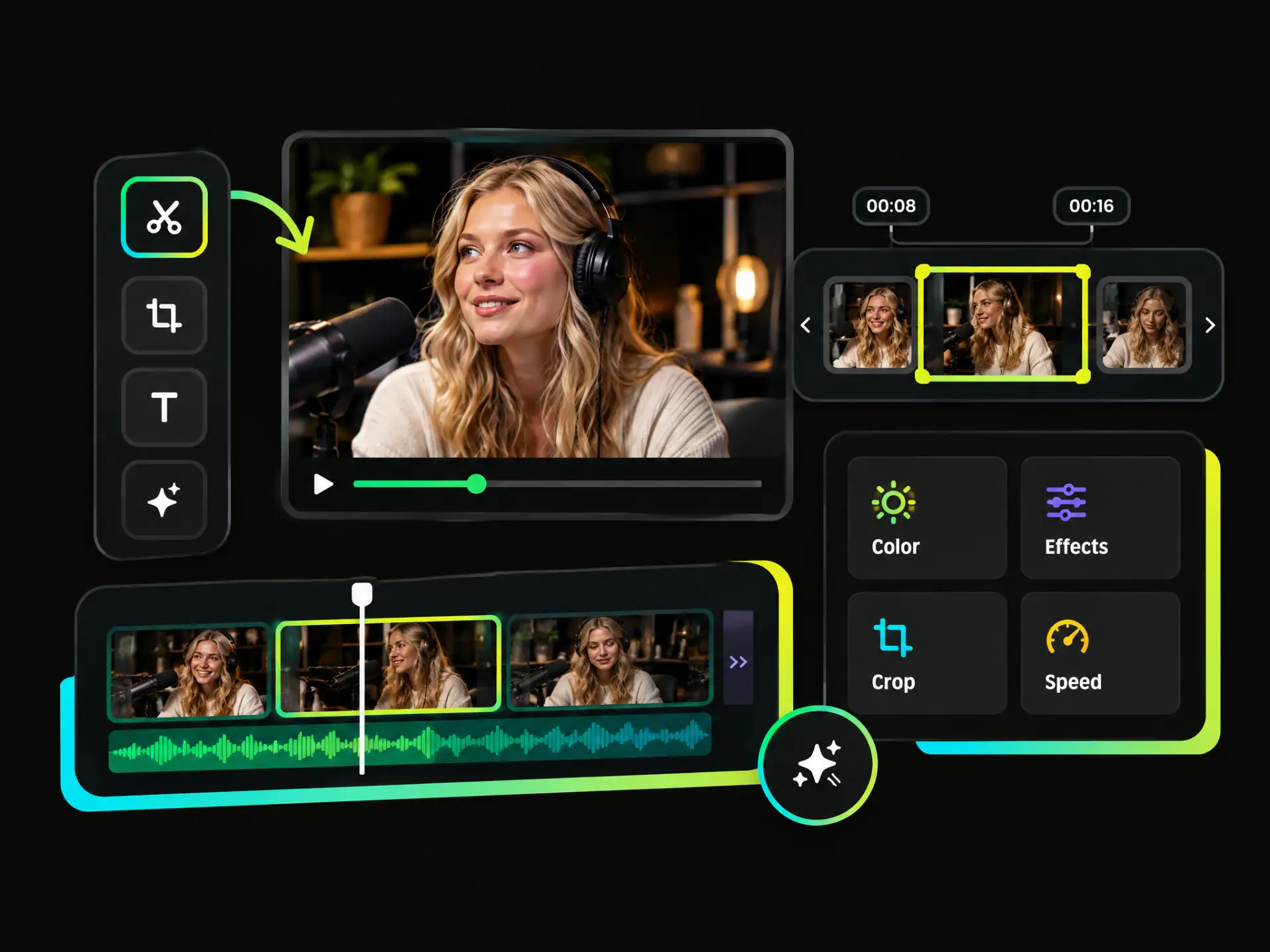
Shape each video to match your creative vision with control over clip selection, timing, and available editing options. Whether you're polishing existing footage or refining an AI-assisted draft, our editing tools help you fine-tune the final result.
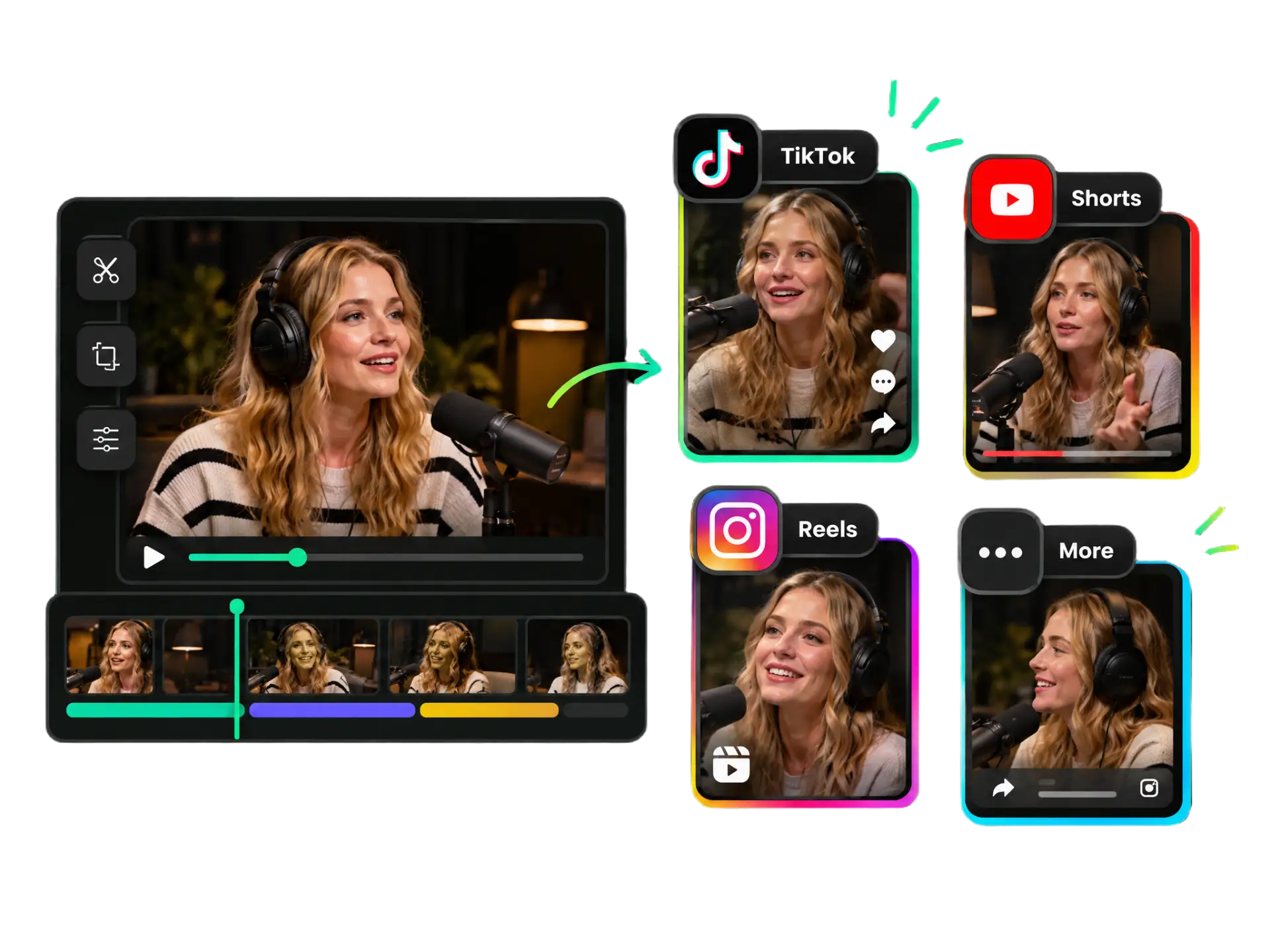
Create content for TikTok, YouTube Shorts, Instagram Reels, and other social channels. Our social media video maker helps simplify video preparation and publishing, so you can adapt content for different platforms with less repetitive work.
From personal memories to marketing campaigns, our AI video maker helps you turn raw footage and creative ideas into polished videos for sharing, promotion, and storytelling.

Bring together travel footage, event highlights, and memorable moments with our tools to make video with AI. Create a cohesive recap without spending hours sorting clips or arranging every scene manually.
Auto-Create My RecapStart with video clips, existing footage, long recordings, or text prompts. Our free AI video maker offers flexible creation options to match different projects and starting points.
Use AI to assist with video creation, highlight selection, and other supported tasks, so you can spend less time on repetitive editing and more time developing your content.
Choose the approach that suits your needs and refine your content with available editing tools. Whether you make AI videos from text or edit existing footage, you can shape the result to fit your vision.
Reuse footage and recordings to create recaps, short clips, and other video content for different purposes. Make valuable moments go further without having to produce every video from scratch.
Prepare videos for different viewing experiences with supported aspect ratios and export options. Create content suited to your publishing needs while keeping platform requirements in mind.
Bring a text-based concept to life or build on footage you already have. Our tools offer flexible ways to create, making WayinVideo a practical choice for creators seeking the best AI video maker for varied projects.
Start with what you have. Our online video maker offers Video Montage for multiple media assets, AI Clipping for long videos, Video Editor for existing footage, and AI Text to Video for text-based ideas.
Whether you're editing existing footage or bringing a new idea to life, our free AI video maker offers flexible tools to help you create videos with less manual work.
Explore All Video Tools