

AI-Powered Descriptions & Tags
Our AI YouTube video planner automatically extracts video insights to generate search-optimized titles, rich descriptions, and trending tags—eliminating manual copywriting entirely.
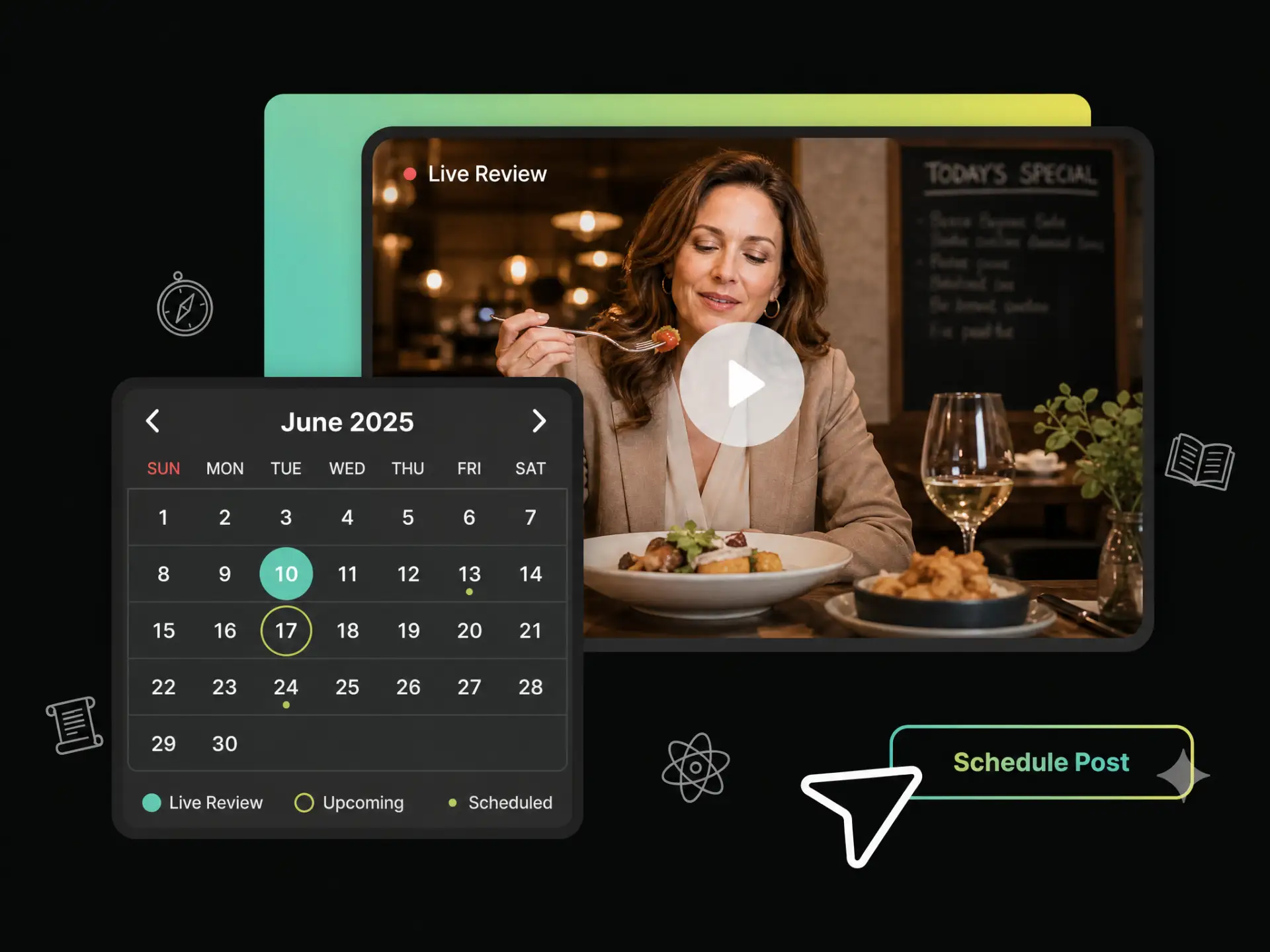
With WayinVideo, plan videos using the YouTube content calendar, generate video titles, descriptions, tags, and thumbnails with AI, then schedule YouTube videos with precise time and timezone control in just a few clicks.
Trusted by professionals at












Connect the YouTube channels you want to manage to your content calendar.
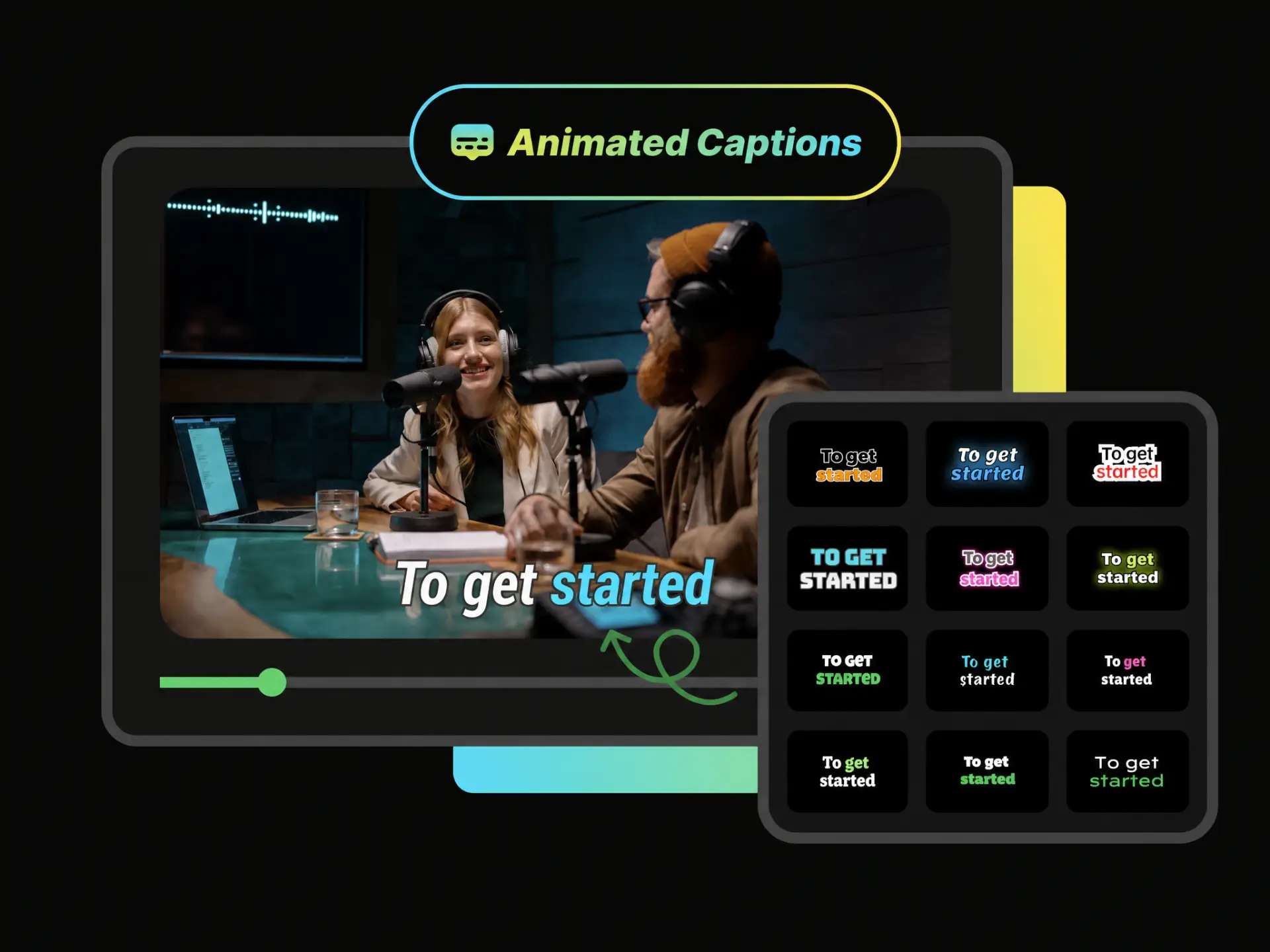
Once your video is uploaded or selected, our AI YouTube video planner automatically extracts core highlights to generate engaging titles, descriptions, and high-ranking tags in seconds.
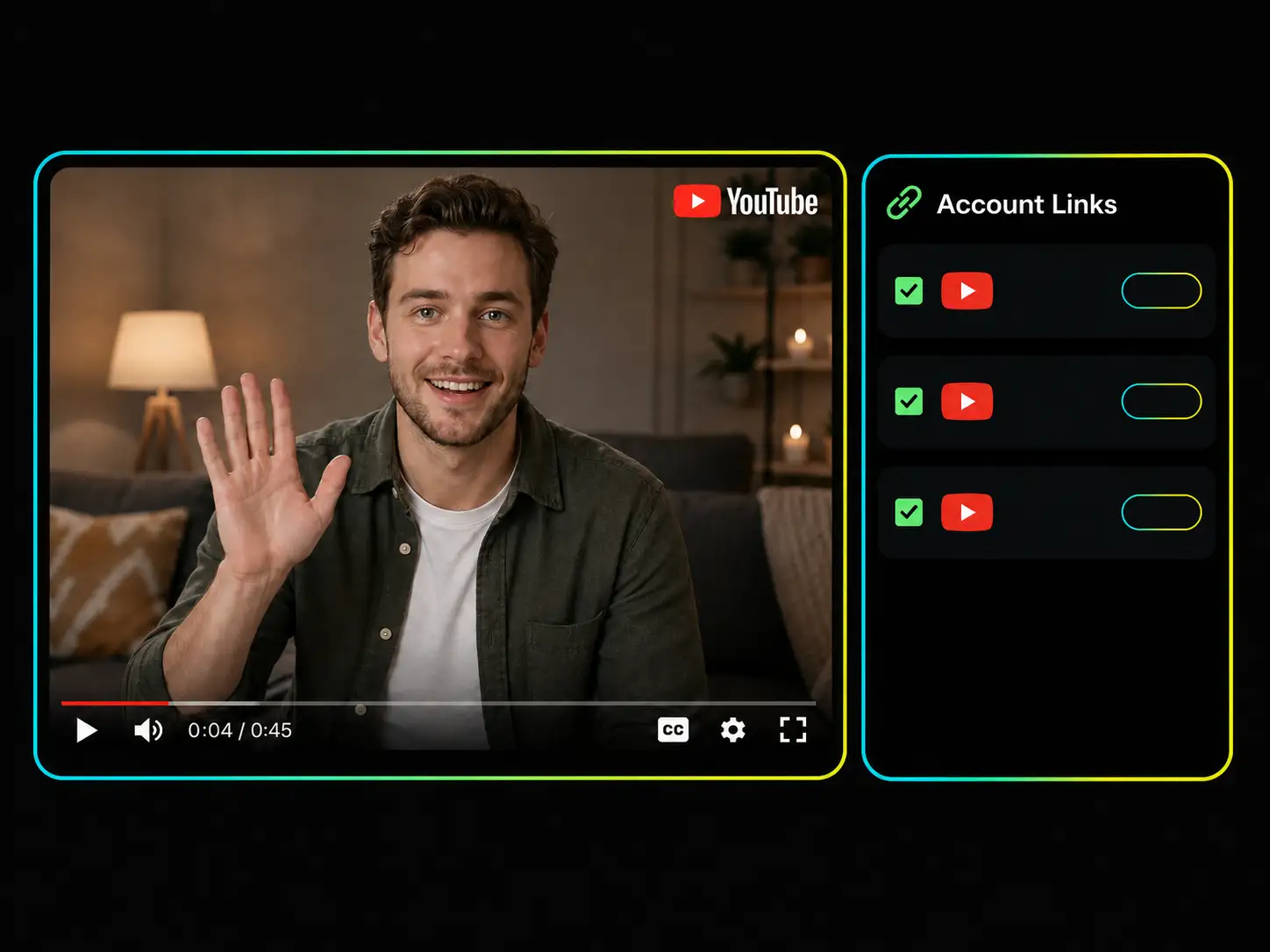
Seamlessly connect and manage all your channels with a powerful YouTube content planner. No more switching between accounts—simply select your channels within a single dashboard for effortless multi-channel publishing.
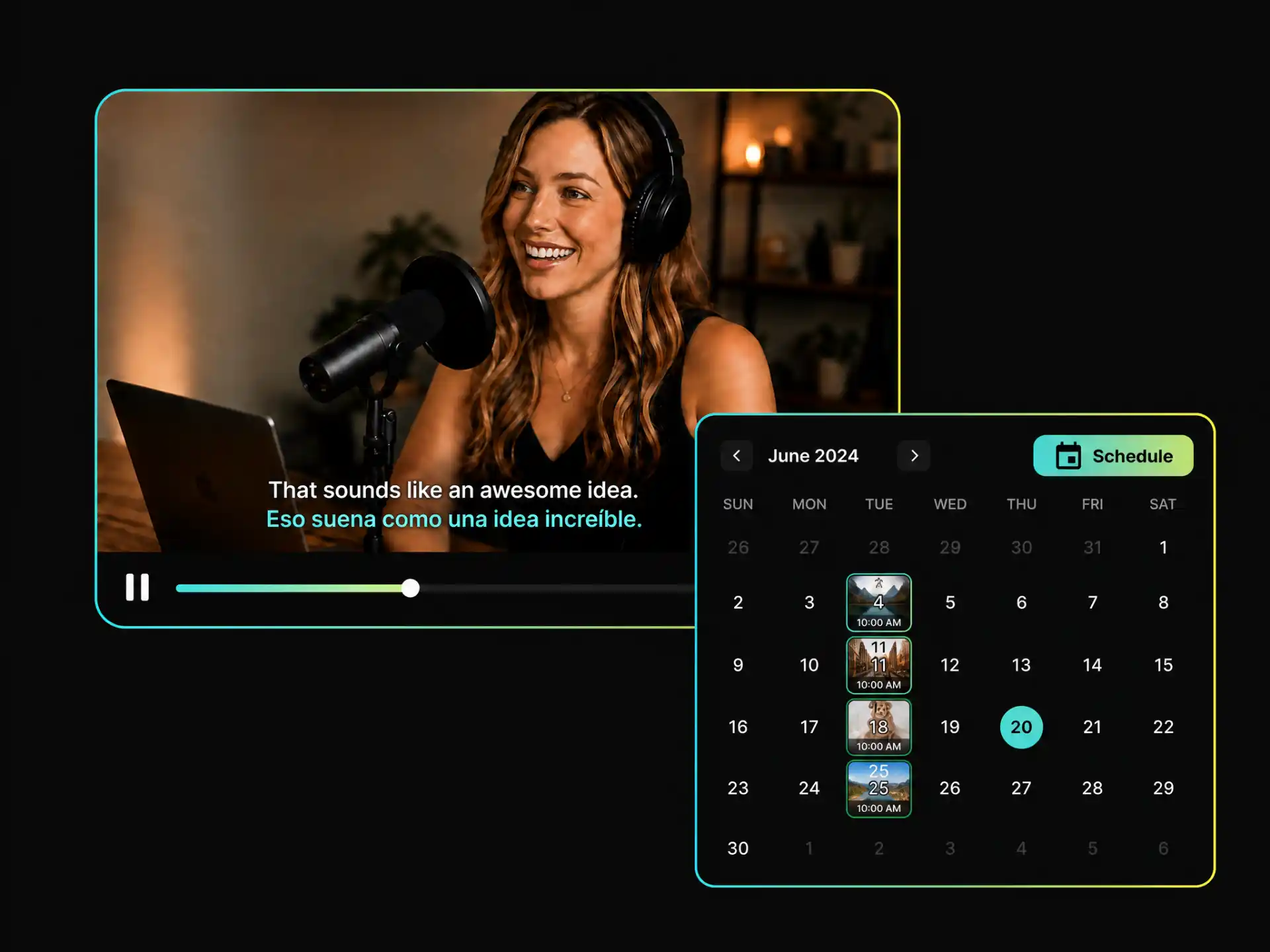
Take full control of your schedule with an intuitive content calendar for YouTube and a social media scheduler. Set exact dates, posting times, and time zones to keep your long-form videos and YouTube Shorts content calendar consistently updated.
Perfect for YouTubers, vloggers, and marketing teams who need a free YouTube content calendar to automate scheduling, save time, and maintain a consistent publishing schedule with an AI YouTube video planner.
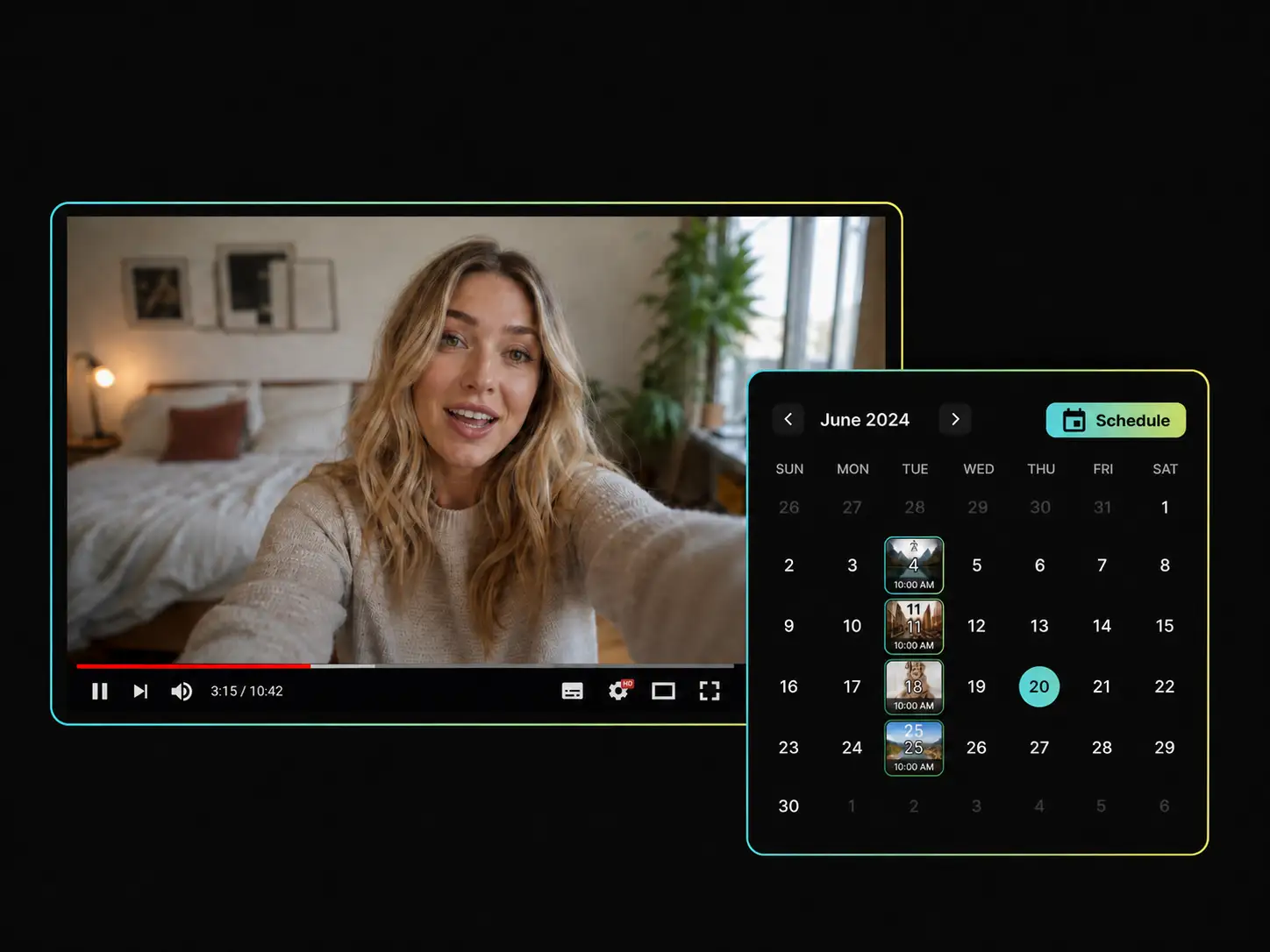
Busy shooting and editing with no time for manual captions and tags? Use our YouTube content planning tool to extract video highlights, generate titles and tags, and schedule videos from your street walks or daily vlogs in the calendar.
Start Vlog PlanningOur AI YouTube video planner automatically extracts video insights to generate search-optimized titles, rich descriptions, and trending tags—eliminating manual copywriting entirely.
Manage multiple YouTube channels from a single workspace. Stop switching between accounts and post or schedule content across your primary and secondary channels.
Reduce your upload preparation time from 30 minutes to just a few seconds. Discover how to schedule YouTube videos efficiently by streamlining repetitive manual tasks so you stay focused on top-tier content.
Master your publishing rhythm with a YouTube content calendar. Set exact posting times and time zones to make sure your long-form videos and YouTube Shorts go live during peak audience hours.
Designed with a clean interface that requires zero technical setup. Jump straight in and get started with our free YouTube content calendar and streamline your entire YouTube workflow.
Once scheduled, your videos are automatically published from the cloud. You can easily update captions or change publishing times before they go live.
Stop wasting hours on manual uploads and tagging. Start automating your video workflow and scaling your YouTube channel today.
No credit card required


